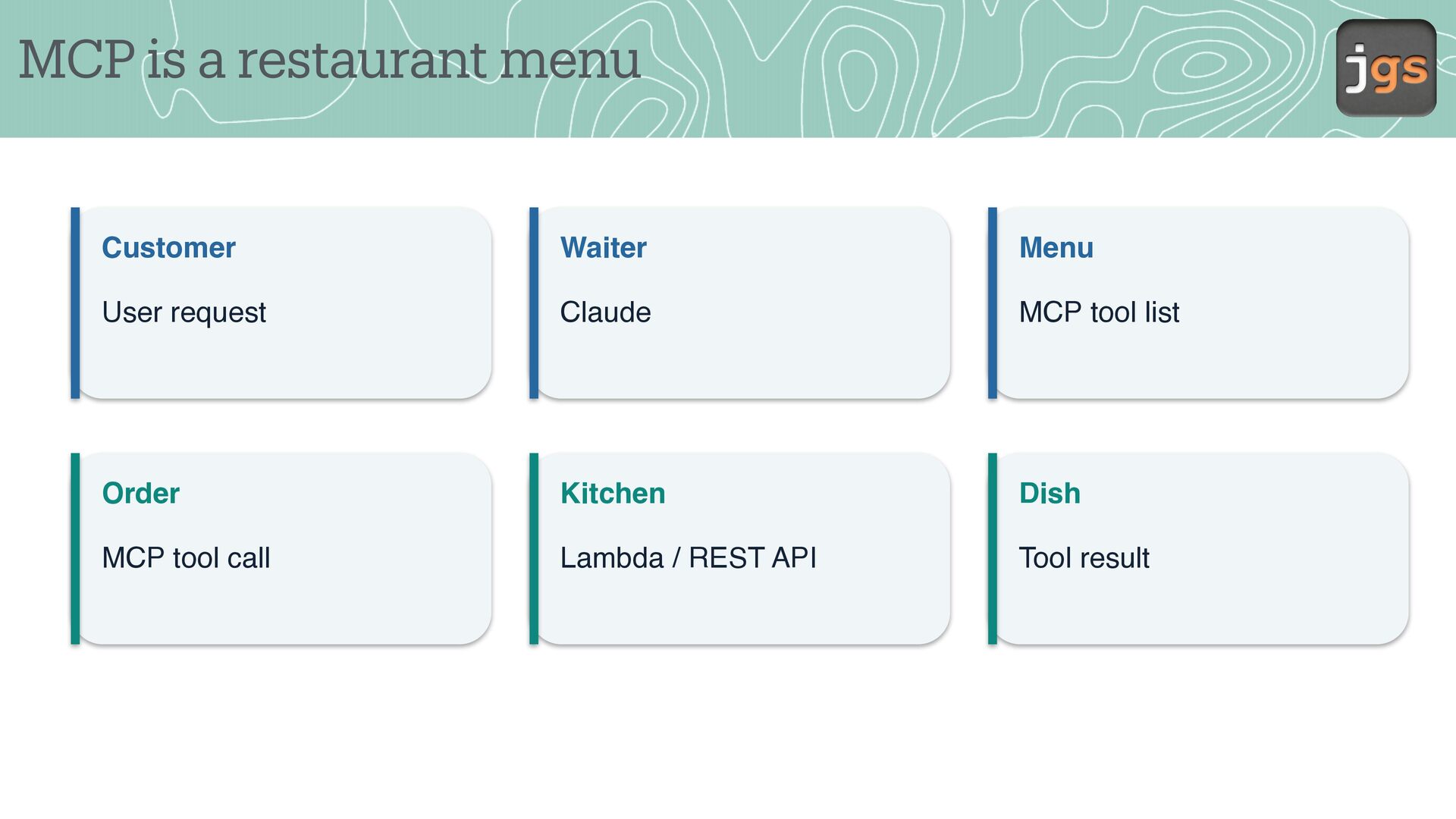
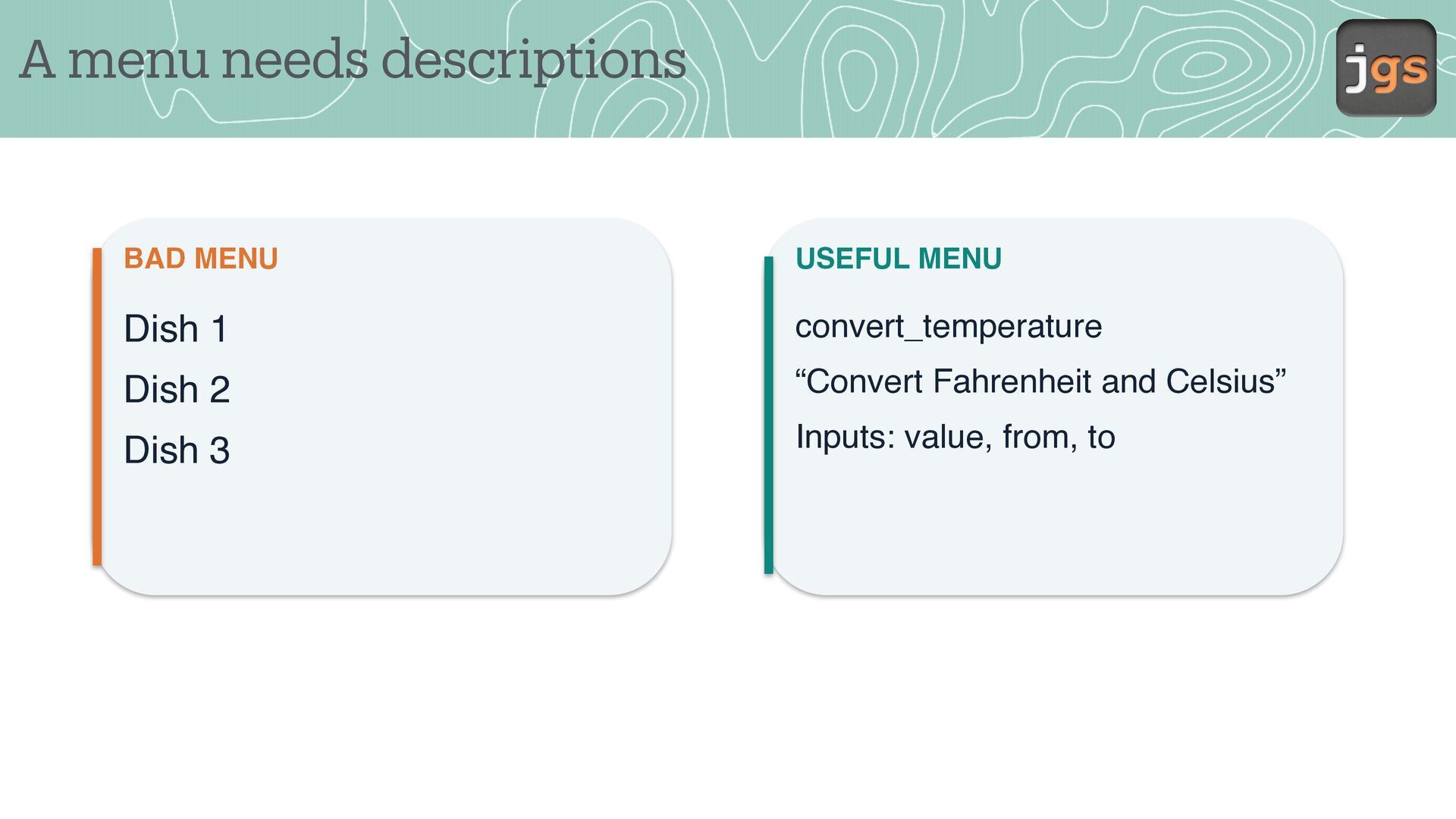
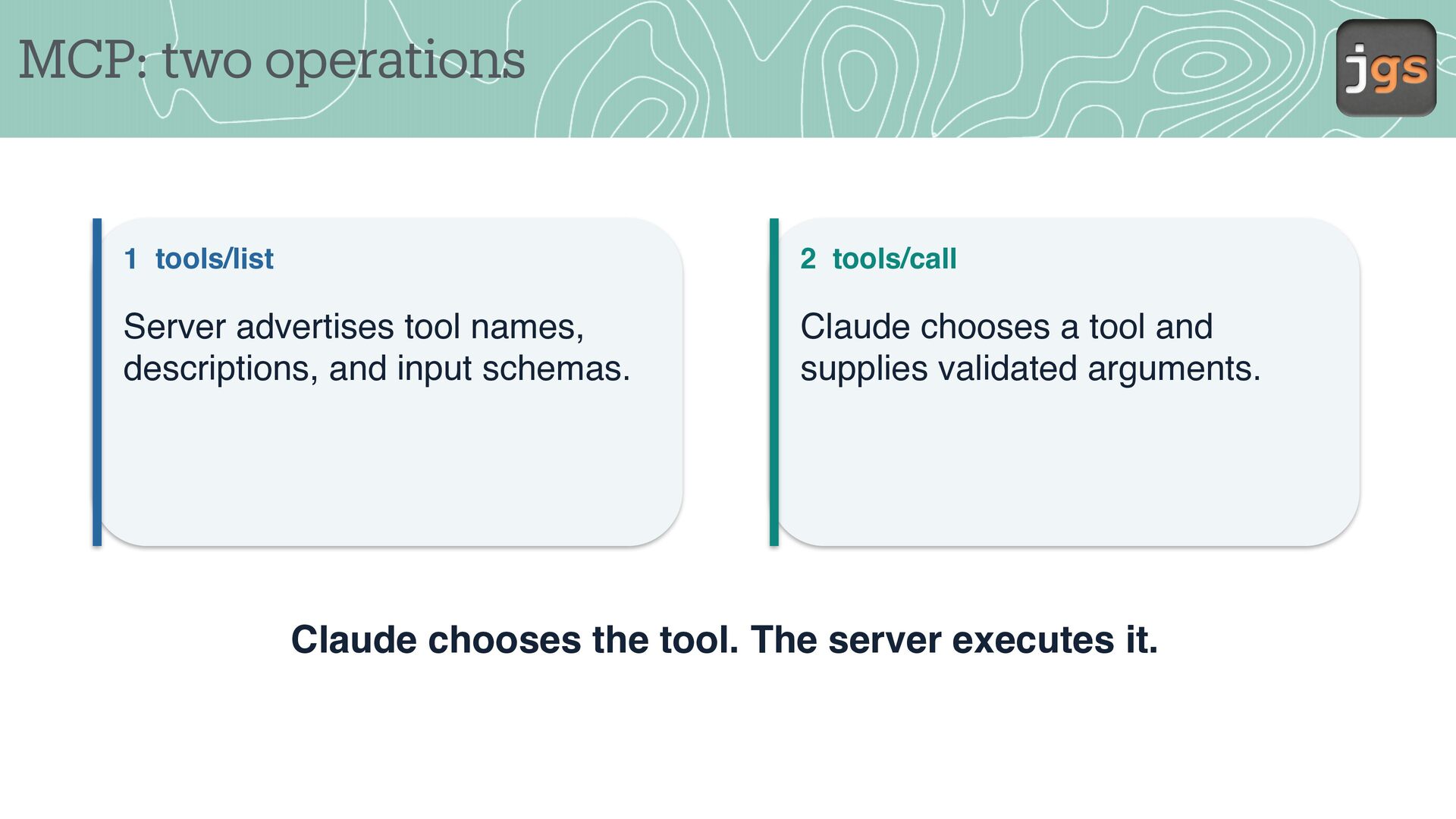
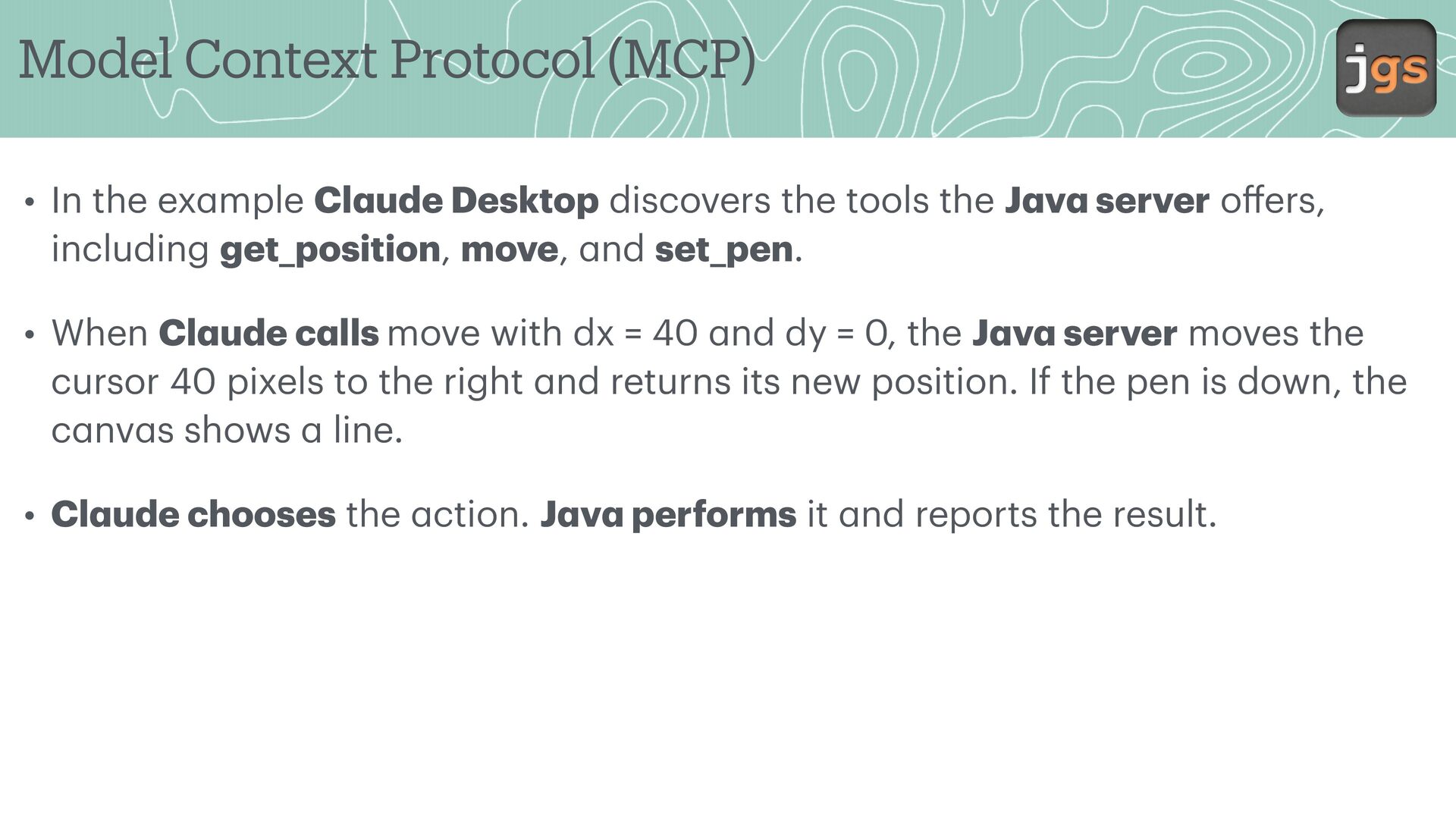
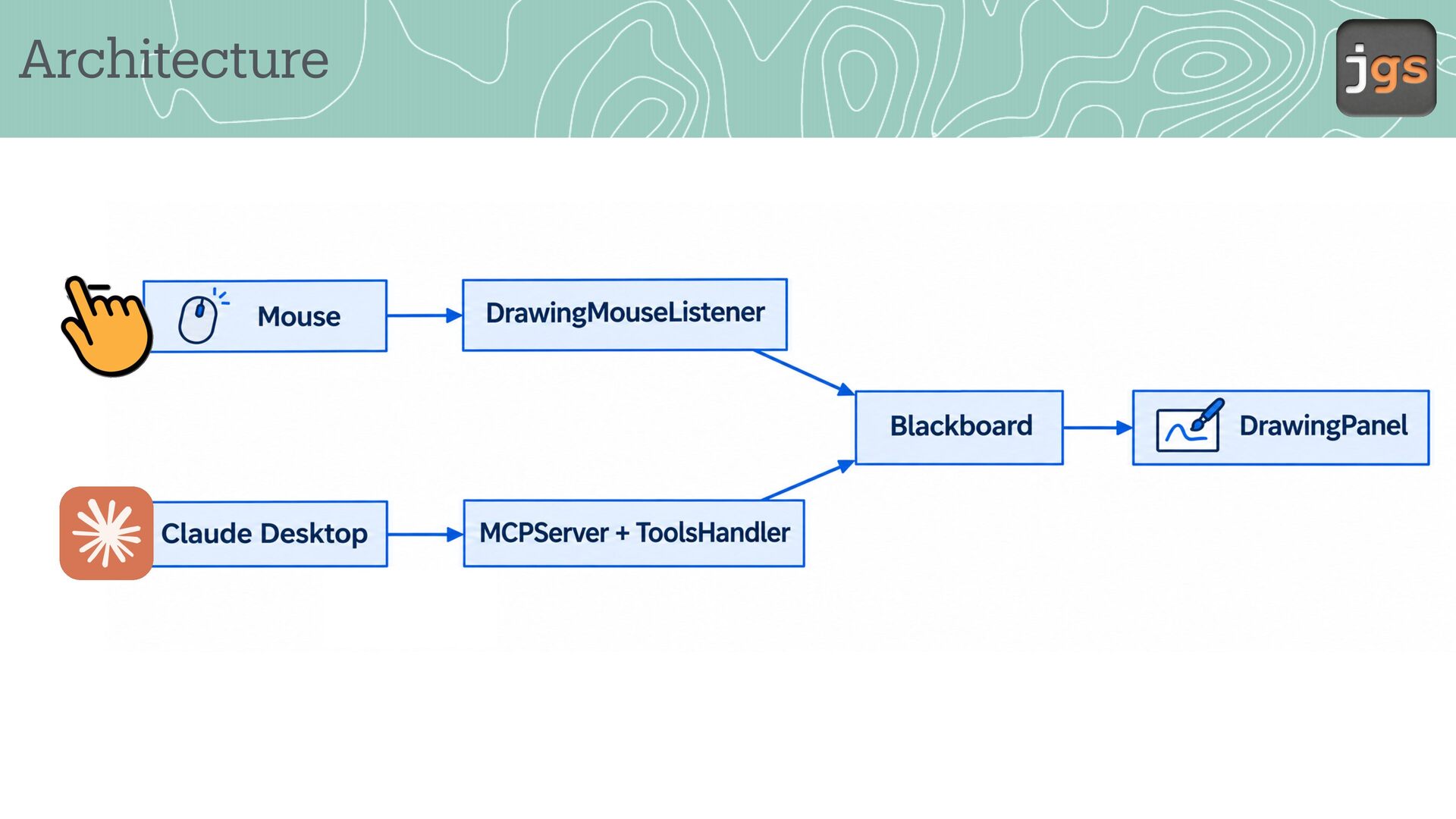
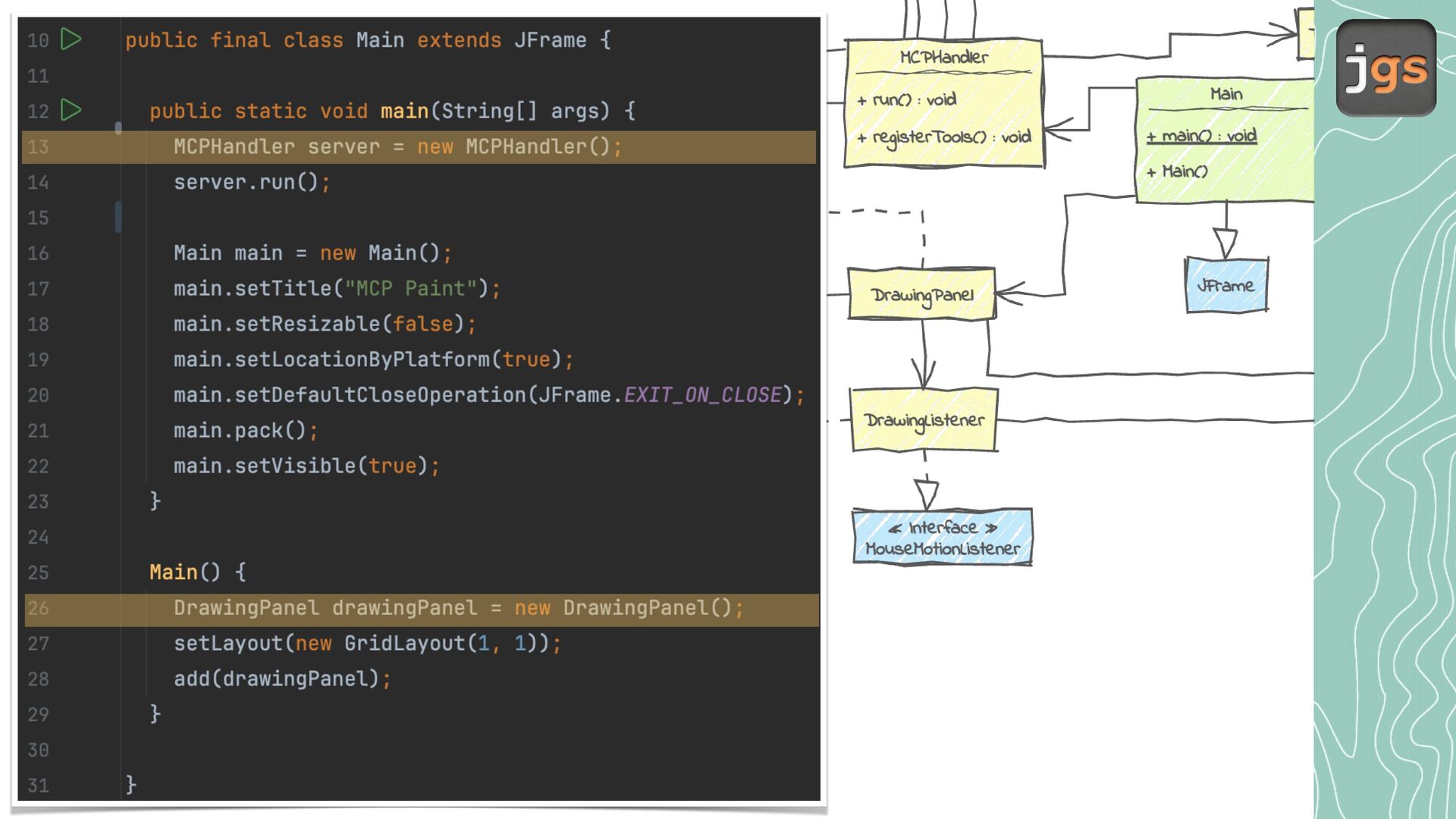
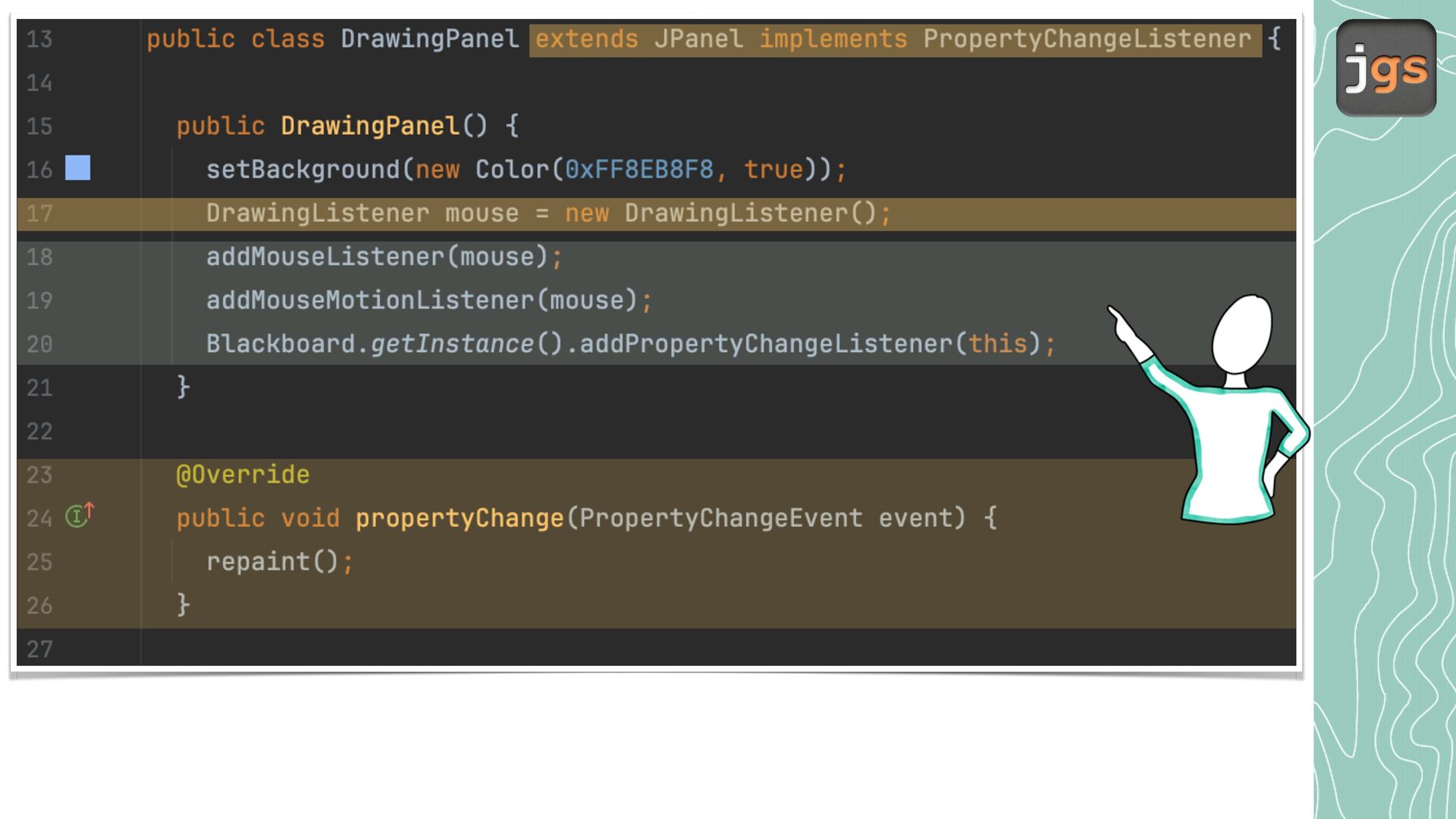
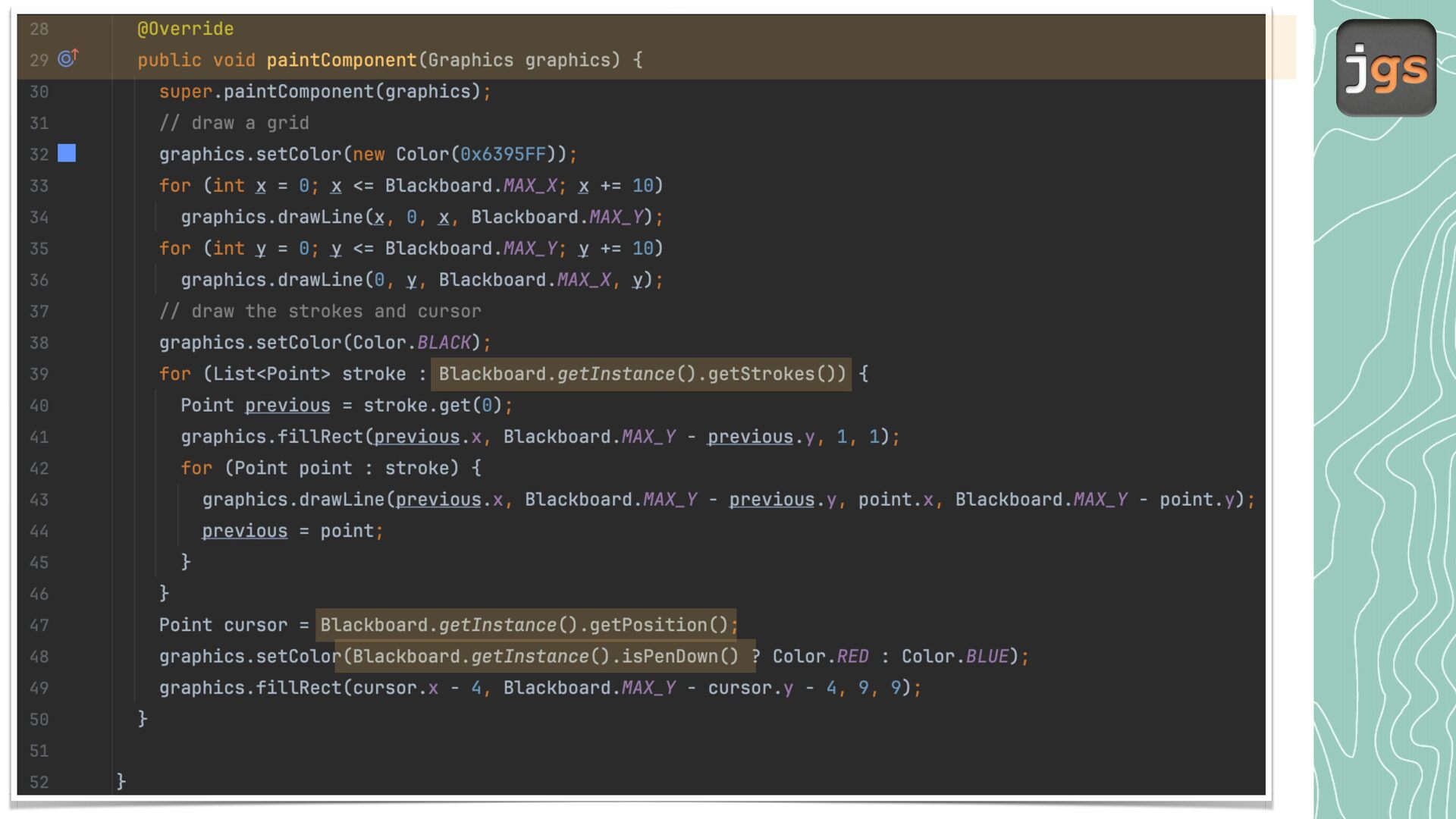
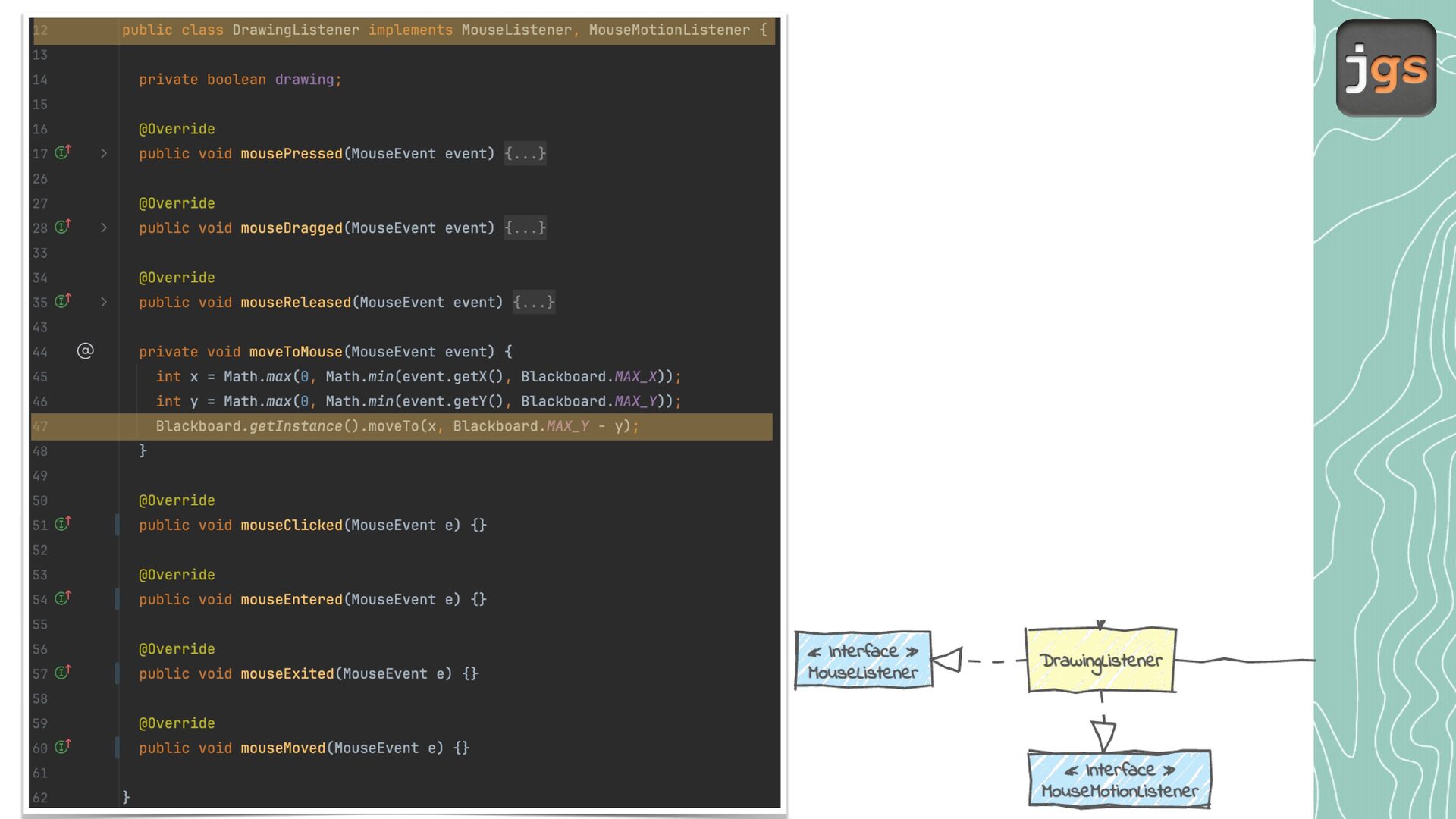
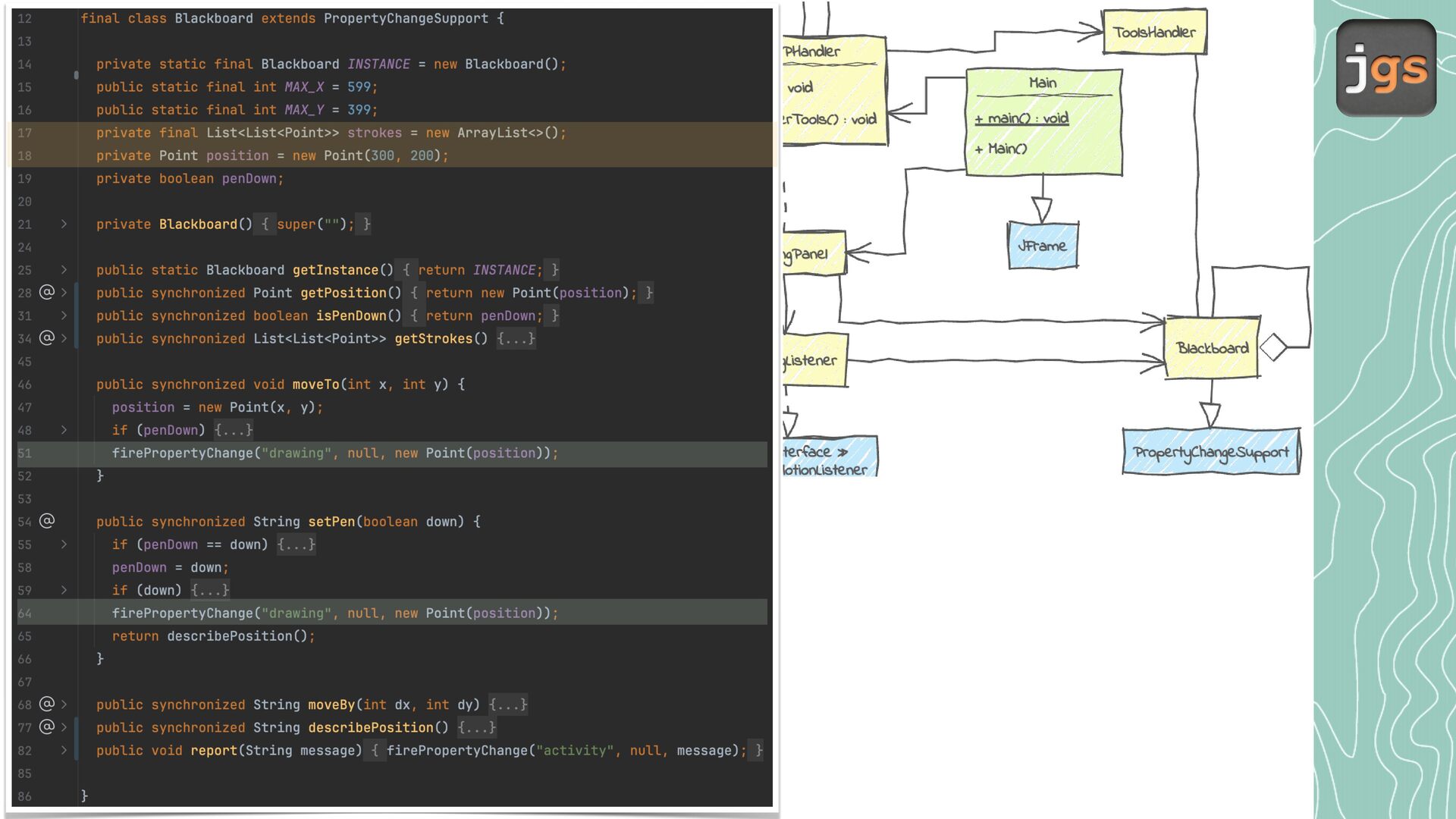
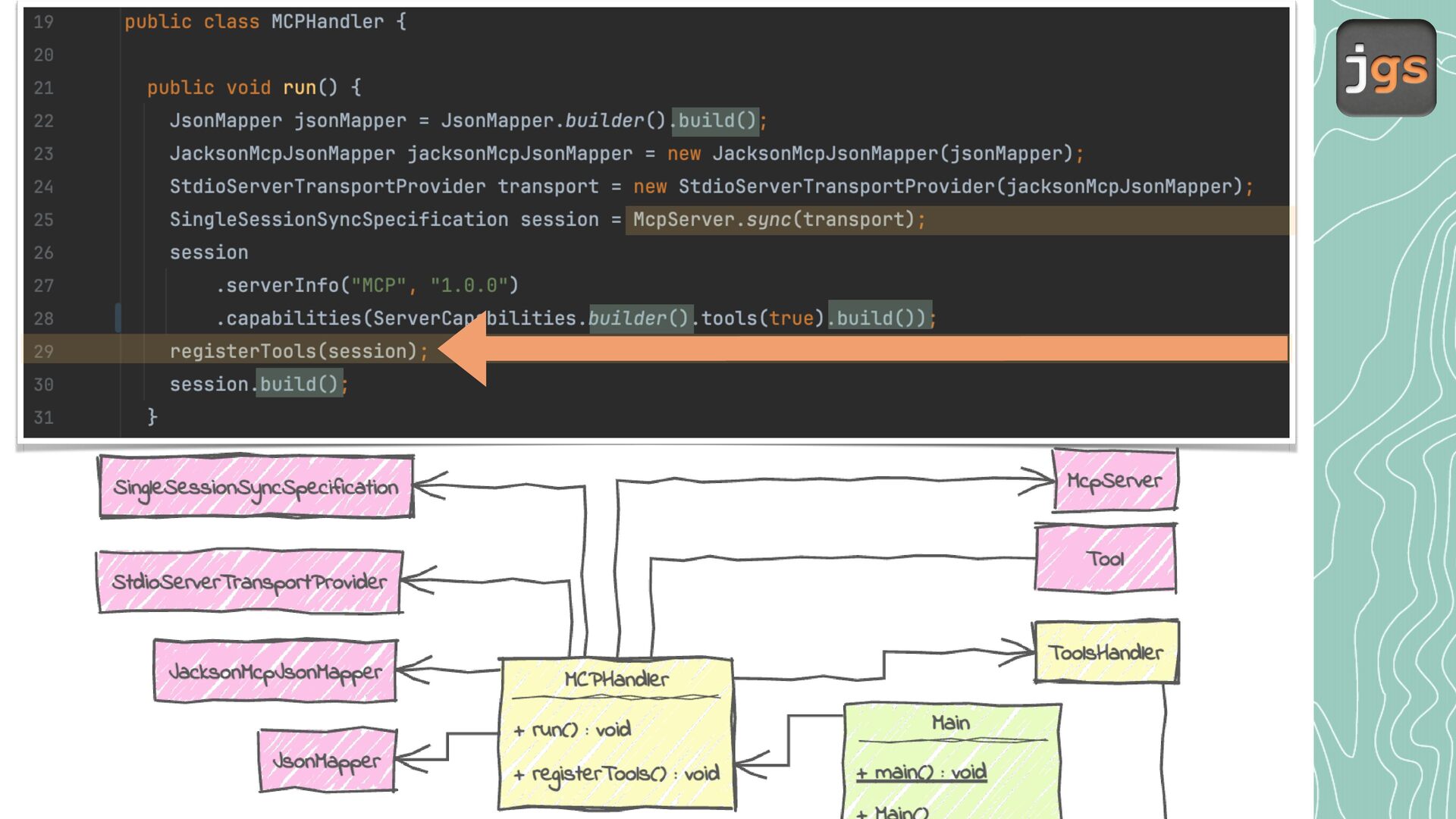
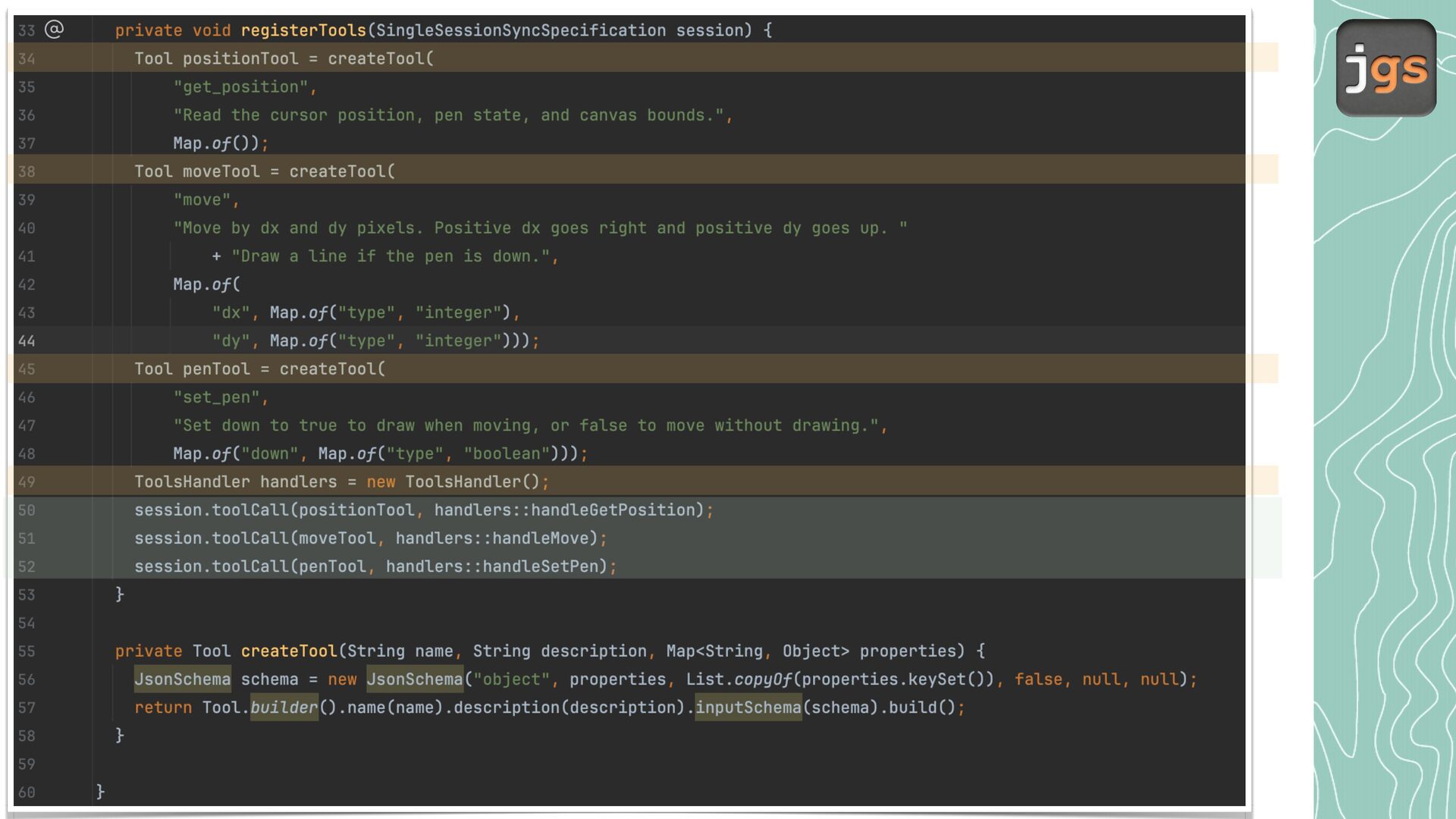
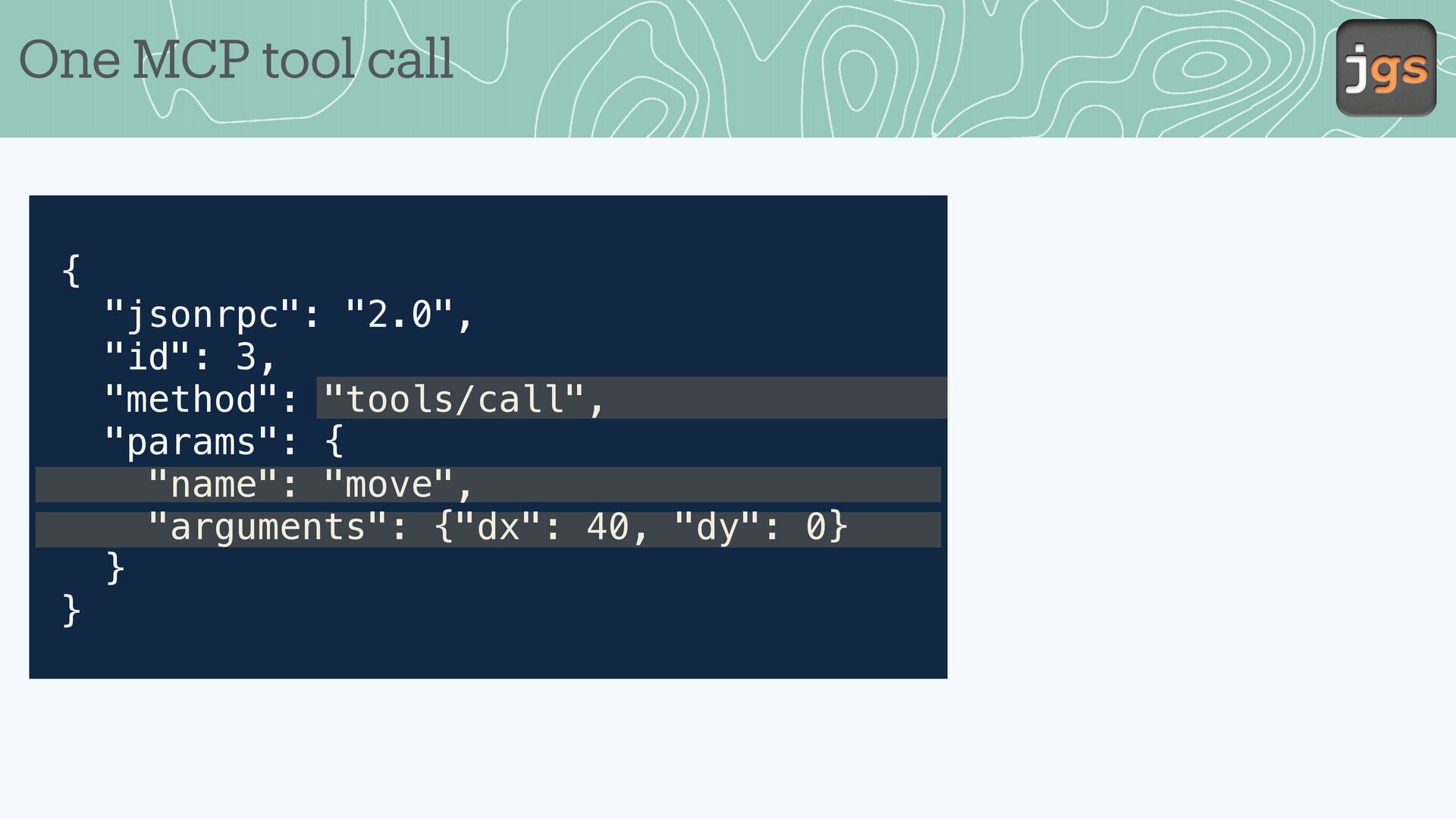
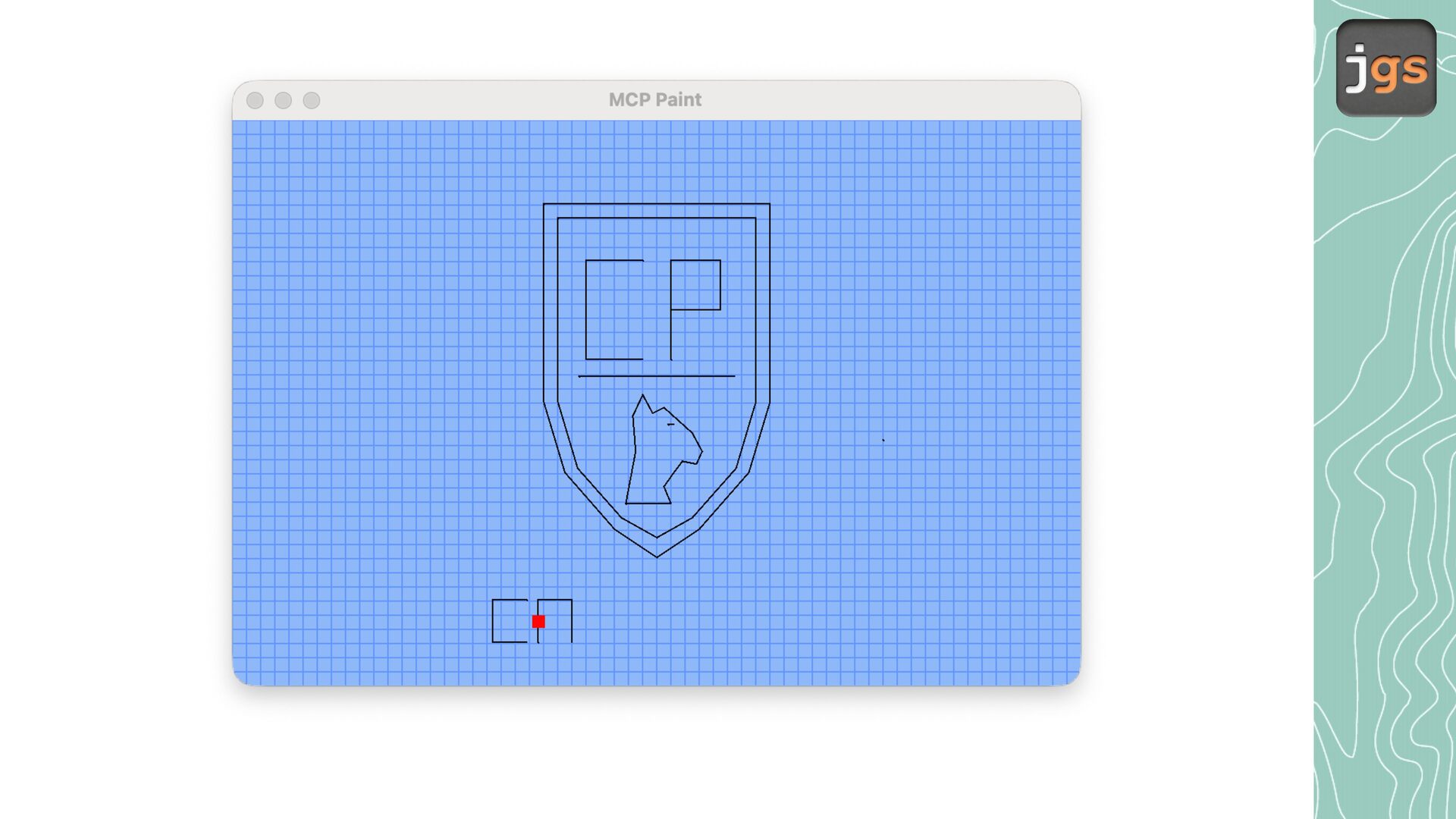
ude Desktop discovers the tools the J v server o ers, including get_position, move, nd set_pen. • When Cl ude c lls move with dx = 40 nd dy = 0, the J v server moves the cursor 40 pixels to the right nd returns its new position. If the pen is down, the c nv s shows line. ff a a a a a a a a a a a a a a a a a a a • Cl ude chooses the ction. J v performs it nd reports the result.
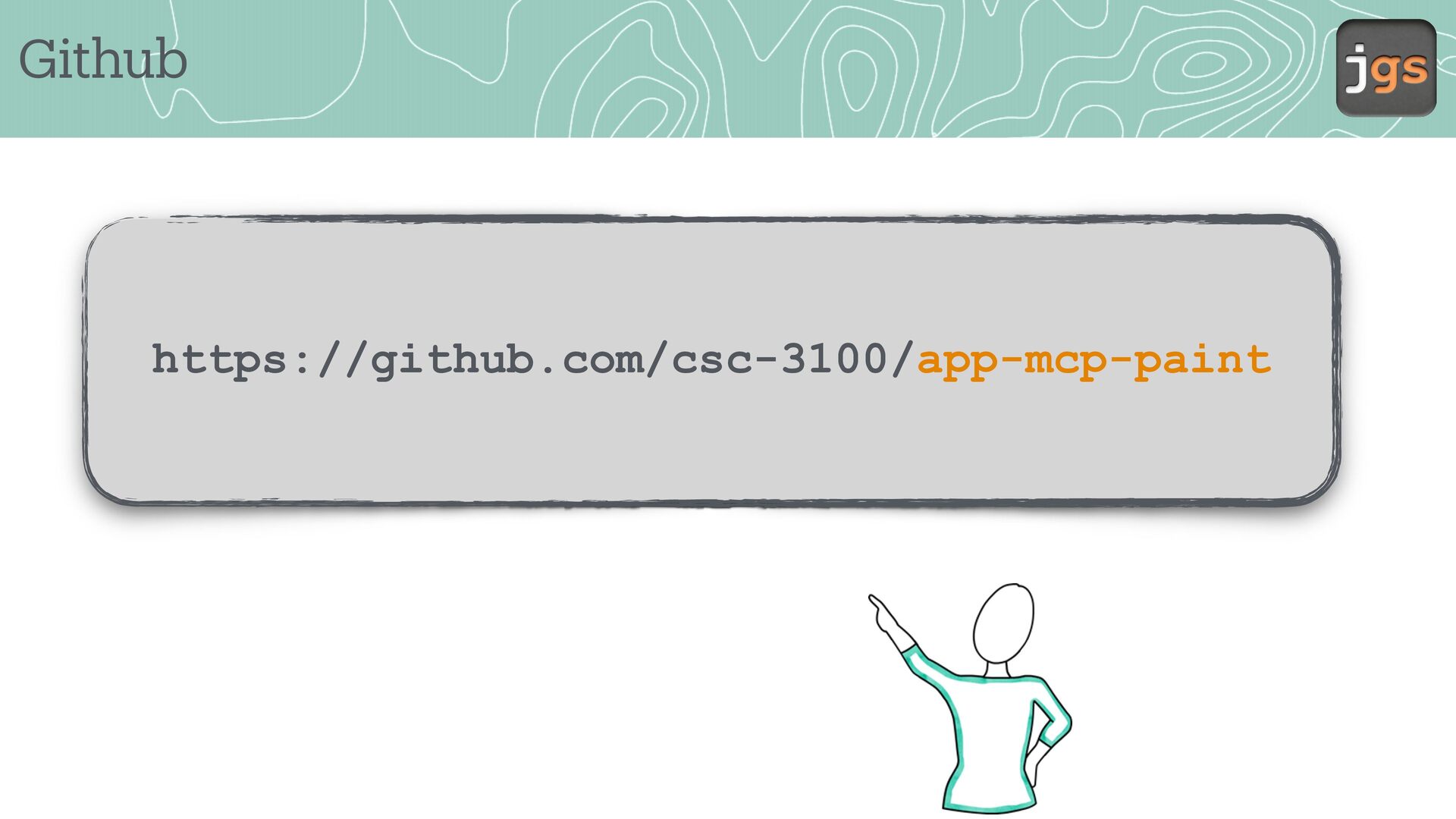
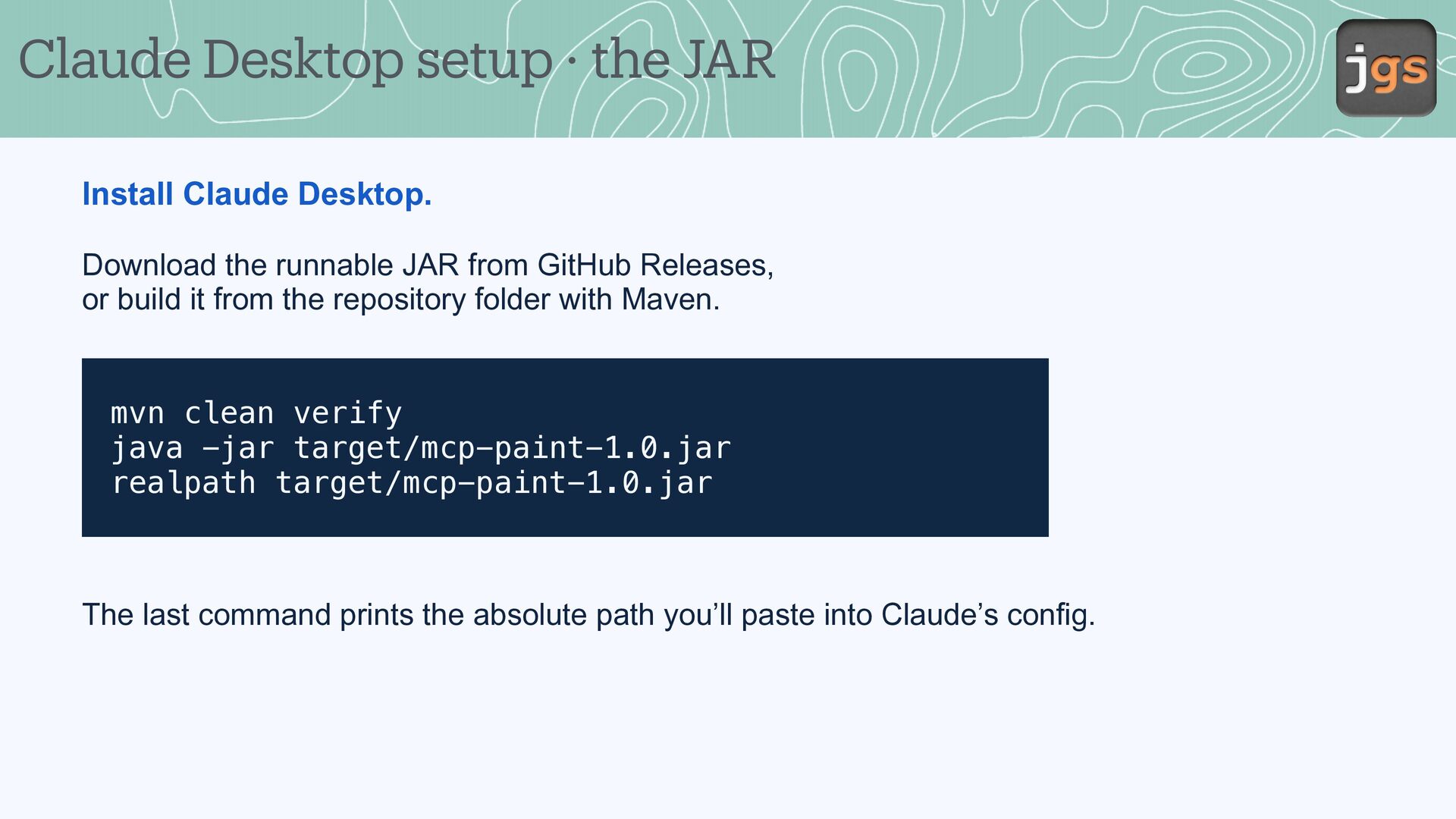
the runnable JAR from GitHub Releases, or build it from the repository folder with Maven. mvn clean verify java -jar target/mcp-paint-1.0.jar realpath target/mcp-paint-1.0.jar The last command prints the absolute path you’ll paste into Claude’s config.
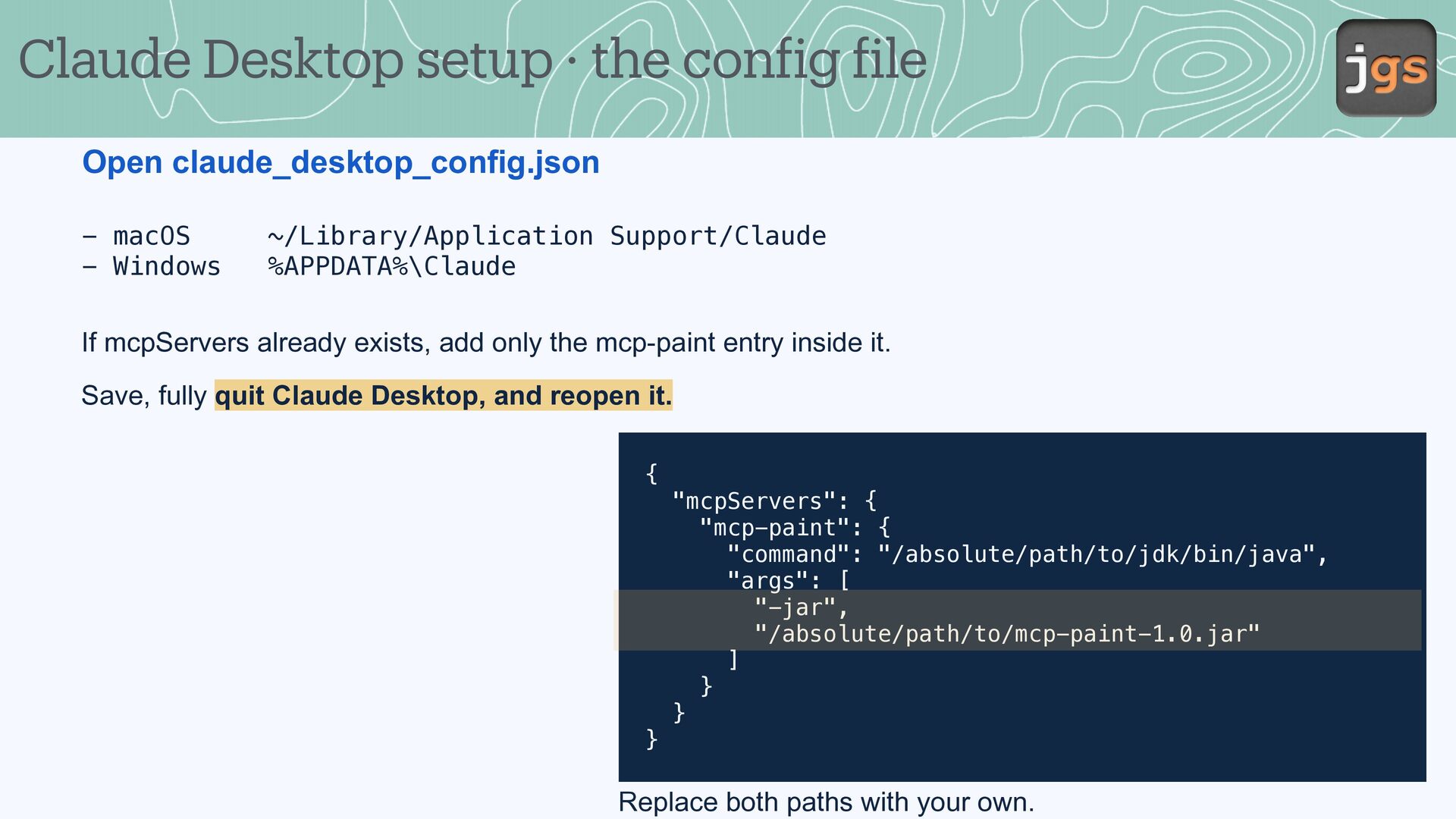
- macOS - Windows ~/Library/Application Support/Claude %APPDATA%\Claude If mcpServers already exists, add only the mcp-paint entry inside it. Save, fully quit Claude Desktop, and reopen it. { "mcpServers": { "mcp-paint": { "command": "/absolute/path/to/jdk/bin/java", "args": [ "-jar", "/absolute/path/to/mcp-paint-1.0.jar" ] } } } f f Replace both paths with your own.
Fall 2026 Copyright Notice. These slides are provided exclusively for educational use in CSC 3100 within the California State University system. Redistribution or use for any other purpose is prohibited without prior written permission.


 javiergs
 yahir0
 yosuke_furukawa
 koukimiura
 veronikapj
 moro
 itsmedreamwalker
 utakaha
 a_matsuda
 onozaty
 aoshi
 kasacchiful
 marcoroth
 akademiya2063
 katarinadahlin
 mlcsv
 auna
 palkan
 marketingsoph
 axbom
 stephaniewalter
 cassininazir
 jonyablonski
 reverentgeek