The Modern State of Web Components - A Glimmer ...
Sponsored
·
 SiteGround - Reliable hosting with speed, security, and support you can count on.
→
SiteGround - Reliable hosting with speed, security, and support you can count on.
→

Share
Embed
The Modern State of Web Components - A Glimmer of Hope [Long Version]

Jessy Jordan
October 26, 2017
Transcript
110 slides
-
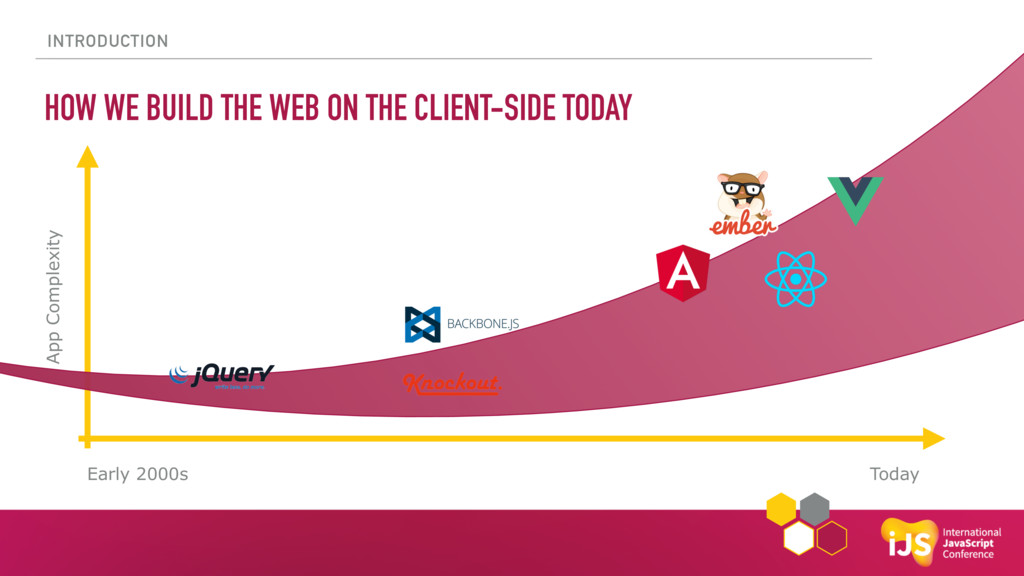
INTRODUCTION HOW WE BUILD THE WEB ON THE CLIENT-SIDE TODAY
Early 2000s Today App Complexity -
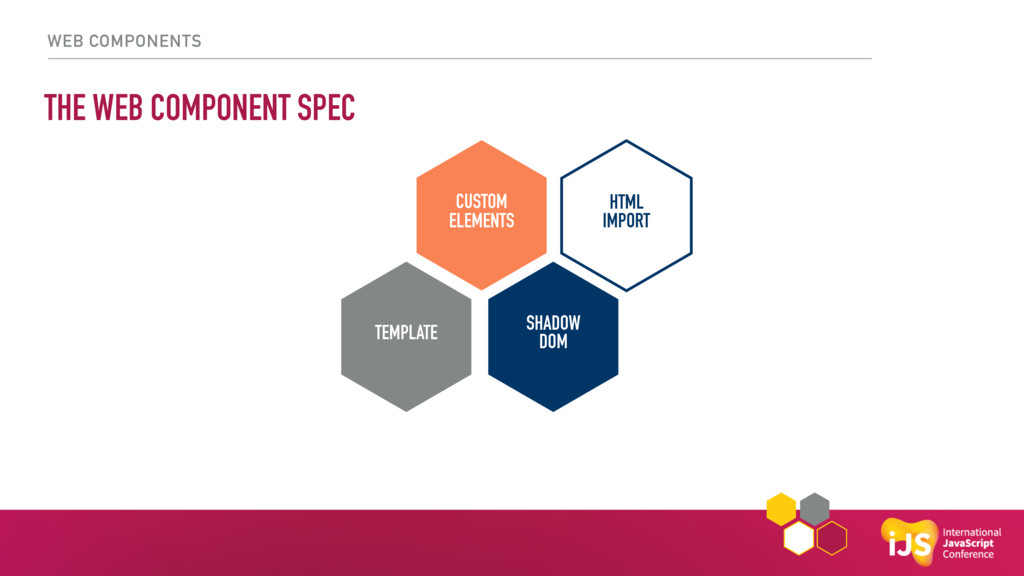
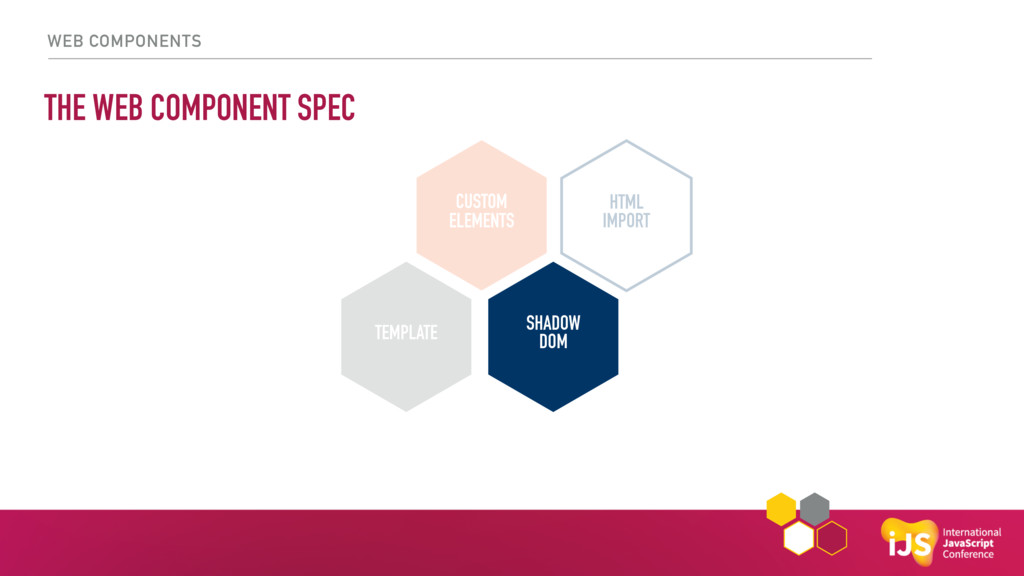
WEB COMPONENTS THE WEB COMPONENT SPEC CUSTOM ELEMENTS HTML IMPORT
SHADOW DOM TEMPLATE -
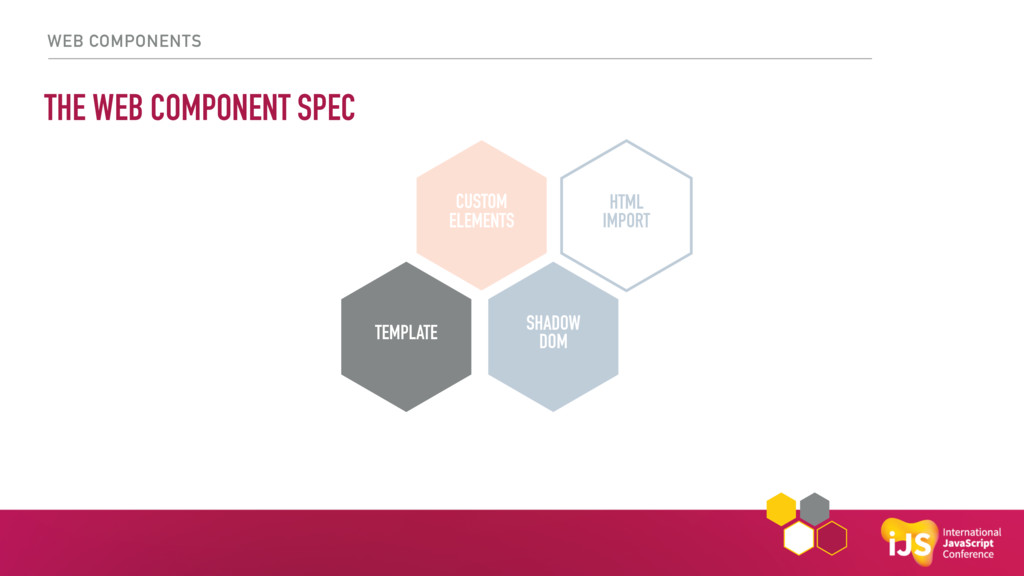
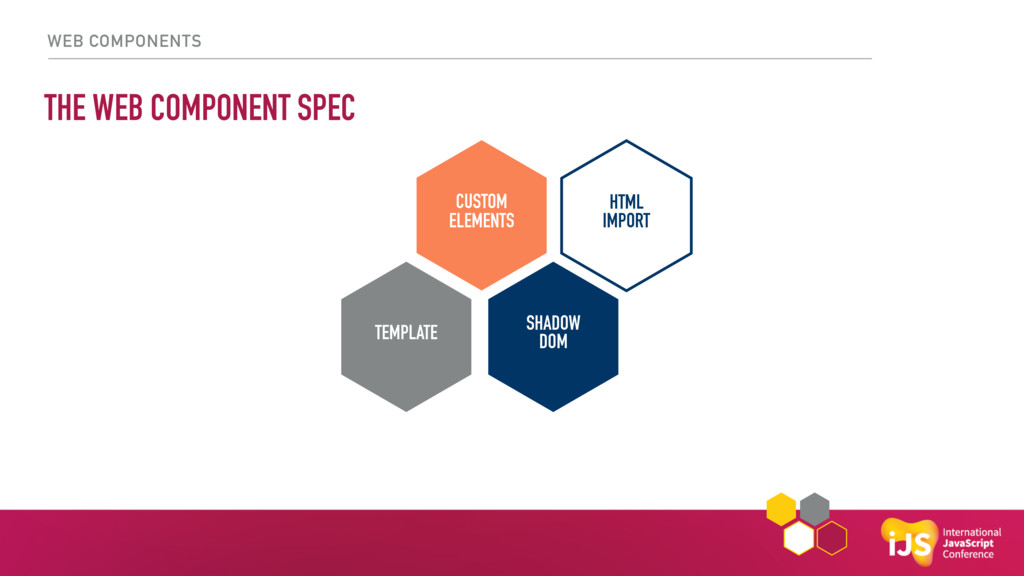
WEB COMPONENTS THE WEB COMPONENT SPEC CUSTOM ELEMENTS HTML IMPORT
SHADOW DOM TEMPLATE -
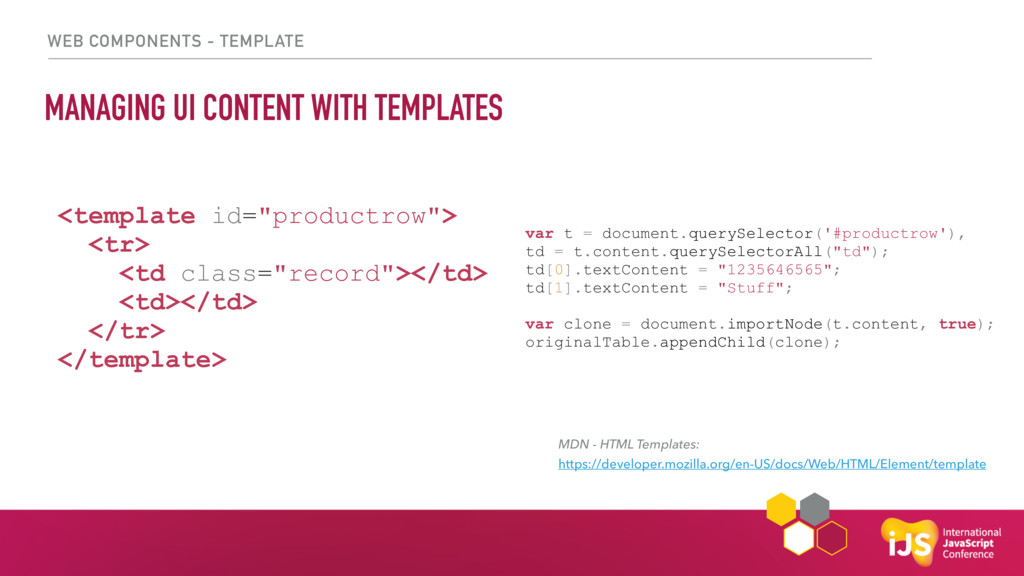
WEB COMPONENTS - TEMPLATE MANAGING UI CONTENT WITH TEMPLATES <template
id="productrow"> <tr> <td class="record"></td> <td></td> </tr> </template> var t = document.querySelector('#productrow'), td = t.content.querySelectorAll("td"); td[0].textContent = "1235646565"; td[1].textContent = "Stuff"; var clone = document.importNode(t.content, true); originalTable.appendChild(clone); MDN - HTML Templates: https://developer.mozilla.org/en-US/docs/Web/HTML/Element/template -
WEB COMPONENTS THE WEB COMPONENT SPEC CUSTOM ELEMENTS HTML IMPORT
SHADOW DOM TEMPLATE -
WEB COMPONENTS THE WEB COMPONENT SPEC CUSTOM ELEMENTS HTML IMPORT
SHADOW DOM TEMPLATE -
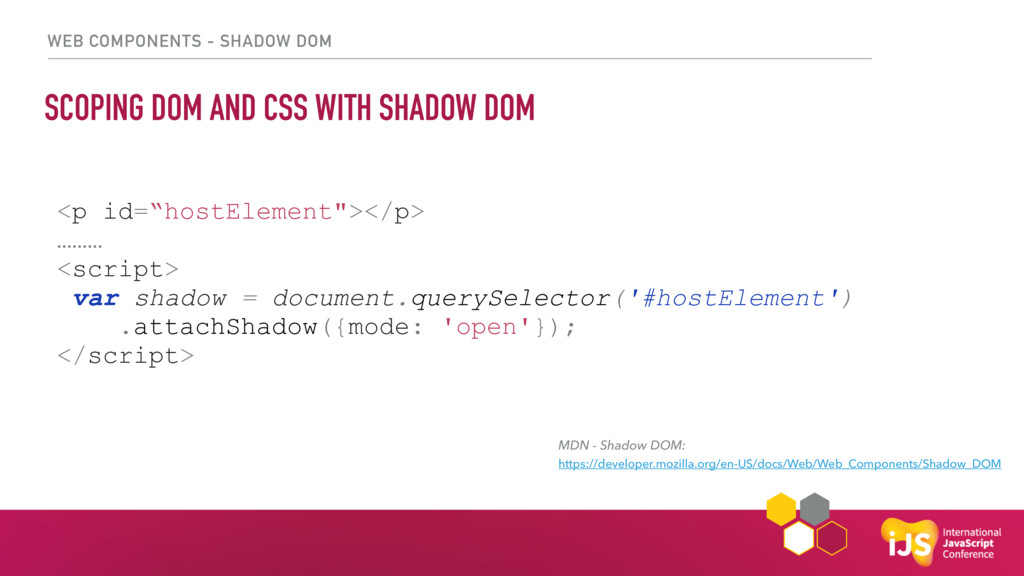
WEB COMPONENTS - SHADOW DOM SCOPING DOM AND CSS WITH
SHADOW DOM MDN - Shadow DOM: https://developer.mozilla.org/en-US/docs/Web/Web_Components/Shadow_DOM <p id=“hostElement"></p> ……… <script> var shadow = document.querySelector('#hostElement') .attachShadow({mode: 'open'}); </script> -
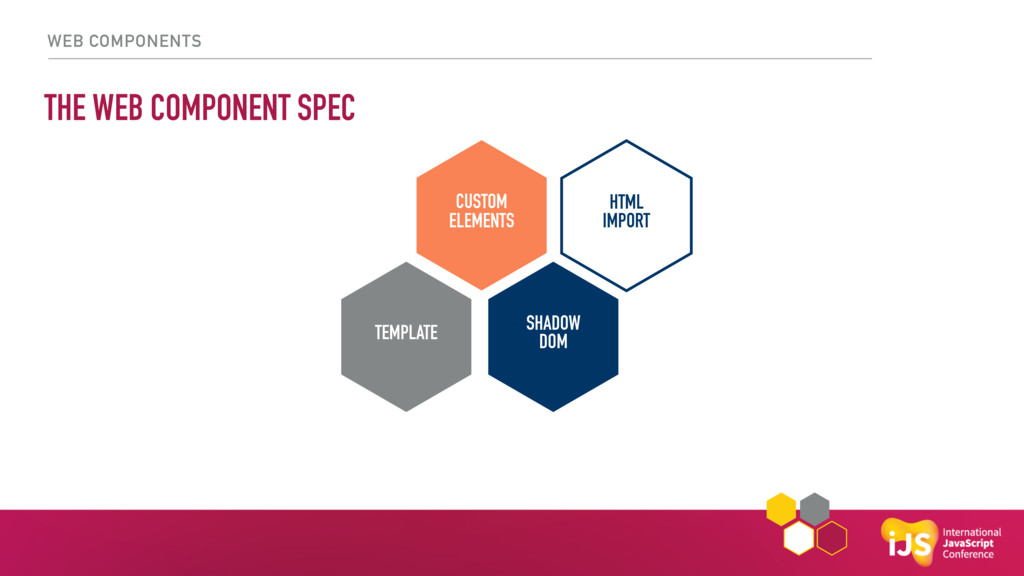
WEB COMPONENTS THE WEB COMPONENT SPEC CUSTOM ELEMENTS HTML IMPORT
SHADOW DOM TEMPLATE -
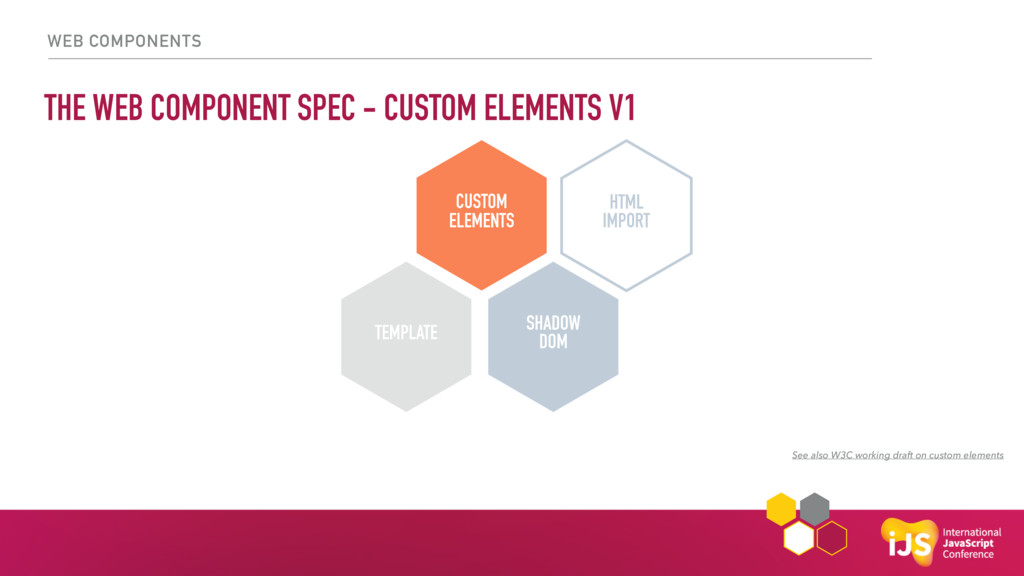
WEB COMPONENTS THE WEB COMPONENT SPEC - CUSTOM ELEMENTS V1
CUSTOM ELEMENTS HTML IMPORT SHADOW DOM TEMPLATE See also W3C working draft on custom elements -
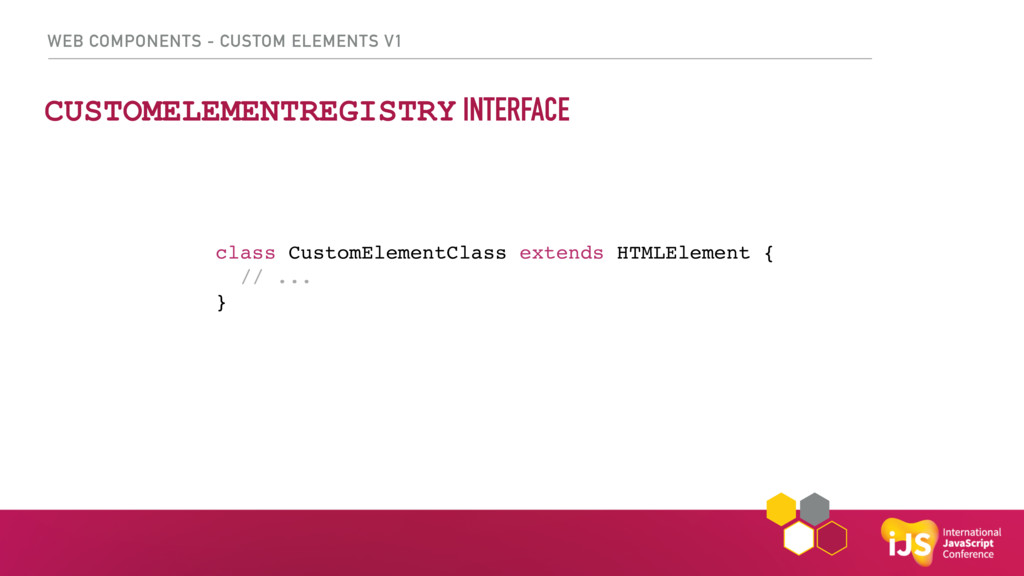
WEB COMPONENTS - CUSTOM ELEMENTS V1 CUSTOMELEMENTREGISTRY INTERFACE class CustomElementClass
extends HTMLElement { // ... } -
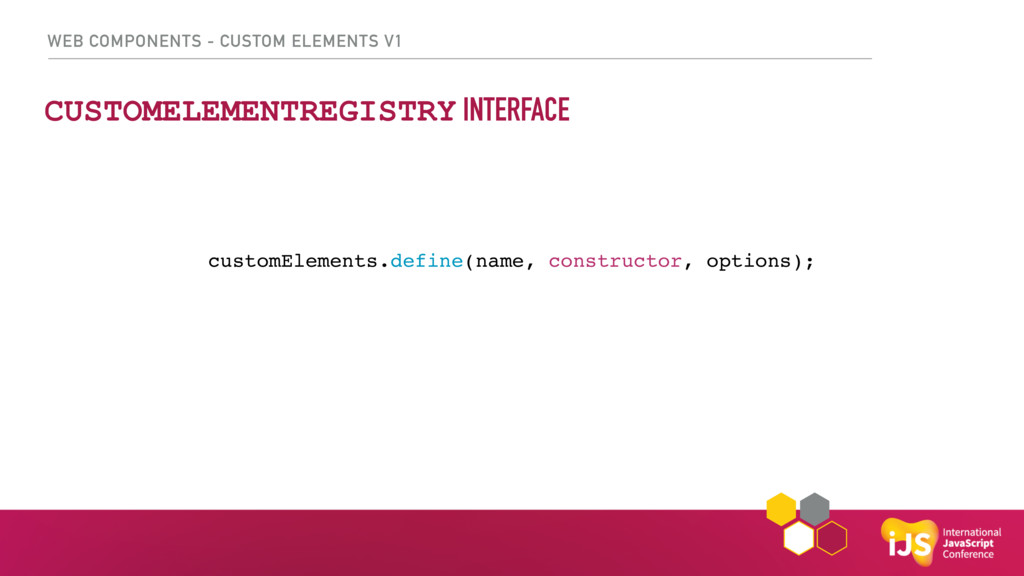
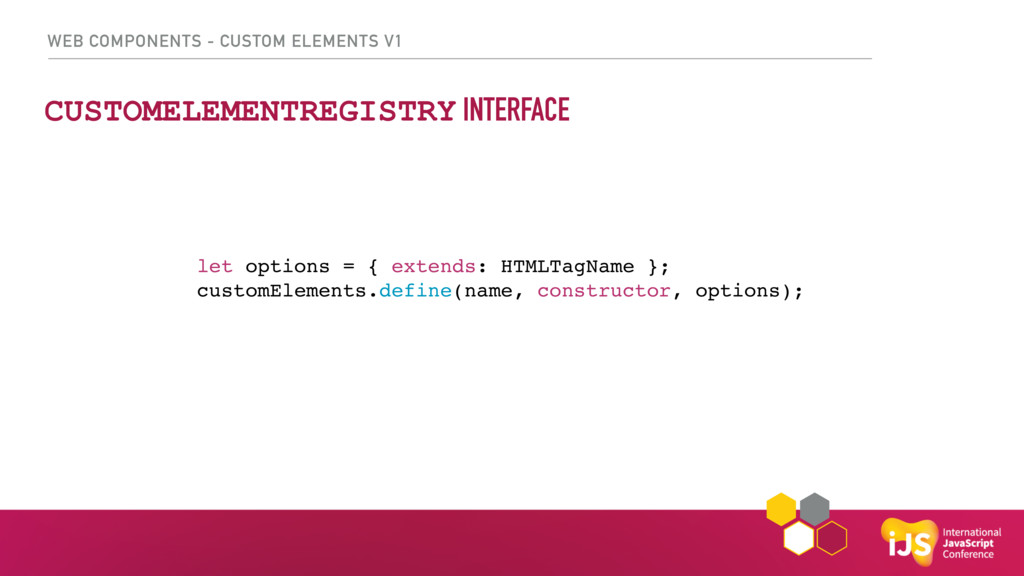
WEB COMPONENTS - CUSTOM ELEMENTS V1 CUSTOMELEMENTREGISTRY INTERFACE let options
= { extends: HTMLTagName }; customElements.define(name, constructor, options); -
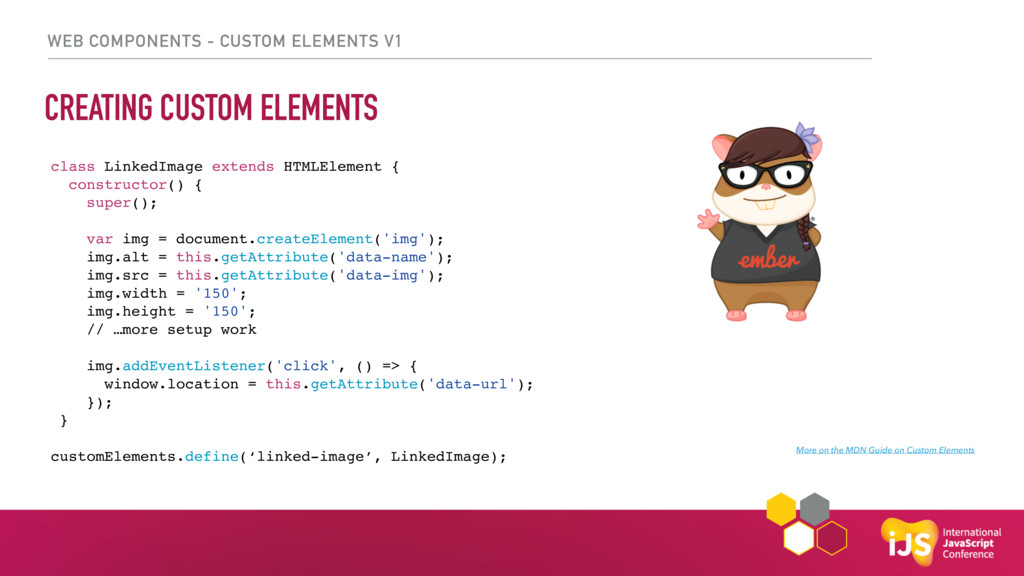
WEB COMPONENTS - CUSTOM ELEMENTS V1 CREATING CUSTOM ELEMENTS More
on the MDN Guide on Custom Elements class LinkedImage extends HTMLElement { constructor() { super(); var img = document.createElement('img'); img.alt = this.getAttribute('data-name'); img.src = this.getAttribute('data-img'); img.width = '150'; img.height = '150'; // …more setup work img.addEventListener('click', () => { window.location = this.getAttribute('data-url'); }); } customElements.define(‘linked-image’, LinkedImage); -
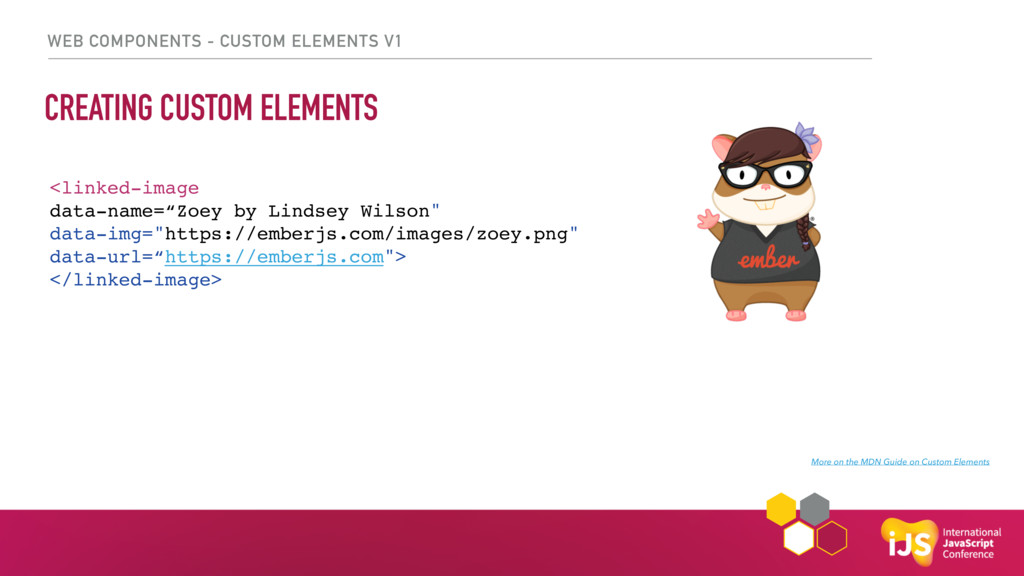
WEB COMPONENTS - CUSTOM ELEMENTS V1 CREATING CUSTOM ELEMENTS More
on the MDN Guide on Custom Elements <linked-image data-name=“Zoey by Lindsey Wilson" data-img="https://emberjs.com/images/zoey.png" data-url=“https://emberjs.com"> </linked-image> -
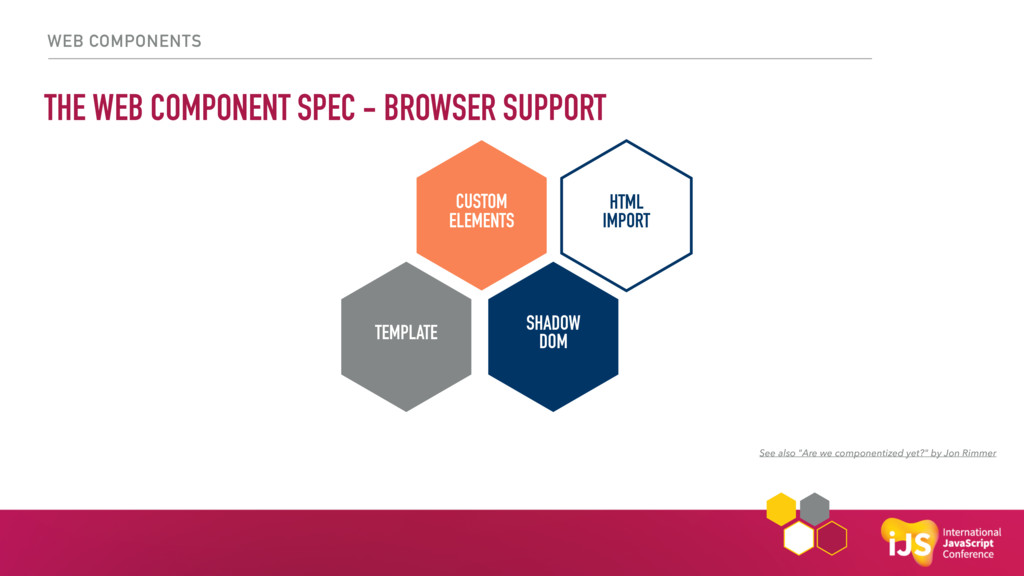
WEB COMPONENTS THE WEB COMPONENT SPEC - BROWSER SUPPORT CUSTOM
ELEMENTS HTML IMPORT SHADOW DOM TEMPLATE See also "Are we componentized yet?" by Jon Rimmer -
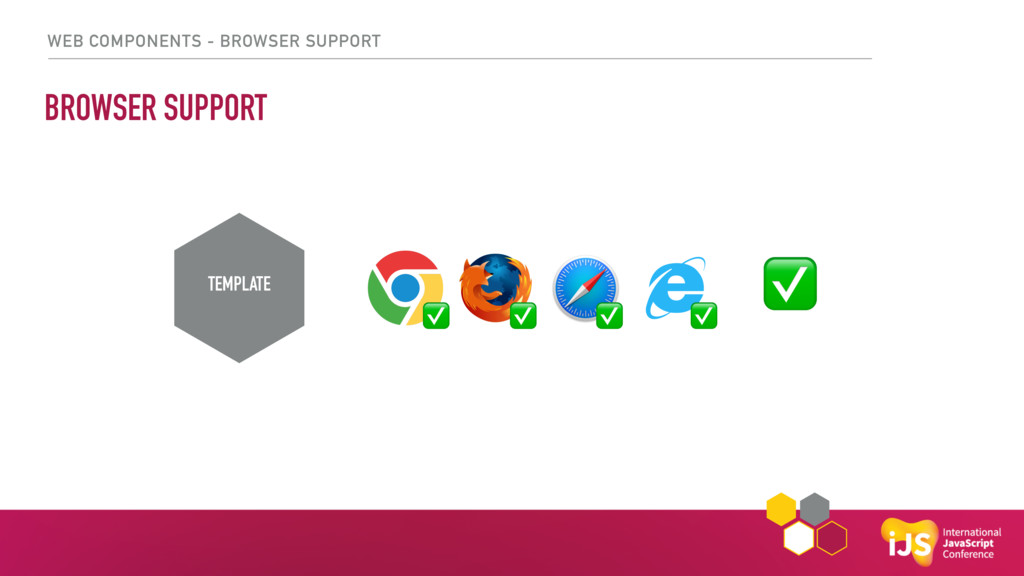
WEB COMPONENTS - BROWSER SUPPORT BROWSER SUPPORT TEMPLATE CUSTOM ELEMENTS
HTML IMPORT SHADOW DOM ✅ ✅ ✅ ✅ ✅ -
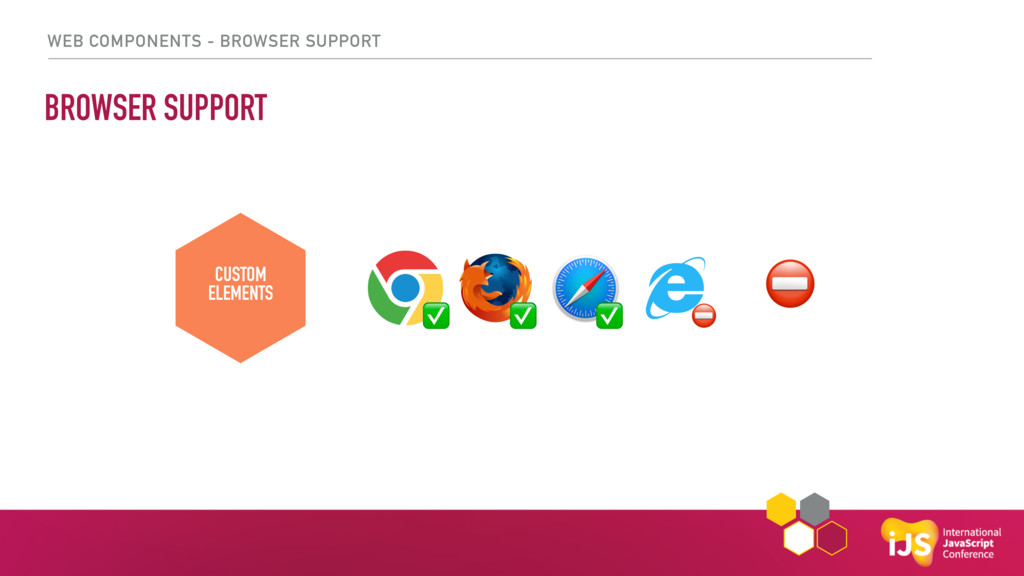
WEB COMPONENTS - BROWSER SUPPORT BROWSER SUPPORT TEMPLATE CUSTOM ELEMENTS
HTML IMPORT SHADOW DOM ✅ ✅ ✅ ⛔ ⛔ -
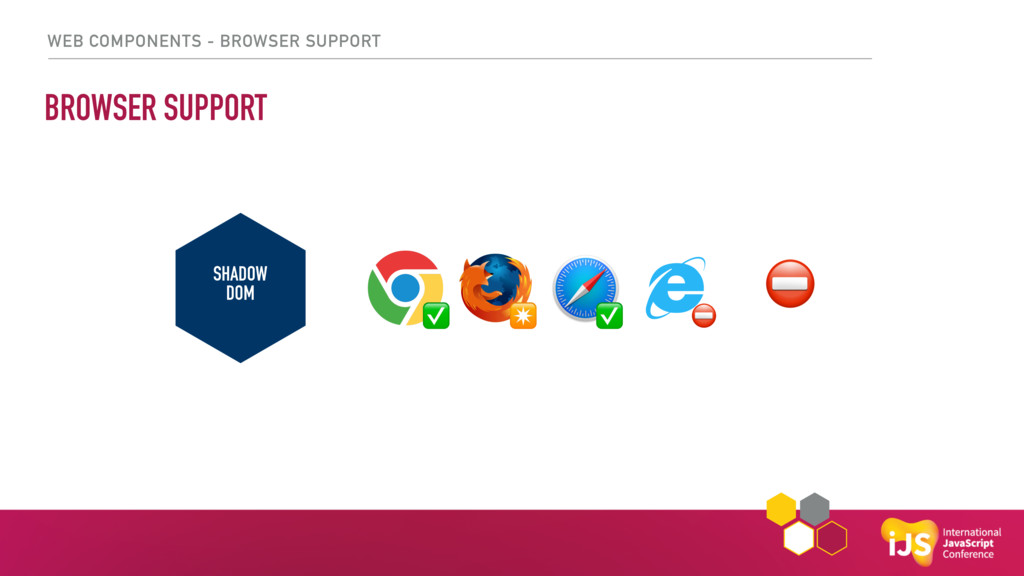
WEB COMPONENTS - BROWSER SUPPORT BROWSER SUPPORT CUSTOM ELEMENTS HTML
IMPORT SHADOW DOM ✅ ✅ CUSTOM ELEMENTS SHADOW DOM ✴ ⛔ ⛔ -
WEB COMPONENTS - BROWSER SUPPORT THE WEB COMPONENT SPEC -
BROWSER SUPPORT CUSTOM ELEMENTS HTML IMPORT SHADOW DOM ⛔ ✅ ⛔ ⛔ HTML IMPORT ⛔ -
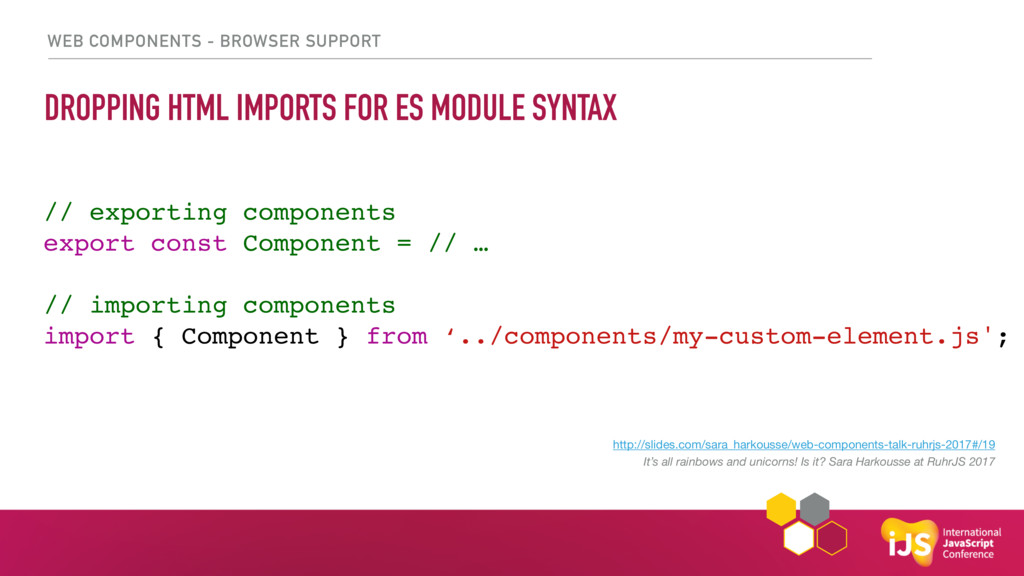
WEB COMPONENTS - BROWSER SUPPORT DROPPING HTML IMPORTS FOR ES
MODULE SYNTAX CUSTOM ELEMENTS HTML IMPORT SHADOW DOM // exporting components export const Component = // … // importing components import { Component } from ‘../components/my-custom-element.js'; http://slides.com/sara_harkousse/web-components-talk-ruhrjs-2017#/19 It’s all rainbows and unicorns! Is it? Sara Harkousse at RuhrJS 2017 -
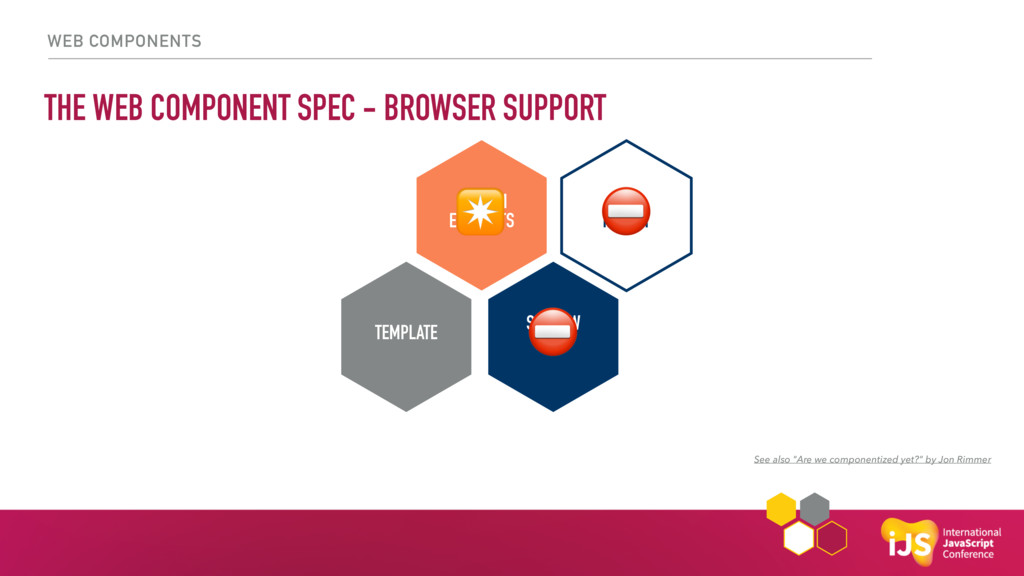
WEB COMPONENTS THE WEB COMPONENT SPEC - BROWSER SUPPORT CUSTOM
ELEMENTS HTML IMPORT SHADOW DOM TEMPLATE See also "Are we componentized yet?" by Jon Rimmer ⛔ ⛔ ✴ -
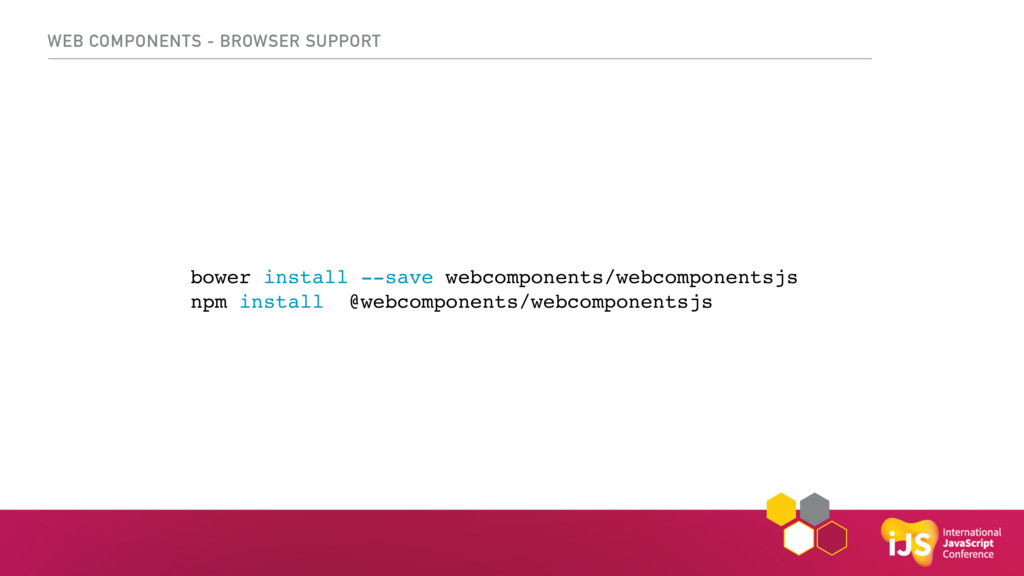
WEB COMPONENTS - BROWSER SUPPORT bower install --save webcomponents/webcomponentsjs npm
install @webcomponents/webcomponentsjs -
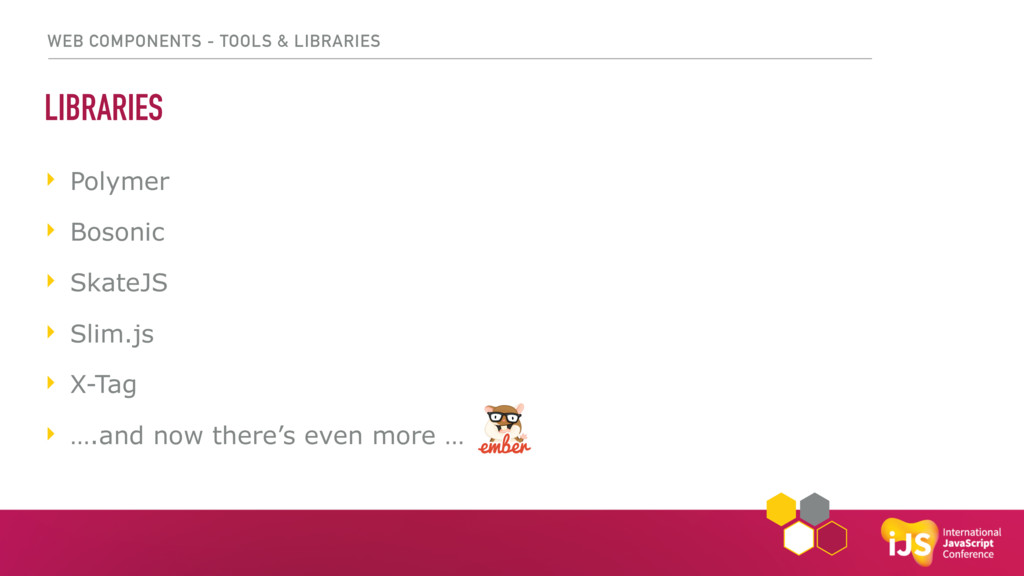
WEB COMPONENTS - TOOLS & LIBRARIES LIBRARIES ‣ Polymer ‣
Bosonic ‣ SkateJS ‣ Slim.js ‣ X-Tag ‣ ….and now there’s even more … -
CREATING UI COMPONENTS WITH GLIMMER.JS “Fast and light-weight UI components
for the web” announced March 2017 Yehuda Katz & Tom Dale, EmberConf 2017, Keynote extracted from Ember’s rendering engine Glimmer -
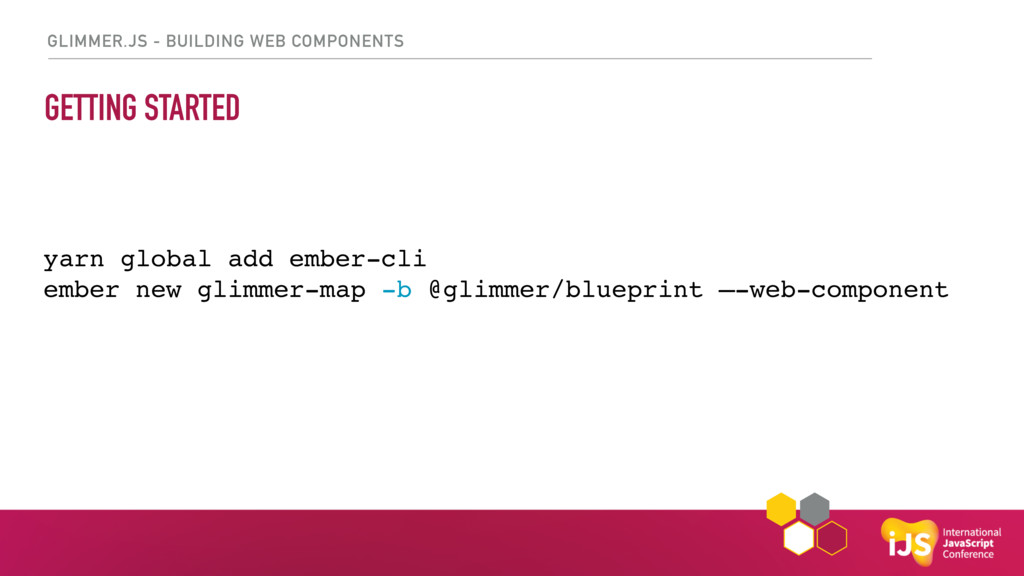
GLIMMER.JS - BUILDING WEB COMPONENTS GETTING STARTED yarn global add
ember-cli ember new glimmer-map -b @glimmer/blueprint —-web-component -
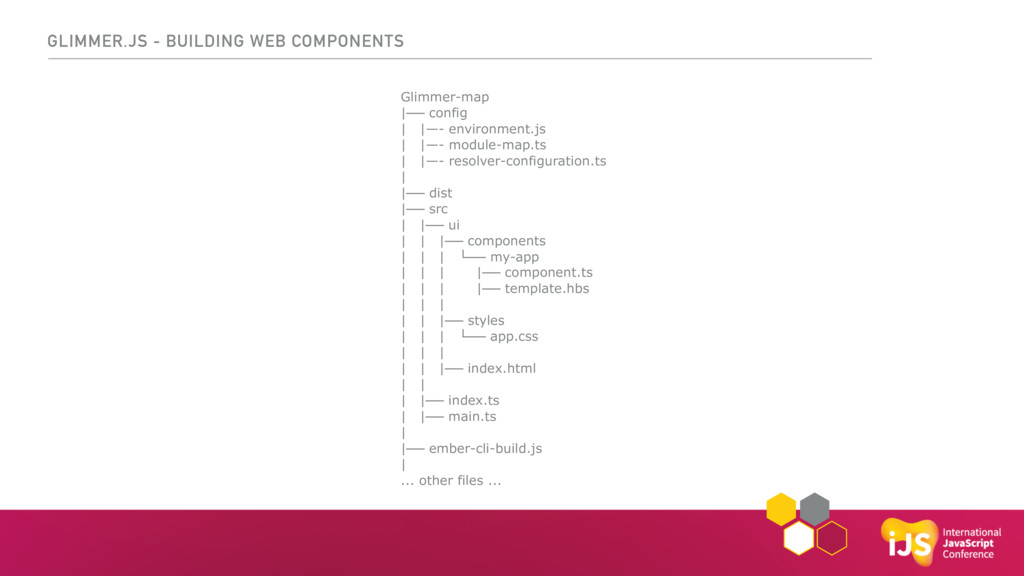
Glimmer-map |── config | |—- environment.js | |—- module-map.ts |
|—- resolver-configuration.ts | |── dist |── src | |── ui | | |── components | | | └── my-app | | | |── component.ts | | | |── template.hbs | | | | | |── styles | | | └── app.css | | | | | |── index.html | | | |── index.ts | |── main.ts | |── ember-cli-build.js | ... other files ... GLIMMER.JS - BUILDING WEB COMPONENTS -
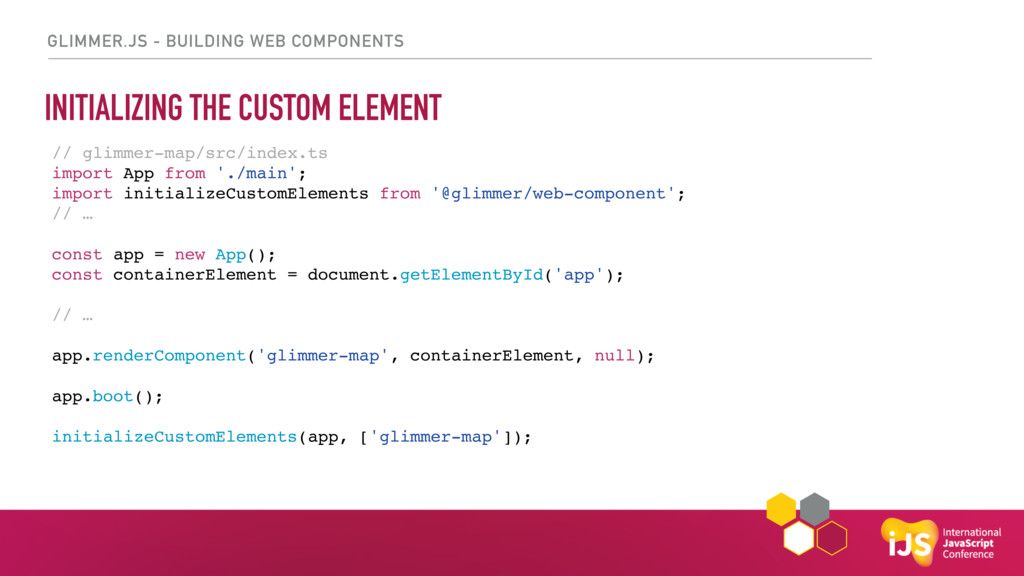
GLIMMER.JS - BUILDING WEB COMPONENTS // glimmer-map/src/index.ts import App from
'./main'; import initializeCustomElements from '@glimmer/web-component'; // … const app = new App(); const containerElement = document.getElementById('app'); // … app.renderComponent('glimmer-map', containerElement, null); app.boot(); initializeCustomElements(app, ['glimmer-map']); INITIALIZING THE CUSTOM ELEMENT -
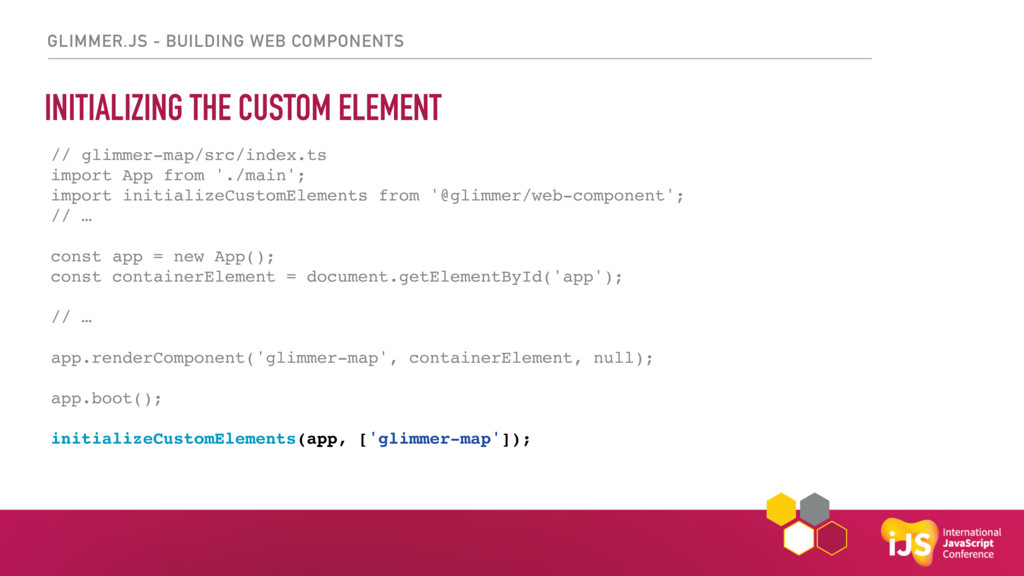
GLIMMER.JS - BUILDING WEB COMPONENTS INITIALIZING THE CUSTOM ELEMENT //
glimmer-map/src/index.ts import App from './main'; import initializeCustomElements from '@glimmer/web-component'; // … const app = new App(); const containerElement = document.getElementById('app'); // … app.renderComponent('glimmer-map', containerElement, null); app.boot(); initializeCustomElements(app, ['glimmer-map']); -
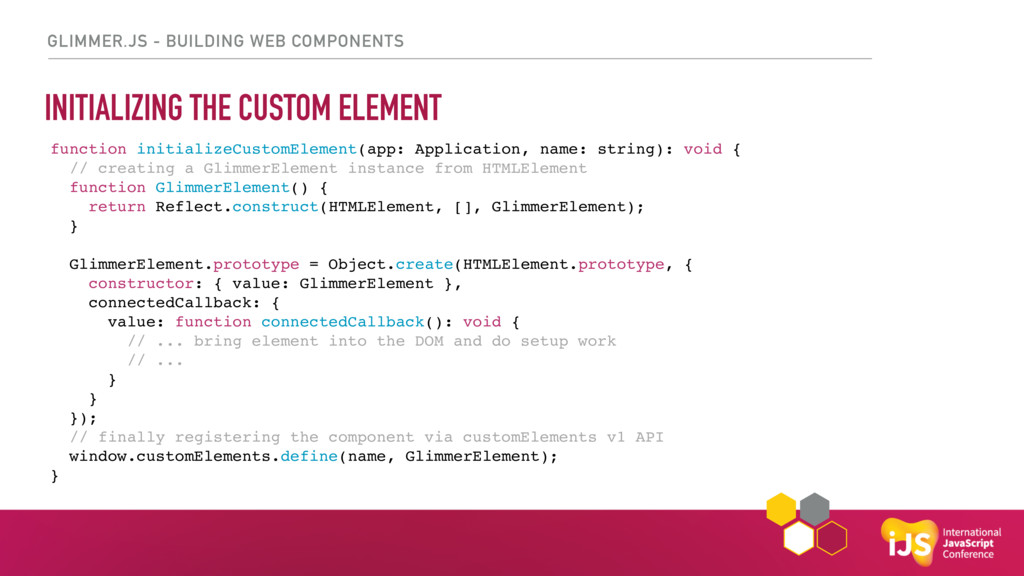
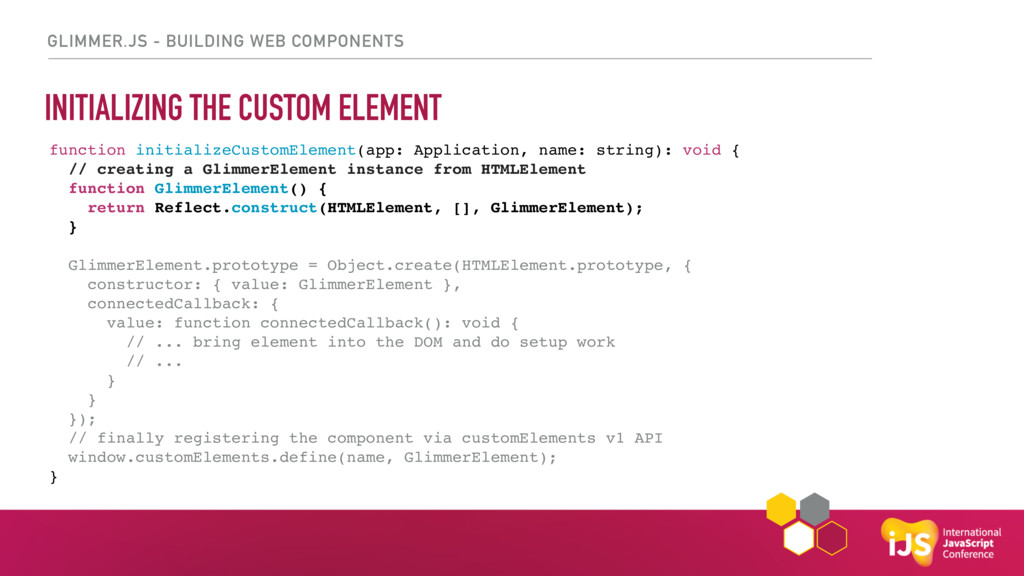
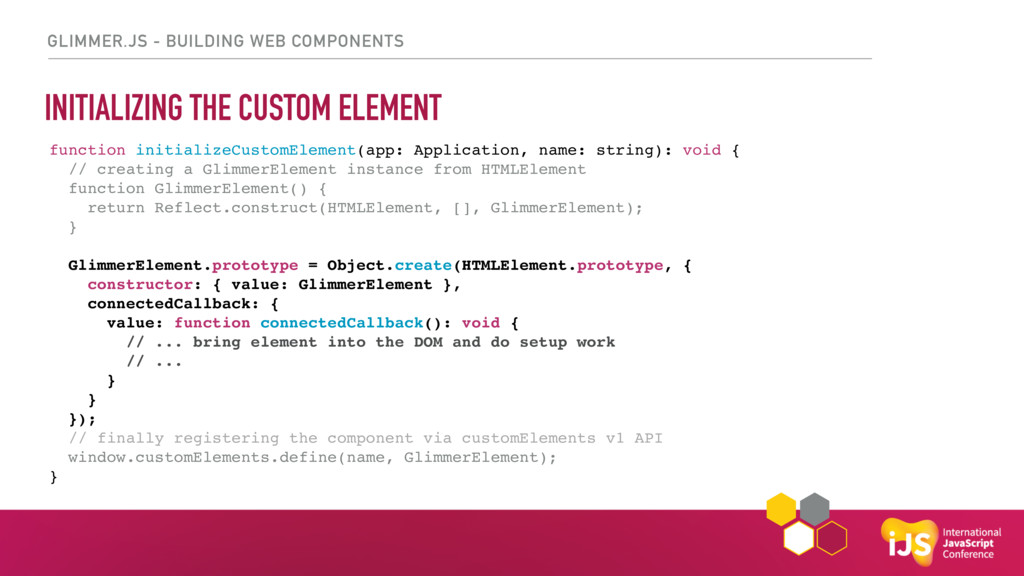
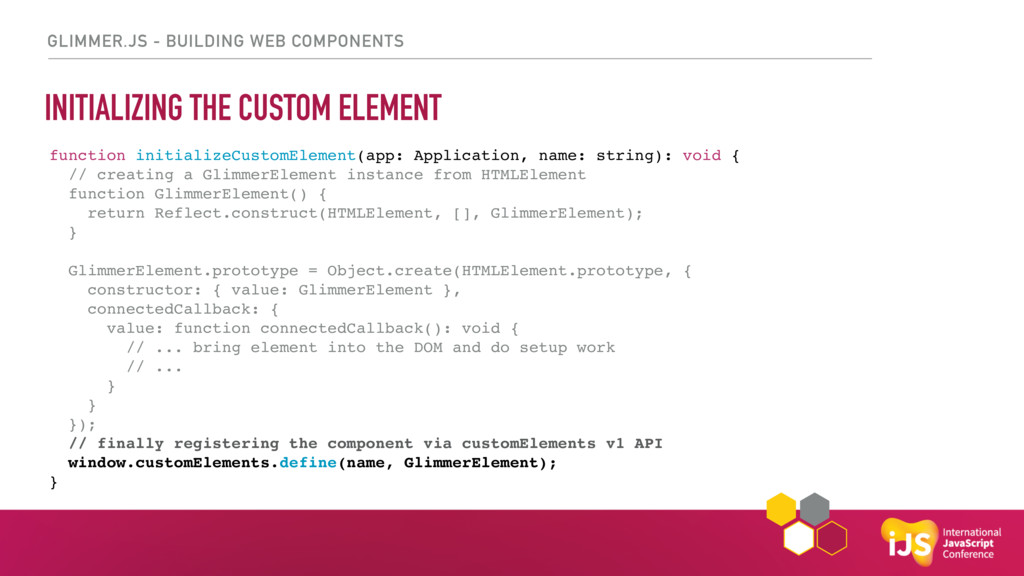
GLIMMER.JS - BUILDING WEB COMPONENTS INITIALIZING THE CUSTOM ELEMENT function
initializeCustomElement(app: Application, name: string): void { // creating a GlimmerElement instance from HTMLElement function GlimmerElement() { return Reflect.construct(HTMLElement, [], GlimmerElement); } GlimmerElement.prototype = Object.create(HTMLElement.prototype, { constructor: { value: GlimmerElement }, connectedCallback: { value: function connectedCallback(): void { // ... bring element into the DOM and do setup work // ... } } }); // finally registering the component via customElements v1 API window.customElements.define(name, GlimmerElement); } -
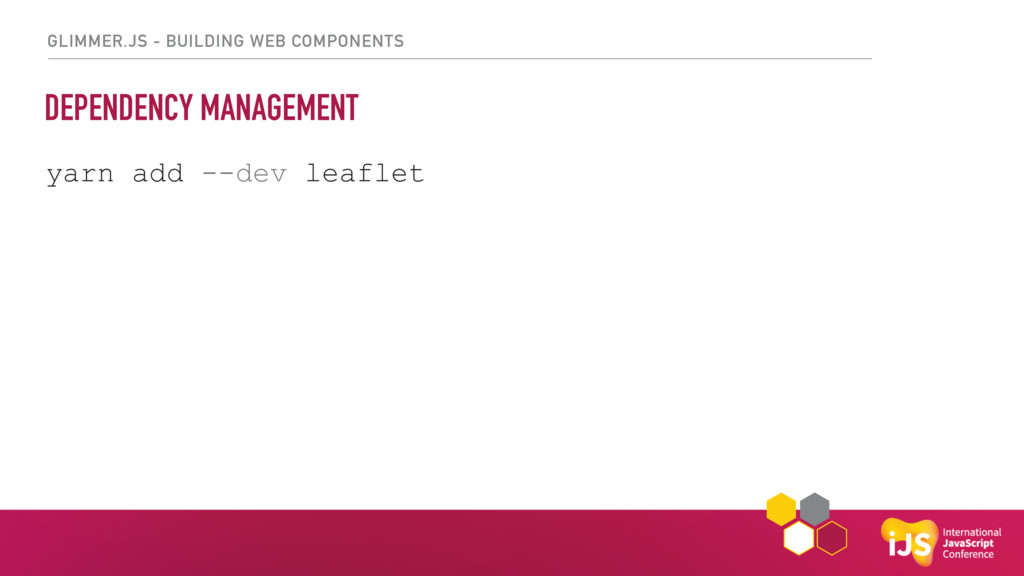
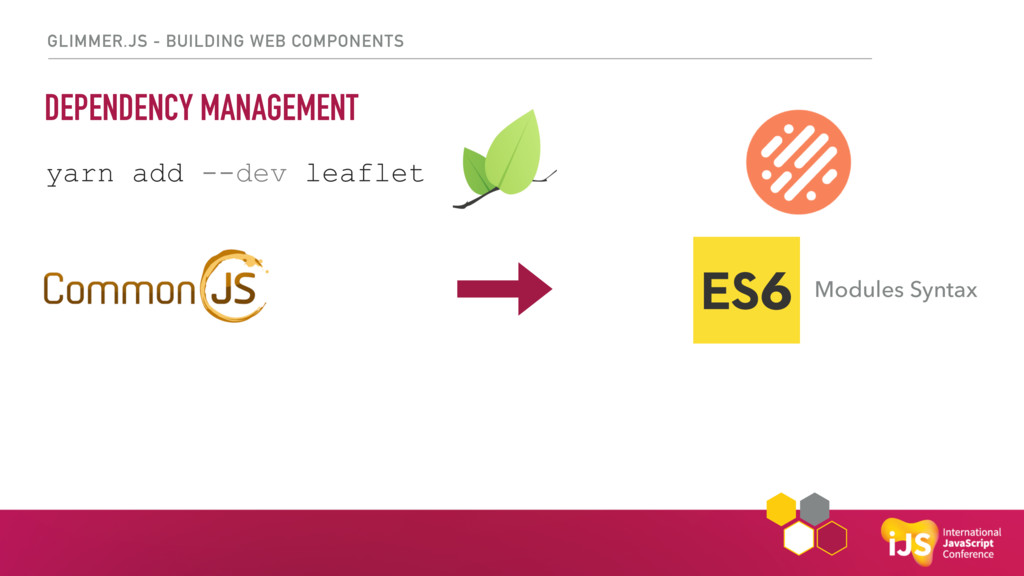
GLIMMER.JS - BUILDING WEB COMPONENTS DEPENDENCY MANAGEMENT yarn add --dev
leaflet Modules Syntax -
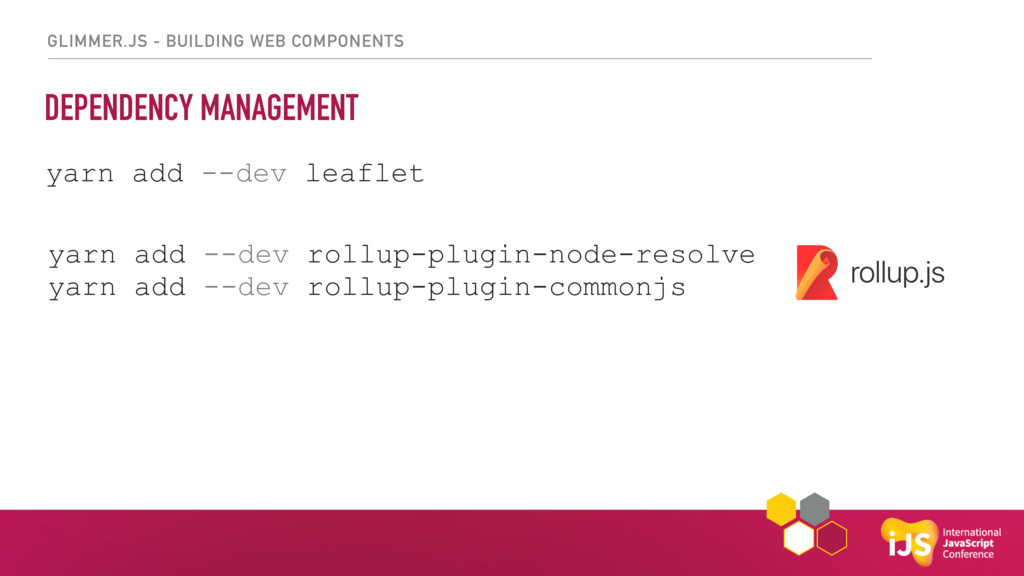
GLIMMER.JS - BUILDING WEB COMPONENTS DEPENDENCY MANAGEMENT yarn add --dev
leaflet yarn add --dev rollup-plugin-node-resolve yarn add --dev rollup-plugin-commonjs -
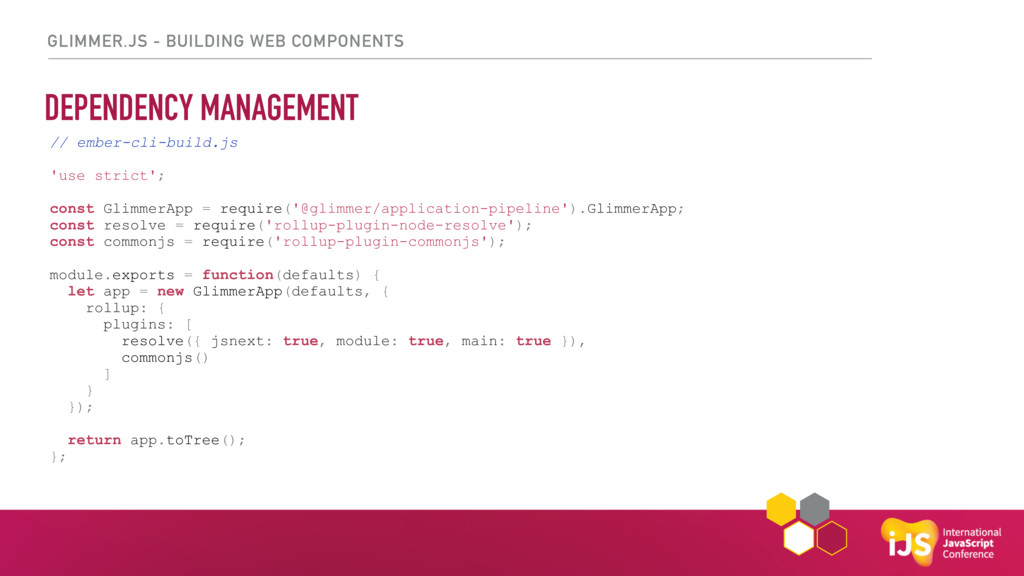
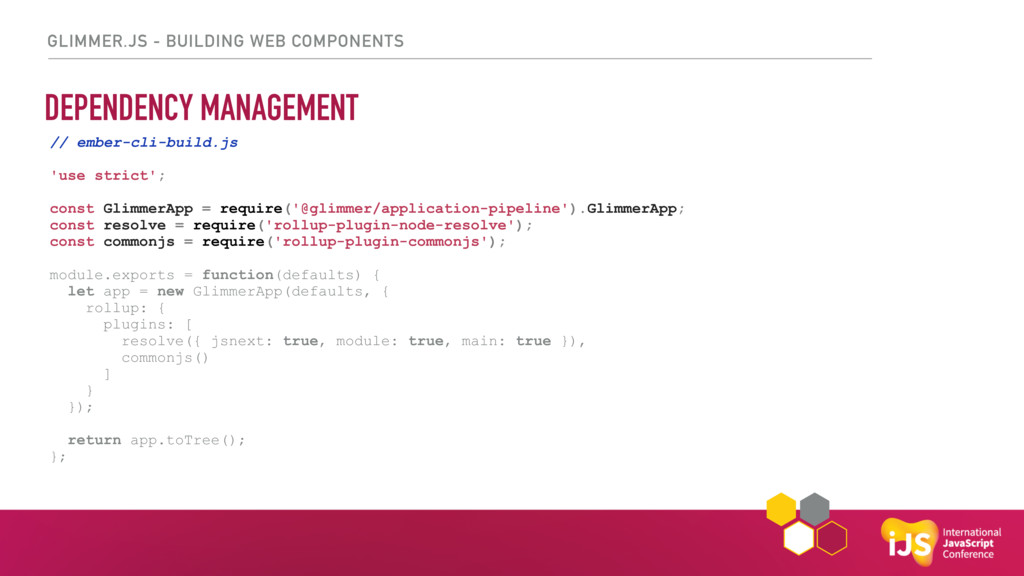
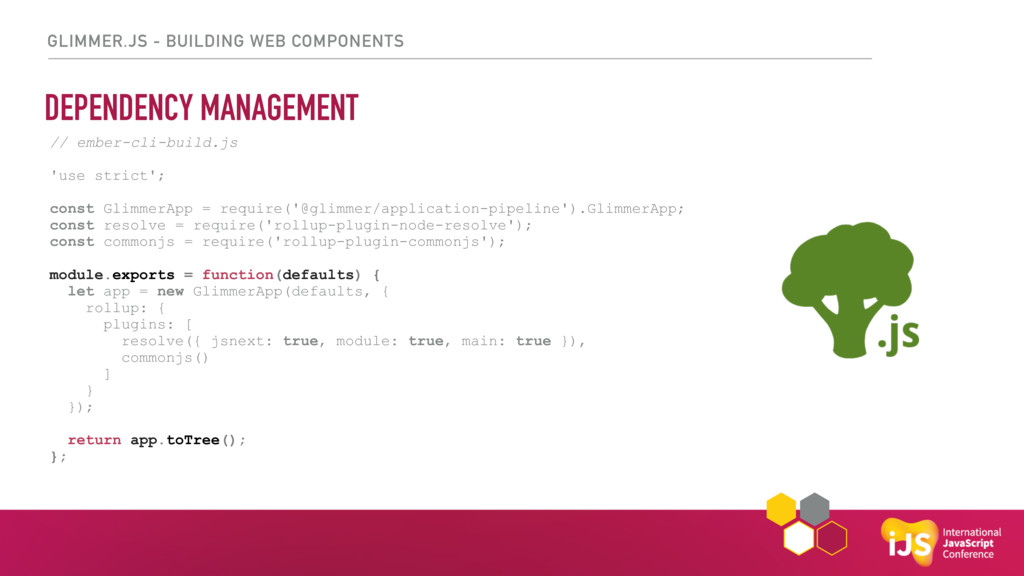
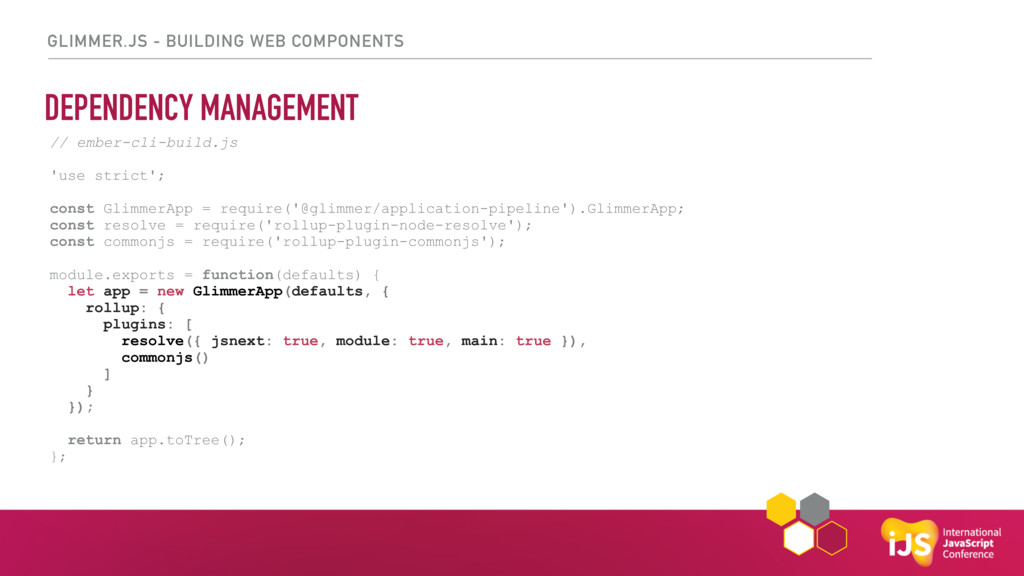
GLIMMER.JS - BUILDING WEB COMPONENTS DEPENDENCY MANAGEMENT // ember-cli-build.js 'use
strict'; const GlimmerApp = require('@glimmer/application-pipeline').GlimmerApp; const resolve = require('rollup-plugin-node-resolve'); const commonjs = require('rollup-plugin-commonjs'); module.exports = function(defaults) { let app = new GlimmerApp(defaults, { rollup: { plugins: [ resolve({ jsnext: true, module: true, main: true }), commonjs() ] } }); return app.toTree(); }; -
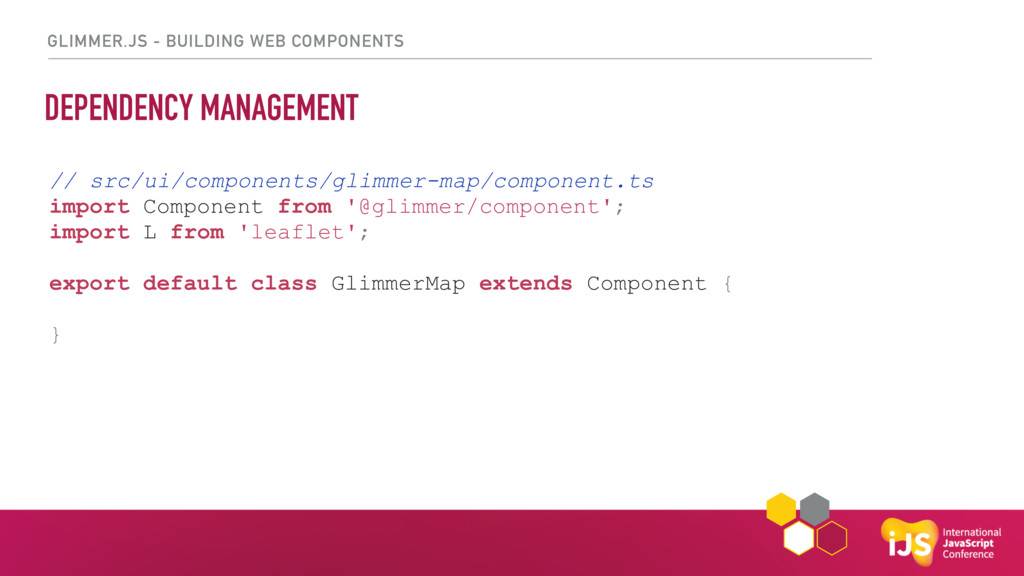
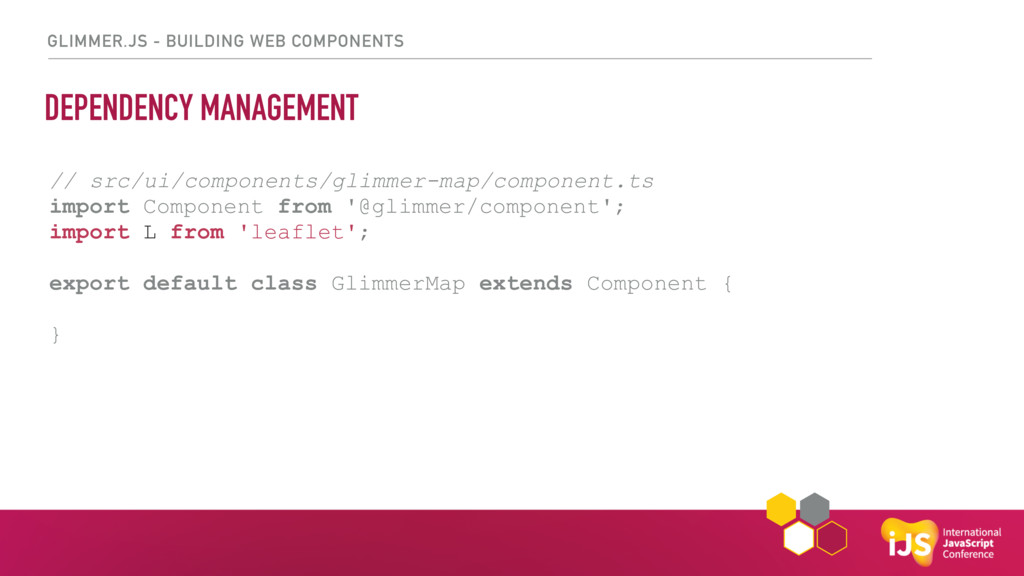
GLIMMER.JS - BUILDING WEB COMPONENTS DEPENDENCY MANAGEMENT // src/ui/components/glimmer-map/component.ts import
Component from '@glimmer/component'; import L from 'leaflet'; export default class GlimmerMap extends Component { } -
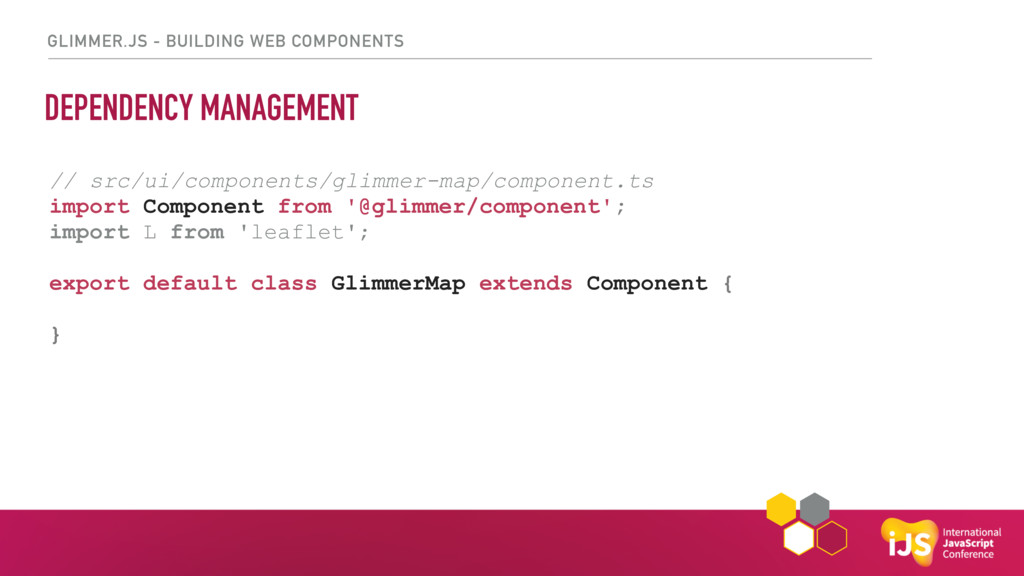
GLIMMER.JS - BUILDING WEB COMPONENTS DEPENDENCY MANAGEMENT // src/ui/components/glimmer-map/component.ts import
Component from '@glimmer/component'; import L from 'leaflet'; export default class GlimmerMap extends Component { } -
GLIMMER.JS - BUILDING WEB COMPONENTS DEPENDENCY MANAGEMENT // src/ui/components/glimmer-map/component.ts import
Component from '@glimmer/component'; import L from 'leaflet'; export default class GlimmerMap extends Component { } -
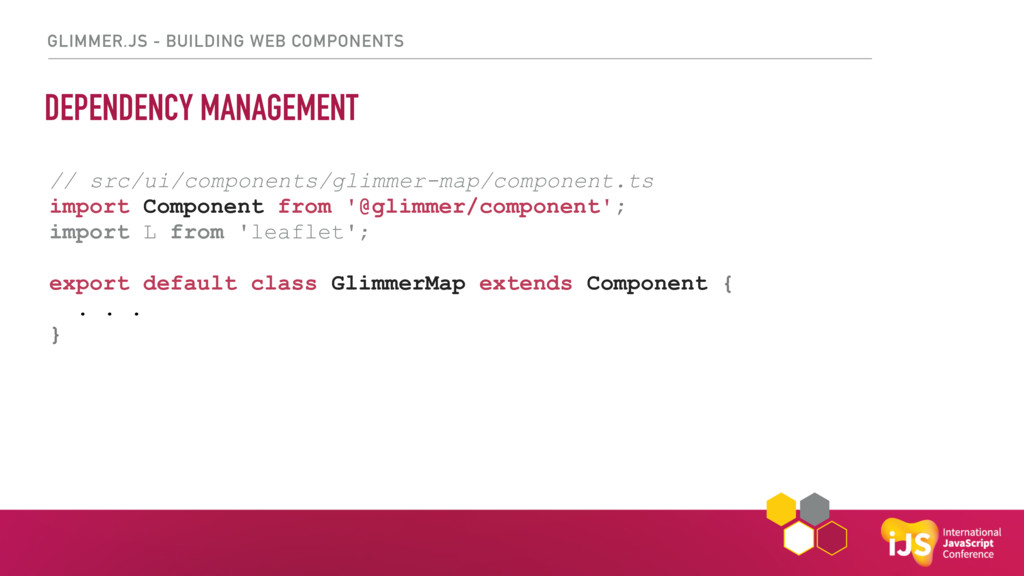
GLIMMER.JS - BUILDING WEB COMPONENTS DEPENDENCY MANAGEMENT // src/ui/components/glimmer-map/component.ts import
Component from '@glimmer/component'; import L from 'leaflet'; export default class GlimmerMap extends Component { . . . } -
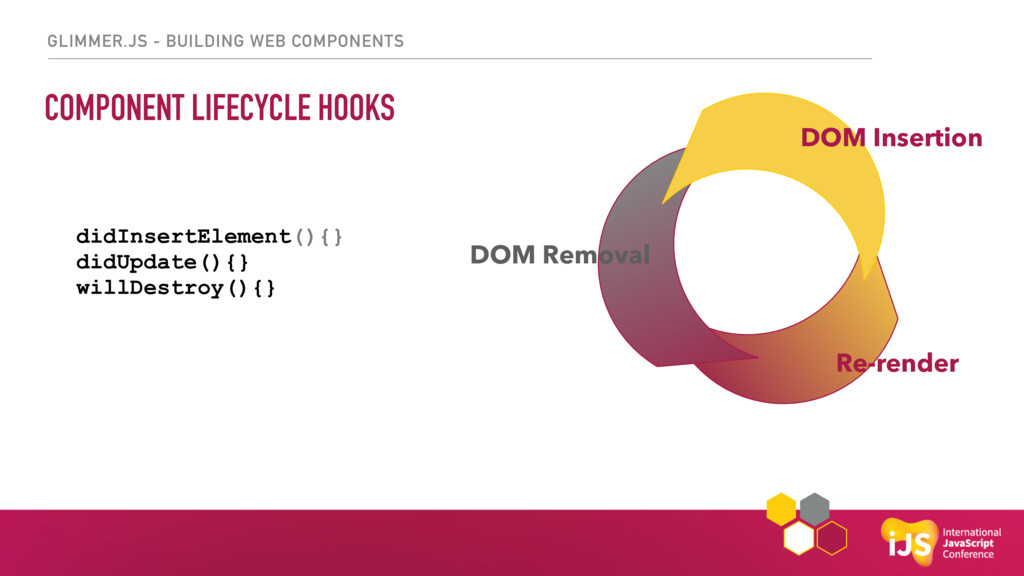
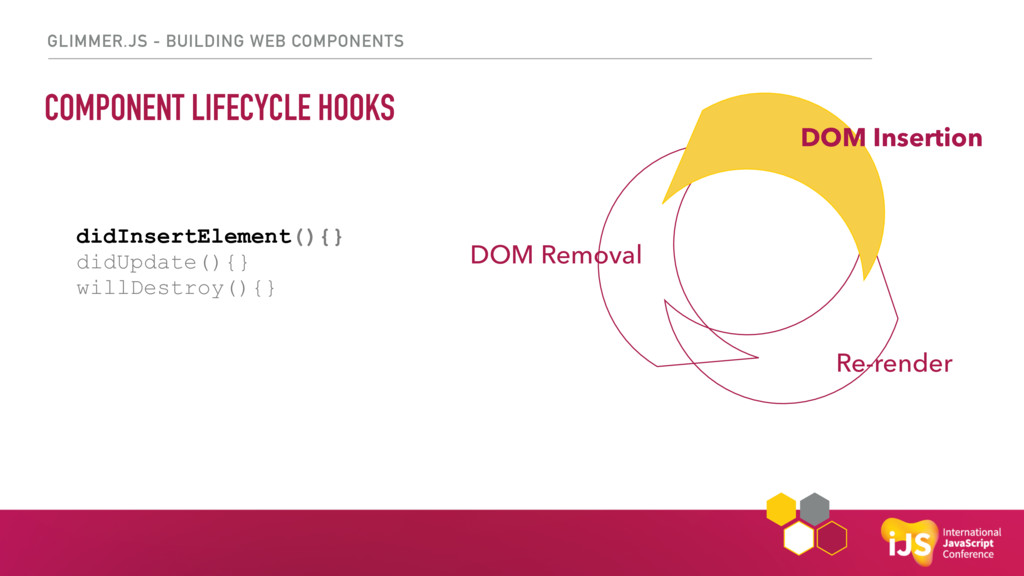
GLIMMER.JS - BUILDING WEB COMPONENTS COMPONENT LIFECYCLE HOOKS didInsertElement(){} didUpdate(){}
willDestroy(){} Re-render DOM Insertion DOM Removal -
GLIMMER.JS - BUILDING WEB COMPONENTS COMPONENT LIFECYCLE HOOKS didInsertElement(){} didUpdate(){}
willDestroy(){} Re-render DOM Insertion DOM Removal -
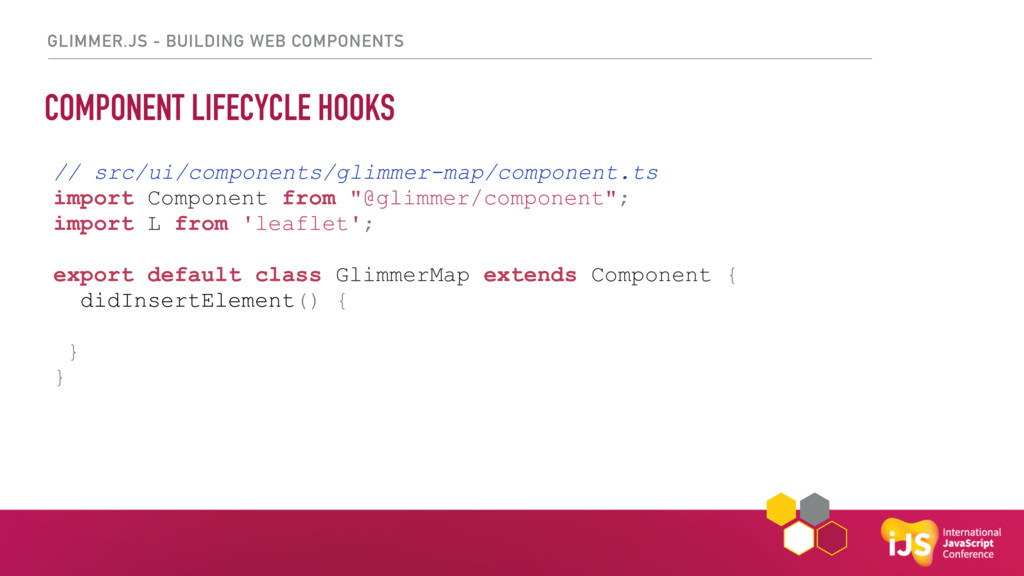
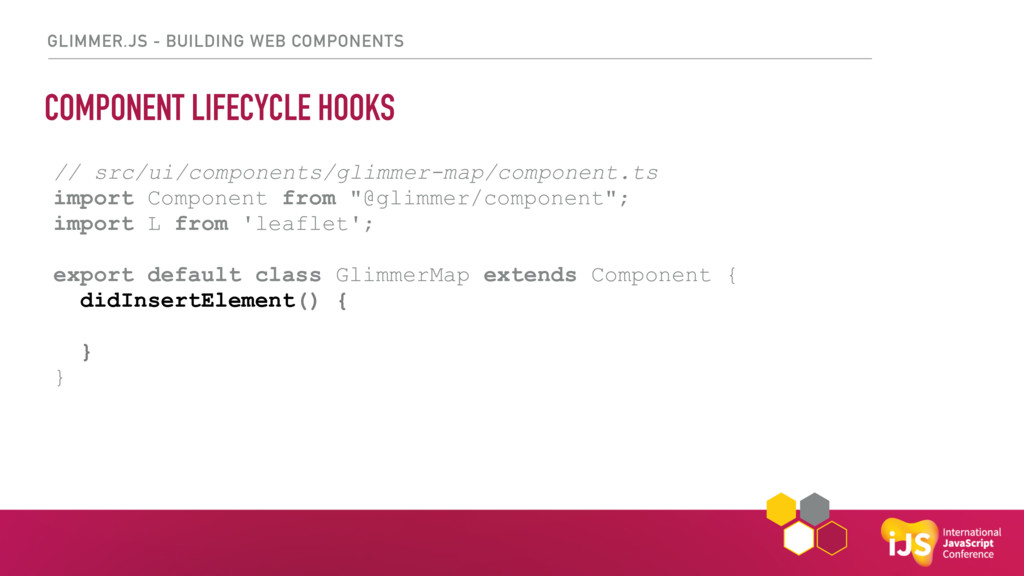
GLIMMER.JS - BUILDING WEB COMPONENTS COMPONENT LIFECYCLE HOOKS // src/ui/components/glimmer-map/component.ts
import Component from "@glimmer/component"; import L from 'leaflet'; export default class GlimmerMap extends Component { didInsertElement() { } } -
GLIMMER.JS - BUILDING WEB COMPONENTS COMPONENT LIFECYCLE HOOKS // src/ui/components/glimmer-map/component.ts
import Component from "@glimmer/component"; import L from 'leaflet'; export default class GlimmerMap extends Component { didInsertElement() { } } -
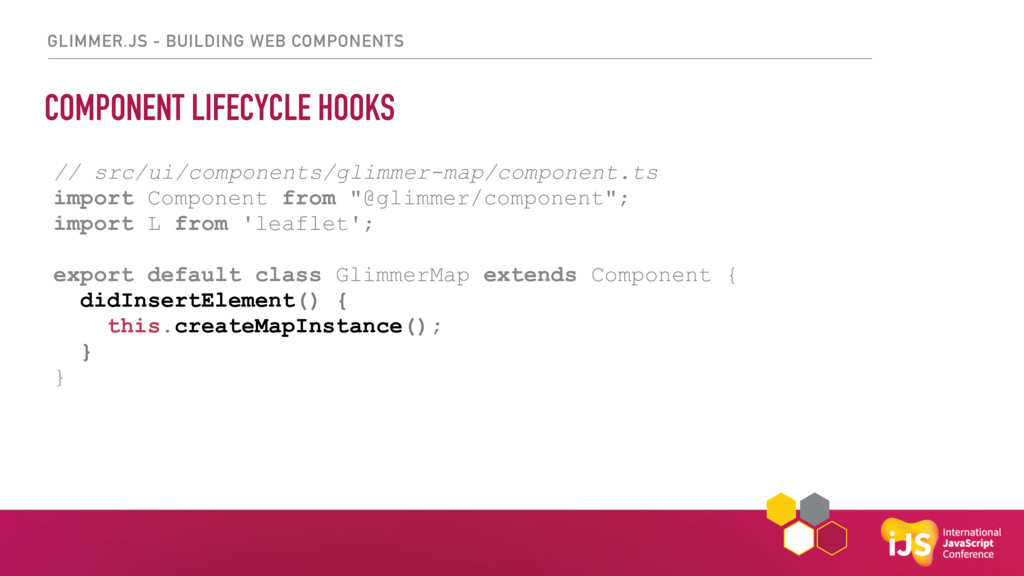
GLIMMER.JS - BUILDING WEB COMPONENTS COMPONENT LIFECYCLE HOOKS // src/ui/components/glimmer-map/component.ts
import Component from "@glimmer/component"; import L from 'leaflet'; export default class GlimmerMap extends Component { didInsertElement() { this.createMapInstance(); } } -
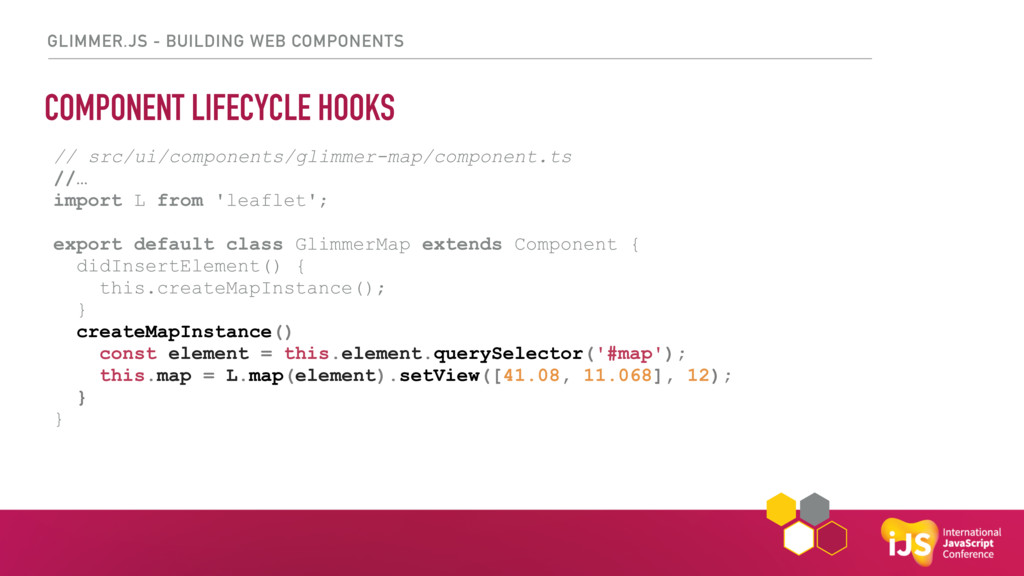
GLIMMER.JS - BUILDING WEB COMPONENTS COMPONENT LIFECYCLE HOOKS // src/ui/components/glimmer-map/component.ts
//… import L from 'leaflet'; export default class GlimmerMap extends Component { didInsertElement() { this.createMapInstance(); } createMapInstance() const element = this.element.querySelector('#map'); this.map = L.map(element).setView([41.08, 11.068], 12); } } -
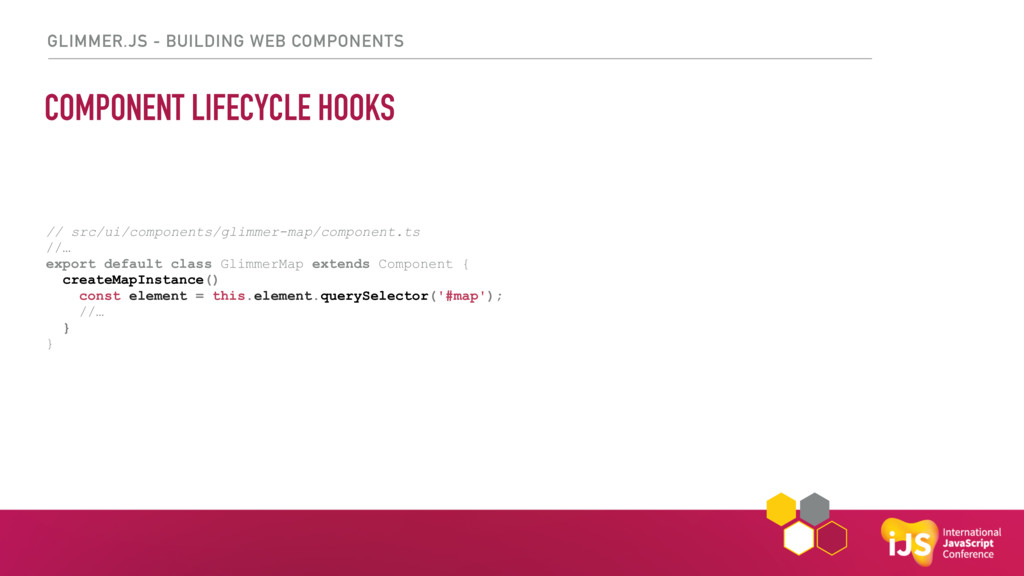
GLIMMER.JS - BUILDING WEB COMPONENTS COMPONENT LIFECYCLE HOOKS // src/ui/components/glimmer-map/component.ts
//… export default class GlimmerMap extends Component { createMapInstance() const element = this.element.querySelector('#map'); //… } } -
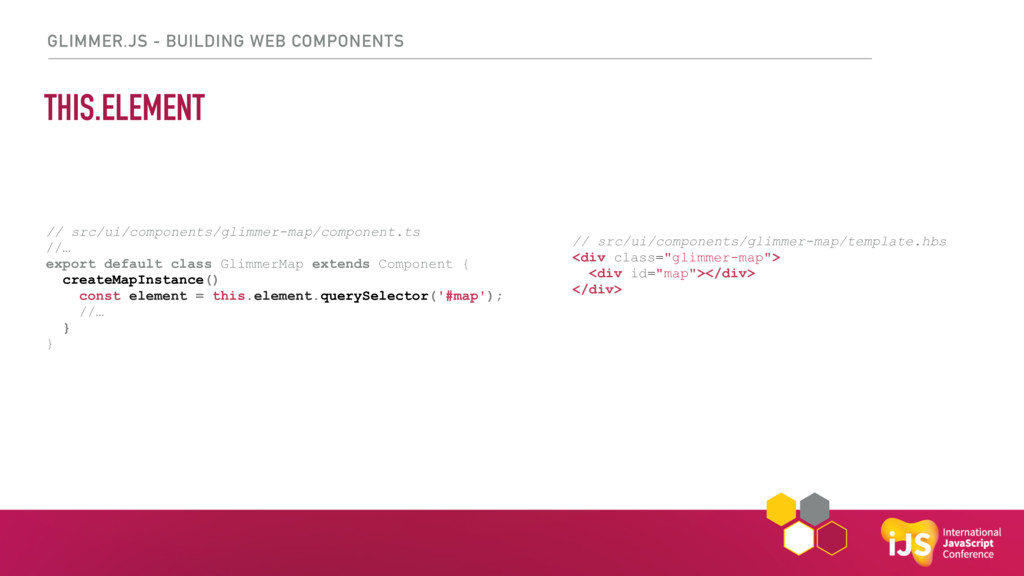
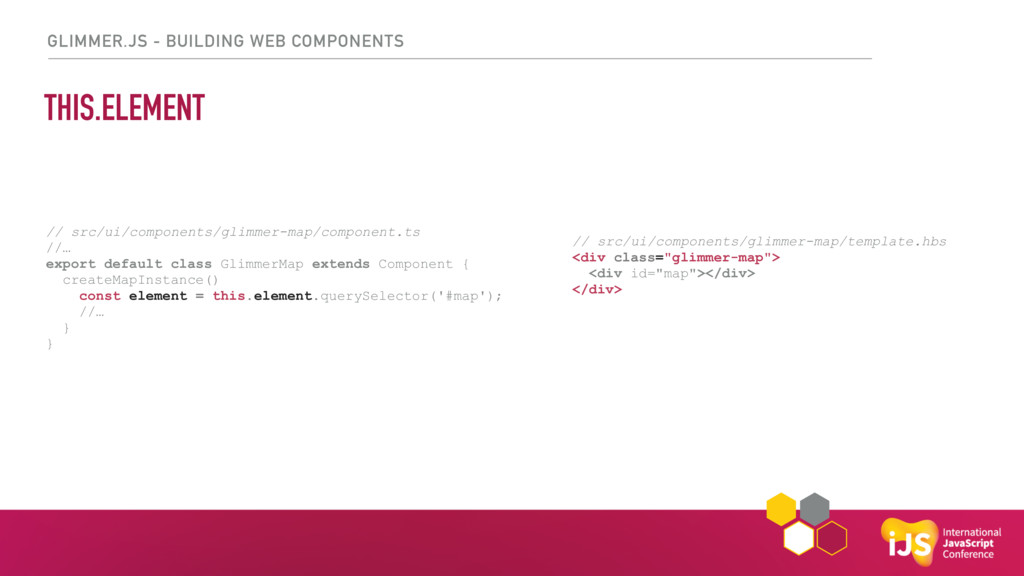
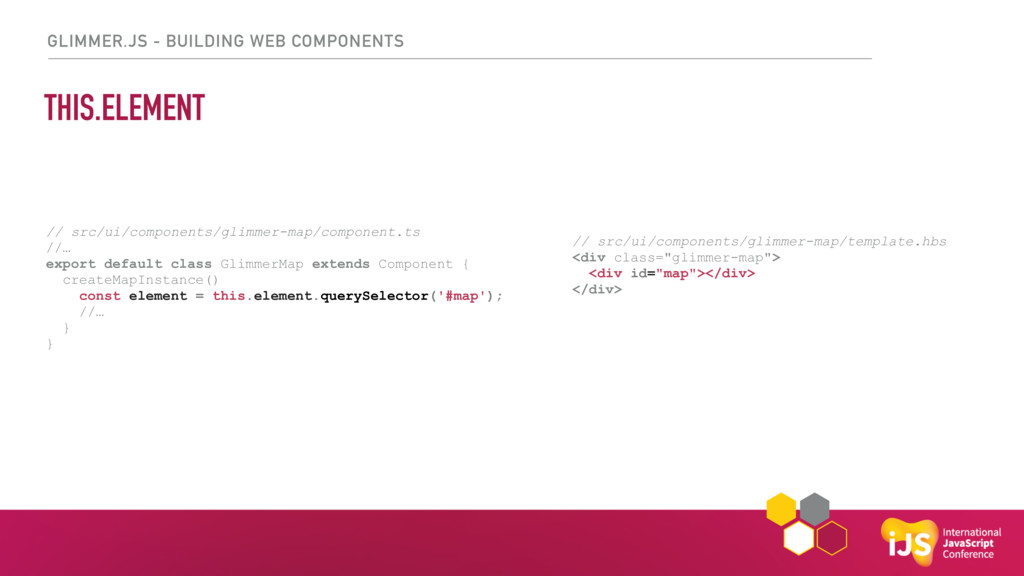
GLIMMER.JS - BUILDING WEB COMPONENTS THIS.ELEMENT // src/ui/components/glimmer-map/component.ts //… export
default class GlimmerMap extends Component { createMapInstance() const element = this.element.querySelector('#map'); //… } } // src/ui/components/glimmer-map/template.hbs <div class="glimmer-map"> <div id="map"></div> </div> -
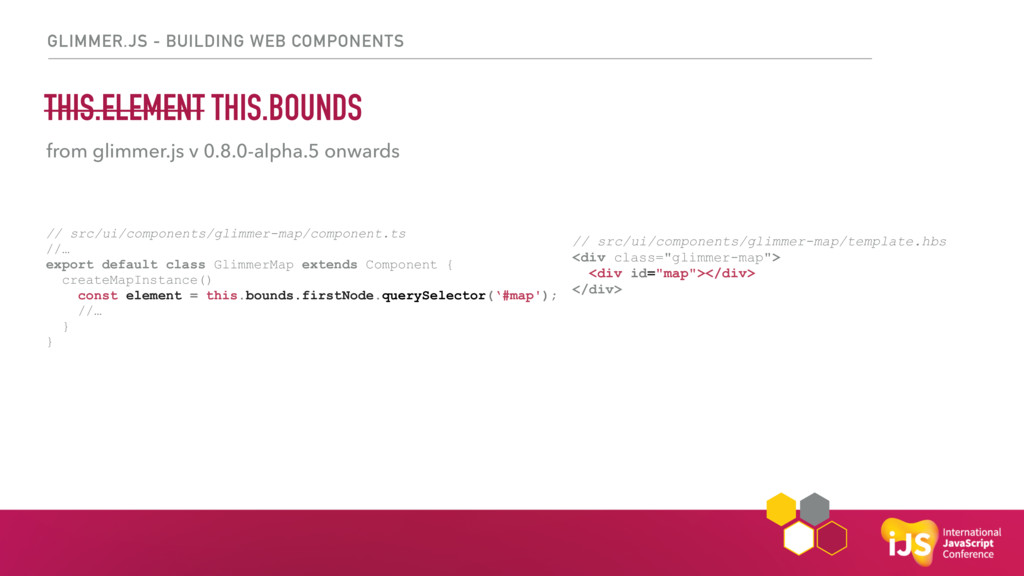
GLIMMER.JS - BUILDING WEB COMPONENTS THIS.ELEMENT THIS.BOUNDS // src/ui/components/glimmer-map/component.ts //…
export default class GlimmerMap extends Component { createMapInstance() const element = this.bounds.firstNode.querySelector(‘#map'); //… } } // src/ui/components/glimmer-map/template.hbs <div class="glimmer-map"> <div id="map"></div> </div> from glimmer.js v 0.8.0-alpha.5 onwards -
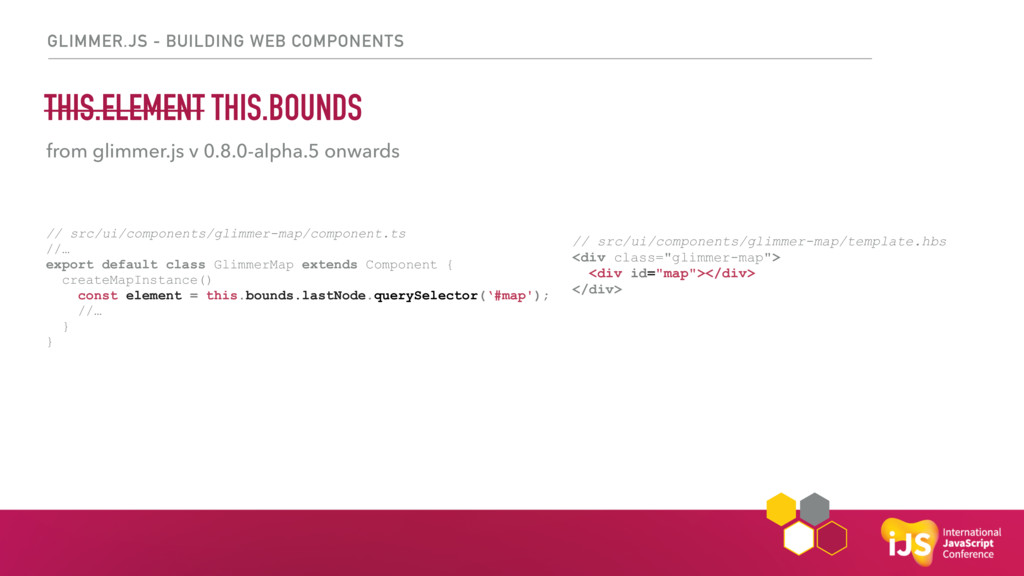
GLIMMER.JS - BUILDING WEB COMPONENTS THIS.ELEMENT THIS.BOUNDS // src/ui/components/glimmer-map/component.ts //…
export default class GlimmerMap extends Component { createMapInstance() const element = this.bounds.lastNode.querySelector(‘#map'); //… } } // src/ui/components/glimmer-map/template.hbs <div class="glimmer-map"> <div id="map"></div> </div> from glimmer.js v 0.8.0-alpha.5 onwards -
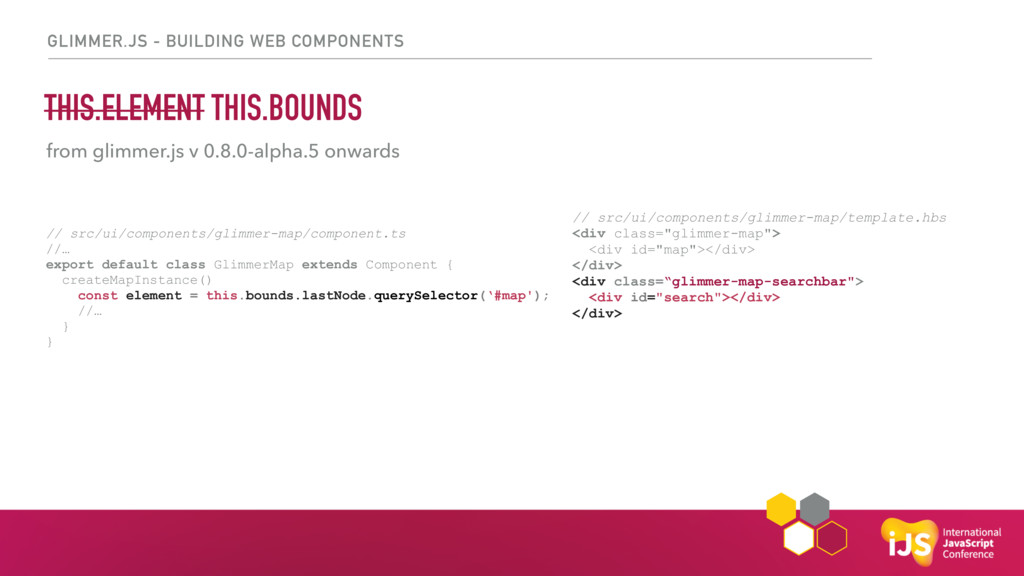
GLIMMER.JS - BUILDING WEB COMPONENTS THIS.ELEMENT THIS.BOUNDS // src/ui/components/glimmer-map/component.ts //…
export default class GlimmerMap extends Component { createMapInstance() const element = this.bounds.lastNode.querySelector(‘#map'); //… } } // src/ui/components/glimmer-map/template.hbs <div class="glimmer-map"> <div id="map"></div> </div> <div class=“glimmer-map-searchbar"> <div id="search"></div> </div> from glimmer.js v 0.8.0-alpha.5 onwards -
GLIMMER.JS - BUILDING WEB COMPONENTS THIS.ELEMENT THIS.BOUNDS // src/ui/components/glimmer-map/component.ts //…
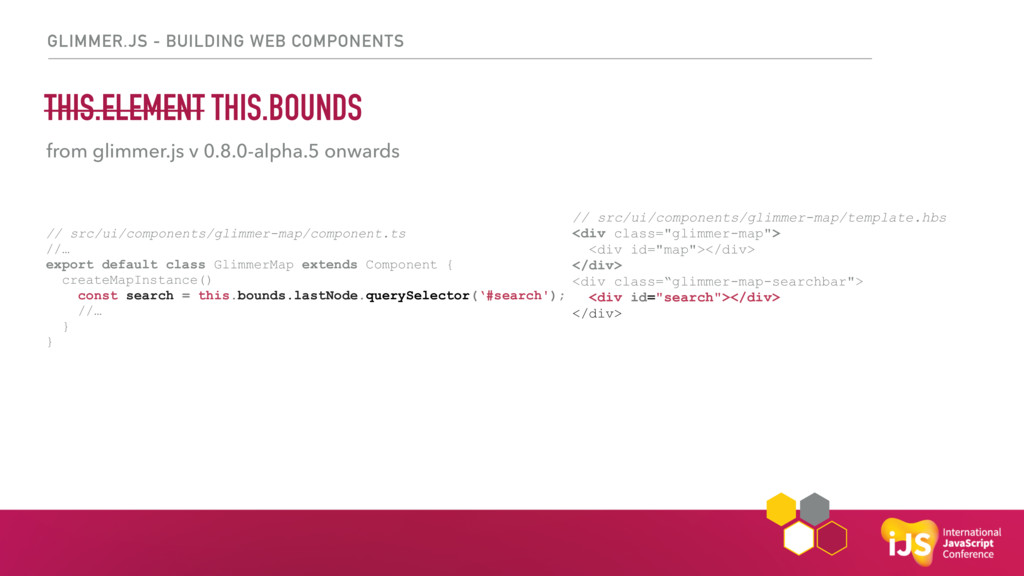
export default class GlimmerMap extends Component { createMapInstance() const search = this.bounds.lastNode.querySelector(‘#search'); //… } } // src/ui/components/glimmer-map/template.hbs <div class="glimmer-map"> <div id="map"></div> </div> <div class=“glimmer-map-searchbar"> <div id="search"></div> </div> from glimmer.js v 0.8.0-alpha.5 onwards -
GLIMMER.JS - BUILDING WEB COMPONENTS THIS.ELEMENT THIS.BOUNDS // src/ui/components/glimmer-map/component.ts //…
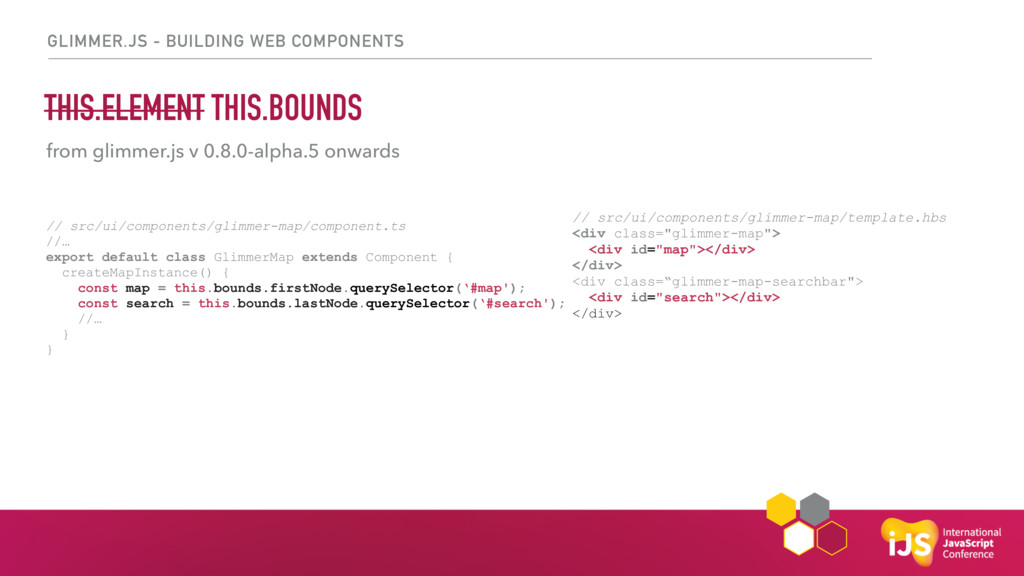
export default class GlimmerMap extends Component { createMapInstance() { const map = this.bounds.firstNode.querySelector(‘#map'); const search = this.bounds.lastNode.querySelector(‘#search'); //… } } // src/ui/components/glimmer-map/template.hbs <div class="glimmer-map"> <div id="map"></div> </div> <div class=“glimmer-map-searchbar"> <div id="search"></div> </div> from glimmer.js v 0.8.0-alpha.5 onwards -
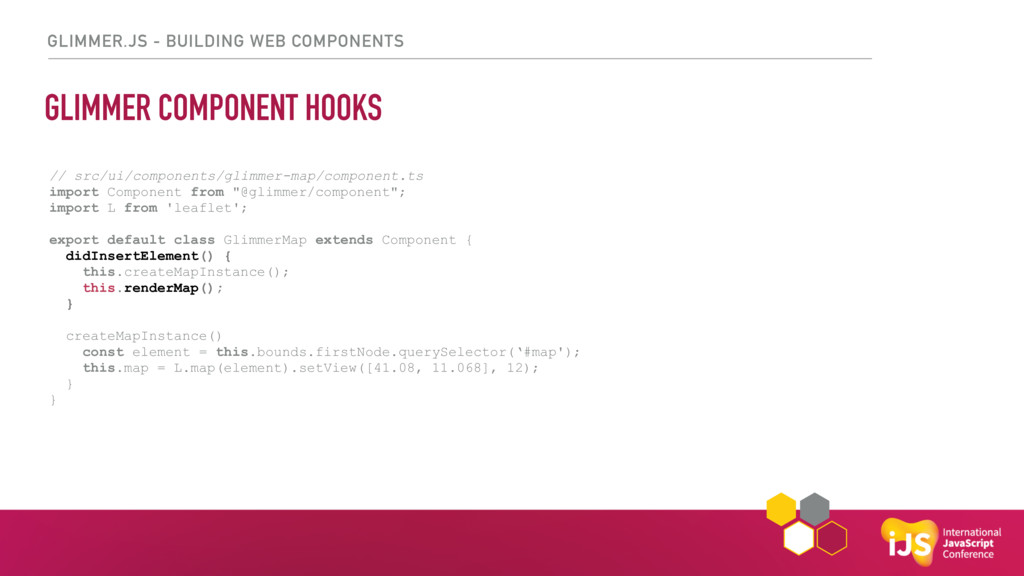
GLIMMER.JS - BUILDING WEB COMPONENTS GLIMMER COMPONENT HOOKS // src/ui/components/glimmer-map/component.ts
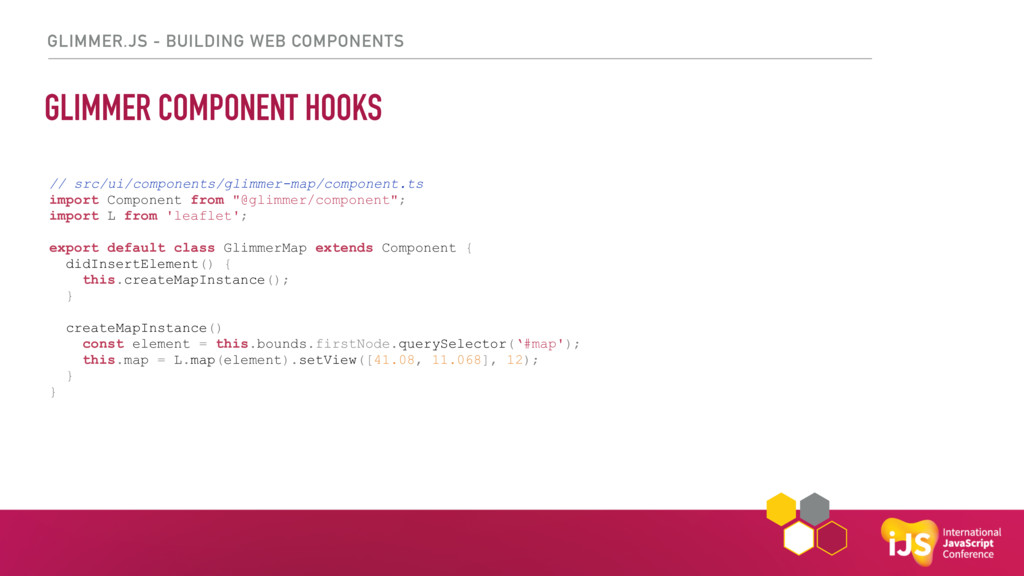
import Component from "@glimmer/component"; import L from 'leaflet'; export default class GlimmerMap extends Component { didInsertElement() { this.createMapInstance(); } createMapInstance() const element = this.bounds.firstNode.querySelector(‘#map'); this.map = L.map(element).setView([41.08, 11.068], 12); } } -
GLIMMER.JS - BUILDING WEB COMPONENTS GLIMMER COMPONENT HOOKS // src/ui/components/glimmer-map/component.ts
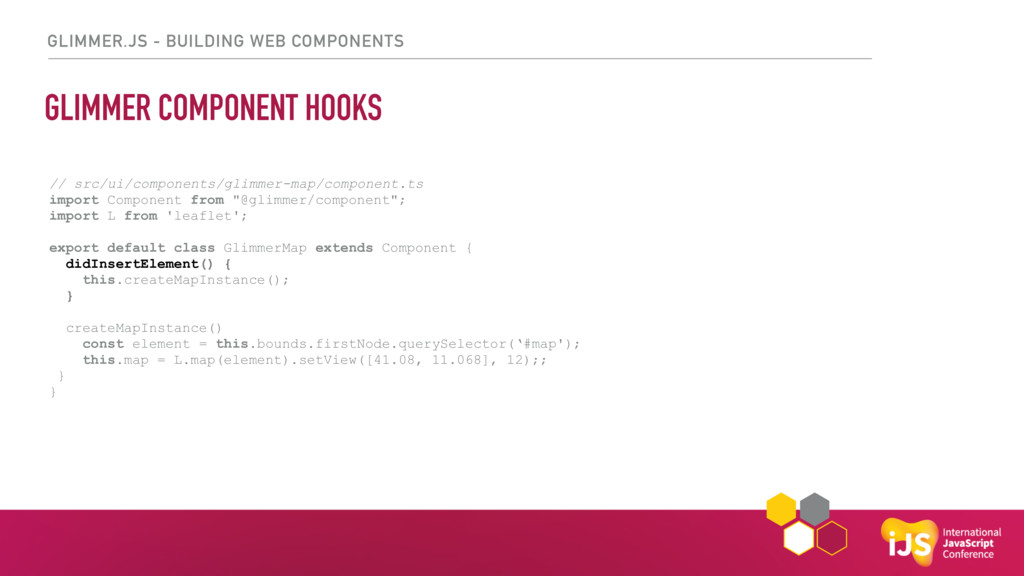
import Component from "@glimmer/component"; import L from 'leaflet'; export default class GlimmerMap extends Component { didInsertElement() { this.createMapInstance(); } createMapInstance() const element = this.bounds.firstNode.querySelector(‘#map'); this.map = L.map(element).setView([41.08, 11.068], 12);; } } -
GLIMMER.JS - BUILDING WEB COMPONENTS GLIMMER COMPONENT HOOKS // src/ui/components/glimmer-map/component.ts
import Component from "@glimmer/component"; import L from 'leaflet'; export default class GlimmerMap extends Component { didInsertElement() { this.createMapInstance(); this.renderMap(); } createMapInstance() const element = this.bounds.firstNode.querySelector(‘#map'); this.map = L.map(element).setView([41.08, 11.068], 12); } } -
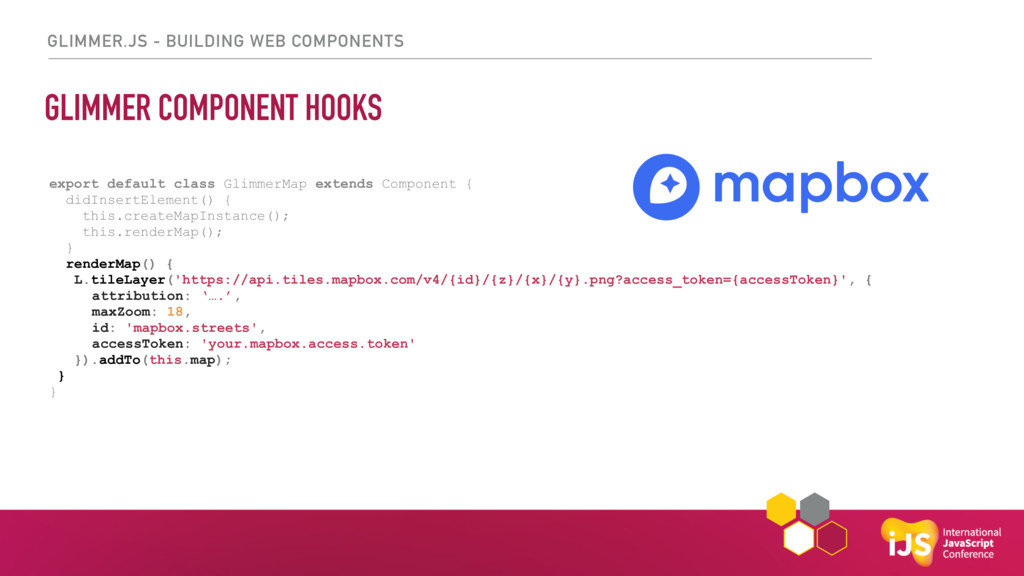
GLIMMER.JS - BUILDING WEB COMPONENTS GLIMMER COMPONENT HOOKS export default
class GlimmerMap extends Component { didInsertElement() { this.createMapInstance(); this.renderMap(); } renderMap() { L.tileLayer('https://api.tiles.mapbox.com/v4/{id}/{z}/{x}/{y}.png?access_token={accessToken}', { attribution: ‘….’, maxZoom: 18, id: 'mapbox.streets', accessToken: 'your.mapbox.access.token' }).addTo(this.map); } } -
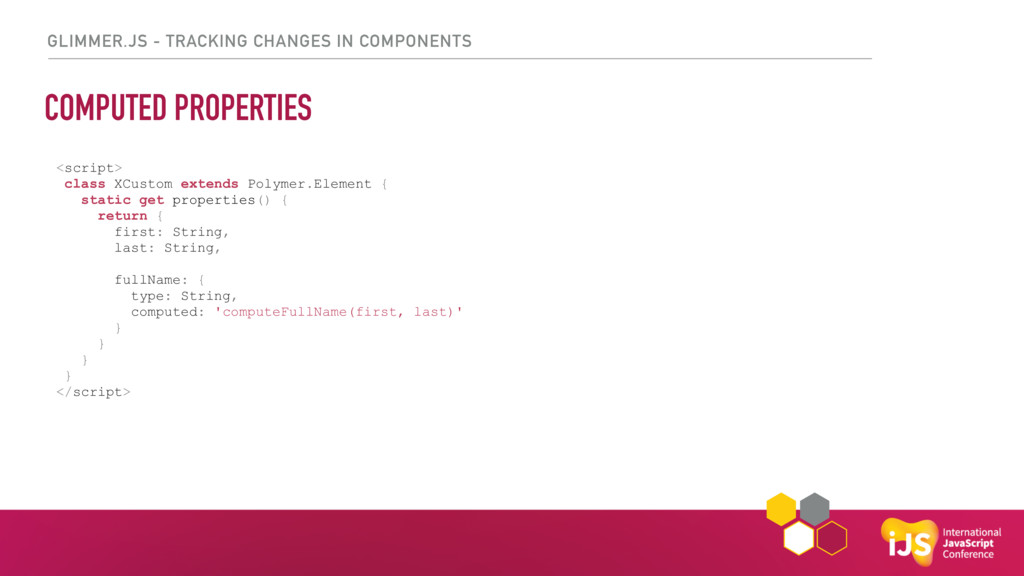
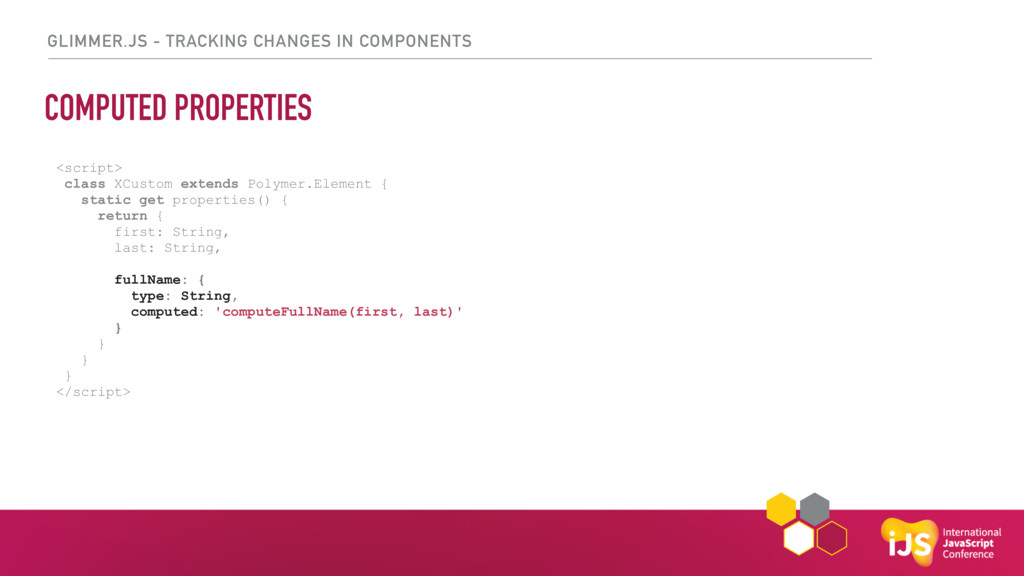
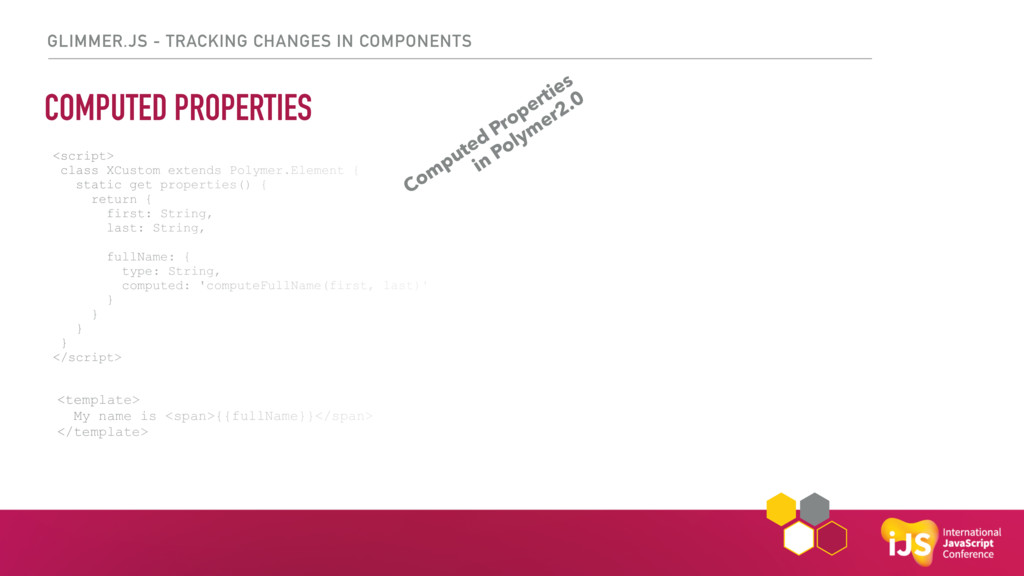
GLIMMER.JS - TRACKING CHANGES IN COMPONENTS COMPUTED PROPERTIES <script> class
XCustom extends Polymer.Element { static get properties() { return { first: String, last: String, fullName: { type: String, computed: 'computeFullName(first, last)' } } } } </script> -
GLIMMER.JS - TRACKING CHANGES IN COMPONENTS COMPUTED PROPERTIES <script> class
XCustom extends Polymer.Element { static get properties() { return { first: String, last: String, fullName: { type: String, computed: 'computeFullName(first, last)' } } } } </script> -
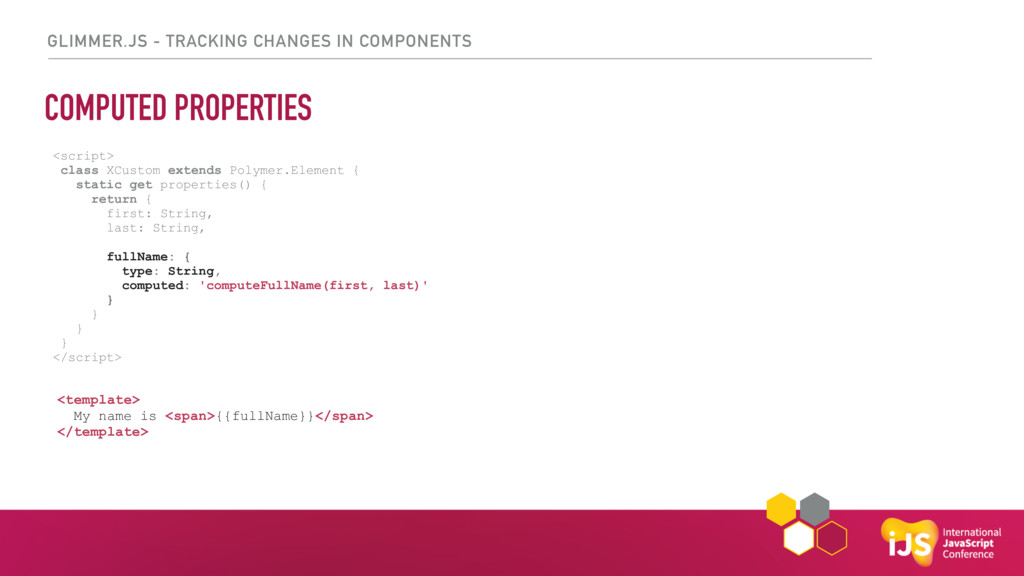
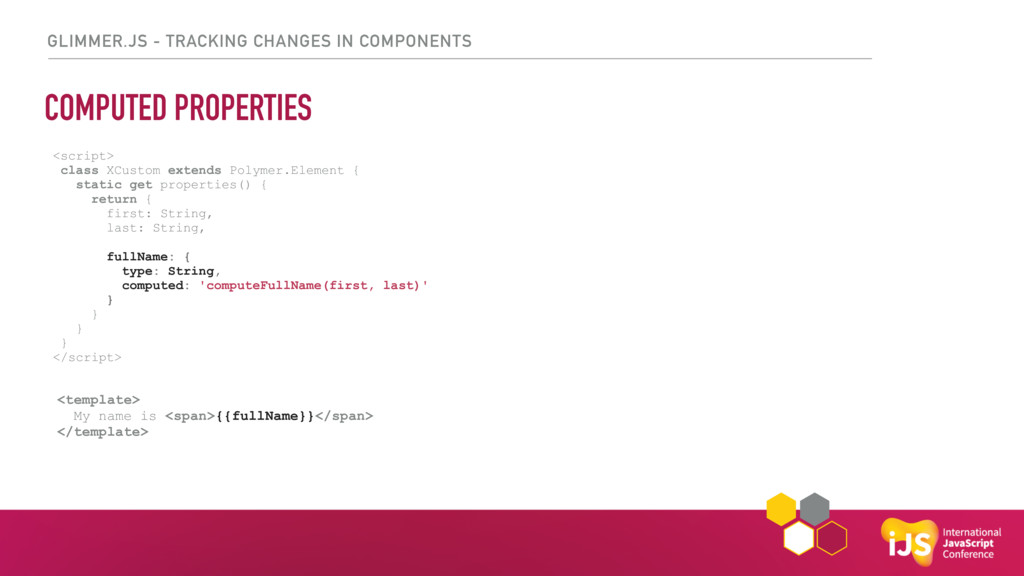
GLIMMER.JS - TRACKING CHANGES IN COMPONENTS COMPUTED PROPERTIES <script> class
XCustom extends Polymer.Element { static get properties() { return { first: String, last: String, fullName: { type: String, computed: 'computeFullName(first, last)' } } } } </script> <template> My name is <span>{{fullName}}</span> </template> -
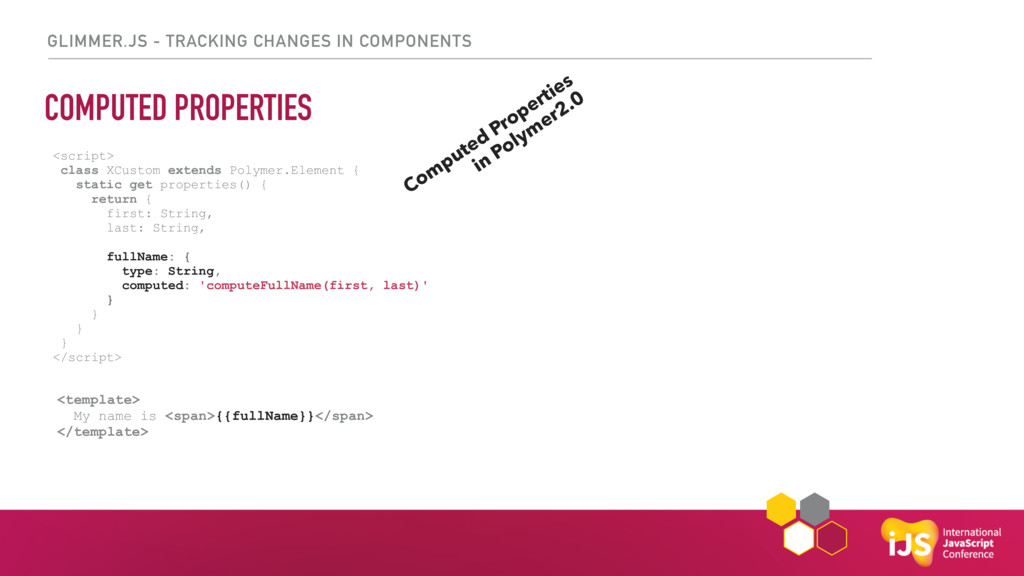
GLIMMER.JS - TRACKING CHANGES IN COMPONENTS COMPUTED PROPERTIES <script> class
XCustom extends Polymer.Element { static get properties() { return { first: String, last: String, fullName: { type: String, computed: 'computeFullName(first, last)' } } } } </script> <template> My name is <span>{{fullName}}</span> </template> Com puted Properties in Polym er2.0 -
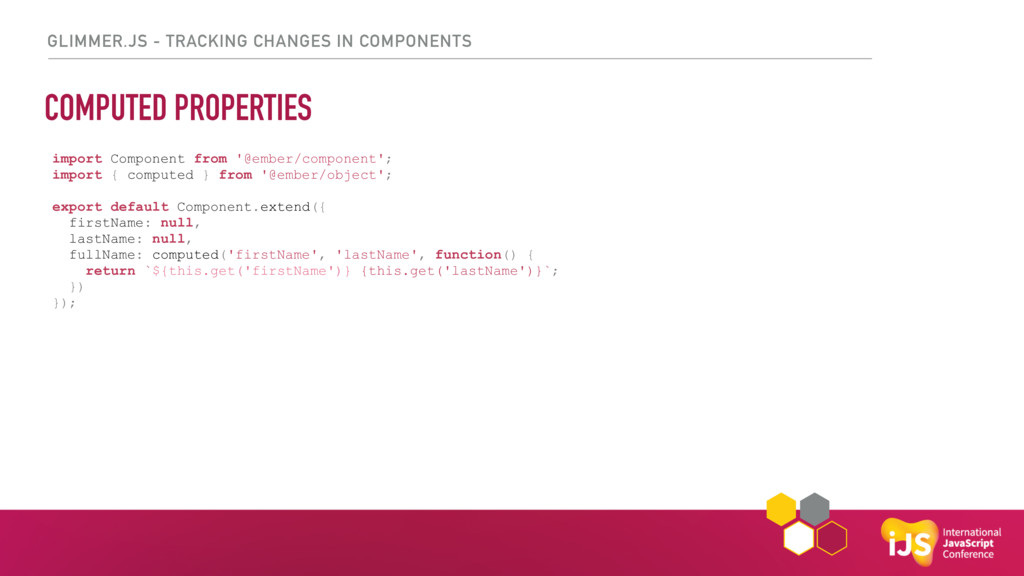
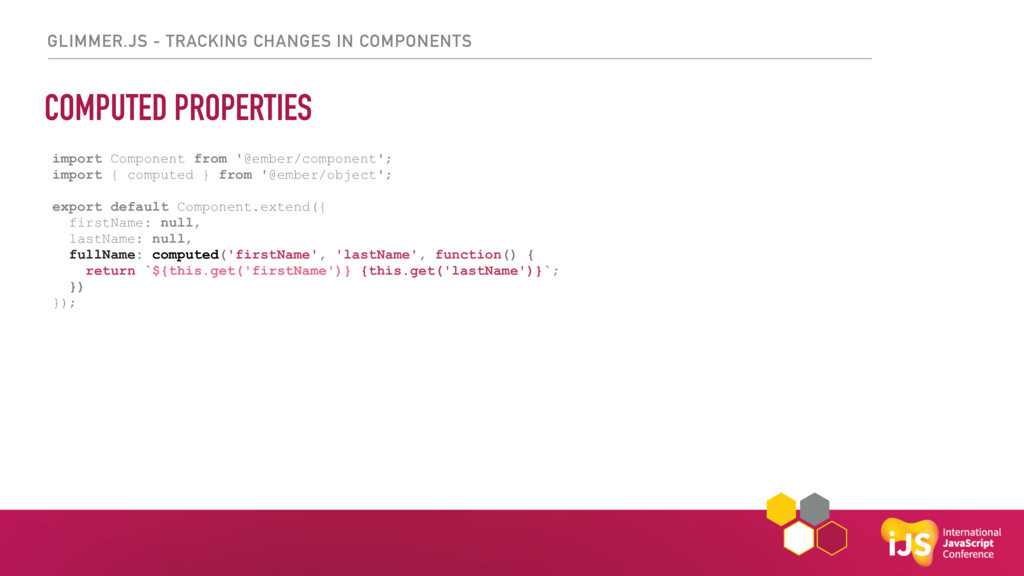
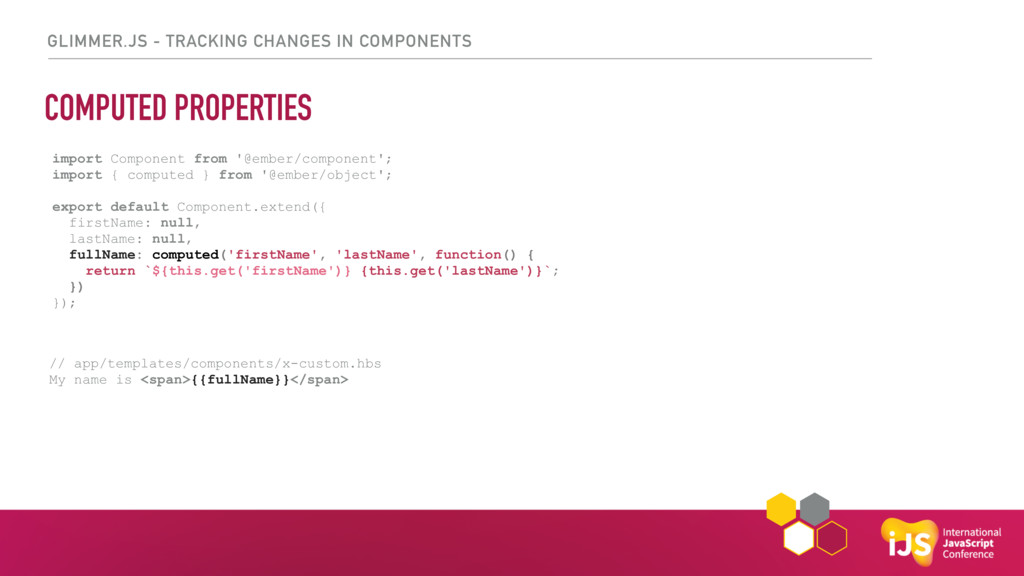
GLIMMER.JS - TRACKING CHANGES IN COMPONENTS COMPUTED PROPERTIES <script> class
XCustom extends Polymer.Element { static get properties() { return { first: String, last: String, fullName: { type: String, computed: 'computeFullName(first, last)' } } } } </script> <template> My name is <span>{{fullName}}</span> </template> import Component from '@ember/component'; import { computed } from '@ember/object'; export default Component.extend({ firstName: null, lastName: null, fullName: computed('firstName', 'lastName', function() { return `${this.get('firstName')} {this.get('lastName')}`; }) }); -
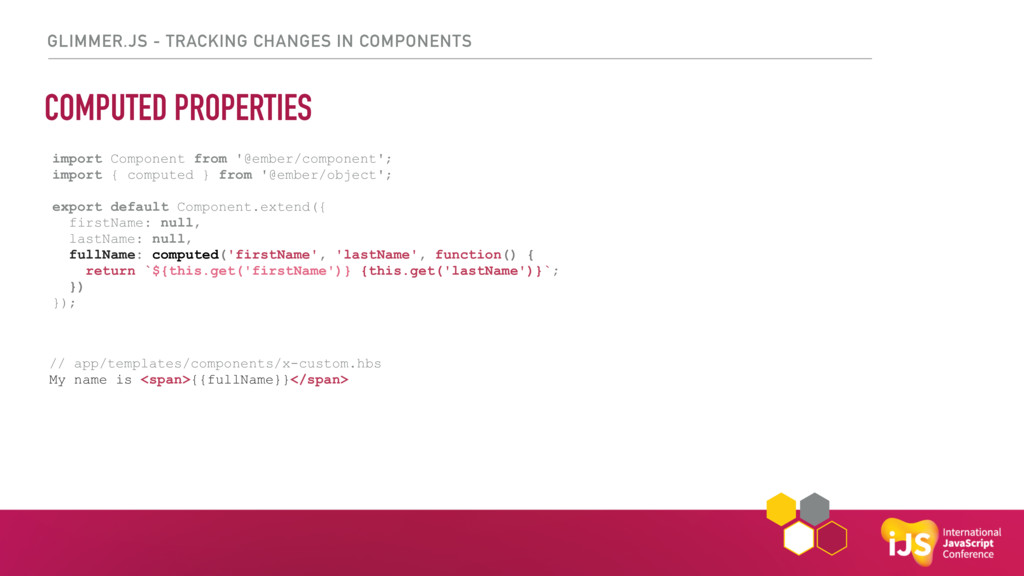
GLIMMER.JS - TRACKING CHANGES IN COMPONENTS COMPUTED PROPERTIES <script> class
XCustom extends Polymer.Element { static get properties() { return { first: String, last: String, fullName: { type: String, computed: 'computeFullName(first, last)' } } } } </script> <template> My name is <span>{{fullName}}</span> </template> import Component from '@ember/component'; import { computed } from '@ember/object'; export default Component.extend({ firstName: null, lastName: null, fullName: computed('firstName', 'lastName', function() { return `${this.get('firstName')} {this.get('lastName')}`; }) }); // app/templates/components/x-custom.hbs My name is <span>{{fullName}}</span> -
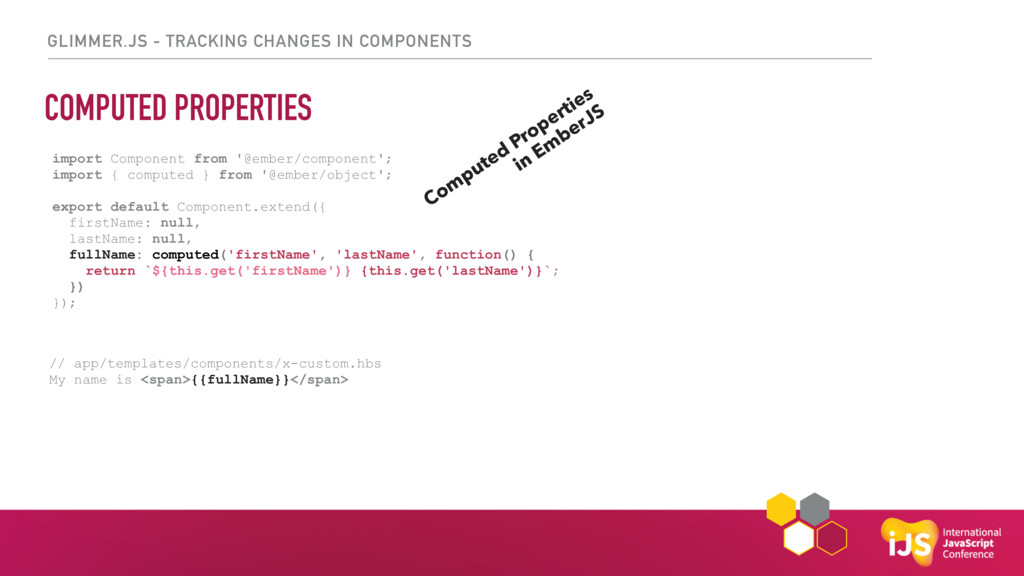
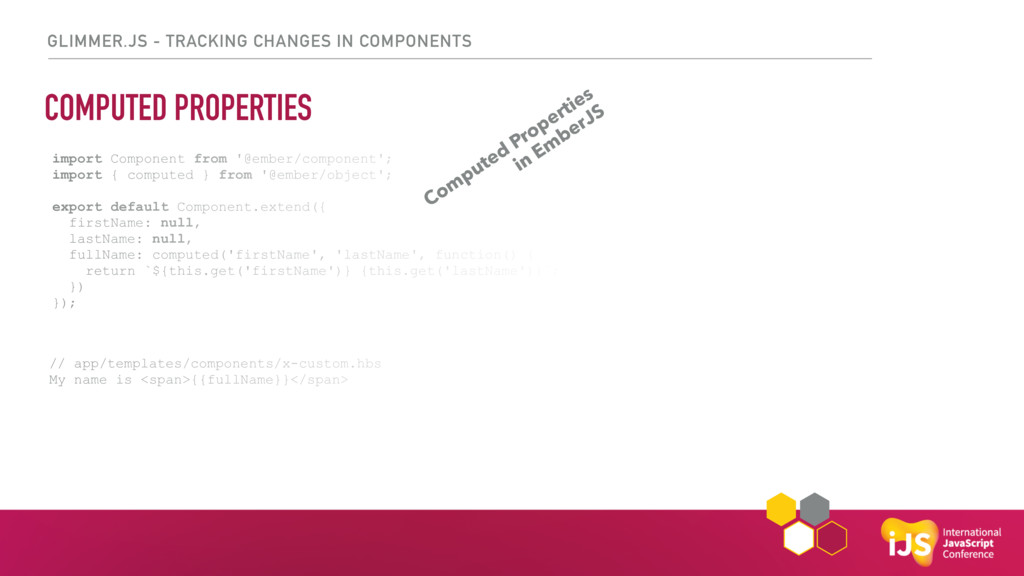
GLIMMER.JS - TRACKING CHANGES IN COMPONENTS COMPUTED PROPERTIES <script> class
XCustom extends Polymer.Element { static get properties() { return { first: String, last: String, fullName: { type: String, computed: 'computeFullName(first, last)' } } } } </script> <template> My name is <span>{{fullName}}</span> </template> import Component from '@ember/component'; import { computed } from '@ember/object'; export default Component.extend({ firstName: null, lastName: null, fullName: computed('firstName', 'lastName', function() { return `${this.get('firstName')} {this.get('lastName')}`; }) }); // app/templates/components/x-custom.hbs My name is <span>{{fullName}}</span> Com puted Properties in Em berJS -
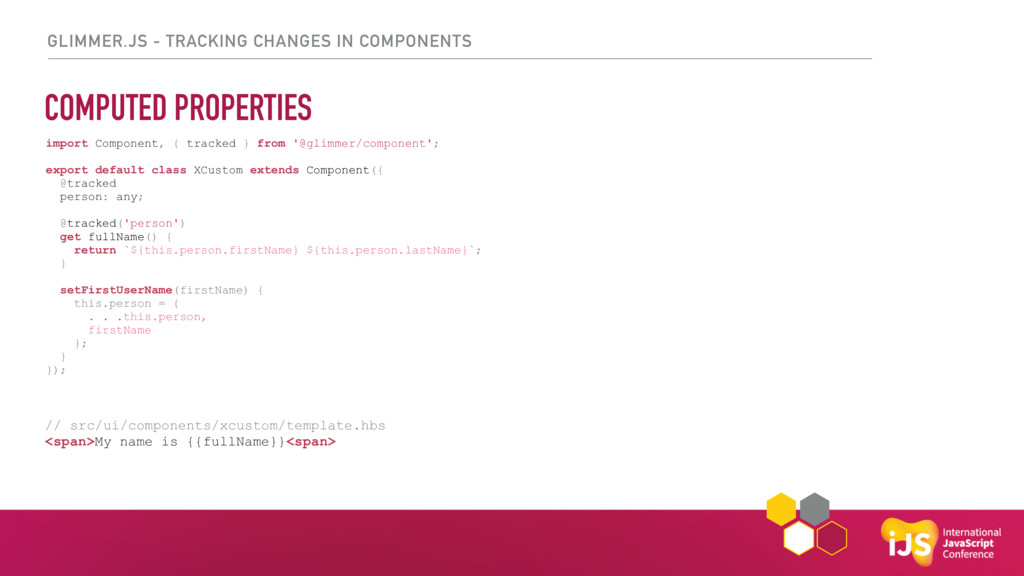
GLIMMER.JS - TRACKING CHANGES IN COMPONENTS COMPUTED PROPERTIES <script> class
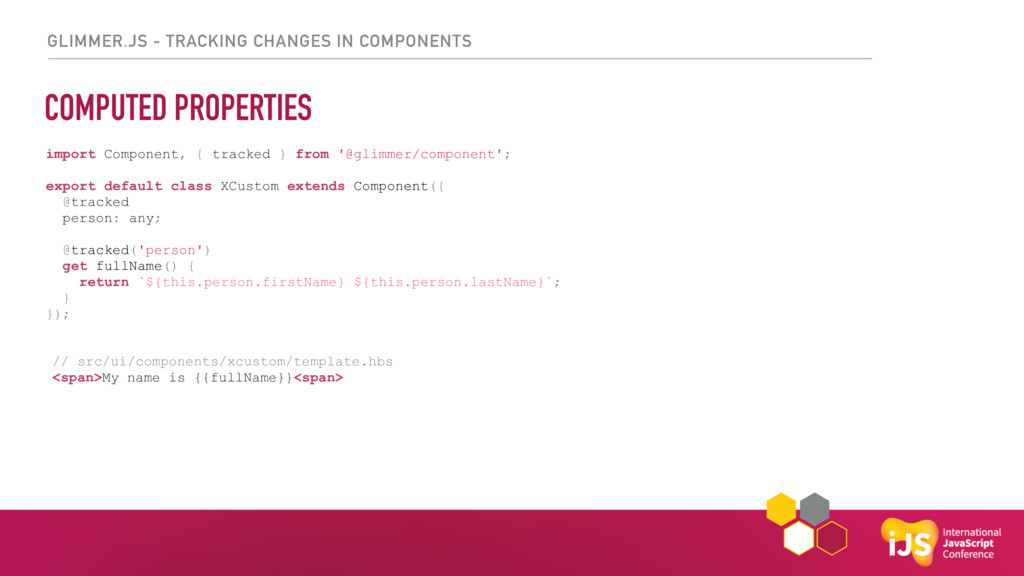
XCustom extends Polymer.Element { static get properties() { return { first: String, last: String, fullName: { type: String, computed: 'computeFullName(first, last)' } } } } </script> <template> My name is <span>{{fullName}}</span> </template> import Component, { tracked } from '@glimmer/component'; export default class XCustom extends Component({ @tracked person: any; @tracked('person') get fullName() { return `${this.person.firstName} ${this.person.lastName}`; } setFirstUserName(firstName) { this.person = { . . .this.person, firstName }; } }); // src/ui/components/xcustom/template.hbs <span>My name is {{fullName}}<span> -
GLIMMER.JS - TRACKING CHANGES IN COMPONENTS COMPUTED PROPERTIES <script> class
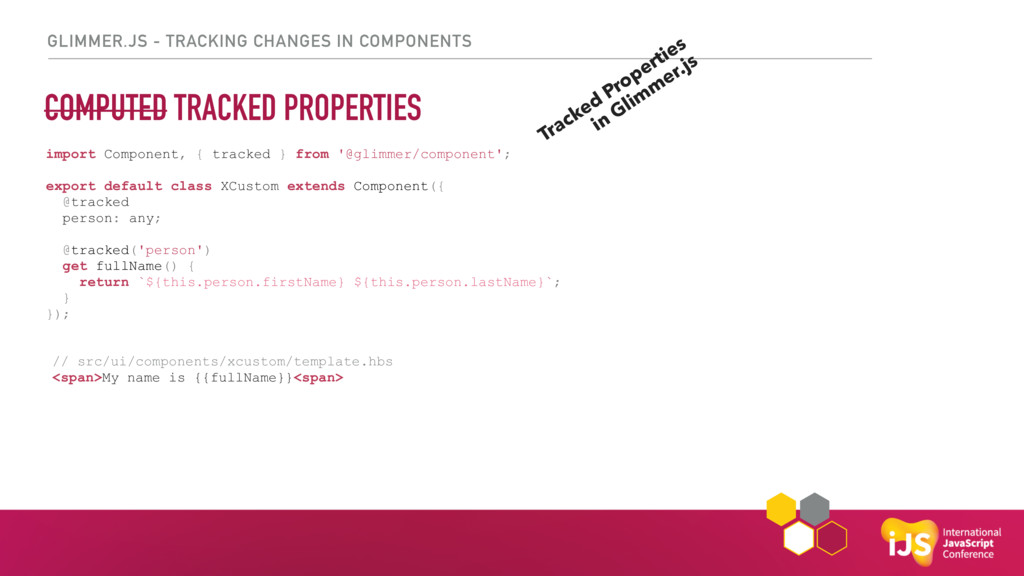
XCustom extends Polymer.Element { static get properties() { return { first: String, last: String, fullName: { type: String, computed: 'computeFullName(first, last)' } } } } </script> <template> My name is <span>{{fullName}}</span> </template> import Component, { tracked } from '@glimmer/component'; export default class XCustom extends Component({ @tracked person: any; @tracked('person') get fullName() { return `${this.person.firstName} ${this.person.lastName}`; } }); // src/ui/components/xcustom/template.hbs <span>My name is {{fullName}}<span> -
GLIMMER.JS - TRACKING CHANGES IN COMPONENTS COMPUTED TRACKED PROPERTIES <script>
class XCustom extends Polymer.Element { static get properties() { return { first: String, last: String, fullName: { type: String, computed: 'computeFullName(first, last)' } } } } </script> <template> My name is <span>{{fullName}}</span> </template> import Component, { tracked } from '@glimmer/component'; export default class XCustom extends Component({ @tracked person: any; @tracked('person') get fullName() { return `${this.person.firstName} ${this.person.lastName}`; } }); // src/ui/components/xcustom/template.hbs <span>My name is {{fullName}}<span> Tracked Properties in Glim m er.js -
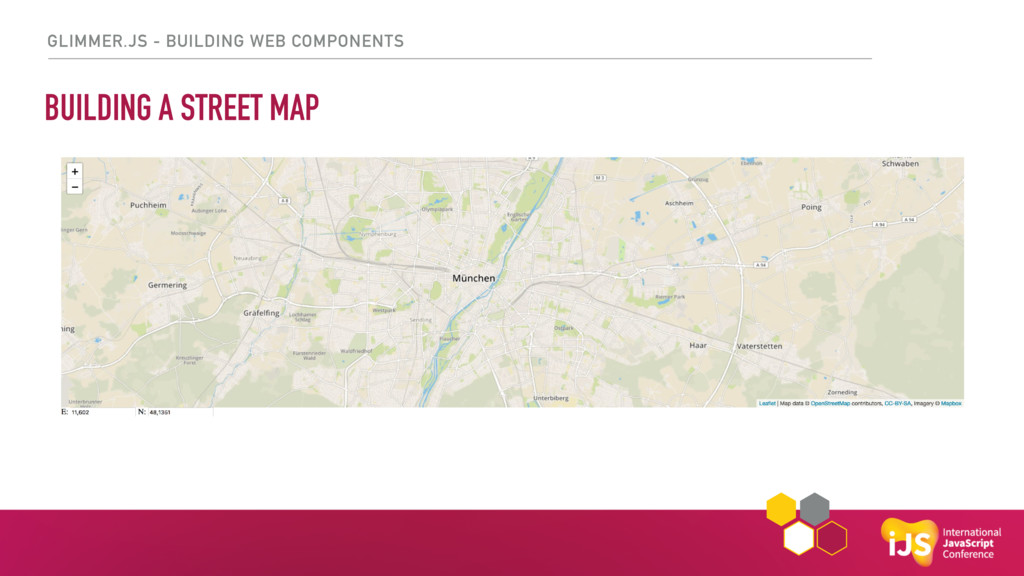
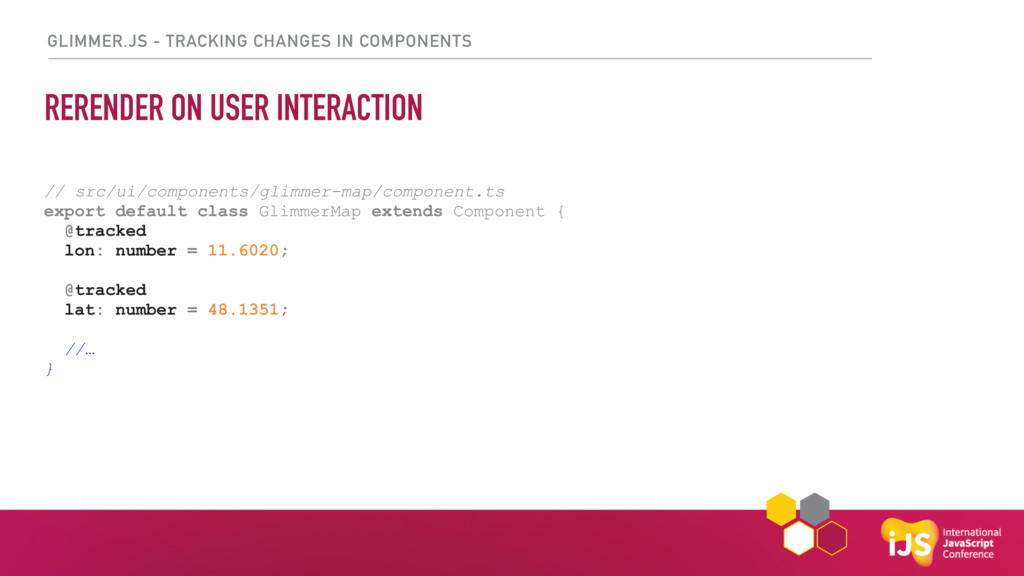
GLIMMER.JS - TRACKING CHANGES IN COMPONENTS RERENDER ON USER INTERACTION
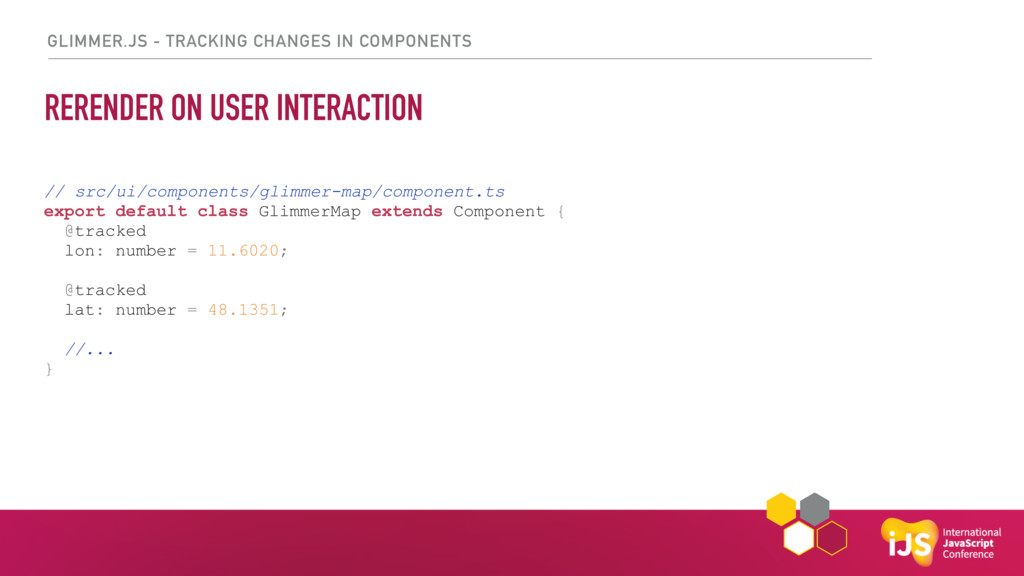
// src/ui/components/glimmer-map/component.ts export default class GlimmerMap extends Component { @tracked lon: number = 11.6020; @tracked lat: number = 48.1351; //... } -
GLIMMER.JS - TRACKING CHANGES IN COMPONENTS // src/ui/components/glimmer-map/component.ts export default
class GlimmerMap extends Component { @tracked lon: number = 11.6020; @tracked lat: number = 48.1351; //… } RERENDER ON USER INTERACTION -
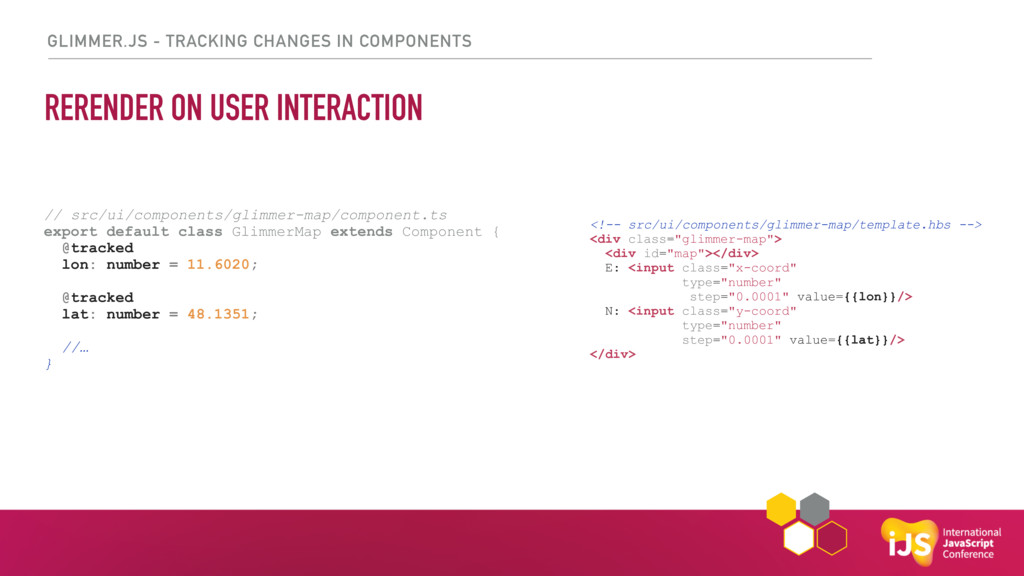
GLIMMER.JS - TRACKING CHANGES IN COMPONENTS // src/ui/components/glimmer-map/component.ts export default
class GlimmerMap extends Component { @tracked lon: number = 11.6020; @tracked lat: number = 48.1351; //… } <!-- src/ui/components/glimmer-map/template.hbs --> <div class="glimmer-map"> <div id="map"></div> E: <input class="x-coord" type="number" step="0.0001" value={{lon}}/> N: <input class="y-coord" type="number" step="0.0001" value={{lat}}/> </div> RERENDER ON USER INTERACTION -
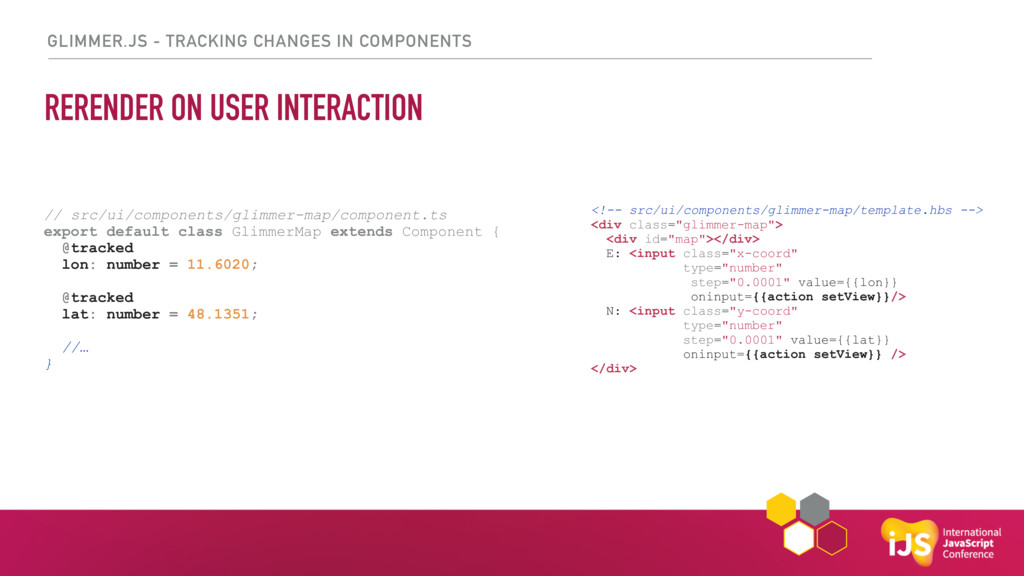
GLIMMER.JS - TRACKING CHANGES IN COMPONENTS // src/ui/components/glimmer-map/component.ts export default
class GlimmerMap extends Component { @tracked lon: number = 11.6020; @tracked lat: number = 48.1351; //… } <!-- src/ui/components/glimmer-map/template.hbs --> <div class="glimmer-map"> <div id="map"></div> E: <input class="x-coord" type="number" step="0.0001" value={{lon}} oninput={{action setView}}/> N: <input class="y-coord" type="number" step="0.0001" value={{lat}} oninput={{action setView}} /> </div> RERENDER ON USER INTERACTION -
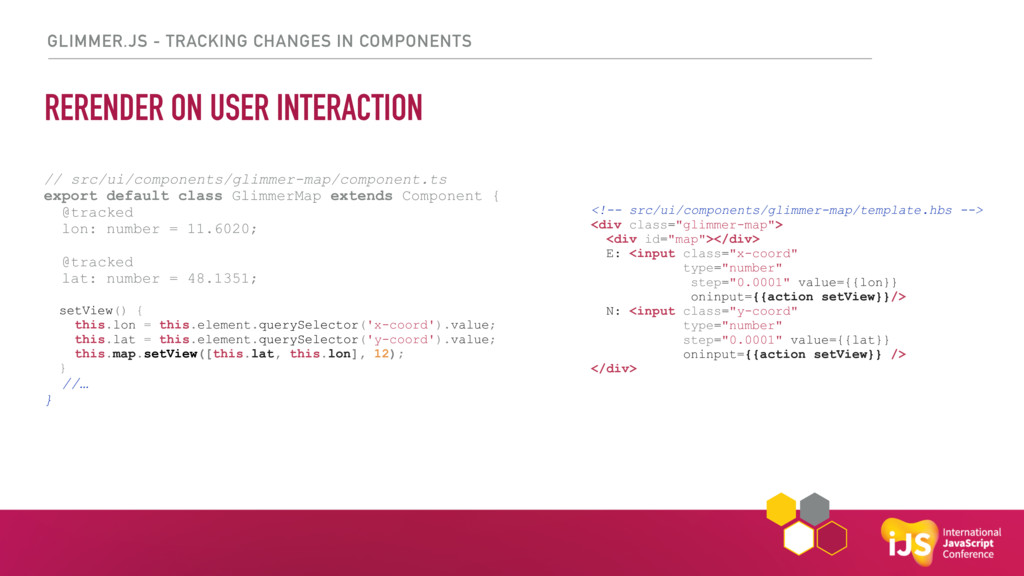
GLIMMER.JS - TRACKING CHANGES IN COMPONENTS // src/ui/components/glimmer-map/component.ts export default
class GlimmerMap extends Component { @tracked lon: number = 11.6020; @tracked lat: number = 48.1351; setView() { this.lon = this.element.querySelector('x-coord').value; this.lat = this.element.querySelector('y-coord').value; this.map.setView([this.lat, this.lon], 12); } //… } <!-- src/ui/components/glimmer-map/template.hbs --> <div class="glimmer-map"> <div id="map"></div> E: <input class="x-coord" type="number" step="0.0001" value={{lon}} oninput={{action setView}}/> N: <input class="y-coord" type="number" step="0.0001" value={{lat}} oninput={{action setView}} /> </div> RERENDER ON USER INTERACTION -
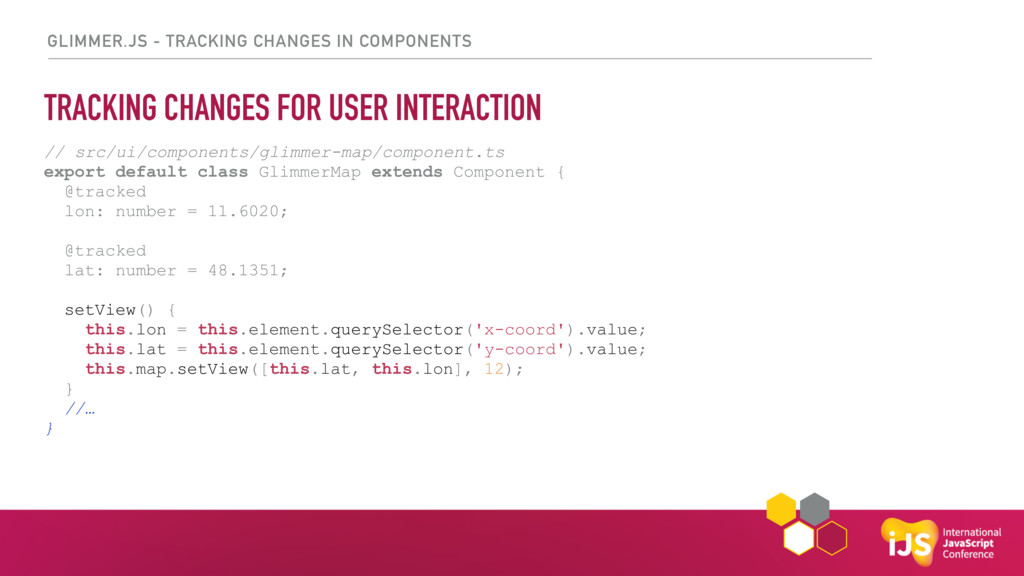
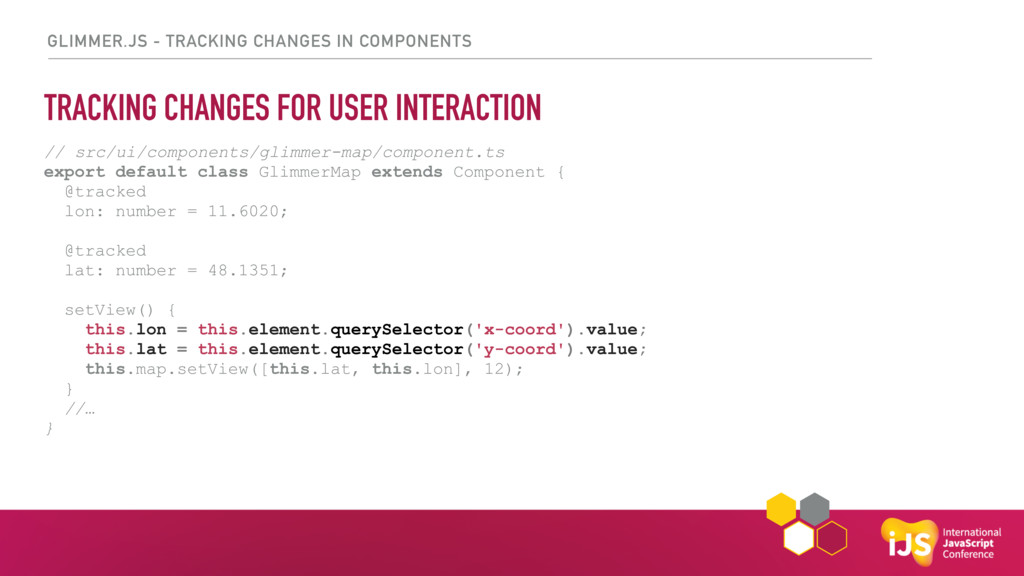
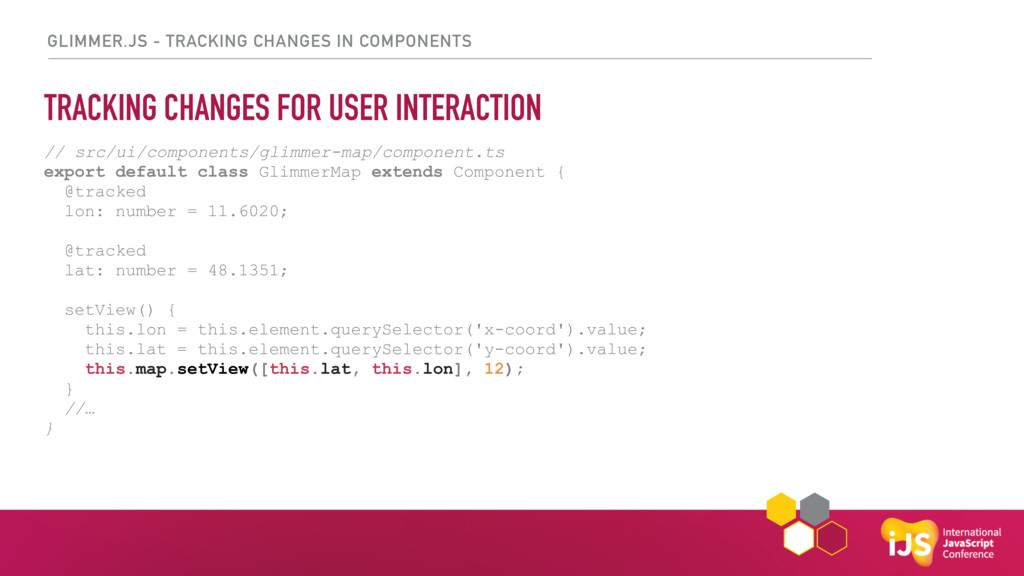
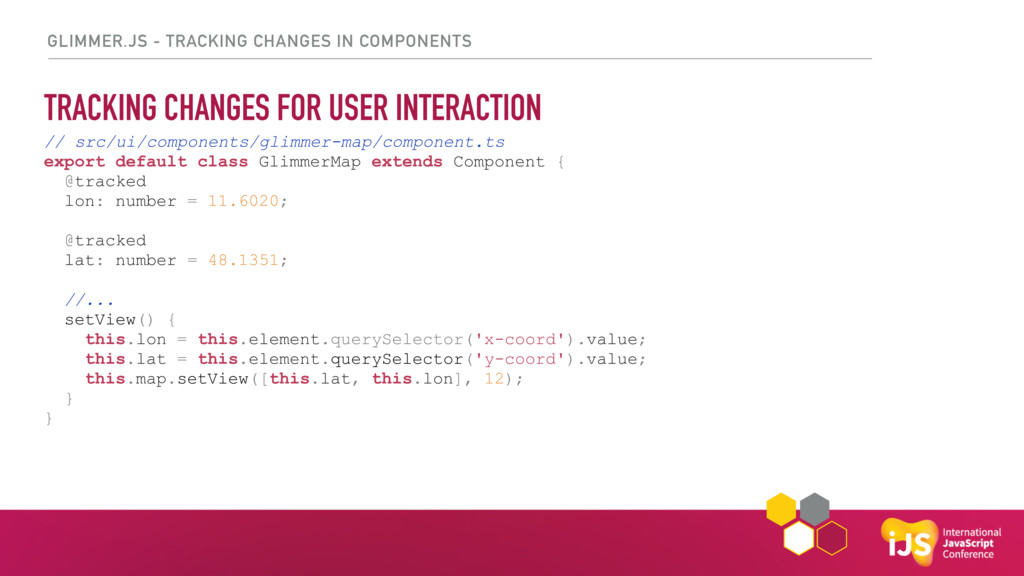
GLIMMER.JS - TRACKING CHANGES IN COMPONENTS TRACKING CHANGES FOR USER
INTERACTION // src/ui/components/glimmer-map/component.ts export default class GlimmerMap extends Component { @tracked lon: number = 11.6020; @tracked lat: number = 48.1351; setView() { this.lon = this.element.querySelector('x-coord').value; this.lat = this.element.querySelector('y-coord').value; this.map.setView([this.lat, this.lon], 12); } //… } -
GLIMMER.JS - TRACKING CHANGES IN COMPONENTS TRACKING CHANGES FOR USER
INTERACTION // src/ui/components/glimmer-map/component.ts export default class GlimmerMap extends Component { @tracked lon: number = 11.6020; @tracked lat: number = 48.1351; //... setView() { this.lon = this.element.querySelector('x-coord').value; this.lat = this.element.querySelector('y-coord').value; this.map.setView([this.lat, this.lon], 12); } } -
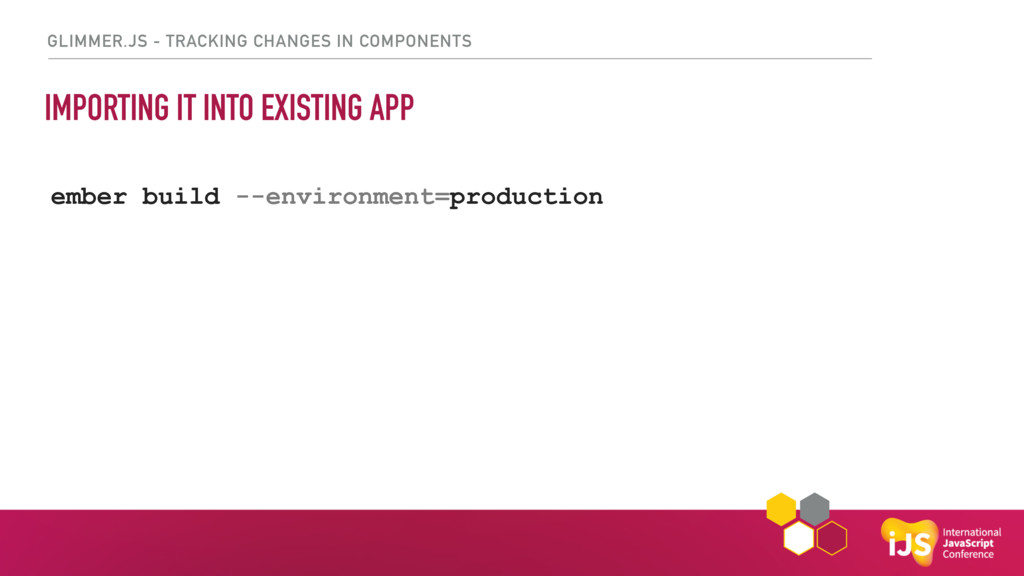
GLIMMER.JS - TRACKING CHANGES IN COMPONENTS IMPORTING IT INTO EXISTING
APP ember build --environment=production -
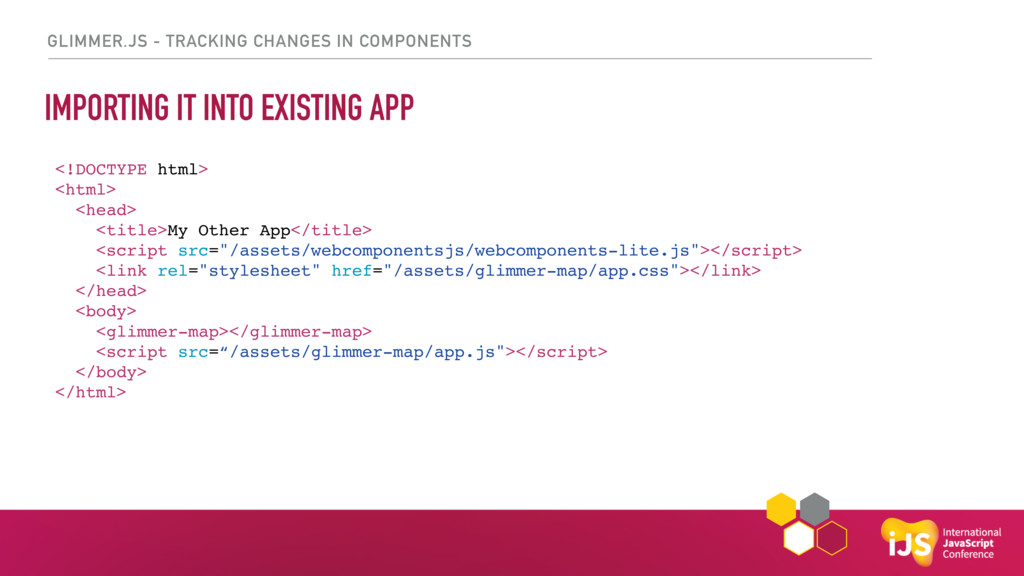
GLIMMER.JS - TRACKING CHANGES IN COMPONENTS IMPORTING IT INTO EXISTING
APP <!DOCTYPE html> <html> <head> <title>My Other App</title> <script src="/assets/webcomponentsjs/webcomponents-lite.js"></script> <link rel="stylesheet" href="/assets/glimmer-map/app.css"></link> </head> <body> <glimmer-map></glimmer-map> <script src=“/assets/glimmer-map/app.js"></script> </body> </html> -
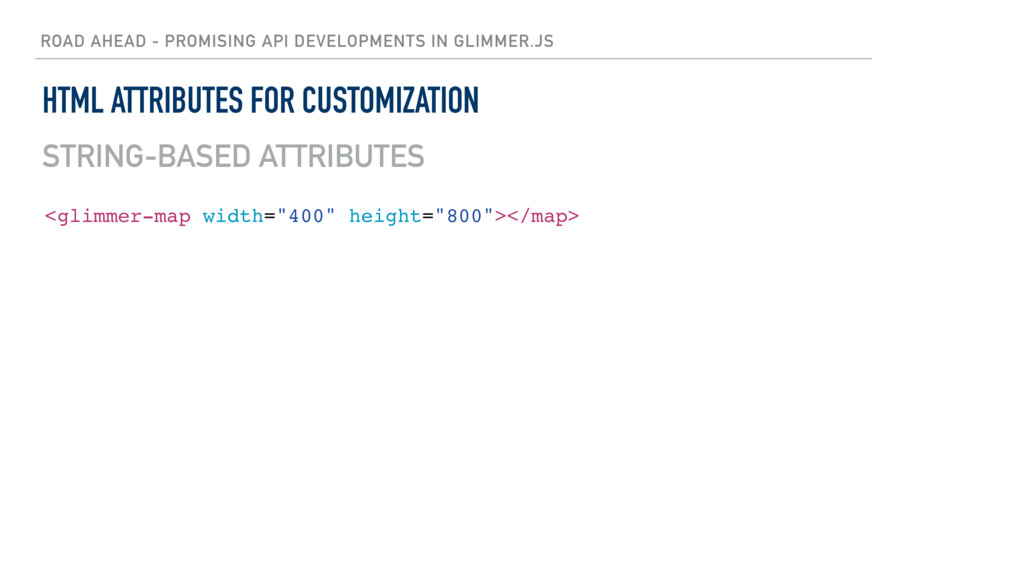
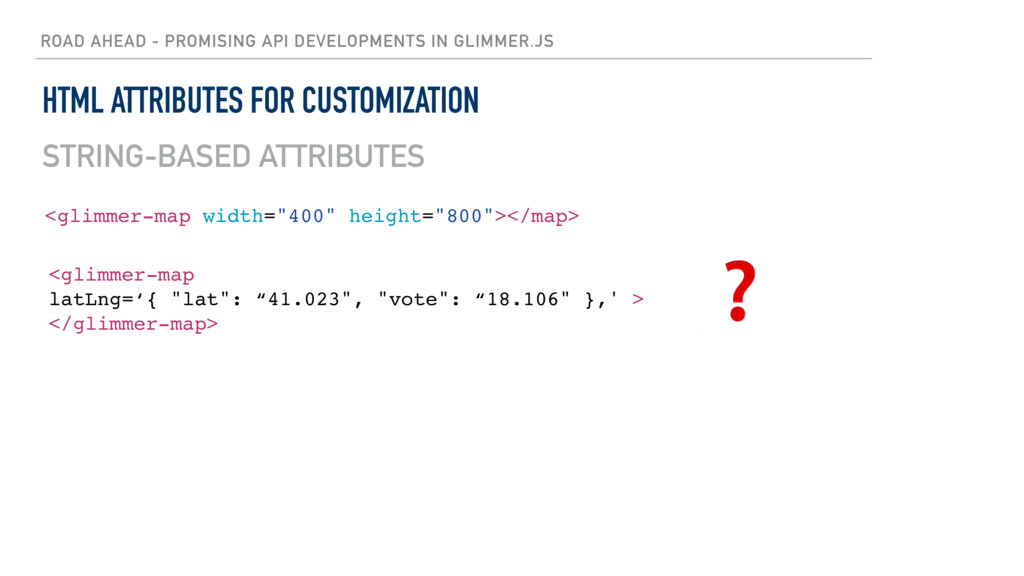
ROAD AHEAD - PROMISING API DEVELOPMENTS IN GLIMMER.JS HTML ATTRIBUTES
FOR CUSTOMIZATION <glimmer-map width="400" height="800"></map> STRING-BASED ATTRIBUTES -
ROAD AHEAD - PROMISING API DEVELOPMENTS IN GLIMMER.JS HTML ATTRIBUTES
FOR CUSTOMIZATION <glimmer-map width="400" height="800"></map> <glimmer-map latLng=‘{ "lat": “41.023", "vote": “18.106" },' > </glimmer-map> ❓ STRING-BASED ATTRIBUTES -
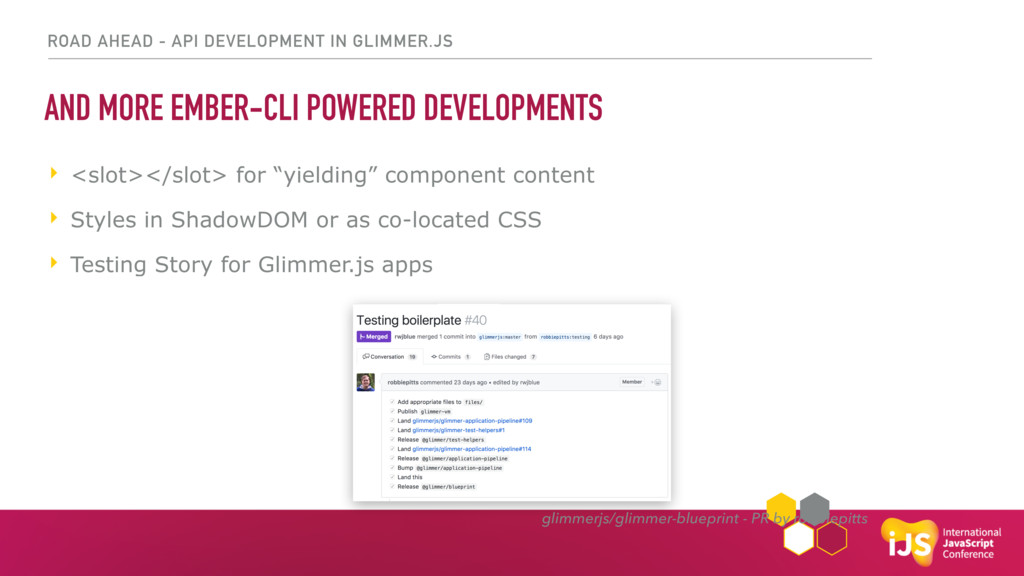
ROAD AHEAD - API DEVELOPMENT IN GLIMMER.JS AND MORE EMBER-CLI
POWERED DEVELOPMENTS ‣ <slot></slot> for “yielding” component content ‣ Styles in ShadowDOM or as co-located CSS ‣ Testing Story for Glimmer.js apps glimmerjs/glimmer-blueprint - PR by robbiepitts -
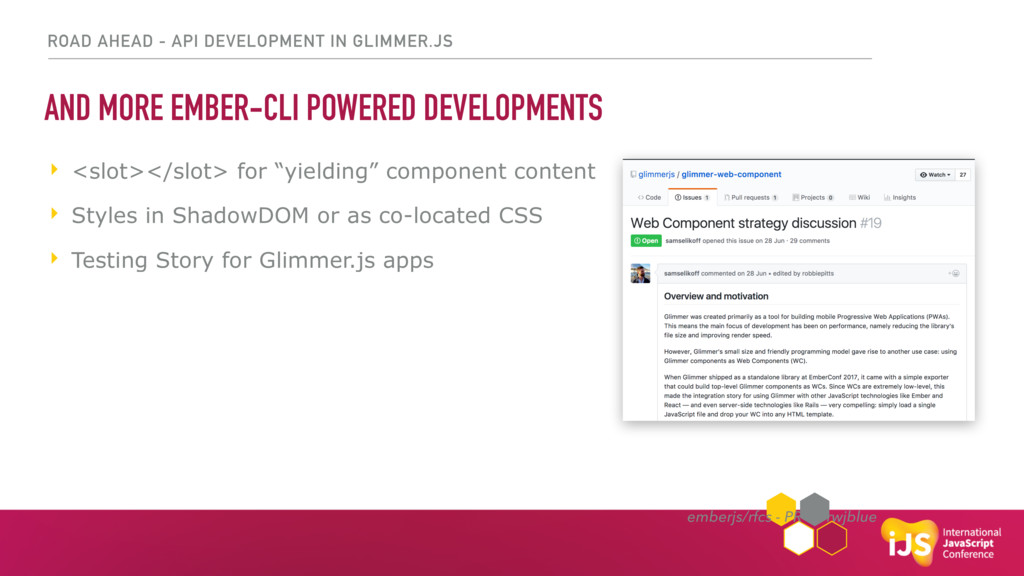
ROAD AHEAD - API DEVELOPMENT IN GLIMMER.JS AND MORE EMBER-CLI
POWERED DEVELOPMENTS ‣ <slot></slot> for “yielding” component content ‣ Styles in ShadowDOM or as co-located CSS ‣ Testing Story for Glimmer.js apps emberjs/rfcs - PR by rwjblue -
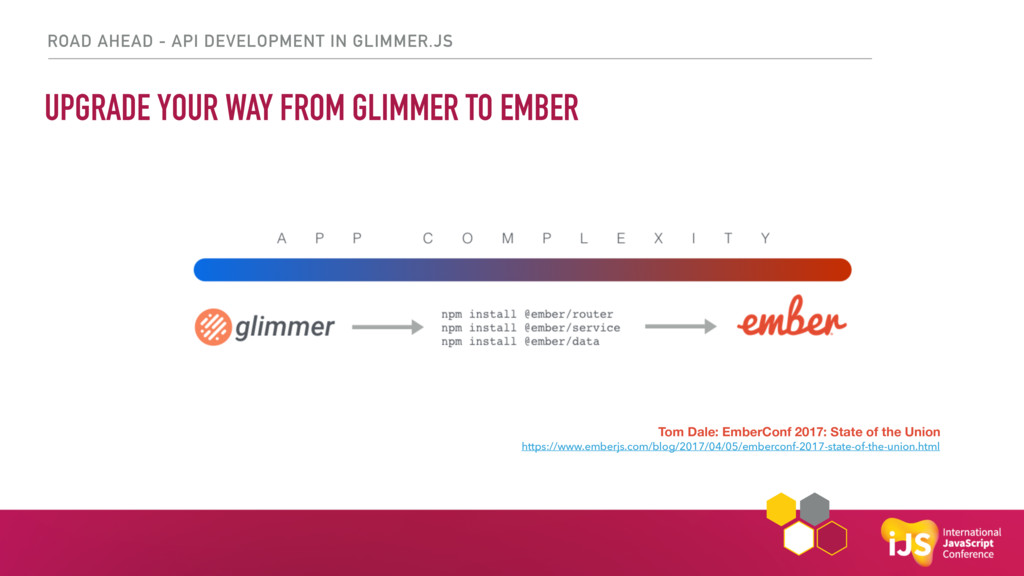
ROAD AHEAD - API DEVELOPMENT IN GLIMMER.JS UPGRADE YOUR WAY
FROM GLIMMER TO EMBER Tom Dale: EmberConf 2017: State of the Union https://www.emberjs.com/blog/2017/04/05/emberconf-2017-state-of-the-union.html -
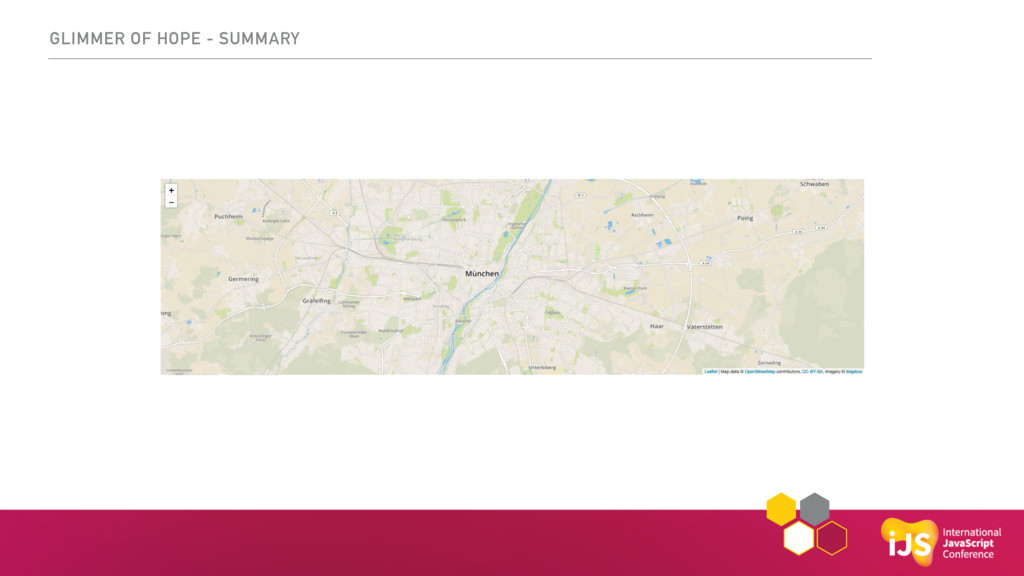
GLIMMER OF HOPE - SUMMARY EXCITING TIMES FOR CREATING MODERN
WEB COMPONENTS
 jayjayjpg
 ota1022
 kworkdev
 munenick
 minorun365
 iwamot
 butadora
 sansantech
 jirtosterone
 oidfj
 kobayashiyorimitsu
 kmotohas
 masspeaks
 aemeredith
 sabderemane
 addyosmani
 uxyall
 aleyda
 minecr
 cassininazir
 tammyeverts
 michaelherold
 mfonobong
 charlesmeaden