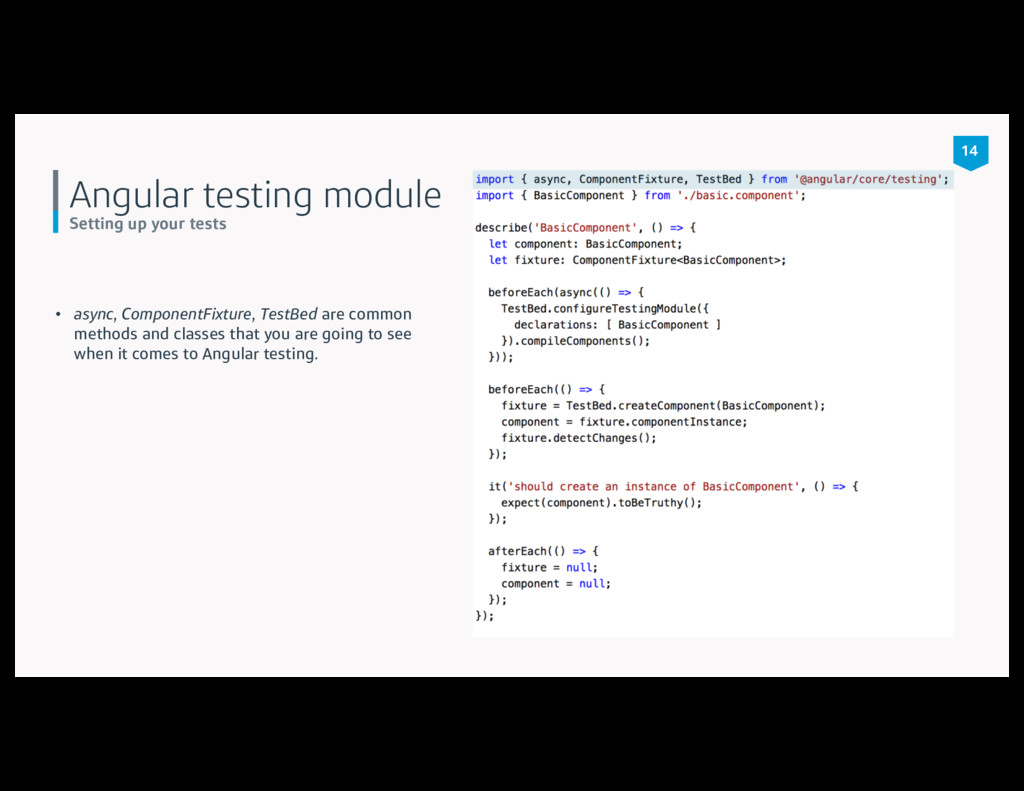
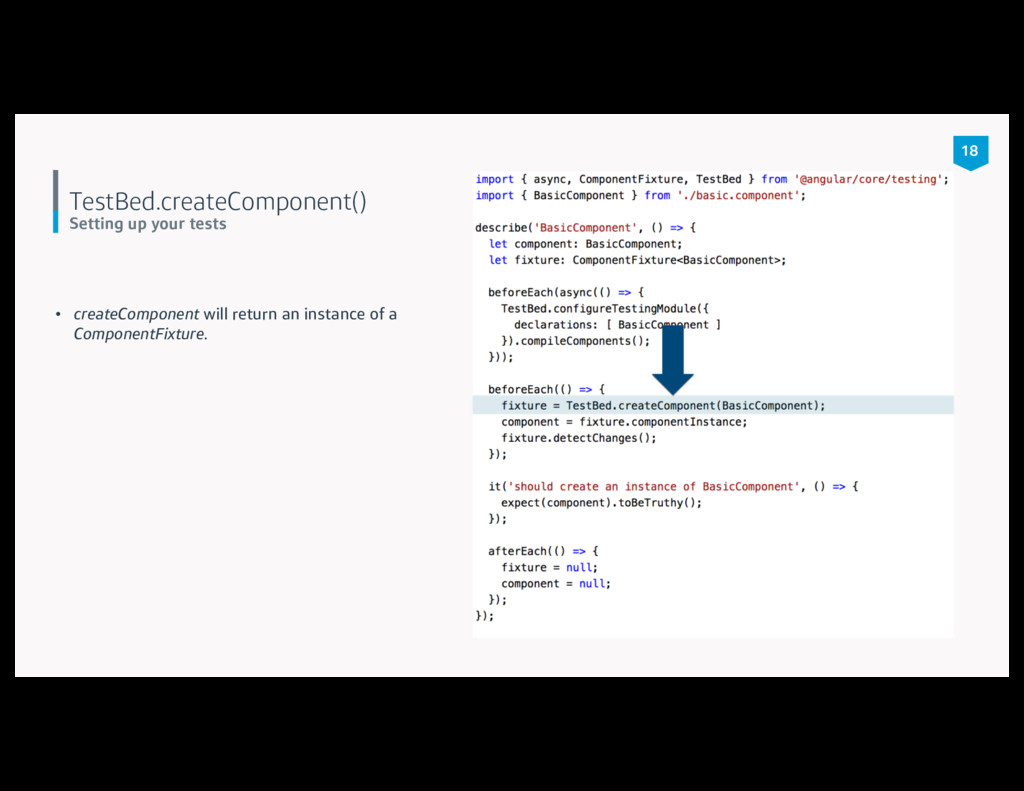
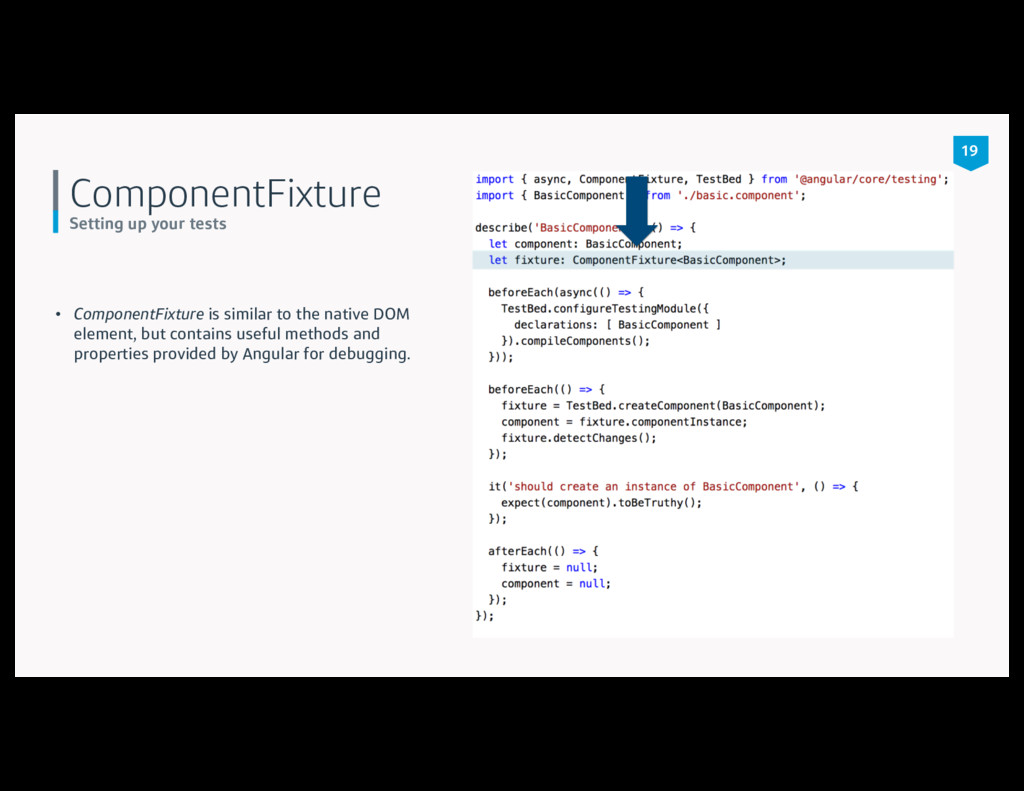
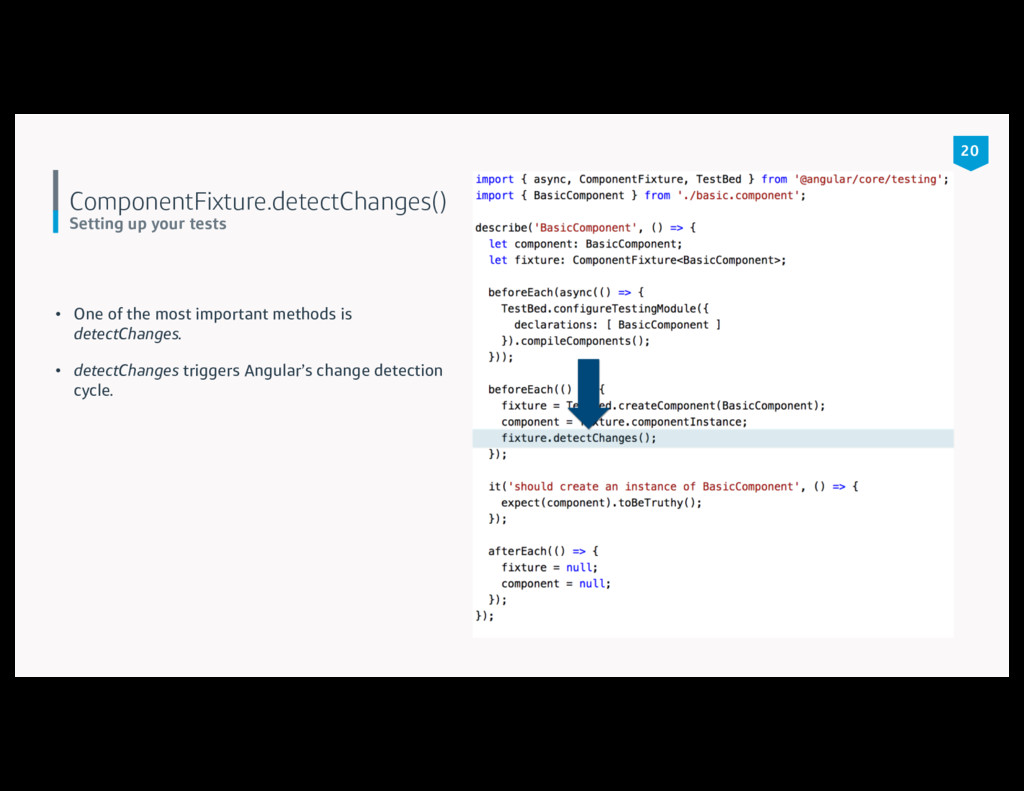
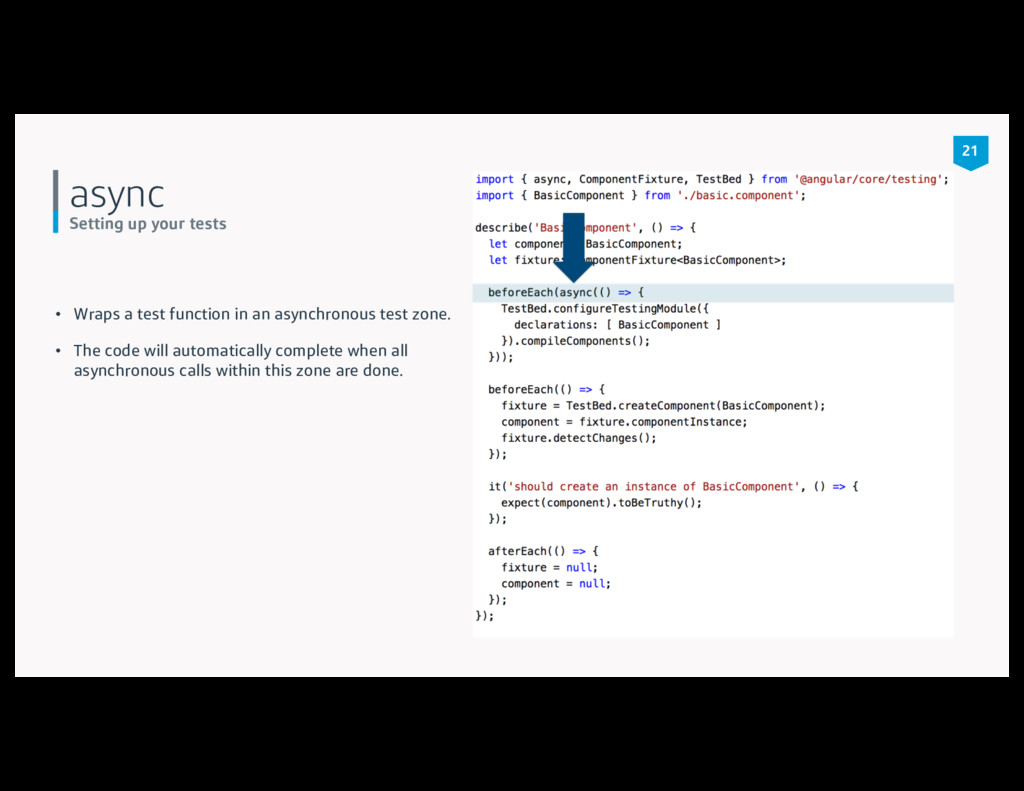
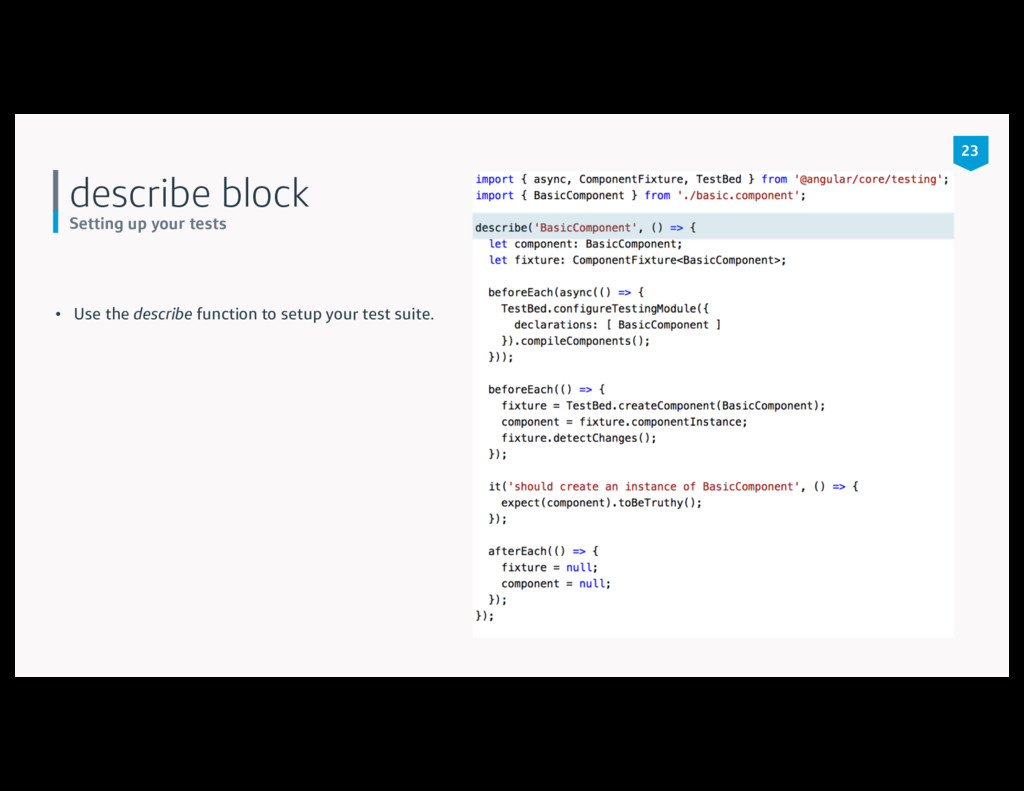
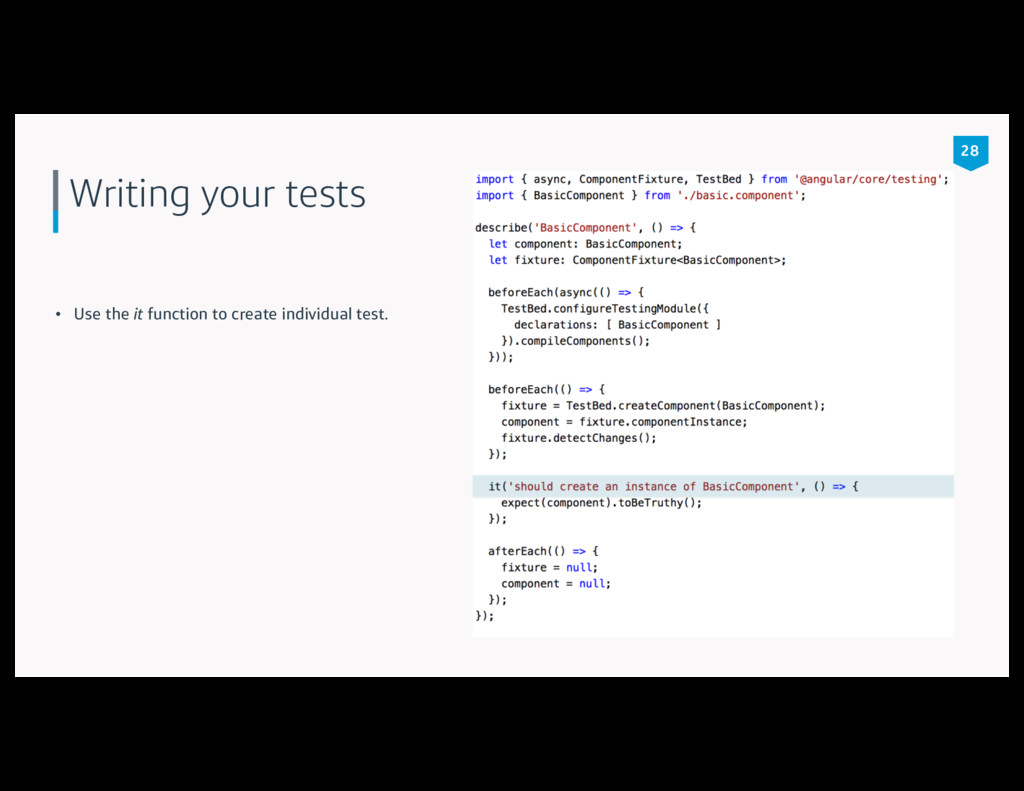
used for unit testing. • Allows tests to be written in a Behavior Driven Development style. • Contains functions such as it, describe, beforeEach, afterEach. • Contains matcher functions like toBeTruthy and toBeEqual. 7
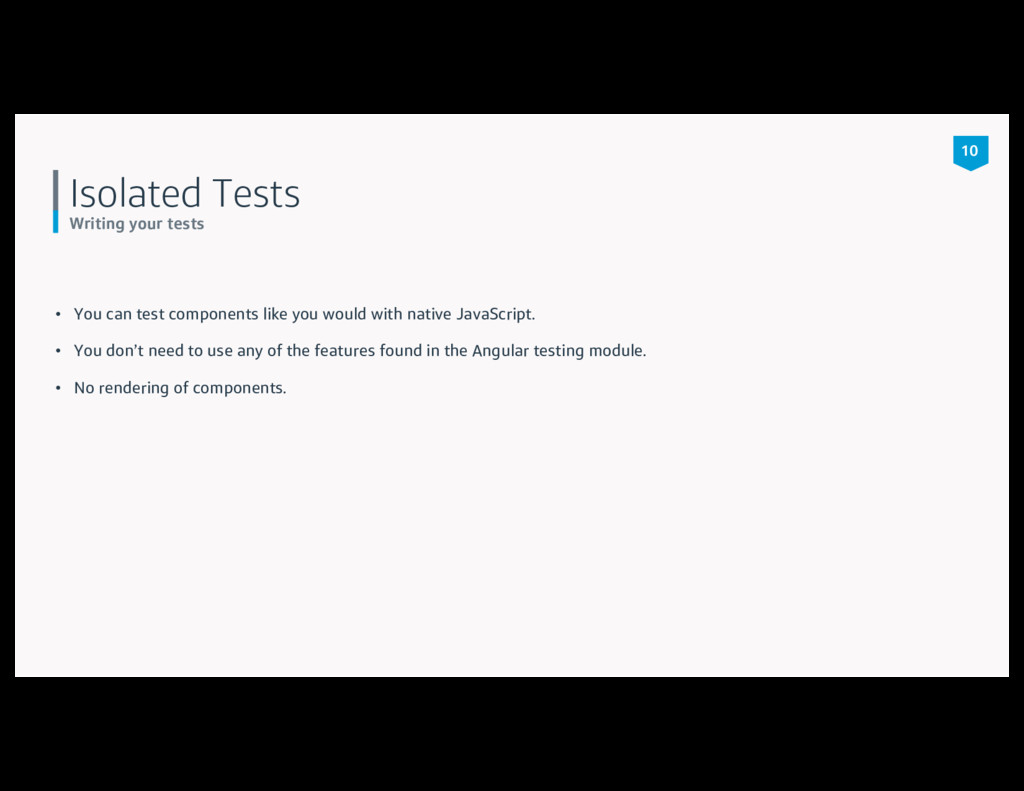
like you would with native JavaScript. • You don’t need to use any of the features found in the Angular testing module. • No rendering of components. 10
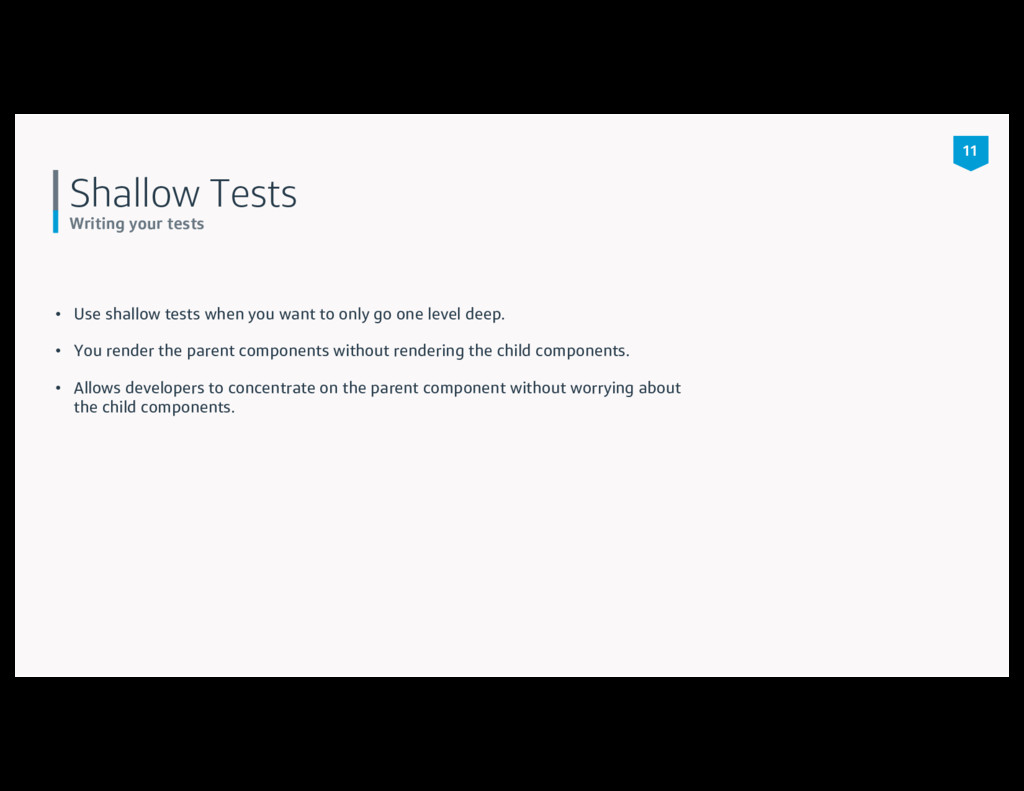
you want to only go one level deep. • You render the parent components without rendering the child components. • Allows developers to concentrate on the parent component without worrying about the child components. 11
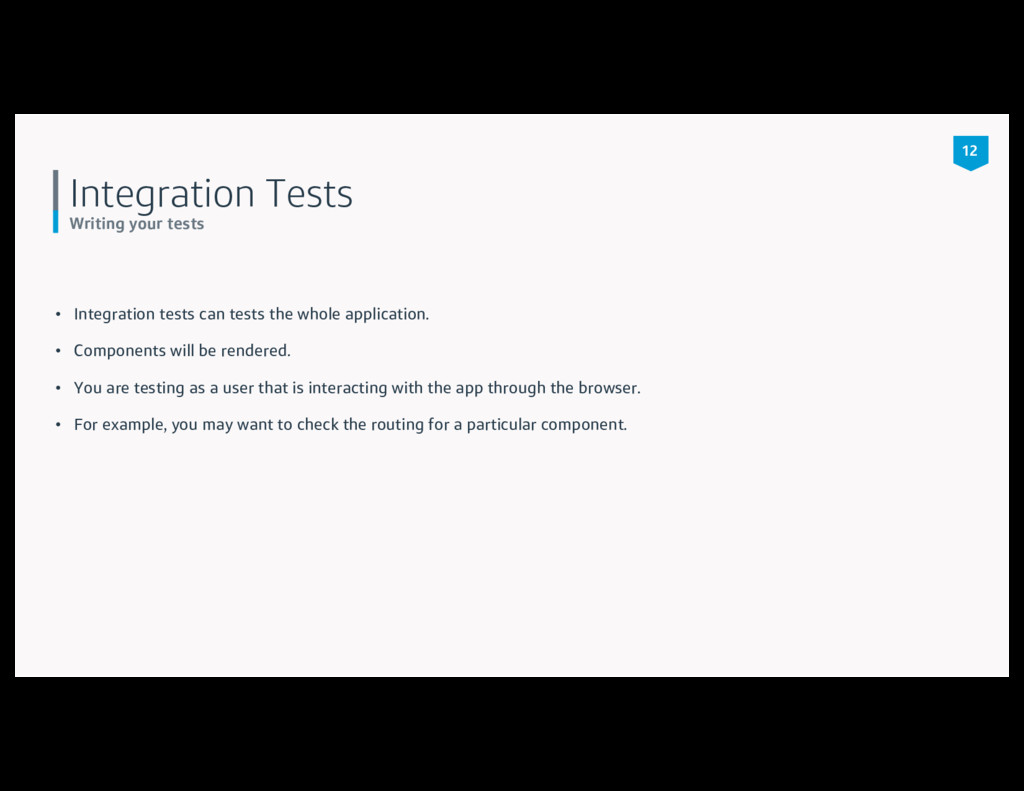
the whole application. • Components will be rendered. • You are testing as a user that is interacting with the app through the browser. • For example, you may want to check the routing for a particular component. 12
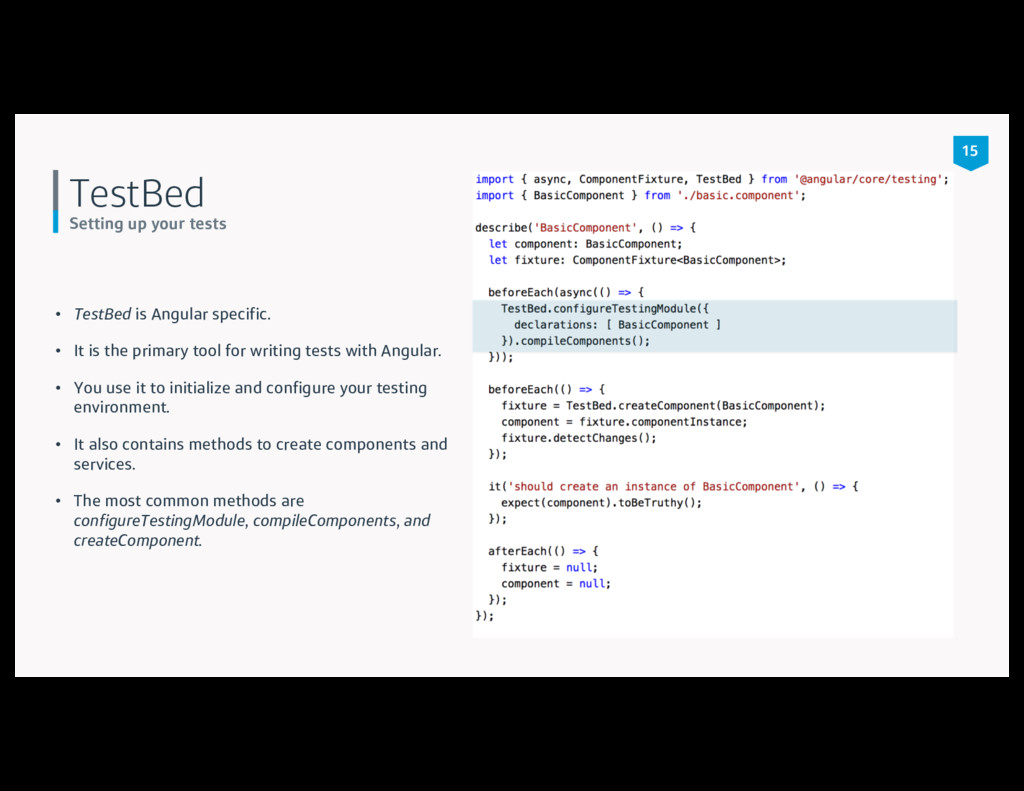
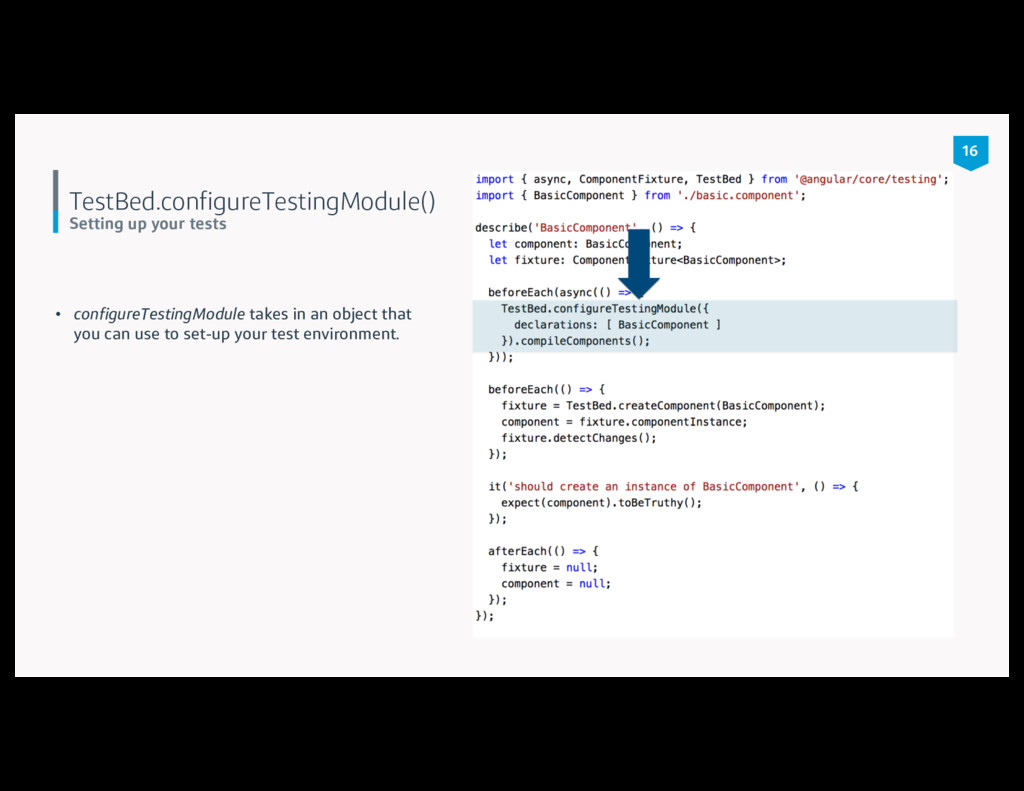
• It is the primary tool for writing tests with Angular. • You use it to initialize and configure your testing environment. • It also contains methods to create components and services. • The most common methods are configureTestingModule, compileComponents, and createComponent. 15
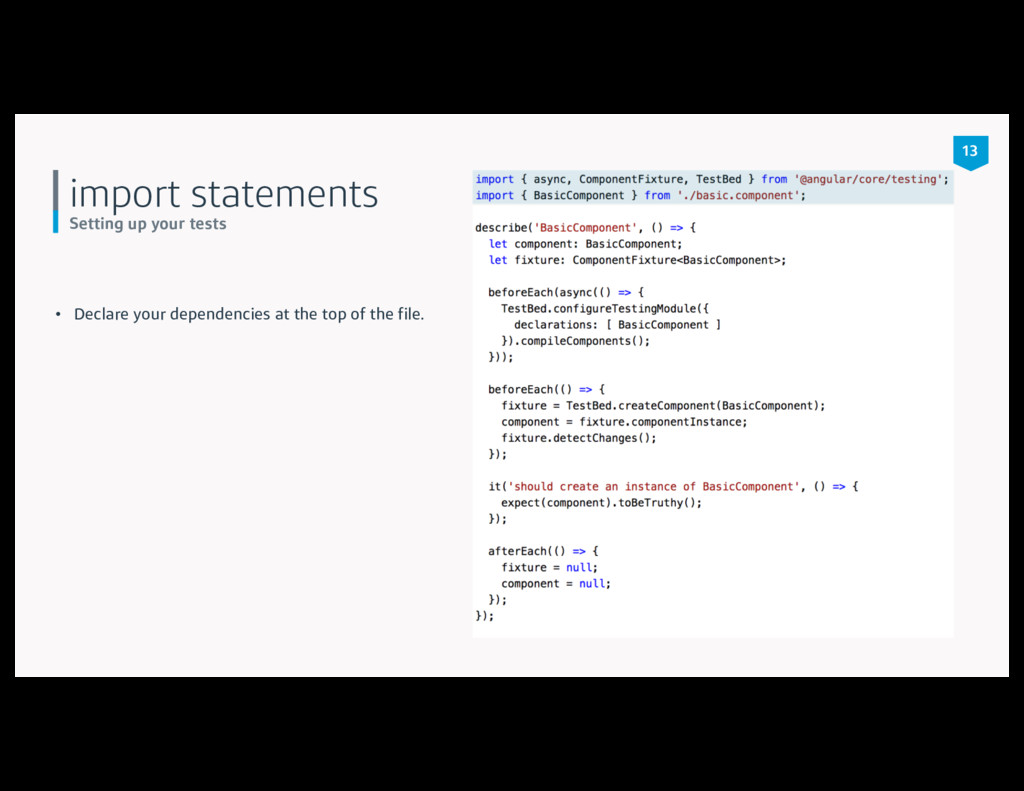
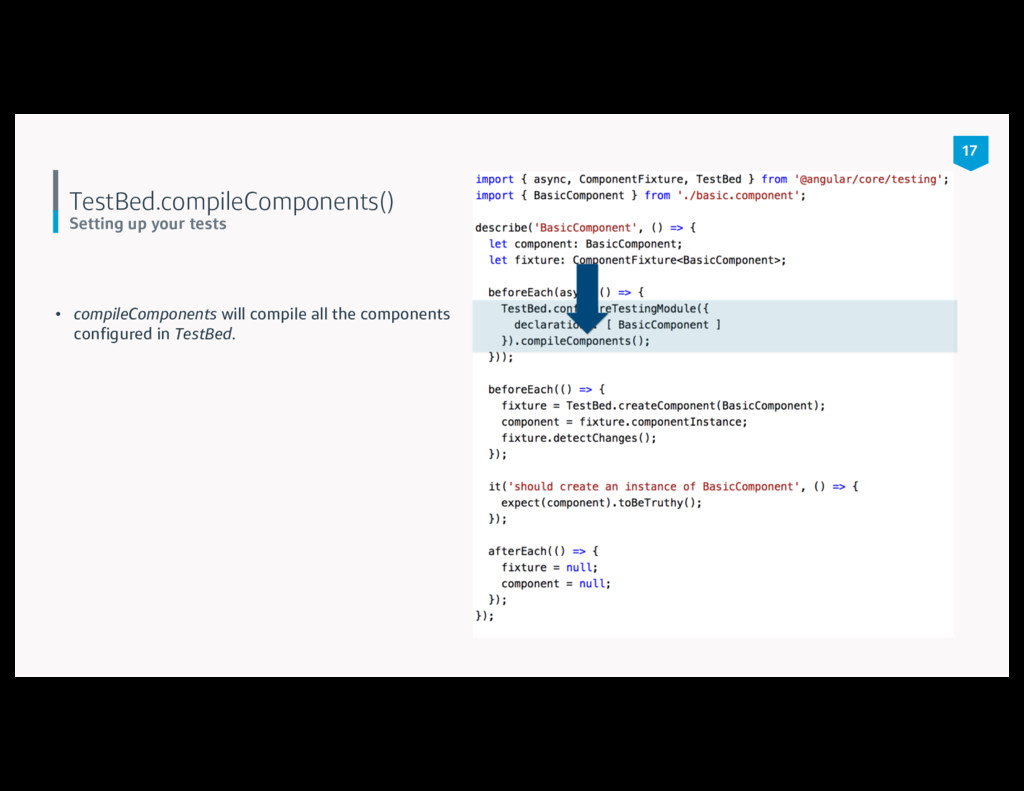
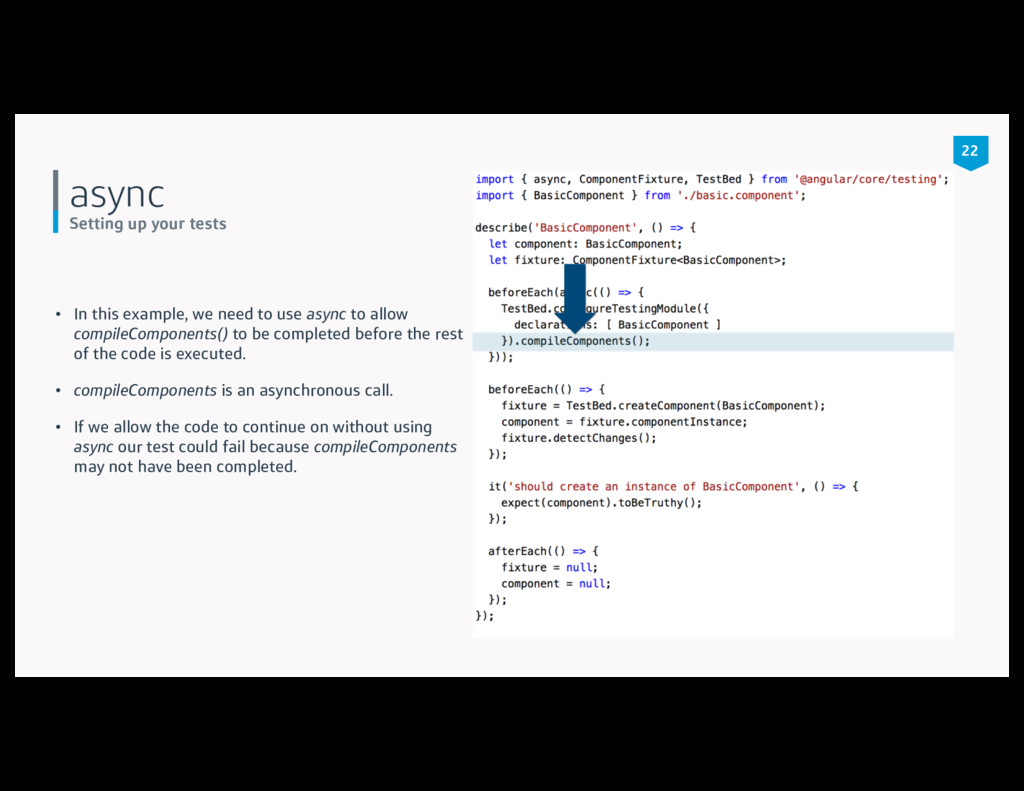
need to use async to allow compileComponents() to be completed before the rest of the code is executed. • compileComponents is an asynchronous call. • If we allow the code to continue on without using async our test could fail because compileComponents may not have been completed. 22
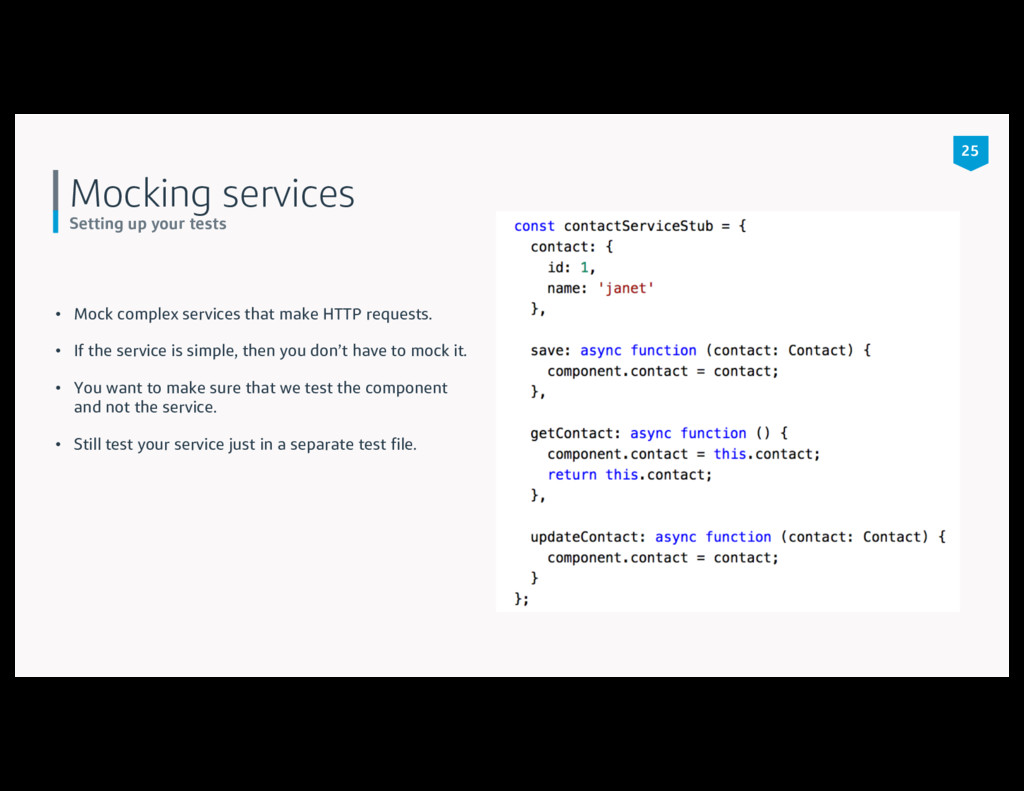
that make HTTP requests. • If the service is simple, then you don’t have to mock it. • You want to make sure that we test the component and not the service. • Still test your service just in a separate test file. 25
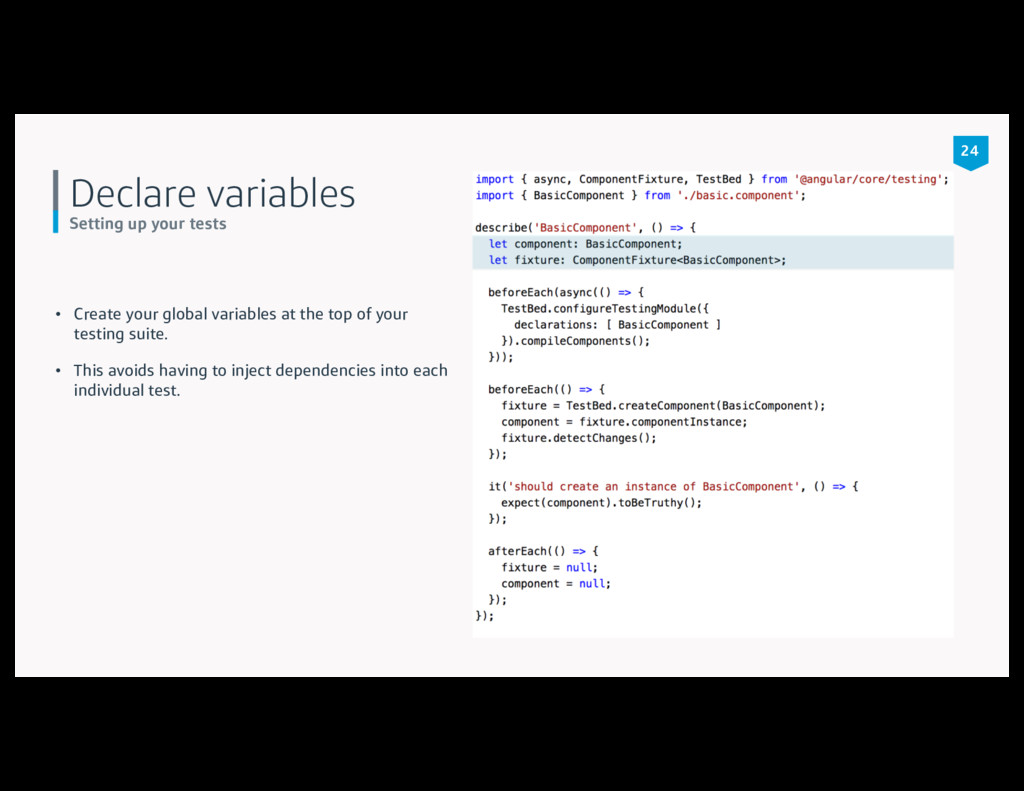
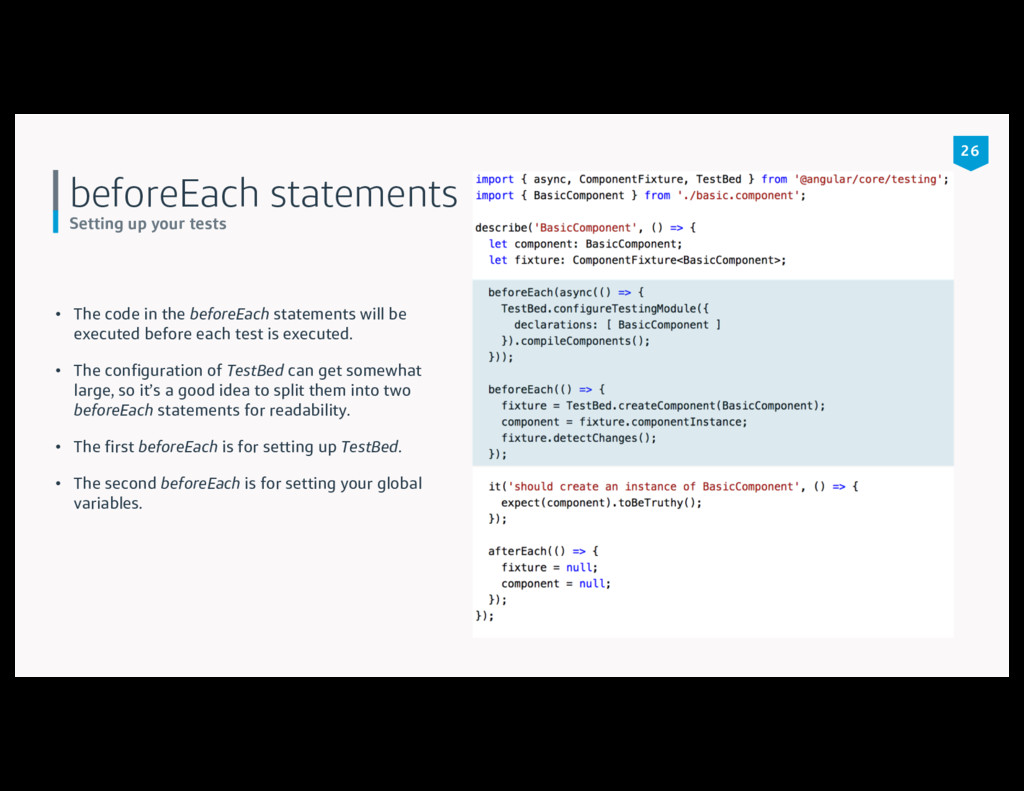
the beforeEach statements will be executed before each test is executed. • The configuration of TestBed can get somewhat large, so it’s a good idea to split them into two beforeEach statements for readability. • The first beforeEach is for setting up TestBed. • The second beforeEach is for setting your global variables. 26
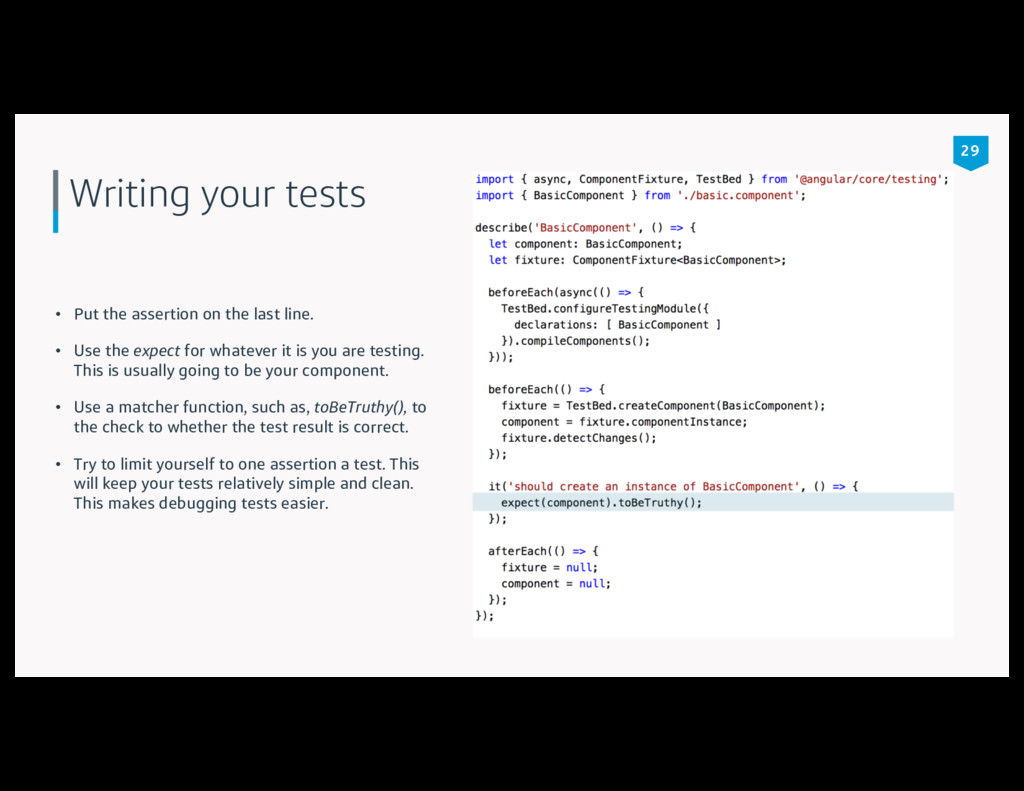
line. • Use the expect for whatever it is you are testing. This is usually going to be your component. • Use a matcher function, such as, toBeTruthy(), to the check to whether the test result is correct. • Try to limit yourself to one assertion a test. This will keep your tests relatively simple and clean. This makes debugging tests easier. 29
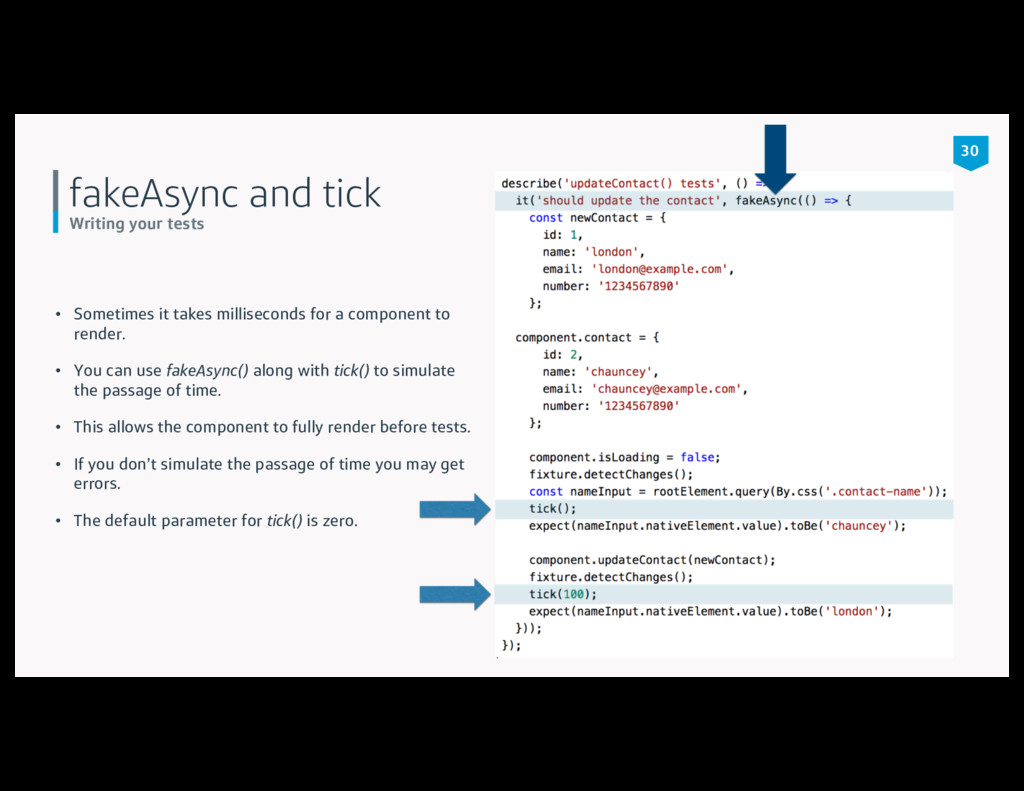
milliseconds for a component to render. • You can use fakeAsync() along with tick() to simulate the passage of time. • This allows the component to fully render before tests. • If you don’t simulate the passage of time you may get errors. • The default parameter for tick() is zero. 30
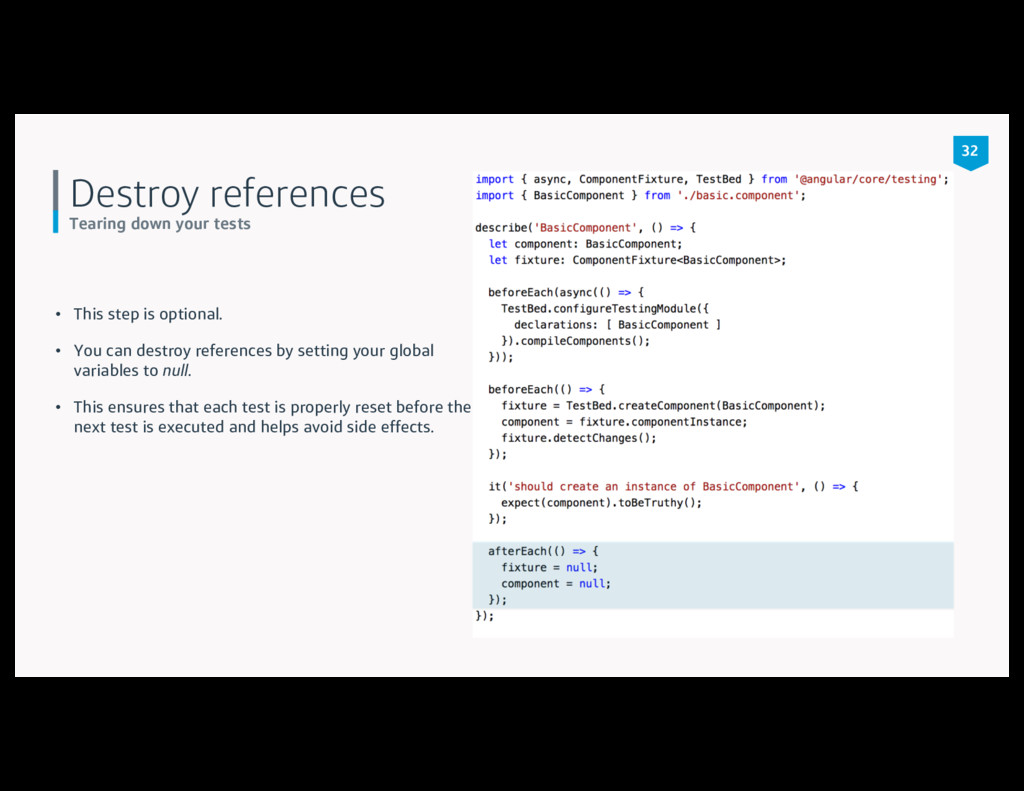
optional. • You can destroy references by setting your global variables to null. • This ensures that each test is properly reset before the next test is executed and helps avoid side effects. 32
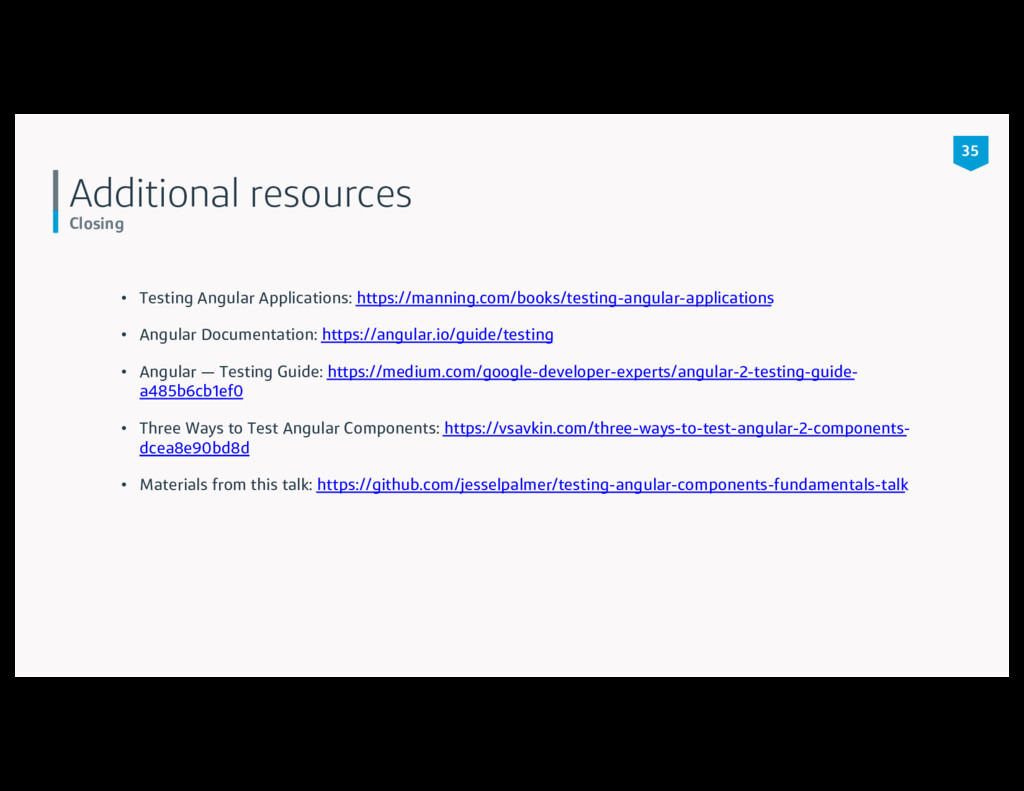
Documentation: https://angular.io/guide/testing • Angular — Testing Guide: https://medium.com/google-developer-experts/angular-2-testing-guide- a485b6cb1ef0 • Three Ways to Test Angular Components: https://vsavkin.com/three-ways-to-test-angular-2-components- dcea8e90bd8d • Materials from this talk: https://github.com/jesselpalmer/testing-angular-components-fundamentals-talk 35


 takonda
 y0hgi
y0hgi
 ivry_presentationmaterials
 sansantech
 kakehashi
 onk
onk
 recruitengineers
 ishikawa_satoru
 riyaamemiya
 pfn
pfn
 usanchuu
 aleyda
 davidcarrasco
 baasie
 jeffersonlam
 schlessera
 sabderemane
 bkeepers
 lynnandtonic
 tamaranovitovic
 hatefulcrawdad
 bluesmoon
 lara
lara