Upgrade to Pro
— share decks privately, control downloads, hide ads and more …
Speaker Deck
Sign up for free
Menu
Search
Features
All features
Private URLs
Password Protection
Custom URLS
Scheduled publishing
Remove Branding
Restrict embedding
Deck Collections
Notes
Features
All features
Private URLs
Password Protection
Custom URLS
Scheduled publishing
Remove Branding
Restrict embedding
Deck Collections
Notes
Explore
Featured decks
Featured speakers
Programming
Technology
Storyboards
Explore
Featured decks
Featured speakers
Programming
Technology
Storyboards
Pricing
Search
Sign in
Sign up for free
Four Tips for More Testable UI
Search
Jim Holmes
March 17, 2019
Technology
82
0
Share
Embed
Copy iframe code
Copy JS code
Copy link
Start on current slide
Four Tips for More Testable UI
Quick talk given at the 2019 Microsoft MVP summit during the ALM group's MVP2MVP sessions.
Jim Holmes
March 17, 2019
More Decks by Jim Holmes
See All by Jim Holmes
Adapting to Change in Software Delivery
jimholmes
0
120
Public_Speaking.pdf
jimholmes
0
150
Trusted System Boundaries
jimholmes
0
150
What's Worse? Zombies or Brittle UI Tests?
jimholmes
0
190
Odd Parallels Between Weightlifting and Software Delivery
jimholmes
0
95
Is Quality The Bottleneck?
jimholmes
0
170
Don't Fear Leadership
jimholmes
0
140
Intro To TDD
jimholmes
1
120
Honor Flight #20 (Bay Area) Recap
jimholmes
0
170
Other Decks in Technology
See All in Technology
Copilot Coworkで「みのるん式」やってみた
minorun365
PRO
2
1.5k
AI時代のエンジニアの情報発信〜個人の発信を組織の力に変える〜
ryo_kawamata
1
7.2k
[General] 개발자로 해외 기업에서 일하기
skydoves
1
290
AI Search (Foundry IQ) におけるRAGデータの準備と配置
ryomaru0825
1
140
re:Invent の去年のスケジュールを公開します!
miu_crescent
PRO
0
270
WireGuard for Apache NuttX - Bringing Secure Remote Access to embedded Devices -
aki310ooooo
0
140
IBC 2026 動画技術関連レポート / IBC 2026 Report
cyberagentdevelopers
PRO
2
110
Flutter Webを「SDK」として配る — 50以上のゲームを支える埋め込みアーキテクチャ
masayukisuda
0
180
【Oracle AI SPOTLIGHT ウェビナー】事例から見る!なぜOCIが選ばれたのか ― AI時代のクラウド戦略を紐解く ―
oracle4engineer
PRO
2
150
kintoneで在庫管理システムを作るときの要件定義・設計ポイント
kai0707
0
230
"AWSはちょっと苦手"でも大丈夫。AWS Blocks で手軽に作る Flutter のバックエンド #FlutterKaigi
tacck
PRO
0
130
eBPF 簡介 2026 版
shunghsiyu
0
170
Featured
See All Featured
GitHub's CSS Performance
jonrohan
1033
470k
HDC tutorial
michielstock
2
1k
Making Projects Easy
brettharned
120
6.8k
The Hidden Cost of Media on the Web [PixelPalooza 2025]
tammyeverts
2
560
I Don’t Have Time: Getting Over the Fear to Launch Your Podcast
jcasabona
35
2.9k
The State of eCommerce SEO: How to Win in Today's Products SERPs - #SEOweek
aleyda
2
12k
Fight the Zombie Pattern Library - RWD Summit 2016
marcelosomers
234
18k
Neural Spatial Audio Processing for Sound Field Analysis and Control
skoyamalab
0
610
Ruling the World: When Life Gets Gamed
codingconduct
0
430
Easily Structure & Communicate Ideas using Wireframe
afnizarnur
194
17k
Design of three-dimensional binary manipulators for pick-and-place task avoiding obstacles (IECON2024)
konakalab
0
650
Lightning talk: Run Django tests with GitHub Actions
sabderemane
0
320
Transcript
Testable UIs
Or: How to help your test automation folks drink less
[email protected]
@aJimHolmes
Fortune 10 client Java 6 Enterprise-ready components HP build and
SCM tools “What’s a unit test?”
Thank you ET
Generalized Talk Ideas apply to all UI and automation tools
https://github.com/jimholmes/ Demo-Site
Two main problems in all UI testing
Finding Stuff
Async
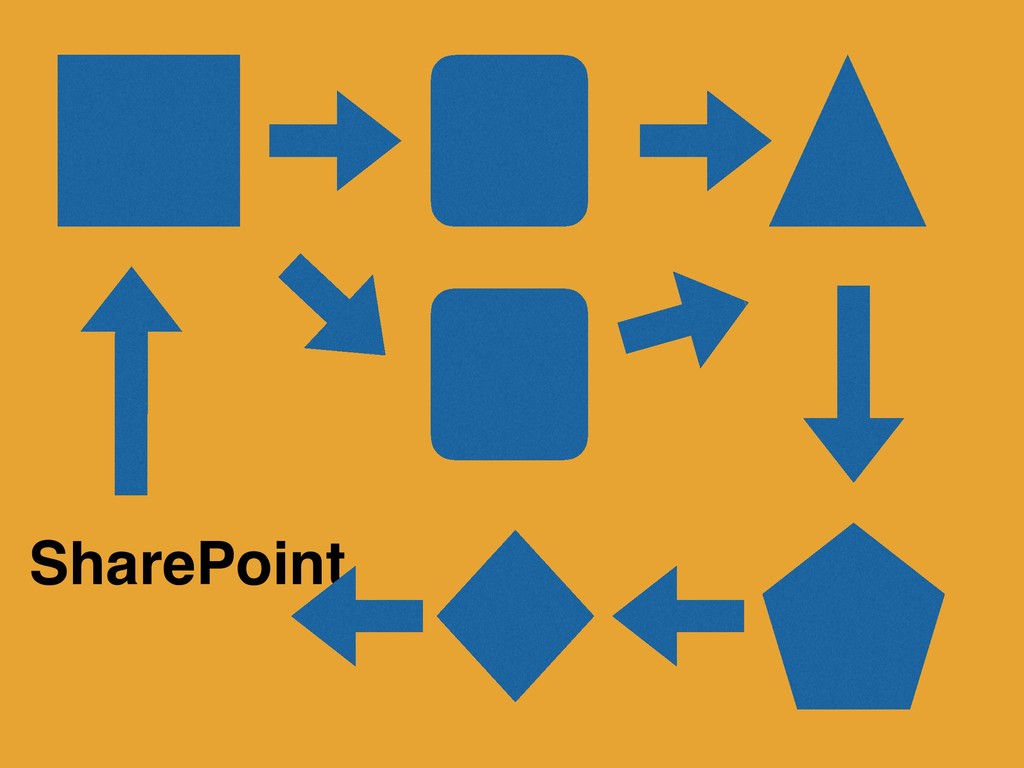
Also SharePoint
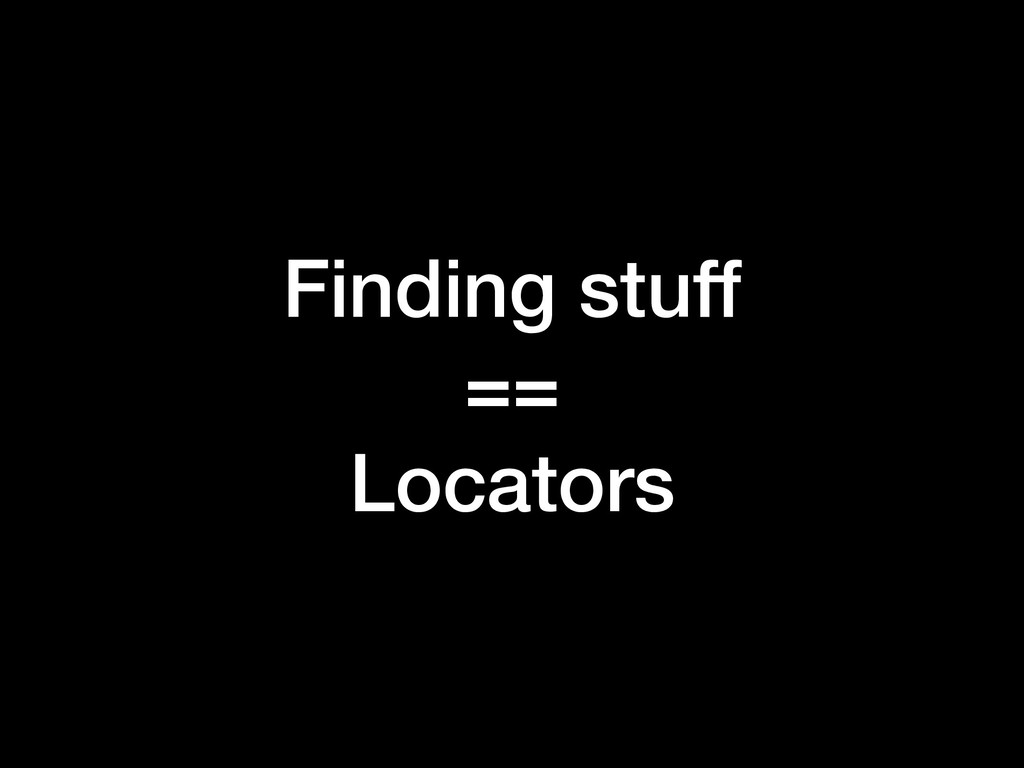
Finding stuff == Locators
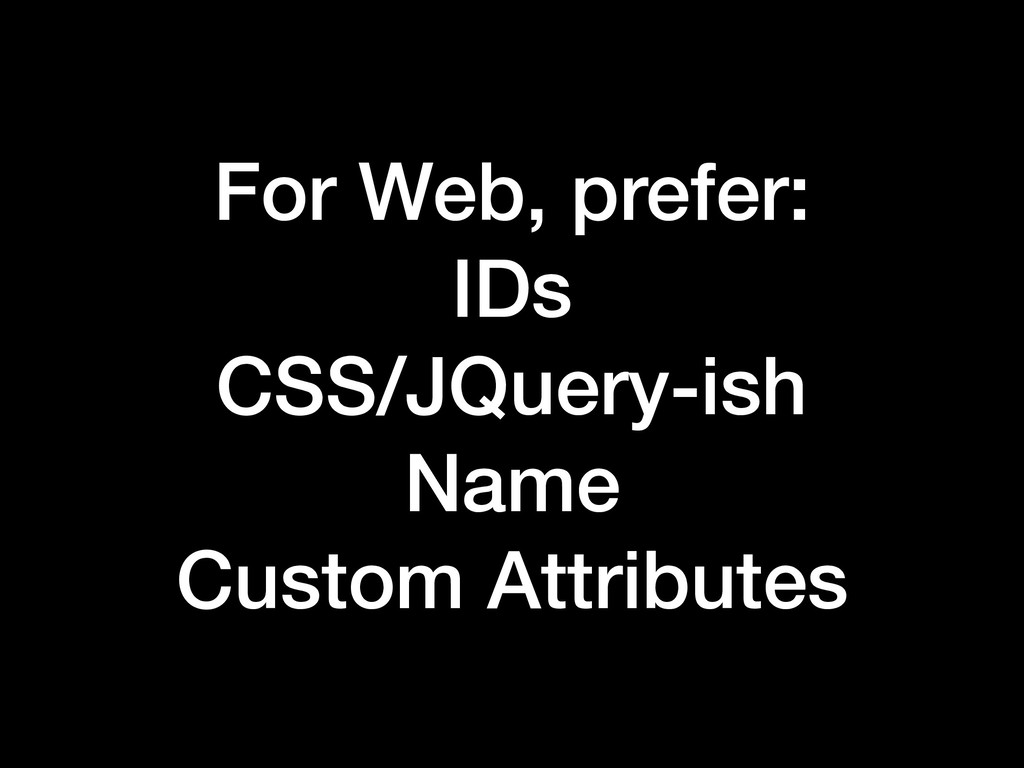
For Web, prefer: IDs CSS/JQuery-ish Name Custom Attributes
As a last resort: XPath
None
Create Good Locators
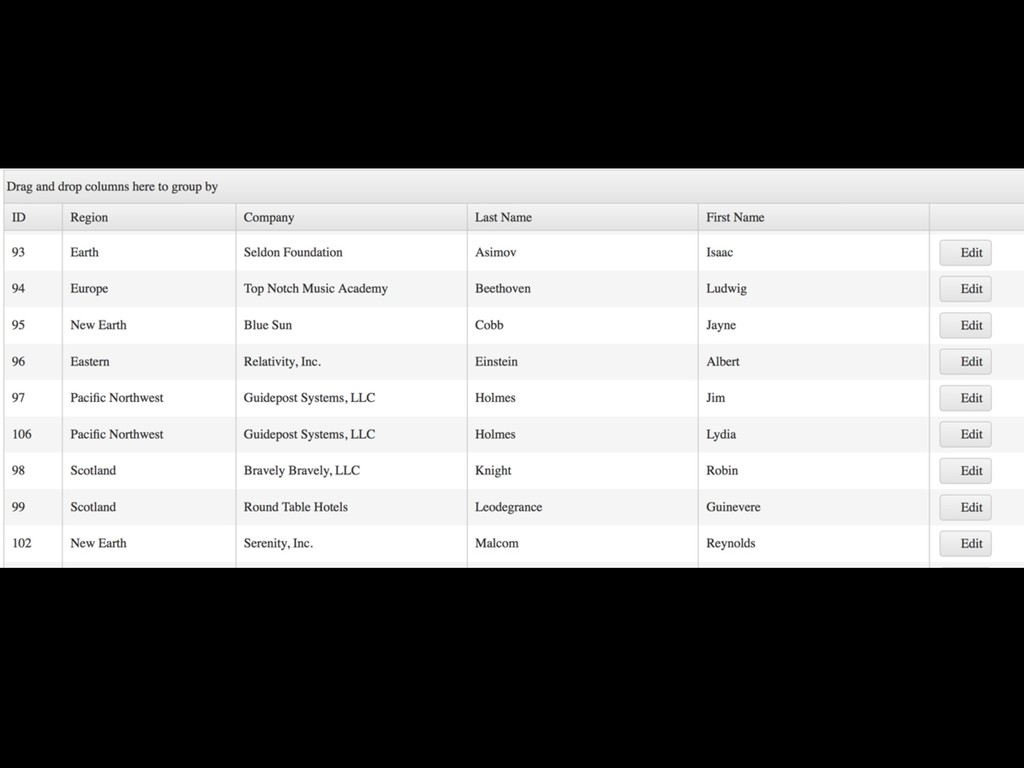
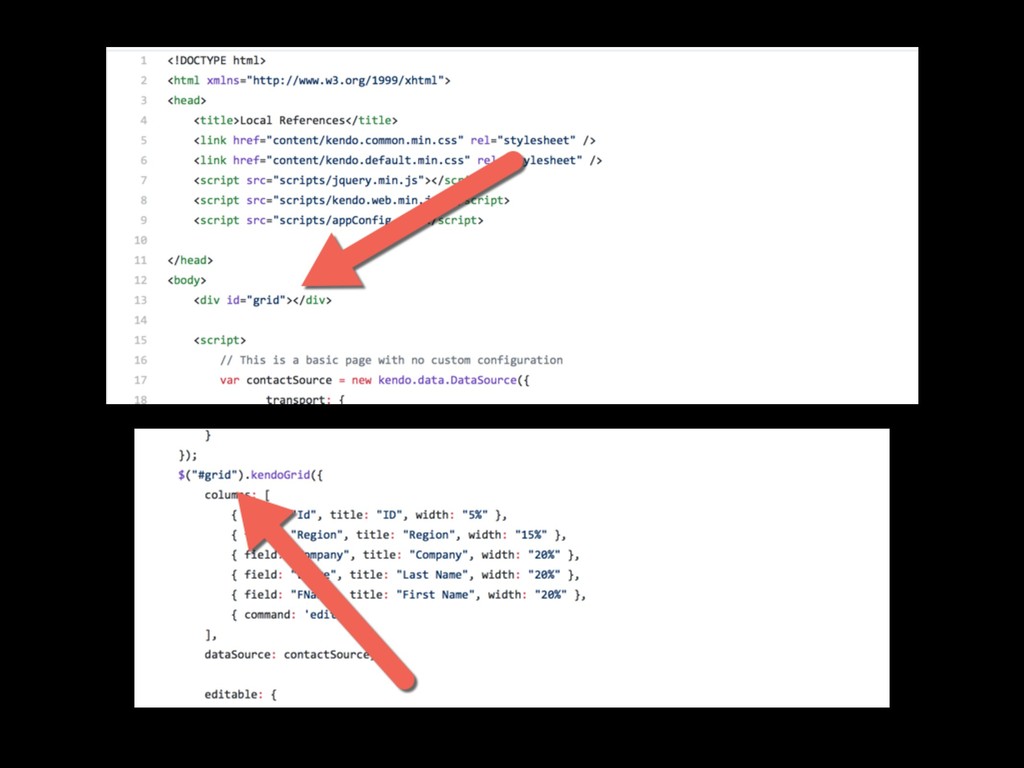
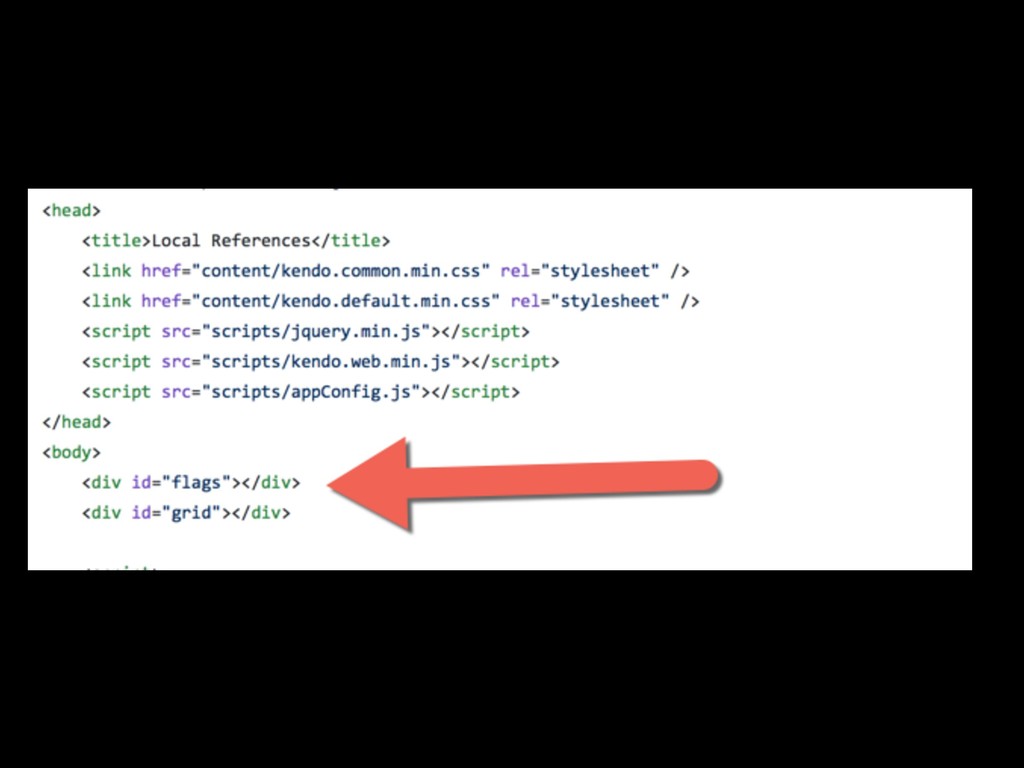
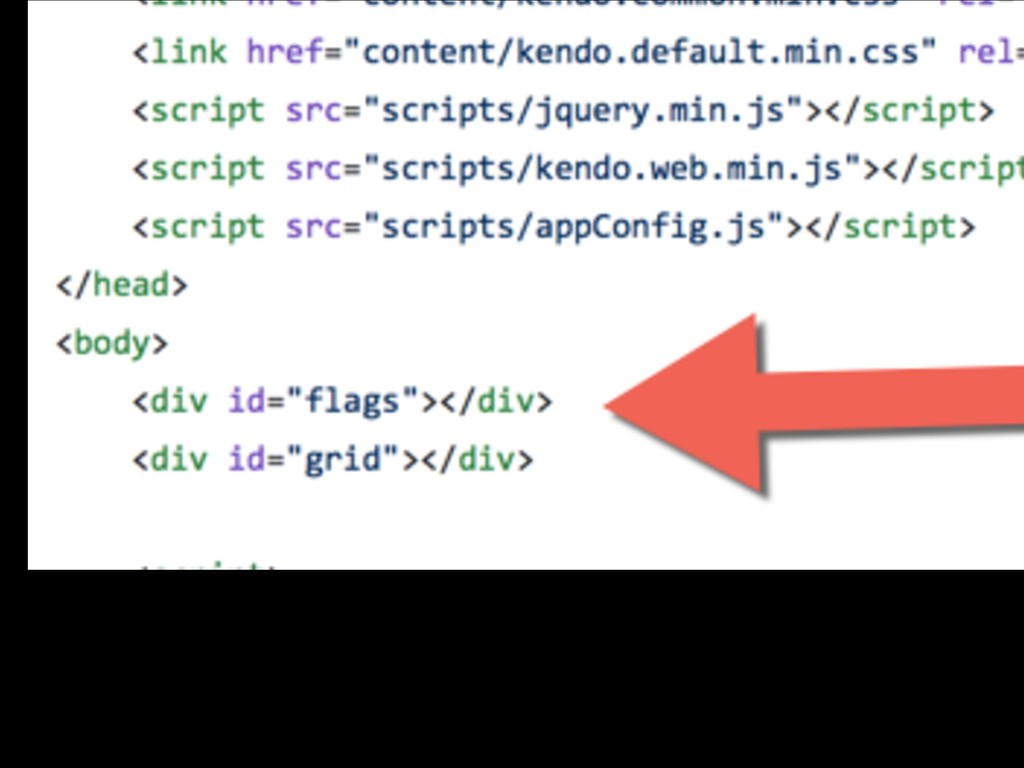
0) Own Your HTML
None
None
None
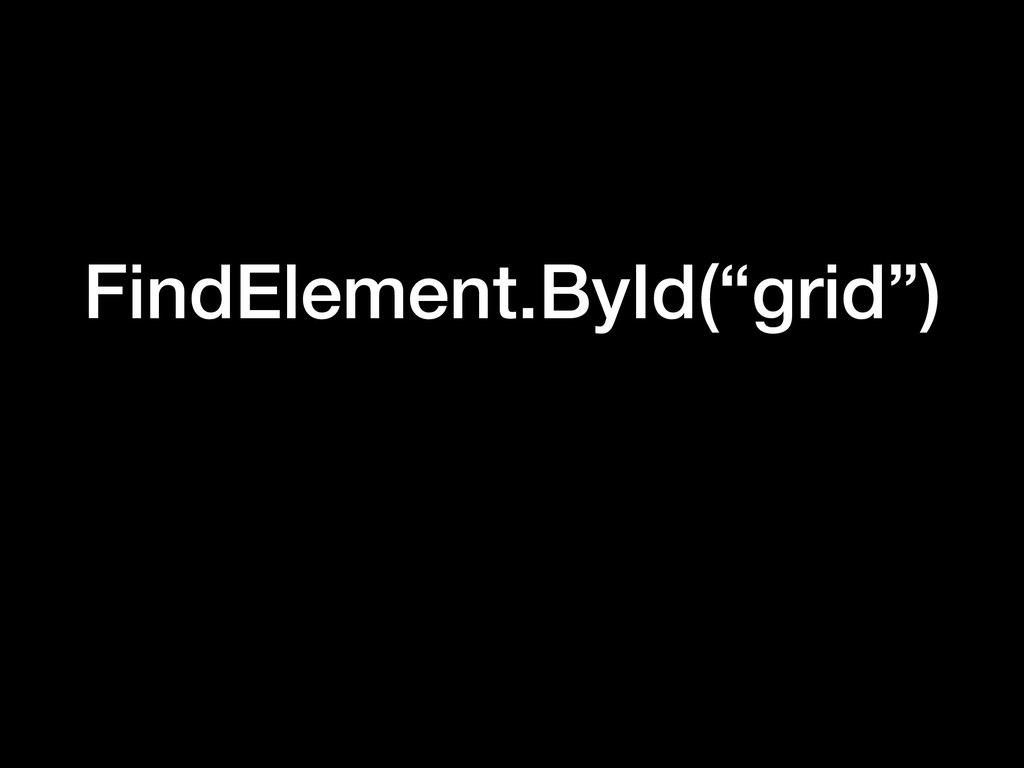
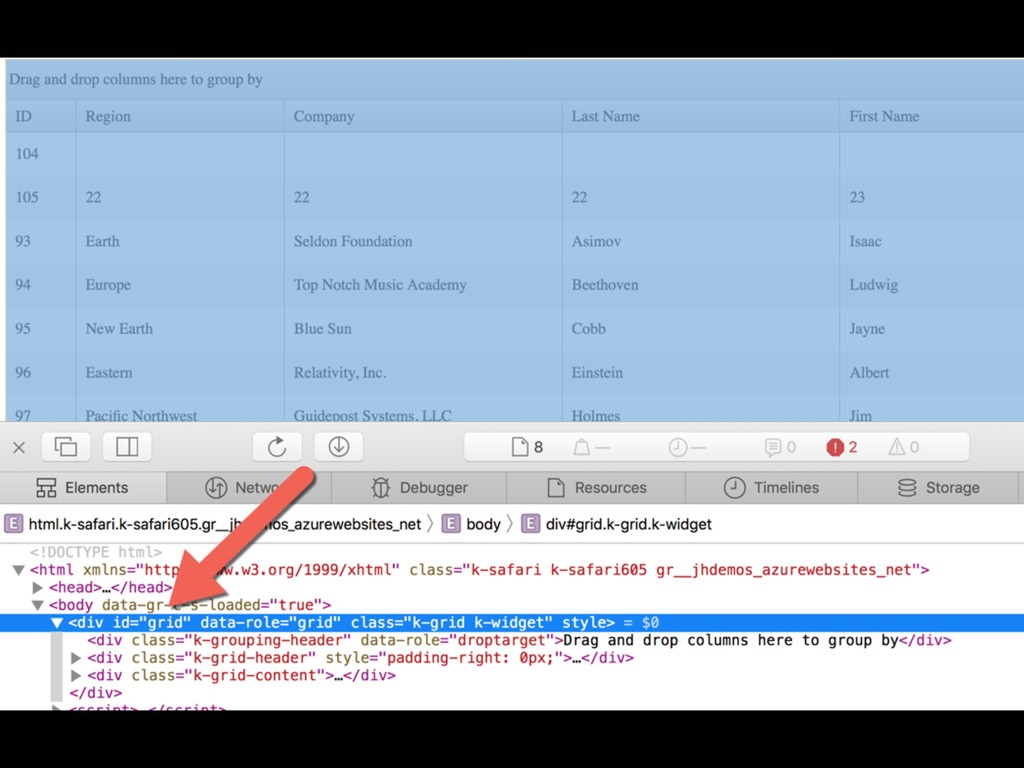
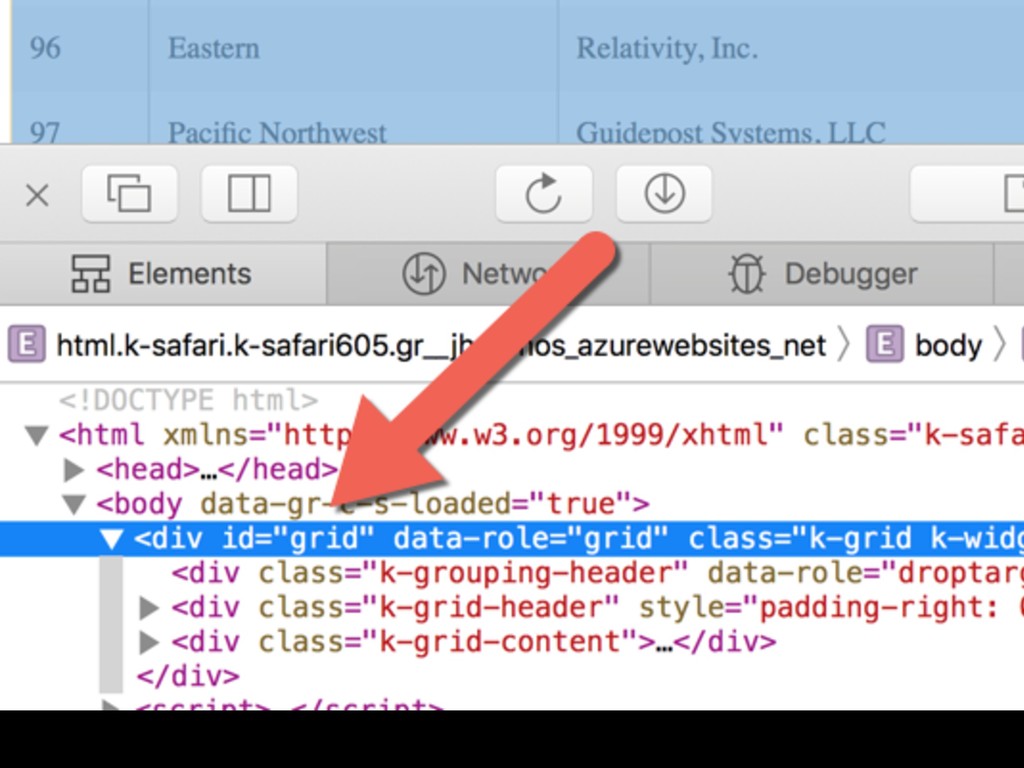
FindElement.ById(“grid”)
None
None
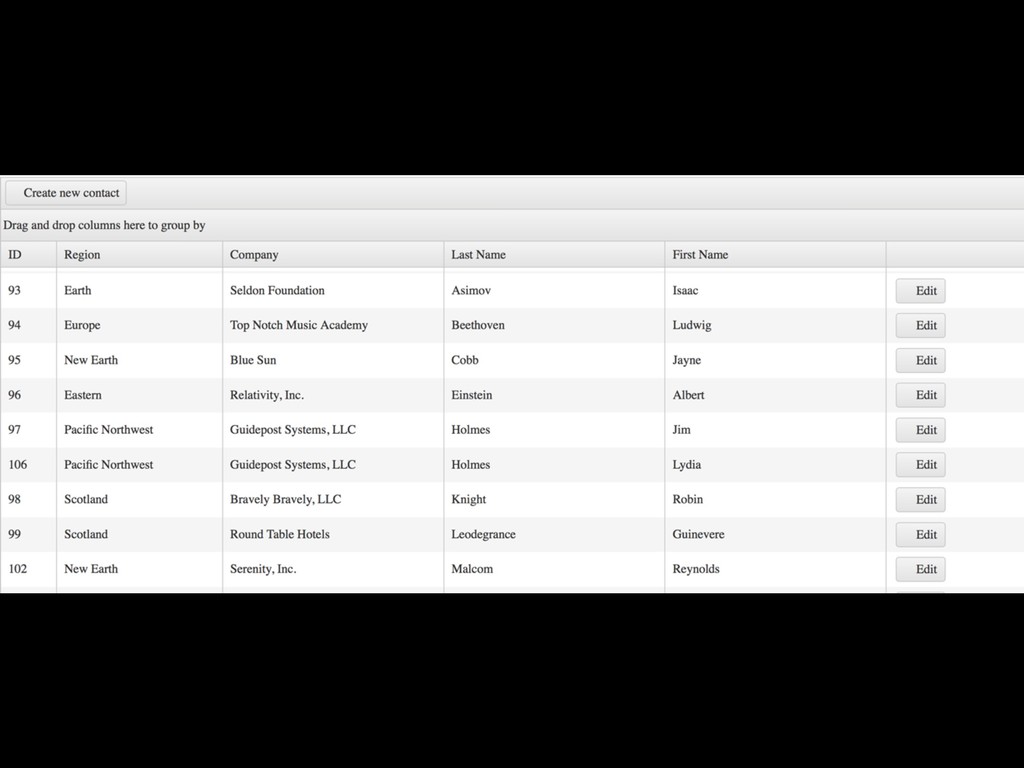
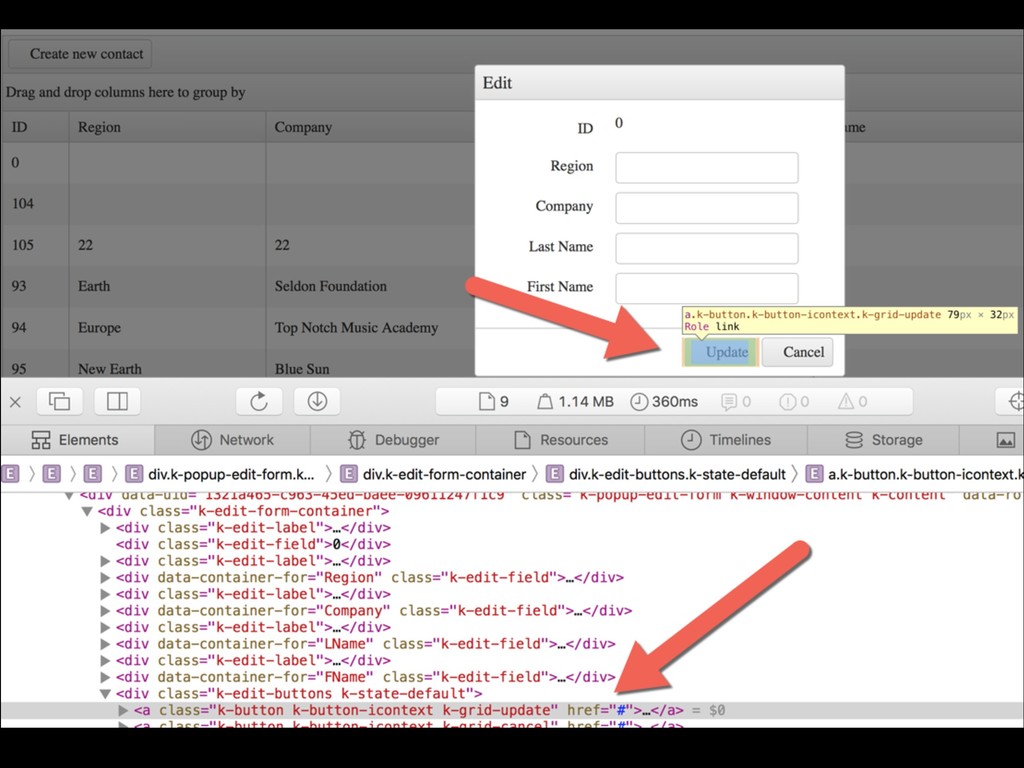
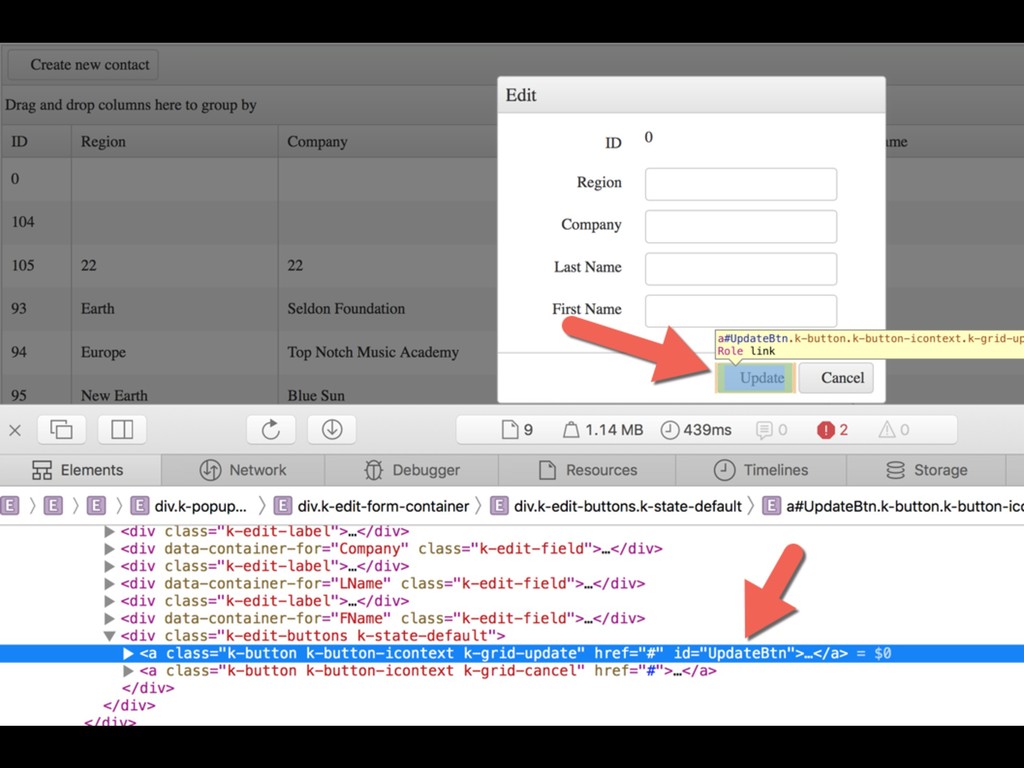
1) Understand your controls / frameworks
None
None
None
FindElement.ByCss( “some big stupid CSS string”)
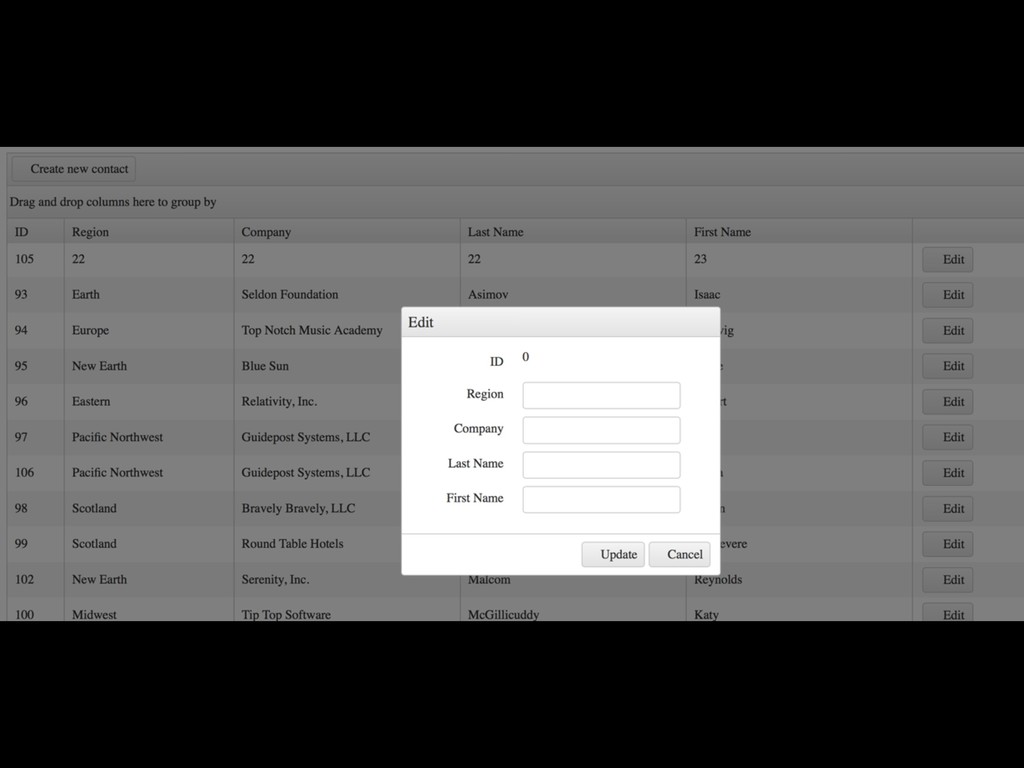
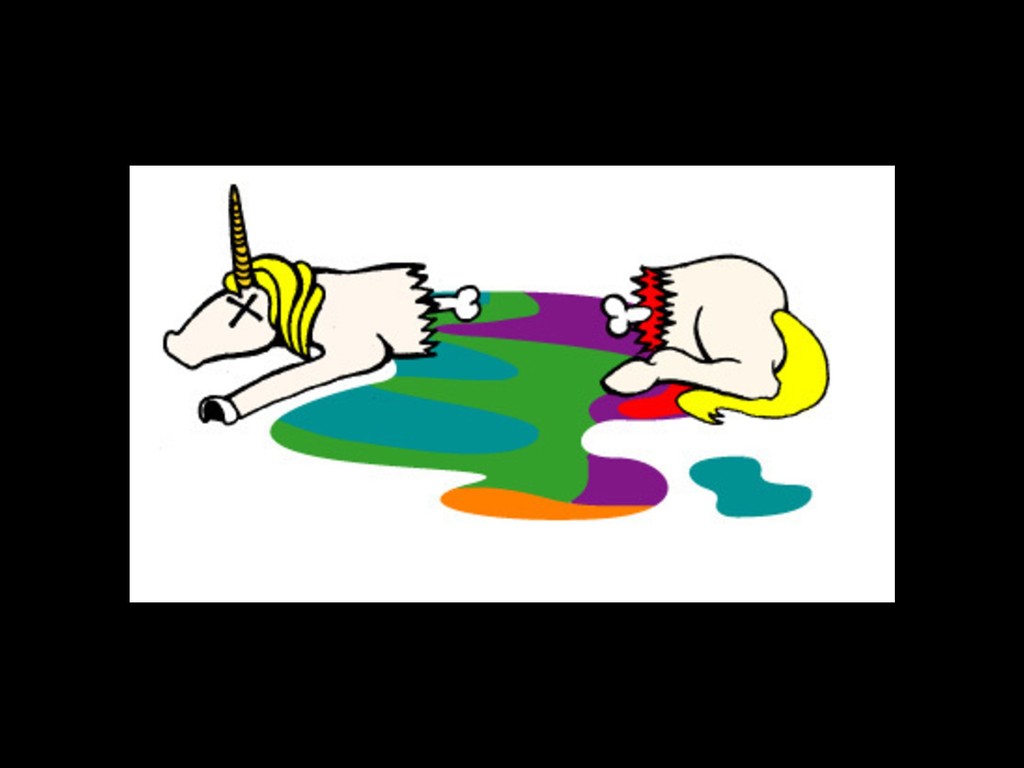
Someone changes style
None
None
None
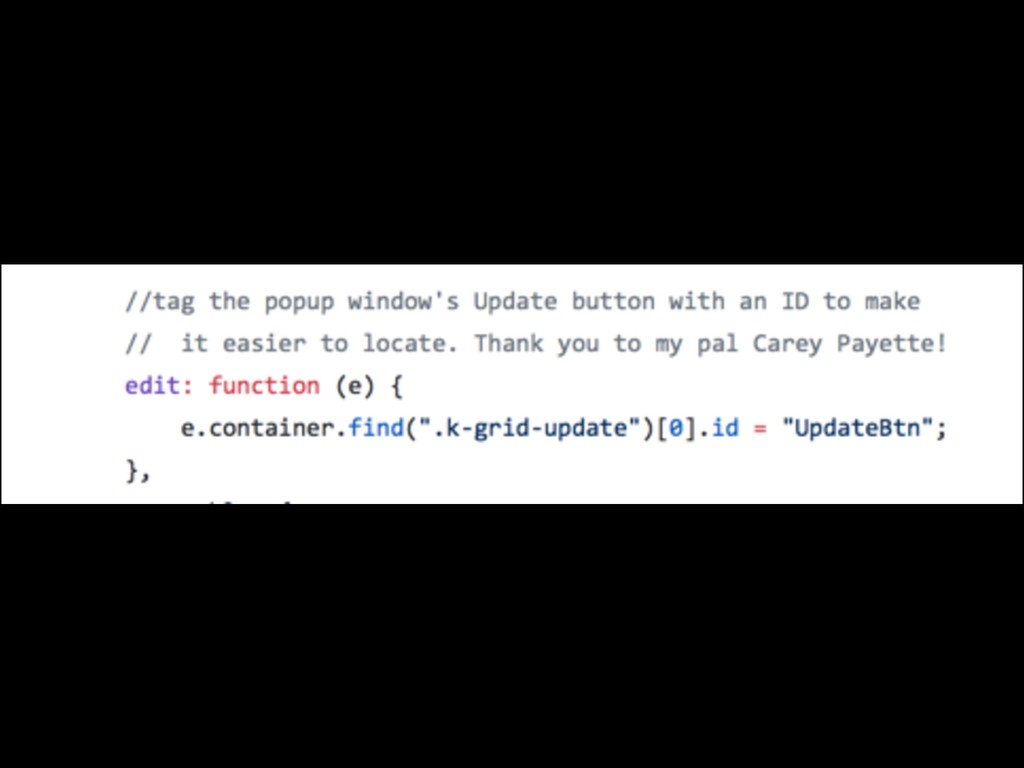
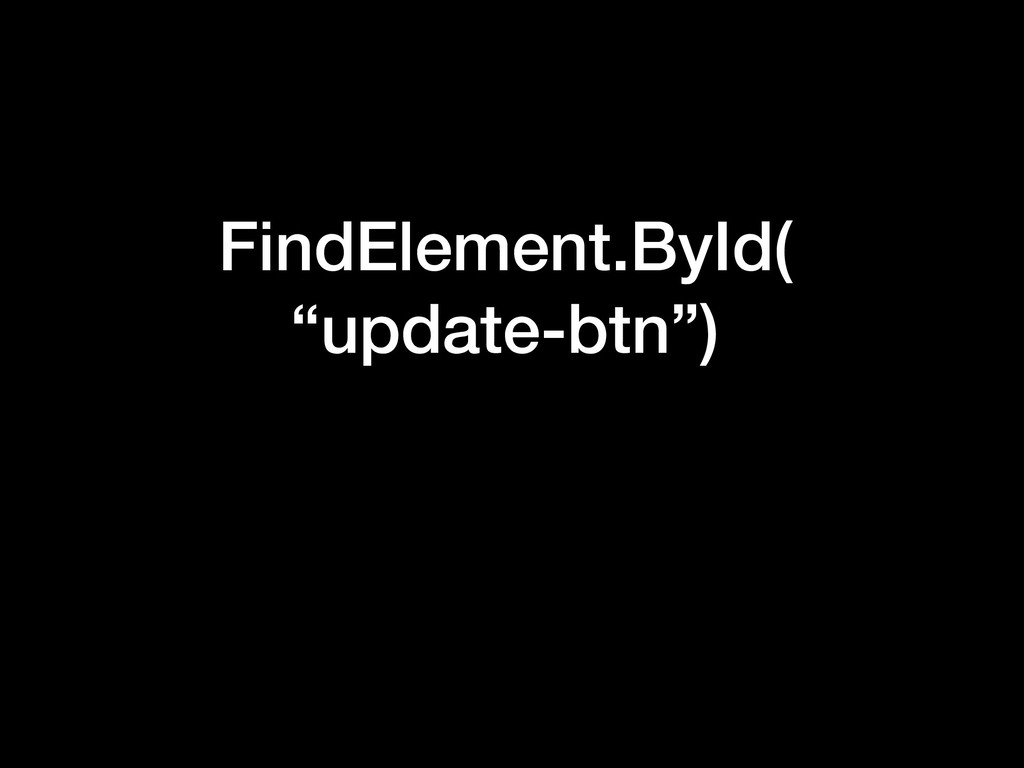
FindElement.ById( “update-btn”)
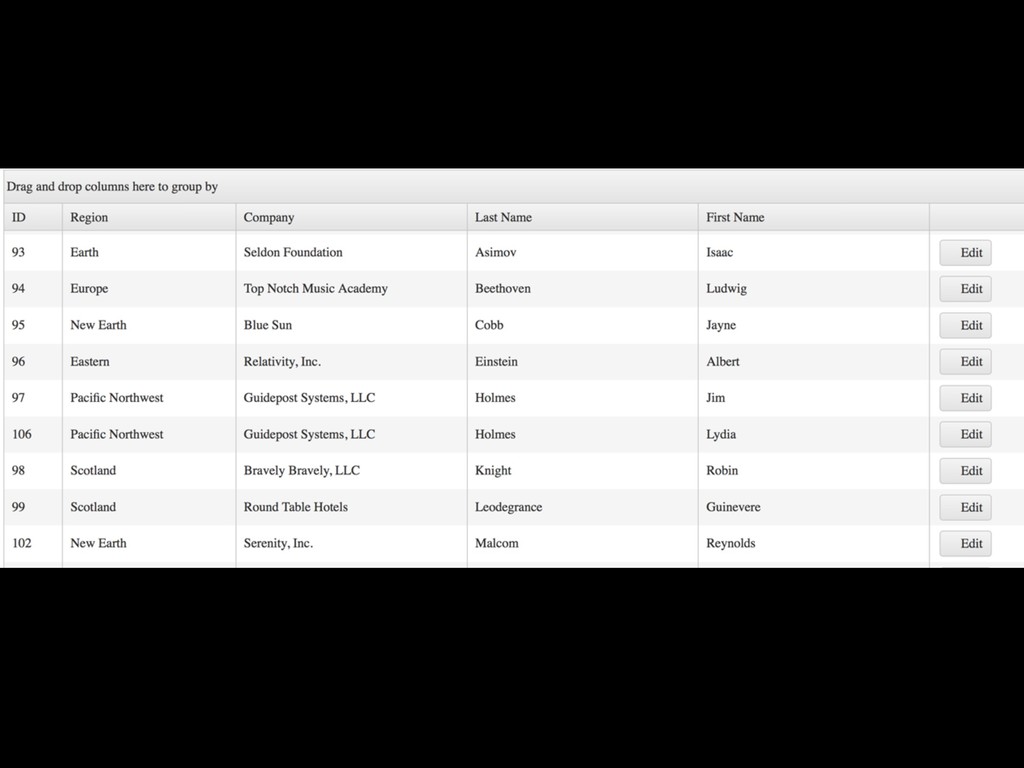
2) Tweak dynamic data
None
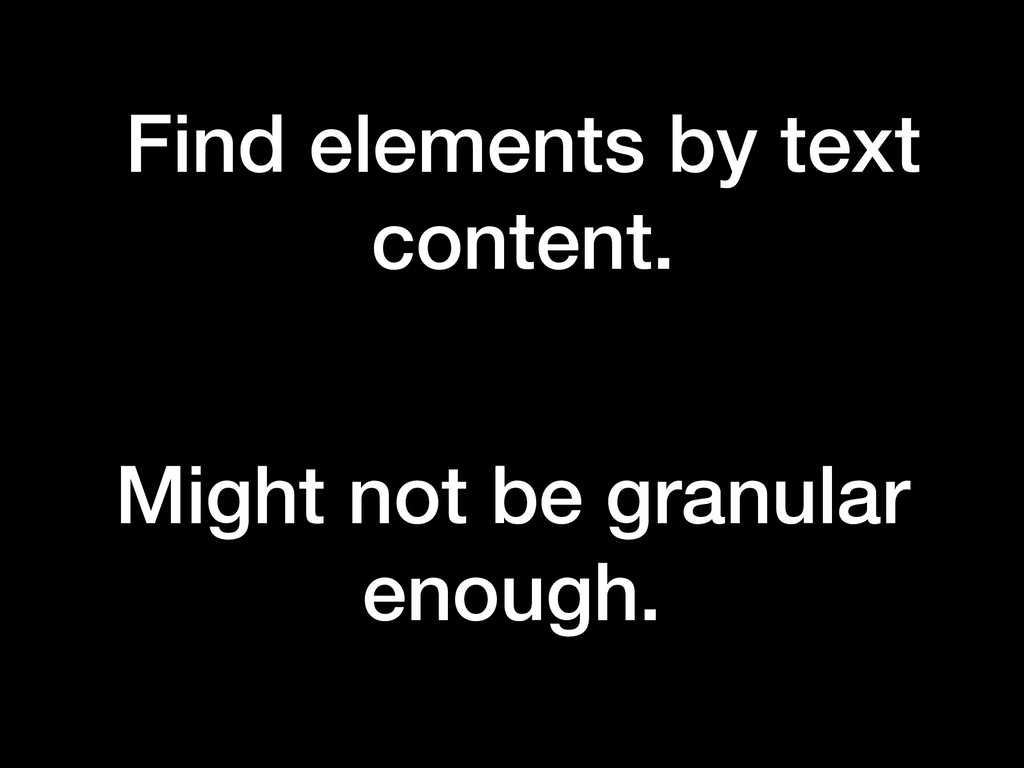
Find elements by text content. Might not be granular enough.
None
None
No useful attributes
None
None
None
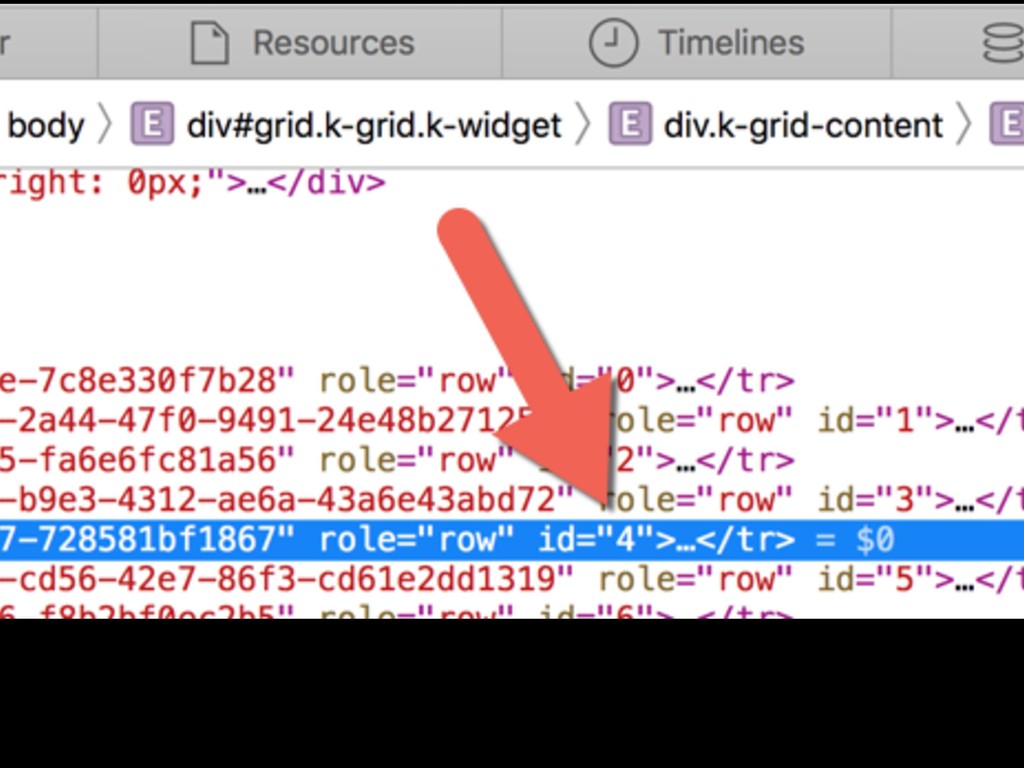
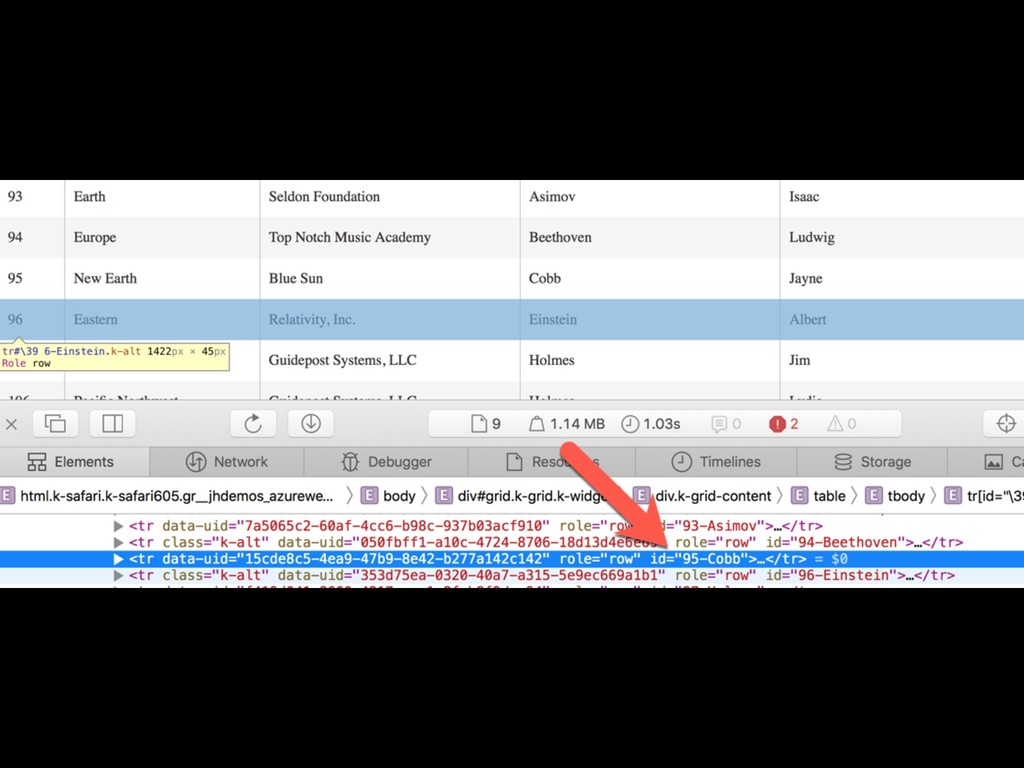
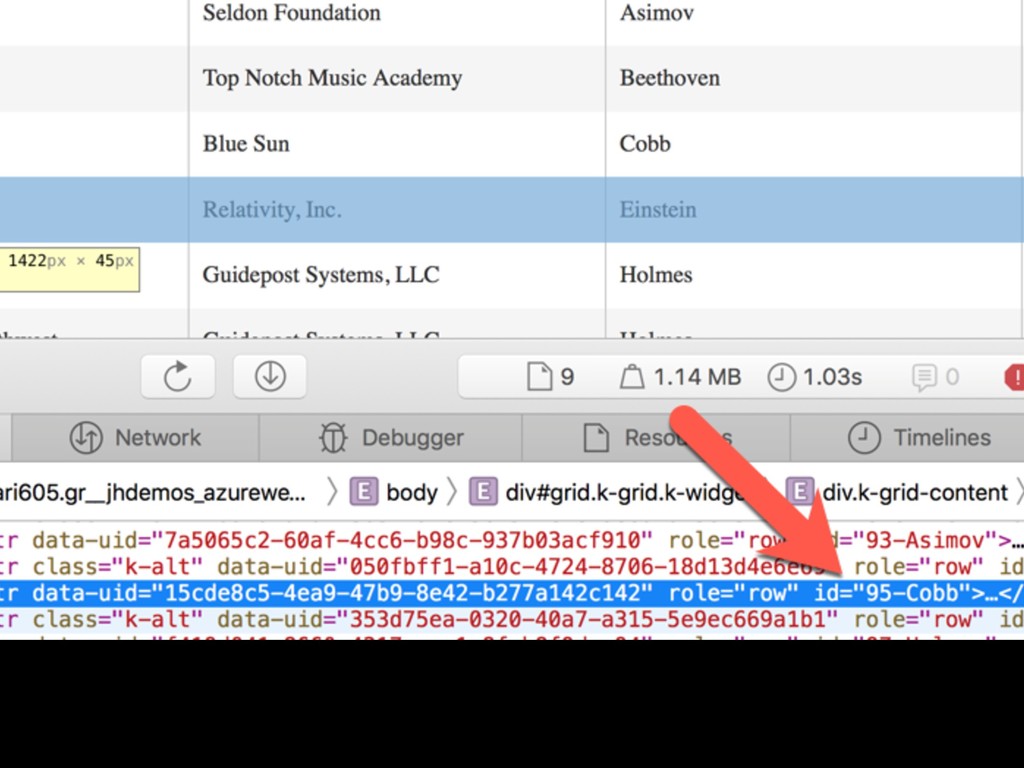
ID is position-based. Data changes, IDs change.
None
We own the code!
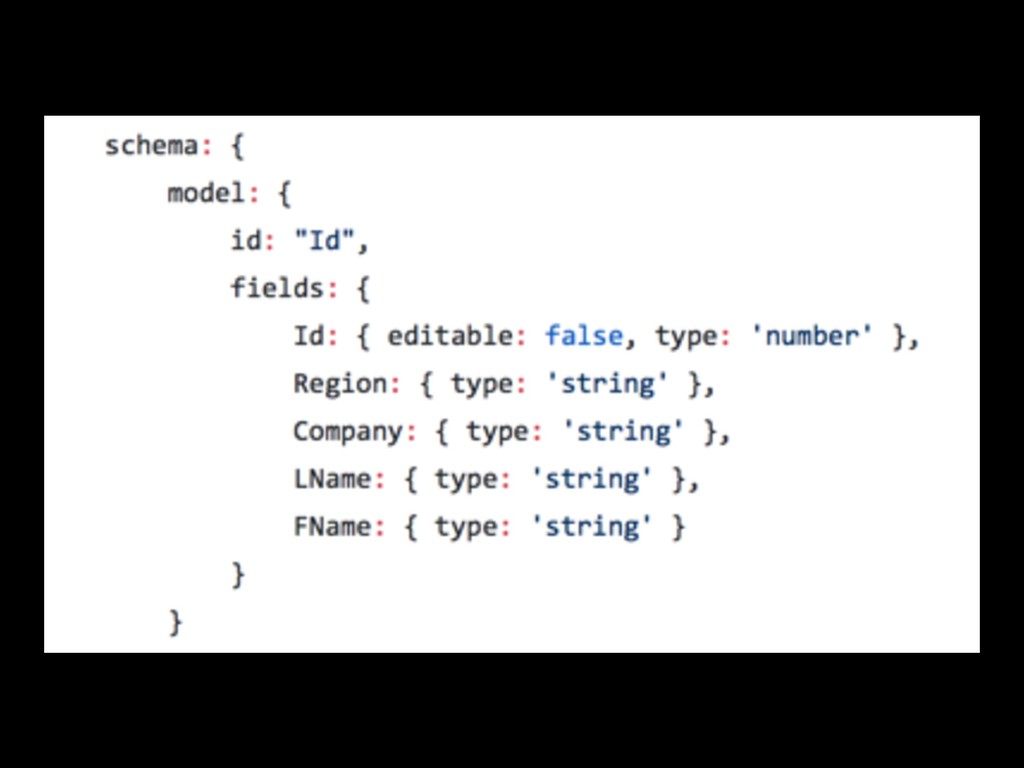
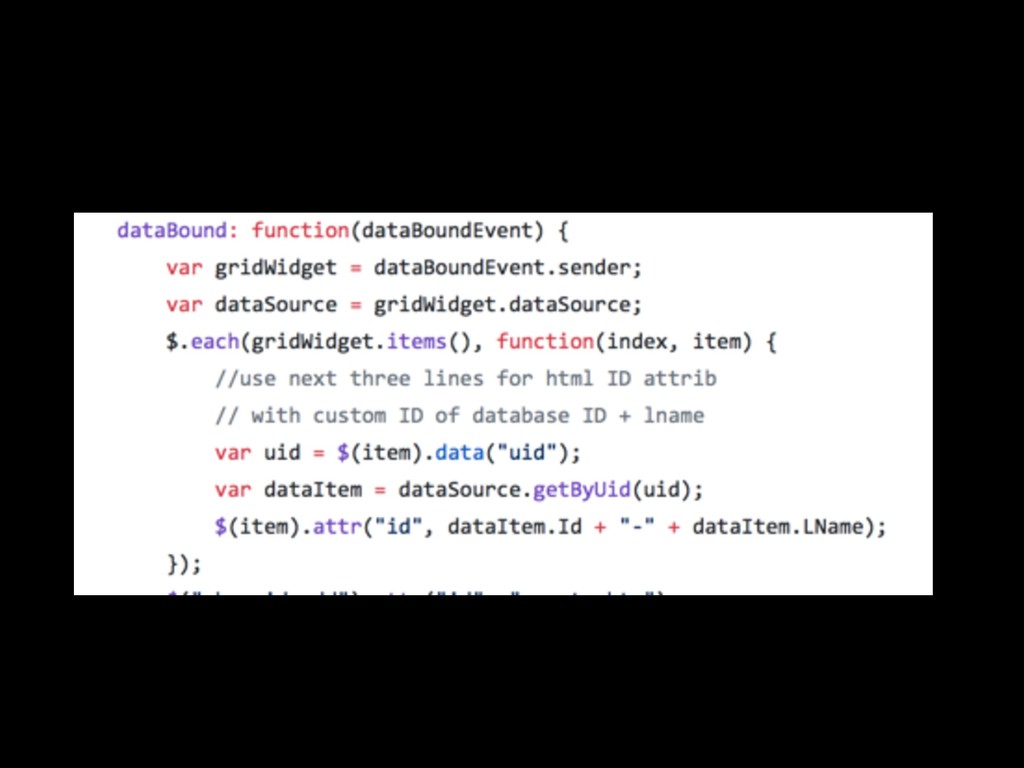
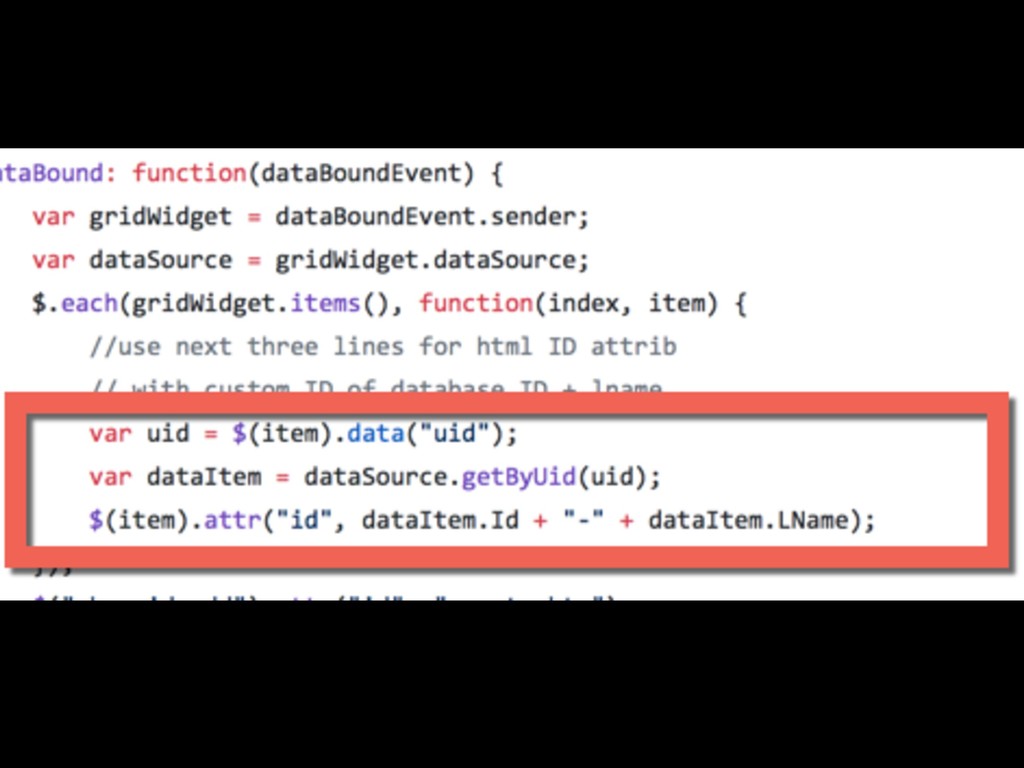
Is there some useful data in your objects?
None
None
None
None
None
FindElement.ById( contains(“Cobb”) )
“Name” isn’t all that useful. Got contract numbers? Project IDs?
Other stuff? Find good metadata!
3) Make complex async less painful
None
SharePoint
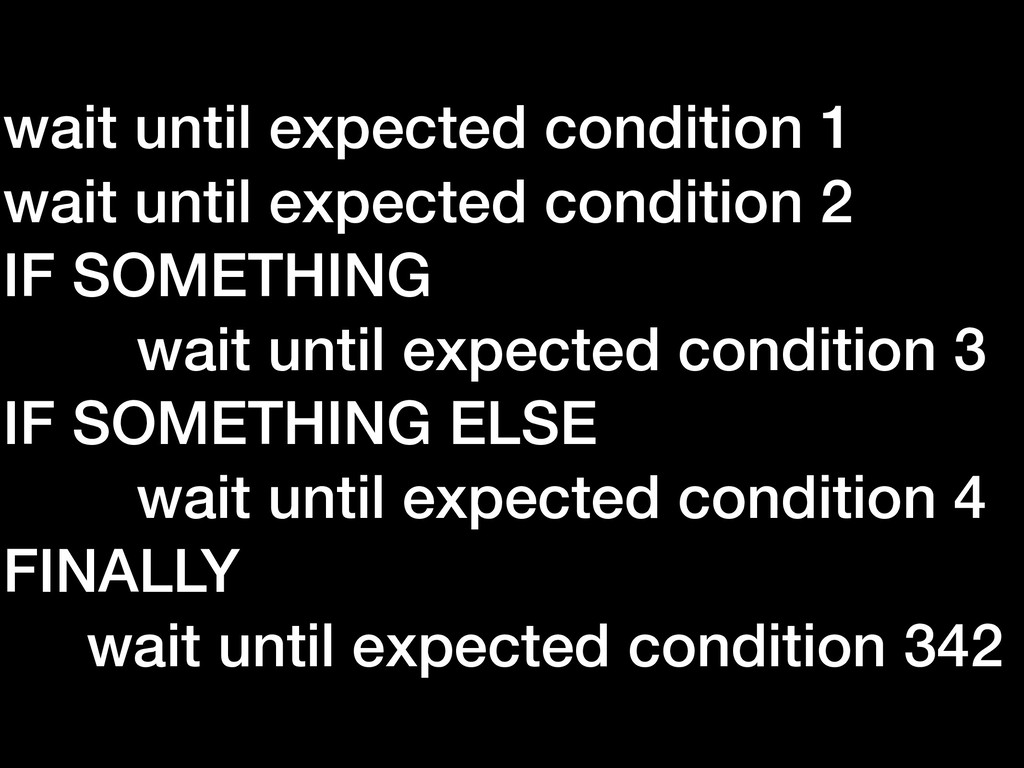
wait until expected condition 1 wait until expected condition 2
IF SOMETHING wait until expected condition 3 IF SOMETHING ELSE wait until expected condition 4 FINALLY wait until expected condition 342
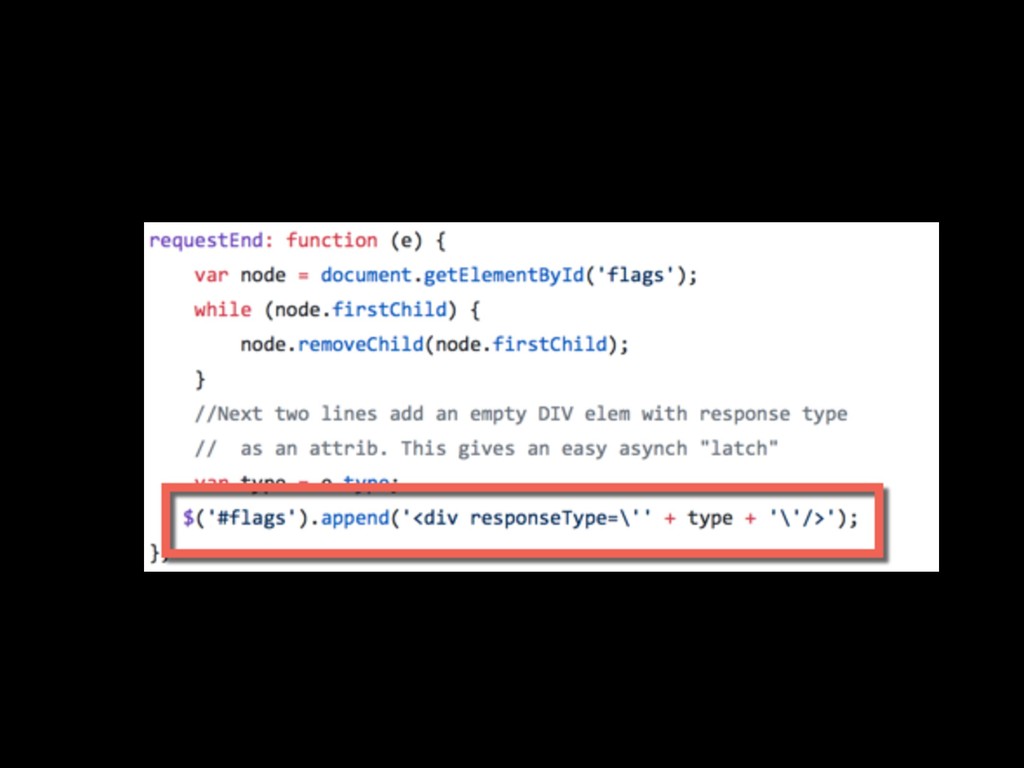
We own the code!
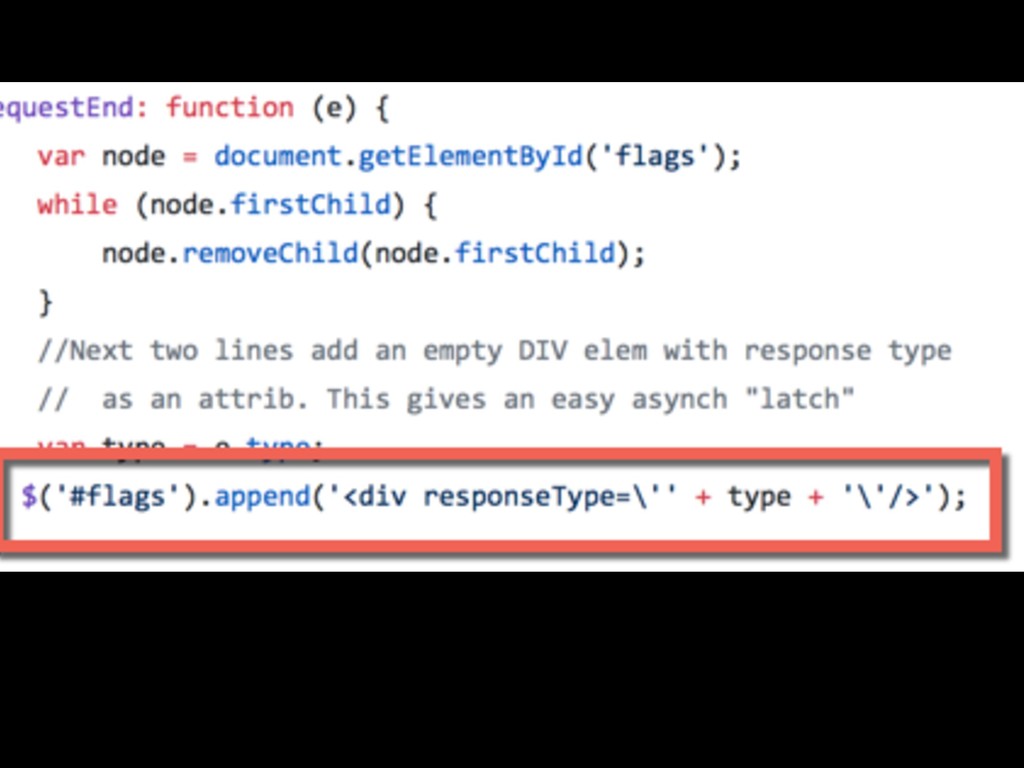
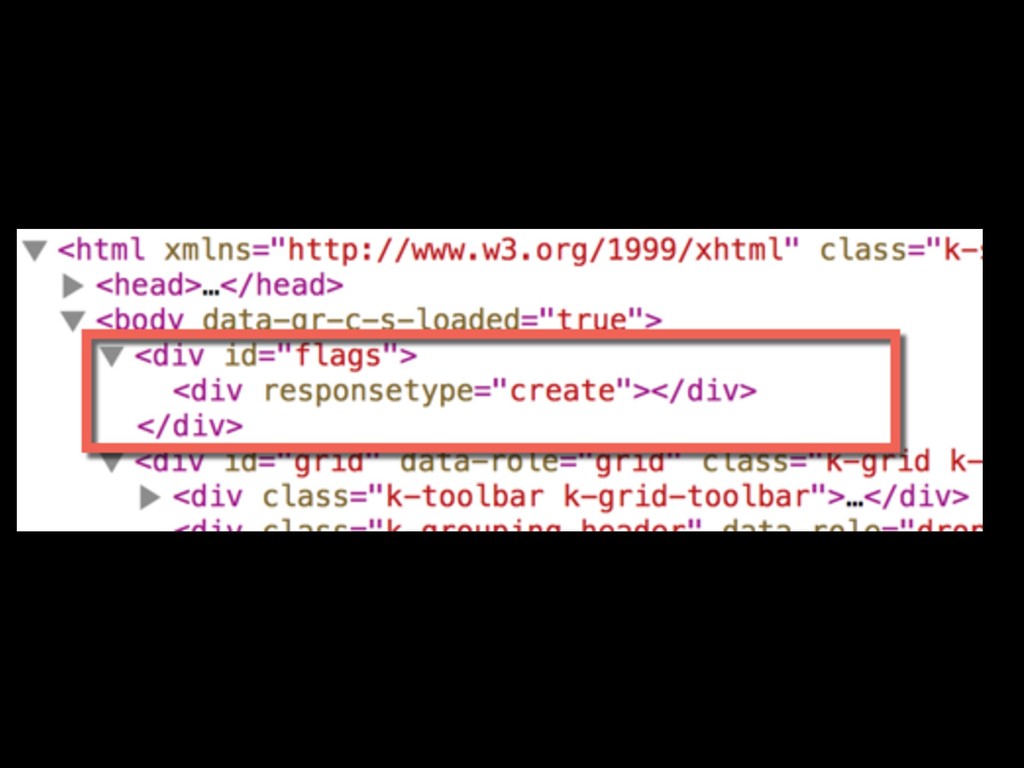
Create “flags” when async is complete
None
None
None
None
None
Wait until flags.div(responseType=create) exists
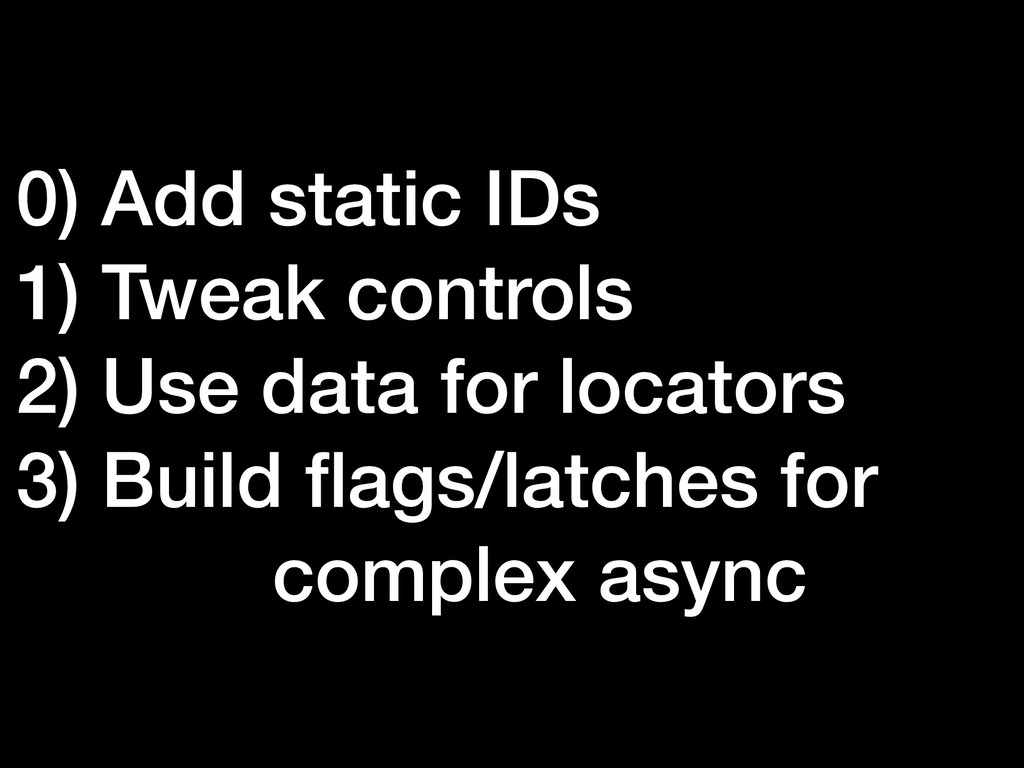
0) Add static IDs 1) Tweak controls 2) Use data
for locators 3) Build flags/latches for complex async
None
https://github.com/jimholmes/ Demo-Site


 jimholmes
 minorun365
.png) ryo_kawamata
ryo_kawamata
 skydoves
 ryomaru0825
 miu_crescent
 aki310ooooo
 cyberagentdevelopers
 masayukisuda
 oracle4engineer
 kai0707
 tacck
tacck
 shunghsiyu
 jonrohan
 michielstock
 brettharned
 tammyeverts
 jcasabona
 aleyda
 marcelosomers
 skoyamalab
 codingconduct
 afnizarnur
 konakalab
 sabderemane
![[email protected] @aJimHolmes](https://files.speakerdeck.com/presentations/39d40175c40240deb8bfef196a5f7671/slide_2.jpg)