Upgrade to Pro — share decks privately, control downloads, hide ads and more …

react-router v4 - With Michael Jackson... and k...

react-router v4 - With Michael Jackson... and kittens!

Learn how to use add routing to an existing react application and how to setup routes using composition.

Avatar for Jonathan Weiß

Jonathan Weiß

January 25, 2017
Tweet

More Decks by Jonathan Weiß

Other Decks in Programming

Transcript

  1. If you want to code with me: git clone [email protected]:jonathanweiss/kittenstore.git

    cd kittenstore npm install npm start open http://localhost:3000 Open and toggle . REACT-ROUTER V4 WITH MICHAEL JACKSON… AND KITTENS!
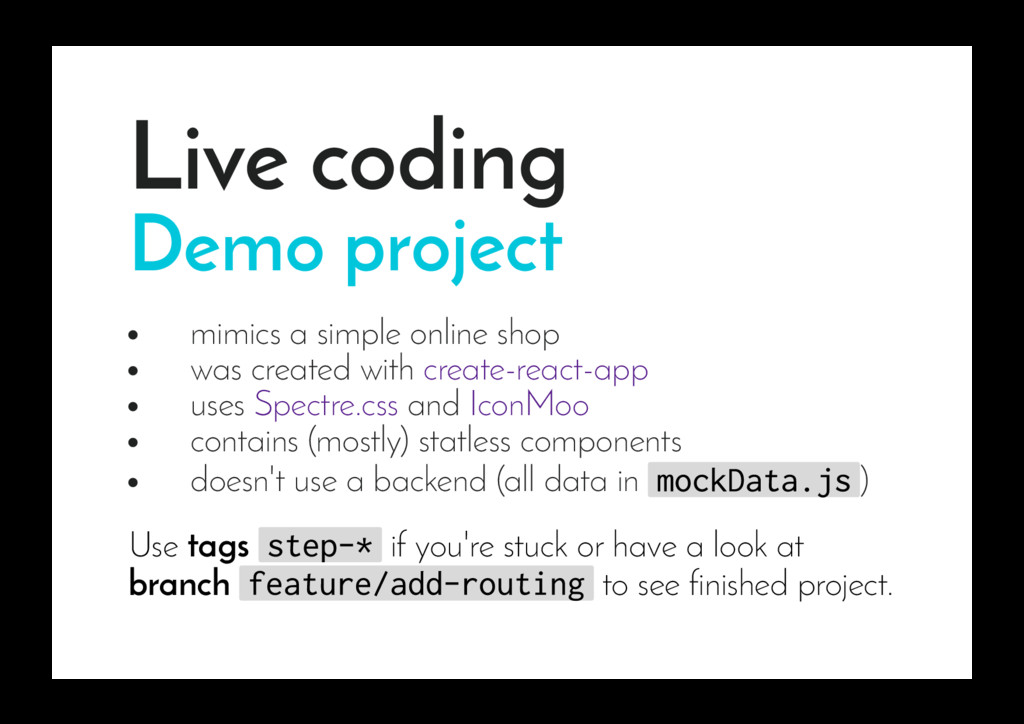
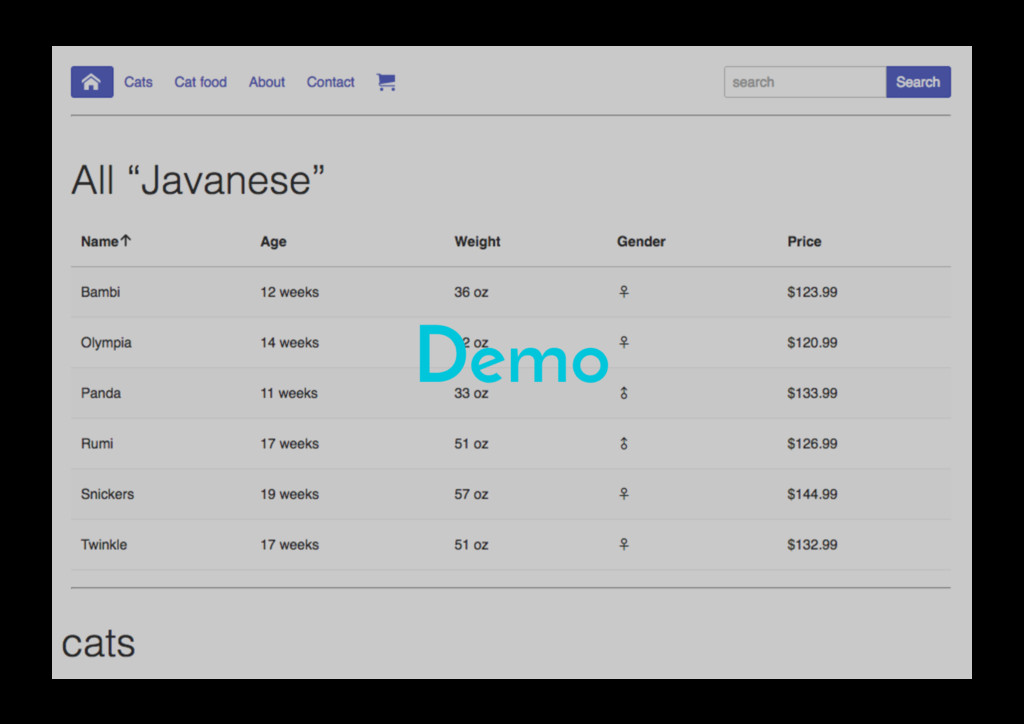
  2. Live coding Demo project mimics a simple online shop was

    created with create-react-app uses Spectre.css and IconMoo contains (mostly) statless components doesn't use a backend (all data in ) Use tags if you're stuck or have a look at branch to see finished project.
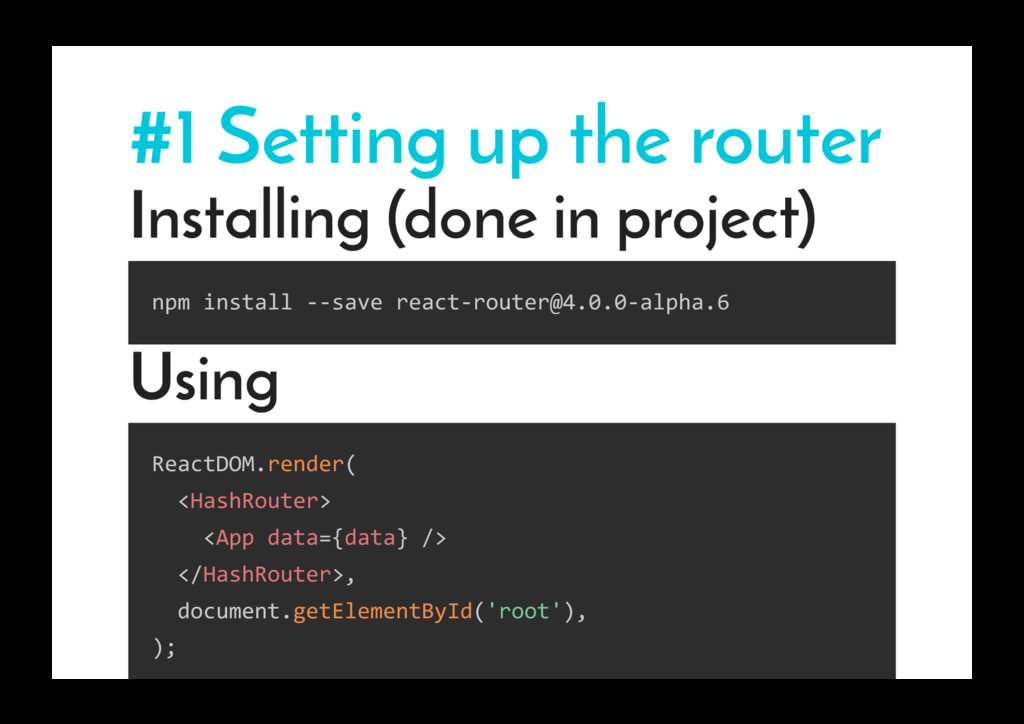
  3. #1 Setting up the router Installing (done in project) npm

    install ‐‐save react‐[email protected]‐alpha.6 Using ReactDOM.render( <HashRouter> <App data={data} /> </HashRouter>, document.getElementById('root'), );
  4. Warning! This is an (static) PDF version of an interactive

    presentation. I used scrolling and highlighting of specific lines for each code slide. These features aren't possible in PDF. View the original presentation to see the code on all code slides.
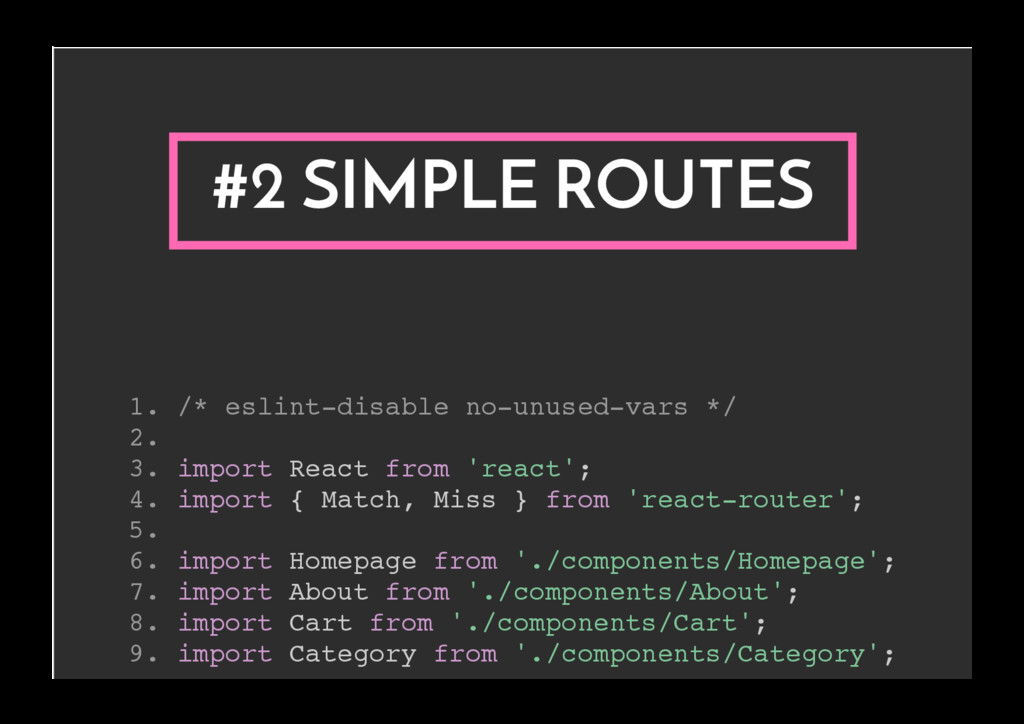
  5. #2 SIMPLE ROUTES 1. /* eslint-disable no-unused-vars */ 2. 3.

    import React from 'react'; 4. import { Match, Miss } from 'react-router'; 5. 6. import Homepage from './components/Homepage'; 7. import About from './components/About'; 8. import Cart from './components/Cart'; 9. import Category from './components/Category';
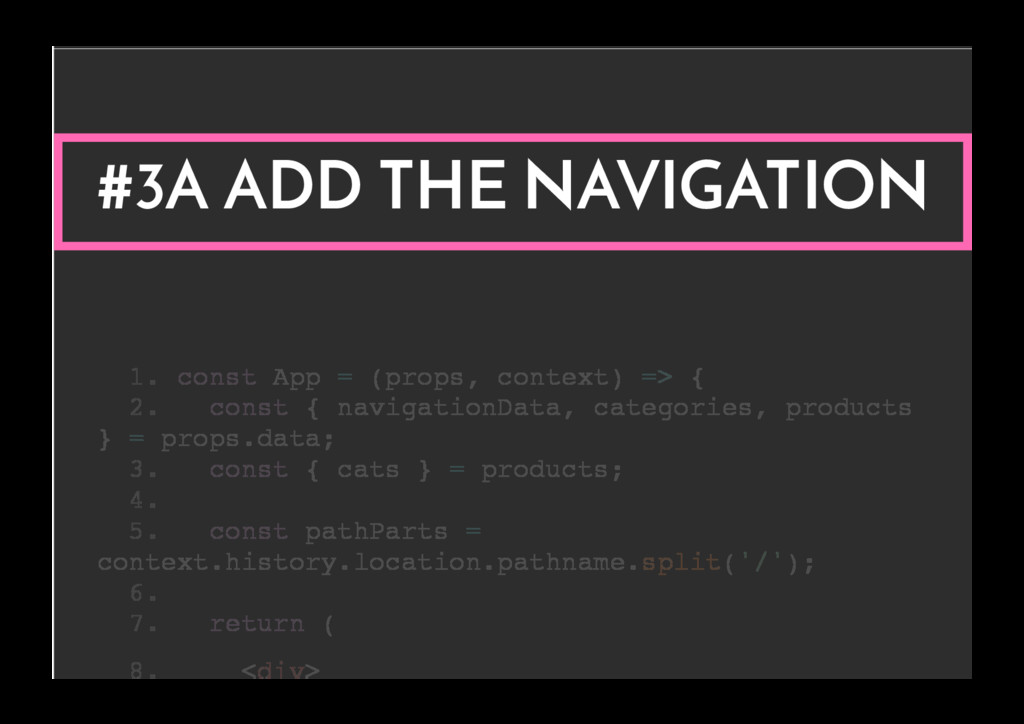
  6. #3A ADD THE NAVIGATION 1. const App = (props, context)

    => { 2. const { navigationData, categories, products } = props.data; 3. const { cats } = products; 4. 5. const pathParts = context.history.location.pathname.split('/'); 6. 7. return ( 8. <div>
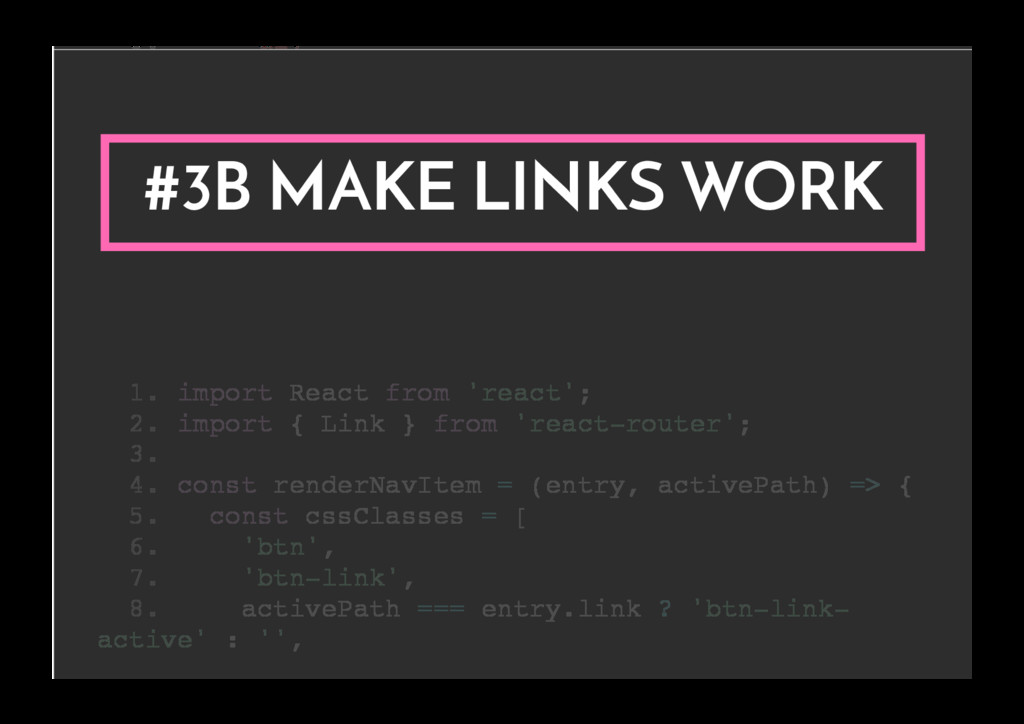
  7. 8. <div> #3B MAKE LINKS WORK 1. import React from

    'react'; 2. import { Link } from 'react-router'; 3. 4. const renderNavItem = (entry, activePath) => { 5. const cssClasses = [ 6. 'btn', 7. 'btn-link', 8. activePath === entry.link ? 'btn-link- active' : '', 9. ];
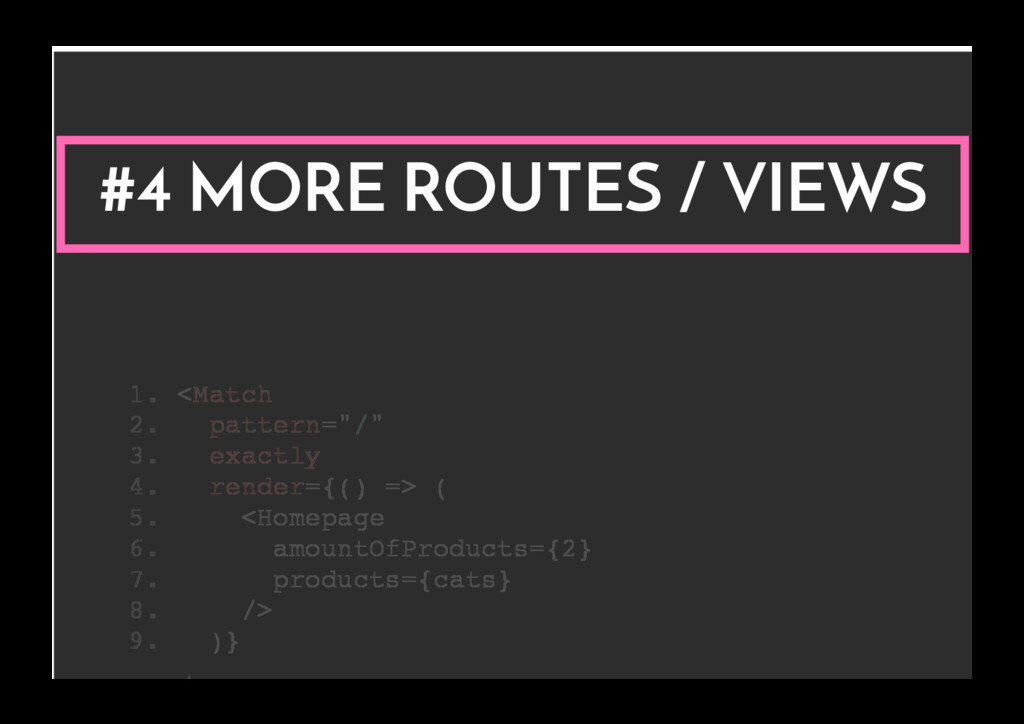
  8. #4 MORE ROUTES / VIEWS 1. <Match 2. pattern="/" 3.

    exactly 4. render={() => ( 5. <Homepage 6. amountOfProducts={2} 7. products={cats} 8. /> 9. )} 10. />
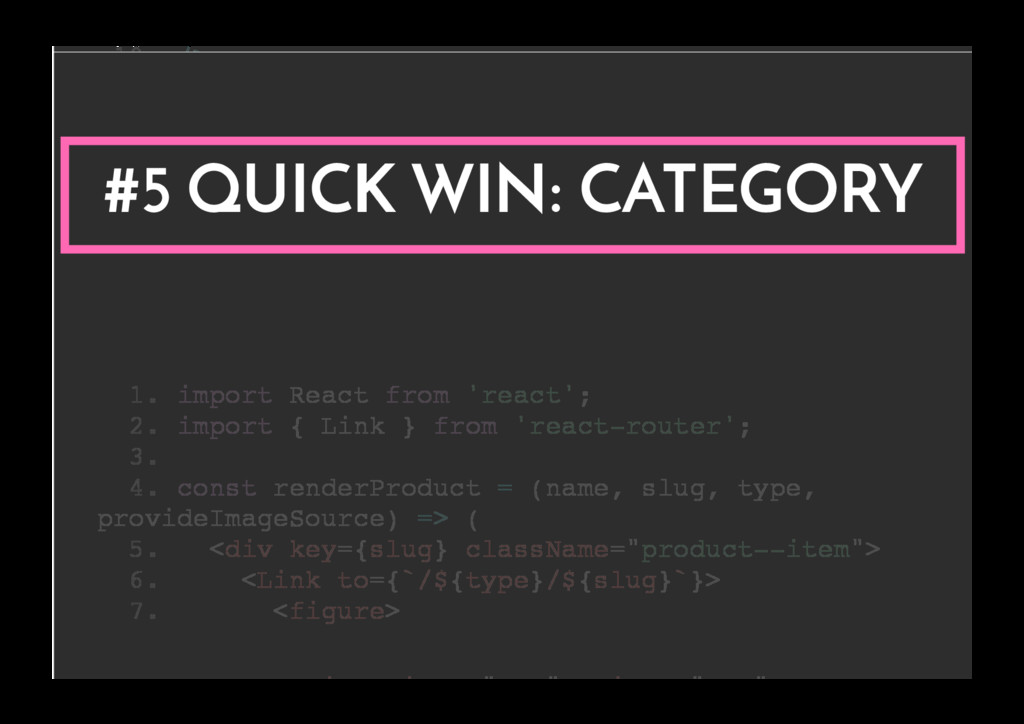
  9. 10. /> #5 QUICK WIN: CATEGORY 1. import React from

    'react'; 2. import { Link } from 'react-router'; 3. 4. const renderProduct = (name, slug, type, provideImageSource) => ( 5. <div key={slug} className="product--item"> 6. <Link to={`/${type}/${slug}`}> 7. <figure> 8. <img width="200" height="200" src=
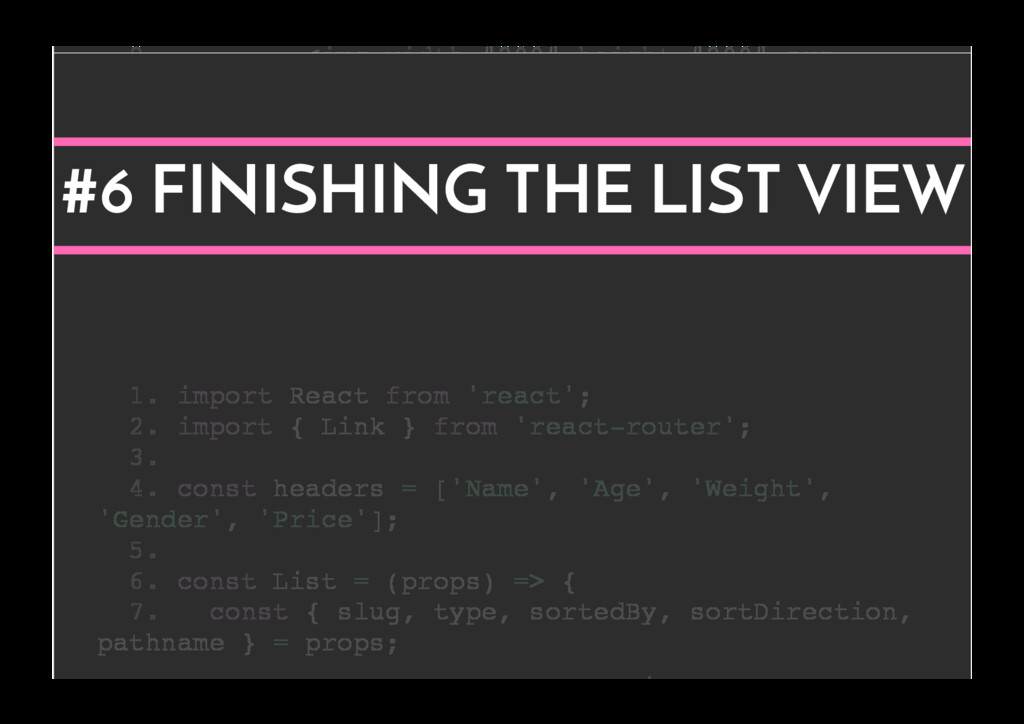
  10. 8. <img width="200" height="200" src= #6 FINISHING THE LIST VIEW

    1. import React from 'react'; 2. import { Link } from 'react-router'; 3. 4. const headers = ['Name', 'Age', 'Weight', 'Gender', 'Price']; 5. 6. const List = (props) => { 7. const { slug, type, sortedBy, sortDirection, pathname } = props; 8. let products = props.data.filter(product =>
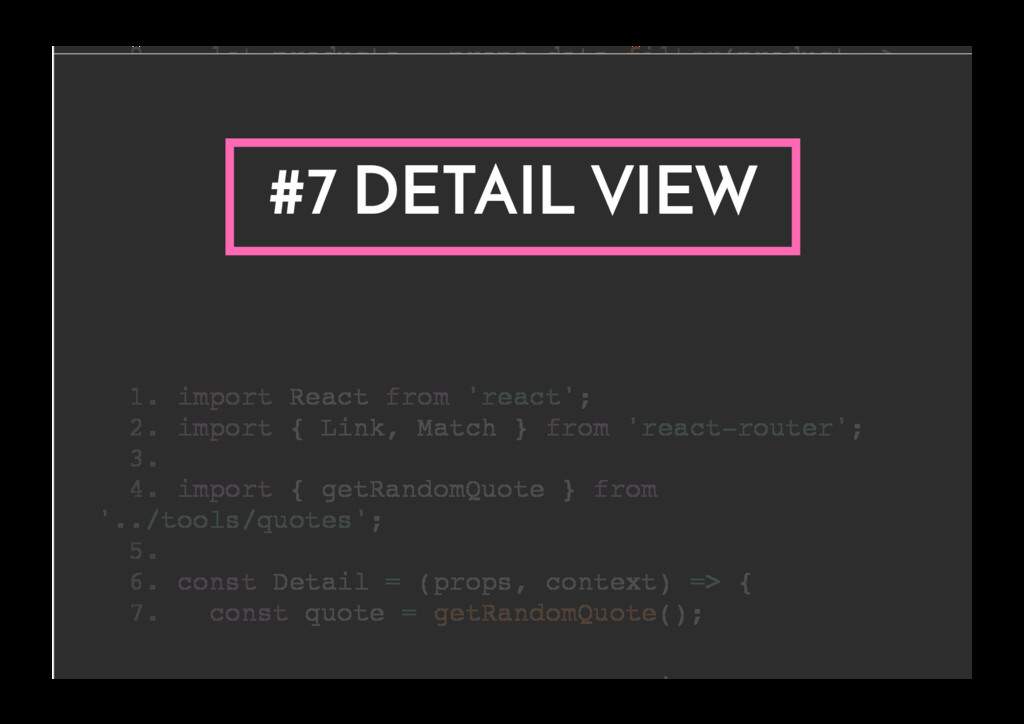
  11. 8. let products = props.data.filter(product => #7 DETAIL VIEW 1.

    import React from 'react'; 2. import { Link, Match } from 'react-router'; 3. 4. import { getRandomQuote } from '../tools/quotes'; 5. 6. const Detail = (props, context) => { 7. const quote = getRandomQuote(); 8. const { slug, data, showDetails,
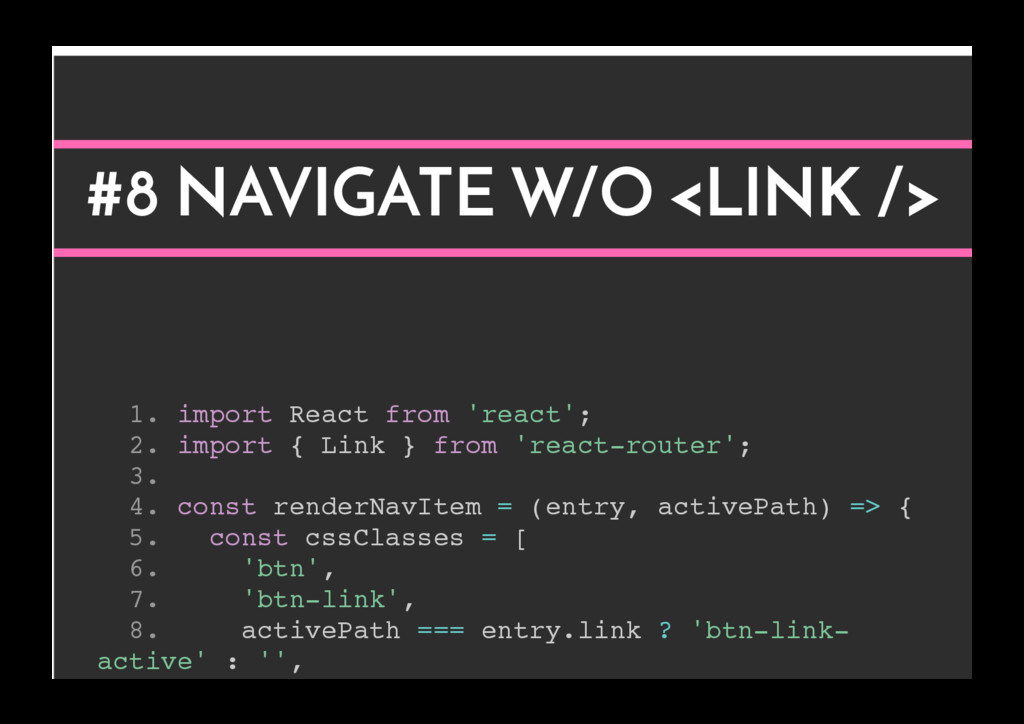
  12. #8 NAVIGATE W/O <LINK /> 1. import React from 'react';

    2. import { Link } from 'react-router'; 3. 4. const renderNavItem = (entry, activePath) => { 5. const cssClasses = [ 6. 'btn', 7. 'btn-link', 8. activePath === entry.link ? 'btn-link- active' : '',
  13. 9. ]; #9 PREVENTING NAVIGATION 1. import React from 'react';

    2. import { NavigationPrompt } from 'react- router'; 3. 4. class Contact extends React.Component { 5. constructor() { 6. super(); 7. 8. this.state = {
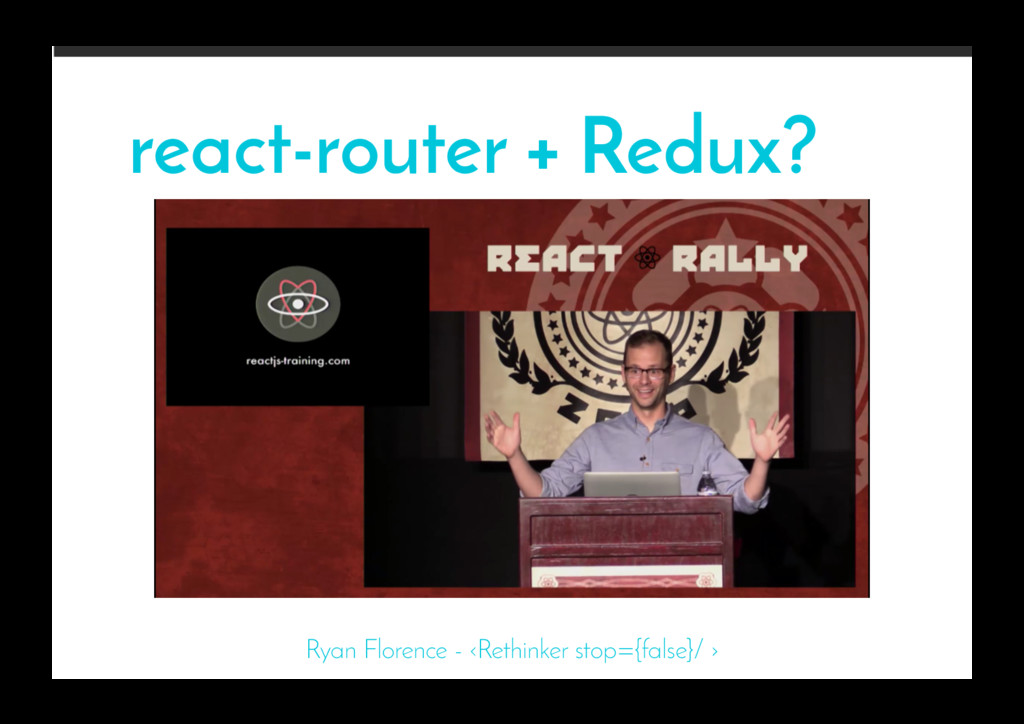
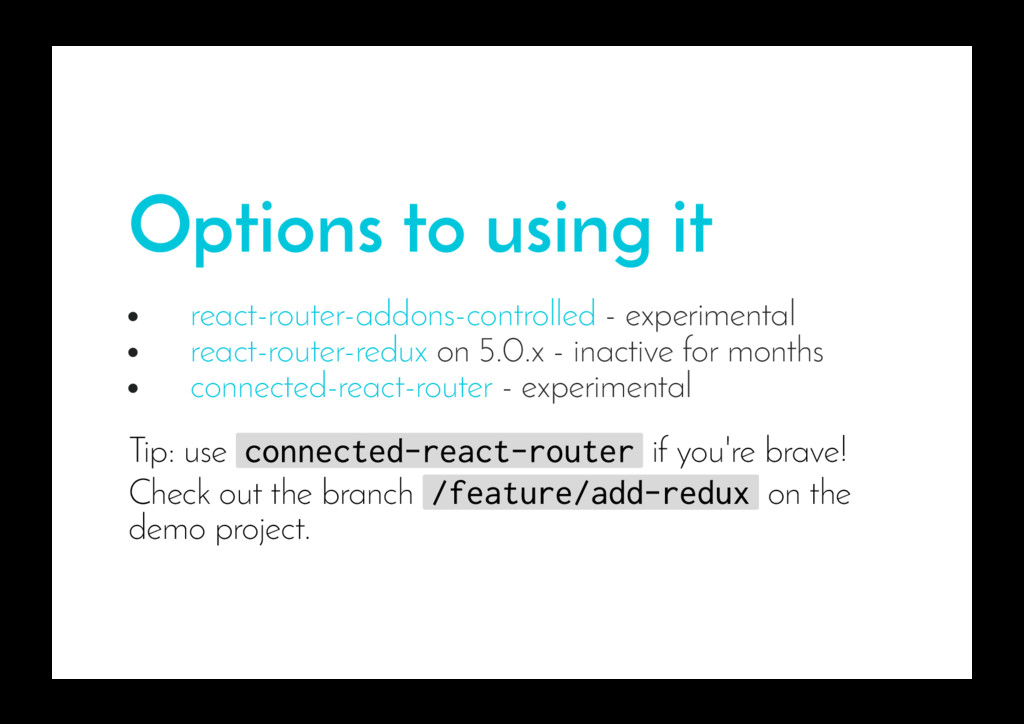
  14. Options to using it react-router-addons-controlled - experimental react-router-redux on 5.0.x

    - inactive for months connected-react-router - experimental Tip: use if you're brave! Check out the branch on the demo project.
  15. Questions? Ask now or contact me later. Everything is on

    Github... Demo project without routing (master branch) Finished project Finished project (with Redux) Code of the presentation Or online... Presentation