Share
Embed
HTML5 abwärtskompatibel - Gerätevielfalt & Zugänglichkeit
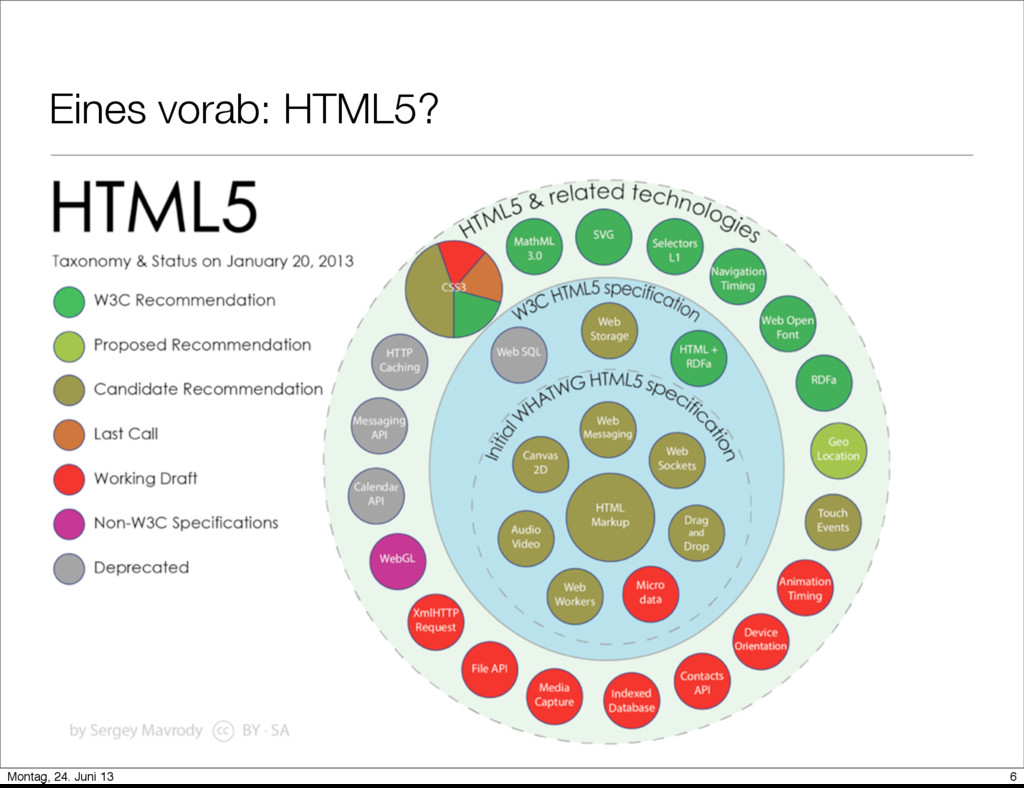
HTML5 ermöglicht es Entwicklern leistungsfähige Webanwendungen zu schreiben, die einen Vergleich mit Desktop-Anwendungen immer weniger scheuen müssen. Beim Einsatz von HTML5 besteht jedoch die Gefahr, dass man über das Ziel hinausschießt und die Anwendungen wichtigen Zielgruppen vorenthält. In diesem Vortrag erkläre ich, wie man eine Moderne Webanwendung entwirft und umsetzt, die allen Zielgruppen gerecht wird und stelle Tools und Frameworks vor die bei dieses Vorhaben unterstützen.

Jonathan Weiß
June 24, 2013
Transcript
92 slides
-
Zur Person • Freier Berater und Entwickler mit Schwerpunkt Webtechnologien
• Im Netz seit 1998 • Webentwickler aus Leidenschaft • Spezialisiert auf Frontend, fasziniert von JavaScript 2 Montag, 24. Juni 13 -
Zur Person • Freier Berater und Entwickler mit Schwerpunkt Webtechnologien
• Im Netz seit 1998 • Webentwickler aus Leidenschaft • Spezialisiert auf Frontend, fasziniert von JavaScript Hire me! 2 Montag, 24. Juni 13 -
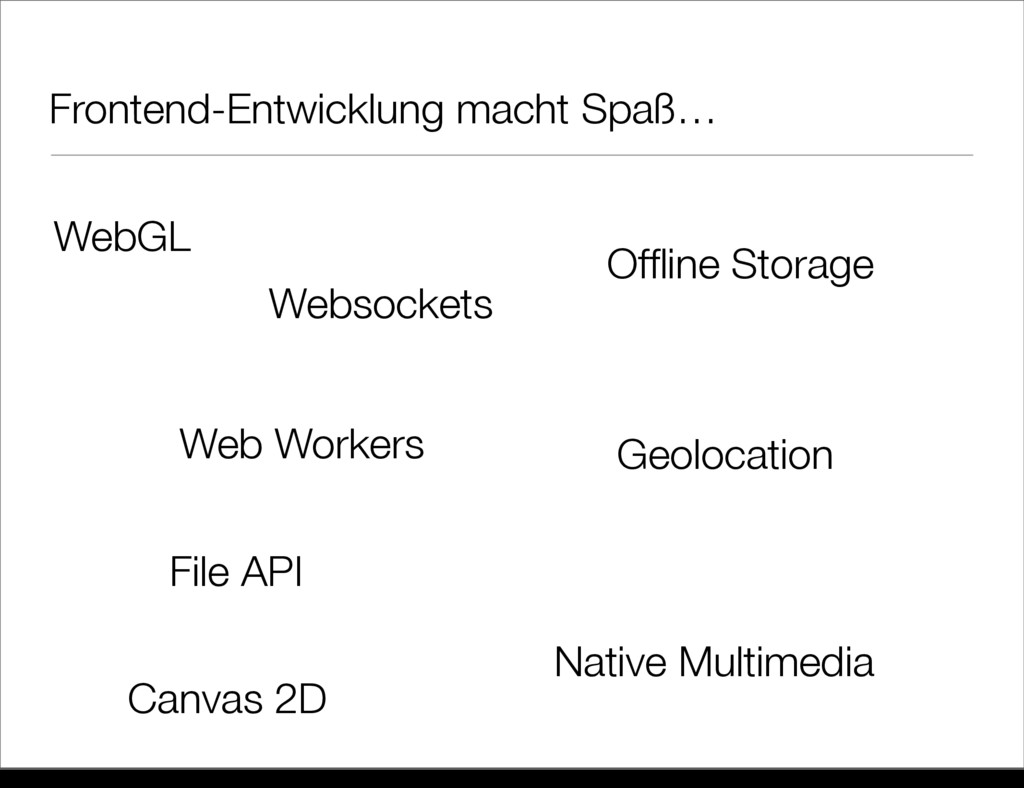
WebGL Frontend-Entwicklung macht Spaß… Web Workers Offline Storage Native Multimedia
Canvas 2D File API Geolocation Websockets 3 Montag, 24. Juni 13 -
WebGL Frontend-Entwicklung macht Spaß… Web Workers Offline Storage Native Multimedia
Canvas 2D File API Geolocation Websockets 3 Montag, 24. Juni 13 -
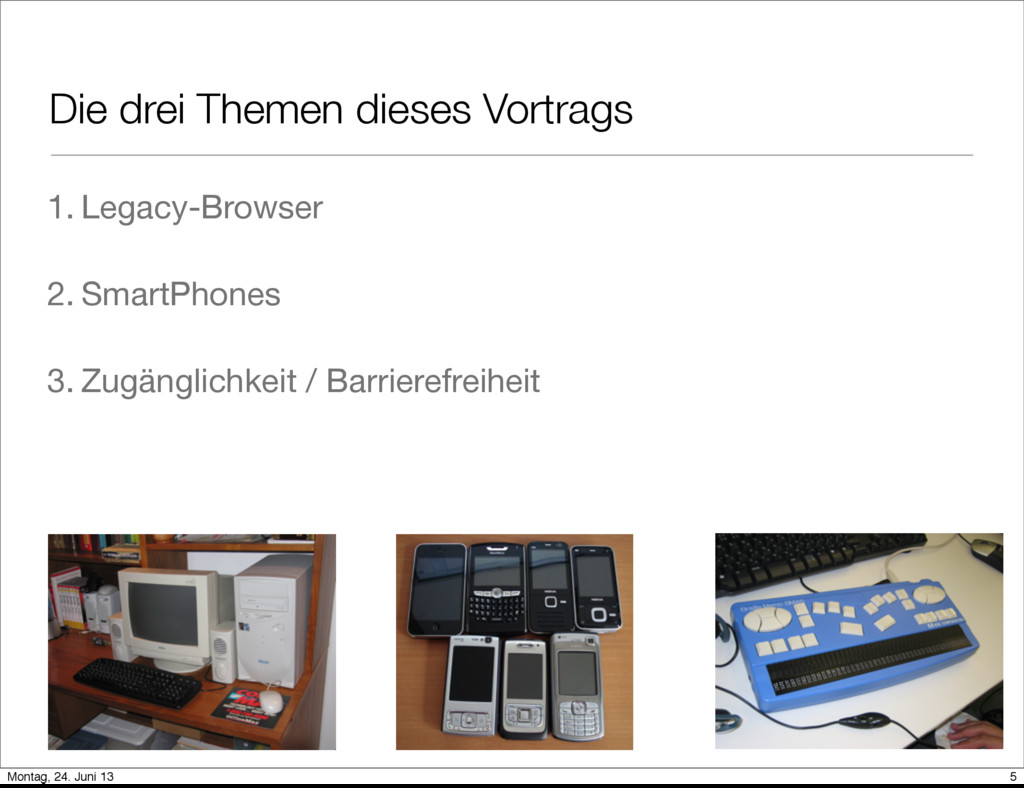
Die drei Themen dieses Vortrags 1. Legacy-Browser 2. SmartPhones 3.
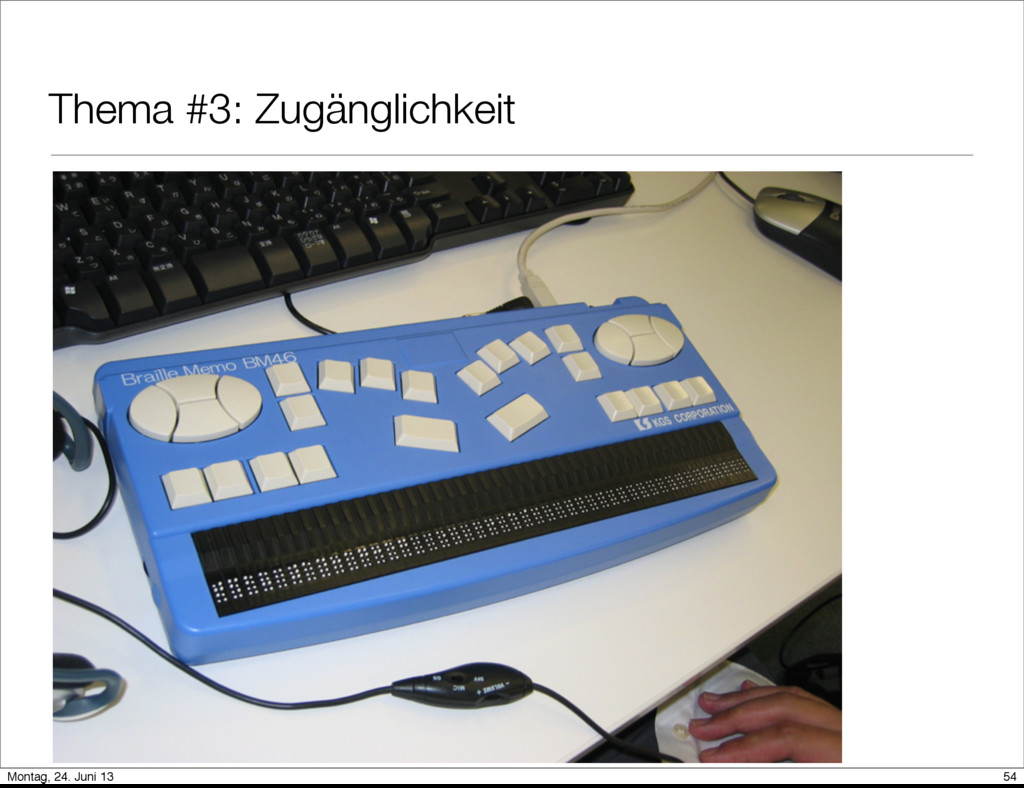
Zugänglichkeit / Barrierefreiheit 5 Montag, 24. Juni 13 -
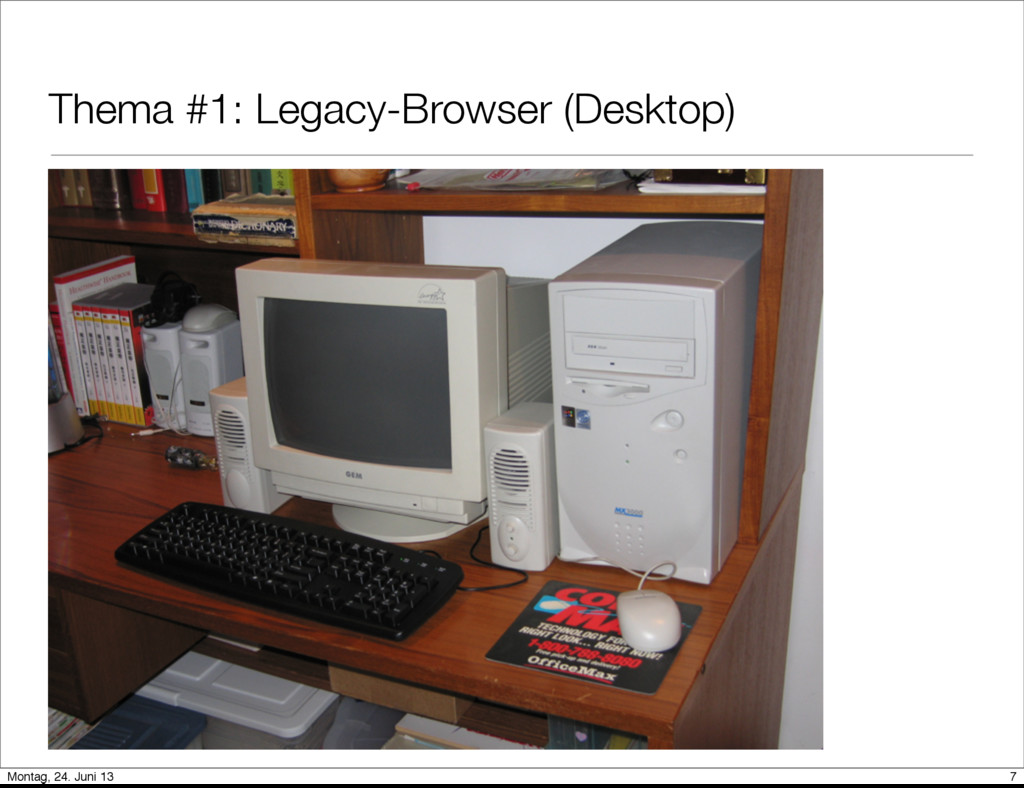
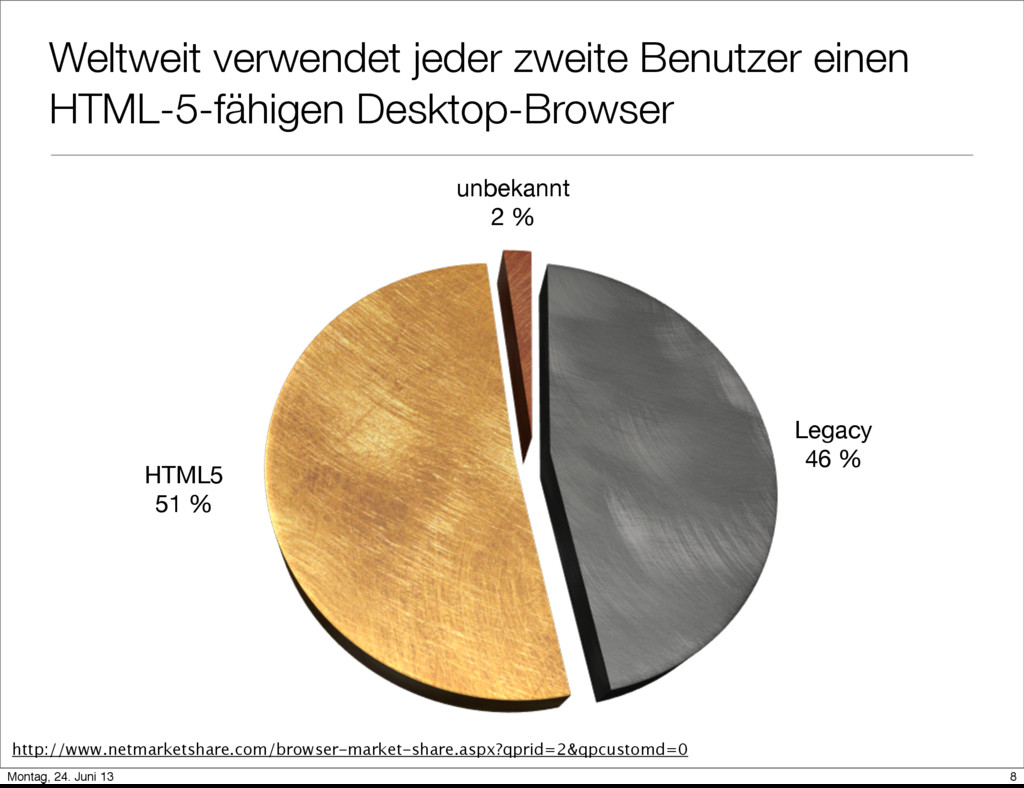
Weltweit verwendet jeder zweite Benutzer einen HTML-5-fähigen Desktop-Browser Legacy 46
% HTML5 51 % unbekannt 2 % http://www.netmarketshare.com/browser-market-share.aspx?qprid=2&qpcustomd=0 8 Montag, 24. Juni 13 -
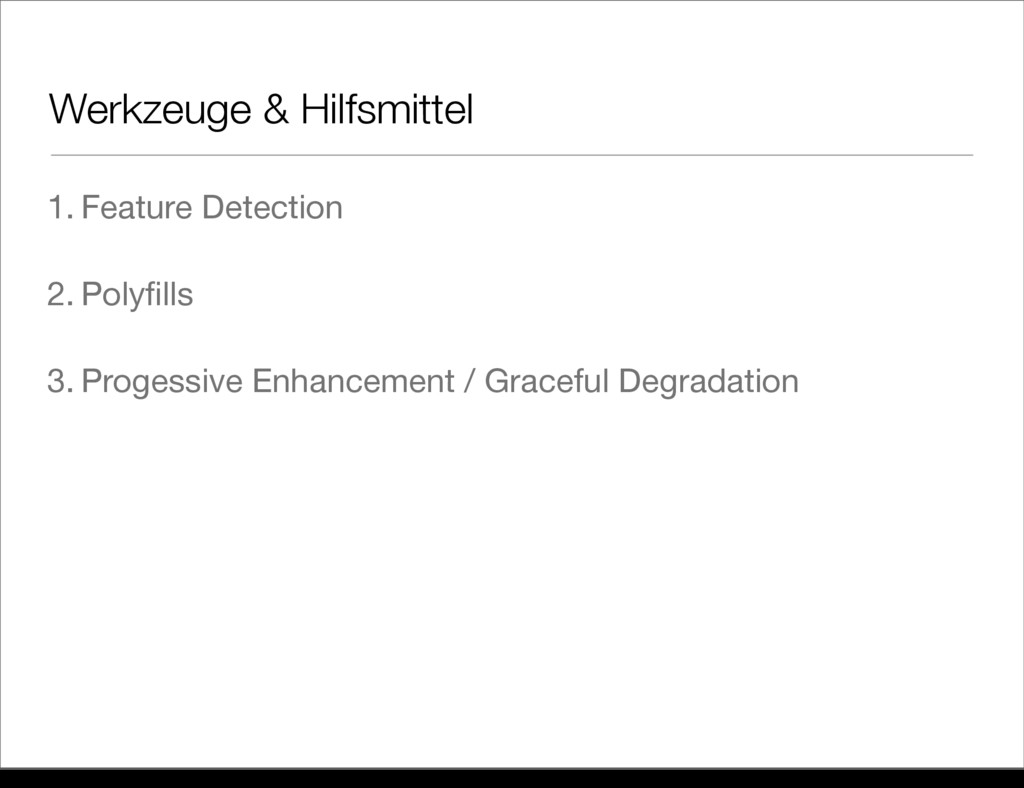
Werkzeuge & Hilfsmittel 1. Feature Detection 2. Polyfills 3. Progessive
Enhancement / Graceful Degradation 9 Montag, 24. Juni 13 -
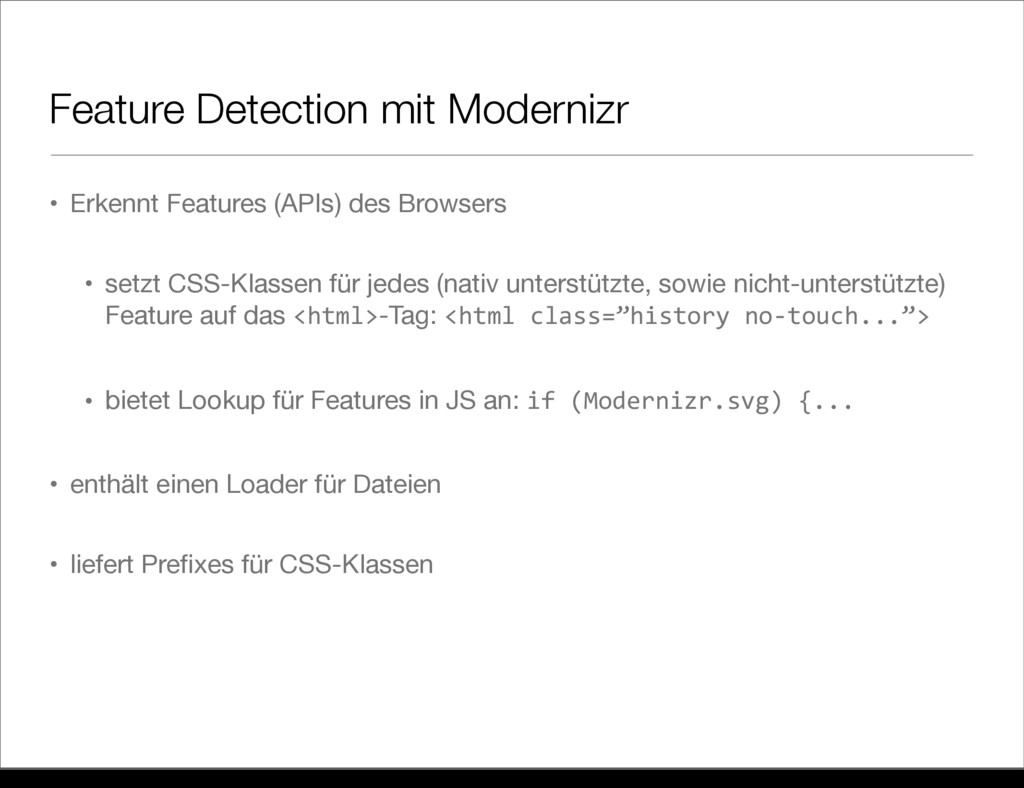
Feature Detection mit Modernizr • Erkennt Features (APIs) des Browsers
• setzt CSS-Klassen für jedes (nativ unterstützte, sowie nicht-unterstützte) Feature auf das <html>-Tag: <html class=”history no-‐touch...”> • bietet Lookup für Features in JS an: if (Modernizr.svg) {... • enthält einen Loader für Dateien • liefert Prefixes für CSS-Klassen 10 Montag, 24. Juni 13 -
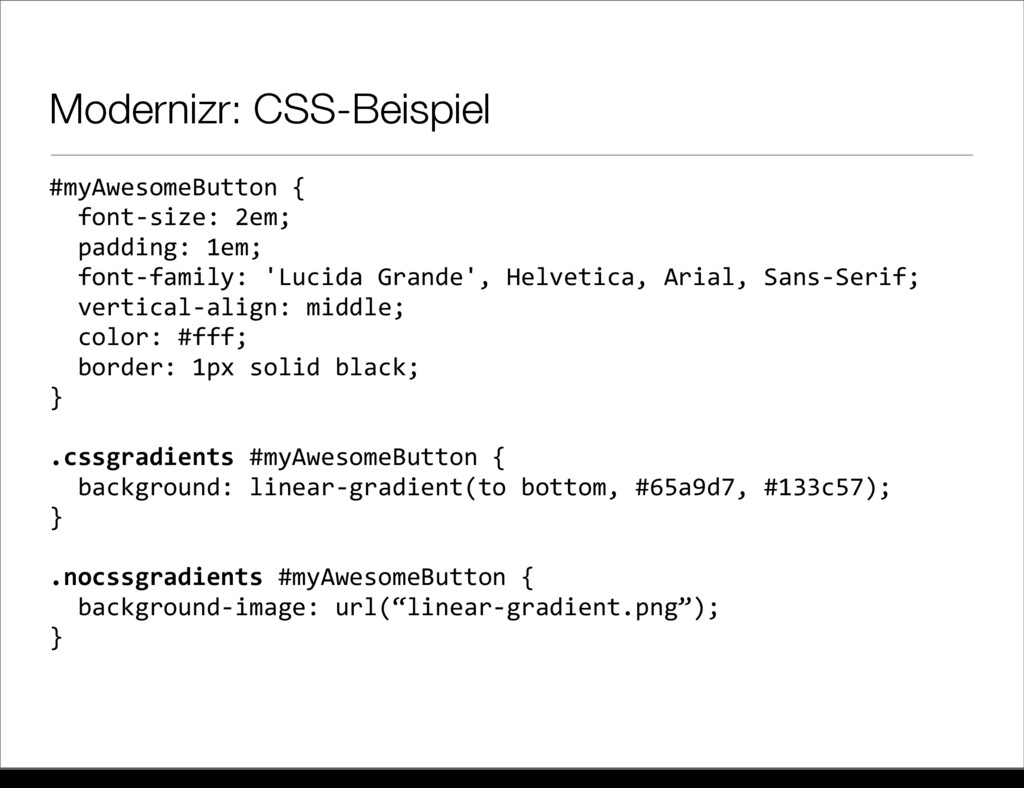
Modernizr: CSS-Beispiel #myAwesomeButton { font-‐size: 2em; padding: 1em;
font-‐family: 'Lucida Grande', Helvetica, Arial, Sans-‐Serif; vertical-‐align: middle; color: #fff; border: 1px solid black; } .cssgradients #myAwesomeButton { background: linear-‐gradient(to bottom, #65a9d7, #133c57); } .nocssgradients #myAwesomeButton { background-‐image: url(“linear-‐gradient.png”); } 11 Montag, 24. Juni 13 -
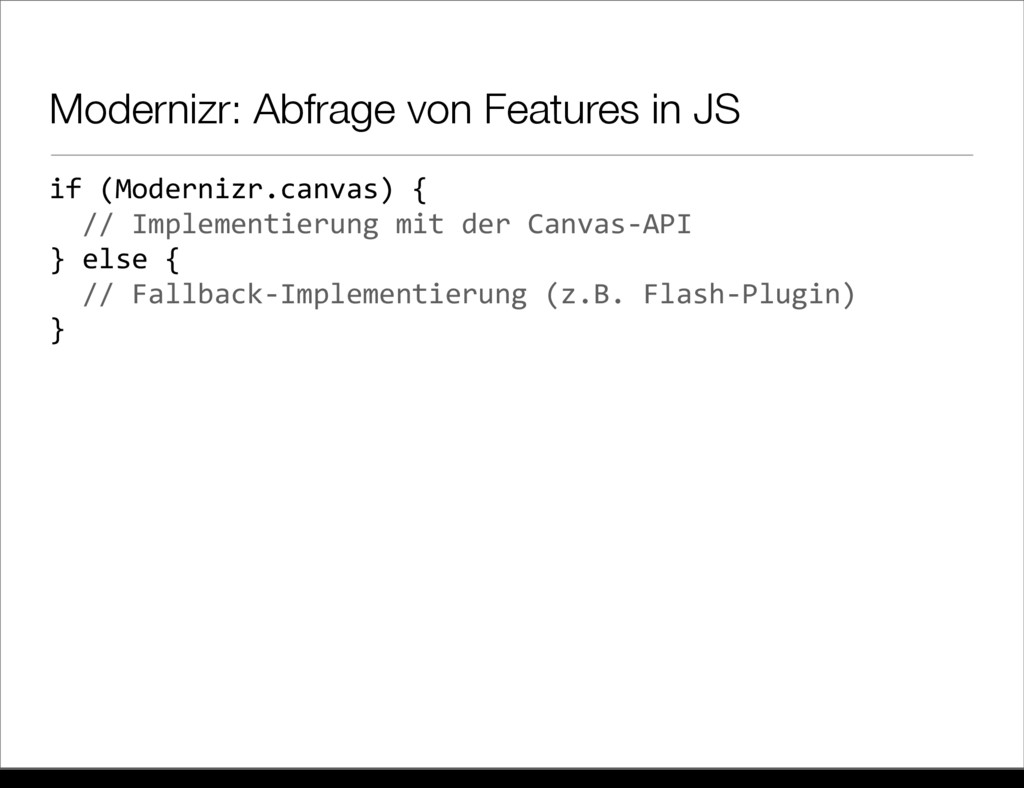
Modernizr: Abfrage von Features in JS if (Modernizr.canvas) {
// Implementierung mit der Canvas-‐API } else { // Fallback-‐Implementierung (z.B. Flash-‐Plugin) } 12 Montag, 24. Juni 13 -
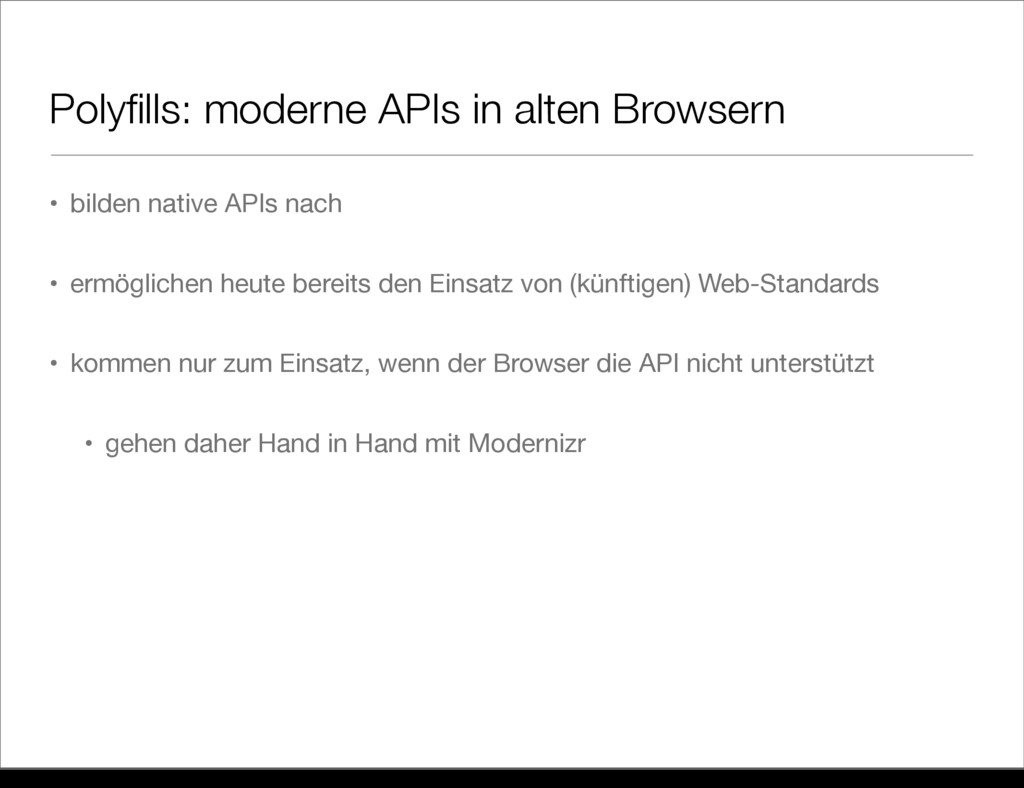
Polyfills: moderne APIs in alten Browsern • bilden native APIs
nach • ermöglichen heute bereits den Einsatz von (künftigen) Web-Standards • kommen nur zum Einsatz, wenn der Browser die API nicht unterstützt • gehen daher Hand in Hand mit Modernizr 13 Montag, 24. Juni 13 -
Polyfills: wie ist das möglich? • Reines JavaScript • Feature
vom Internet Explorer („IE-Magic“) • Einsatz von Browser-Plugins 14 Montag, 24. Juni 13 -
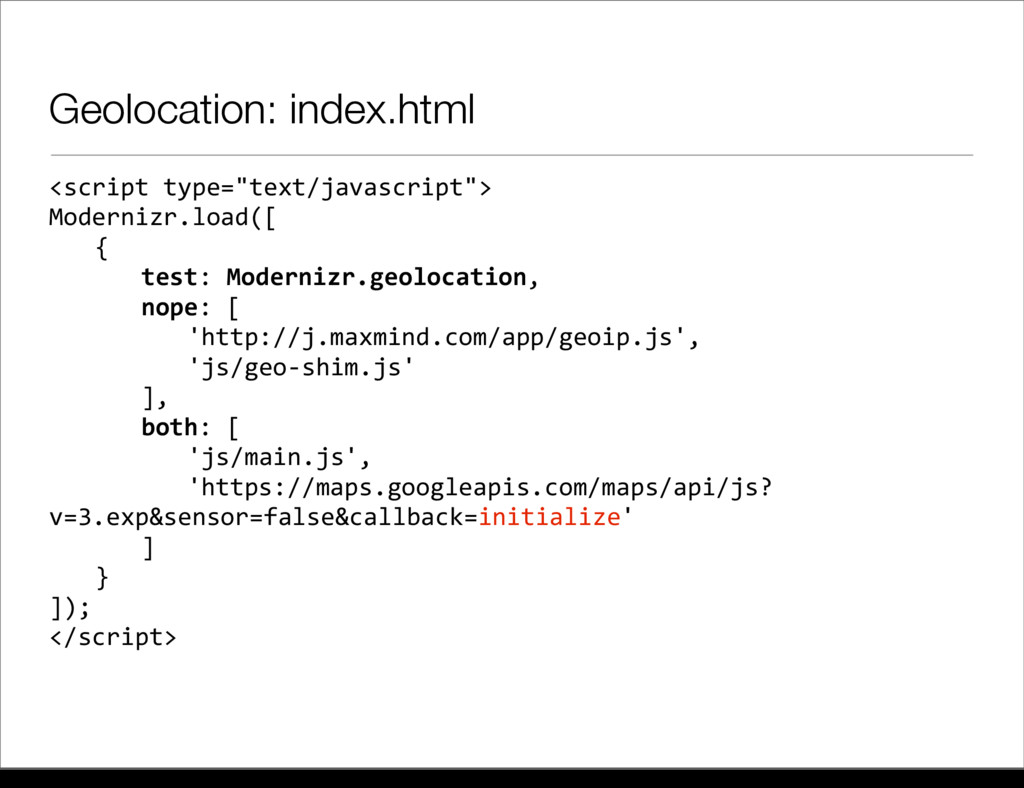
Geolocation: index.html <script type="text/javascript"> Modernizr.load([ { test:
Modernizr.geolocation, nope: [ 'http://j.maxmind.com/app/geoip.js', 'js/geo-‐shim.js' ], both: [ 'js/main.js', 'https://maps.googleapis.com/maps/api/js? v=3.exp&sensor=false&callback=initialize' ] } ]); </script> 16 Montag, 24. Juni 13 -
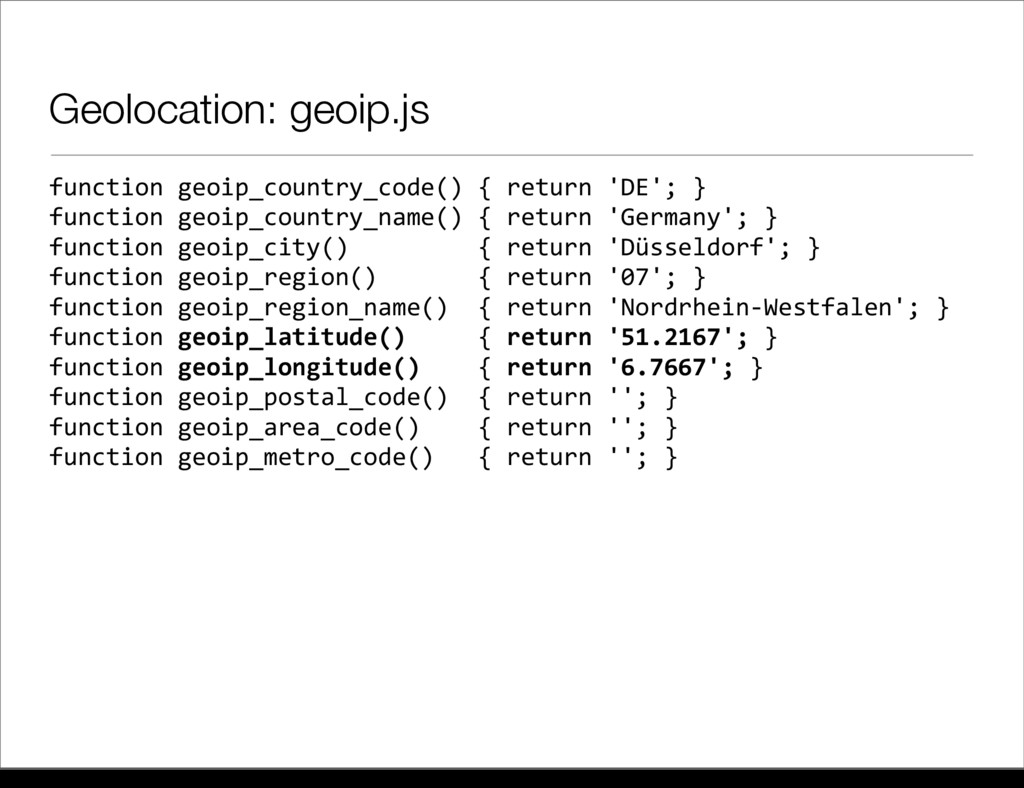
Geolocation: geoip.js function geoip_country_code() { return 'DE'; } function geoip_country_name()
{ return 'Germany'; } function geoip_city() { return 'Düsseldorf'; } function geoip_region() { return '07'; } function geoip_region_name() { return 'Nordrhein-‐Westfalen'; } function geoip_latitude() { return '51.2167'; } function geoip_longitude() { return '6.7667'; } function geoip_postal_code() { return ''; } function geoip_area_code() { return ''; } function geoip_metro_code() { return ''; } 17 Montag, 24. Juni 13 -
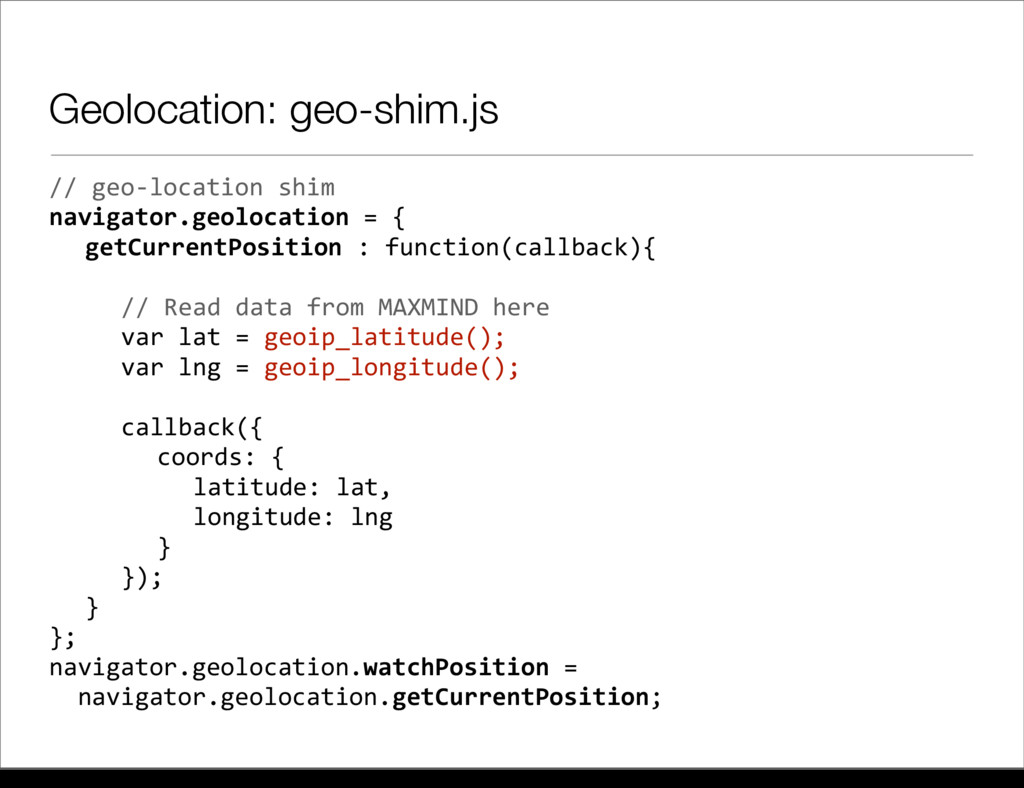
Geolocation: geo-shim.js // geo-‐location shim navigator.geolocation = { getCurrentPosition
: function(callback){ // Read data from MAXMIND here var lat = geoip_latitude(); var lng = geoip_longitude(); callback({ coords: { latitude: lat, longitude: lng } }); } }; navigator.geolocation.watchPosition = navigator.geolocation.getCurrentPosition; 18 Montag, 24. Juni 13 -
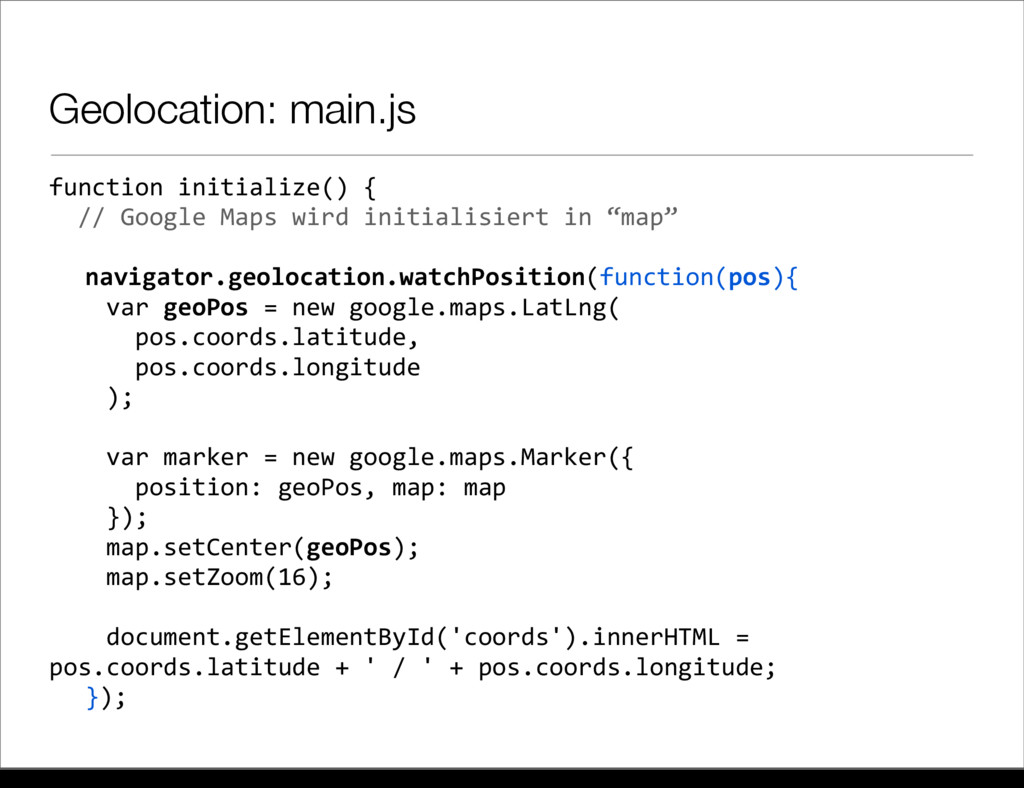
Geolocation: main.js function initialize() { // Google Maps wird
initialisiert in “map” navigator.geolocation.watchPosition(function(pos){ var geoPos = new google.maps.LatLng( pos.coords.latitude, pos.coords.longitude ); var marker = new google.maps.Marker({ position: geoPos, map: map }); map.setCenter(geoPos); map.setZoom(16); document.getElementById('coords').innerHTML = pos.coords.latitude + ' / ' + pos.coords.longitude; }); 19 Montag, 24. Juni 13 -
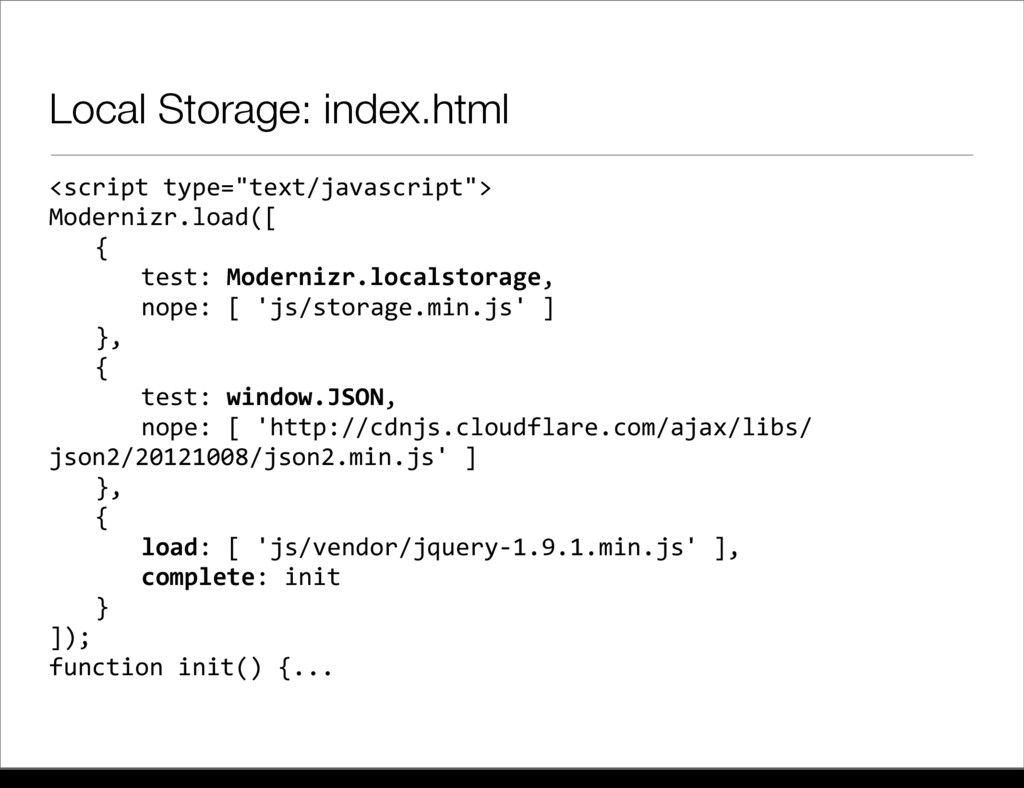
Local Storage: index.html <script type="text/javascript"> Modernizr.load([ {
test: Modernizr.localstorage, nope: [ 'js/storage.min.js' ] }, { test: window.JSON, nope: [ 'http://cdnjs.cloudflare.com/ajax/libs/ json2/20121008/json2.min.js' ] }, { load: [ 'js/vendor/jquery-‐1.9.1.min.js' ], complete: init } ]); function init() {... 21 Montag, 24. Juni 13 -
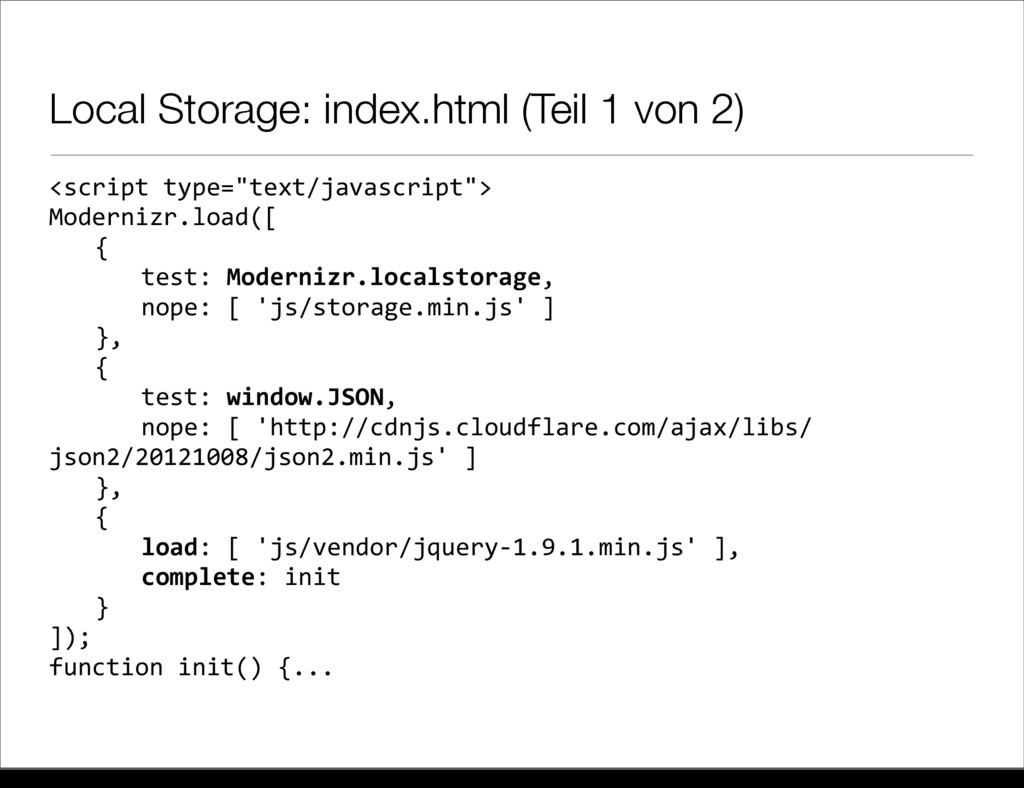
Local Storage: index.html (Teil 1 von 2) <script type="text/javascript"> Modernizr.load([
{ test: Modernizr.localstorage, nope: [ 'js/storage.min.js' ] }, { test: window.JSON, nope: [ 'http://cdnjs.cloudflare.com/ajax/libs/ json2/20121008/json2.min.js' ] }, { load: [ 'js/vendor/jquery-‐1.9.1.min.js' ], complete: init } ]); function init() {... 22 Montag, 24. Juni 13 -
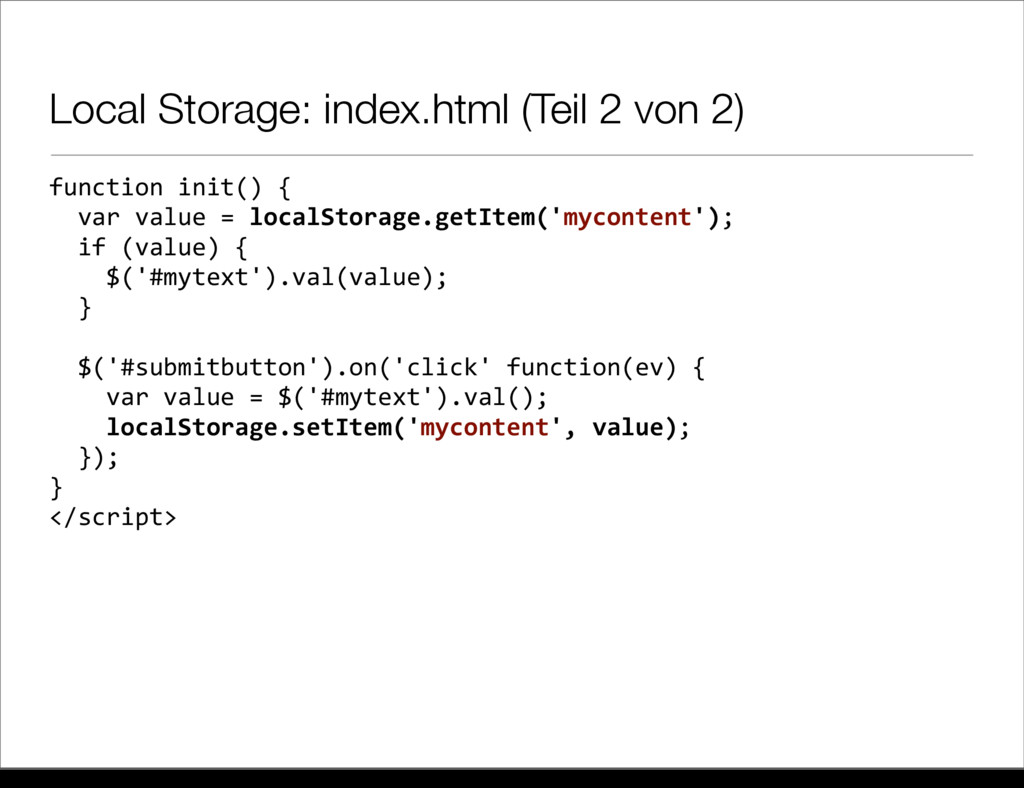
Local Storage: index.html (Teil 2 von 2) function init() {
var value = localStorage.getItem('mycontent'); if (value) { $('#mytext').val(value); } $('#submitbutton').on('click' function(ev) { var value = $('#mytext').val(); localStorage.setItem('mycontent', value); }); } </script> 23 Montag, 24. Juni 13 -
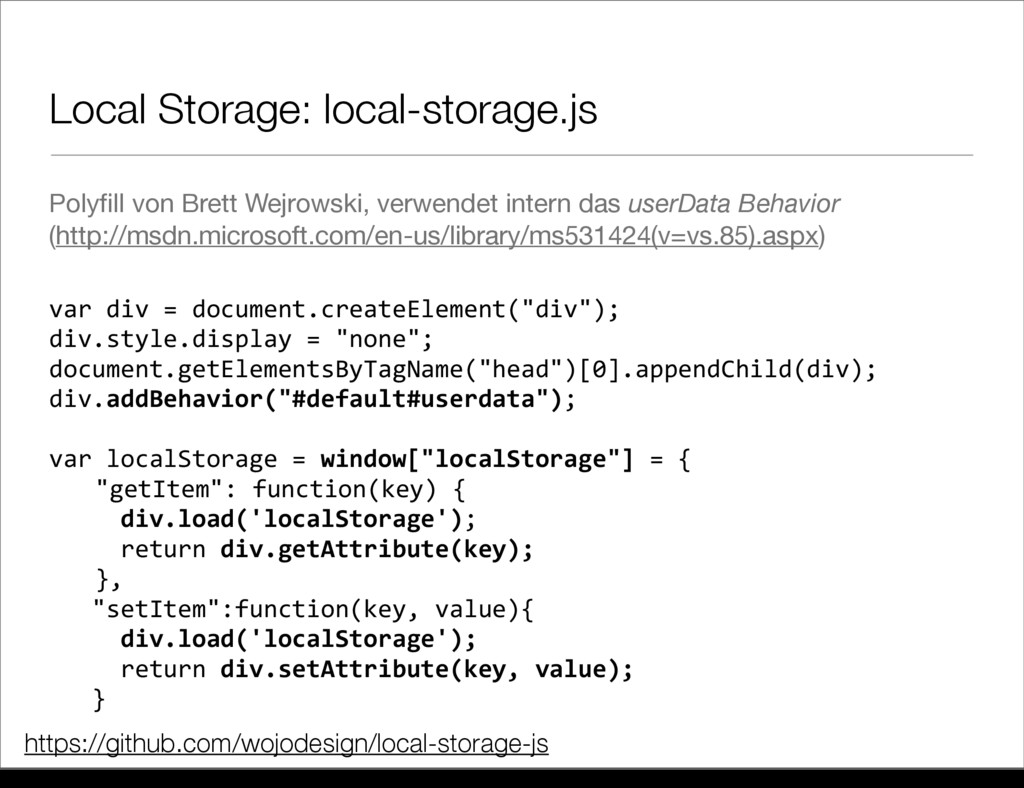
Local Storage: local-storage.js Polyfill von Brett Wejrowski, verwendet intern das
userData Behavior (http://msdn.microsoft.com/en-us/library/ms531424(v=vs.85).aspx) var div = document.createElement("div"); div.style.display = "none"; document.getElementsByTagName("head")[0].appendChild(div); div.addBehavior("#default#userdata"); var localStorage = window["localStorage"] = { "getItem": function(key) { div.load('localStorage'); return div.getAttribute(key); }, "setItem":function(key, value){ div.load('localStorage'); return div.setAttribute(key, value); } https://github.com/wojodesign/local-storage-js 24 Montag, 24. Juni 13 -
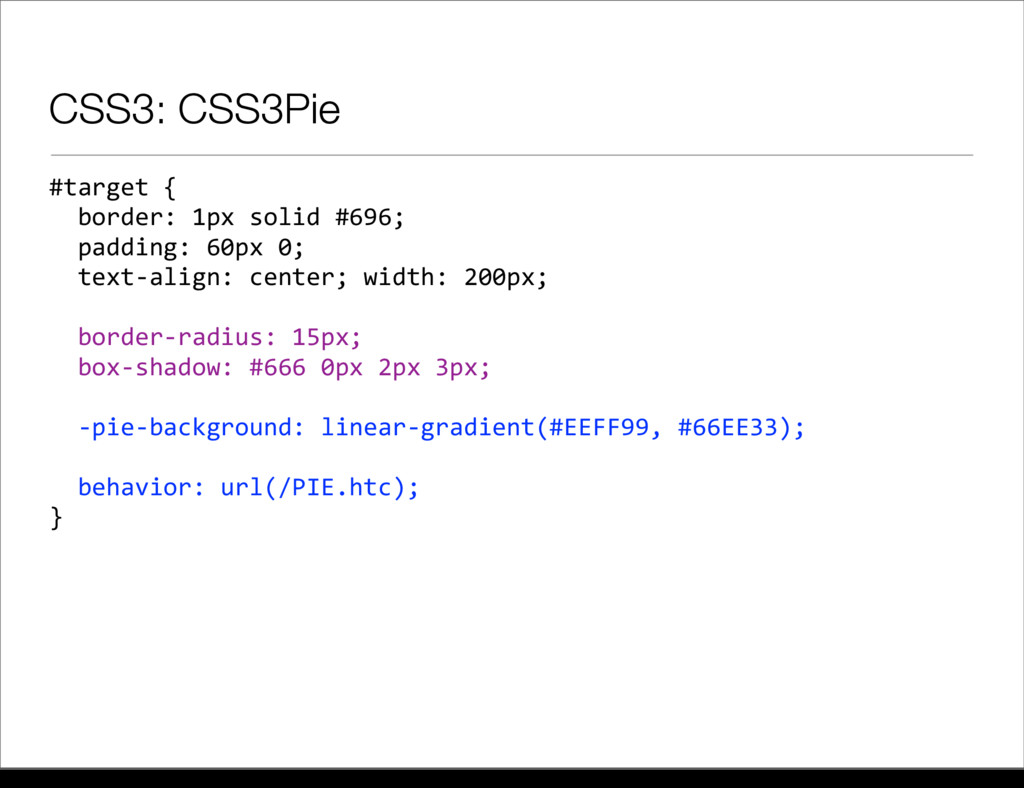
CSS3: CSS3Pie #target { border: 1px solid #696;
padding: 60px 0; text-‐align: center; width: 200px; border-‐radius: 15px; box-‐shadow: #666 0px 2px 3px; -‐pie-‐background: linear-‐gradient(#EEFF99, #66EE33); behavior: url(/PIE.htc); } 26 Montag, 24. Juni 13 -
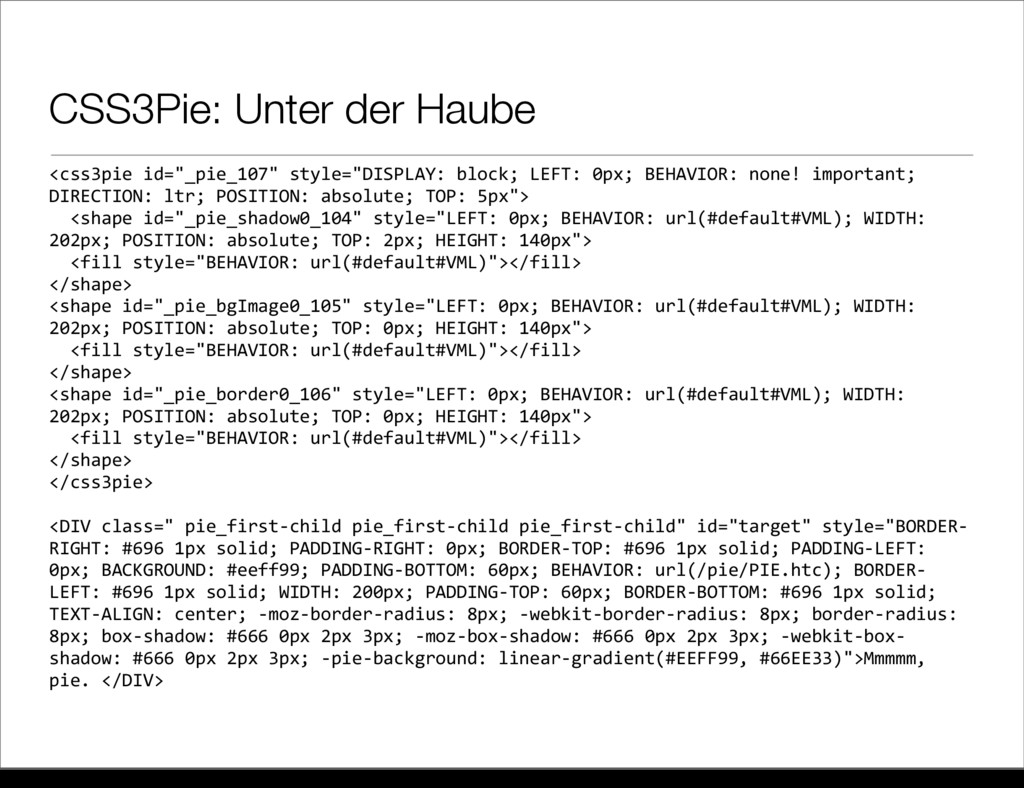
CSS3Pie: Unter der Haube <css3pie id="_pie_107" style="DISPLAY: block; LEFT: 0px;
BEHAVIOR: none! important; DIRECTION: ltr; POSITION: absolute; TOP: 5px"> <shape id="_pie_shadow0_104" style="LEFT: 0px; BEHAVIOR: url(#default#VML); WIDTH: 202px; POSITION: absolute; TOP: 2px; HEIGHT: 140px"> <fill style="BEHAVIOR: url(#default#VML)"></fill> </shape> <shape id="_pie_bgImage0_105" style="LEFT: 0px; BEHAVIOR: url(#default#VML); WIDTH: 202px; POSITION: absolute; TOP: 0px; HEIGHT: 140px"> <fill style="BEHAVIOR: url(#default#VML)"></fill> </shape> <shape id="_pie_border0_106" style="LEFT: 0px; BEHAVIOR: url(#default#VML); WIDTH: 202px; POSITION: absolute; TOP: 0px; HEIGHT: 140px"> <fill style="BEHAVIOR: url(#default#VML)"></fill> </shape> </css3pie> <DIV class=" pie_first-‐child pie_first-‐child pie_first-‐child" id="target" style="BORDER-‐ RIGHT: #696 1px solid; PADDING-‐RIGHT: 0px; BORDER-‐TOP: #696 1px solid; PADDING-‐LEFT: 0px; BACKGROUND: #eeff99; PADDING-‐BOTTOM: 60px; BEHAVIOR: url(/pie/PIE.htc); BORDER-‐ LEFT: #696 1px solid; WIDTH: 200px; PADDING-‐TOP: 60px; BORDER-‐BOTTOM: #696 1px solid; TEXT-‐ALIGN: center; -‐moz-‐border-‐radius: 8px; -‐webkit-‐border-‐radius: 8px; border-‐radius: 8px; box-‐shadow: #666 0px 2px 3px; -‐moz-‐box-‐shadow: #666 0px 2px 3px; -‐webkit-‐box-‐ shadow: #666 0px 2px 3px; -‐pie-‐background: linear-‐gradient(#EEFF99, #66EE33)">Mmmmm, pie. </DIV> 28 Montag, 24. Juni 13 -
Polyfills: Probleme • Polyfills sind keine Module - manche sind
zueinander inkompatibel • Performance im Blick behalten • Mit Nebeneffekte rechnen • Qualität prüfen ➔ kurz: wissen, was das Polyfill macht! 29 Montag, 24. Juni 13 -
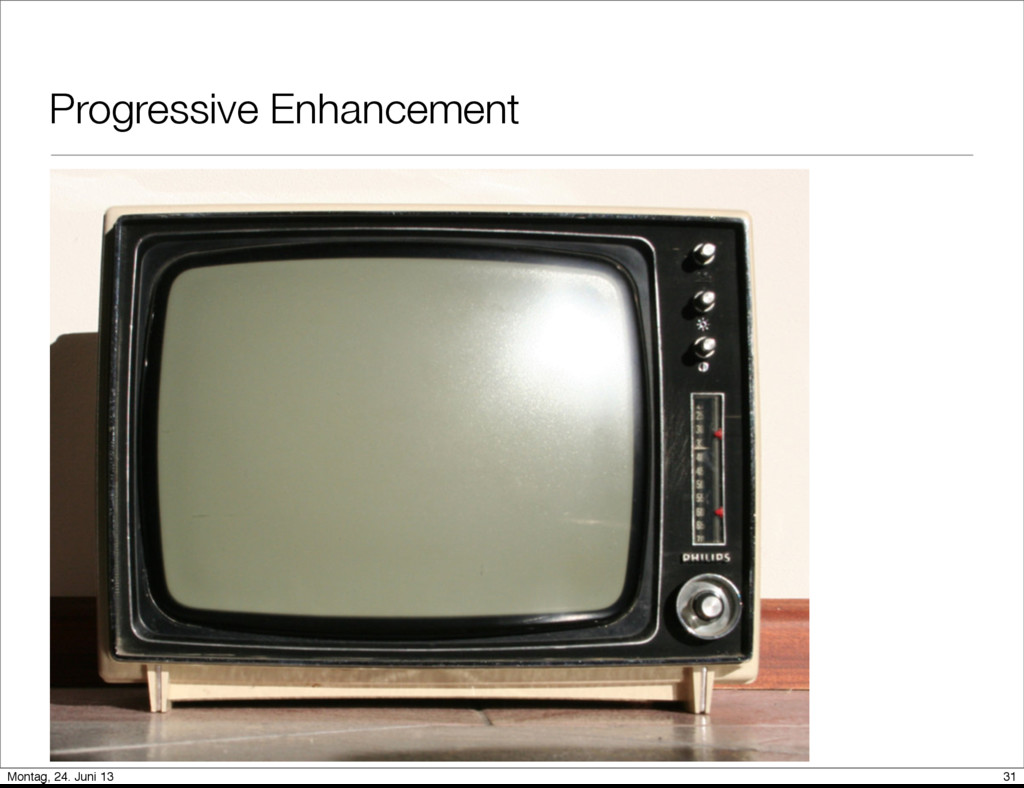
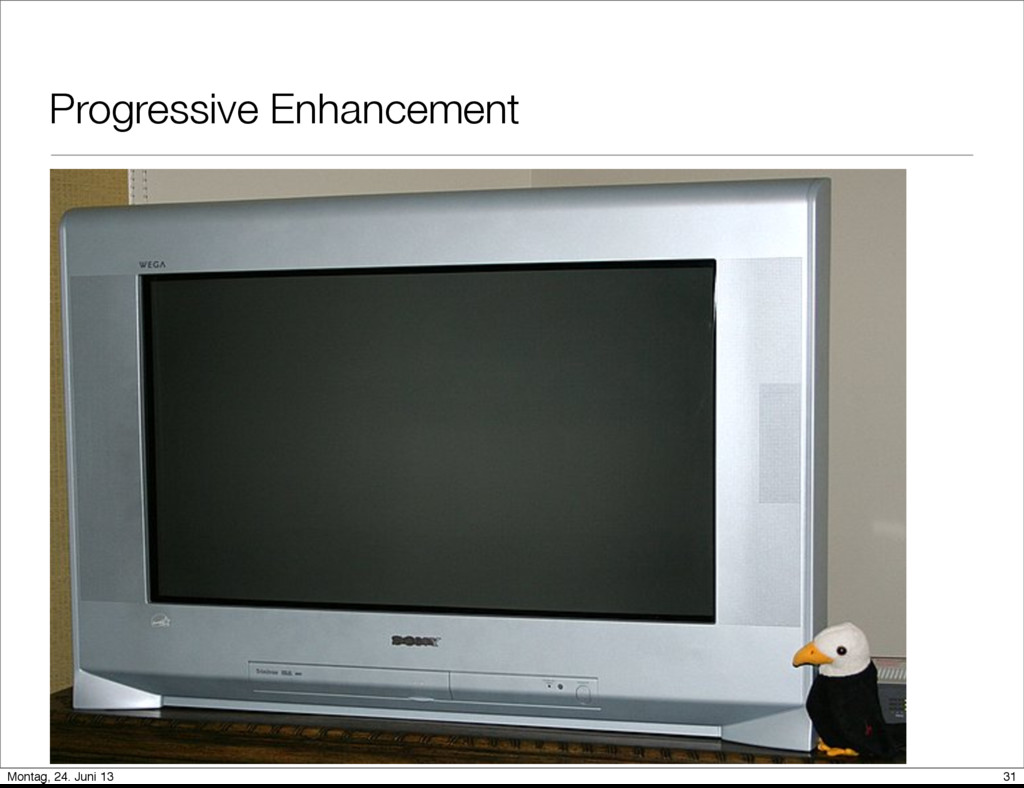
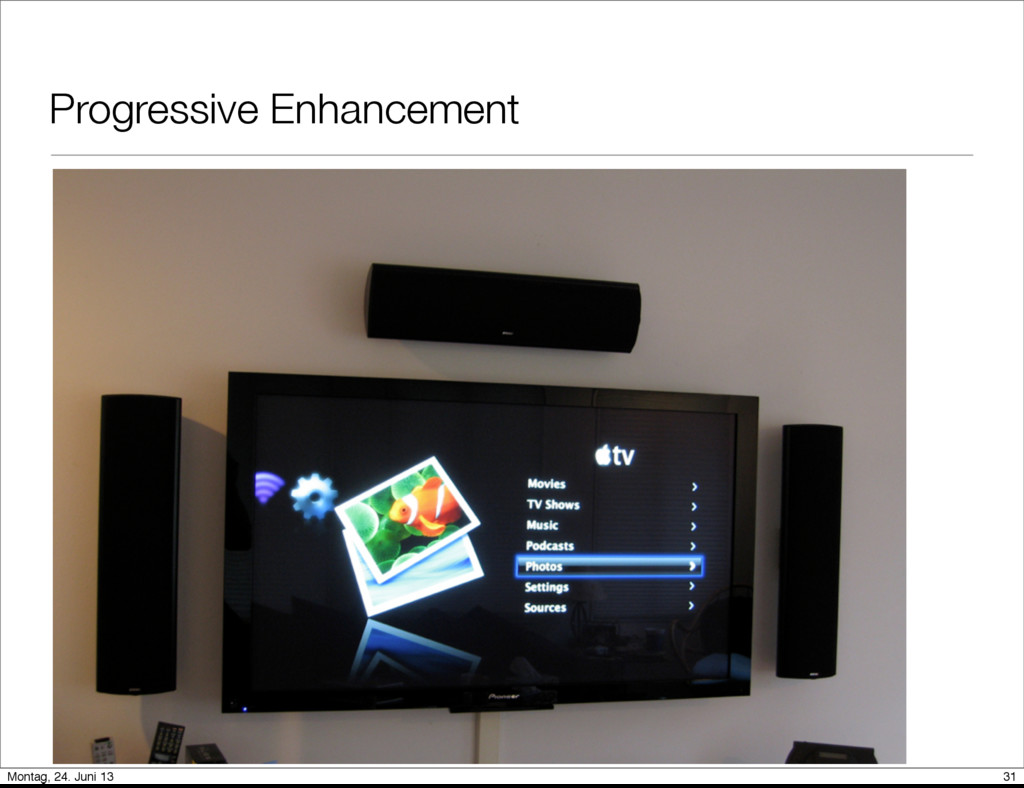
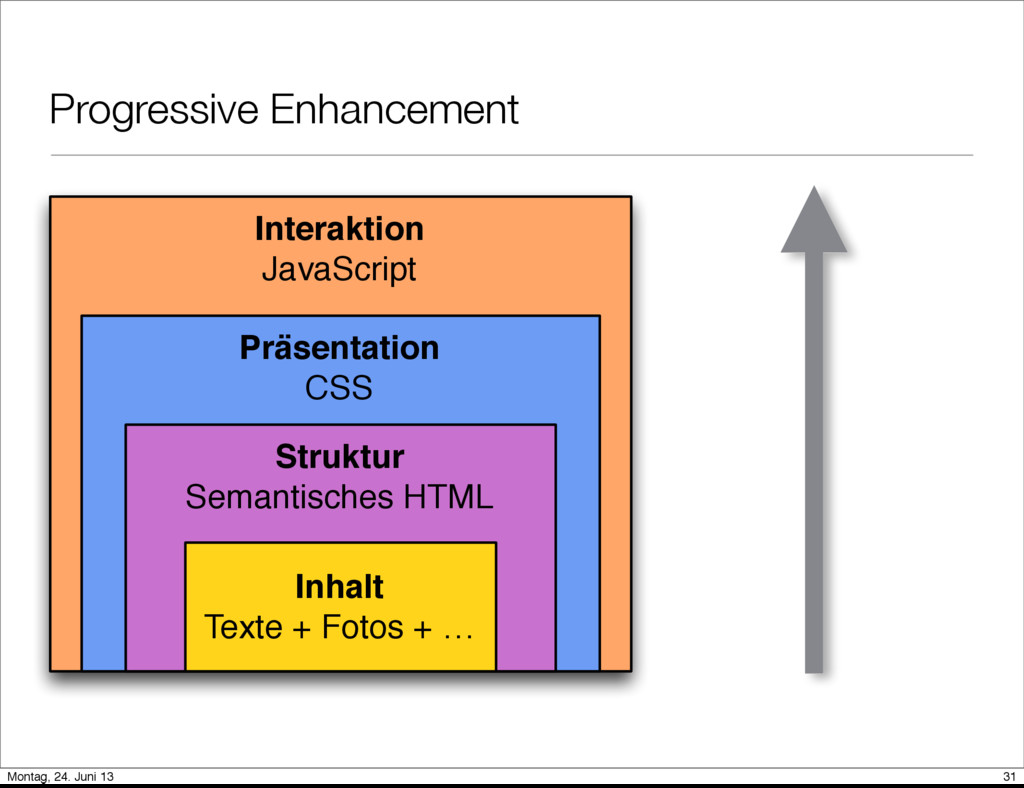
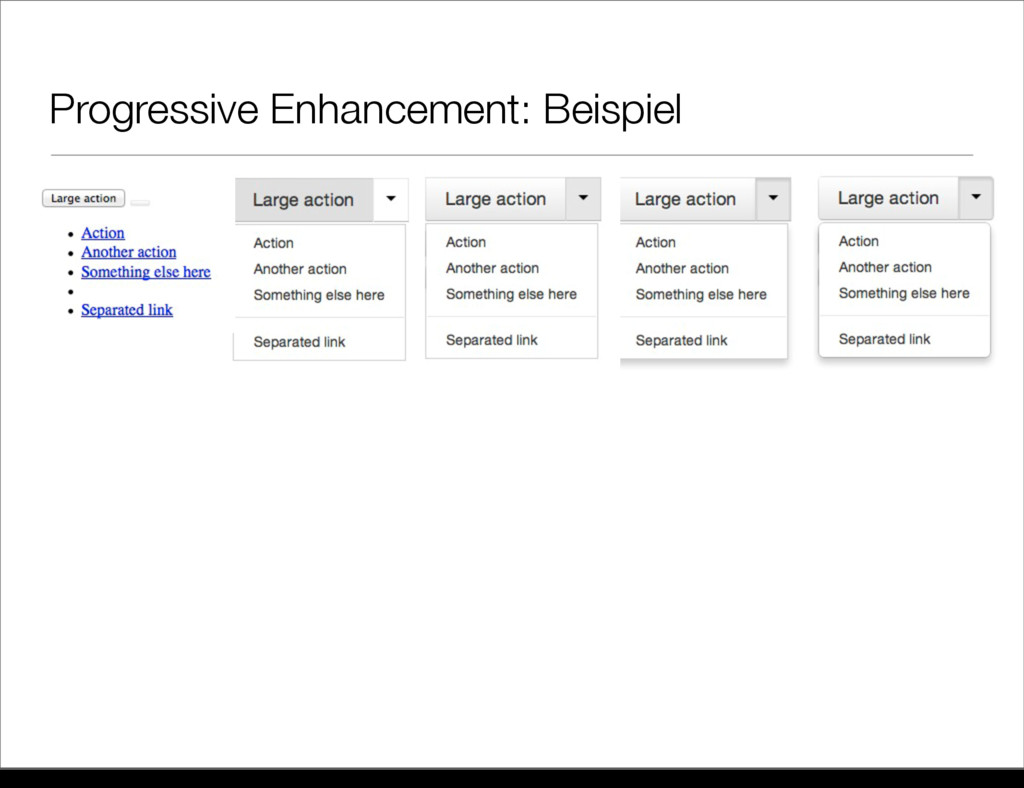
Progressive Enhancement Interaktion JavaScript Präsentation CSS Struktur Semantisches HTML Inhalt
Texte + Fotos + … 31 Montag, 24. Juni 13 -
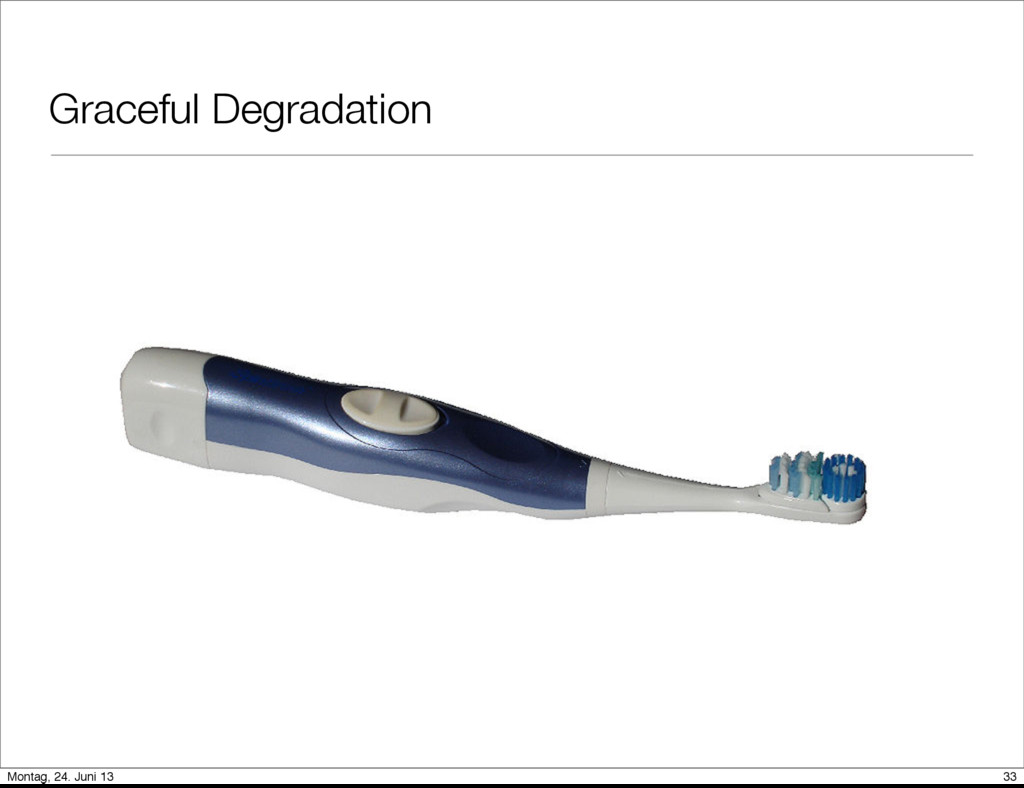
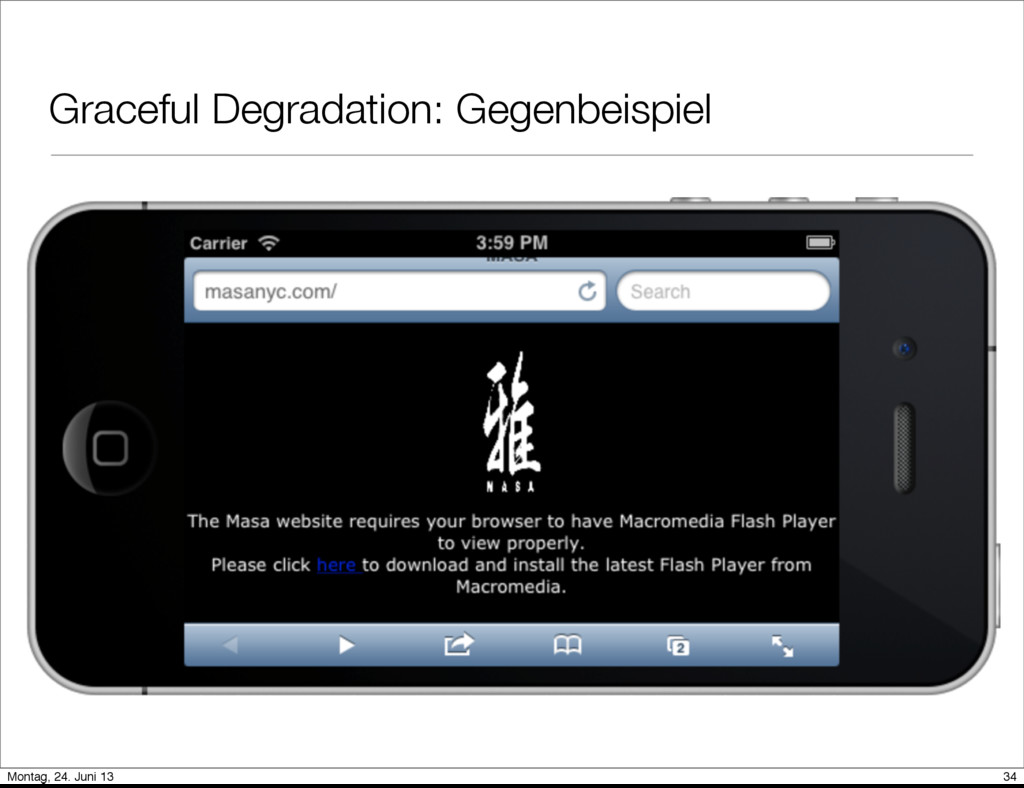
Graceful Degradation • Login per AJAX > Login per POST-Request
• Sanftes Scrollen zum Element > Sprung zum Textanker • Video als Video-Tag > Video in Flash > Video als Download im neuen Tab • Upload per Drag and Drop > Upload über Formular-Submit 33 Montag, 24. Juni 13 -
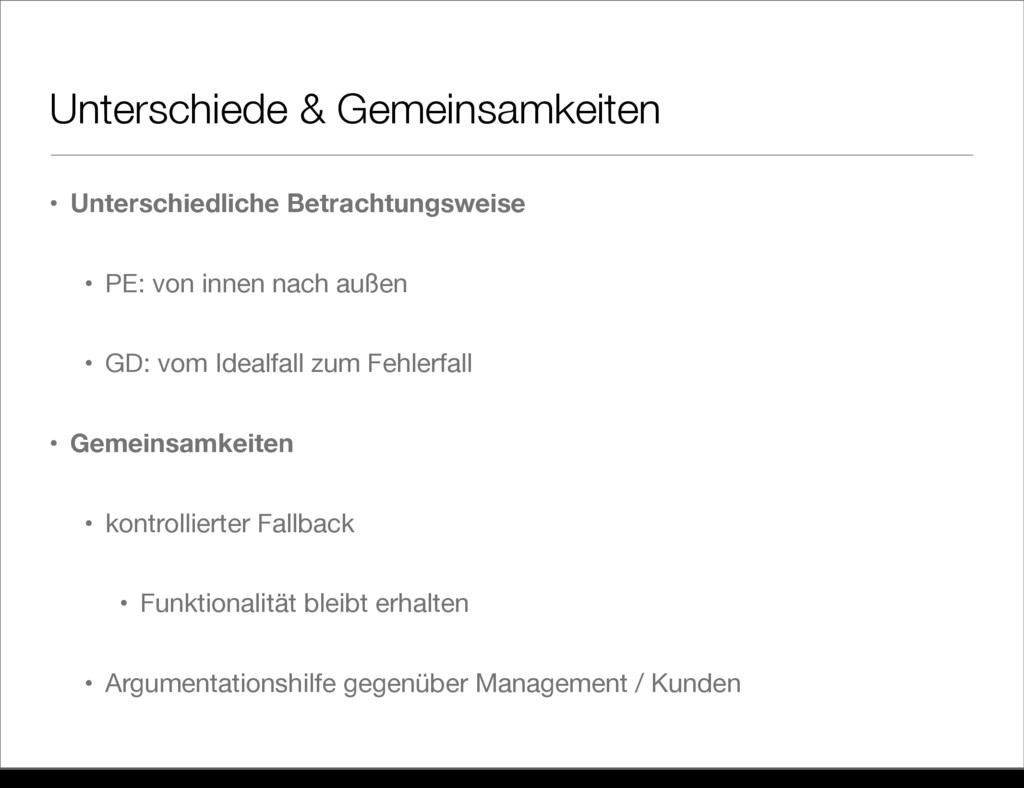
Unterschiede & Gemeinsamkeiten • Unterschiedliche Betrachtungsweise • PE: von innen
nach außen • GD: vom Idealfall zum Fehlerfall • Gemeinsamkeiten • kontrollierter Fallback • Funktionalität bleibt erhalten • Argumentationshilfe gegenüber Management / Kunden 35 Montag, 24. Juni 13 -
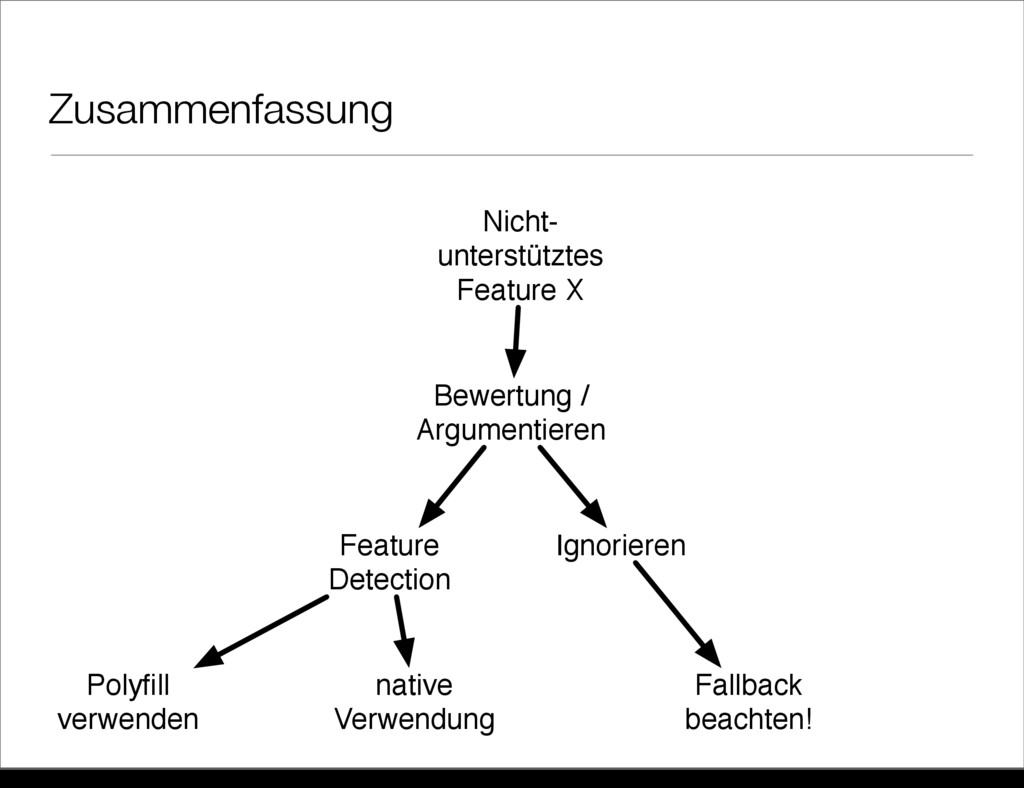
Zusammenfassung Nicht- unterstütztes Feature X Fallback beachten! Bewertung / Argumentieren
Polyfill verwenden native Verwendung Feature Detection Ignorieren 36 Montag, 24. Juni 13 -
Werkzeuge & Hilfsmittel 1. Browser-Matrix 2. Gerätedatenbank 3. Performance: Analyse
& Optimierung 38 Montag, 24. Juni 13 -
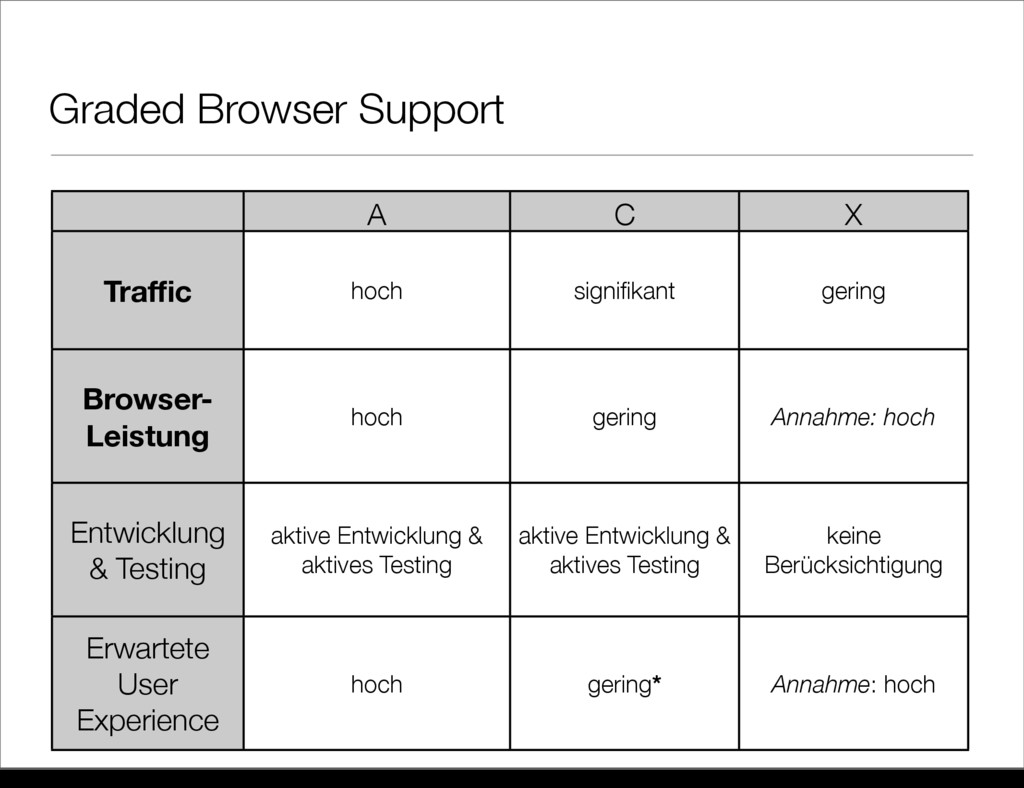
Graded Browser Support A C X Traffic Browser- Leistung Entwicklung
& Testing Erwartete User Experience hoch signifikant gering hoch gering Annahme: hoch aktive Entwicklung & aktives Testing aktive Entwicklung & aktives Testing keine Berücksichtigung hoch gering* Annahme: hoch 39 Montag, 24. Juni 13 -
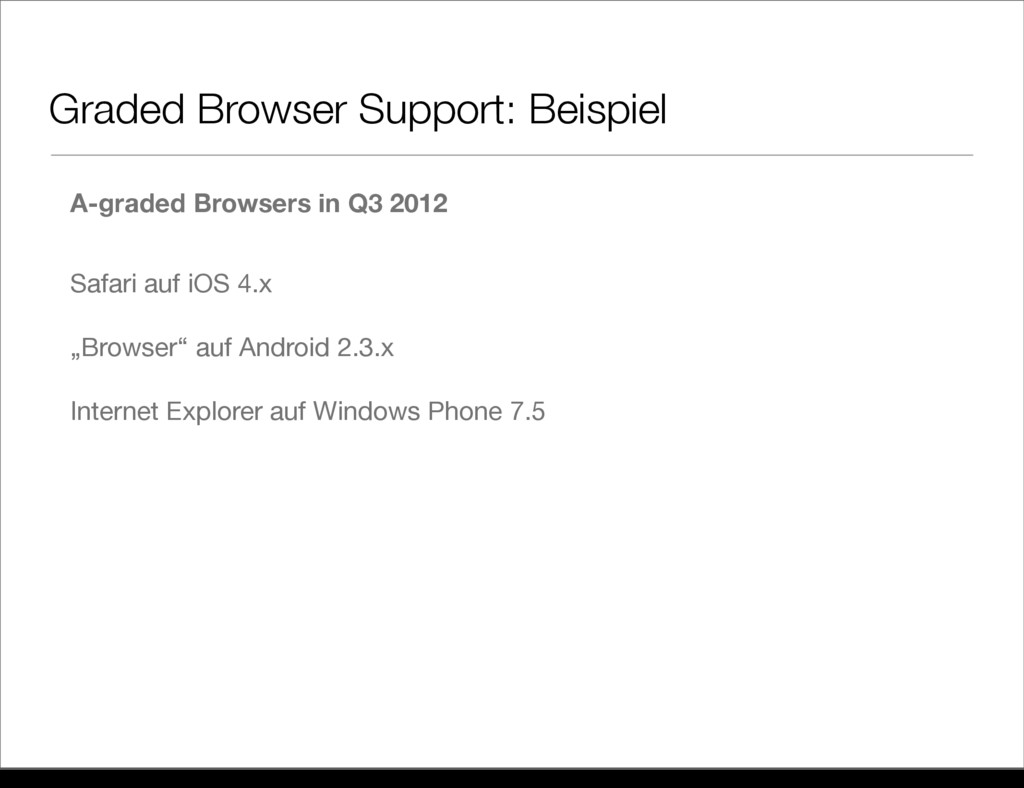
Graded Browser Support: Beispiel A-graded Browsers in Q3 2012 Safari
auf iOS 4.x „Browser“ auf Android 2.3.x Internet Explorer auf Windows Phone 7.5 40 Montag, 24. Juni 13 -
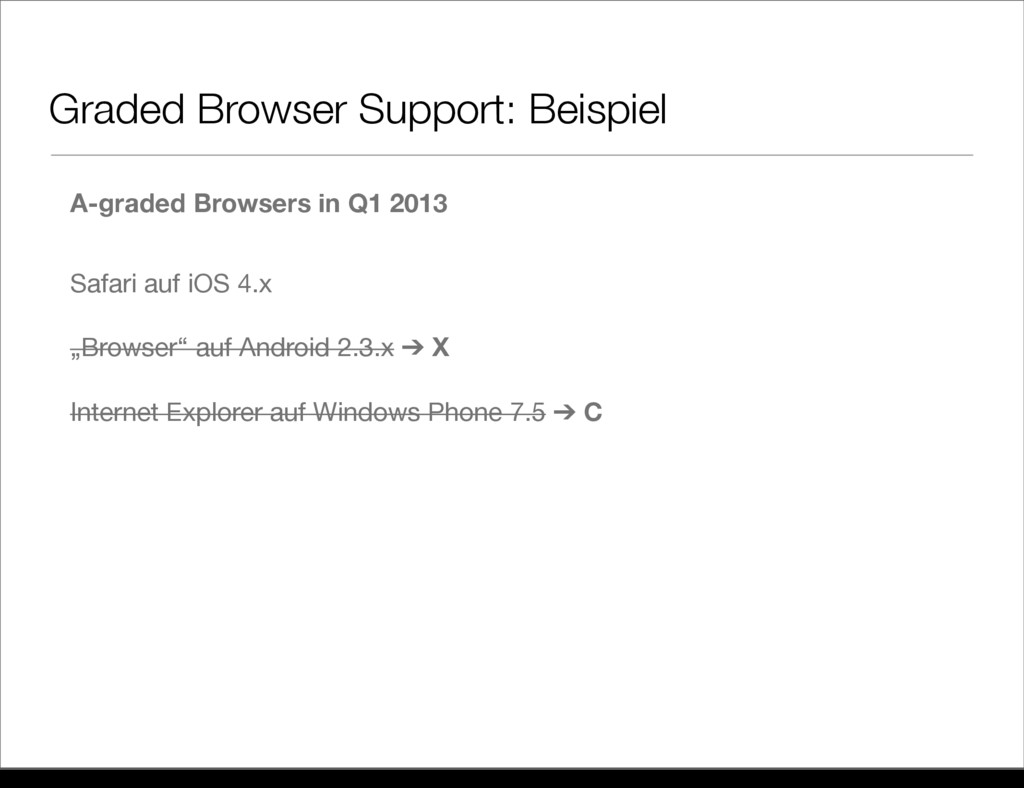
Graded Browser Support: Beispiel A-graded Browsers in Q1 2013 Safari
auf iOS 4.x „Browser“ auf Android 2.3.x ➔ X Internet Explorer auf Windows Phone 7.5 ➔ C 40 Montag, 24. Juni 13 -
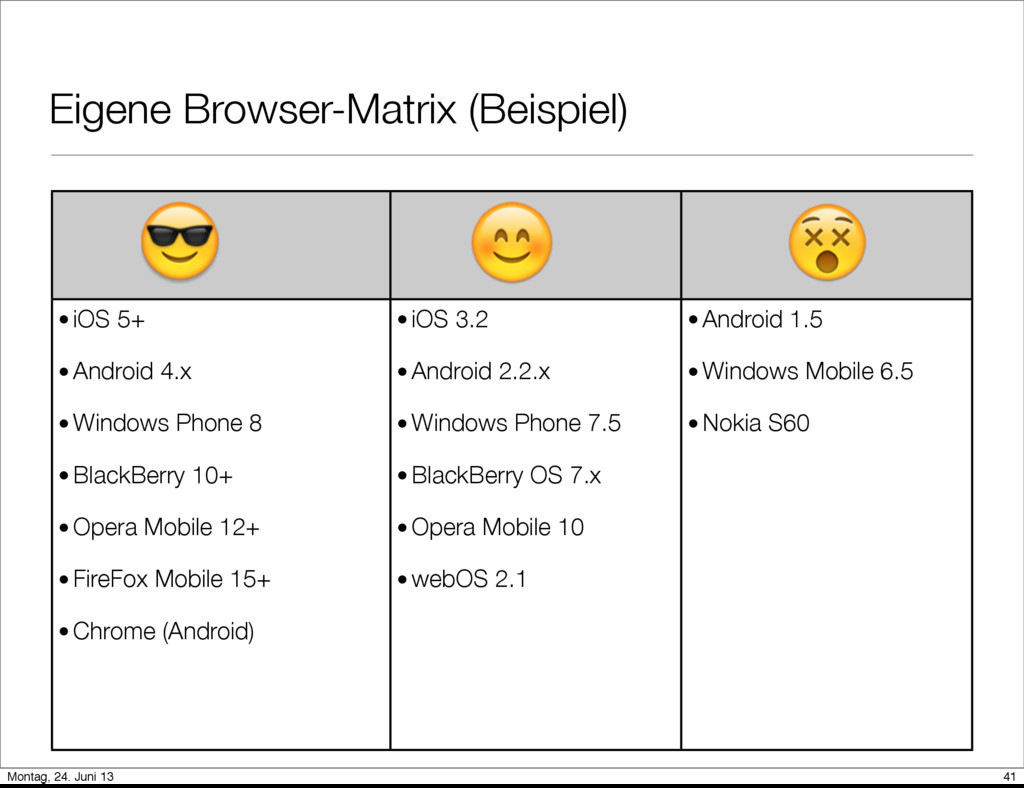
Eigene Browser-Matrix (Beispiel) • iOS 5+ • Android 4.x •
Windows Phone 8 • BlackBerry 10+ • Opera Mobile 12+ • FireFox Mobile 15+ • Chrome (Android) • iOS 3.2 • Android 2.2.x • Windows Phone 7.5 • BlackBerry OS 7.x • Opera Mobile 10 • webOS 2.1 • Android 1.5 • Windows Mobile 6.5 • Nokia S60 41 Montag, 24. Juni 13 -
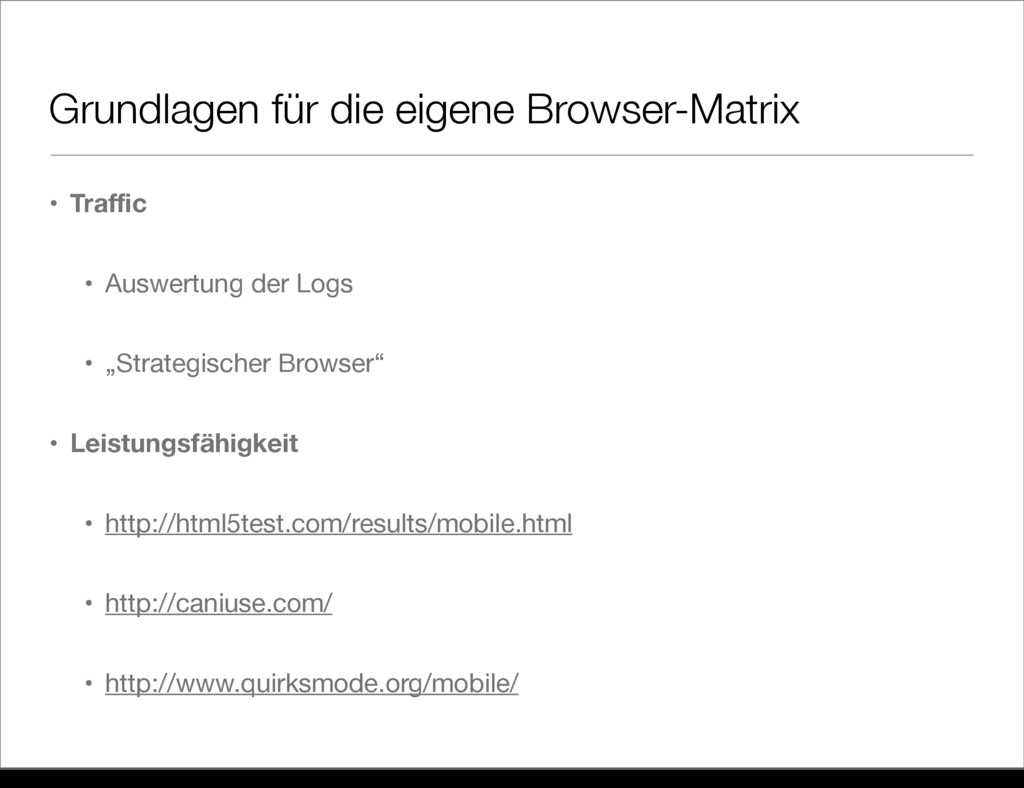
Grundlagen für die eigene Browser-Matrix • Traffic • Auswertung der
Logs • „Strategischer Browser“ • Leistungsfähigkeit • http://html5test.com/results/mobile.html • http://caniuse.com/ • http://www.quirksmode.org/mobile/ 42 Montag, 24. Juni 13 -
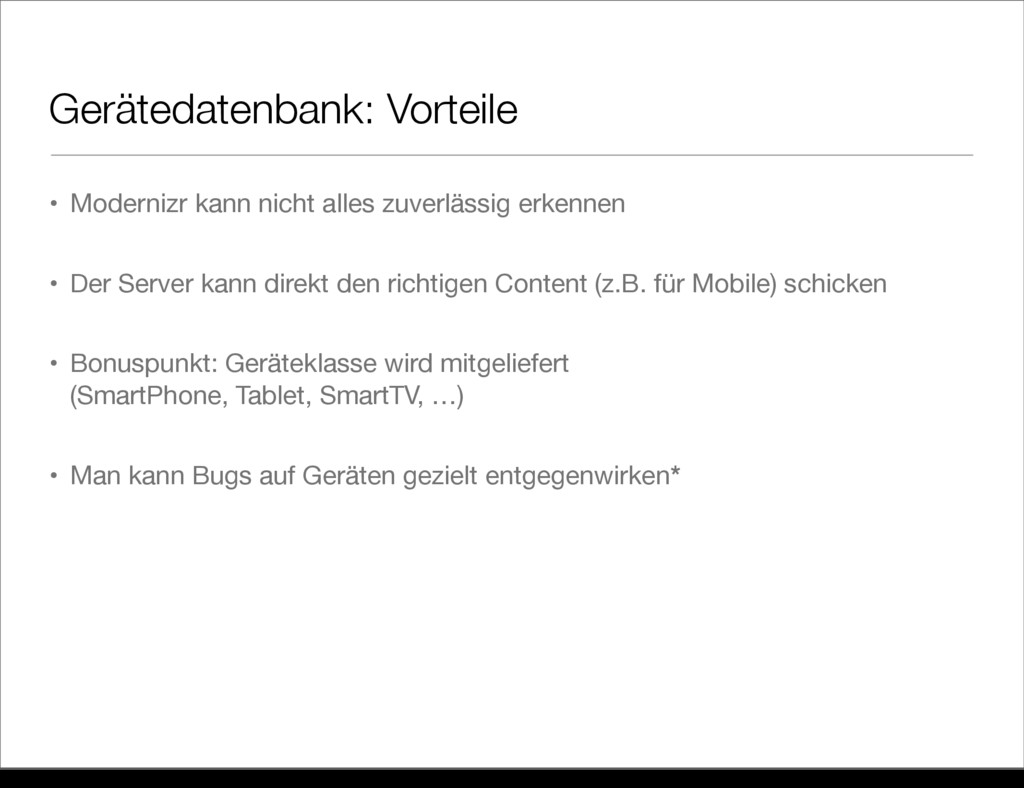
Gerätedatenbank: Vorteile • Modernizr kann nicht alles zuverlässig erkennen •
Der Server kann direkt den richtigen Content (z.B. für Mobile) schicken • Bonuspunkt: Geräteklasse wird mitgeliefert (SmartPhone, Tablet, SmartTV, …) • Man kann Bugs auf Geräten gezielt entgegenwirken* 43 Montag, 24. Juni 13 -
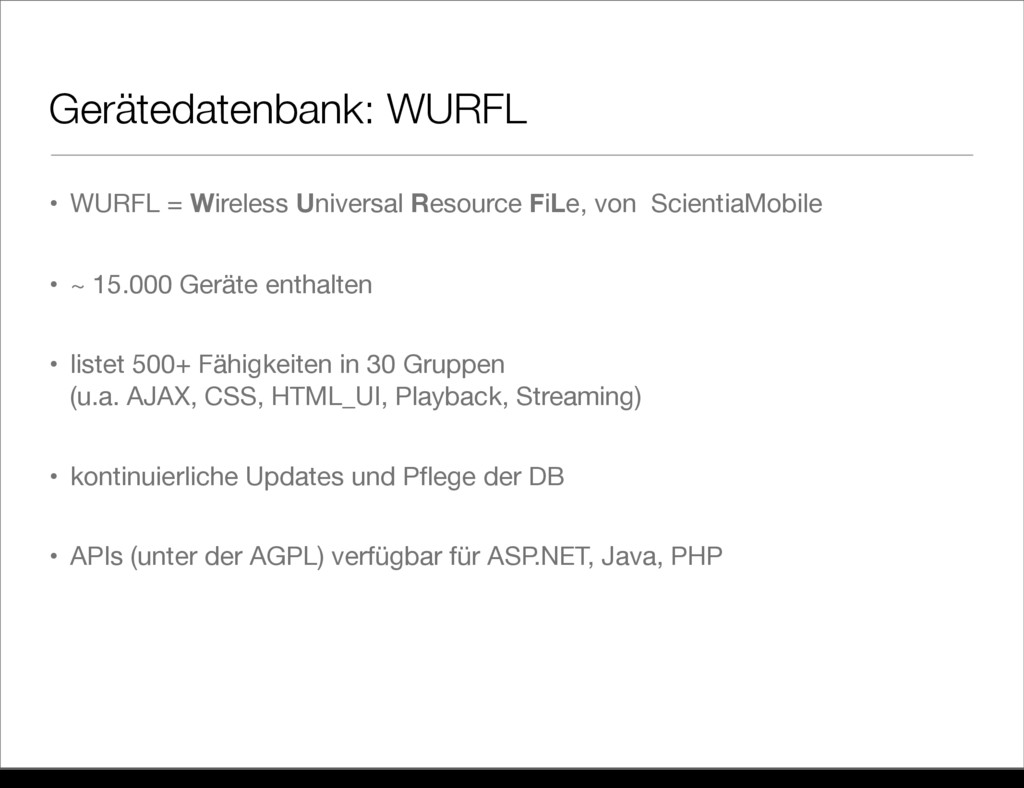
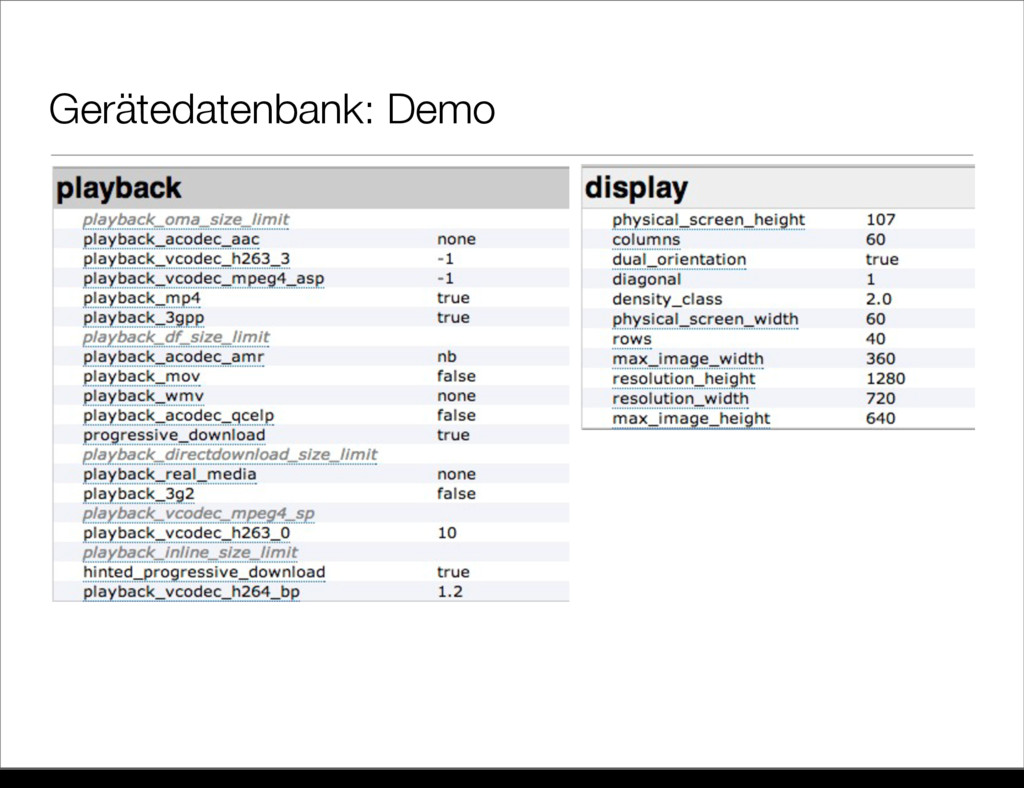
Gerätedatenbank: WURFL • WURFL = Wireless Universal Resource FiLe, von
ScientiaMobile • ~ 15.000 Geräte enthalten • listet 500+ Fähigkeiten in 30 Gruppen (u.a. AJAX, CSS, HTML_UI, Playback, Streaming) • kontinuierliche Updates und Pflege der DB • APIs (unter der AGPL) verfügbar für ASP.NET, Java, PHP 44 Montag, 24. Juni 13 -
Performance: Analyse & Optimierung: Warum? Performance ist Teil der User
Experience • Ladezeit • Rendering • Verhalten 46 Montag, 24. Juni 13 -
Performance: Umgebung Im Vergleich zum Desktop haben Mobilgeräte • schwächere
CPUs und weniger RAM • unterwegs eine langsamere Internet-Verbindung • (in der Regel) leistungsfähige Browser-Engines! 47 Montag, 24. Juni 13 -
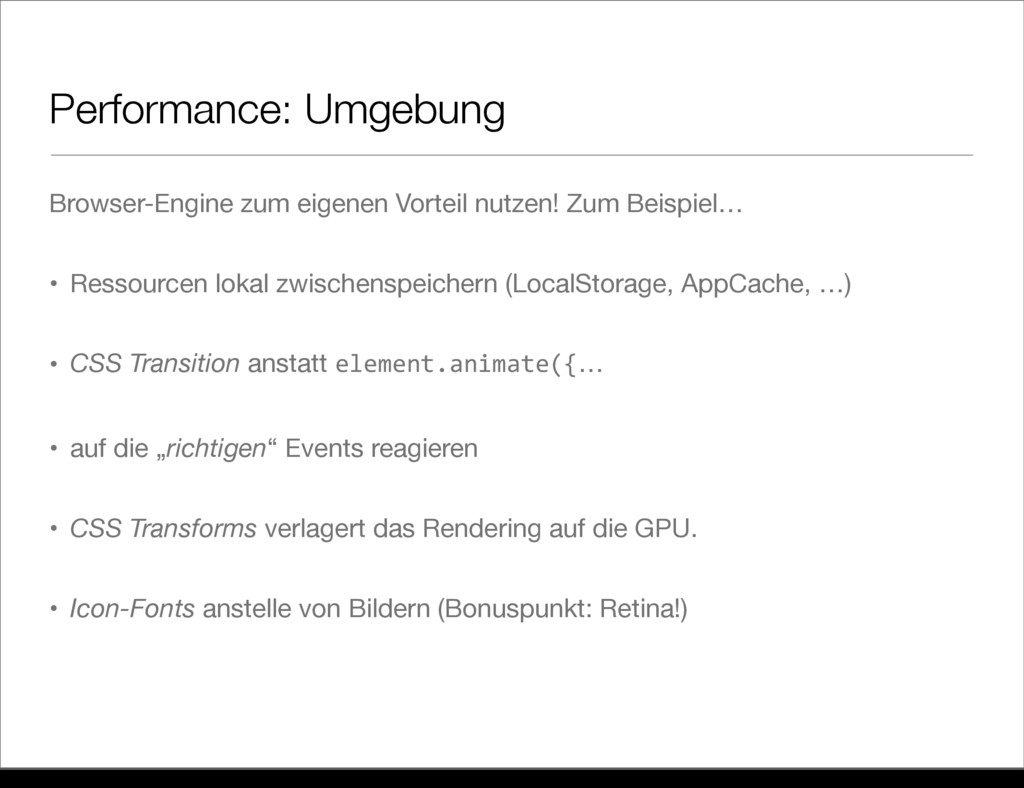
Performance: Umgebung Browser-Engine zum eigenen Vorteil nutzen! Zum Beispiel… •
Ressourcen lokal zwischenspeichern (LocalStorage, AppCache, …) • CSS Transition anstatt element.animate({… • auf die „richtigen“ Events reagieren • CSS Transforms verlagert das Rendering auf die GPU. • Icon-Fonts anstelle von Bildern (Bonuspunkt: Retina!) 48 Montag, 24. Juni 13 -
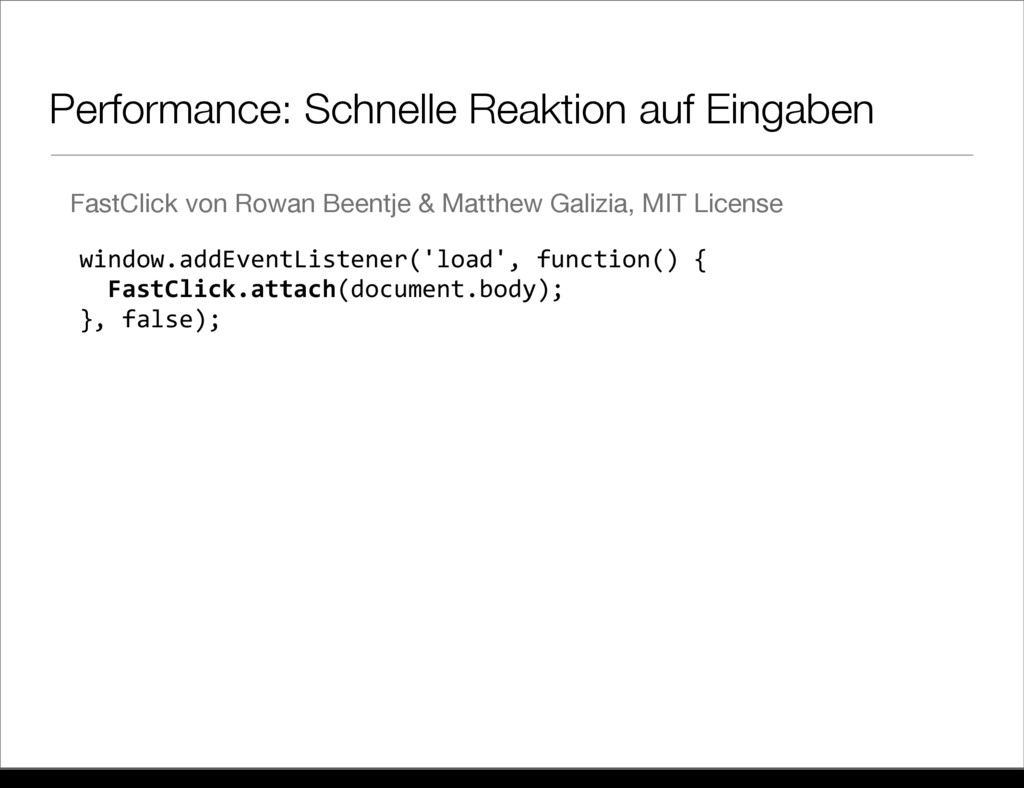
Performance: Schnelle Reaktion auf Eingaben FastClick von Rowan Beentje &
Matthew Galizia, MIT License window.addEventListener('load', function() { FastClick.attach(document.body); }, false); 49 Montag, 24. Juni 13 -
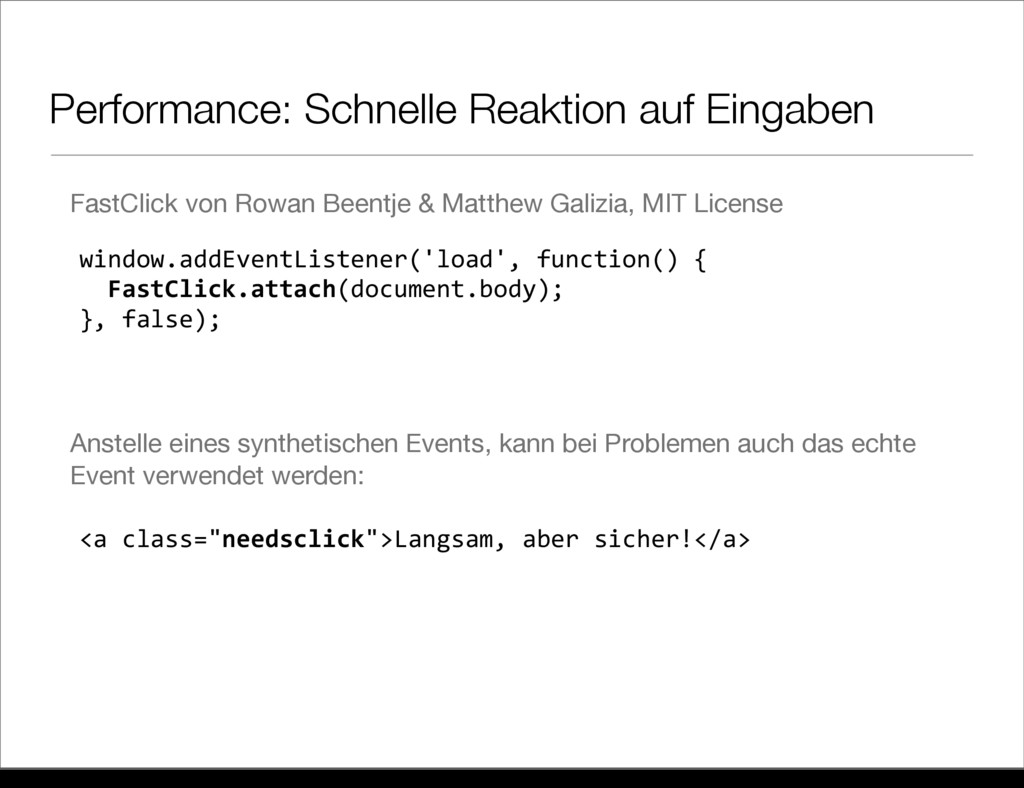
Performance: Schnelle Reaktion auf Eingaben FastClick von Rowan Beentje &
Matthew Galizia, MIT License window.addEventListener('load', function() { FastClick.attach(document.body); }, false); <a class="needsclick">Langsam, aber sicher!</a> Anstelle eines synthetischen Events, kann bei Problemen auch das echte Event verwendet werden: 49 Montag, 24. Juni 13 -
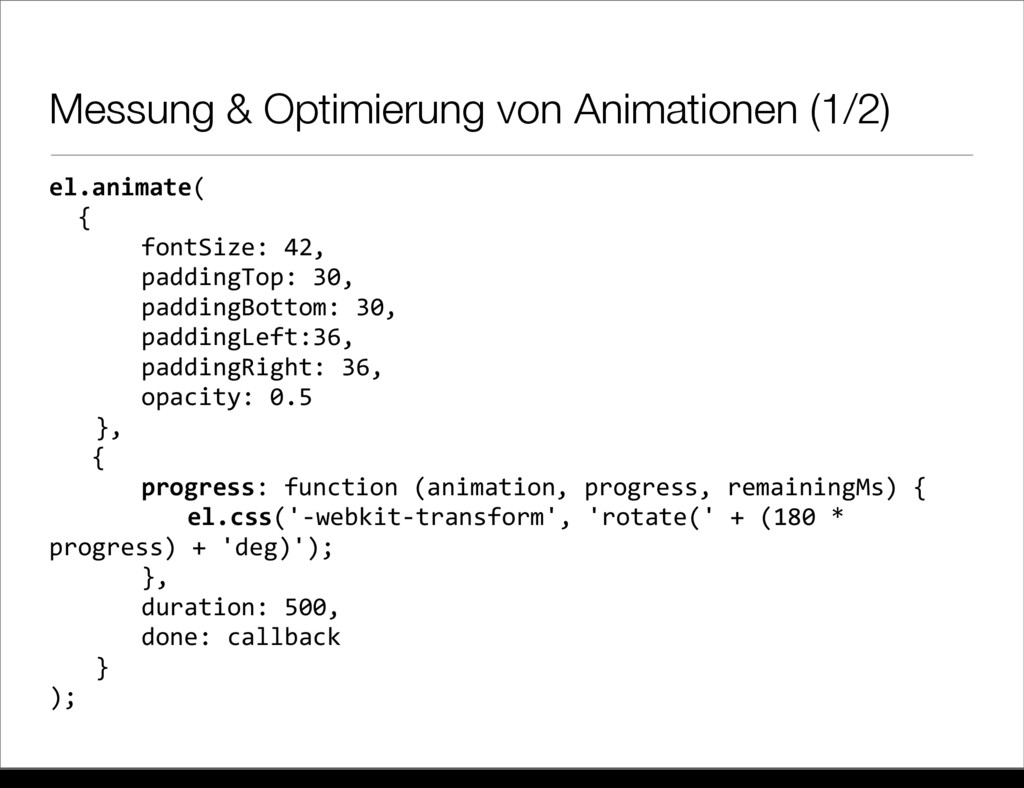
Messung & Optimierung von Animationen (1/2) el.animate( {
fontSize: 42, paddingTop: 30, paddingBottom: 30, paddingLeft:36, paddingRight: 36, opacity: 0.5 }, { progress: function (animation, progress, remainingMs) { el.css('-‐webkit-‐transform', 'rotate(' + (180 * progress) + 'deg)'); }, duration: 500, done: callback } ); 51 Montag, 24. Juni 13 -
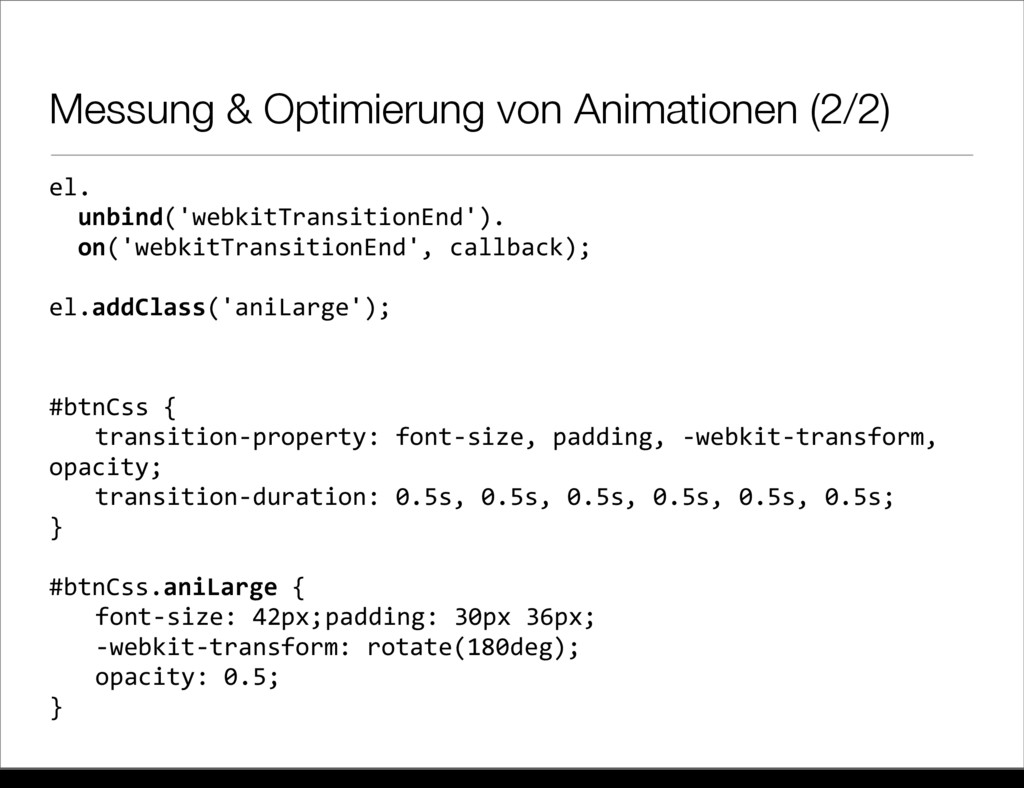
Messung & Optimierung von Animationen (2/2) el. unbind('webkitTransitionEnd').
on('webkitTransitionEnd', callback); el.addClass('aniLarge'); #btnCss { transition-‐property: font-‐size, padding, -‐webkit-‐transform, opacity; transition-‐duration: 0.5s, 0.5s, 0.5s, 0.5s, 0.5s, 0.5s; } #btnCss.aniLarge { font-‐size: 42px; padding: 30px 36px; -‐webkit-‐transform: rotate(180deg); opacity: 0.5; } 52 Montag, 24. Juni 13 -
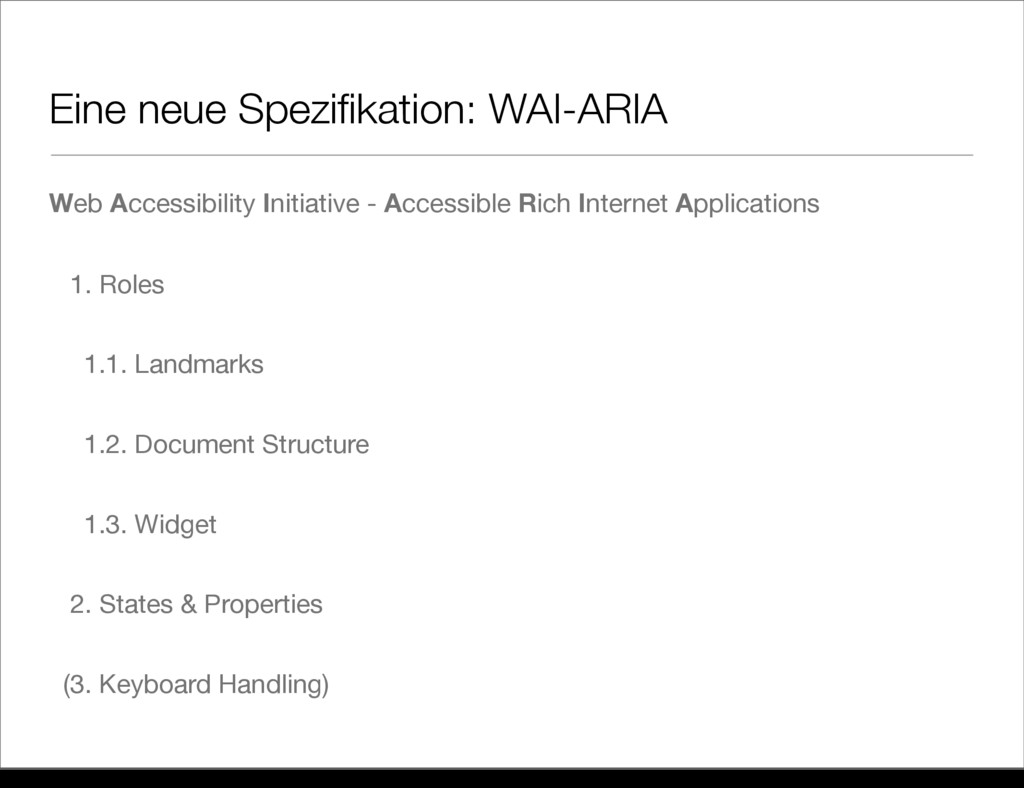
Eine neue Spezifikation: WAI-ARIA Web Accessibility Initiative - Accessible Rich
Internet Applications 1. Roles 1.1. Landmarks 1.2. Document Structure 1.3. Widget 2. States & Properties (3. Keyboard Handling) 56 Montag, 24. Juni 13 -
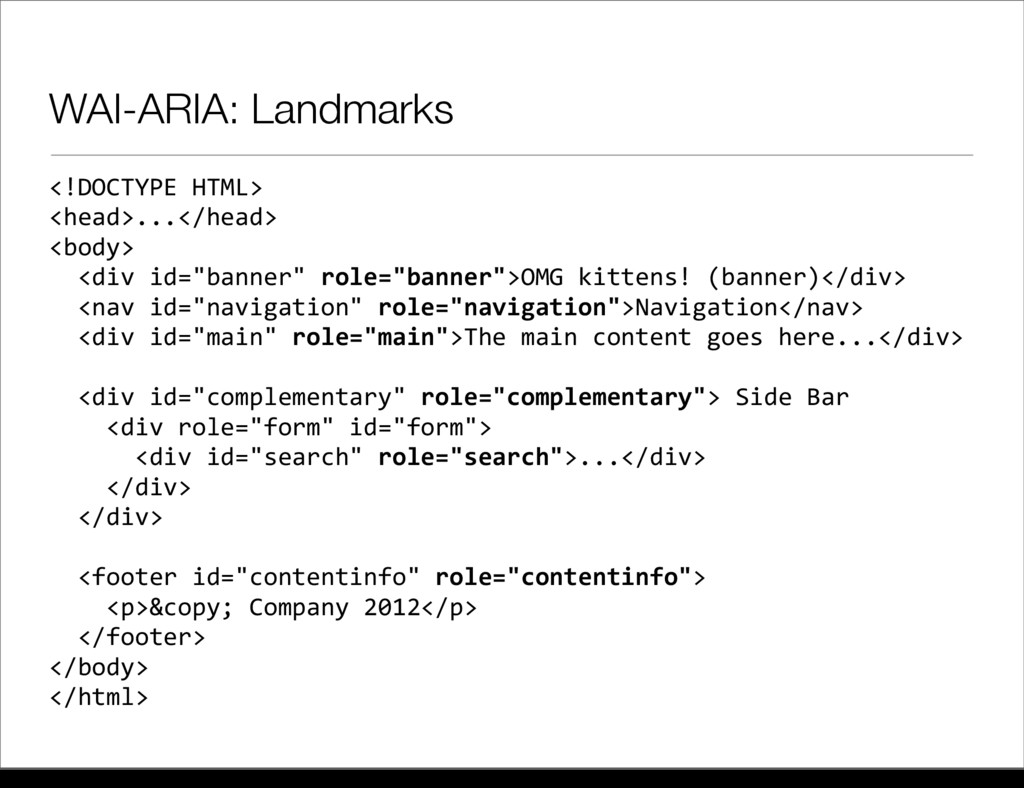
WAI-ARIA: Landmarks <!DOCTYPE HTML> <head>...</head> <body> <div id="banner" role="banner">OMG
kittens! (banner)</div> <nav id="navigation" role="navigation">Navigation</nav> <div id="main" role="main">The main content goes here...</div> <div id="complementary" role="complementary"> Side Bar <div role="form" id="form"> <div id="search" role="search">...</div> </div> </div> <footer id="contentinfo" role="contentinfo"> <p>© Company 2012</p> </footer> </body> </html> 57 Montag, 24. Juni 13 -
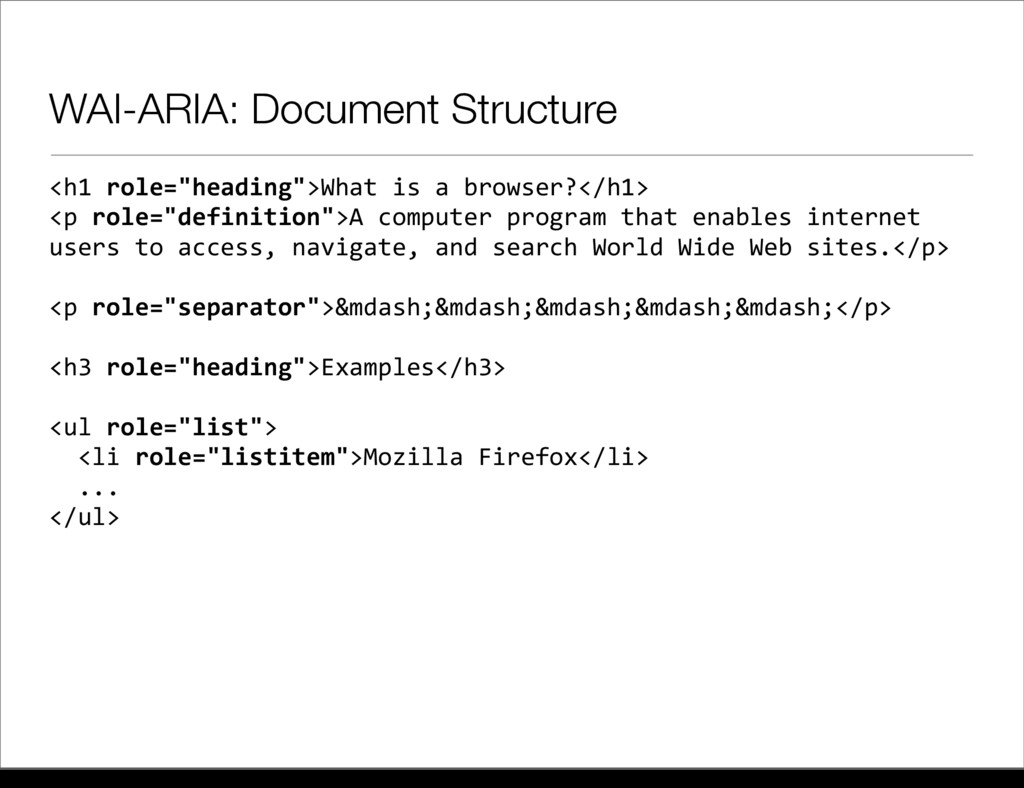
WAI-ARIA: Document Structure <h1 role="heading">What is a browser?</h1> <p role="definition">A
computer program that enables internet users to access, navigate, and search World Wide Web sites.</p> <p role="separator">—————</p> <h3 role="heading">Examples</h3> <ul role="list"> <li role="listitem">Mozilla Firefox</li> ... </ul> 59 Montag, 24. Juni 13 -
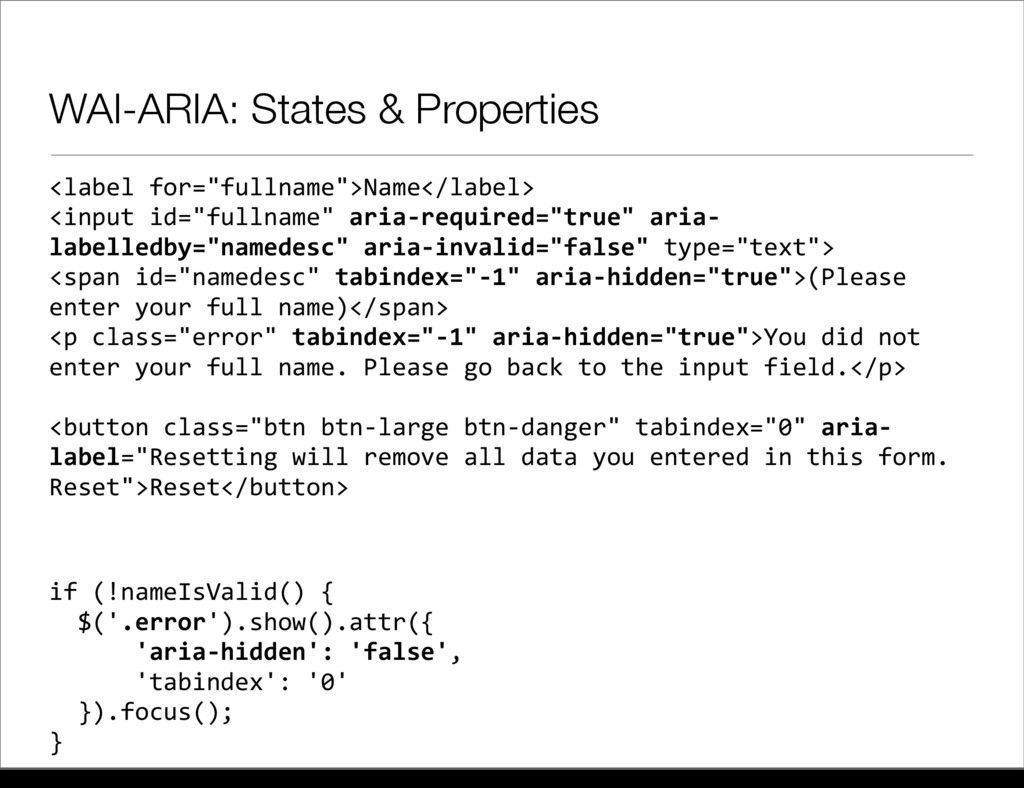
WAI-ARIA: States & Properties <label for="fullname">Name</label> <input id="fullname" aria-‐required="true" aria-‐
labelledby="namedesc" aria-‐invalid="false" type="text"> <span id="namedesc" tabindex="-‐1" aria-‐hidden="true">(Please enter your full name)</span> <p class="error" tabindex="-‐1" aria-‐hidden="true">You did not enter your full name. Please go back to the input field.</p> <button class="btn btn-‐large btn-‐danger" tabindex="0" aria-‐ label="Resetting will remove all data you entered in this form. Reset">Reset</button> if (!nameIsValid() { $('.error').show().attr({ 'aria-‐hidden': 'false', 'tabindex': '0' }).focus(); } 60 Montag, 24. Juni 13 -
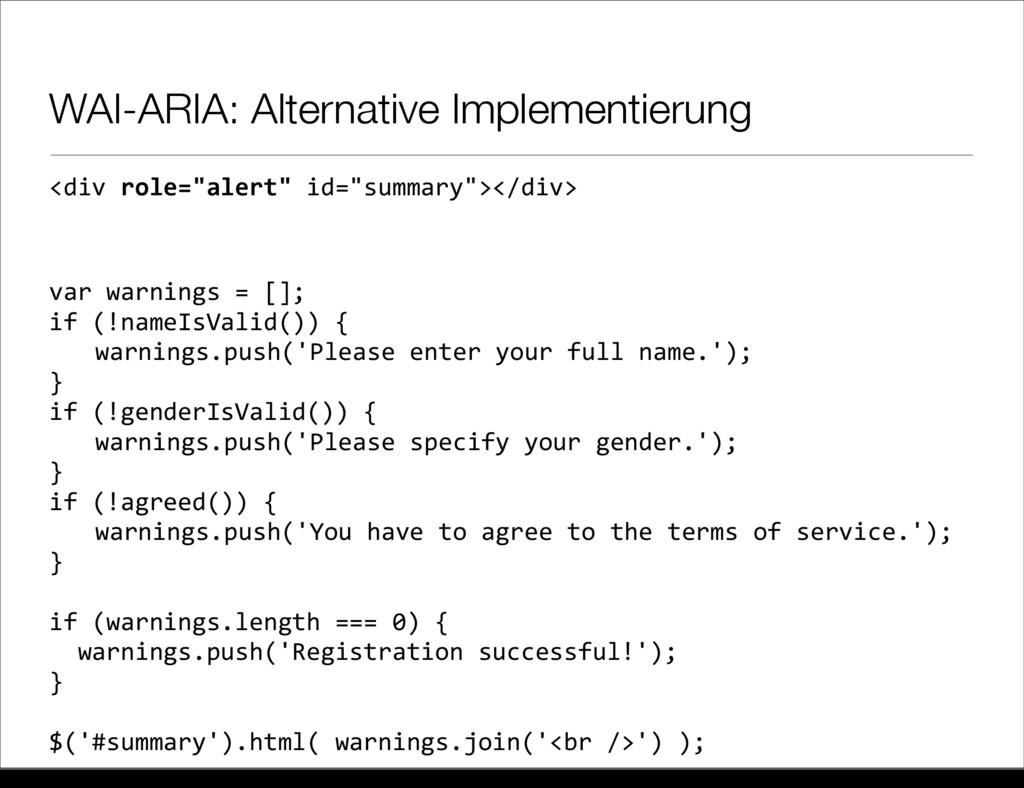
WAI-ARIA: Alternative Implementierung <div role="alert" id="summary"></div> var warnings = [];
if (!nameIsValid()) { warnings.push('Please enter your full name.'); } if (!genderIsValid()) { warnings.push('Please specify your gender.'); } if (!agreed()) { warnings.push('You have to agree to the terms of service.'); } if (warnings.length === 0) { warnings.push('Registration successful!'); } $('#summary').html( warnings.join('<br />') ); 61 Montag, 24. Juni 13 -
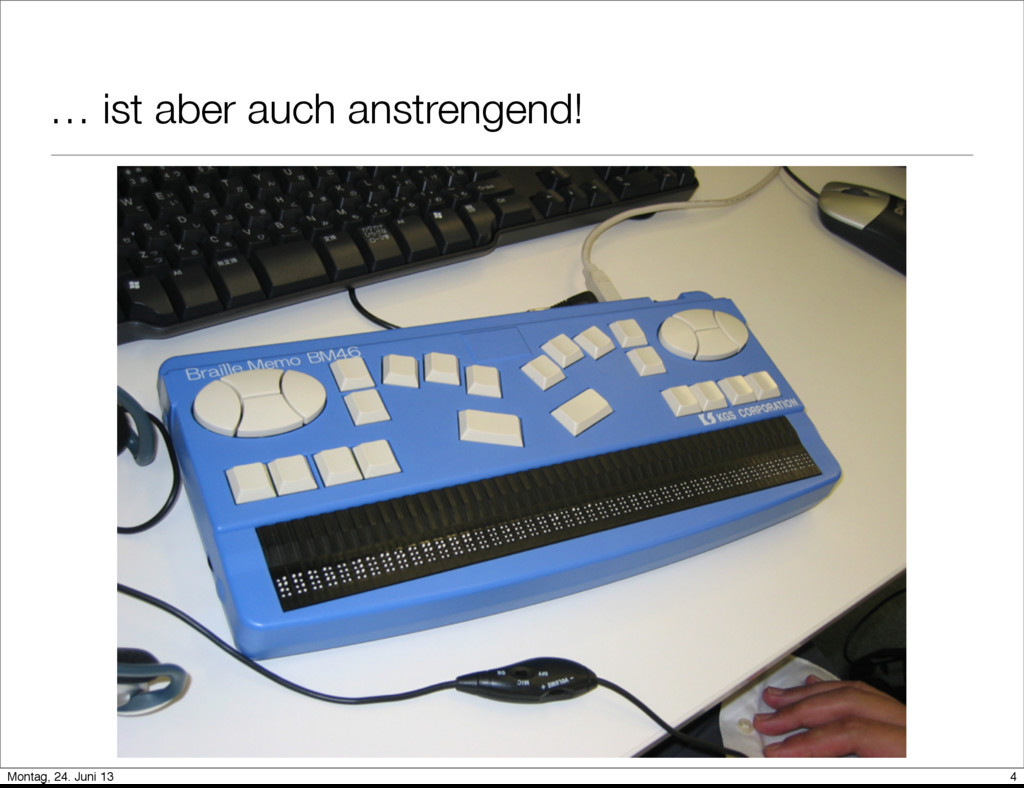
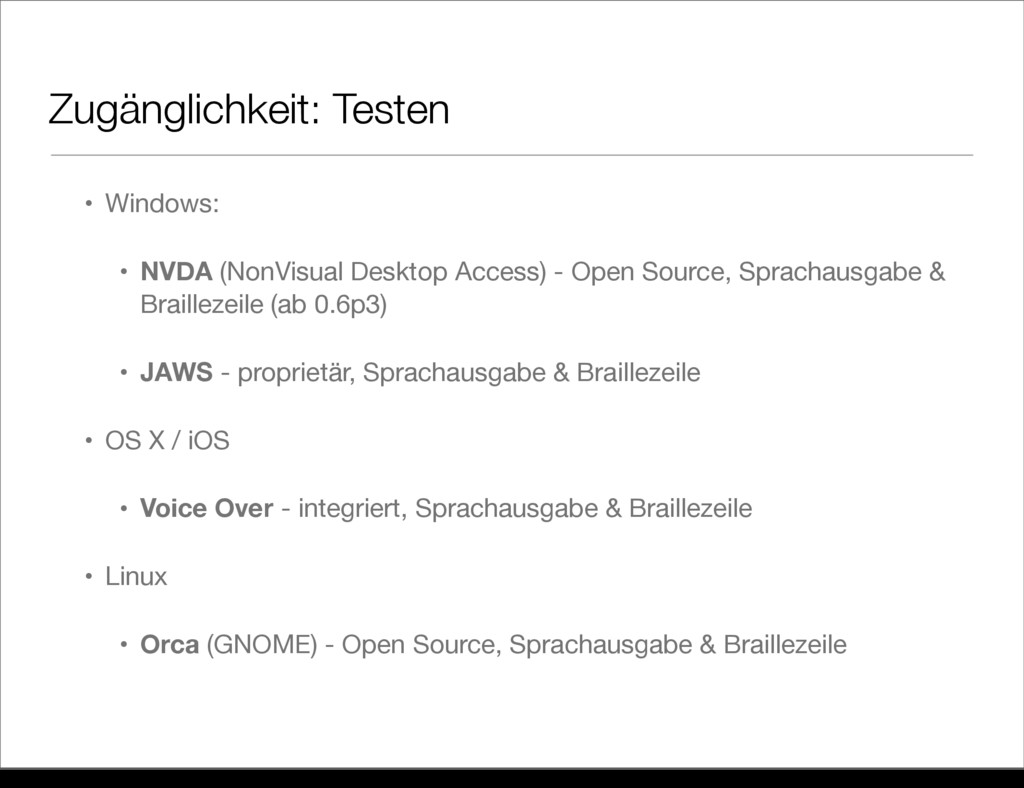
Zugänglichkeit: Testen • Windows: • NVDA (NonVisual Desktop Access) -
Open Source, Sprachausgabe & Braillezeile (ab 0.6p3) • JAWS - proprietär, Sprachausgabe & Braillezeile • OS X / iOS • Voice Over - integriert, Sprachausgabe & Braillezeile • Linux • Orca (GNOME) - Open Source, Sprachausgabe & Braillezeile 63 Montag, 24. Juni 13 -
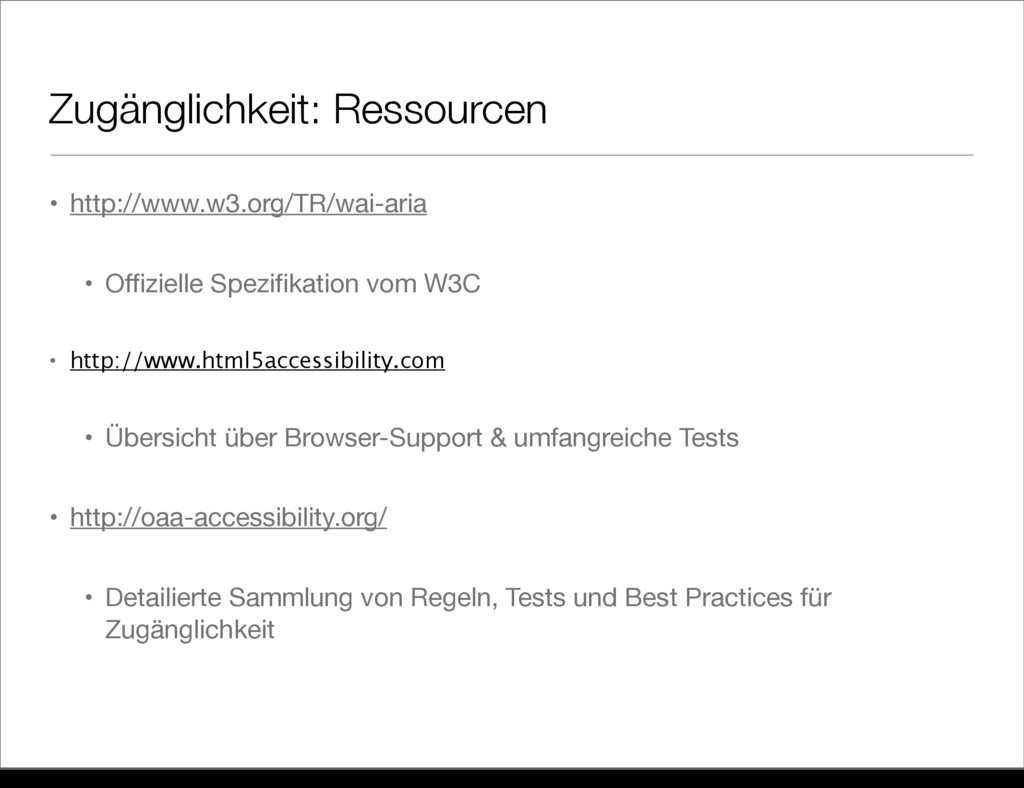
Zugänglichkeit: Ressourcen • http://www.w3.org/TR/wai-aria • Offizielle Spezifikation vom W3C •
http://www.html5accessibility.com • Übersicht über Browser-Support & umfangreiche Tests • http://oaa-accessibility.org/ • Detailierte Sammlung von Regeln, Tests und Best Practices für Zugänglichkeit 64 Montag, 24. Juni 13 -
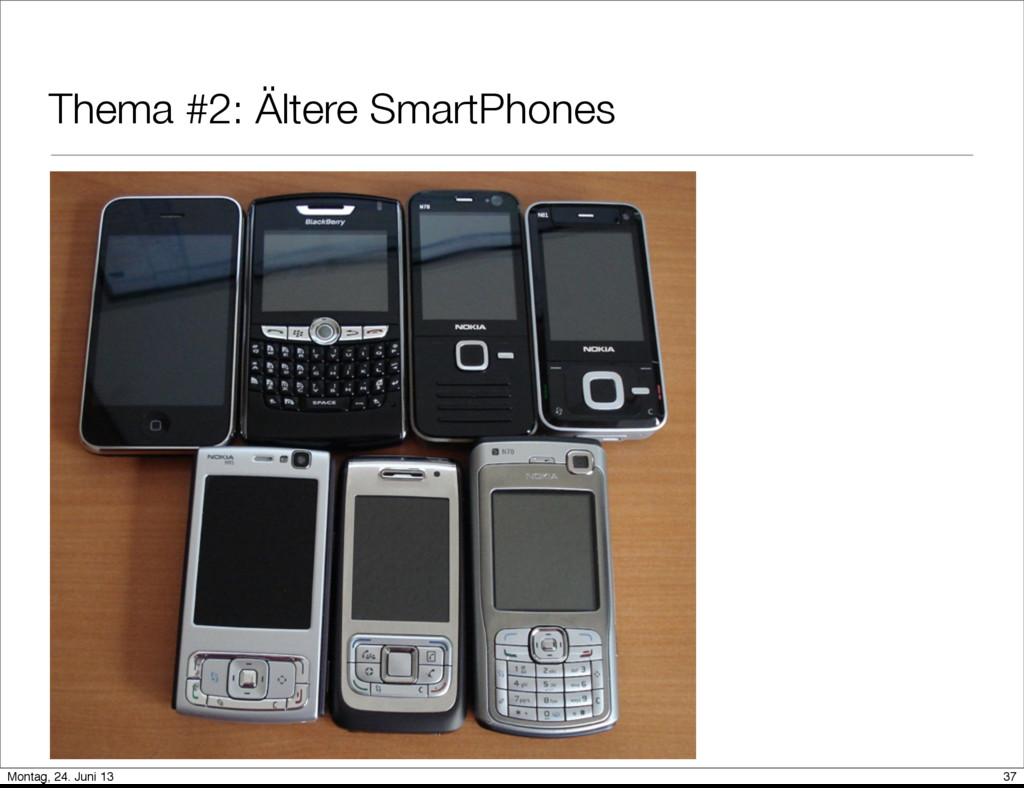
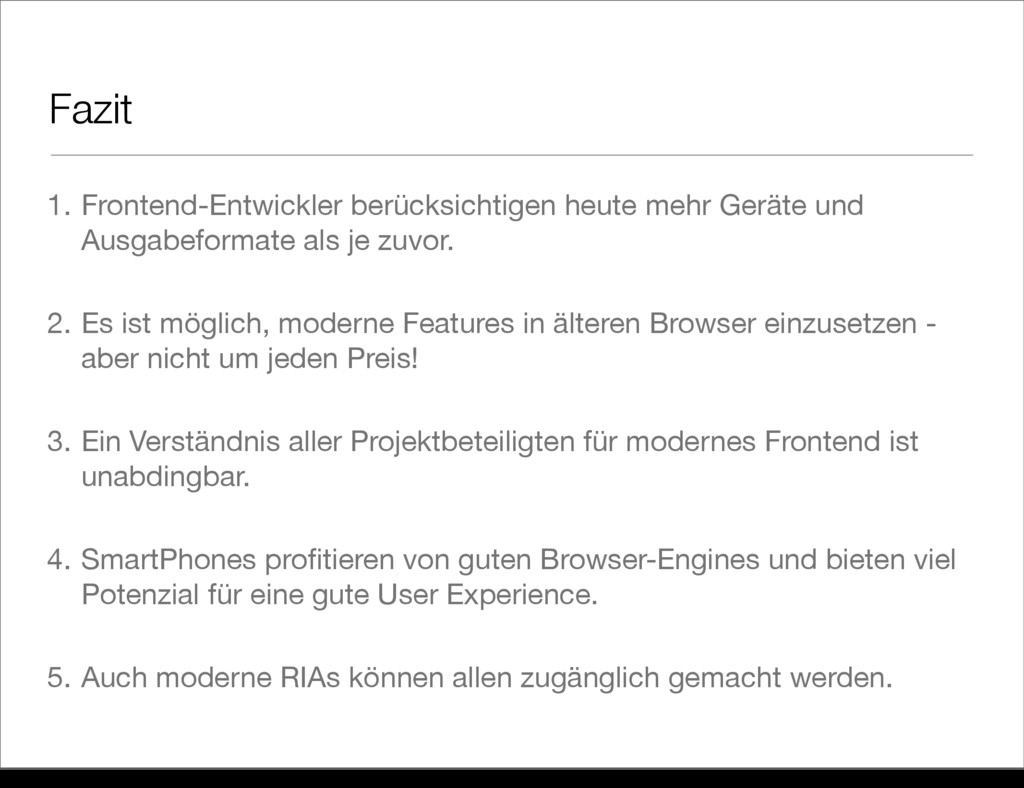
1. Frontend-Entwickler berücksichtigen heute mehr Geräte und Ausgabeformate als je
zuvor. 2. Es ist möglich, moderne Features in älteren Browser einzusetzen - aber nicht um jeden Preis! 3. Ein Verständnis aller Projektbeteiligten für modernes Frontend ist unabdingbar. 4. SmartPhones profitieren von guten Browser-Engines und bieten viel Potenzial für eine gute User Experience. 5. Auch moderne RIAs können allen zugänglich gemacht werden. Fazit 65 Montag, 24. Juni 13 -
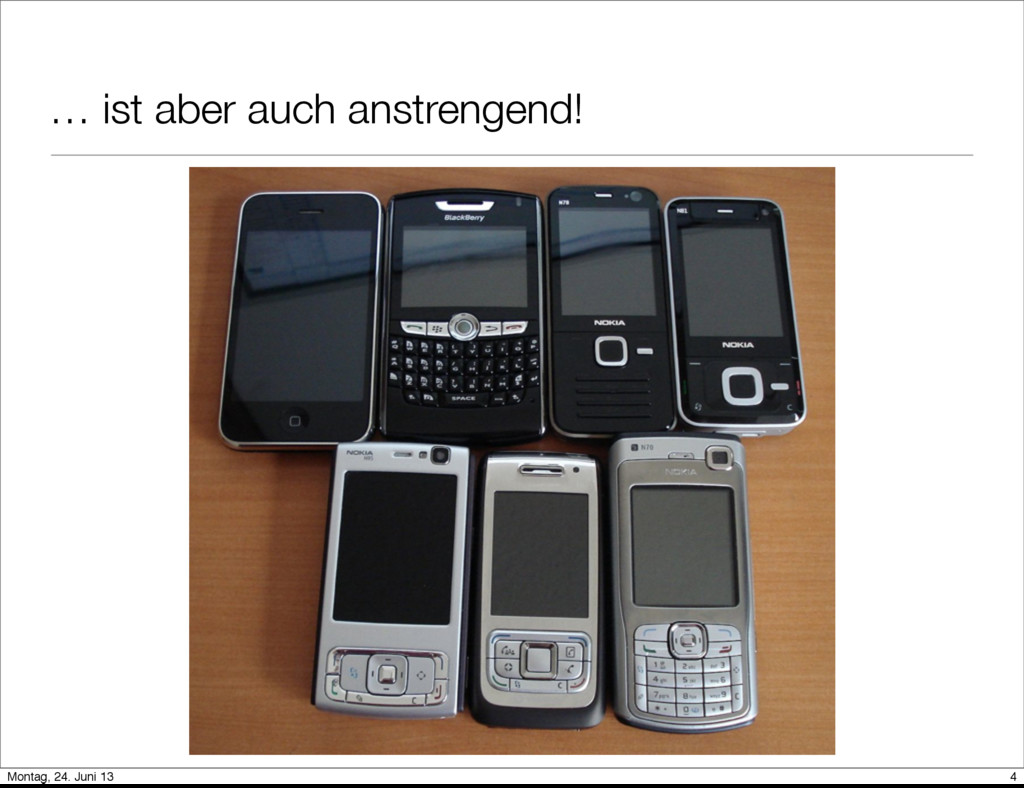
(Bildnachweise) • Seite 3: http://www.w3.org/html/logo/ • Seite 4: http://commons.wikimedia.org/wiki/File:Assorted_smartphones.jpg http://www.flickr.com/photos/eggplant/22414618/
http://www.flickr.com/photos/andrewcx/6288363953/ http://commons.wikimedia.org/wiki/File:MacBook_Pro_Retina.png http://www.flickr.com/photos/jimjarmo/2937958822/ http://www.flickr.com/photos/lge/6578498093/ http://www.flickr.com/photos/jurvetson/7408464122/ http://www.flickr.com/photos/kazuhito/132436943/ • Seite 5: http://commons.wikimedia.org/wiki/File:Assorted_smartphones.jpg http://www.flickr.com/photos/eggplant/22414618/ http://www.flickr.com/photos/kazuhito/132436943/ • Seite 6: http://en.wikipedia.org/wiki/File:HTML5-APIs-and-related-technologies-by-Sergey-Mavrody.png • Seite 7: http://www.flickr.com/photos/eggplant/22414618/ • Seite 14: http://en.wikipedia.org/wiki/File:JavaScript-logo.png http://en.wikipedia.org/wiki/File:Internet_Explorer_7_Logo.png http://commons.wikimedia.org/wiki/File:Crystal_Clear_filesystem_folder_lin.png • Seite 31: http://noisecult.deviantart.com/art/Old-Television-140046784 http://www.flickr.com/photos/birdies100/1250631561/ http://www.flickr.com/photos/blakespot/2375502294/ • Seite 33: http://commons.wikimedia.org/wiki/File:Motorized_toothbrush.jpg • Seite 37: http://commons.wikimedia.org/wiki/File:Assorted_smartphones.jpg • Seite 54: http://www.flickr.com/photos/kazuhito/132436943/ 67 Montag, 24. Juni 13
 jonathanweiss
 azihsoyn
 jinroq
 yuzneri
 kasacchiful
 sodainc
 dalinaum
 barnbarn
 seike460
 usagi0920_pochi
 shiita0903
 ivargrimstad
 portentint
 minecr
 jacobian
 sferik
 lindahogenes
 wayneb77
 eileencodes
 aleyda
 addyosmani
 jmmastey
 holman