Upgrade to PRO for Only $50/Year—Limited-Time Offer! 🔥

Kotlin Full Stack in a Weekend

Kotlin Full Stack in a Weekend

Since we have gotten him, our dog Oreo has had stomach problems. Recently our vet told us she would like us to keep track of his stomach issues so doing what any good developer would do, I wrote a solution in a weekend in Kotlin. Both an Android application and a server deployed to Google Cloud were developed in just a couple days.

The goal of the project was to build something as cleanly and quickly as possible to ensure we could start tracking as soon as possible. The Android app was designed with a simple MVVM pattern using LiveData and Retrofit’s recently released suspend support. The backend uses Ktor for the server hosted on Google Cloud Platform with a Google Cloud Datastore for handling all the persisted data.

This was all able to be built in a single weekend and released onto a cloud that didn’t need to be managed and was free to our light usage.

Avatar for Josh Feinberg

Josh Feinberg

August 23, 2019
Tweet

Other Decks in Programming

Transcript

  1. Defining Full Stack The entirety of a computer system or

    application, comprising both the front end and the back end. - Oxford Dictionary Full Stack ≠ Multiplatform
  2. Project Goals - Share as much code as possible between

    the front and backends of the app - Develop completely in Kotlin - Deploy backend to GCP with a Datastore - Build a mobile app - Have fun
  3. Architecture :app (Android App) - UI - List of all

    sick events - Statistics View - Add new event - Network Logic :server (Ktor) - REST API - Return all sick events - Return statistics - Add new event to DB :sharedmodule - Models - JSON - DB - Route Definitions
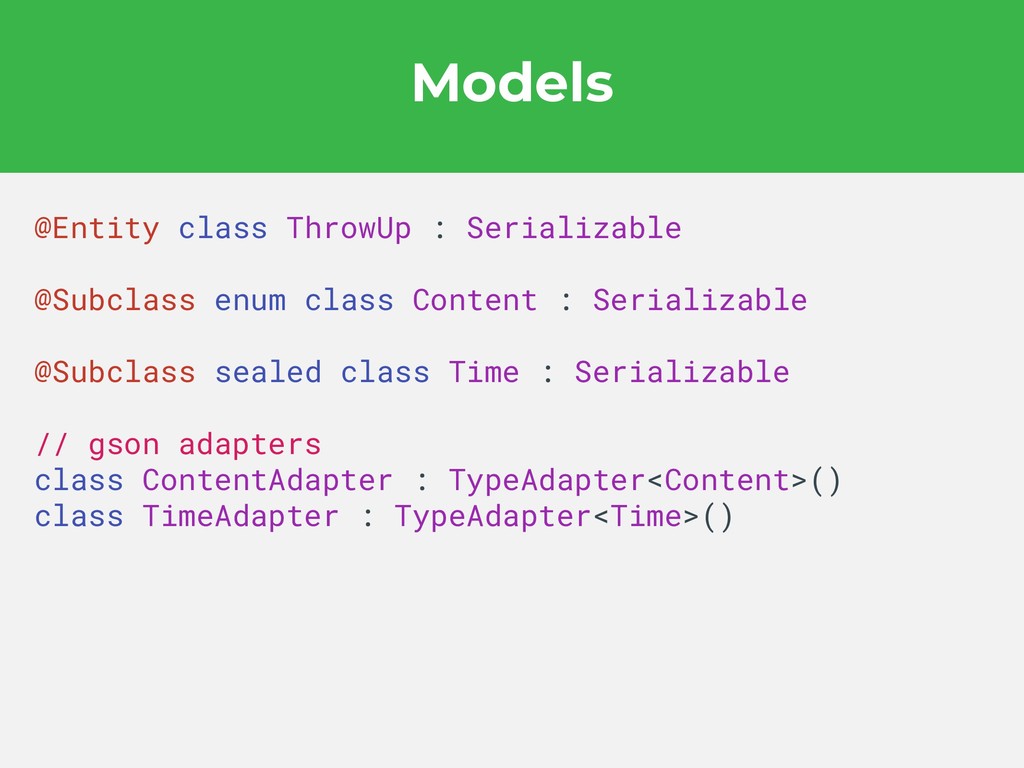
  4. Models @Entity class ThrowUp : Serializable @Subclass enum class Content

    : Serializable @Subclass sealed class Time : Serializable // gson adapters class ContentAdapter : TypeAdapter<Content>() class TimeAdapter : TypeAdapter<Time>()
  5. Network Interface interface OreoTrackerNetwork { @GET(SICKNESS_GET) suspend fun getThrowUps(): List<ThrowUp>

    @POST(SICKNESS_POST) suspend fun postThrowUp(@Body body: ThrowUp) @GET(STATS_GET) suspend fun getStats(): Stats } interface OreoTrackerNetwork { @GET(SICKNESS_GET) suspend fun getThrowUps(): List<ThrowUp> @POST(SICKNESS_POST) suspend fun postThrowUp(@Body body: ThrowUp) @GET(STATS_GET) suspend fun getStats(): Stats }
  6. JSON Parsing GsonBuilder() .registerTypeAdapter( Time::class.java, Time.TimeAdapter() ) .registerTypeAdapter( Content::class.java, Content.ContentAdapter()

    ) .create() GsonBuilder() .registerTypeAdapter( Time::class.java, Time.TimeAdapter() ) .registerTypeAdapter( Content::class.java, Content.ContentAdapter() ) .create()
  7. Ktor is a framework for building asynchronous servers and clients

    in connected systems using the powerful Kotlin programming language. https://ktor.io/
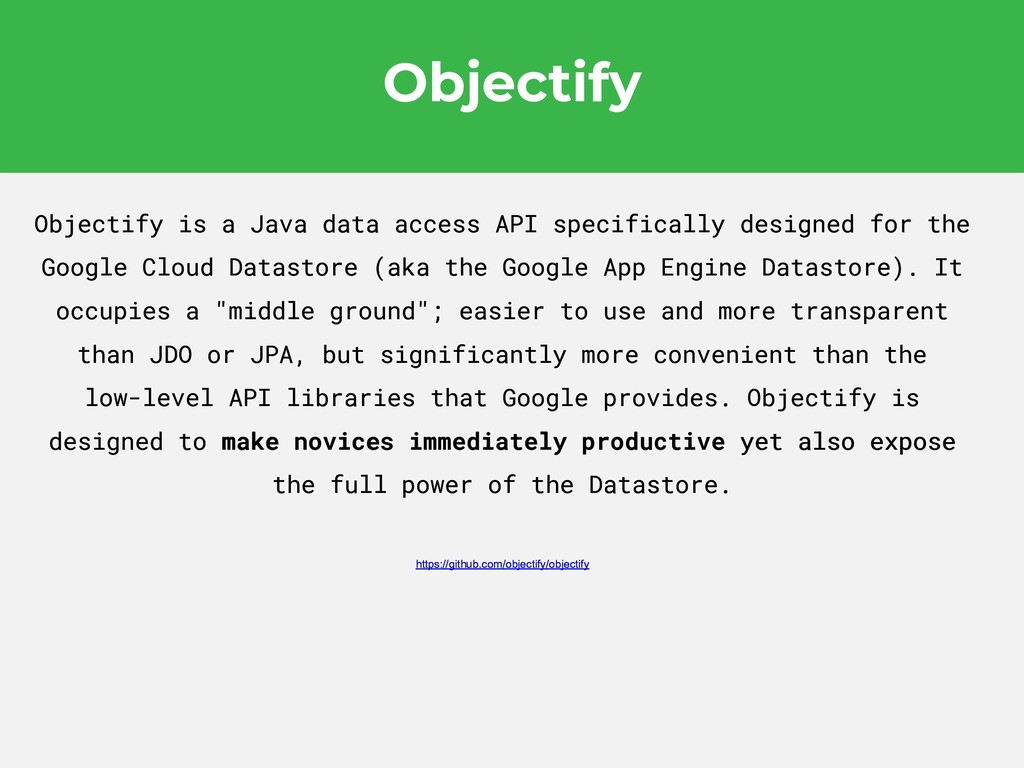
  8. Objectify Objectify is a Java data access API specifically designed

    for the Google Cloud Datastore (aka the Google App Engine Datastore). It occupies a "middle ground"; easier to use and more transparent than JDO or JPA, but significantly more convenient than the low-level API libraries that Google provides. Objectify is designed to make novices immediately productive yet also expose the full power of the Datastore. https://github.com/objectify/objectify Objectify is a Java data access API specifically designed for the Google Cloud Datastore (aka the Google App Engine Datastore). It occupies a "middle ground"; easier to use and more transparent than JDO or JPA, but significantly more convenient than the low-level API libraries that Google provides. Objectify is designed to make novices immediately productive yet also expose the full power of the Datastore. https://github.com/objectify/objectify
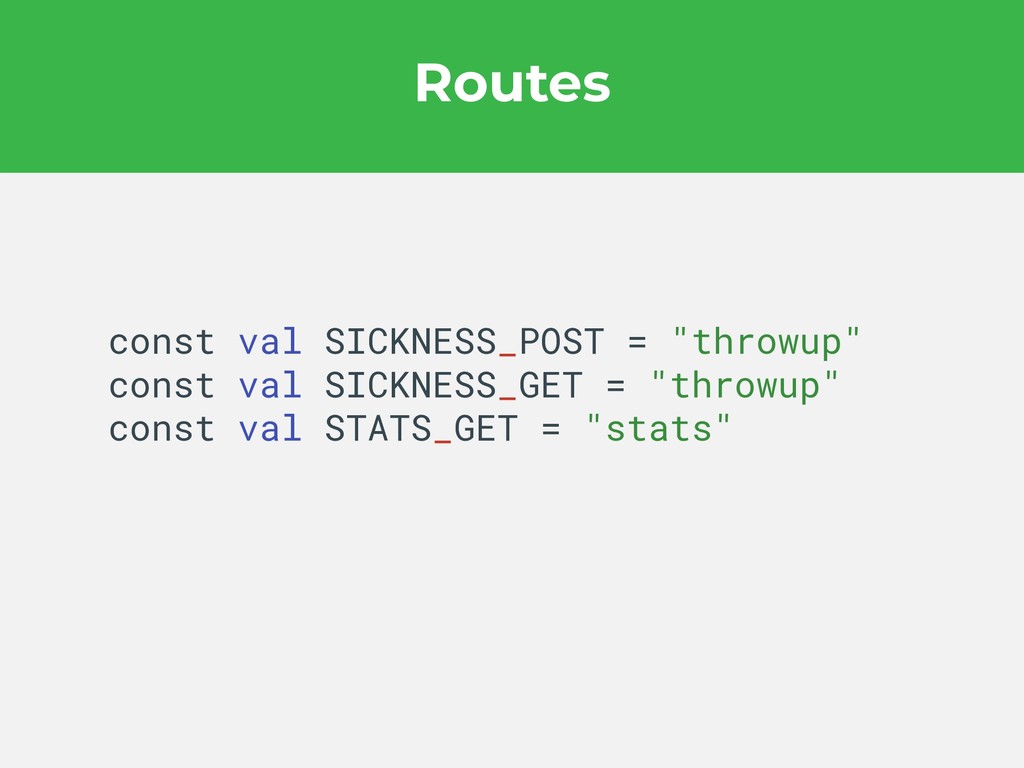
  9. Routes @KtorExperimentalLocationsAPI object OreoRoutes { @Location("/$SICKNESS_GET") object ThrowUp : TypedRoute

    @Location("/$SICKNESS_POST") object AddThrowUp : TypedRoute } @KtorExperimentalLocationsAPI object OreoRoutes { @Location("/$SICKNESS_GET") object ThrowUp : TypedRoute @Location("/$SICKNESS_POST") object AddThrowUp : TypedRoute }
  10. Key Files resources/application.conf - define where your main function is

    webapp/WEB-INF/appengine-web.xml - App Engine configuration file webapp/WEB-INF/datastore-indexes.xml - Defines indexes for your datastore objects webapp/WEB-INF/web.xml - Deployment descriptor
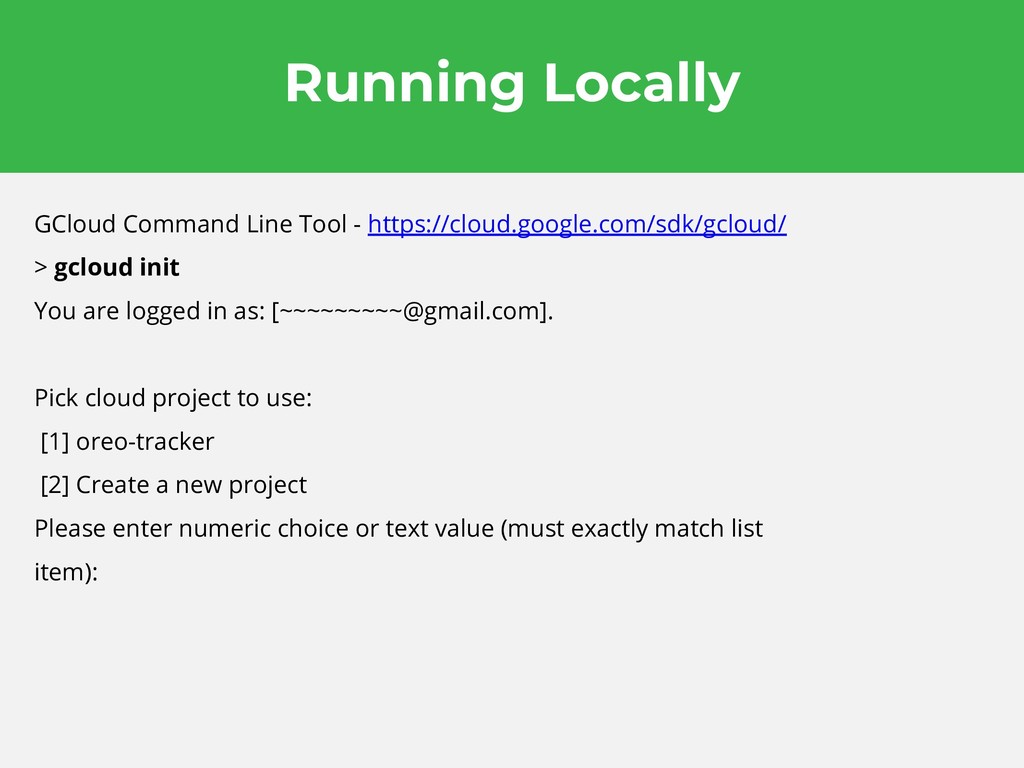
  11. Running Locally GCloud Command Line Tool - https://cloud.google.com/sdk/gcloud/ > gcloud

    init You are logged in as: [[email protected]]. Pick cloud project to use: [1] oreo-tracker [2] Create a new project Please enter numeric choice or text value (must exactly match list item):
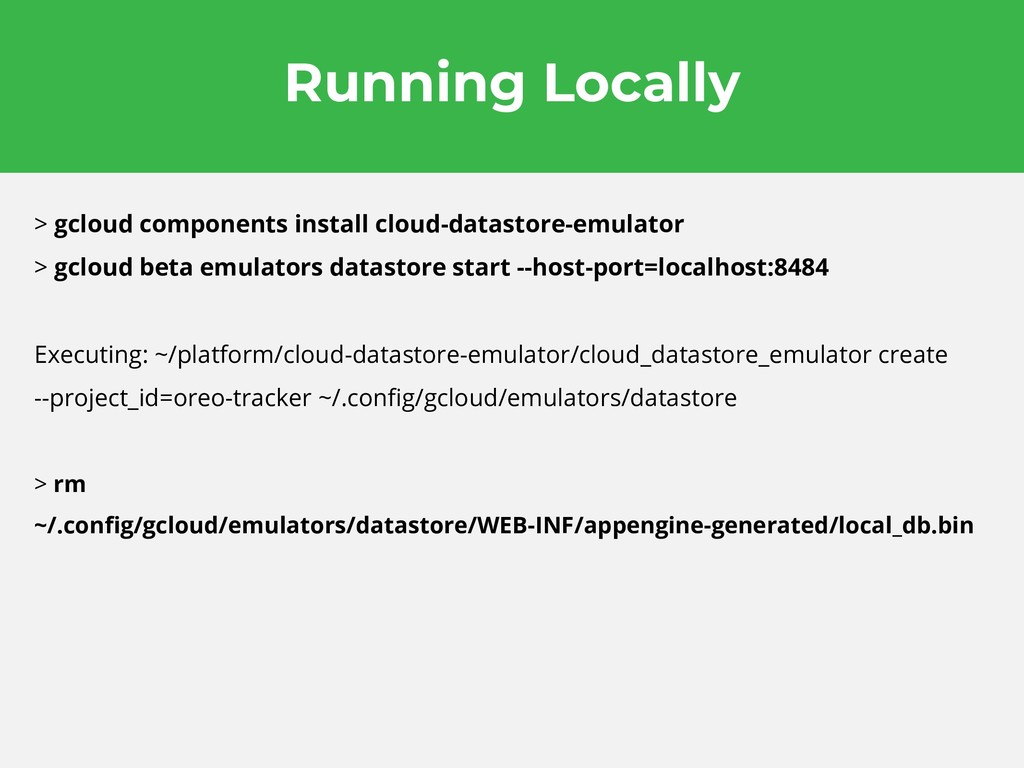
  12. Running Locally > gcloud components install cloud-datastore-emulator > gcloud beta

    emulators datastore start --host-port=localhost:8484 Executing: ~/platform/cloud-datastore-emulator/cloud_datastore_emulator create --project_id=oreo-tracker ~/.config/gcloud/emulators/datastore > rm ~/.config/gcloud/emulators/datastore/WEB-INF/appengine-generated/local_db.bin
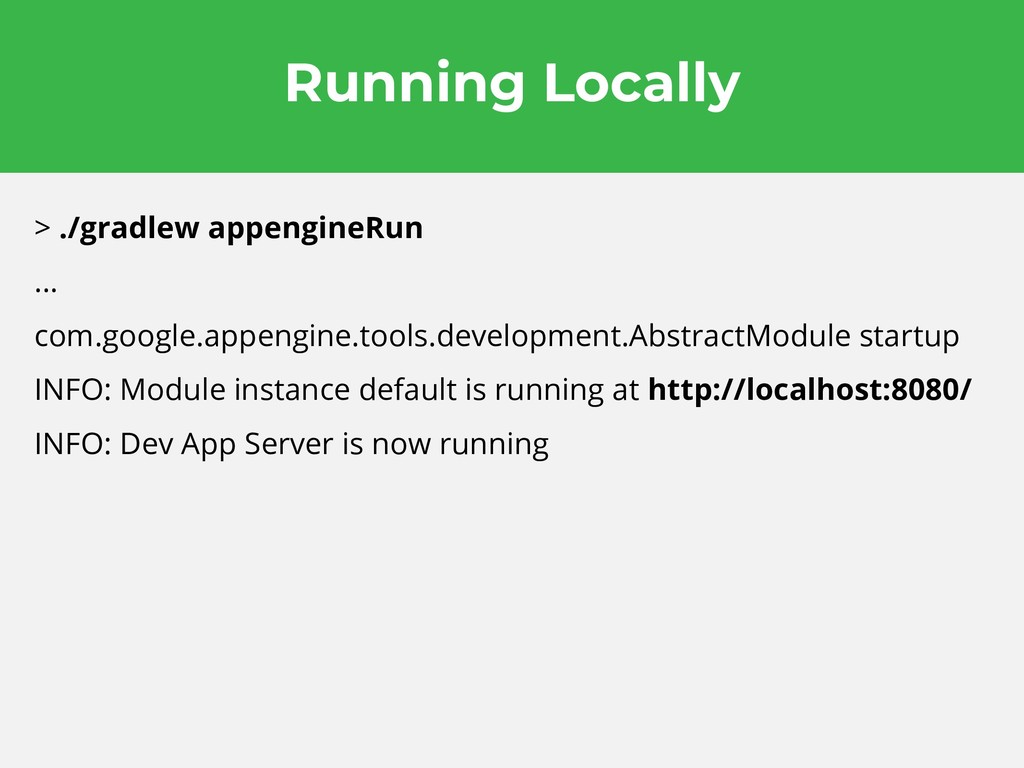
  13. Running Locally > ./gradlew appengineRun ... com.google.appengine.tools.development.AbstractModule startup INFO: Module

    instance default is running at http://localhost:8080/ INFO: Dev App Server is now running
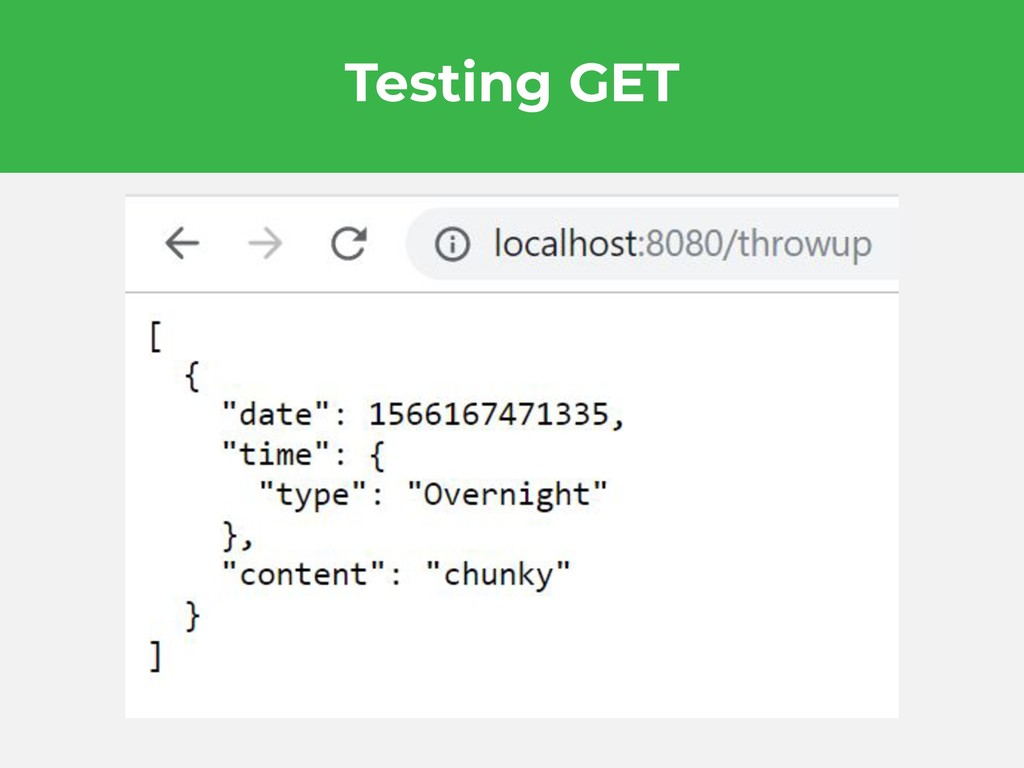
  14. Testing Add > curl -X POST \ http://localhost:8080/throwup \ -H

    'content-type: application/json' \ -d '{"content: "chunky", "date":1566167471335,"time":{"type":"Overnight"}}' {"date":1566167471335,"time":{"type":"Overnight"},"content":"chunk y"}
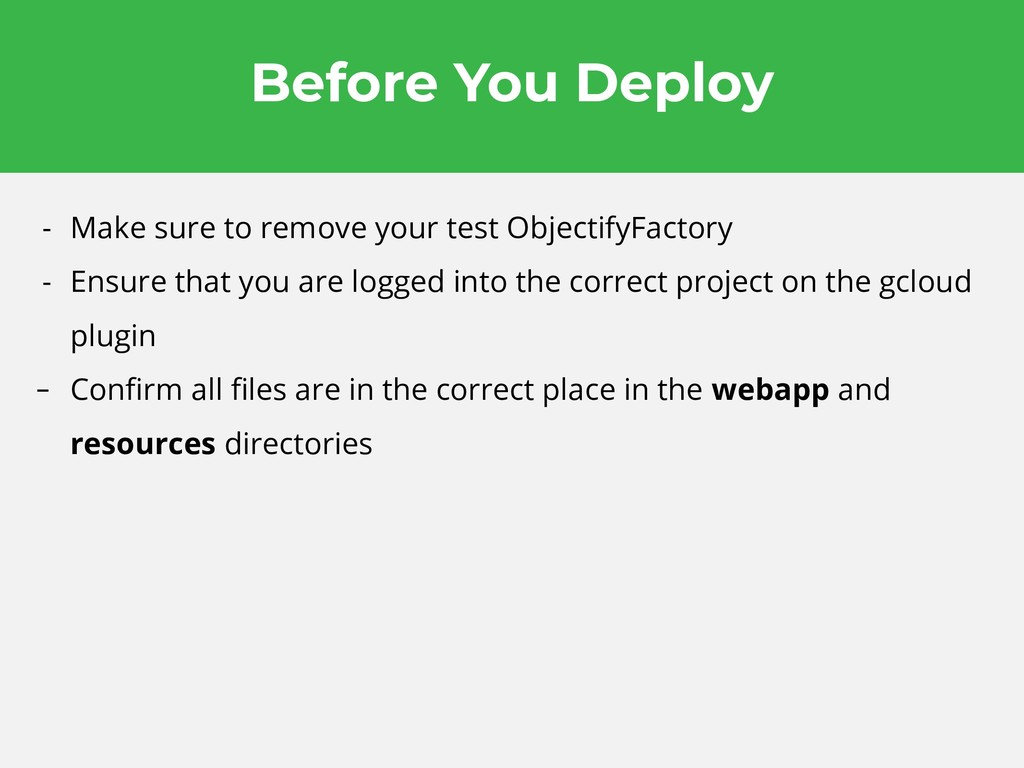
  15. Before You Deploy - Make sure to remove your test

    ObjectifyFactory - Ensure that you are logged into the correct project on the gcloud plugin - Confirm all files are in the correct place in the webapp and resources directories
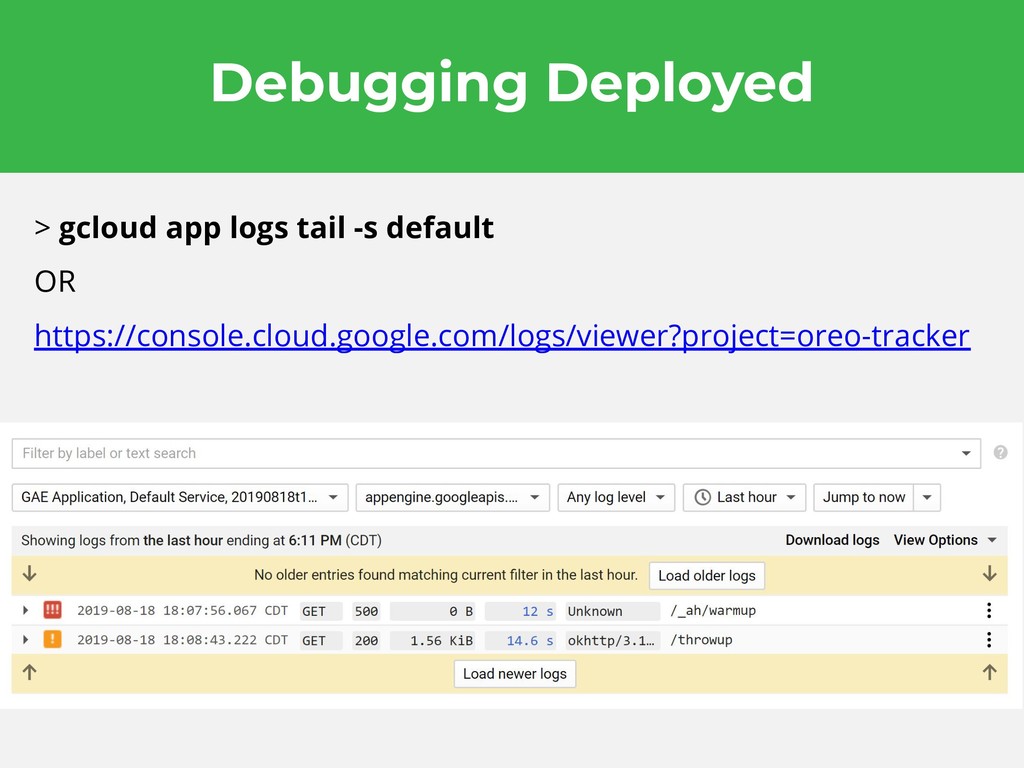
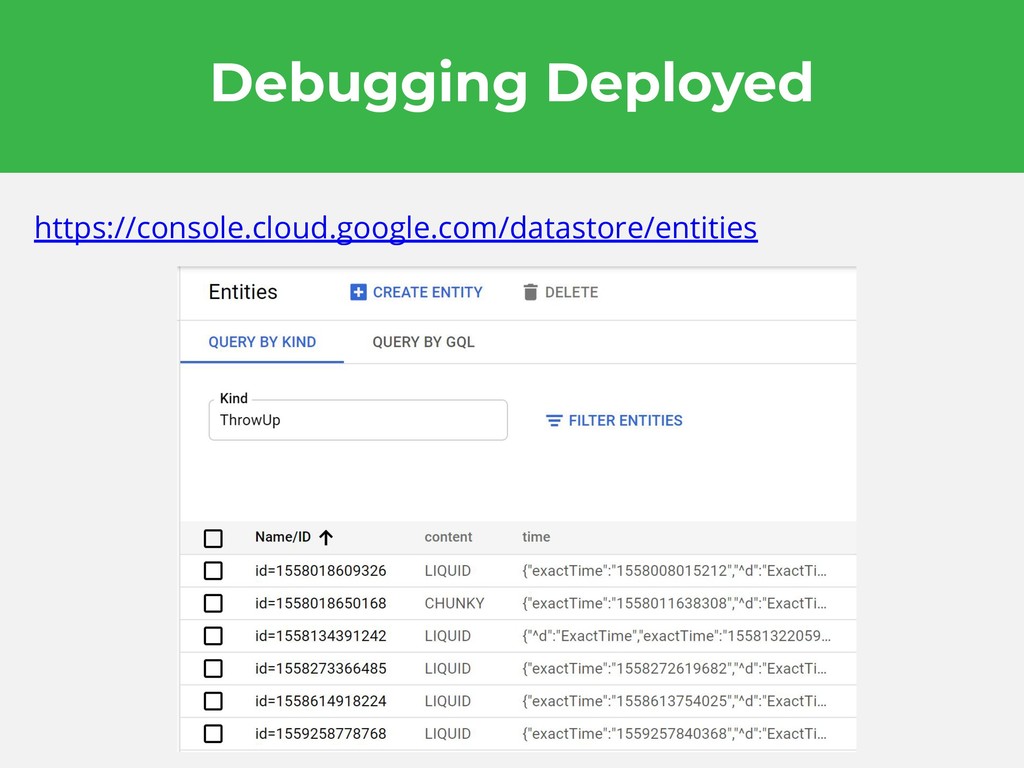
  16. Debugging Deployed > gcloud app logs tail -s default OR

    https://console.cloud.google.com/logs/viewer?project=oreo-tracker
  17. Thank You Tip Yourself Co. 2019 Josh Feinberg Cofounder &

    CTO @joshfein github.com/joshafeinberg/oreotracker