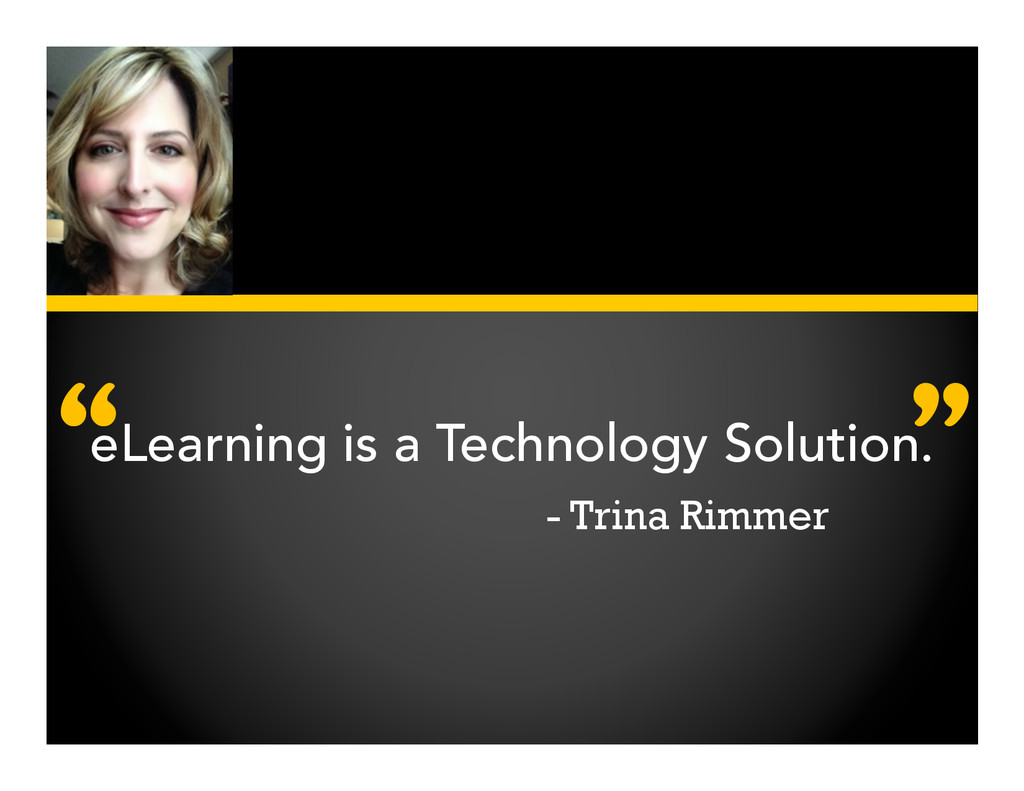
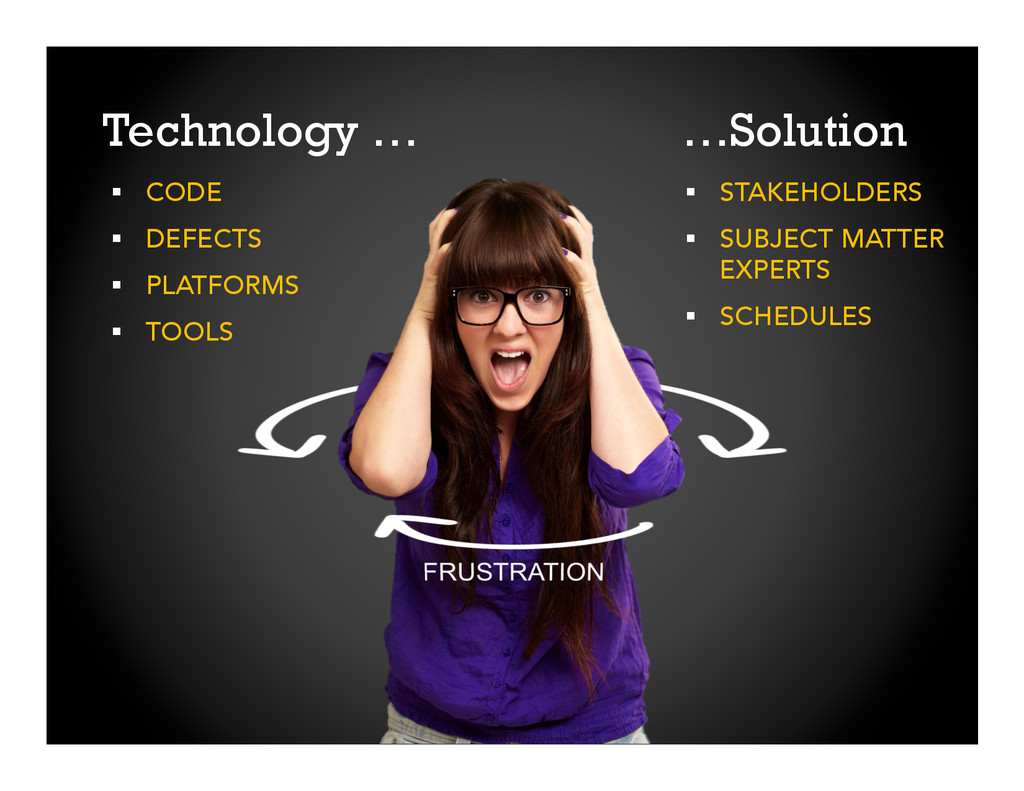
Modern eLearning courses are technology solutions developed and implemented using many of the same techniques and tools that software developers use. Both share similar challenges: subject matter experts to navigate, aggressive deadlines to manage, assorted files and assets to organize, and an integrated approach to delivery, accounting for various hosting and browsing systems plus ongoing user support.
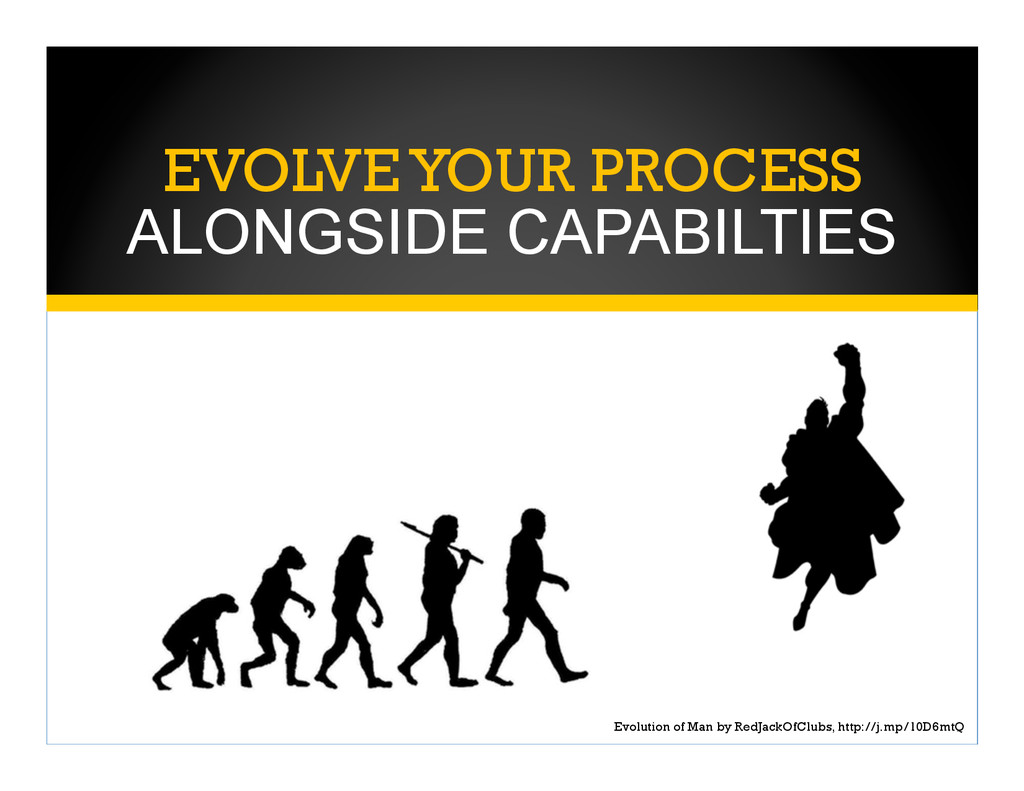
In this session you will examine the common evolution of eLearning and software development. Specifically you will explore techniques, agile processes, and best practices from the software development world that can be directly applied to your work. You will leave this session able to streamline your eLearning development and strengthen the quality of the solutions you produce.
In this session, you will learn:
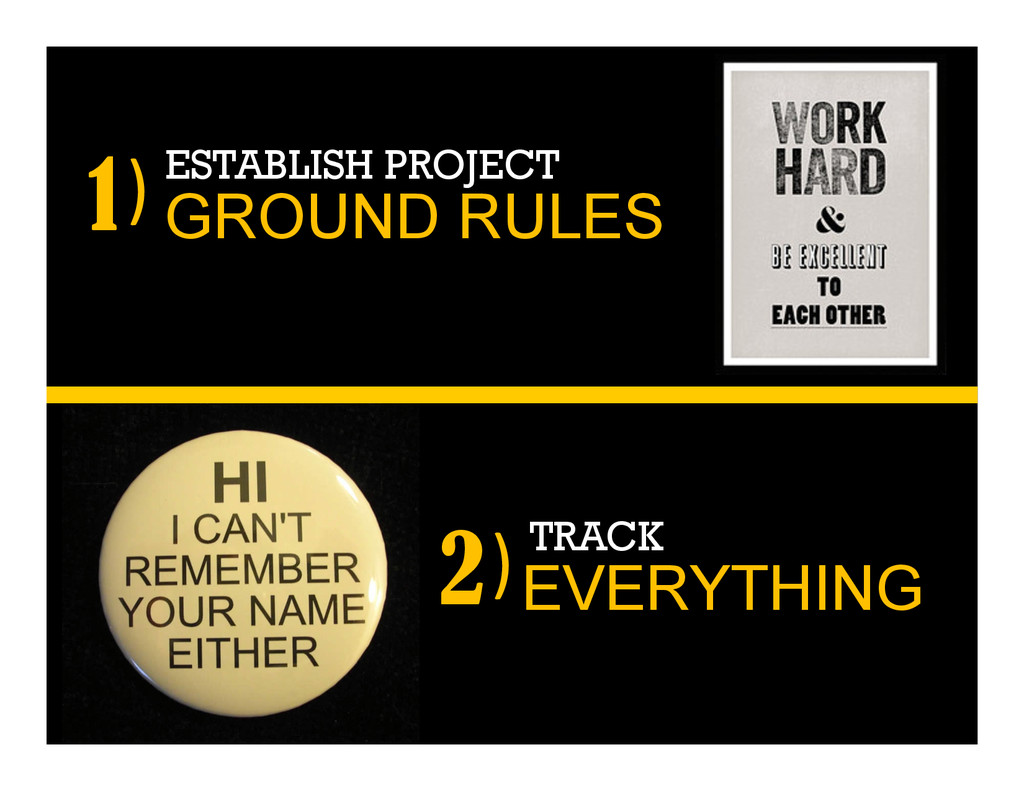
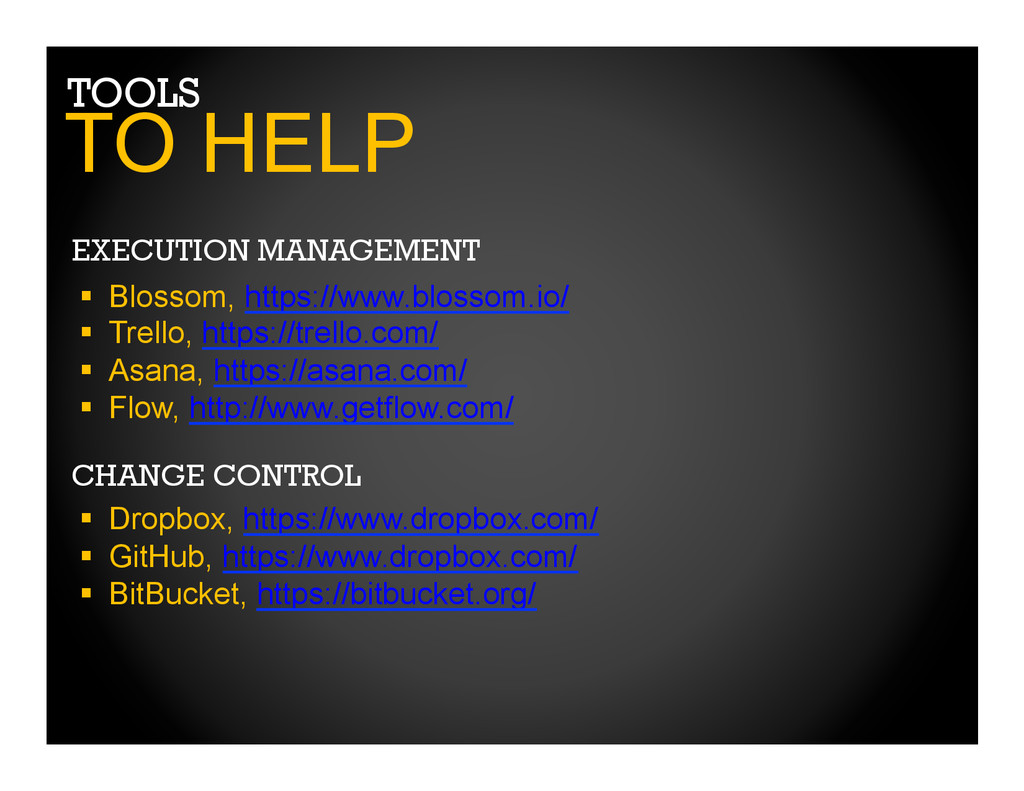
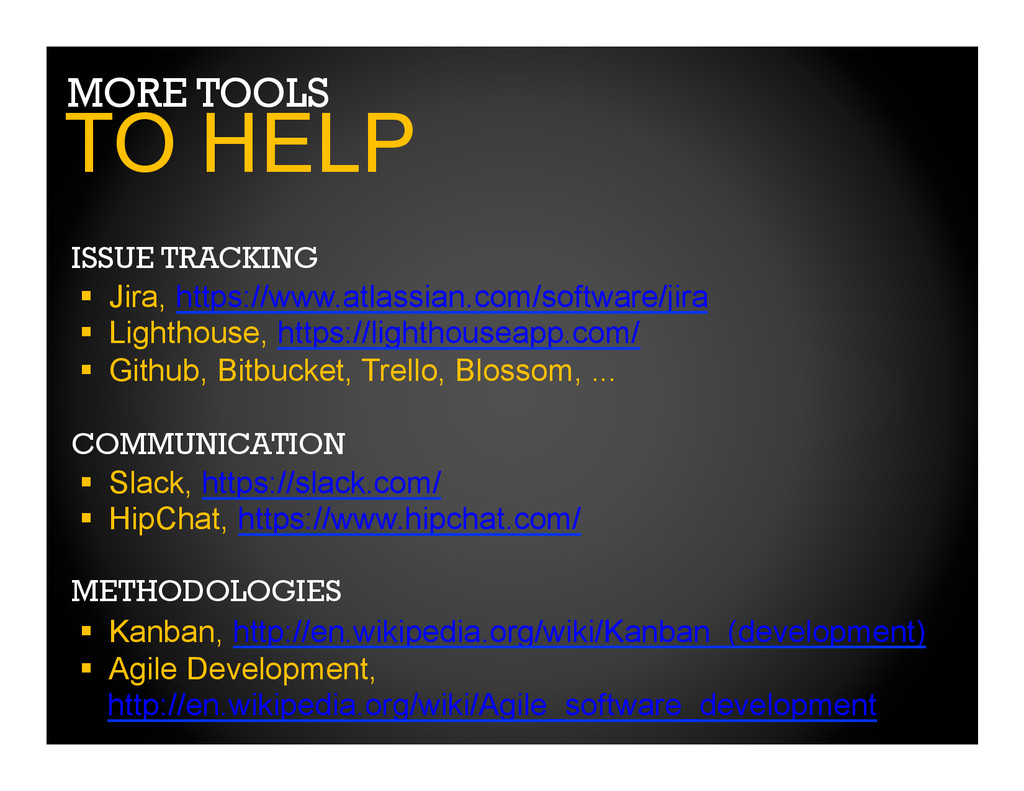
Tools for managing project communication, assets, and schedules
Techniques for satisfying stakeholders
Agile development and delivery practices that can be applied immediately
Quality control practices to support robust delivery


 kairim0
 takahashim
 usanchuu
 masakiokuda
 shuta13
 kzkhykw1991
 endonanana
 satoshi7
 teamlab
 gionn
gionn
 ishikawa_satoru
 yu23ki14
 bcantrill
 ipullrank
 marktimemedia
 michaelherold
 reverentgeek
 marcelosomers
 katarinadahlin
 chrislema
 aleyda
 trallard
 rmw
rmw
 holman







![THANKS! [email protected] jasonrimmer.com @jrimmer jasonrimmer.com/events/devlearn2014](https://files.speakerdeck.com/presentations/4f856e7043590132f9c236208b3bb12e/slide_20.jpg)