Mobile hybrid frameworks enable quickly prototyping and creating cross-platform mobile applications for iOS, Android, and even for the web and desktop.
Here's a list of 12 of the best ones to use in your next project.
Development? Making Your Life Easier • Write code only once. • Build mobile apps that run on the main platforms with no extra effort. • Open the door for PWAs (they’re growing fast!). Let’s look at 12 useful Frameworks!
• C# shared codebase Highlights • Open-source framework by Microsoft available under the MIT license. • Use Xamarin tools to write native Android, iOS, and Windows apps with native user interfaces, including Windows and MacOS. • Design an amazing experience for glass with the Android SDK and GDK.
• HTML5, CSS, JavaScript Highlights • From the team behind Apache Cordova, the Adobe PhoneGap framework is an open source distribution of the Cordova framework. • Reuse existing web development skills to quickly make hybrid applications built with HTML, CSS, and JavaScript. • Embeds the HTML5 code inside a native WebView on the device. • Can be extended with native plug-ins to access device features.
Language • HTML5, CSS, JavaScript Highlights • 100% free and open-source SDK built on top of Apache Cordova. • Has over 120 native device features like Bluetooth, Finger Print Auth, and more with Cordova plugins and TypeScript extensions. • Several features like deep linking, AoT Compiling, and Ionic Native. • Since version 4, it’s framework-agnostic and has official support for React, Preact, Angular, and Vue, as well as for Web Components.
• HTML5, CSS, JavaScript Highlights • 100% free and open-source framework. • Focused on iOS and Google Material design to bring the best UX. • Comes with Vue & React components to bring components-syntax, structured data and data bindings with power and simplicity. • Several features like native scrolling, library agnostic, pages transition animation, multiple views support, route pages by using the combination of XHR, caching, browser history and preloading.
Language • JavaScript, custom XML Highlights • 100% free and open-source framework. • Mixed development environments provided by Xamarin and PhoneGap. • Uses Alloy, an MVC framework to enable rapid mobile development. • Apps are written in JavaScript but you must use a custom XML and Appcelerator's API to support some native features. • The Titanium SDK is equipped with a number of mobile platform APIs and Cloud service to use as an app backend.
UI Language • HTML5, CSS, JavaScript Highlights • 100% free and open-source framework. • Extension to Bootstrap 3 without any dependencies of Bootstrap JS libs or jQuery (which both are default dependencies in Bootstrap 3). • All you need to use are some AngularJS directives to create awesome mobile user experiences. • Several UI components like overlays, switches, sidebars, scrollable areas and absolute positioned navbars.
Language • HTML5, CSS, JavaScript Highlights • 100% free and open-source framework under Apache license. • Framework-agnostic with support for Angular, React, Vue.js and Meteor or pure JavaScript. • Large collection of ready-to-use responsive components. • Uses PhoneGap and Cordova for building the app.
JS Language • HTML5, CSS, JavaScript Highlights • Fit to build data-intensive, cross-platform web and mobile applications. • Built-in support for Angular and React. • Includes several high-performance UI components like HTML5 calendar, grids, pivot grid, D3 adapter, trees, lists, forms, menus, toolbars, panels, windows, and much more.
Language • HTML5, CSS, JavaScript Highlights • Free and open-source framework under the Apache v2 license. • Built-in compatibility for jQuery, Angular, React, and Vue. • Several UI components like charts, sliders, maps, diagrams, media players, calendar, chat, spreadsheets, and notifications.
• HTML5, CSS, JavaScript Highlights • 100% free and open-source framework under the MIT license. • Powered by Vue.js, it enables using a single code base to deploy for web (SPA, PWA, SSR), mobile (iOS, Android), and Desktop. • Follows Google’s Material Design 2.0 guidelines. • Built-in tools like minification, cache busting, tree shaking, source mapping, code-splitting & lazy loading, ES6 transpiling, and linting.
• JavaScript, TypeScript, CSS Highlights • 100% free and open-source framework under the Apache v2 license. • Builds fully native iOS and Android apps which use the same APIs as if they were developed in Xcode or Android Studio. • Enable re-purposing third-party libraries from Cocoapods, Android Arsenal, Maven, and npm.js without the need for wrappers. • Built-in support for Angular and Vue. • Results in mobile apps with native performance.
Language • JavaScript (React) Highlights • 100% free and open-source framework under the MIT license. • Builds fully native iOS and Android apps which are indistinguishable from apps built using Objective-C or Java. • Uses the same UI building blocks as regular iOS and Android apps. • Showed the highest satisfaction levels in the State of JS 2018 survey.
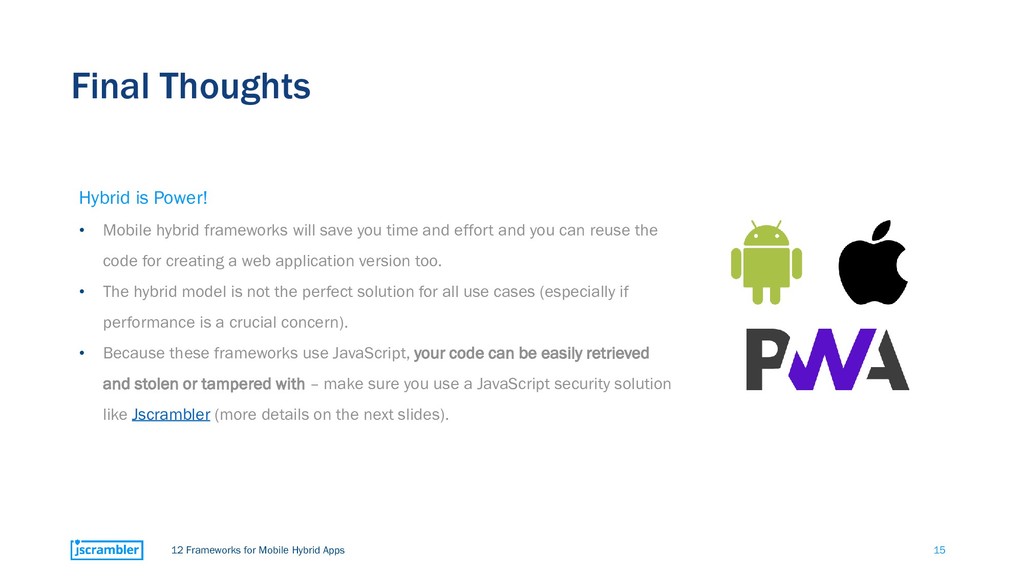
is Power! • Mobile hybrid frameworks will save you time and effort and you can reuse the code for creating a web application version too. • The hybrid model is not the perfect solution for all use cases (especially if performance is a crucial concern). • Because these frameworks use JavaScript, your code can be easily retrieved and stolen or tampered with – make sure you use a JavaScript security solution like Jscrambler (more details on the next slides).
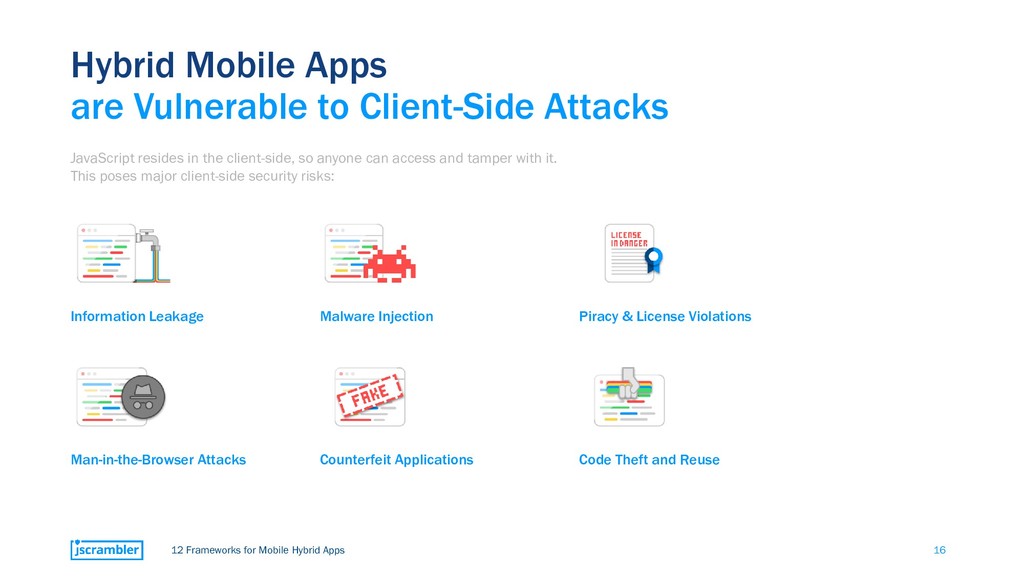
are Vulnerable to Client-Side Attacks JavaScript resides in the client-side, so anyone can access and tamper with it. This poses major client-side security risks: Counterfeit Applications Malware Injection Man-in-the-Browser Attacks Information Leakage Code Theft and Reuse Piracy & License Violations
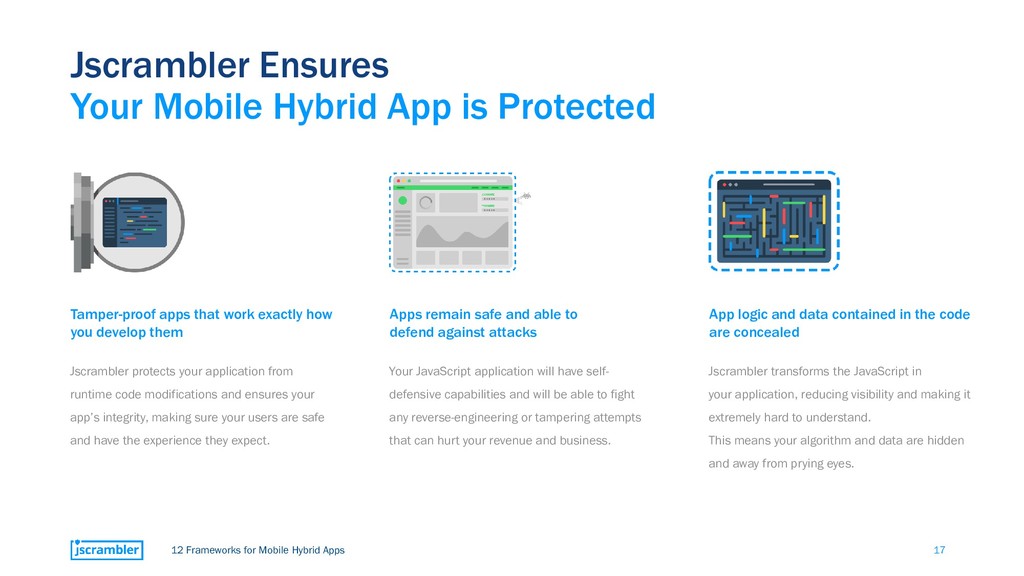
Mobile Hybrid App is Protected Tamper-proof apps that work exactly how you develop them Jscrambler protects your application from runtime code modifications and ensures your app’s integrity, making sure your users are safe and have the experience they expect. Apps remain safe and able to defend against attacks Your JavaScript application will have self- defensive capabilities and will be able to fight any reverse-engineering or tampering attempts that can hurt your revenue and business. App logic and data contained in the code are concealed Jscrambler transforms the JavaScript in your application, reducing visibility and making it extremely hard to understand. This means your algorithm and data are hidden and away from prying eyes.
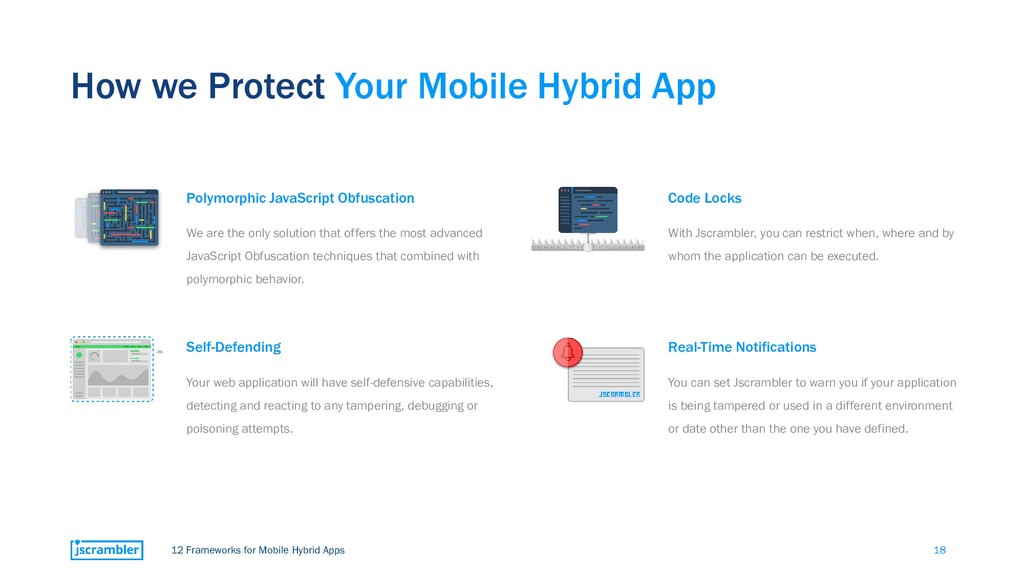
Your Mobile Hybrid App Polymorphic JavaScript Obfuscation We are the only solution that offers the most advanced JavaScript Obfuscation techniques that combined with polymorphic behavior. Self-Defending Your web application will have self-defensive capabilities, detecting and reacting to any tampering, debugging or poisoning attempts. Code Locks With Jscrambler, you can restrict when, where and by whom the application can be executed. Real-Time Notifications You can set Jscrambler to warn you if your application is being tampered or used in a different environment or date other than the one you have defined.
Safe, Flexible and Always Up to Date! #1 The performance hits are manageable and depend a lot on the application you are trying to protect. #2 You can fine-tune your protection on the most sensitive parts and increase it where it is most needed. #3 You can instrument the code to apply different levels of protection according to the importance of the code (ignore code blocks and code annotations feature).


 iwatsukayura
 nokomoro3
 a_matsuda
 minodriven
 falcon8823
 tmikov2023
 satoshi256kbyte
 marcoroth
 lynnswap
 y0hgi
y0hgi
 guaca
guaca
 deka_morita
 codingconduct
 ks91
ks91
 62gerente
 uxyall
 lindahogenes
 aki_iinuma
 productmarketing
 aleyda
 tmiket
 chriscoyier
 mraible
 cassininazir