Upgrade to Pro — share decks privately, control downloads, hide ads and more …

Kubernetes for data scientist

Sponsored · Your Podcast. Everywhere. Effortlessly. Share. Educate. Inspire. Entertain. You do you. We'll handle the rest. →

Kubernetes for data scientist

"Kubernetes for data scientist". Prezentacja z SQL Day 2018. 15.05.2018

Avatar for Łukasz Kałużny

Łukasz Kałużny

May 15, 2018

Other Decks in Technology

Transcript

  1. SQLDay 2018 Kubernetes for data scientist Łukasz Kałużny MVP: Microsoft

    Azure Cloud Technology Leader @ BlueSoft kaluzny.io | @kaluzaaa
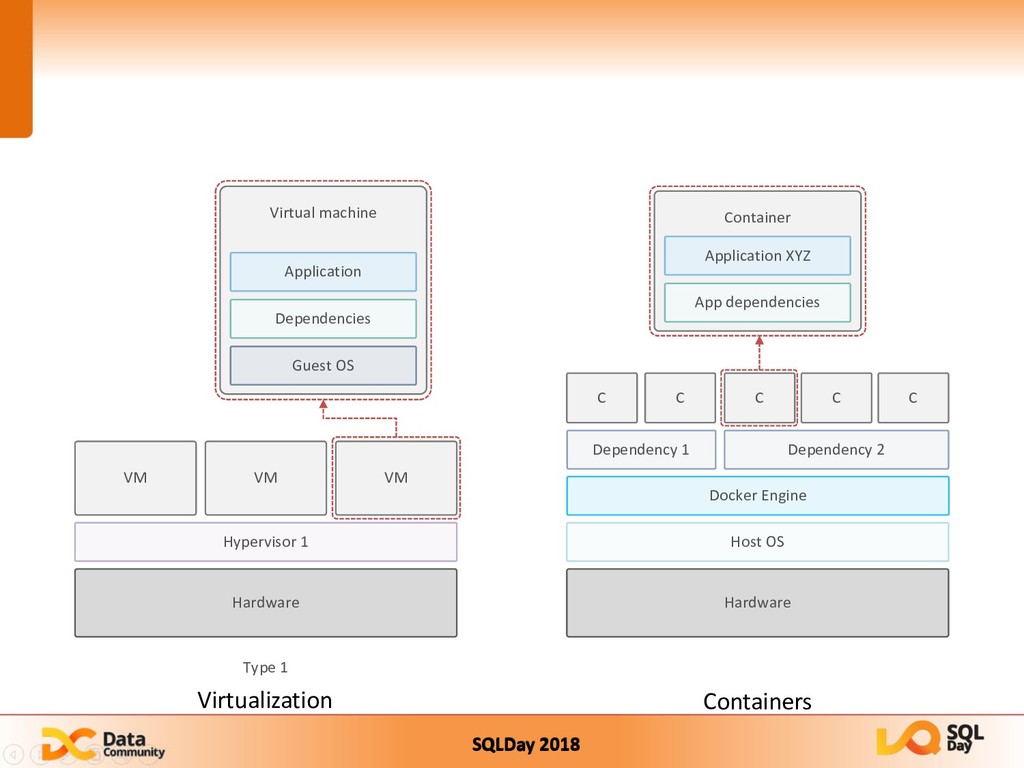
  2. SQLDay 2018 Containers Type 1 Hardware Hypervisor 1 VM VM

    VM Virtual machine Guest OS Dependencies Application Hardware Host OS Docker Engine Dependency 1 Dependency 2 C C C C C Container App dependencies Application XYZ Virtualization
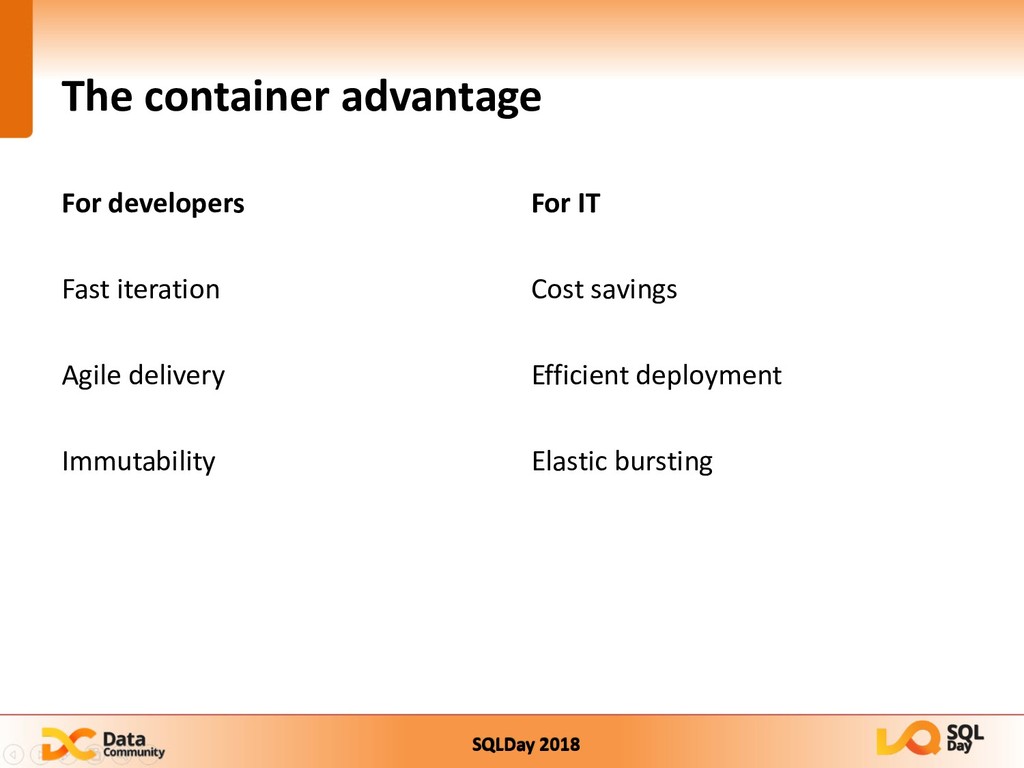
  3. SQLDay 2018 The container advantage For developers Fast iteration Agile

    delivery Immutability For IT Cost savings Efficient deployment Elastic bursting
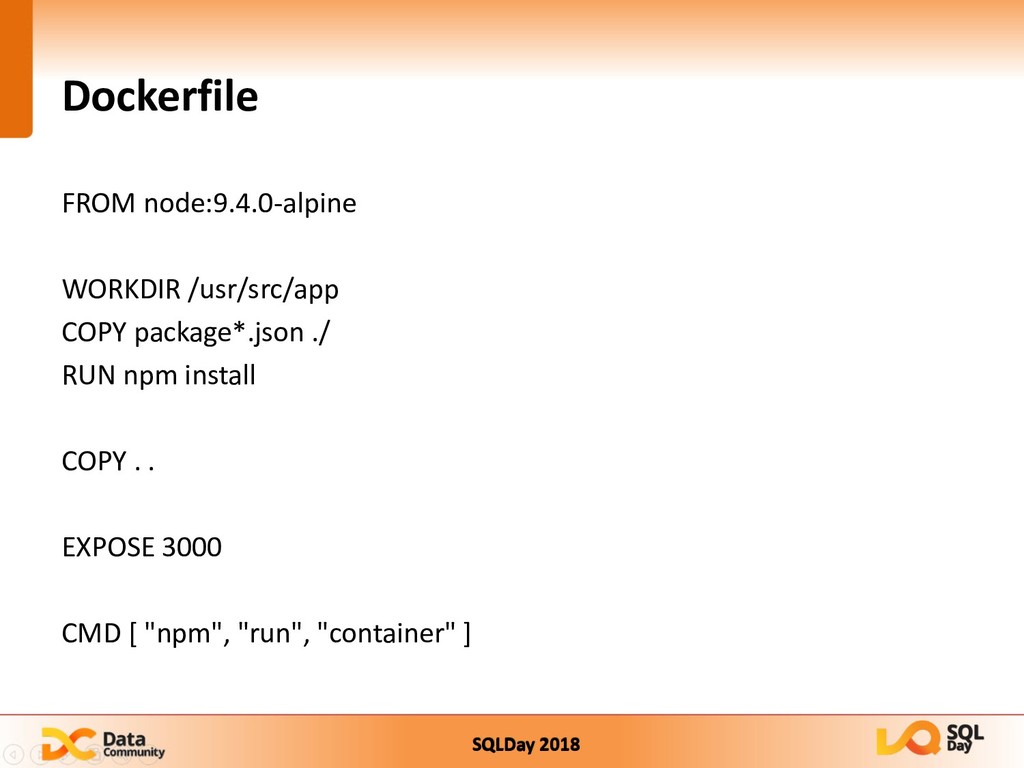
  4. SQLDay 2018 Dockerfile FROM node:9.4.0-alpine WORKDIR /usr/src/app COPY package*.json ./

    RUN npm install COPY . . EXPOSE 3000 CMD [ "npm", "run", "container" ]
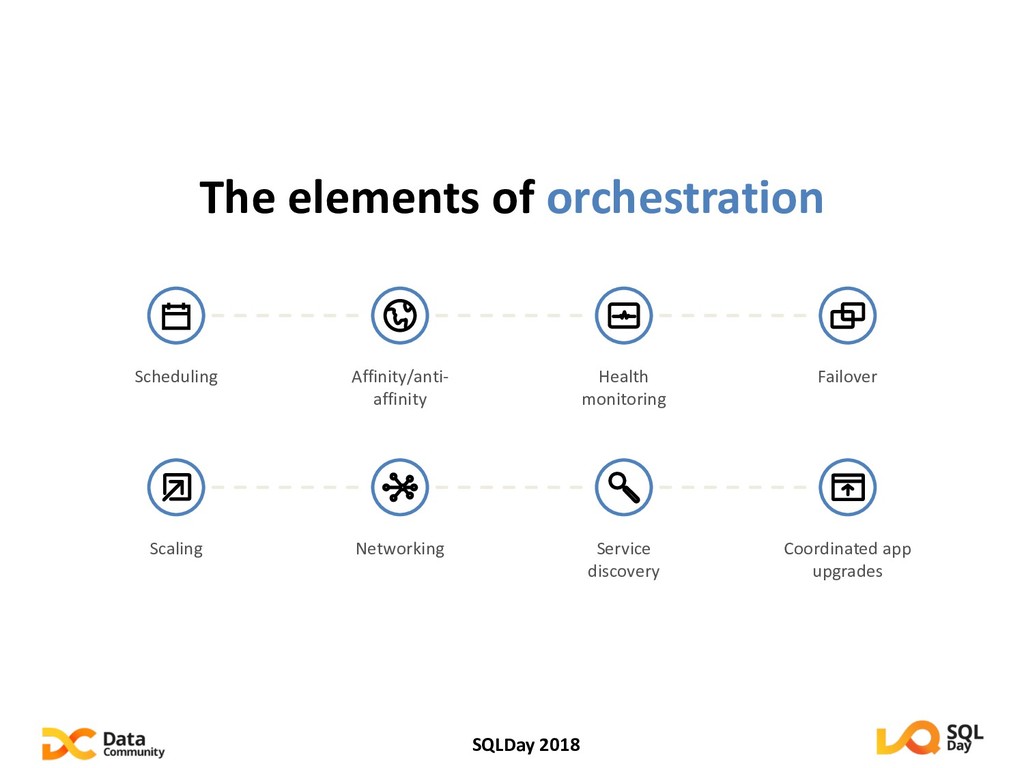
  5. SQLDay 2018 The elements of orchestration Scheduling Affinity/anti- affinity Health

    monitoring Failover Scaling Networking Service discovery Coordinated app upgrades
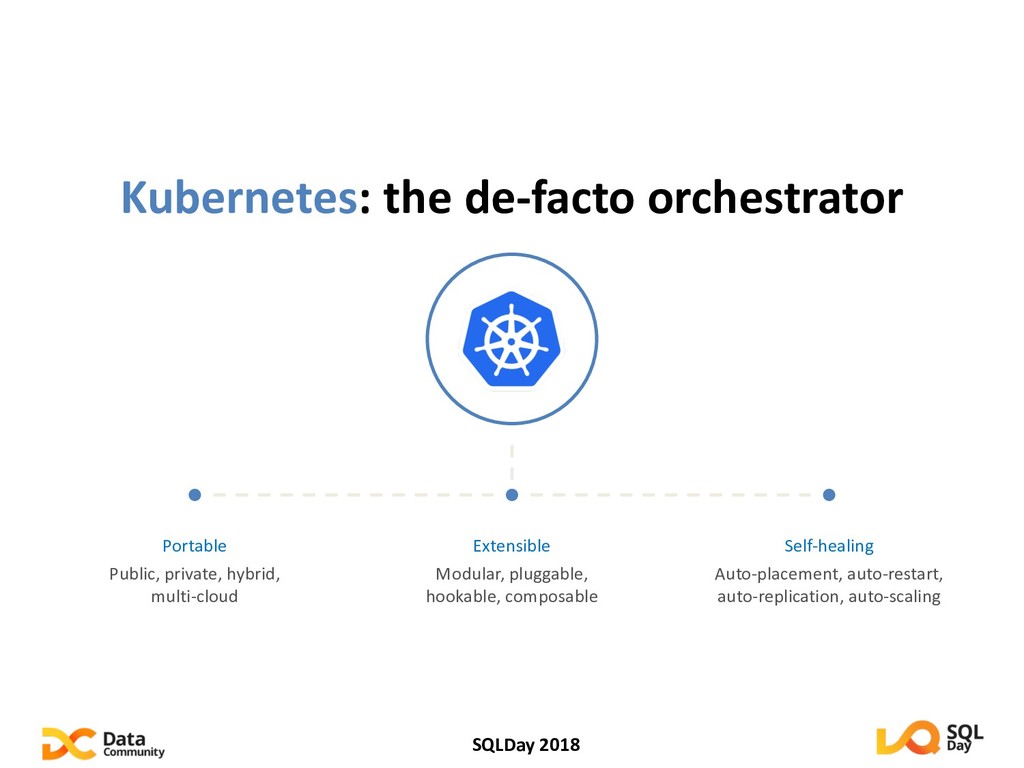
  6. SQLDay 2018 Kubernetes: the de-facto orchestrator Portable Public, private, hybrid,

    multi-cloud Extensible Modular, pluggable, hookable, composable Self-healing Auto-placement, auto-restart, auto-replication, auto-scaling
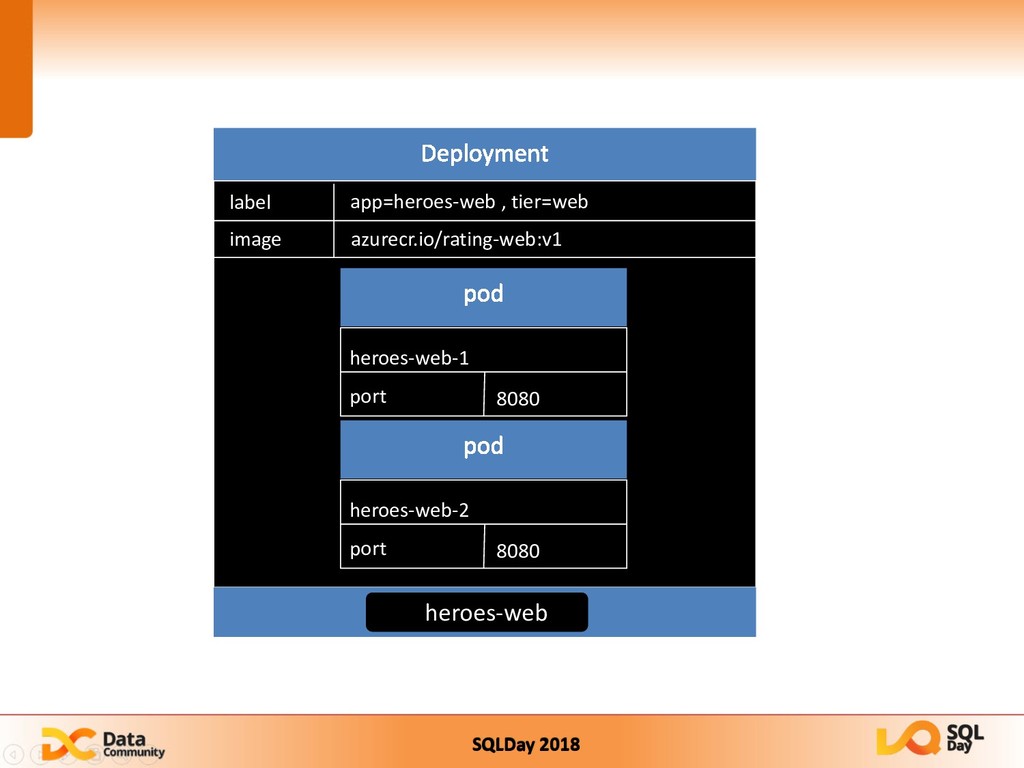
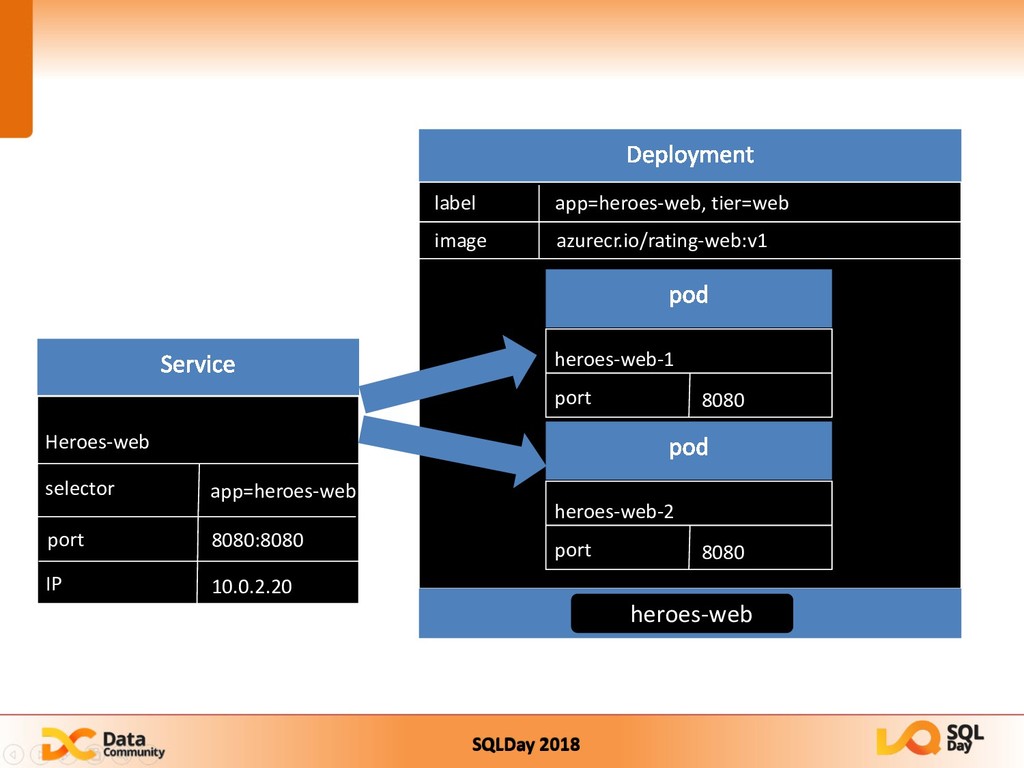
  7. SQLDay 2018 port app=heroes-web, tier=web label image azurecr.io/rating-web:v1 heroes-web heroes-web-1

    port 8080 heroes-web-2 port 8080 Heroes-web selector app=heroes-web port IP 8080:8080 10.0.2.20
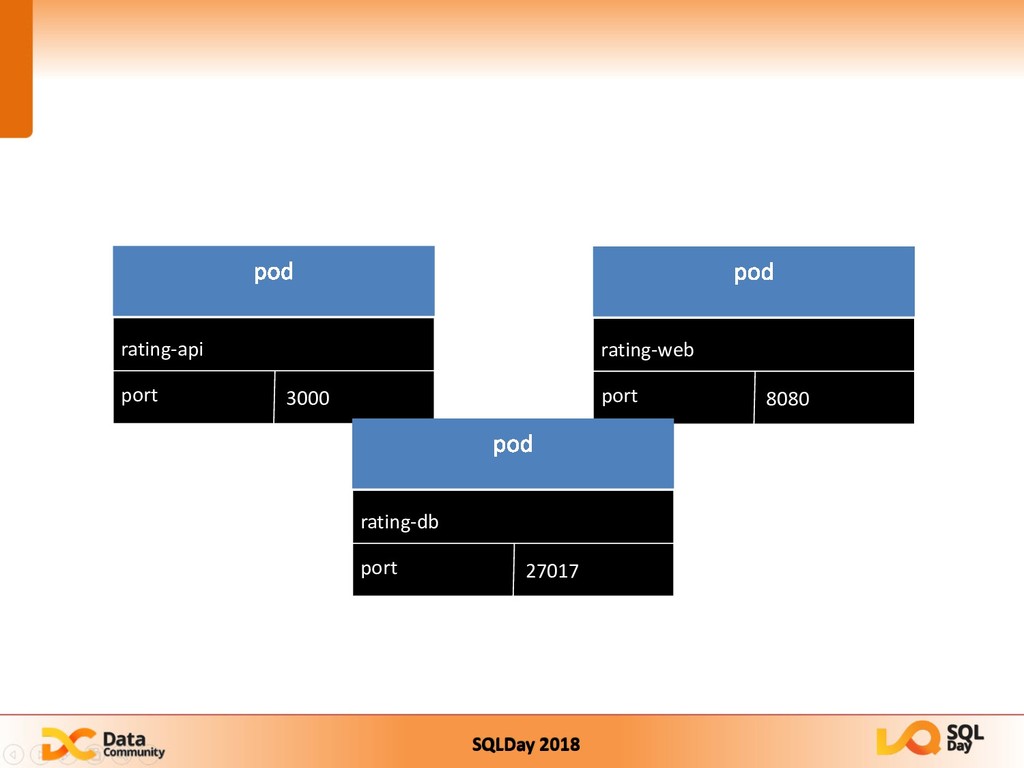
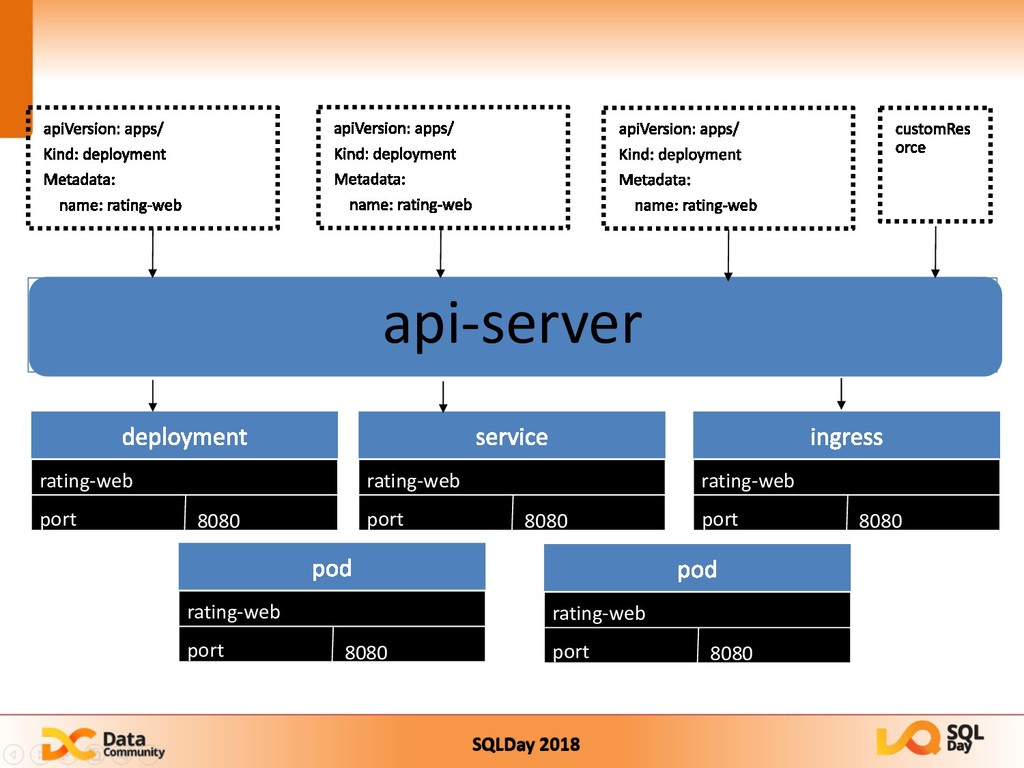
  8. SQLDay 2018 micro-web port 8000 rating-web port 8080 rating-web port

    8080 rating-web port 8080 rating-web port 8080 rating-web port 8080 api-server
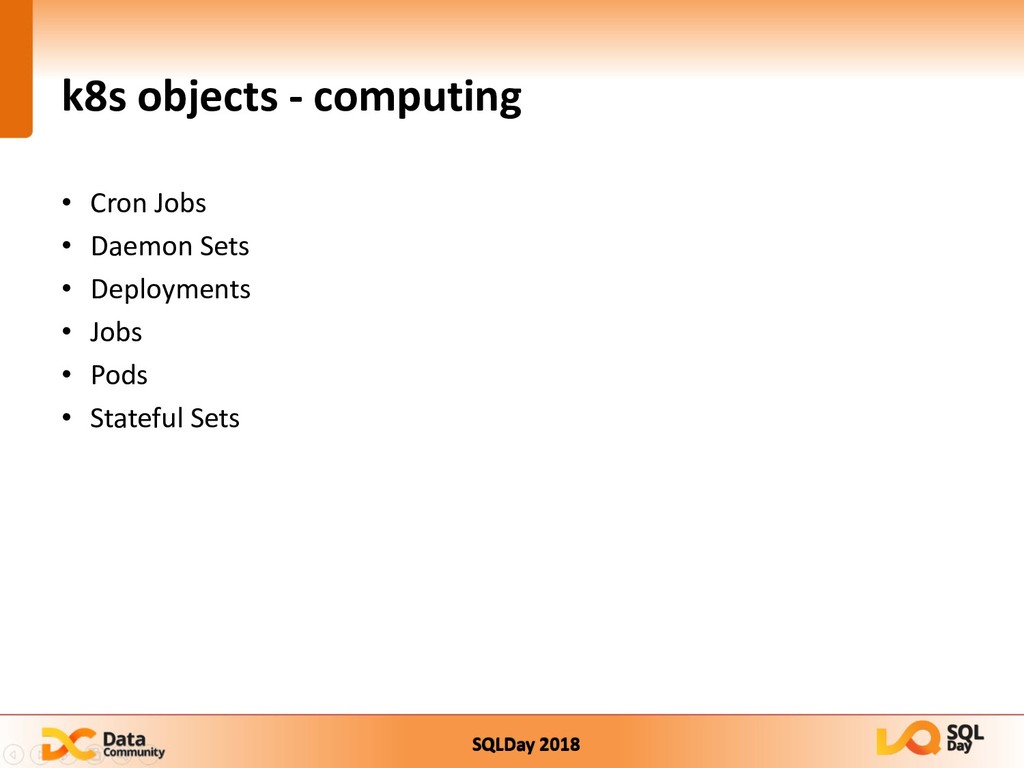
  9. SQLDay 2018 k8s objects - computing • Cron Jobs •

    Daemon Sets • Deployments • Jobs • Pods • Stateful Sets
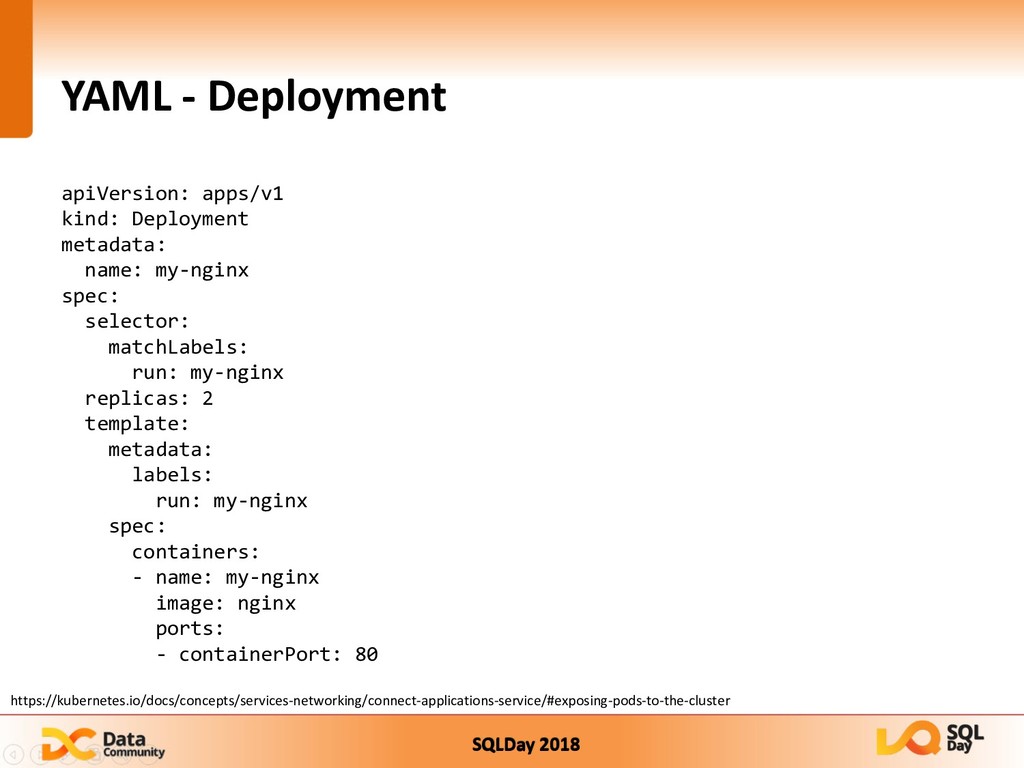
  10. SQLDay 2018 YAML - Deployment apiVersion: apps/v1 kind: Deployment metadata:

    name: my-nginx spec: selector: matchLabels: run: my-nginx replicas: 2 template: metadata: labels: run: my-nginx spec: containers: - name: my-nginx image: nginx ports: - containerPort: 80 https://kubernetes.io/docs/concepts/services-networking/connect-applications-service/#exposing-pods-to-the-cluster
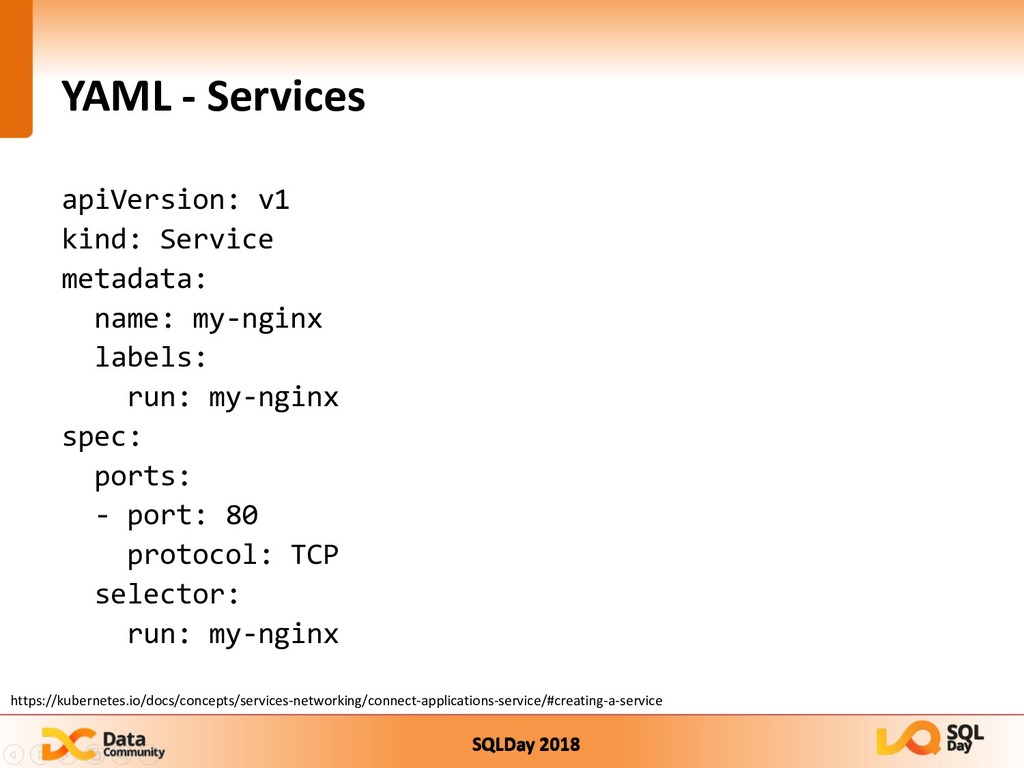
  11. SQLDay 2018 YAML - Services apiVersion: v1 kind: Service metadata:

    name: my-nginx labels: run: my-nginx spec: ports: - port: 80 protocol: TCP selector: run: my-nginx https://kubernetes.io/docs/concepts/services-networking/connect-applications-service/#creating-a-service
  12. SQLDay 2018 How to deploy k8s in Azure Azure Container

    Servcies acs-engine Azure Kubernetes Services
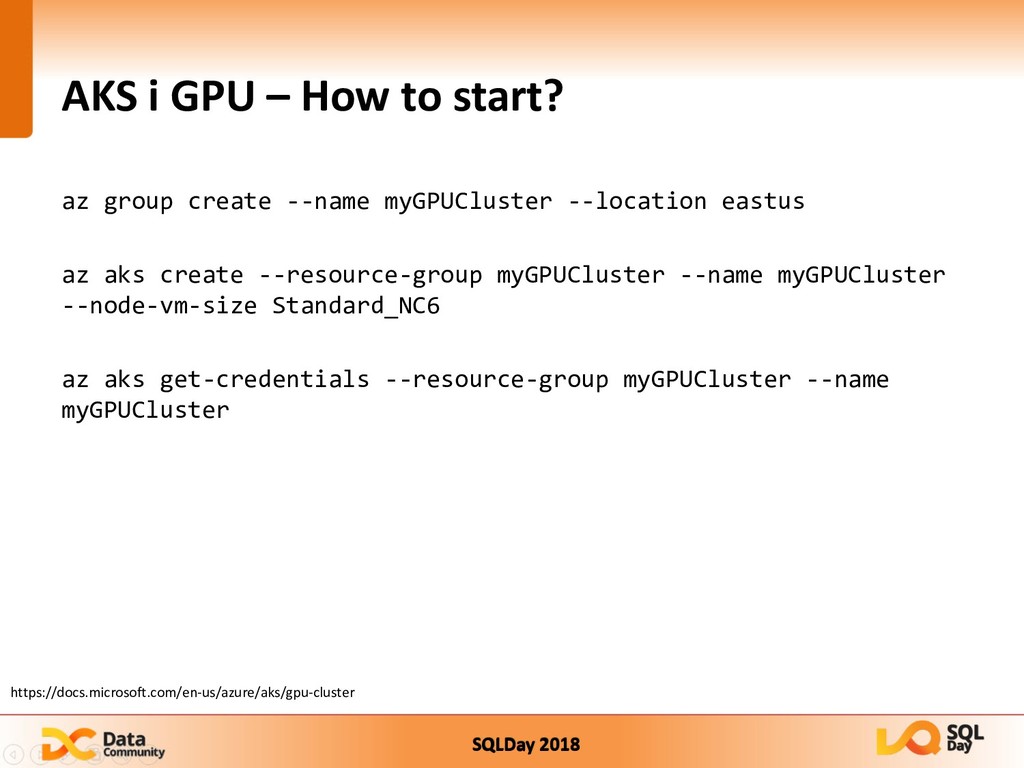
  13. SQLDay 2018 AKS i GPU – How to start? az

    group create --name myGPUCluster --location eastus az aks create --resource-group myGPUCluster --name myGPUCluster --node-vm-size Standard_NC6 az aks get-credentials --resource-group myGPUCluster --name myGPUCluster https://docs.microsoft.com/en-us/azure/aks/gpu-cluster
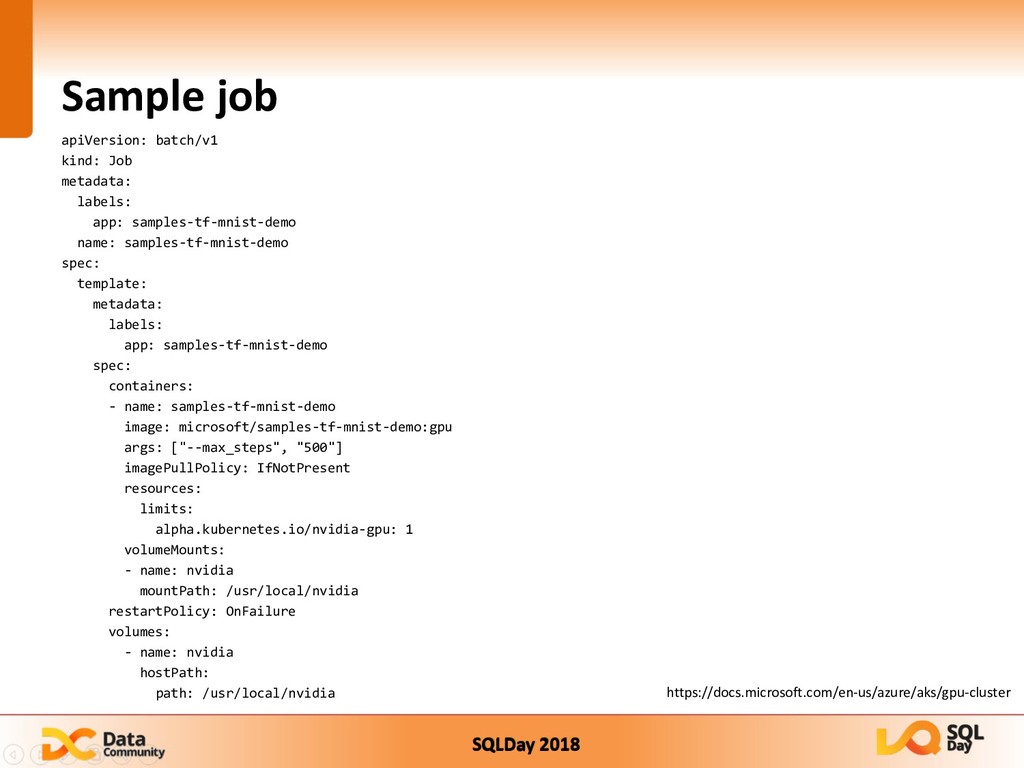
  14. SQLDay 2018 Sample job apiVersion: batch/v1 kind: Job metadata: labels:

    app: samples-tf-mnist-demo name: samples-tf-mnist-demo spec: template: metadata: labels: app: samples-tf-mnist-demo spec: containers: - name: samples-tf-mnist-demo image: microsoft/samples-tf-mnist-demo:gpu args: ["--max_steps", "500"] imagePullPolicy: IfNotPresent resources: limits: alpha.kubernetes.io/nvidia-gpu: 1 volumeMounts: - name: nvidia mountPath: /usr/local/nvidia restartPolicy: OnFailure volumes: - name: nvidia hostPath: path: /usr/local/nvidia https://docs.microsoft.com/en-us/azure/aks/gpu-cluster
  15. SQLDay 2018 kubeflow „The Kubeflow project is dedicated to making

    deployments of machine learning (ML) workflows on Kubernetes simple, portable and scalable. Our goal is not to recreate other services, but to provide a straightforward way to deploy best-of-breed open-source systems for ML to diverse infrastructures. Anywhere you are running Kubernetes, you should be able to run Kubeflow.”
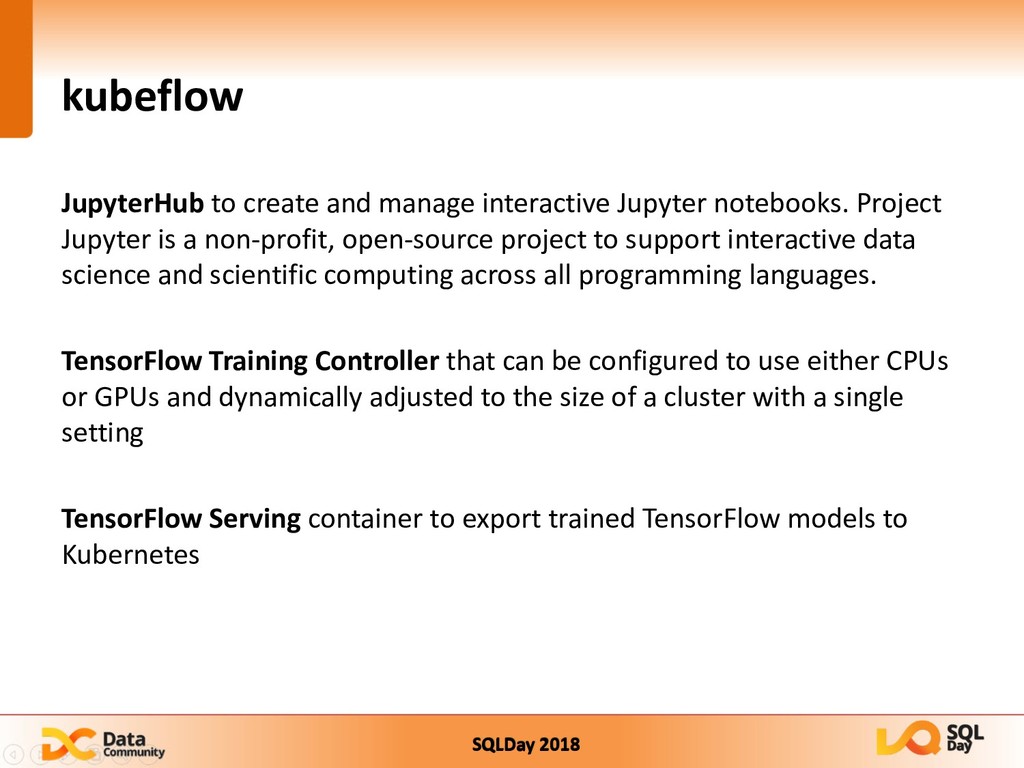
  16. SQLDay 2018 kubeflow JupyterHub to create and manage interactive Jupyter

    notebooks. Project Jupyter is a non-profit, open-source project to support interactive data science and scientific computing across all programming languages. TensorFlow Training Controller that can be configured to use either CPUs or GPUs and dynamically adjusted to the size of a cluster with a single setting TensorFlow Serving container to export trained TensorFlow models to Kubernetes
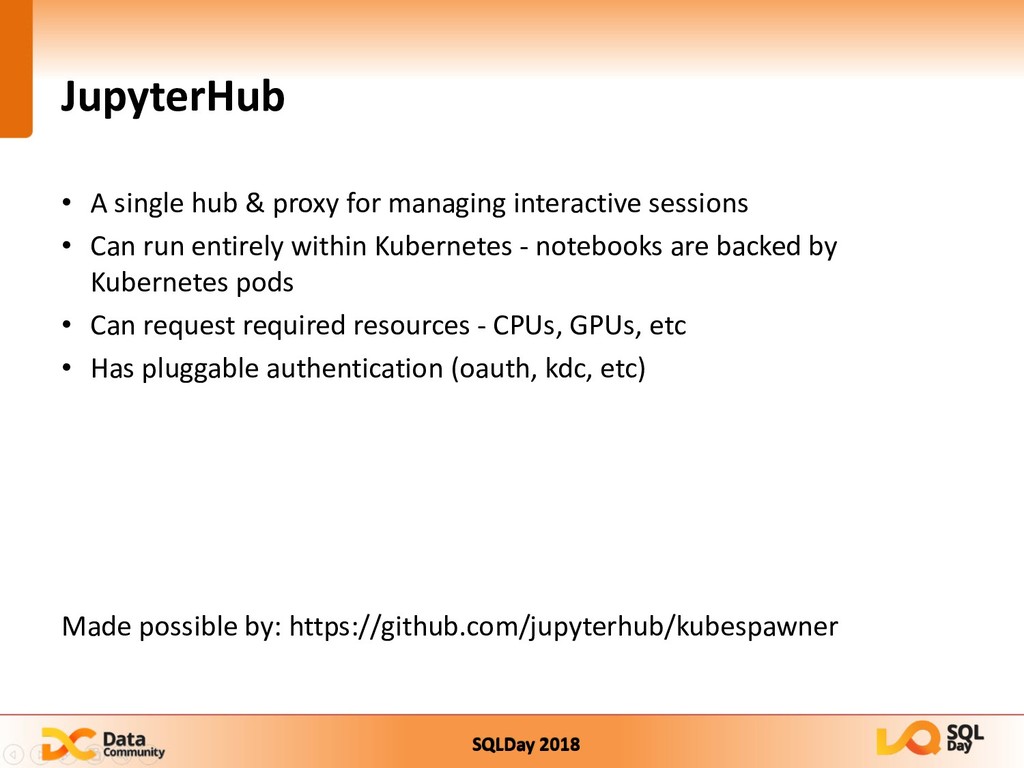
  17. SQLDay 2018 JupyterHub • A single hub & proxy for

    managing interactive sessions • Can run entirely within Kubernetes - notebooks are backed by Kubernetes pods • Can request required resources - CPUs, GPUs, etc • Has pluggable authentication (oauth, kdc, etc) Made possible by: https://github.com/jupyterhub/kubespawner
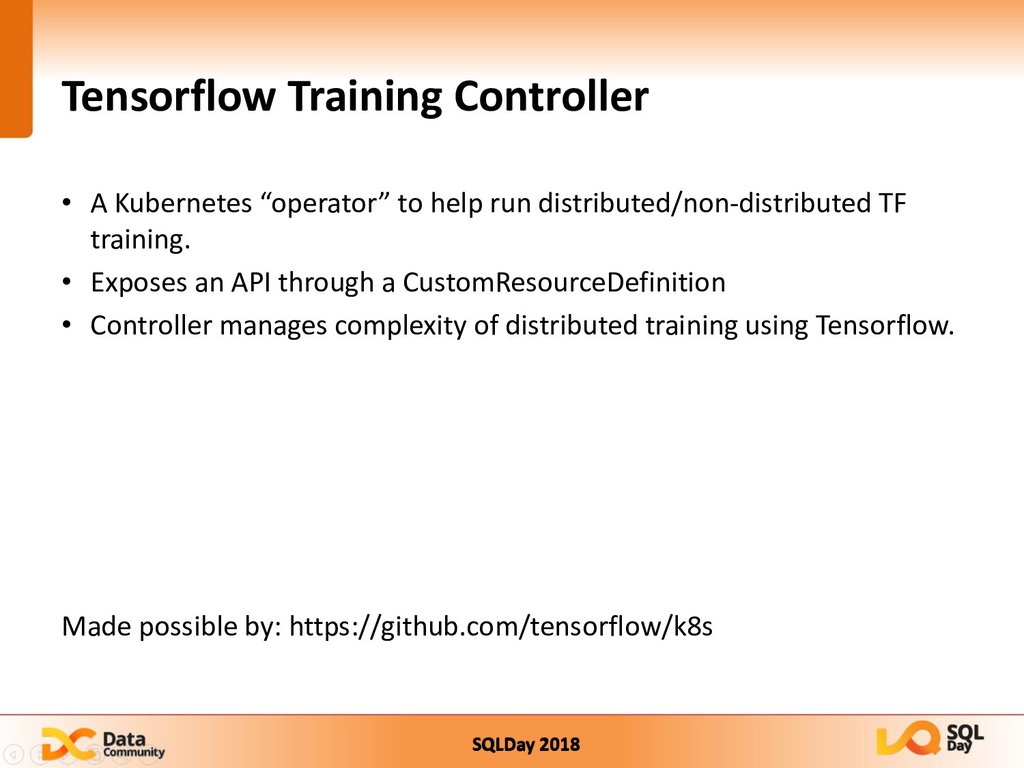
  18. SQLDay 2018 Tensorflow Training Controller • A Kubernetes “operator” to

    help run distributed/non-distributed TF training. • Exposes an API through a CustomResourceDefinition • Controller manages complexity of distributed training using Tensorflow. Made possible by: https://github.com/tensorflow/k8s
  19. SQLDay 2018 Tensorflow Serving • A Kubernetes Deployment that can

    serve saved models • Deployment - replicas can be scaled.