• First of its kind in the IVR industry • Powerful product offering, robust and scalable • End-of-life situation with large install base • Proprietary, no support for open standards • Requires Nortel IVR platforms to run apps • Non-standard and un-documented metadata format (.ppr file)
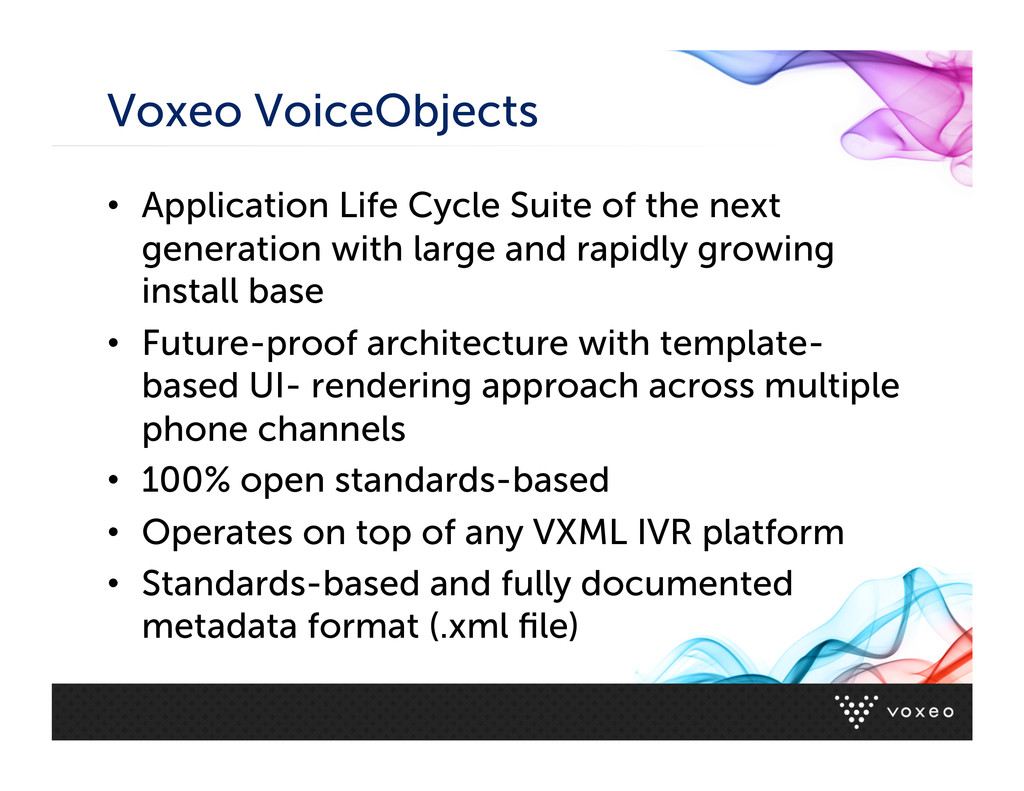
generation with large and rapidly growing install base • Future-proof architecture with template- based UI- rendering approach across multiple phone channels • 100% open standards-based • Operates on top of any VXML IVR platform • Standards-based and fully documented metadata format (.xml file)
migrate PeriPro apps to VXML have been made without huge success • PeriPro is a high-level abstraction tool, VXML is a low-level presentation markup language • VoiceObjects is also a high-level abstraction tool with equivalent “building blocks” and service creation and deployment capabilities VoiceObjects is much be/er suited as a migra4on target environment
with form-‐filling approach VoiceObjects Desktop: Abstract tool with form-‐filling approach Metadata format (.ppr) Metadata format (.xml) SpeakAs algorithms for playback of dynamic data using audio files Text-‐to-‐Audio algorithms for playback of dynamic data using audio files Expression syntax for calcula4ons Expression syntax for calcula4ons Blocks to represent dialog steps Objects to represent dialog steps PeriStudio: Vocabulary list for prompt management Storyboard Manager: Spreadsheet for prompt management PeriView: GUI for OAM&P Control Center: GUI for OAM&P PeriReporter: GUI for repor4ng VoiceObjects Analyzer: GUI for repor4ng
Excel Uses VoiceObjectsXML to pre-create dialog objects based on prompt design Use it to migrate existing applications by re-using prompt documentation


 kbmartin15
 inariku
 shadowhat
 hagino3000
 legalontechnologies
 mtmtfactory01
 wind111
 staka121
 jackojacko_
 knwoop
 koji_kawamura
 sue445
 shotashiratori
 kneath
 davidcarrasco
 davetheseo
 cassininazir
 jnunemaker
 tammyeverts
 baasie
 keithpitt
 eileencodes
 akosma