product walkthrough by the maker of BulkPicTools. Convert. Resize. Compress. Keep moving. A browser-based toolkit designed to connect image operations without repeated downloads and re-imports. Product overview / Practical workflows / Design considerations bulkpictools.com 01 / 08
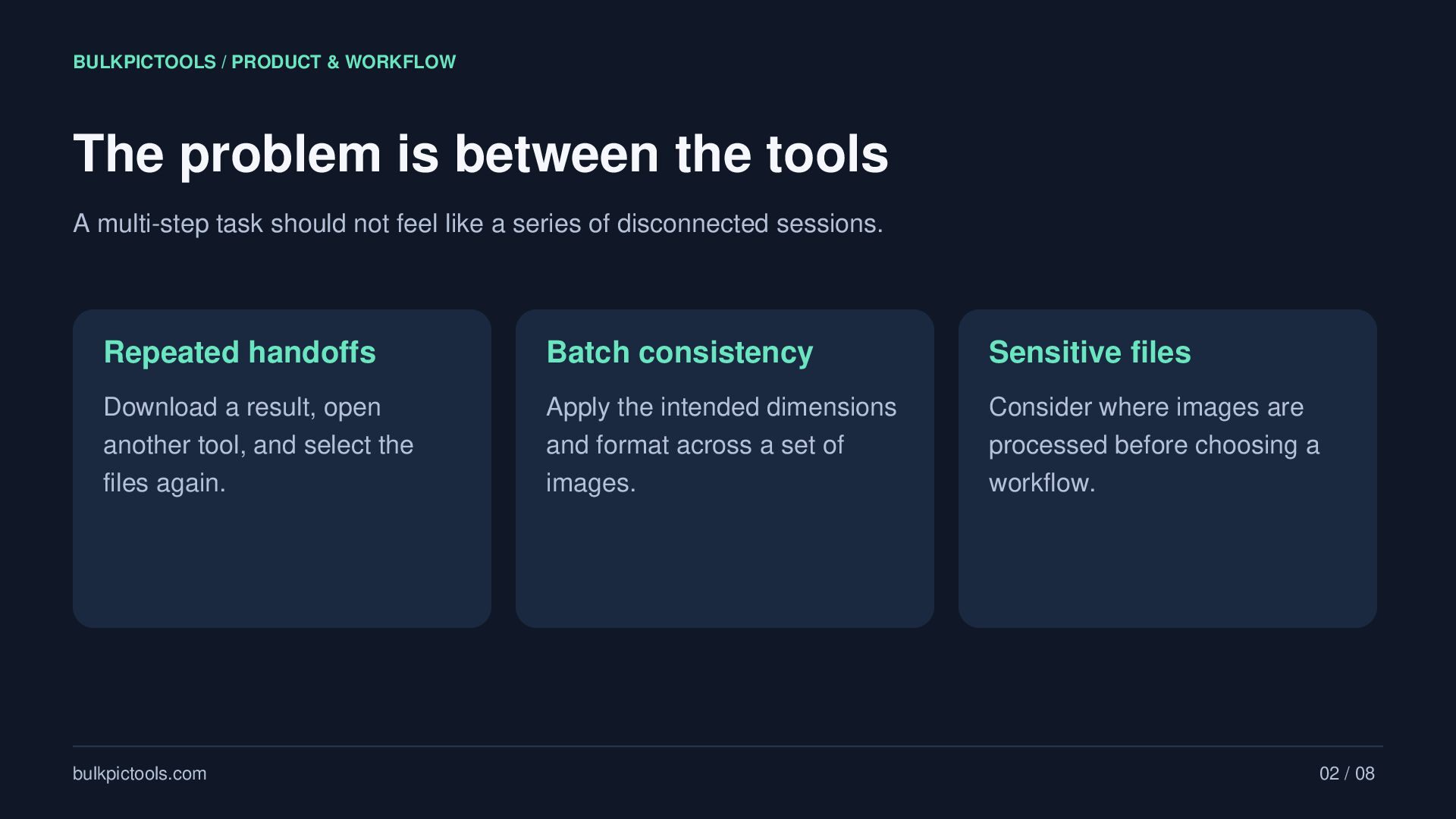
tools A multi-step task should not feel like a series of disconnected sessions. Repeated handoffs Batch consistency Sensitive files Download a result, open another tool, and select the files again. Apply the intended dimensions and format across a set of images. Consider where images are processed before choosing a workflow. bulkpictools.com 02 / 08
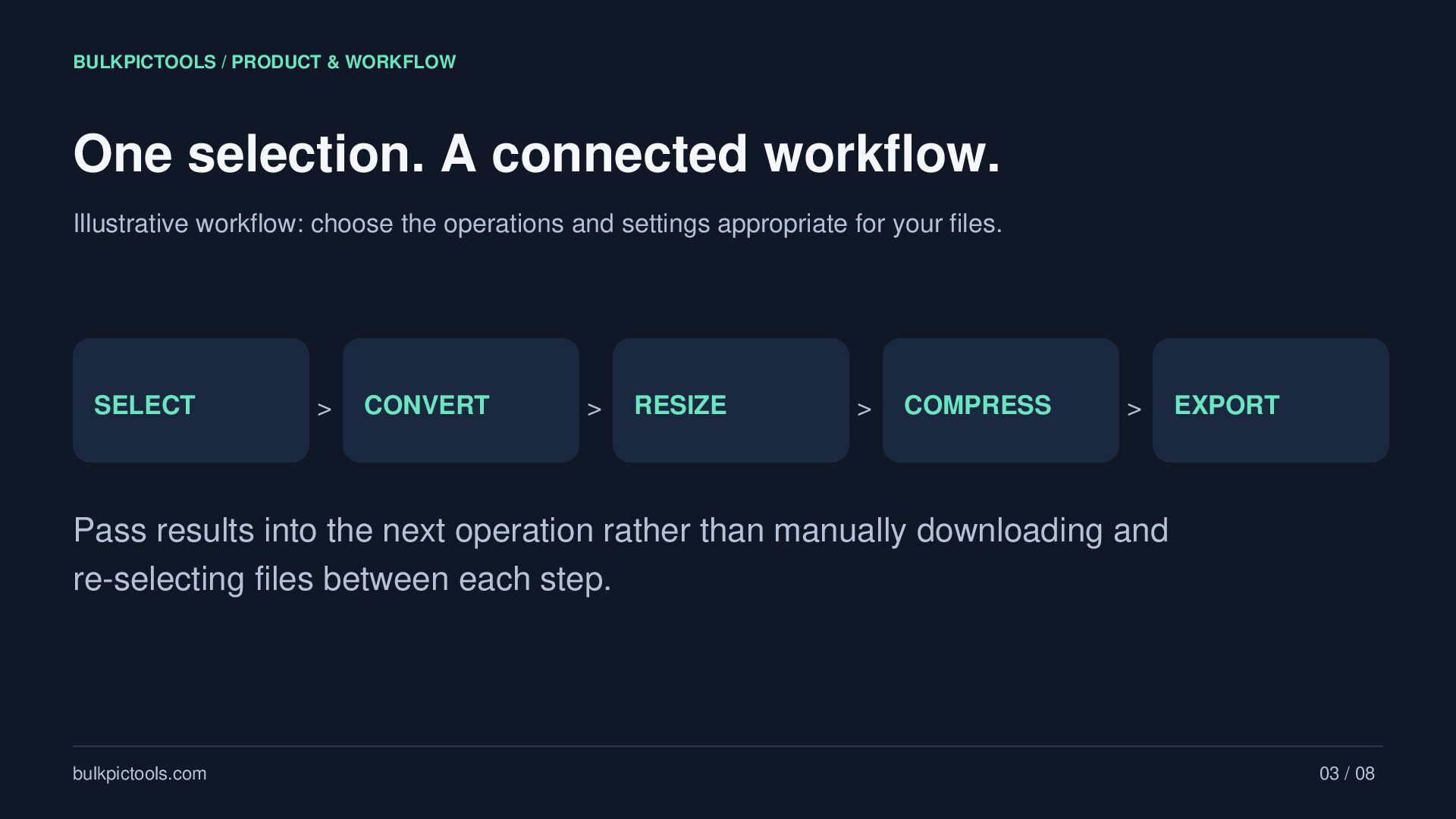
Illustrative workflow: choose the operations and settings appropriate for your files. SELECT > CONVERT > RESIZE > COMPRESS > EXPORT Pass results into the next operation rather than manually downloading and re-selecting files between each step. bulkpictools.com 03 / 08
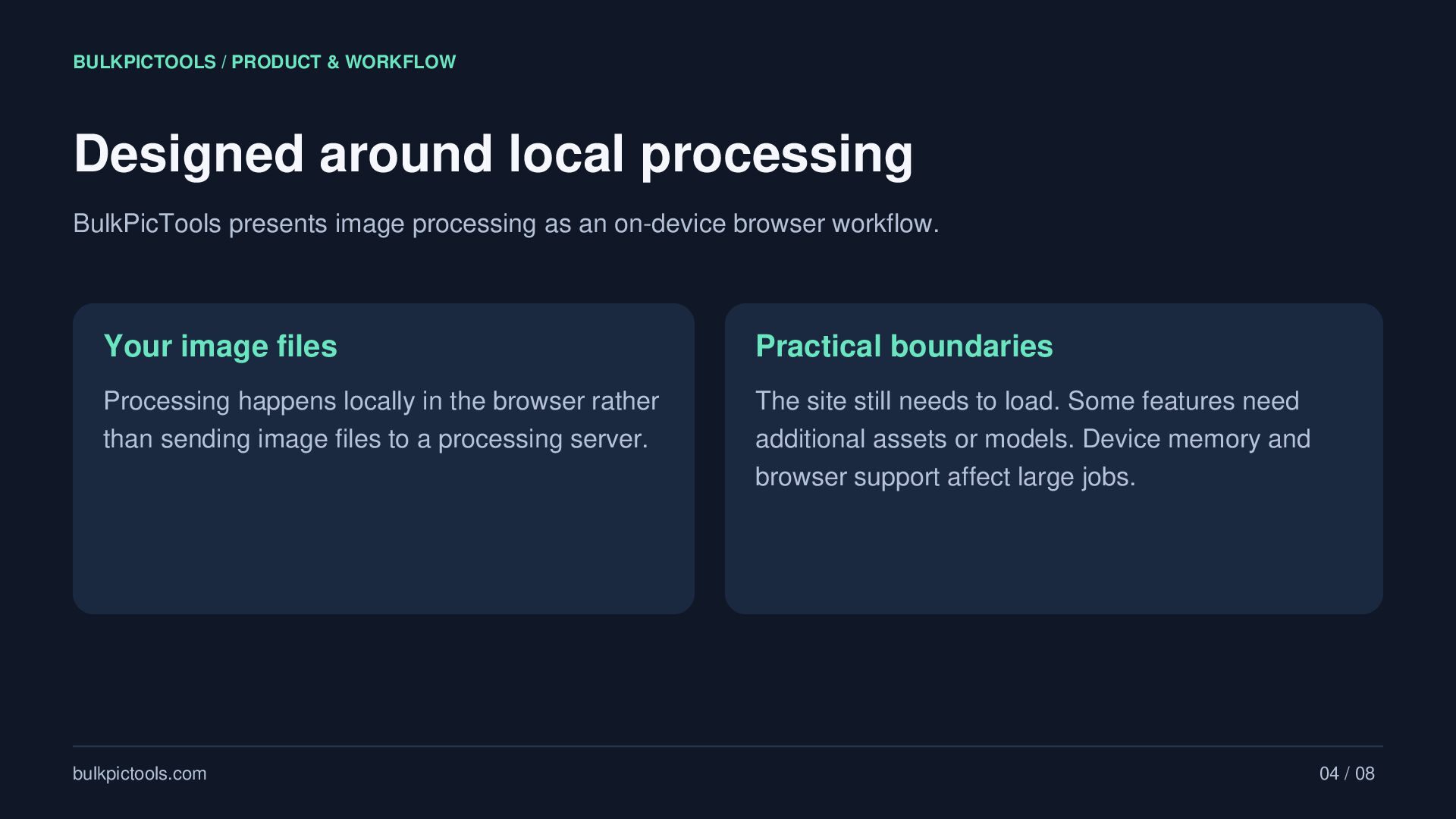
presents image processing as an on-device browser workflow. Your image files Practical boundaries Processing happens locally in the browser rather than sending image files to a processing server. The site still needs to load. Some features need additional assets or models. Device memory and browser support affect large jobs. bulkpictools.com 04 / 08
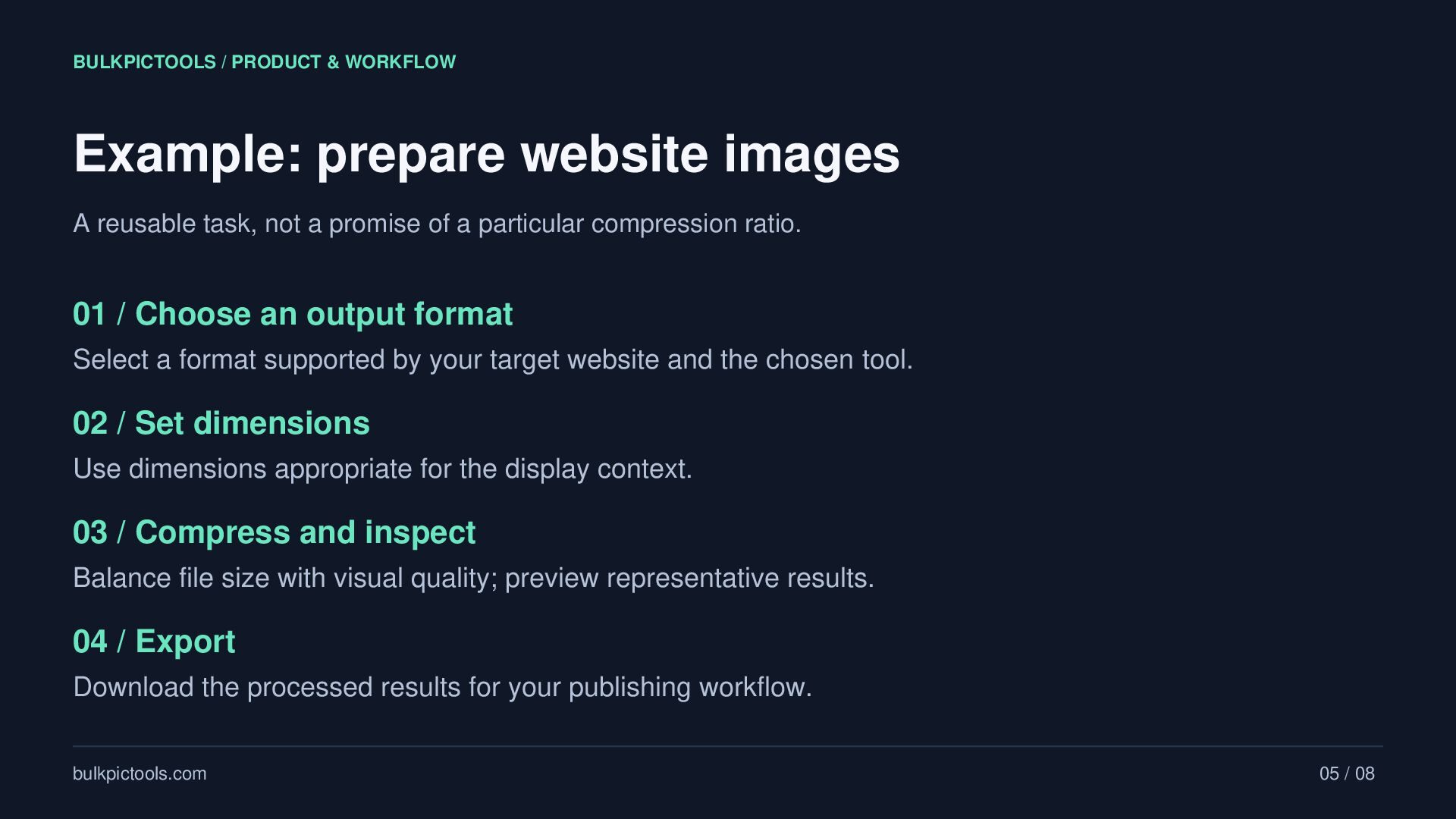
reusable task, not a promise of a particular compression ratio. 01 / Choose an output format Select a format supported by your target website and the chosen tool. 02 / Set dimensions Use dimensions appropriate for the display context. 03 / Compress and inspect Balance file size with visual quality; preview representative results. 04 / Export Download the processed results for your publishing workflow. bulkpictools.com 05 / 08
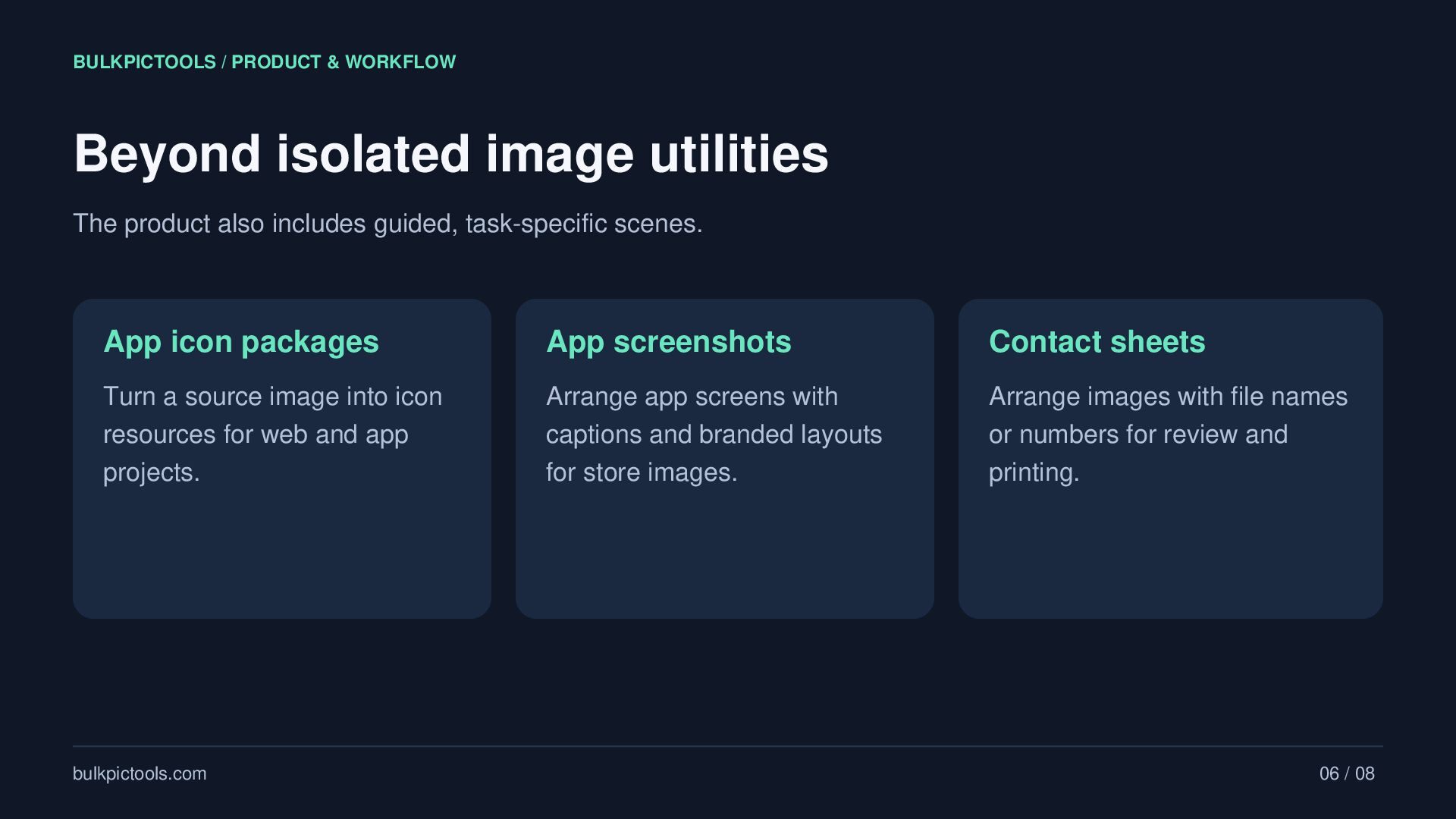
product also includes guided, task-specific scenes. App icon packages App screenshots Contact sheets Turn a source image into icon resources for web and app projects. Arrange app screens with captions and branded layouts for store images. Arrange images with file names or numbers for review and printing. bulkpictools.com 06 / 08
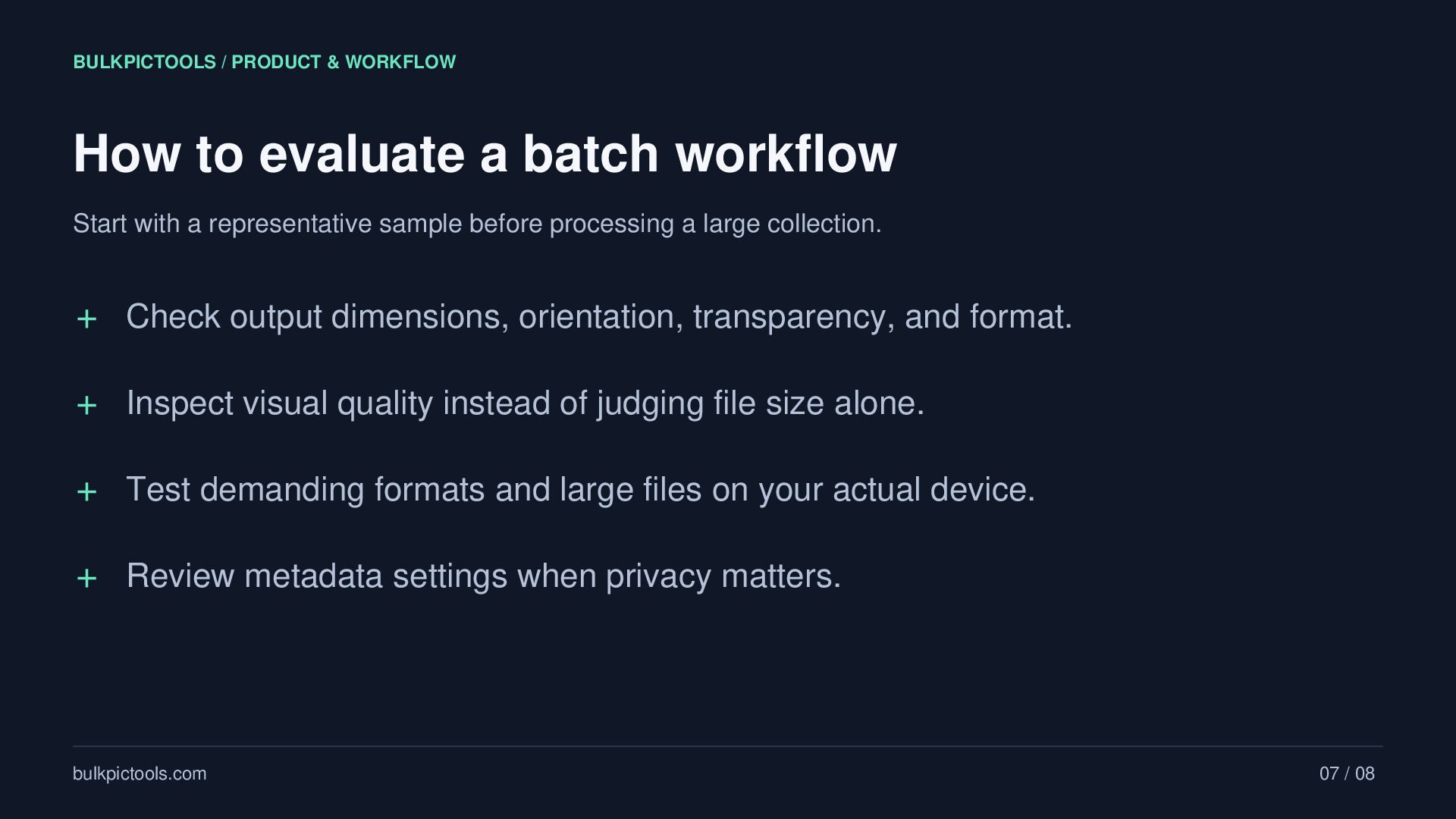
workflow Start with a representative sample before processing a large collection. + Check output dimensions, orientation, transparency, and format. + Inspect visual quality instead of judging file size alone. + Test demanding formats and large files on your actual device. + Review metadata settings when privacy matters. bulkpictools.com 07 / 08
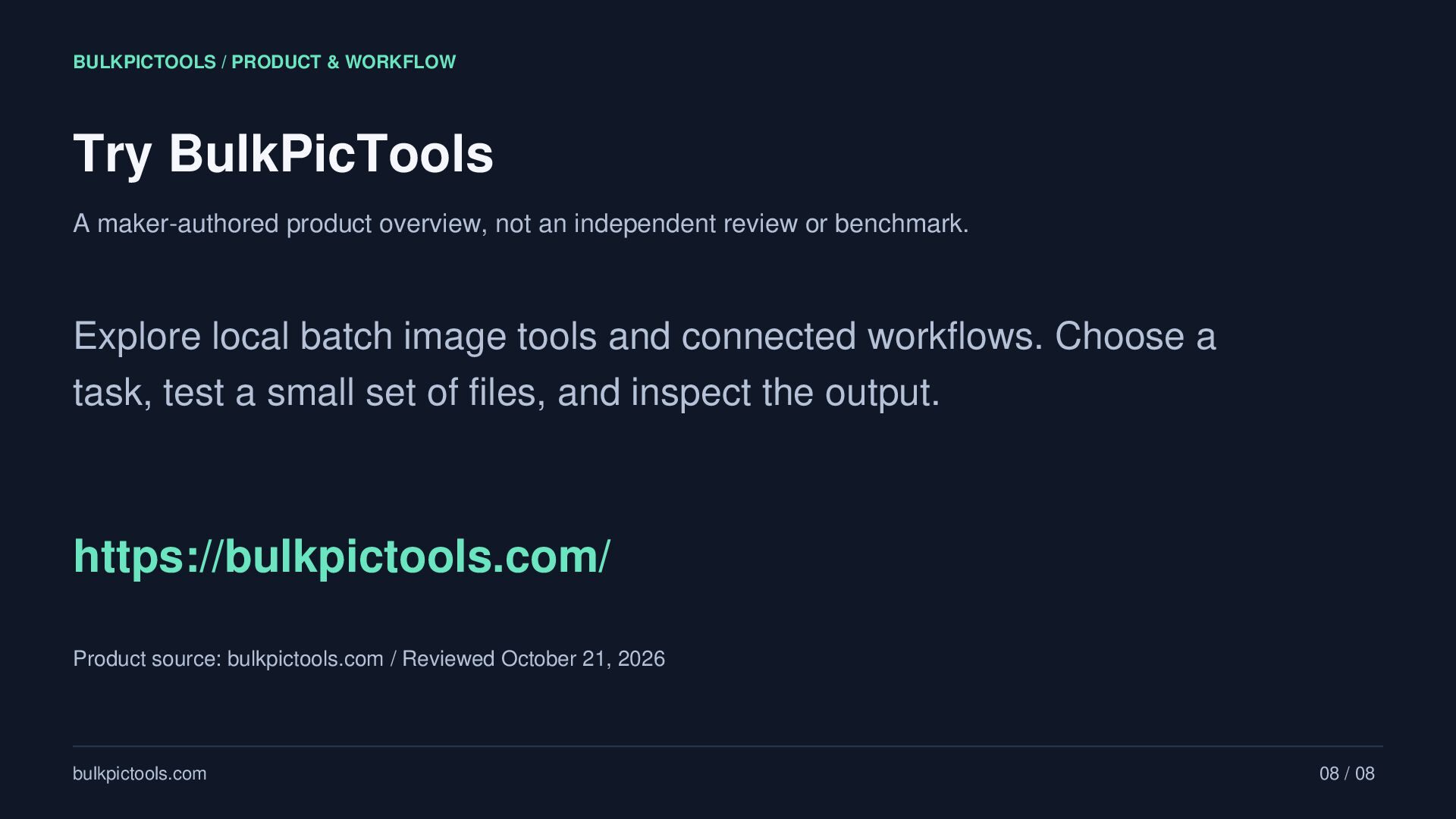
overview, not an independent review or benchmark. Explore local batch image tools and connected workflows. Choose a task, test a small set of files, and inspect the output. https://bulkpictools.com/ Product source: bulkpictools.com / Reviewed October 21, 2026 bulkpictools.com 08 / 08


 samtorres
 aarron
 tanoku
 smashingmag
 csswizardry
 helmedeiros
 wayneb77
 rabernat
 helenjbeal
 tamaranovitovic
 ivargrimstad
 iamctodd