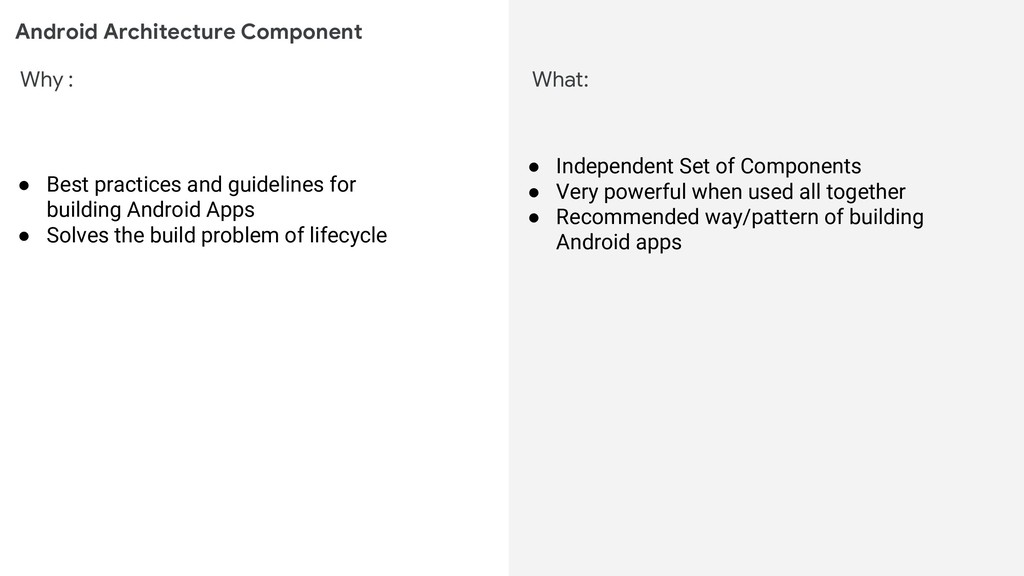
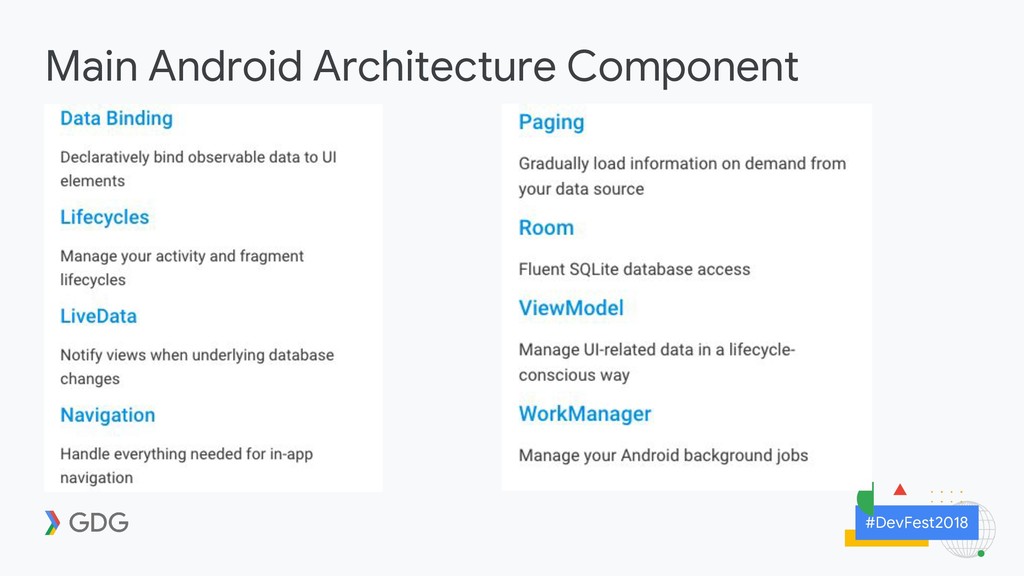
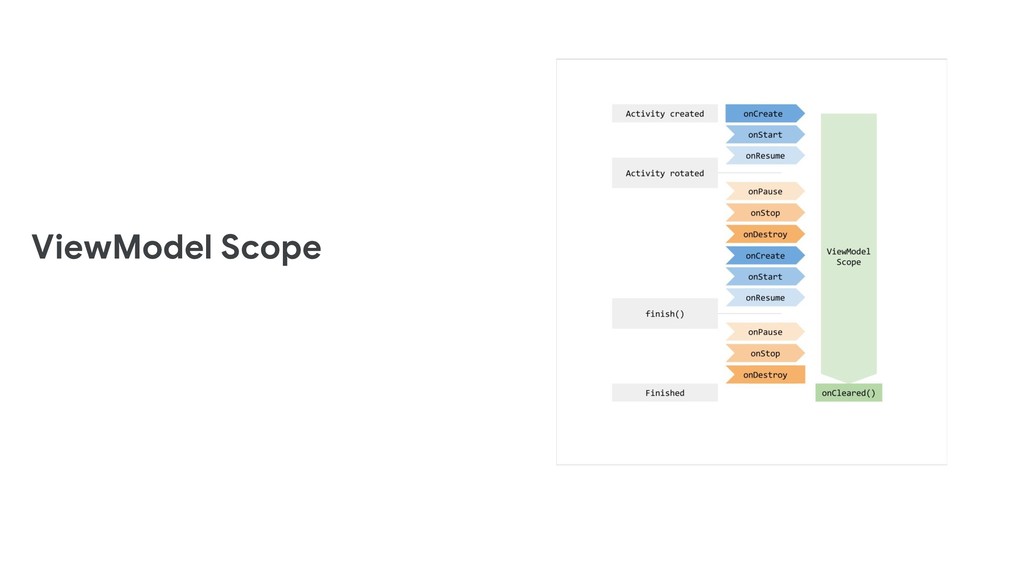
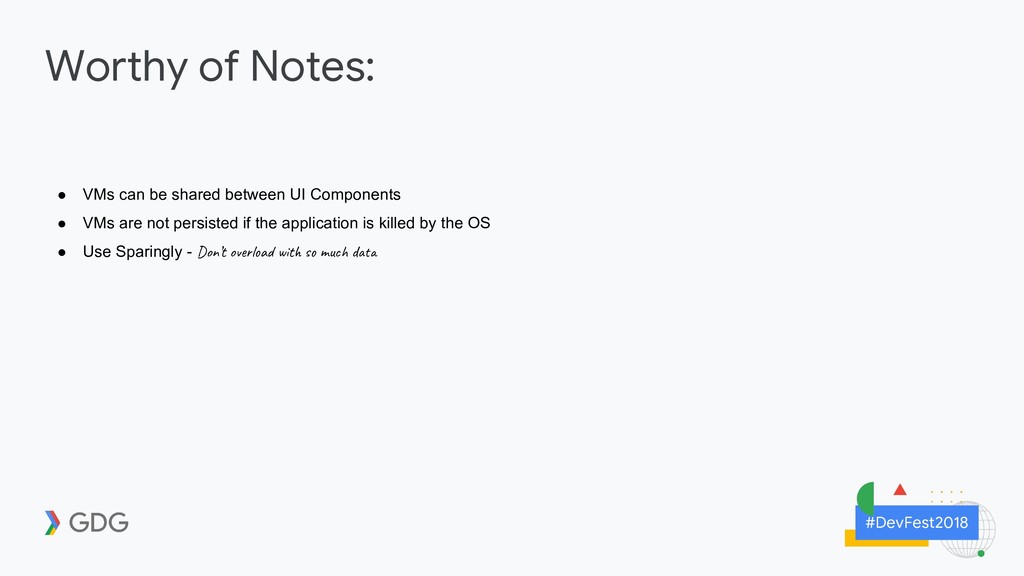
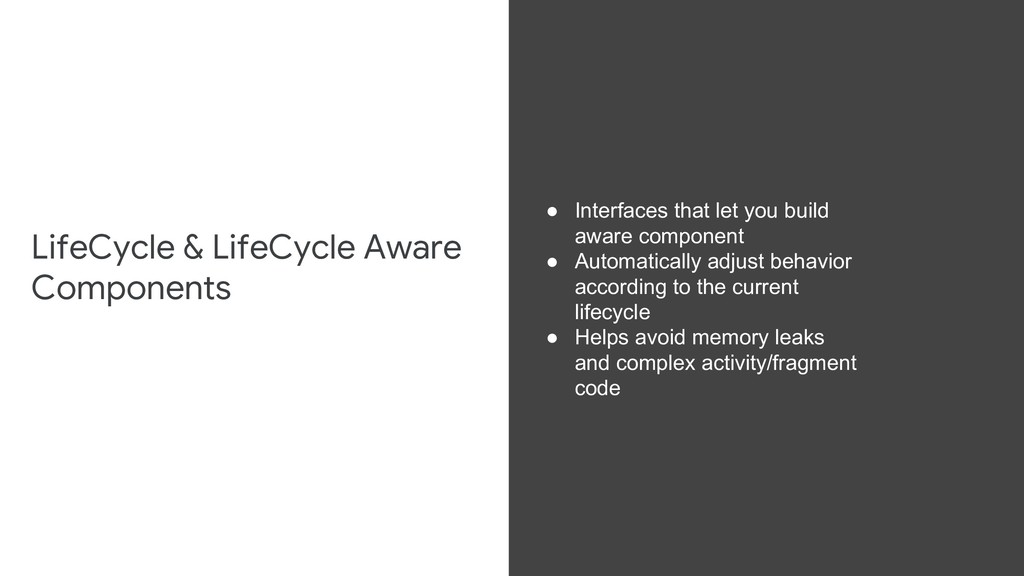
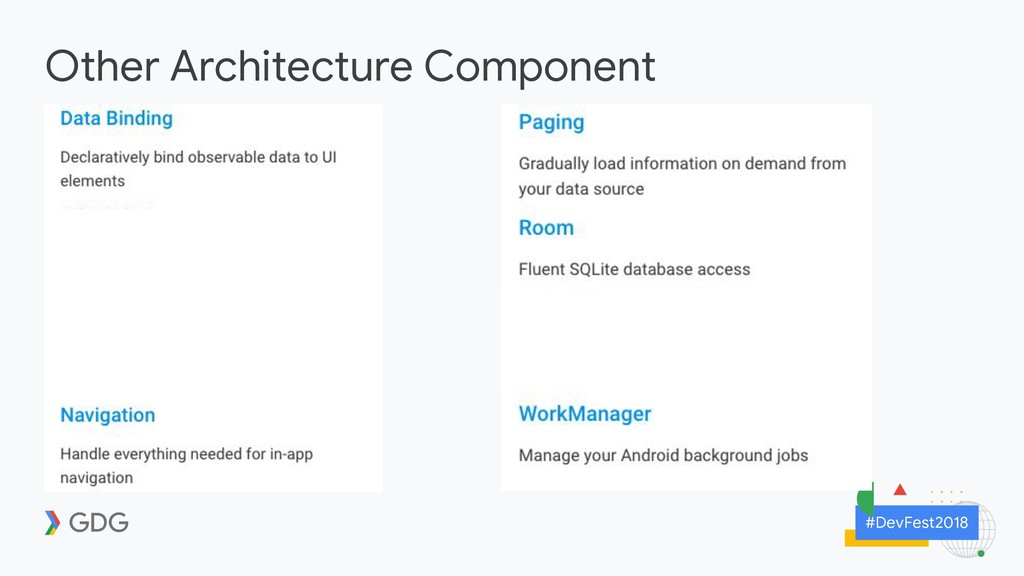
guidelines for building Android Apps • Solves the build problem of lifecycle • Independent Set of Components • Very powerful when used all together • Recommended way/pattern of building Android apps
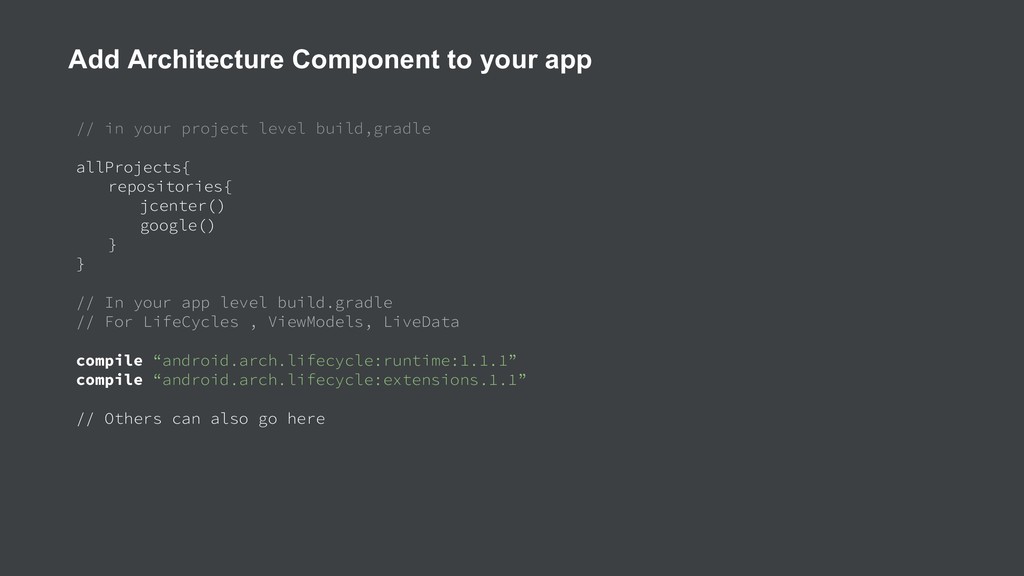
} } // In your app level build.gradle // For LifeCycles , ViewModels, LiveData compile “android.arch.lifecycle:runtime:1.1.1” compile “android.arch.lifecycle:extensions.1.1” // Others can also go here Add Architecture Component to your app
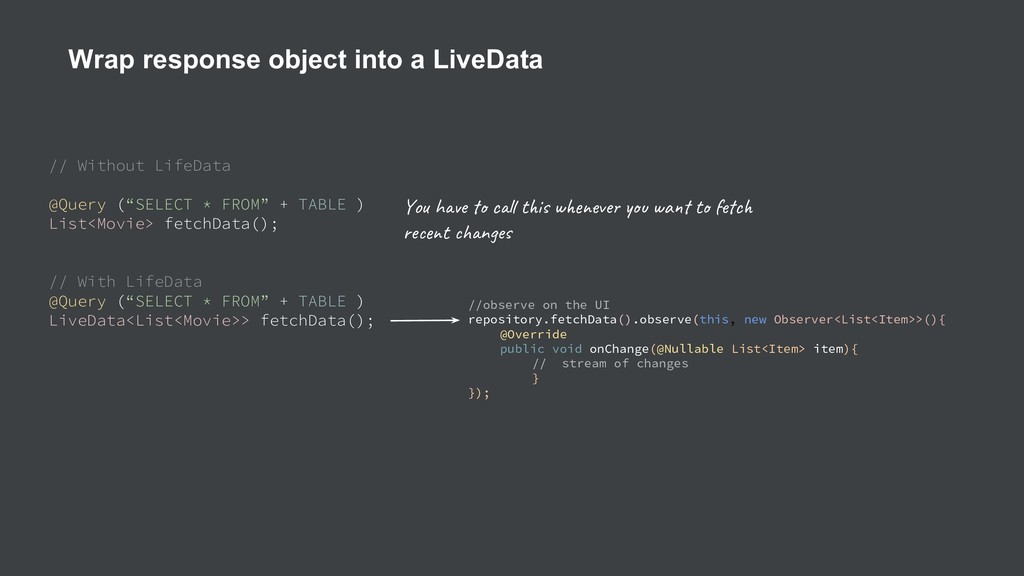
List<Movie> fetchData(); // With LifeData @Query (“SELECT * FROM” + TABLE ) LiveData<List<Movie>> fetchData(); Wrap response object into a LiveData Yo h e c t i w ve wa t c re t n e //observe on the UI repository.fetchData().observe(this, new Observer<List<Item>>(){ @Override public void onChange(@Nullable List<Item> item){ // stream of changes } });
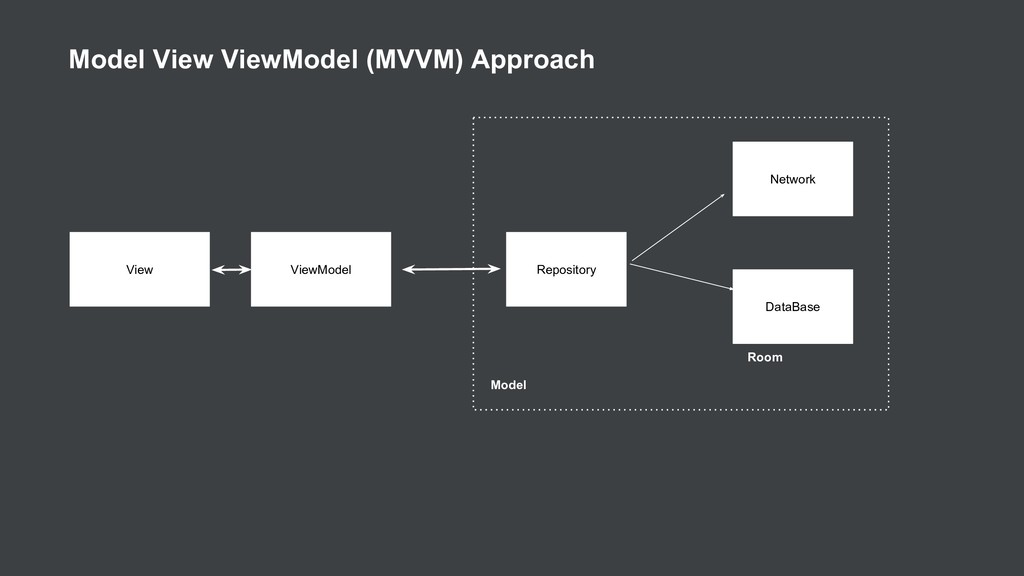
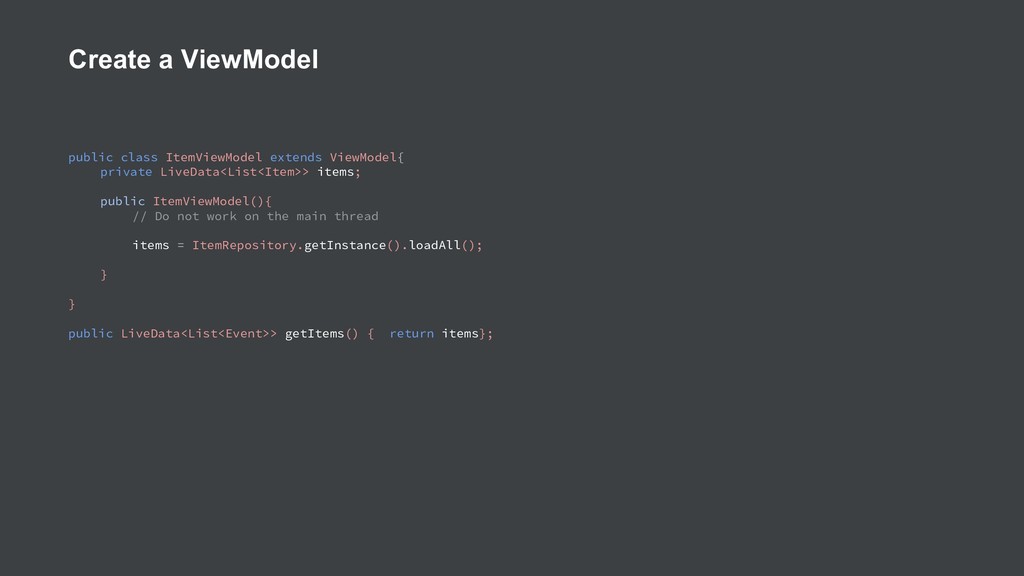
items; public ItemViewModel(){ // Do not work on the main thread items = ItemRepository.getInstance().loadAll(); } } public LiveData<List<Event>> getItems() { return items};
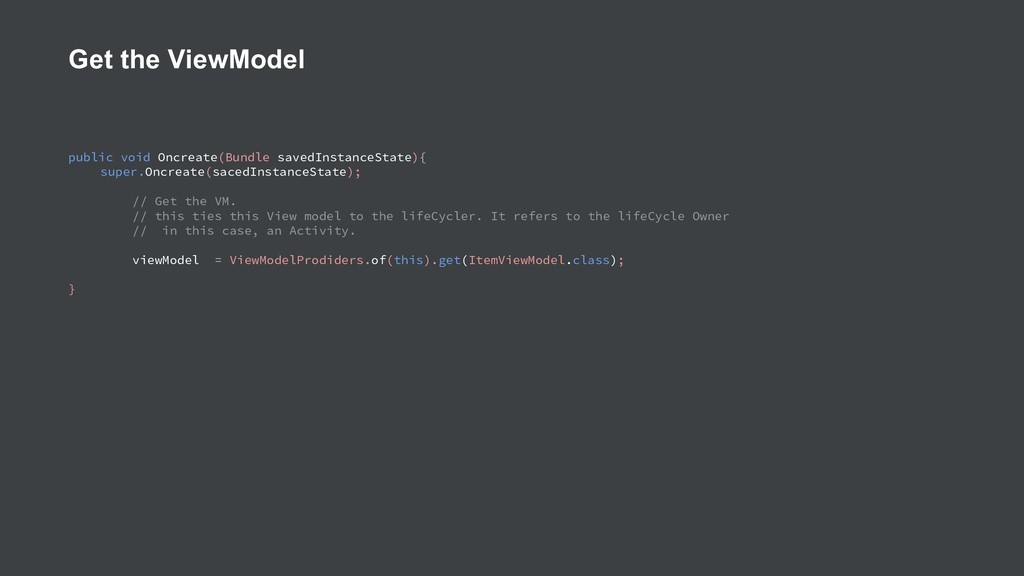
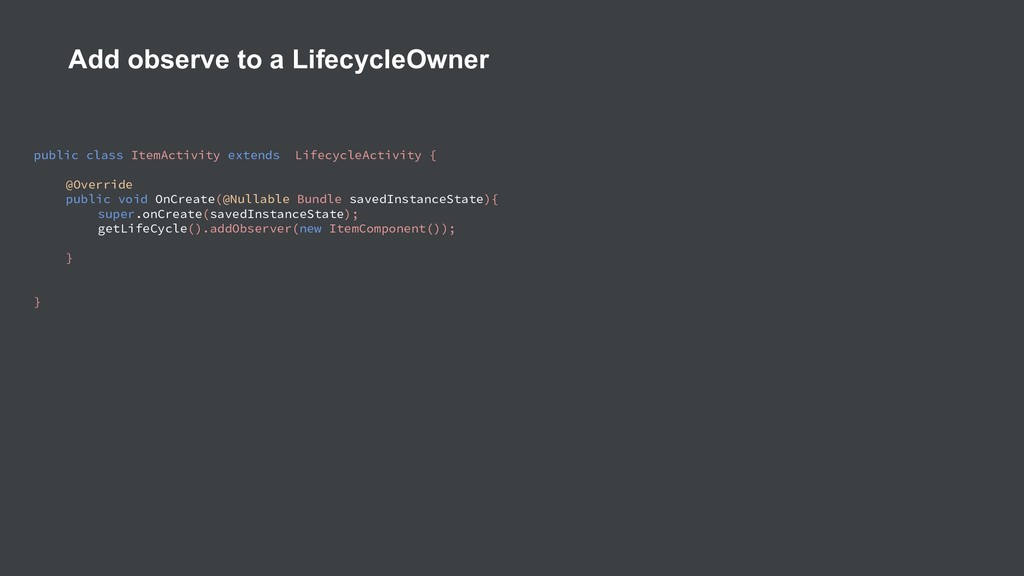
the VM. // this ties this View model to the lifeCycler. It refers to the lifeCycle Owner // in this case, an Activity. viewModel = ViewModelProdiders.of(this).get(ItemViewModel.class); }
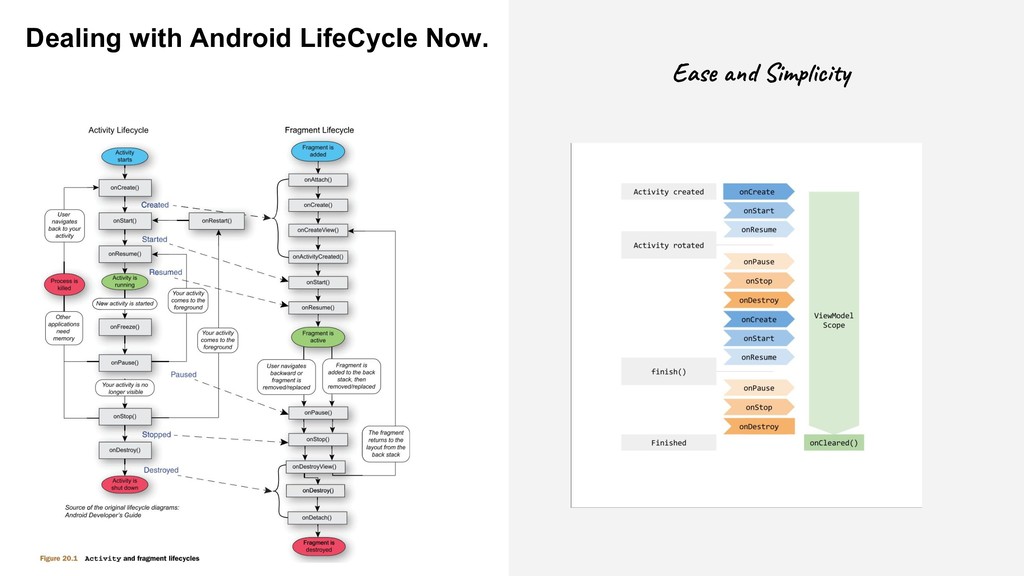
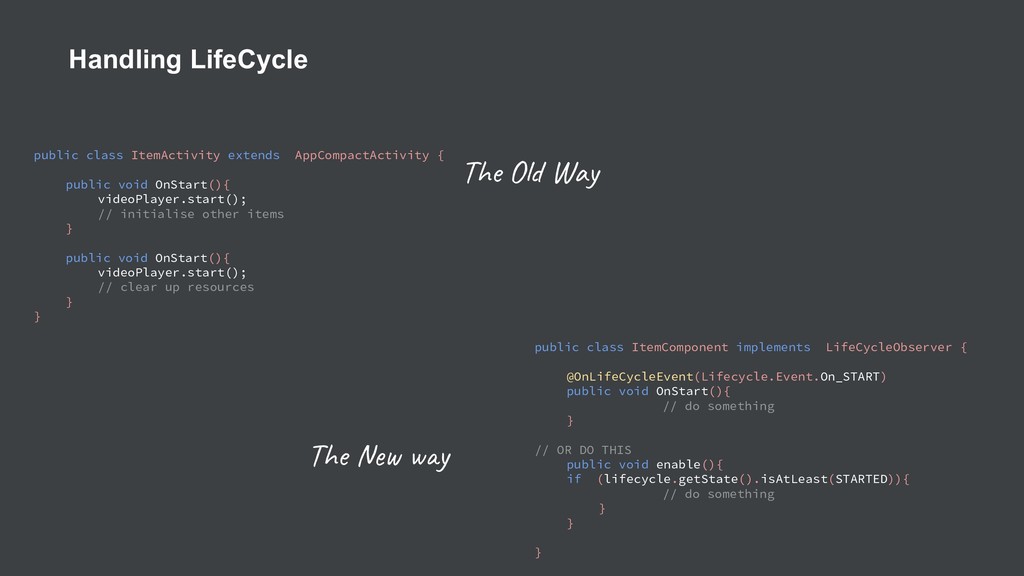
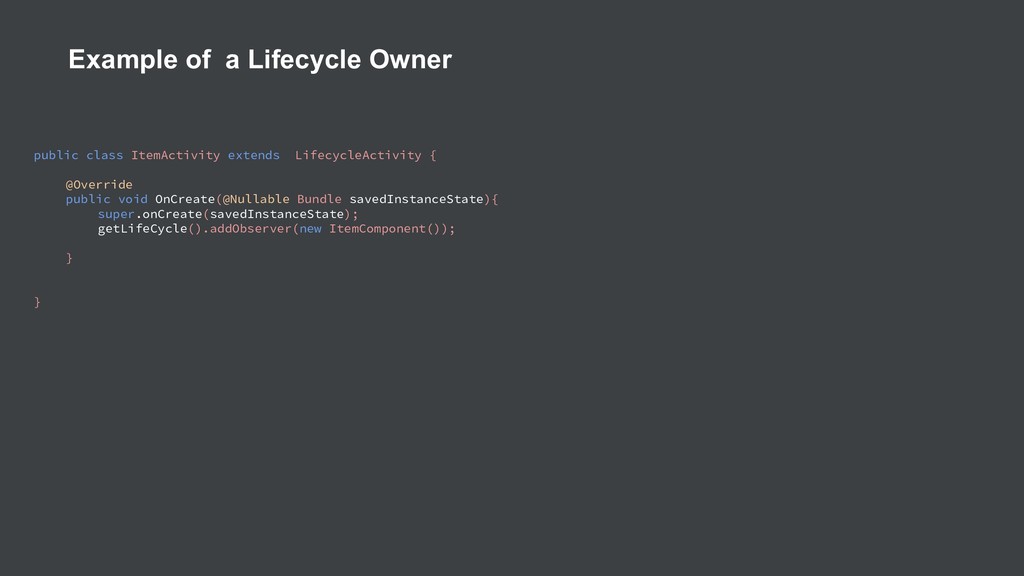
OnStart(){ videoPlayer.start(); // initialise other items } public void OnStart(){ videoPlayer.start(); // clear up resources } } public class ItemComponent implements LifeCycleObserver { @OnLifeCycleEvent(Lifecycle.Event.On_START) public void OnStart(){ // do something } // OR DO THIS public void enable(){ if (lifecycle.getState().isAtLeast(STARTED)){ // do something } } } The y The O Way
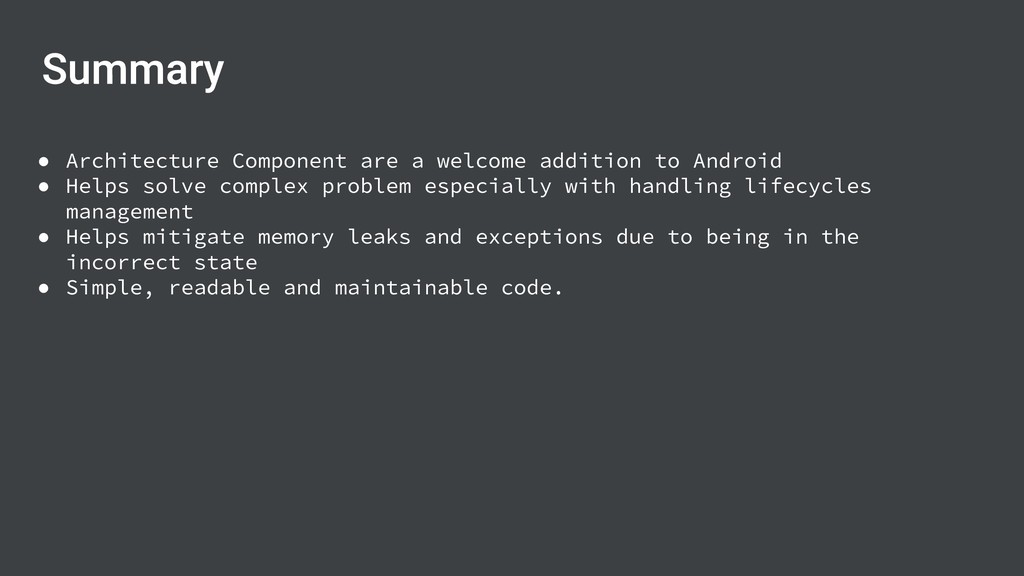
Helps solve complex problem especially with handling lifecycles management • Helps mitigate memory leaks and exceptions due to being in the incorrect state • Simple, readable and maintainable code.
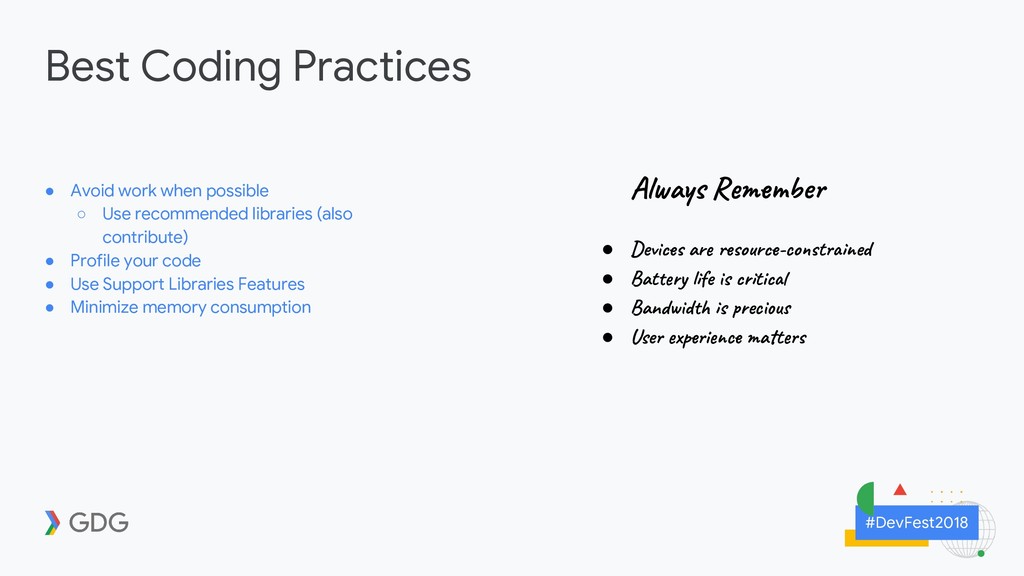
Use recommended libraries (also contribute) • Profile your code • Use Support Libraries Features • Minimize memory consumption Al a s R be • Dev ar o r -co t ed • Bat y e s ti • Ban d s ec u • Use p i c a t
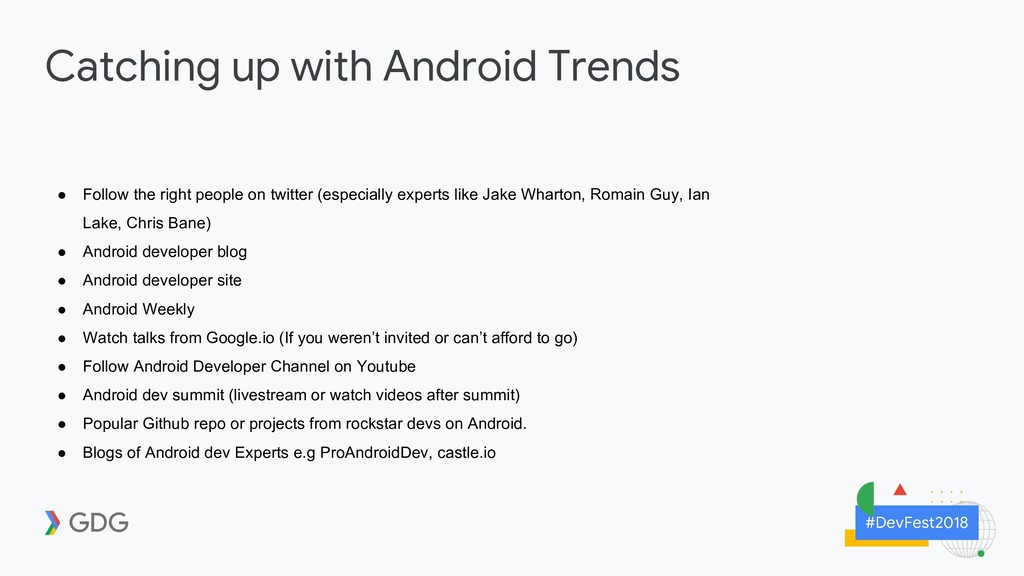
people on twitter (especially experts like Jake Wharton, Romain Guy, Ian Lake, Chris Bane) • Android developer blog • Android developer site • Android Weekly • Watch talks from Google.io (If you weren’t invited or can’t afford to go) • Follow Android Developer Channel on Youtube • Android dev summit (livestream or watch videos after summit) • Popular Github repo or projects from rockstar devs on Android. • Blogs of Android dev Experts e.g ProAndroidDev, castle.io


 kingsmentor
 sansantech
 gionn
gionn
 teamlab
 ezaki
ezaki
 riyaamemiya
 ivry_presentationmaterials
 terapyon
 nealle
 endonanana
 bitkey
 tokuty
 raspython3
 ipullrank
 techseoconnect
 wjessup
 codingconduct
 chriscoyier
 gr2m
gr2m
 ammeep
 sabderemane
 hatefulcrawdad
 vanstee
 hannesfritz