Upgrade to Pro — share decks privately, control downloads, hide ads and more …

From Views to Compose: A Smooth Migration Journey

Sponsored · Your Podcast. Everywhere. Effortlessly. Share. Educate. Inspire. Entertain. You do you. We'll handle the rest.
Avatar for Love Love
June 06, 2026
1

From Views to Compose: A Smooth Migration Journey

Transitioning from traditional Views to Jetpack Compose can be daunting, yet fun. This session will be a guide to making this migration seamless and efficient. To ensure a smooth transition, you will delve into practical strategies, best practices, and potential challenges. You will also learn how to incrementally adopt Compose and have a harmonious blend of old-Traditional Views and new-Compose.
By the end of the session, you will be able to create a clear roadmap to modernise your app and unlock the potential of Jetpack Compose.

Avatar for Love

Love

June 06, 2026

Transcript

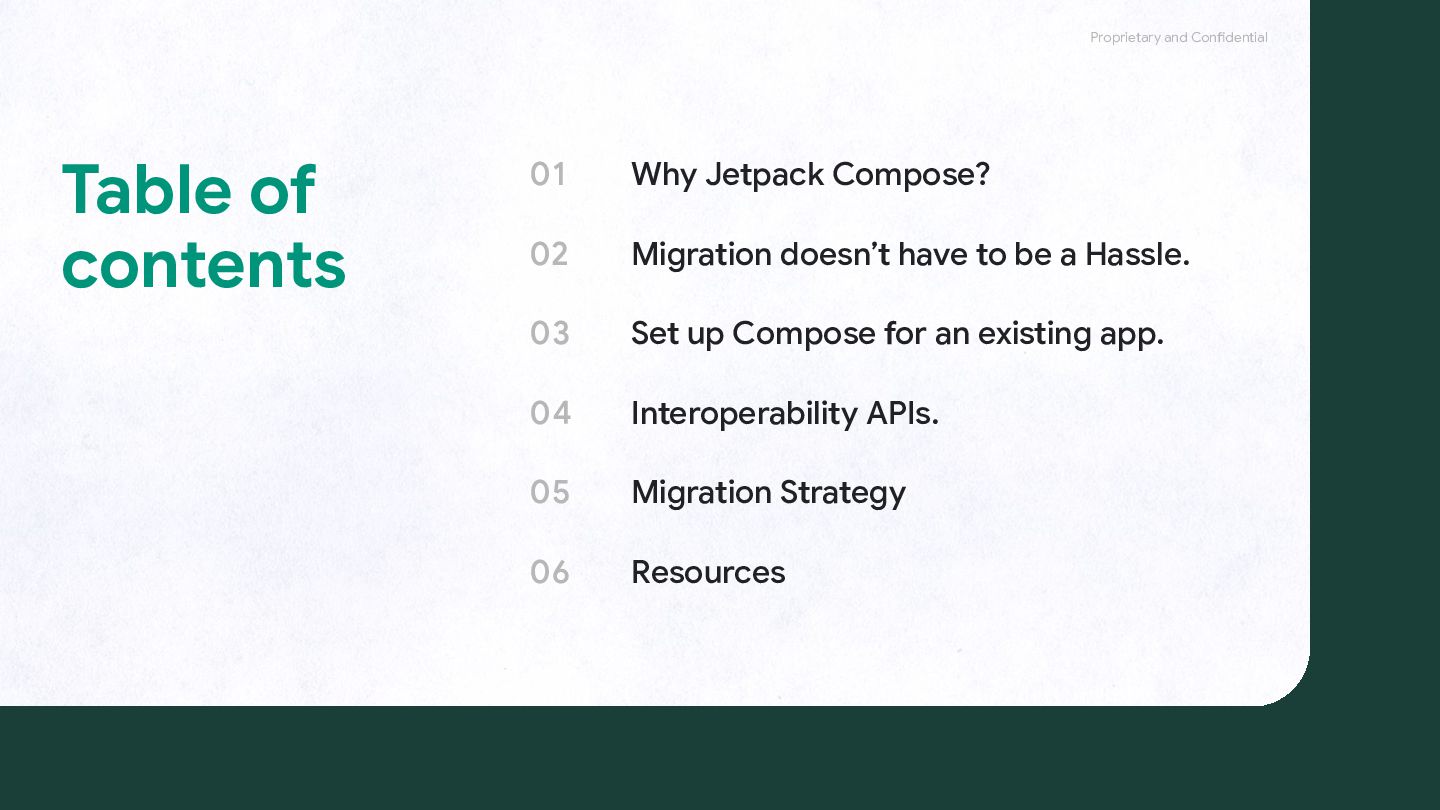
  1. 01 02 03 04 05 06 Why Jetpack Compose? Migration

    doesn’t have to be a Hassle. Set up Compose for an existing app. Interoperability APIs. Migration Strategy Resources Proprietary and Confidential Table of contents
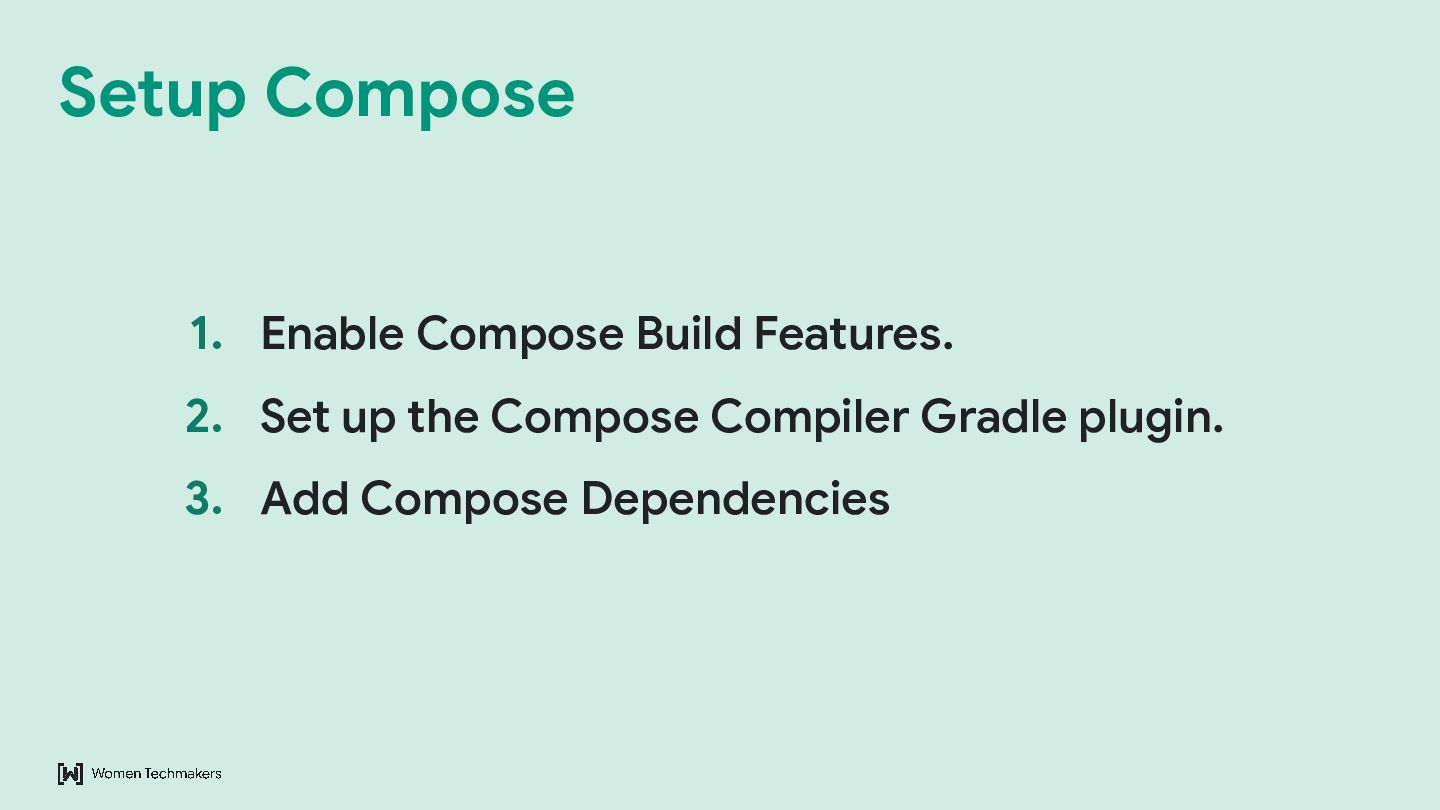
  2. Proprietary and Confidential 1. Enable Compose Build Features. 2. Set

    up the Compose Compiler Gradle plugin. 3. Add Compose Dependencies Setup Compose
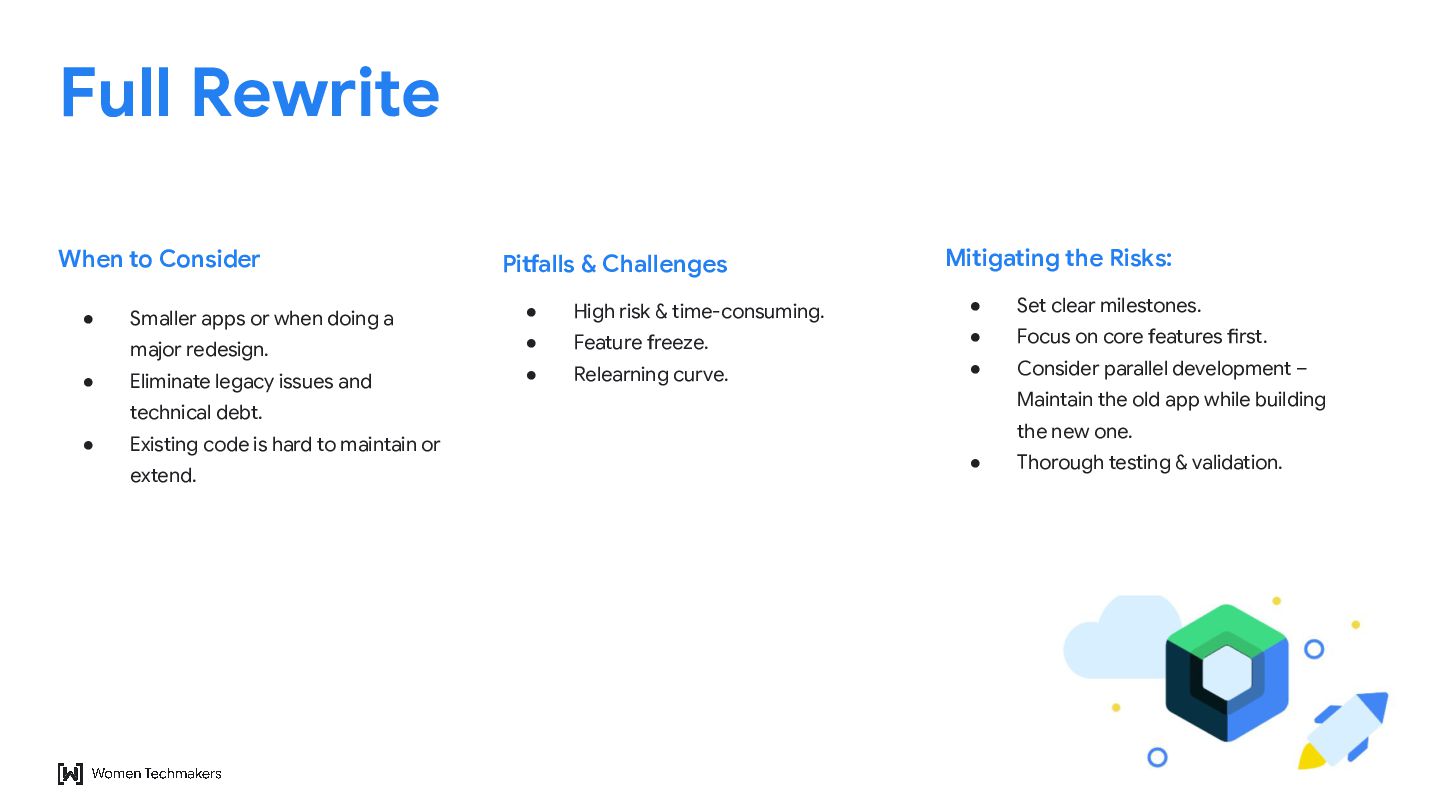
  3. Proprietary and Confidential • Smaller apps or when doing a

    major redesign. • Eliminate legacy issues and technical debt. • Existing code is hard to maintain or extend. When to Consider • High risk & time-consuming. • Feature freeze. • Relearning curve. Pitfalls & Challenges • Set clear milestones. • Focus on core features first. • Consider parallel development – Maintain the old app while building the new one. • Thorough testing & validation. Mitigating the Risks: Full Rewrite
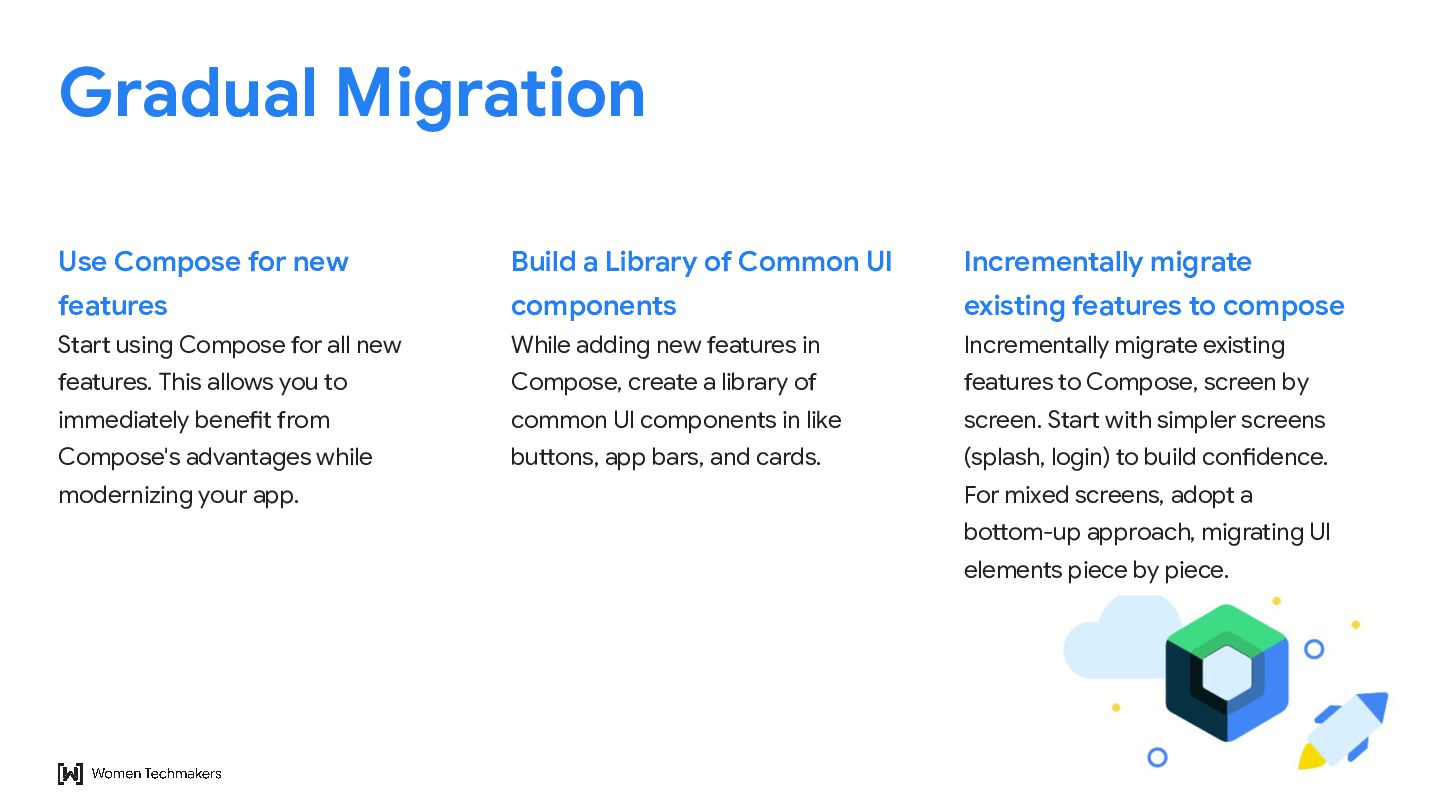
  4. Proprietary and Confidential Start using Compose for all new features.

    This allows you to immediately benefit from Compose's advantages while modernizing your app. Use Compose for new features While adding new features in Compose, create a library of common UI components in like buttons, app bars, and cards. Build a Library of Common UI components Incrementally migrate existing features to Compose, screen by screen. Start with simpler screens (splash, login) to build confidence. For mixed screens, adopt a bottom-up approach, migrating UI elements piece by piece. Incrementally migrate existing features to compose Gradual Migration
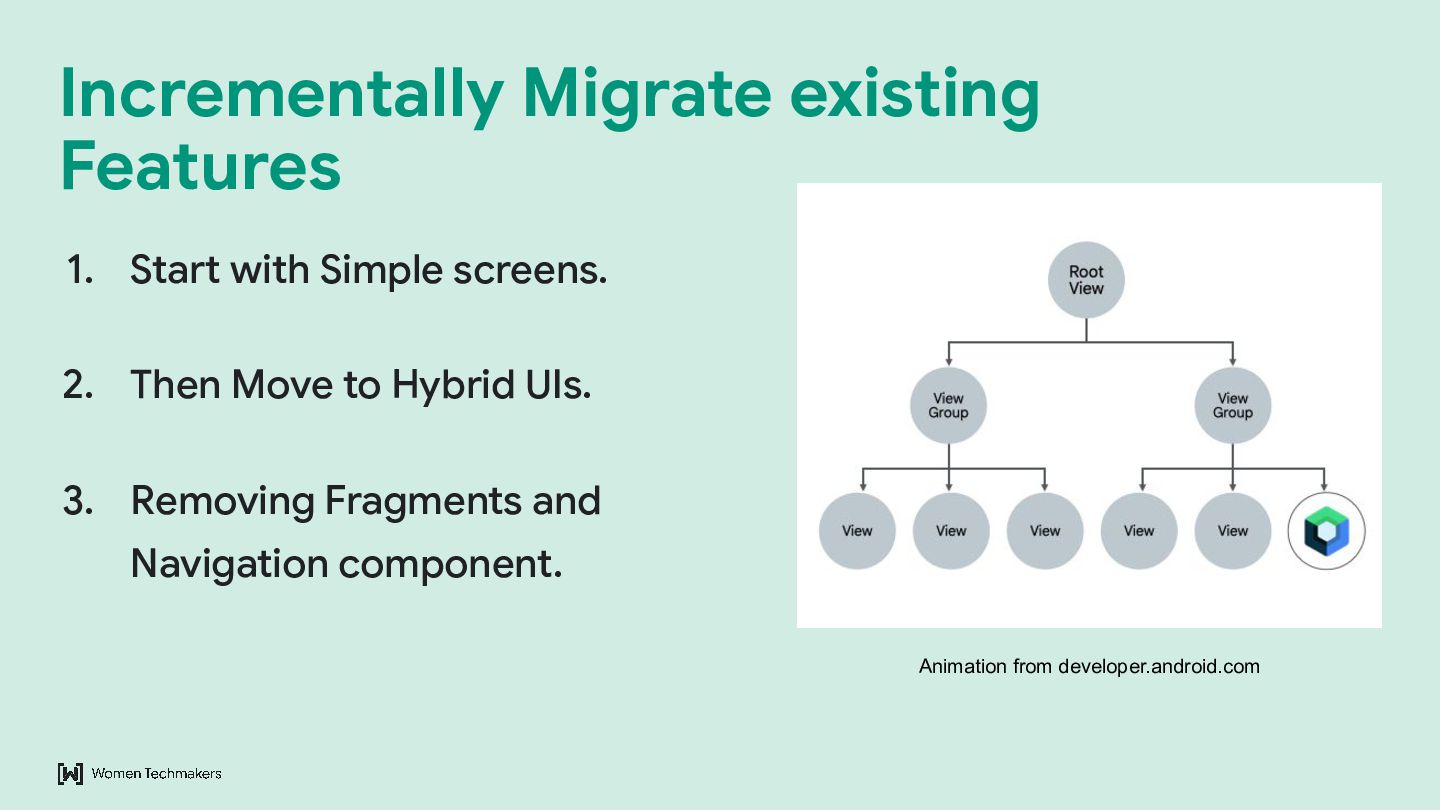
  5. Proprietary and Confidential 1. Start with Simple screens. 2. Then

    Move to Hybrid UIs. 3. Removing Fragments and Navigation component. Incrementally Migrate existing Features Animation from developer.android.com
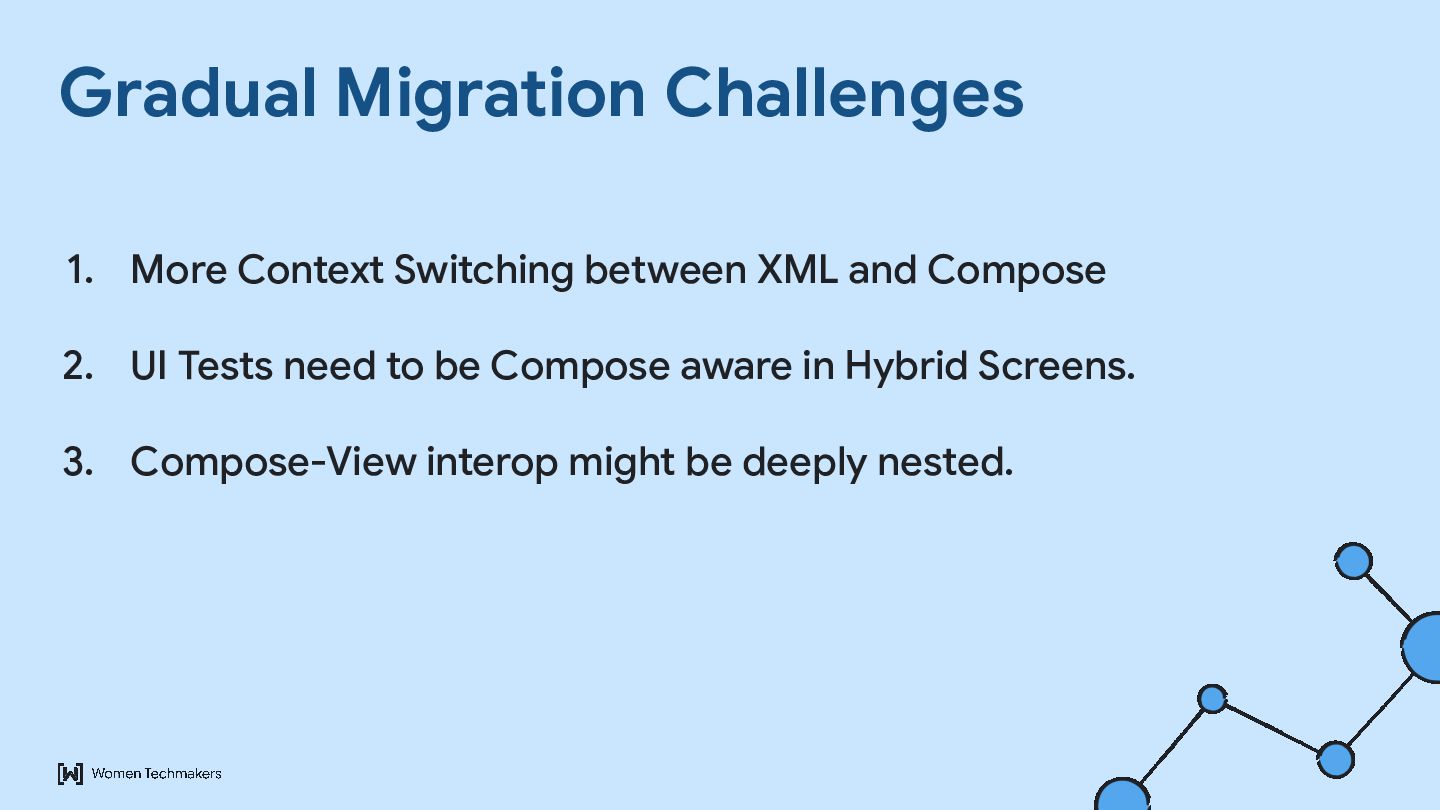
  6. Proprietary and Confidential 1. More Context Switching between XML and

    Compose 2. UI Tests need to be Compose aware in Hybrid Screens. 3. Compose-View interop might be deeply nested. Gradual Migration Challenges
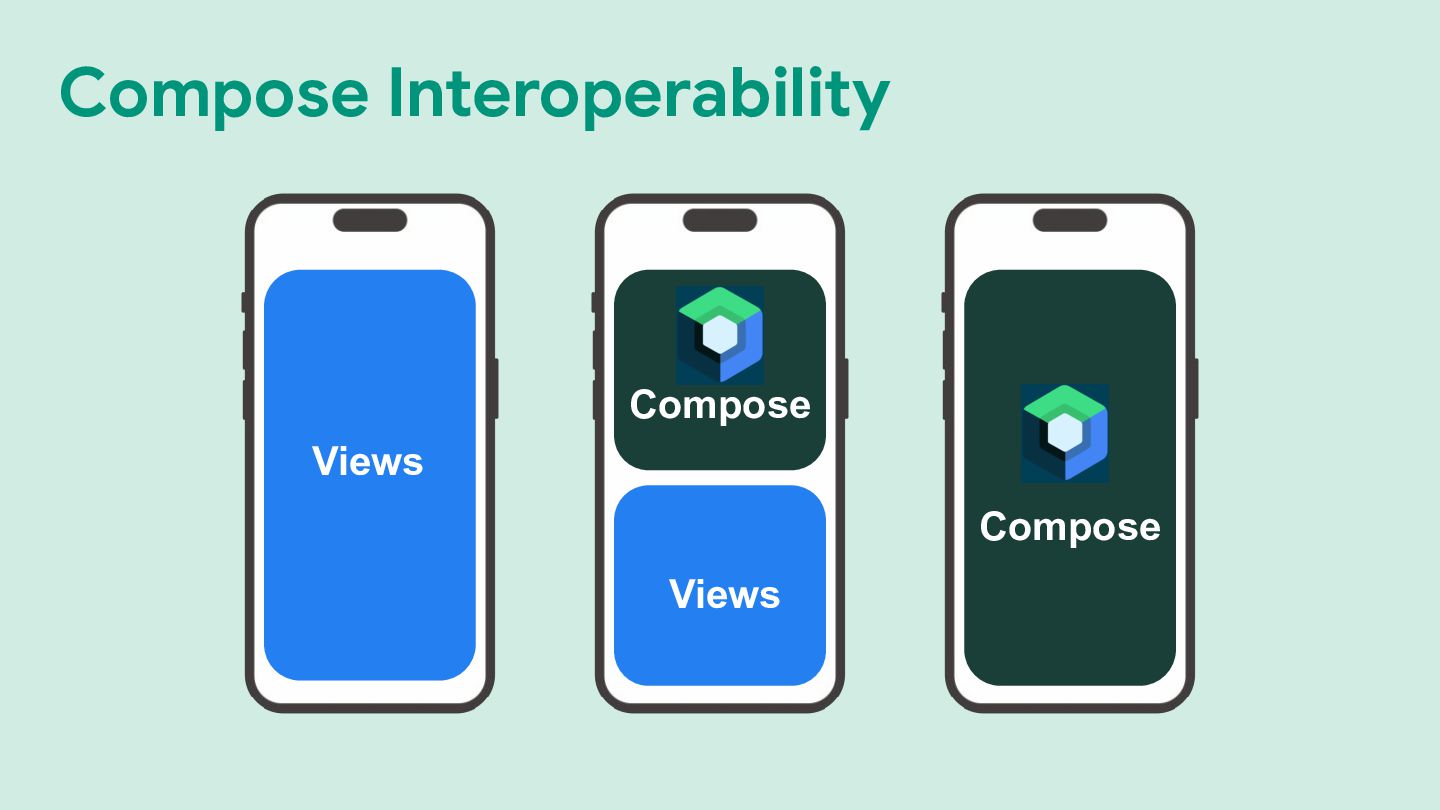
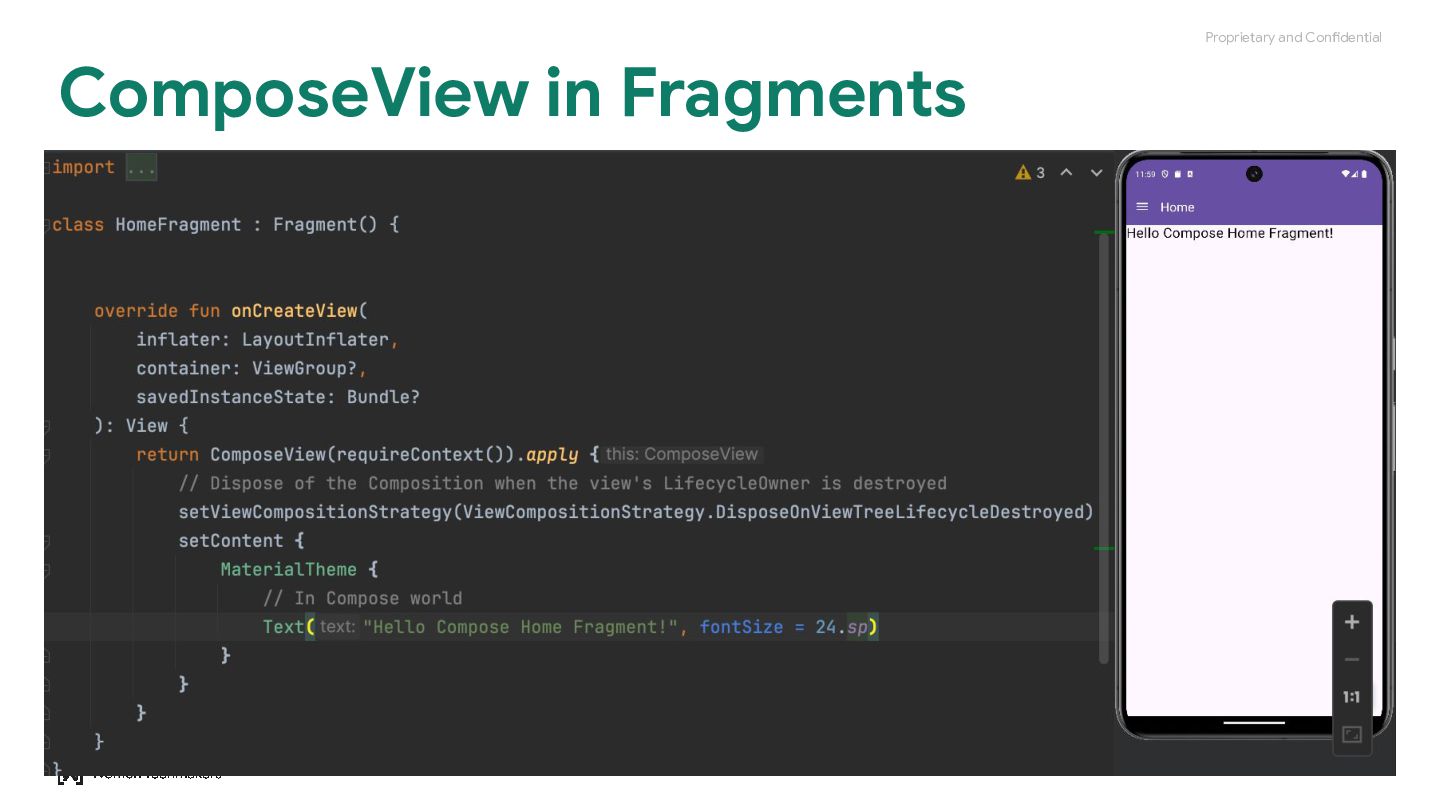
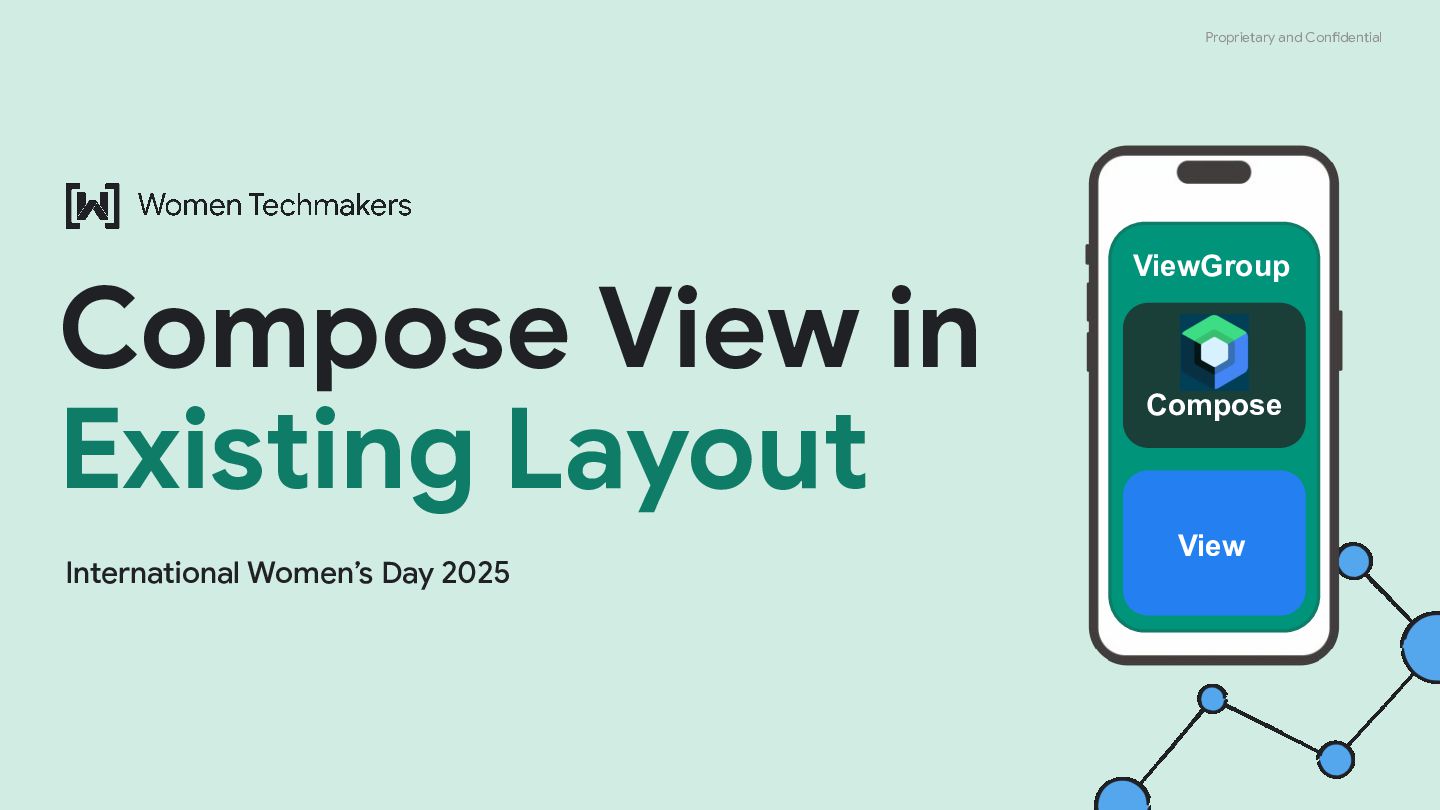
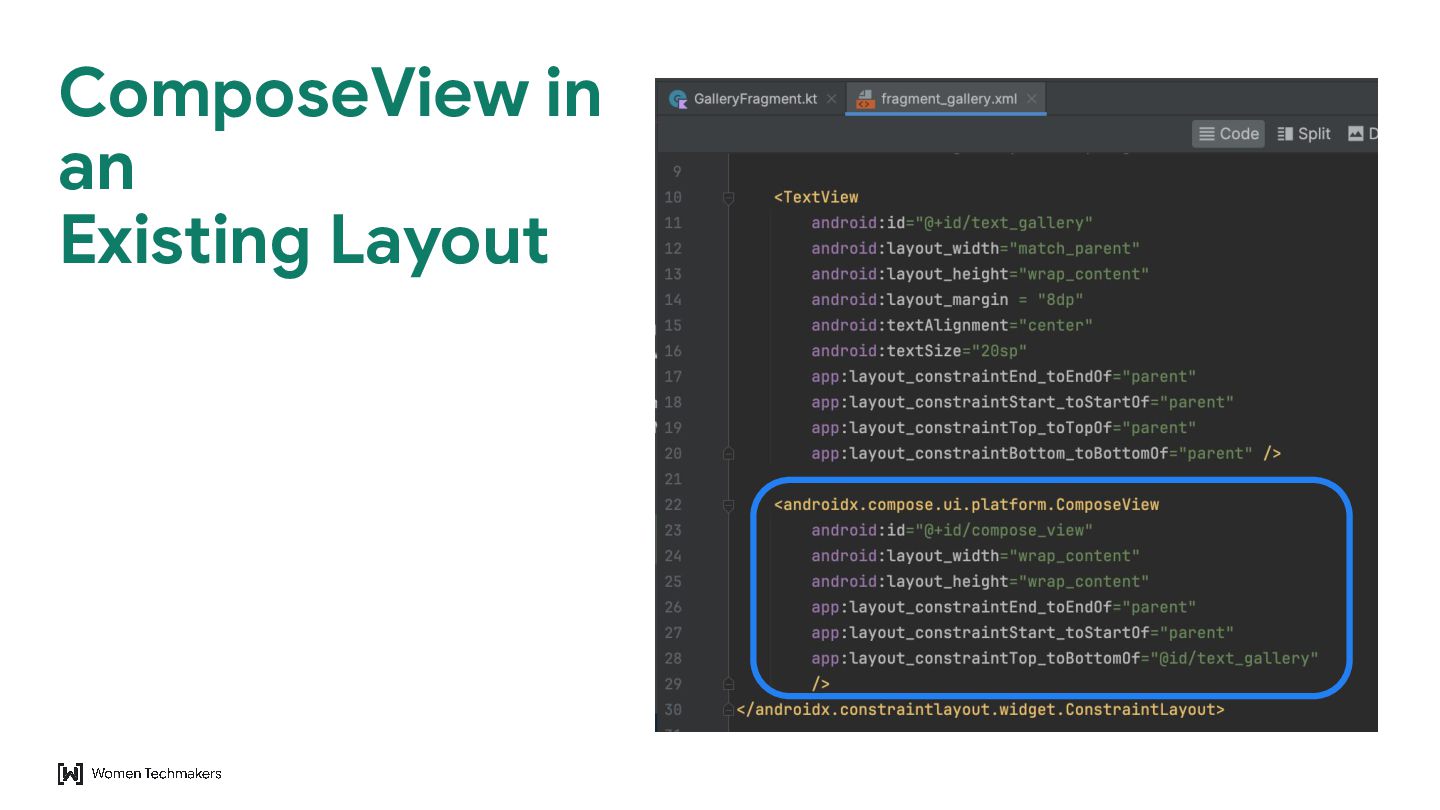
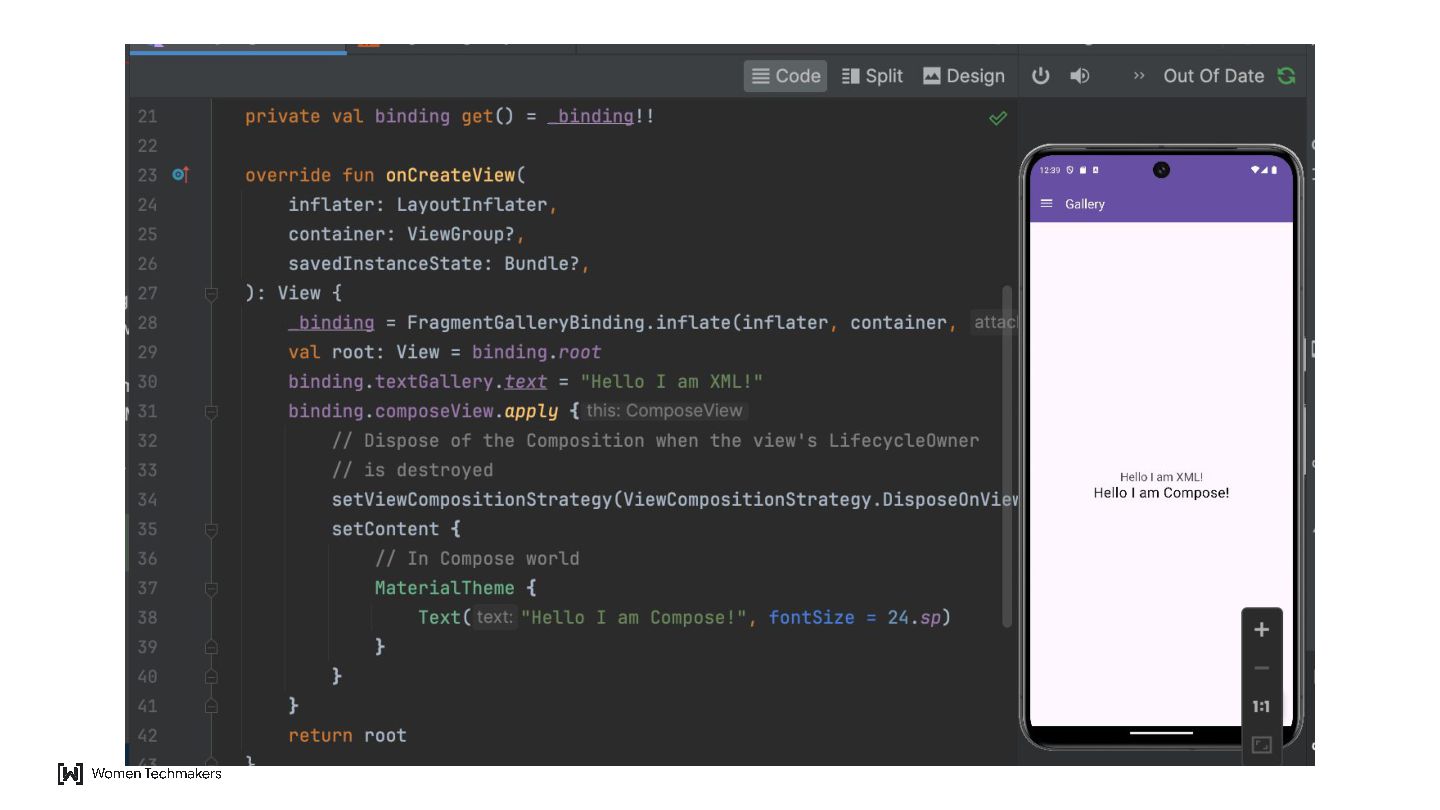
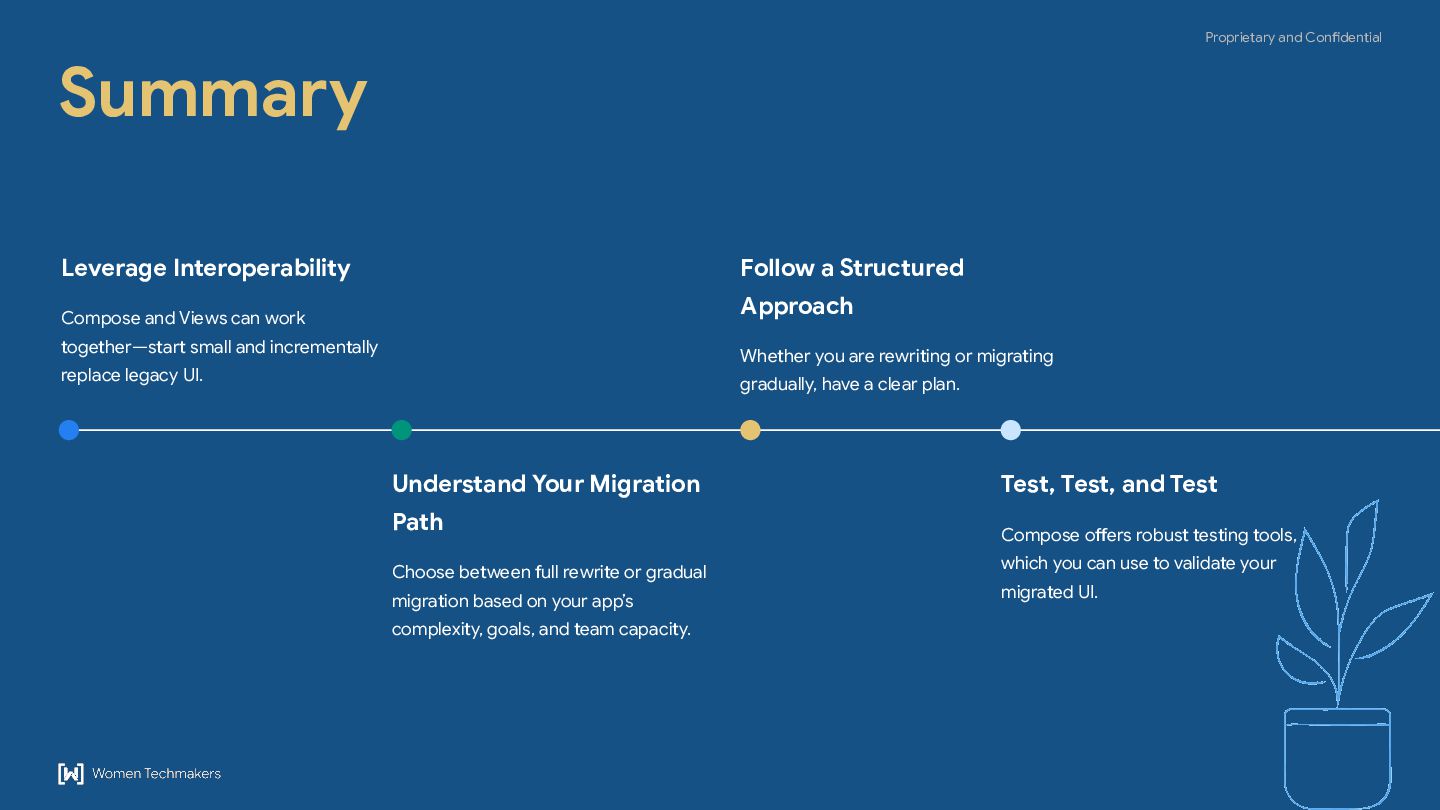
  7. Proprietary and Confidential Leverage Interoperability Compose and Views can work

    together—start small and incrementally replace legacy UI. Understand Your Migration Path Choose between full rewrite or gradual migration based on your app’s complexity, goals, and team capacity. Follow a Structured Approach Whether you are rewriting or migrating gradually, have a clear plan. Test, Test, and Test Compose offers robust testing tools, which you can use to validate your migrated UI. Summary
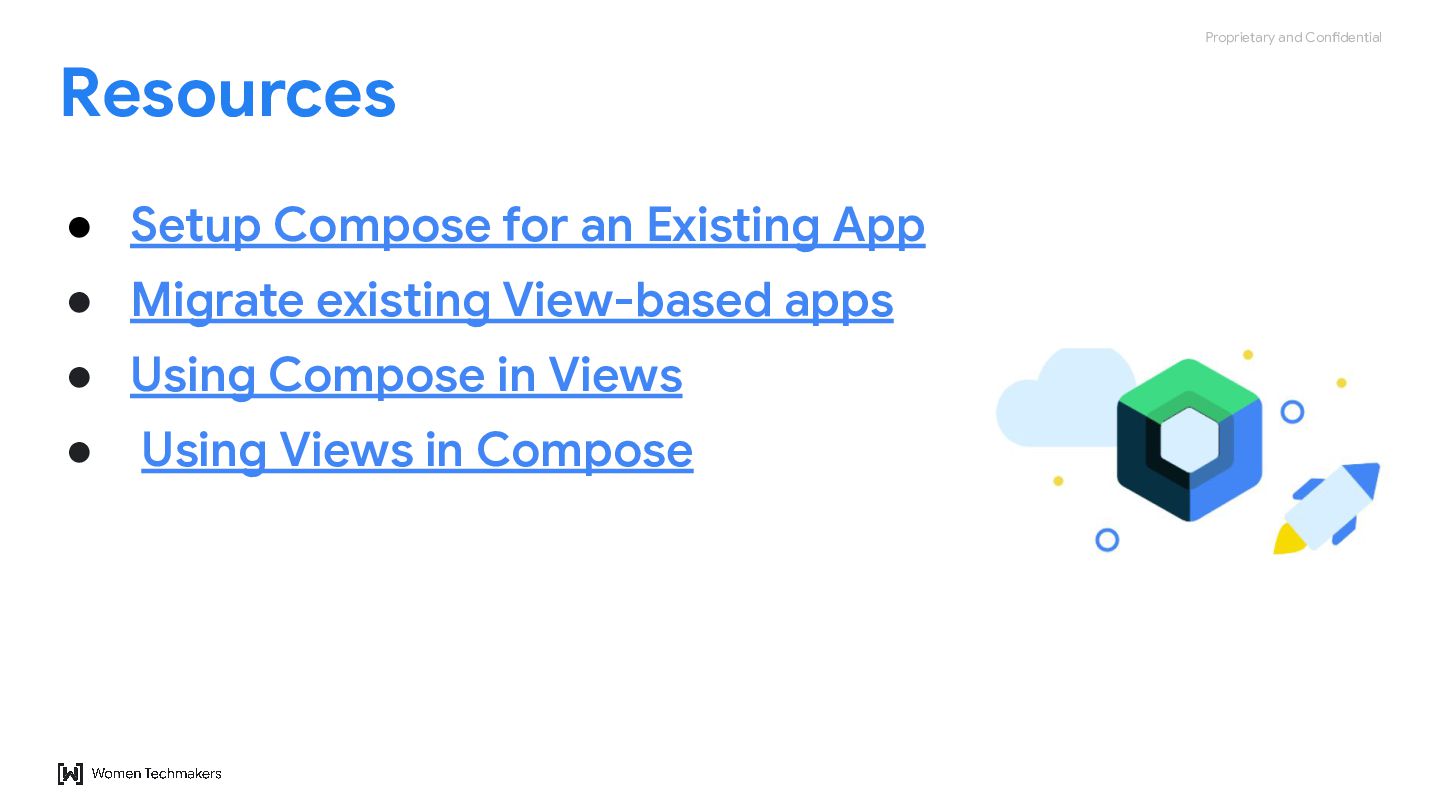
  8. Proprietary and Confidential • Setup Compose for an Existing App

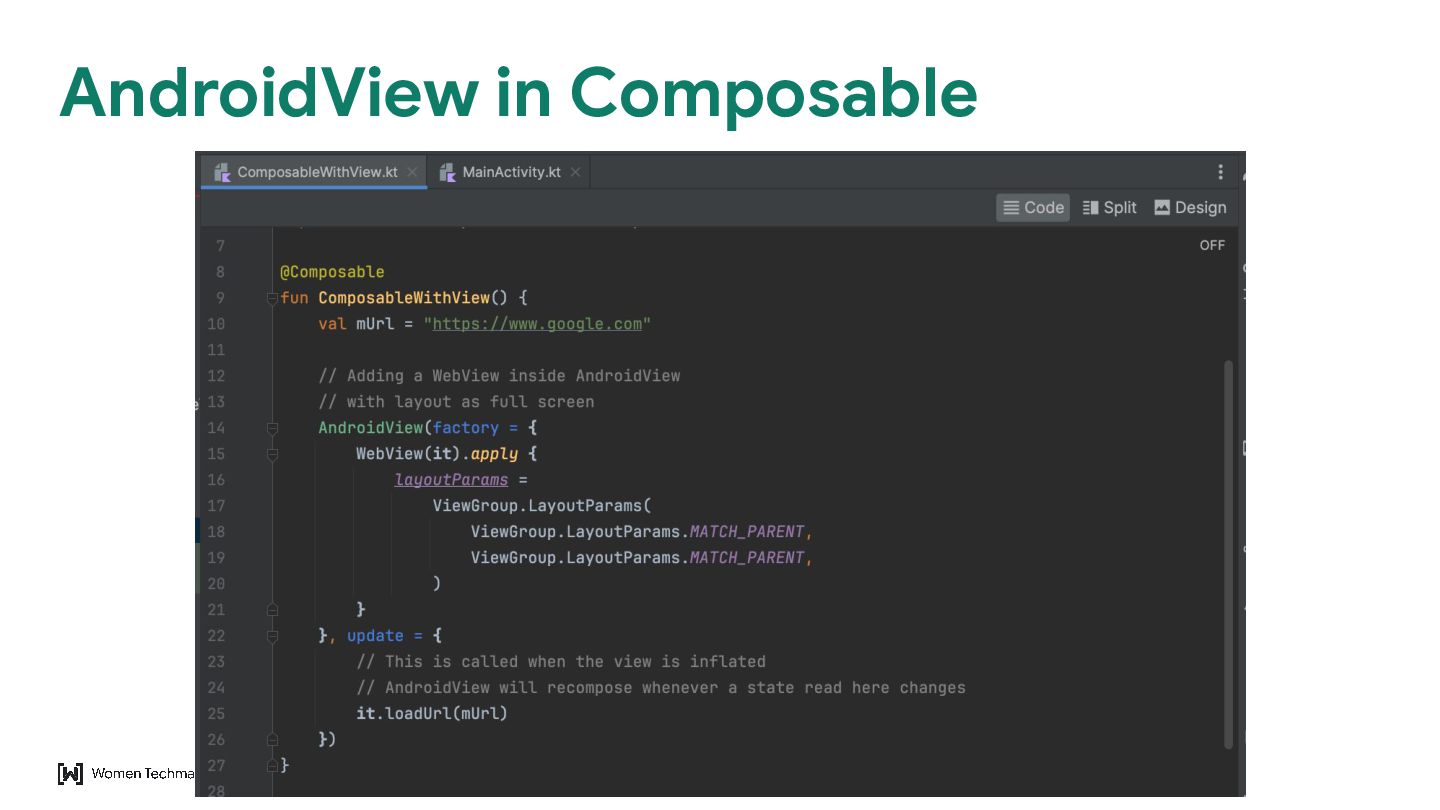
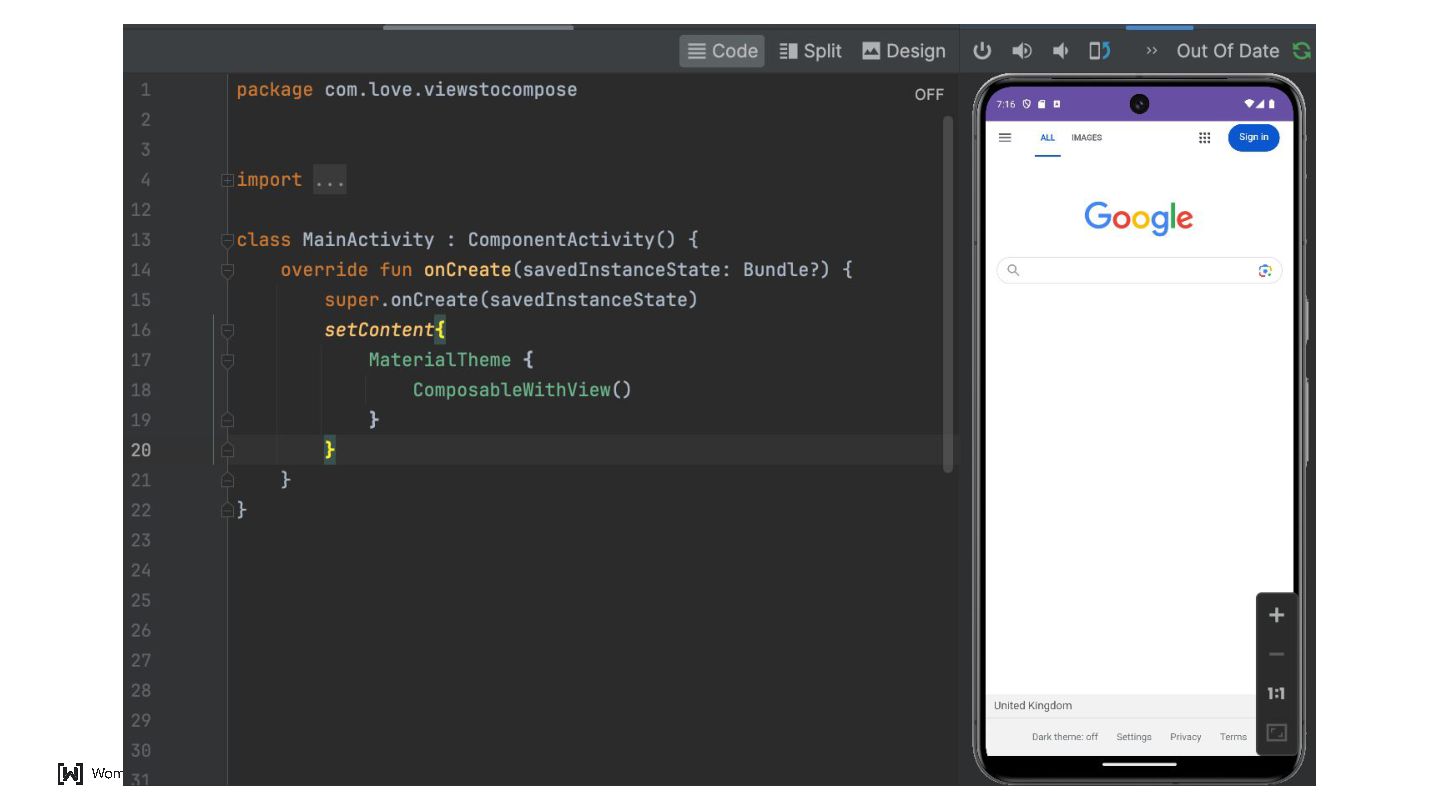
    • Migrate existing View-based apps • Using Compose in Views • Using Views in Compose Resources