Upgrade to Pro — share decks privately, control downloads, hide ads and more …

Building a Rails App

Building a Rails App

Avatar for llabake

llabake

March 07, 2020

Other Decks in Programming

Transcript

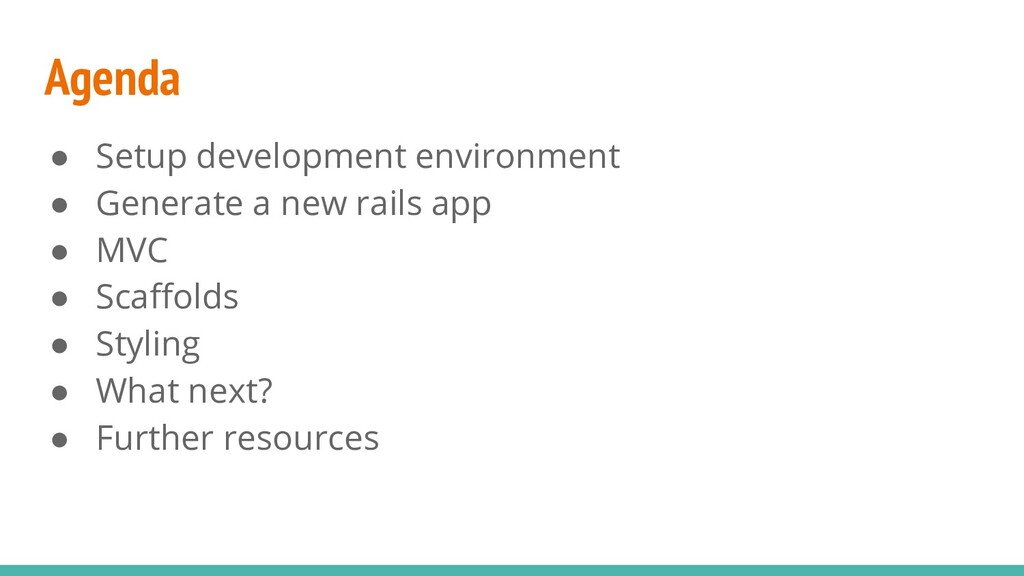
  1. Agenda • Setup development environment • Generate a new rails

    app • MVC • Scaffolds • Styling • What next? • Further resources
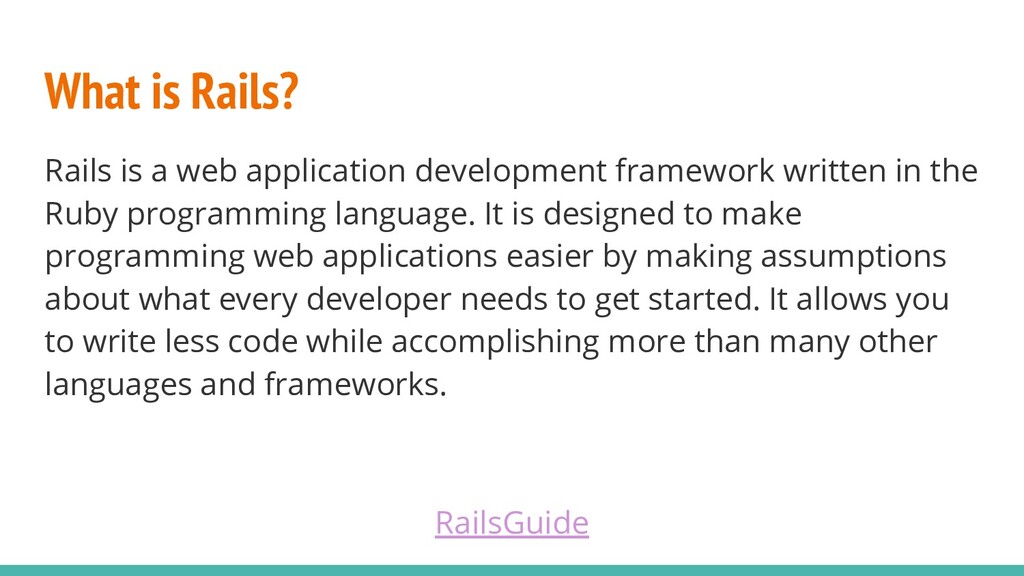
  2. What is Rails? Rails is a web application development framework

    written in the Ruby programming language. It is designed to make programming web applications easier by making assumptions about what every developer needs to get started. It allows you to write less code while accomplishing more than many other languages and frameworks. RailsGuide
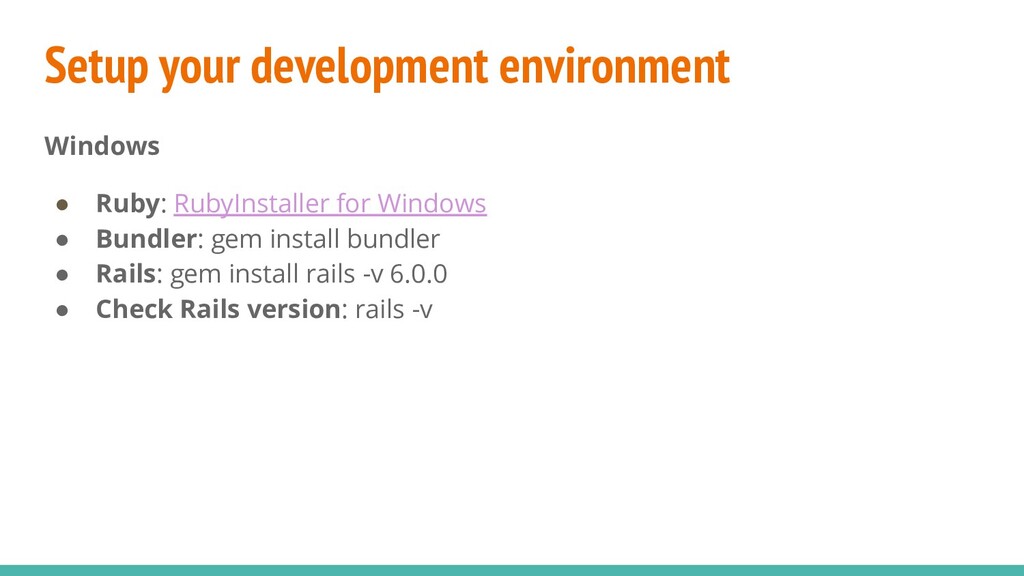
  3. Setup your development environment Windows • Ruby: RubyInstaller for Windows

    • Bundler: gem install bundler • Rails: gem install rails -v 6.0.0 • Check Rails version: rails -v
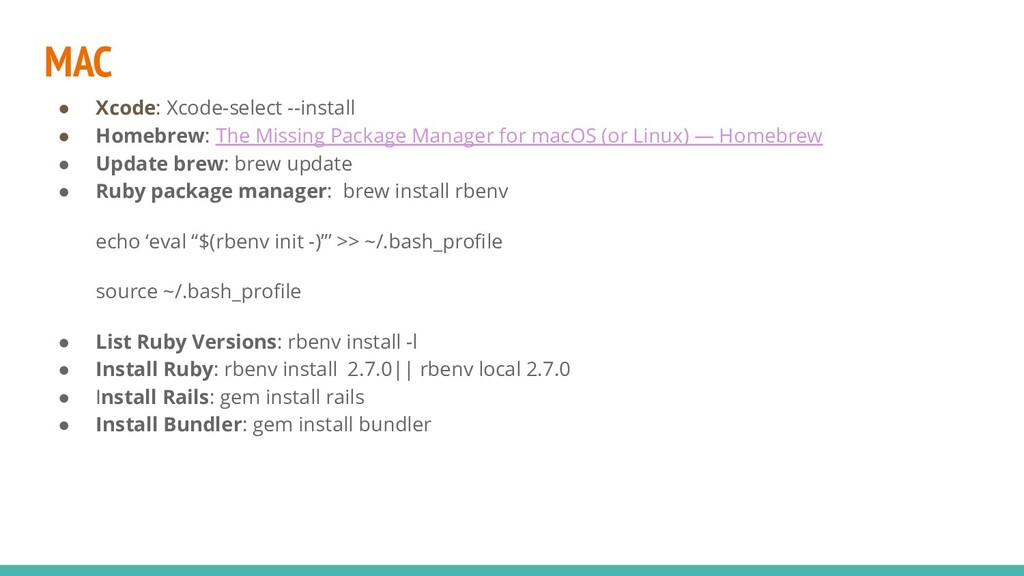
  4. MAC • Xcode: Xcode-select --install • Homebrew: The Missing Package

    Manager for macOS (or Linux) — Homebrew • Update brew: brew update • Ruby package manager: brew install rbenv echo ‘eval “$(rbenv init -)”’ >> ~/.bash_profile source ~/.bash_profile • List Ruby Versions: rbenv install -l • Install Ruby: rbenv install 2.7.0|| rbenv local 2.7.0 • Install Rails: gem install rails • Install Bundler: gem install bundler
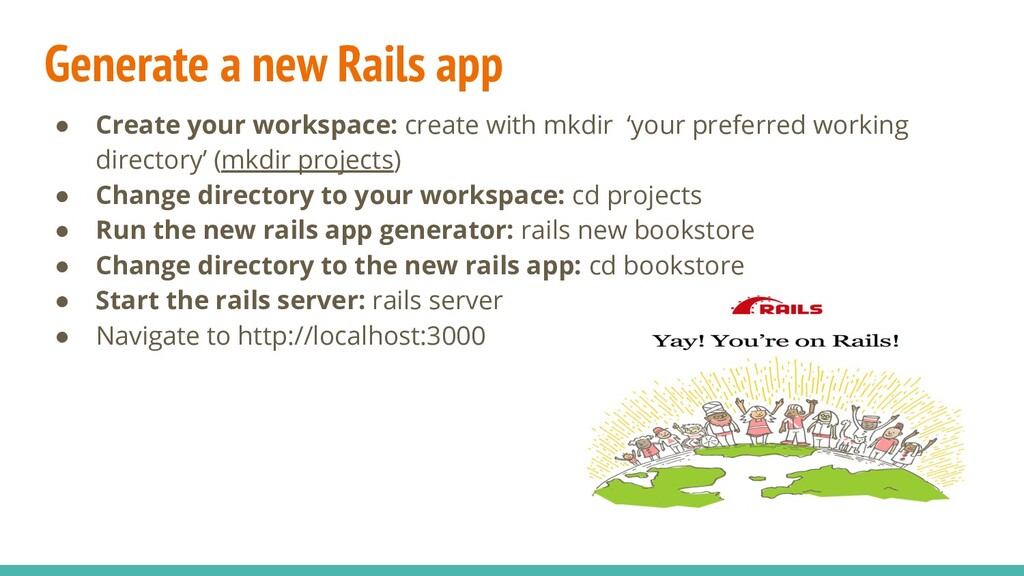
  5. Generate a new Rails app • Create your workspace: create

    with mkdir ‘your preferred working directory’ (mkdir projects) • Change directory to your workspace: cd projects • Run the new rails app generator: rails new bookstore • Change directory to the new rails app: cd bookstore • Start the rails server: rails server • Navigate to http://localhost:3000
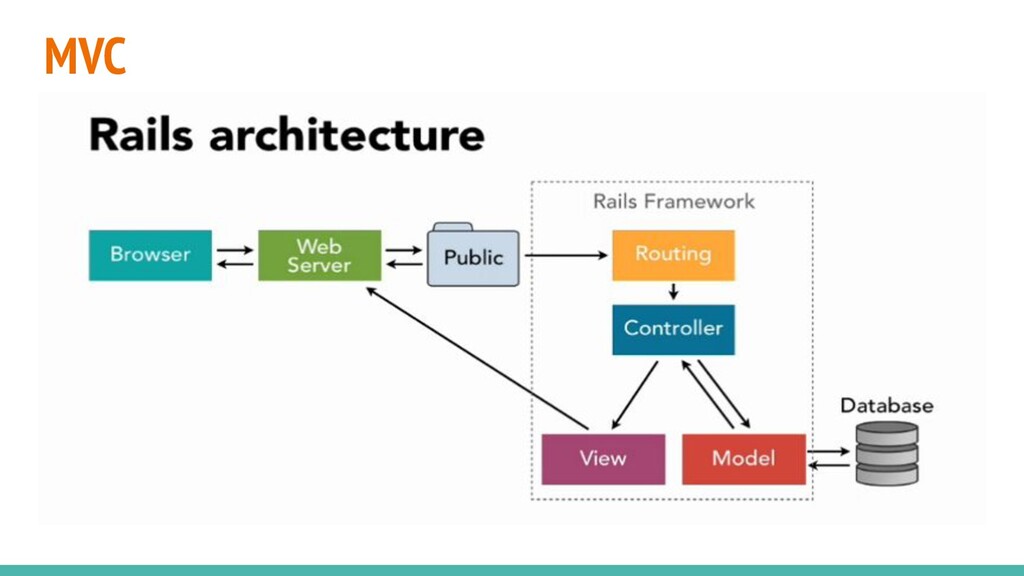
  6. MVC

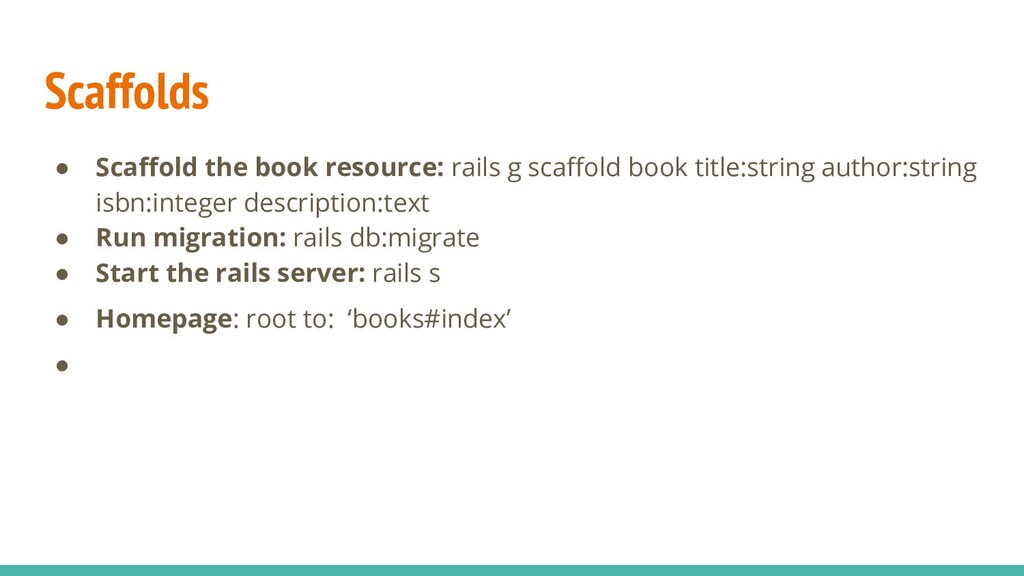
  7. Scaffolds • Scaffold the book resource: rails g scaffold book

    title:string author:string isbn:integer description:text • Run migration: rails db:migrate • Start the rails server: rails s • Homepage: root to: ‘books#index’ •
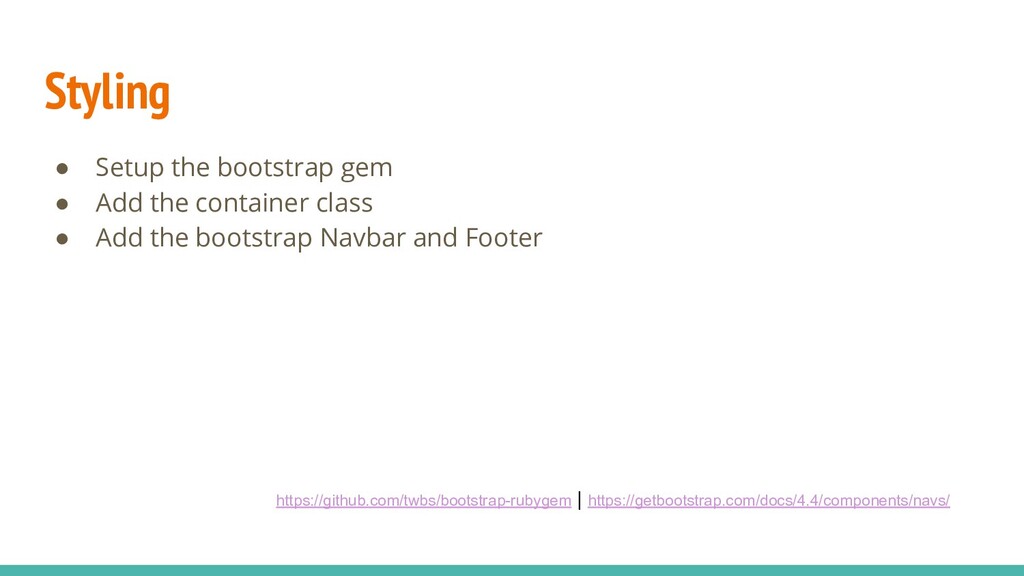
  8. Styling • Setup the bootstrap gem • Add the container

    class • Add the bootstrap Navbar and Footer https://github.com/twbs/bootstrap-rubygem | https://getbootstrap.com/docs/4.4/components/navs/
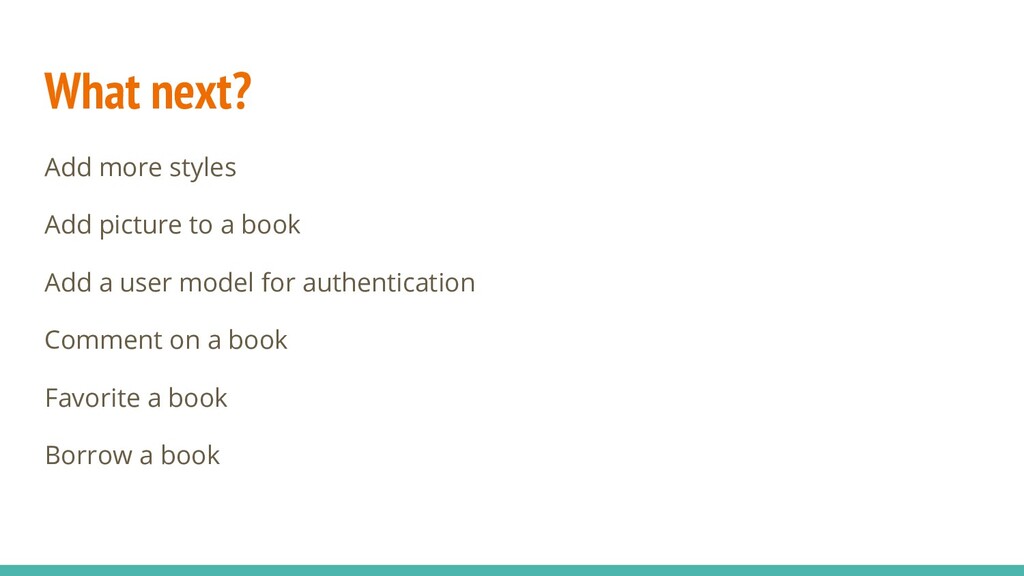
  9. What next? Add more styles Add picture to a book

    Add a user model for authentication Comment on a book Favorite a book Borrow a book