George of Denmark and Norway (1653 – 1708) was the husband of Anne, Queen of Great Britain. He was the consort of the British monarch from Anne's accession on 1702 until his death in 1708. Prince George’s County was founded on St George´s Day: April 23rd 1696. [Getting to know about PGCC] Who was Prince George?
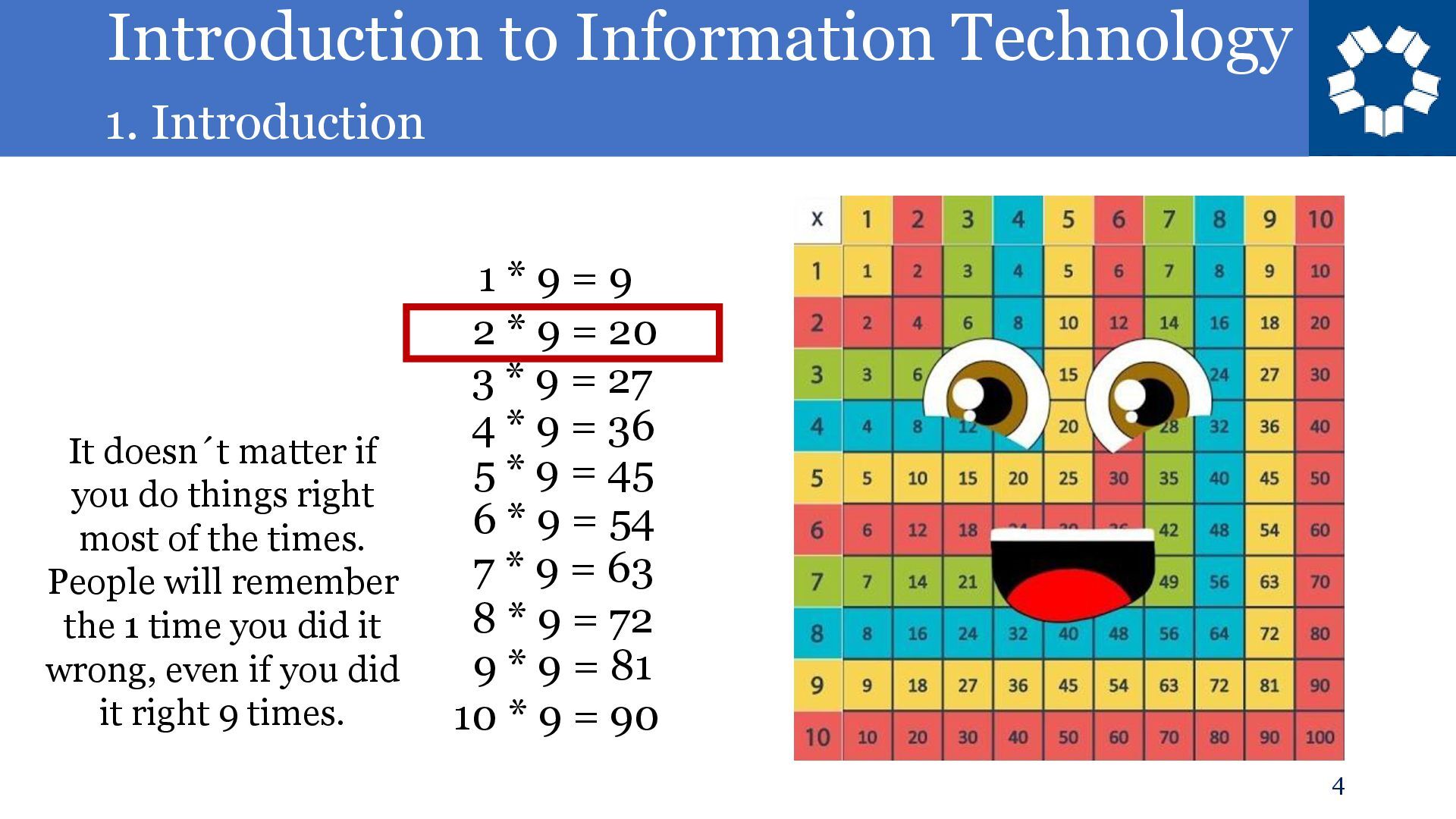
= 9 2 * 9 = 20 3 * 9 = 27 4 * 9 = 36 5 * 9 = 45 6 * 9 = 54 7 * 9 = 63 8 * 9 = 72 9 * 9 = 81 10 * 9 = 90 It doesn´t matter if you do things right most of the times. People will remember the 1 time you did it wrong, even if you did it right 9 times.
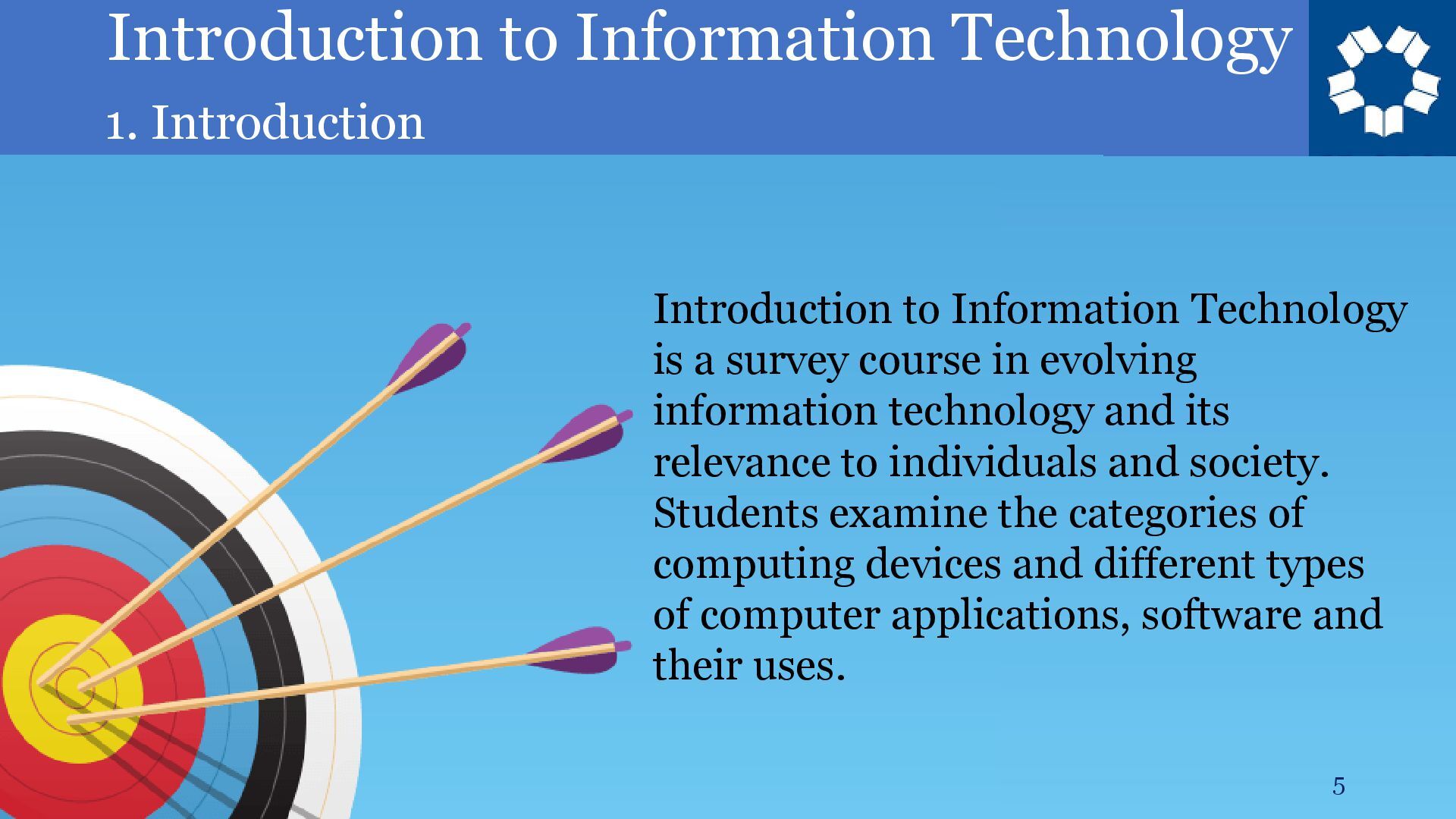
Technology is a survey course in evolving information technology and its relevance to individuals and society. Students examine the categories of computing devices and different types of computer applications, software and their uses.
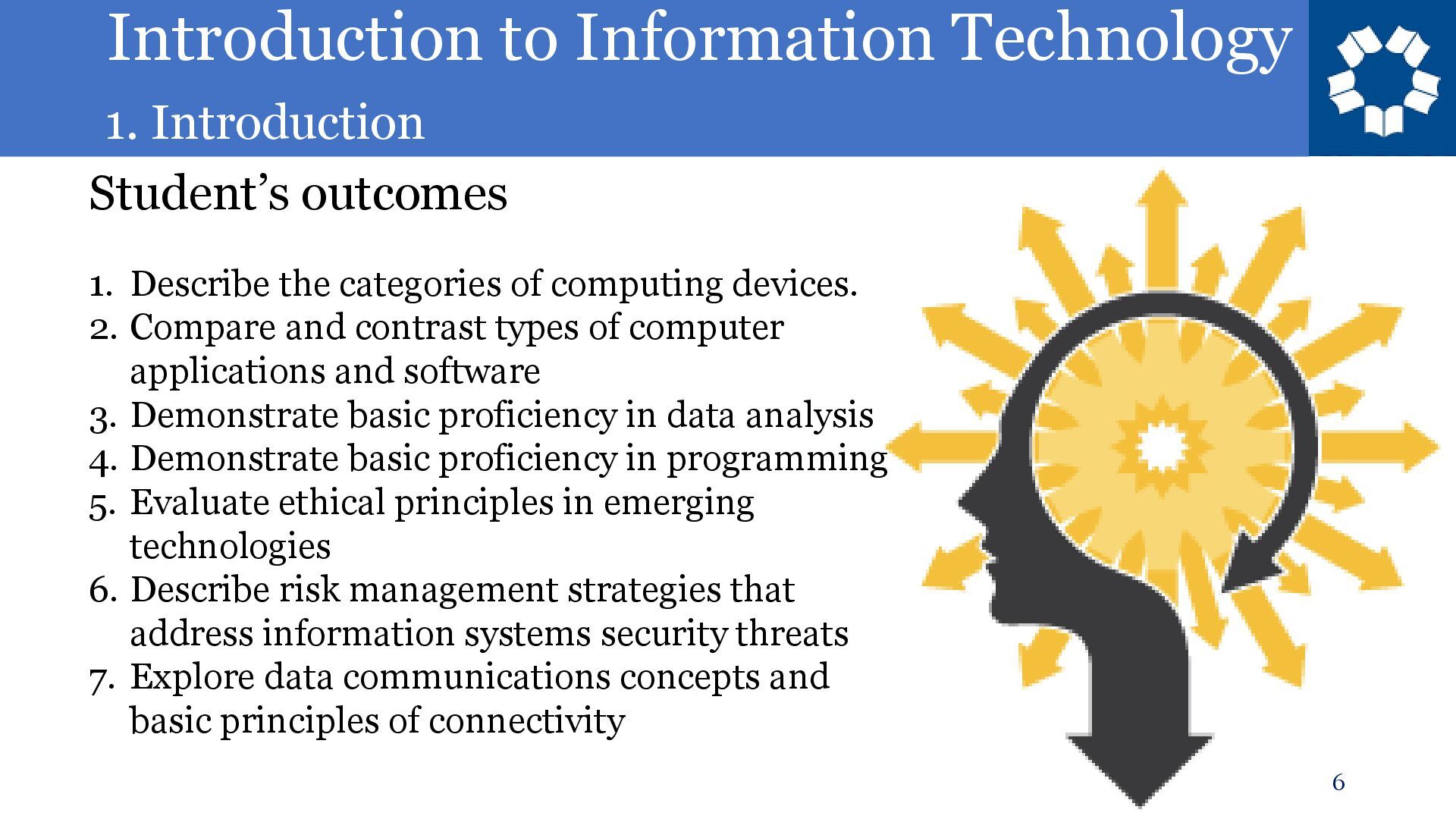
Describe the categories of computing devices. 2. Compare and contrast types of computer applications and software 3. Demonstrate basic proficiency in data analysis 4. Demonstrate basic proficiency in programming 5. Evaluate ethical principles in emerging technologies 6. Describe risk management strategies that address information systems security threats 7. Explore data communications concepts and basic principles of connectivity
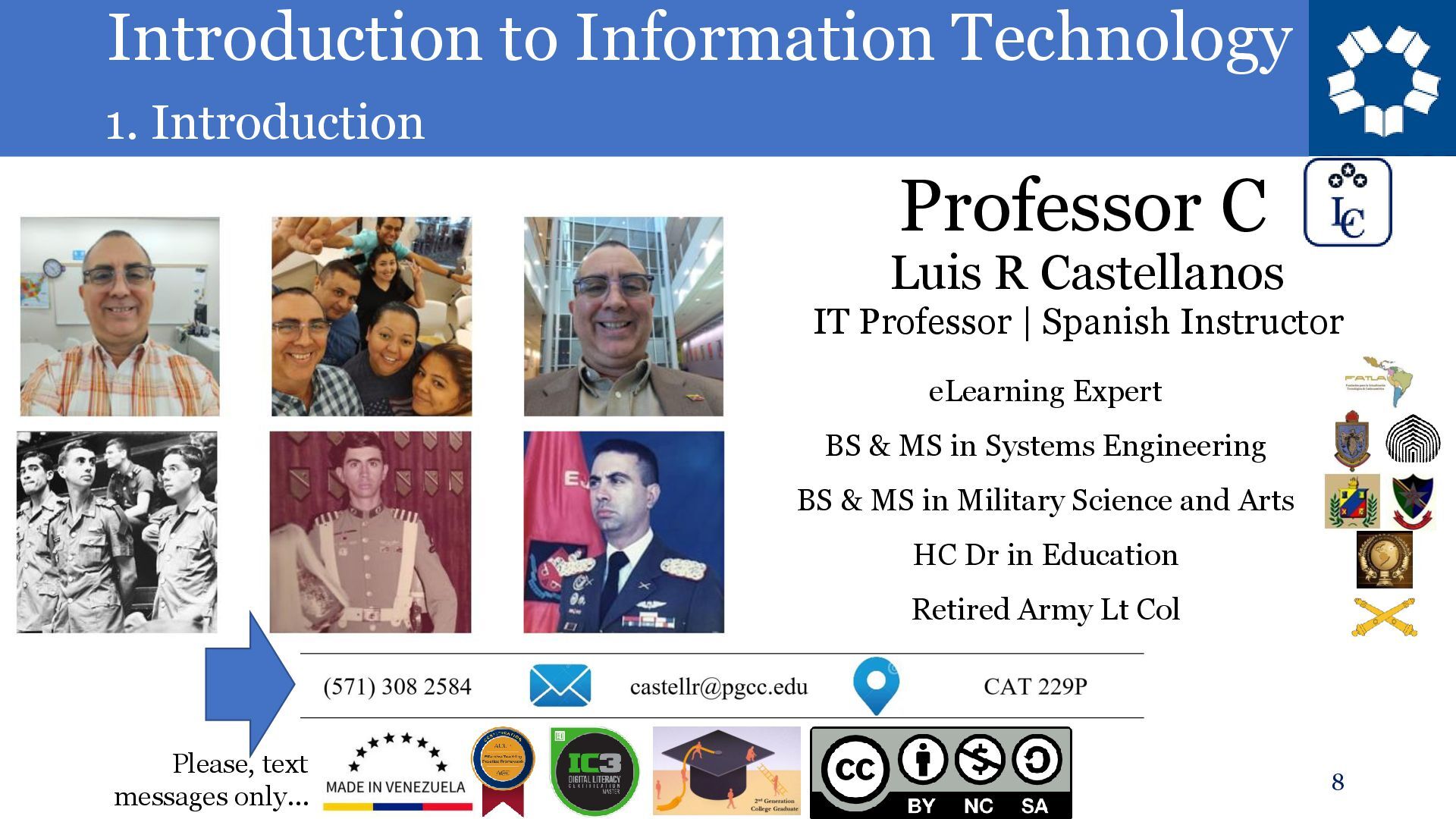
Professor C eLearning Expert BS & MS in Systems Engineering BS & MS in Military Science and Arts HC Dr in Education Retired Army Lt Col IT Professor | Spanish Instructor Please, text messages only…
available. Please book an appointment, for Office Hours in person or on line. If the assigned schedule doesn’t work for you, we can find another time slot.
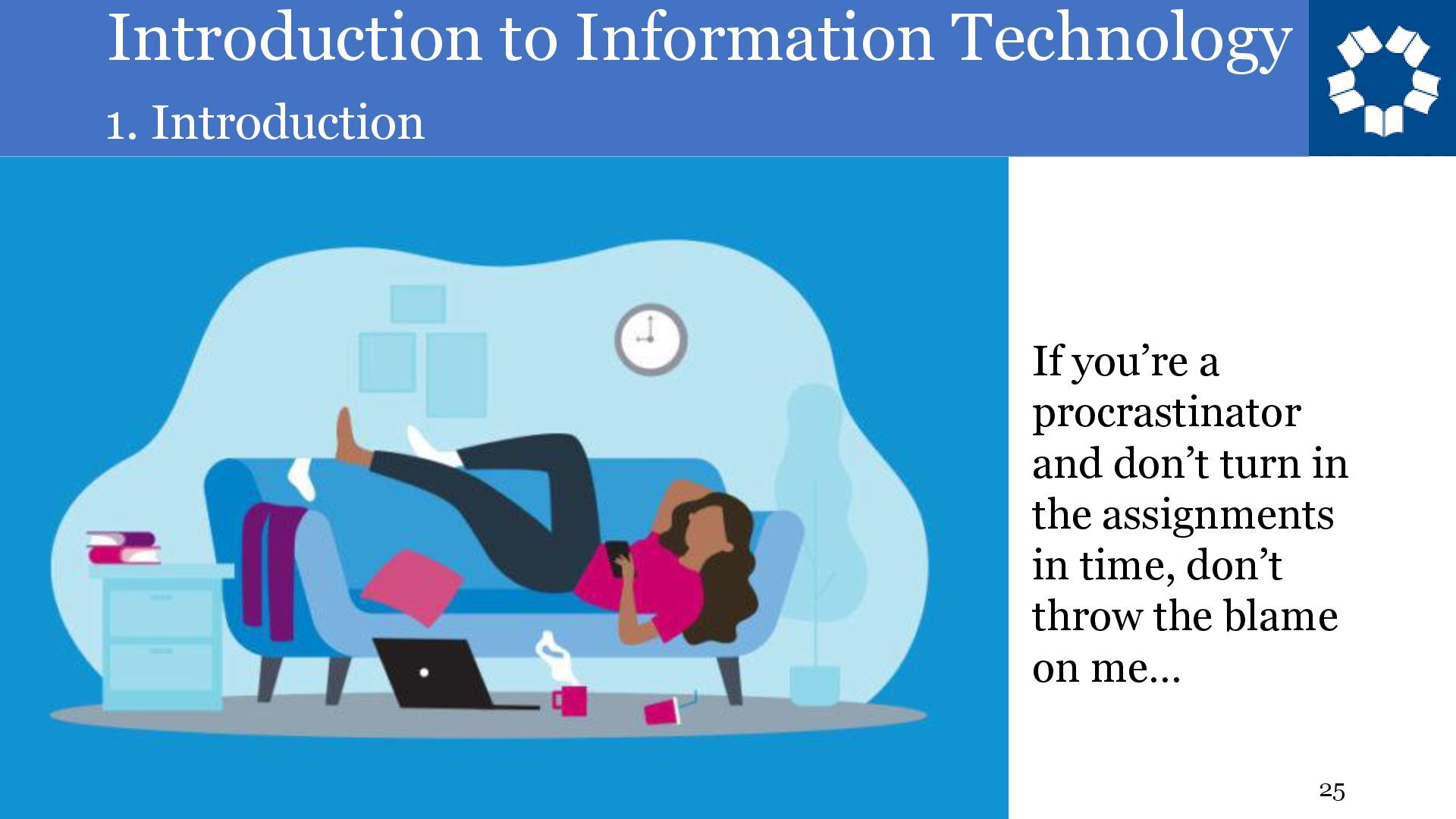
and follow the assignment’s instructions • Midterm and Final Exams will only be available on the Exam day, in class, in class schedule. It can’t be retaken. Notes can be used. • All quizzes have one attempt • Late submissions are not graded in 100% basis. • Don’t wait until the last day to submit all pending assignments • Don’t wait until the last day to speak up and say you couldn’t handle the work load.
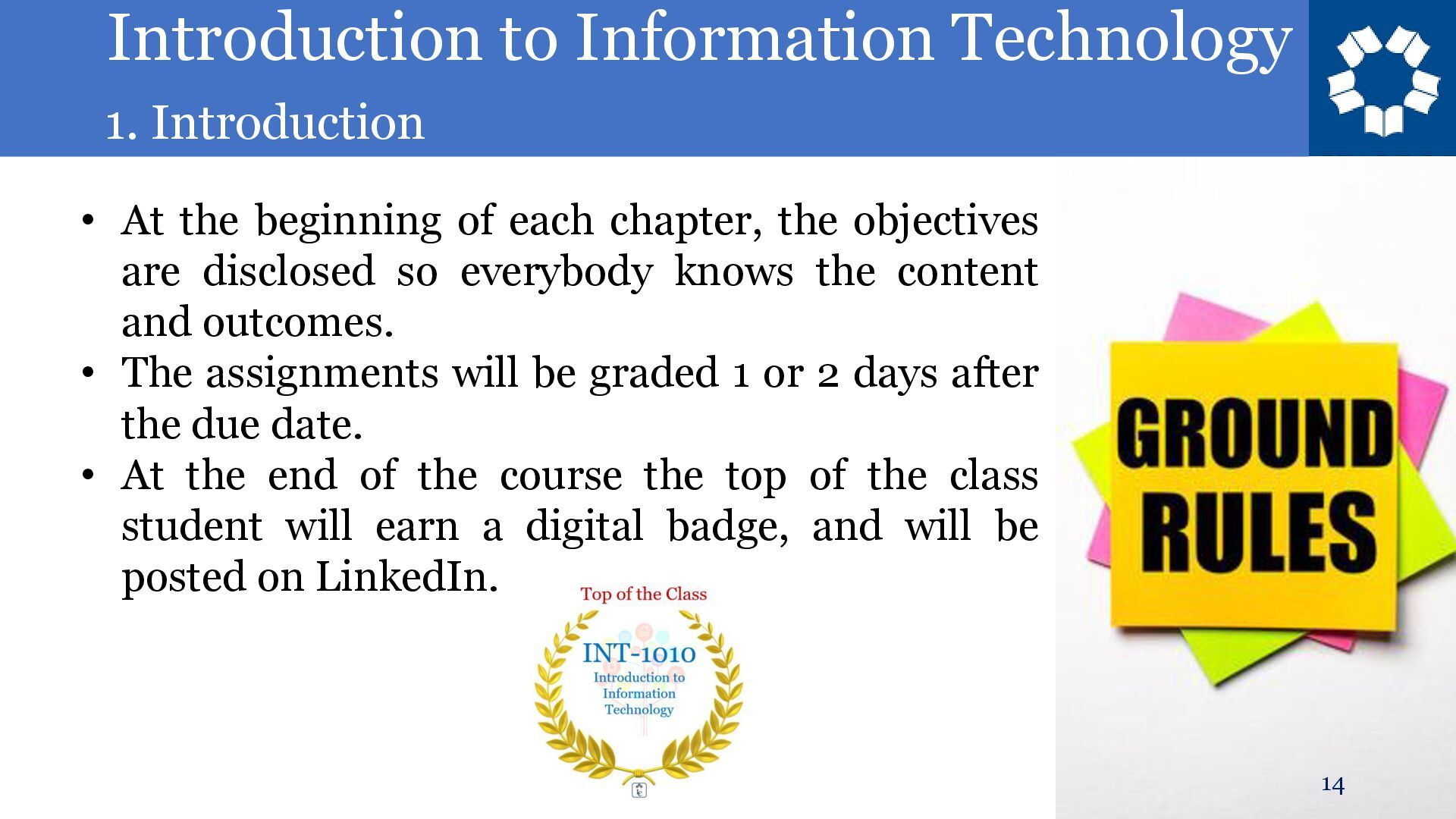
beginning of each chapter, the objectives are disclosed so everybody knows the content and outcomes. • The assignments will be graded 1 or 2 days after the due date. • At the end of the course the top of the class student will earn a digital badge, and will be posted on LinkedIn.
polite. Say “good morning” or “good afternoon” when you come inside the classroom, and in any public space. • Submissions are due usually on Sundays, before midnight.
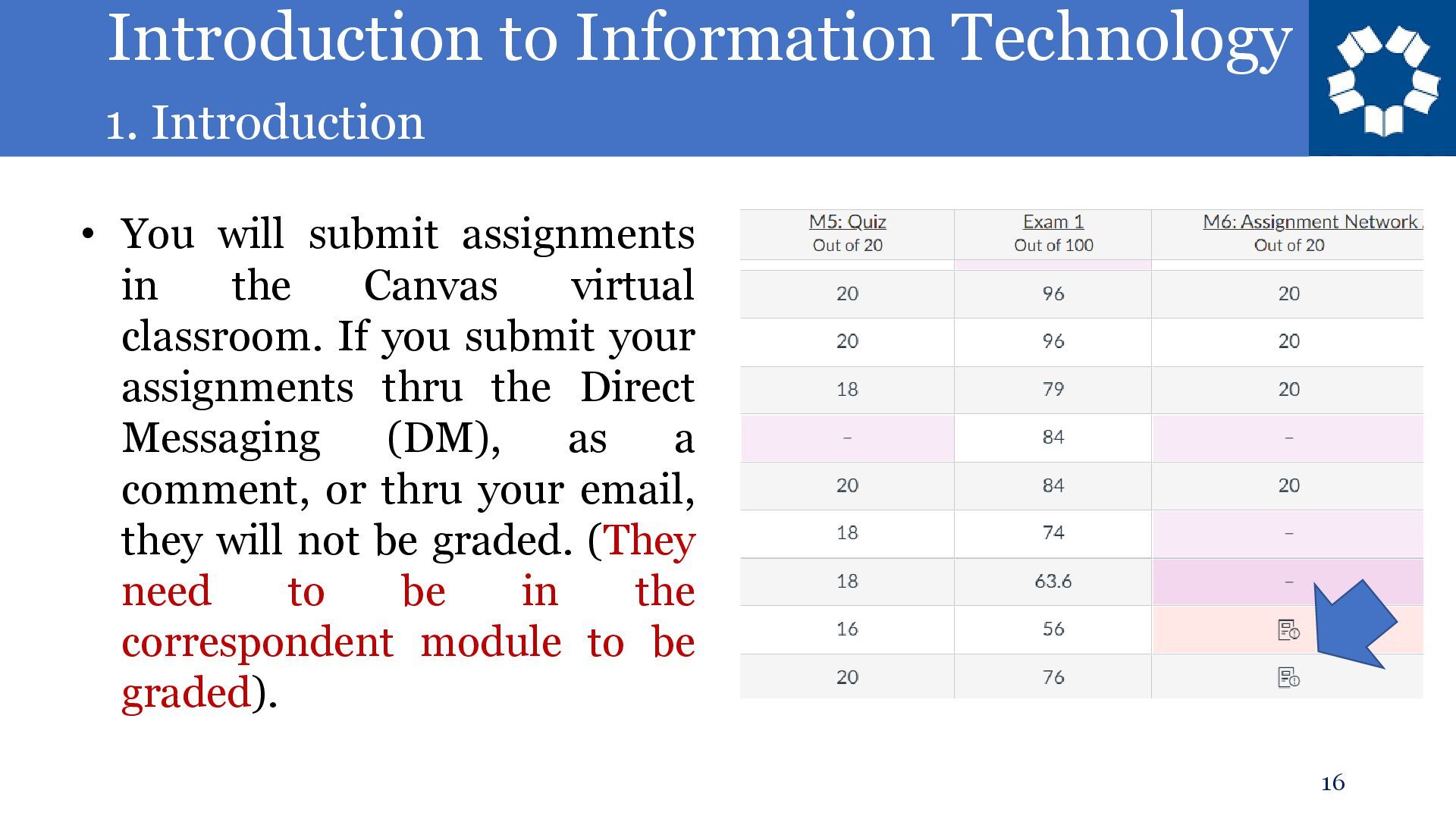
submit assignments in the Canvas virtual classroom. If you submit your assignments thru the Direct Messaging (DM), as a comment, or thru your email, they will not be graded. (They need to be in the correspondent module to be graded).
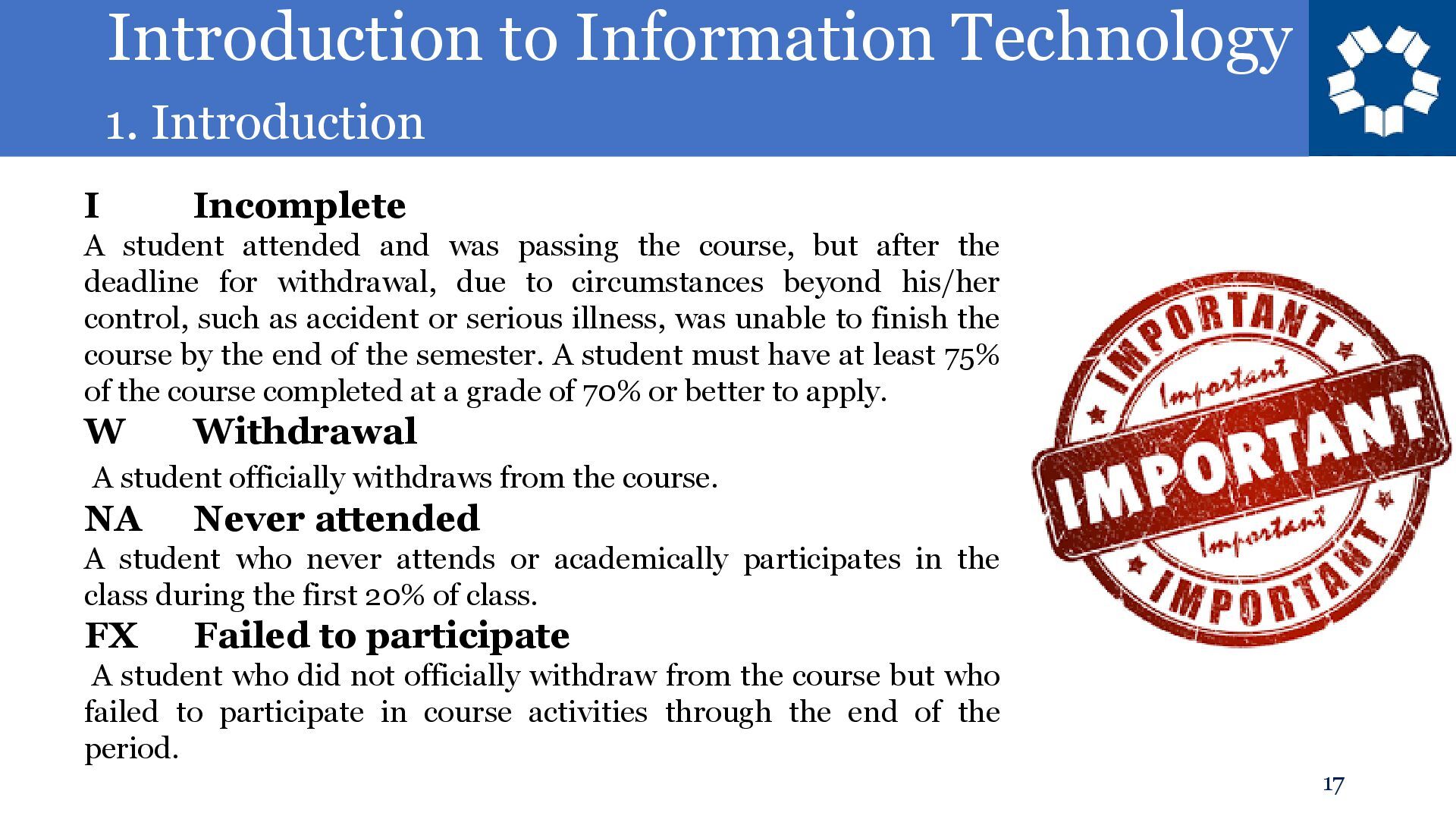
student attended and was passing the course, but after the deadline for withdrawal, due to circumstances beyond his/her control, such as accident or serious illness, was unable to finish the course by the end of the semester. A student must have at least 75% of the course completed at a grade of 70% or better to apply. W Withdrawal A student officially withdraws from the course. NA Never attended A student who never attends or academically participates in the class during the first 20% of class. FX Failed to participate A student who did not officially withdraw from the course but who failed to participate in course activities through the end of the period.
based PC for the assignments. It’s going to be easier. (If you don’t have one, you can use the PC’s in the Campus’ Open Labs, or you can request a PC loaner).
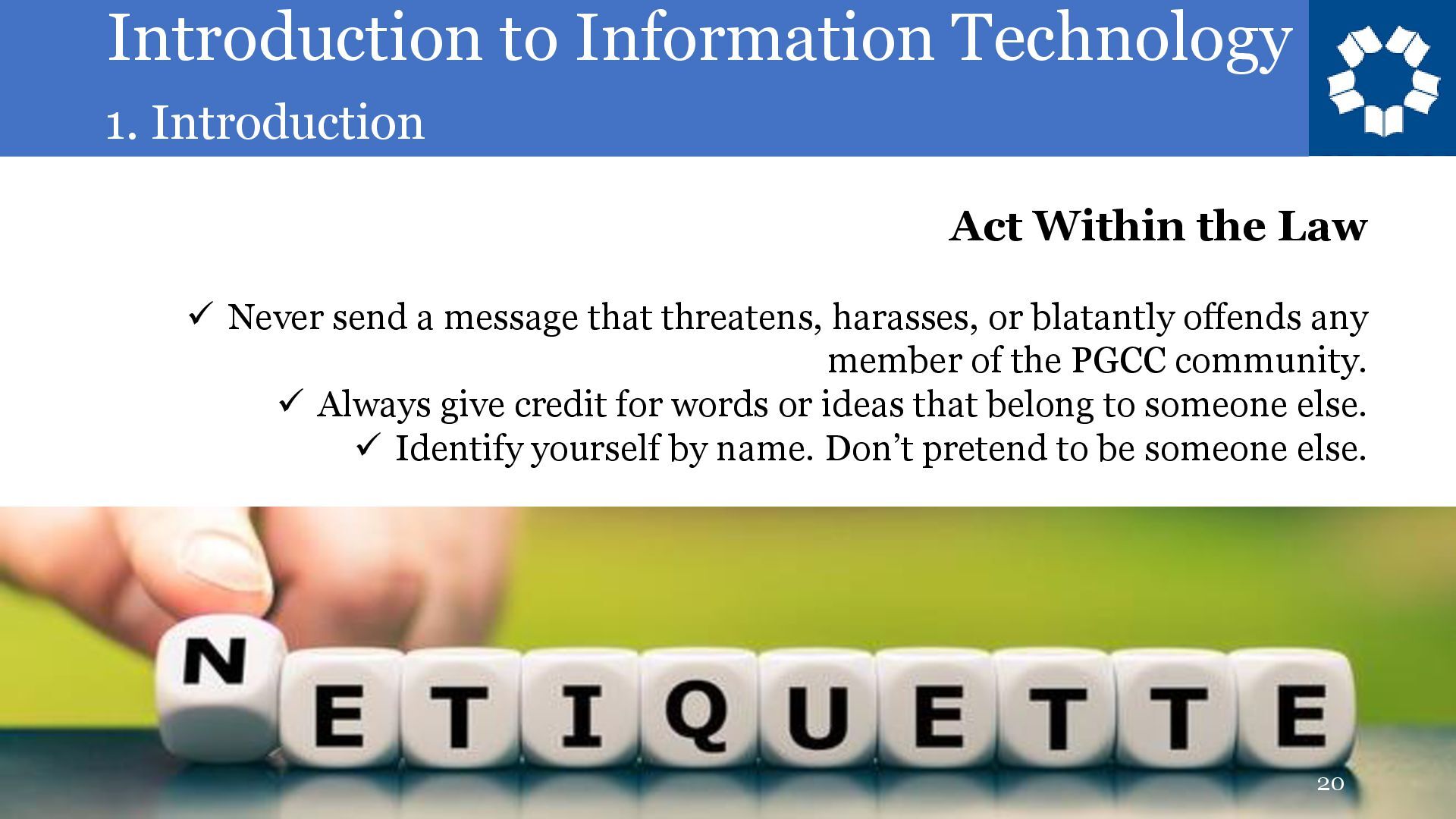
Law ✓ Never send a message that threatens, harasses, or blatantly offends any member of the PGCC community. ✓ Always give credit for words or ideas that belong to someone else. ✓ Identify yourself by name. Don’t pretend to be someone else.
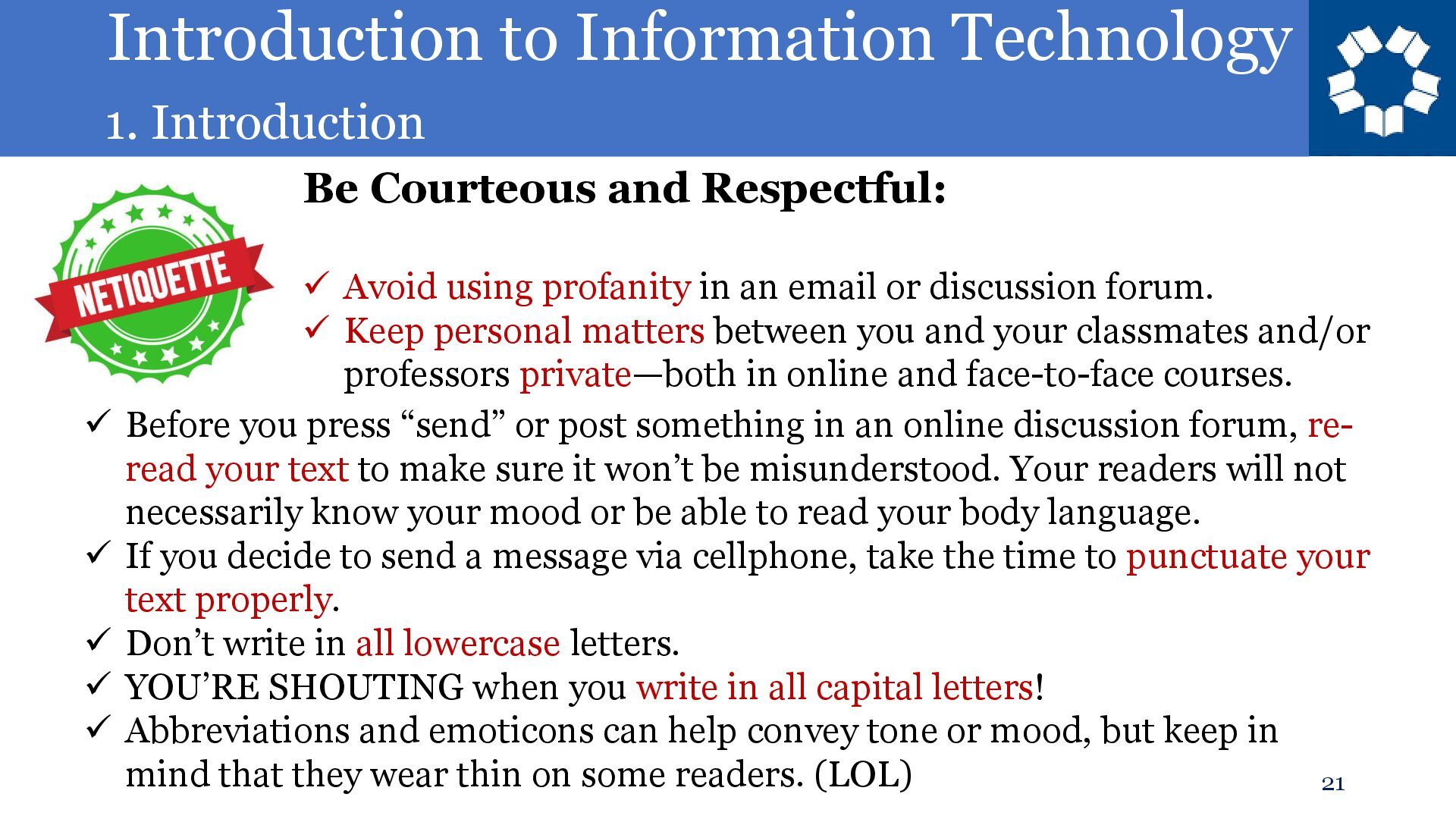
Respectful: ✓ Avoid using profanity in an email or discussion forum. ✓ Keep personal matters between you and your classmates and/or professors private—both in online and face-to-face courses. ✓ Before you press “send” or post something in an online discussion forum, re- read your text to make sure it won’t be misunderstood. Your readers will not necessarily know your mood or be able to read your body language. ✓ If you decide to send a message via cellphone, take the time to punctuate your text properly. ✓ Don’t write in all lowercase letters. ✓ YOU’RE SHOUTING when you write in all capital letters! ✓ Abbreviations and emoticons can help convey tone or mood, but keep in mind that they wear thin on some readers. (LOL)
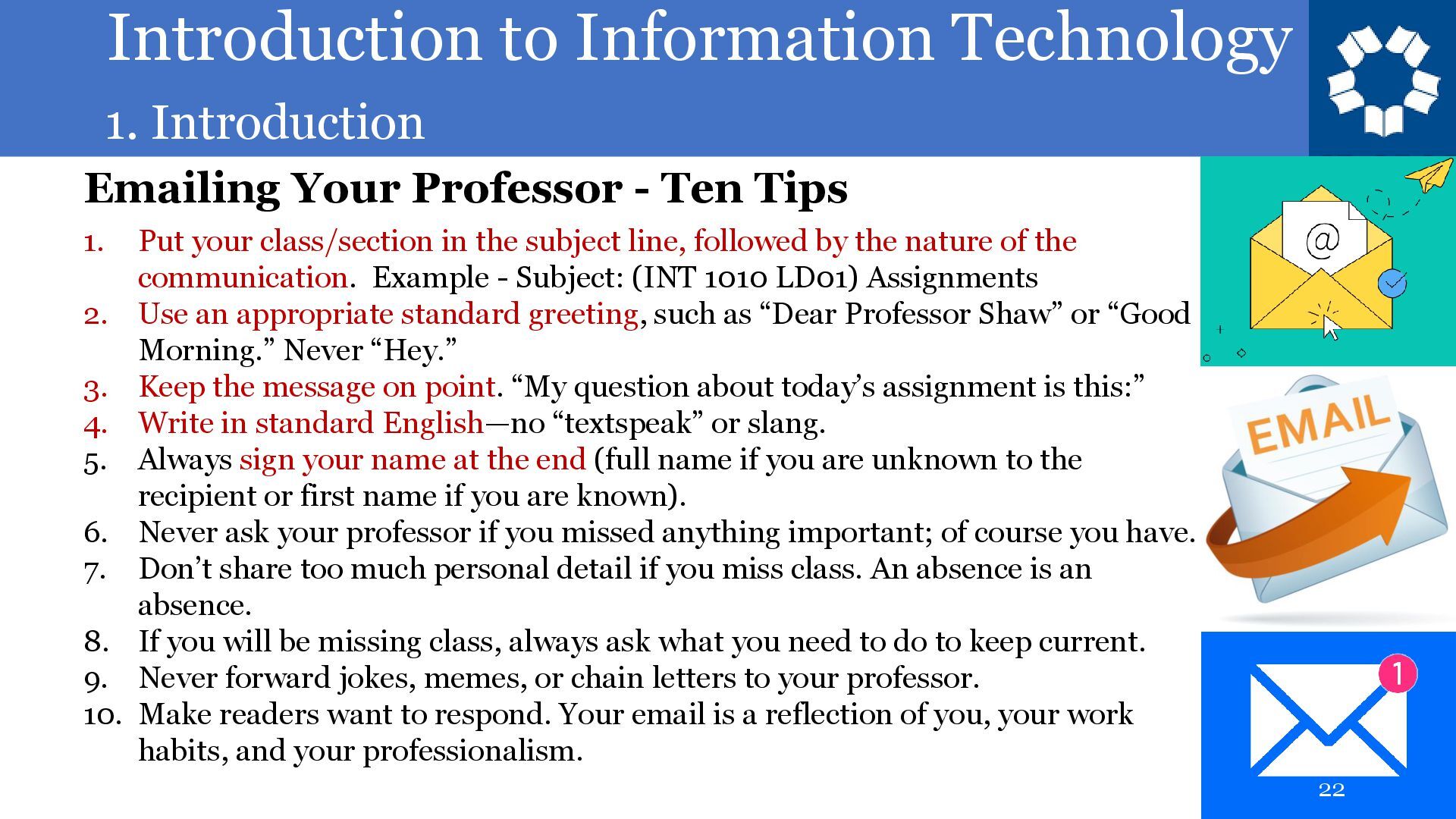
- Ten Tips 1. Put your class/section in the subject line, followed by the nature of the communication. Example - Subject: (INT 1010 LD01) Assignments 2. Use an appropriate standard greeting, such as “Dear Professor Shaw” or “Good Morning.” Never “Hey.” 3. Keep the message on point. “My question about today’s assignment is this:” 4. Write in standard English—no “textspeak” or slang. 5. Always sign your name at the end (full name if you are unknown to the recipient or first name if you are known). 6. Never ask your professor if you missed anything important; of course you have. 7. Don’t share too much personal detail if you miss class. An absence is an absence. 8. If you will be missing class, always ask what you need to do to keep current. 9. Never forward jokes, memes, or chain letters to your professor. 10. Make readers want to respond. Your email is a reflection of you, your work habits, and your professionalism.


 frievea
 drpoonamkc
 matleenalaakso
 signer
 mariooc
 yoshimura_datam
 terasawat
 kekekenta
 pawan_pharm
 akiraasano
 naochim2026
 letsgokoyo
 mclloyd
 mza
mza
 mongodb
 quramy
 jeffersonlam
 reverentgeek
 lcolladotor
 chriscoyier
 portentint
 addyosmani
 aleyda