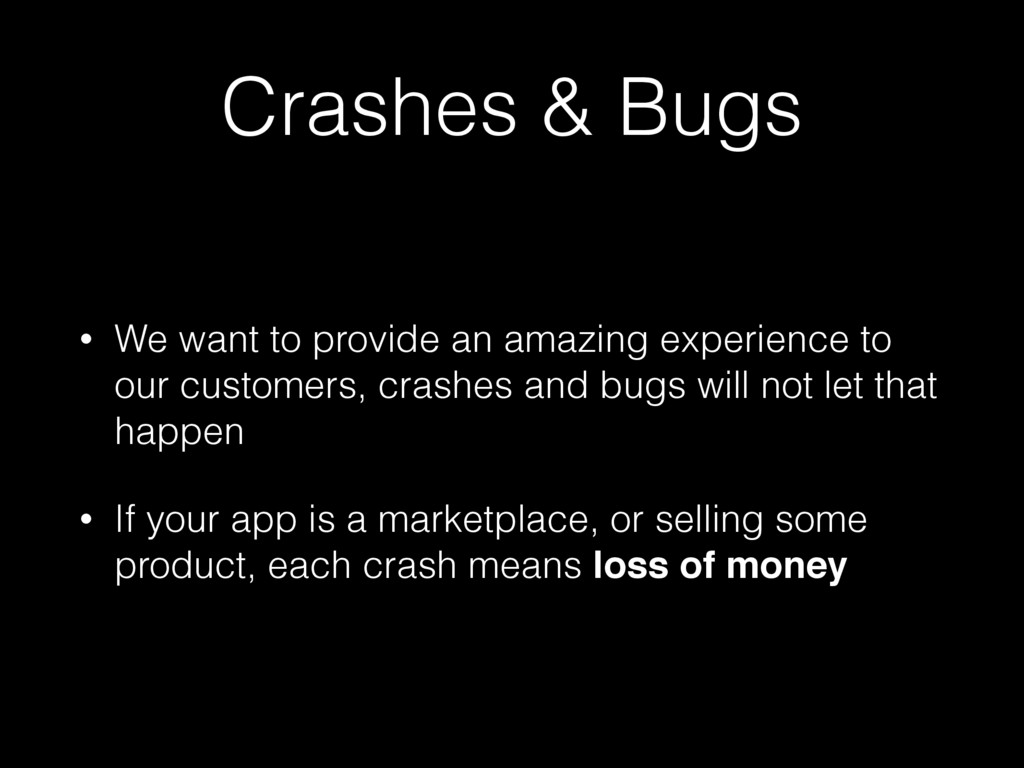
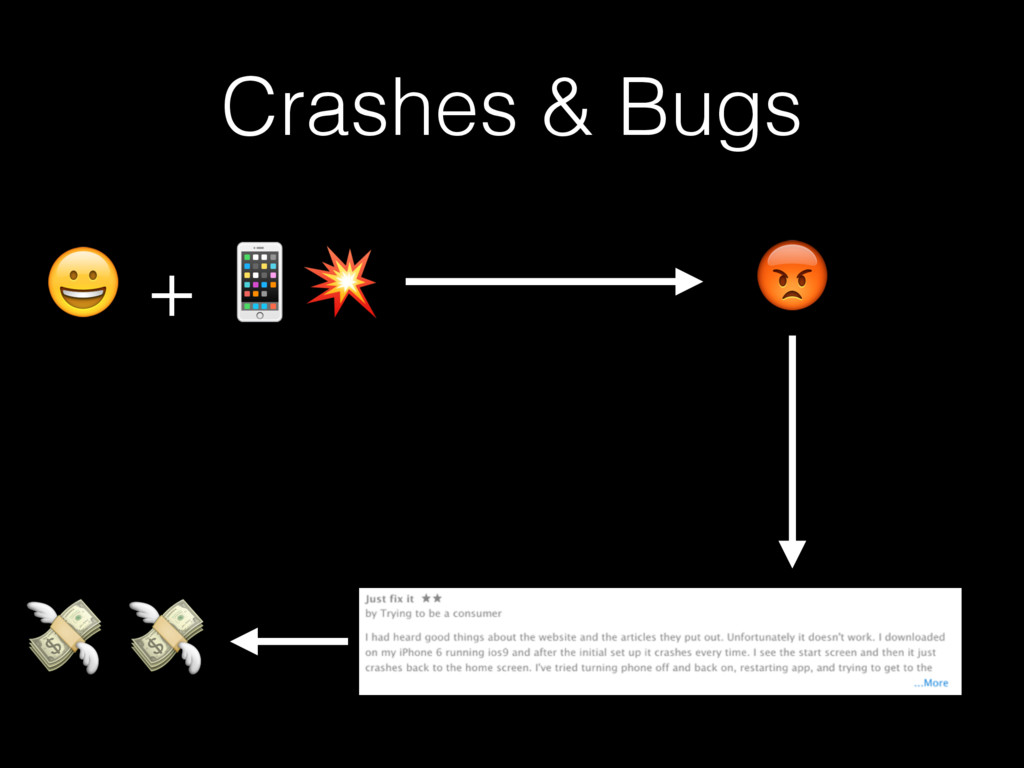
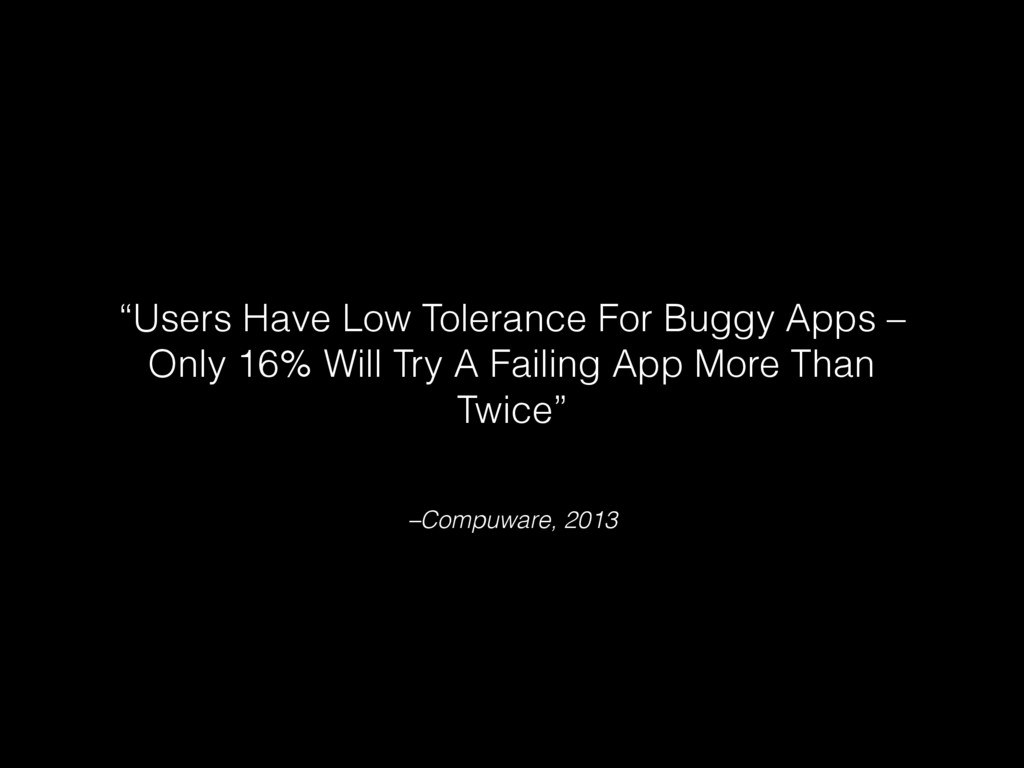
experience to our customers, crashes and bugs will not let that happen • If your app is a marketplace, or selling some product, each crash means loss of money
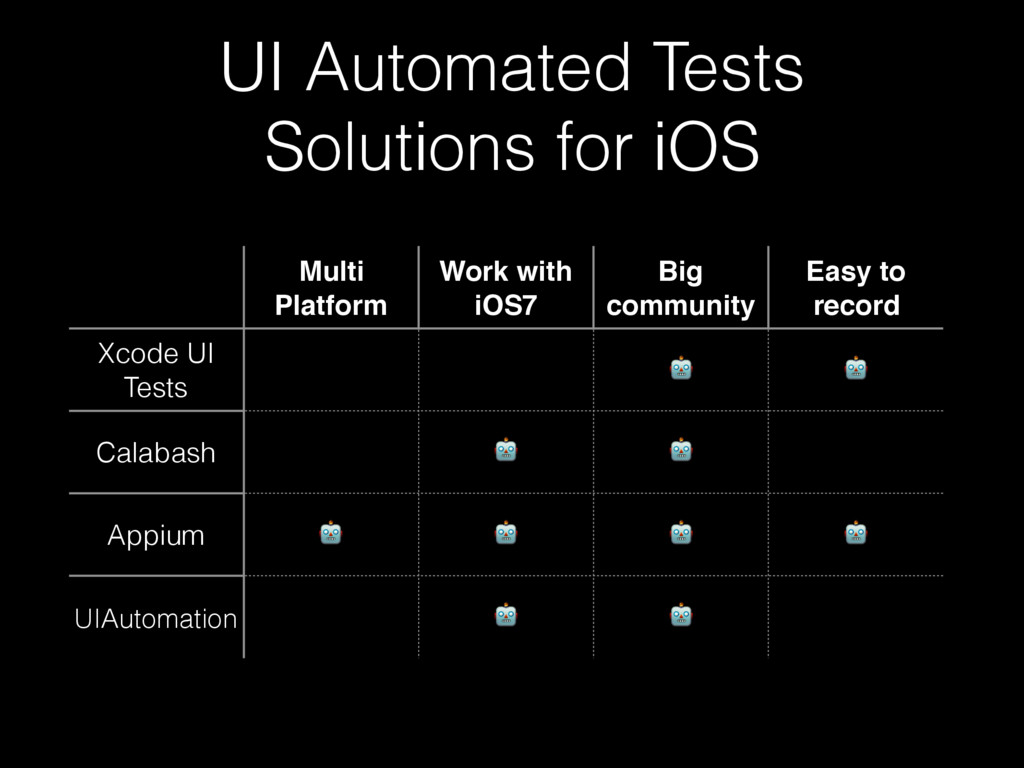
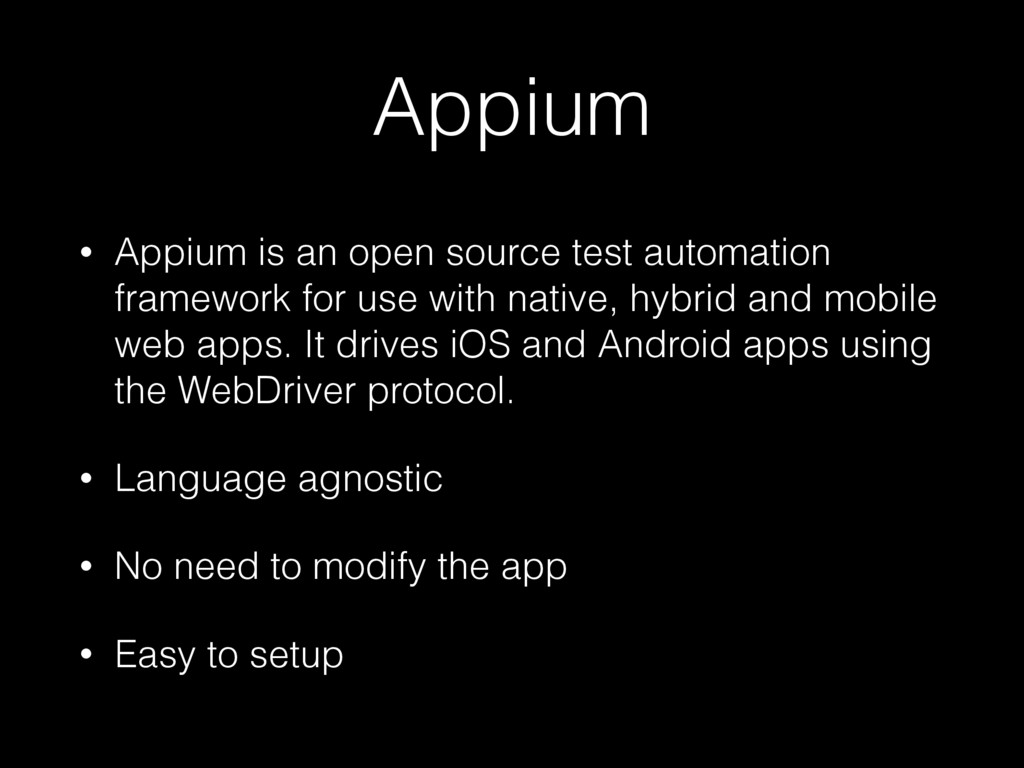
for use with native, hybrid and mobile web apps. It drives iOS and Android apps using the WebDriver protocol. • Language agnostic • No need to modify the app • Easy to setup
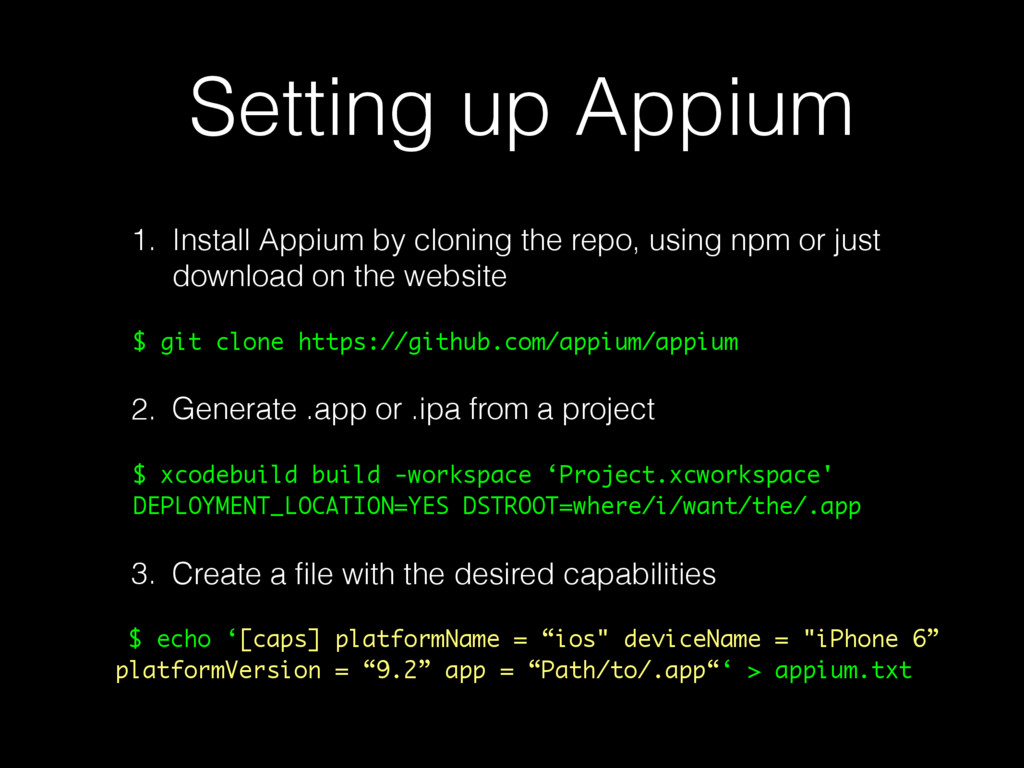
using npm or just download on the website $ git clone https://github.com/appium/appium 2. Generate .app or .ipa from a project $ xcodebuild build -workspace ‘Project.xcworkspace' DEPLOYMENT_LOCATION=YES DSTROOT=where/i/want/the/.app 3. Create a file with the desired capabilities $ echo ‘[caps] platformName = “ios" deviceName = "iPhone 6” platformVersion = “9.2” app = “Path/to/.app“‘ > appium.txt
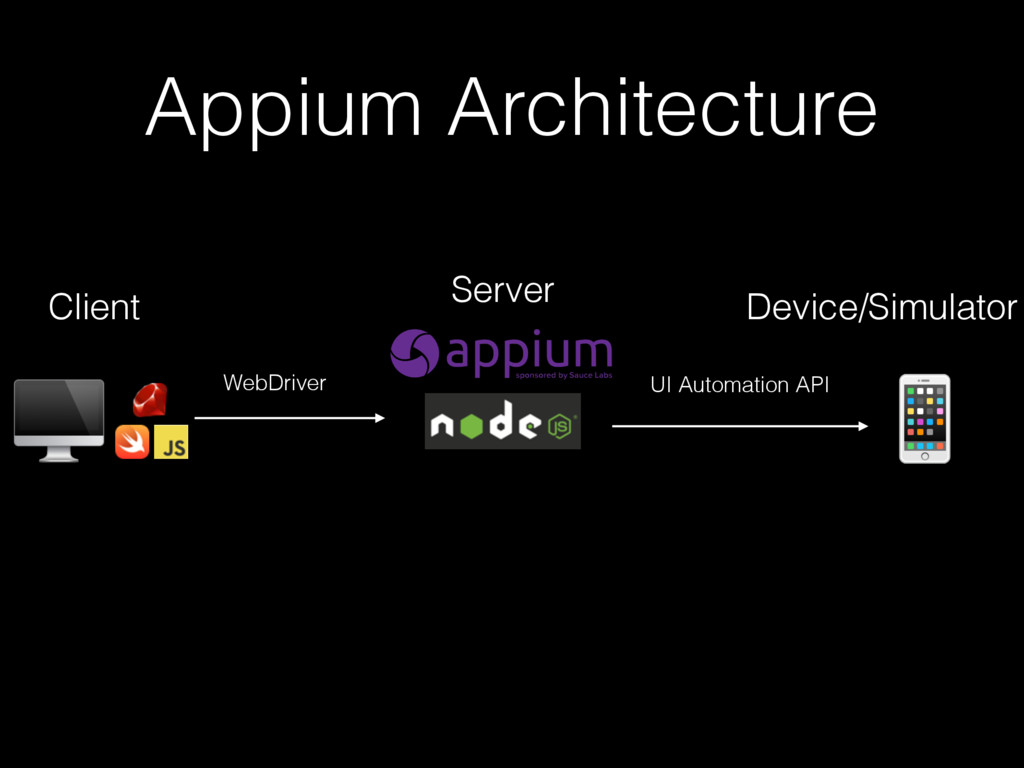
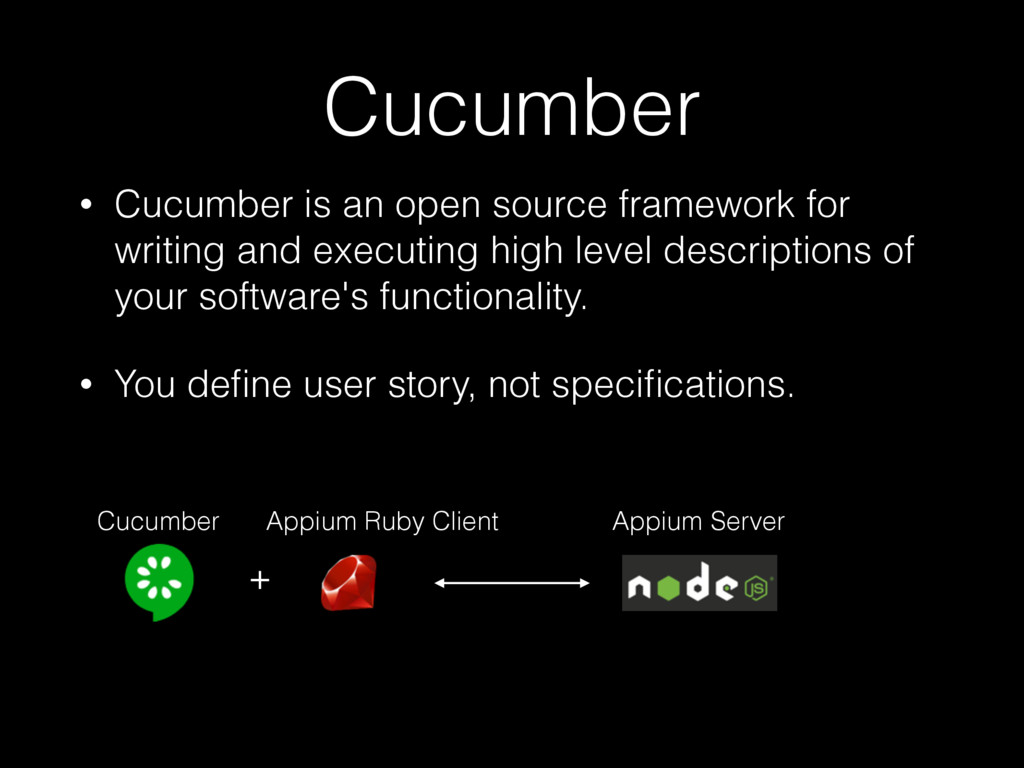
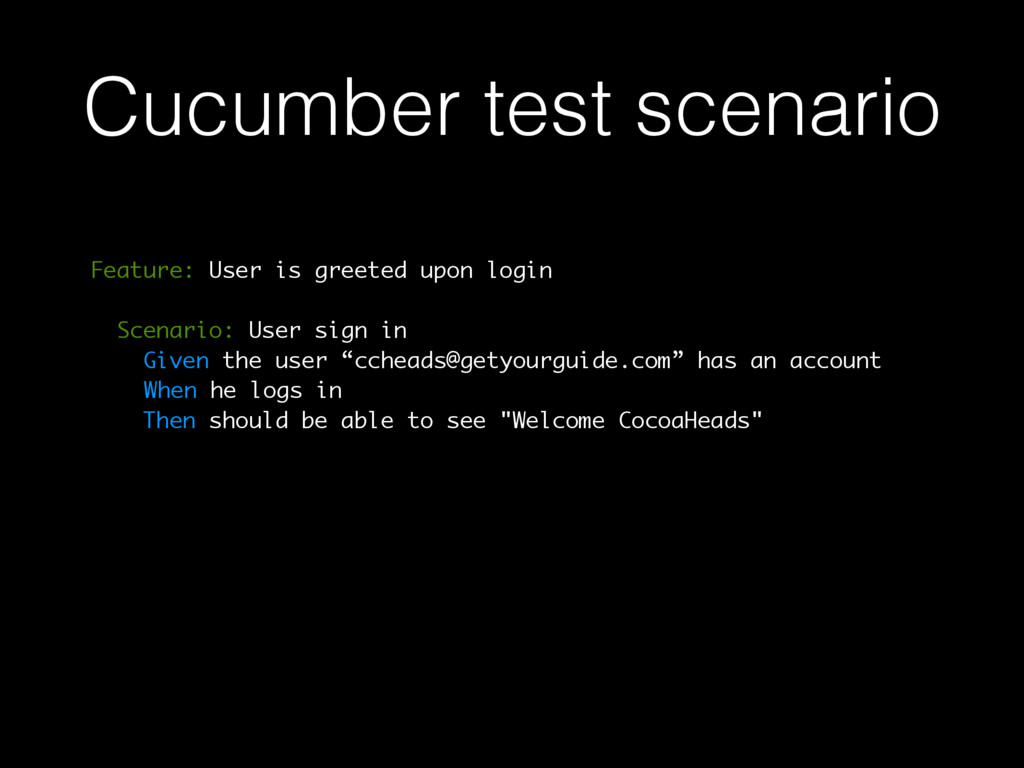
and executing high level descriptions of your software's functionality. • You define user story, not specifications. + Appium Ruby Client Cucumber Appium Server
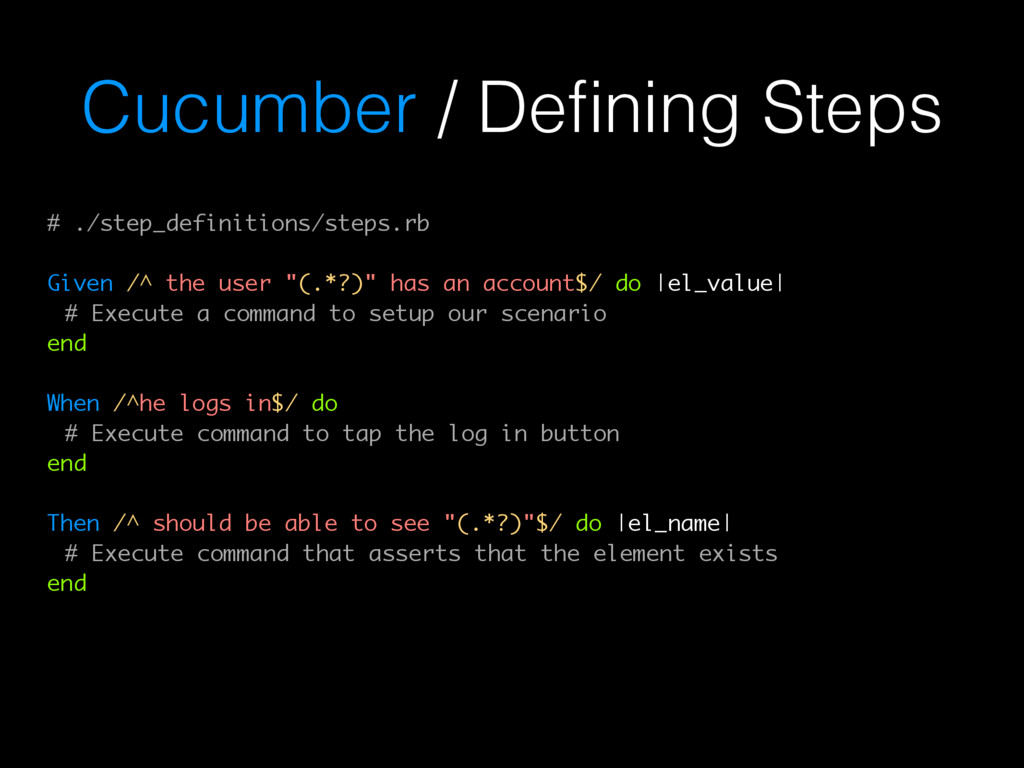
"(.*?)" has an account$/ do |el_value| # Execute a command to setup our scenario end When /^he logs in$/ do # Execute command to tap the log in button end Then /^ should be able to see "(.*?)"$/ do |el_name| # Execute command that asserts that the element exists end
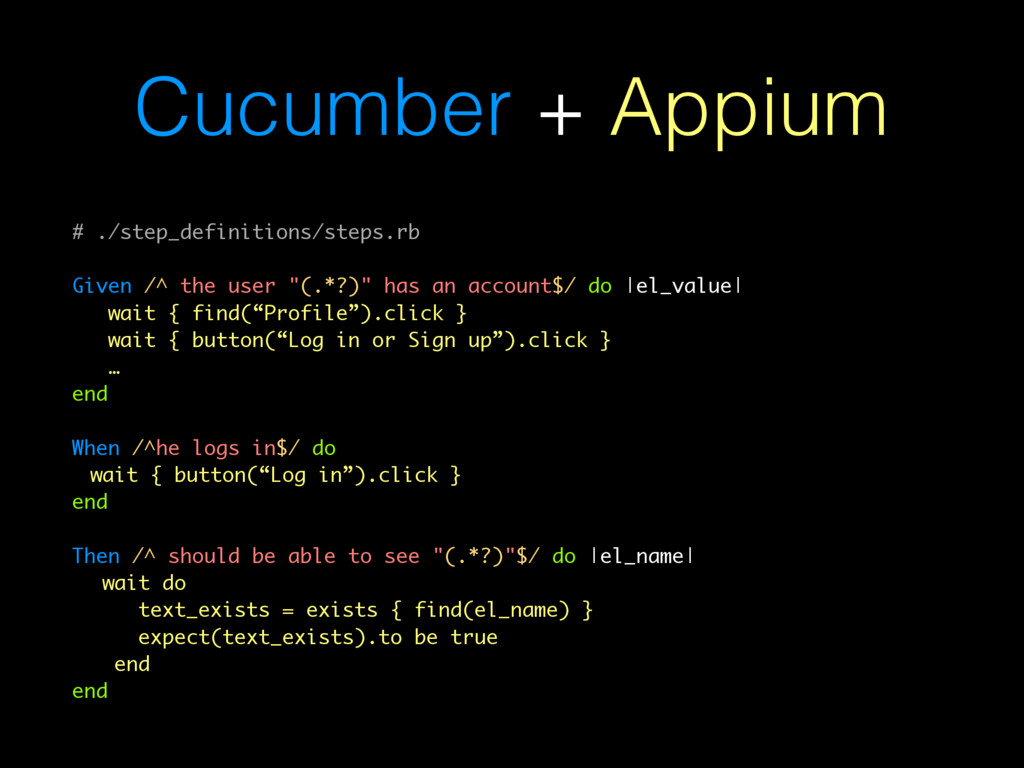
has an account$/ do |el_value| wait { find(“Profile”).click } wait { button(“Log in or Sign up”).click } … end When /^he logs in$/ do wait { button(“Log in”).click } end Then /^ should be able to see "(.*?)"$/ do |el_name| wait do text_exists = exists { find(el_name) } expect(text_exists).to be true end end
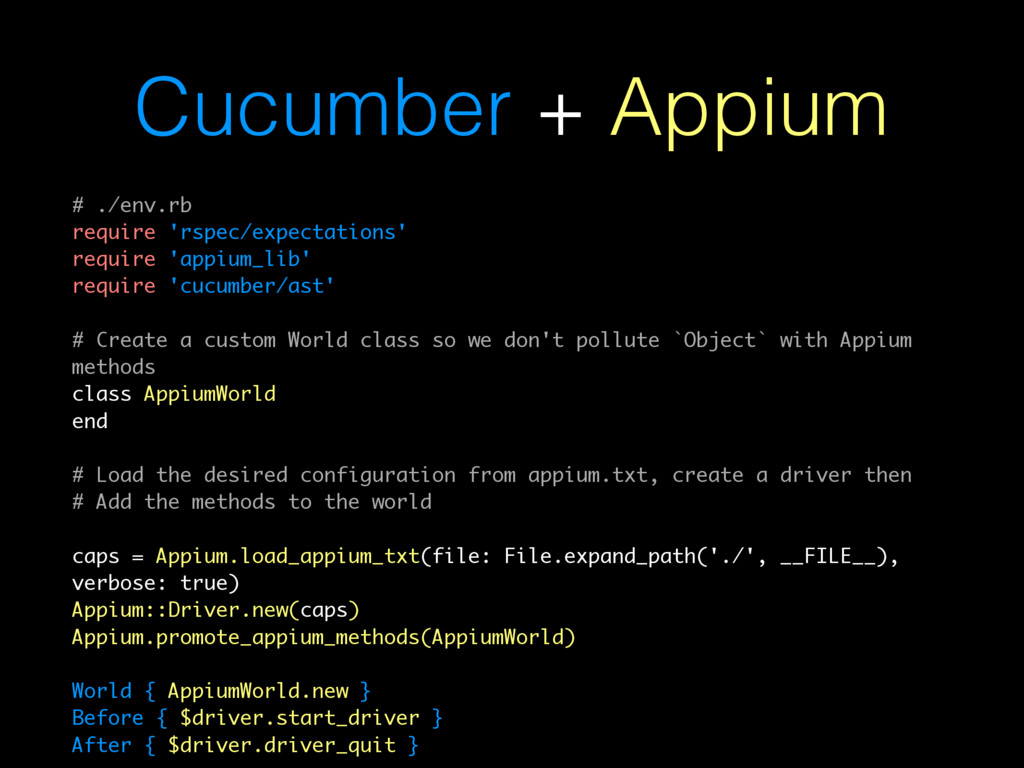
'cucumber/ast' # Create a custom World class so we don't pollute `Object` with Appium methods class AppiumWorld end # Load the desired configuration from appium.txt, create a driver then # Add the methods to the world caps = Appium.load_appium_txt(file: File.expand_path('./', __FILE__), verbose: true) Appium::Driver.new(caps) Appium.promote_appium_methods(AppiumWorld) World { AppiumWorld.new } Before { $driver.start_driver } After { $driver.driver_quit }
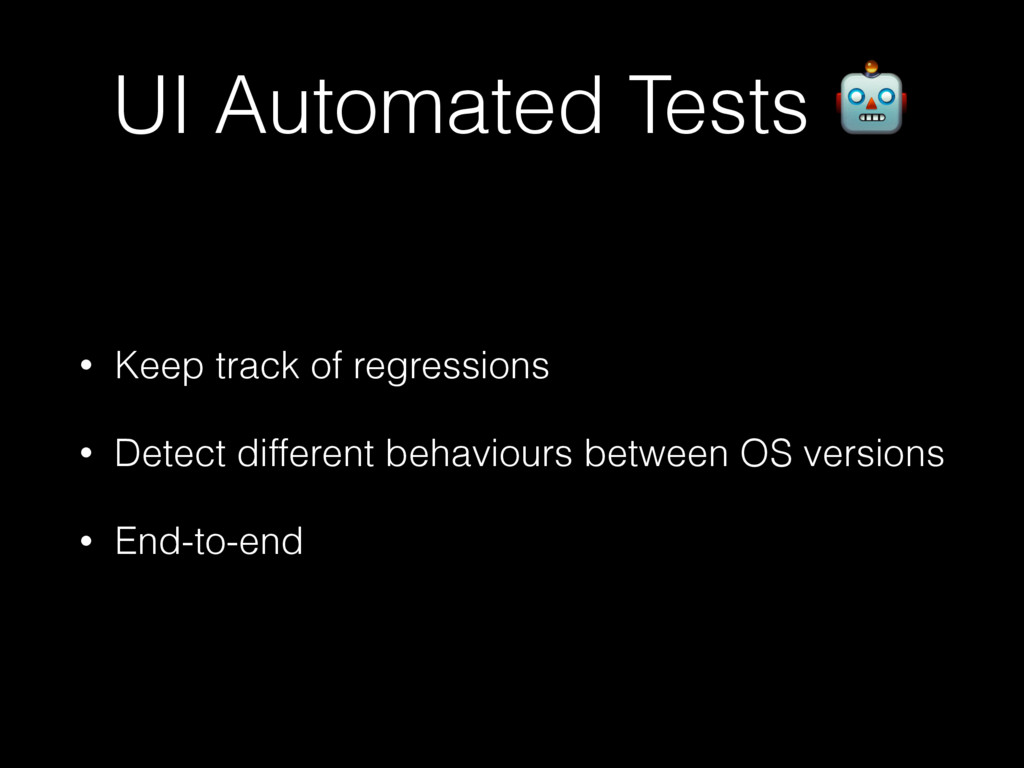
to modify your project and is language agnostic. • Cucumber gives you the possibility to write tests in a user stories form, with natural language • Combining Appium with Cucumber helps you keep track of regression, catch crashes & bugs, before going to production


 akihisaikeda
 yub0n
yub0n
 satoshi256kbyte
 tanahiro2010
 uyuki234
 irinanazarova
 drumath2237
 iwatsukayura
 florets1
 nokomoro3
 chobishiba
 akit37
 baasie
 chriscoyier
 ipullrank
 skoyamalab
 tamaranovitovic
 livdayseo
 twada
twada
 lindahogenes
 addyosmani
 holman
 hannesfritz








![Questions? @marciok [email protected]](https://files.speakerdeck.com/presentations/5a090c3089d447f4af06289681ac7389/slide_28.jpg)