Upgrade to Pro — share decks privately, control downloads, hide ads and more …

Grunt - The JavaScript Task Runner

Sponsored · Your Podcast. Everywhere. Effortlessly. Share. Educate. Inspire. Entertain. You do you. We'll handle the rest.

Grunt - The JavaScript Task Runner

Grunt is a task-based command line build tool for JavaScript projects.

Avatar for Mohammed Arif

Mohammed Arif

June 05, 2013
Tweet

More Decks by Mohammed Arif

Other Decks in Technology

Transcript

  1. 1 GRUNT THE JAVASCRIPT TASK RUNNER Mohammed Arif Manager Interactive

    Development @ SapientNitro www.mohammedarif.com https://twitter.com/#!/arif_iq http://in.linkedin.com/in/mohdarif
  2. 2 AGENDA §  What is grunt? §  Why Grunt? § 

    How Do I start? §  npm §  Node.js §  How Do I Install it? §  How Do I Use it? §  Demo §  Who have been using it? §  Q & A
  3. 3 WHAT IS GRUNT? Grunt is a task-based command line

    build tool for JavaScript projects.
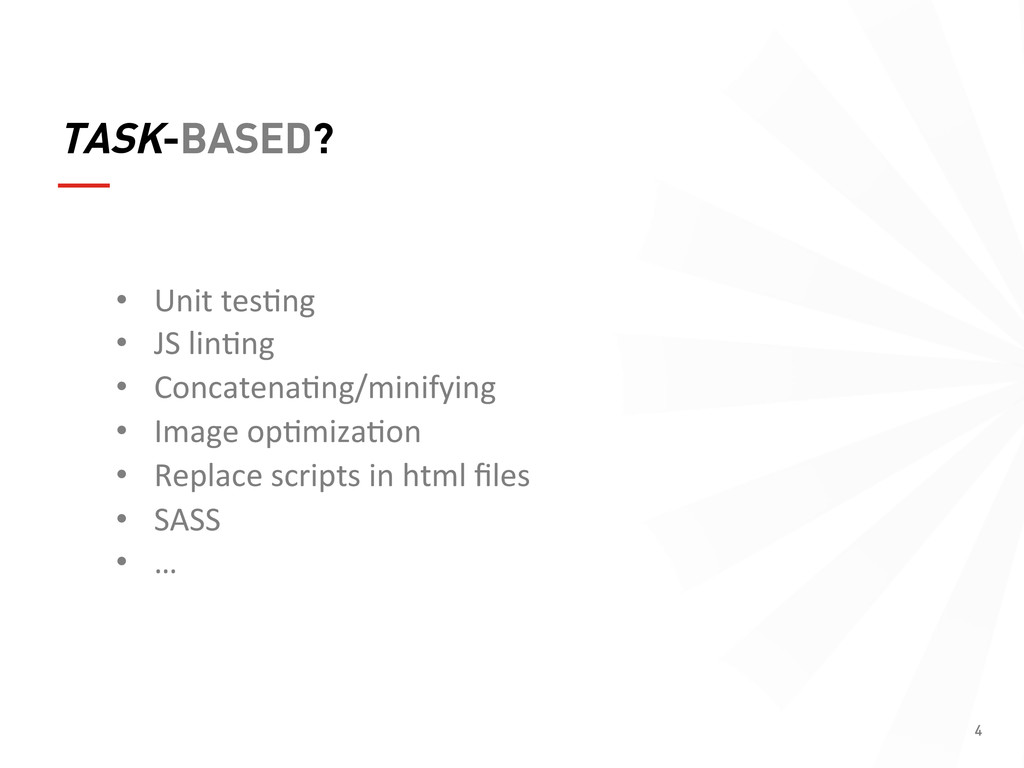
  4. 4 TASK-BASED? •  Unit  tes(ng   •  JS  lin(ng  

    •  Concatena(ng/minifying   •  Image  op(miza(on   •  Replace  scripts  in  html  files   •  SASS   •  …  
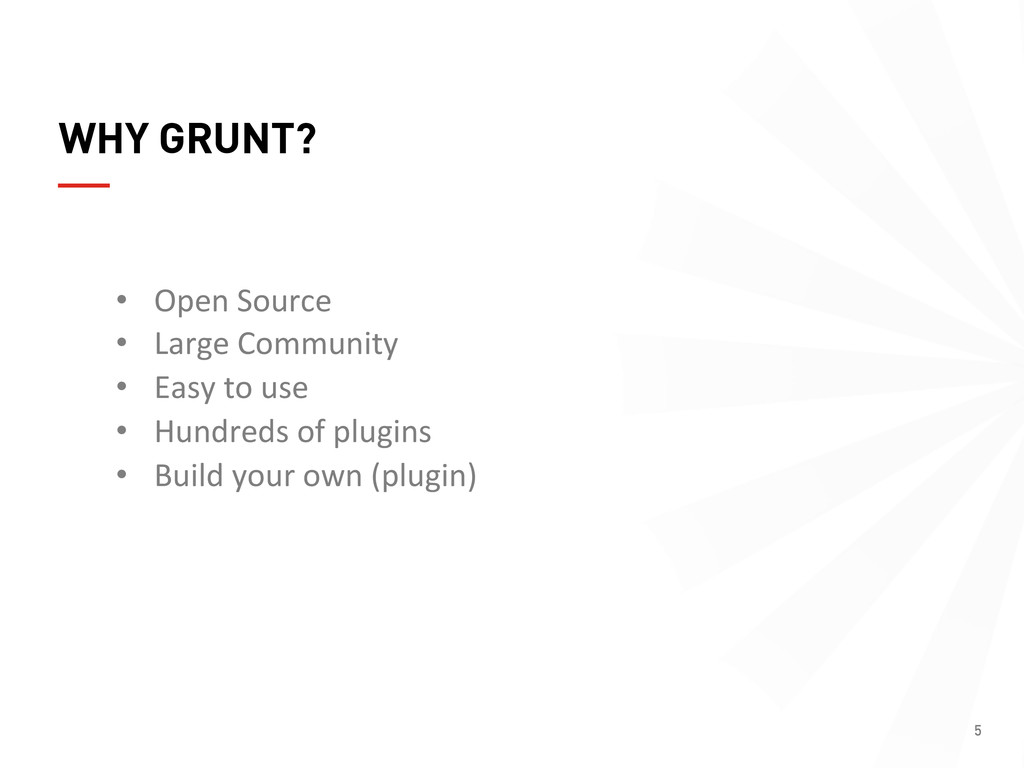
  5. 5 WHY GRUNT? •  Open  Source   •  Large  Community

      •  Easy  to  use   •  Hundreds  of  plugins   •  Build  your  own  (plugin)  
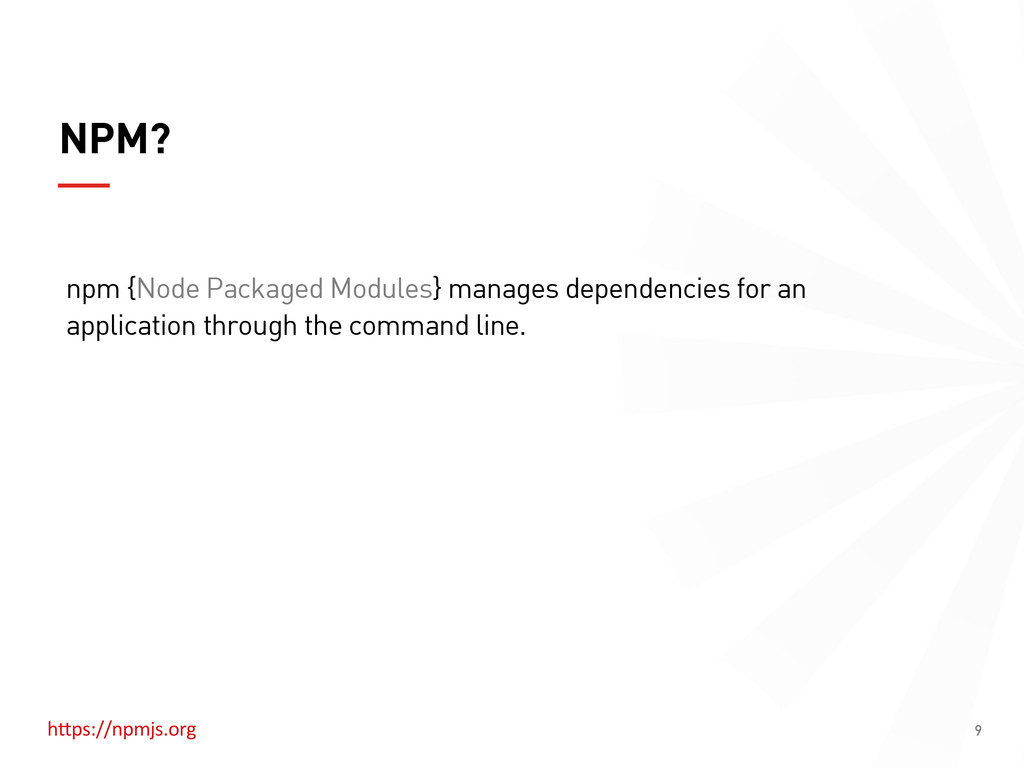
  6. 9 NPM? npm {Node Packaged Modules} manages dependencies for an

    application through the command line. hHps://npmjs.org  
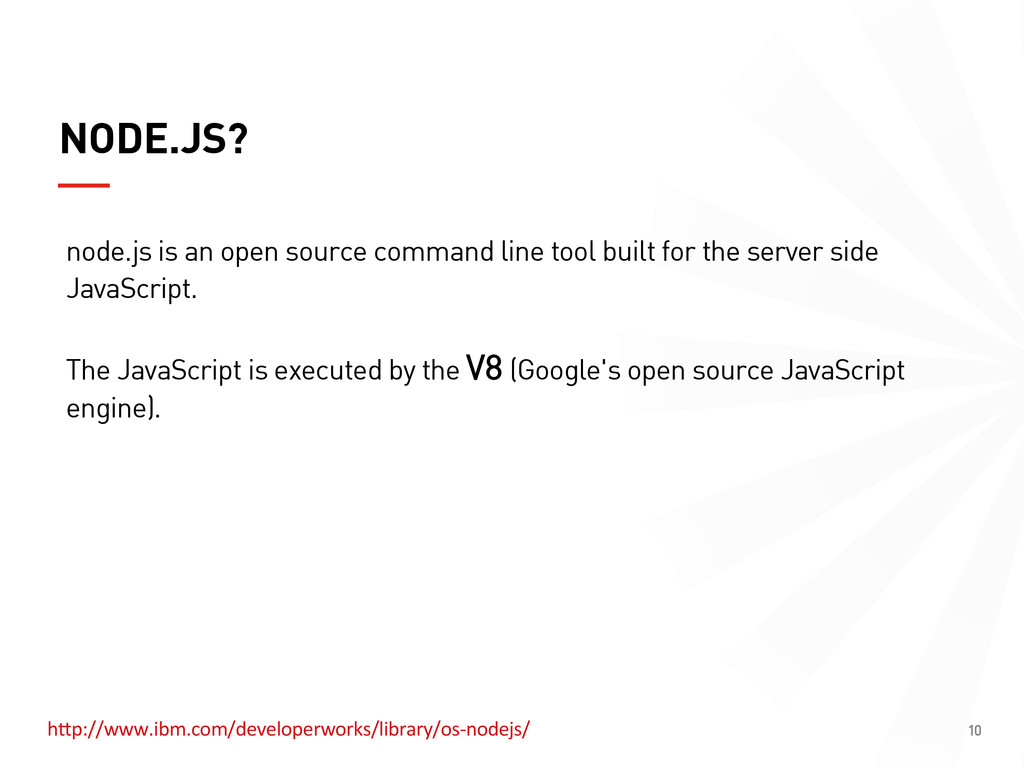
  7. 10 NODE.JS? node.js is an open source command line tool

    built for the server side JavaScript. The JavaScript is executed by the V8 (Google's open source JavaScript engine). hHp://www.ibm.com/developerworks/library/os-­‐nodejs/  
  8. 11 HOW DO I INSTALL GRUNT CLI ? $ npm

    install -g grunt-cli This will put the grunt command in your system path, allowing it to be run from any directory. *  Note that installing grunt-cli does not install the grunt task runner! You need to install Grunt's command line interface (CLI) globally.
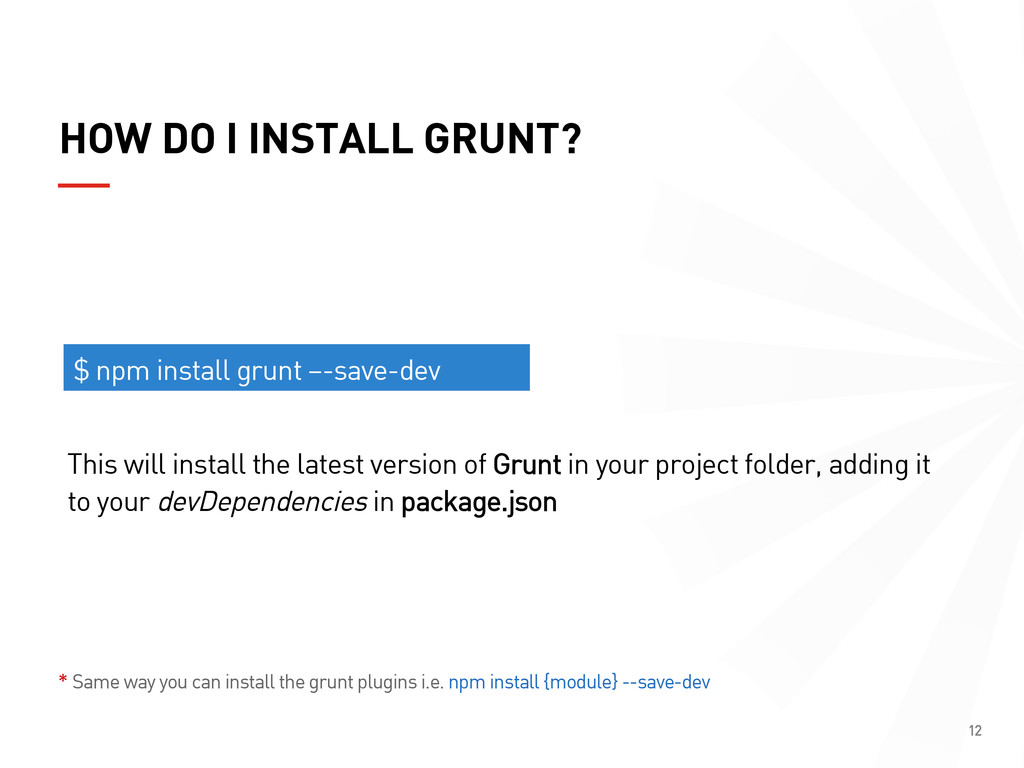
  9. 12 HOW DO I INSTALL GRUNT? $ npm install grunt

    –-save-dev This will install the latest version of Grunt in your project folder, adding it to your devDependencies in package.json *  Same way you can install the grunt plugins i.e. npm install {module} --save-dev
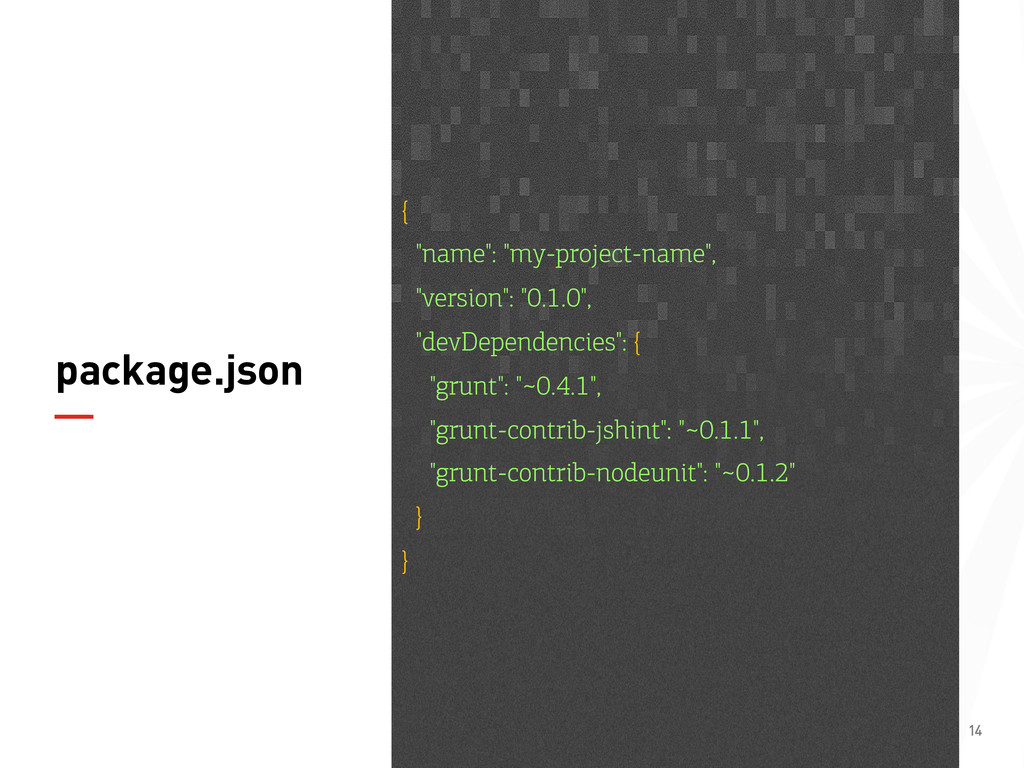
  10. 14 package.json { "name": "my-project-name", "version": "0.1.0", "devDependencies": { "grunt":

    "~0.4.1", "grunt-contrib-jshint": "~0.1.1", "grunt-contrib-nodeunit": "~0.1.2" } }
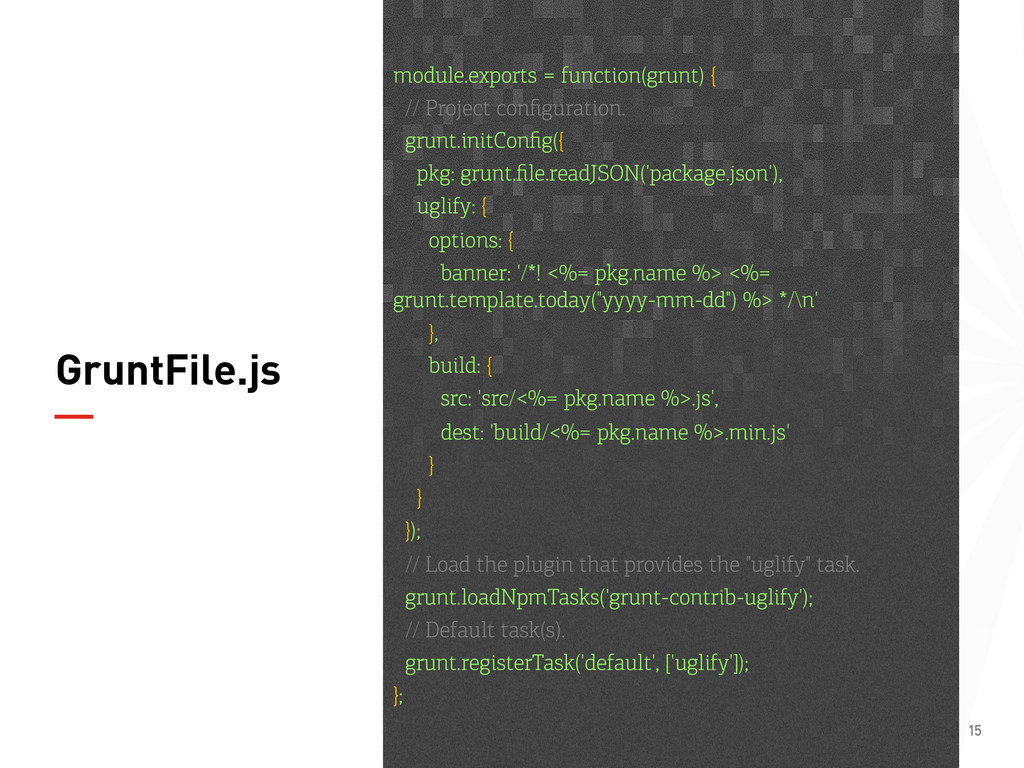
  11. 15 GruntFile.js module.exports = function(grunt) { // Project configuration. grunt.initConfig({

    pkg: grunt.file.readJSON('package.json'), uglify: { options: { banner: '/*! <%= pkg.name %> <%= grunt.template.today("yyyy-mm-dd") %> */\n' }, build: { src: 'src/<%= pkg.name %>.js', dest: 'build/<%= pkg.name %>.min.js' } } }); // Load the plugin that provides the "uglify" task. grunt.loadNpmTasks('grunt-contrib-uglify'); // Default task(s). grunt.registerTask('default', ['uglify']); };
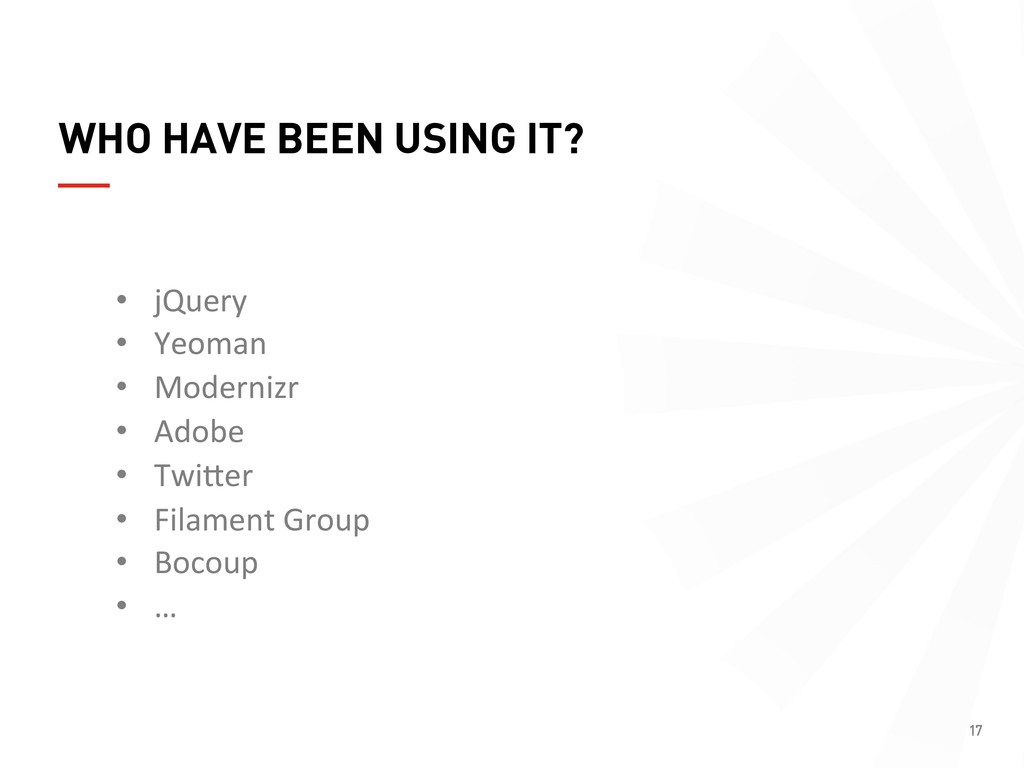
  12. 17 WHO HAVE BEEN USING IT? •  jQuery   • 

    Yeoman   •  Modernizr   •  Adobe   •  TwiHer   •  Filament  Group   •  Bocoup   •  …