Upgrade to Pro — share decks privately, control downloads, hide ads and more …

Project layout patterns in Go

Sponsored · Ship Features Fearlessly Turn features on and off without deploys. Used by thousands of Ruby developers.

Project layout patterns in Go

You completed the tour, learned the language, got your pet project on Github. Time to start a new project, a big one: how do you organize code, tests, docs? During the talk I’ll try to save you some trial and error by sharing the lessons learned during a year spent coding a non trivial Go project.

Avatar for Massimiliano Pippi

Massimiliano Pippi

October 22, 2018
Tweet

More Decks by Massimiliano Pippi

Other Decks in Programming

Transcript

  1. • Engineering team lead • 2+ year at Datadog, working

    on Agent and Integrations • Python and Go • OSS fan and contributor Hi, I’m Massi!
  2. What’s this about • How we laid out one of

    our Go projects ◦ Code is Open Source ◦ ~70k lines of Go ◦ ~10 fulltime contributors ◦ 11 teams involved ◦ Packaged, not deployed • Your mileage may vary
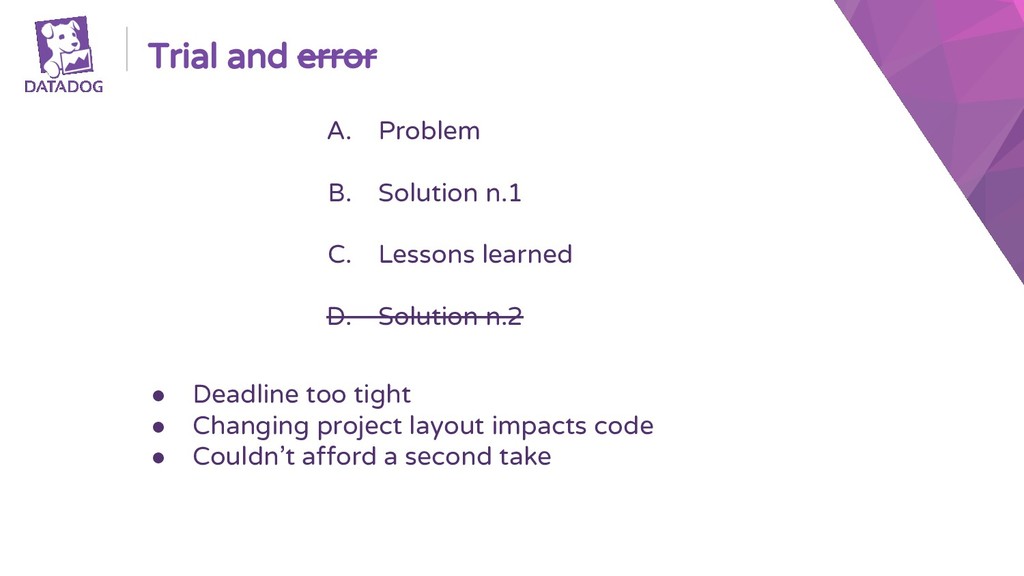
  3. Trial and error A. Problem B. Solution n.1 C. Lessons

    learned D. Solution n.2 • Deadline too tight • Changing project layout impacts code • Couldn’t afford a second take
  4. When in Rome... • Looked at the Go state of

    the art ◦ Kubernetes ◦ Etcd ◦ CockroachDB
  5. When in Rome... • Looked at the Go state of

    the art ◦ Kubernetes ◦ Etcd ◦ CockroachDB • Shoot at one of similar size ◦ Consider overhead... ◦ ...but you might need it ◦ Consider the amount of tooling that a layout requires
  6. Code layout • Project must be easy to browse ◦

    Keep the root folder clean and sleek
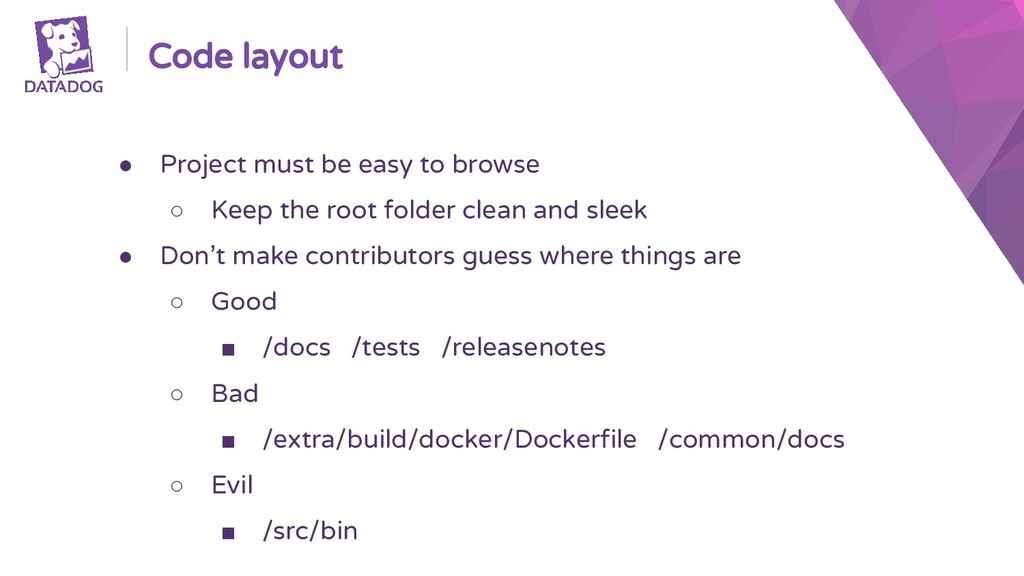
  7. Code layout • Project must be easy to browse ◦

    Keep the root folder clean and sleek • Don’t make contributors guess where things are ◦ Good ▪ /docs /tests /releasenotes ◦ Bad ▪ /extra/build/docker/Dockerfile /common/docs ◦ Evil ▪ /src/bin
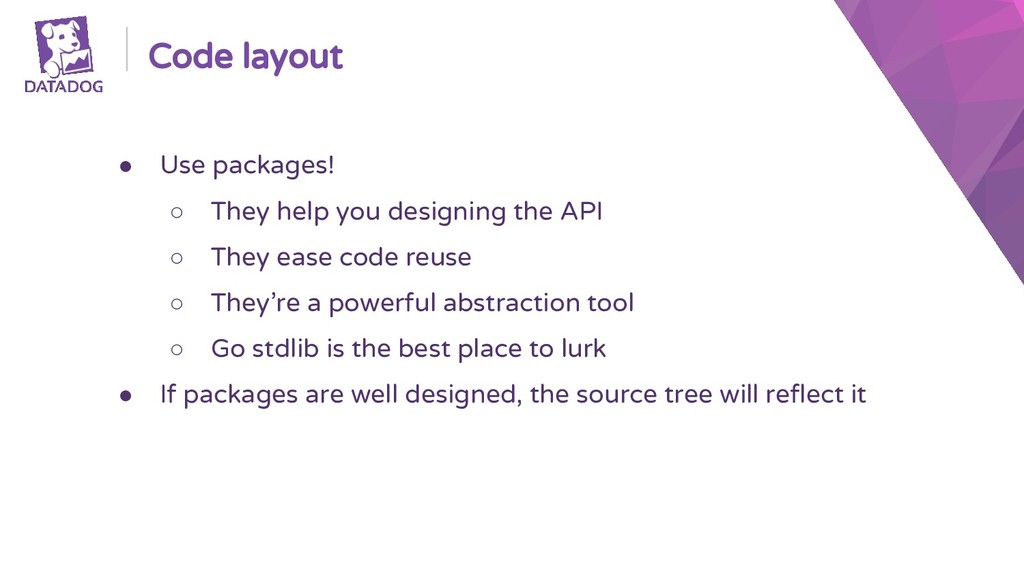
  8. Code layout • Use packages! ◦ They help you designing

    the API ◦ They ease code reuse ◦ They’re a powerful abstraction tool ◦ Go stdlib is the best place to lurk
  9. Code layout • Use packages! ◦ They help you designing

    the API ◦ They ease code reuse ◦ They’re a powerful abstraction tool ◦ Go stdlib is the best place to lurk • If packages are well designed, the source tree will reflect it
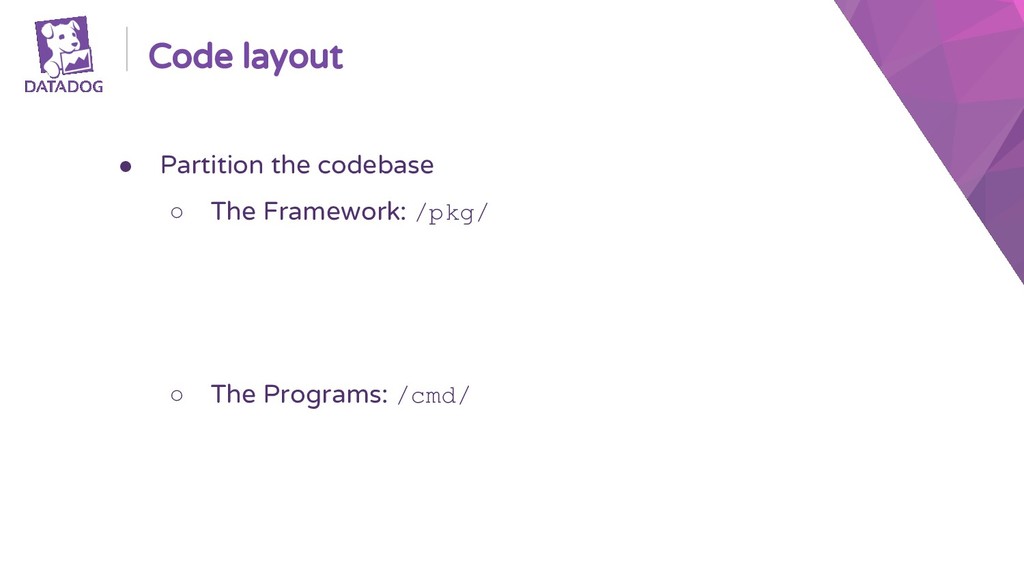
  10. Code layout • Partition the codebase ◦ The Framework: /pkg/

    ▪ /pkg/utils/, /pkg/config/, ... ▪ No dependencies on /cmd/ ▪ Can be imported by external programs ◦ The Programs: /cmd/
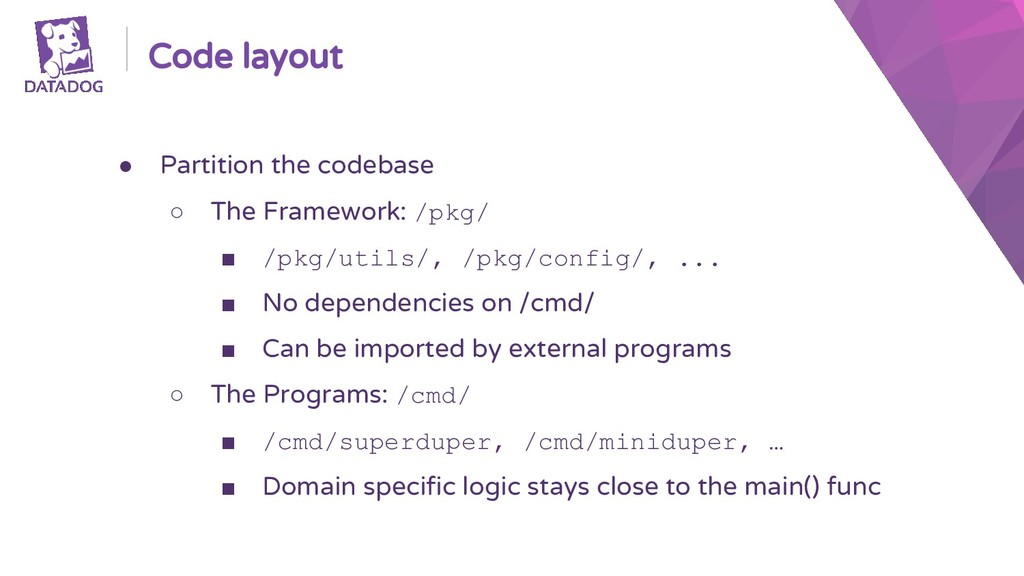
  11. Code layout • Partition the codebase ◦ The Framework: /pkg/

    ▪ /pkg/utils/, /pkg/config/, ... ▪ No dependencies on /cmd/ ▪ Can be imported by external programs ◦ The Programs: /cmd/ ▪ /cmd/superduper, /cmd/miniduper, … ▪ Domain specific logic stays close to the main() func
  12. Keep your tooling sharp • Goals ◦ Make obvious and

    robust how to build and run tests
  13. Keep your tooling sharp • Goals ◦ Make obvious and

    robust how to build and run tests • Constraints ◦ Make CI robots use what humans use ◦ Tools orchestrate, don’t implement: bypassing tooling should always be possible ◦ Keep number of dependencies low
  14. Keep your tooling sharp • Make ◦ Can anybody do

    make? ◦ Used as task runner can get complicated
  15. Keep your tooling sharp • Make ◦ Can anybody do

    make? ◦ Used as task runner can get complicated • Make alternatives ◦ Task (Go) ◦ Pyinvoke (Python) ◦ Rake (Ruby)
  16. Keep your tooling sharp • Make ◦ Can anybody do

    make? ◦ Used as task runner can get complicated • Make alternatives ◦ Task (Go) ◦ Pyinvoke (Python) ◦ Rake (Ruby) • Let contributors feel at home
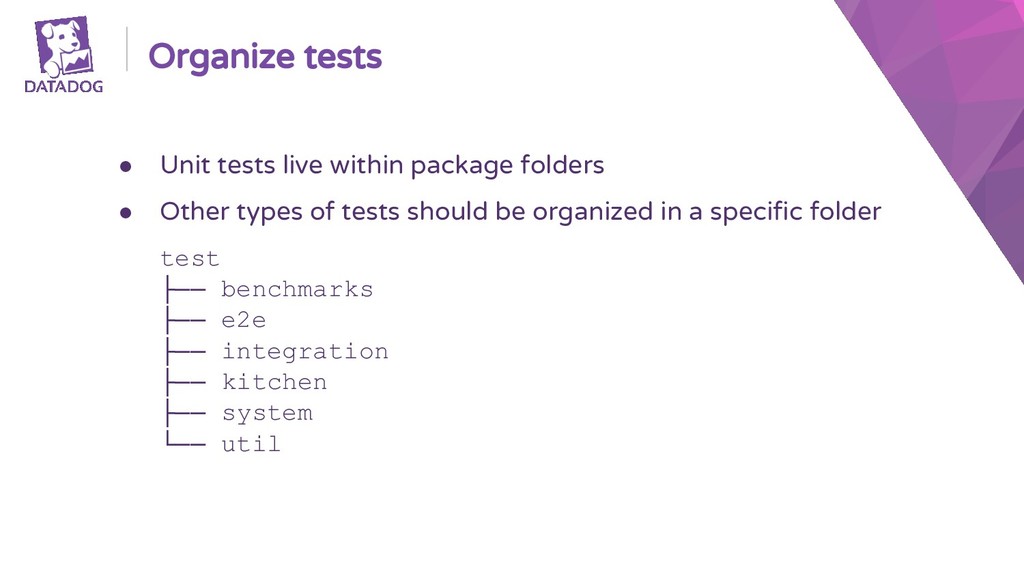
  17. Organize tests • Unit tests live within package folders •

    Other types of tests should be organized in a specific folder test ├── benchmarks ├── e2e ├── integration ├── kitchen ├── system └── util
  18. Keep your docs close • Docs should be part of

    the project ◦ Easier to update docs if all it takes is patching a file in the same repo ◦ At review time, it’s easy to spot that a change to the code is missing the corresponding documentation update
  19. Keep your docs close • Docs should be part of

    the project ◦ Easier to update docs if all it takes is patching a file in the same repo ◦ At review time, it’s easy to spot that a change to the code is missing the corresponding documentation update • First time contributors to an Open Source project usually start with documentation ◦ Make it obvious where to find docs ◦ Make the update process easy
  20. Packaging • Packages are part of the project ◦ Keep

    packaging logic in the same repo ◦ Make obvious where to find things ◦ Isolate assets required by external tools in specific folders
  21. Packaging • Packages are part of the project ◦ Keep

    packaging logic in the same repo ◦ Make obvious where to find things ◦ Isolate assets required by external tools in specific folders • Examples ◦ /Dockerfiles/ ◦ /omnibus/
  22. Thanks for listening! Check out the Datadog Agent project on

    Github https://github.com/DataDog/datadog-agent/ More of my elucubrations on @maxpippi http://dev.pippi.im/