Lock in $30 Savings on PRO—Offer Ends Soon! ⏳

Getting DNSaaS to Production with Designate

Getting DNSaaS to Production with Designate

One of our most requested features from our users has consistently been self-service for DNS records. Although Designate is still in incubation, DNSaaS was a key piece for us to get in place for our users. This talk will cover our experiences from initial evaluation to operating Designate in a production environment. Topics covered will include:
- Initial evaluation and proof of concept implementation
- Discussion of our deployed architecture
- Packaging and deployment automation
- Implementing a custom Designate Sink handler
- End user and operator experiences
- Our next steps with DNSaaS

Avatar for Matt Fischer

Matt Fischer

May 20, 2015
Tweet

More Decks by Matt Fischer

Other Decks in Programming

Transcript

  1. Introduction Clayton O’Neill –  [email protected] –  IRC: clayton (Twitter: @clayton_oneill)

    Matt Fischer –  [email protected] –  IRC: mfisch (Twitter: @openmfisch) Eric Peterson –  [email protected] –  IRC: ducttape_
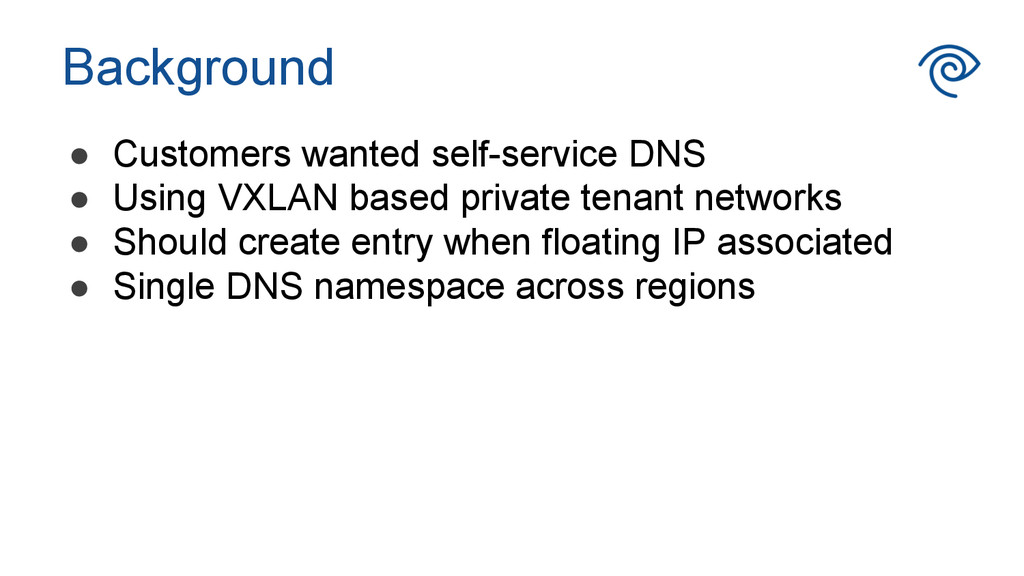
  2. •  Customers wanted self-service DNS •  Using VXLAN based private

    tenant networks •  Should create entry when floating IP associated •  Single DNS namespace across regions Background
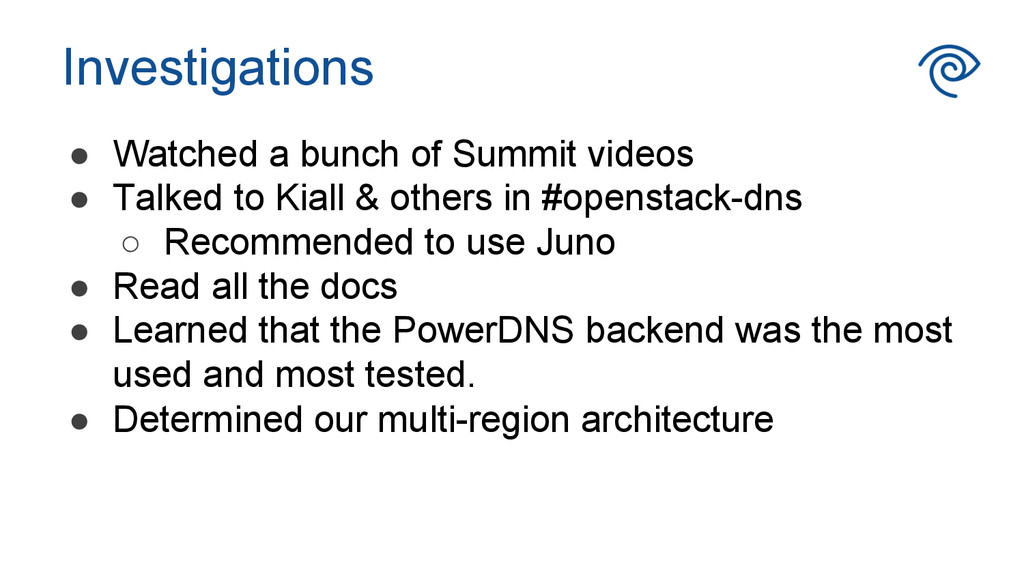
  3. Investigations •  Watched a bunch of Summit videos •  Talked

    to Kiall & others in #openstack-dns ◦  Recommended to use Juno •  Read all the docs •  Learned that the PowerDNS backend was the most used and most tested. •  Determined our multi-region architecture
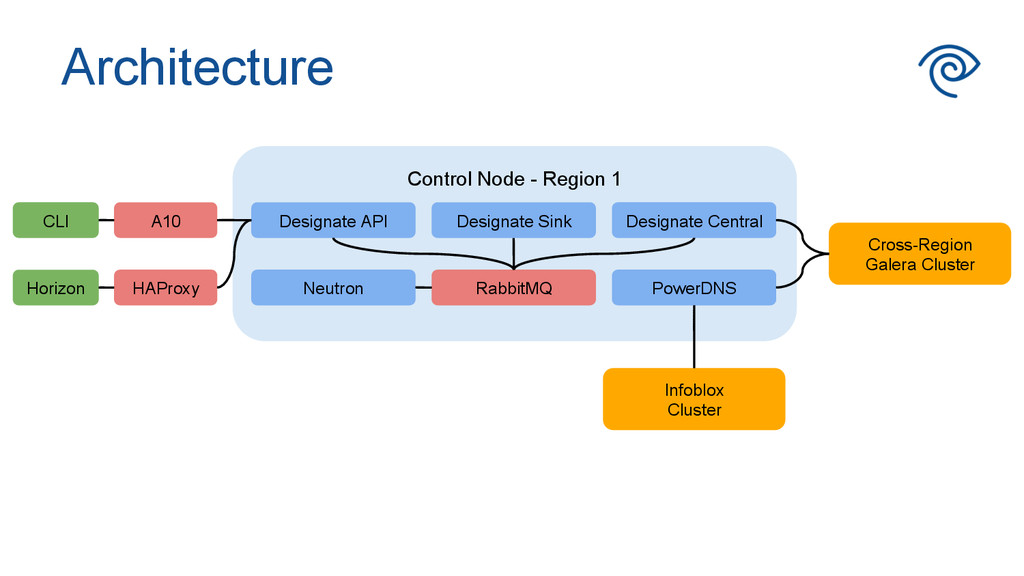
  4. Architecture Control Node - Region 1 Designate Central RabbitMQ Cross-Region

    Galera Cluster HAProxy A10 PowerDNS Designate Sink Designate API Neutron CLI Horizon Infoblox Cluster
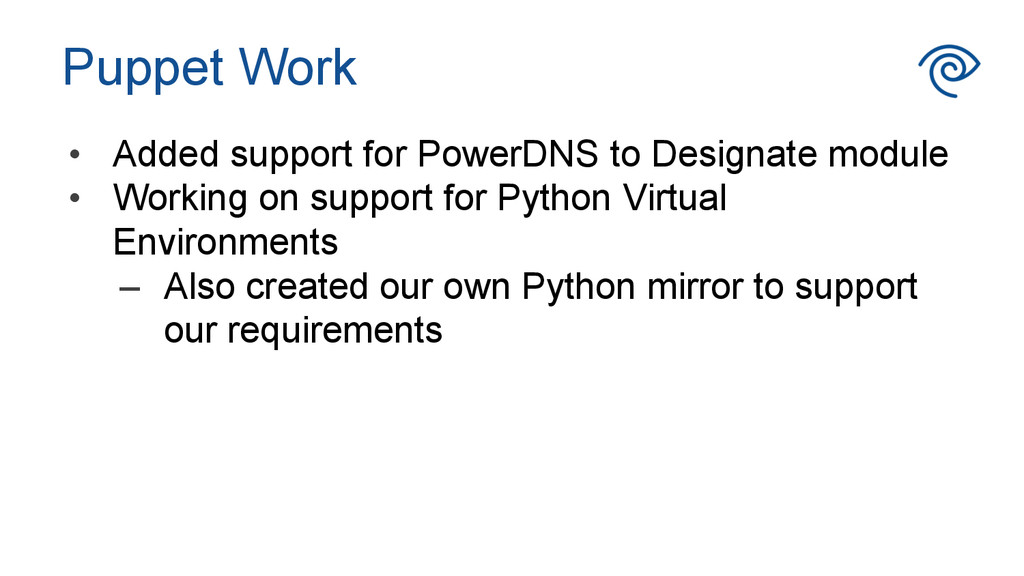
  5. •  Added support for PowerDNS to Designate module •  Working

    on support for Python Virtual Environments –  Also created our own Python mirror to support our requirements Puppet Work
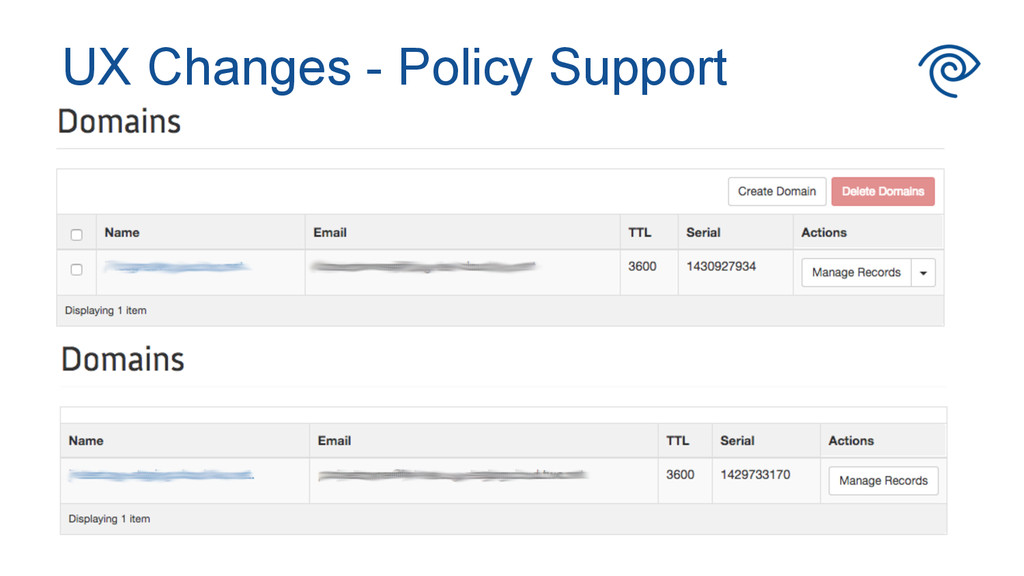
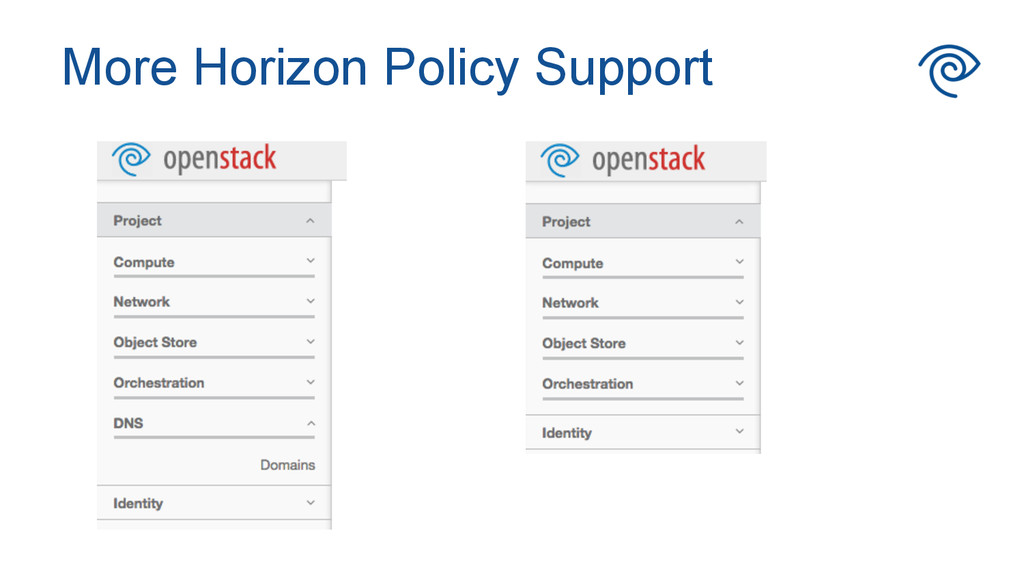
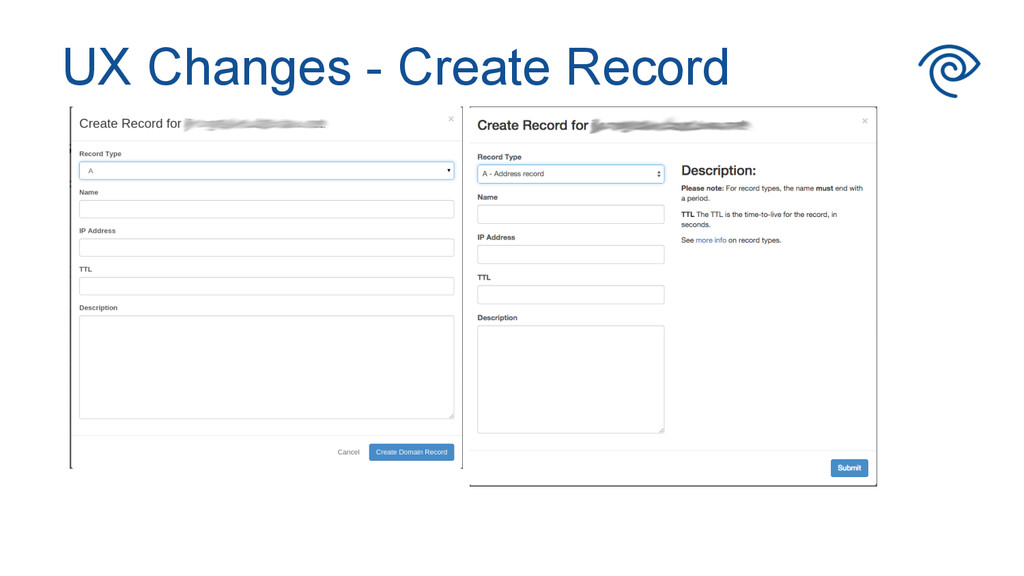
  6. One area we wanted to see some improvements was around

    the Designate - Horizon integration. Our users vary in skill levels for working with DNS records. UX Changes
  7. •  Naming strategy and rules for our customers •  Customer

    documentation •  Tooling to work with InfoBlox Everything Else
  8. Roll Out Schedule •  Limited beta in production in April

    for basic support –  Usage controlled using Keystone roles •  Designate Sink beta starting after Summit –  Sink usage is also controlled and limited •  Generally available in June, depending on Kilo upgrade schedule
  9. What We Offer •  One domain per tenant: <tenant>.cloud.twc.net • 

    CRUD operations on records allowed •  CRUD operations on domains not allowed –  Currently lacking tight integration with Infoblox –  Domain provisioning requires a manual step
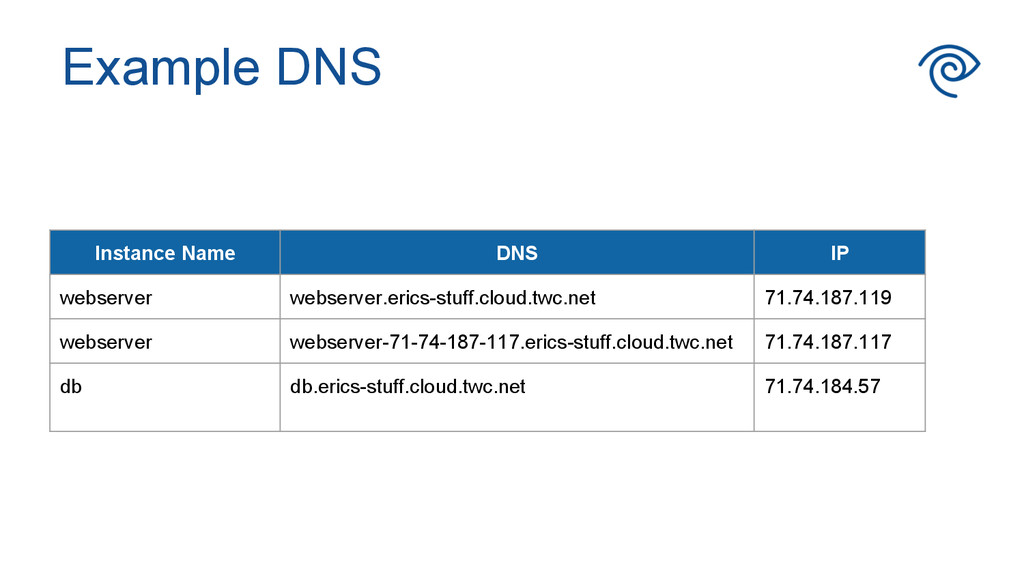
  10. Example DNS Instance Name DNS IP webserver webserver.erics-stuff.cloud.twc.net 71.74.187.119 webserver

    webserver-71-74-187-117.erics-stuff.cloud.twc.net 71.74.187.117 db db.erics-stuff.cloud.twc.net 71.74.184.57
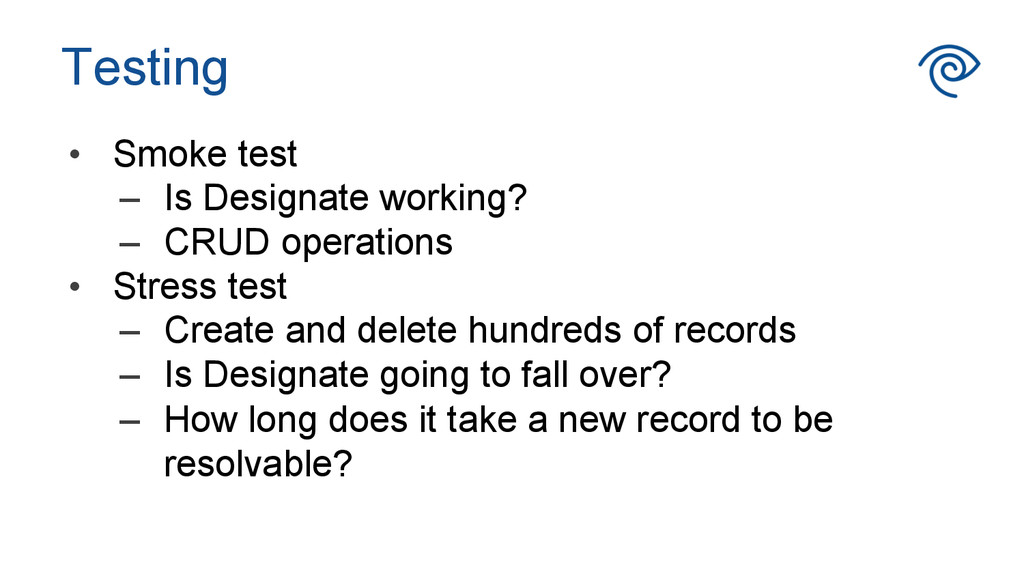
  11. Testing •  Smoke test –  Is Designate working? –  CRUD

    operations •  Stress test –  Create and delete hundreds of records –  Is Designate going to fall over? –  How long does it take a new record to be resolvable?
  12. Issues with Designate •  Database deadlocks (fixed in Kilo) • 

    Orphaned records –  Orphaned recordset entries –  Orphaned entries in the PowerDNS database
  13. Monitoring •  Basic API monitoring •  Database monitoring •  Future:

    –  Record resolution monitoring –  Sink monitoring
  14. •  Sink listens to events from Neutron or Nova • 

    Handlers register for events on specific topics •  Sink functionality depends on enabled handlers •  One or more handlers should be enabled •  Sink configuration is per handler Sink Overview
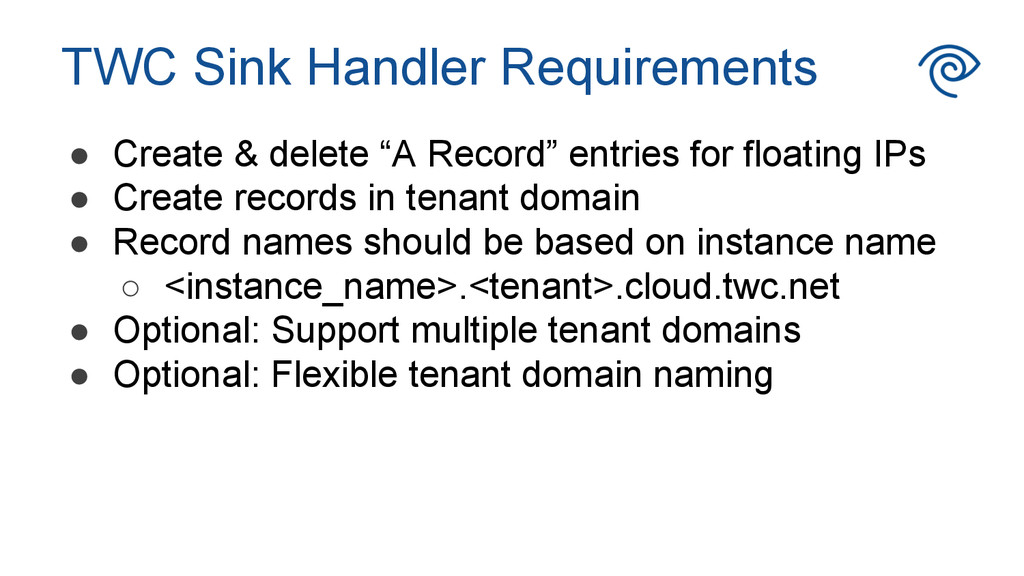
  15. TWC Sink Handler Requirements •  Create & delete “A Record”

    entries for floating IPs •  Create records in tenant domain •  Record names should be based on instance name ◦  <instance_name>.<tenant>.cloud.twc.net •  Optional: Support multiple tenant domains •  Optional: Flexible tenant domain naming
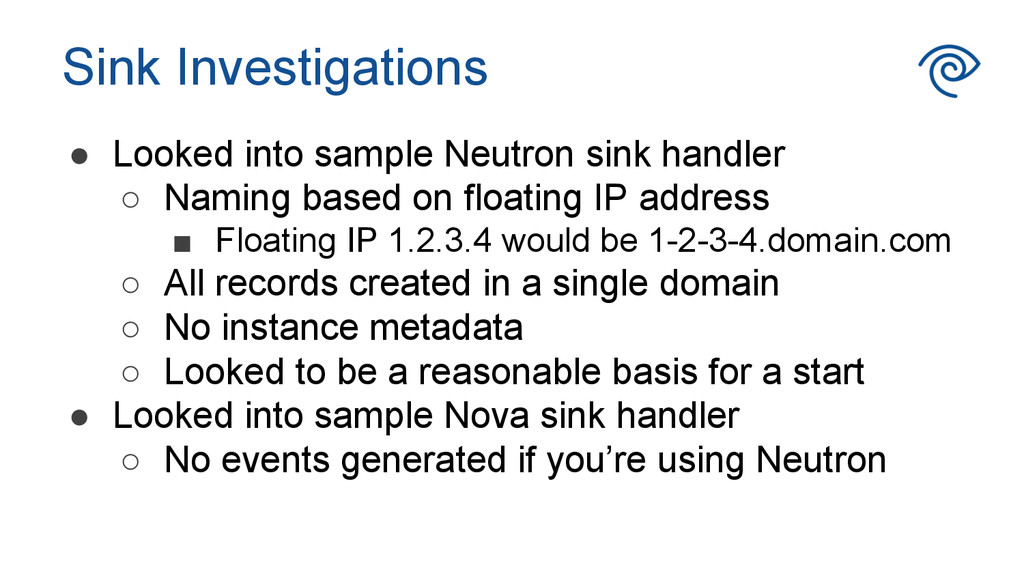
  16. Sink Investigations •  Looked into sample Neutron sink handler ◦ 

    Naming based on floating IP address ▪  Floating IP 1.2.3.4 would be 1-2-3-4.domain.com ◦  All records created in a single domain ◦  No instance metadata ◦  Looked to be a reasonable basis for a start •  Looked into sample Nova sink handler ◦  No events generated if you’re using Neutron
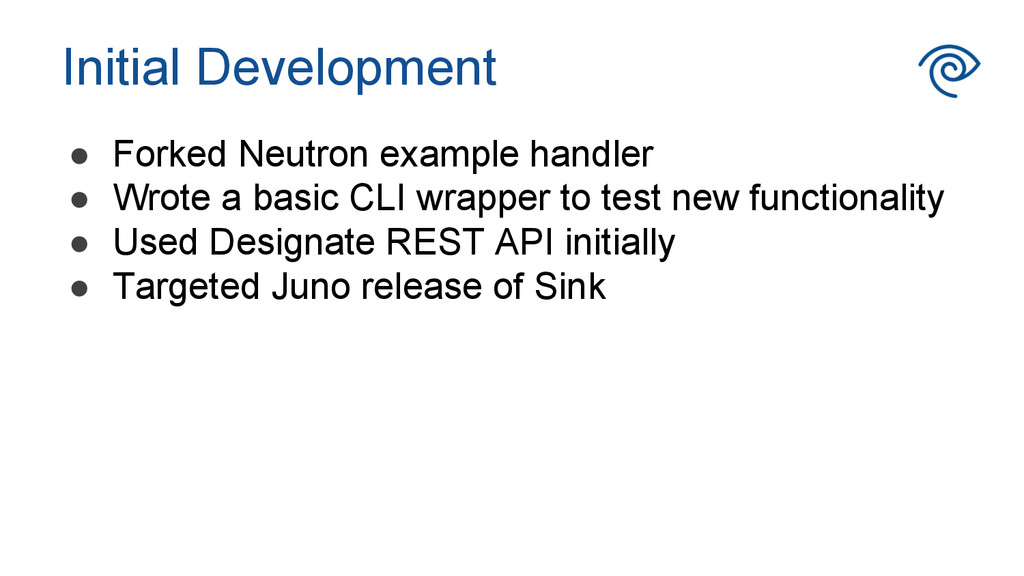
  17. Initial Development •  Forked Neutron example handler •  Wrote a

    basic CLI wrapper to test new functionality •  Used Designate REST API initially •  Targeted Juno release of Sink
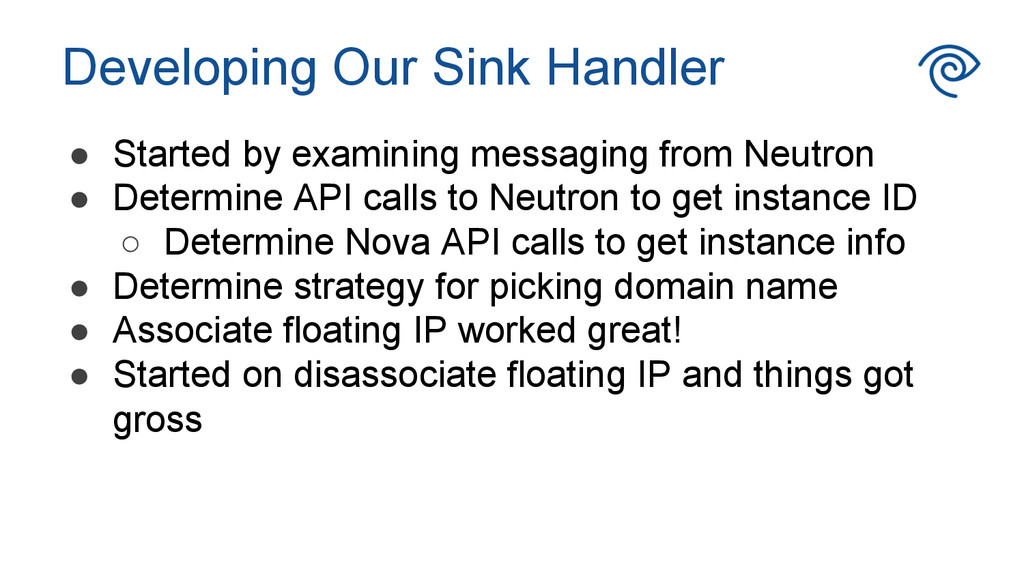
  18. Developing Our Sink Handler •  Started by examining messaging from

    Neutron •  Determine API calls to Neutron to get instance ID ◦  Determine Nova API calls to get instance info •  Determine strategy for picking domain name •  Associate floating IP worked great! •  Started on disassociate floating IP and things got gross
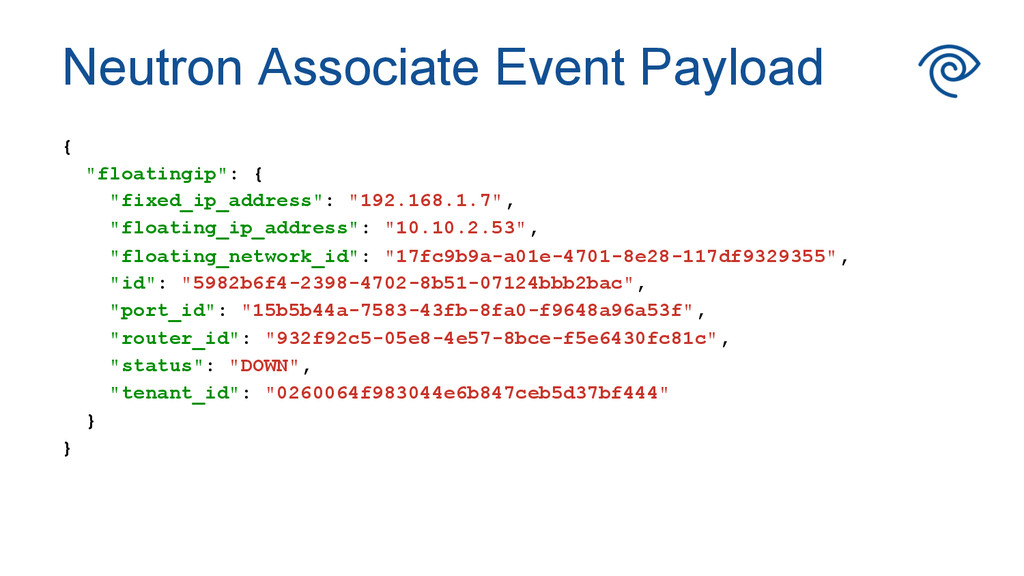
  19. Neutron Associate Event Payload { "floatingip": { "fixed_ip_address": "192.168.1.7", "floating_ip_address":

    "10.10.2.53", "floating_network_id": "17fc9b9a-a01e-4701-8e28-117df9329355", "id": "5982b6f4-2398-4702-8b51-07124bbb2bac", "port_id": "15b5b44a-7583-43fb-8fa0-f9648a96a53f", "router_id": "932f92c5-05e8-4e57-8bce-f5e6430fc81c", "status": "DOWN", "tenant_id": "0260064f983044e6b847ceb5d37bf444" } }
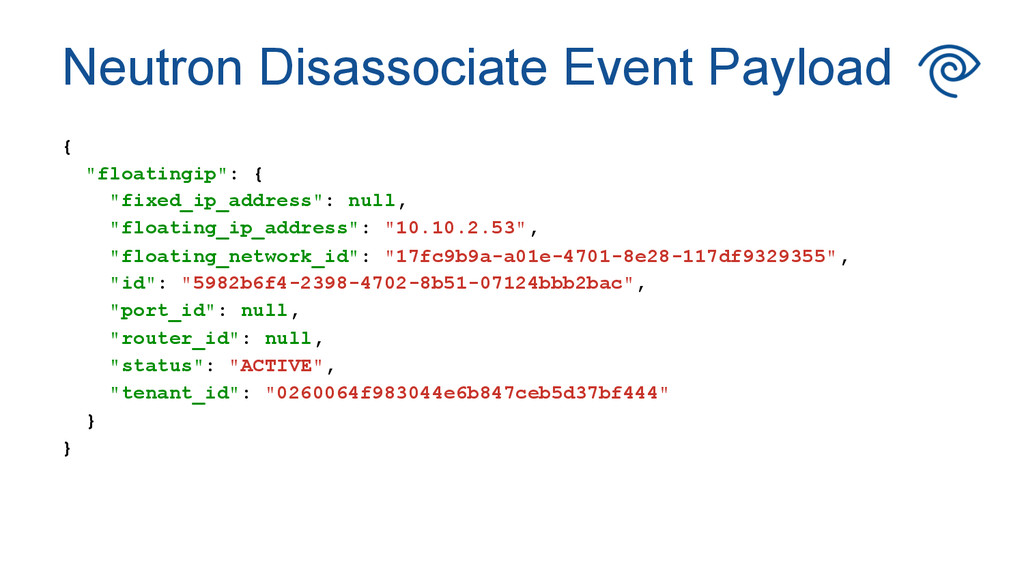
  20. Neutron Disassociate Event Payload { "floatingip": { "fixed_ip_address": null, "floating_ip_address":

    "10.10.2.53", "floating_network_id": "17fc9b9a-a01e-4701-8e28-117df9329355", "id": "5982b6f4-2398-4702-8b51-07124bbb2bac", "port_id": null, "router_id": null, "status": "ACTIVE", "tenant_id": "0260064f983044e6b847ceb5d37bf444" } }
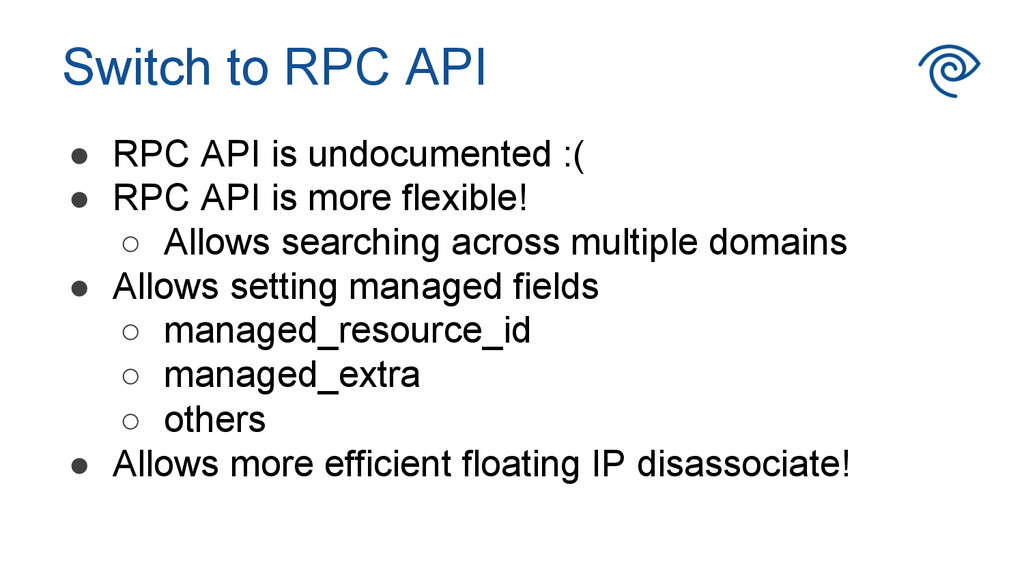
  21. Switch to RPC API •  RPC API is undocumented :(

    •  RPC API is more flexible! ◦  Allows searching across multiple domains •  Allows setting managed fields ◦  managed_resource_id ◦  managed_extra ◦  others •  Allows more efficient floating IP disassociate!
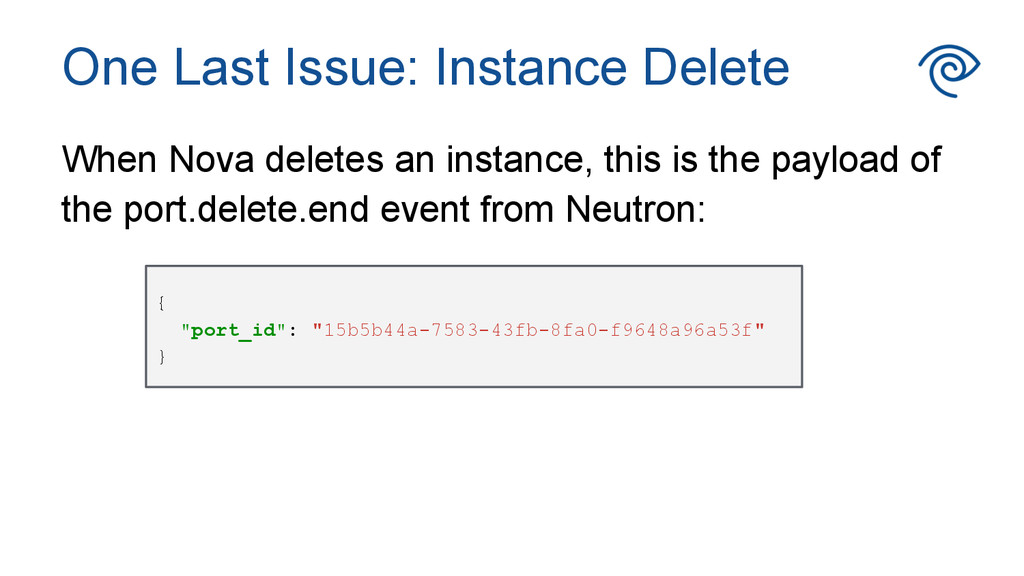
  22. When Nova deletes an instance, this is the payload of

    the port.delete.end event from Neutron: { "port_id": "15b5b44a-7583-43fb-8fa0-f9648a96a53f" } One Last Issue: Instance Delete
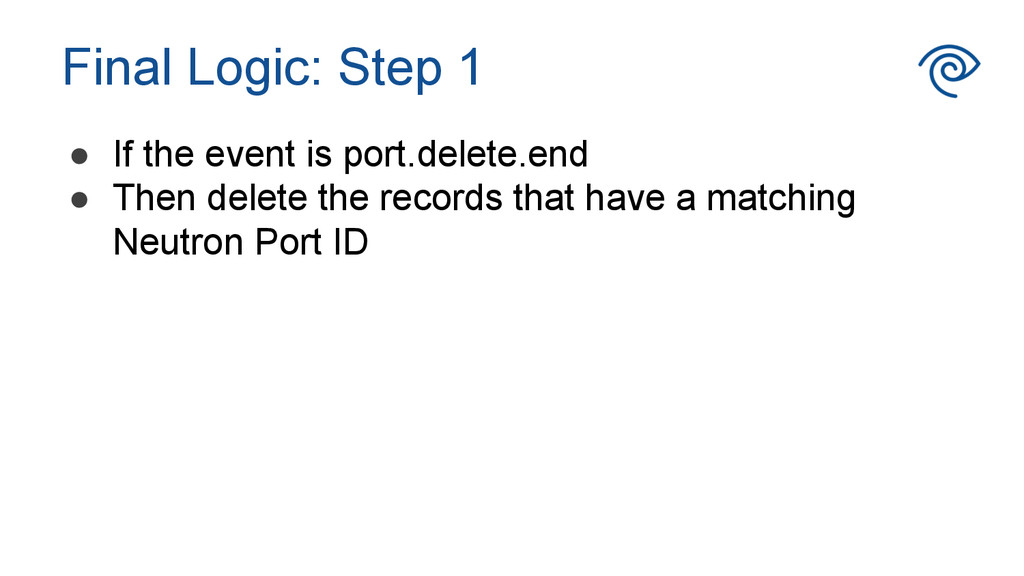
  23. Final Logic: Step 1 •  If the event is port.delete.end

    •  Then delete the records that have a matching Neutron Port ID
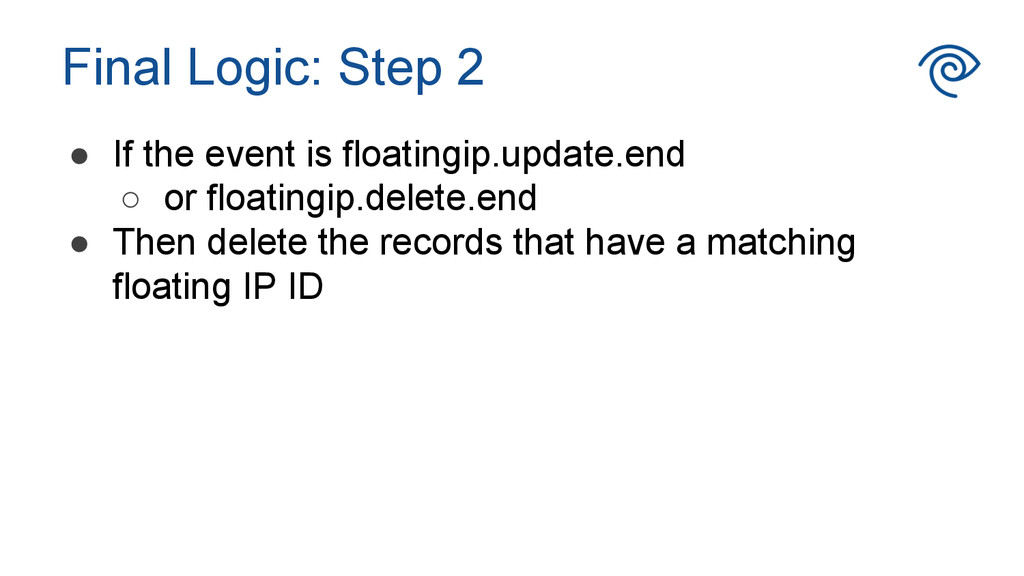
  24. Final Logic: Step 2 •  If the event is floatingip.update.end

    ◦  or floatingip.delete.end •  Then delete the records that have a matching floating IP ID
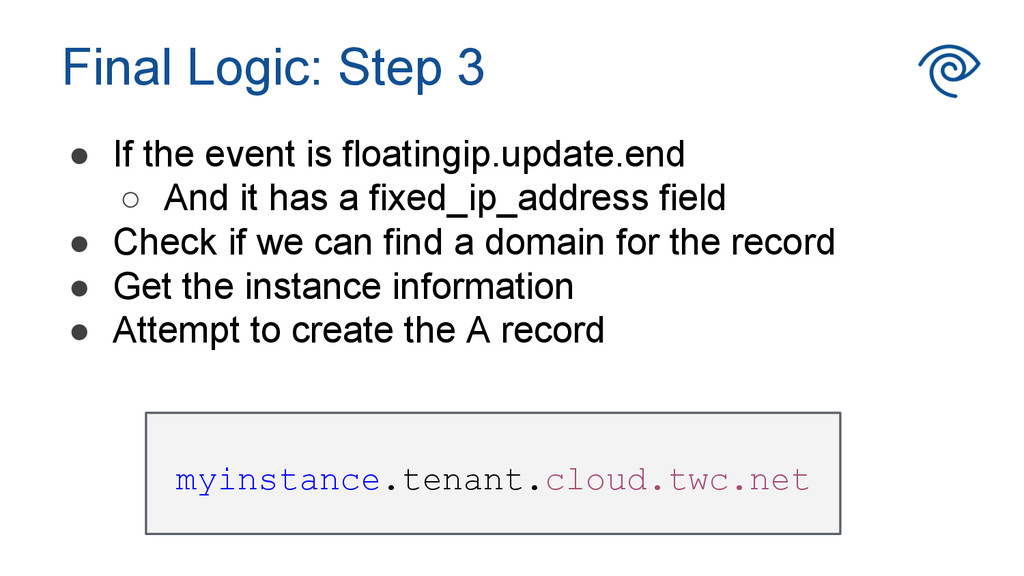
  25. Final Logic: Step 3 •  If the event is floatingip.update.end

    ◦  And it has a fixed_ip_address field •  Check if we can find a domain for the record •  Get the instance information •  Attempt to create the A record myinstance.tenant.cloud.twc.net
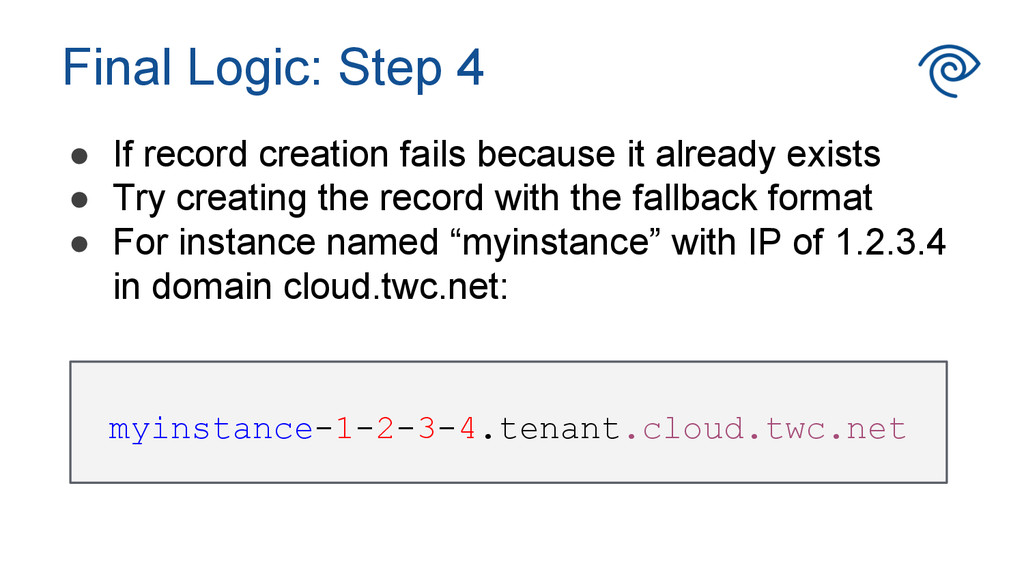
  26. Final Logic: Step 4 •  If record creation fails because

    it already exists •  Try creating the record with the fallback format •  For instance named “myinstance” with IP of 1.2.3.4 in domain cloud.twc.net: myinstance-1-2-3-4.tenant.cloud.twc.net
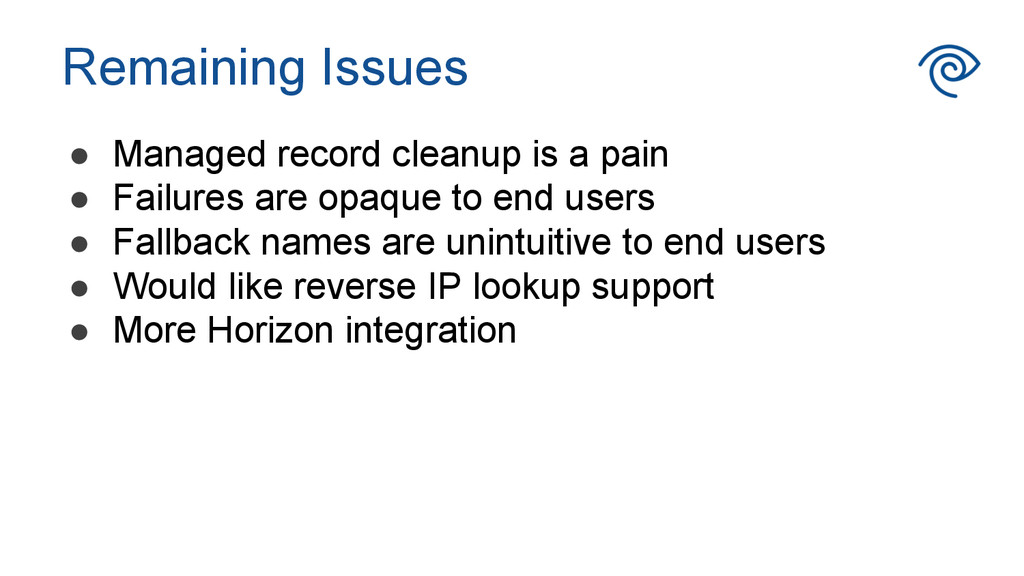
  27. Remaining Issues •  Managed record cleanup is a pain • 

    Failures are opaque to end users •  Fallback names are unintuitive to end users •  Would like reverse IP lookup support •  More Horizon integration
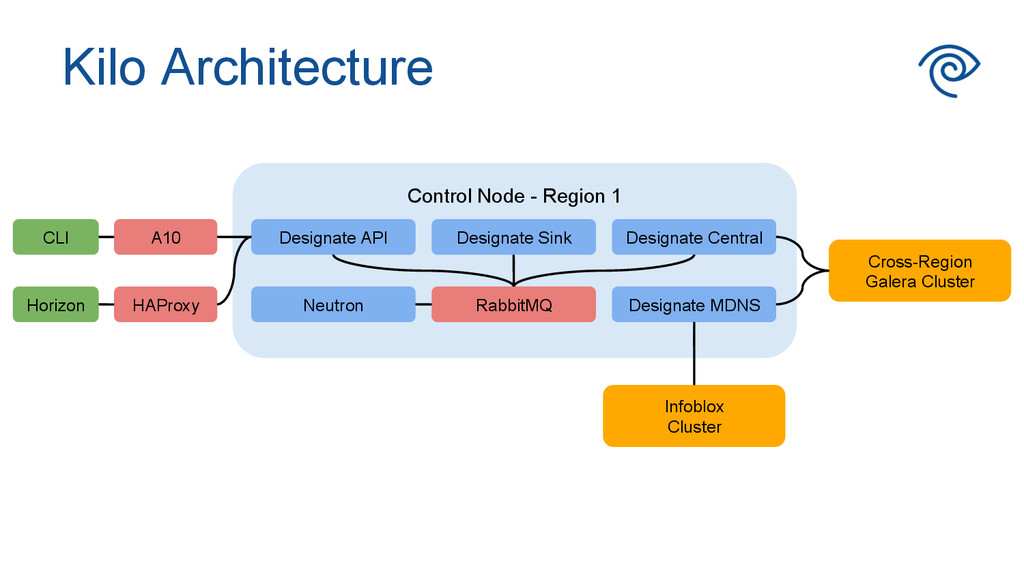
  28. Kilo Architecture Control Node - Region 1 Designate Central RabbitMQ

    Cross-Region Galera Cluster HAProxy A10 Designate MDNS Designate Sink Designate API Neutron CLI Horizon Infoblox Cluster
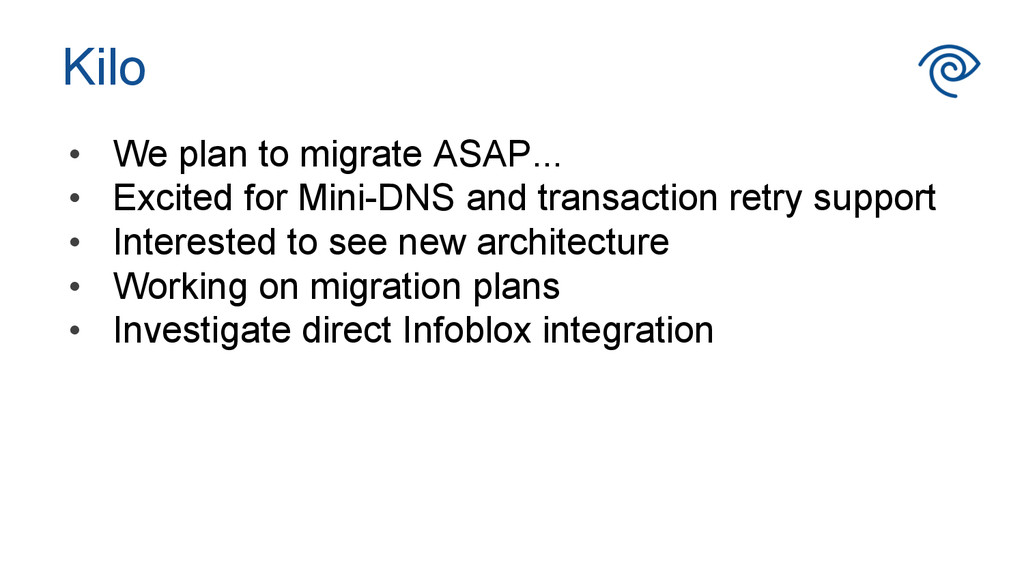
  29. Kilo •  We plan to migrate ASAP... •  Excited for

    Mini-DNS and transaction retry support •  Interested to see new architecture •  Working on migration plans •  Investigate direct Infoblox integration
  30. InfoBlox •  Prototype Designate driver available, will need some Kilo

    rework •  InfoBlox is working on tighter integration with Neutron and Designate •  IPAM driver already available for Neutron