Upgrade to Pro — share decks privately, control downloads, hide ads and more …

Rebuilding Twitter with Cassandra and Ruby

Sponsored · Your Podcast. Everywhere. Effortlessly. Share. Educate. Inspire. Entertain. You do you. We'll handle the rest.

Rebuilding Twitter with Cassandra and Ruby

Presented at WIDS 2014 in Hong Kong by Matthew Rudy Jacobs

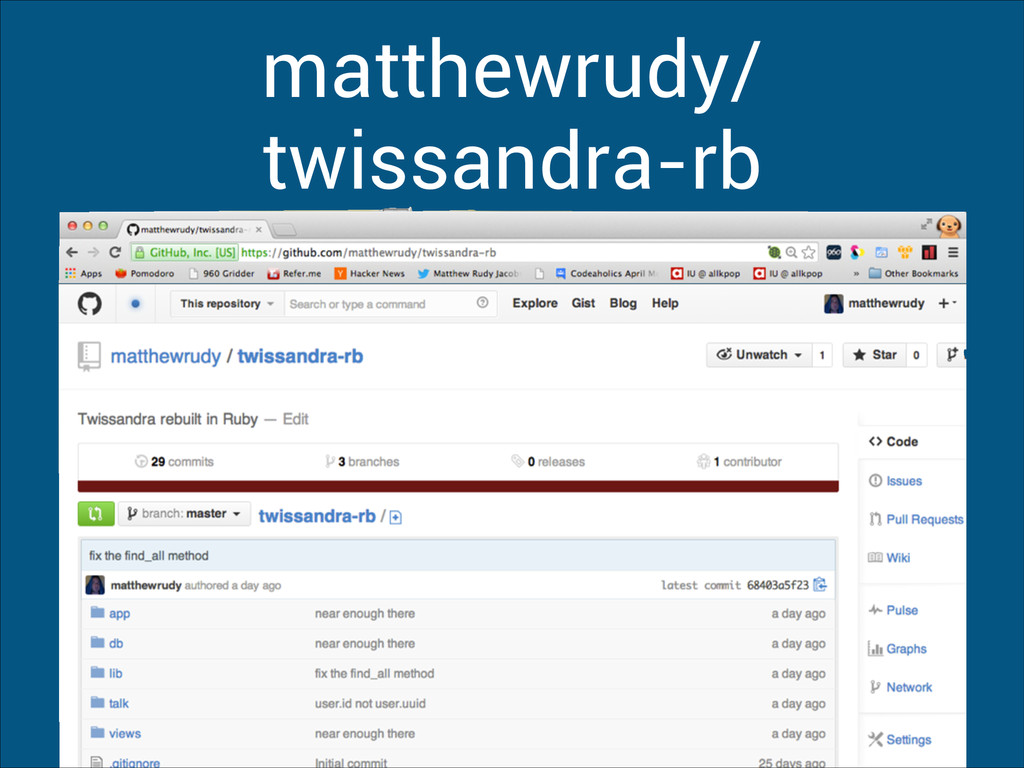
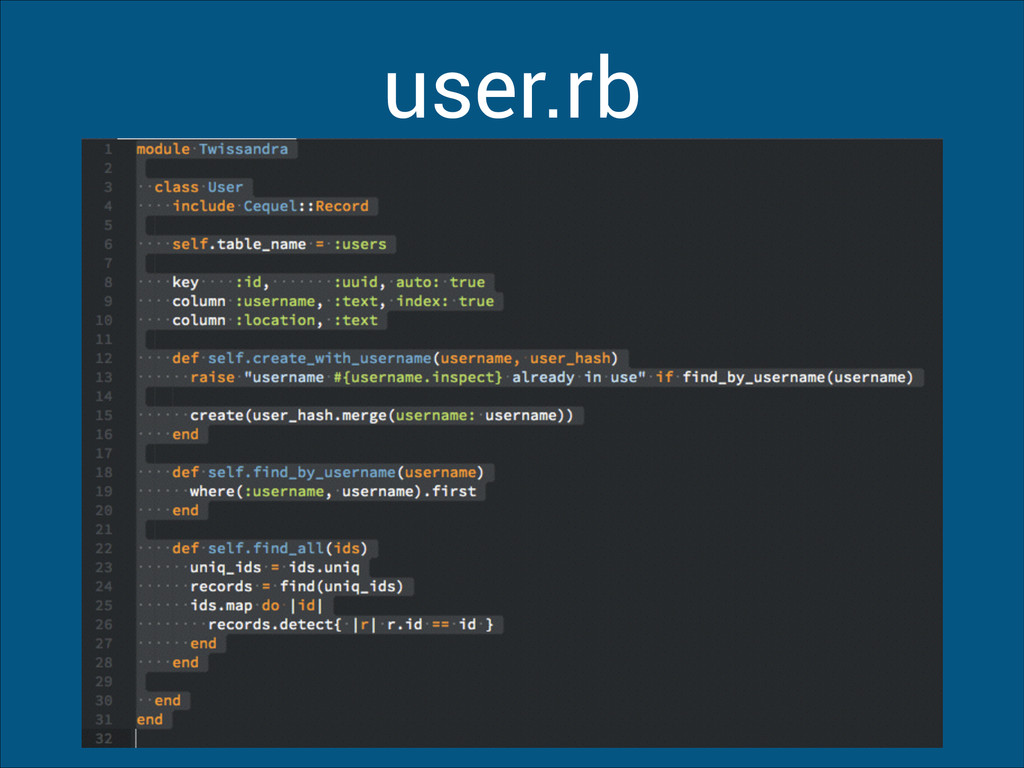
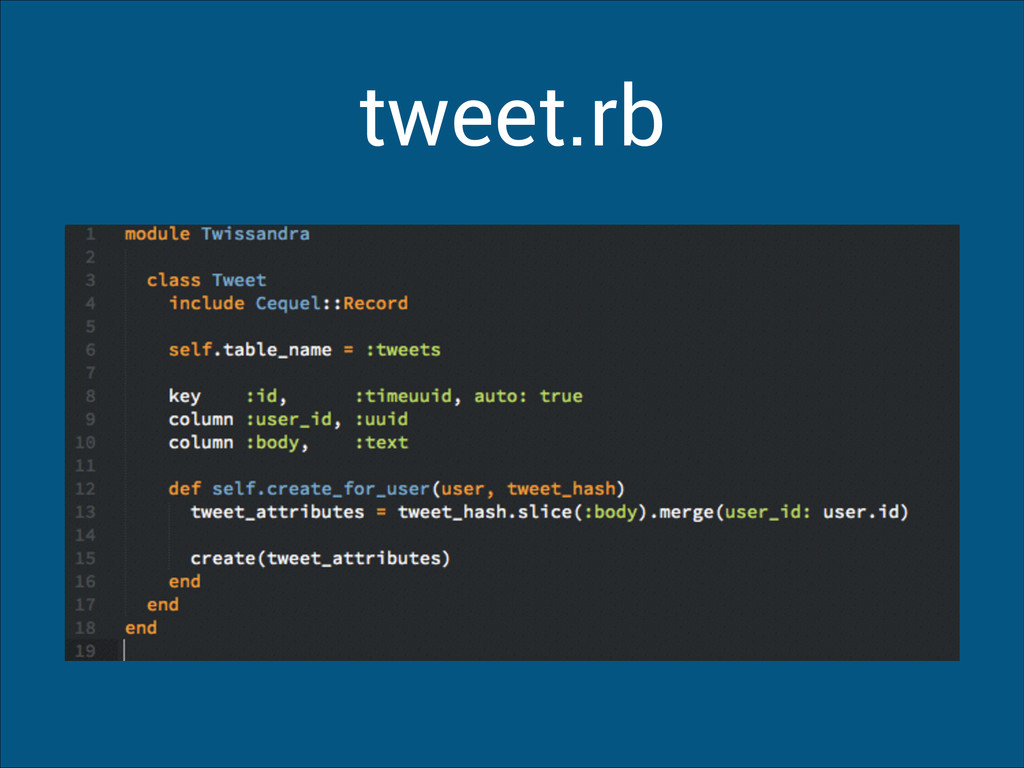
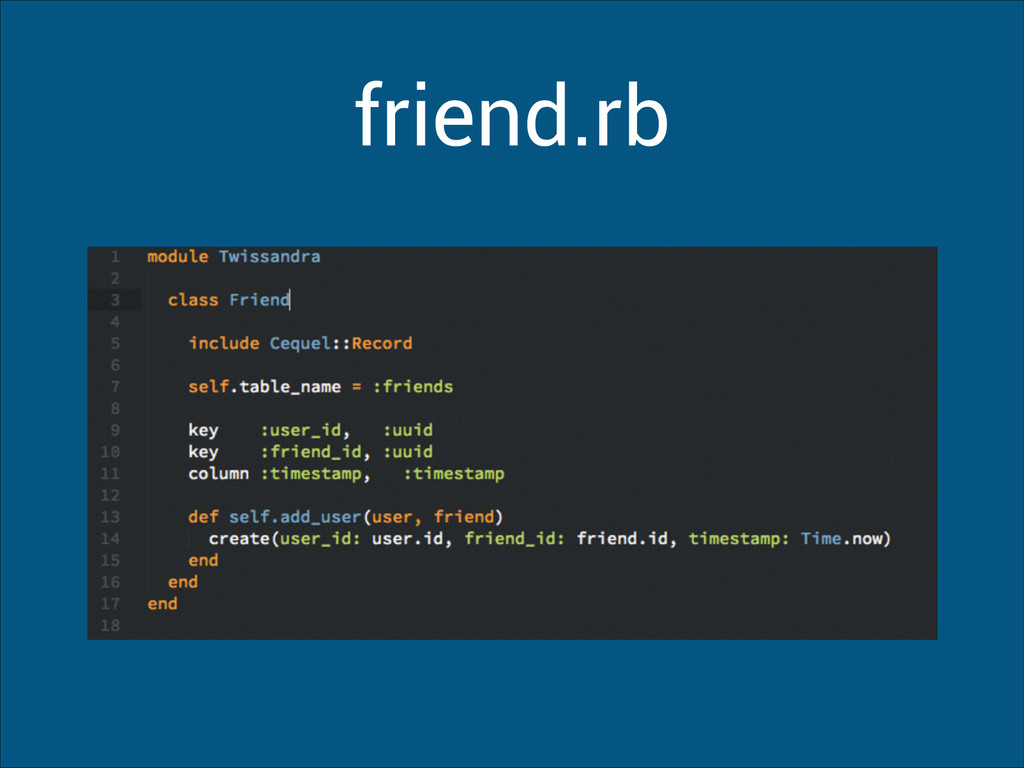
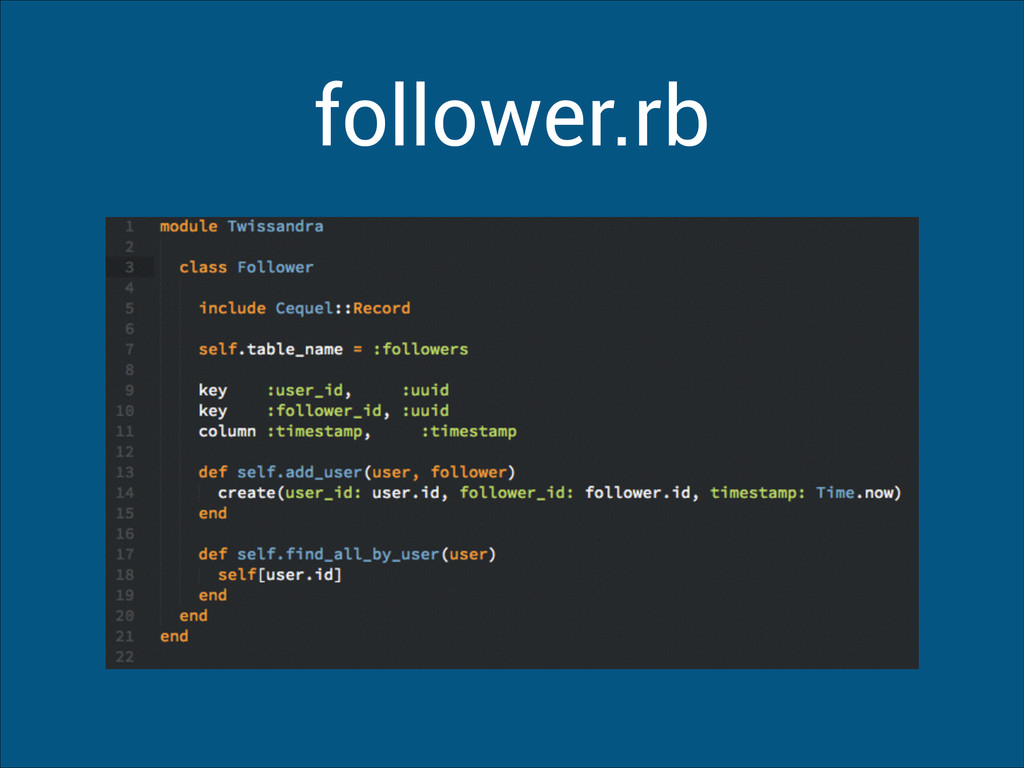
Check out my Twitter implementation https://github.com/matthewrudy/twissandra-rb

Avatar for Matthew Rudy Jacobs

Matthew Rudy Jacobs

March 28, 2014
Tweet

More Decks by Matthew Rudy Jacobs

Other Decks in Technology

Transcript

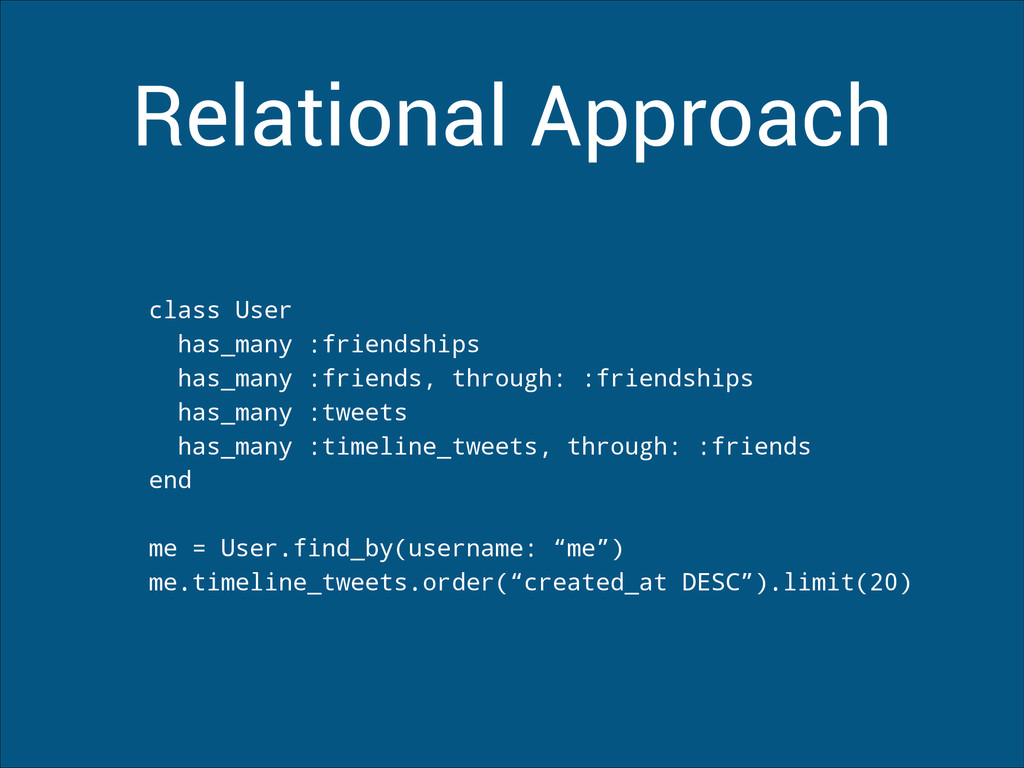
  1. Relational Approach class User has_many :friendships has_many :friends, through: :friendships

    has_many :tweets has_many :timeline_tweets, through: :friends end ! me = User.find_by(username: “me”) me.timeline_tweets.order(“created_at DESC”).limit(20)
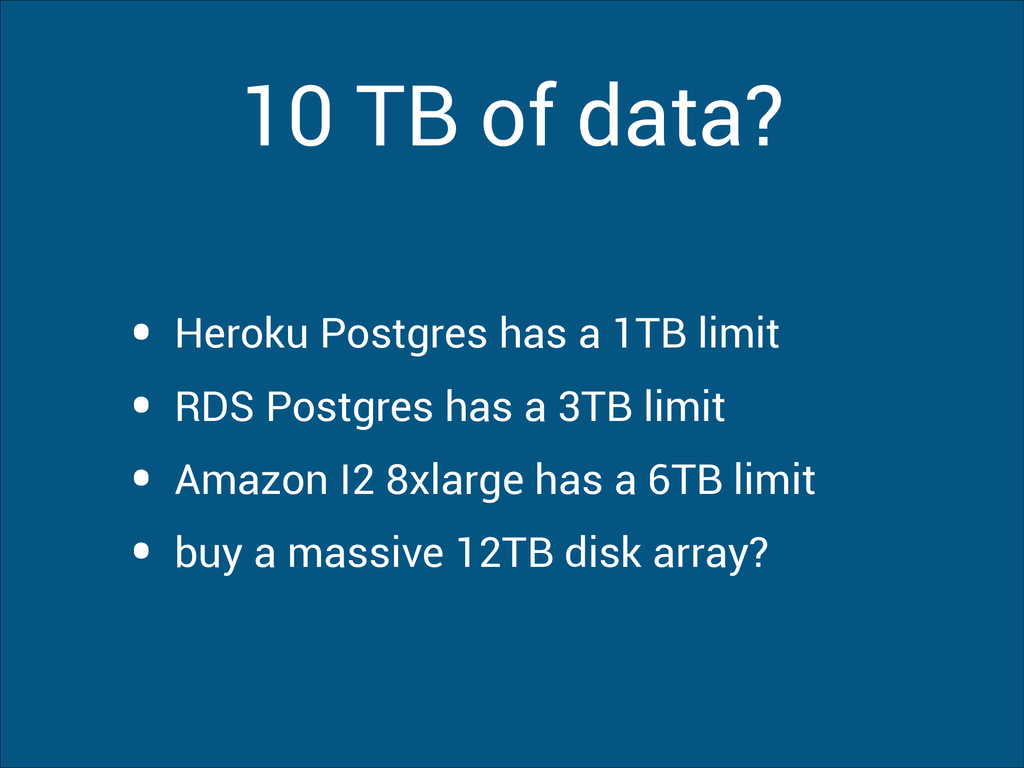
  2. 10 TB of data? • Heroku Postgres has a 1TB

    limit • RDS Postgres has a 3TB limit • Amazon I2 8xlarge has a 6TB limit • buy a massive 12TB disk array?
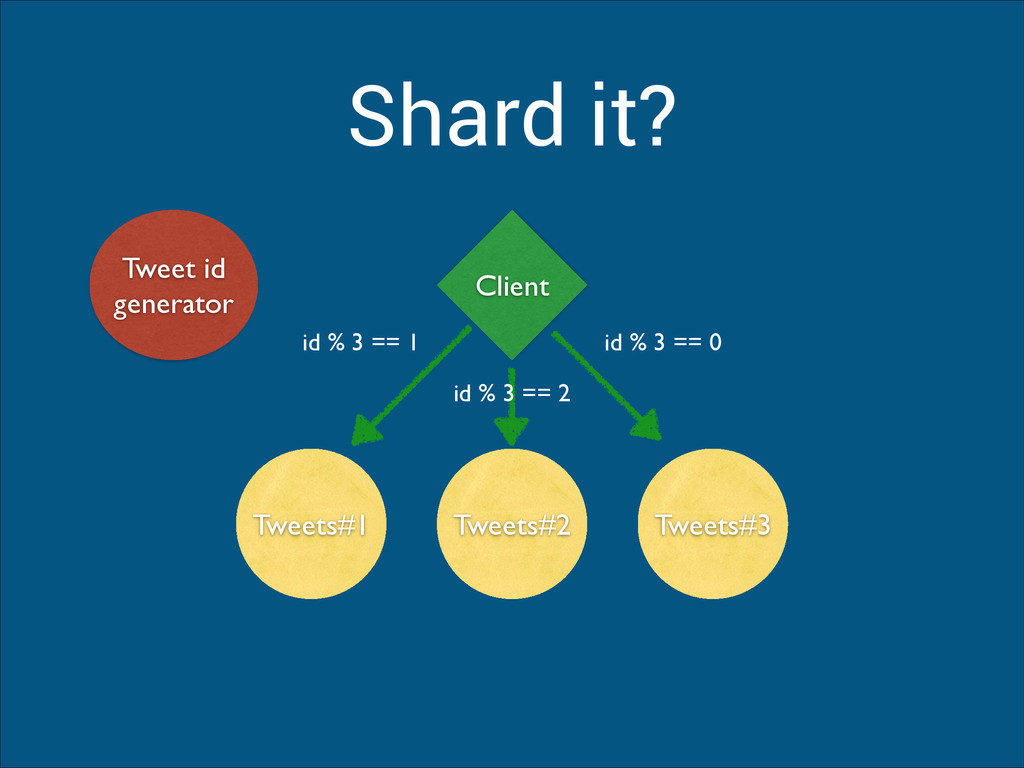
  3. Shard it? Tweets#1 Tweets#2 Tweets#3 Client id % 3 ==

    0 id % 3 == 2 id % 3 == 1 Tweet id generator
  4. NO!

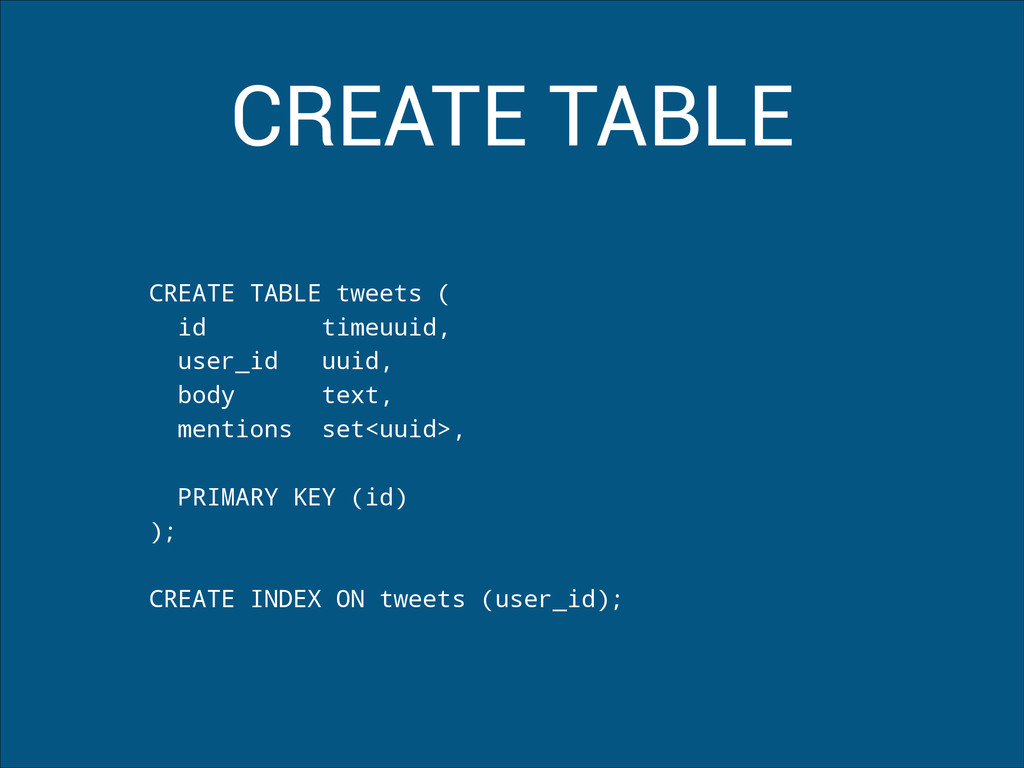
  5. CREATE TABLE CREATE TABLE tweets ( id timeuuid, user_id uuid,

    body text, mentions set<uuid>, ! PRIMARY KEY (id) ); ! CREATE INDEX ON tweets (user_id);
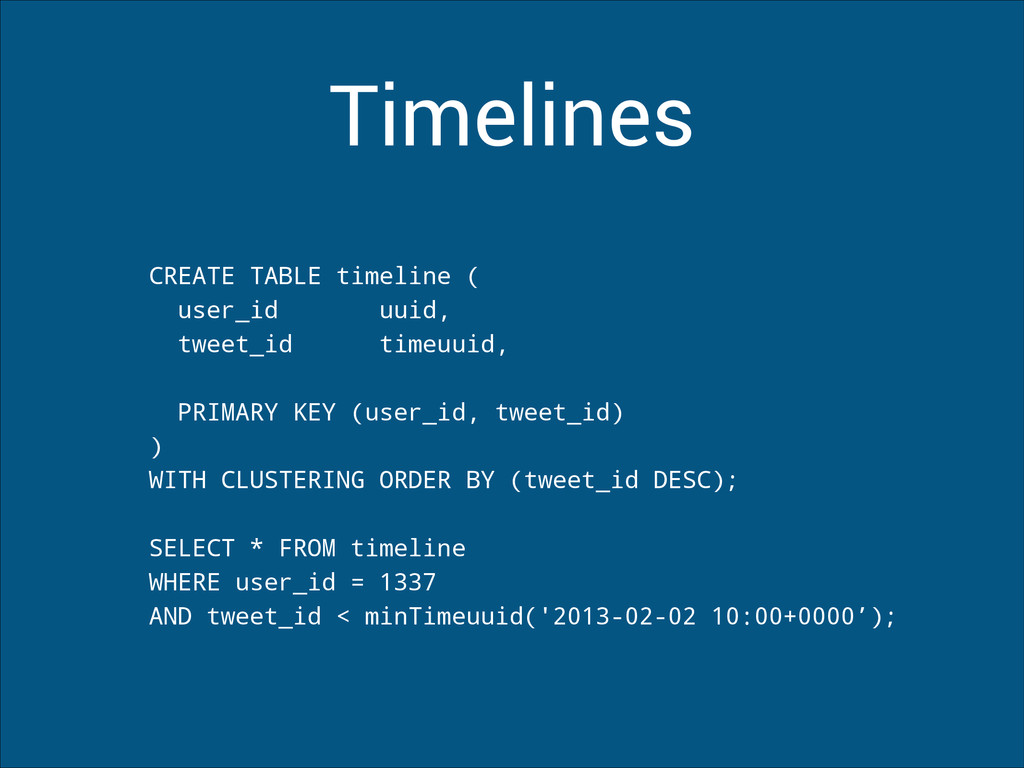
  6. Timelines CREATE TABLE timeline ( user_id uuid, tweet_id timeuuid, !

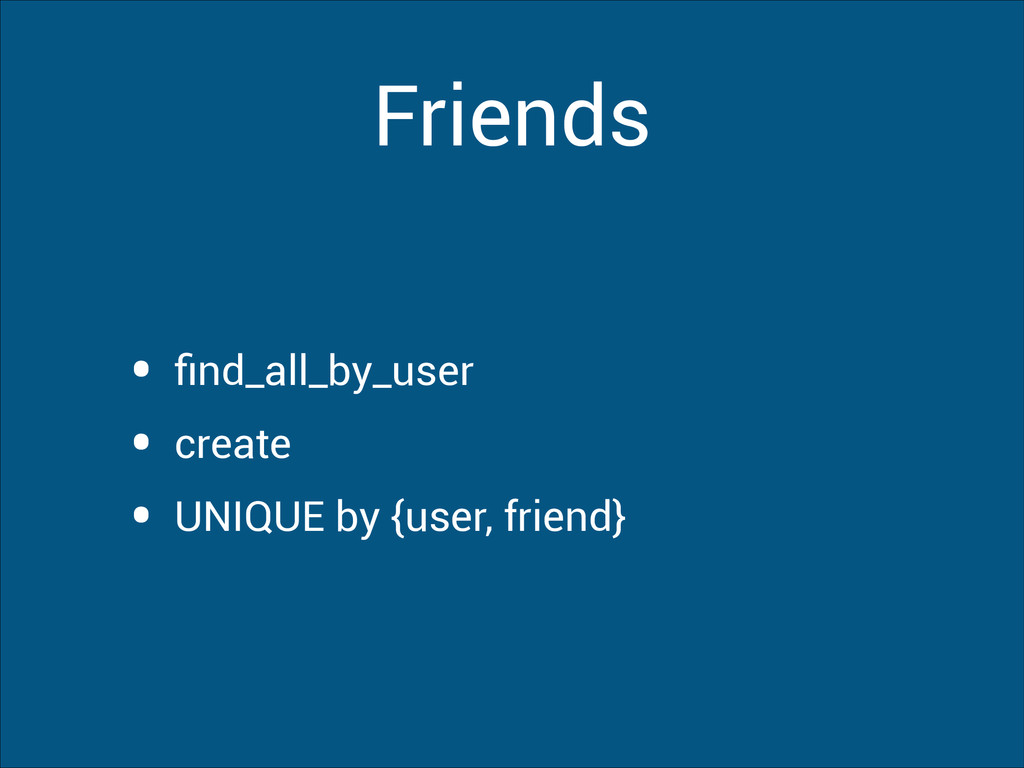
    PRIMARY KEY (user_id, tweet_id) ) WITH CLUSTERING ORDER BY (tweet_id DESC); ! SELECT * FROM timeline WHERE user_id = 1337 AND tweet_id < minTimeuuid('2013-02-02 10:00+0000’);
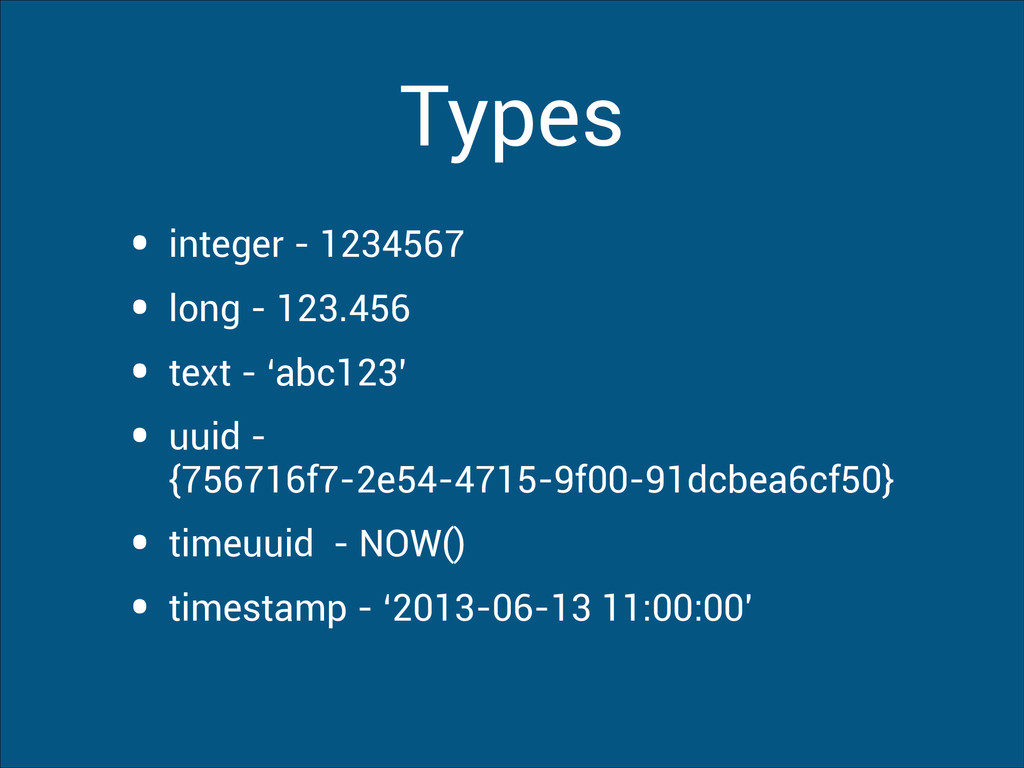
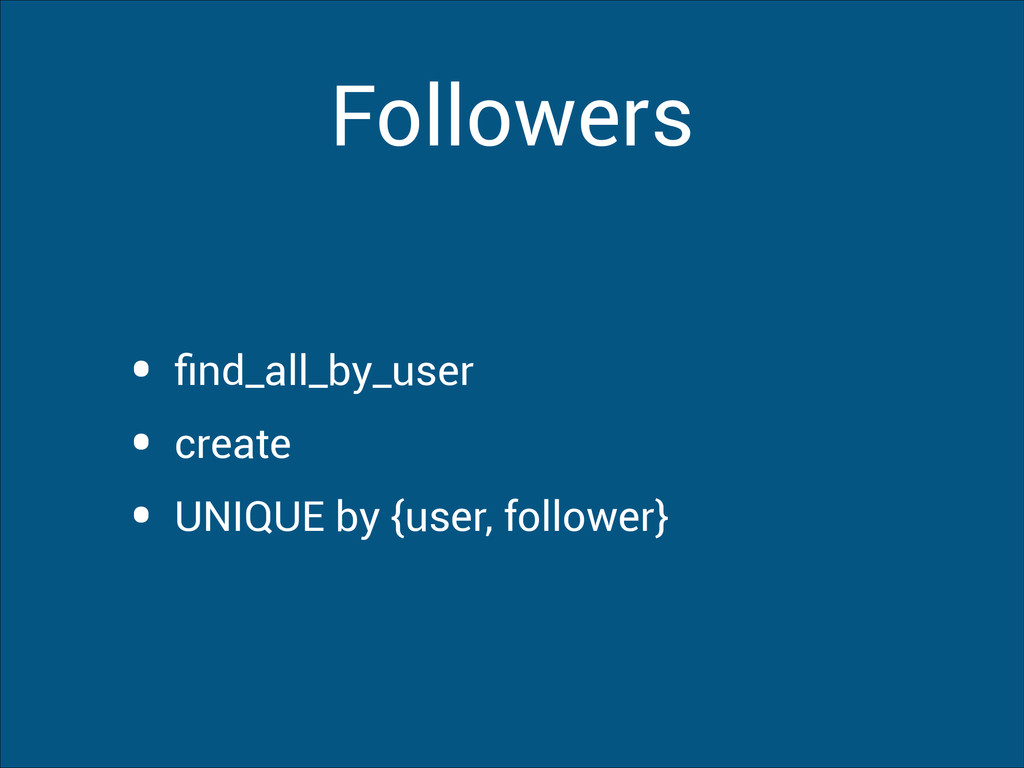
  7. Types • integer - 1234567 • long - 123.456 •

    text - ‘abc123’ • uuid - {756716f7-2e54-4715-9f00-91dcbea6cf50} • timeuuid - NOW() • timestamp - ‘2013-06-13 11:00:00'
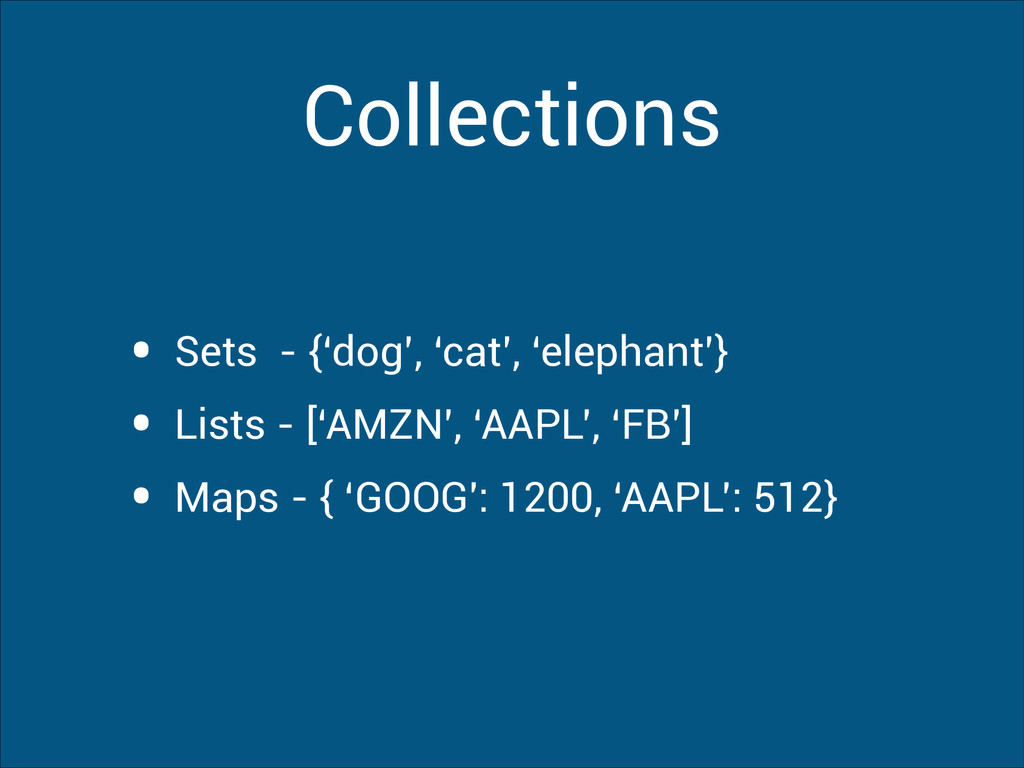
  8. Collections • Sets - {‘dog’, ‘cat’, ‘elephant’} • Lists -

    [‘AMZN’, ‘AAPL’, ‘FB’] • Maps - { ‘GOOG': 1200, ‘AAPL’: 512}
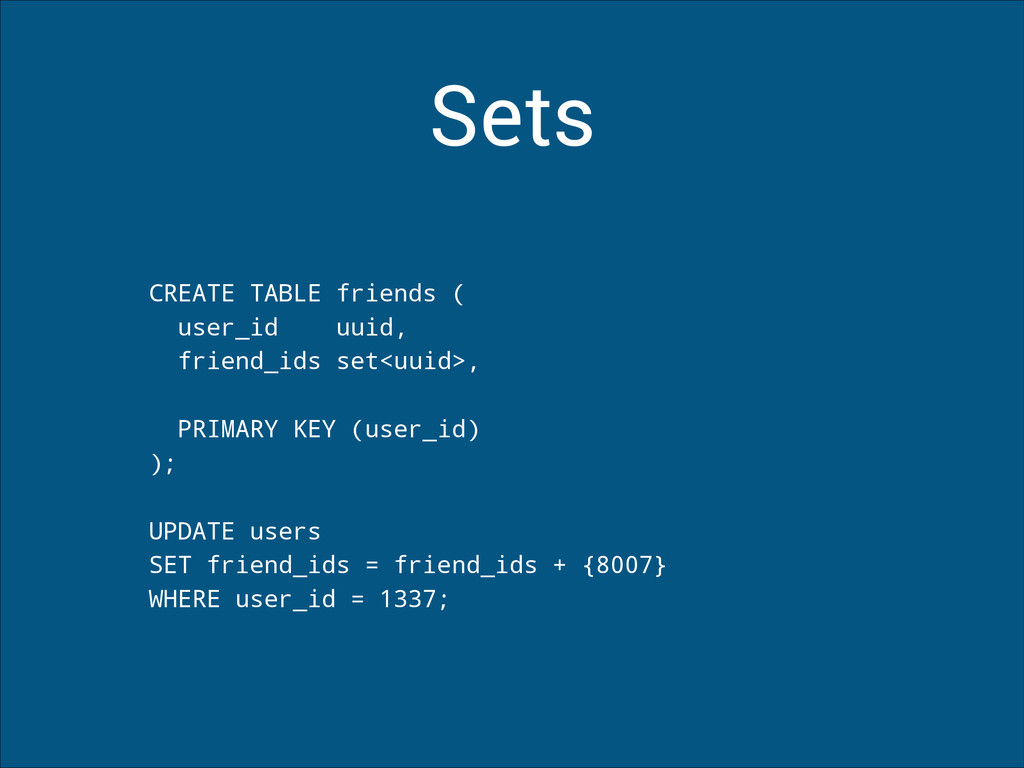
  9. Sets CREATE TABLE friends ( user_id uuid, friend_ids set<uuid>, !

    PRIMARY KEY (user_id) ); ! UPDATE users SET friend_ids = friend_ids + {8007} WHERE user_id = 1337;
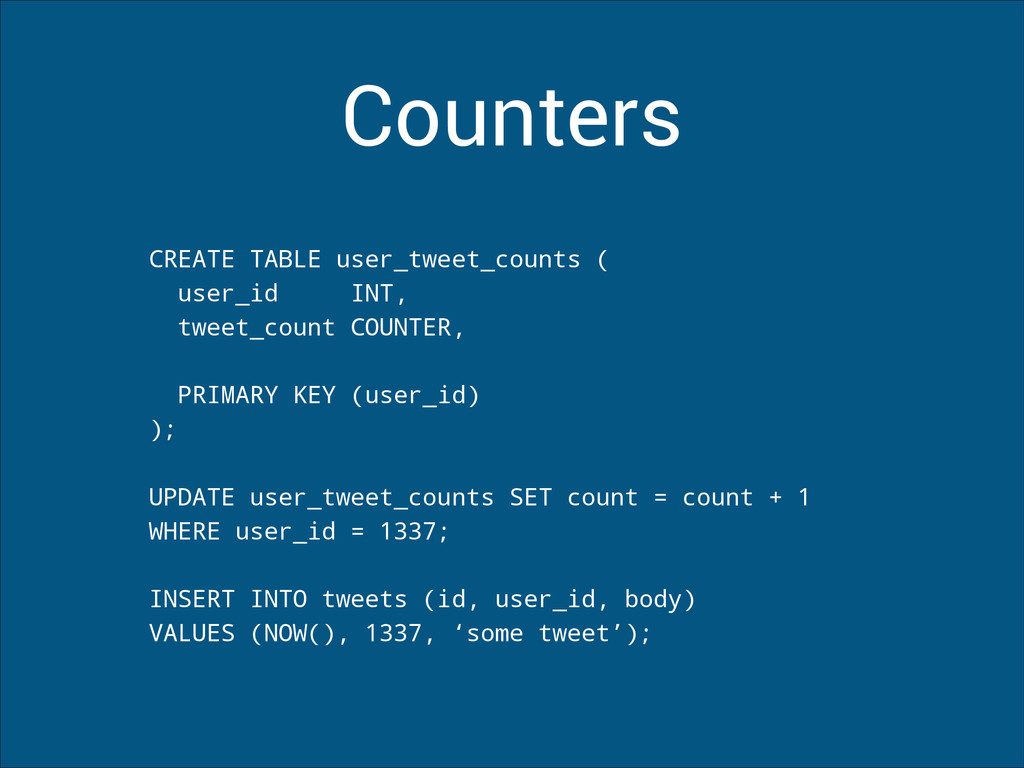
  10. Counters CREATE TABLE user_tweet_counts ( user_id INT, tweet_count COUNTER, !

    PRIMARY KEY (user_id) ); ! UPDATE user_tweet_counts SET count = count + 1 WHERE user_id = 1337; ! INSERT INTO tweets (id, user_id, body) VALUES (NOW(), 1337, ‘some tweet’);
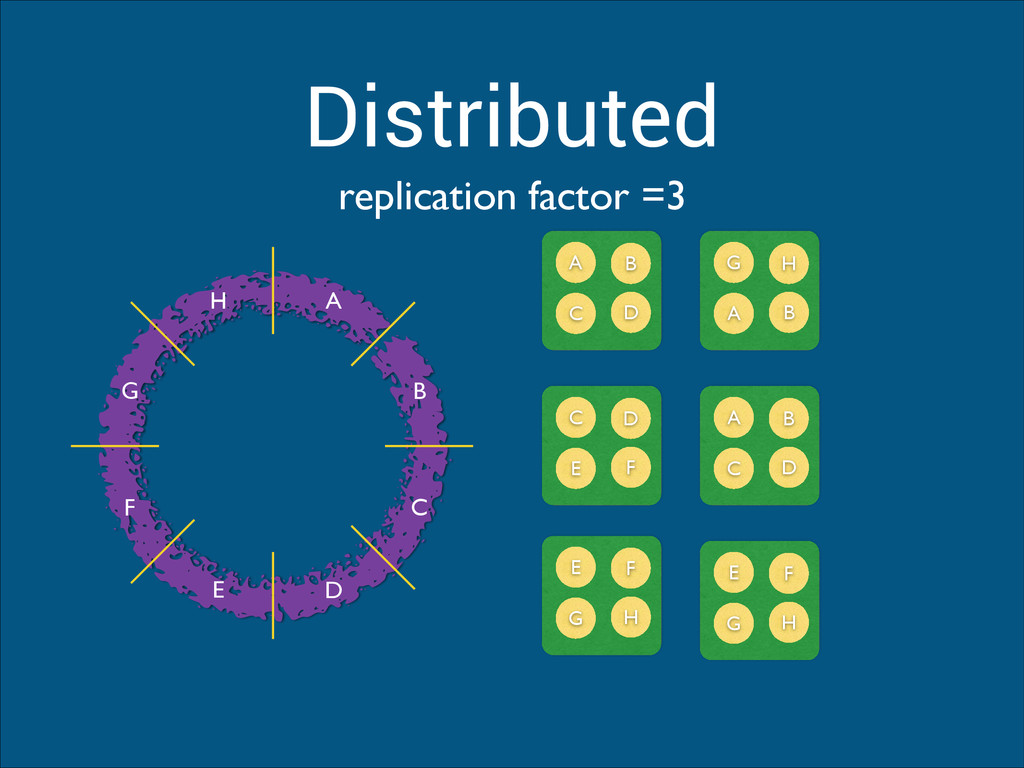
  11. Distributed A B C D E F G H A

    B C D G H A B C D E F A B C D E F G H E F G H replication factor =3
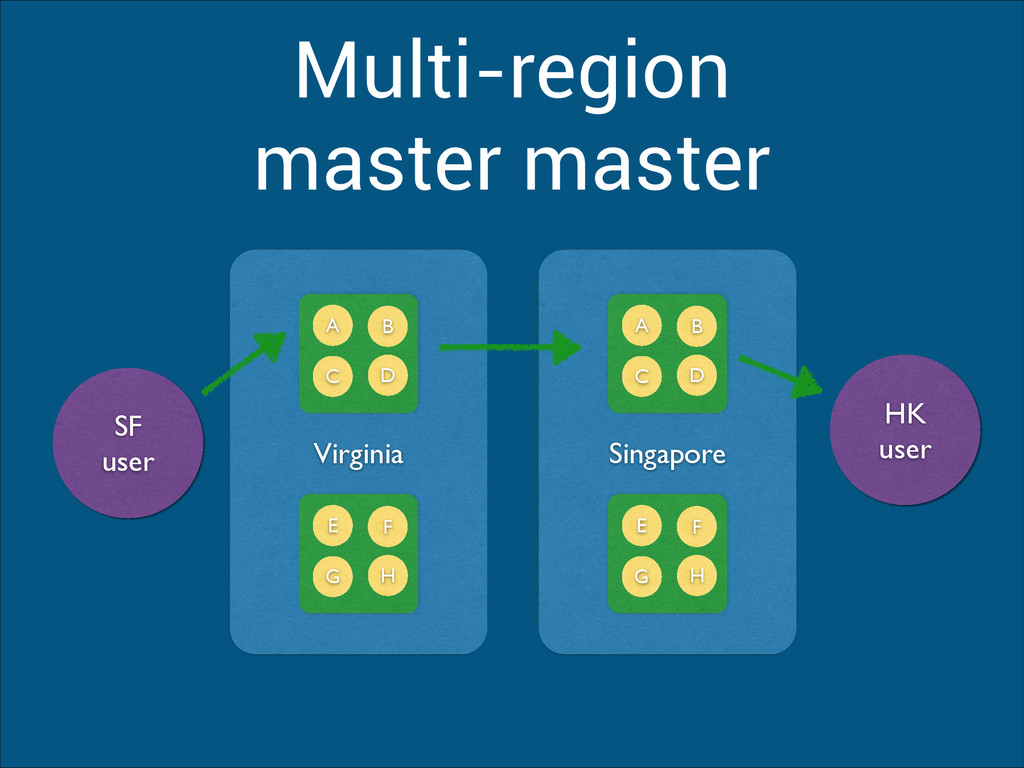
  12. Singapore Multi-region master master A B C D E F

    G H Virginia A B C D E F G H HK user SF user
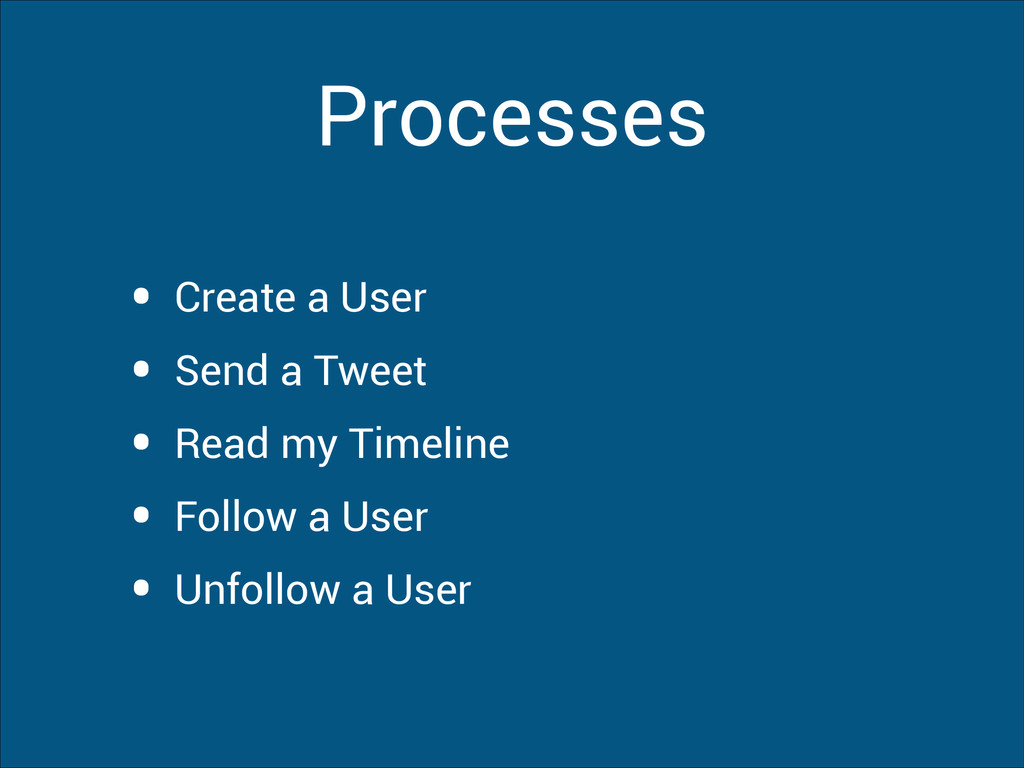
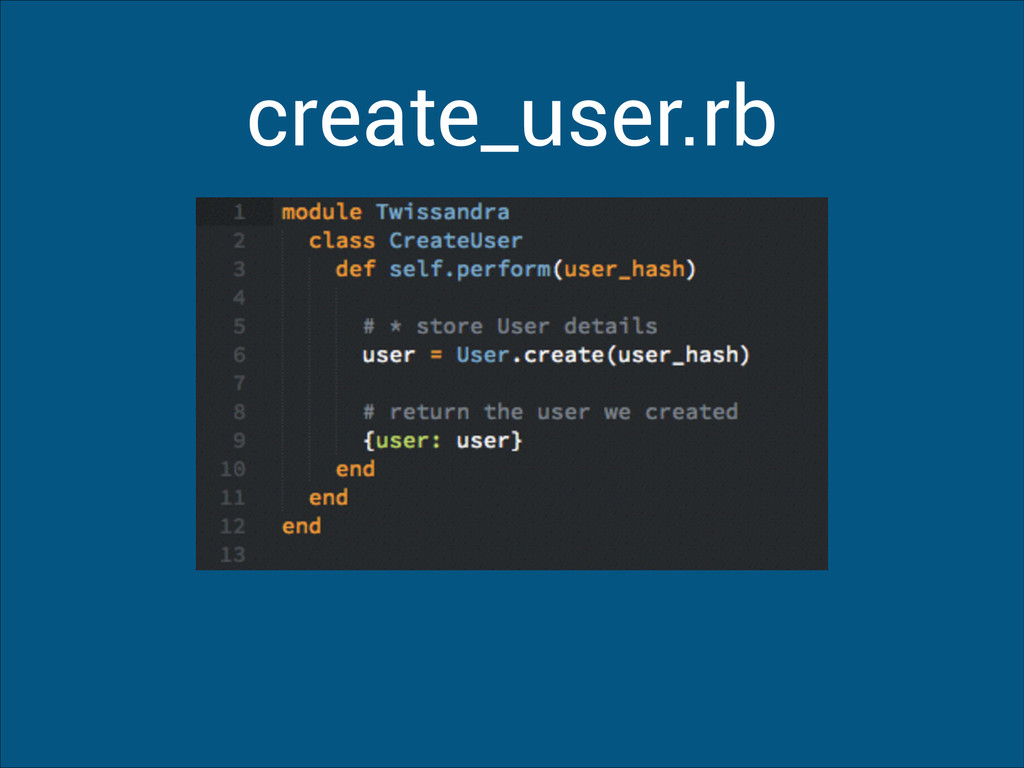
  13. Processes • Create a User • Send a Tweet •

    Read my Timeline • Follow a User • Unfollow a User
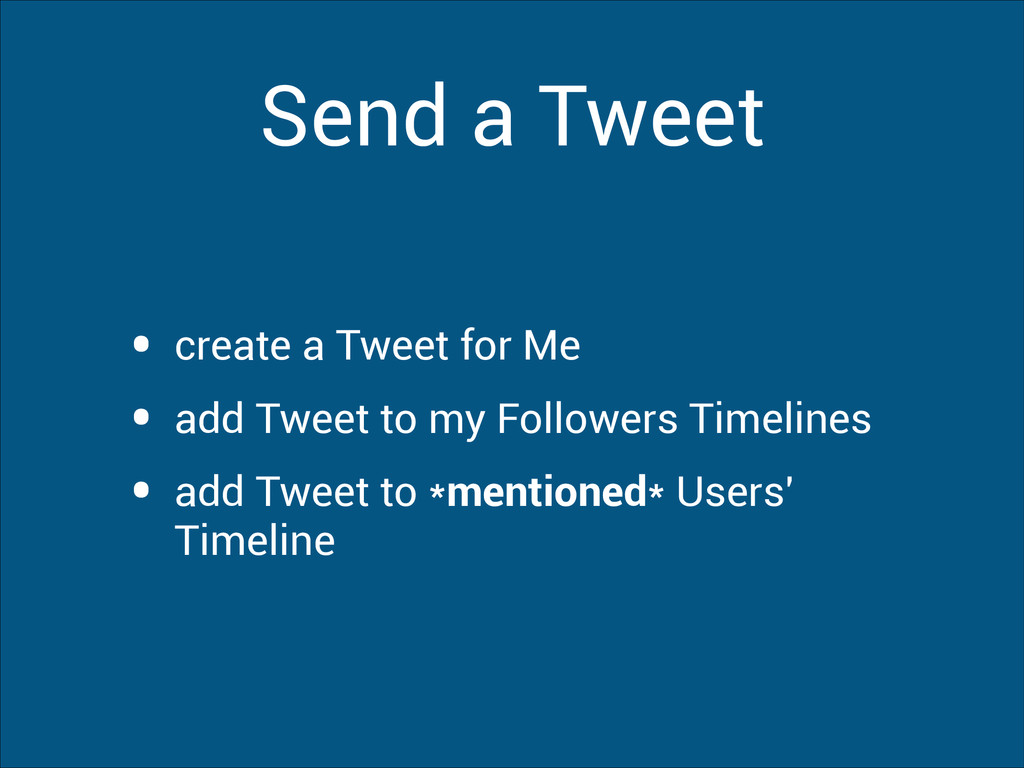
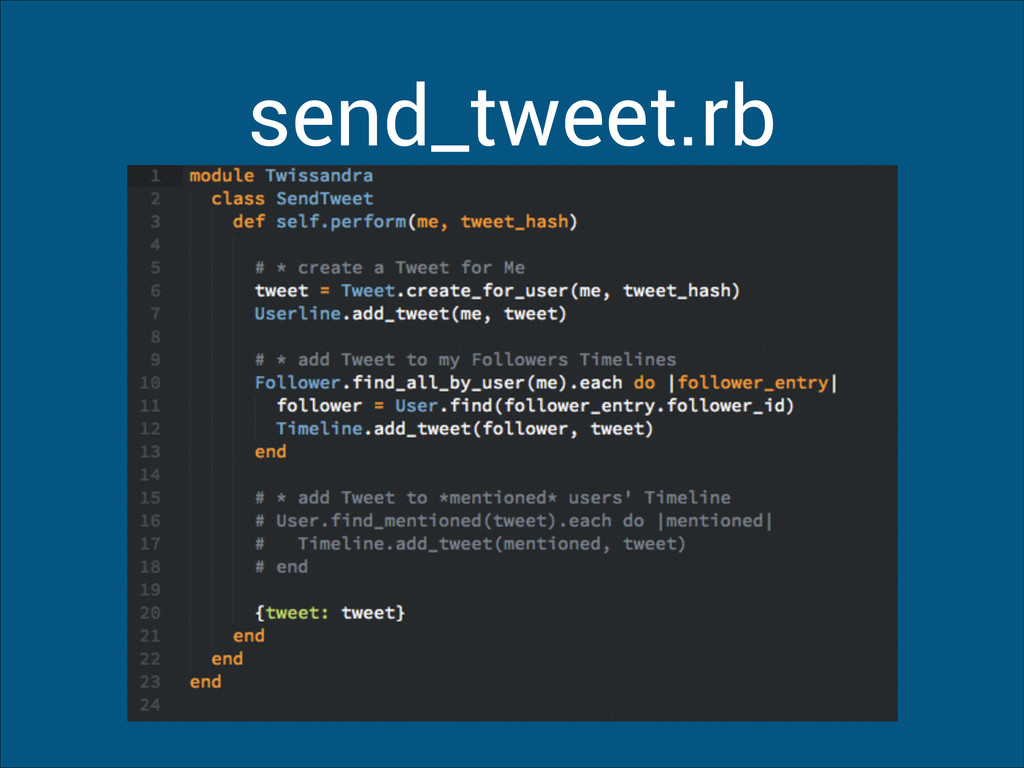
  14. Send a Tweet • create a Tweet for Me •

    add Tweet to my Followers Timelines • add Tweet to *mentioned* Users' Timeline
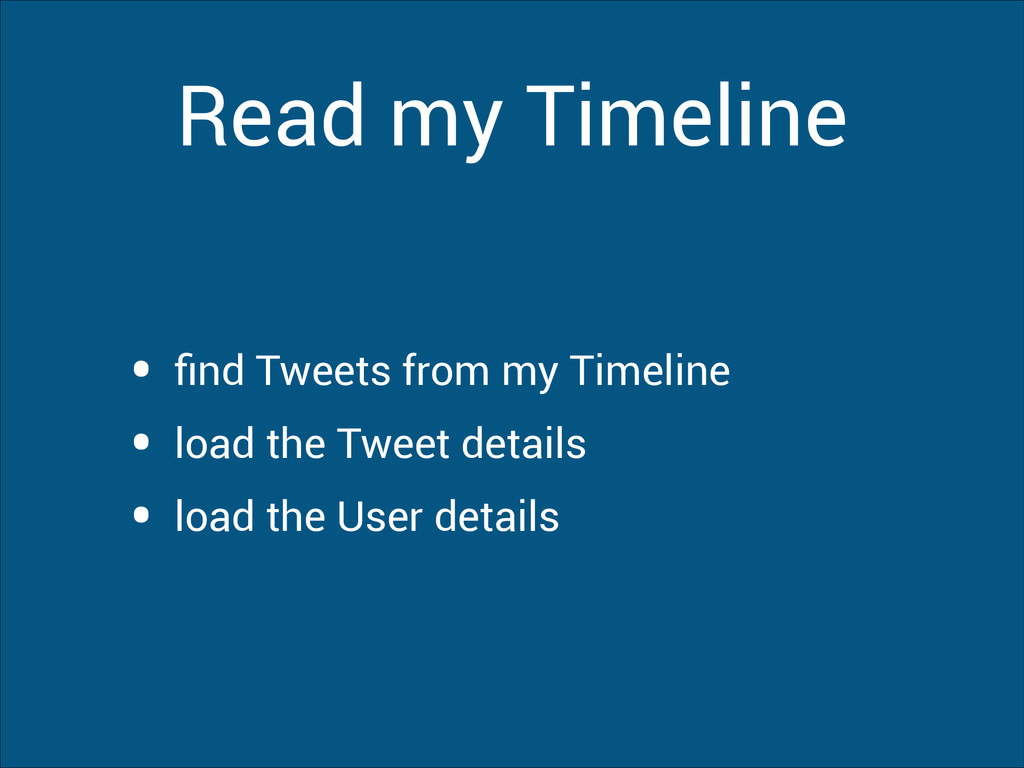
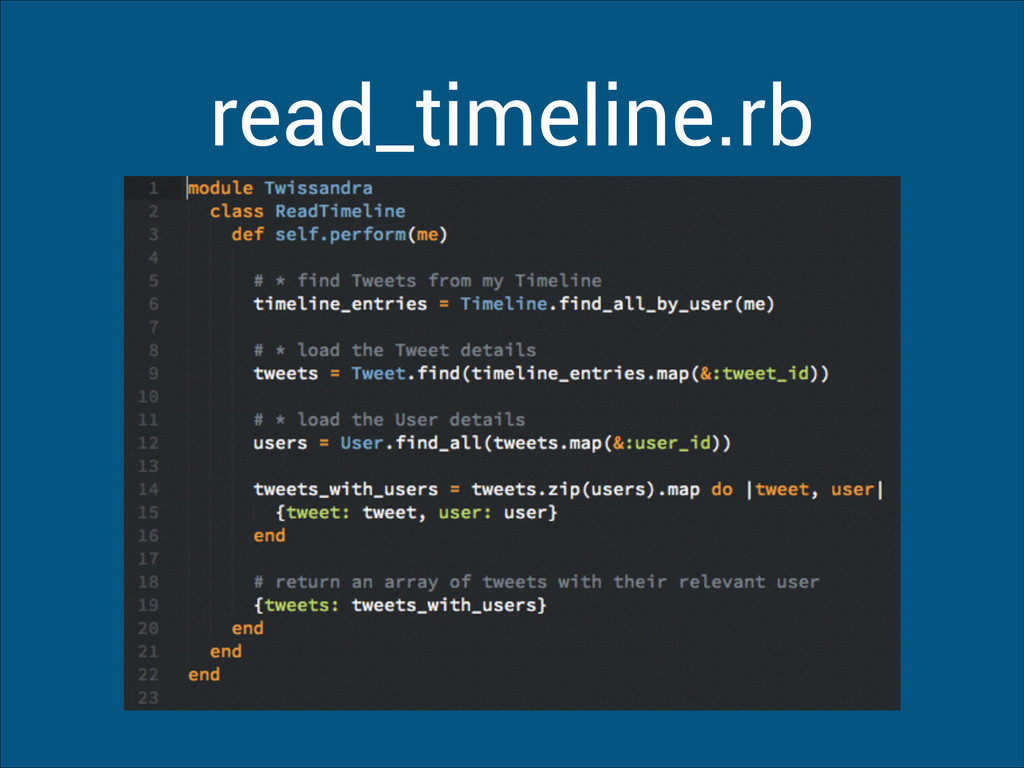
  15. Read my Timeline • find Tweets from my Timeline •

    load the Tweet details • load the User details
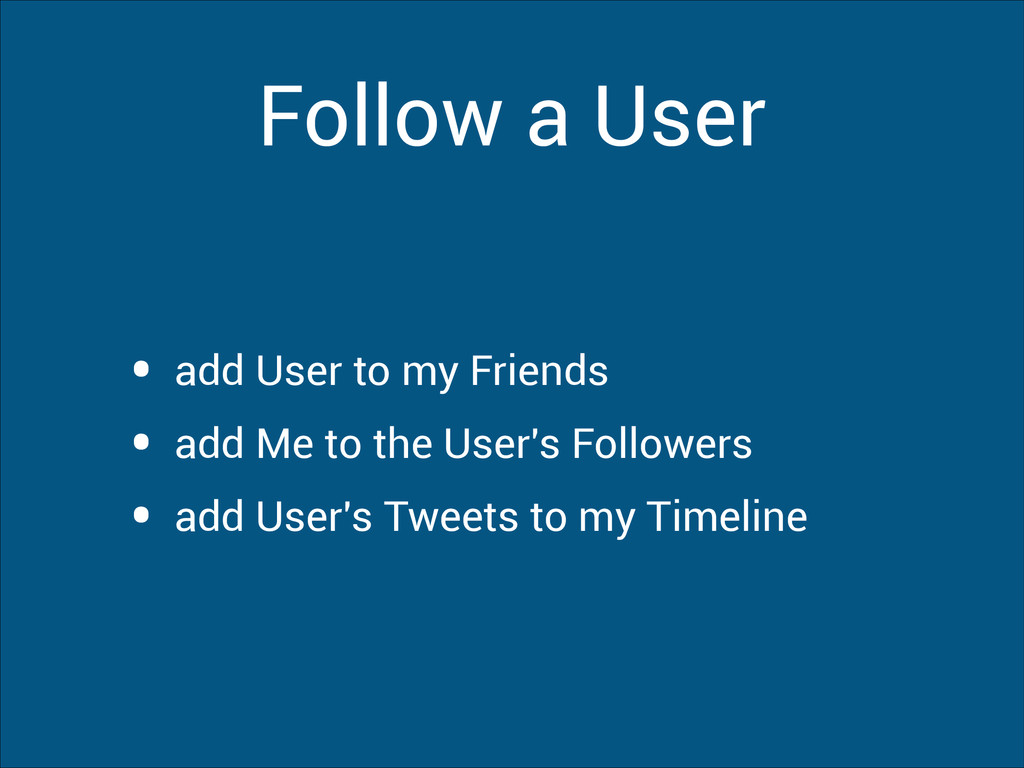
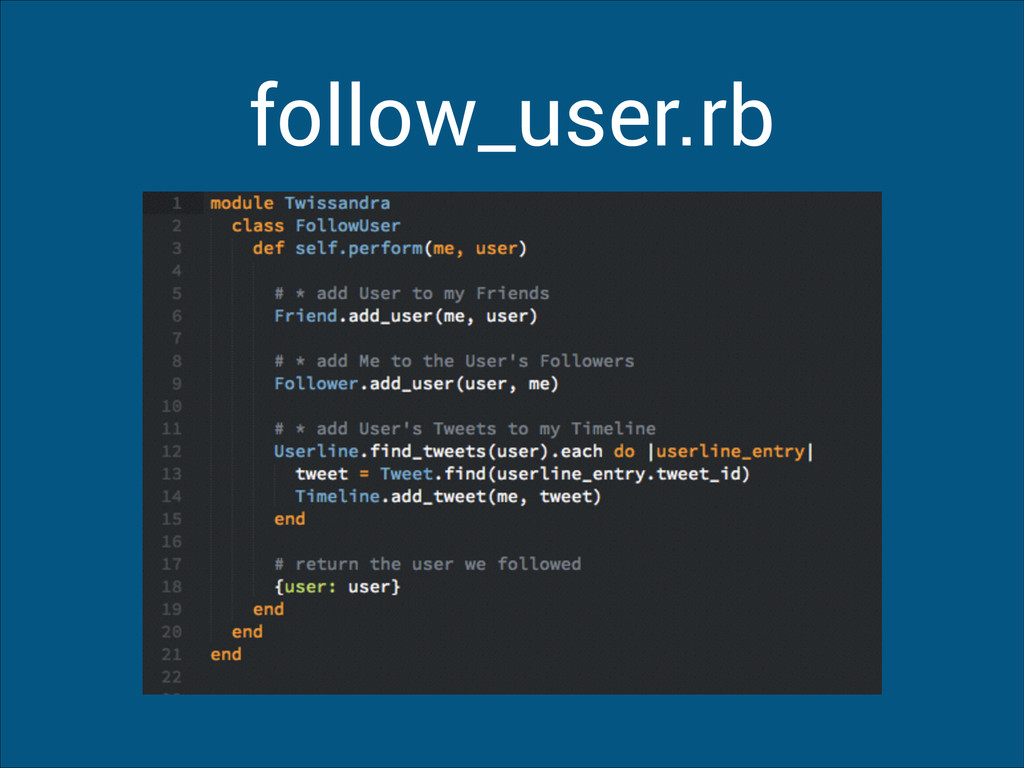
  16. Follow a User • add User to my Friends •

    add Me to the User's Followers • add User's Tweets to my Timeline
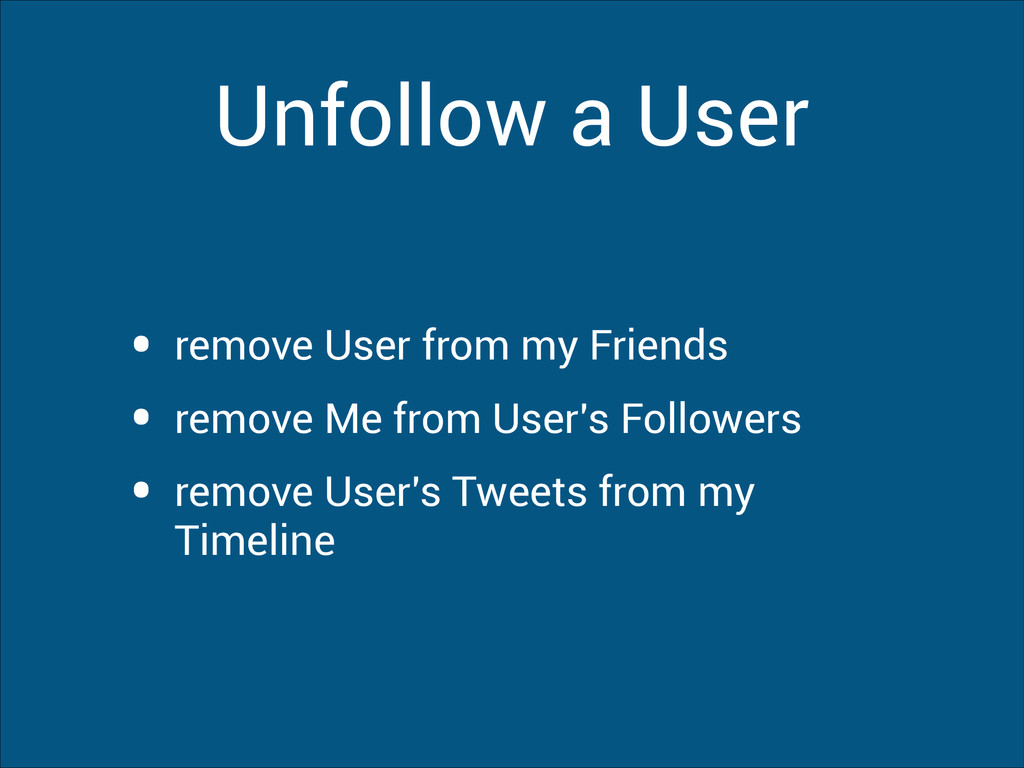
  17. Unfollow a User • remove User from my Friends •

    remove Me from User's Followers • remove User's Tweets from my Timeline
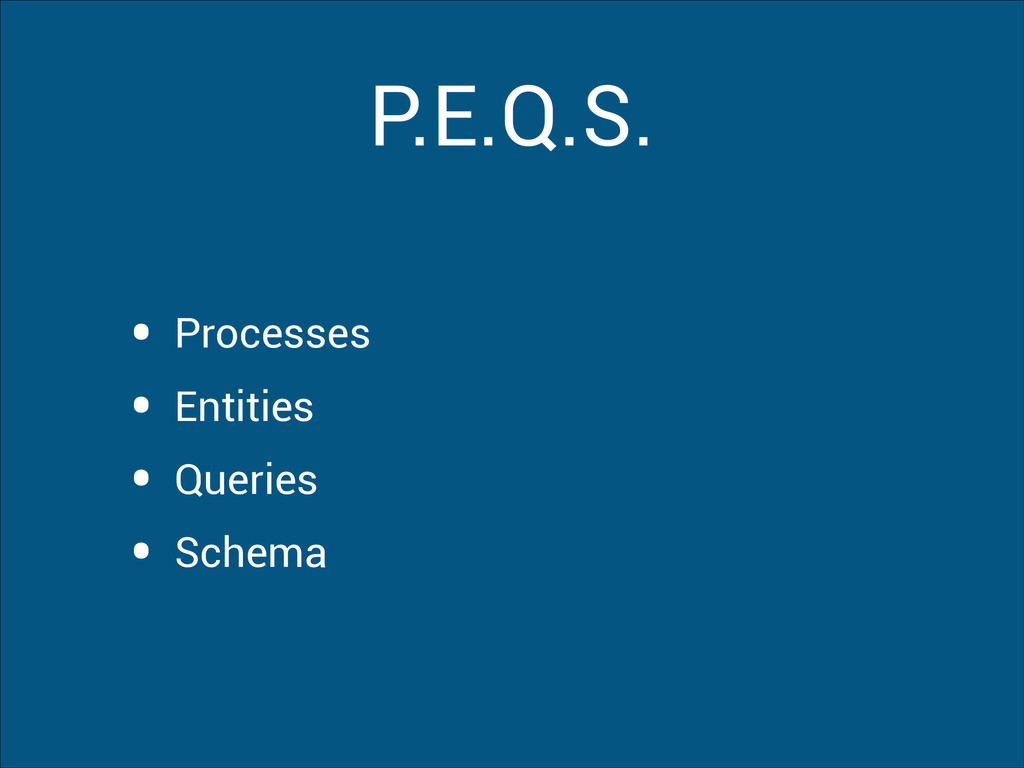
  18. Entities • Users • Tweets • Userline - tweets from

    the user • Timeline - tweets for the user to see • Friends - people the user follows • Followers - people who follow the user
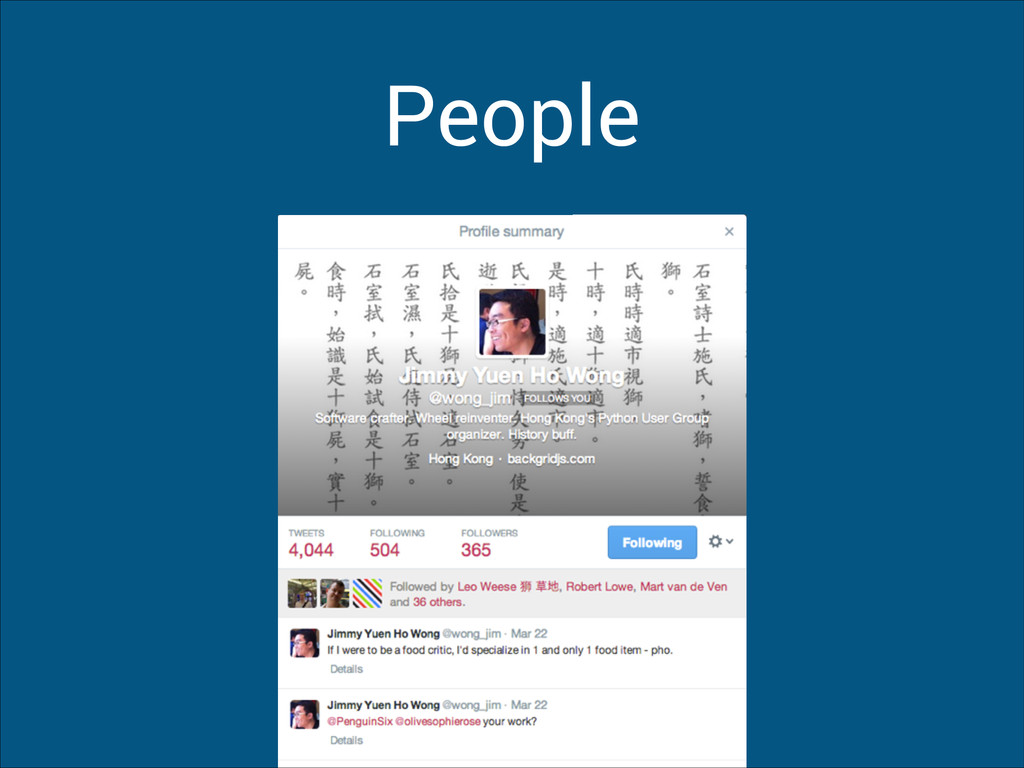
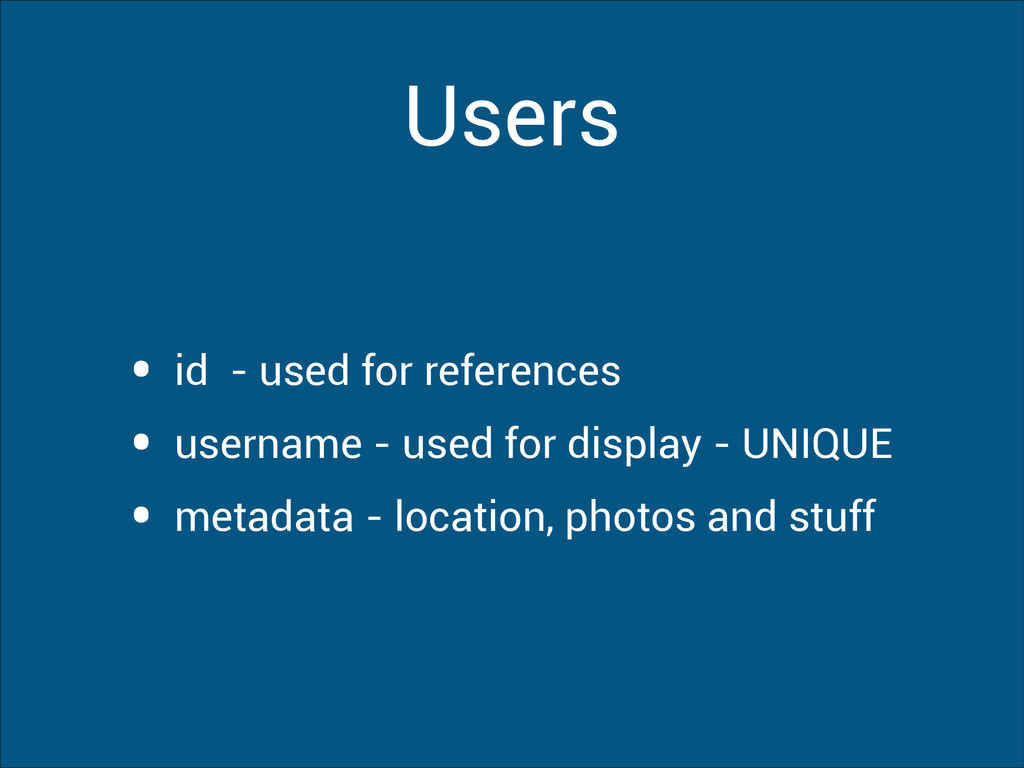
  19. Users • id - used for references • username -

    used for display - UNIQUE • metadata - location, photos and stuff
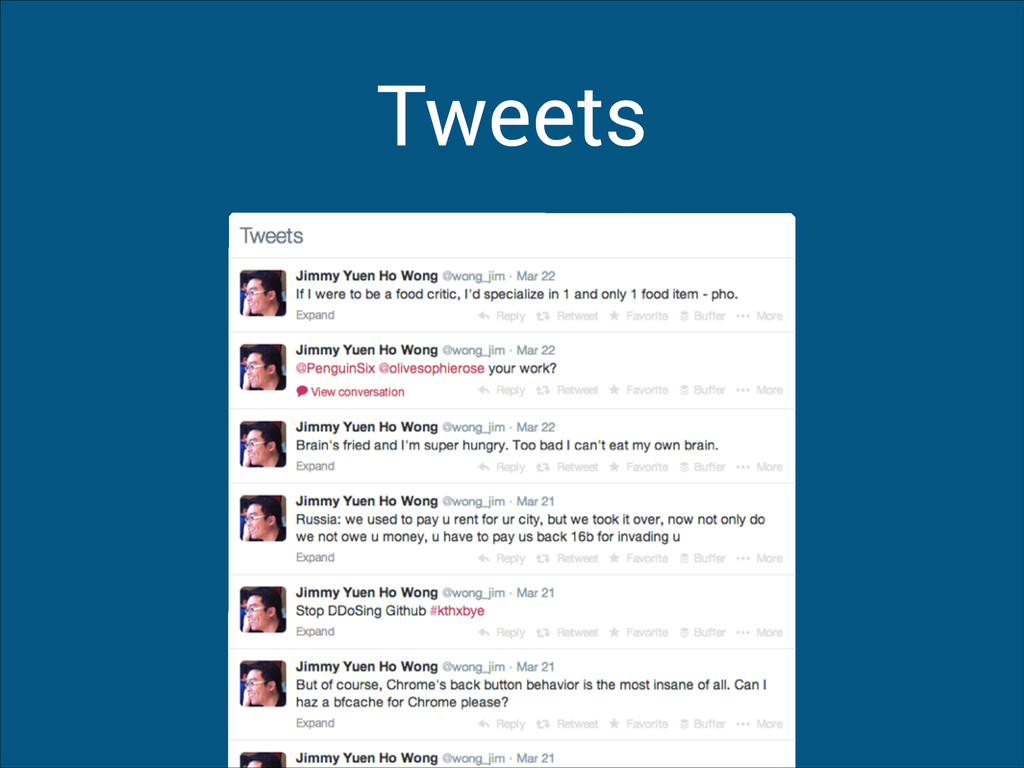
  20. Tweets • id - used for references • user_id -

    the user who tweeted • body - the text of the tweet • mentions - a list of users mentioned
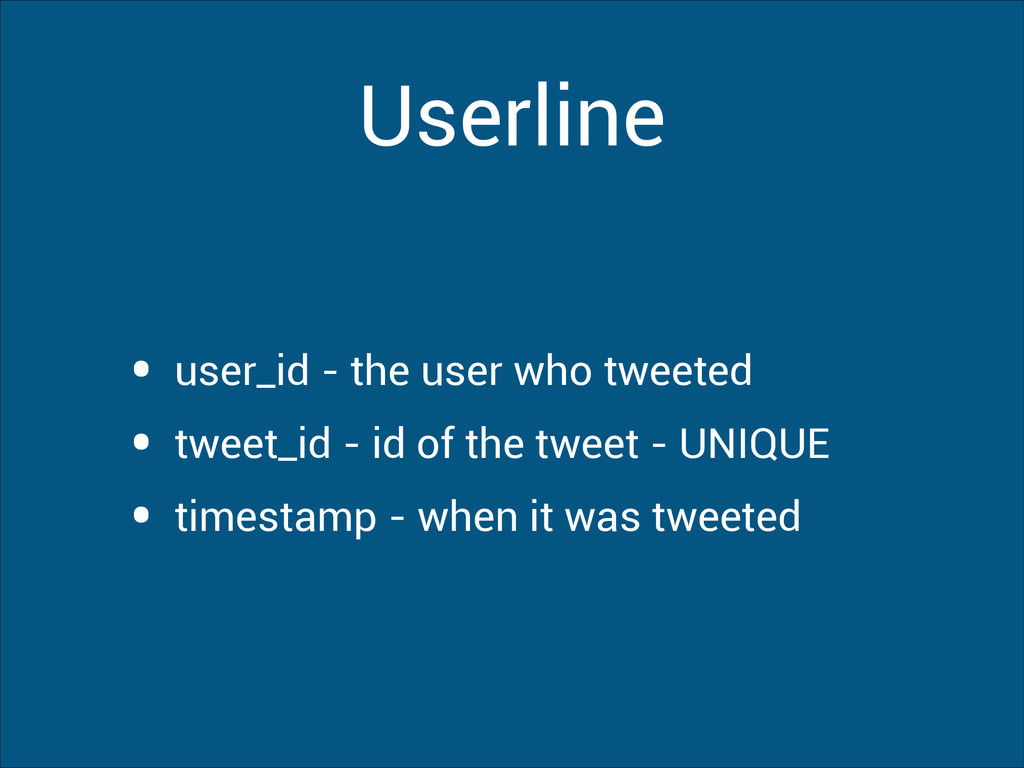
  21. Userline • user_id - the user who tweeted • tweet_id

    - id of the tweet - UNIQUE • timestamp - when it was tweeted
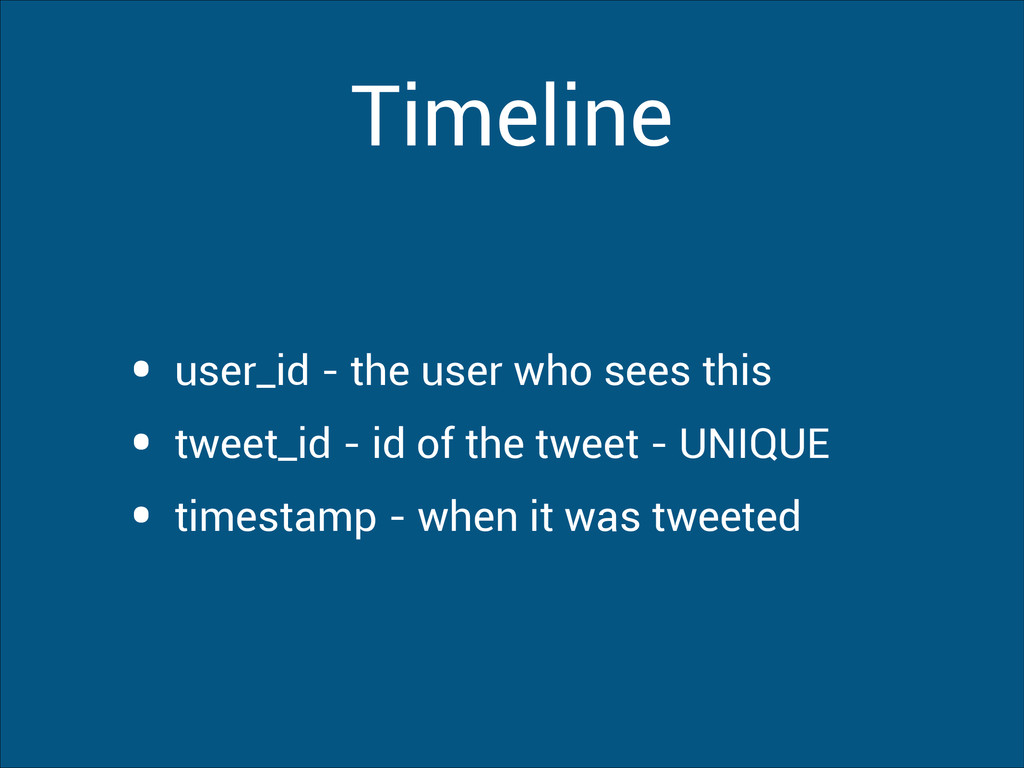
  22. Timeline • user_id - the user who sees this •

    tweet_id - id of the tweet - UNIQUE • timestamp - when it was tweeted
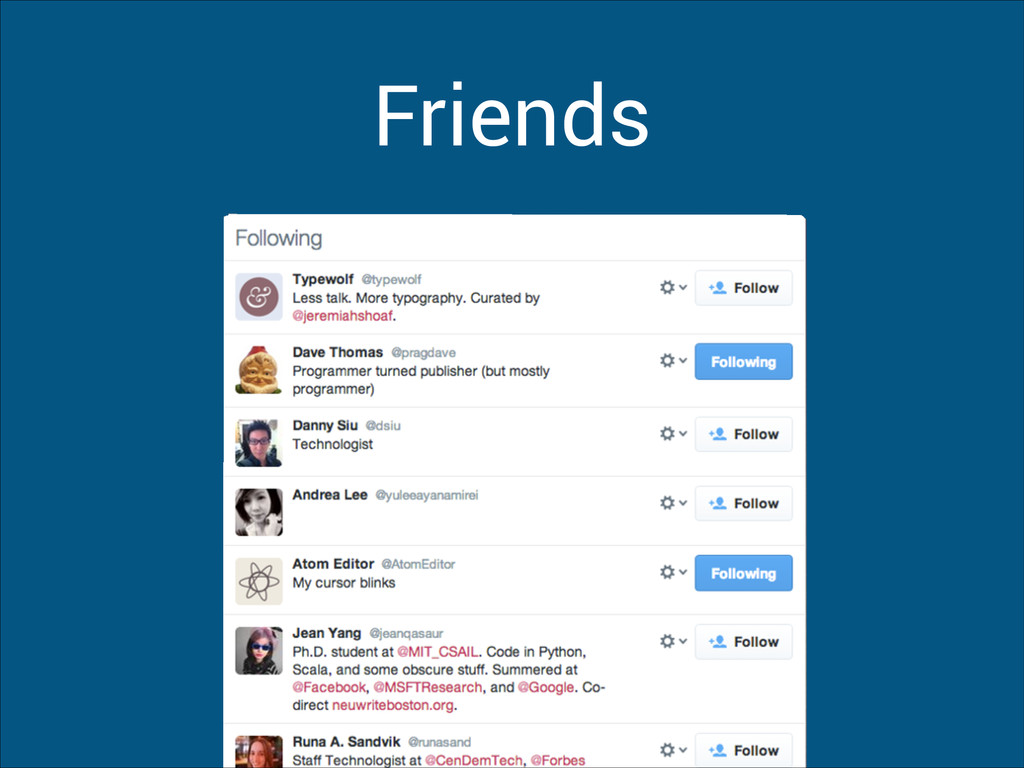
  23. Friends • user_id - the user • friend_id - the

    person they follow • timestamp - when they were followed
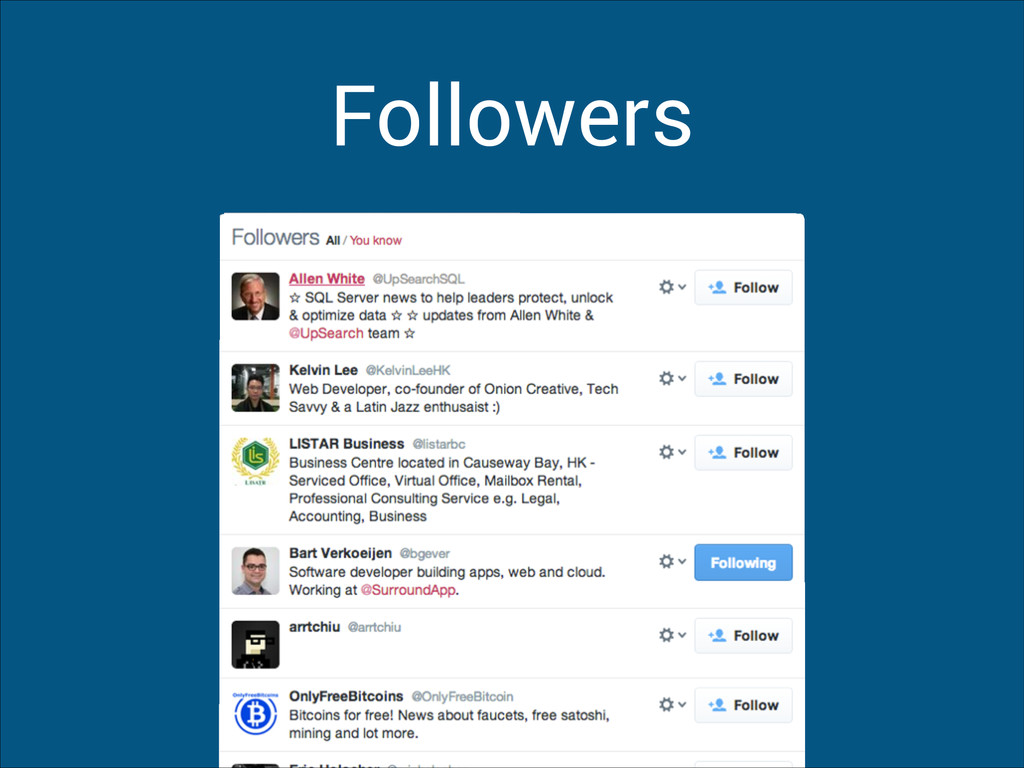
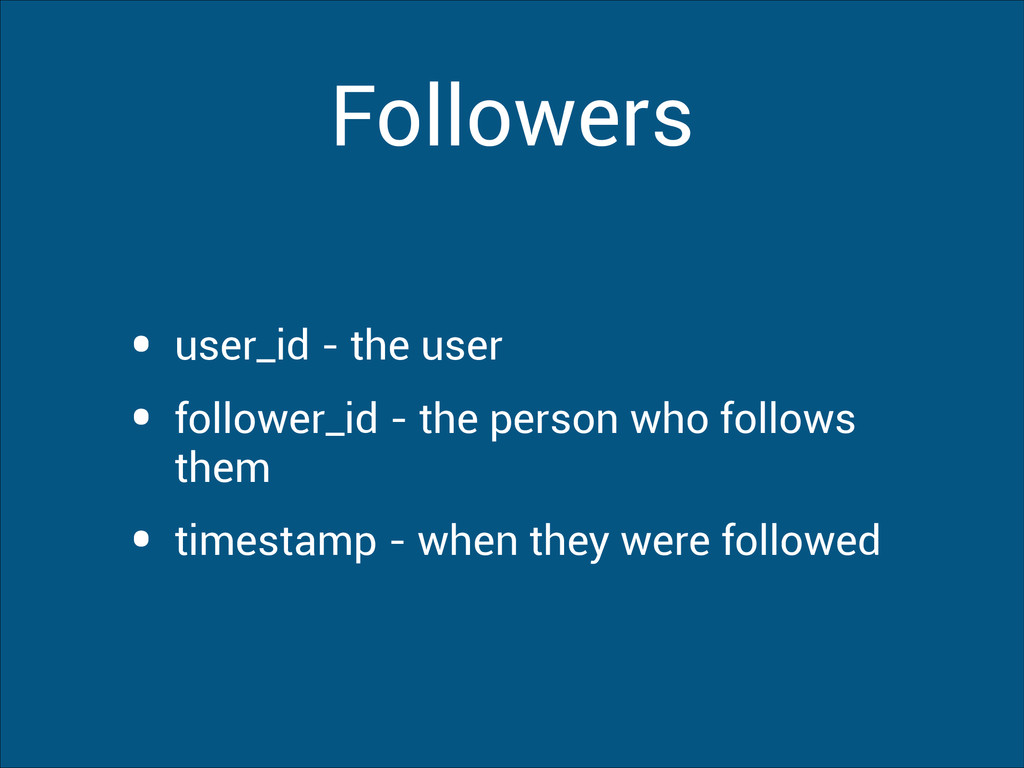
  24. Followers • user_id - the user • follower_id - the

    person who follows them • timestamp - when they were followed
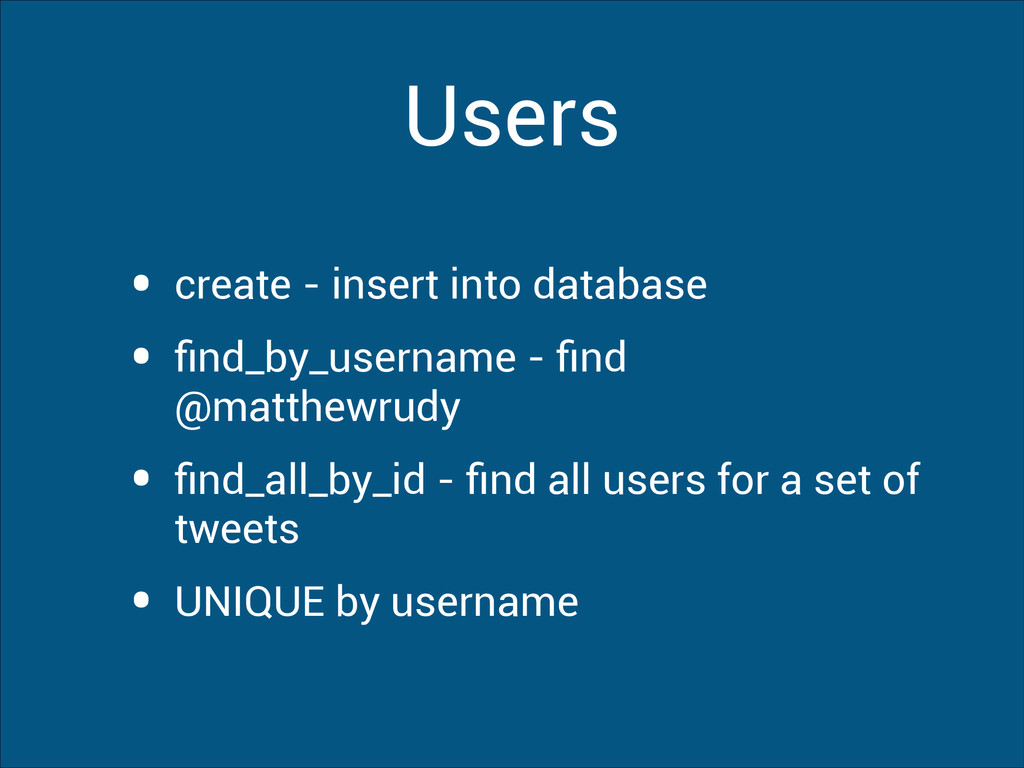
  25. Users • create - insert into database • find_by_username -

    find @matthewrudy • find_all_by_id - find all users for a set of tweets • UNIQUE by username
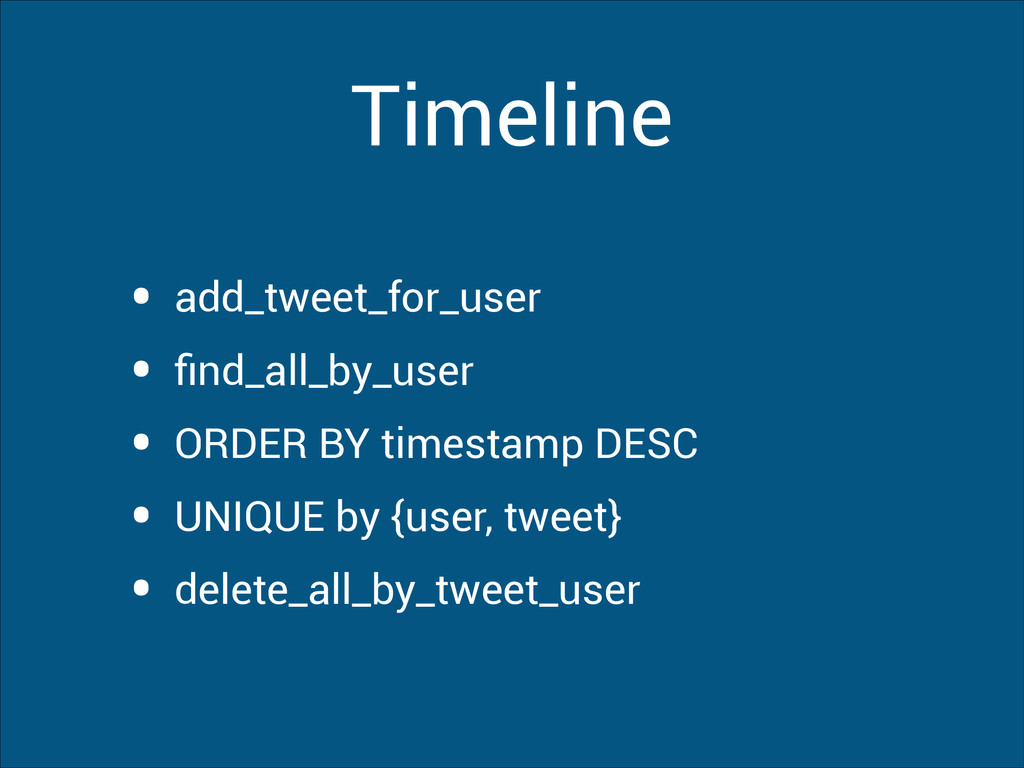
  26. Timeline • add_tweet_for_user • find_all_by_user • ORDER BY timestamp DESC

    • UNIQUE by {user, tweet} • delete_all_by_tweet_user
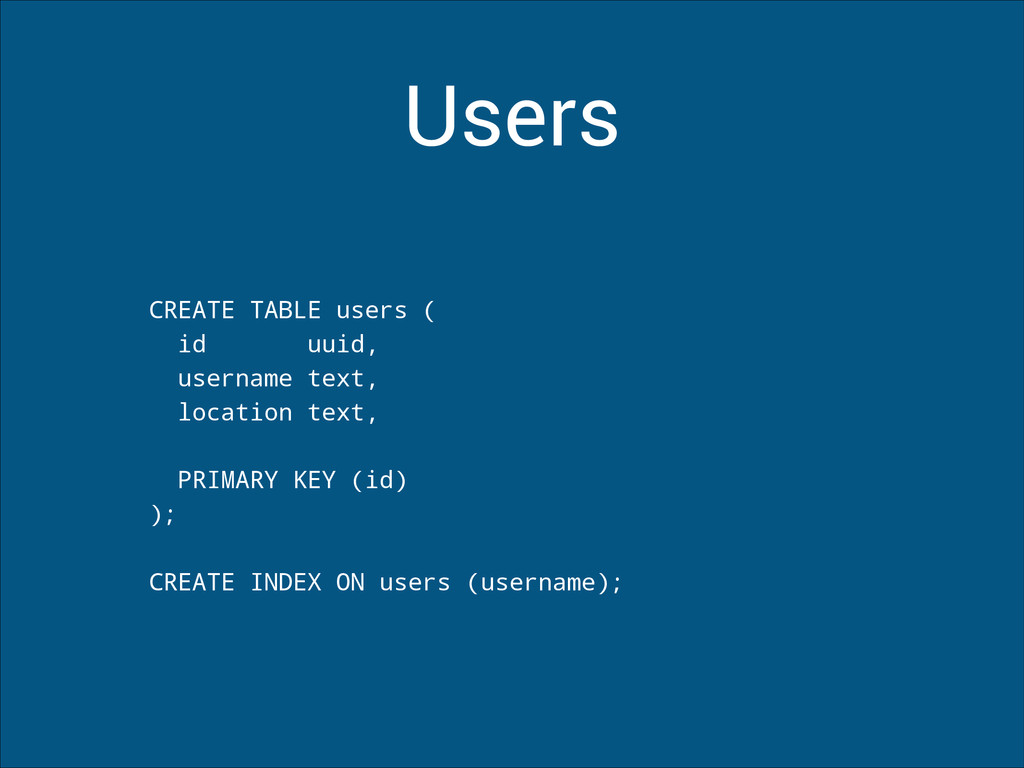
  27. Users CREATE TABLE users ( id uuid, username text, location

    text, ! PRIMARY KEY (id) ); ! CREATE INDEX ON users (username);
  28. Tweets CREATE TABLE tweets ( id timeuuid, // unique id

    with timestamp user_id uuid, body text, mentions set<uuid>, ! PRIMARY KEY (id) );
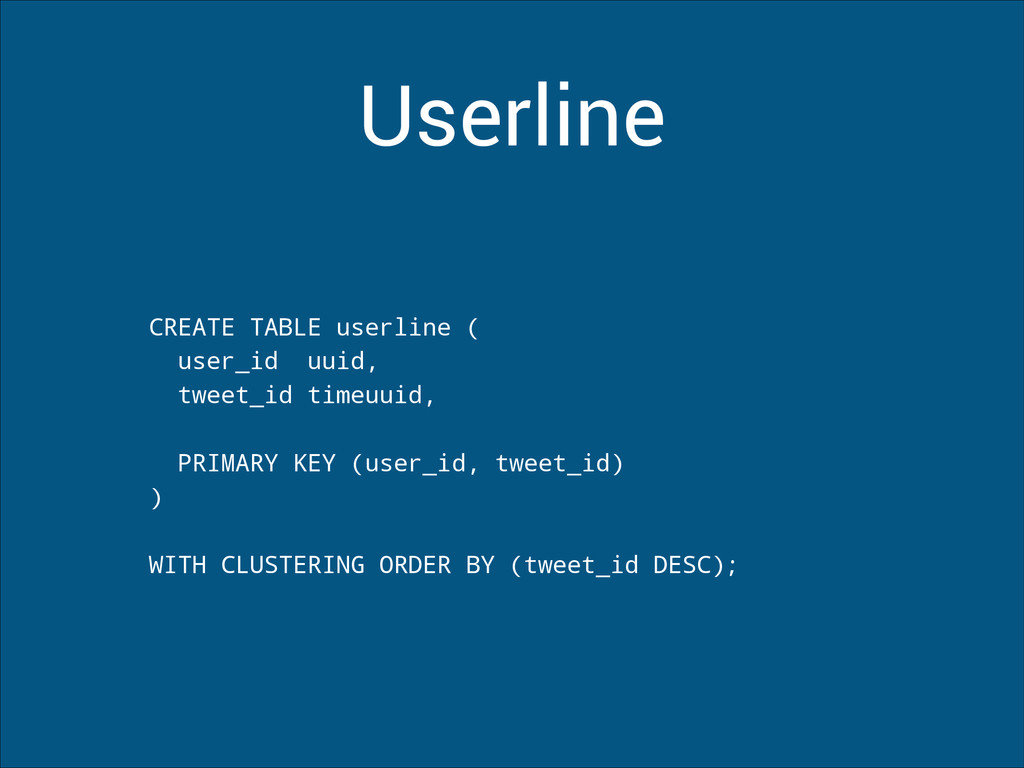
  29. Userline CREATE TABLE userline ( user_id uuid, tweet_id timeuuid, !

    PRIMARY KEY (user_id, tweet_id) ) ! WITH CLUSTERING ORDER BY (tweet_id DESC);
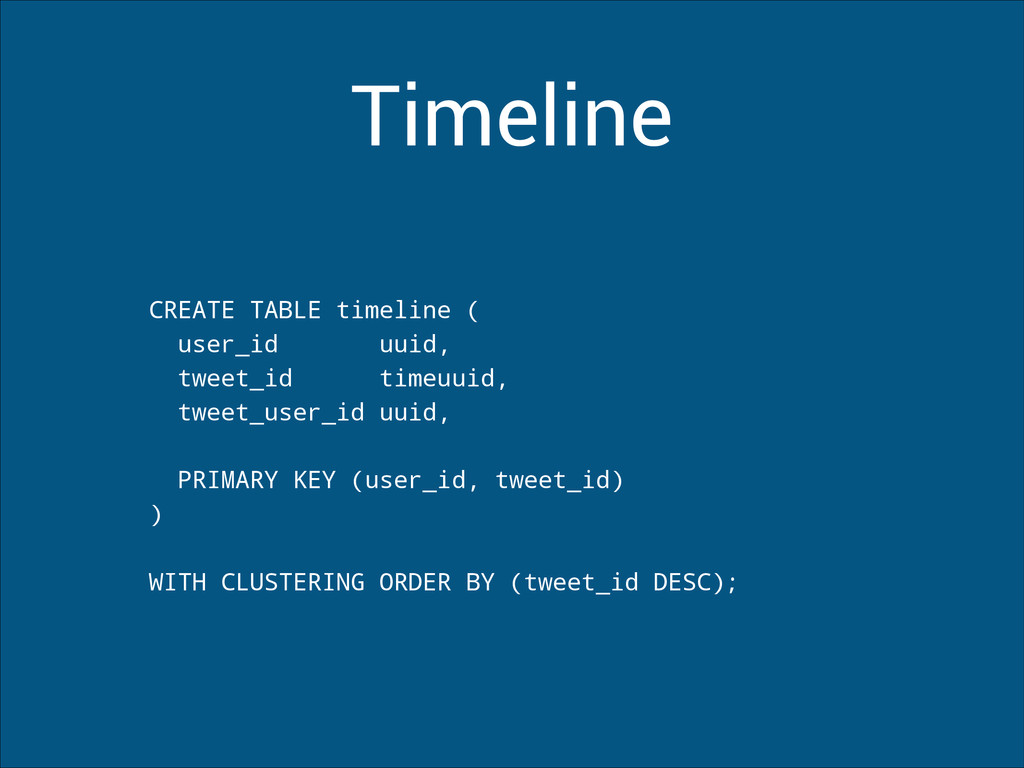
  30. Timeline CREATE TABLE timeline ( user_id uuid, tweet_id timeuuid, tweet_user_id

    uuid, ! PRIMARY KEY (user_id, tweet_id) ) ! WITH CLUSTERING ORDER BY (tweet_id DESC);
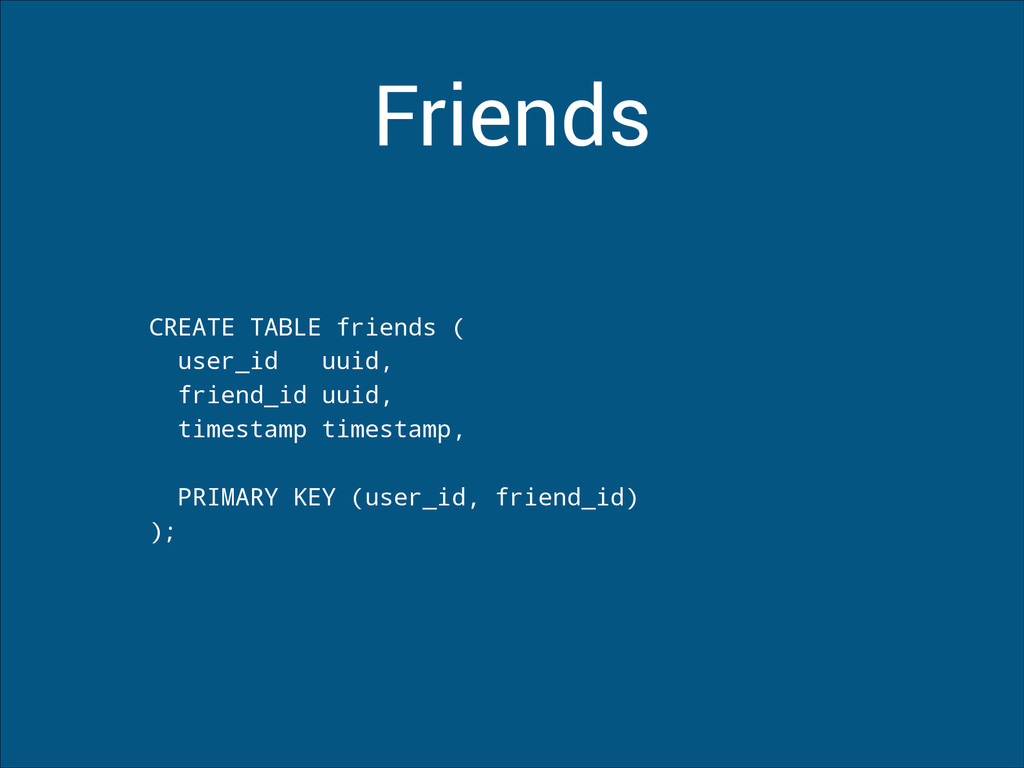
  31. Friends CREATE TABLE friends ( user_id uuid, friend_id uuid, timestamp

    timestamp, ! PRIMARY KEY (user_id, friend_id) );
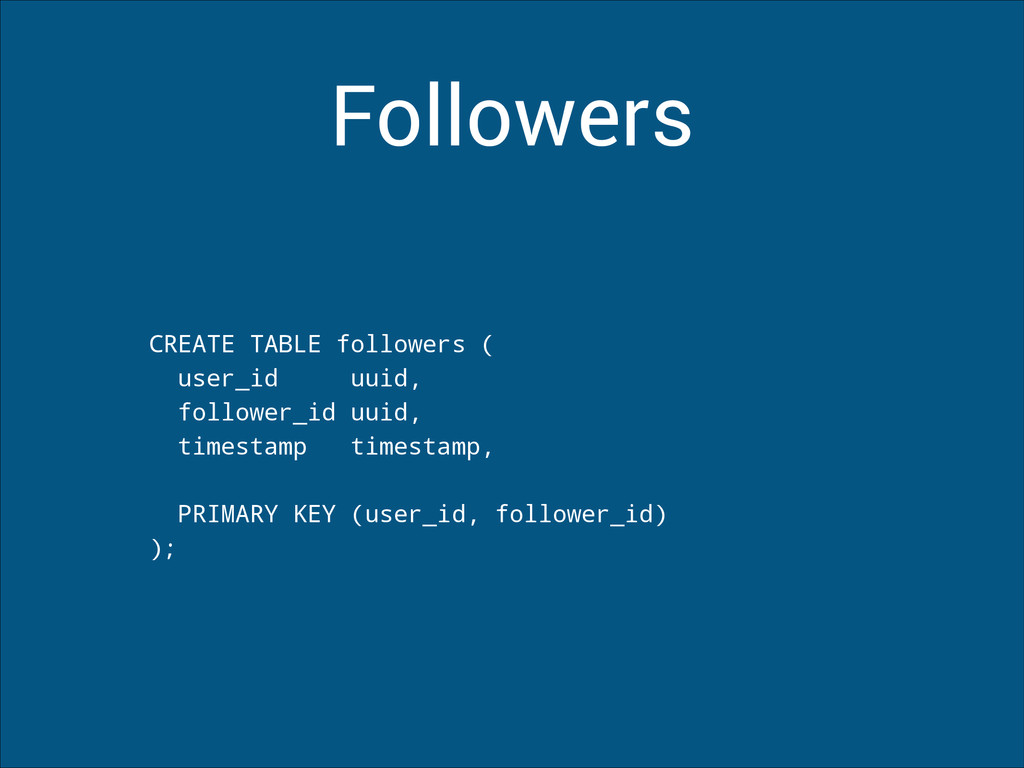
  32. Followers CREATE TABLE followers ( user_id uuid, follower_id uuid, timestamp

    timestamp, ! PRIMARY KEY (user_id, follower_id) );