Lock in $30 Savings on PRO—Offer Ends Soon! ⏳

WorkManager — Schedule your task in easy way!

Avatar for Mehul Kabaria Mehul Kabaria
December 16, 2019

WorkManager — Schedule your task in easy way!

There are a lot of considerations and best practices for handling background work but now we’ve WorkManager, the new job management system in Jetpack, incorporates the features of Firebase Job Dispatcher and Android’s JobScheduler to provide a consistent job scheduling and support with task chaining.

Topics to be covered :
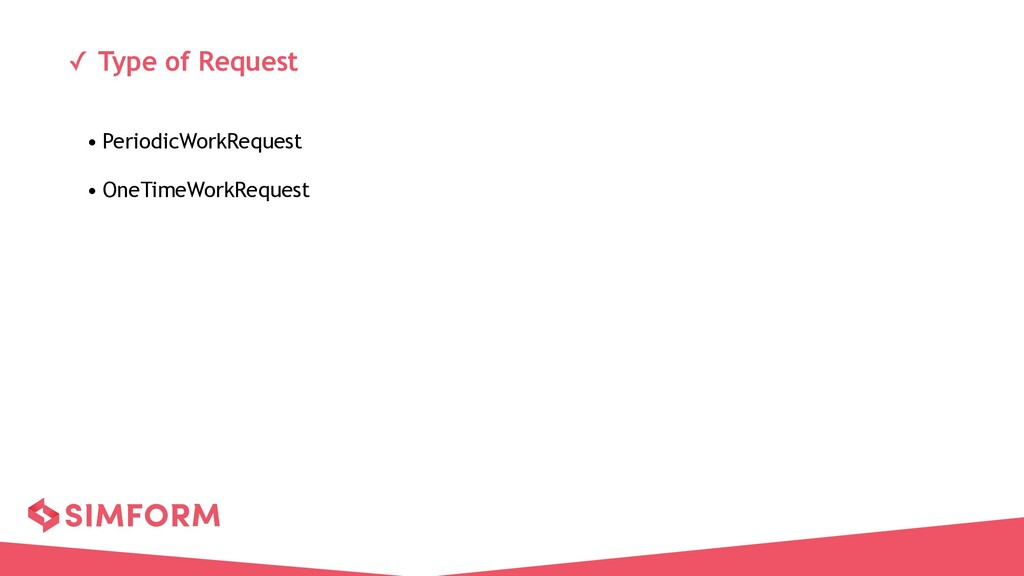
- Request types : Onetime and periodic
- Request with constraints such as network conditions, storage space, and charging status
- Challenges in background processing
- Background operation at X interval.

Avatar for Mehul Kabaria

Mehul Kabaria

December 16, 2019
Tweet

Other Decks in Programming

Transcript

  1. ✓ What is Background Processing ? • Any long running

    computation and operation such as bitmap processing, perform network request, downloading any task should done on a separate or background thread. • In general anything that takes more than a few milliseconds should be delegated to a background thread • Some of these tasks may be required to be performed while the user is actively interacting with the app.
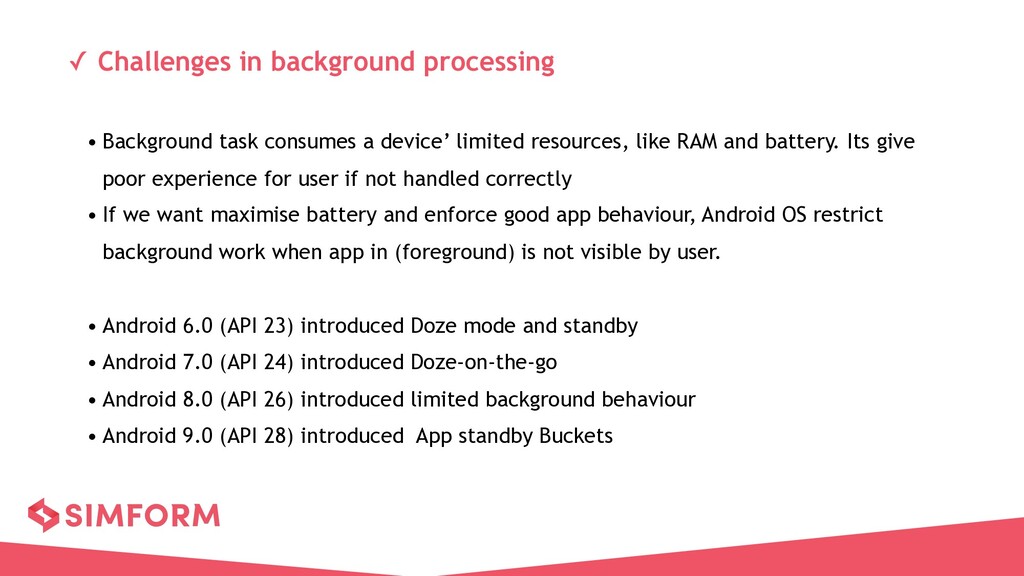
  2. ✓ Challenges in background processing • Background task consumes a

    device’ limited resources, like RAM and battery. Its give poor experience for user if not handled correctly • If we want maximise battery and enforce good app behaviour, Android OS restrict background work when app in (foreground) is not visible by user. • Android 6.0 (API 23) introduced Doze mode and standby • Android 7.0 (API 24) introduced Doze-on-the-go • Android 8.0 (API 26) introduced limited background behaviour • Android 9.0 (API 28) introduced App standby Buckets
  3. ✓ What is WokManager? • One of the Android Architecture

    component and part of Android Jetpack • Using WorkManager we can schedule deferrable and asynchronous task that are expected to run even if the app is exits or device restarts. • Work Manager expand capabilities of JobScheduler and support Android 4.0+ (API 14+) • In other words, WorkManager provide better friendly API.
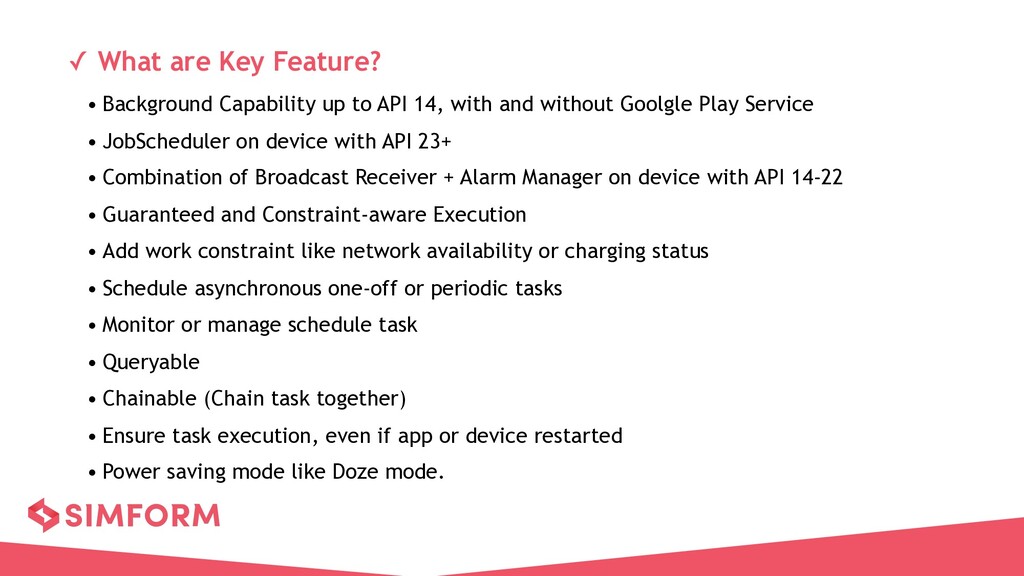
  4. ✓ What are Key Feature? • Background Capability up to

    API 14, with and without Goolgle Play Service • JobScheduler on device with API 23+ • Combination of Broadcast Receiver + Alarm Manager on device with API 14-22 • Guaranteed and Constraint-aware Execution • Add work constraint like network availability or charging status • Schedule asynchronous one-off or periodic tasks • Monitor or manage schedule task • Queryable • Chainable (Chain task together) • Ensure task execution, even if app or device restarted • Power saving mode like Doze mode.
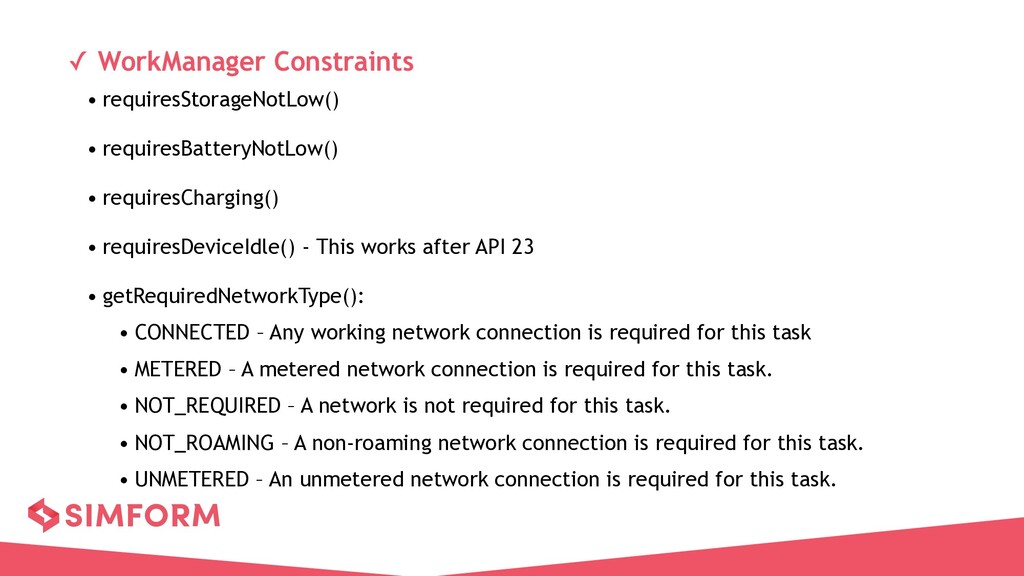
  5. ✓ WorkManager Constraints • requiresStorageNotLow() • requiresBatteryNotLow() • requiresCharging() •

    requiresDeviceIdle() - This works after API 23 • getRequiredNetworkType(): • CONNECTED – Any working network connection is required for this task • METERED – A metered network connection is required for this task. • NOT_REQUIRED – A network is not required for this task. • NOT_ROAMING – A non-roaming network connection is required for this task. • UNMETERED – An unmetered network connection is required for this task.
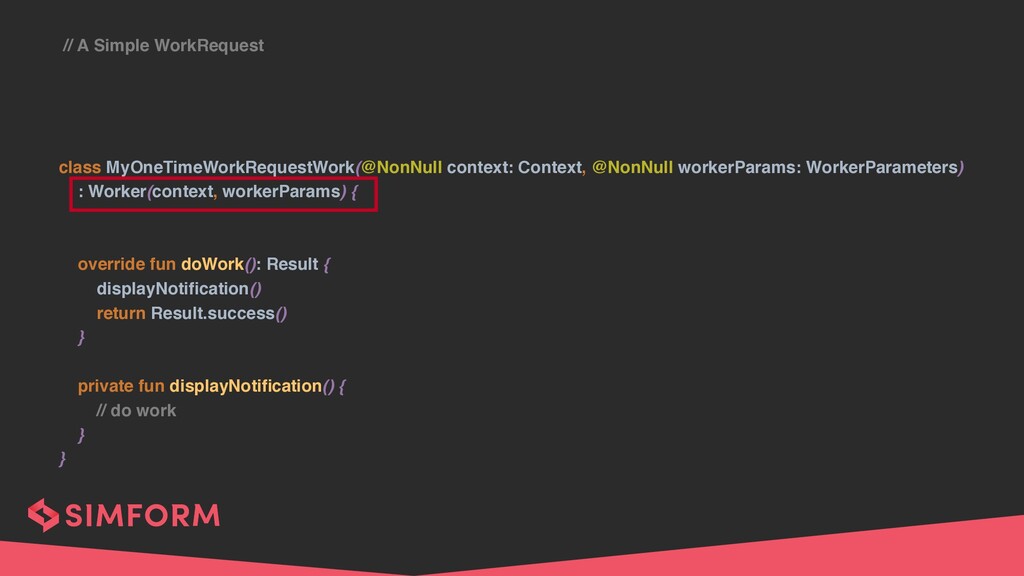
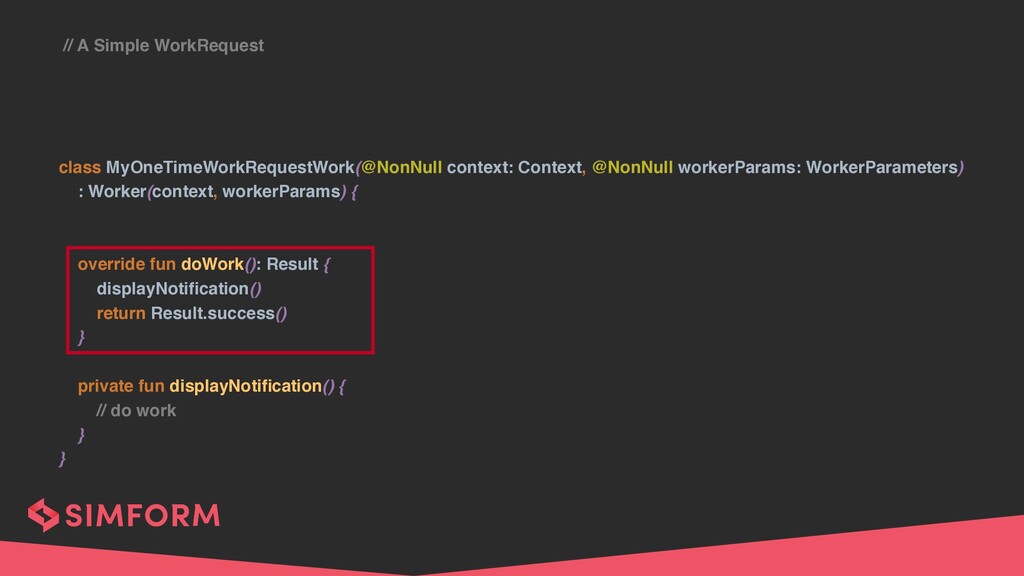
  6. // A Simple WorkRequest class MyOneTimeWorkRequestWork(@NonNull context: Context, @NonNull workerParams:

    WorkerParameters) : Worker(context, workerParams) { override fun doWork(): Result { displayNotification() return Result.success() } private fun displayNotification() { // do work } }
  7. // A Simple WorkRequest class MyOneTimeWorkRequestWork(@NonNull context: Context, @NonNull workerParams:

    WorkerParameters) : Worker(context, workerParams) { override fun doWork(): Result { displayNotification() return Result.success() } private fun displayNotification() { // do work } }
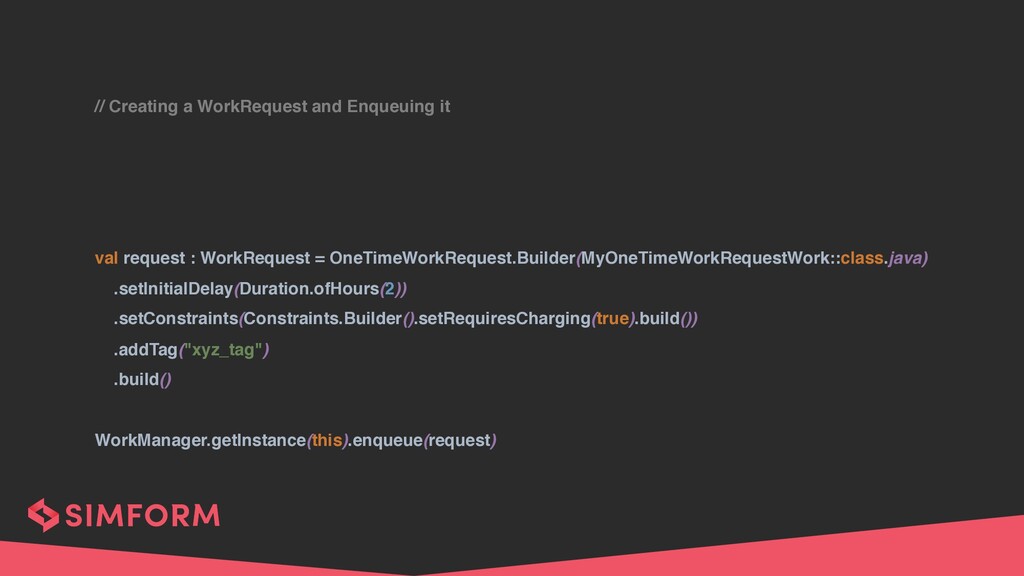
  8. // Creating a WorkRequest and Enqueuing it val request :

    WorkRequest = OneTimeWorkRequest.Builder(MyOneTimeWorkRequestWork::class.java) .setInitialDelay(Duration.ofHours(2)) .setConstraints(Constraints.Builder().setRequiresCharging(true).build()) .addTag("xyz_tag") .build() WorkManager.getInstance(this).enqueue(request)
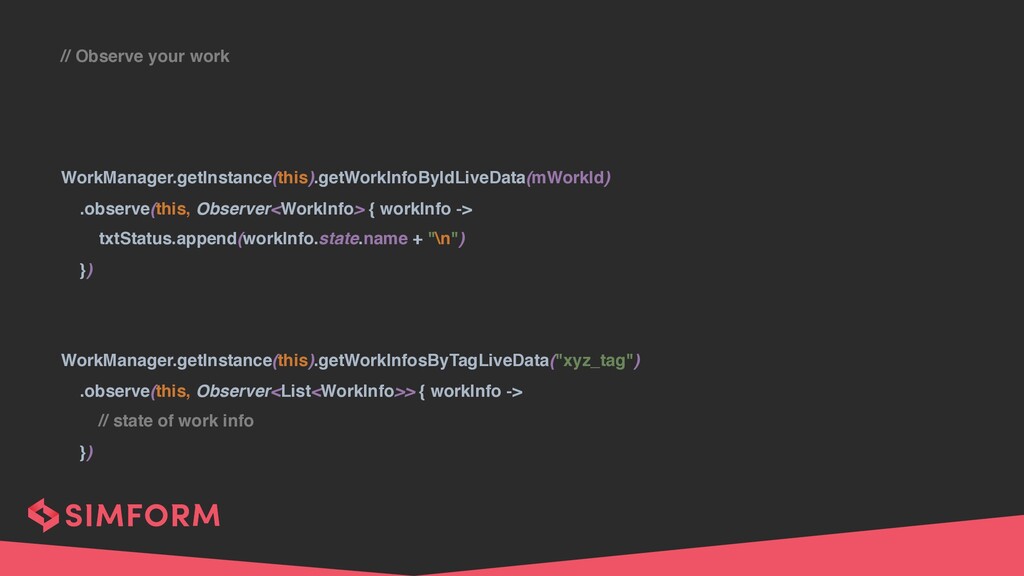
  9. // Observe your work WorkManager.getInstance(this).getWorkInfoByIdLiveData(mWorkId) .observe(this, Observer<WorkInfo> { workInfo ->

    txtStatus.append(workInfo.state.name + "\n") }) WorkManager.getInstance(this).getWorkInfosByTagLiveData("xyz_tag") .observe(this, Observer<List<WorkInfo>> { workInfo -> // state of work info })
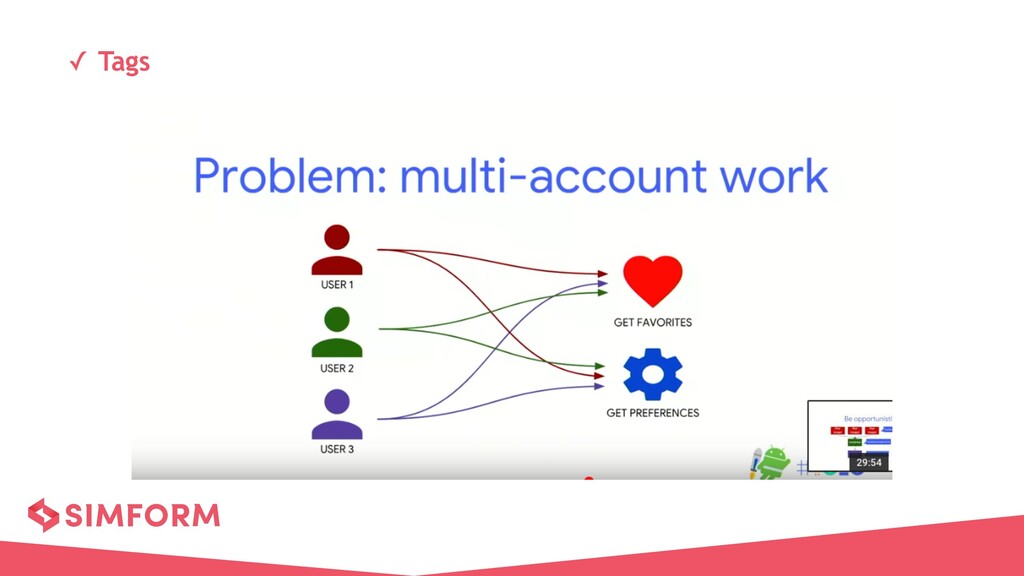
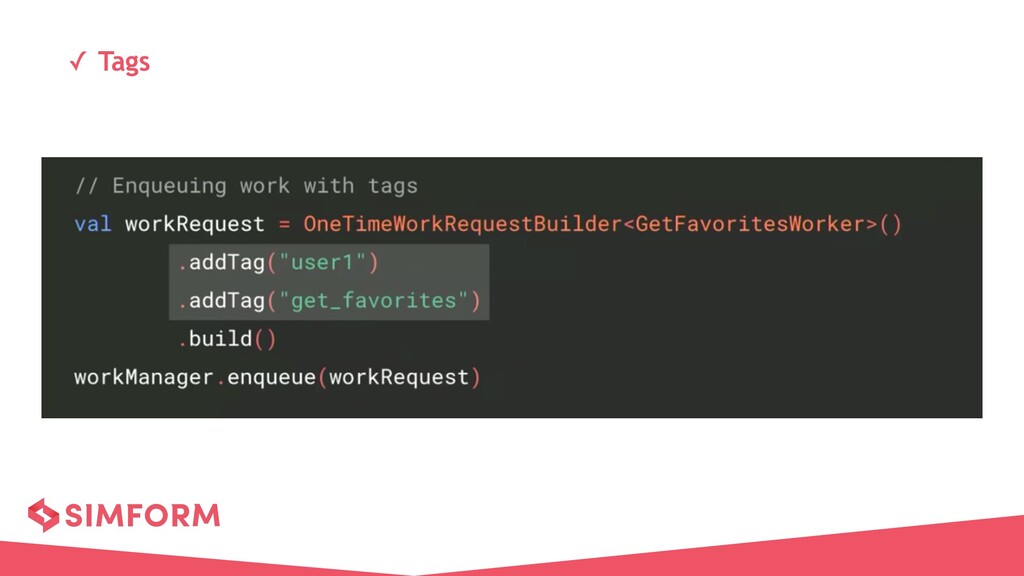
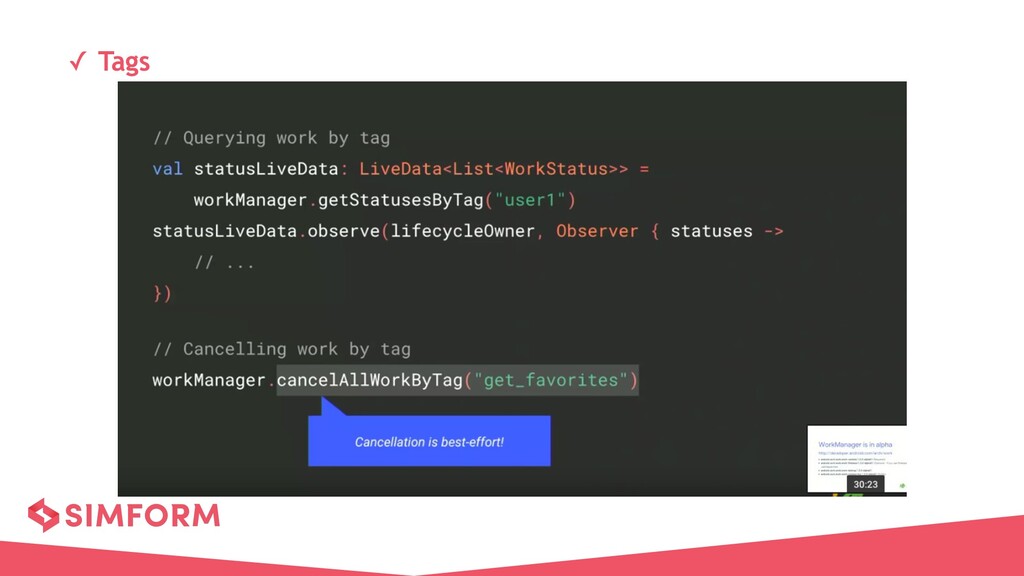
  10. ✓ Tags • A more readable way to identify your

    work • Tags are developer specified string • Each WorkRequest can have zero or more tags • You can query and cancel work by Tag
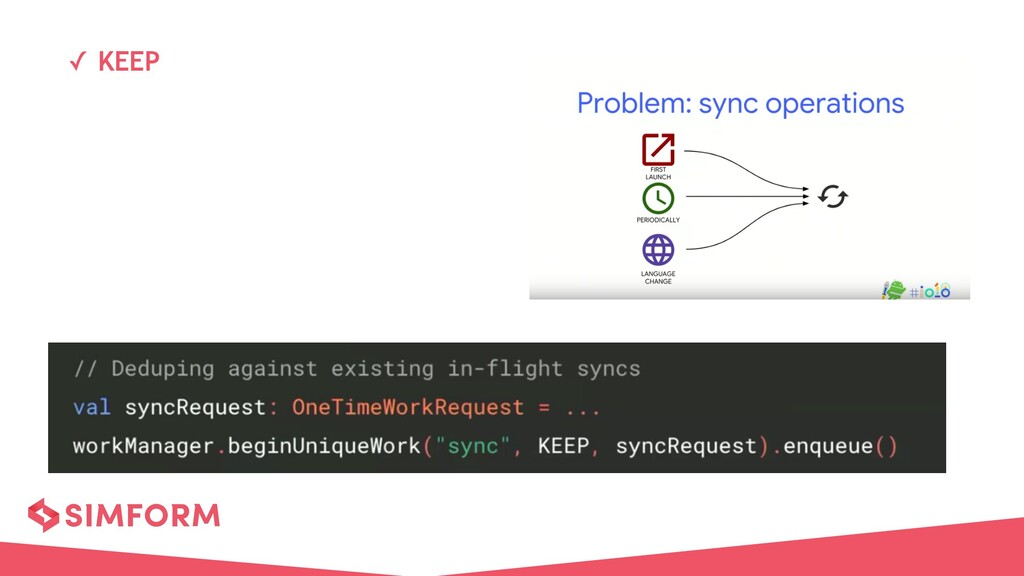
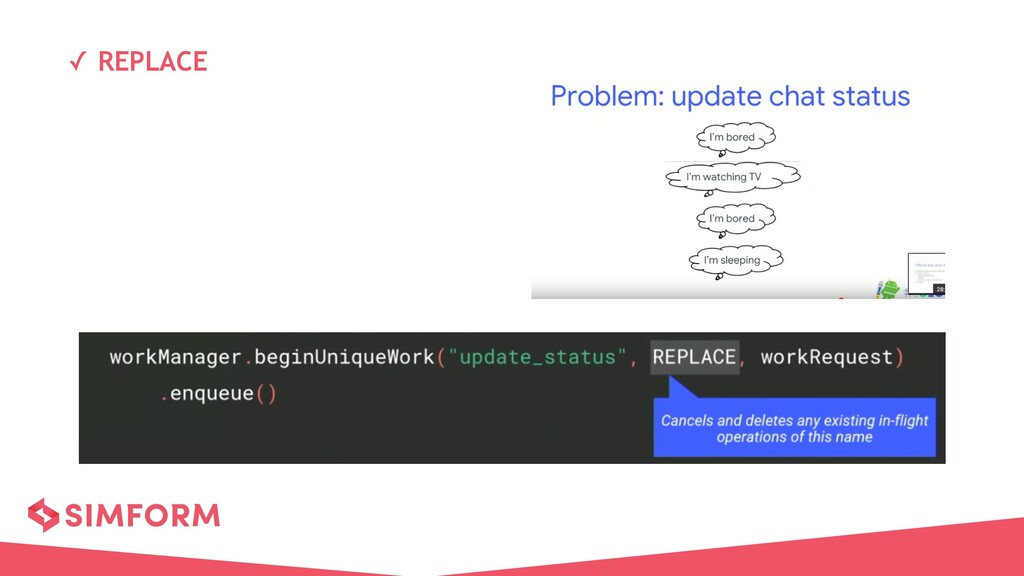
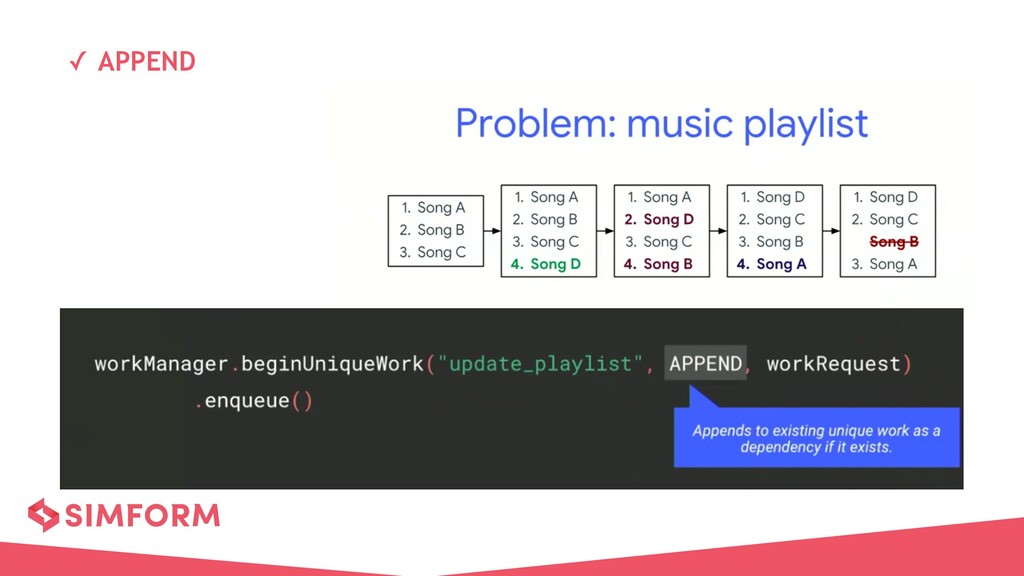
  11. ✓ Unique Work • A Chain of work can be

    given a unique name • You can enqueue, query, and cancel work by name • There can be only one chain of work with a given name WorkRequest
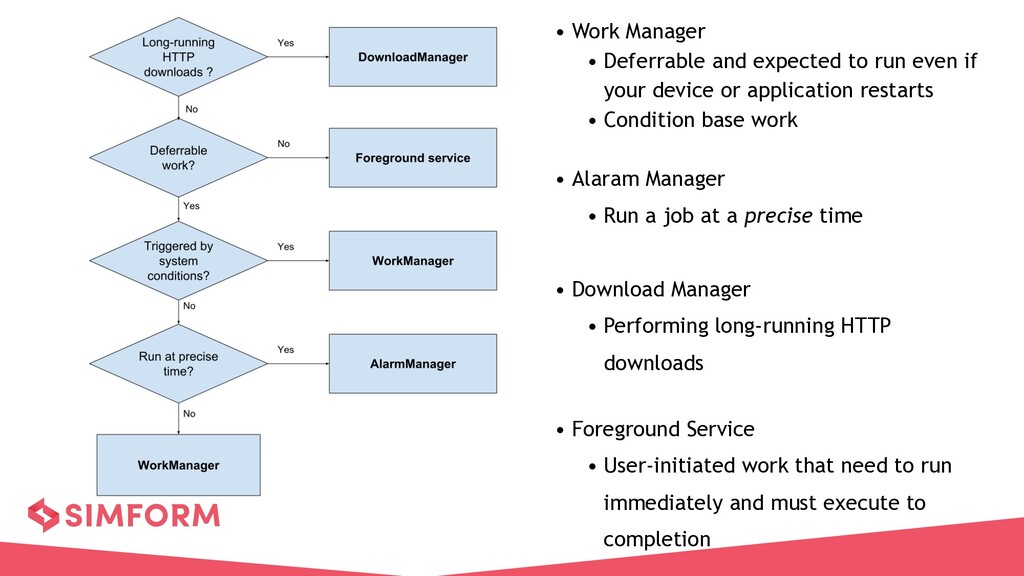
  12. • Work Manager • Deferrable and expected to run even

    if your device or application restarts • Condition base work • Alaram Manager • Run a job at a precise time • Download Manager • Performing long-running HTTP downloads • Foreground Service • User-initiated work that need to run immediately and must execute to completion