Upgrade to Pro — share decks privately, control downloads, hide ads and more …

Let's Get Physical: Swift + ARM Linux = ♥️

Let's Get Physical: Swift + ARM Linux = ♥️

Explore using Swift3.0 with SwiftyGPIO to interact with the physical world.

Avatar for Cameron Perry

Cameron Perry

June 23, 2016

More Decks by Cameron Perry

Other Decks in Programming

Transcript

  1. LET’S GET PHYSICAL SWIFT + ARM LINUX = ♥ Cameron

    Perry | @mistercameron | mistercameron.com
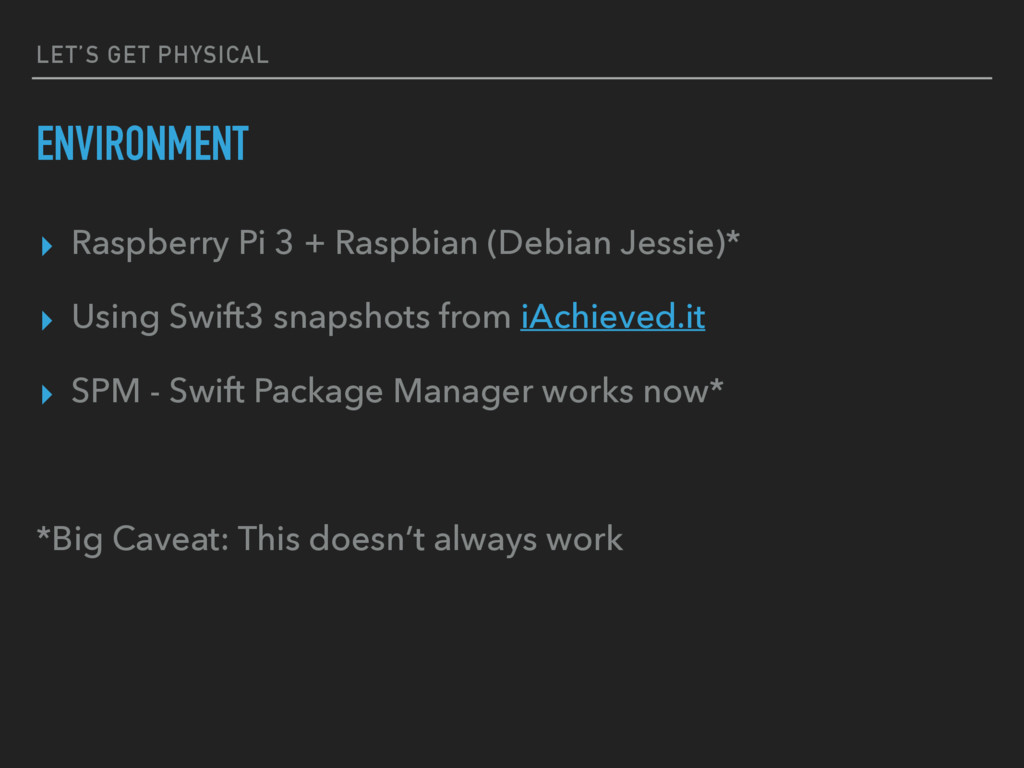
  2. LET’S GET PHYSICAL ENVIRONMENT ▸ Raspberry Pi 3 + Raspbian

    (Debian Jessie)* ▸ Using Swift3 snapshots from iAchieved.it ▸ SPM - Swift Package Manager works now* *Big Caveat: This doesn’t always work
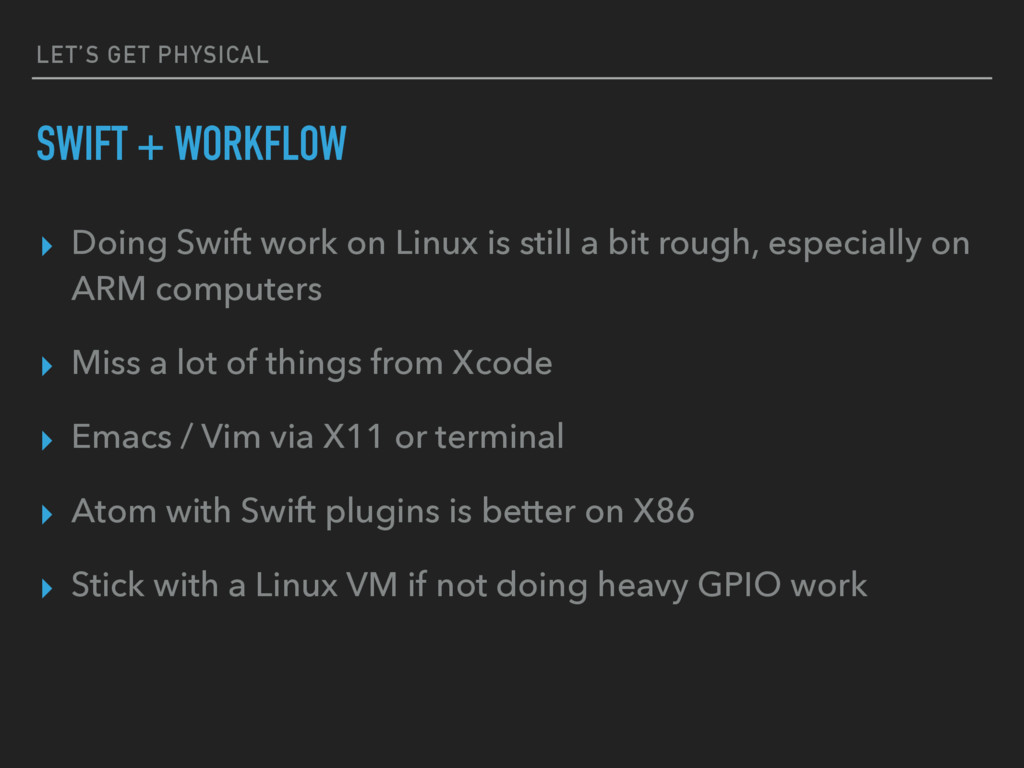
  3. LET’S GET PHYSICAL SWIFT + WORKFLOW ▸ Doing Swift work

    on Linux is still a bit rough, especially on ARM computers ▸ Miss a lot of things from Xcode ▸ Emacs / Vim via X11 or terminal ▸ Atom with Swift plugins is better on X86 ▸ Stick with a Linux VM if not doing heavy GPIO work
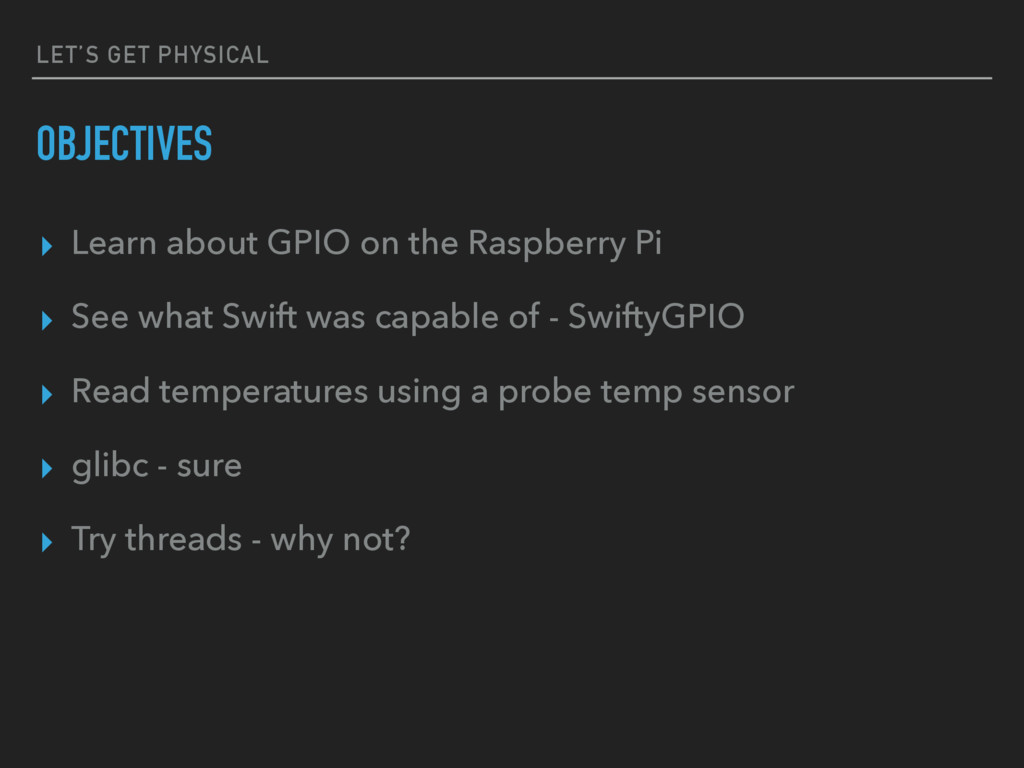
  4. LET’S GET PHYSICAL OBJECTIVES ▸ Learn about GPIO on the

    Raspberry Pi ▸ See what Swift was capable of - SwiftyGPIO ▸ Read temperatures using a probe temp sensor ▸ glibc - sure ▸ Try threads - why not?
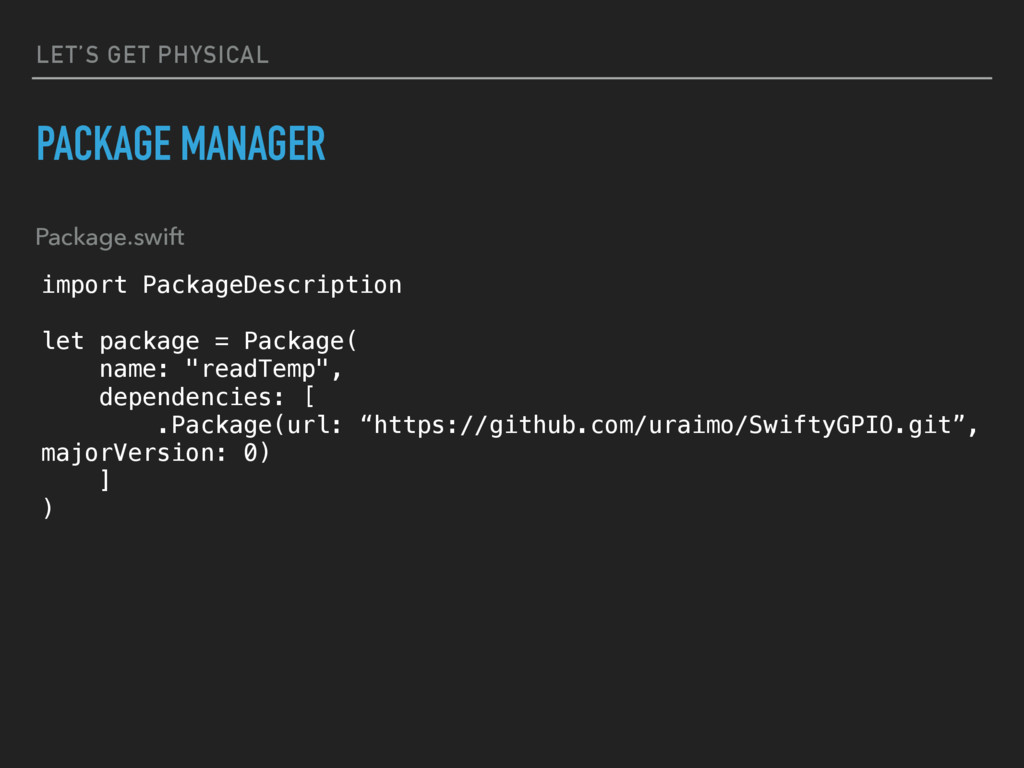
  5. LET’S GET PHYSICAL PACKAGE MANAGER import PackageDescription let package =

    Package( name: "readTemp", dependencies: [ .Package(url: “https://github.com/uraimo/SwiftyGPIO.git”, majorVersion: 0) ] ) Package.swift
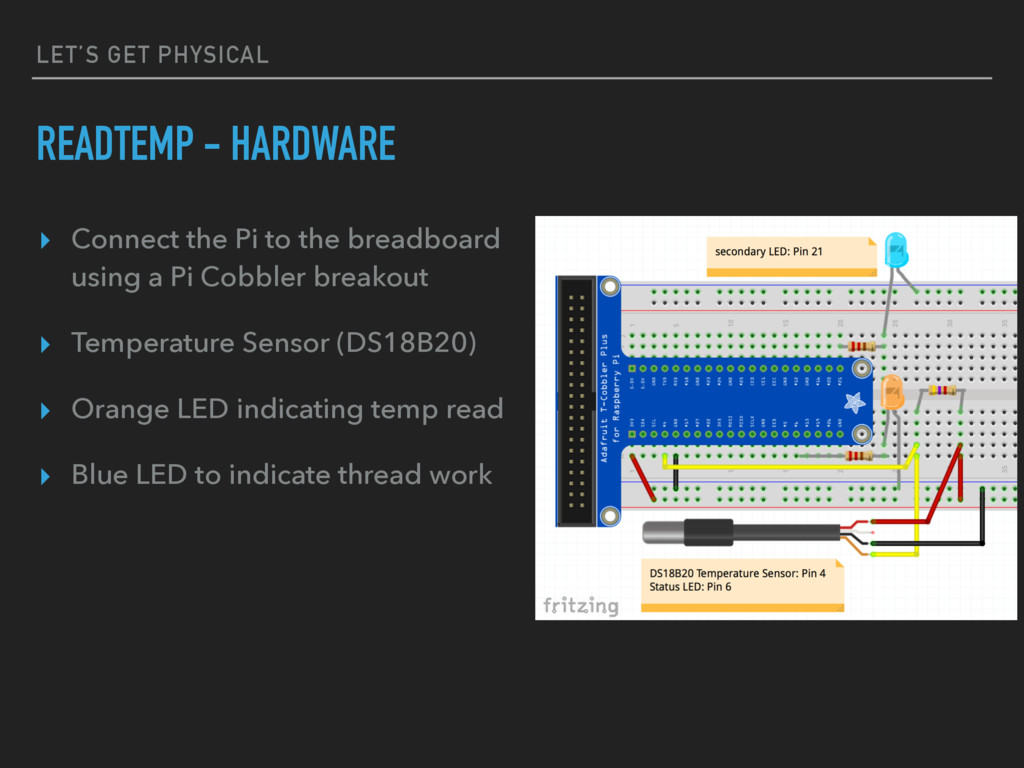
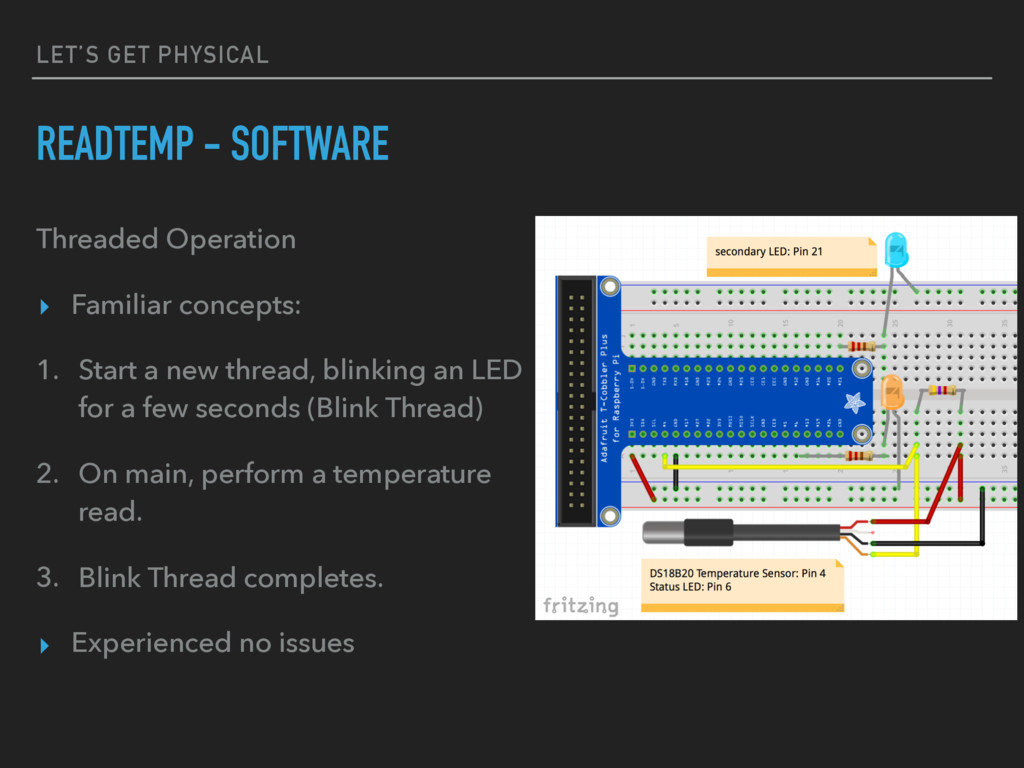
  6. LET’S GET PHYSICAL READTEMP - HARDWARE ▸ Connect the Pi

    to the breadboard using a Pi Cobbler breakout ▸ Temperature Sensor (DS18B20) ▸ Orange LED indicating temp read ▸ Blue LED to indicate thread work
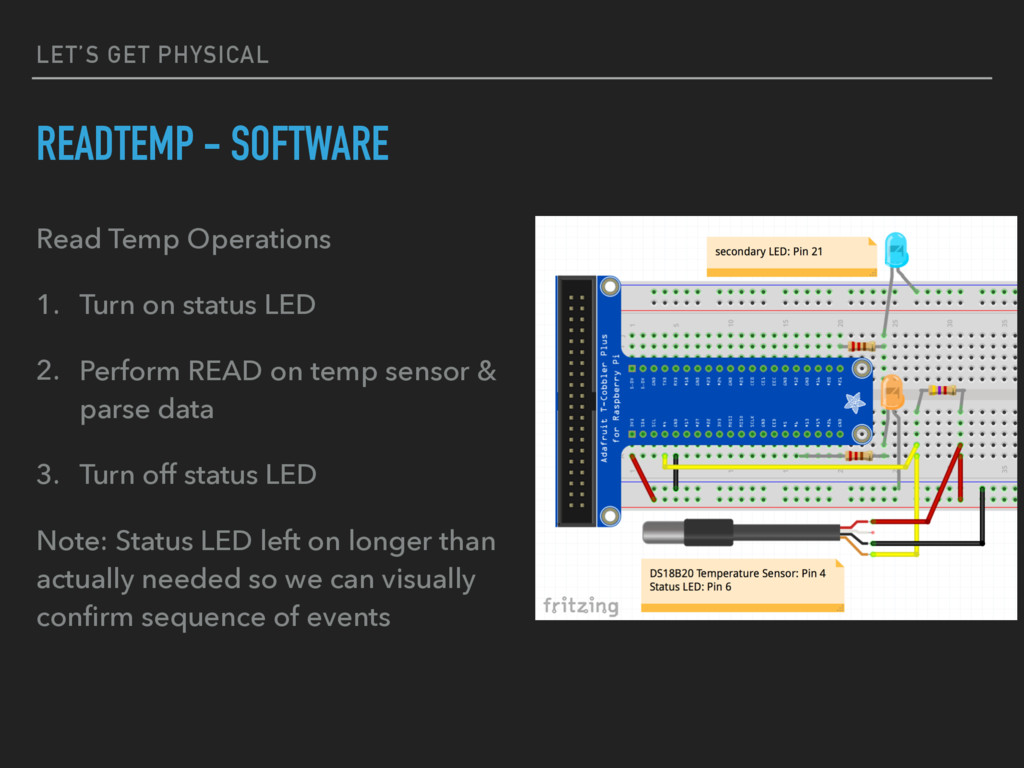
  7. LET’S GET PHYSICAL READTEMP - SOFTWARE Read Temp Operations 1.

    Turn on status LED 2. Perform READ on temp sensor & parse data 3. Turn off status LED Note: Status LED left on longer than actually needed so we can visually confirm sequence of events
  8. LET’S GET PHYSICAL READTEMP - SOFTWARE Threaded Operation ‣ Familiar

    concepts: 1. Start a new thread, blinking an LED for a few seconds (Blink Thread) 2. On main, perform a temperature read. 3. Blink Thread completes. ‣ Experienced no issues
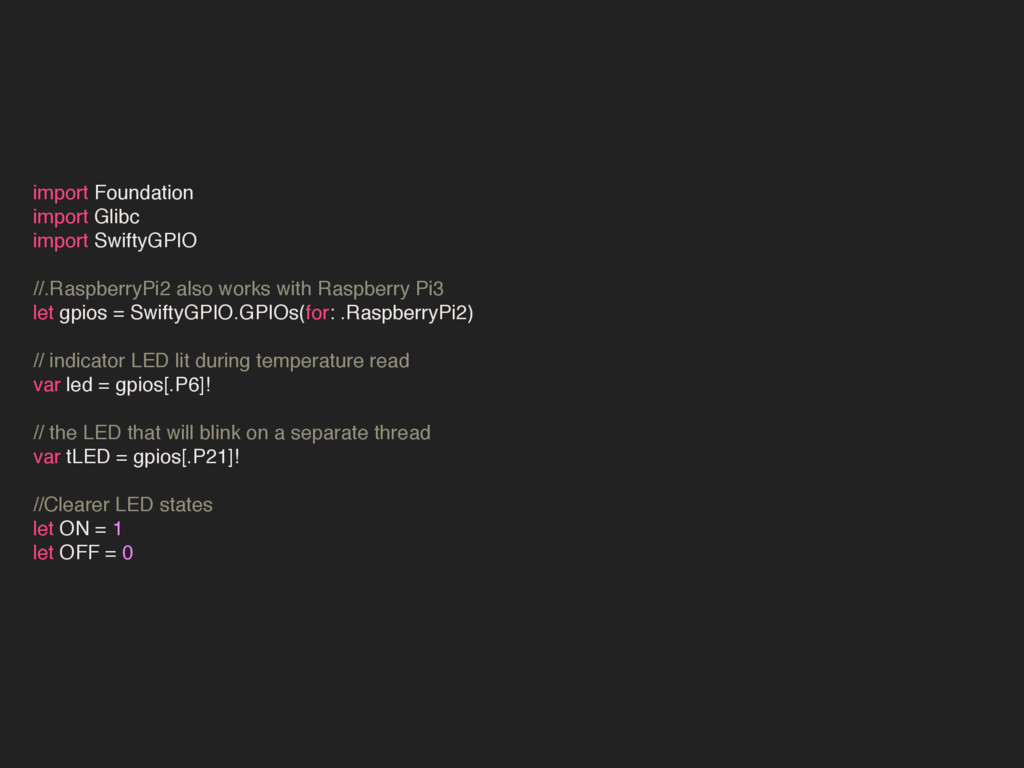
  9. import Foundation import Glibc import SwiftyGPIO //.RaspberryPi2 also works with

    Raspberry Pi3 let gpios = SwiftyGPIO.GPIOs(for: .RaspberryPi2) // indicator LED lit during temperature read var led = gpios[.P6]! // the LED that will blink on a separate thread var tLED = gpios[.P21]! //Clearer LED states let ON = 1 let OFF = 0
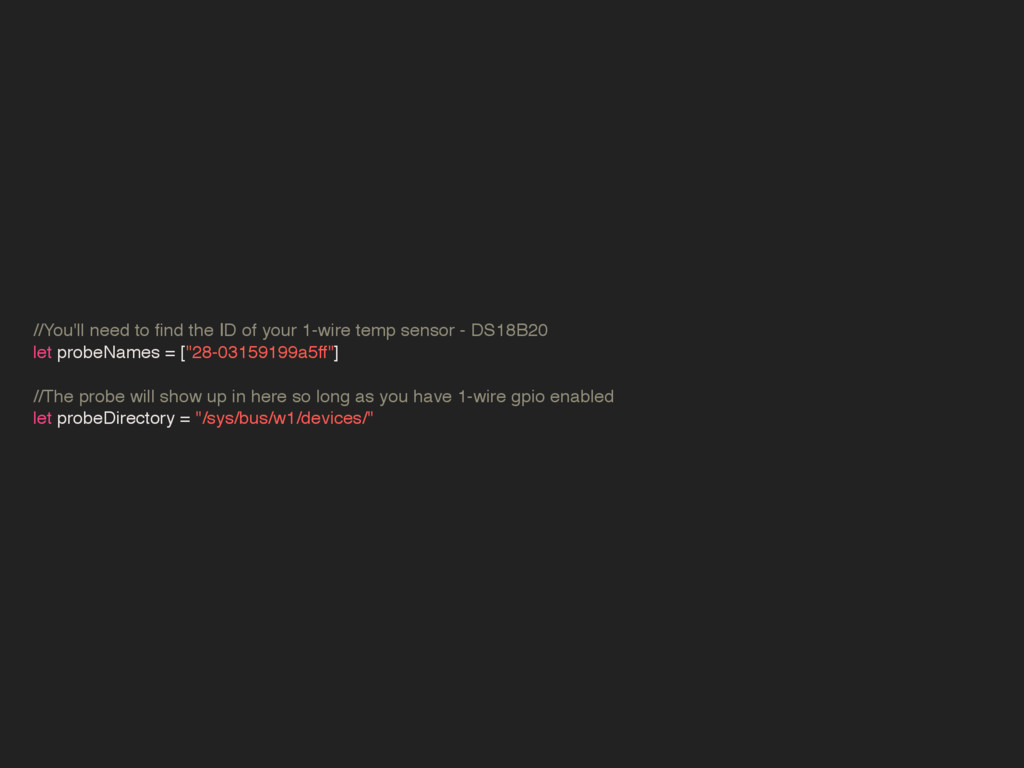
  10. //You'll need to find the ID of your 1-wire temp

    sensor - DS18B20 let probeNames = ["28-03159199a5ff"] //The probe will show up in here so long as you have 1-wire gpio enabled let probeDirectory = "/sys/bus/w1/devices/"
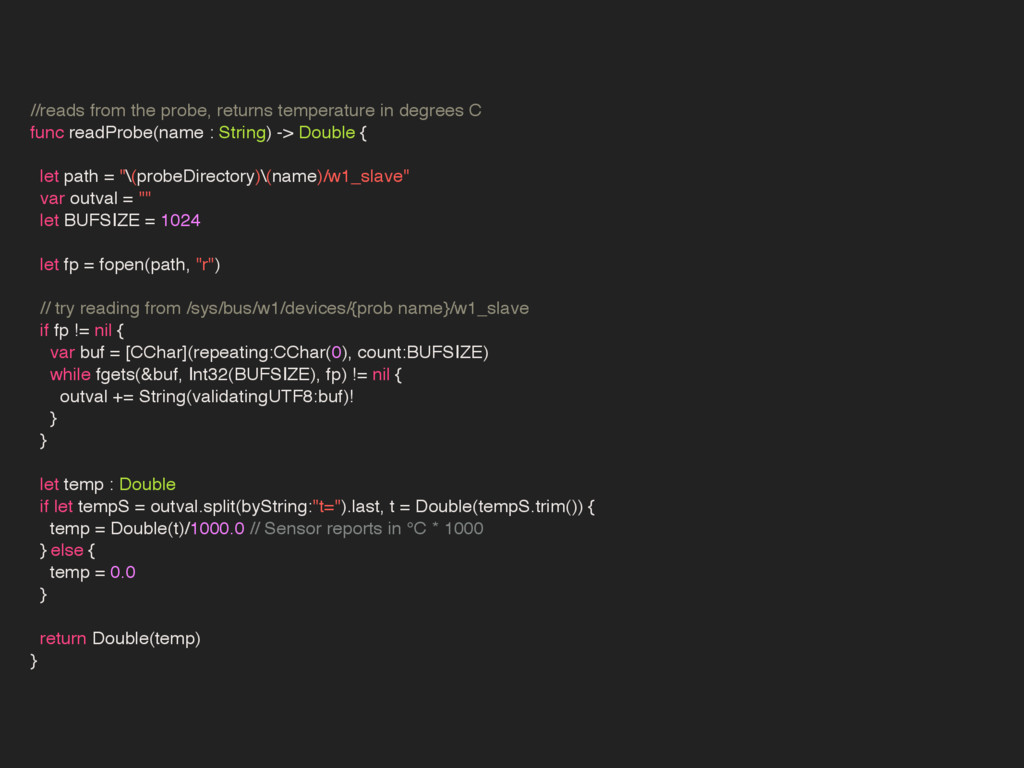
  11. //reads from the probe, returns temperature in degrees C func

    readProbe(name : String) -> Double { let path = "\(probeDirectory)\(name)/w1_slave" var outval = "" let BUFSIZE = 1024 let fp = fopen(path, "r") // try reading from /sys/bus/w1/devices/{prob name}/w1_slave if fp != nil { var buf = [CChar](repeating:CChar(0), count:BUFSIZE) while fgets(&buf, Int32(BUFSIZE), fp) != nil { outval += String(validatingUTF8:buf)! } } let temp : Double if let tempS = outval.split(byString:"t=").last, t = Double(tempS.trim()) { temp = Double(t)/1000.0 // Sensor reports in °C * 1000 } else { temp = 0.0 } return Double(temp) }
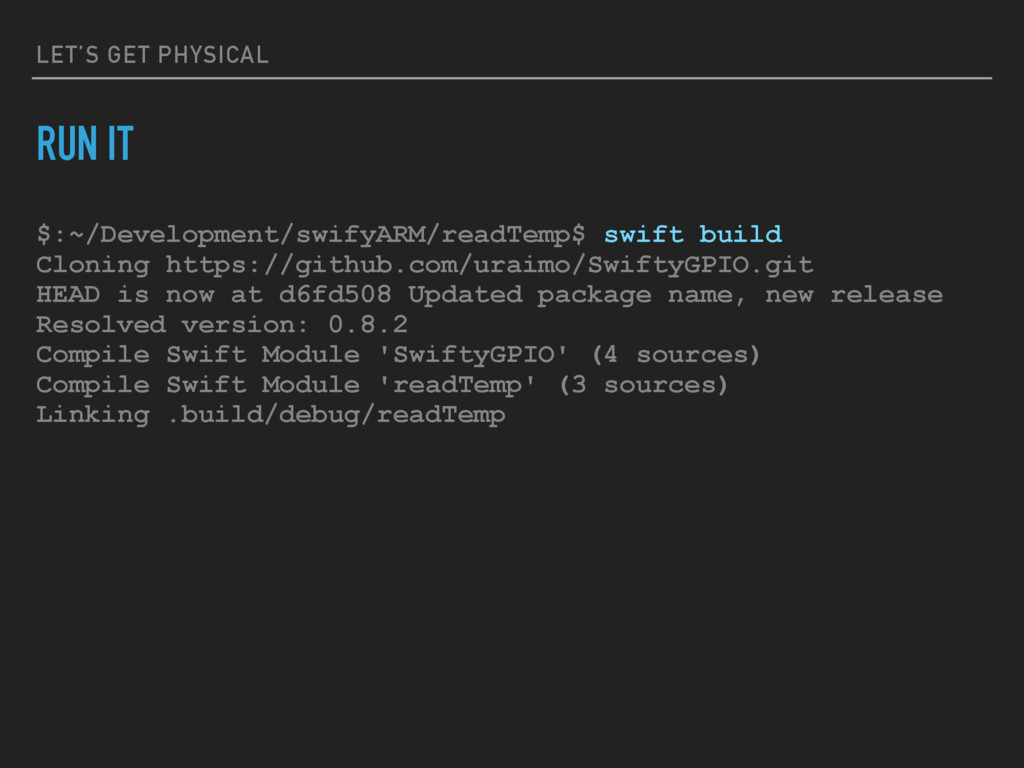
  12. LET’S GET PHYSICAL RUN IT $:~/Development/swifyARM/readTemp$ swift build Cloning https://github.com/uraimo/SwiftyGPIO.git

    HEAD is now at d6fd508 Updated package name, new release Resolved version: 0.8.2 Compile Swift Module 'SwiftyGPIO' (4 sources) Compile Swift Module 'readTemp' (3 sources) Linking .build/debug/readTemp
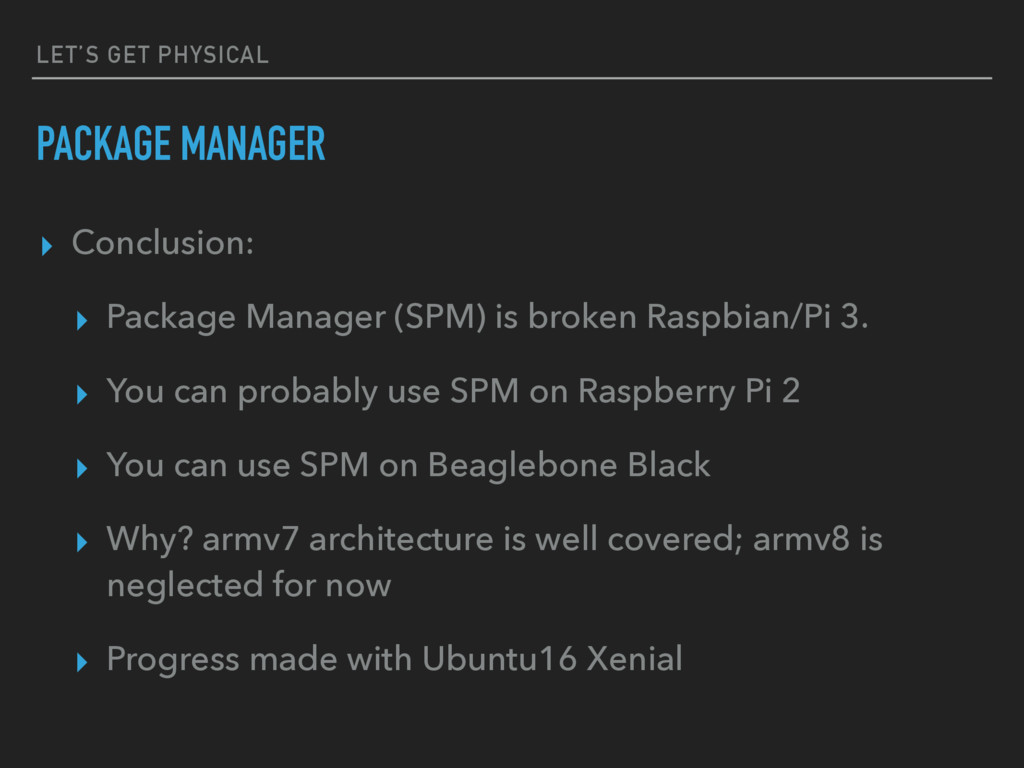
  13. LET’S GET PHYSICAL PACKAGE MANAGER ▸ Conclusion: ▸ Package Manager

    (SPM) is broken Raspbian/Pi 3. ▸ You can probably use SPM on Raspberry Pi 2 ▸ You can use SPM on Beaglebone Black ▸ Why? armv7 architecture is well covered; armv8 is neglected for now ▸ Progress made with Ubuntu16 Xenial
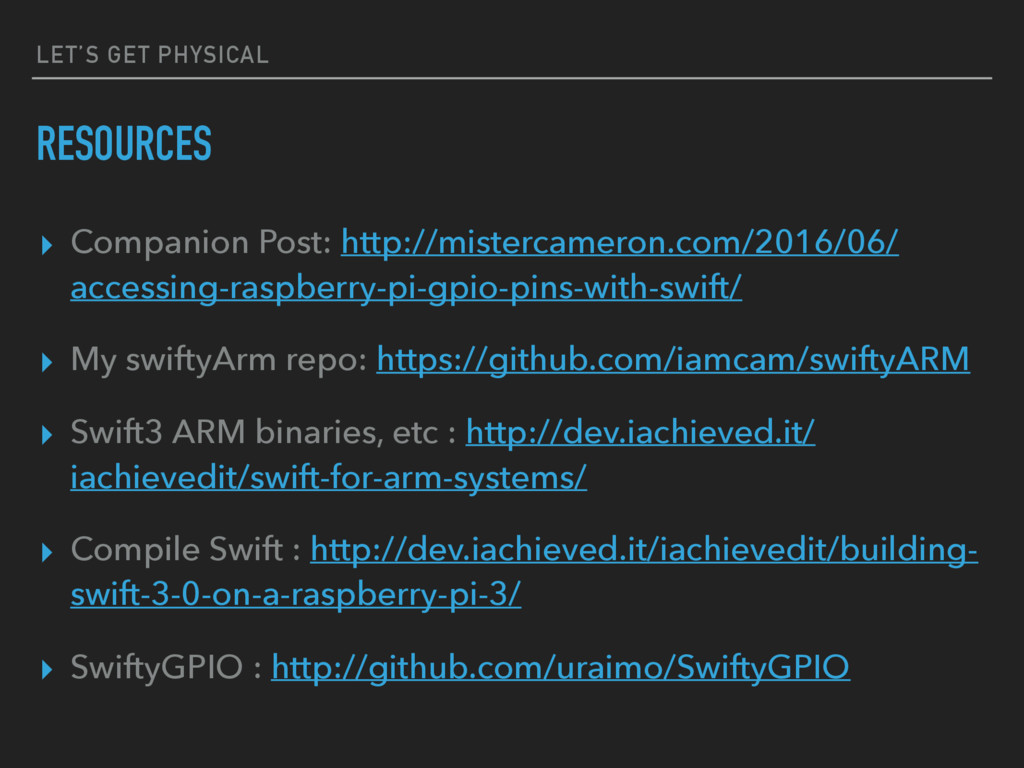
  14. LET’S GET PHYSICAL RESOURCES ▸ Companion Post: http://mistercameron.com/2016/06/ accessing-raspberry-pi-gpio-pins-with-swift/ ▸

    My swiftyArm repo: https://github.com/iamcam/swiftyARM ▸ Swift3 ARM binaries, etc : http://dev.iachieved.it/ iachievedit/swift-for-arm-systems/ ▸ Compile Swift : http://dev.iachieved.it/iachievedit/building- swift-3-0-on-a-raspberry-pi-3/ ▸ SwiftyGPIO : http://github.com/uraimo/SwiftyGPIO