Upgrade to Pro — share decks privately, control downloads, hide ads and more …

Swift on Raspberry Pi

Swift on Raspberry Pi

Recent developments have enabled Swift to be built for Raspberry Pi and other similar low-cost ARM linux computers. This is a look at the current landscape and where development efforts are headed in the near-term.

Avatar for Cameron Perry

Cameron Perry

May 18, 2016

More Decks by Cameron Perry

Other Decks in Programming

Transcript

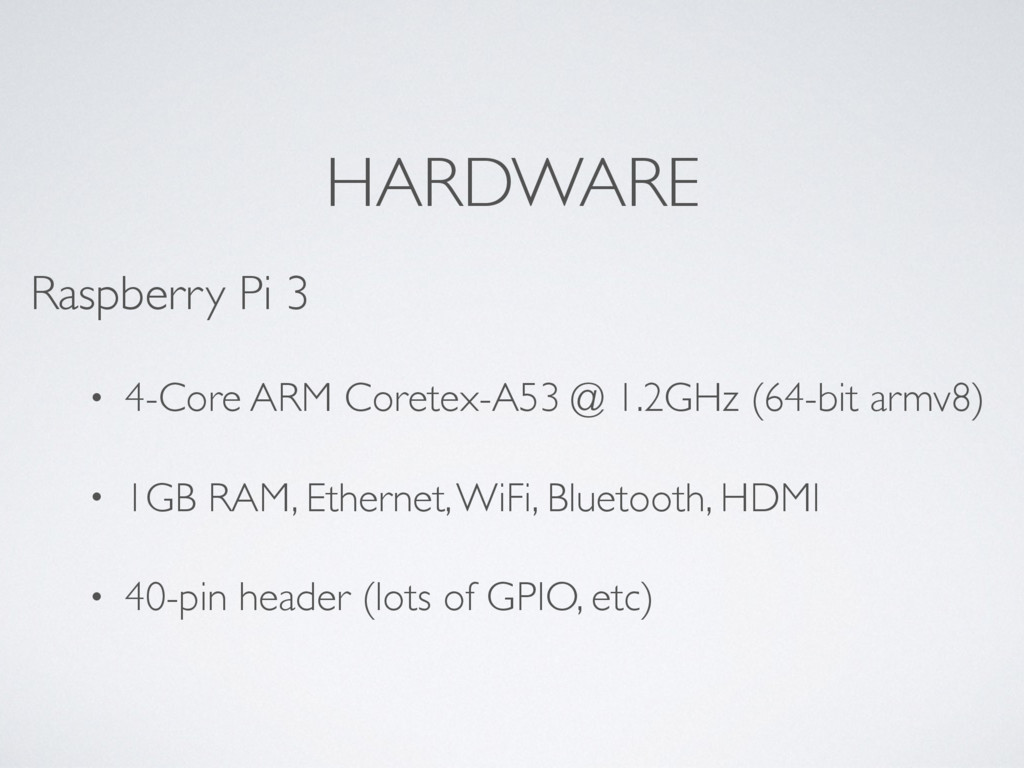
  1. HARDWARE Raspberry Pi 3 • 4-Core ARM Coretex-A53 @ 1.2GHz

    (64-bit armv8) • 1GB RAM, Ethernet, WiFi, Bluetooth, HDMI • 40-pin header (lots of GPIO, etc)
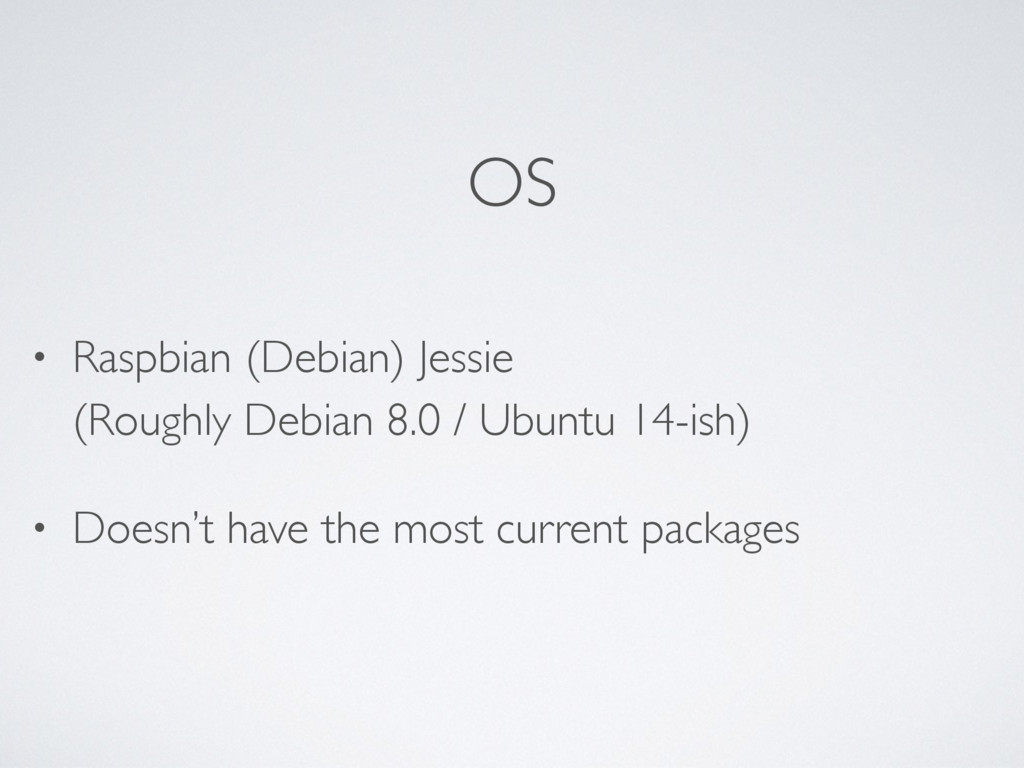
  2. OS • Raspbian (Debian) Jessie
 (Roughly Debian 8.0 / Ubuntu

    14-ish) • Doesn’t have the most current packages
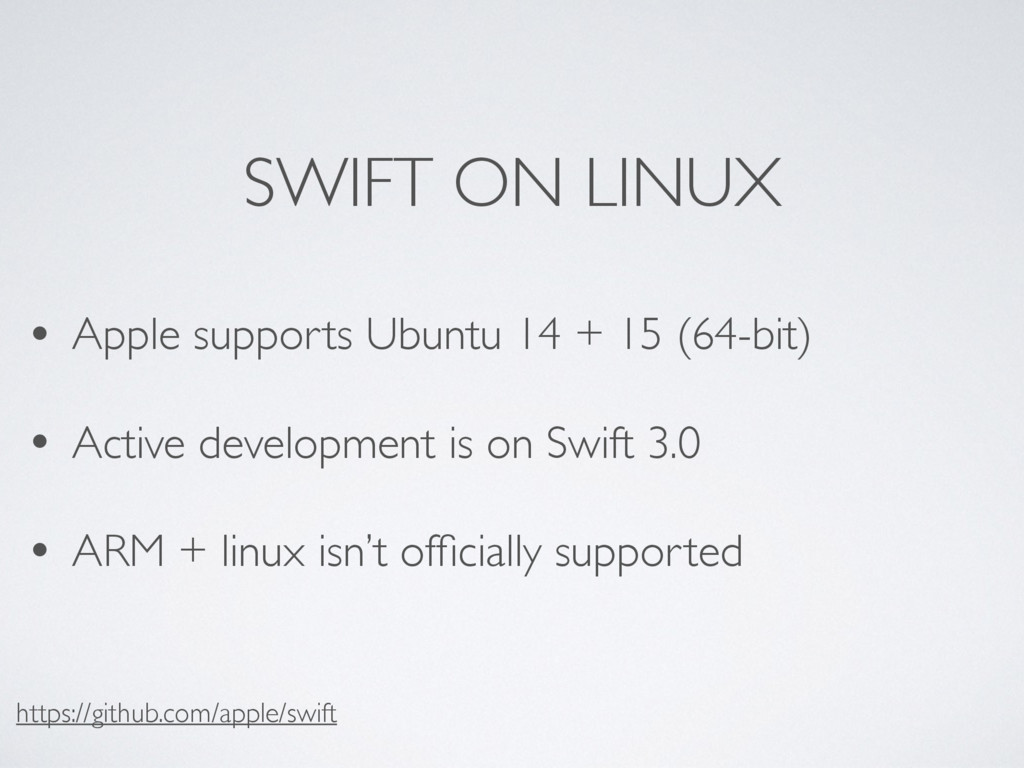
  3. SWIFT ON LINUX • Apple supports Ubuntu 14 + 15

    (64-bit) • Active development is on Swift 3.0 • ARM + linux isn’t officially supported https://github.com/apple/swift
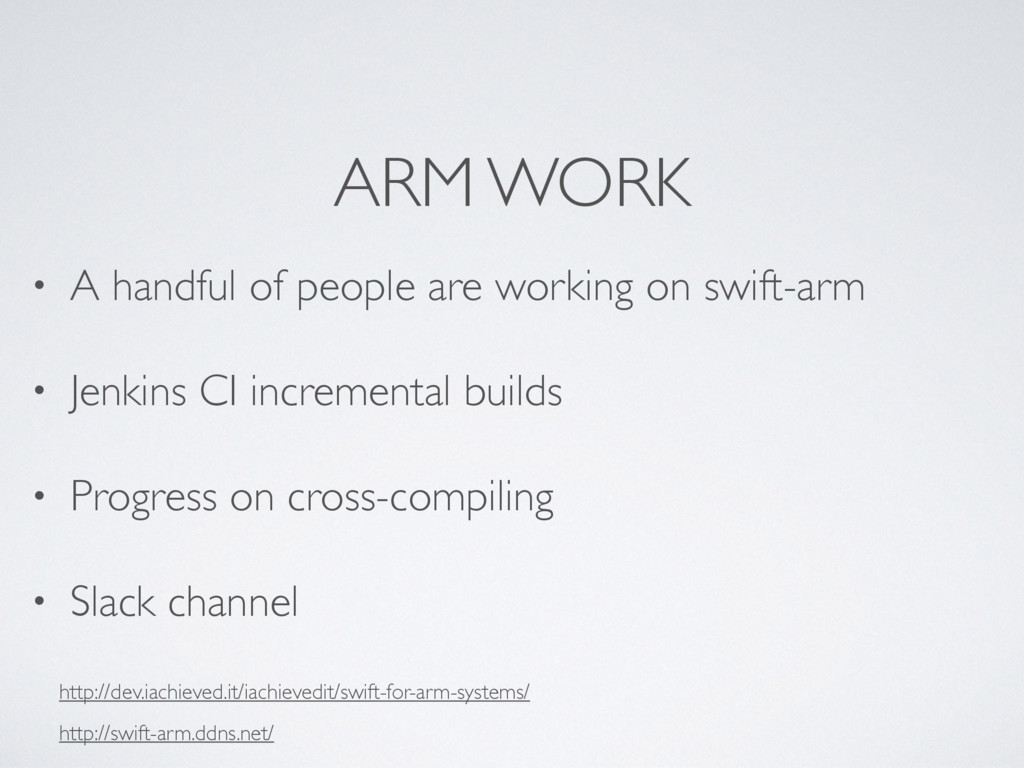
  4. ARM WORK • A handful of people are working on

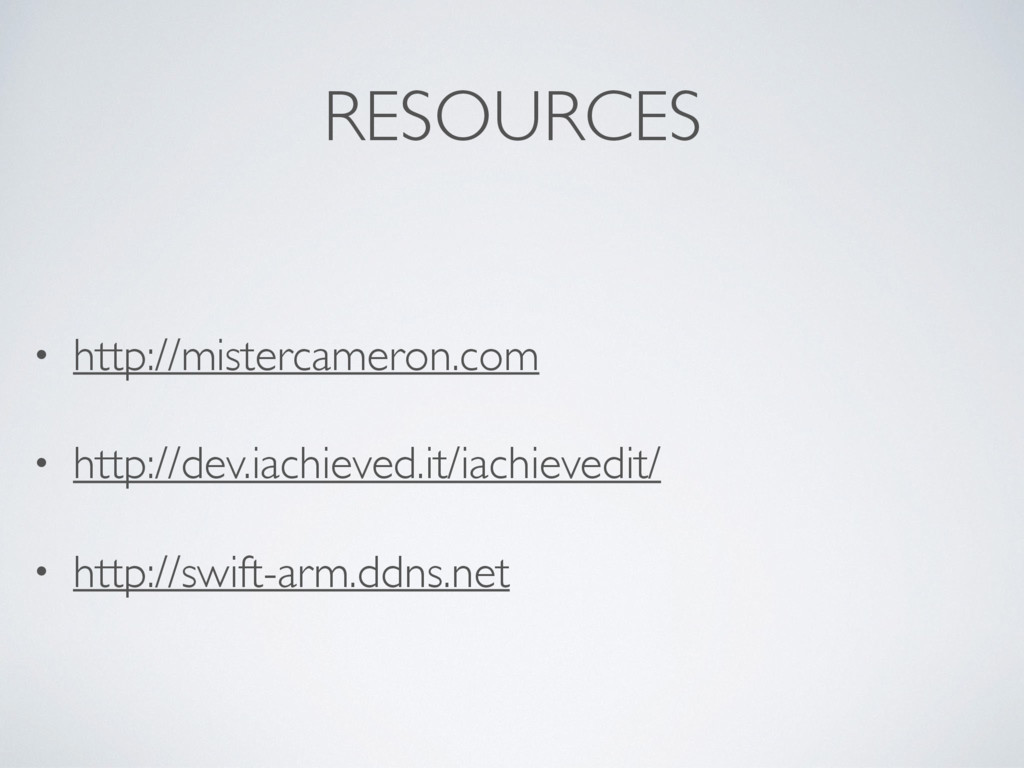
    swift-arm • Jenkins CI incremental builds • Progress on cross-compiling • Slack channel http://dev.iachieved.it/iachievedit/swift-for-arm-systems/ 
 http://swift-arm.ddns.net/
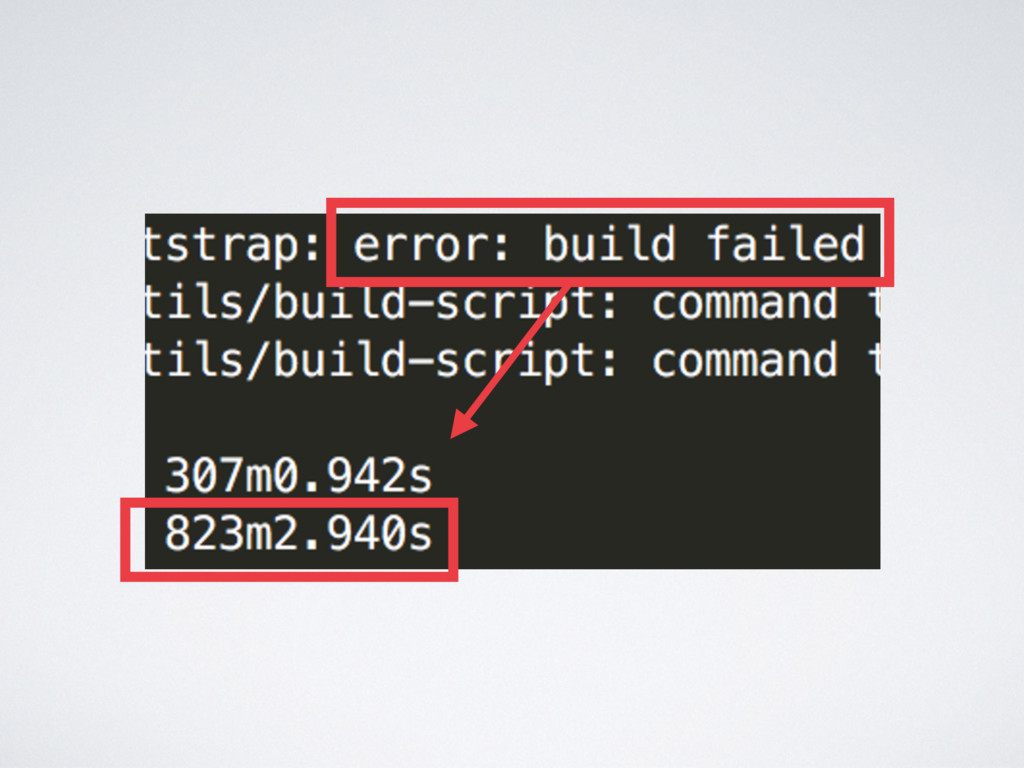
  5. COMPILING • Builds fail often (but getting better) • Time

    consuming • Chance to have bleeding edge features
  6. “CHEATING” • Swift-2.2 via apt-get (1) • Swift-3.0 tar files

    from Jenkins (2) 1. http://dev.iachieved.it/iachievedit/debian-packages-for-swift-on-arm/ 2. http://dev.iachieved.it/iachievedit/swift-for-arm-systems/
  7. CAVEATS • Still very much Alpha software • REPL, Package

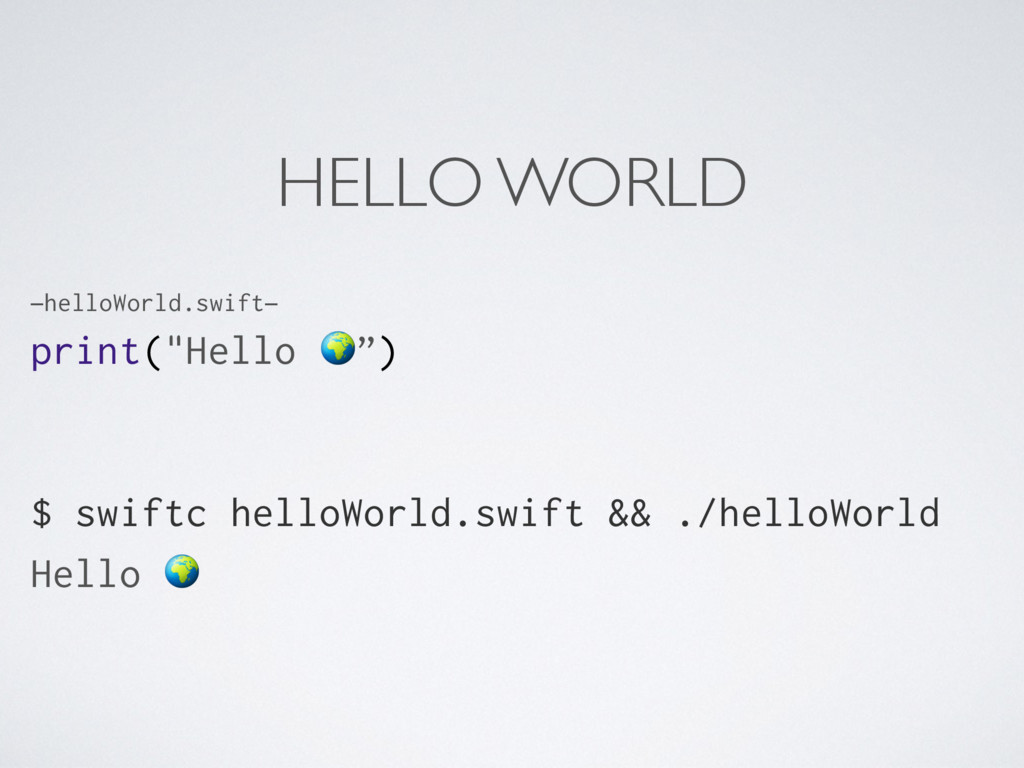
    Manager, and Tests don’t work • swiftc, foundation, glibc appear to work as expected
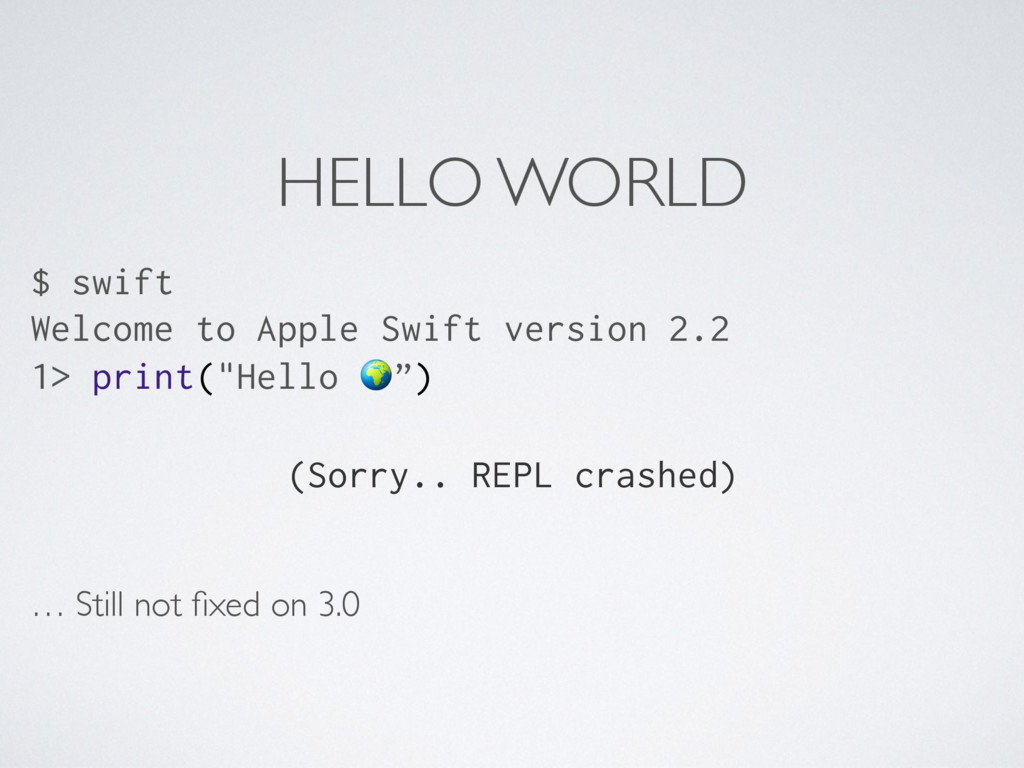
  8. HELLO WORLD $ swift Welcome to Apple Swift version 2.2

    1> print("Hello ”) (Sorry.. REPL crashed) … Still not fixed on 3.0
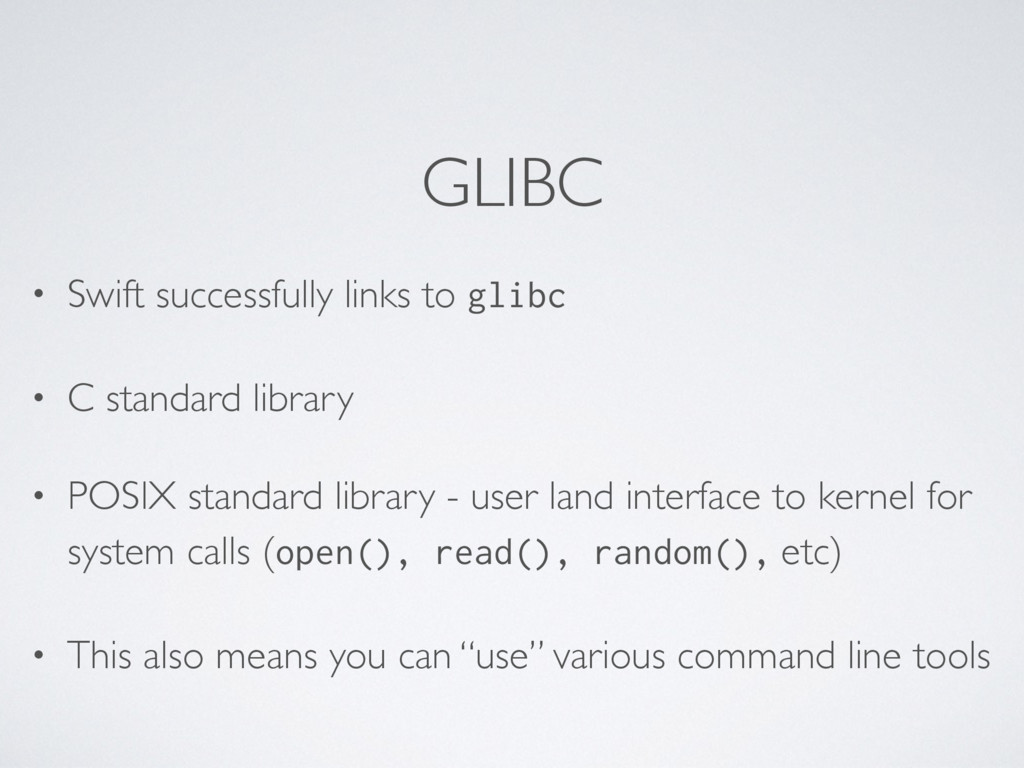
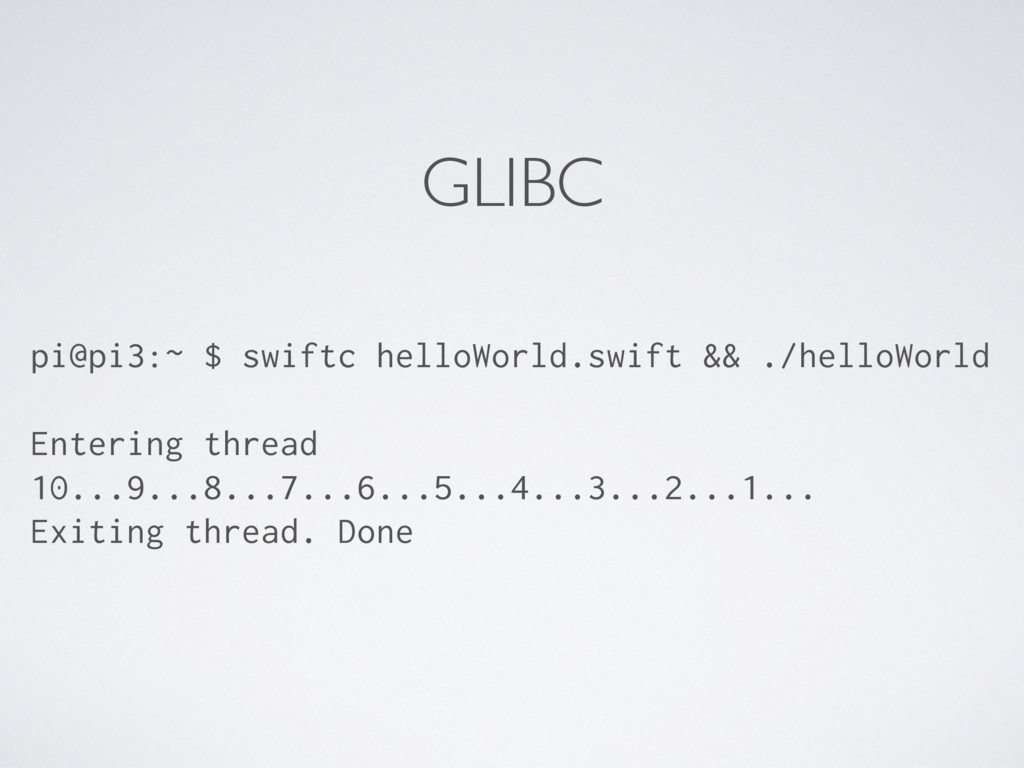
  9. GLIBC • Swift successfully links to glibc • C standard

    library • POSIX standard library - user land interface to kernel for system calls (open(), read(), random(), etc) • This also means you can “use” various command line tools
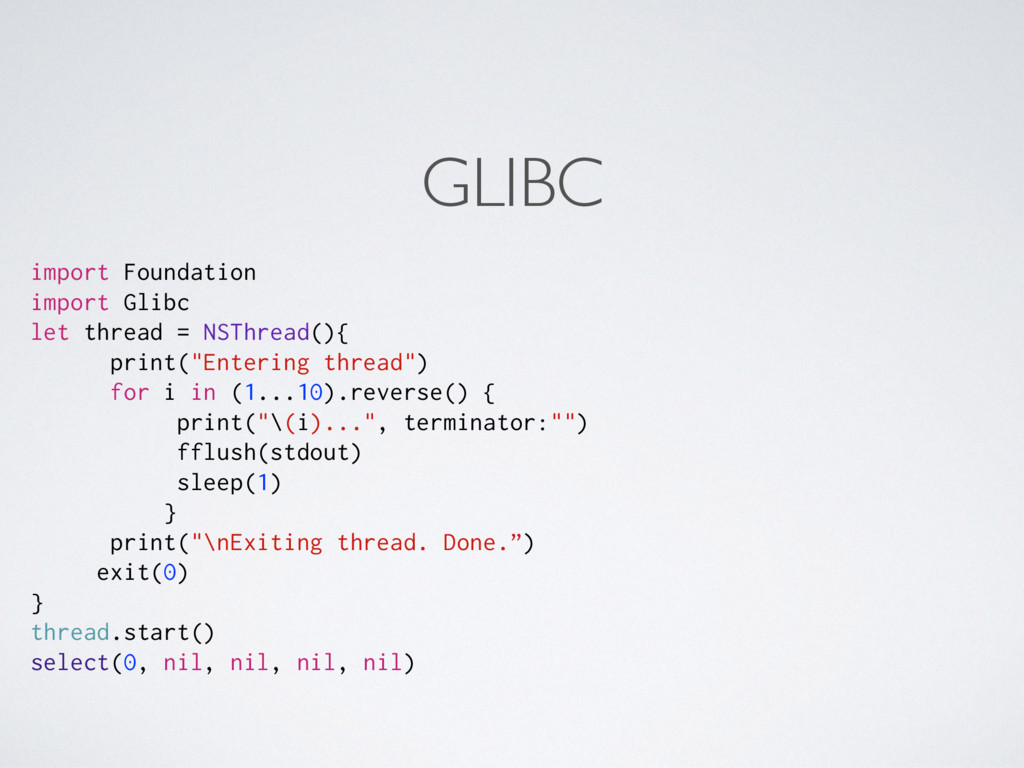
  10. GLIBC import Foundation import Glibc let thread = NSThread(){ print("Entering

    thread") for i in (1...10).reverse() { print("\(i)...", terminator:"") fflush(stdout) sleep(1) } print("\nExiting thread. Done.”) exit(0) } thread.start() select(0, nil, nil, nil, nil)