Upgrade to Pro — share decks privately, control downloads, hide ads and more …

Remotely Control this Browser: WebDriver and th...

Sponsored · Ship Features Fearlessly Turn features on and off without deploys. Used by thousands of Ruby developers. →

Remotely Control this Browser: WebDriver and the Path to an Interoperable Web

Notes: http://www.erranderr.com/blog/presentations/webdriver_osb2017

Session: http://opensourcebridge.org/sessions/1997

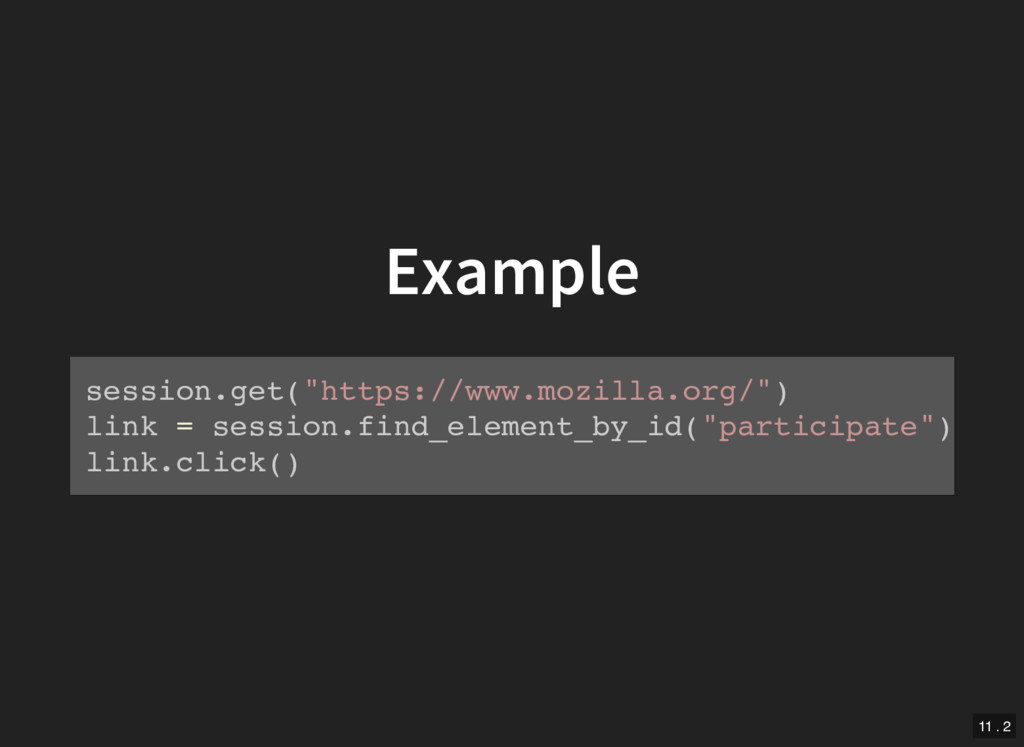
You can write simple code to automate your browser and simulate user interaction. Moreover, thanks to the people behind a W3C standard called WebDriver, some day soon you can expect to write just one script in your favourite programming language to automate all major browsers in the same way.

The WebDriver protocol can be used for testing web applications, reporting and reproducing web-compatibility bugs, gathering browser data and whatever else you can think to do with browser automation. It’s closely tied to Selenium, a well-known, open-source browser automation tool.

This talk explains why WebDriver is becoming a standard and how you can work on it with us. Using Firefox as our example, we explore why browser automation is tricky to get right. How do WebDriver commands get to Firefox? How does the browser figure out the correct response? What does “correct” even mean here?

Today, all major browsers work with WebDriver to varying degrees. As part of our mission to make the web interoperable, Mozilla is leading the way to fully implementing the WebDriver standard and we welcome your contributions.

Avatar for Maja Frydrychowicz

Maja Frydrychowicz

June 21, 2017

Other Decks in Programming

Transcript

  1. Remotely Control This Browser WebDriver and the Path to an

    Interoperable Web Maja Frydrychowicz Open Source Bridge 2017 1
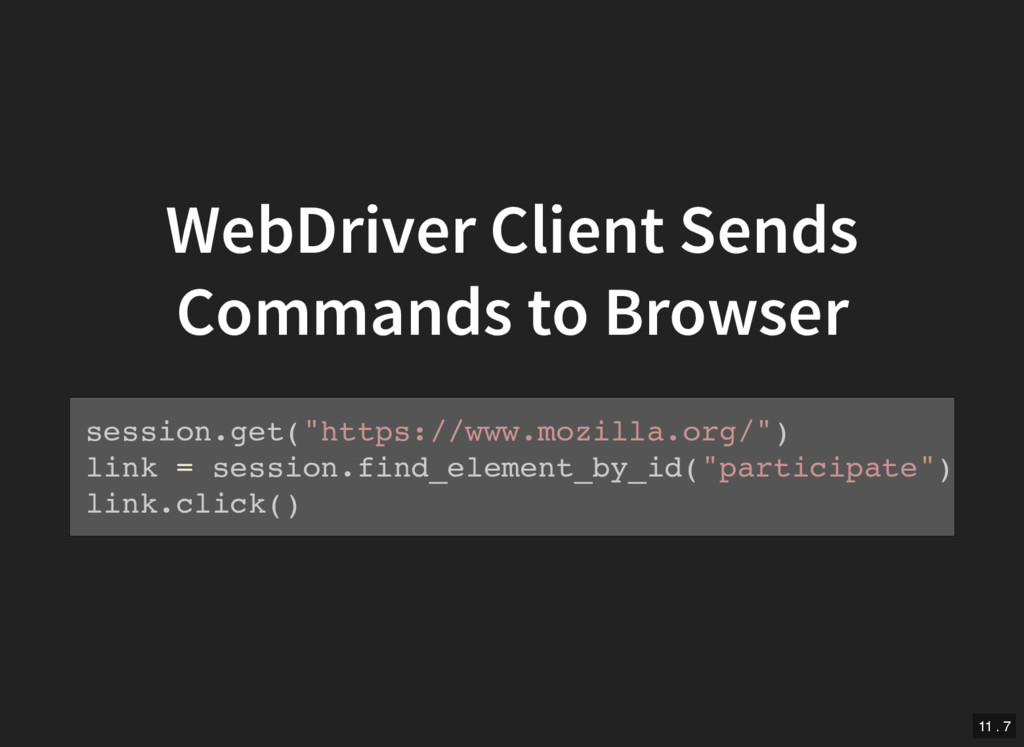
  2. Coming up 1. Why browser automation? 2. What is WebDriver?

    Selenium? 3. How does WebDriver work in Firefox? 4. Hey, let's add a WebDriver command to Firefox! 10
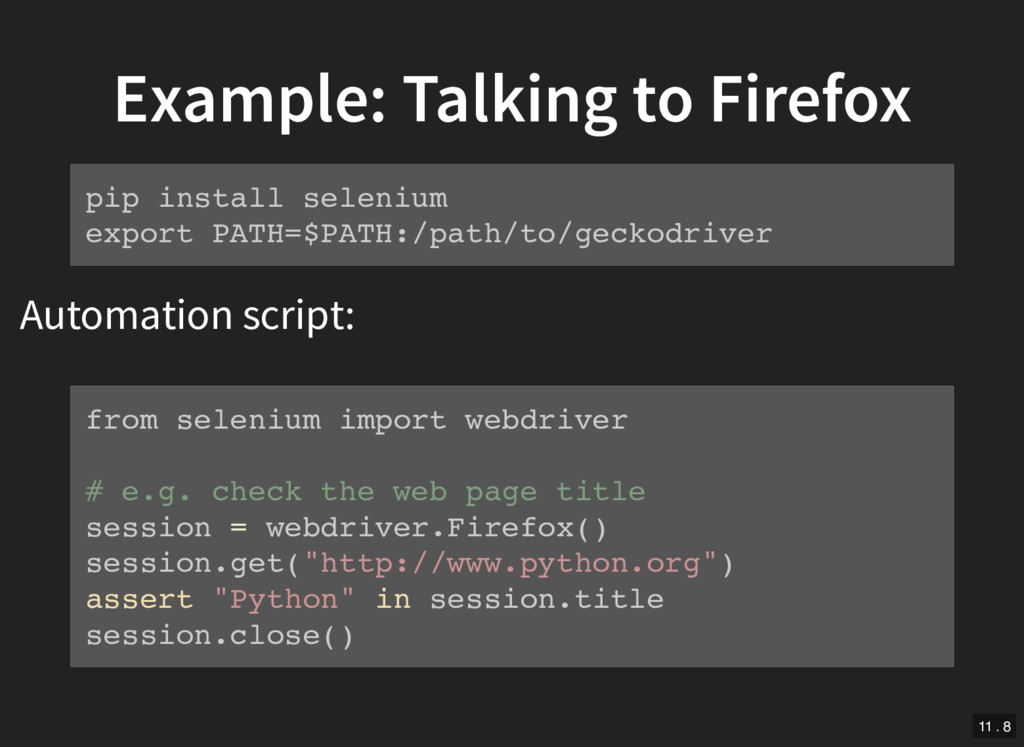
  3. Example: Talking to Firefox Automation script: pip install selenium export

    PATH=$PATH:/path/to/geckodriver from selenium import webdriver # e.g. check the web page title session = webdriver.Firefox() session.get("http://www.python.org") assert "Python" in session.title session.close() 11 . 8
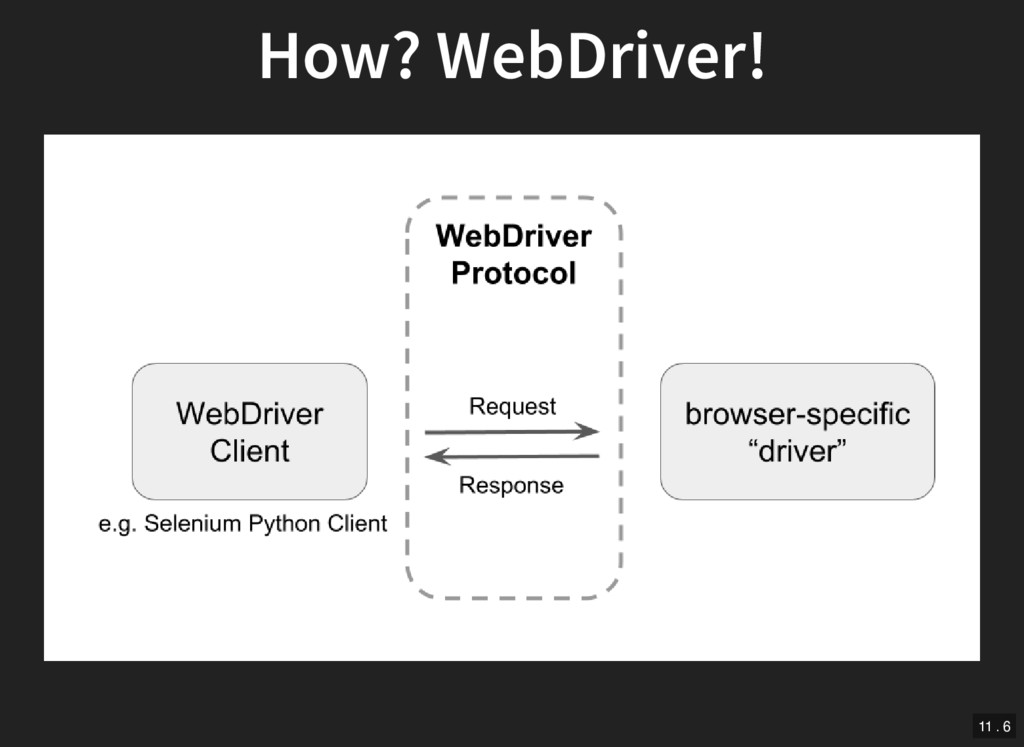
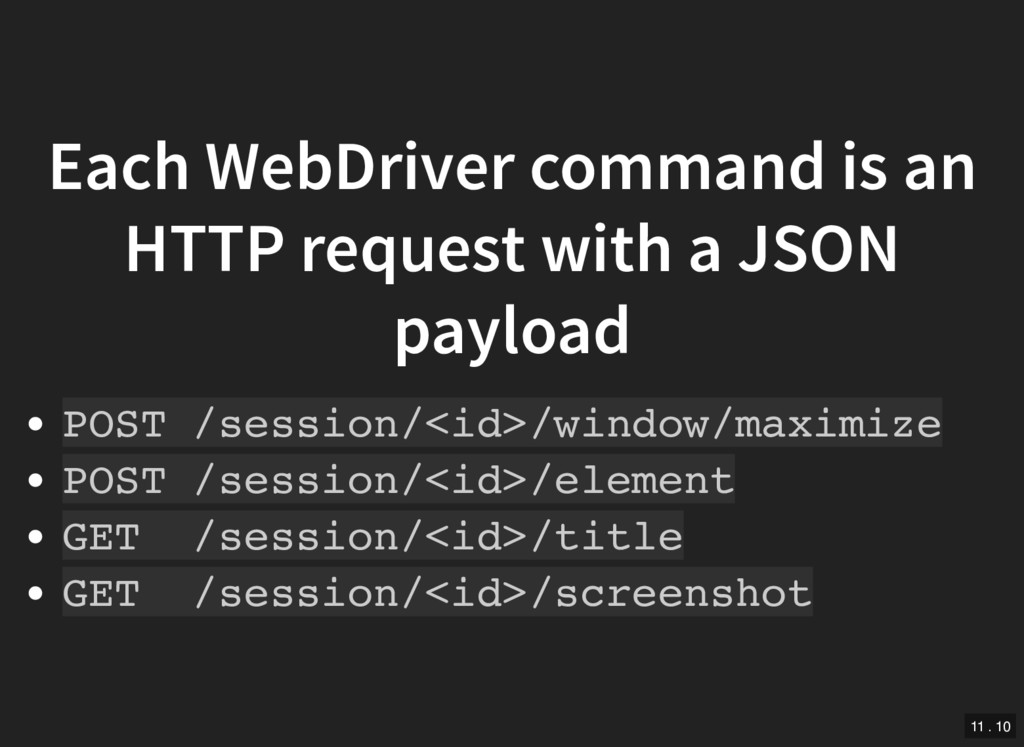
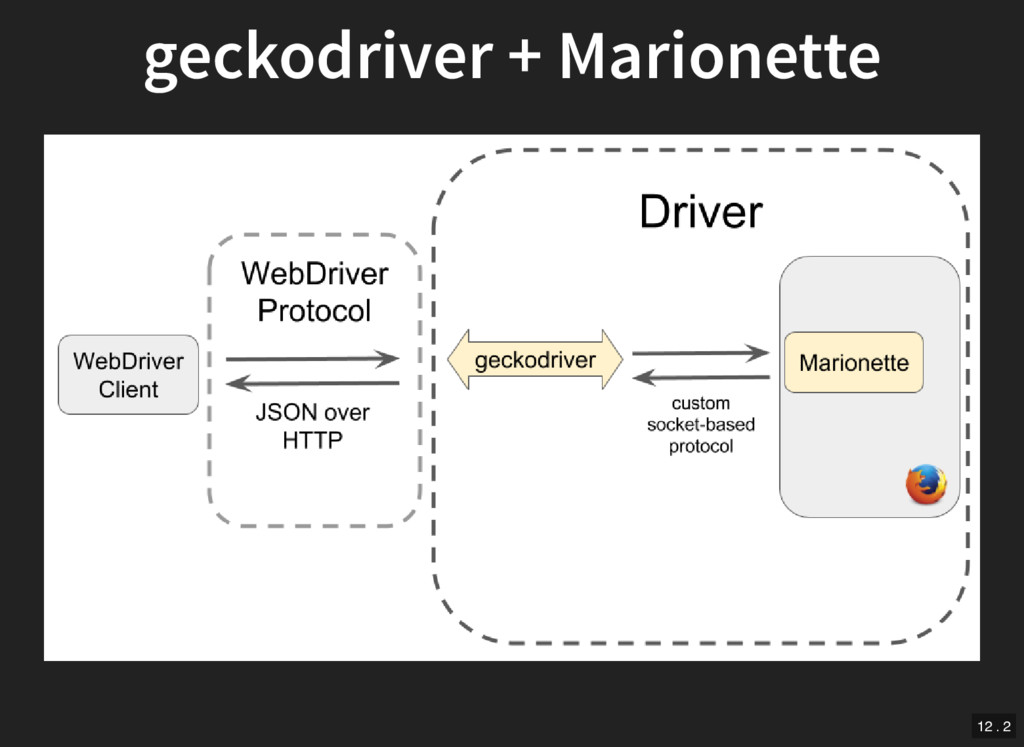
  4. Each WebDriver command is an HTTP request with a JSON

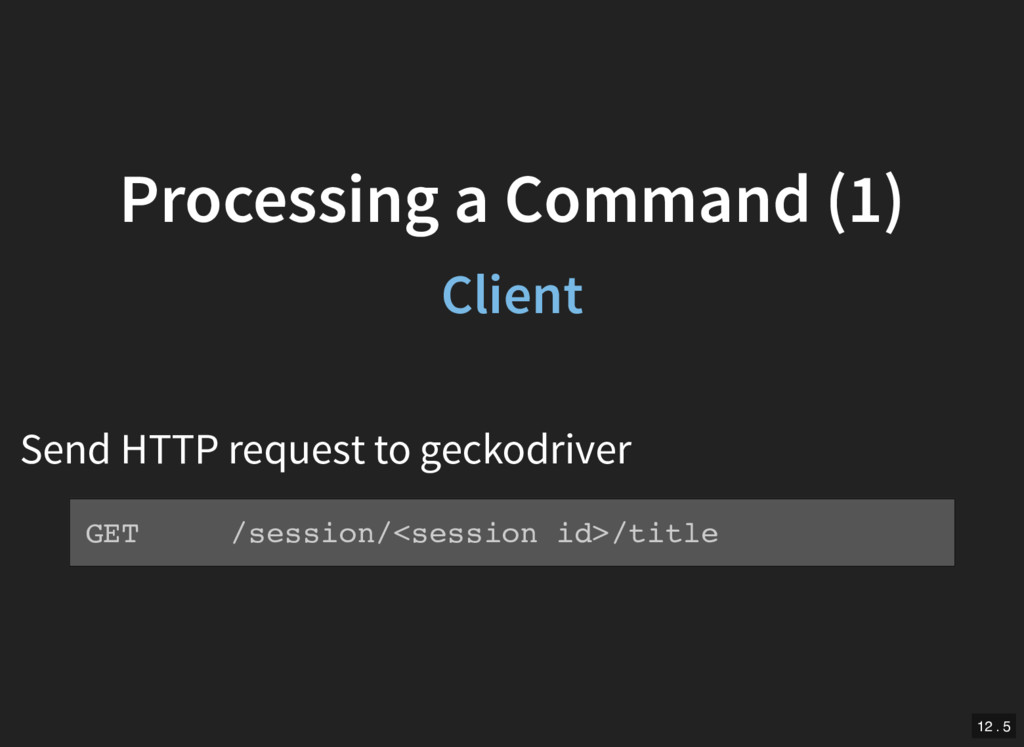
    payload POST /session/<id>/window/maximize POST /session/<id>/element GET /session/<id>/title GET /session/<id>/screenshot 11 . 10
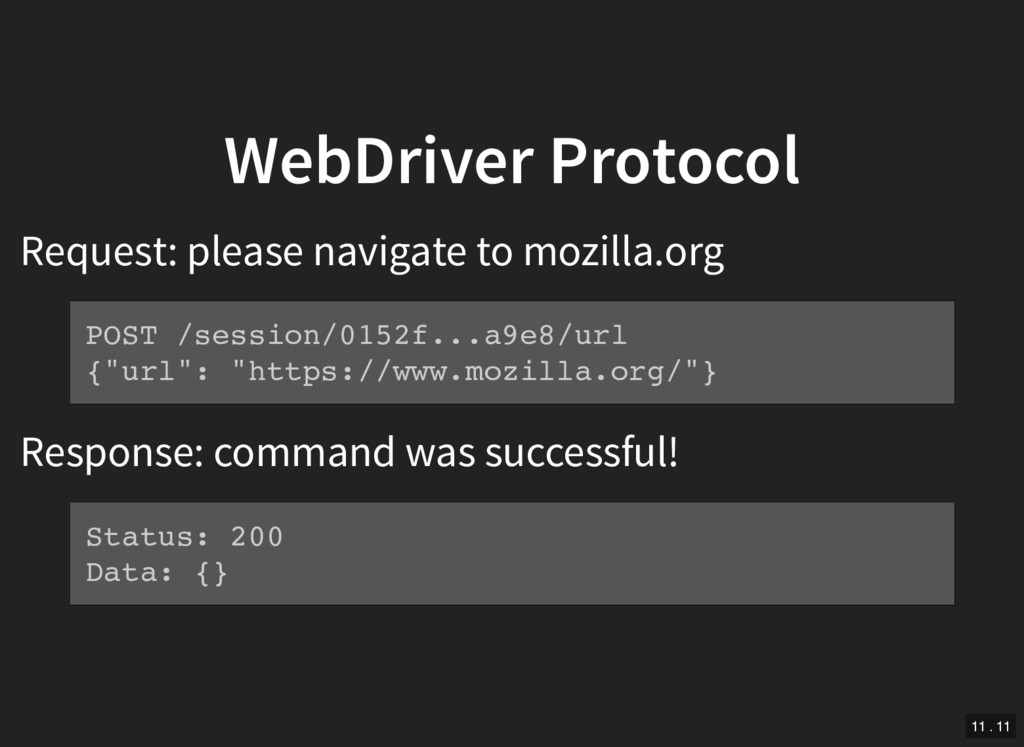
  5. WebDriver Protocol Request: please navigate to mozilla.org Response: command was

    successful! POST /session/0152f...a9e8/url {"url": "https://www.mozilla.org/"} Status: 200 Data: {} 11 . 11
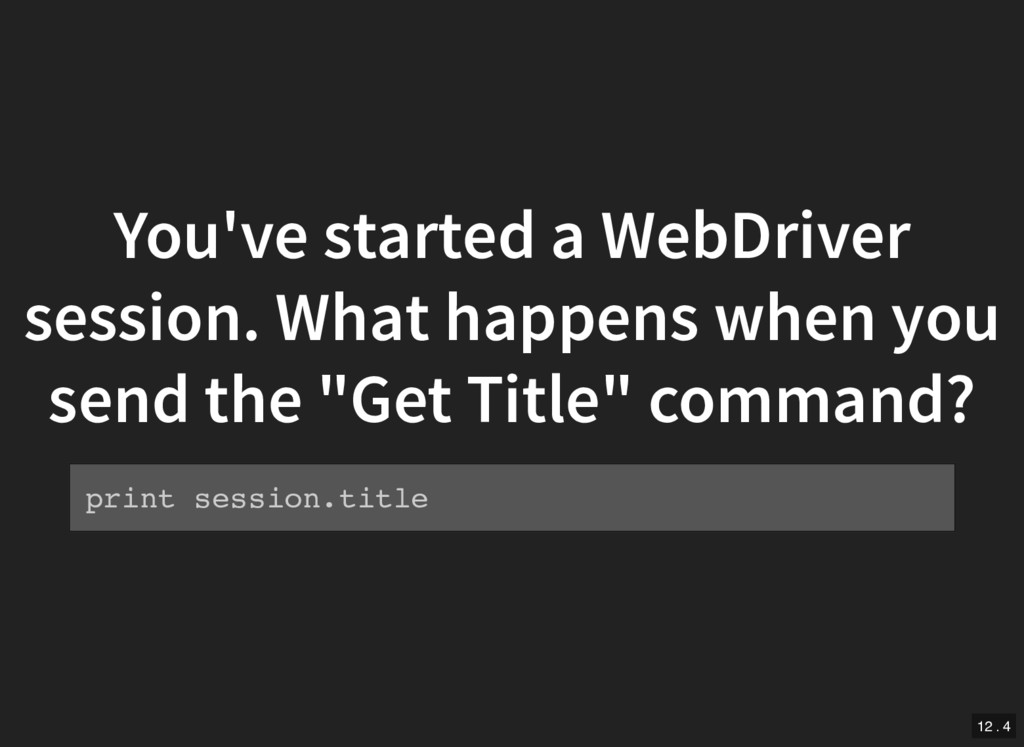
  6. You've started a WebDriver session. What happens when you send

    the "Get Title" command? print session.title 12 . 4
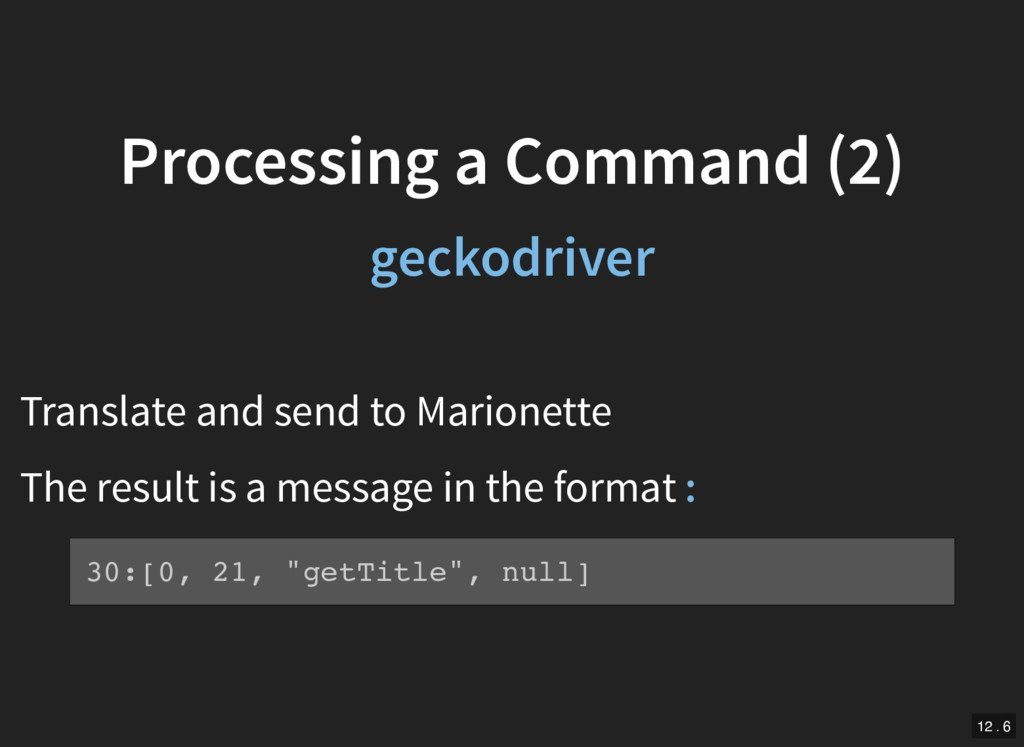
  7. Processing a Command (2) geckodriver Translate and send to Marionette

    The result is a message in the format : 30:[0, 21, "getTitle", null] 12 . 6
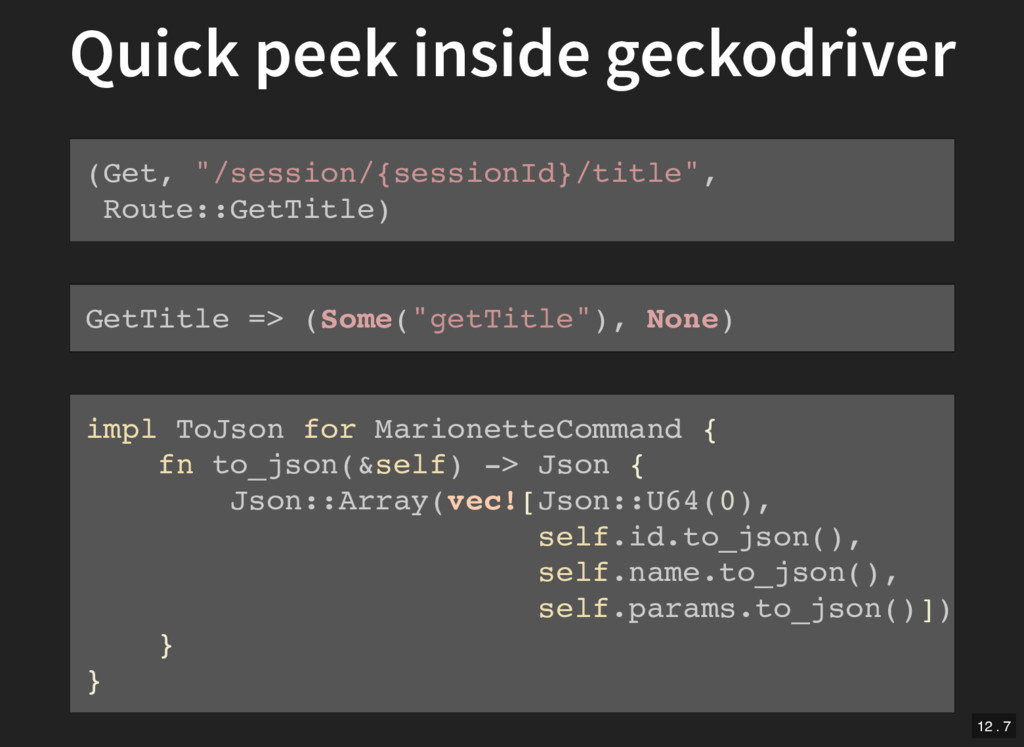
  8. Quick peek inside geckodriver (Get, "/session/{sessionId}/title", Route::GetTitle) GetTitle => (Some("getTitle"),

    None) impl ToJson for MarionetteCommand { fn to_json(&self) -> Json { Json::Array(vec![Json::U64(0), self.id.to_json(), self.name.to_json(), self.params.to_json()]) } } 12 . 7
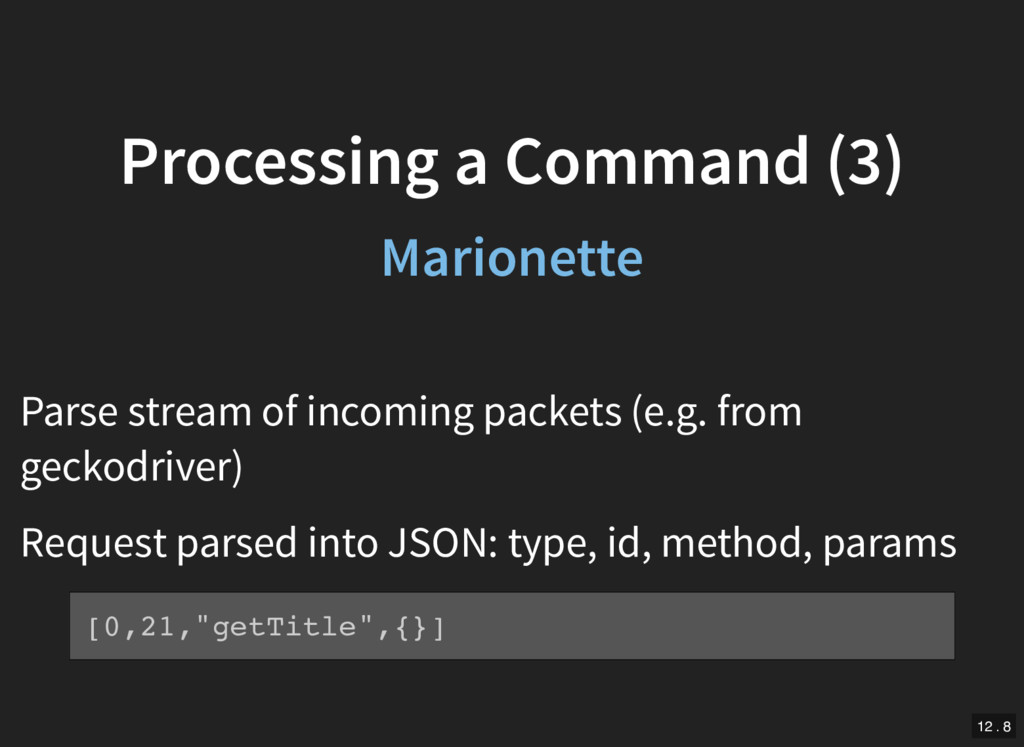
  9. Processing a Command (3) Marionette Parse stream of incoming packets

    (e.g. from geckodriver) Request parsed into JSON: type, id, method, params [0,21,"getTitle",{}] 12 . 8
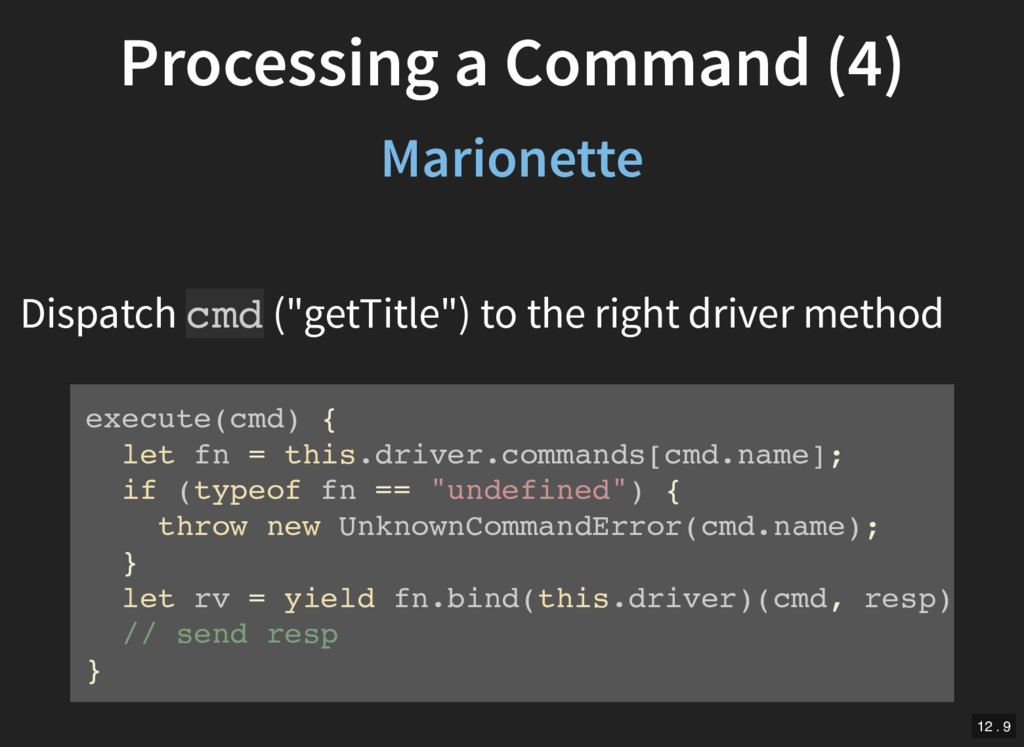
  10. Processing a Command (4) Marionette Dispatch cmd ("getTitle") to the

    right driver method execute(cmd) { let fn = this.driver.commands[cmd.name]; if (typeof fn == "undefined") { throw new UnknownCommandError(cmd.name); } let rv = yield fn.bind(this.driver)(cmd, resp); // send resp } 12 . 9
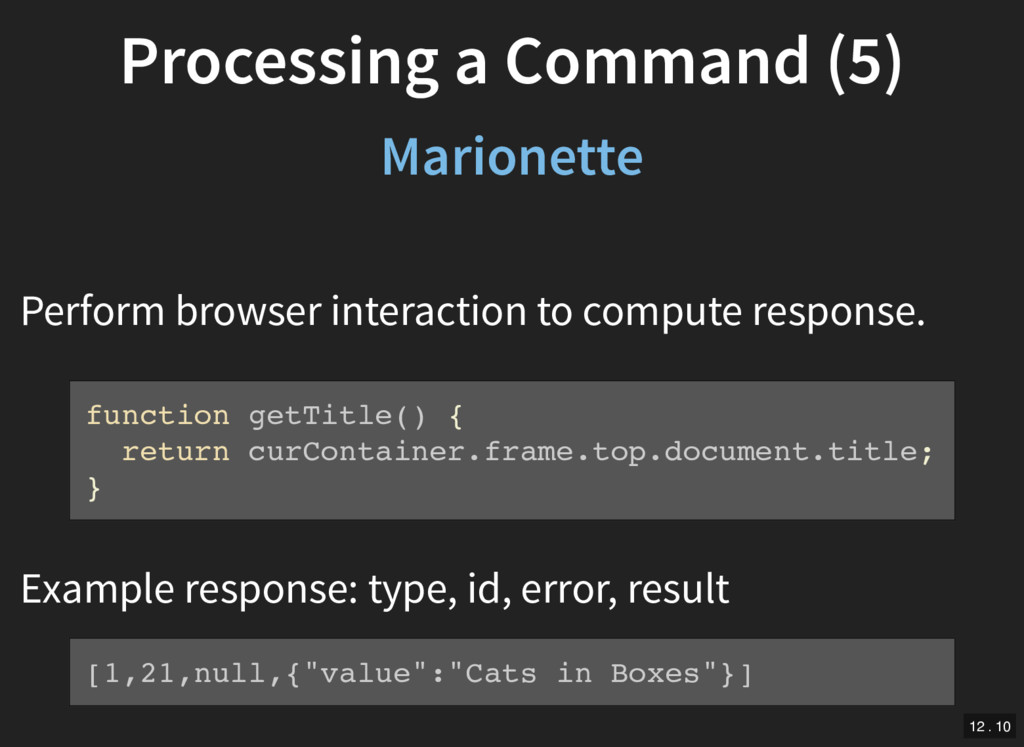
  11. Processing a Command (5) Marionette Perform browser interaction to compute

    response. Example response: type, id, error, result function getTitle() { return curContainer.frame.top.document.title; } [1,21,null,{"value":"Cats in Boxes"}] 12 . 10
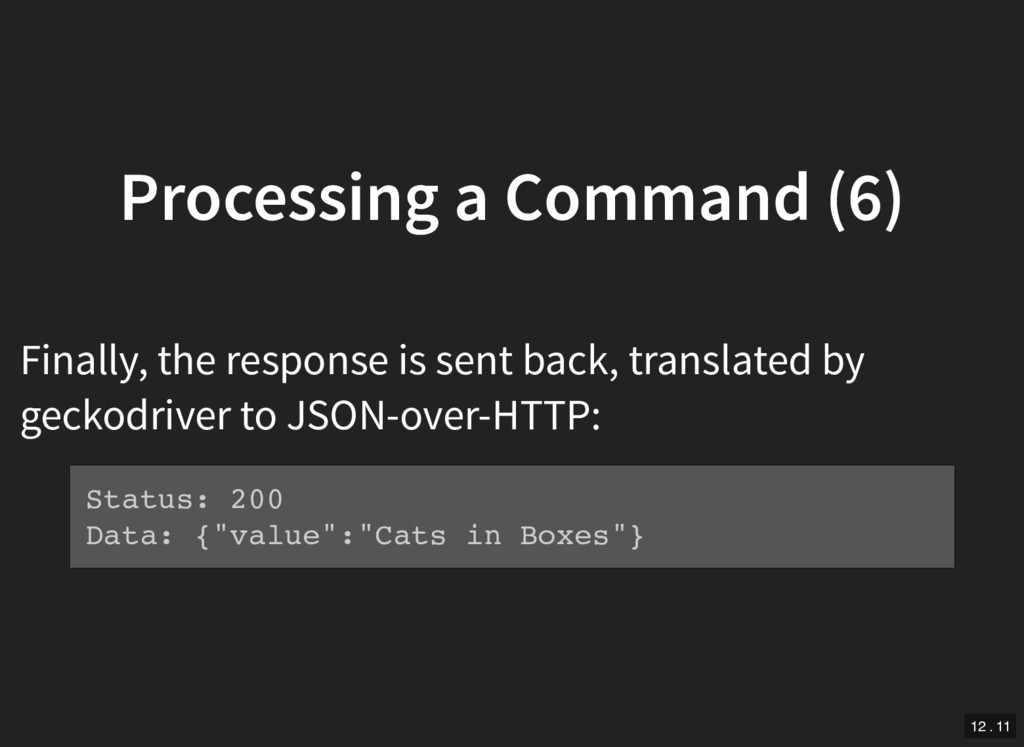
  12. Processing a Command (6) Finally, the response is sent back,

    translated by geckodriver to JSON-over-HTTP: Status: 200 Data: {"value":"Cats in Boxes"} 12 . 11
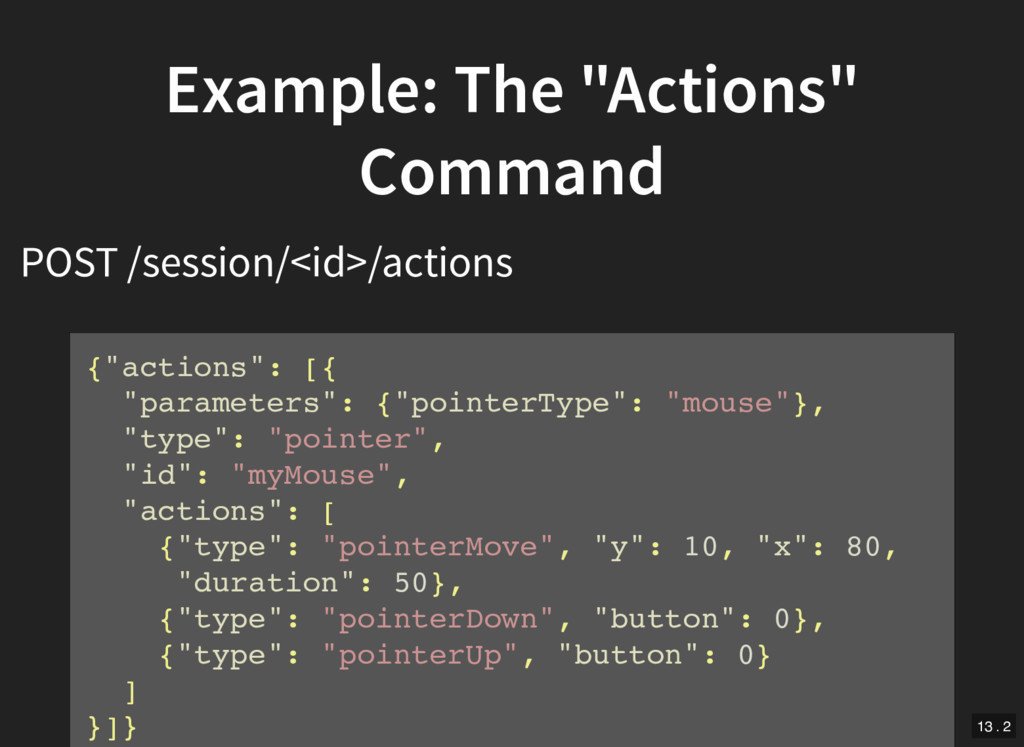
  13. Example: The "Actions" Command POST /session/<id>/actions {"actions": [{ "parameters": {"pointerType":

    "mouse"}, "type": "pointer", "id": "myMouse", "actions": [ {"type": "pointerMove", "y": 10, "x": 80, "duration": 50}, {"type": "pointerDown", "button": 0}, {"type": "pointerUp", "button": 0} ] }]} 13 . 2
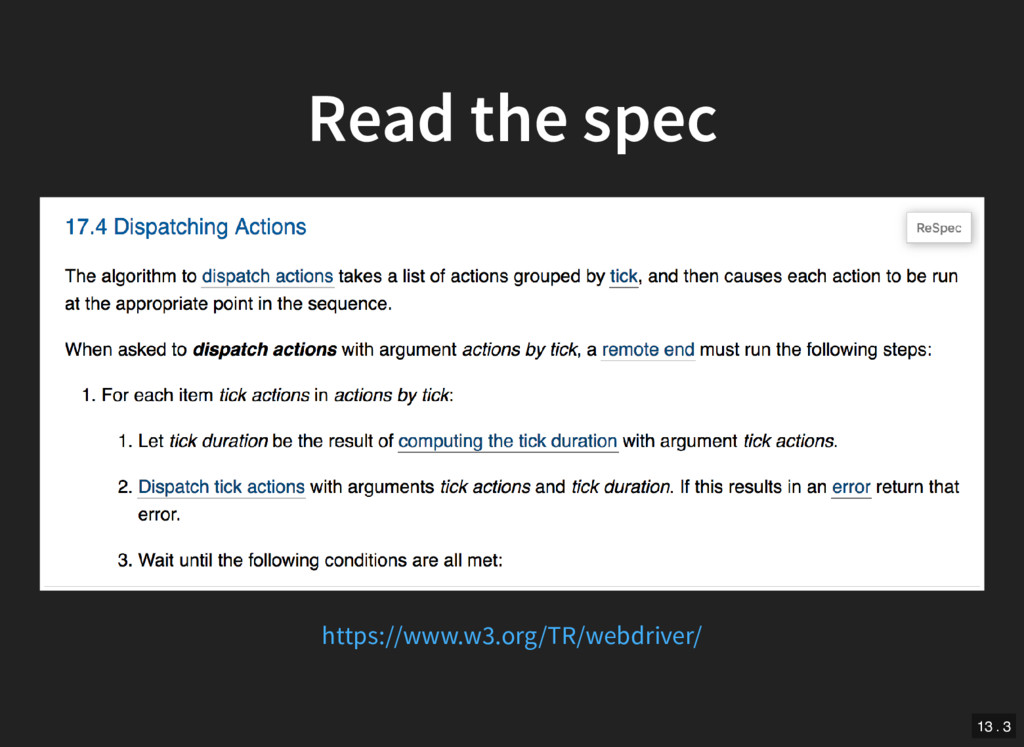
  14. Read the spec Spec describes what should happen and o

    en how (at a high level) Not set in stone: clarify and discuss as we implement 13 . 4
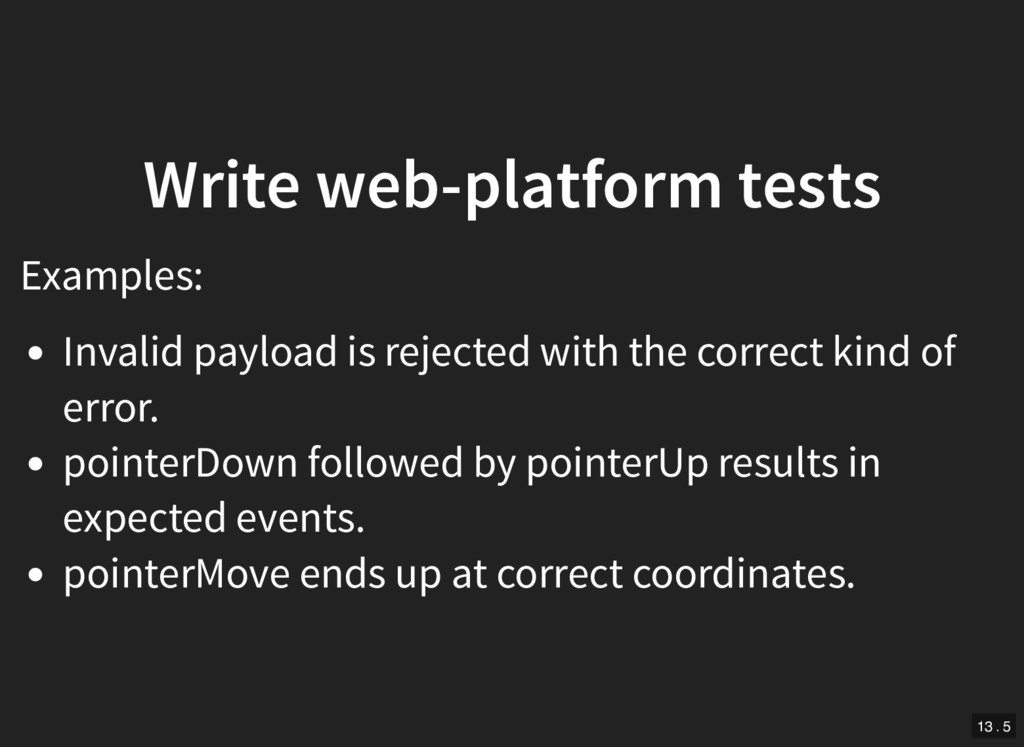
  15. Write web-platform tests Examples: Invalid payload is rejected with the

    correct kind of error. pointerDown followed by pointerUp results in expected events. pointerMove ends up at correct coordinates. 13 . 5
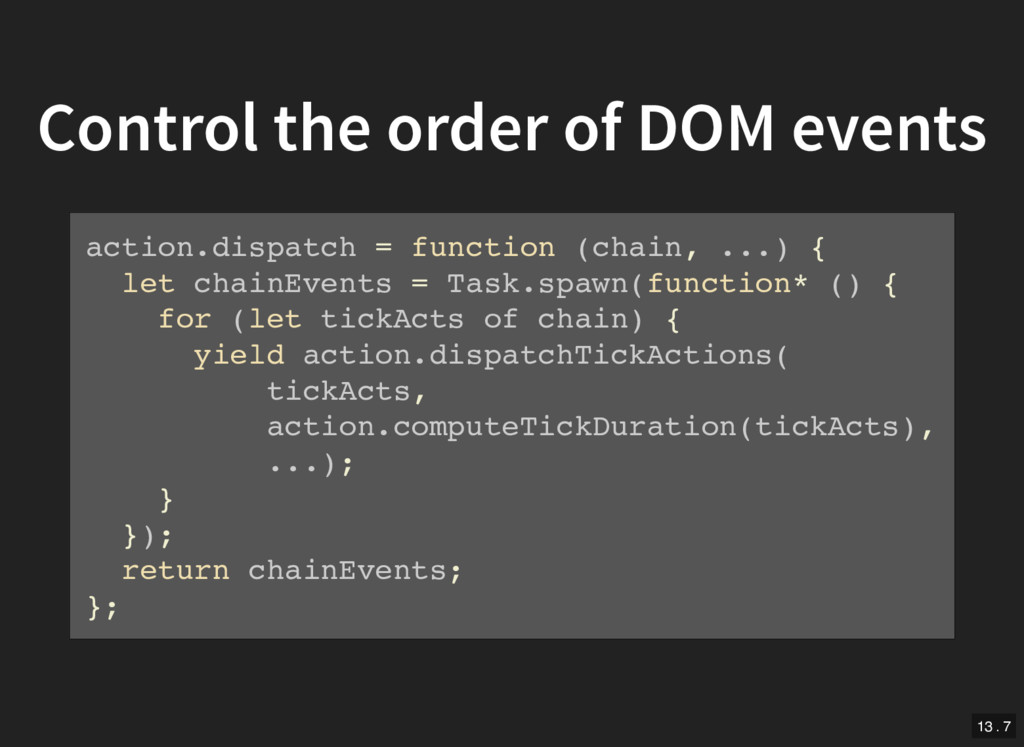
  16. Control the order of DOM events action.dispatch = function (chain,

    ...) { let chainEvents = Task.spawn(function* () { for (let tickActs of chain) { yield action.dispatchTickActions( tickActs, action.computeTickDuration(tickActs), ...); } }); return chainEvents; }; 13 . 7
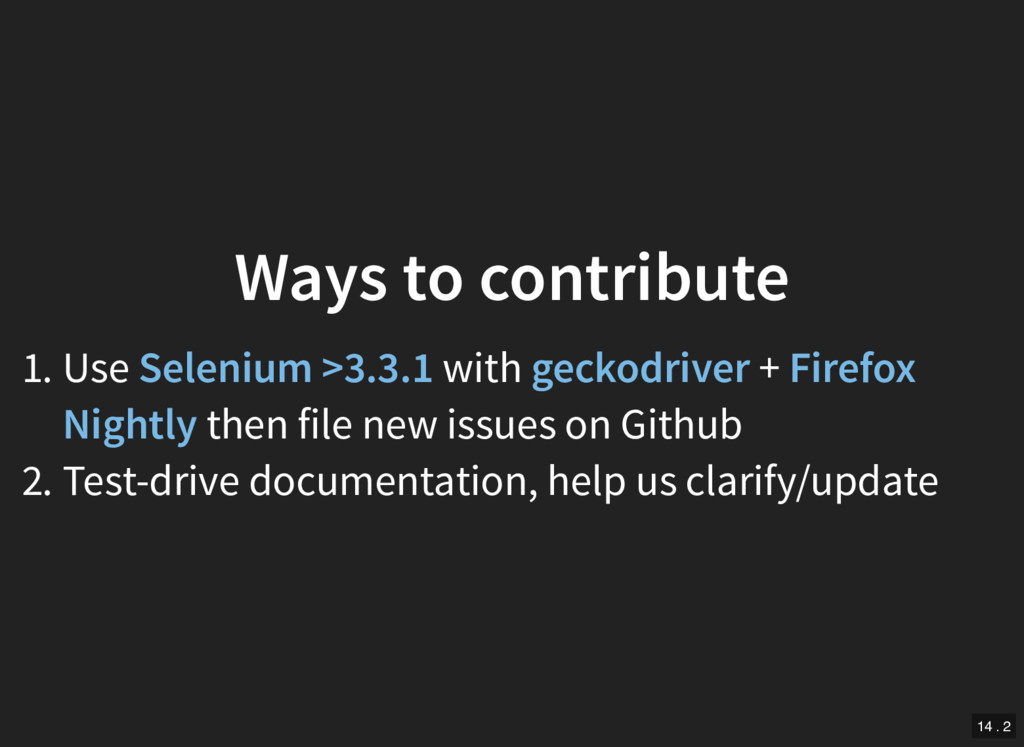
  17. Ways to contribute 1. Use Selenium >3.3.1 with geckodriver +

    Firefox Nightly then file new issues on Github 2. Test-drive documentation, help us clarify/update 14 . 2
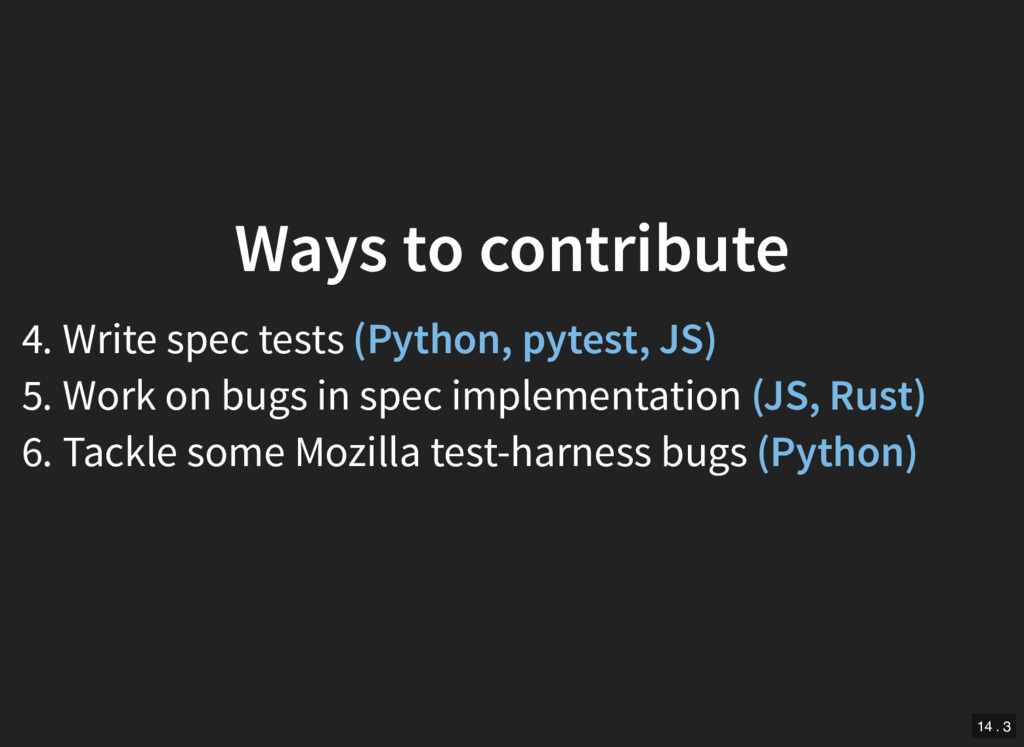
  18. Ways to contribute 4. Write spec tests (Python, pytest, JS)

    5. Work on bugs in spec implementation (JS, Rust) 6. Tackle some Mozilla test-harness bugs (Python) 14 . 3