Upgrade to Pro — share decks privately, control downloads, hide ads and more …

Introduction to Digital Forensics

Introduction to Digital Forensics

"Every contact leaves a trace." In this presentation designed for junior students at DPS International School, I break down the fundamentals of Digital Forensics within the context of Capture The Flag (CTF) cybersecurity competitions.

The goal of this session was to introduce students to the methodology of digital crime scene investigation, equipping them with the practical tools and ethical guidelines needed to solve forensic challenges.

Avatar for Kannan Murugapandian

Kannan Murugapandian

March 29, 2026

More Decks by Kannan Murugapandian

Other Decks in Technology

Transcript

  1. Digital Forensics in CTFs Introduction to Digital Investigations Kannan Murugapandian

    DPS International School March 27, 2026 Kannan Murugapandian (Digital Tech & Media) Digital Forensics March 27, 2026 1 / 18
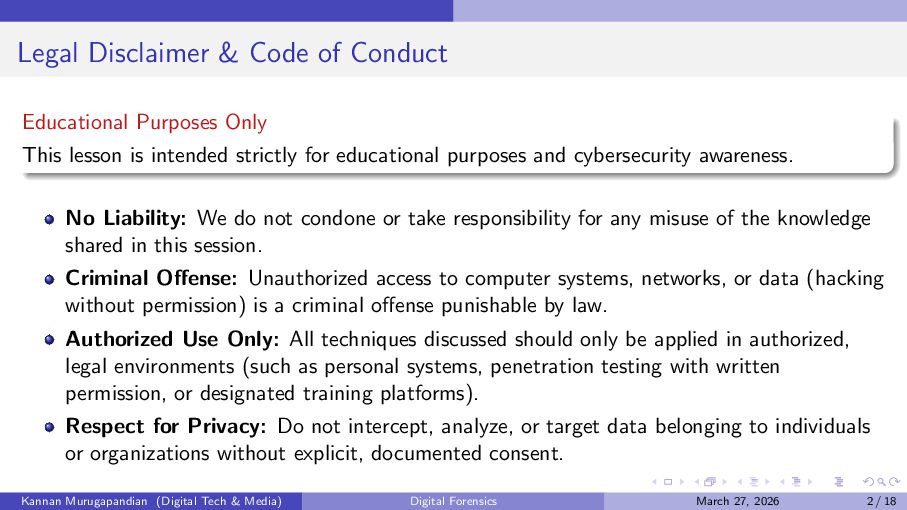
  2. Legal Disclaimer & Code of Conduct Educational Purposes Only This

    lesson is intended strictly for educational purposes and cybersecurity awareness. No Liability: We do not condone or take responsibility for any misuse of the knowledge shared in this session. Criminal Offense: Unauthorized access to computer systems, networks, or data (hacking without permission) is a criminal offense punishable by law. Authorized Use Only: All techniques discussed should only be applied in authorized, legal environments (such as personal systems, penetration testing with written permission, or designated training platforms). Respect for Privacy: Do not intercept, analyze, or target data belonging to individuals or organizations without explicit, documented consent. Kannan Murugapandian (Digital Tech & Media) Digital Forensics March 27, 2026 2 / 18
  3. Copyright Notice Course Content Restrictions You are not allowed to

    upload or reuse any content, materials or videos from this course for any other purposes. Kannan Murugapandian (Digital Tech & Media) Digital Forensics March 27, 2026 3 / 18
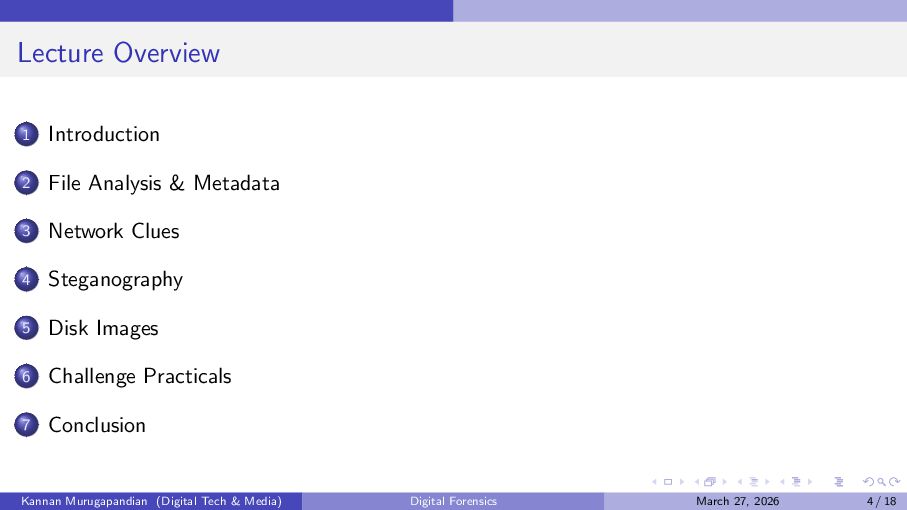
  4. Lecture Overview 1 Introduction 2 File Analysis & Metadata 3

    Network Clues 4 Steganography 5 Disk Images 6 Challenge Practicals 7 Conclusion Kannan Murugapandian (Digital Tech & Media) Digital Forensics March 27, 2026 4 / 18
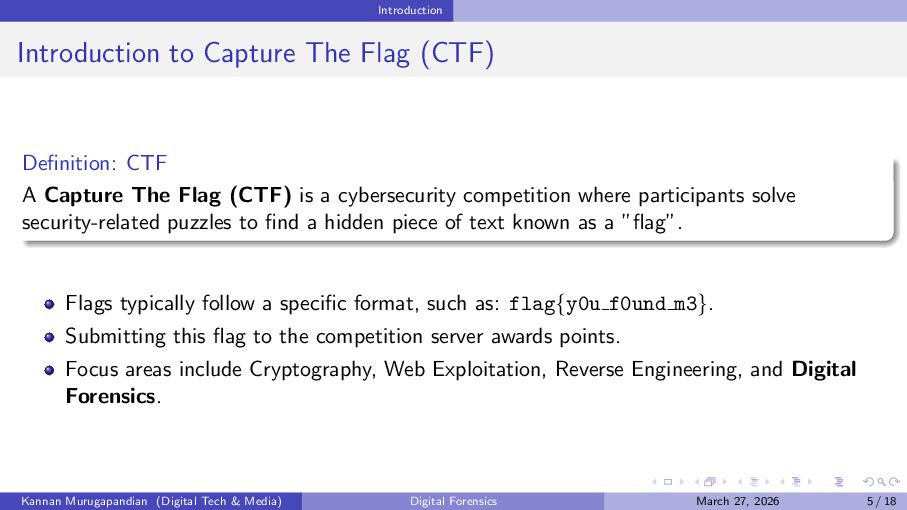
  5. Introduction Introduction to Capture The Flag (CTF) Definition: CTF A

    Capture The Flag (CTF) is a cybersecurity competition where participants solve security-related puzzles to find a hidden piece of text known as a ”flag”. Flags typically follow a specific format, such as: flag{y0u f0und m3}. Submitting this flag to the competition server awards points. Focus areas include Cryptography, Web Exploitation, Reverse Engineering, and Digital Forensics. Kannan Murugapandian (Digital Tech & Media) Digital Forensics March 27, 2026 5 / 18
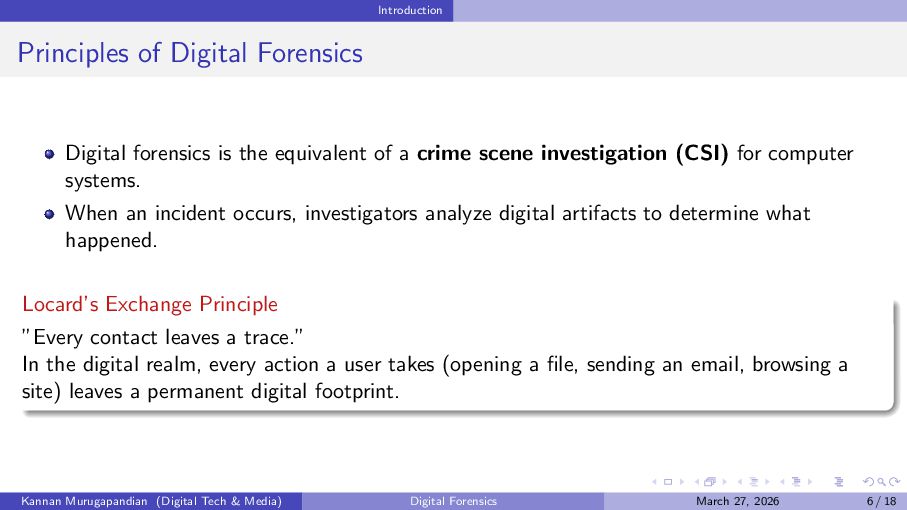
  6. Introduction Principles of Digital Forensics Digital forensics is the equivalent

    of a crime scene investigation (CSI) for computer systems. When an incident occurs, investigators analyze digital artifacts to determine what happened. Locard’s Exchange Principle ”Every contact leaves a trace.” In the digital realm, every action a user takes (opening a file, sending an email, browsing a site) leaves a permanent digital footprint. Kannan Murugapandian (Digital Tech & Media) Digital Forensics March 27, 2026 6 / 18
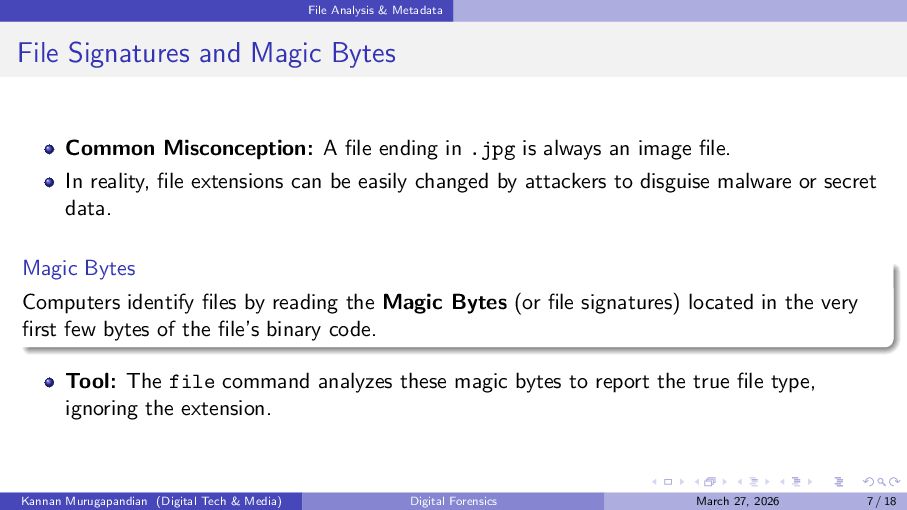
  7. File Analysis & Metadata File Signatures and Magic Bytes Common

    Misconception: A file ending in .jpg is always an image file. In reality, file extensions can be easily changed by attackers to disguise malware or secret data. Magic Bytes Computers identify files by reading the Magic Bytes (or file signatures) located in the very first few bytes of the file’s binary code. Tool: The file command analyzes these magic bytes to report the true file type, ignoring the extension. Kannan Murugapandian (Digital Tech & Media) Digital Forensics March 27, 2026 7 / 18
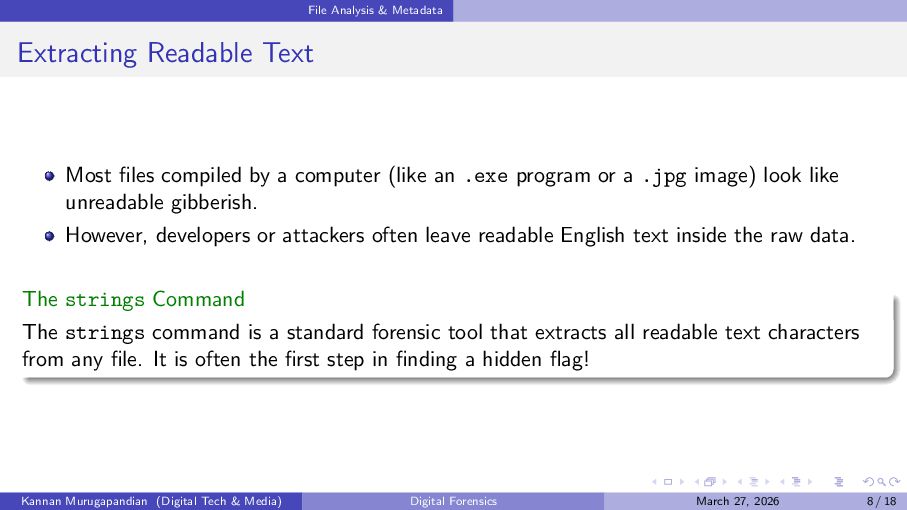
  8. File Analysis & Metadata Extracting Readable Text Most files compiled

    by a computer (like an .exe program or a .jpg image) look like unreadable gibberish. However, developers or attackers often leave readable English text inside the raw data. The strings Command The strings command is a standard forensic tool that extracts all readable text characters from any file. It is often the first step in finding a hidden flag! Kannan Murugapandian (Digital Tech & Media) Digital Forensics March 27, 2026 8 / 18
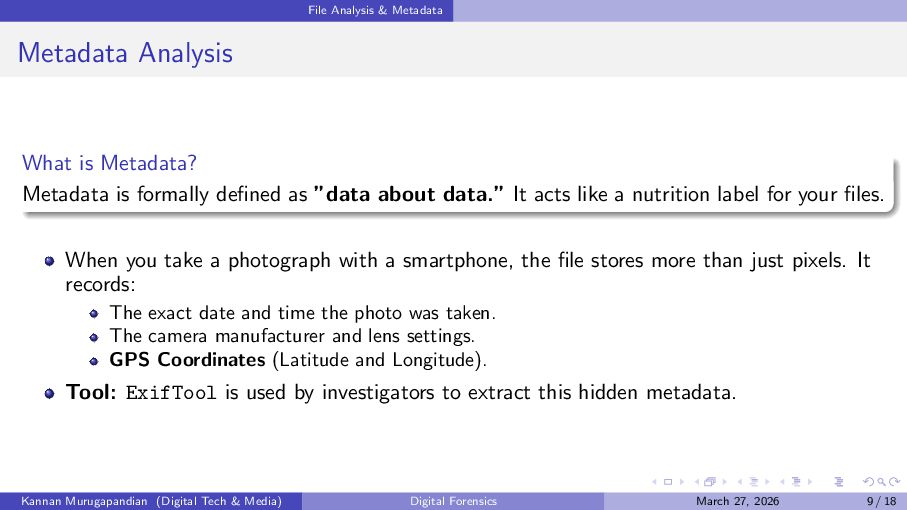
  9. File Analysis & Metadata Metadata Analysis What is Metadata? Metadata

    is formally defined as ”data about data.” It acts like a nutrition label for your files. When you take a photograph with a smartphone, the file stores more than just pixels. It records: The exact date and time the photo was taken. The camera manufacturer and lens settings. GPS Coordinates (Latitude and Longitude). Tool: ExifTool is used by investigators to extract this hidden metadata. Kannan Murugapandian (Digital Tech & Media) Digital Forensics March 27, 2026 9 / 18
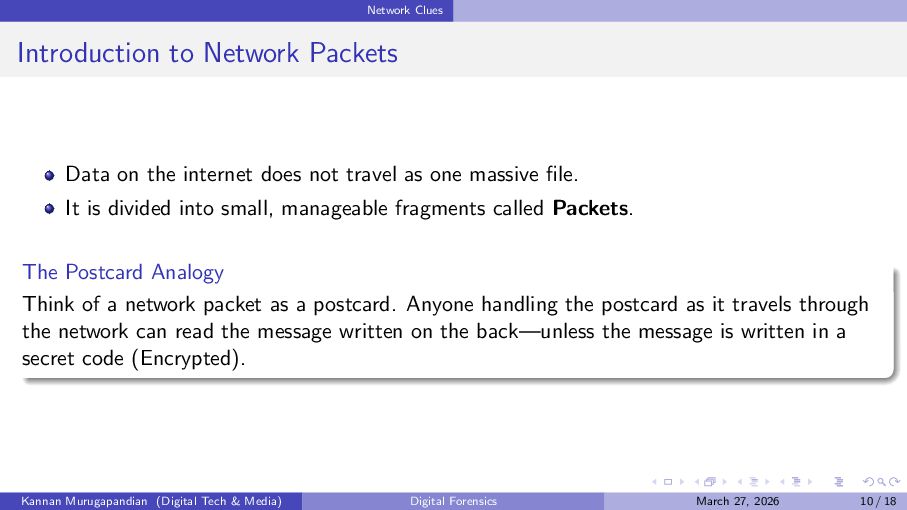
  10. Network Clues Introduction to Network Packets Data on the internet

    does not travel as one massive file. It is divided into small, manageable fragments called Packets. The Postcard Analogy Think of a network packet as a postcard. Anyone handling the postcard as it travels through the network can read the message written on the back—unless the message is written in a secret code (Encrypted). Kannan Murugapandian (Digital Tech & Media) Digital Forensics March 27, 2026 10 / 18
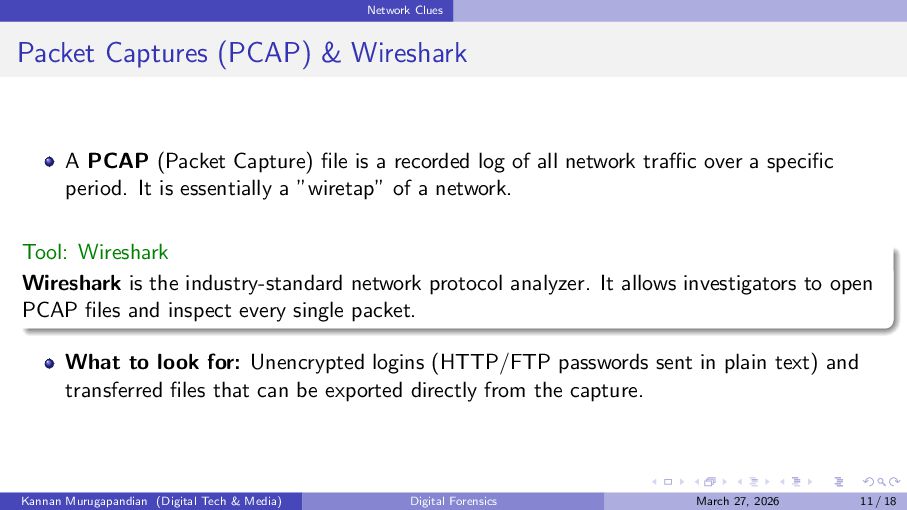
  11. Network Clues Packet Captures (PCAP) & Wireshark A PCAP (Packet

    Capture) file is a recorded log of all network traffic over a specific period. It is essentially a ”wiretap” of a network. Tool: Wireshark Wireshark is the industry-standard network protocol analyzer. It allows investigators to open PCAP files and inspect every single packet. What to look for: Unencrypted logins (HTTP/FTP passwords sent in plain text) and transferred files that can be exported directly from the capture. Kannan Murugapandian (Digital Tech & Media) Digital Forensics March 27, 2026 11 / 18
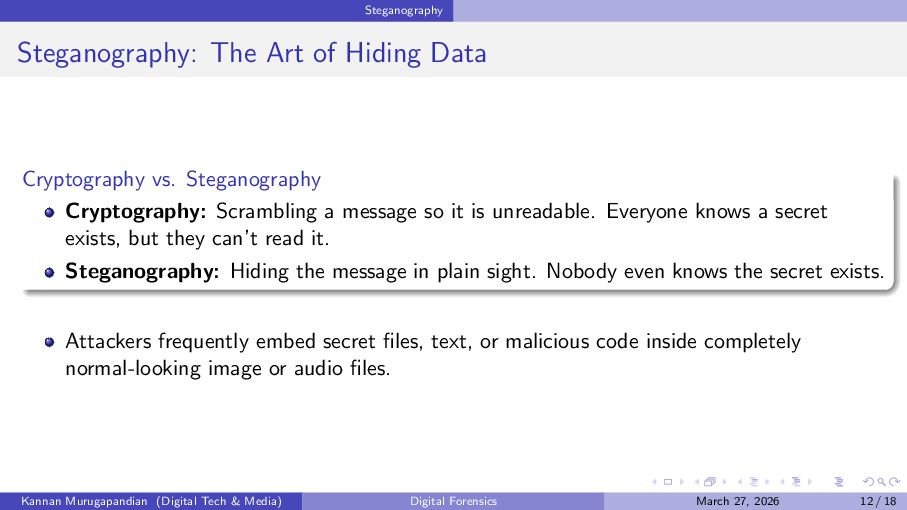
  12. Steganography Steganography: The Art of Hiding Data Cryptography vs. Steganography

    Cryptography: Scrambling a message so it is unreadable. Everyone knows a secret exists, but they can’t read it. Steganography: Hiding the message in plain sight. Nobody even knows the secret exists. Attackers frequently embed secret files, text, or malicious code inside completely normal-looking image or audio files. Kannan Murugapandian (Digital Tech & Media) Digital Forensics March 27, 2026 12 / 18
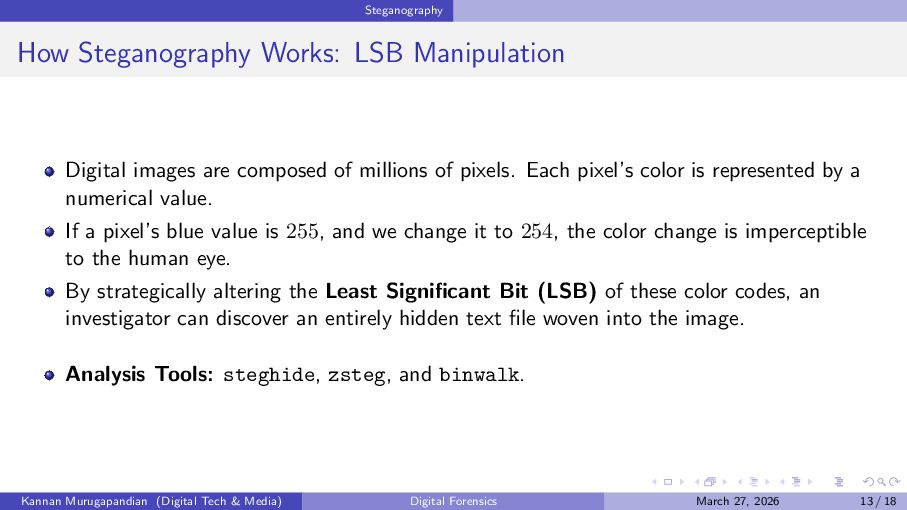
  13. Steganography How Steganography Works: LSB Manipulation Digital images are composed

    of millions of pixels. Each pixel’s color is represented by a numerical value. If a pixel’s blue value is 255, and we change it to 254, the color change is imperceptible to the human eye. By strategically altering the Least Significant Bit (LSB) of these color codes, an investigator can discover an entirely hidden text file woven into the image. Analysis Tools: steghide, zsteg, and binwalk. Kannan Murugapandian (Digital Tech & Media) Digital Forensics March 27, 2026 13 / 18
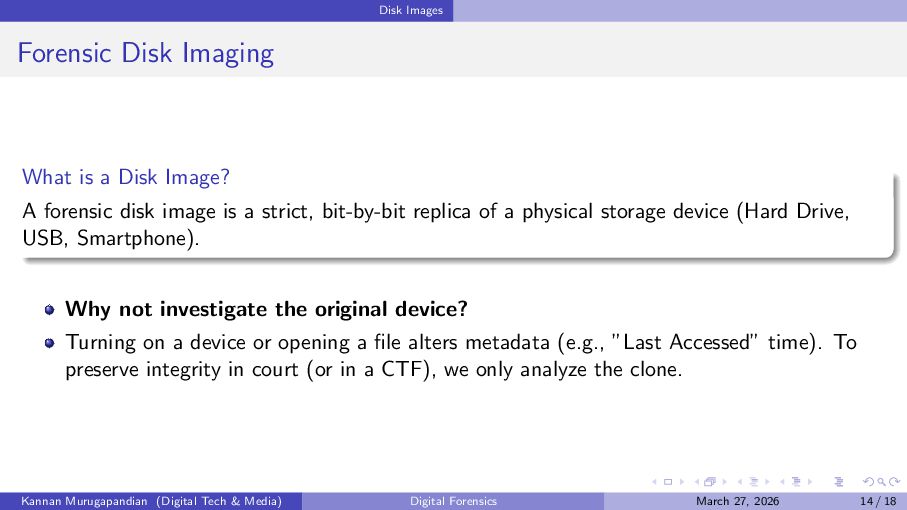
  14. Disk Images Forensic Disk Imaging What is a Disk Image?

    A forensic disk image is a strict, bit-by-bit replica of a physical storage device (Hard Drive, USB, Smartphone). Why not investigate the original device? Turning on a device or opening a file alters metadata (e.g., ”Last Accessed” time). To preserve integrity in court (or in a CTF), we only analyze the clone. Kannan Murugapandian (Digital Tech & Media) Digital Forensics March 27, 2026 14 / 18
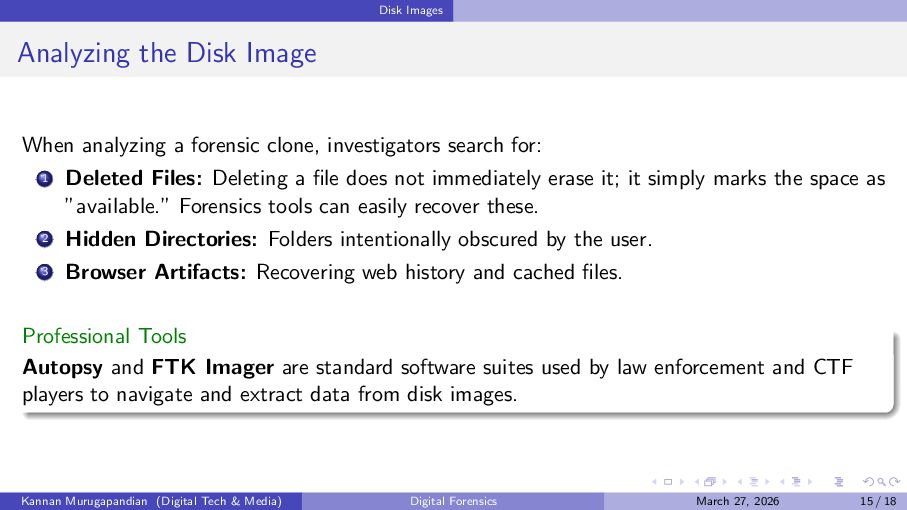
  15. Disk Images Analyzing the Disk Image When analyzing a forensic

    clone, investigators search for: 1 Deleted Files: Deleting a file does not immediately erase it; it simply marks the space as ”available.” Forensics tools can easily recover these. 2 Hidden Directories: Folders intentionally obscured by the user. 3 Browser Artifacts: Recovering web history and cached files. Professional Tools Autopsy and FTK Imager are standard software suites used by law enforcement and CTF players to navigate and extract data from disk images. Kannan Murugapandian (Digital Tech & Media) Digital Forensics March 27, 2026 15 / 18
  16. Challenge Practicals Challenge Practicals Hands-On Digital Forensics Exercises Kannan Murugapandian

    (Digital Tech & Media) Digital Forensics March 27, 2026 16 / 18
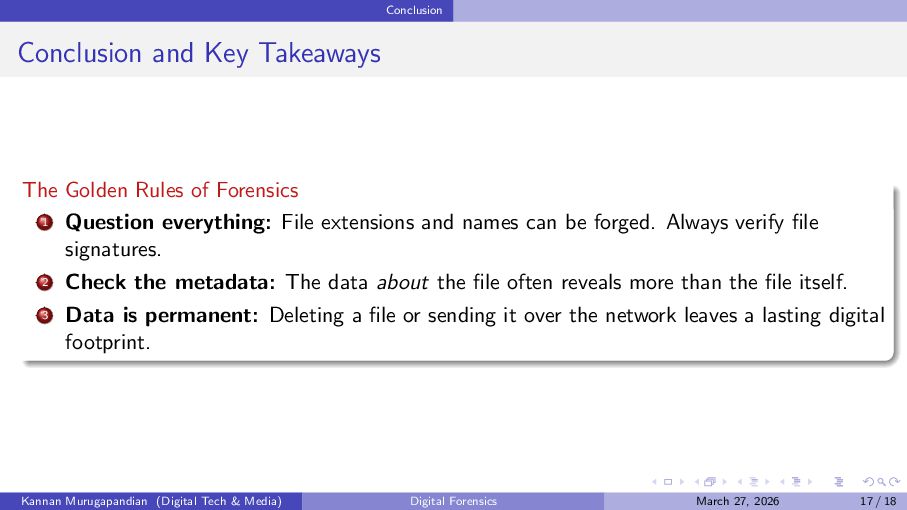
  17. Conclusion Conclusion and Key Takeaways The Golden Rules of Forensics

    1 Question everything: File extensions and names can be forged. Always verify file signatures. 2 Check the metadata: The data about the file often reveals more than the file itself. 3 Data is permanent: Deleting a file or sending it over the network leaves a lasting digital footprint. Kannan Murugapandian (Digital Tech & Media) Digital Forensics March 27, 2026 17 / 18
  18. Conclusion Questions & Discussion Thank you for your attention. mkannan2k9[at]gmail[dot]com

    Kannan Murugapandian (Digital Tech & Media) Digital Forensics March 27, 2026 18 / 18