from movements in price. Clients may employ different strategies… § Focus in specific markets § Trade with leverage in volatile markets § News and other research tools § Statistical analysis
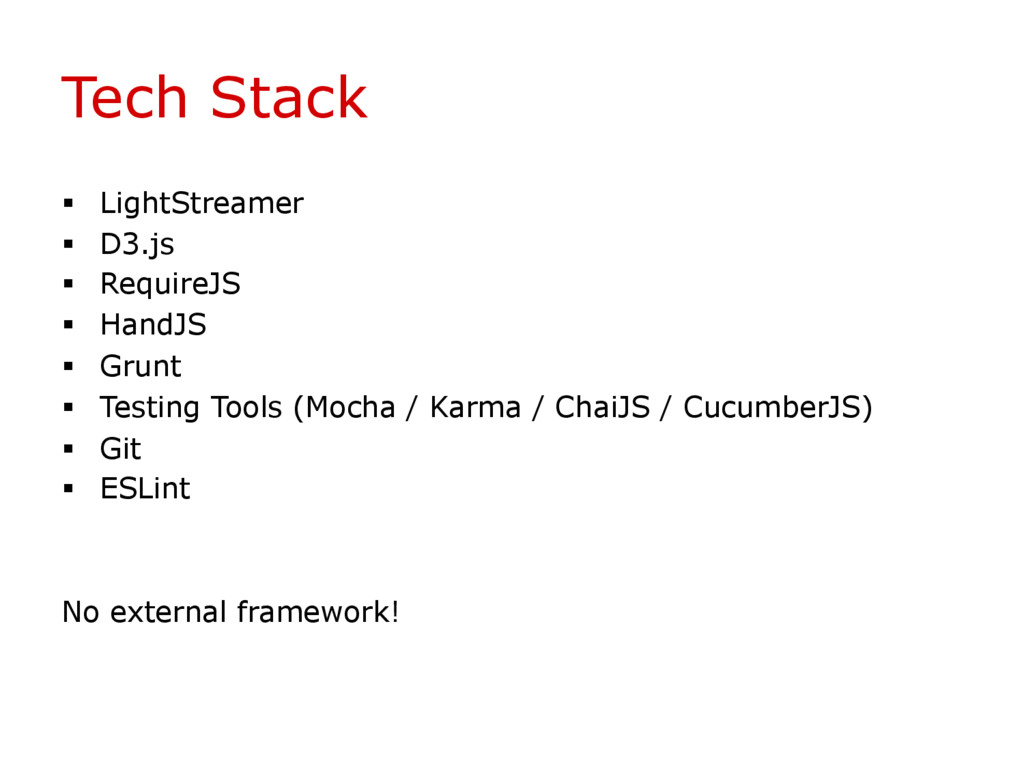
both Websockets and Comet § Supports any client-side platform § Integrates with any back-end infrastructure § Bandwidth control § Frequency control (how many updates per second) § Supports custom authentication
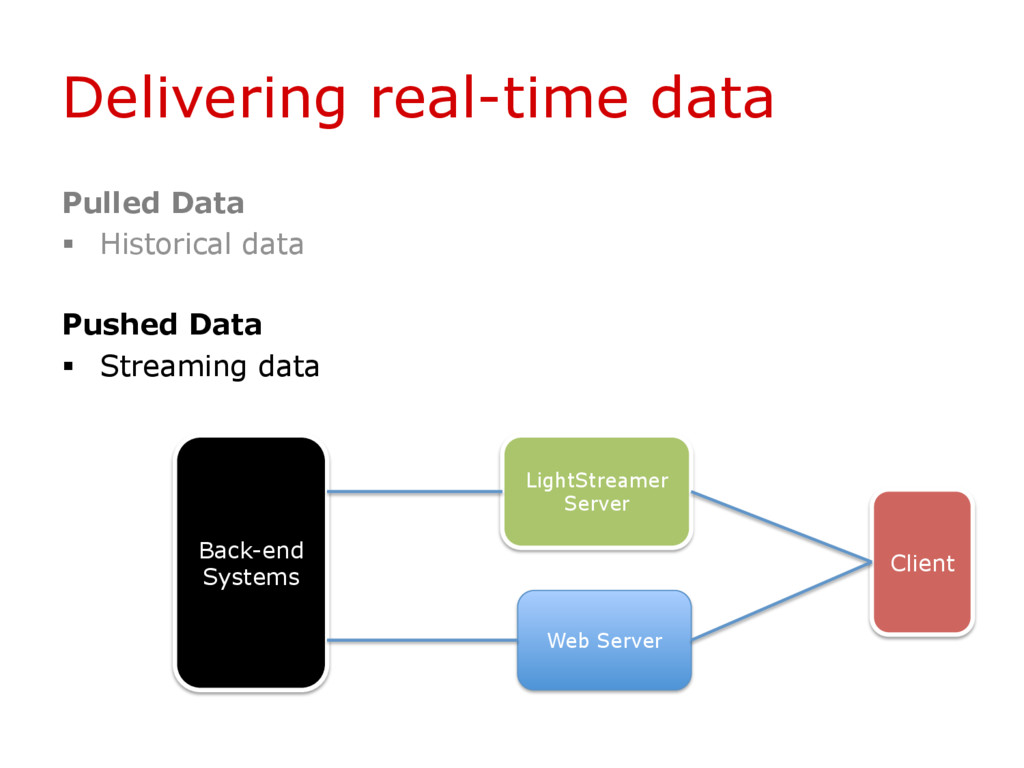
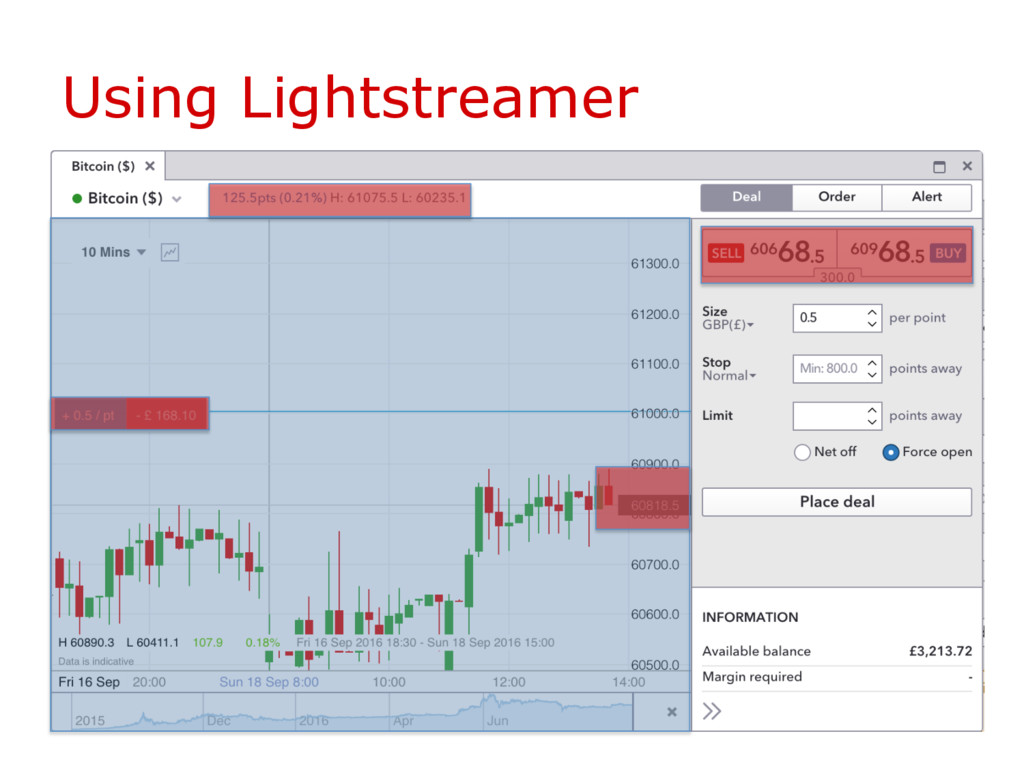
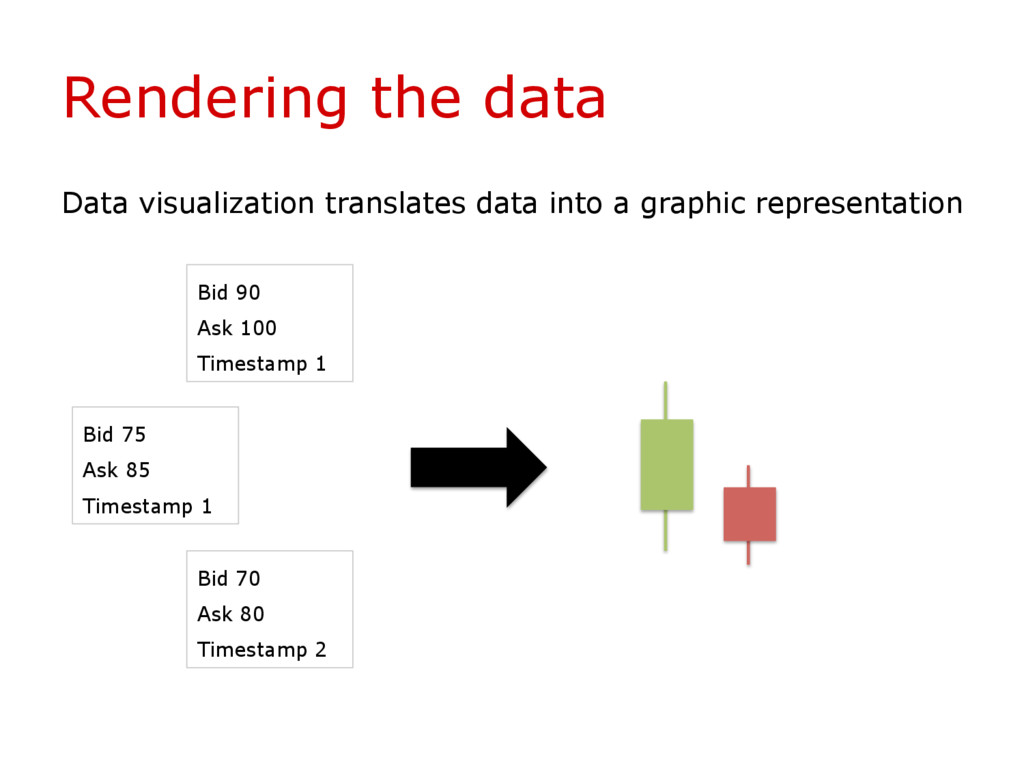
to real-time data pushed by the server and to send any message to the server. Example of an item § “Apple Share”. Some fields would be: bid price, ask price, volume and timestamp https://github.com/Lightstreamer/Lightstreamer-example-HelloWorld-client- javascript
easy to manipulate § Based on HTML, SVG and CSS § Provides data binding between DOM elements § Works well with scales (linear and non-linear) § Has several utility functions that help you to draw paths https://d3js.org/
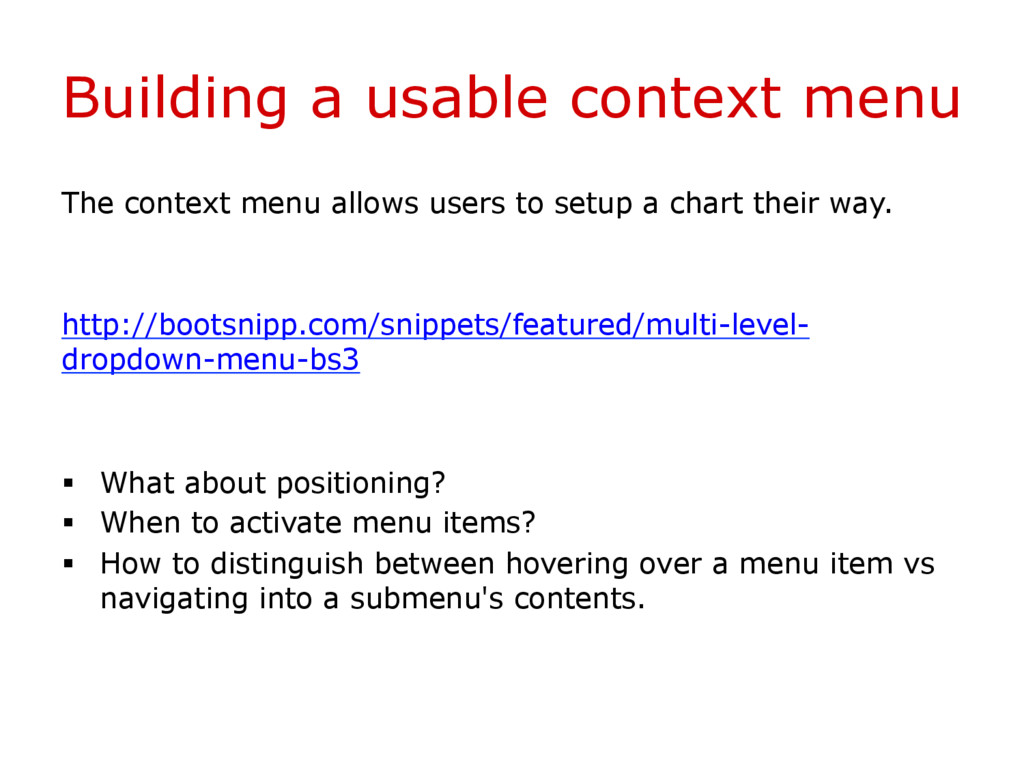
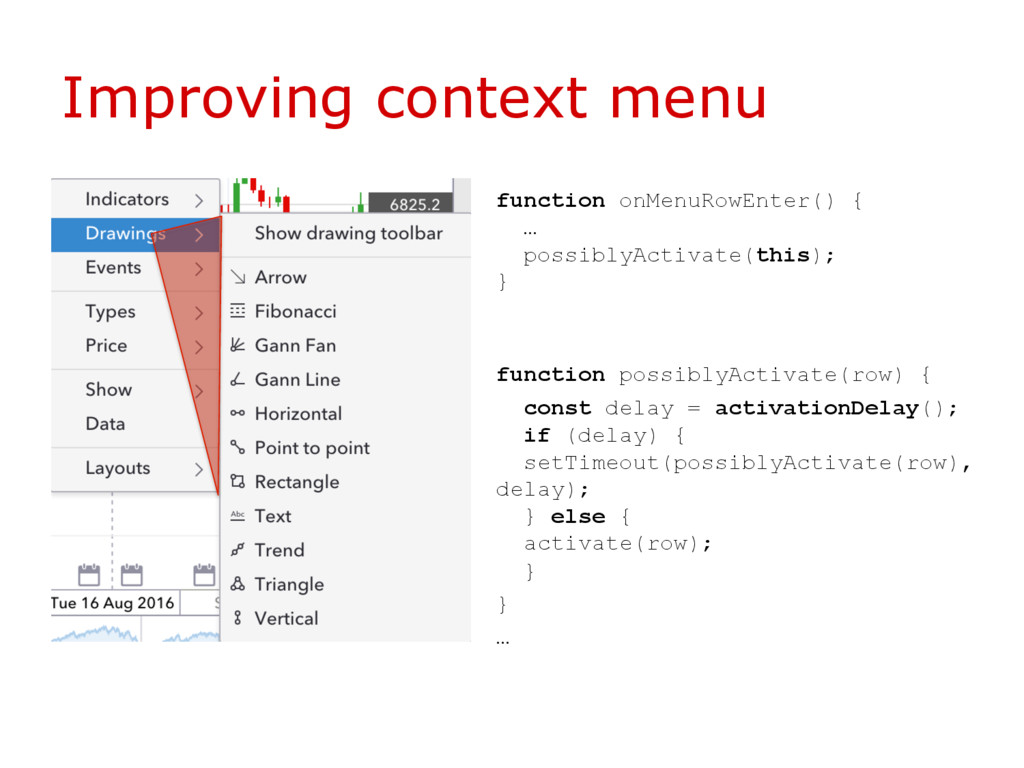
to setup a chart their way. http://bootsnipp.com/snippets/featured/multi-level- dropdown-menu-bs3 § What about positioning? § When to activate menu items? § How to distinguish between hovering over a menu item vs navigating into a submenu's contents.
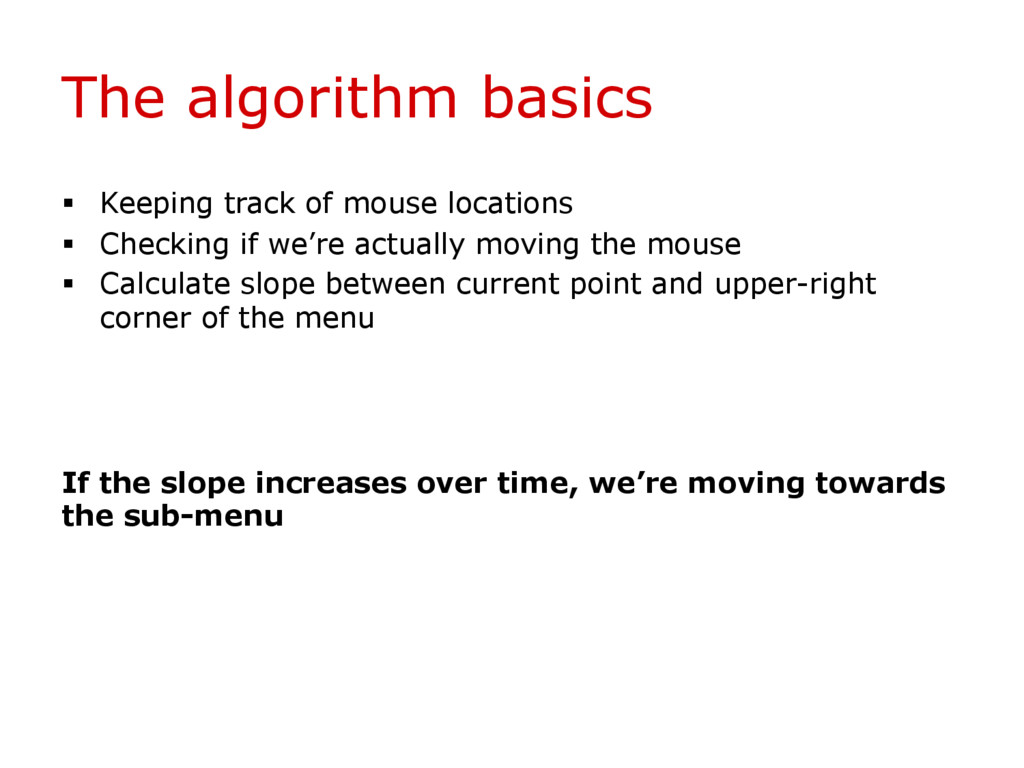
Checking if we’re actually moving the mouse § Calculate slope between current point and upper-right corner of the menu If the slope increases over time, we’re moving towards the sub-menu


 nttcom
 riyaamemiya
 satomasahiro2005
 jyouryuusui
 bitkey
 usanchuu
 genda
genda
 yazm
yazm
 takahashim
 occhi
occhi
 mohab1
 taketakekaho
 marcelosomers
 palkan
 sergeychernyshev
 codingconduct
 chriscoyier
 thirion
 apolaine
 addyosmani
 keavy
keavy
 eileencodes
 aleyda
.png) helenjbeal
helenjbeal

![The enter-exit-update pattern var cities = ["Krakow", "Warsaw", "Gdansk"]; var](https://files.speakerdeck.com/presentations/3829d62e38134bab91f8e8780dd72fc5/slide_15.jpg)
![Questions [email protected] @theportugeezer https://uk.linkedin.com/in/sergioruisantos](https://files.speakerdeck.com/presentations/3829d62e38134bab91f8e8780dd72fc5/slide_20.jpg)