Upgrade to Pro — share decks privately, control downloads, hide ads and more …

Espresso UI Testing on Android

Sponsored · Ship Features Fearlessly Turn features on and off without deploys. Used by thousands of Ruby developers.

Espresso UI Testing on Android

Introduction to UI testing with Espresso on Android. Slides presented on #7 Poznań Android Developer Group meetup - http://www.meetup.com/Poznan-Android-Developer-Group/

Sample project: https://github.com/mrmike/EspressoShowcase

Avatar for Michal Moczulski

Michal Moczulski

July 09, 2015
Tweet

More Decks by Michal Moczulski

Other Decks in Programming

Transcript

  1. AGENDA • Sample App • Adding Espresso to project •

    Sample Test • View Matchers and View Actions • Mocking Intents • Synchronization
  2. ESPRESSO • UI Testing library for Android • Concise syntax

    • Handling synchronization • Fast • Developed by Google
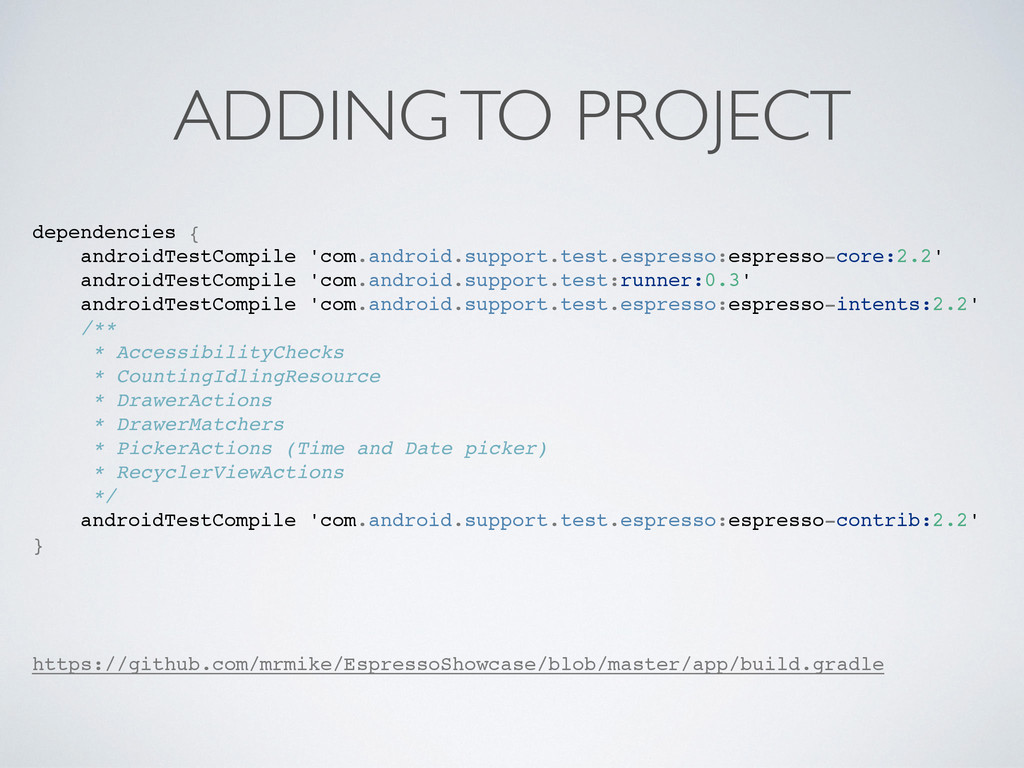
  3. ADDING TO PROJECT dependencies { androidTestCompile 'com.android.support.test.espresso:espresso-core:2.2' androidTestCompile 'com.android.support.test:runner:0.3' androidTestCompile

    'com.android.support.test.espresso:espresso-intents:2.2' /** * AccessibilityChecks * CountingIdlingResource * DrawerActions * DrawerMatchers * PickerActions (Time and Date picker) * RecyclerViewActions */ androidTestCompile 'com.android.support.test.espresso:espresso-contrib:2.2' } https://github.com/mrmike/EspressoShowcase/blob/master/app/build.gradle
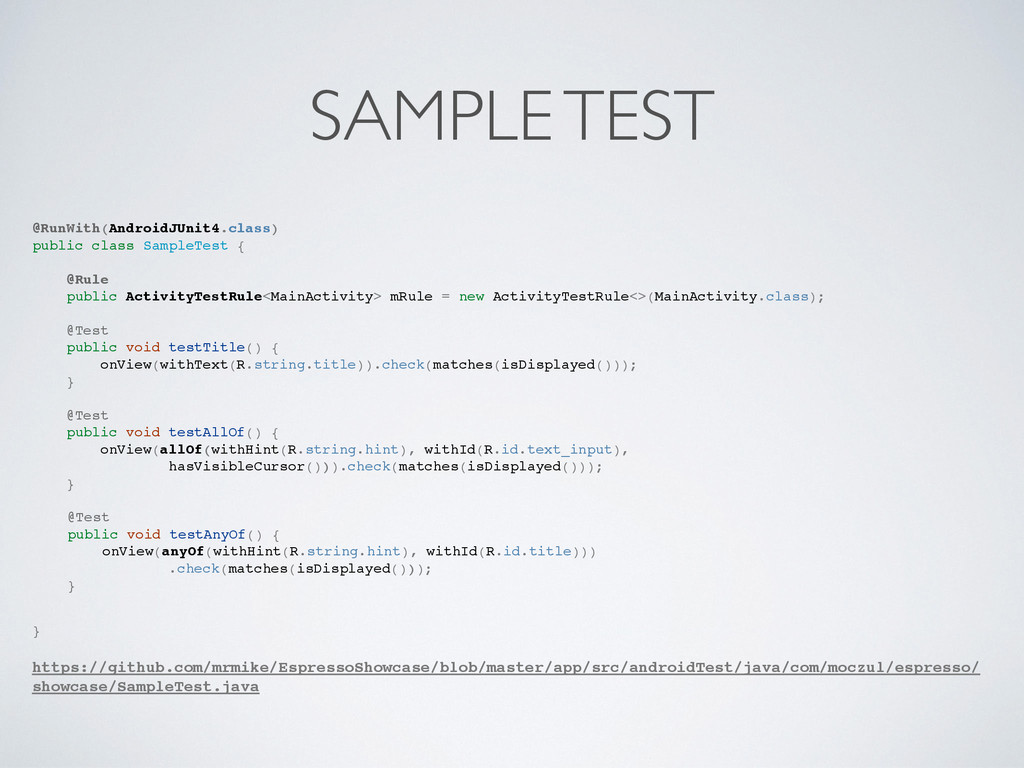
  4. SAMPLE TEST @RunWith(AndroidJUnit4.class) public class SampleTest { @Rule public ActivityTestRule<MainActivity>

    mRule = new ActivityTestRule<>(MainActivity.class); @Test public void testTitle() { onView(withText(R.string.title)).check(matches(isDisplayed())); } @Test public void testAllOf() { onView(allOf(withHint(R.string.hint), withId(R.id.text_input), hasVisibleCursor())).check(matches(isDisplayed())); } @Test public void testAnyOf() { onView(anyOf(withHint(R.string.hint), withId(R.id.title))) .check(matches(isDisplayed())); } } https://github.com/mrmike/EspressoShowcase/blob/master/app/src/androidTest/java/com/moczul/espresso/ showcase/SampleTest.java
  5. ERRORS android.support.test.espresso.AmbiguousViewMatcherException: '(with string from resource id: <2131099667>[hint] value: Enter

    input or with id: com.moczul.espresso.showcase:id/title)' matches multiple views in the hierarchy. Problem views are marked with '****MATCHES****' below. View Hierarchy: +>DecorView{id=-1, visibility=VISIBLE, width=1440, height=2560, has-focus=true, has-focusable=true, has-window- focus=true, is-clickable=false, is-enabled=true, is-focused=false, is-focusable=false, is-layout-requested=false, is-selected=false, root-is-layout-requested=false, has-input-connection=false, x=0.0, y=0.0, child-count=3} | +->LinearLayout{id=-1, visibility=VISIBLE, width=1440, height=2392, has-focus=true, has-focusable=true, has-window- focus=true, is-clickable=false, is-enabled=true, is-focused=false, is-focusable=false, is-layout-requested=false, is-selected=false, root-is-layout-requested=false, has-input-connection=false, x=0.0, y=0.0, child-count=2} | +-->ViewStub{id=16909171, visibility=GONE, width=0, height=0, has-focus=false, has-focusable=false, has-window- focus=true, is-clickable=false, is-enabled=true, is-focused=false, is-focusable=false, is-layout-requested=true, is- selected=false, root-is-layout-requested=false, has-input-connection=false, x=0.0, y=0.0} | +-->FrameLayout{id=-1, visibility=VISIBLE, width=1440, height=2304, has-focus=true, has-focusable=true, has-window- focus=true, is-clickable=false, is-enabled=true, is-focused=false, is-focusable=false, is-layout-requested=false, is-selected=false, root-is-layout-requested=false, has-input-connection=false, x=0.0, y=88.0, child-count=1} | +------>AppCompatTextView{id=2131492908, res-name=title, visibility=VISIBLE, width=1328, height=243, has- focus=false, has-focusable=false, has-window-focus=true, is-clickable=false, is-enabled=true, is-focused=false, is- focusable=false, is-layout-requested=false, is-selected=false, root-is-layout-requested=false, has-input- connection=false, x=56.0, y=56.0, text=Espresso showcase, input-type=0, ime-target=false, has-links=false} ****MATCHES****
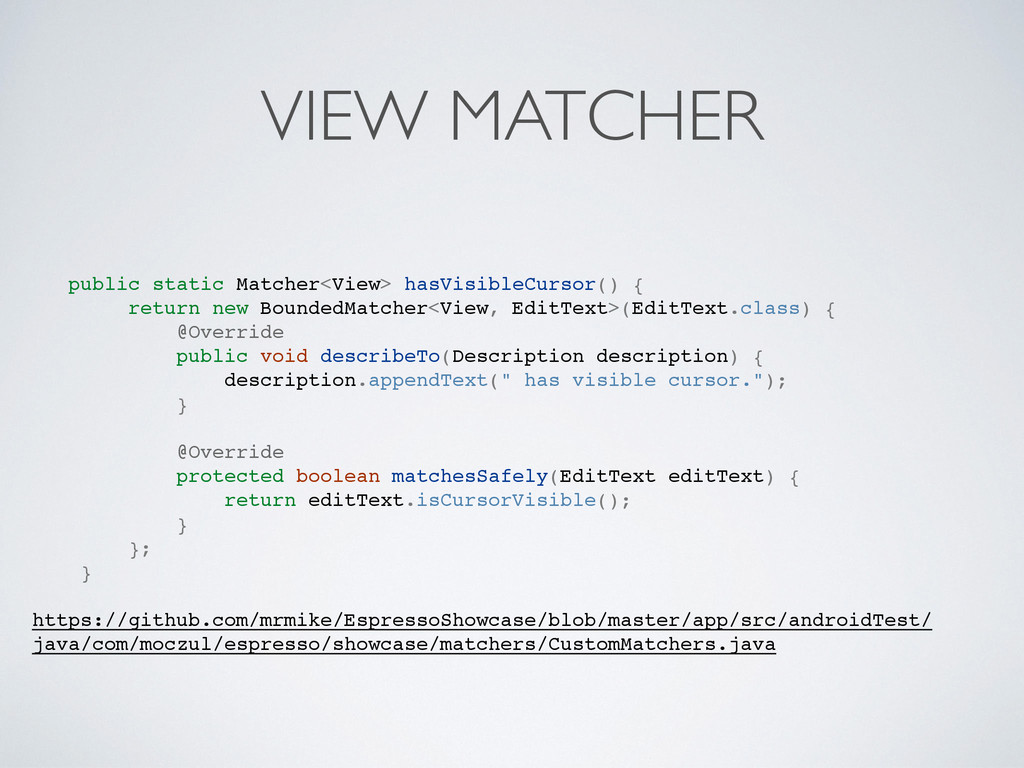
  6. VIEW MATCHER public static Matcher<View> hasVisibleCursor() { return new BoundedMatcher<View,

    EditText>(EditText.class) { @Override public void describeTo(Description description) { description.appendText(" has visible cursor."); } @Override protected boolean matchesSafely(EditText editText) { return editText.isCursorVisible(); } }; } https://github.com/mrmike/EspressoShowcase/blob/master/app/src/androidTest/ java/com/moczul/espresso/showcase/matchers/CustomMatchers.java
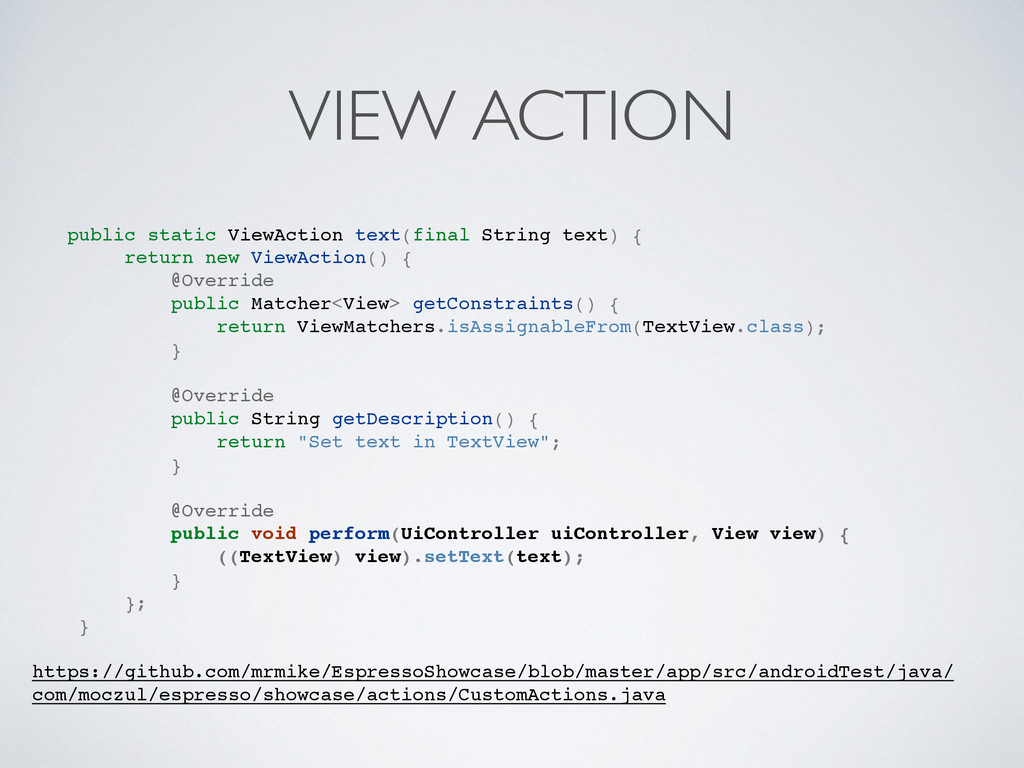
  7. VIEW ACTION public static ViewAction text(final String text) { return

    new ViewAction() { @Override public Matcher<View> getConstraints() { return ViewMatchers.isAssignableFrom(TextView.class); } @Override public String getDescription() { return "Set text in TextView"; } @Override public void perform(UiController uiController, View view) { ((TextView) view).setText(text); } }; } https://github.com/mrmike/EspressoShowcase/blob/master/app/src/androidTest/java/ com/moczul/espresso/showcase/actions/CustomActions.java
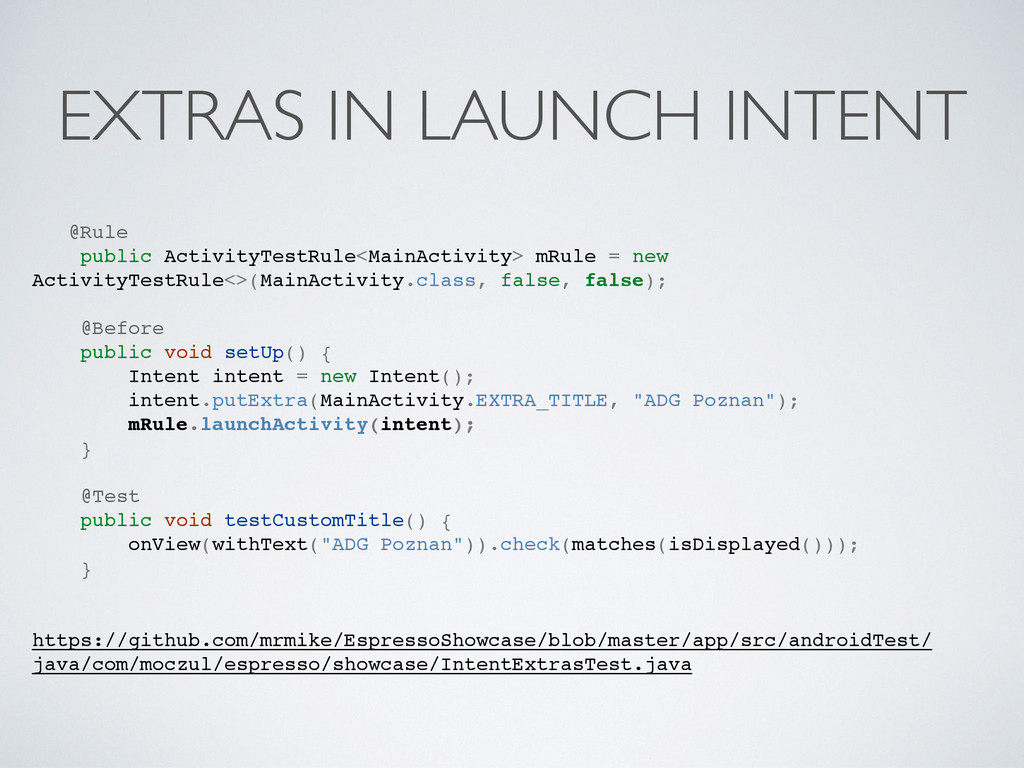
  8. EXTRAS IN LAUNCH INTENT @Rule public ActivityTestRule<MainActivity> mRule = new

    ActivityTestRule<>(MainActivity.class, false, false); @Before public void setUp() { Intent intent = new Intent(); intent.putExtra(MainActivity.EXTRA_TITLE, "ADG Poznan"); mRule.launchActivity(intent); } @Test public void testCustomTitle() { onView(withText("ADG Poznan")).check(matches(isDisplayed())); } https://github.com/mrmike/EspressoShowcase/blob/master/app/src/androidTest/ java/com/moczul/espresso/showcase/IntentExtrasTest.java
  9. SPEECH RECOGNITION 1/2 Intent intent = new Intent(RecognizerIntent.ACTION_RECOGNIZE_SPEECH); intent.putExtra(RecognizerIntent.EXTRA_LANGUAGE_MODEL, RecognizerIntent.LANGUAGE_MODEL_FREE_FORM);

    startActivityForResult(intent, SPEECH_REQUEST_CODE); https://github.com/mrmike/EspressoShowcase/blob/master/app/src/main/java/com/ moczul/espresso/showcase/MainActivity.java
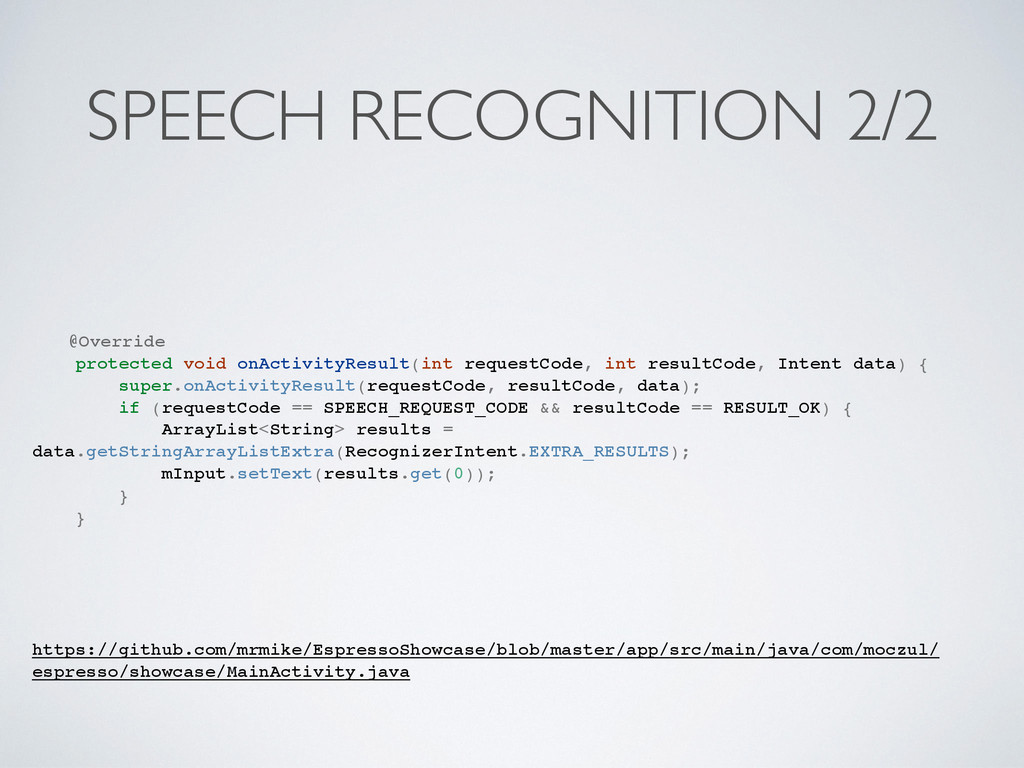
  10. SPEECH RECOGNITION 2/2 @Override protected void onActivityResult(int requestCode, int resultCode,

    Intent data) { super.onActivityResult(requestCode, resultCode, data); if (requestCode == SPEECH_REQUEST_CODE && resultCode == RESULT_OK) { ArrayList<String> results = data.getStringArrayListExtra(RecognizerIntent.EXTRA_RESULTS); mInput.setText(results.get(0)); } } https://github.com/mrmike/EspressoShowcase/blob/master/app/src/main/java/com/moczul/ espresso/showcase/MainActivity.java
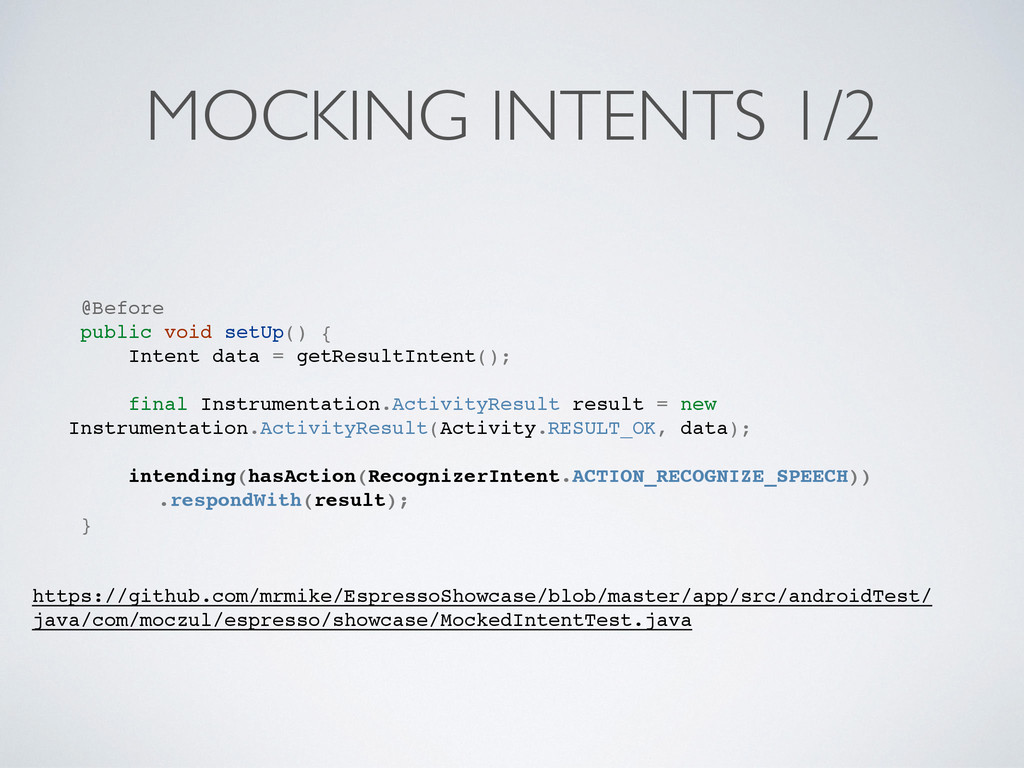
  11. MOCKING INTENTS 1/2 @Before public void setUp() { Intent data

    = getResultIntent(); final Instrumentation.ActivityResult result = new Instrumentation.ActivityResult(Activity.RESULT_OK, data); intending(hasAction(RecognizerIntent.ACTION_RECOGNIZE_SPEECH)) .respondWith(result); } https://github.com/mrmike/EspressoShowcase/blob/master/app/src/androidTest/ java/com/moczul/espresso/showcase/MockedIntentTest.java
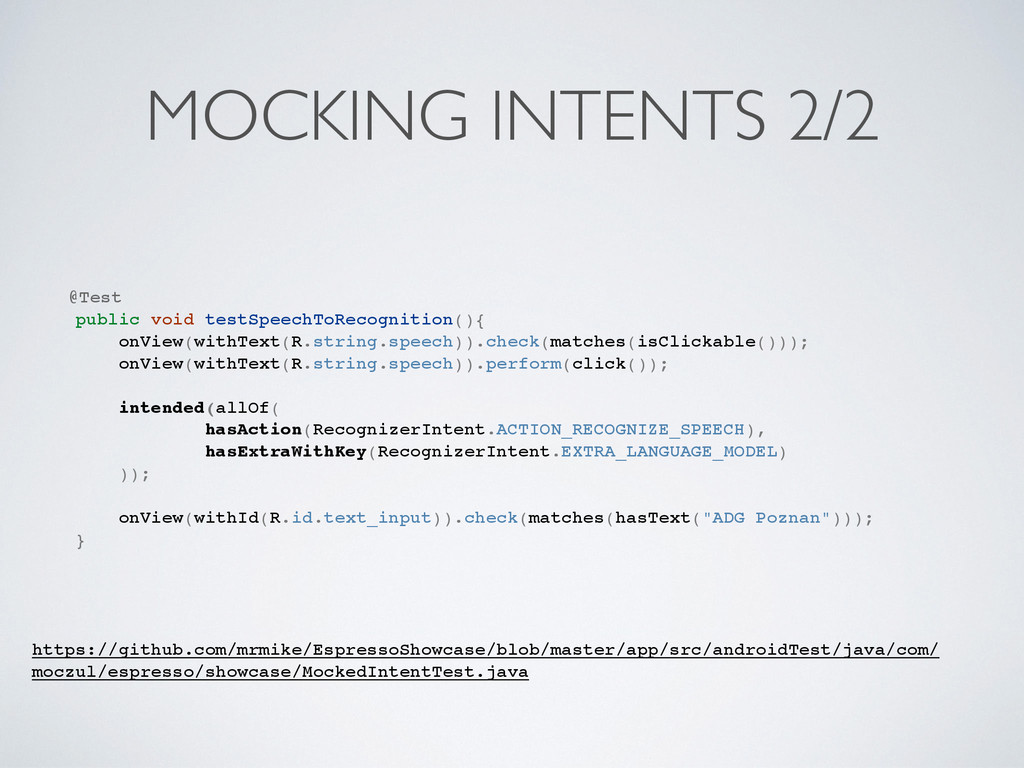
  12. MOCKING INTENTS 2/2 @Test public void testSpeechToRecognition(){ onView(withText(R.string.speech)).check(matches(isClickable())); onView(withText(R.string.speech)).perform(click()); intended(allOf(

    hasAction(RecognizerIntent.ACTION_RECOGNIZE_SPEECH), hasExtraWithKey(RecognizerIntent.EXTRA_LANGUAGE_MODEL) )); onView(withId(R.id.text_input)).check(matches(hasText("ADG Poznan"))); } https://github.com/mrmike/EspressoShowcase/blob/master/app/src/androidTest/java/com/ moczul/espresso/showcase/MockedIntentTest.java
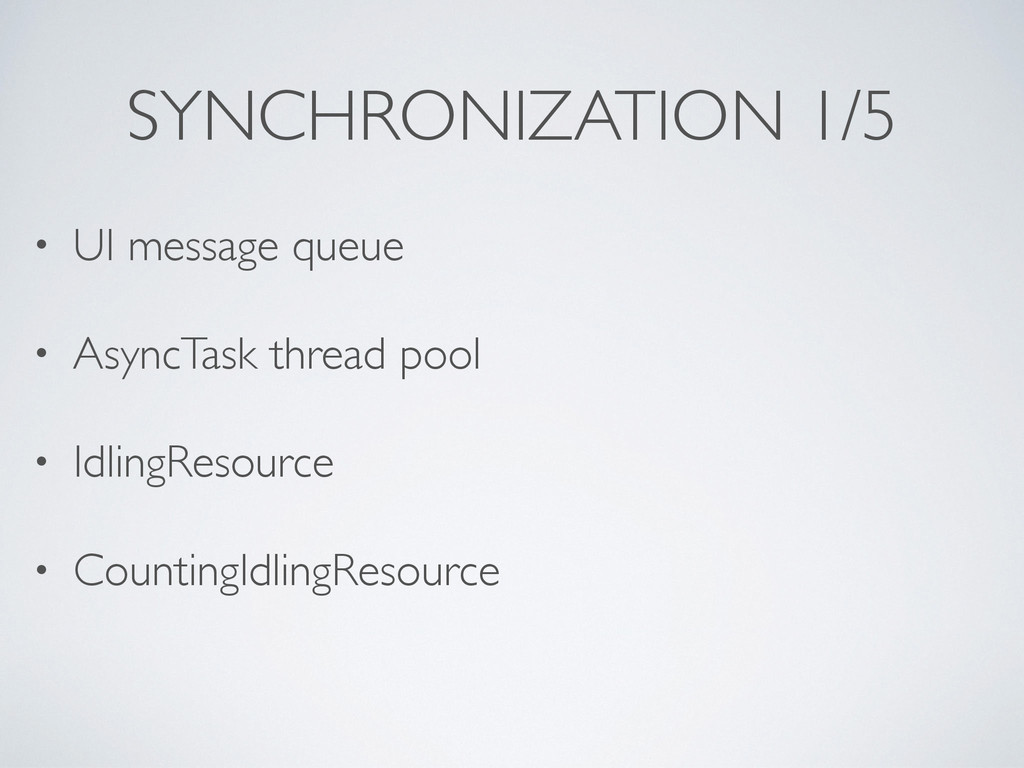
  13. SYNCHRONIZATION 1/5 • UI message queue • AsyncTask thread pool

    • IdlingResource • CountingIdlingResource
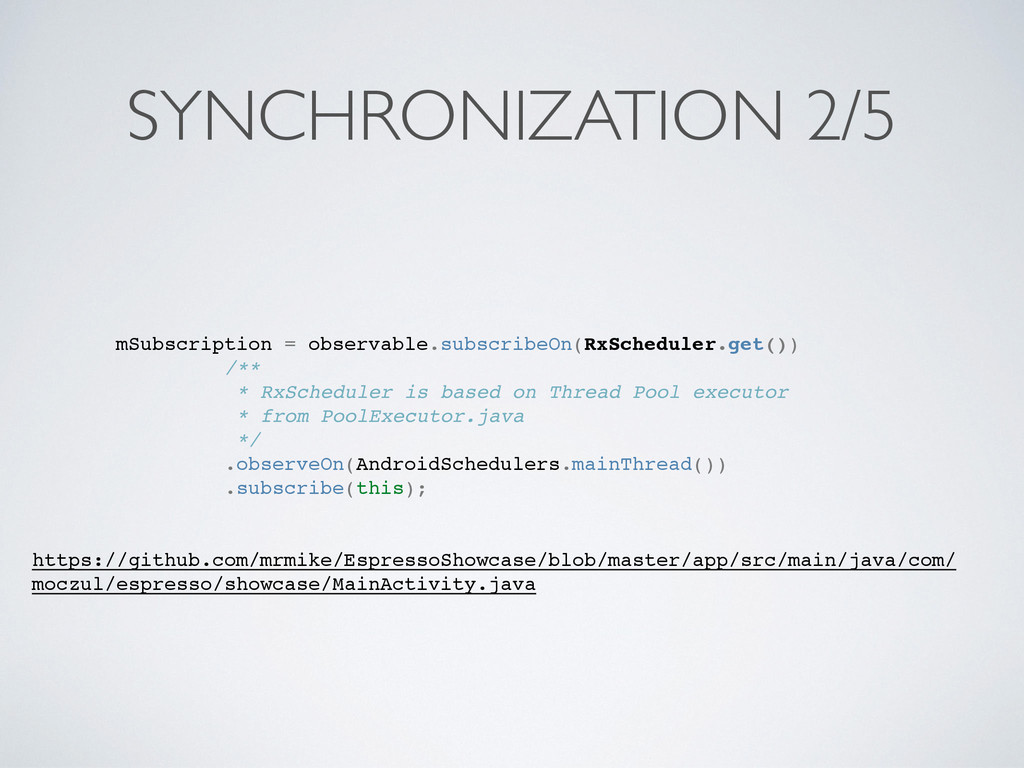
  14. SYNCHRONIZATION 2/5 mSubscription = observable.subscribeOn(RxScheduler.get()) /** * RxScheduler is based

    on Thread Pool executor * from PoolExecutor.java */ .observeOn(AndroidSchedulers.mainThread()) .subscribe(this); https://github.com/mrmike/EspressoShowcase/blob/master/app/src/main/java/com/ moczul/espresso/showcase/MainActivity.java
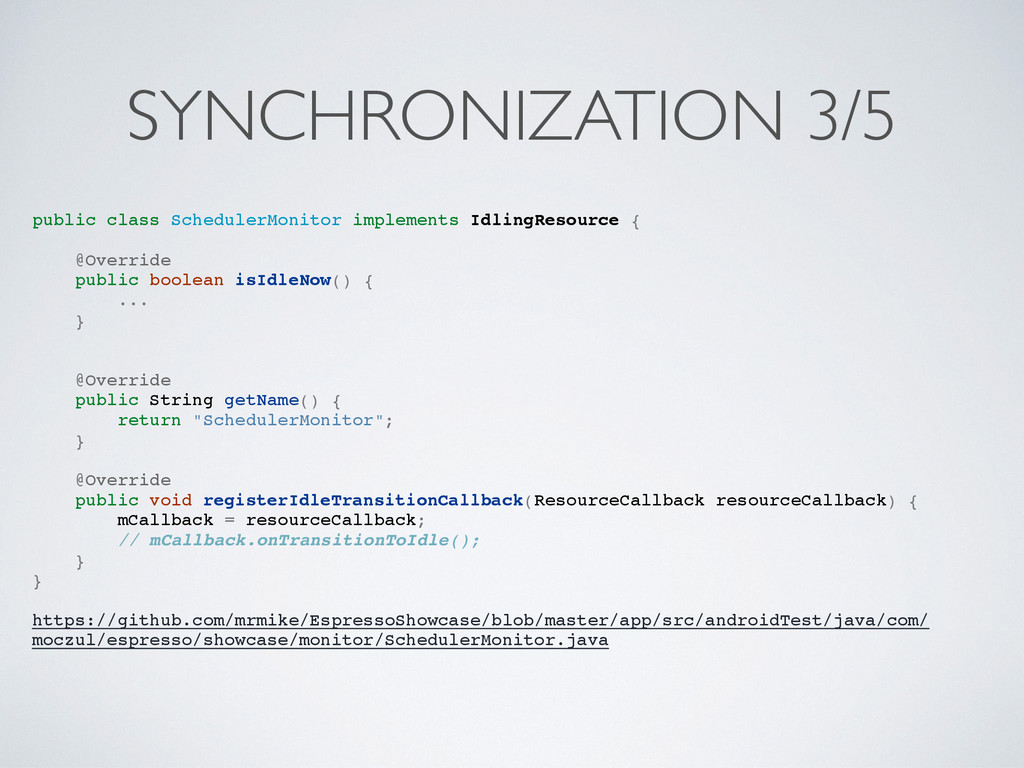
  15. SYNCHRONIZATION 3/5 public class SchedulerMonitor implements IdlingResource { @Override public

    boolean isIdleNow() { ... } @Override public String getName() { return "SchedulerMonitor"; } @Override public void registerIdleTransitionCallback(ResourceCallback resourceCallback) { mCallback = resourceCallback; // mCallback.onTransitionToIdle(); } } https://github.com/mrmike/EspressoShowcase/blob/master/app/src/androidTest/java/com/ moczul/espresso/showcase/monitor/SchedulerMonitor.java
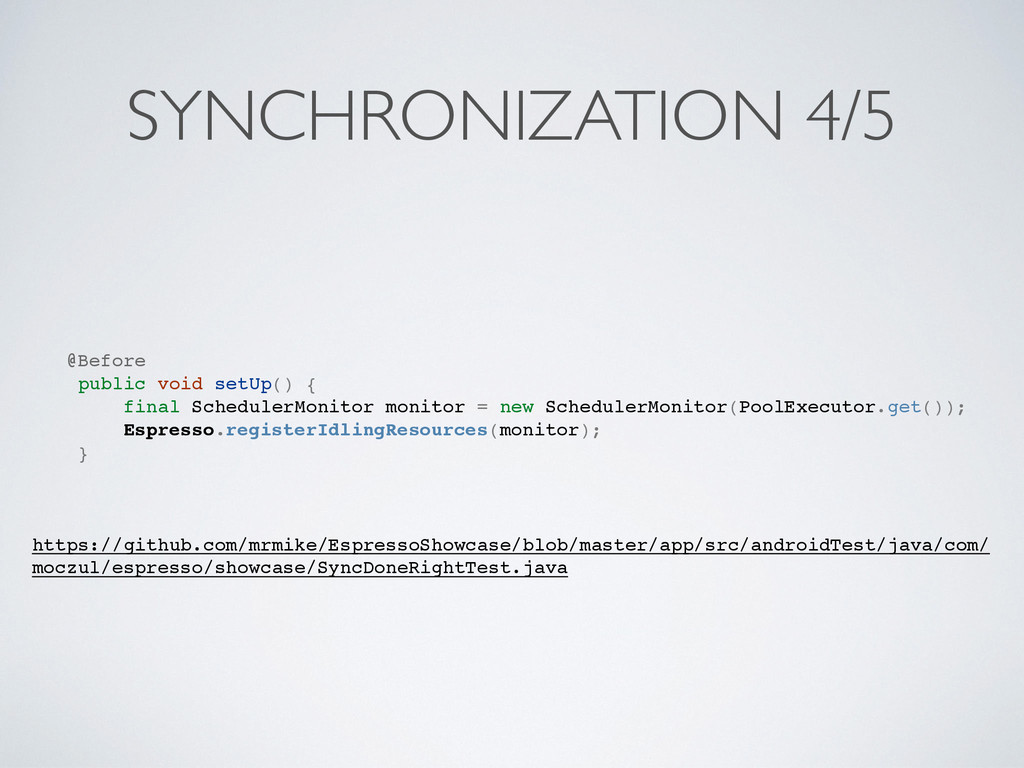
  16. SYNCHRONIZATION 4/5 @Before public void setUp() { final SchedulerMonitor monitor

    = new SchedulerMonitor(PoolExecutor.get()); Espresso.registerIdlingResources(monitor); } https://github.com/mrmike/EspressoShowcase/blob/master/app/src/androidTest/java/com/ moczul/espresso/showcase/SyncDoneRightTest.java
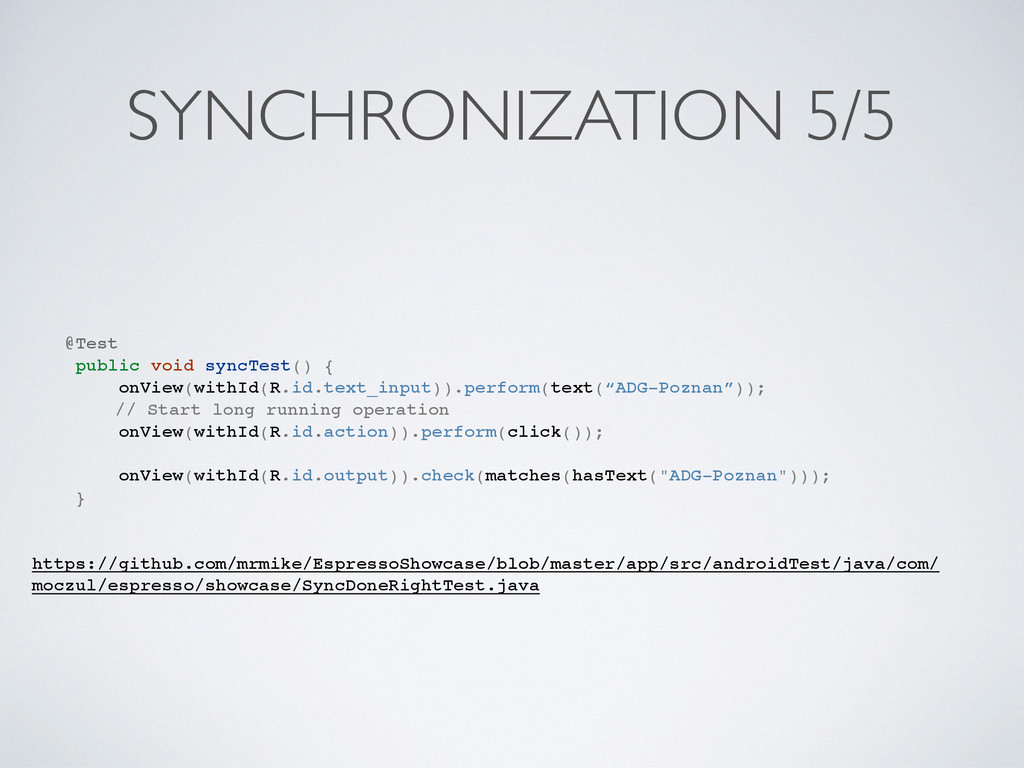
  17. SYNCHRONIZATION 5/5 @Test public void syncTest() { onView(withId(R.id.text_input)).perform(text(“ADG-Poznan”)); // Start

    long running operation onView(withId(R.id.action)).perform(click()); onView(withId(R.id.output)).check(matches(hasText("ADG-Poznan"))); } https://github.com/mrmike/EspressoShowcase/blob/master/app/src/androidTest/java/com/ moczul/espresso/showcase/SyncDoneRightTest.java