Upgrade to Pro — share decks privately, control downloads, hide ads and more …

UIViewController Containers

Sponsored · Ship Features Fearlessly Turn features on and off without deploys. Used by thousands of Ruby developers.
Avatar for Matt Thomas Matt Thomas
February 11, 2012

UIViewController Containers

My phillycocoa.org presentation on UIViewController Containers from 2/9/2012

Avatar for Matt Thomas

Matt Thomas

February 11, 2012
Tweet

More Decks by Matt Thomas

Other Decks in Technology

Transcript

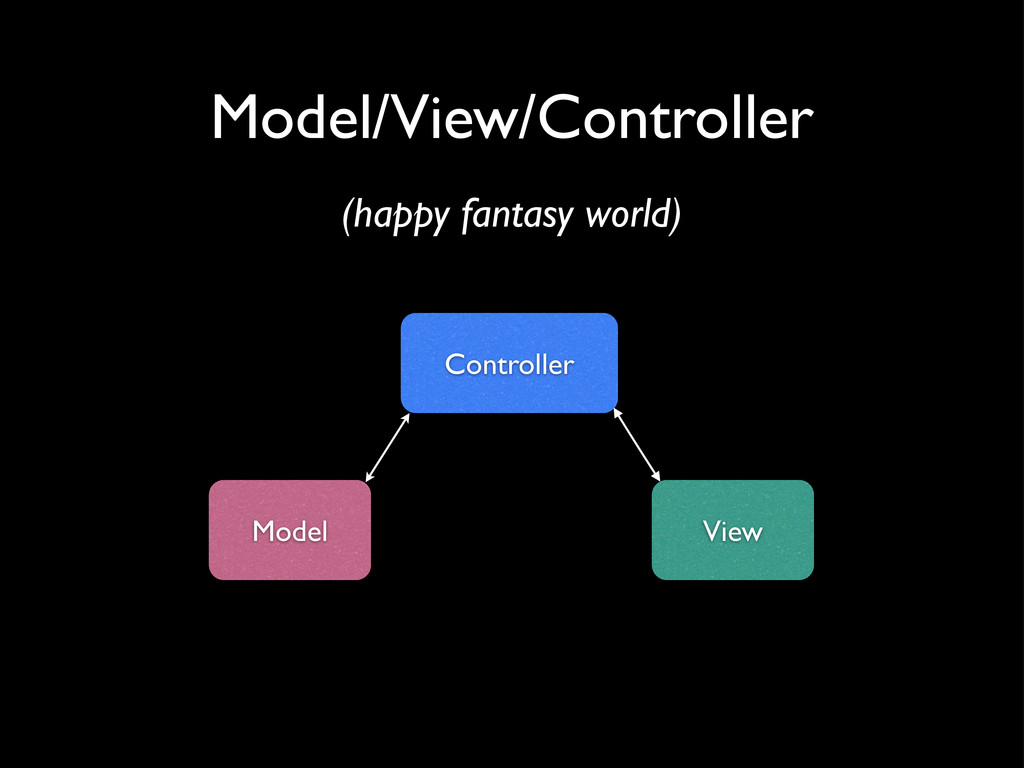
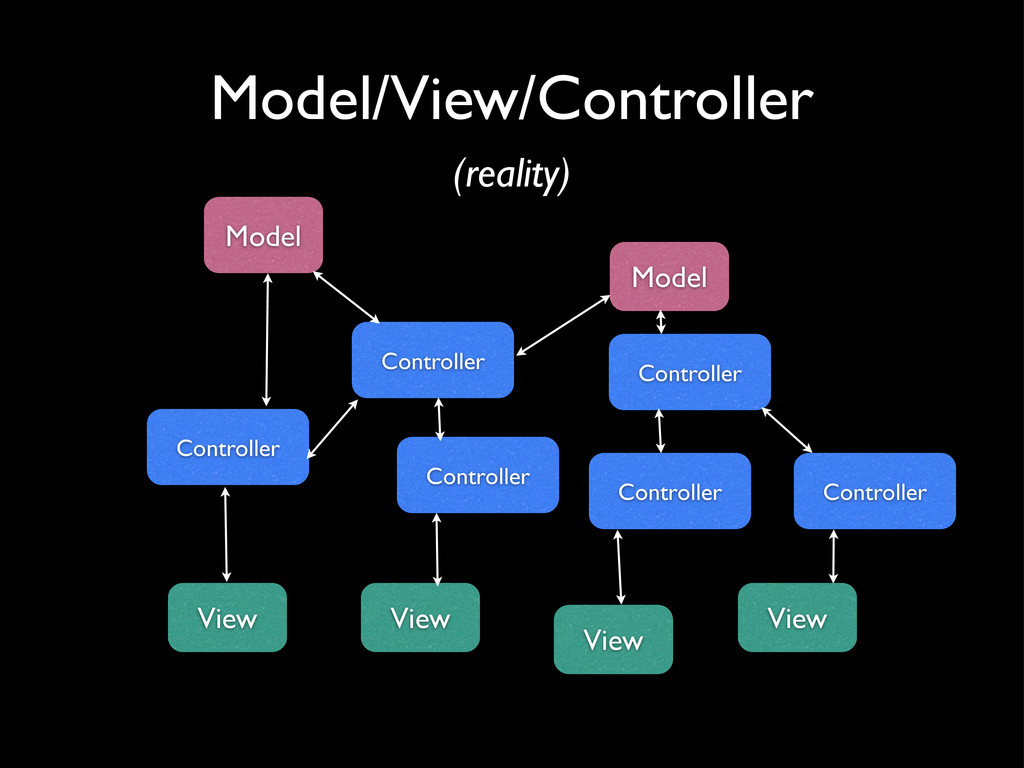
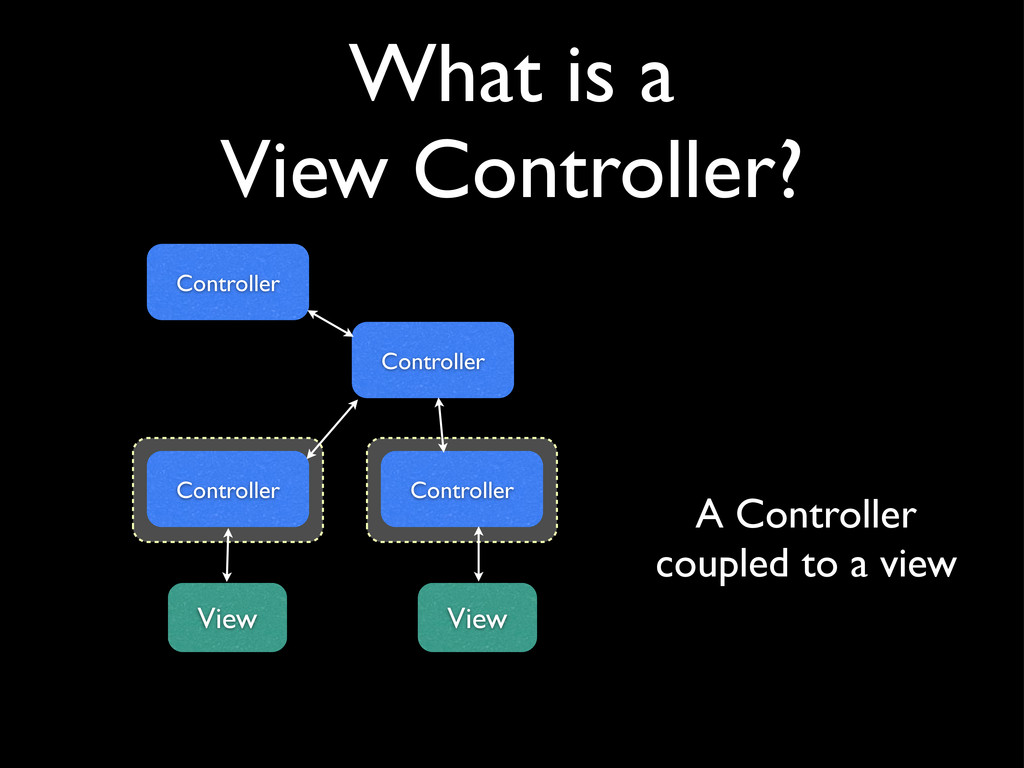
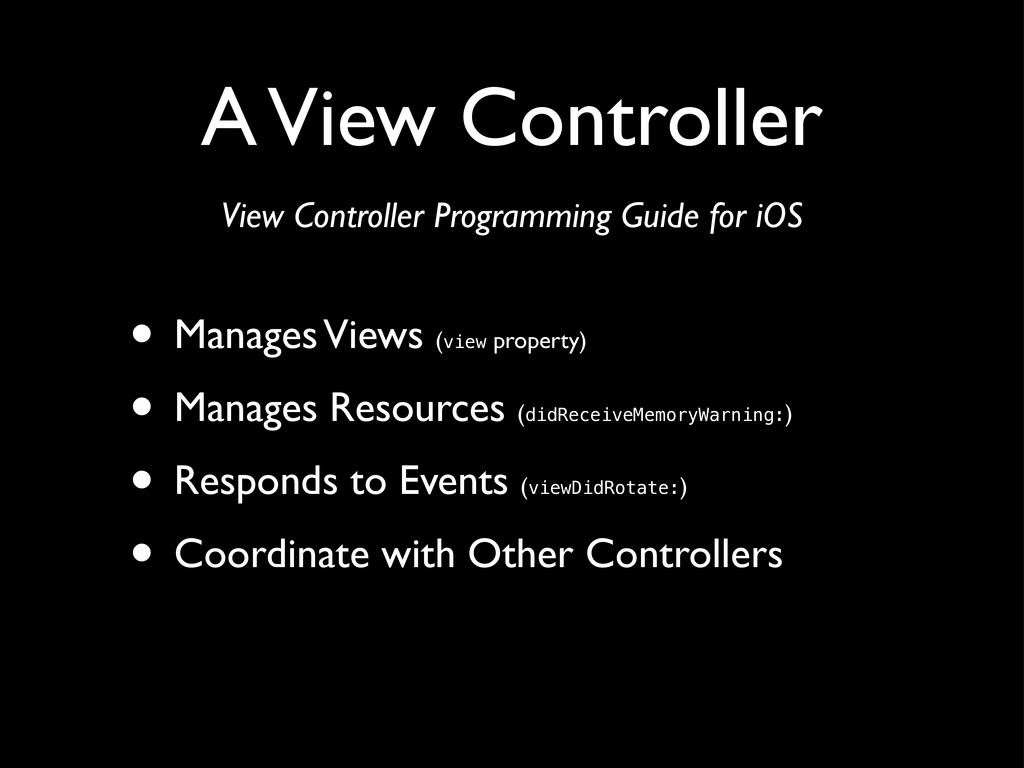
  1. A View Controller • Manages Views (view property) • Manages

    Resources (didReceiveMemoryWarning:) • Responds to Events (viewDidRotate:) • Coordinate with Other Controllers View Controller Programming Guide for iOS
  2. Content View Controllers • Basic UIViewController or UITableViewController subclass •

    The view may be in an associated nib file or created programmatically in the viewController
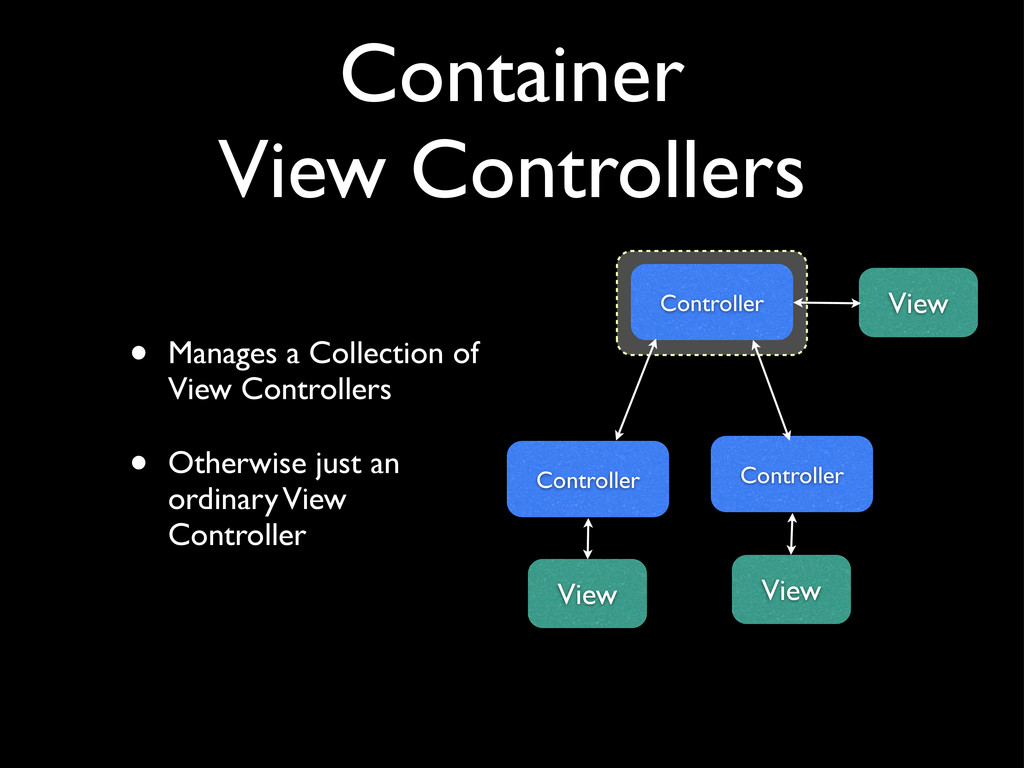
  3. Container View Controllers • Manages a Collection of View Controllers

    • Otherwise just an ordinary View Controller Controller View Controller View Controller View
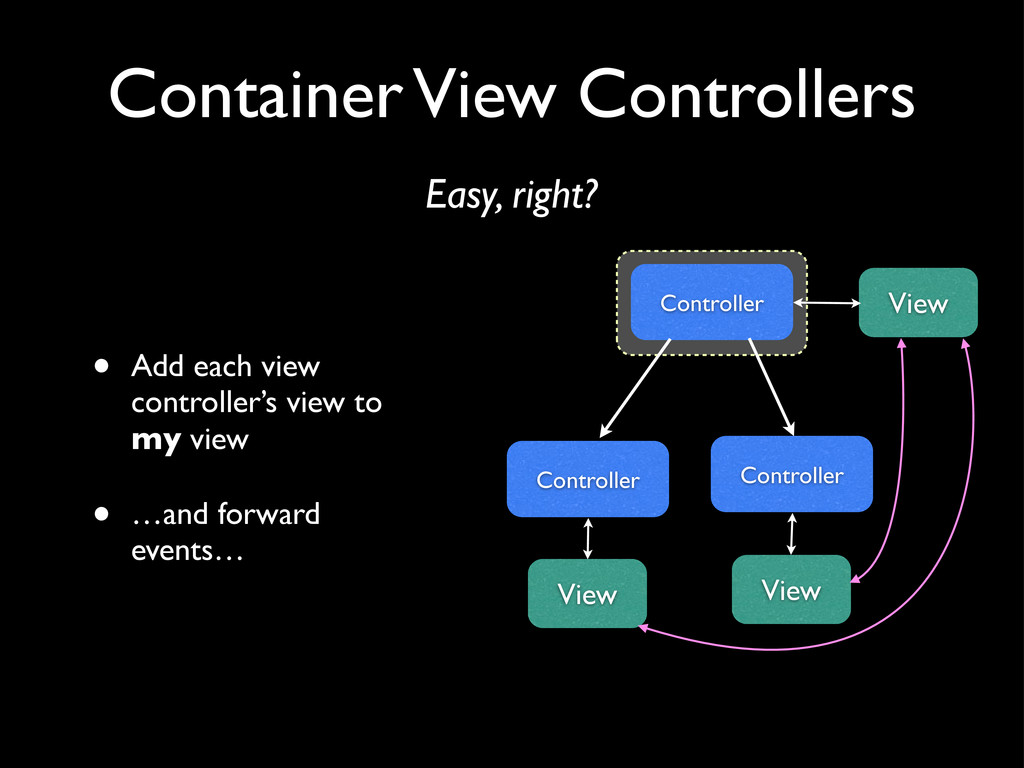
  4. Container View Controllers • Add each view controller’s view to

    my view • …and forward events… Easy, right? Controller View Controller View Controller View
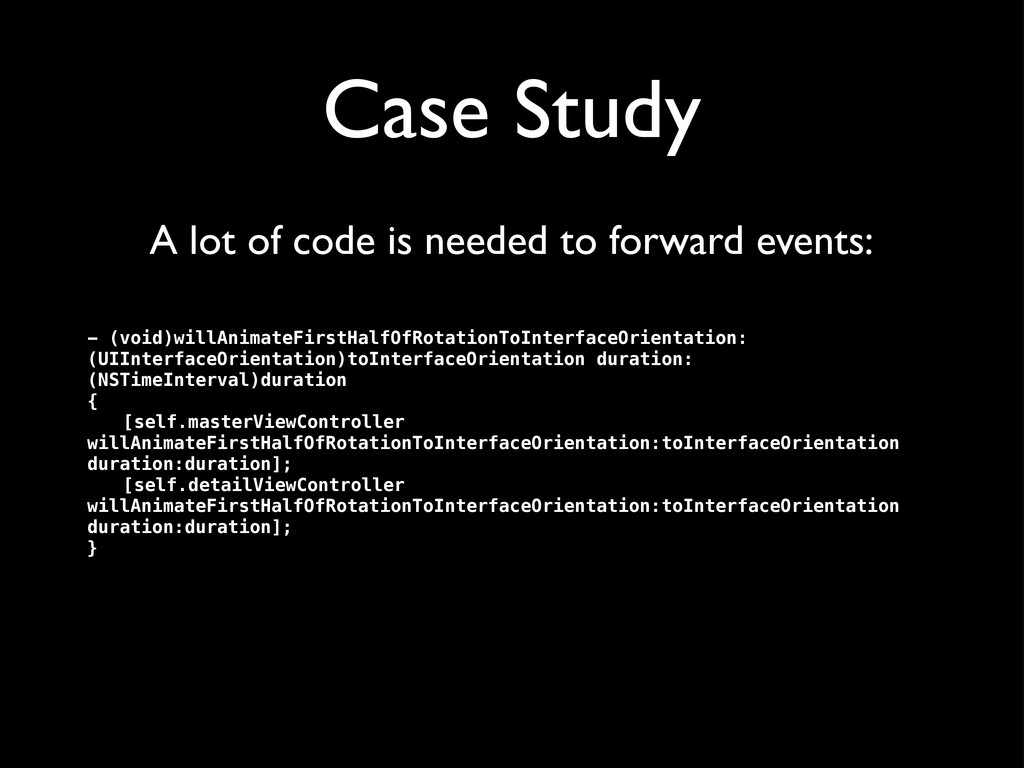
  5. Case Study - (void)willAnimateFirstHalfOfRotationToInterfaceOrientation: (UIInterfaceOrientation)toInterfaceOrientation duration: (NSTimeInterval)duration { ! [self.masterViewController

    willAnimateFirstHalfOfRotationToInterfaceOrientation:toInterfaceOrientation duration:duration]; ! [self.detailViewController willAnimateFirstHalfOfRotationToInterfaceOrientation:toInterfaceOrientation duration:duration]; } A lot of code is needed to forward events:
  6. Events you must implement • viewWillAppear: • viewDidAppear: • viewWillDisappear:

    • viewDidDisappear: • willRotateToInterfaceOrientation:duration: • didRotateFromInterfaceOrientation: • willAnimateRotationToInterfaceOrientation:duration: • willAnimateFirstHalfOfRotationToInterfaceOrientation:duration: • didAnimateFirstHalfOfRotationToInterfaceOrientation: • willAnimateSecondHalfOfRotationFromInterfaceOrientation:duration: • And don’t forget to call SUPER implementations! (even if you don’t use them in your class)
  7. iOS 5 to the rescue? • A View Controller can

    now be added as a child of another View Controller • The events will automatically forward from parent to child Easy, right?
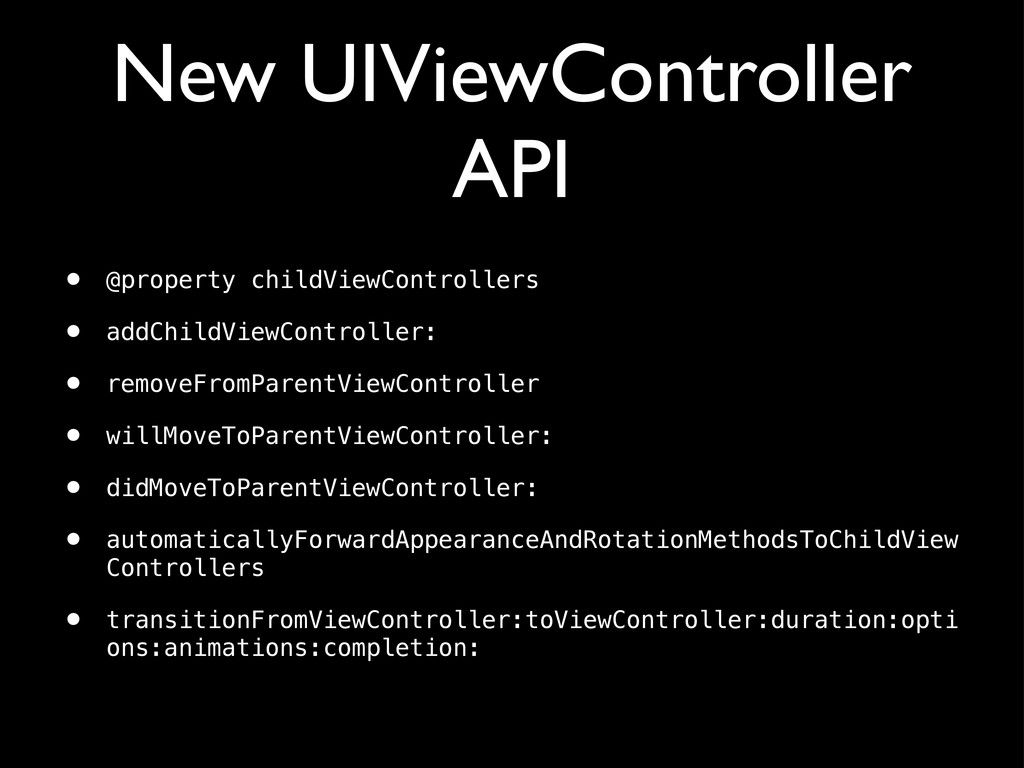
  8. New UIViewController API • @property childViewControllers • addChildViewController: • removeFromParentViewController

    • willMoveToParentViewController: • didMoveToParentViewController: • automaticallyForwardAppearanceAndRotationMethodsToChildView Controllers • transitionFromViewController:toViewController:duration:opti ons:animations:completion:
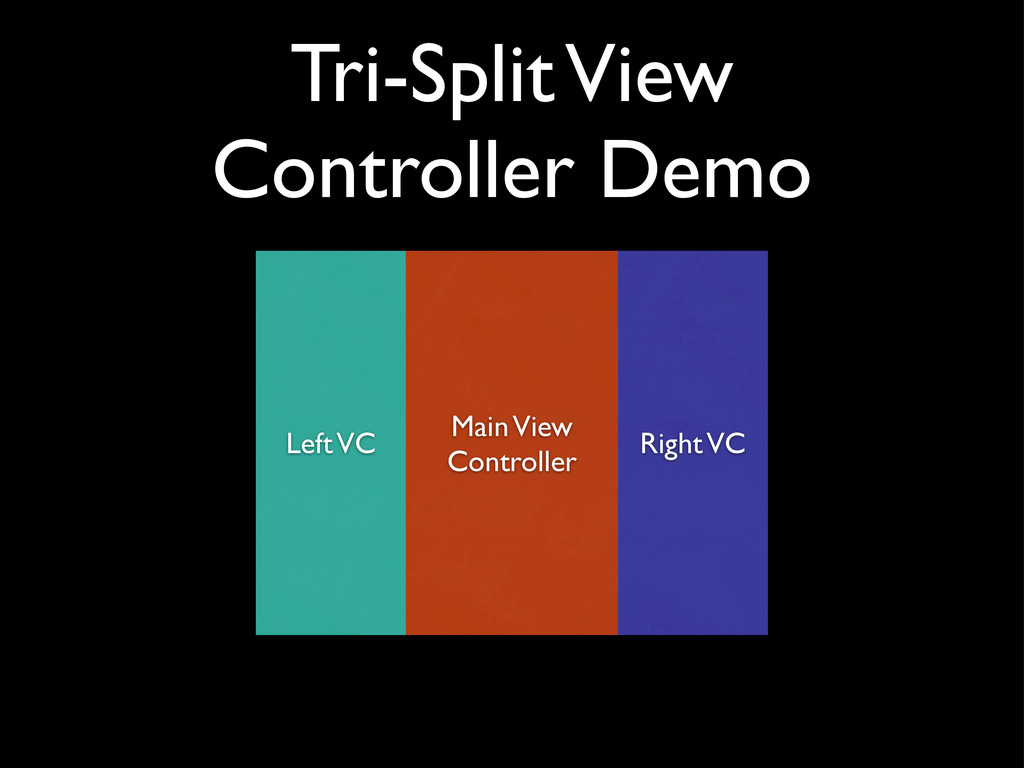
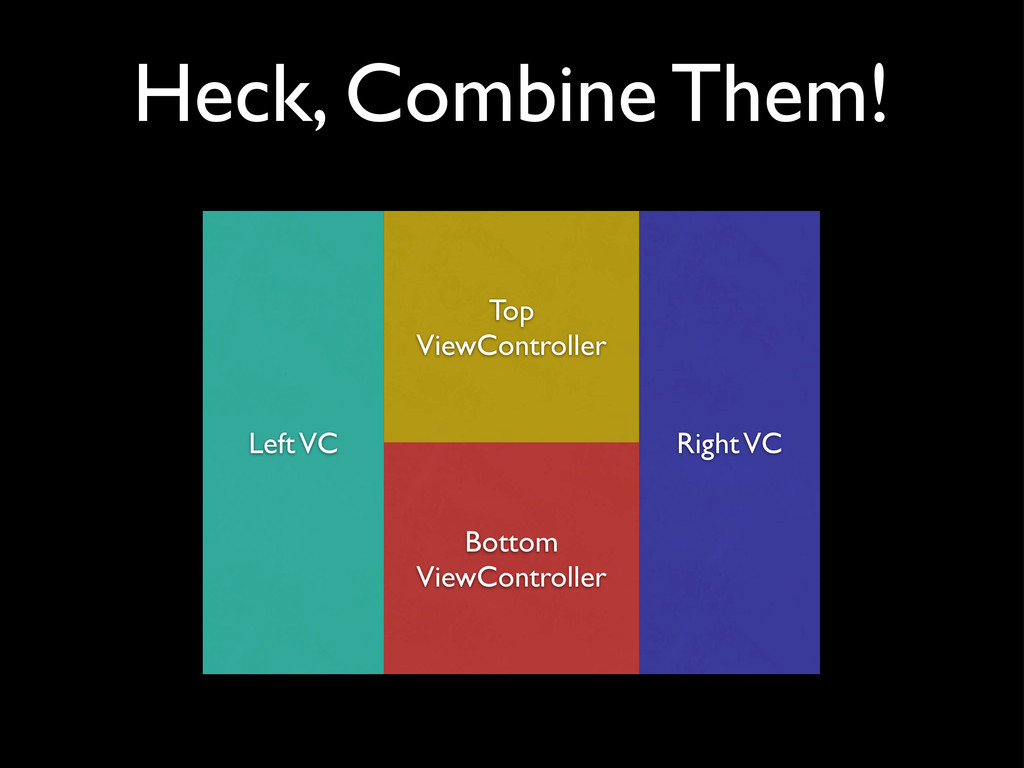
  9. Heck, Combine Them! Left VC Main View Controller Right VC

    Top ViewController Bottom ViewController
  10. Rethinking Container View Controllers (a rant) • “iPad has lots

    of space” is not a good reason • Easy to go overboard with UI • Best UI isn’t noticeable (iBooks) • Best UI is immersive (Garage Band) • Minimize “Computer Administrative Debris”
  11. Rethinking Container View Controllers • Container View Controllers are about

    relationships • Parent-Child (UINavigationController) • Sibling (UITabBarController) • And interactions • Turn Pages (UIPageViewController)
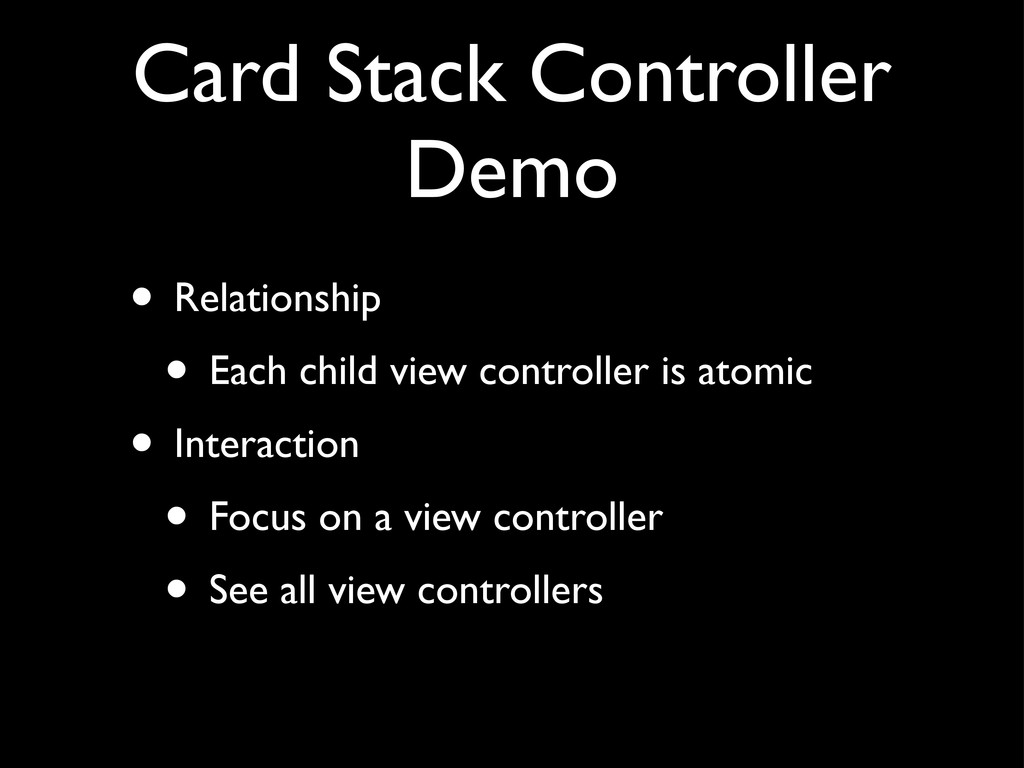
  12. Card Stack Controller Demo • Relationship • Each child view

    controller is atomic • Interaction • Focus on a view controller • See all view controllers
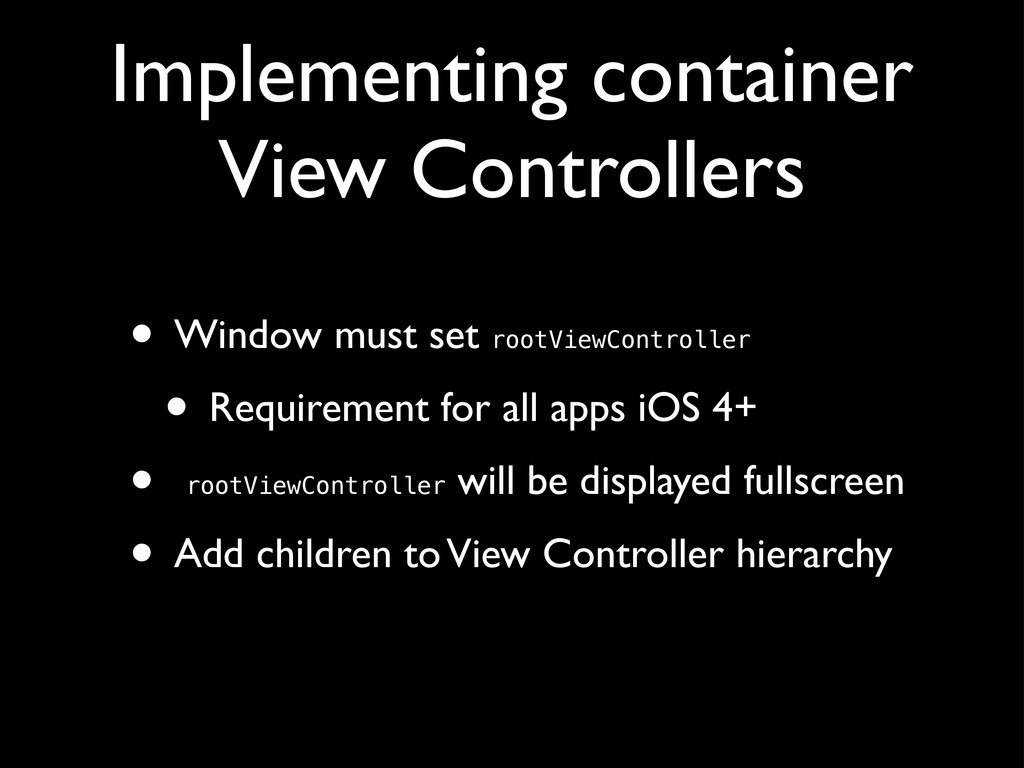
  13. Implementing container View Controllers • Window must set rootViewController •

    Requirement for all apps iOS 4+ • rootViewController will be displayed fullscreen • Add children to View Controller hierarchy
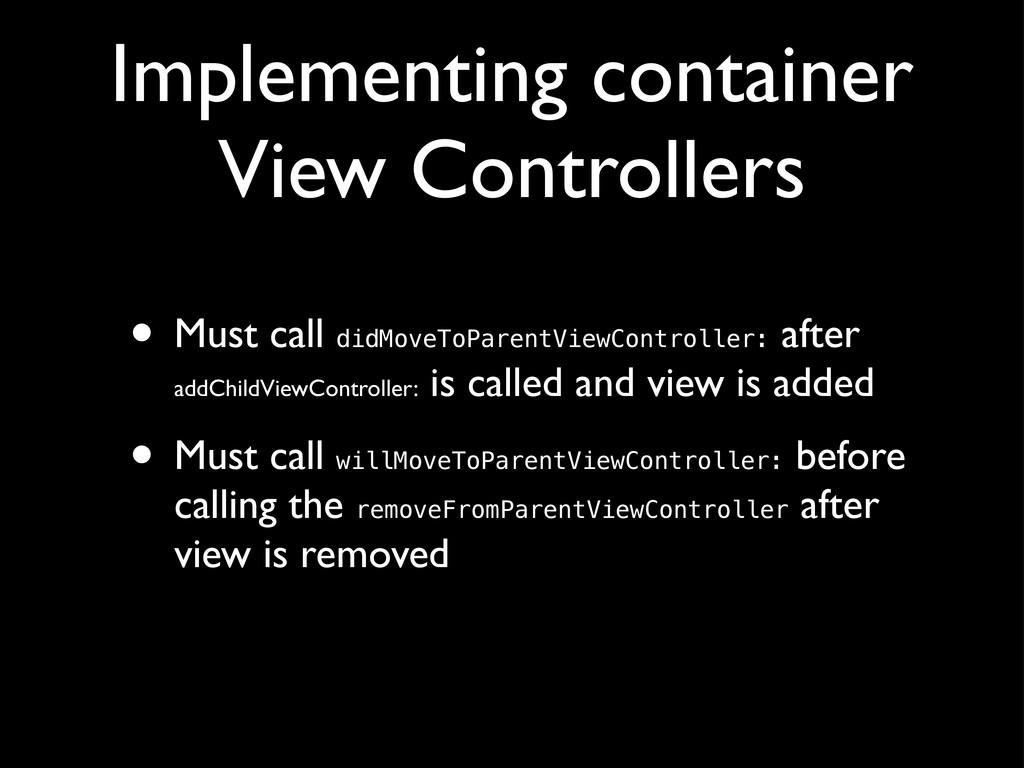
  14. Implementing container View Controllers • Must call didMoveToParentViewController: after addChildViewController:

    is called and view is added • Must call willMoveToParentViewController: before calling the removeFromParentViewController after view is removed
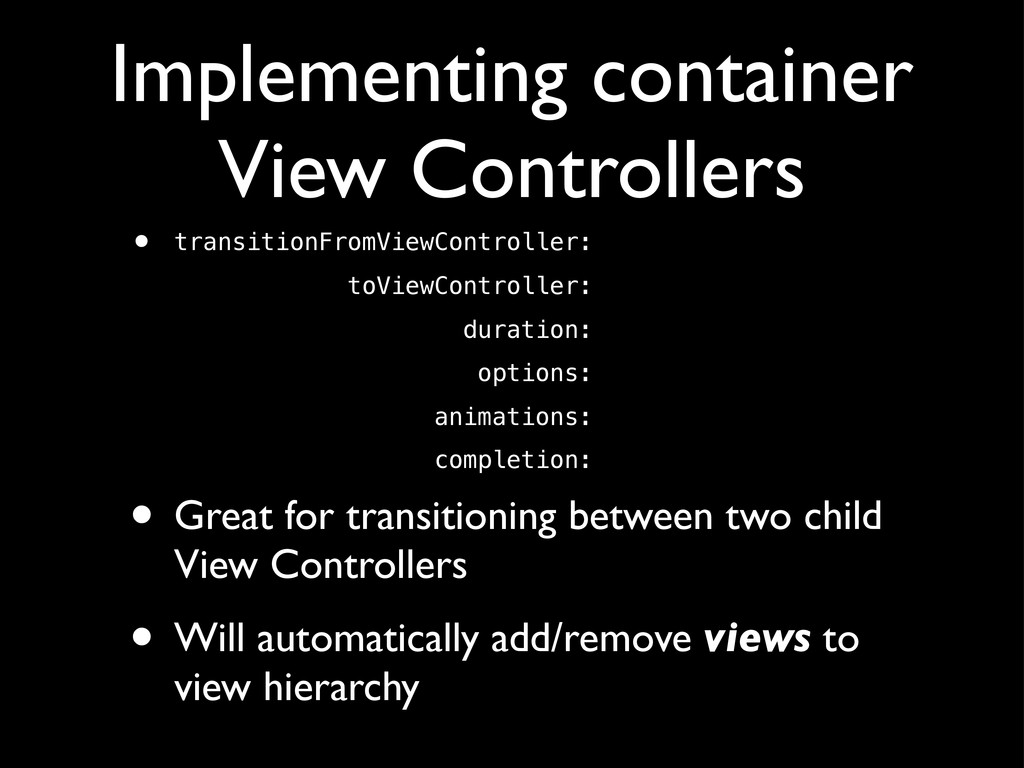
  15. Implementing container View Controllers • transitionFromViewController: toViewController: duration: options: animations:

    completion: • Great for transitioning between two child View Controllers • Will automatically add/remove views to view hierarchy