Upgrade to Pro — share decks privately, control downloads, hide ads and more …

TYPO3 and Google Lighthouse

Sponsored · Ship Features Fearlessly Turn features on and off without deploys. Used by thousands of Ruby developers. →
Avatar for Markus Timtner Markus Timtner
September 16, 2018

TYPO3 and Google Lighthouse

A Presentation on the lighthouse devtool, website performance and how to achieve good results fast with TYPO3 - it's all about the perceived frontend performance of websites here.
Held by Markus Timtner at T3EE TYPO3 Eastern Europe Conference 2018 in Cluj on 2018-09-16

Avatar for Markus Timtner

Markus Timtner

September 16, 2018

Other Decks in Technology

Transcript

  1. Markus Timtner T3EE18 2 / 59 • Why I‘m talking

    about Lighthouse here • What makes a high-performance website in the first place? (I‘m just talking about perceived frontend performance here) • … And how to achieve that with TYPO3. • Don‘t Panic! You don‘t need to take notes, slides will be available online. (Lots of links here)
  2. Markus Timtner T3EE18 4 / 59 • Speed is now

    a landing page factor for Google Search and Ads. (since July 2018) https://developers.google.com/web/updates/2018/07/search-ads-speed https://searchengineland.com/google-speed-update-is-now-being-released-to-all-users-301657 https://www.searchenginejournal.com/google-introduces-the-mobile-speed-score-grading-pages-on-a-10-point-scale/261005/ • SEO Agencies are now calling Site Owners / Customers and talk to them about their low Performance score in Lighthouse
  3. Markus Timtner T3EE18 5 / 59 Google Lighthouse • "Pagespeed

    is dead" • "(We need) more meaningful metrics" https://thirtybees.com/blog/pagespeed-is-dead/ • "Google Lighthouse Audit is Changing the SEO Game" https://www.thehoth.com/blog/google-lighthouse-audit-works/
  4. Markus Timtner T3EE18 6 / 59 Google Lighthouse • "This

    is the first time, in a long time, that web developers are getting an upper hand on SEO." • "The Google Lighthouse audit is taking a lot of the guesswork out of web development and performance." https://www.thehoth.com/blog/google-lighthouse-audit-works/
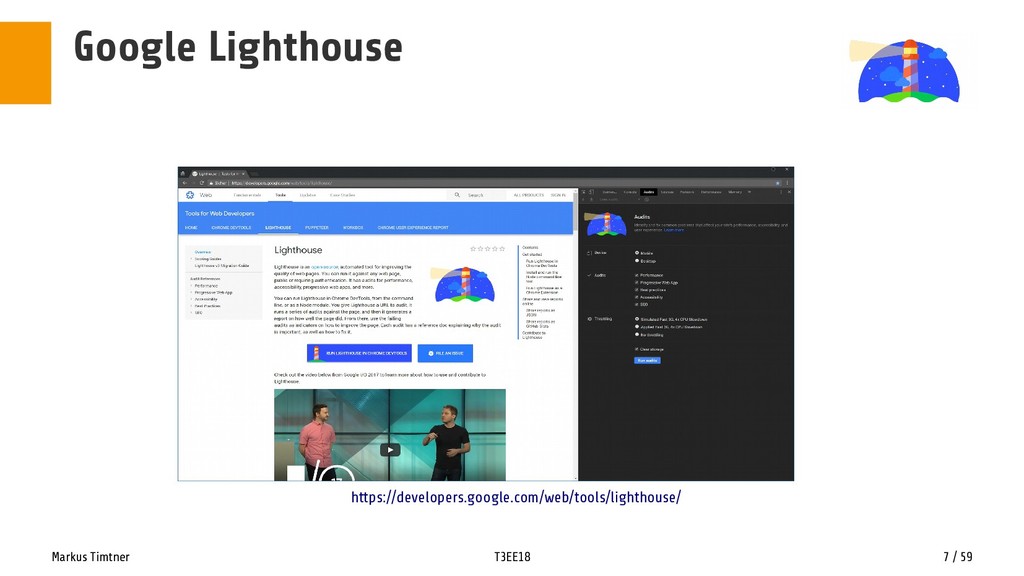
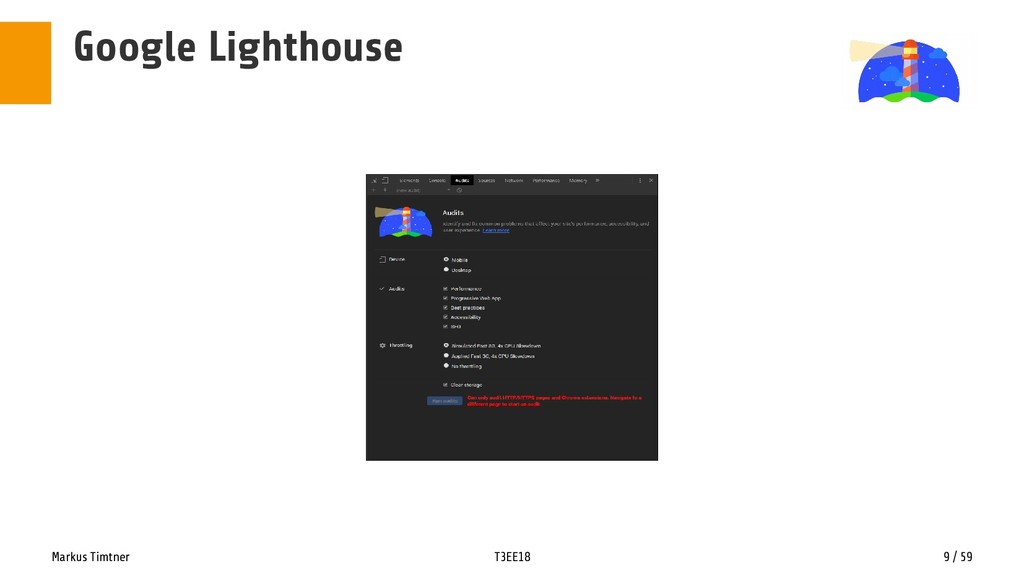
  5. Markus Timtner T3EE18 8 / 59 Google Lighthouse • in

    Chrome DevTools since Chrome 60 (ca. 2017-07) • standalone als CLI-Tool [ npm i -g lighthouse ] • GitHub/Travis/CI integration • Note to self: use lighthouse only in incognito mode or from CLI [lighthouse --quiet --view --chrome-flags="--headless" [url] ] • the --chrome-flags="--headless" mode in CLI seems to work now! https://github.com/GoogleChrome/lighthouse/issues/2675#issuecomment-350799018
  6. Markus Timtner T3EE18 10 / 59 Google Lighthouse • What

    is Lighthouse, and How It Works When running tests, Lighthouse by default runs from a cold cache (no files in cache), emulating 3G networks speeds and average mobile device hardware by throttling the network and slowing down the CPU by 4x from the machine's default speed. The reason this is done is to attempt to emulate real-world browsing conditions for users on average mobile hardware (slow networks, slow hardware, small and likely flushed caches); the fastest growing, and in many areas, largest demographic of Internet users. https://snugug.com/musings/lighthouse-web-performance-architecture-and-you/
  7. Markus Timtner T3EE18 11 / 59 Google Lighthouse There are

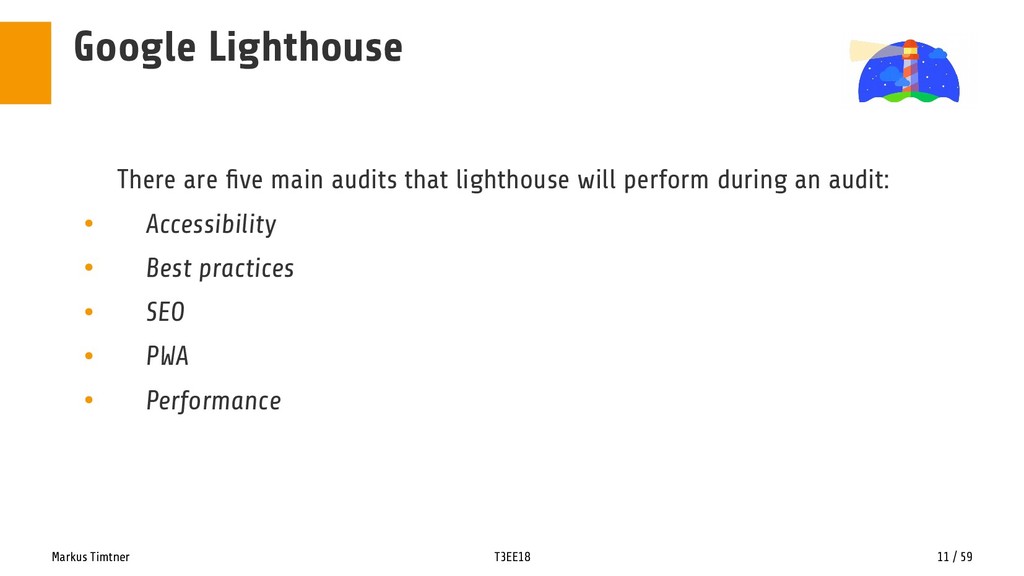
    five main audits that lighthouse will perform during an audit: • Accessibility • Best practices • SEO • PWA • Performance
  8. Markus Timtner T3EE18 12 / 59 Google Lighthouse Accessibility „This

    section covers how easy it is for people to use your site (or web app). It’s more of an extension of previous Google WebDev tools, e.g. measuring when buttons are too close together.“ https://www.harvestdigital.com/blog/news/using-google-lighthouse-page-speed/
  9. Markus Timtner T3EE18 13 / 59 Google Lighthouse Best Practices

    „This section covers what Google refers to as ‘recommendations for modernizing your web app and avoiding performance pitfalls’. Some of the audits here are useful but don’t get too hung up on the score here.“ https://www.harvestdigital.com/blog/news/using-google-lighthouse-page-speed/
  10. Markus Timtner T3EE18 14 / 59 Google Lighthouse SEO „The

    SEO section is a new feature and is still incredibly basic. It features 10 basic SEO audits, including whether the page has a title.“ „If you’re not scoring 100 on this section already, I’m (a little) worried for you!“ https://www.harvestdigital.com/blog/news/using-google-lighthouse-page-speed/
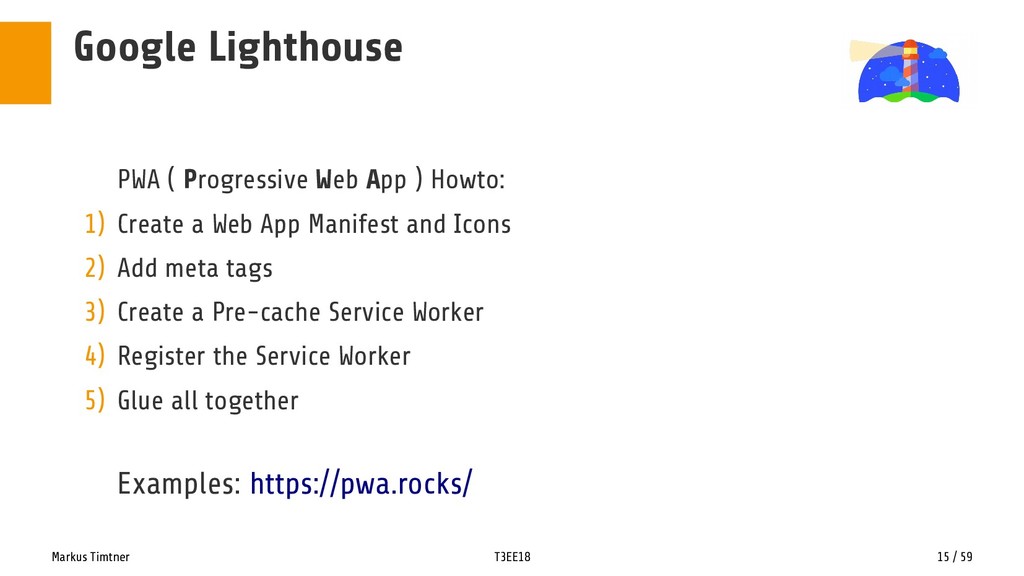
  11. Markus Timtner T3EE18 15 / 59 Google Lighthouse PWA (

    Progressive Web App ) Howto: 1) Create a Web App Manifest and Icons 2) Add meta tags 3) Create a Pre-cache Service Worker 4) Register the Service Worker 5) Glue all together Examples: https://pwa.rocks/
  12. Markus Timtner T3EE18 16 / 59 Google Lighthouse PWA (

    Progressive Web App ) • Pros: ✔ HTTPS „Caching“ https://meyerweb.com/eric/thoughts/2018/08/07/securing-sites-made-them-less-accessible/ ✔ installable such as a native app ✔ fully working offline https://alexjoverm.github.io/2017/08/07/How-I-made-a-Progressive-Web-App-out-of-my-Blog/ https://14islands.com/blog/2017/01/19/progressive-web-app-from-scratch/ https://www.linkedin.com/pulse/pwa-100-lighthouse-score-luiz-felipe https://medium.freecodecamp.org/how-to-crank-your-progressive-web-apps-google-lighthouse-score-up-to-100-cfc053eb7661 • Cons: ✗ Extra effort for development and testing
  13. Markus Timtner T3EE18 17 / 59 Google Lighthouse Performance •

    Performance metrics. What’s this all about? • Can improve user experience • Bring more users to the application • Increase benefits for product owners (users, customers, money)
  14. Markus Timtner T3EE18 18 / 59 Google Lighthouse Performance •

    Performance metrics. What’s this all about? 1) “Is it happening?” 2) “Is it useful?” 3) “Is it usable?” 4) “Is it delightful?”
  15. Markus Timtner T3EE18 19 / 59 Google Lighthouse Performance 1)

    “Is it happening?” Has my navigation started successfully (the server has responded, etc.)?
  16. Markus Timtner T3EE18 20 / 59 Google Lighthouse Performance 2)

    “Is it useful?” Has the page painted enough critical content that I could engage with it?
  17. Markus Timtner T3EE18 21 / 59 Google Lighthouse Performance 3)

    “Is it usable?” Can I actually engage with the page or is it still busy?
  18. Markus Timtner T3EE18 22 / 59 Google Lighthouse Performance 4)

    “Is it delightful?” Was I pleasantly surprised by the lack of scrolling jank, animation jank, FOUC, slow webfonts, etc?
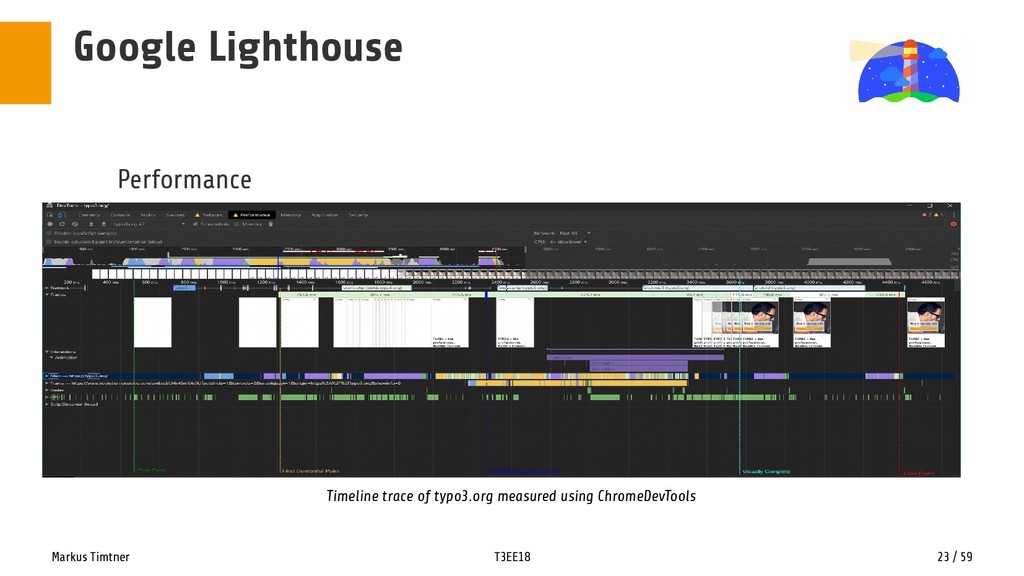
  19. Markus Timtner T3EE18 23 / 59 Google Lighthouse Performance Timeline

    trace of typo3.org measured using ChromeDevTools
  20. Markus Timtner T3EE18 24 / 59 Google Lighthouse Performance •

    Performance metrics. What’s this all about? 1) “Is it happening?” First Contentful Paint (FCP) → 2) “Is it useful?” First Meaningful Paint (FMP) → 3) “Is it usable?” Time to Interactive (TT*I) → 4) “Is it delightful?” Visually Complete / Speed Index →
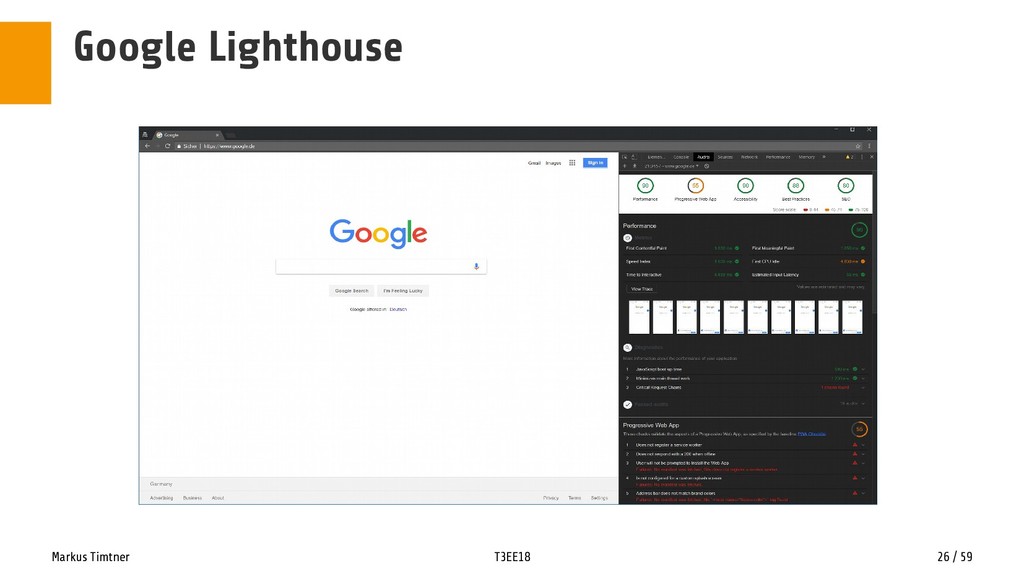
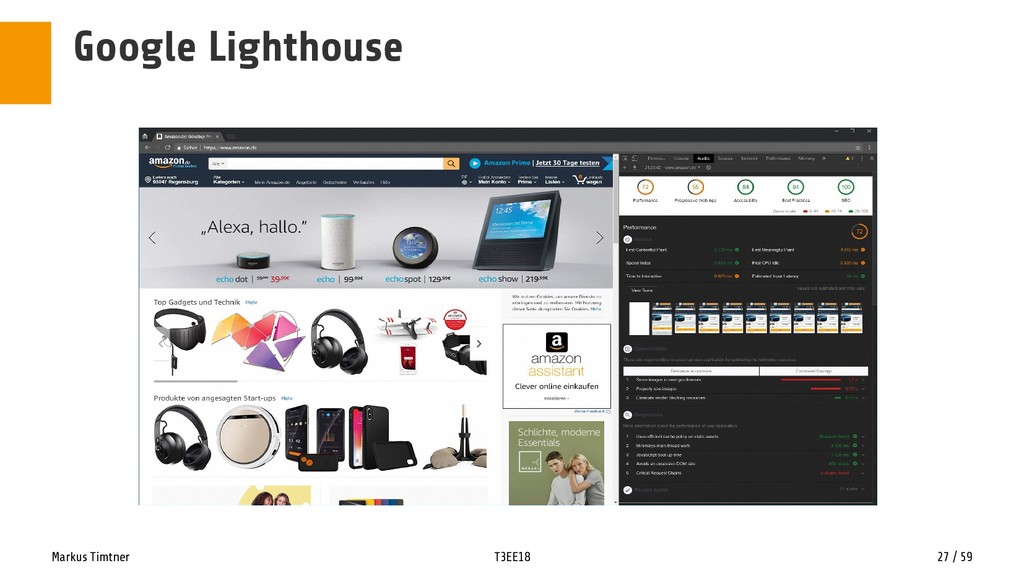
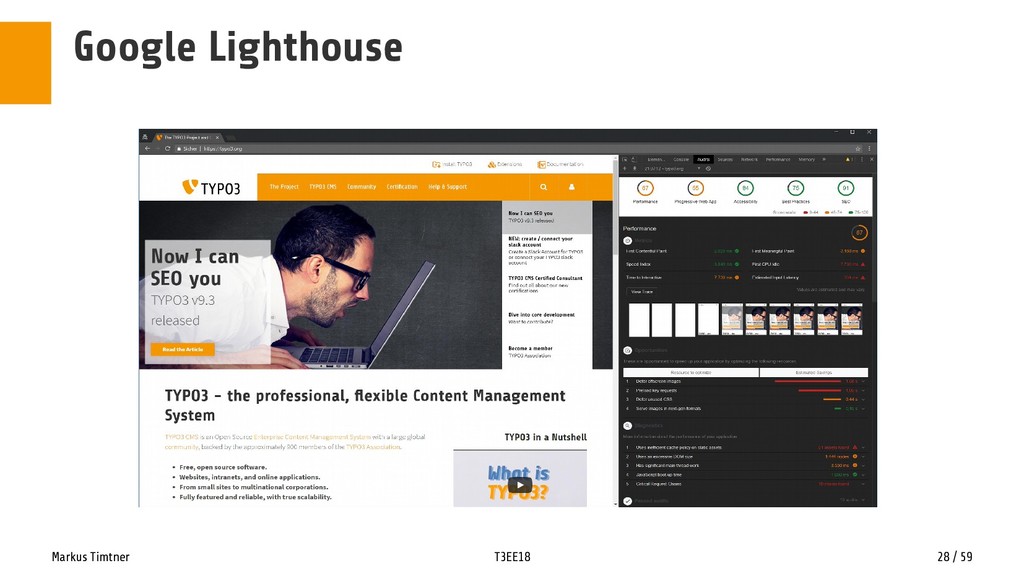
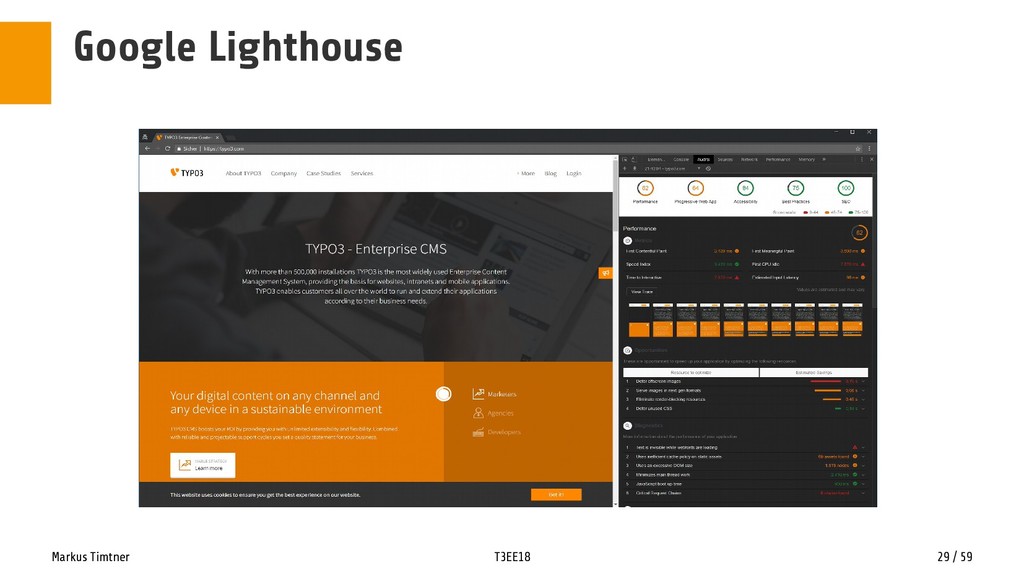
  21. Markus Timtner T3EE18 25 / 59 Google Lighthouse DEMO TIME

    • https://www.google.de/ • https://www.amazon.de/ • https://typo3.org/ • https://typo3.com/
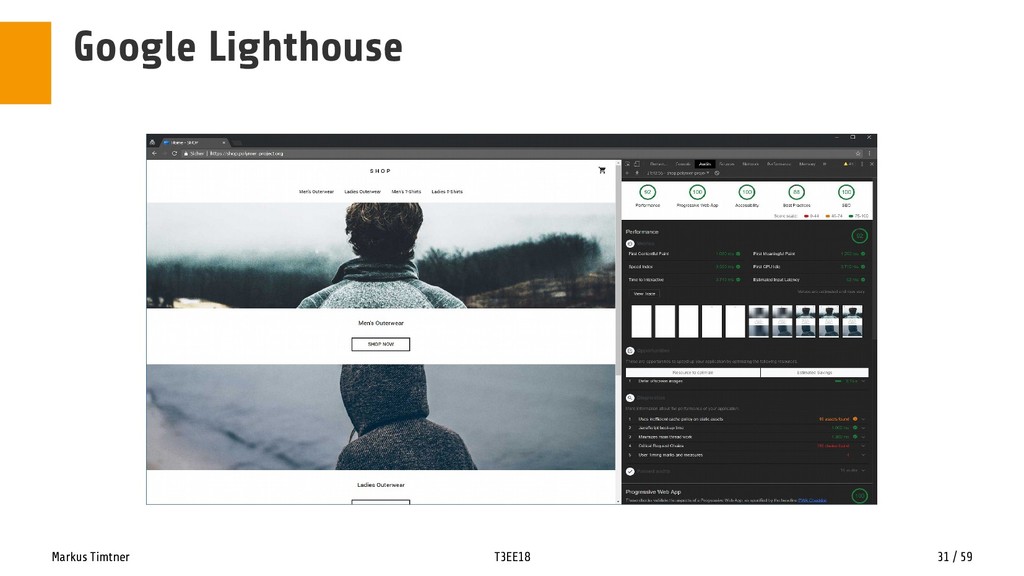
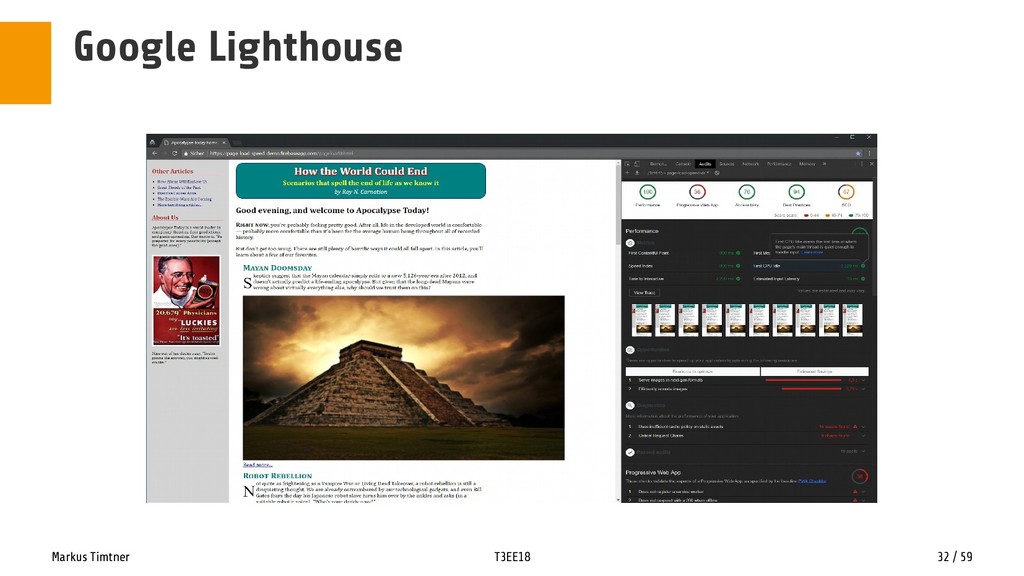
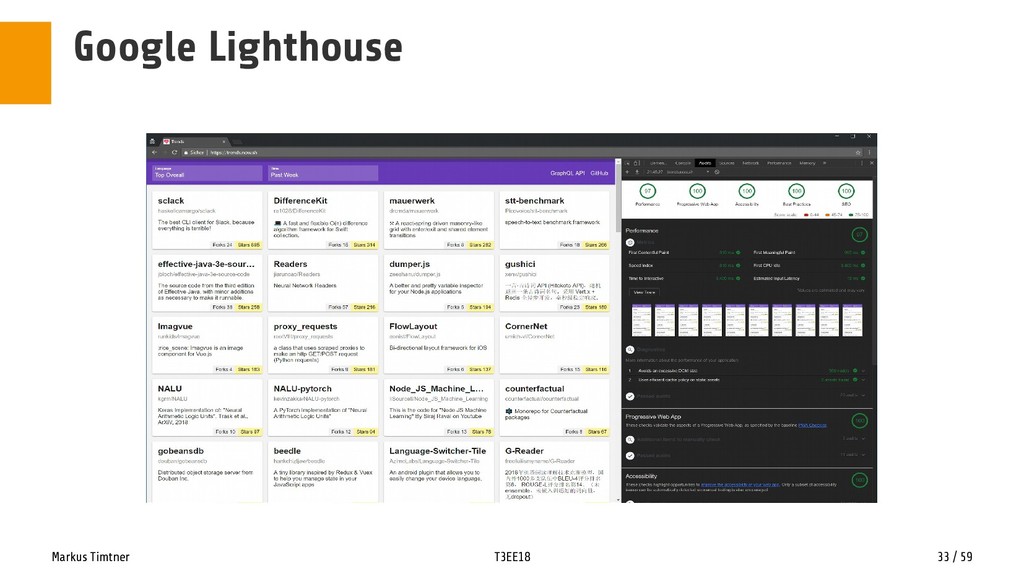
  22. Markus Timtner T3EE18 30 / 59 Google Lighthouse DEMO TIME

    – Best Practice • https://shop.polymer-project.org/ • https://page-load-speed-demo.firebaseapp.com/pageload0.html • https://trends.now.sh/
  23. Markus Timtner T3EE18 34 / 59 All right, give me

    the performance! Bad News! • Getting a good performance score doesn‘t start with TYPO3 :/ • Aaand, it doesn‘t end with it :‘( • BUT: TYPO3 is a magnificient tool to reach good scores. Fast! :D • More on that in an instant
  24. Markus Timtner T3EE18 35 / 59 Performance Why performance is

    a big deal • 1. Economics and The Competition • 2. User/Customer Experience + Brand Equity • 3. Technical Hygiene https://blog.prototypr.io/getting-up-to-speed-with-high-performance-web-58b740042892 • It is already changing how we have to do concept and design for „the web“
  25. Markus Timtner T3EE18 36 / 59 Performance Some core tenets

    of web performance • The best code is no code ! • Content is king • Less is more • If a computer can do it, let the computer do it • There is no one-size solution • Use optimizations already provided through browsers • Aim for no lower than IE11 support
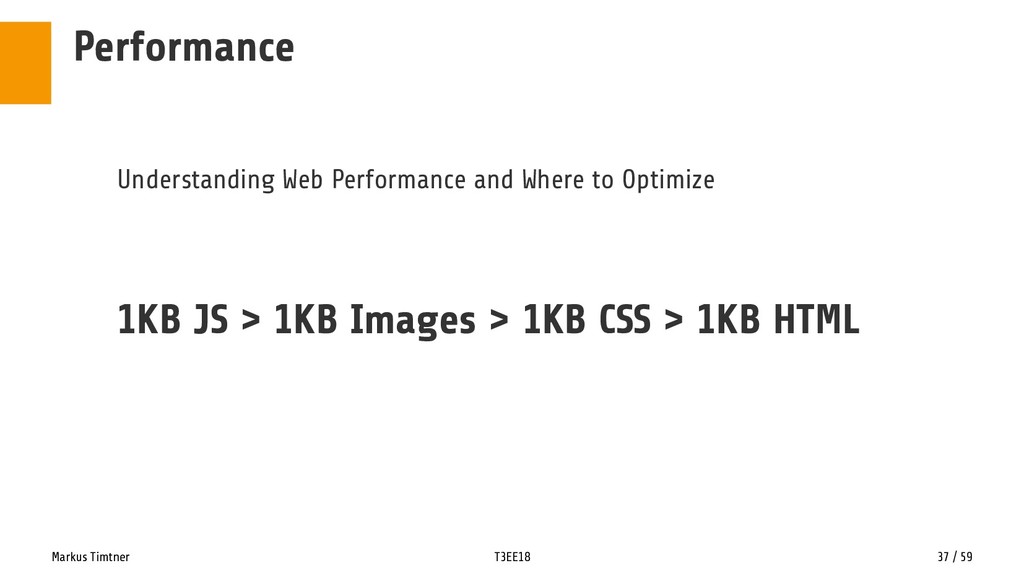
  26. Markus Timtner T3EE18 37 / 59 Performance Understanding Web Performance

    and Where to Optimize 1KB JS > 1KB Images > 1KB CSS > 1KB HTML
  27. Markus Timtner T3EE18 38 / 59 Performance Practical performance work

    • unblock rendering so content can be seen faster (the so-called Critical Rendering Path or Above-the-Fold content) • request the least number of assets possible. • the assets should be as small as possible. • receive multiple assets at the same time (if possible). • only request what is needed right now. https://blog.prototypr.io/getting-up-to-speed-with-high-performance-web-58b740042892
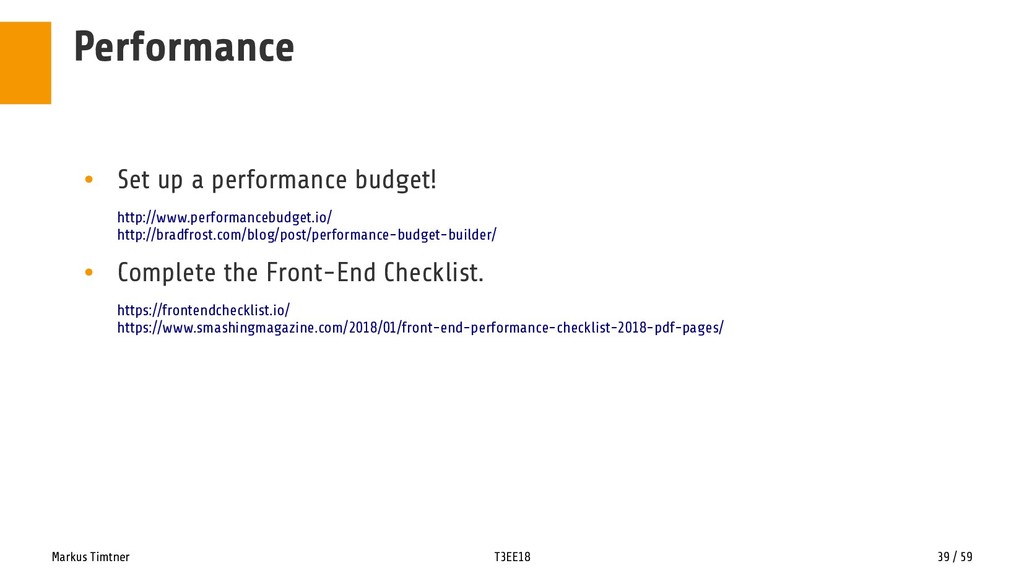
  28. Markus Timtner T3EE18 39 / 59 Performance • Set up

    a performance budget! http://www.performancebudget.io/ http://bradfrost.com/blog/post/performance-budget-builder/ • Complete the Front-End Checklist. https://frontendchecklist.io/ https://www.smashingmagazine.com/2018/01/front-end-performance-checklist-2018-pdf-pages/
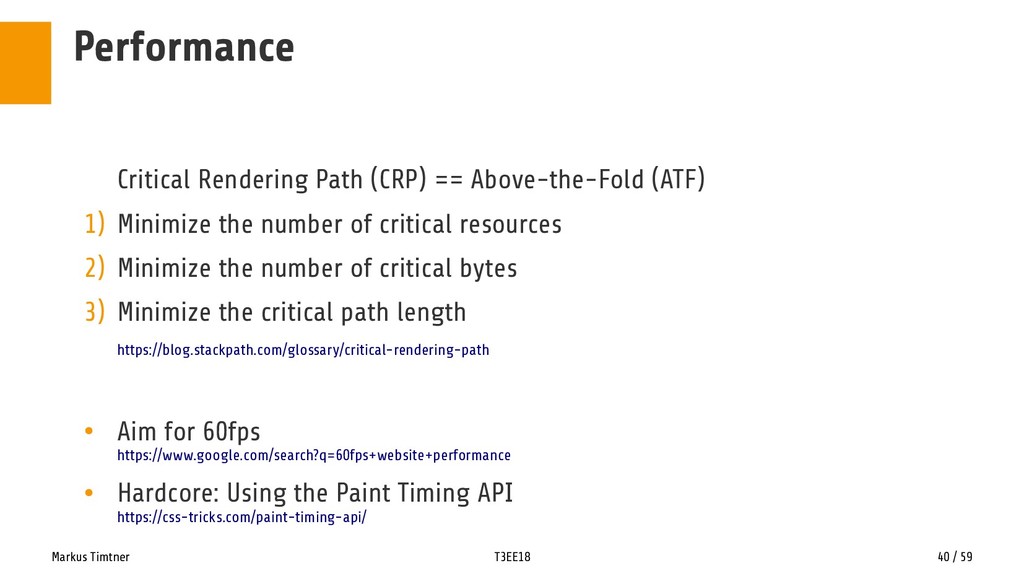
  29. Markus Timtner T3EE18 40 / 59 Performance Critical Rendering Path

    (CRP) == Above-the-Fold (ATF) 1) Minimize the number of critical resources 2) Minimize the number of critical bytes 3) Minimize the critical path length https://blog.stackpath.com/glossary/critical-rendering-path • Aim for 60fps https://www.google.com/search?q=60fps+website+performance • Hardcore: Using the Paint Timing API https://css-tricks.com/paint-timing-api/
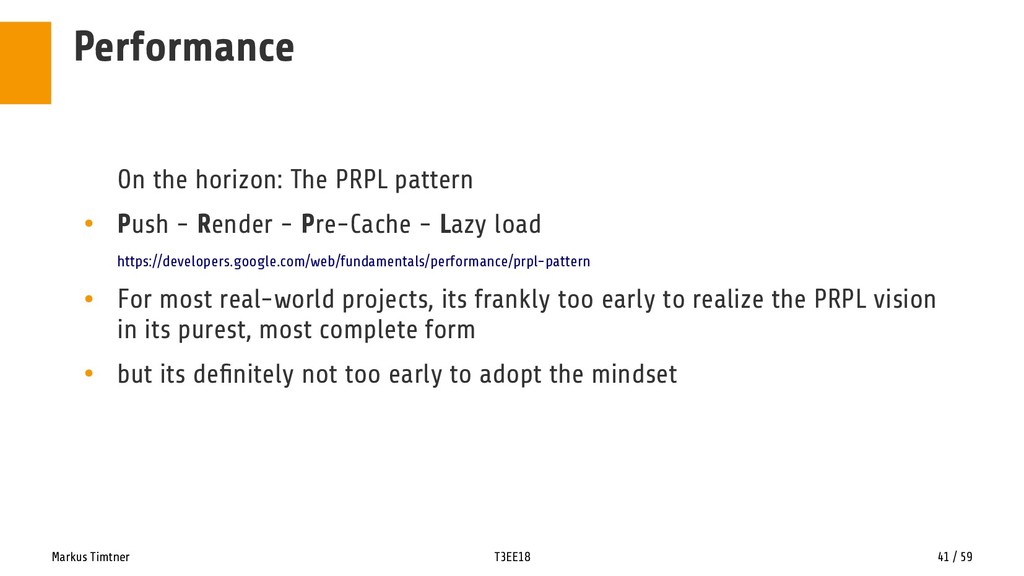
  30. Markus Timtner T3EE18 41 / 59 Performance On the horizon:

    The PRPL pattern • Push - Render - Pre-Cache - Lazy load https://developers.google.com/web/fundamentals/performance/prpl-pattern • For most real-world projects, its frankly too early to realize the PRPL vision in its purest, most complete form • but its definitely not too early to adopt the mindset
  31. Markus Timtner T3EE18 42 / 59 Performance Available Today: Finite

    State Machines • Finite State Machine logic might reduce the overall amount of code in your application • And might help you already during concept and design stage of your project • Very inspiring entrypoint is this article from Vince Shao:„How to design UI states and communicate effectively with developers using the Finite State Machine table“ https://medium.freecodecamp.org/designing-ui-states-and-communicate-with-developers-effectively-by-fsm-fb420ca53215
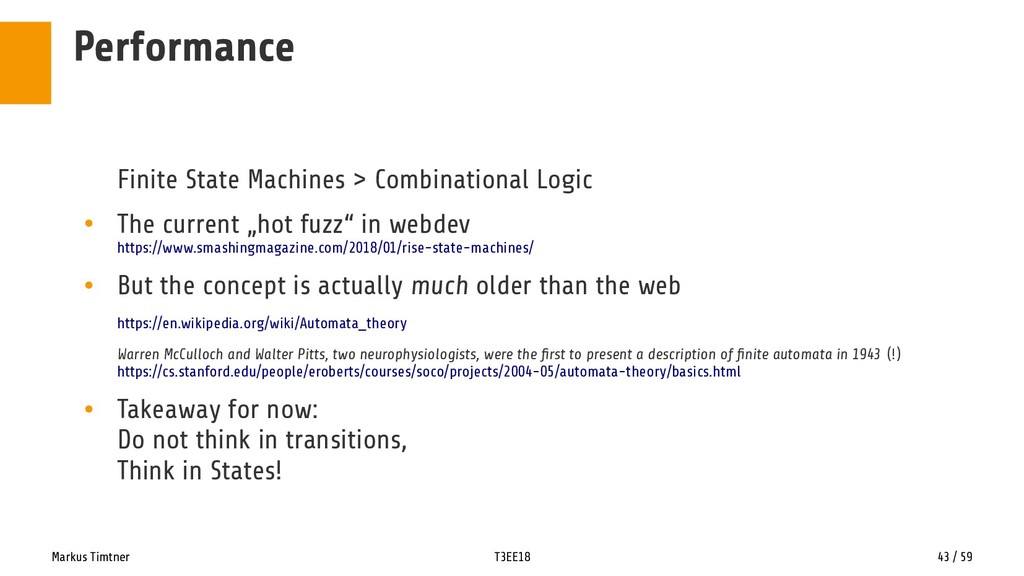
  32. Markus Timtner T3EE18 43 / 59 Performance Finite State Machines

    > Combinational Logic • The current „hot fuzz“ in webdev https://www.smashingmagazine.com/2018/01/rise-state-machines/ • But the concept is actually much older than the web https://en.wikipedia.org/wiki/Automata_theory Warren McCulloch and Walter Pitts, two neurophysiologists, were the first to present a description of finite automata in 1943 (!) https://cs.stanford.edu/people/eroberts/courses/soco/projects/2004-05/automata-theory/basics.html • Takeaway for now: Do not think in transitions, Think in States!
  33. Markus Timtner T3EE18 44 / 59 Performance Some more FSM

    Background Intel • (Automata Theory) https://hackernoon.com/upgrade-your-react-ui-with-state-machines-30d1298e90be • Understanding State Machines https://medium.freecodecamp.org/state-machines-basics-of-computer-science-d42855debc66 • Finite-state machine in web-development https://blog.4xxi.com/finite-state-machine-in-web-development-dc1dc6f67d7c • Set up Web applications as finite state machines https://www.techrepublic.com/article/set-up-web-applications-as-finite-state-machines/
  34. Markus Timtner T3EE18 45 / 59 Performance Remarks: • Performance

    is easy to overthink, so don’t make it harder than it is (it’s not so hard). • Performance is easier to work with if there are clear targets. • Performance cannot be a one-man show, at least for long.
  35. Markus Timtner T3EE18 47 / 59 Performance … and TYPO3

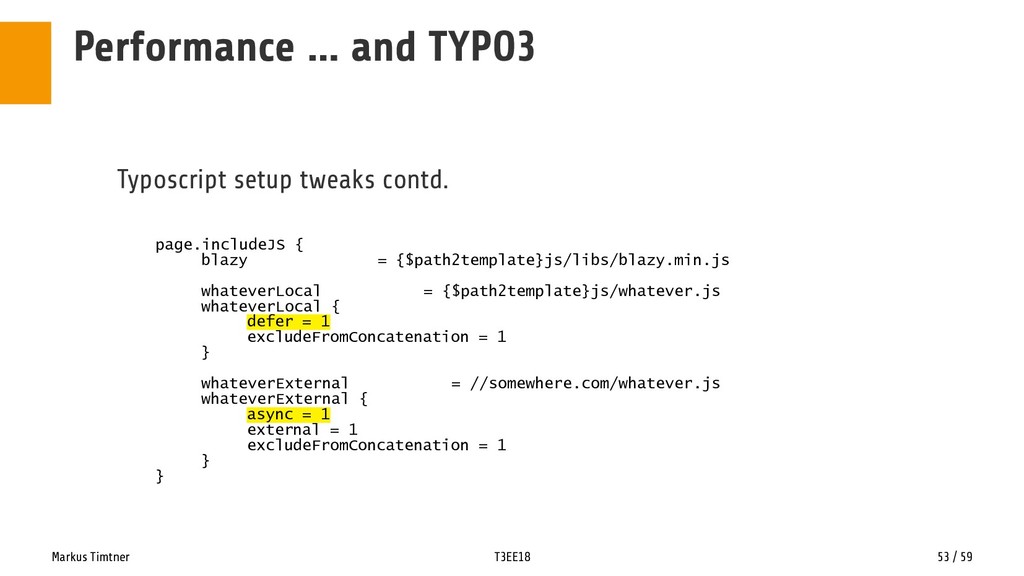
    The top 4 things you should do right now: • Do a round of thorough testing with at least 3 different tools before doing anything https://developers.google.com/web/tools/lighthouse/ https://gtmetrix.com/ https://www.webpagetest.org/ https://www.sitespeed.io/ https://sonarwhal.com/ https://tools.pingdom.com/ • Add defer (to your own files) and async (to external files) • Optimize your images • Serve exclusively from HTTPS, and use HTTP2
  36. Markus Timtner T3EE18 48 / 59 Performance … and TYPO3

    • Optimize Images. • Optimize Images! • OPTIMIZE IMAGES!! SRSLY. • Author's choice: RIOT (win only, sorry mac 8) http://luci.criosweb.ro/riot/ • quite current list (for the rest): https://cssauthor.com/image-optimization-tools/
  37. Markus Timtner T3EE18 49 / 59 Performance … and TYPO3

    Lazyload Images • Author's choice: B-Lazy http://dinbror.dk/blog/blazy/ • Overview: http://blog.dynamicdrive.com/5-brilliant-ways-to-lazy-load-images-for-faster-page-loads/ • Some tweaks to FE-fluid templates necessary.
  38. Markus Timtner T3EE18 50 / 59 Performance … and TYPO3

    TYPO3 Performance Quick Win: • http2 - if your server supports it (most of them do, nowadays) https://http2.akamai.com/demo • EXT:http2_push https://extensions.typo3.org/extension/http2_push/ • Instant 30+ Score gain!
  39. Markus Timtner T3EE18 51 / 59 Performance … and TYPO3

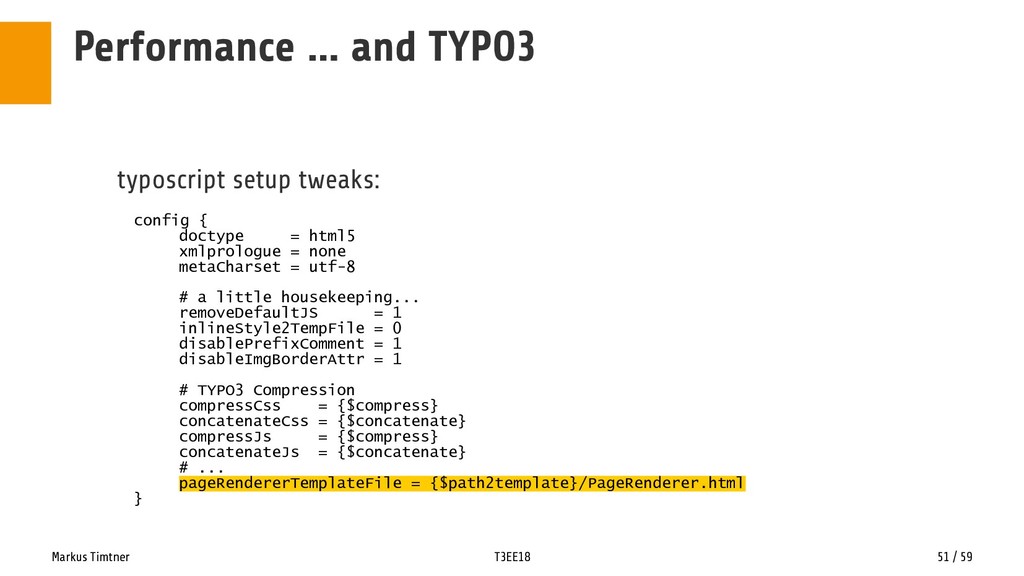
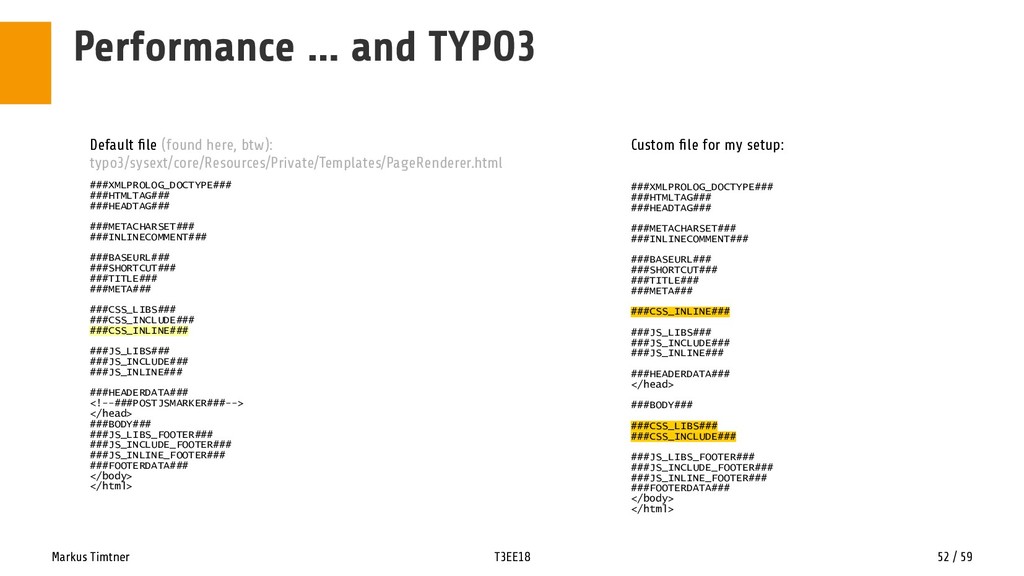
    typoscript setup tweaks: config { doctype = html5 xmlprologue = none metaCharset = utf-8 # a little housekeeping... removeDefaultJS = 1 inlineStyle2TempFile = 0 disablePrefixComment = 1 disableImgBorderAttr = 1 # TYPO3 Compression compressCss = {$compress} concatenateCss = {$concatenate} compressJs = {$compress} concatenateJs = {$concatenate} # ... pageRendererTemplateFile = {$path2template}/PageRenderer.html }
  40. Markus Timtner T3EE18 52 / 59 Performance … and TYPO3

    ###XMLPROLOG_DOCTYPE### ###HTMLTAG### ###HEADTAG### ###METACHARSET### ###INLINECOMMENT### ###BASEURL### ###SHORTCUT### ###TITLE### ###META### ###CSS_LIBS### ###CSS_INCLUDE### ###CSS_INLINE### ###JS_LIBS### ###JS_INCLUDE### ###JS_INLINE### ###HEADERDATA### <!--###POSTJSMARKER###--> </head> ###BODY### ###JS_LIBS_FOOTER### ###JS_INCLUDE_FOOTER### ###JS_INLINE_FOOTER### ###FOOTERDATA### </body> </html> ###XMLPROLOG_DOCTYPE### ###HTMLTAG### ###HEADTAG### ###METACHARSET### ###INLINECOMMENT### ###BASEURL### ###SHORTCUT### ###TITLE### ###META### ###CSS_INLINE### ###JS_LIBS### ###JS_INCLUDE### ###JS_INLINE### ###HEADERDATA### </head> ###BODY### ###CSS_LIBS### ###CSS_INCLUDE### ###JS_LIBS_FOOTER### ###JS_INCLUDE_FOOTER### ###JS_INLINE_FOOTER### ###FOOTERDATA### </body> </html> Default file (found here, btw): typo3/sysext/core/Resources/Private/Templates/PageRenderer.html Custom file for my setup:
  41. Markus Timtner T3EE18 53 / 59 Performance … and TYPO3

    Typoscript setup tweaks contd. page.includeJS { blazy = {$path2template}js/libs/blazy.min.js whateverLocal = {$path2template}js/whatever.js whateverLocal { defer = 1 excludeFromConcatenation = 1 } whateverExternal = //somewhere.com/whatever.js whateverExternal { async = 1 external = 1 excludeFromConcatenation = 1 } }
  42. Markus Timtner T3EE18 54 / 59 Performance … and TYPO3

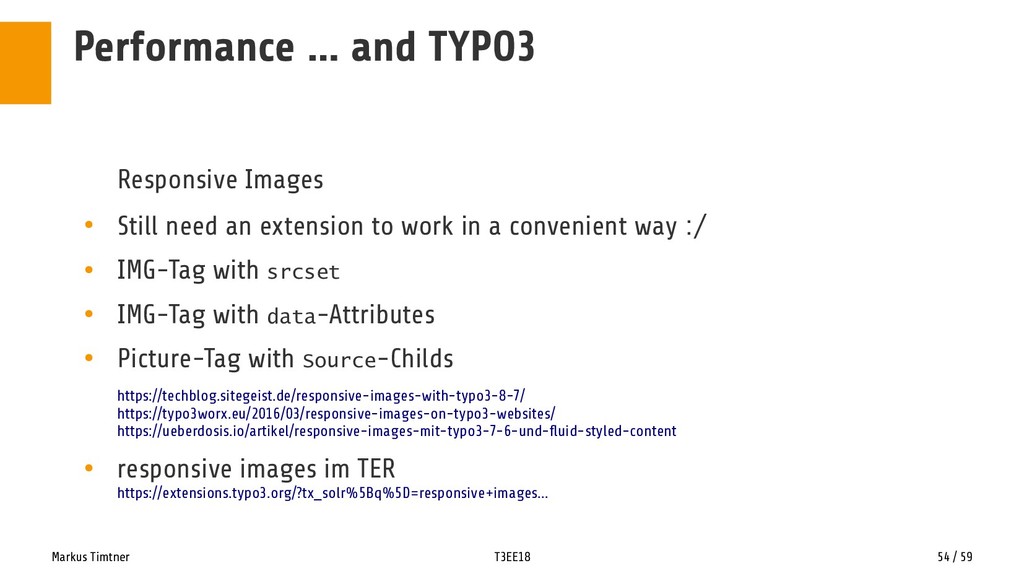
    Responsive Images • Still need an extension to work in a convenient way :/ • IMG-Tag with srcset • IMG-Tag with data-Attributes • Picture-Tag with Source-Childs https://techblog.sitegeist.de/responsive-images-with-typo3-8-7/ https://typo3worx.eu/2016/03/responsive-images-on-typo3-websites/ https://ueberdosis.io/artikel/responsive-images-mit-typo3-7-6-und-fluid-styled-content • responsive images im TER https://extensions.typo3.org/?tx_solr%5Bq%5D=responsive+images...
  43. Markus Timtner T3EE18 55 / 59 Performance … and TYPO3

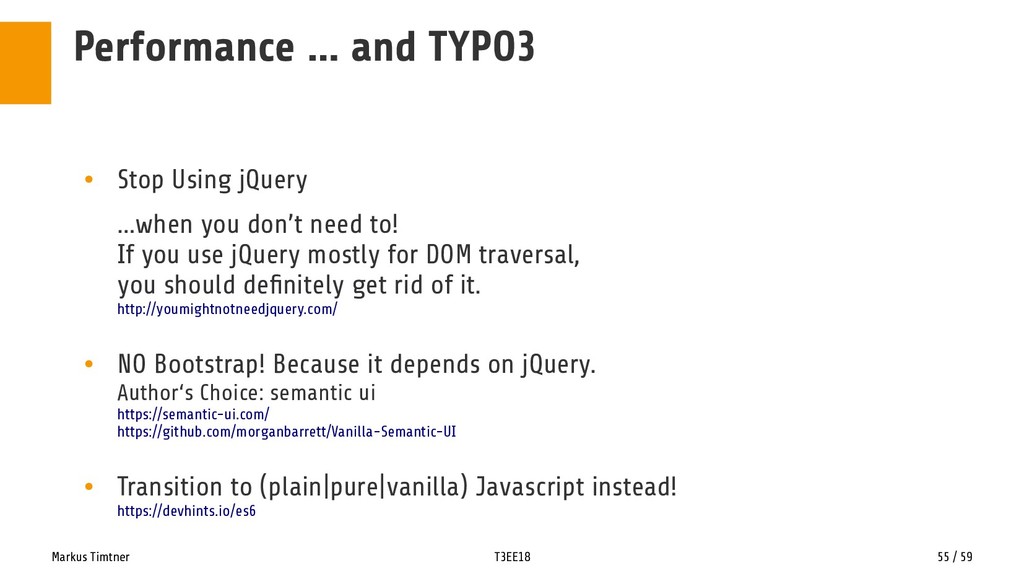
    • Stop Using jQuery …when you don’t need to! If you use jQuery mostly for DOM traversal, you should definitely get rid of it. http://youmightnotneedjquery.com/ • NO Bootstrap! Because it depends on jQuery. Author‘s Choice: semantic ui https://semantic-ui.com/ https://github.com/morganbarrett/Vanilla-Semantic-UI • Transition to (plain|pure|vanilla) Javascript instead! https://devhints.io/es6
  44. Markus Timtner T3EE18 56 / 59 Performance … and TYPO3

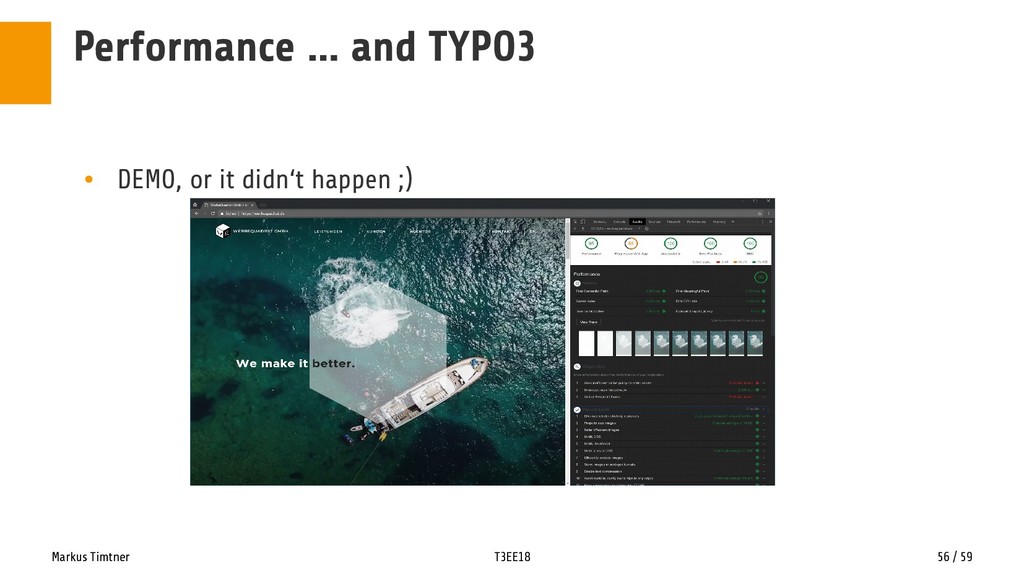
    • DEMO, or it didn‘t happen ;)
  45. Markus Timtner T3EE18 59 / 59 Changelog [2018-09-16] • Switched

    to 16:9 • Some content touchup [2018-08-09] • Fixed some typos • Small styling touchups • Added browser images for demo slides • Fixed the pagerenderer variable (thx, GS ;) • Added links for online testing tools (thx, MS !) • Added some links to the nojquery-slide • Added a slide to the FSM section to add some more explanation • Added the PageRenderer Files [2018-08-10] • Added missing word, fixed another typo