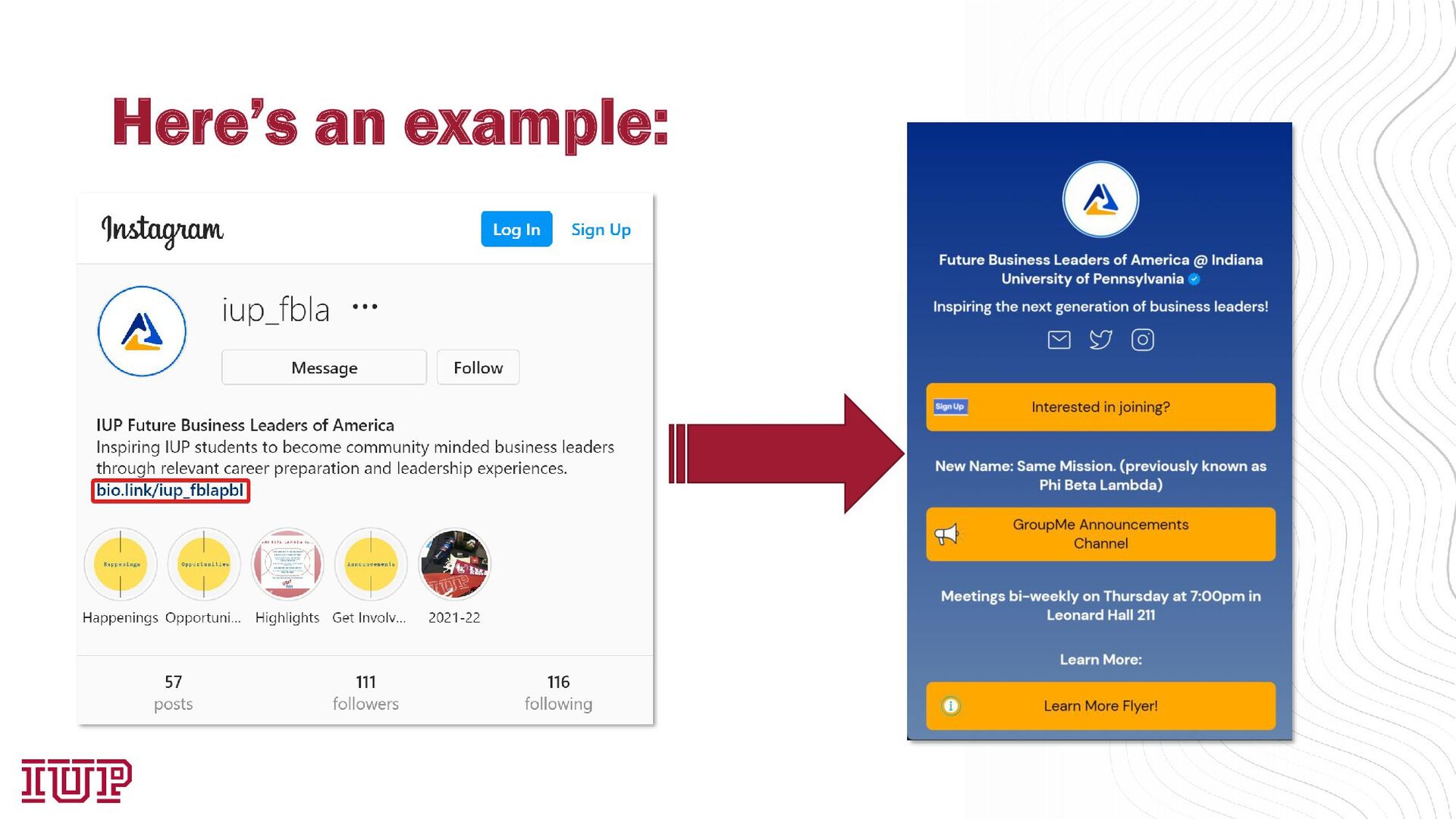
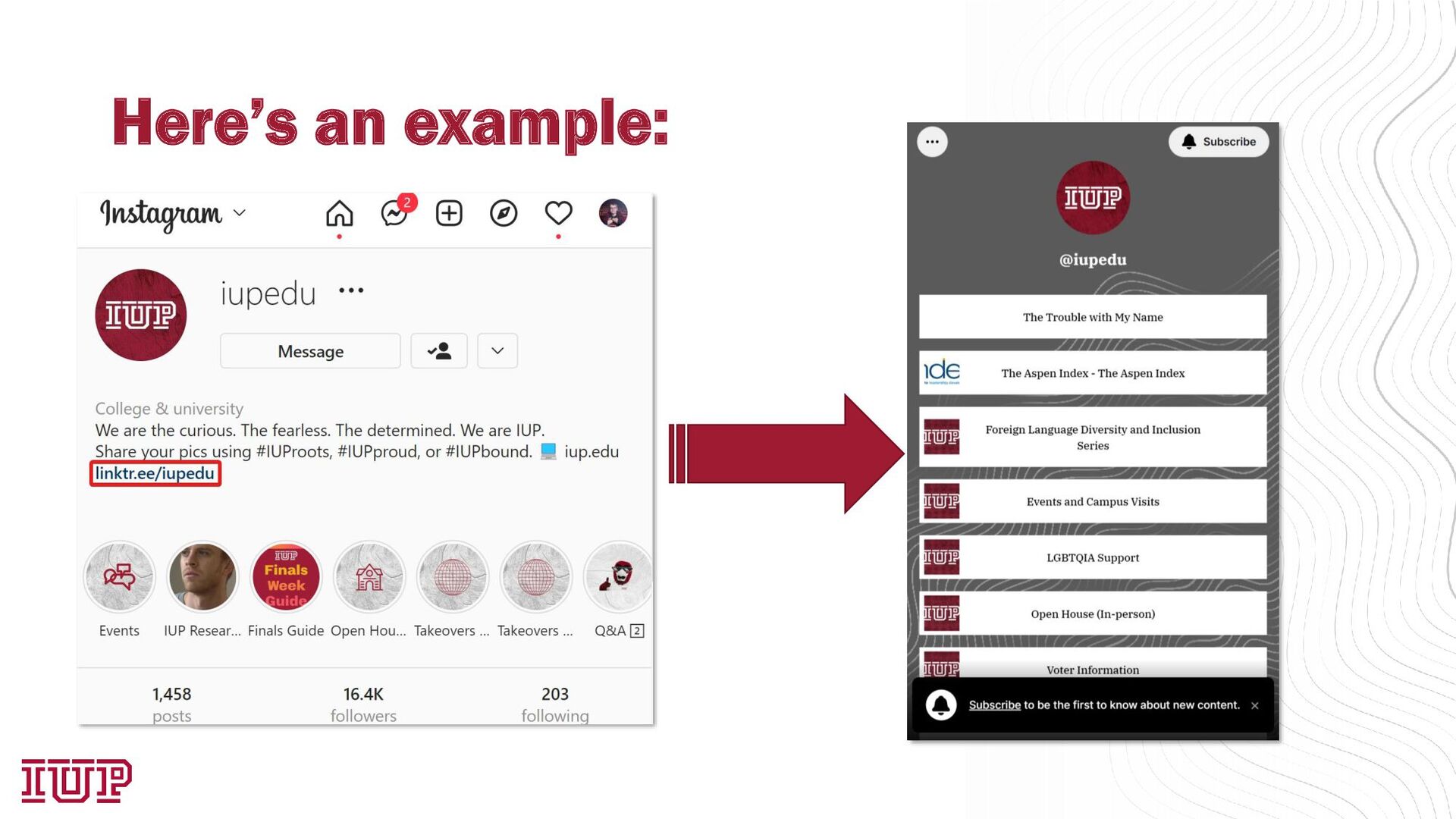
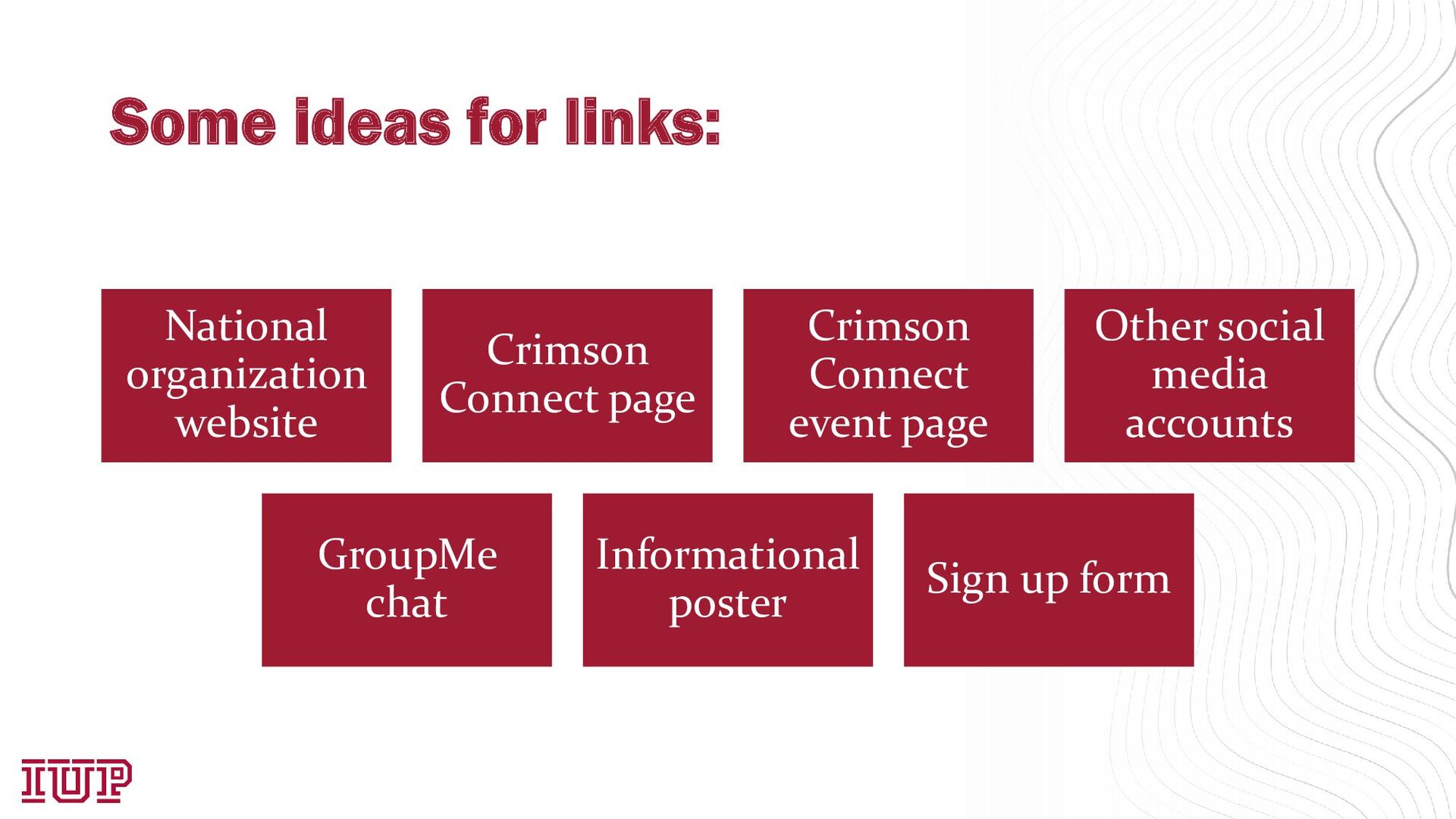
(no links in a post) • Links in stories are a new addition, but these are temporary Why do we need links? • Easy to find information about your organization Using a link-in-bio solution allows you to use multiple links at once • Can be shared more places than just Instagram
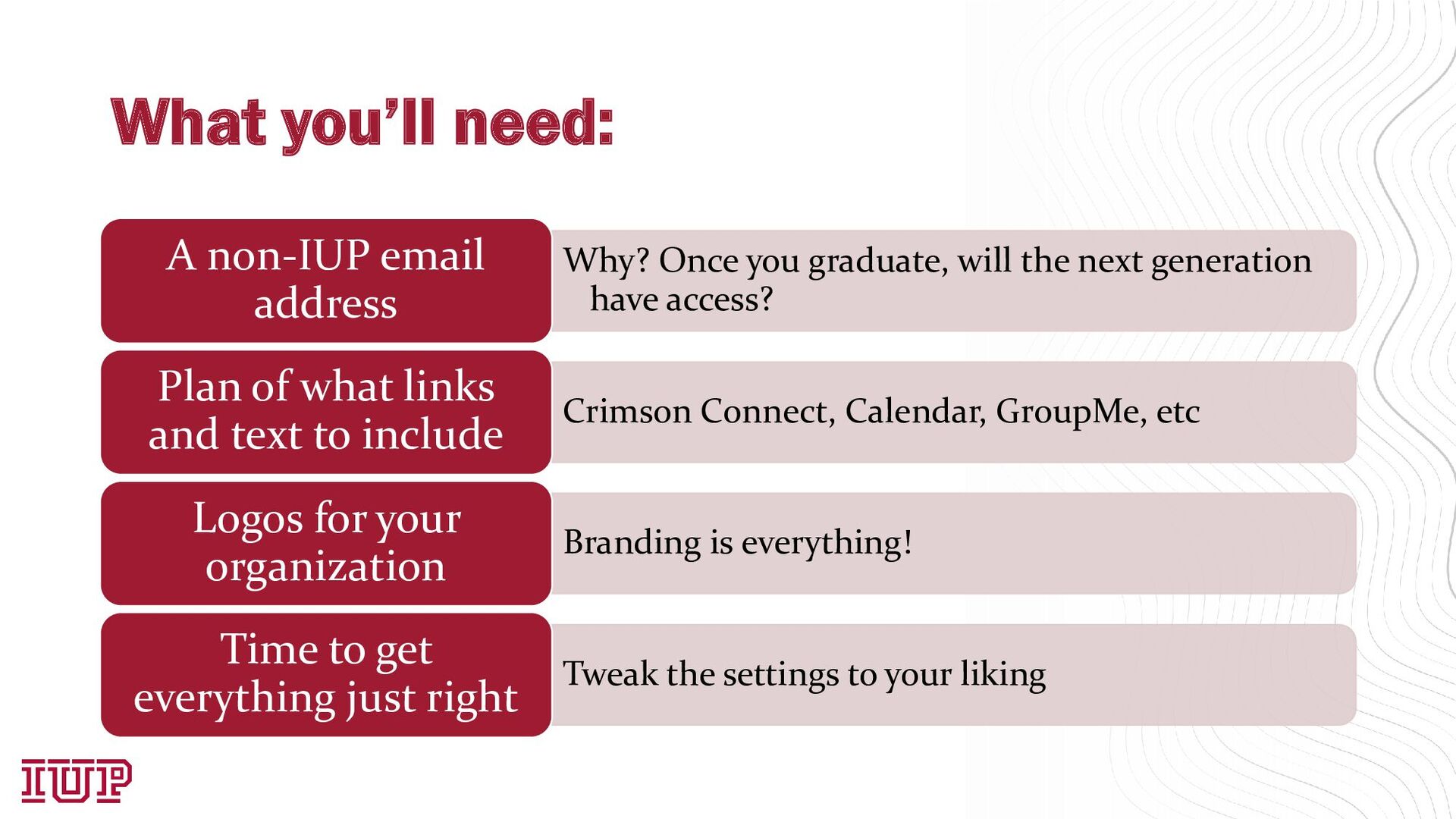
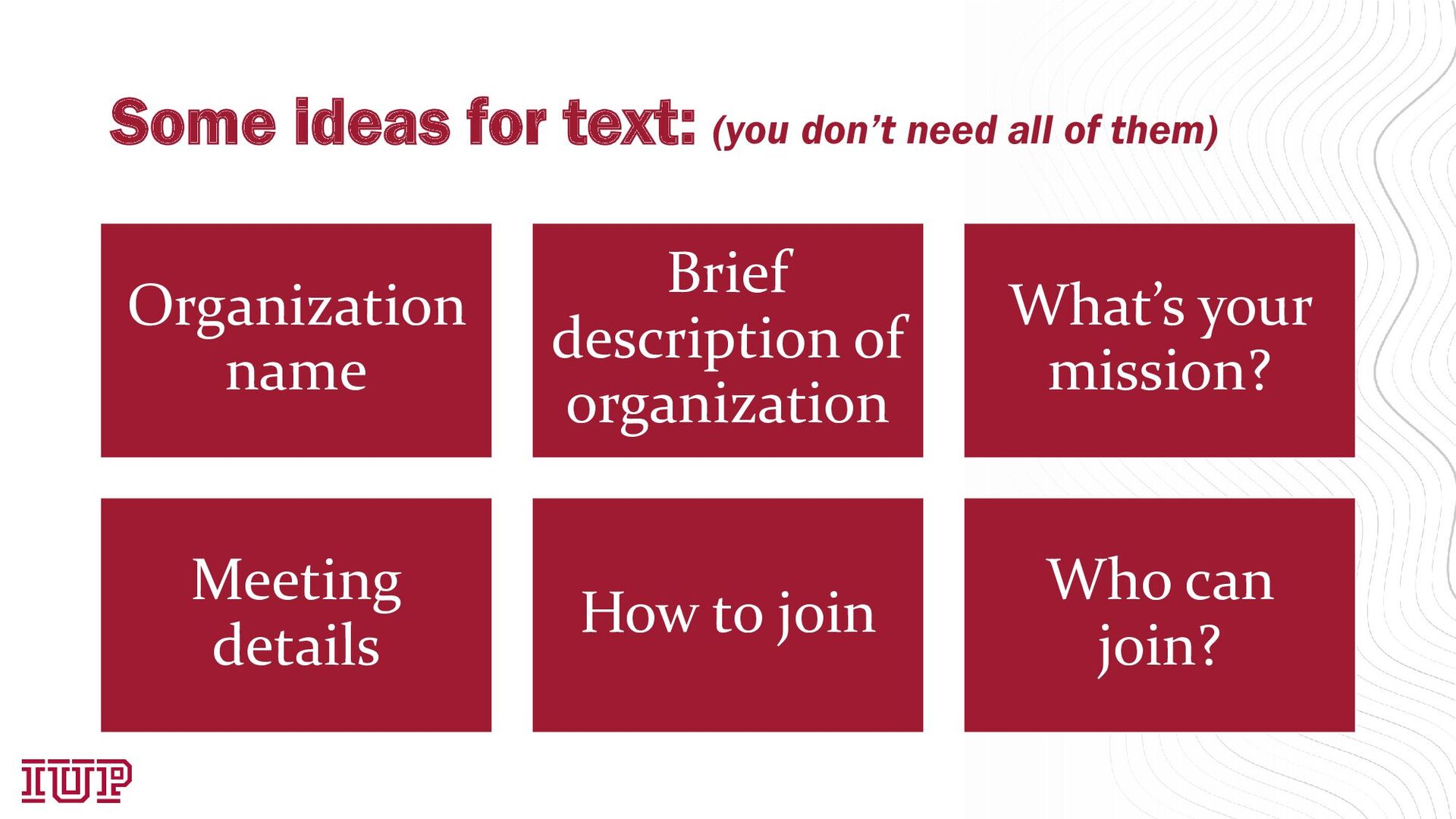
generation have access? A non-IUP email address Crimson Connect, Calendar, GroupMe, etc Plan of what links and text to include Branding is everything! Logos for your organization Tweak the settings to your liking Time to get everything just right
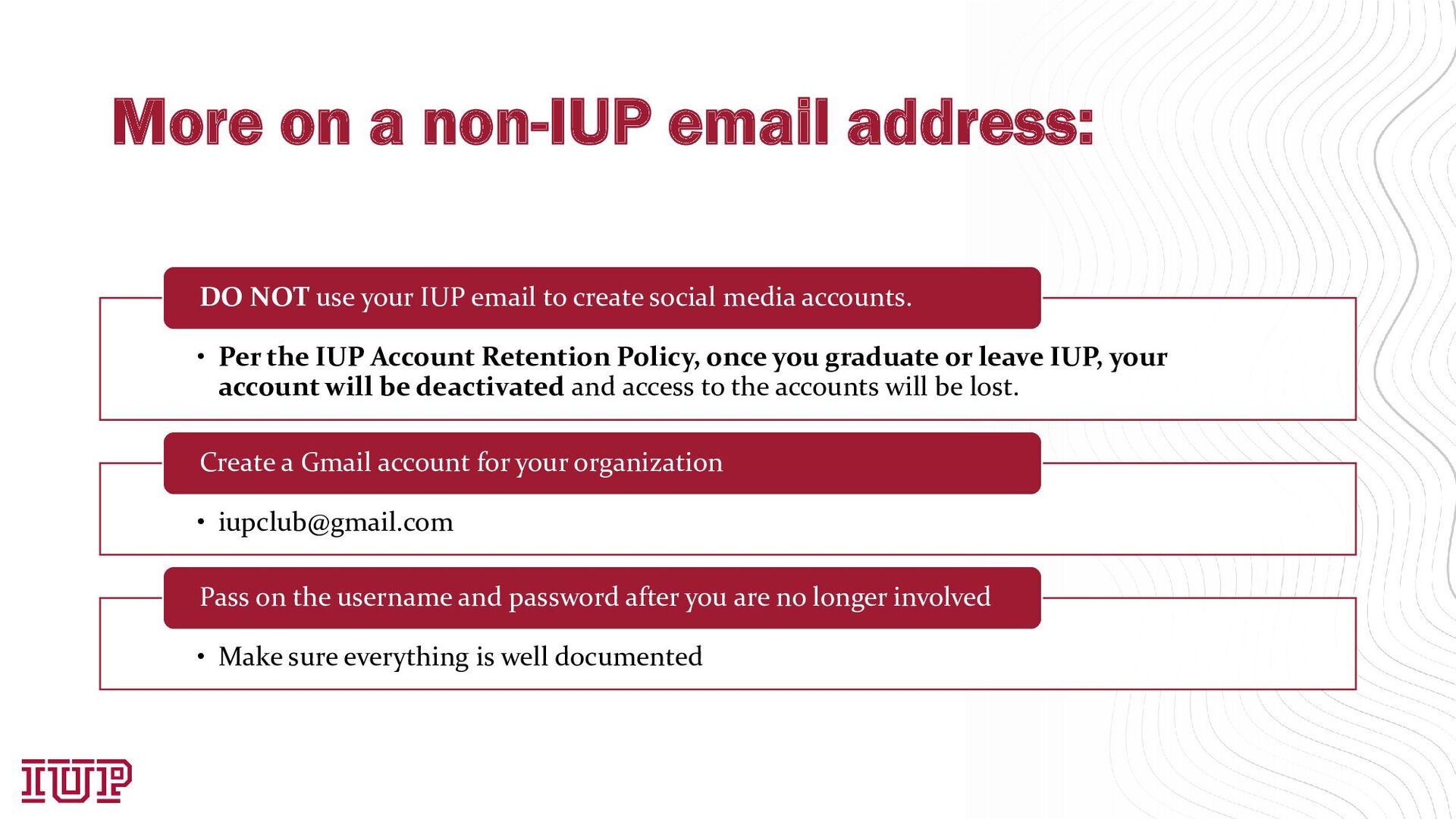
Account Retention Policy, once you graduate or leave IUP, your account will be deactivated and access to the accounts will be lost. DO NOT use your IUP email to create social media accounts. • [email protected] Create a Gmail account for your organization • Make sure everything is well documented Pass on the username and password after you are no longer involved
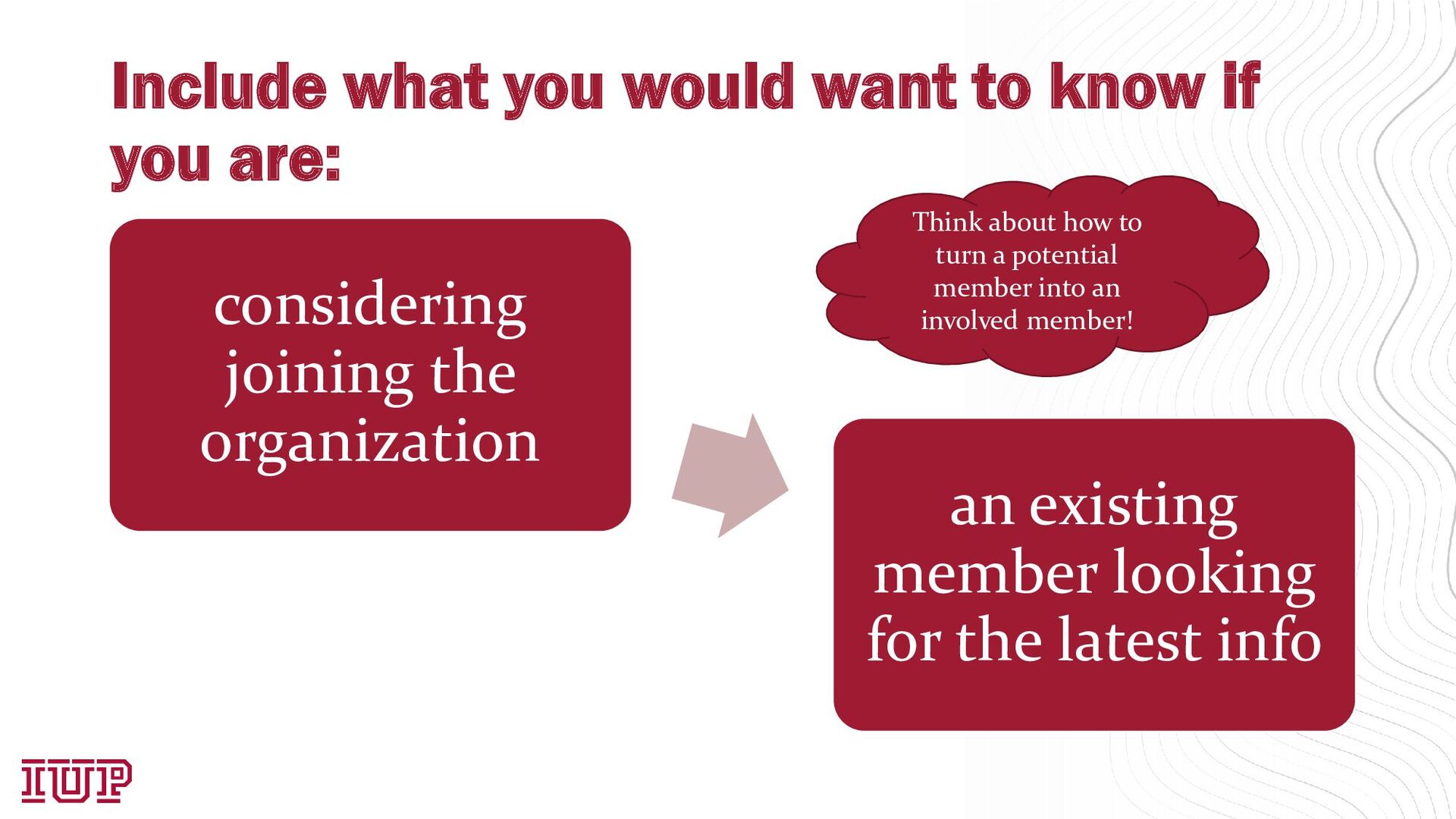
considering joining the organization an existing member looking for the latest info Think about how to turn a potential member into an involved member!


 4o1sobblue
 yahonda
 terurou
 iktakahiro
 ezaki
ezaki
 ivry_presentationmaterials
 willnet
 satoshi7
 shuta13
 camiha
 hiracky16
 glaforge
 aleyda
 tomoyanonymous
 jonoalderson
 427marketing
 smashingmag
 chriscoyier
 minecr
 rasagy
 honzajavorek
 rkendrick25
 mraible


![Thank you! Please contact me with any questions! [email protected] More](https://files.speakerdeck.com/presentations/f376fd752f0d4c91978e60df47f5aa90/slide_14.jpg)