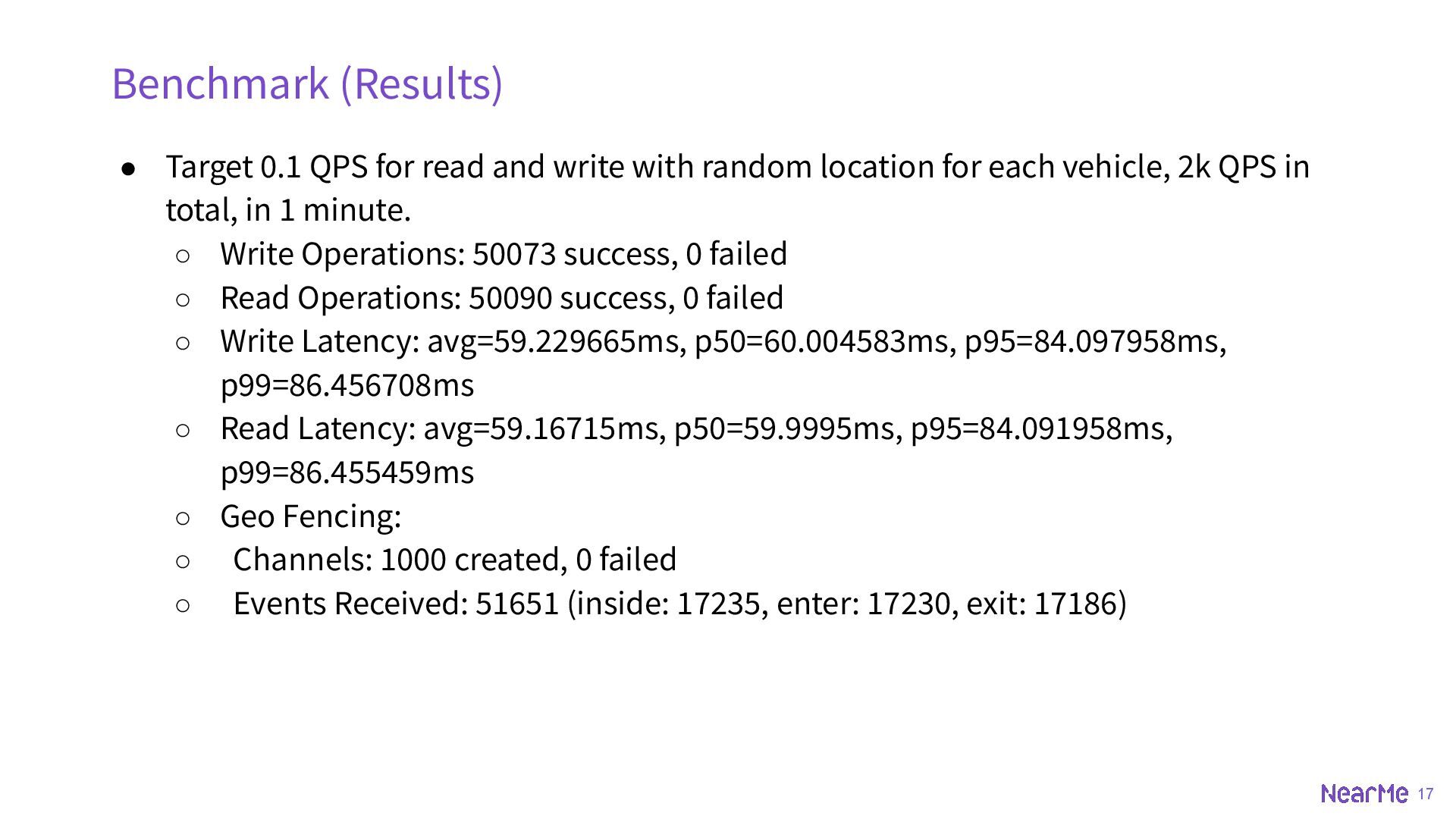
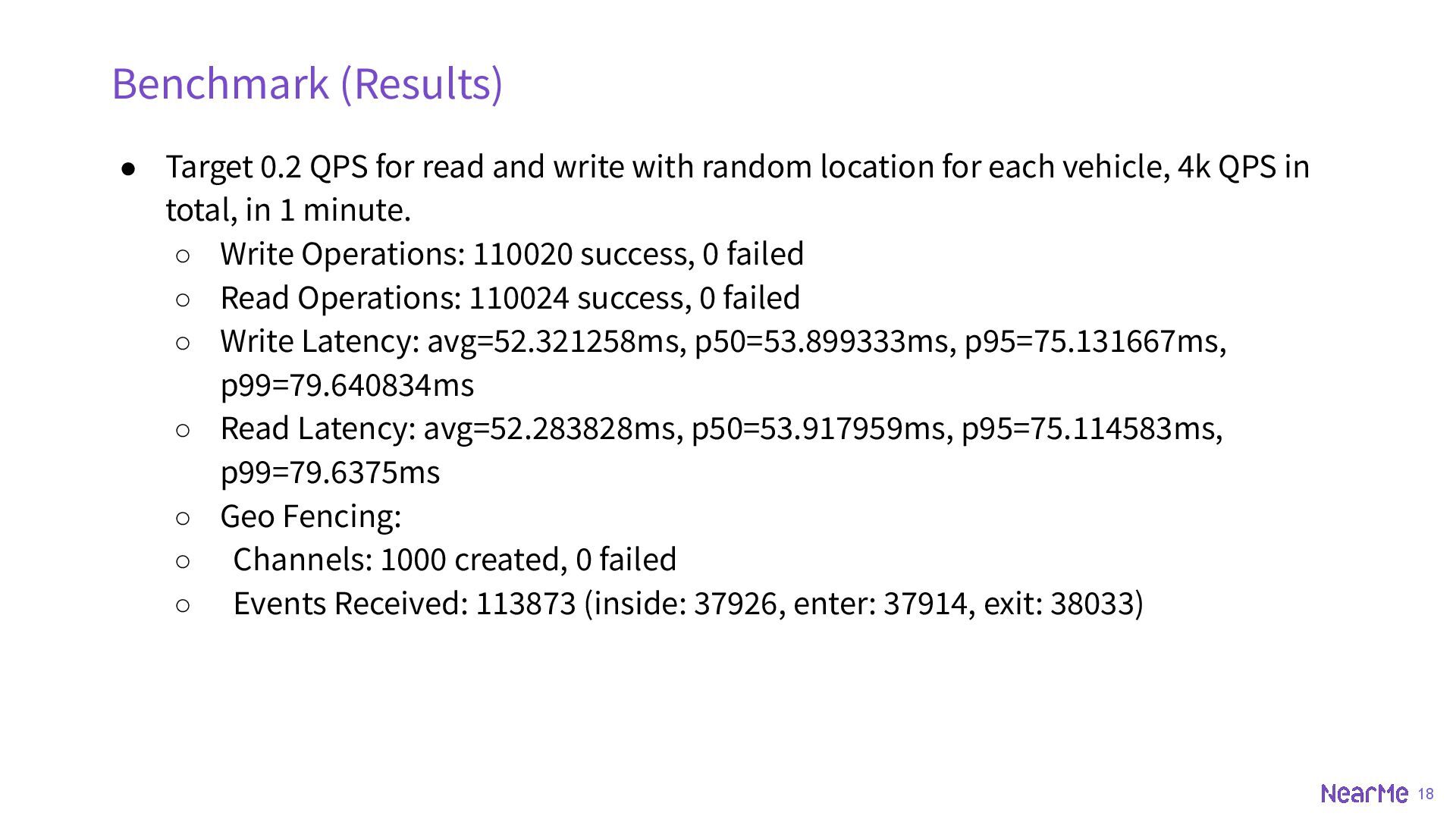
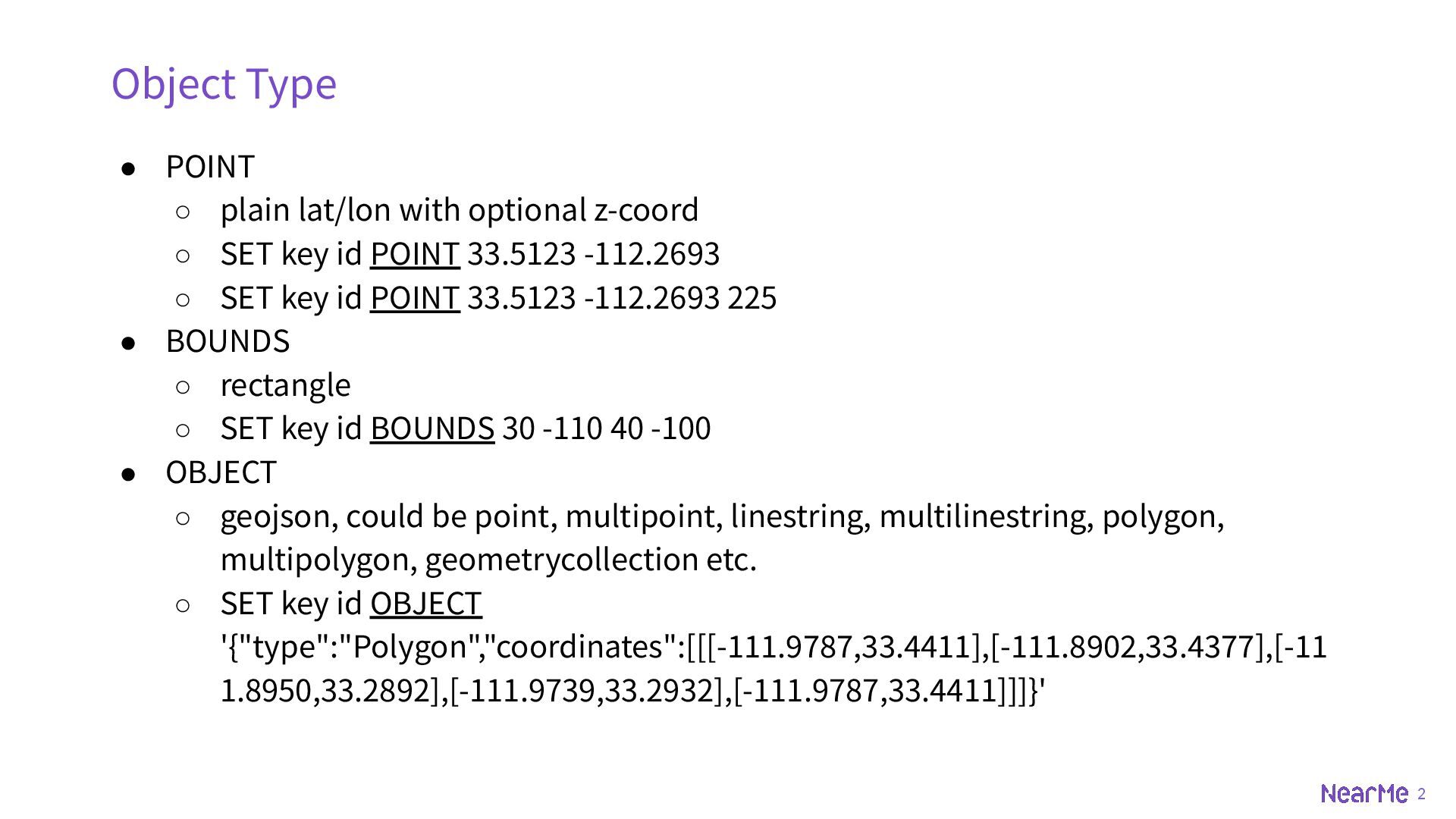
z-coord ◦ SET key id POINT 33.5123 -112.2693 ◦ SET key id POINT 33.5123 -112.2693 225 • BOUNDS ◦ rectangle ◦ SET key id BOUNDS 30 -110 40 -100 • OBJECT ◦ geojson, could be point, multipoint, linestring, multilinestring, polygon, multipolygon, geometrycollection etc. ◦ SET key id OBJECT '{"type":"Polygon","coordinates":[[[-111.9787,33.4411],[-111.8902,33.4377],[-11 1.8950,33.2892],[-111.9739,33.2932],[-111.9787,33.4411]]]}'
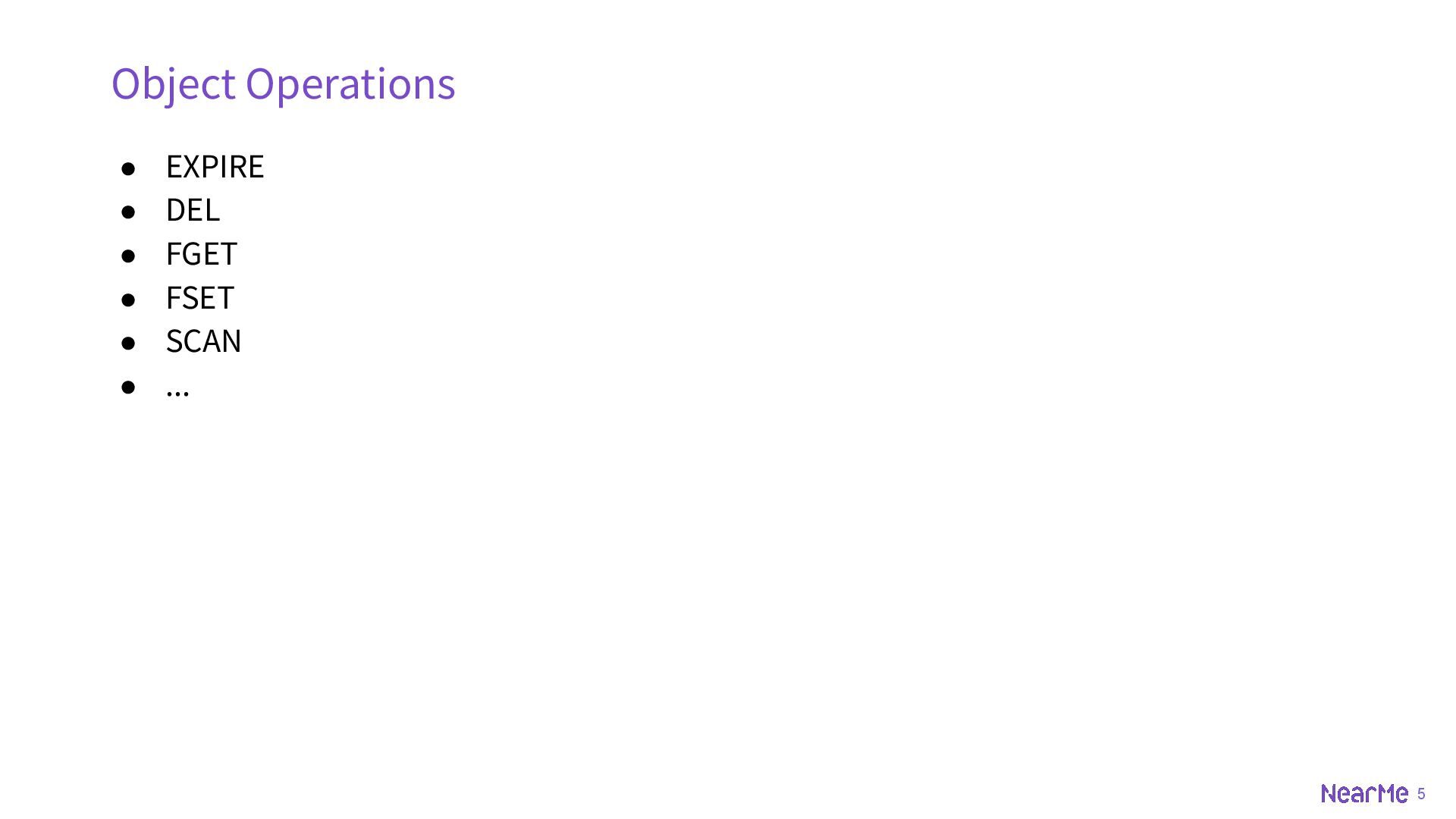
◦ [NX|XX] ◦ [FIELD name value ...] ▪ can be number or string ◦ SET key id POINT 33.5123 -112.2693 ◦ SET key id FIELD speed 90 FIELD age 21 POINT 33.5123 -112.2693 • GET ◦ Returns geojson by default ◦ Setting the return value types (POINT, BOUNDS) are supported ◦ GET key id ◦ GET key id POINT Object Operations
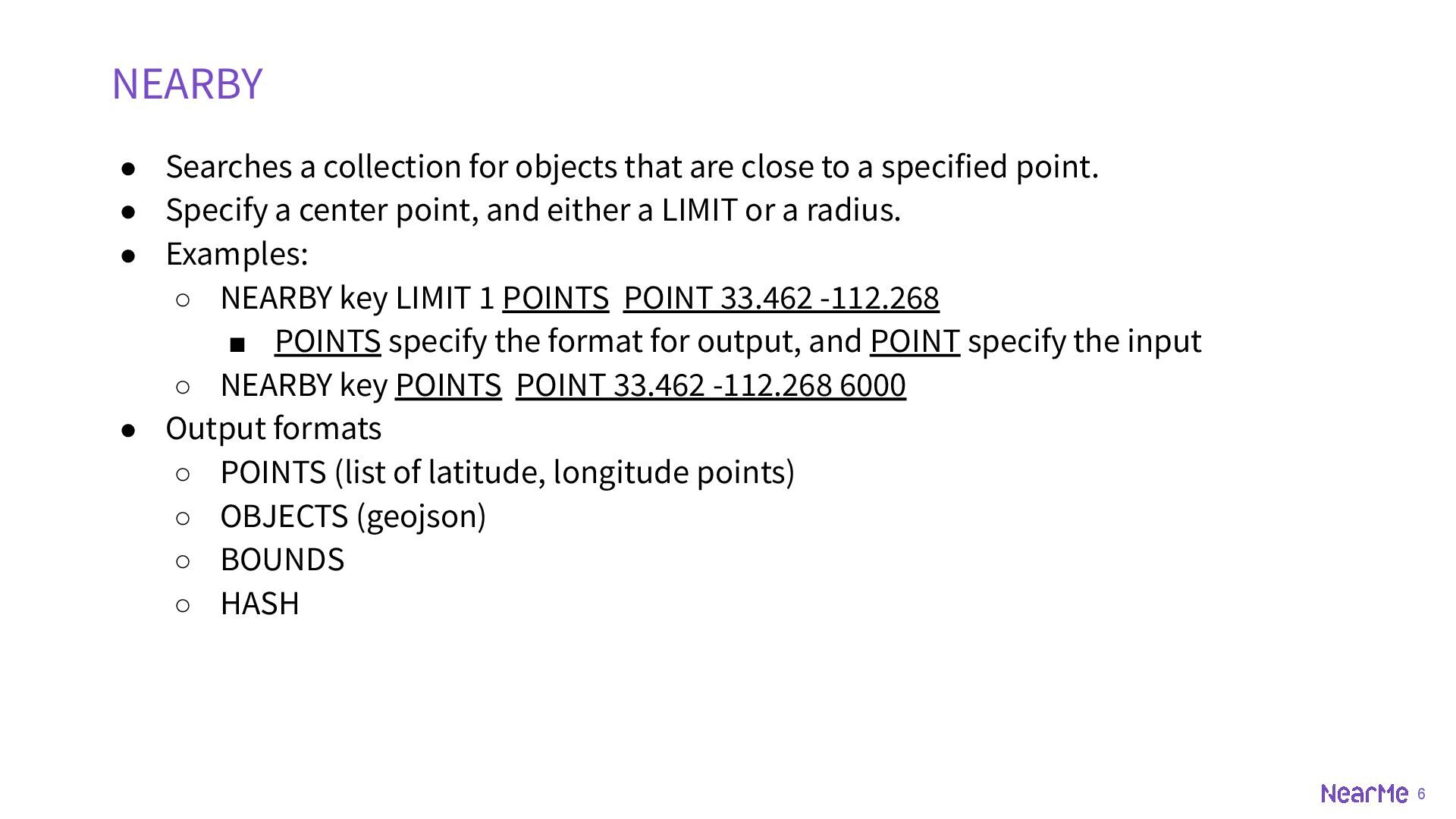
to a specified point. • Specify a center point, and either a LIMIT or a radius. • Examples: ◦ NEARBY key LIMIT 1 POINTS POINT 33.462 -112.268 ▪ POINTS specify the format for output, and POINT specify the input ◦ NEARBY key POINTS POINT 33.462 -112.268 6000 • Output formats ◦ POINTS (list of latitude, longitude points) ◦ OBJECTS (geojson) ◦ BOUNDS ◦ HASH NEARBY
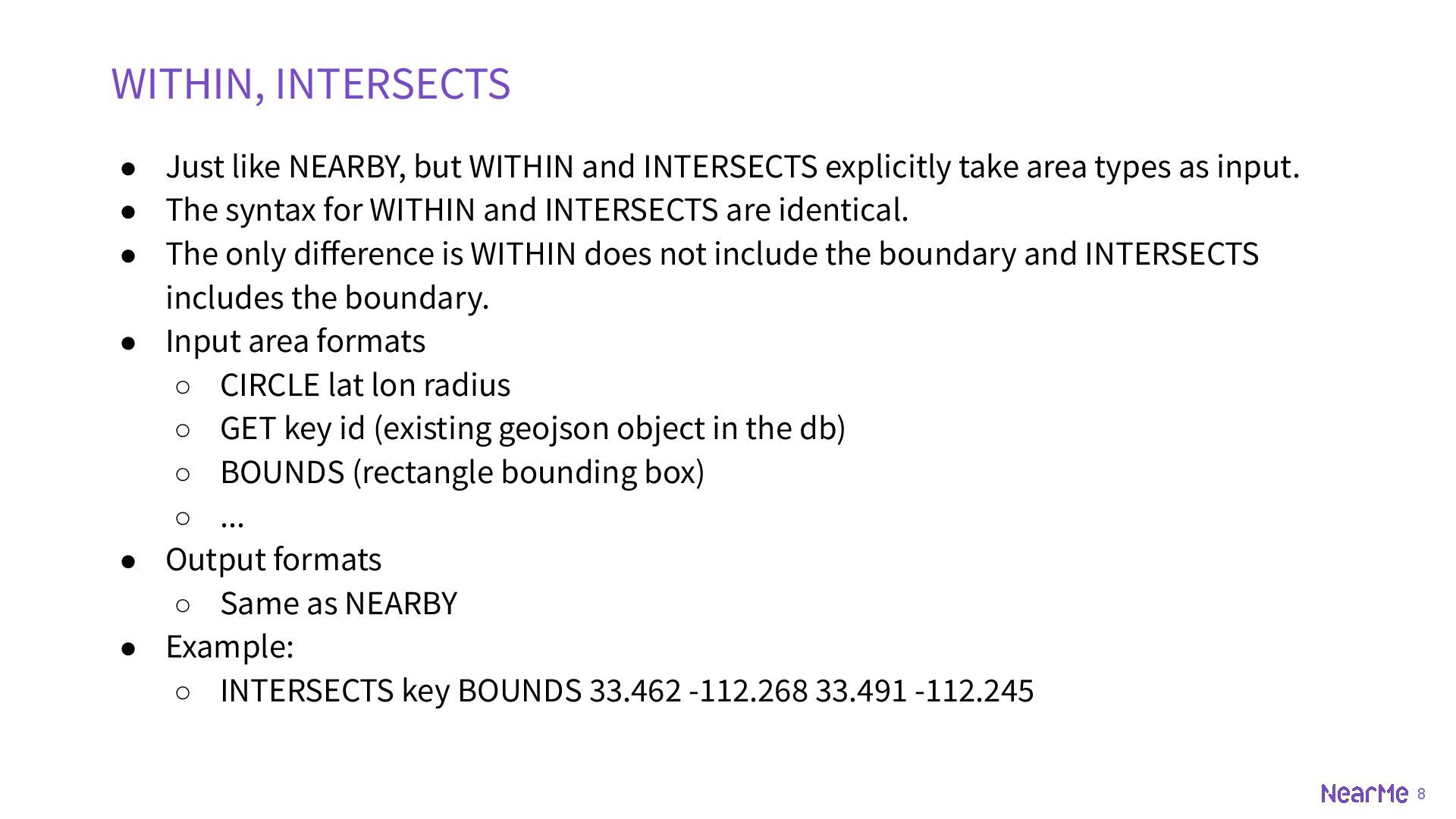
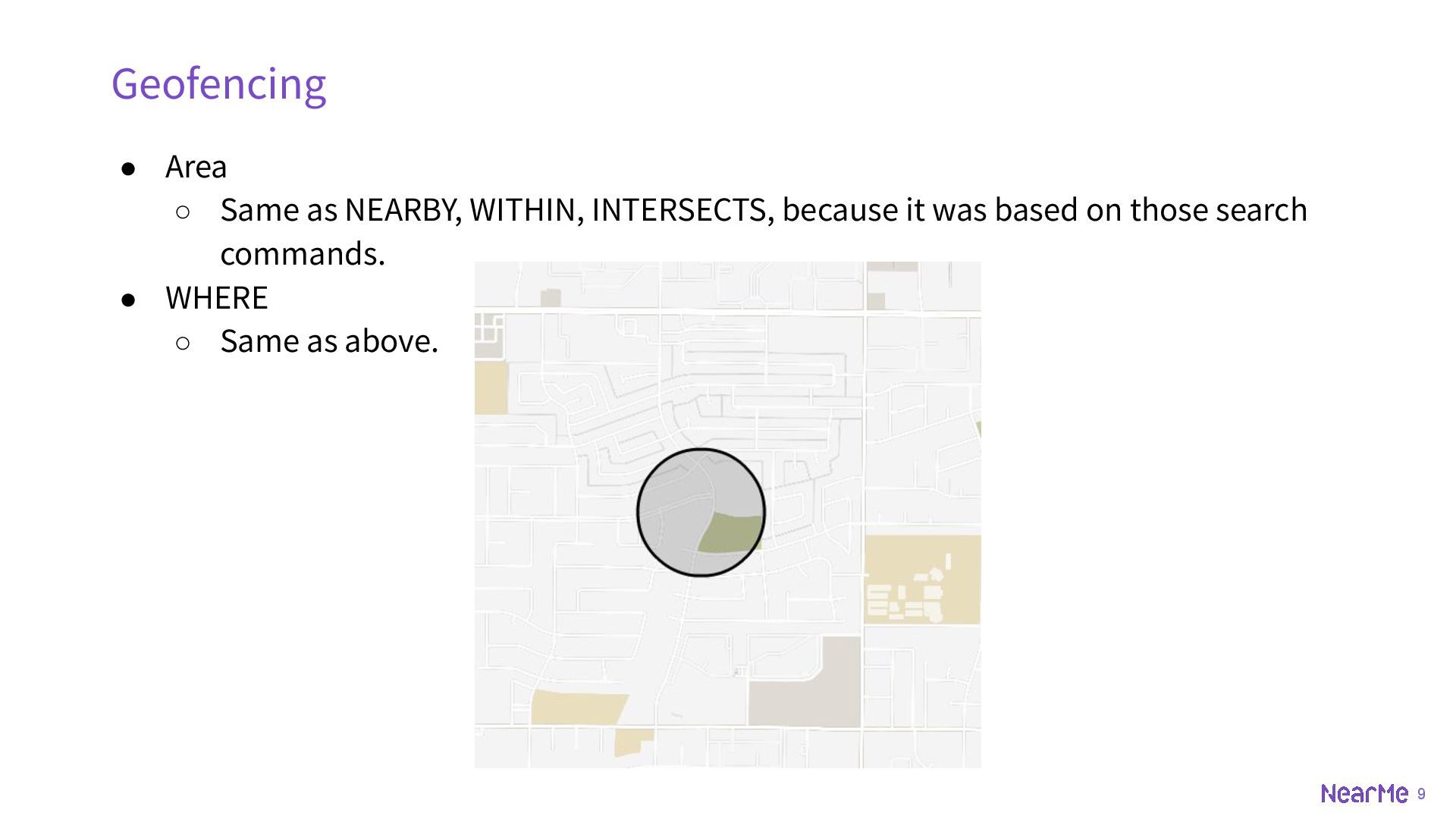
take area types as input. • The syntax for WITHIN and INTERSECTS are identical. • The only difference is WITHIN does not include the boundary and INTERSECTS includes the boundary. • Input area formats ◦ CIRCLE lat lon radius ◦ GET key id (existing geojson object in the db) ◦ BOUNDS (rectangle bounding box) ◦ ... • Output formats ◦ Same as NEARBY • Example: ◦ INTERSECTS key BOUNDS 33.462 -112.268 33.491 -112.245 WITHIN, INTERSECTS
500 • Channels are persistent just like other data, recoverable after restart. • Clients can use SUBSCRIBE to listen for events. • Pros: ◦ Simple for testing if the fencing works. ◦ Supports multiple consumers. • Cons: ◦ No support for RESP3. ▪ In RESP2, if a client connection subscribes to a channel, it will not be able to send other commands than pub/sub related ones. ▪ In RESP3, Push messages are introduced which can send out-of-band data so that one can reuse the client connection. ◦ Not easy to manage state (disconnection, instance down, tile38 down). Geofencing (Channel)
POINT 33.5123 -112.2693 500 • Webhooks are persistent just like other data, recoverable after restart. • Syntax is almost the same as channels. • Pros ◦ Support a lot of protocols ▪ http(s), gRPC, Redis, Kafka, MQTT, Amazon SQS, Azure Event Hub, Google PubSub, ... ◦ Easier to manage ▪ Tile38 serves as a simple producer of events. • Cons ◦ One and only one consumer.
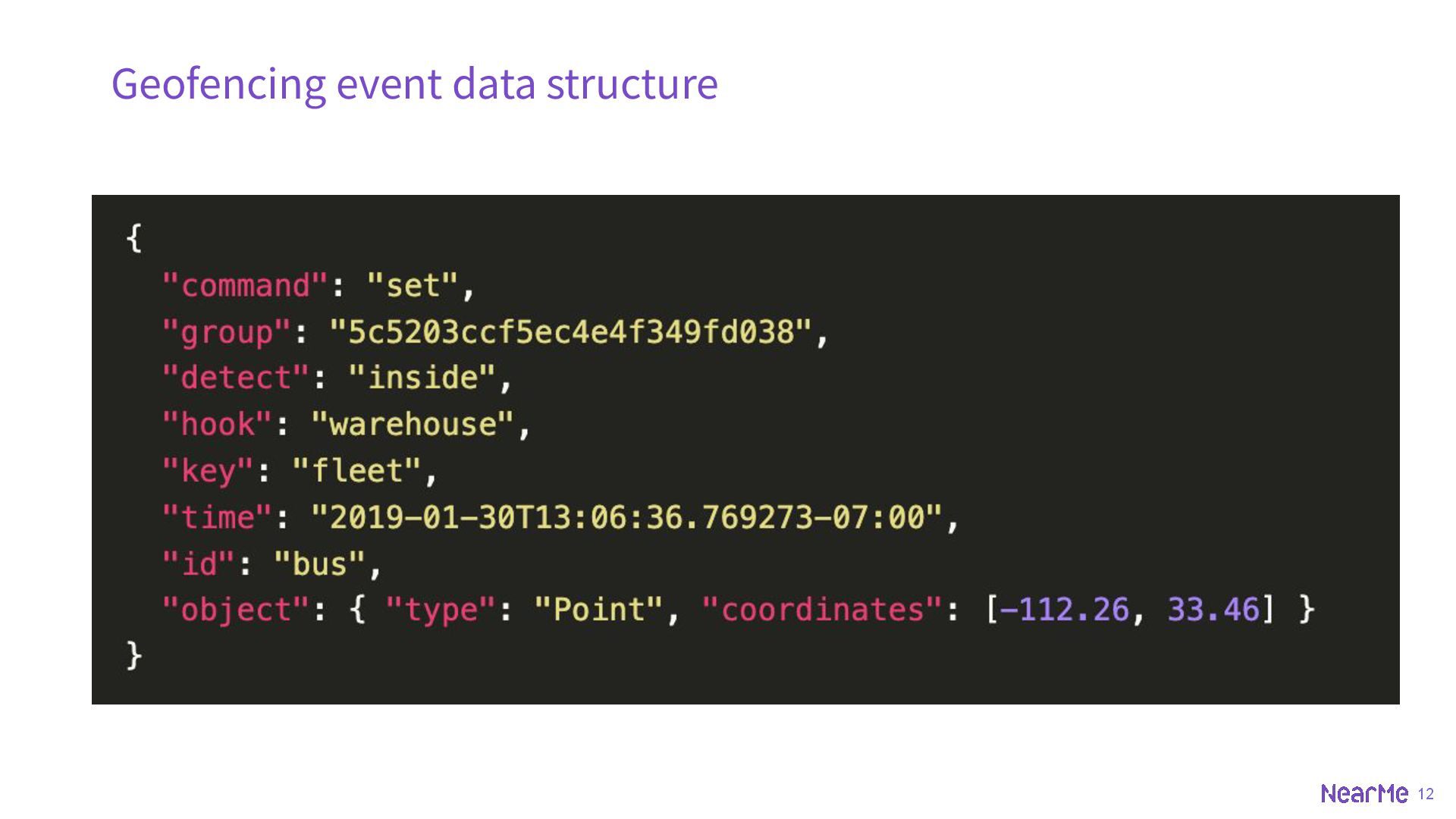
not trigger `inside`/`outside` until any operation (set, del, drop) on them. • Objects entering the area will trigger `enter` and then `inside`. `command` is `set`. • Objects leaving the area will trigger `exit` and then `outside`. `command` is `set`. • If an object is deleted, an event of `command` being `del` will be triggered without the `detect` and `object` field. There will be no `exit` or `outside` event for this. • `detect` field is only set when `command` is `set`.
leader and followers are assigned manually with FOLLOW commands. There is no built-in election mechanism. • Followers never accept write commands. • For a follower to accept read commands, the follower must have caught up to its leader, otherwise it will reject the commands. Replication


 nearme_tech
 kevinliebholz
 marcoroth
 malarkey
 inesmontani
 baasie
 rkaga
rkaga
 lfama
lfama
 bluesmoon
 sarafernandez
 thirion
 morganepeng
 aleyda
![4 • SET ◦ Just like Redis ◦ [EX seconds]](https://files.speakerdeck.com/presentations/d1057818075344ddaeec1e1bd6268c5b/slide_4.jpg)