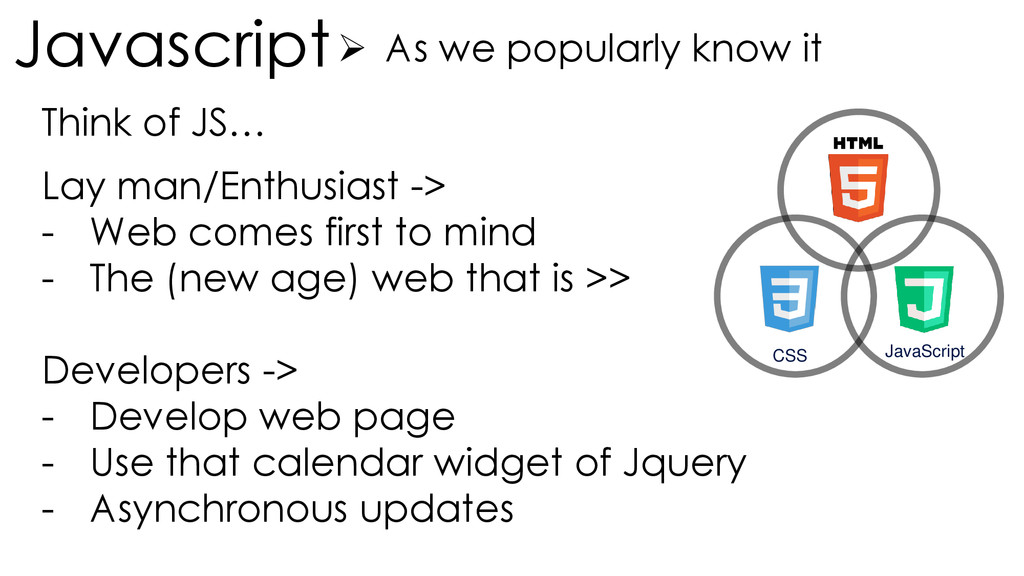
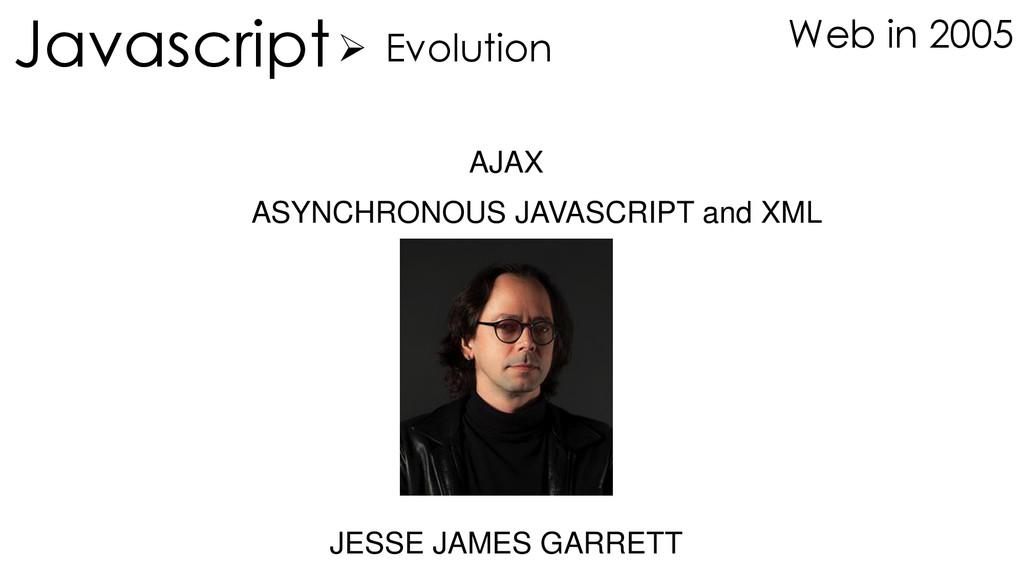
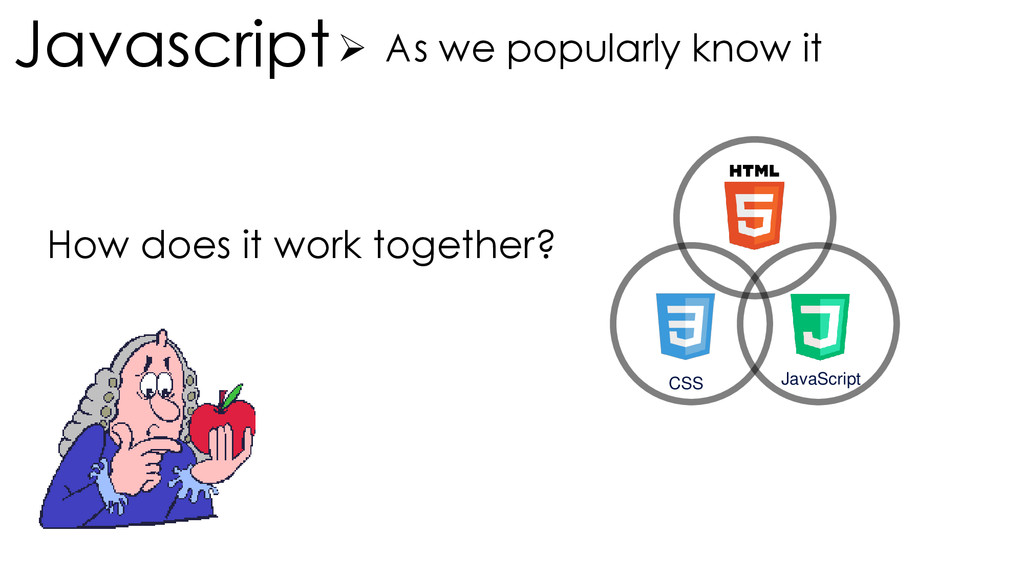
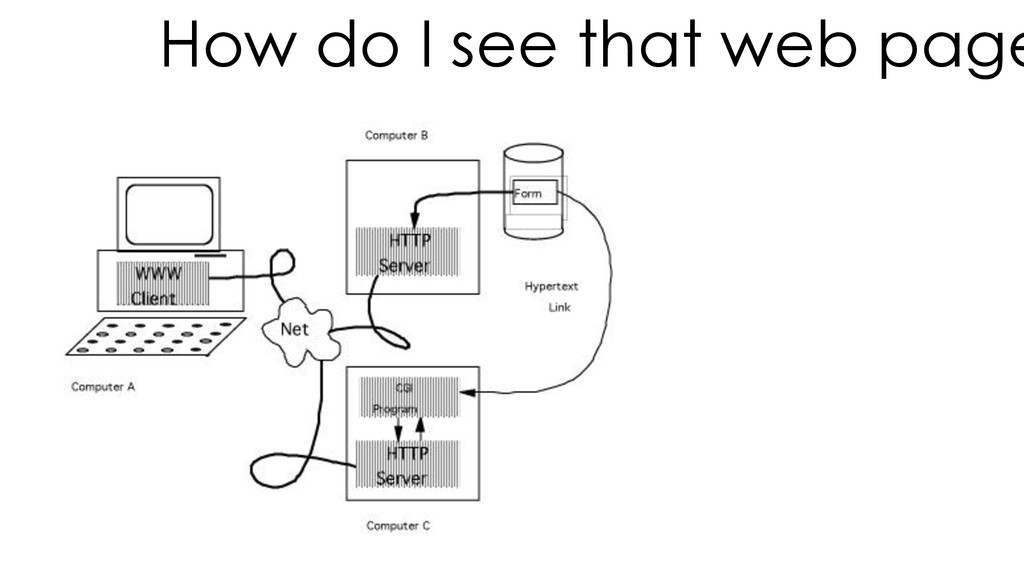
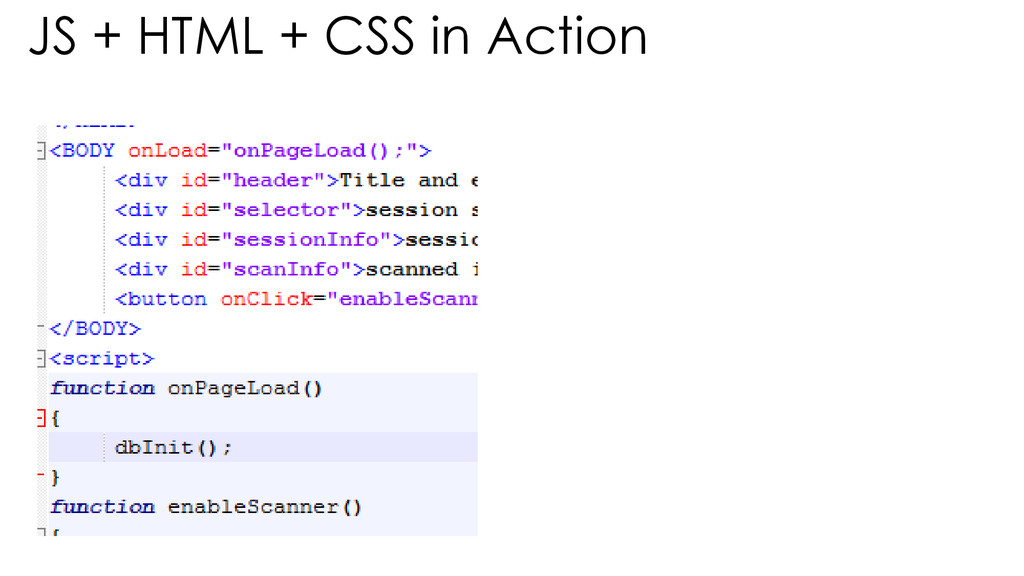
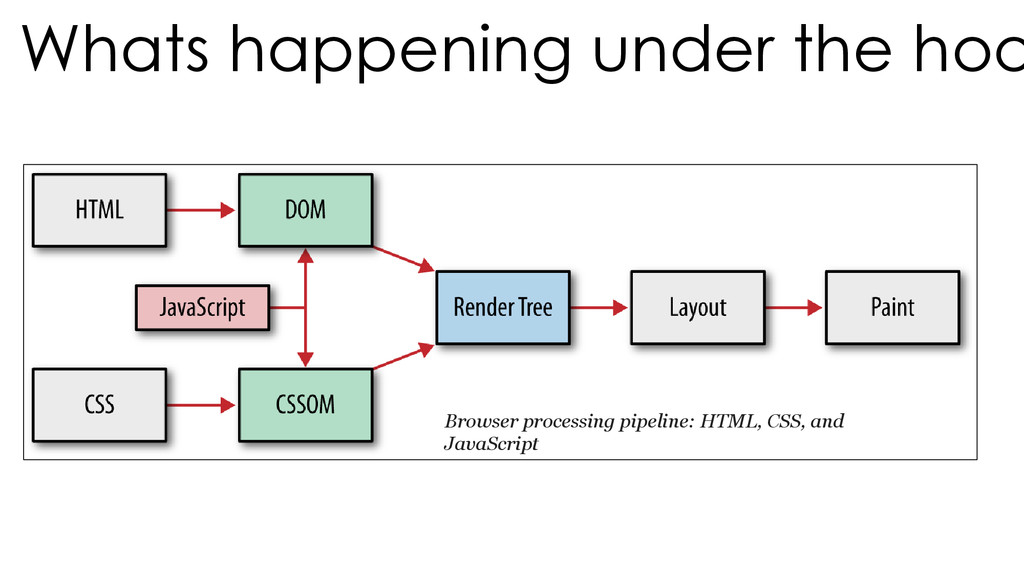
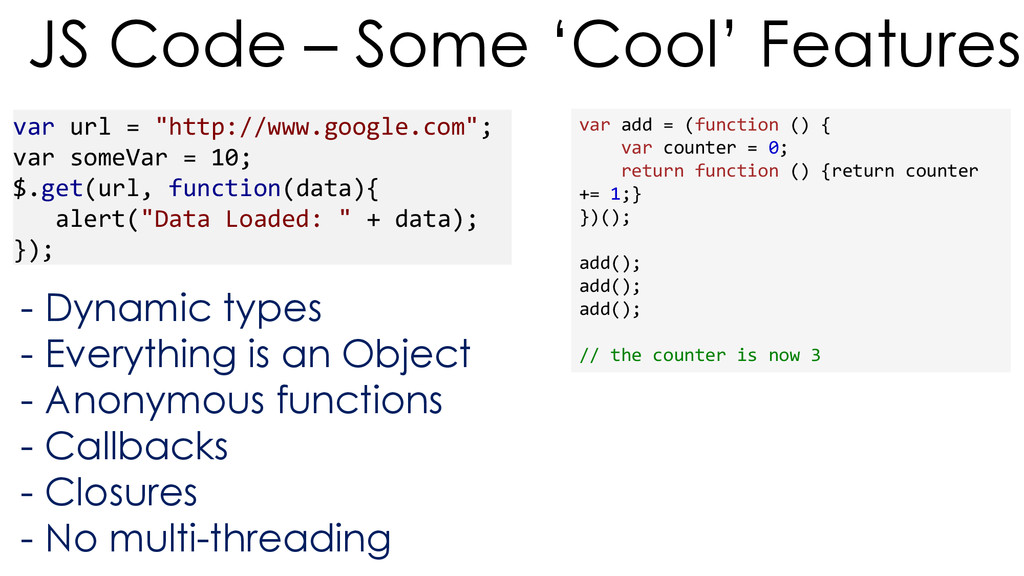
-> - Web comes first to mind - The (new age) web that is >> Developers -> - Develop web page - Use that calendar widget of Jquery - Asynchronous updates Think of JS…
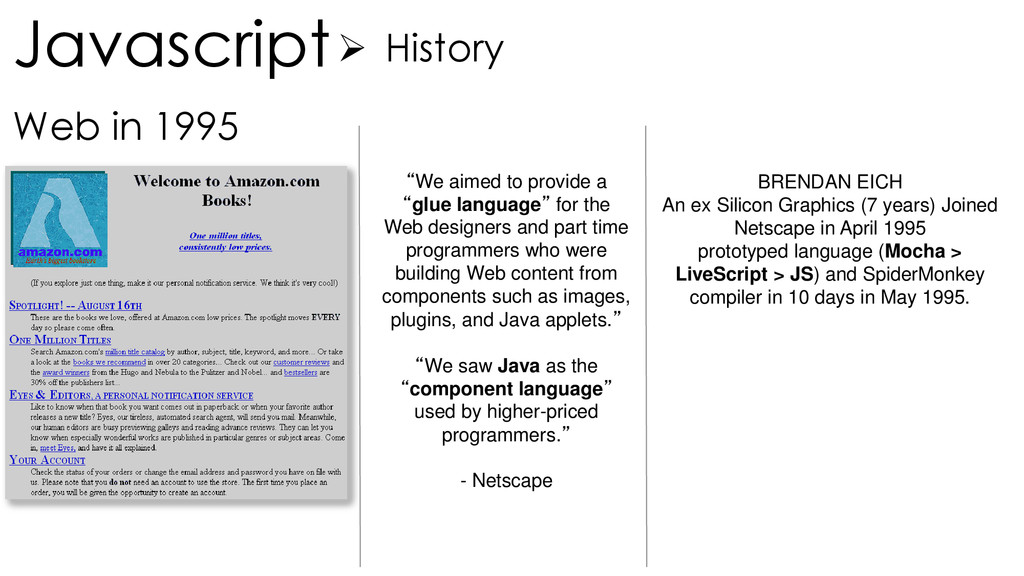
“glue language” for the Web designers and part time programmers who were building Web content from components such as images, plugins, and Java applets.” “We saw Java as the “component language” used by higher-priced programmers.” - Netscape BRENDAN EICH An ex Silicon Graphics (7 years) Joined Netscape in April 1995 prototyped language (Mocha > LiveScript > JS) and SpiderMonkey compiler in 10 days in May 1995.
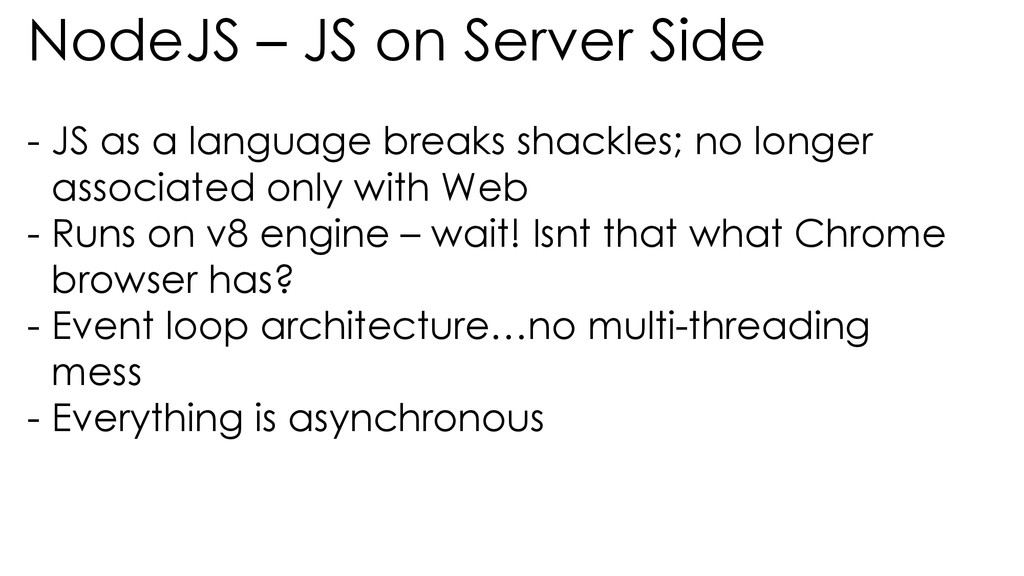
language breaks shackles; no longer associated only with Web - Runs on v8 engine – wait! Isnt that what Chrome browser has? - Event loop architecture…no multi-threading mess - Everything is asynchronous
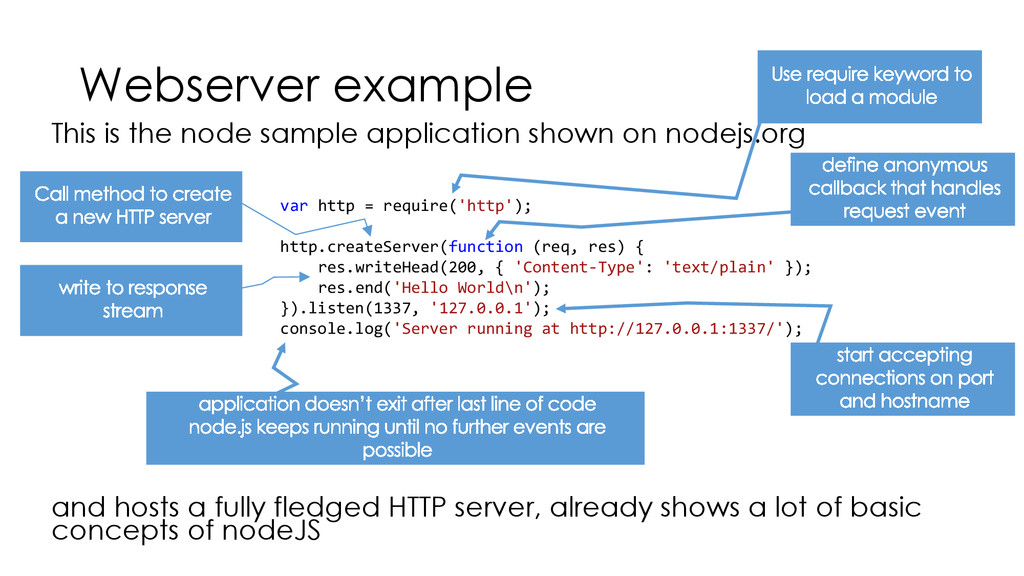
nodejs.org and hosts a fully fledged HTTP server, already shows a lot of basic concepts of nodeJS var http = require('http'); http.createServer(function (req, res) { res.writeHead(200, { 'Content-Type': 'text/plain' }); res.end('Hello World\n'); }).listen(1337, '127.0.0.1'); console.log('Server running at http://127.0.0.1:1337/');
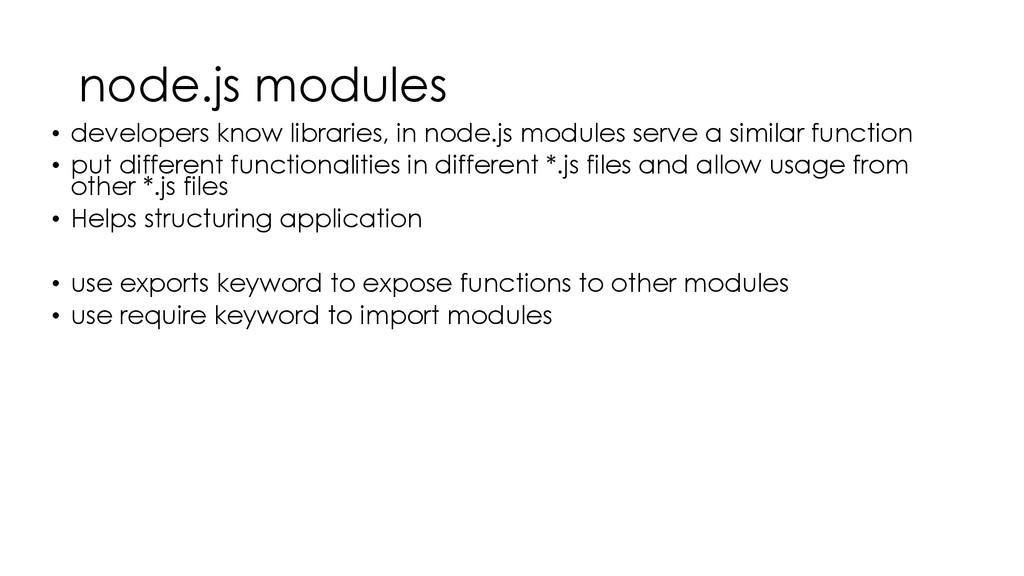
a similar function • put different functionalities in different *.js files and allow usage from other *.js files • Helps structuring application • use exports keyword to expose functions to other modules • use require keyword to import modules
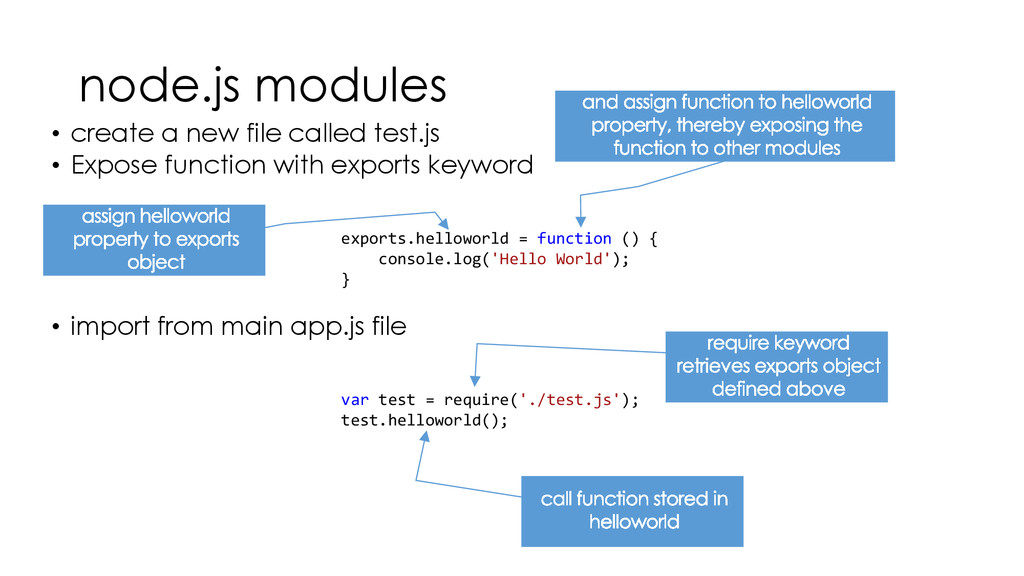
Expose function with exports keyword • import from main app.js file exports.helloworld = function () { console.log('Hello World'); } var test = require('./test.js'); test.helloworld();
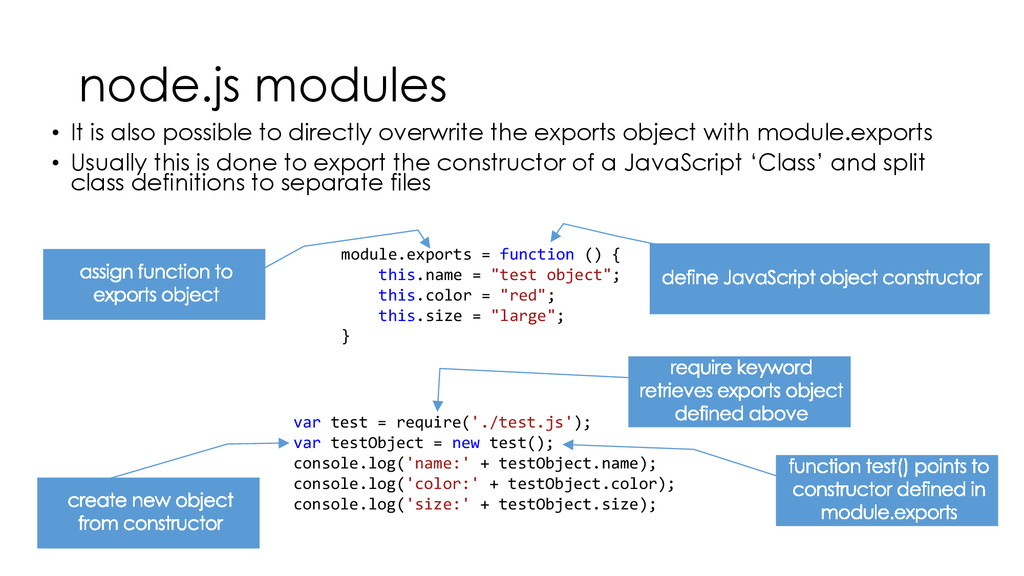
the exports object with module.exports • Usually this is done to export the constructor of a JavaScript ‘Class’ and split class definitions to separate files module.exports = function () { this.name = "test object"; this.color = "red"; this.size = "large"; } var test = require('./test.js'); var testObject = new test(); console.log('name:' + testObject.name); console.log('color:' + testObject.color); console.log('size:' + testObject.size);
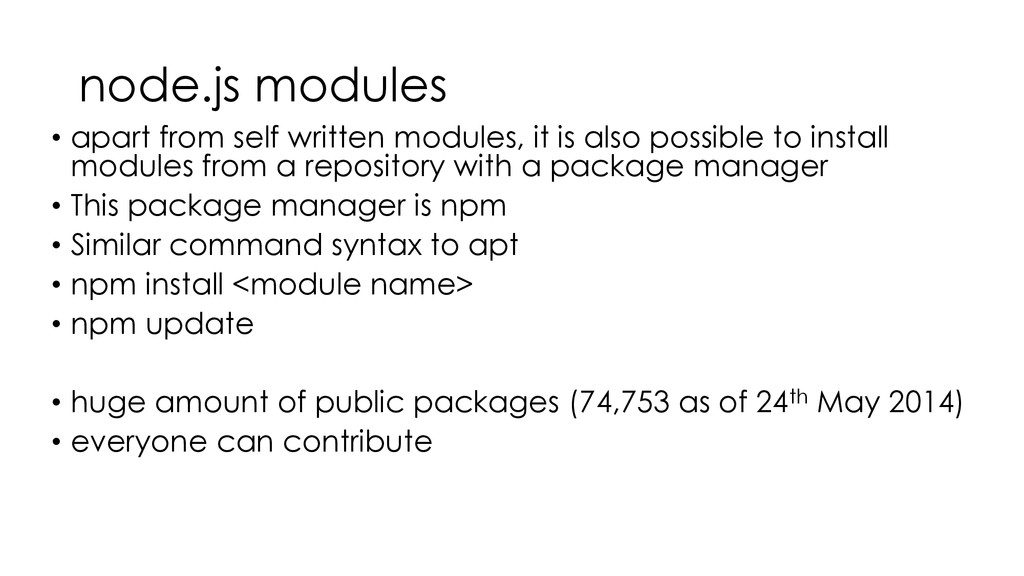
also possible to install modules from a repository with a package manager • This package manager is npm • Similar command syntax to apt • npm install <module name> • npm update • huge amount of public packages (74,753 as of 24th May 2014) • everyone can contribute
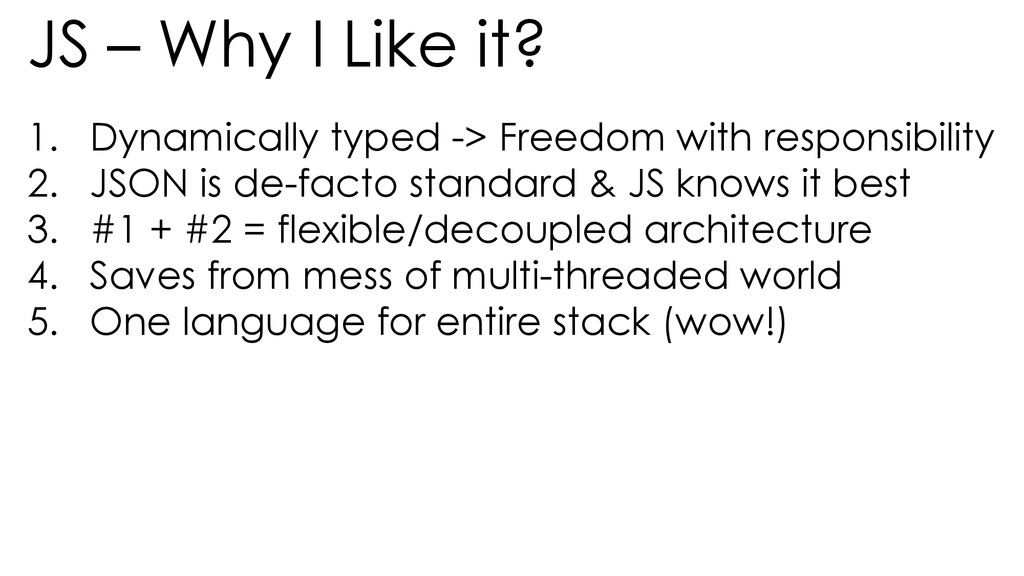
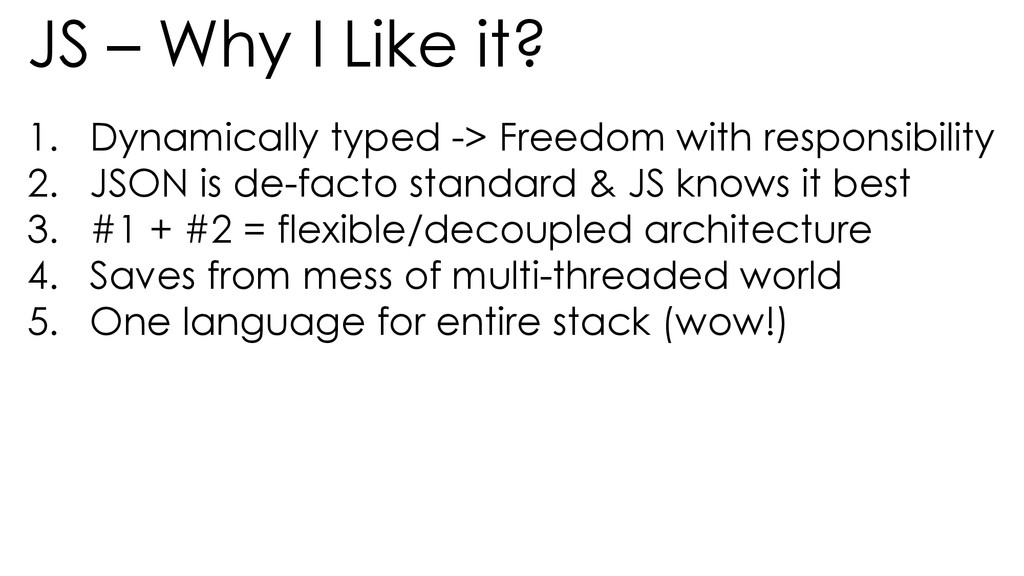
Freedom with responsibility 2. JSON is de-facto standard & JS knows it best 3. #1 + #2 = flexible/decoupled architecture 4. Saves from mess of multi-threaded world 5. One language for entire stack (wow!)
Freedom with responsibility 2. JSON is de-facto standard & JS knows it best 3. #1 + #2 = flexible/decoupled architecture 4. Saves from mess of multi-threaded world 5. One language for entire stack (wow!)


 iwiwi
iwiwi
 florets1
 kinopeee
 siroemk
 tmikov2023
 colorful12
 kenjiyoneyama
 morizo_1984
 andpad
 kishida
 palkan
 kmars0605
 davidcarrasco
 moore
moore
 apolaine
 nwiizo
 codingconduct
 reverentgeek
 akashhashmi
 sabderemane
 thoeni
 holman
 soudai