Upgrade to Pro — share decks privately, control downloads, hide ads and more …

ワンライナーでちょっと楽に確認するNOSコンフィグ

Sponsored · Your Podcast. Everywhere. Effortlessly. Share. Educate. Inspire. Entertain. You do you. We'll handle the rest.
Avatar for Kaoru Nagashima Kaoru Nagashima
March 19, 2023
27

 ワンライナーでちょっと楽に確認するNOSコンフィグ

Avatar for Kaoru Nagashima

Kaoru Nagashima

March 19, 2023
Tweet

Transcript

  1. 自己紹介 ・永島 薫 (Kaoru Nagashima aka なかっちゃん) ・Yahoo Japan (

    2021/4 ~ ) ・データセンターネットワークやってます ・メイン: 金融決済ネットワーク ・Twitter: @kaoru_nkchan ・Perl関係活動 ・Perl入学式サポーター、PerlドキュメントWG ・YAPC::Japan::Online 2022 懇親会クイズ大会
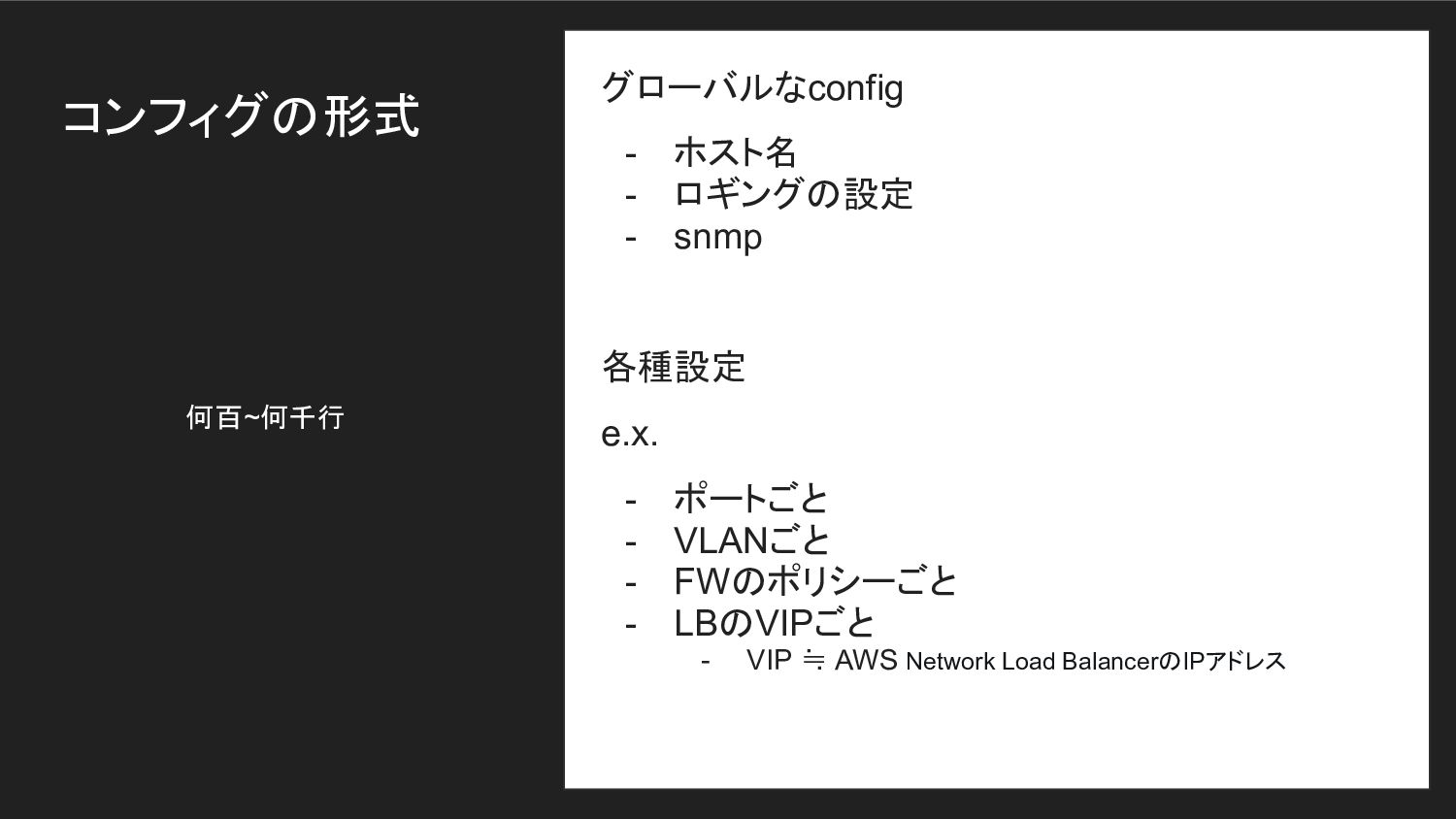
  2. コンフィグの形式 グローバルなconfig - ホスト名 - ロギングの設定 - snmp 各種設定 e.x.

    - ポートごと - VLANごと - FWのポリシーごと - LBのVIPごと - VIP ≒ AWS Network Load BalancerのIPアドレス 何百~何千行
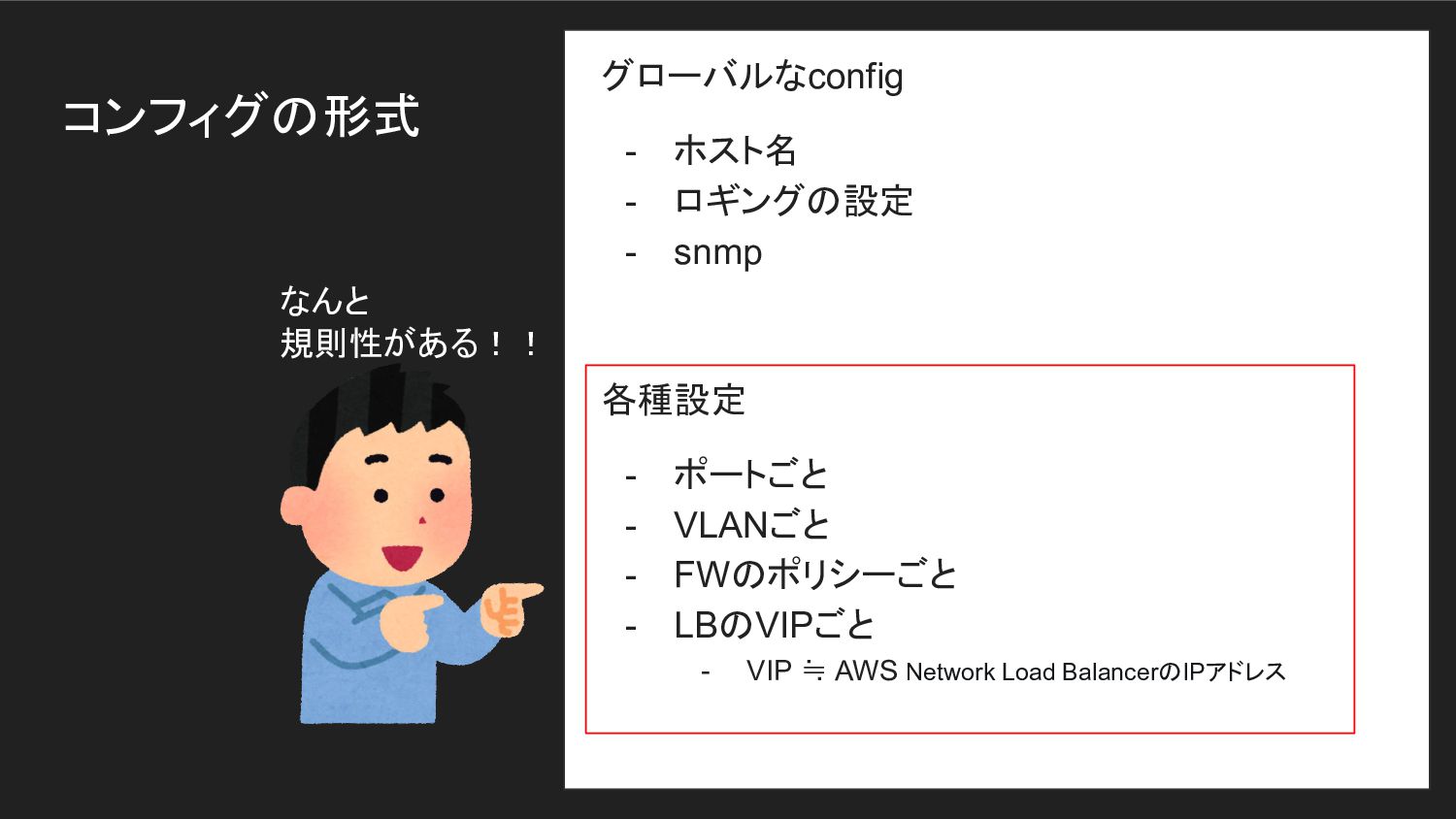
  3. コンフィグの形式 グローバルなconfig - ホスト名 - ロギングの設定 - snmp 各種設定 -

    ポートごと - VLANごと - FWのポリシーごと - LBのVIPごと - VIP ≒ AWS Network Load BalancerのIPアドレス なんと 規則性がある!!
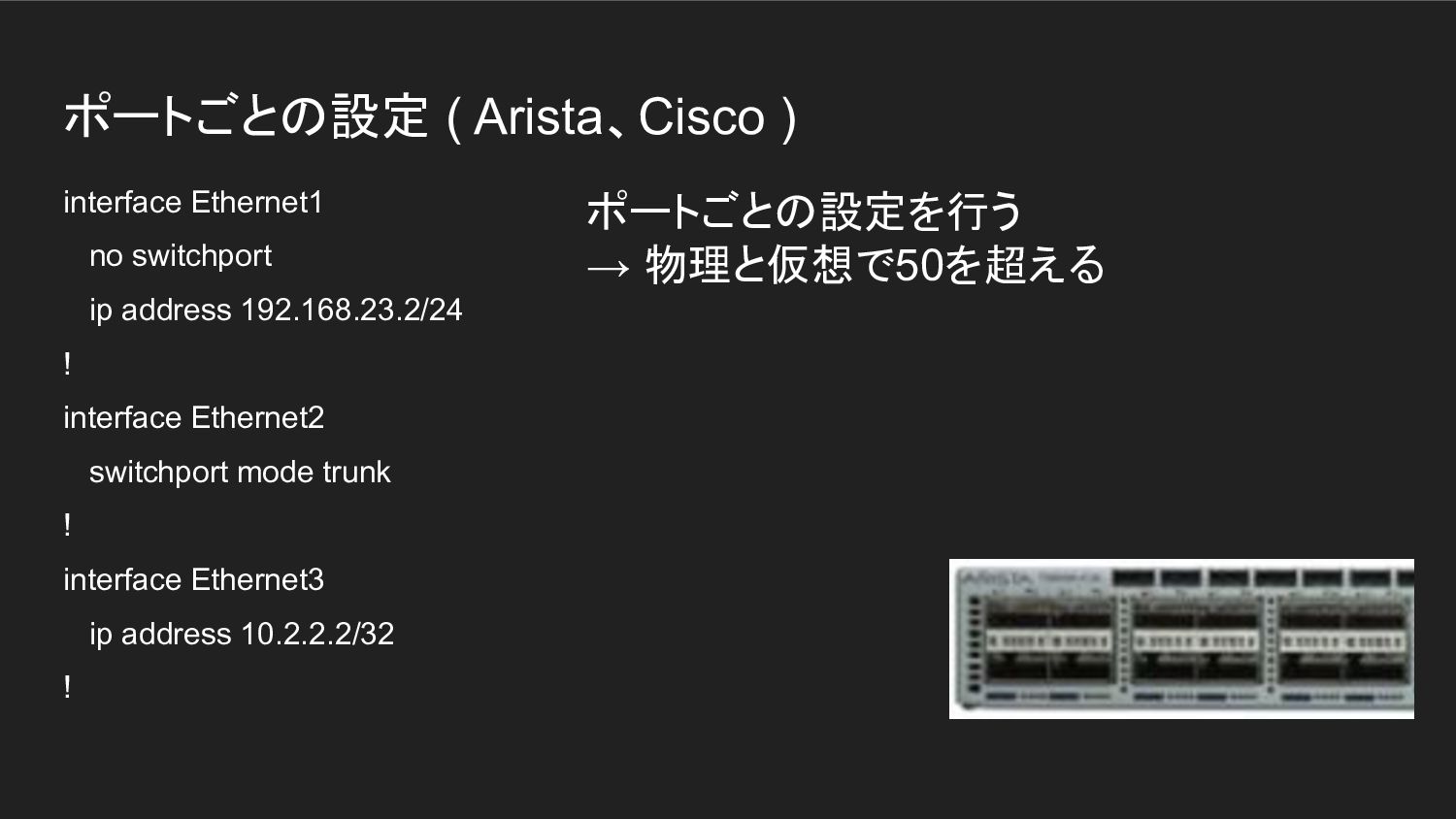
  4. ポートごとの設定 ( Arista、Cisco ) interface Ethernet1 no switchport ip address

    192.168.23.2/24 ! interface Ethernet2 switchport mode trunk ! interface Ethernet3 ip address 10.2.2.2/32 ! ポートごとの設定を行う → 物理と仮想で50を超える
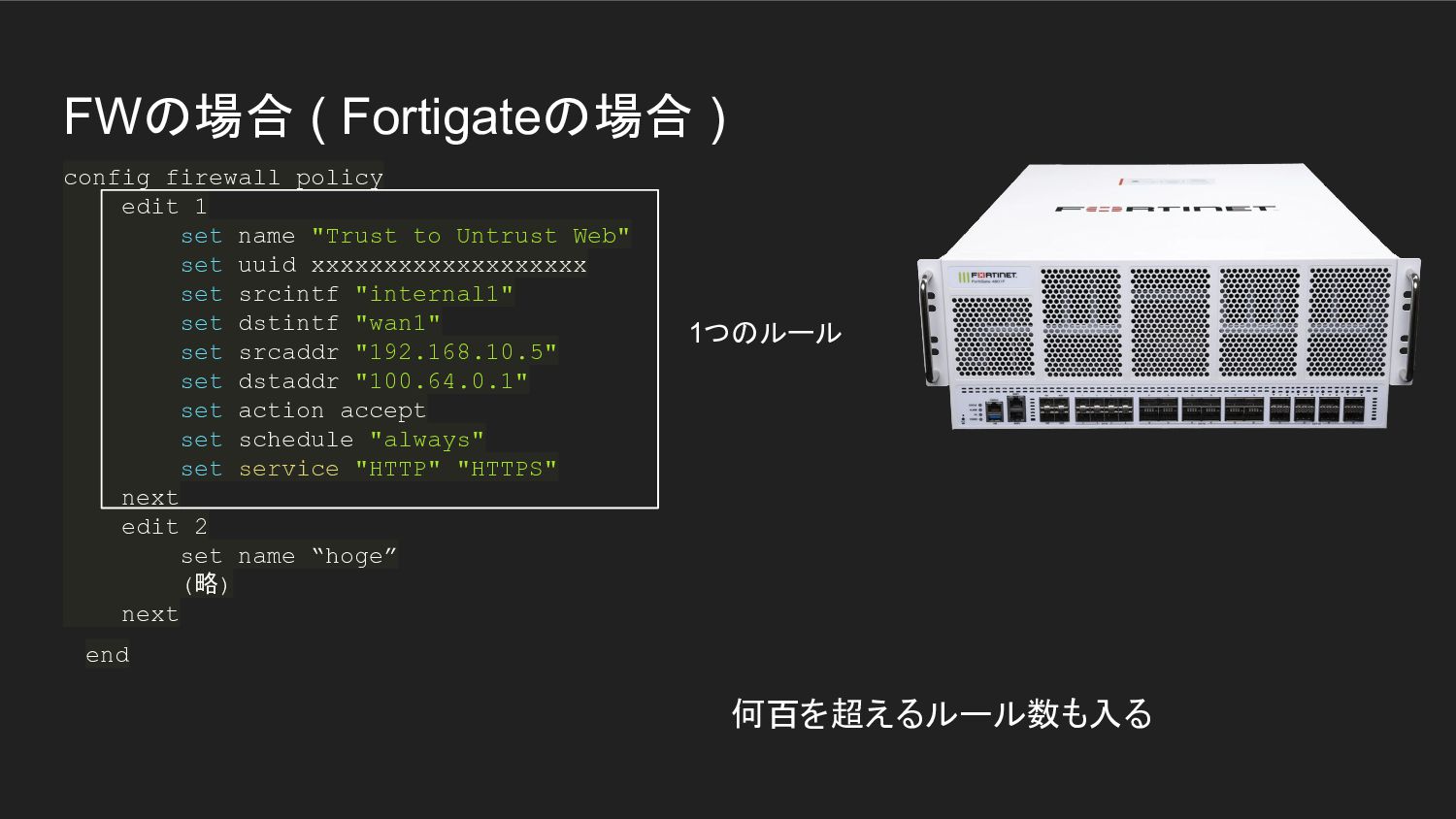
  5. FWの場合 ( Fortigateの場合 ) config firewall policy edit 1 set

    name "Trust_to_Untrust_Web" set uuid xxxxxxxxxxxxxxxxxxx set srcintf "internal1" set dstintf "wan1" set srcaddr "192.168.10.5" set dstaddr "100.64.0.1" set action accept set schedule "always" set service "HTTP" "HTTPS" next edit 2 set name “hoge” (略) next end 1つのルール 何百を超えるルール数も入る
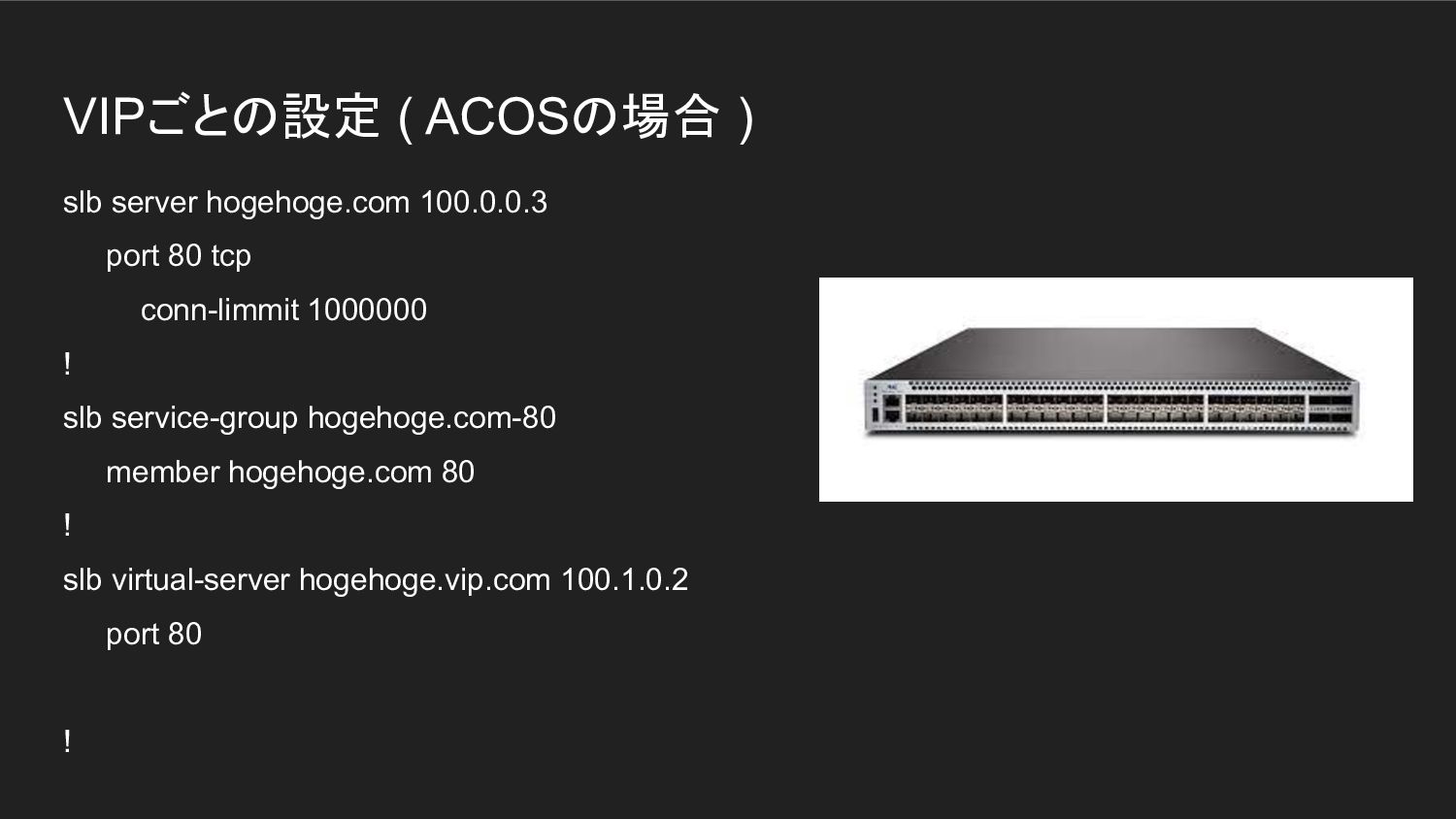
  6. VIPごとの設定 ( ACOSの場合 ) slb server hogehoge.com 100.0.0.3 port 80

    tcp conn-limmit 1000000 ! slb service-group hogehoge.com-80 member hogehoge.com 80 ! slb virtual-server hogehoge.vip.com 100.1.0.2 port 80 !
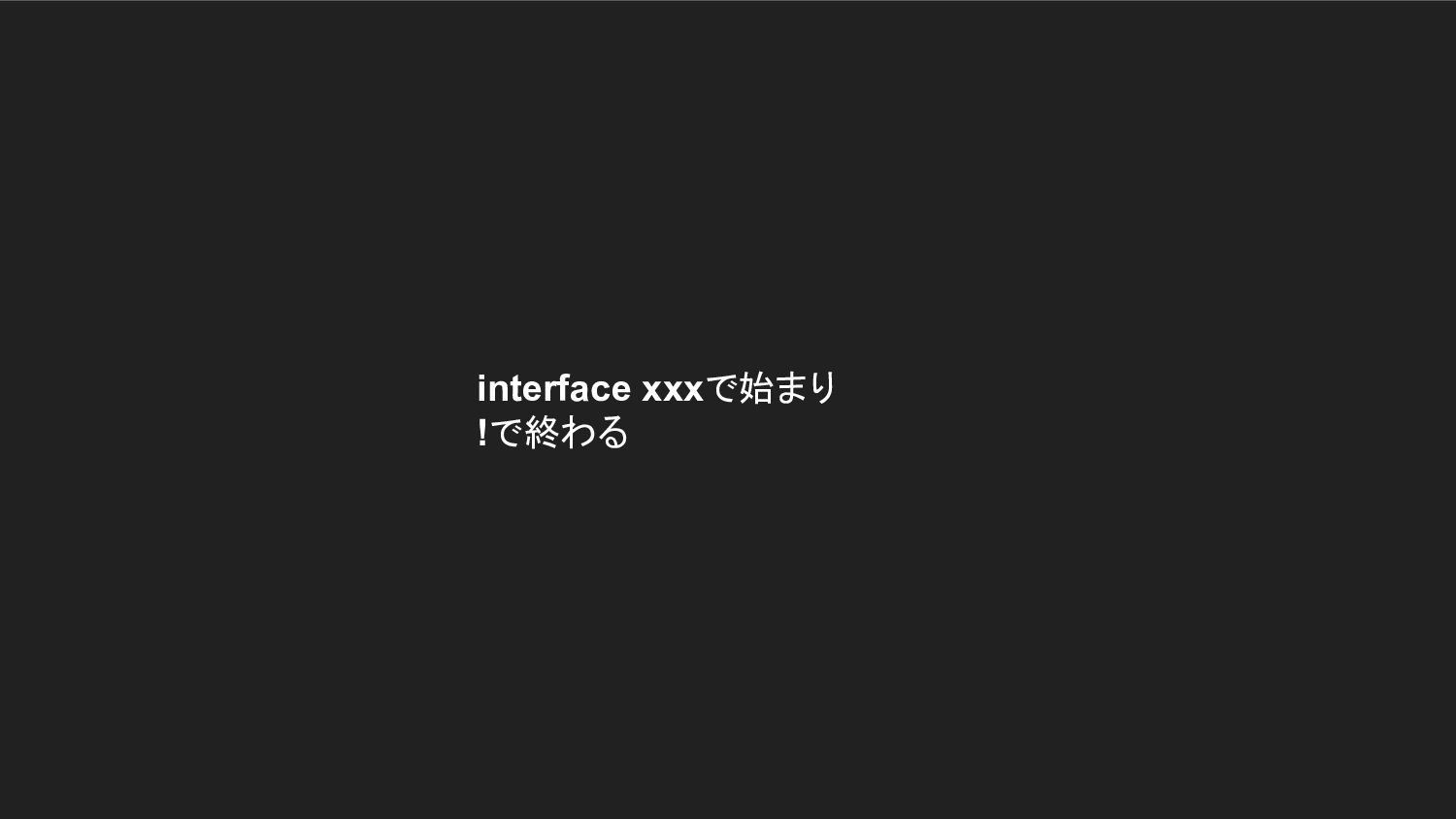
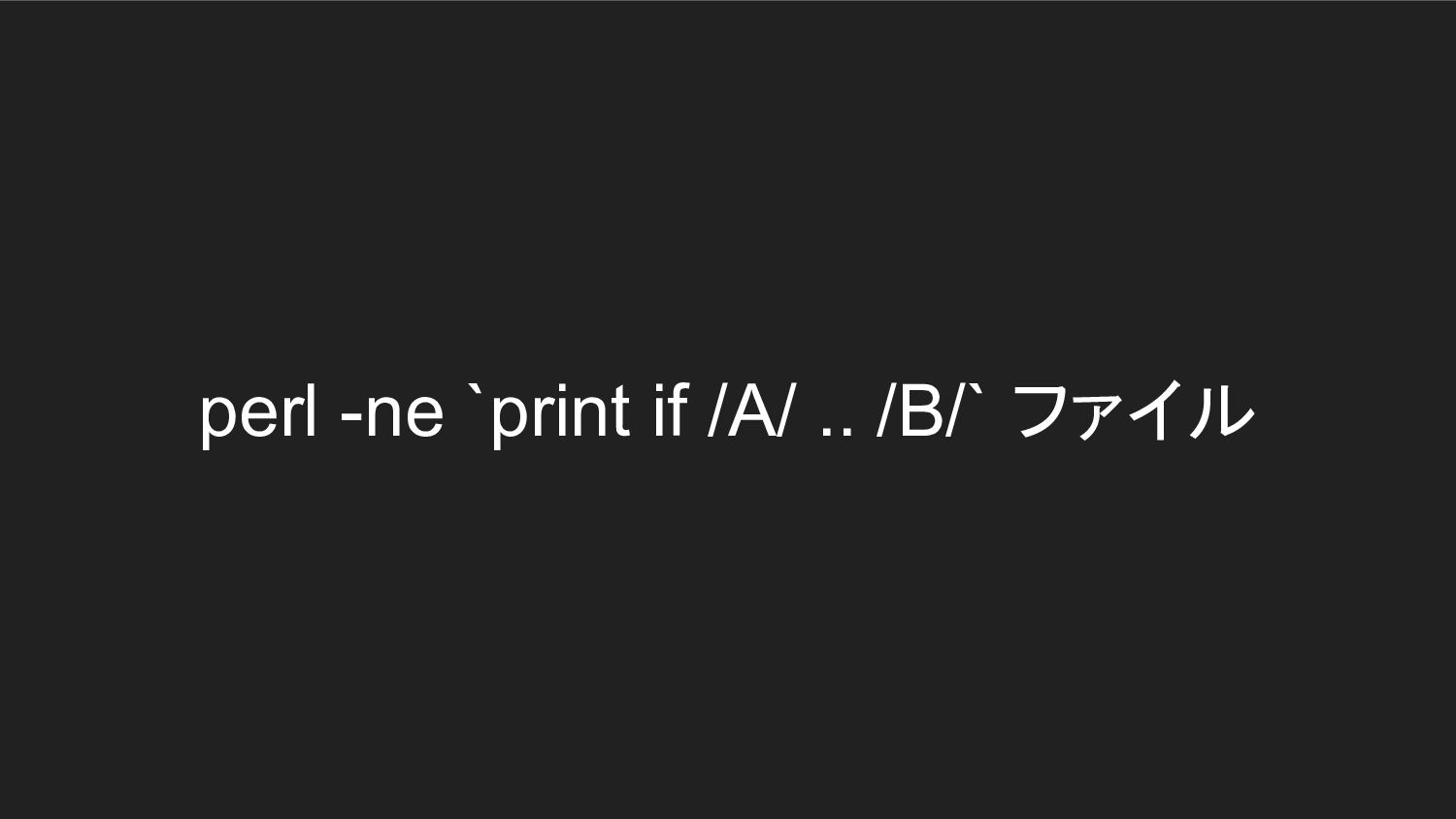
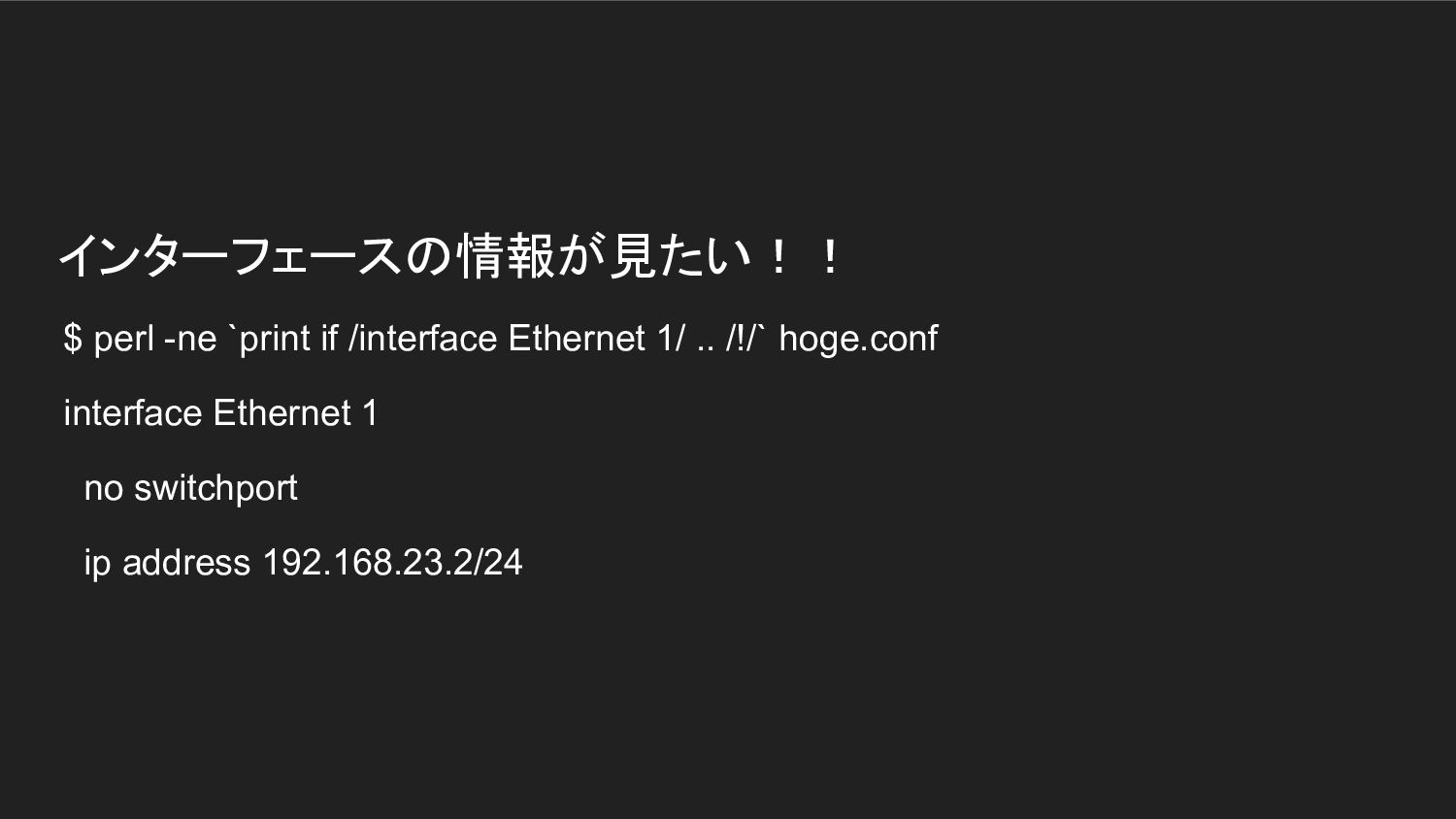
  7. インターフェースの情報が見たい!! $ perl -ne `print if /interface Ethernet 1/ ..

    /!/` hoge.conf interface Ethernet 1 no switchport ip address 192.168.23.2/24
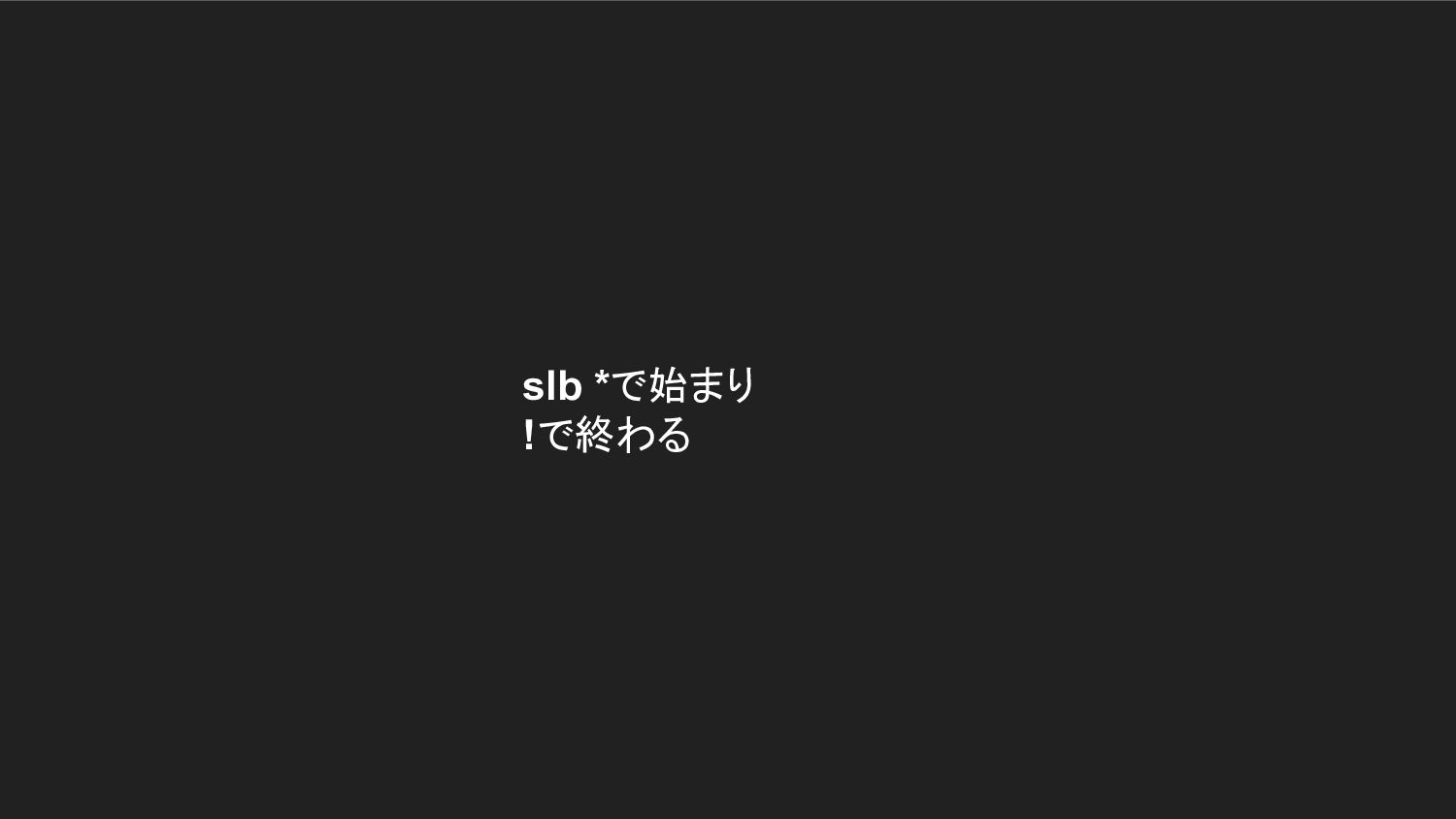
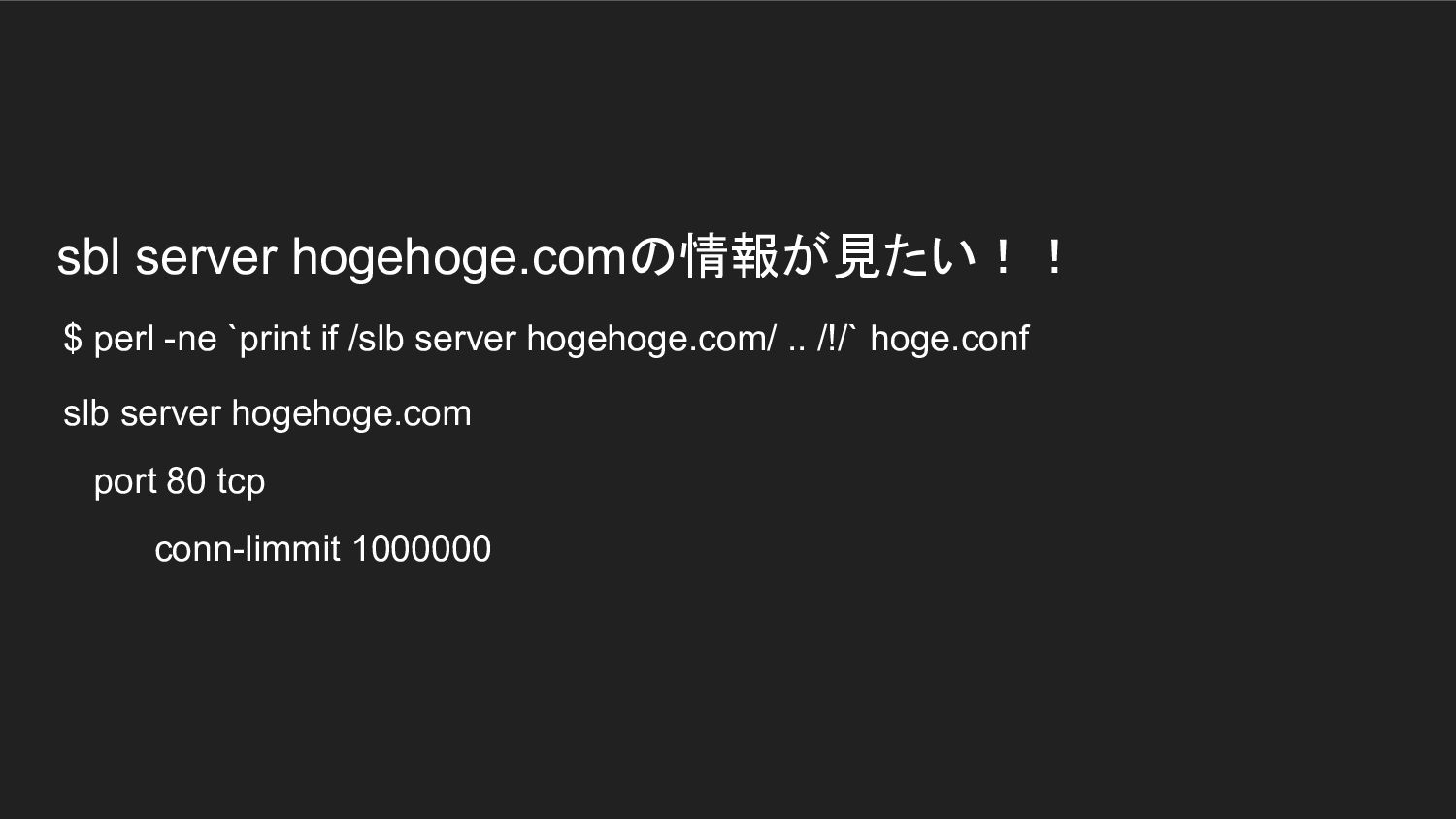
  8. sbl server hogehoge.comの情報が見たい!! $ perl -ne `print if /slb server

    hogehoge.com/ .. /!/` hoge.conf slb server hogehoge.com port 80 tcp conn-limmit 1000000
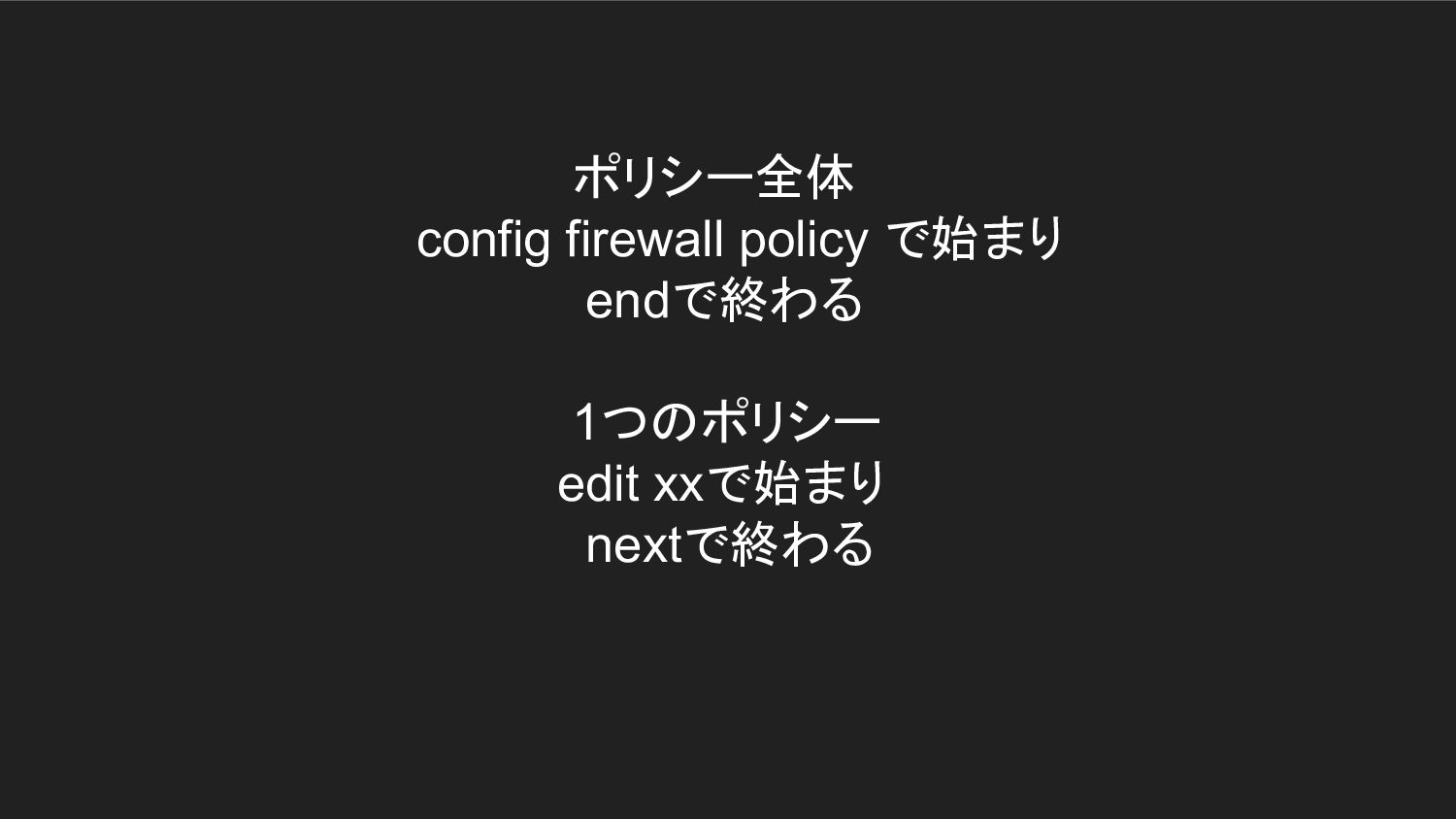
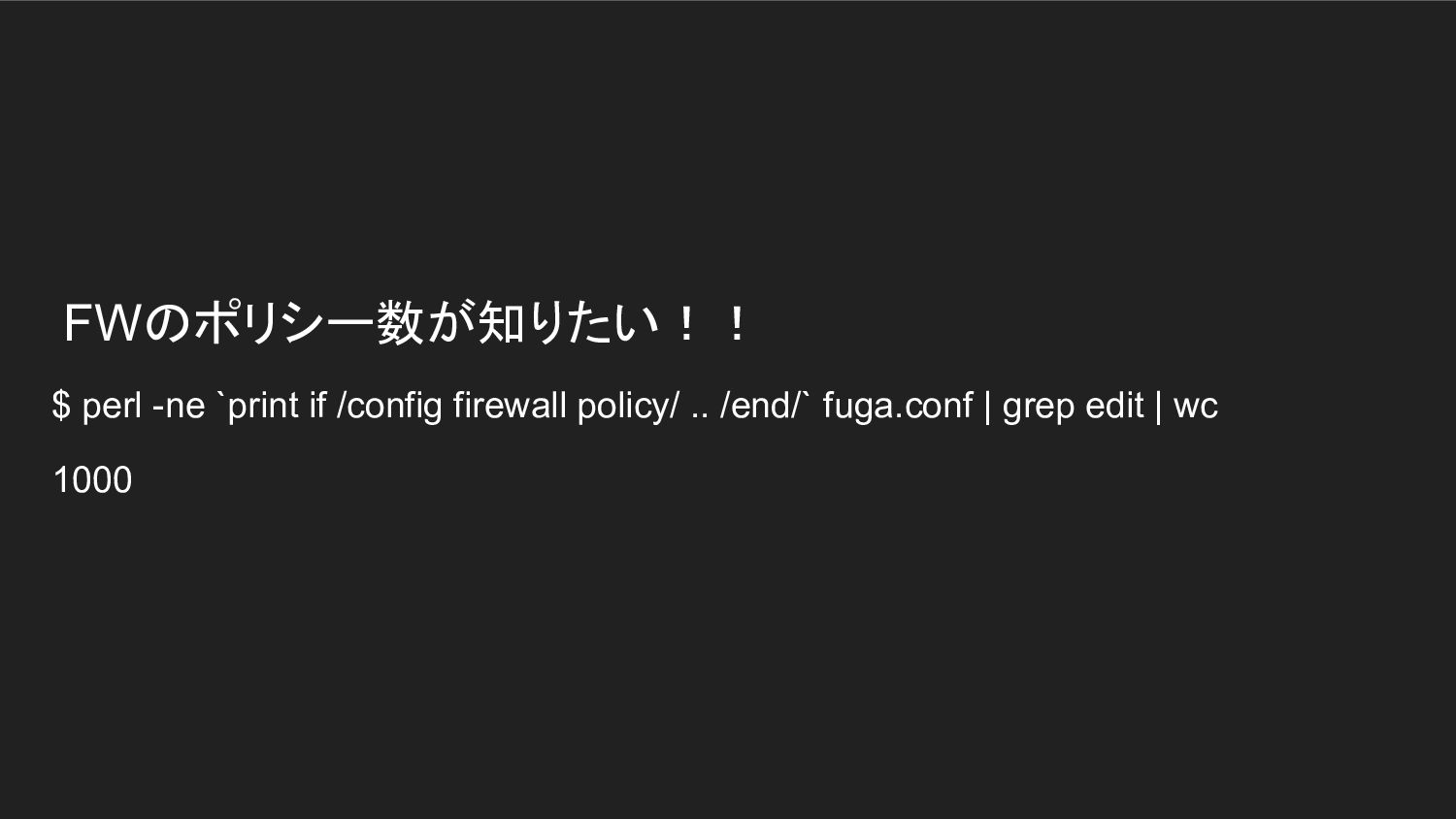
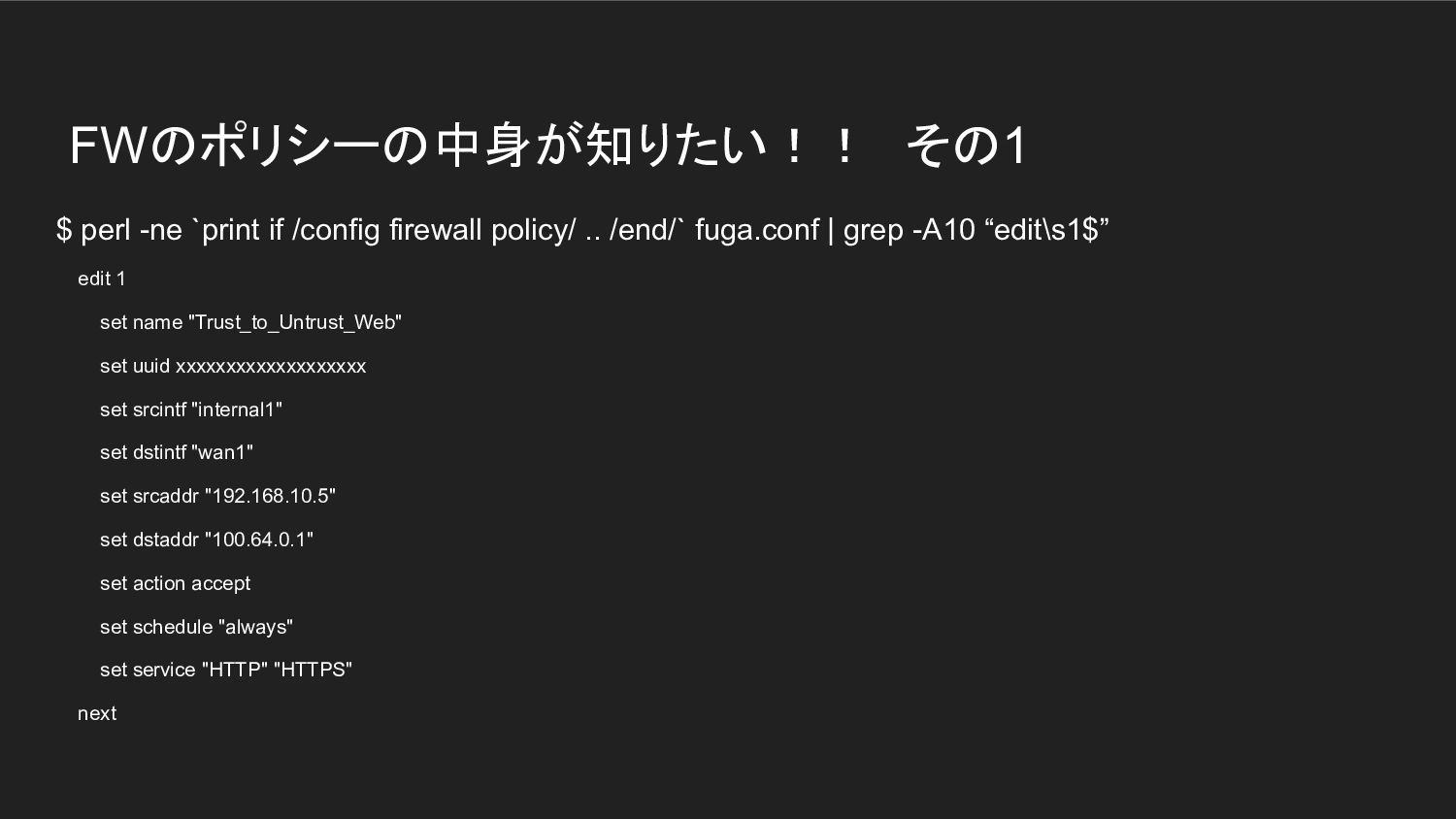
  9. FWのポリシーの中身が知りたい!! その1 $ perl -ne `print if /config firewall policy/ ..

    /end/` fuga.conf | grep -A10 “edit\s1$” edit 1 set name "Trust_to_Untrust_Web" set uuid xxxxxxxxxxxxxxxxxxx set srcintf "internal1" set dstintf "wan1" set srcaddr "192.168.10.5" set dstaddr "100.64.0.1" set action accept set schedule "always" set service "HTTP" "HTTPS" next
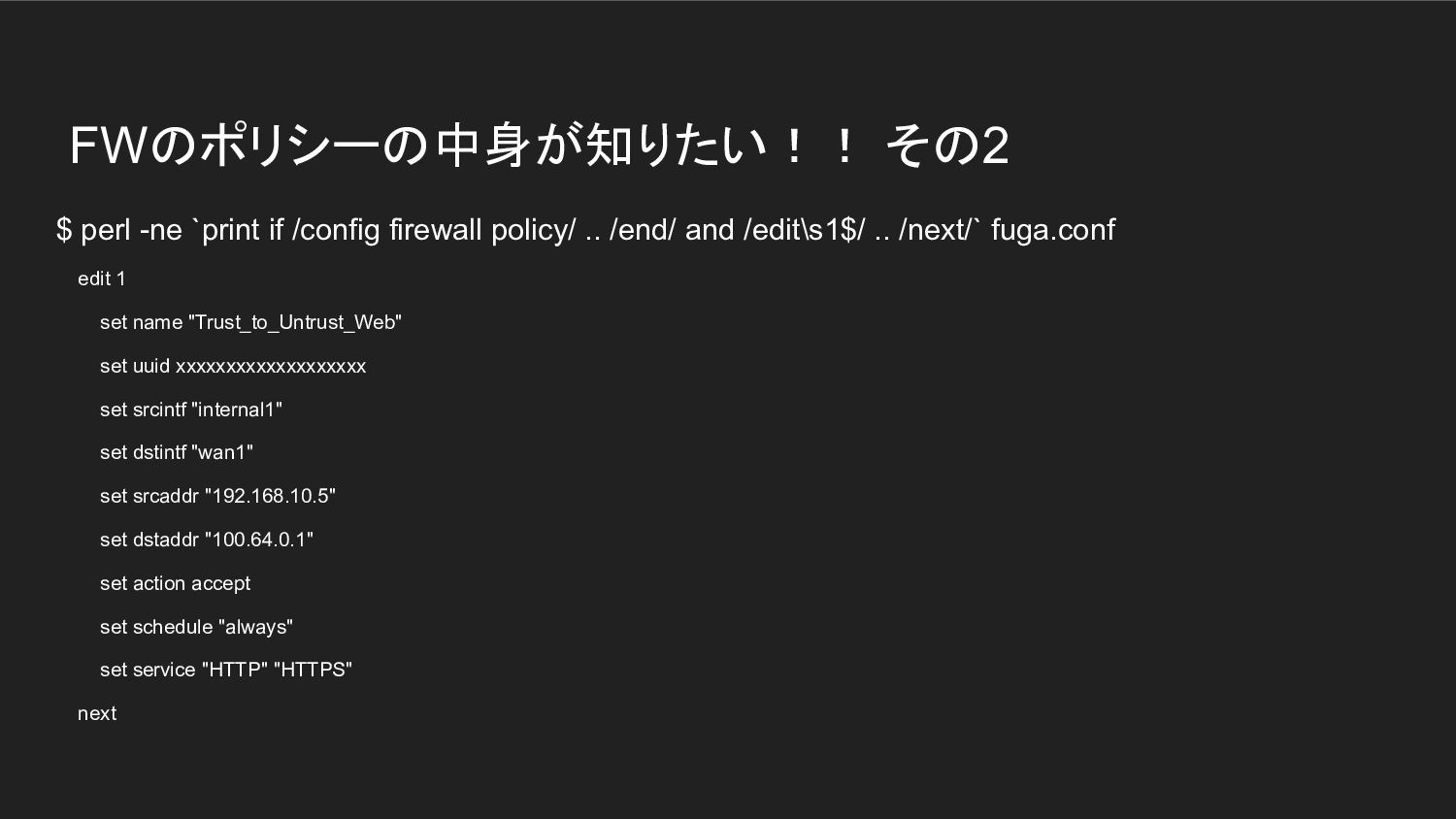
  10. FWのポリシーの中身が知りたい!! その2 $ perl -ne `print if /config firewall policy/

    .. /end/ and /edit\s1$/ .. /next/` fuga.conf edit 1 set name "Trust_to_Untrust_Web" set uuid xxxxxxxxxxxxxxxxxxx set srcintf "internal1" set dstintf "wan1" set srcaddr "192.168.10.5" set dstaddr "100.64.0.1" set action accept set schedule "always" set service "HTTP" "HTTPS" next