Upgrade to Pro — share decks privately, control downloads, hide ads and more …

Mobile Authentication: Implementing FIDO UAF on...

Mobile Authentication: Implementing FIDO UAF on mobile

Password based authentication is a pain for users and has some risks. FIDO are scalable, open standards that address the lack of interoperability among strong authentication devices and enable simpler and stronger user authentication based on public key cryptography.

I show how the FIDO UAF protocol works and share my experience about what it means to implement it on the mobile side.

This talk was presented at Mobile Romandie Meetup, Lausanne, Switzerland, on Jan 17, 2019.

Avatar for Nicolas Prallet (Marfurt)

Nicolas Prallet (Marfurt)

January 17, 2019
Tweet

More Decks by Nicolas Prallet (Marfurt)

Other Decks in Programming

Transcript

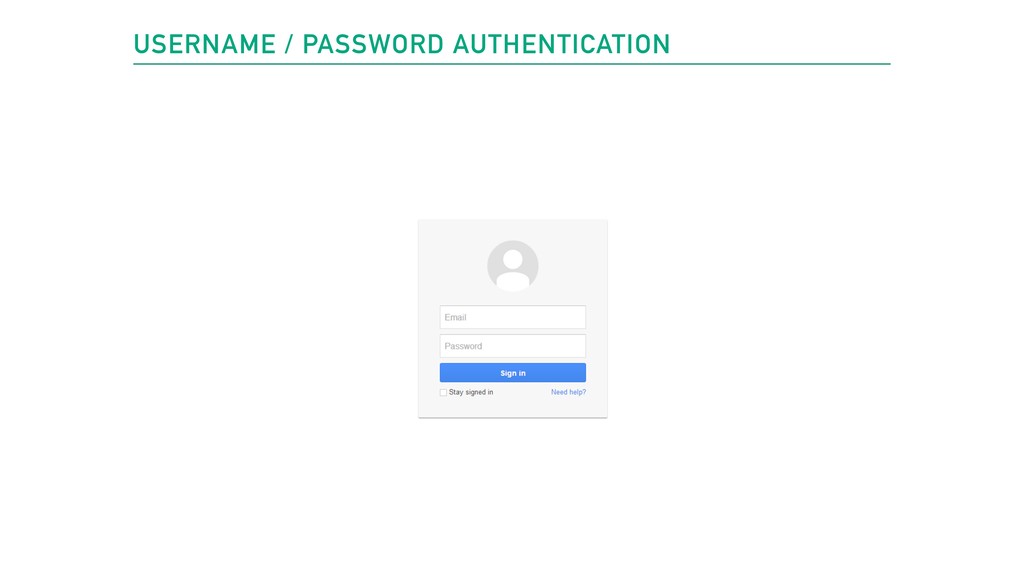
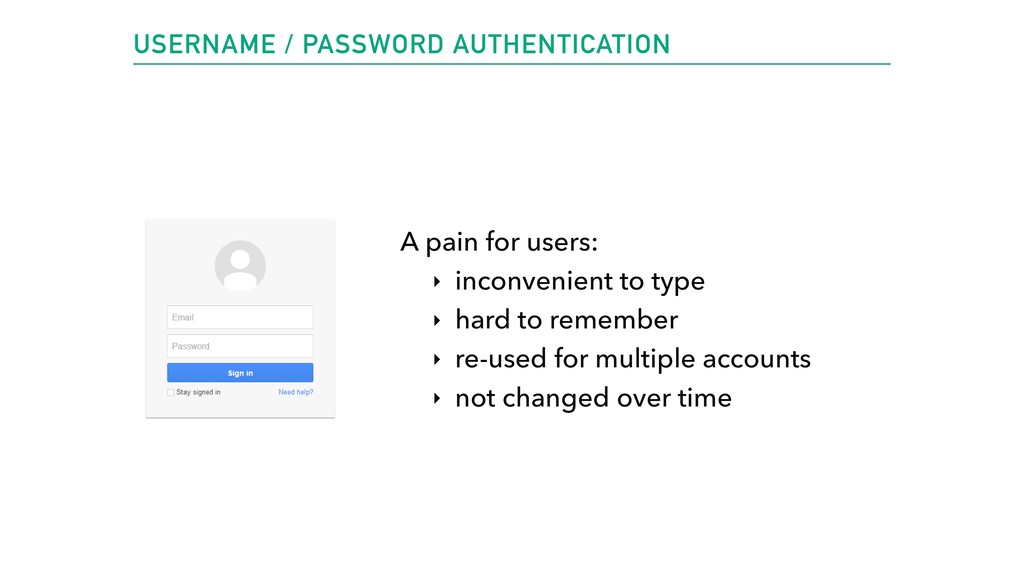
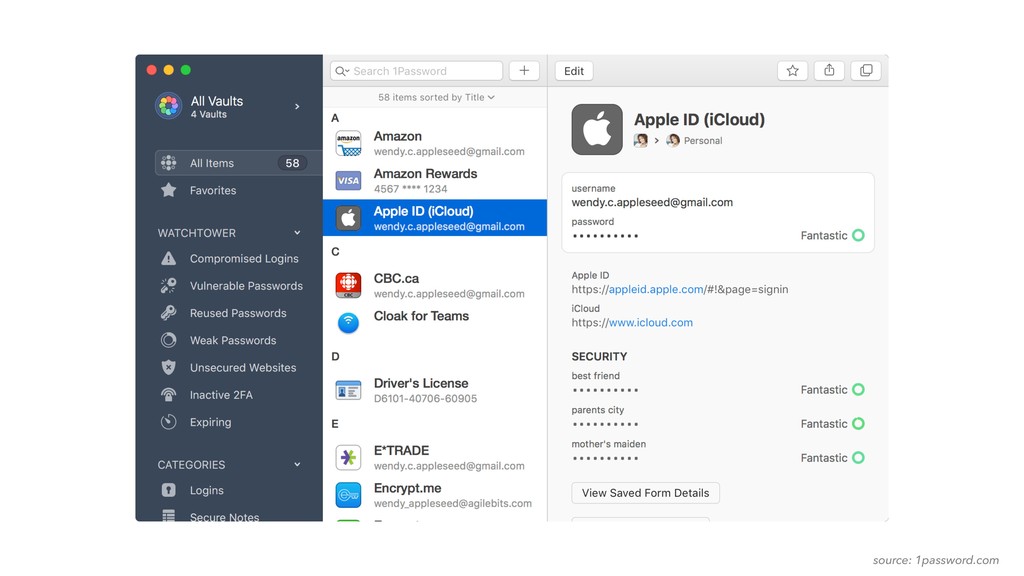
  1. USERNAME / PASSWORD AUTHENTICATION A pain for users: ‣ inconvenient
    to type ‣ hard to remember ‣ re-used for multiple accounts ‣ not changed over time
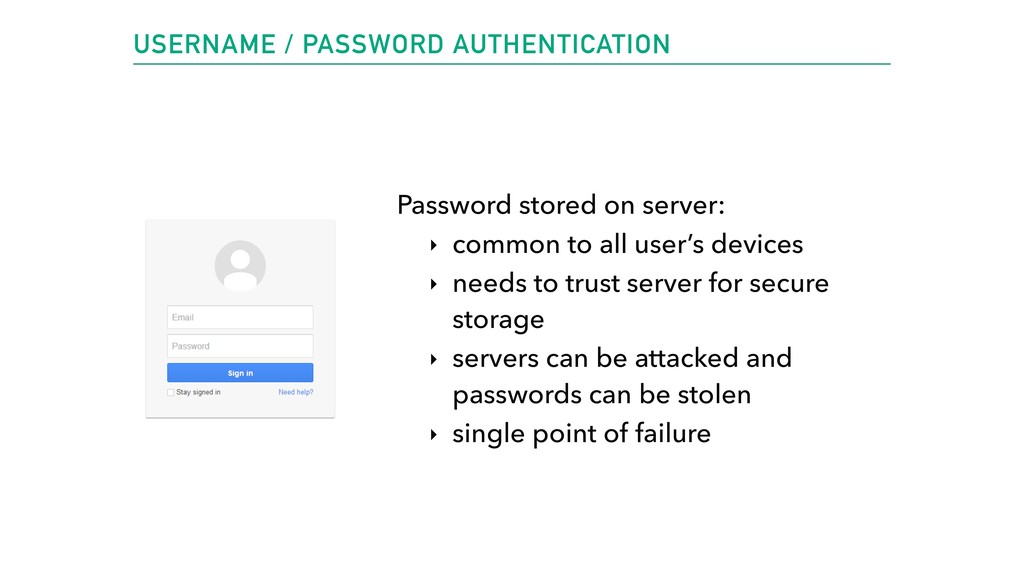
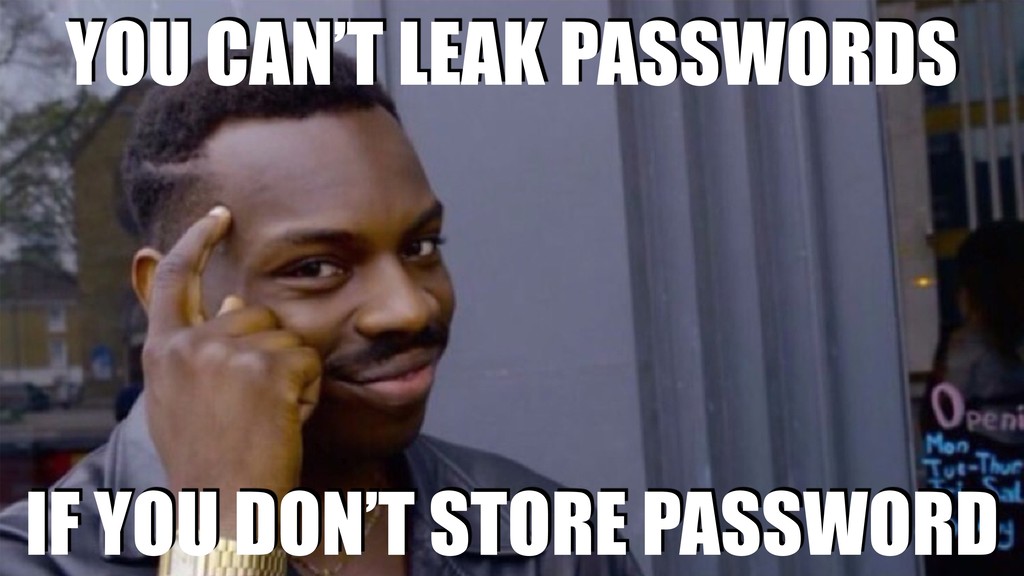
  2. USERNAME / PASSWORD AUTHENTICATION Password stored on server: ‣ common

    to all user’s devices ‣ needs to trust server for secure storage ‣ servers can be attacked and passwords can be stolen ‣ single point of failure
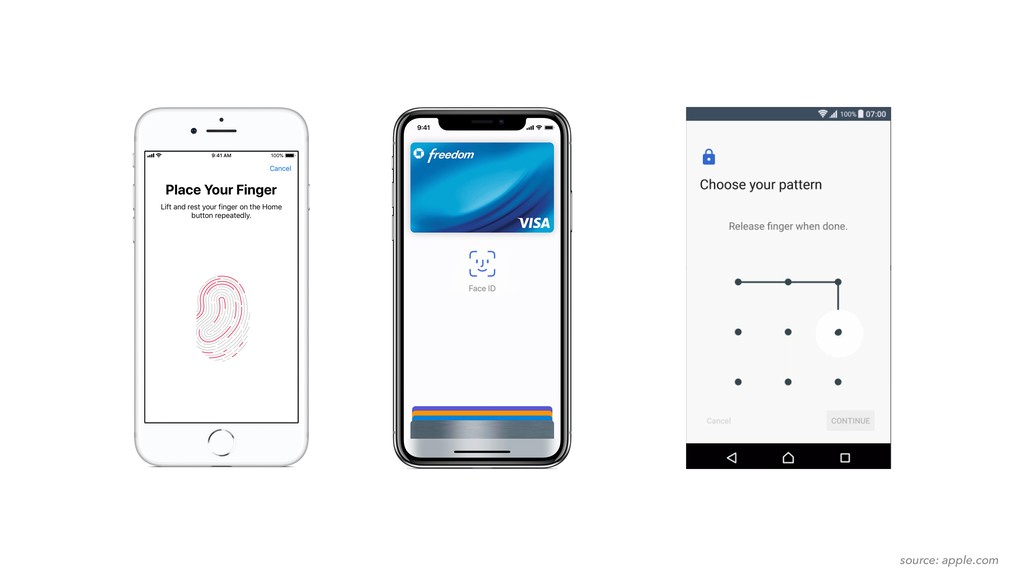
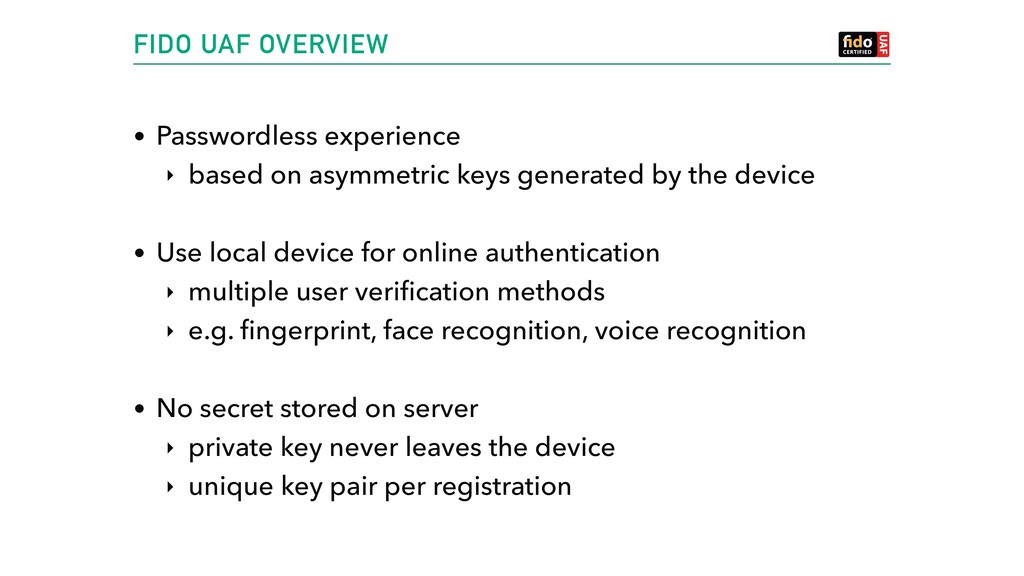
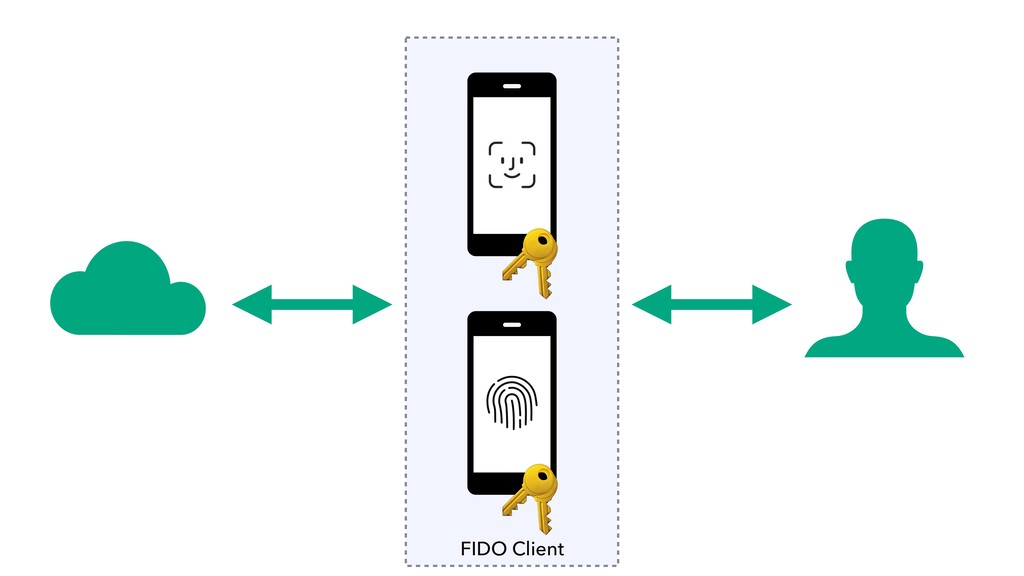
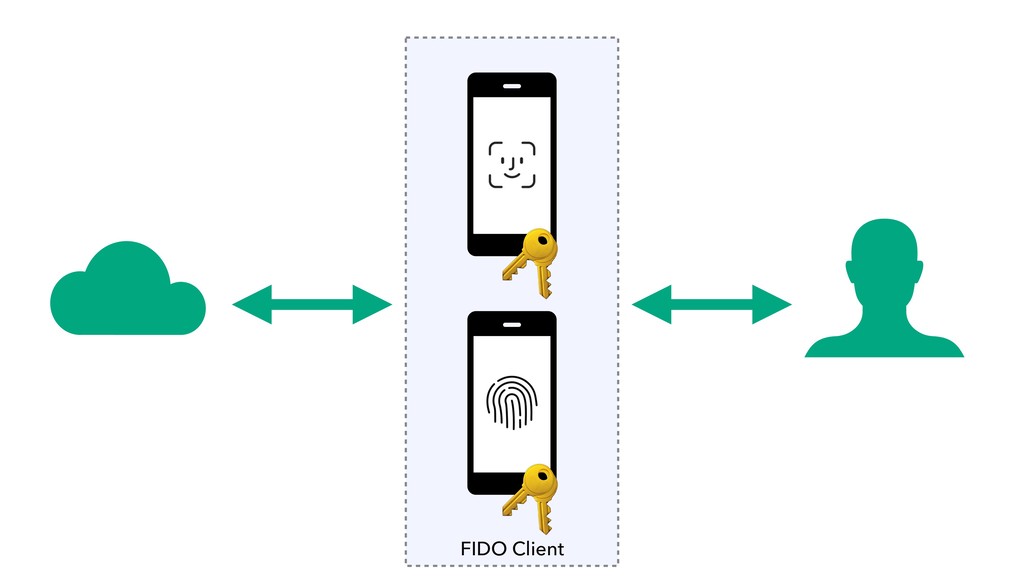
  3. FIDO UAF OVERVIEW • Passwordless experience ‣ based on asymmetric

    keys generated by the device • Use local device for online authentication ‣ multiple user verification methods ‣ e.g. fingerprint, face recognition, voice recognition • No secret stored on server ‣ private key never leaves the device ‣ unique key pair per registration
  4. FIDO UAF WORKFLOWS • User enrollment • Registration • Authentication

    and Transaction confirmation • De-registration
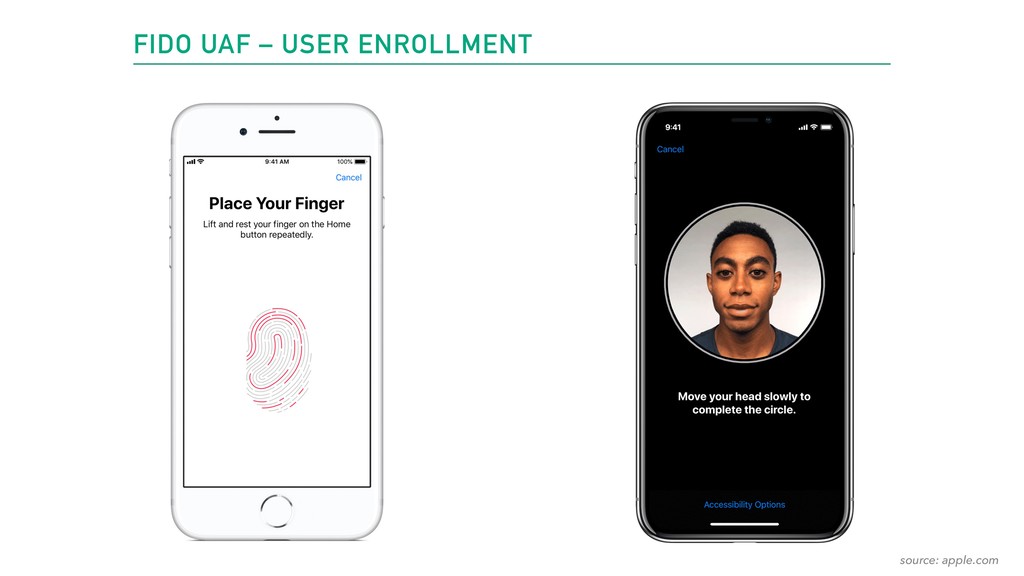
  5. FIDO UAF – USER ENROLLMENT User enrollment consists of creating

    the verification material locally on your device.
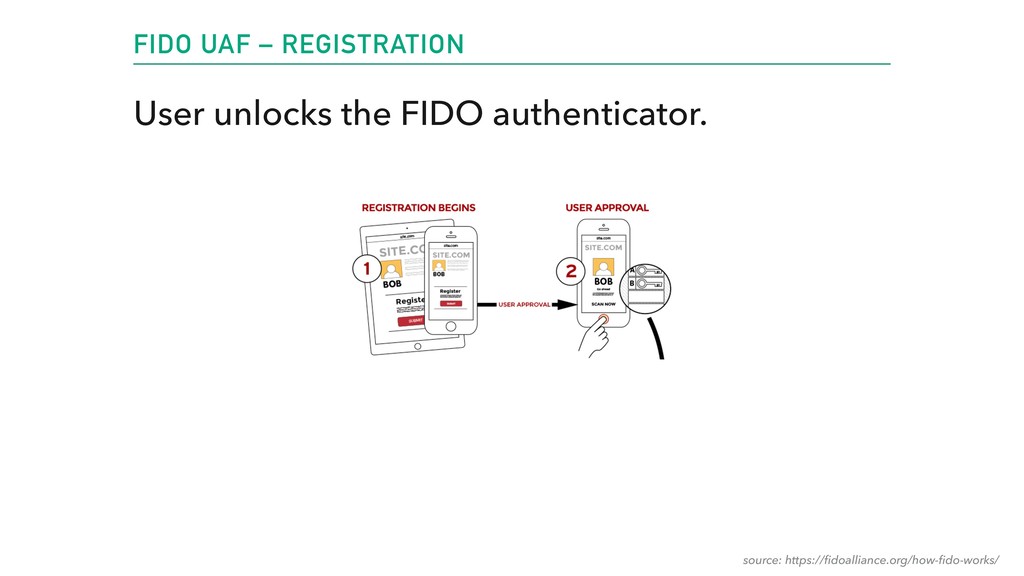
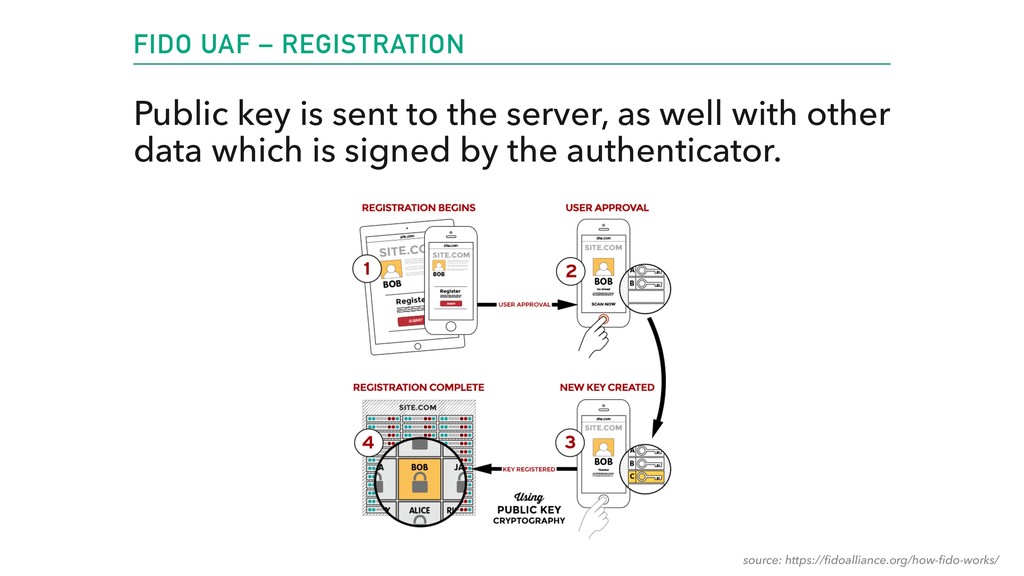
  6. FIDO UAF – REGISTRATION The user registers their device to

    the online service by selecting a local authentication mechanism.
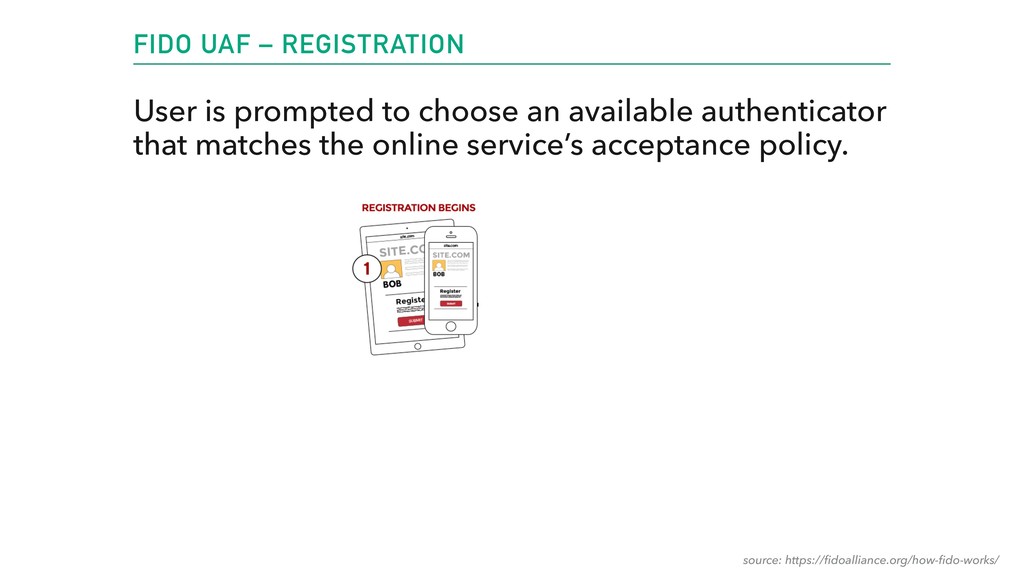
  7. FIDO UAF – REGISTRATION User is prompted to choose an

    available authenticator that matches the online service’s acceptance policy. source: https://fidoalliance.org/how-fido-works/
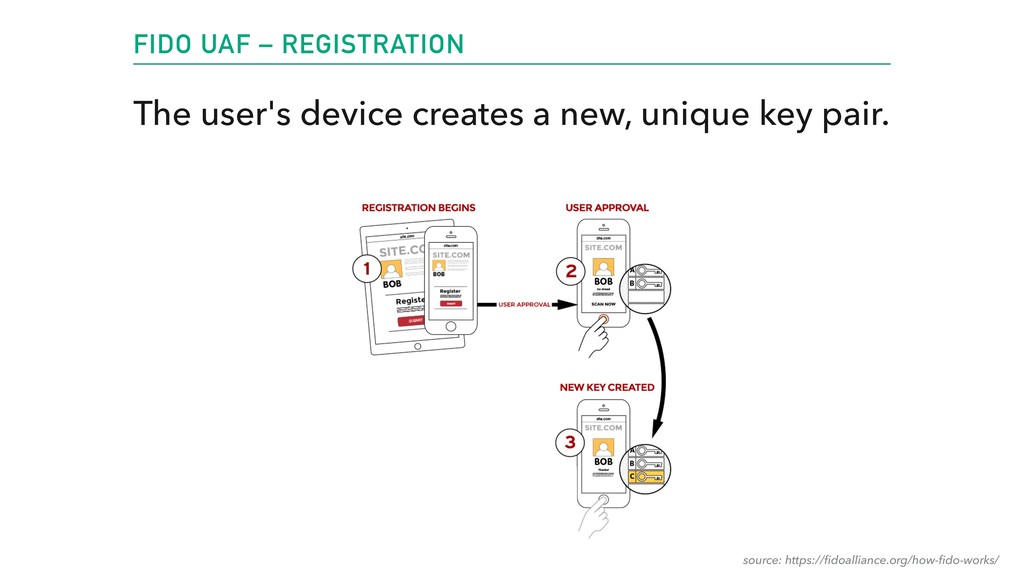
  8. FIDO UAF – REGISTRATION The user's device creates a new,

    unique key pair. source: https://fidoalliance.org/how-fido-works/
  9. FIDO UAF – REGISTRATION Public key is sent to the

    server, as well with other data which is signed by the authenticator. source: https://fidoalliance.org/how-fido-works/
  10. FIDO UAF – AUTHENTICATION Authorize a user to connect to

    a service, or confirm a transaction made by the user.
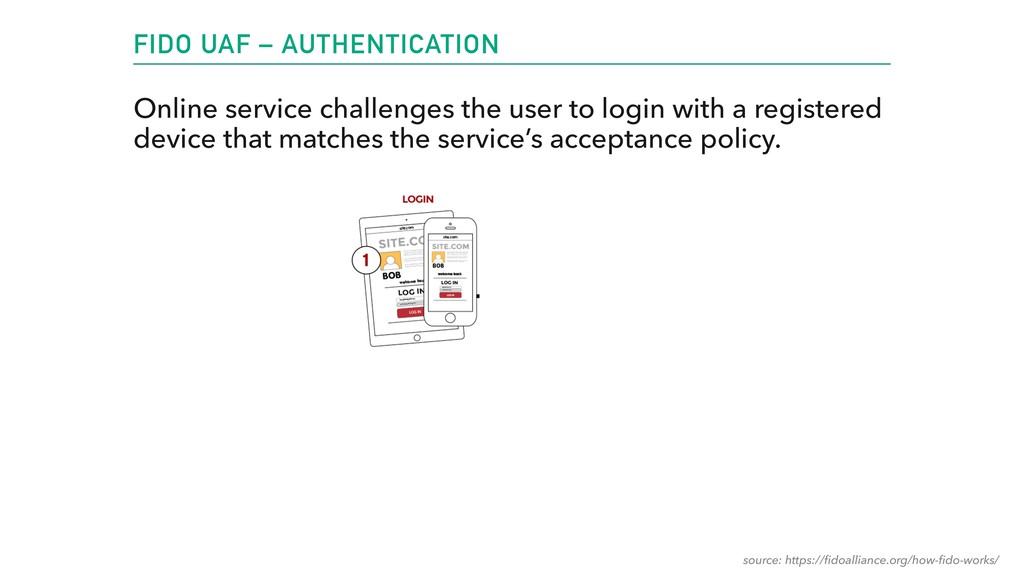
  11. FIDO UAF – AUTHENTICATION Online service challenges the user to

    login with a registered device that matches the service’s acceptance policy. source: https://fidoalliance.org/how-fido-works/
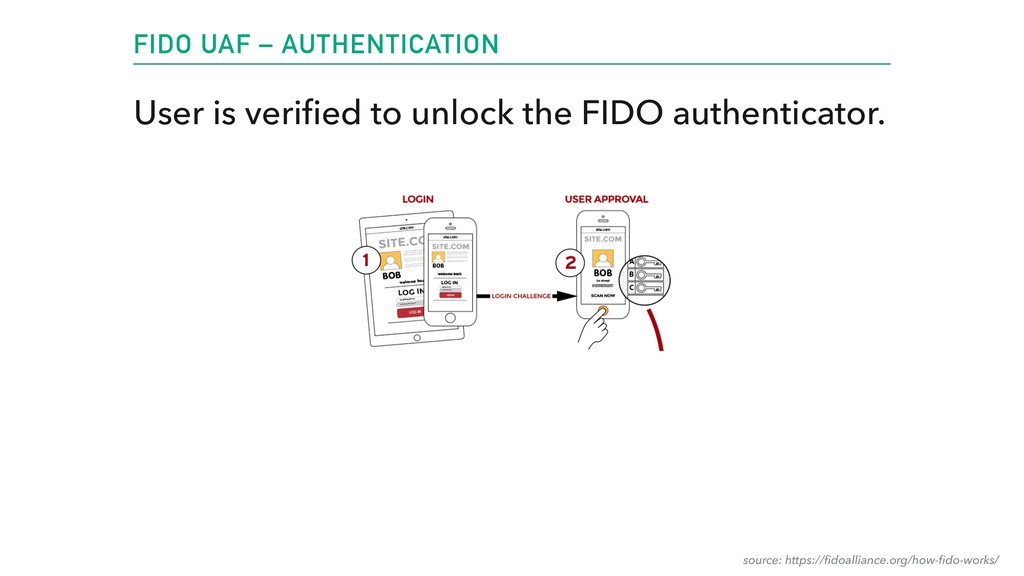
  12. FIDO UAF – AUTHENTICATION User is verified to unlock the

    FIDO authenticator. source: https://fidoalliance.org/how-fido-works/
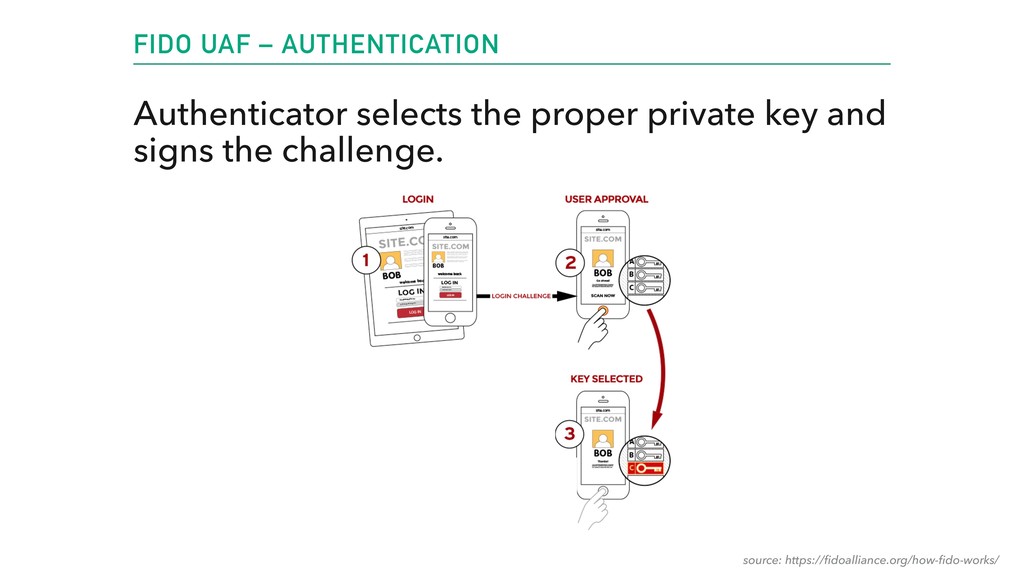
  13. FIDO UAF – AUTHENTICATION Authenticator selects the proper private key

    and signs the challenge. source: https://fidoalliance.org/how-fido-works/
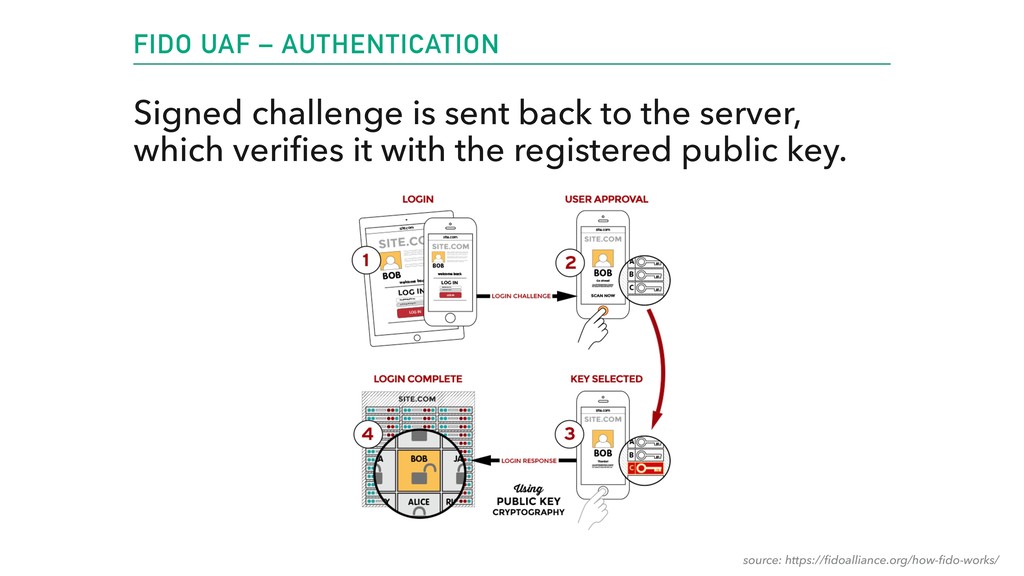
  14. FIDO UAF – AUTHENTICATION Signed challenge is sent back to

    the server, which verifies it with the registered public key. source: https://fidoalliance.org/how-fido-works/
  15. NEVIS MOBILE AUTHENTICATION • Solution based on top of the

    FIDO standard • Part of NEVIS, AdNovum’s security suite product • Server component that implements the FIDO UAF protocol • Android and iOS native SDKs • Access App to authenticate users to services using NEVIS
  16. BUILDING A FIDO CLIENT FRAMEWORK • Designing a robust architecture

    ‣ close collaboration between Android and iOS developers • Shaping a public API ‣ allowing flexibility to the users of the SDK ‣ … while offering standard use cases out of the box • Very good testing to ensure quality • Good documentation
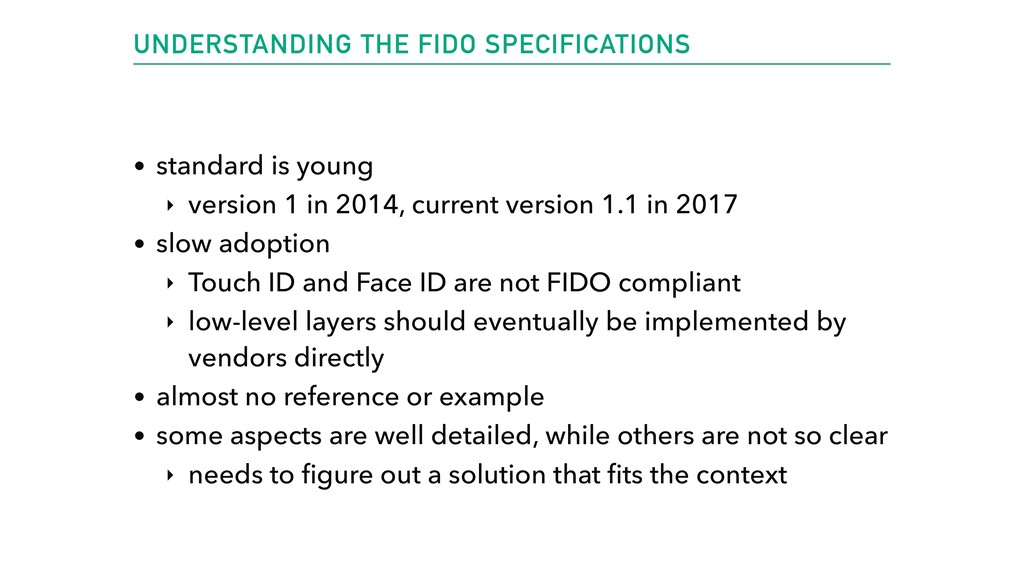
  17. UNDERSTANDING THE FIDO SPECIFICATIONS • standard is young ‣ version

    1 in 2014, current version 1.1 in 2017 • slow adoption ‣ Touch ID and Face ID are not FIDO compliant ‣ low-level layers should eventually be implemented by vendors directly • almost no reference or example • some aspects are well detailed, while others are not so clear ‣ needs to figure out a solution that fits the context
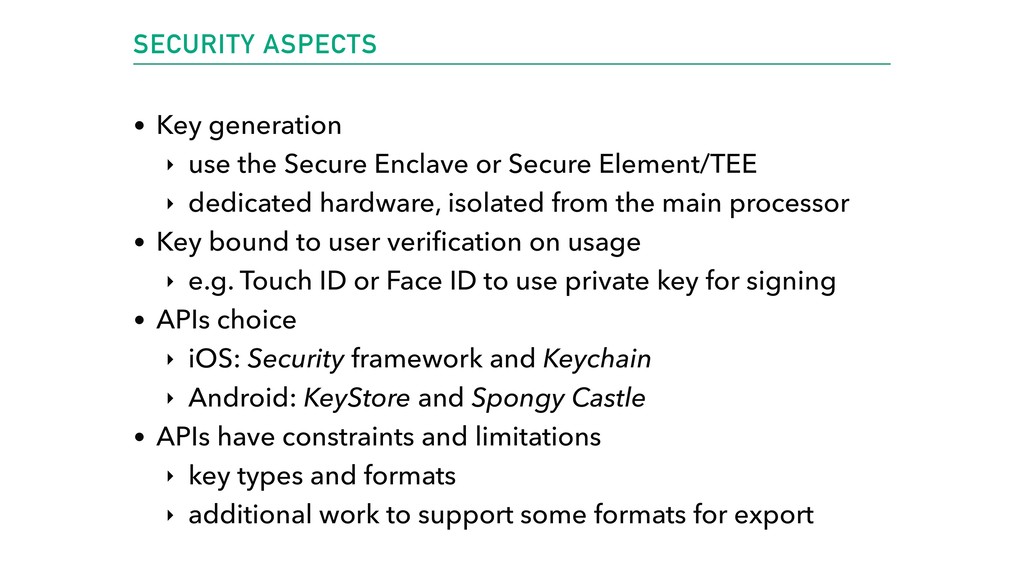
  18. SECURITY ASPECTS • Key generation ‣ use the Secure Enclave

    or Secure Element/TEE ‣ dedicated hardware, isolated from the main processor • Key bound to user verification on usage ‣ e.g. Touch ID or Face ID to use private key for signing • APIs choice ‣ iOS: Security framework and Keychain ‣ Android: KeyStore and Spongy Castle • APIs have constraints and limitations ‣ key types and formats ‣ additional work to support some formats for export
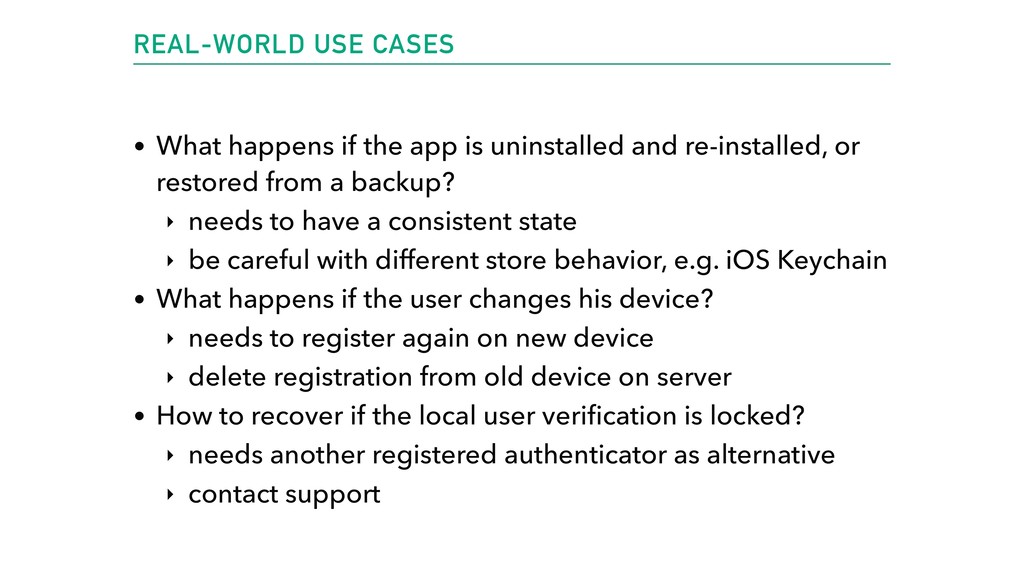
  19. REAL-WORLD USE CASES • What happens if the app is

    uninstalled and re-installed, or restored from a backup? ‣ needs to have a consistent state ‣ be careful with different store behavior, e.g. iOS Keychain • What happens if the user changes his device? ‣ needs to register again on new device ‣ delete registration from old device on server • How to recover if the local user verification is locked? ‣ needs another registered authenticator as alternative ‣ contact support
  20. LINKS & DOCUMENTATION Links • https://fidoalliance.org/what-is-fido/ • https://fidoalliance.org/specifications/download/ • https://www.nevis-security.ch/en/offering/solution/

    mobile_authentication.html • https://developers.google.com/android/reference/com/ google/android/gms/fido/Fido • https://www.linkedin.com/pulse/eliminate-passwords-new- approach-authentication-needed-peter-gassmann/ • https://en.wikipedia.org/wiki/Public-key_cryptography