This presentation is an introduction to mobile application security. It gives an overview of the common application security threats and go into different measures that can be taken to improve security.
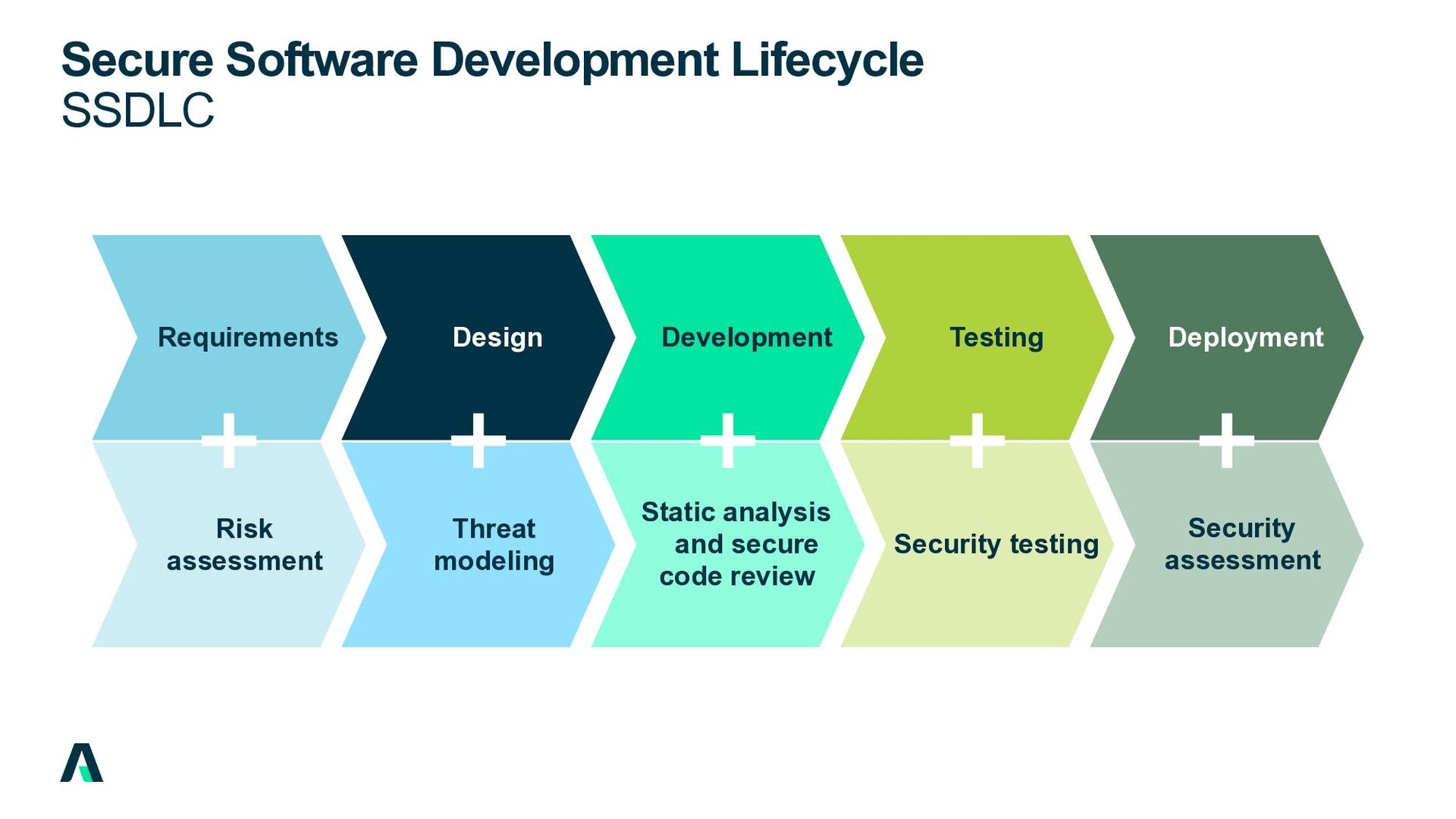
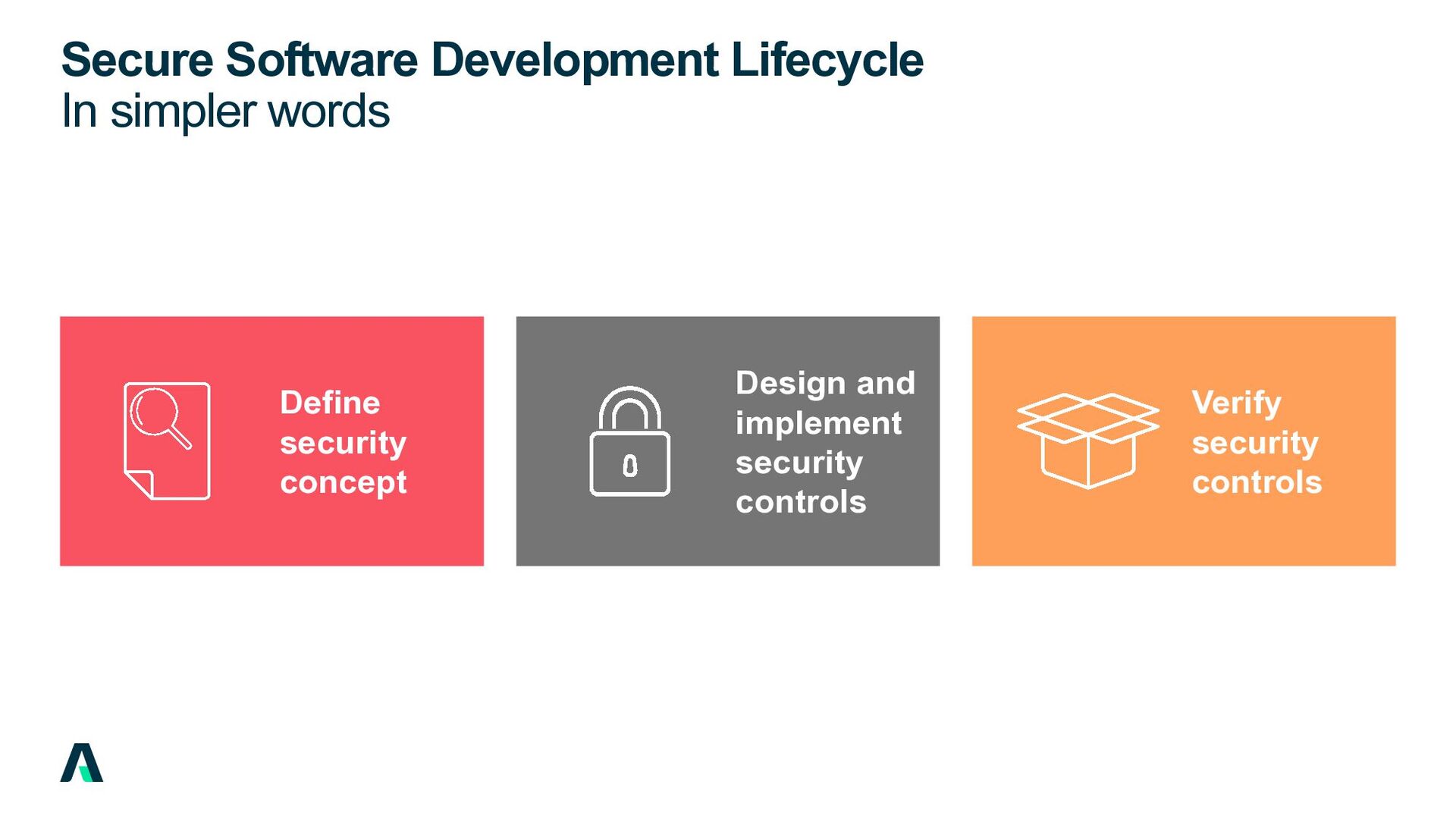
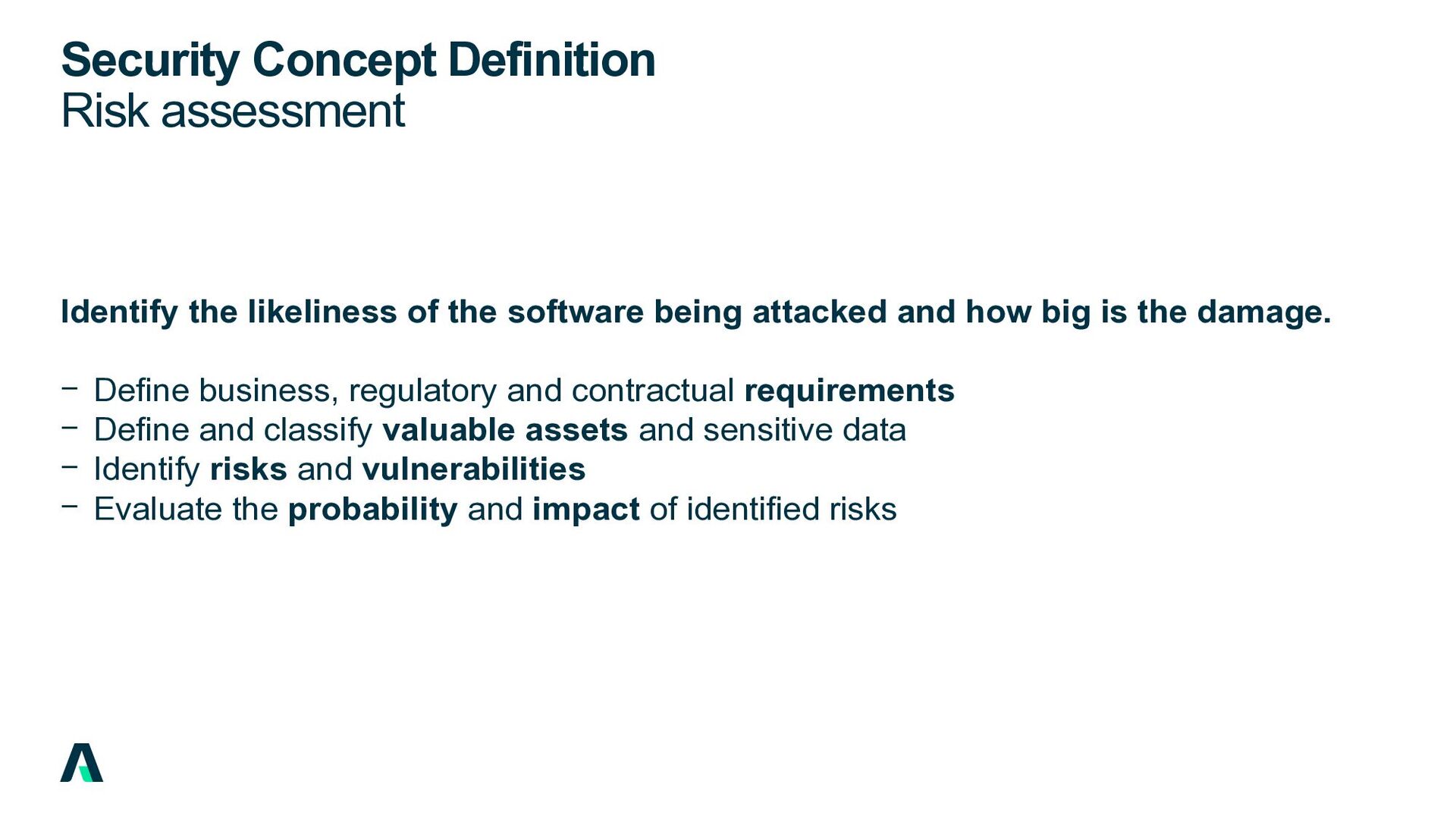
software being attacked and how big is the damage. − Define business, regulatory and contractual requirements − Define and classify valuable assets and sensitive data − Identify risks and vulnerabilities − Evaluate the probability and impact of identified risks
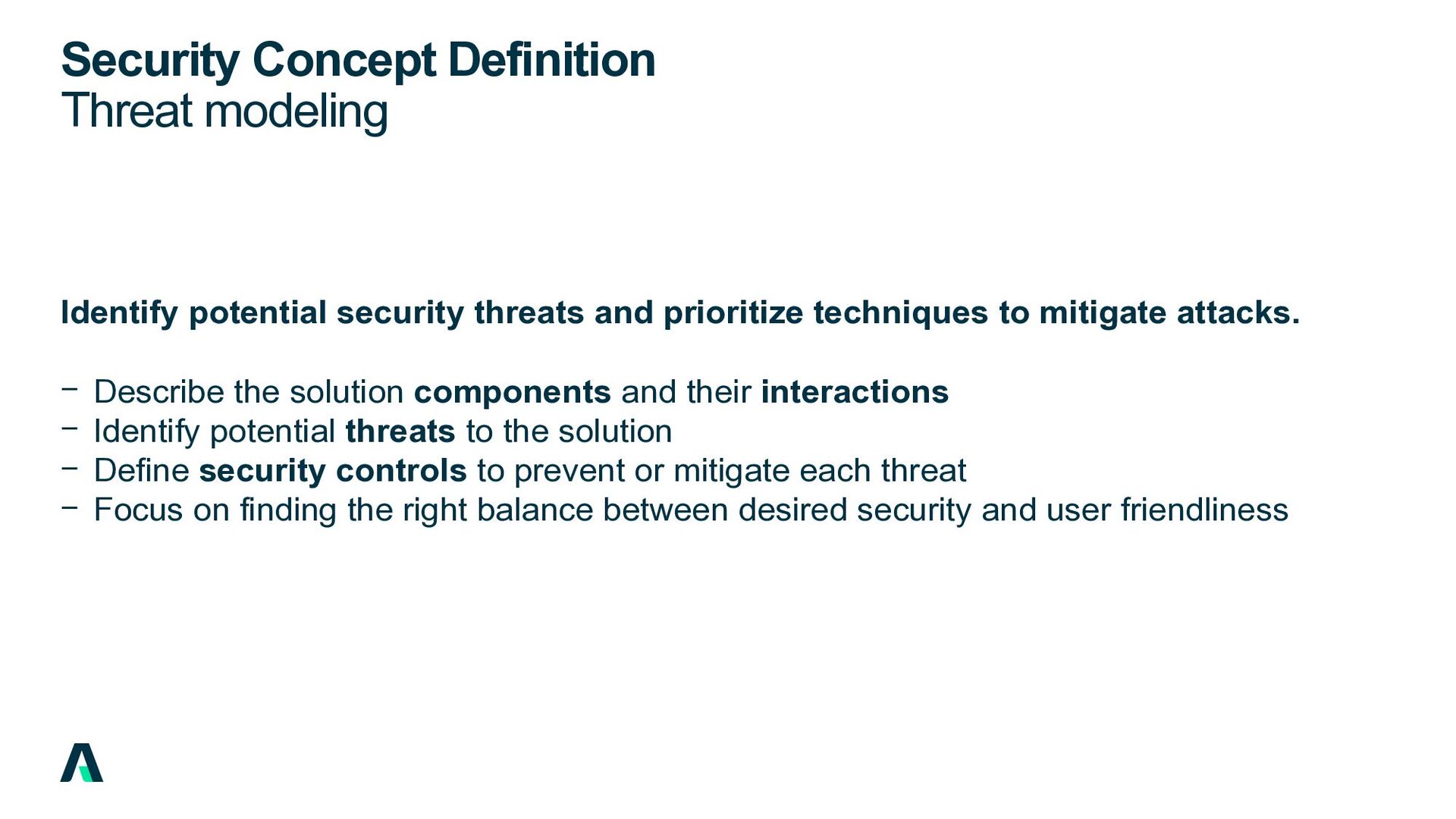
prioritize techniques to mitigate attacks. − Describe the solution components and their interactions − Identify potential threats to the solution − Define security controls to prevent or mitigate each threat − Focus on finding the right balance between desired security and user friendliness
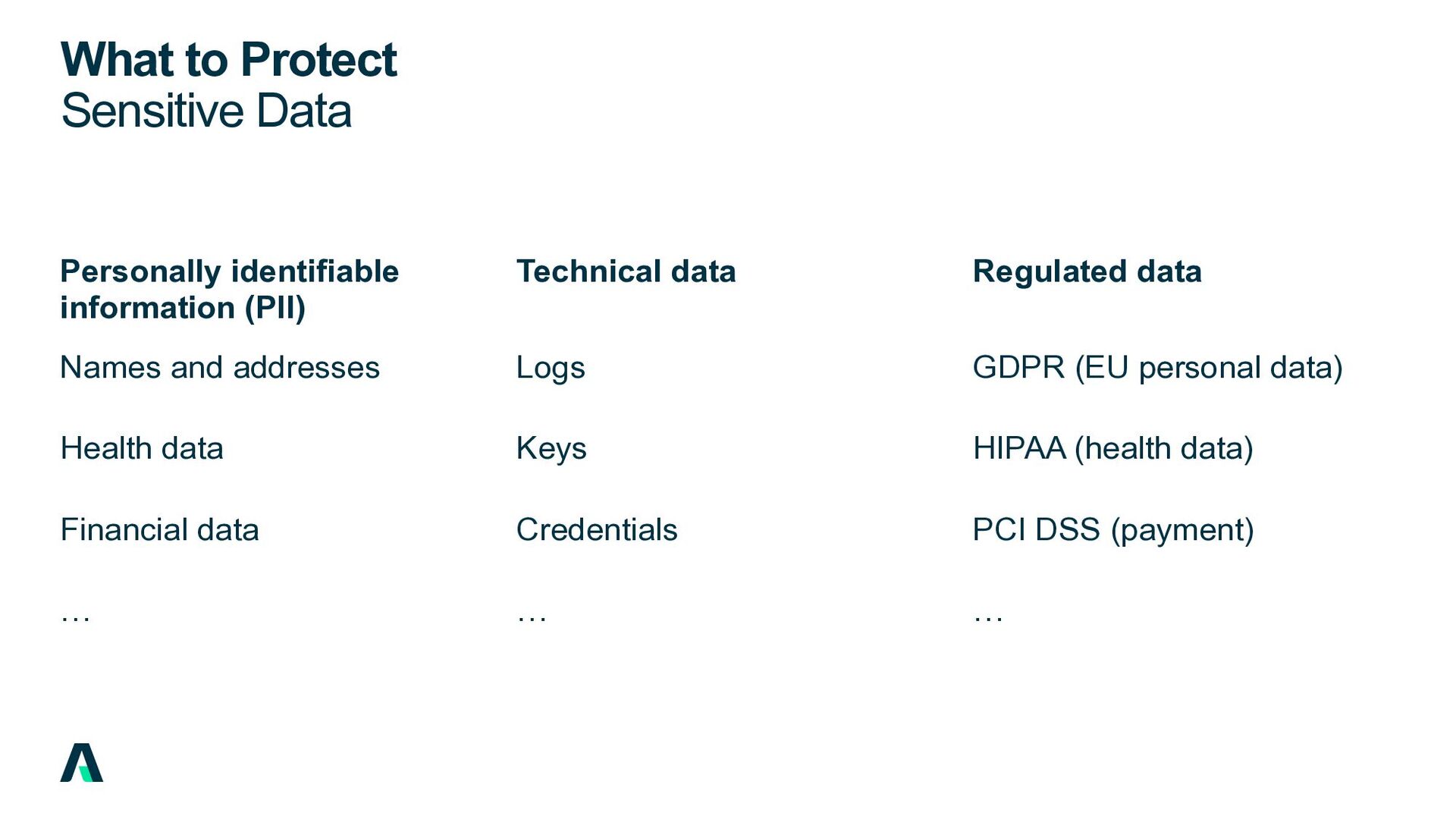
and addresses Health data Financial data Credentials … Logs Technical data Keys … PCI DSS (payment) GDPR (EU personal data) Regulated data HIPAA (health data) …
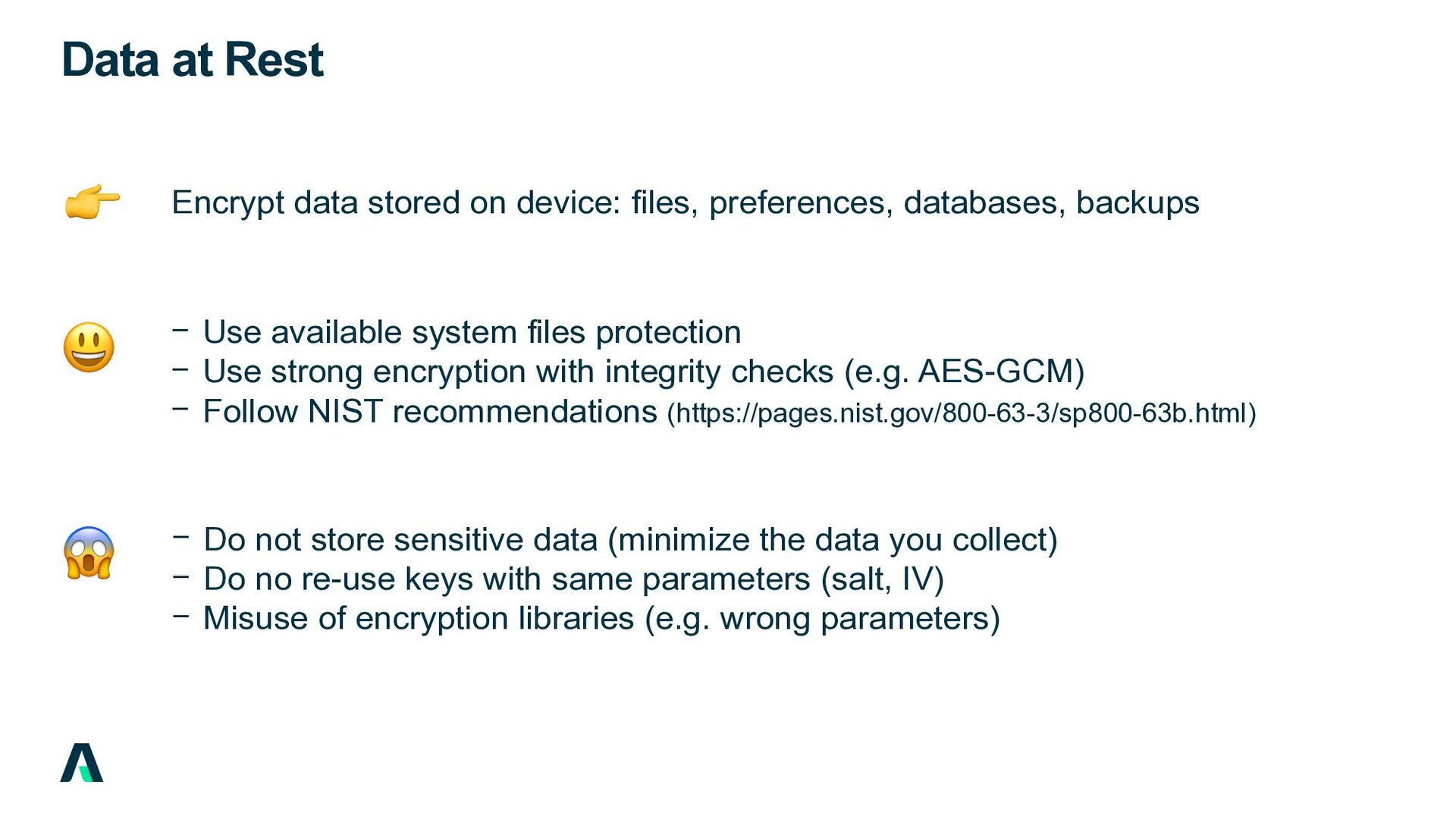
databases, backups 😱 😃 − Use available system files protection − Use strong encryption with integrity checks (e.g. AES-GCM) − Follow NIST recommendations (https://pages.nist.gov/800-63-3/sp800-63b.html) − Do not store sensitive data (minimize the data you collect) − Do no re-use keys with same parameters (salt, IV) − Misuse of encryption libraries (e.g. wrong parameters) 👉
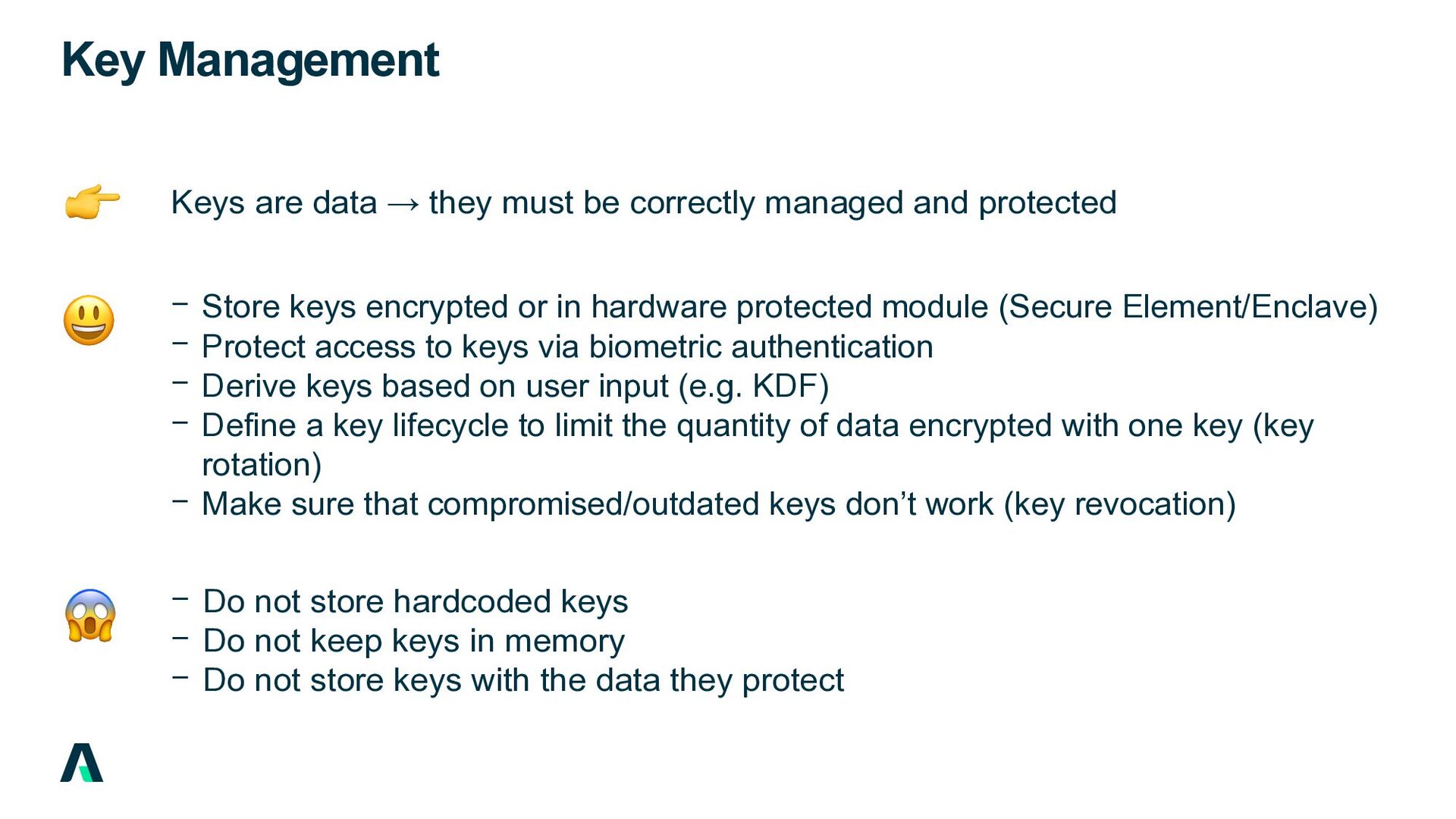
managed and protected − Store keys encrypted or in hardware protected module (Secure Element/Enclave) − Protect access to keys via biometric authentication − Derive keys based on user input (e.g. KDF) − Define a key lifecycle to limit the quantity of data encrypted with one key (key rotation) − Make sure that compromised/outdated keys don’t work (key revocation) − Do not store hardcoded keys − Do not keep keys in memory − Do not store keys with the data they protect 😱 👉 😃
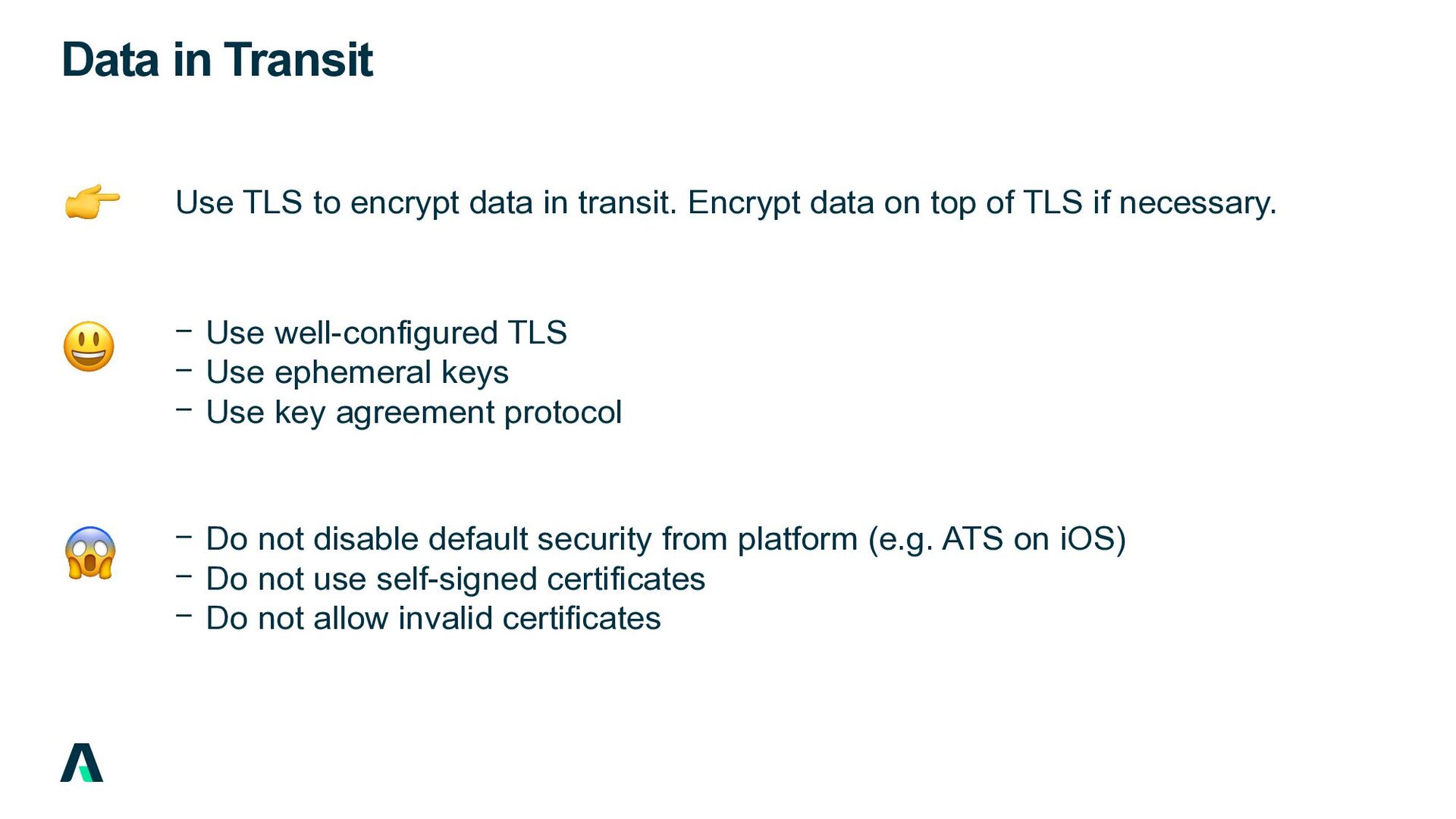
Encrypt data on top of TLS if necessary. − Use well-configured TLS − Use ephemeral keys − Use key agreement protocol − Do not disable default security from platform (e.g. ATS on iOS) − Do not use self-signed certificates − Do not allow invalid certificates 😱 👉 😃
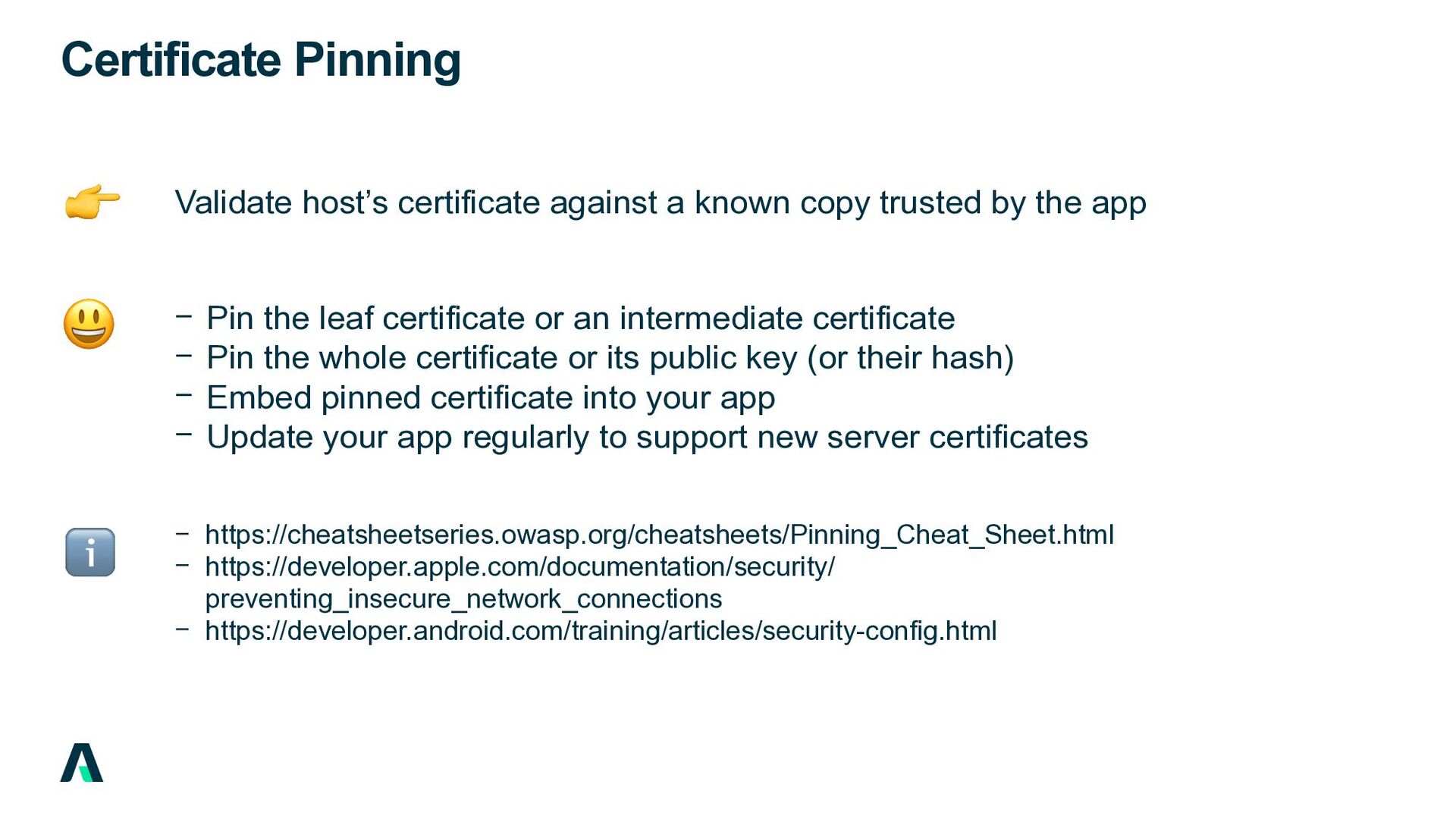
by the app − Pin the leaf certificate or an intermediate certificate − Pin the whole certificate or its public key (or their hash) − Embed pinned certificate into your app − Update your app regularly to support new server certificates − https://cheatsheetseries.owasp.org/cheatsheets/Pinning_Cheat_Sheet.html − https://developer.apple.com/documentation/security/ preventing_insecure_network_connections − https://developer.android.com/training/articles/security-config.html ℹ 👉 😃
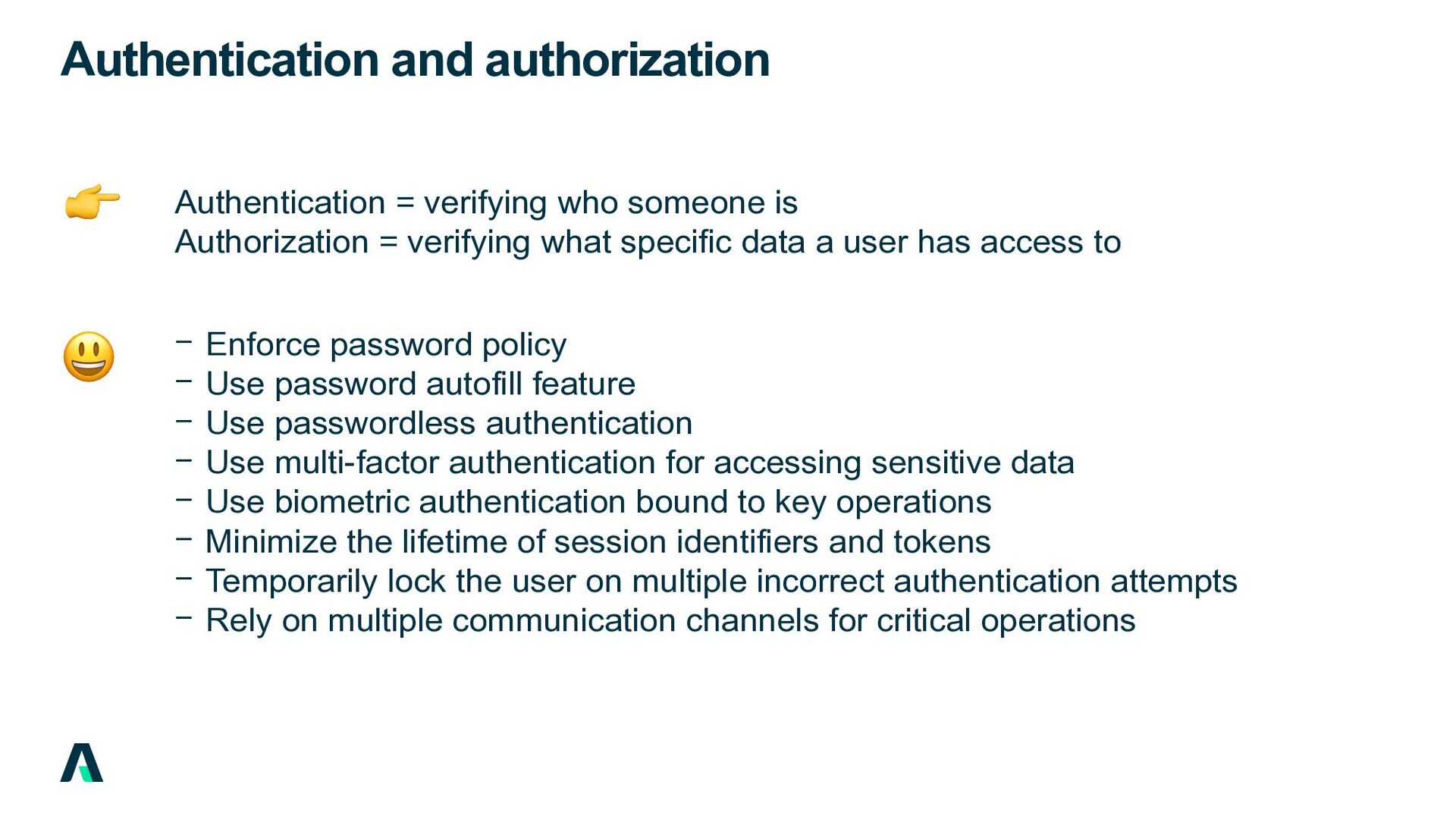
= verifying what specific data a user has access to − Enforce password policy − Use password autofill feature − Use passwordless authentication − Use multi-factor authentication for accessing sensitive data − Use biometric authentication bound to key operations − Minimize the lifetime of session identifiers and tokens − Temporarily lock the user on multiple incorrect authentication attempts − Rely on multiple communication channels for critical operations 👉 😃
only the minimal set of permissions that are necessary − Validate and sanitize all user and external input − Restrict Web view access to required resources and clear cache − Hide sensitive data before app transition (snapshot) 😃
client- side attacks. − Prevent the app to run on rooted or jailbroken devices − Prevent an app to detect and respond to the presence of a debugger − Prevent an app to run on an emulator or simulator − Make it difficult to tamper and modify a legitimate app (data, memory) − Obfuscate data using encryption or tokenization − Obfuscate source code to make it difficult to understand and analyze 👉 😍
− Follow secure coding guidelines − Use security checklists on code reviews − Use industry’s standards and tools − Consult OWASP Top 10 Proactive Controls − Do not implement your own security controls where solutions are available − Do not copy-paste from the Web without understanding − Do not log sensitive data − Do not commit secrets 😱 😃