Upgrade to Pro
— share decks privately, control downloads, hide ads and more …
Speaker Deck
Sign up for free
Menu
Search
Features
All features
Private URLs
Password Protection
Custom URLS
Scheduled publishing
Remove Branding
Restrict embedding
Deck Collections
Notes
Features
All features
Private URLs
Password Protection
Custom URLS
Scheduled publishing
Remove Branding
Restrict embedding
Deck Collections
Notes
Explore
Featured decks
Featured speakers
Programming
Technology
Storyboards
Explore
Featured decks
Featured speakers
Programming
Technology
Storyboards
Pricing
Search
Sign in
Sign up for free
Webコーディング分野でのAI活用 - Beans College 4周年記念イベント「実務に...
Search
Aihara Noriyoshi
March 25, 2026
21
0
Share
Embed
Copy iframe code
Copy JS code
Copy link
Start on current slide
Webコーディング分野でのAI活用 - Beans College 4周年記念イベント「実務に使える! AI入門」
Aihara Noriyoshi
March 25, 2026
More Decks by Aihara Noriyoshi
See All by Aihara Noriyoshi
AI基礎知識 - Beans College 4周年記念イベント「実務に使える! AI入門」
nori44
0
26
使い込んだツールでも「終わり」は必ず来る! 〜ツールの推し変(乗り換え)のすすめ〜
nori44
0
26
Webページ表示高速化 入門
nori44
0
96
はじめてのフロントエンド開発環境導入
nori44
0
1k
JavaScriptの「知らない」が少し減る会
nori44
0
280
コーディングのお供 Google Chrome 開発者ツールを使いこなそう!
nori44
0
1.2k
macOS / Windows パソコン作業効率化を考えよう!
nori44
0
250
Featured
See All Featured
Evolution of real-time – Irina Nazarova, EuRuKo, 2024
irinanazarova
9
1.6k
DevOps and Value Stream Thinking: Enabling flow, efficiency and business value
helenjbeal
2
410
Un-Boring Meetings
codingconduct
0
450
The SEO Collaboration Effect
kristinabergwall1
1
590
A Soul's Torment
seathinner
8
3.7k
Typedesign – Prime Four
hannesfritz
42
3.2k
Site-Speed That Sticks
csswizardry
13
1.6k
Into the Great Unknown - MozCon
thekraken
41
2.8k
A designer walks into a library…
pauljervisheath
211
25k
Building Applications with DynamoDB
mza
96
7.2k
How GitHub (no longer) Works
holman
316
150k
What's in a price? How to price your products and services
michaelherold
247
13k
Transcript
Webコーディング分野でのAI活用 Beans College 4周年記念イベント「実務に使える! AI入門」
AIコードエディタ 生成AIを使ったコーディングに適したエディタと機能を知ろう
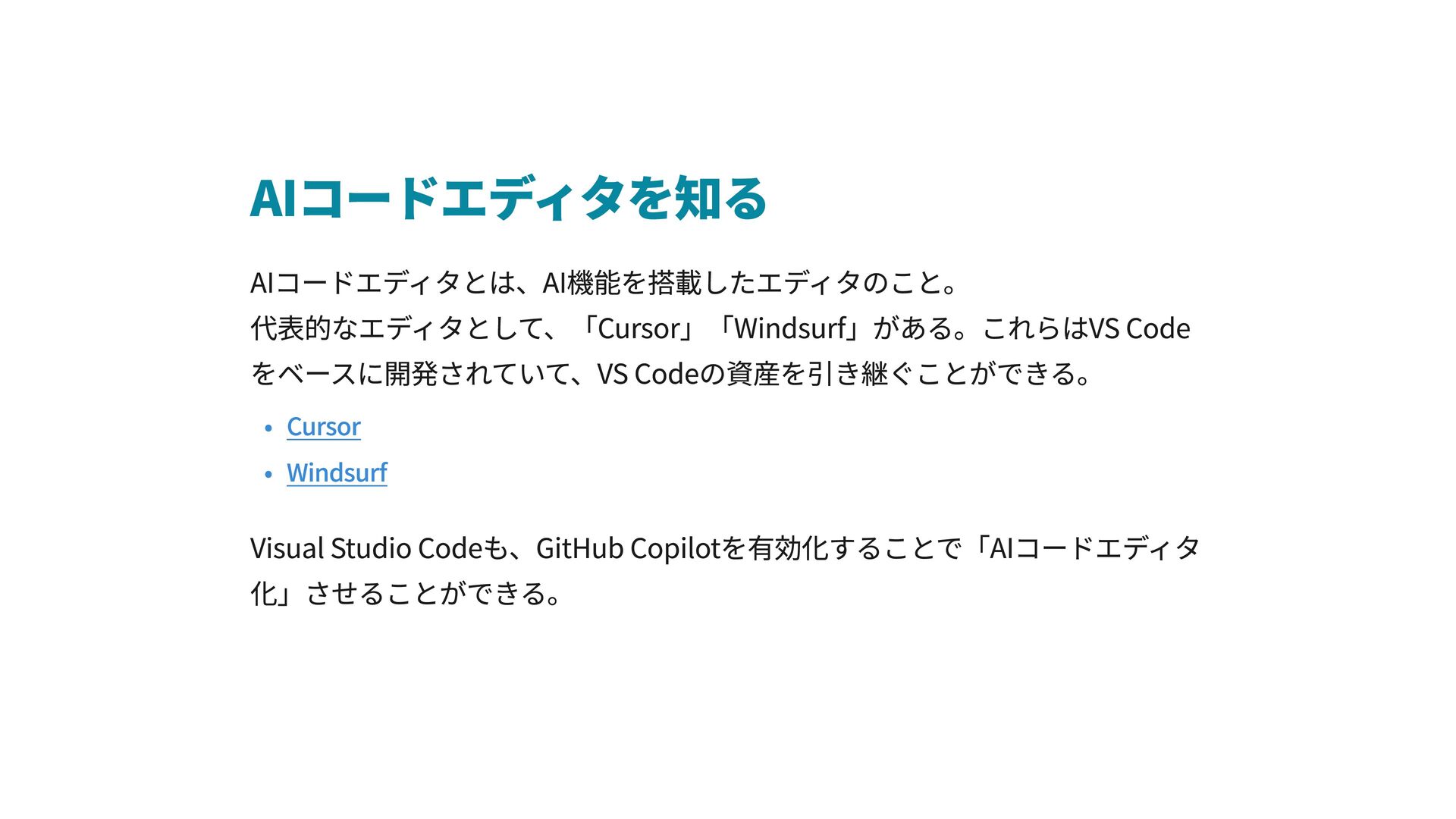
AIコードエディタを知る AIコードエディタとは、AI機能を搭載したエディタのこと。 代表的なエディタとして、「Cursor」「Windsurf」がある。これらはVS Code をベースに開発されていて、VS Codeの資産を引き継ぐことができる。 Cursor Windsurf Visual Studio
Codeも、GitHub Copilotを有効化することで「AIコードエディタ 化」させることができる。
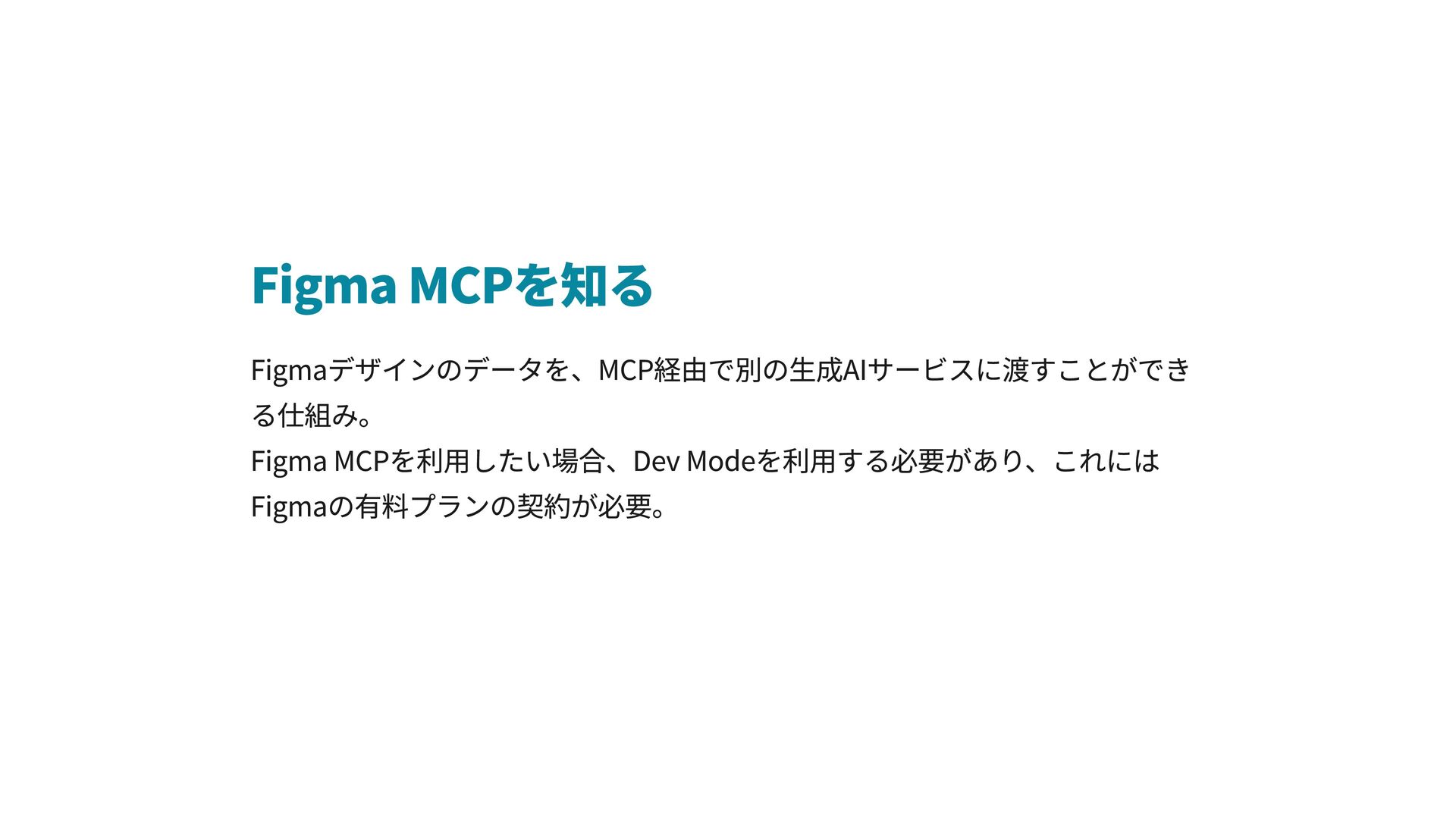
Figma MCPを知る Figmaデザインのデータを、MCP経由で別の生成AIサービスに渡すことができ る仕組み。 Figma MCPを利用したい場合、Dev Modeを利用する必要があり、これには Figmaの有料プランの契約が必要。
AIの料金について AIコードエディタではGPTやClaudeなどのLLMが選べるが、エディタ側に課金 することで、別途LLMに支払う必要はない。 GitHub Copilot Pricing Windsurf Pricing Cursor Pricing
AIコーディング実践! エディタでAI機能を試してみましょう
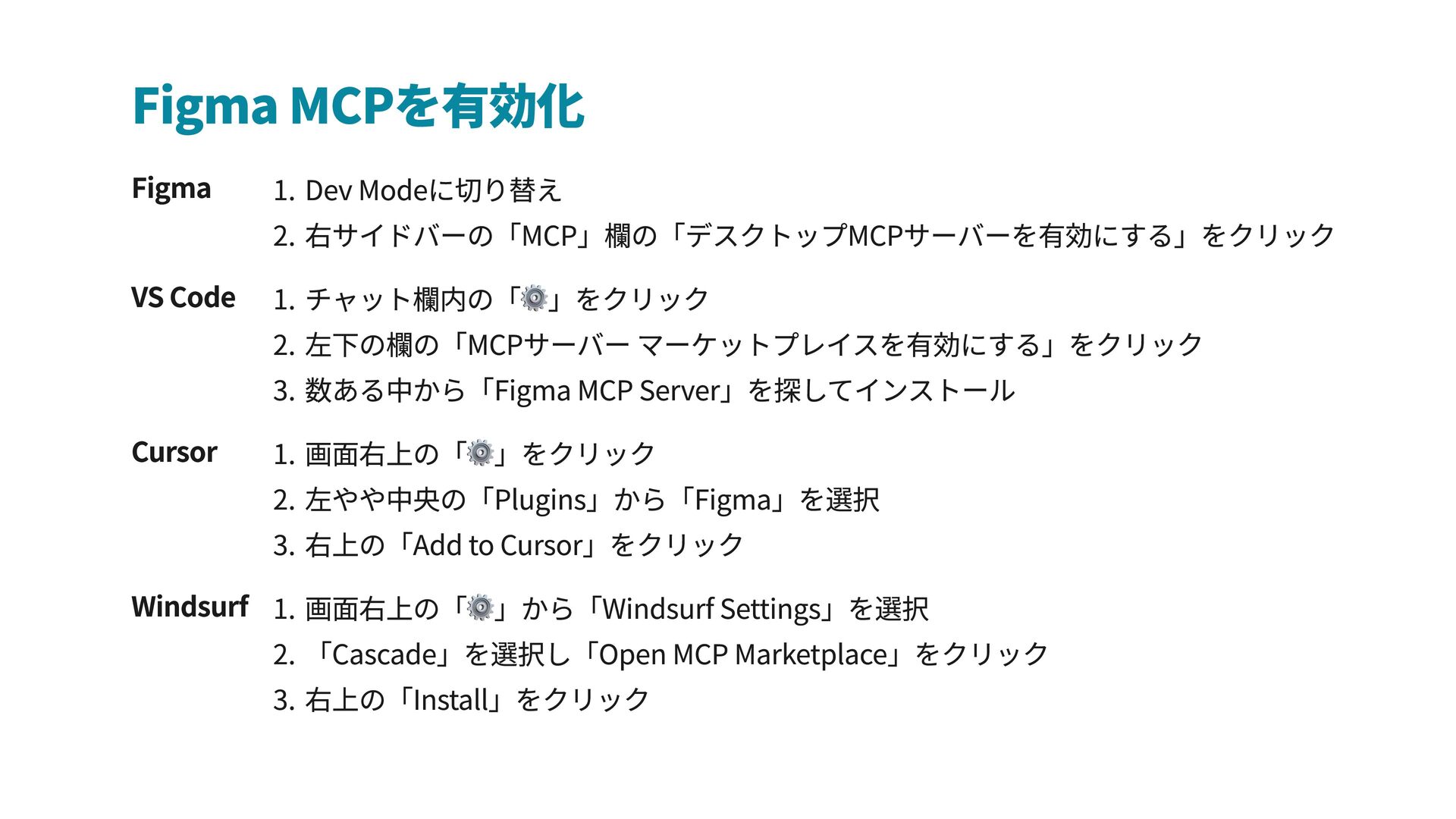
Figma MCPを有効化 Figma Dev Modeに切り替え 右サイドバーの「MCP」欄の「デスクトップMCPサーバーを有効にする」をクリック VS Code チャット欄内の「⚙️」をクリック 左下の欄の「MCPサーバー
マーケットプレイスを有効にする」をクリック 数ある中から「Figma MCP Server」を探してインストール Cursor 画面右上の「⚙️」をクリック 左やや中央の「Plugins」から「Figma」を選択 右上の「Add to Cursor」をクリック Windsurf 画面右上の「⚙️」から「Windsurf Settings」を選択 「Cascade」を選択し「Open MCP Marketplace」をクリック 右上の「Install」をクリック


 nori44
 irinanazarova
.png) helenjbeal
helenjbeal
 codingconduct
 kristinabergwall1
 seathinner
 hannesfritz
 csswizardry
 thekraken
 pauljervisheath
 mza
mza
 holman
 michaelherold