pieces of software/applications More API’s available then you think • Split them up in internal and external API’s • Categories them, for example: web service api’s, library api’s No specific standard, only a set of conventions and constraints
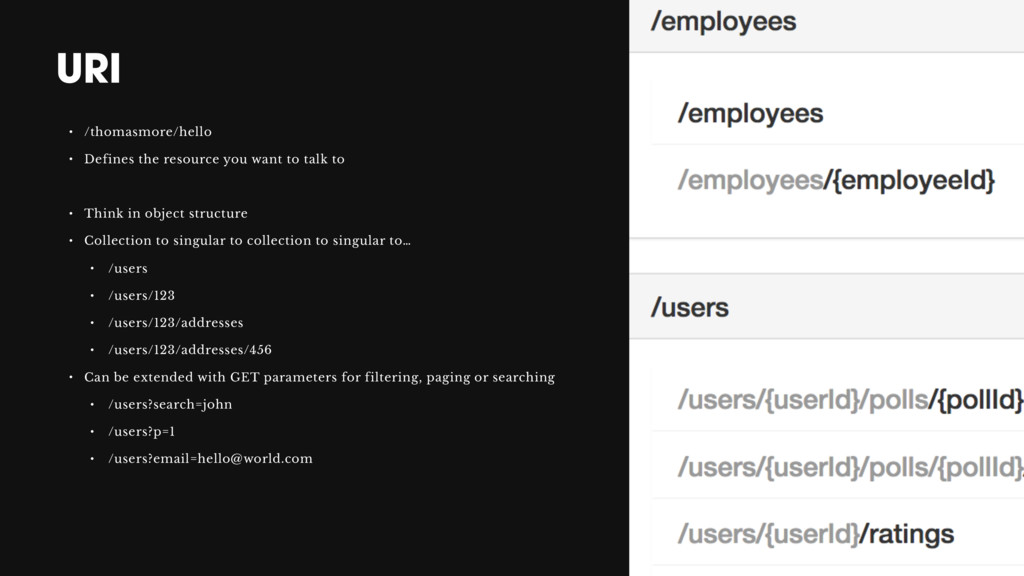
talk to • Think in object structure • Collection to singular to collection to singular to… • /users • /users/123 • /users/123/addresses • /users/123/addresses/456 • Can be extended with GET parameters for filtering, paging or searching • /users?search=john • /users?p=1 • /[email protected]
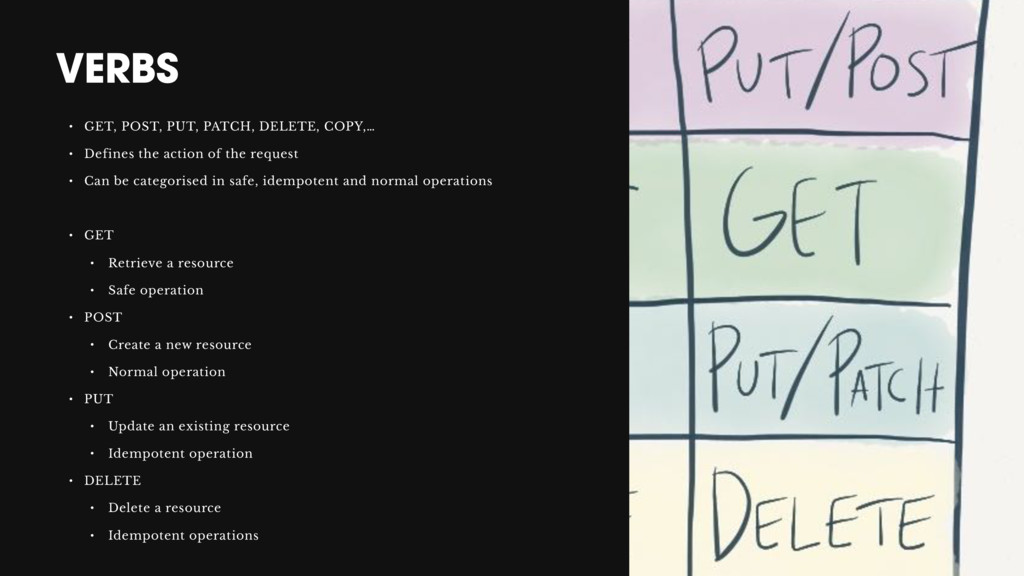
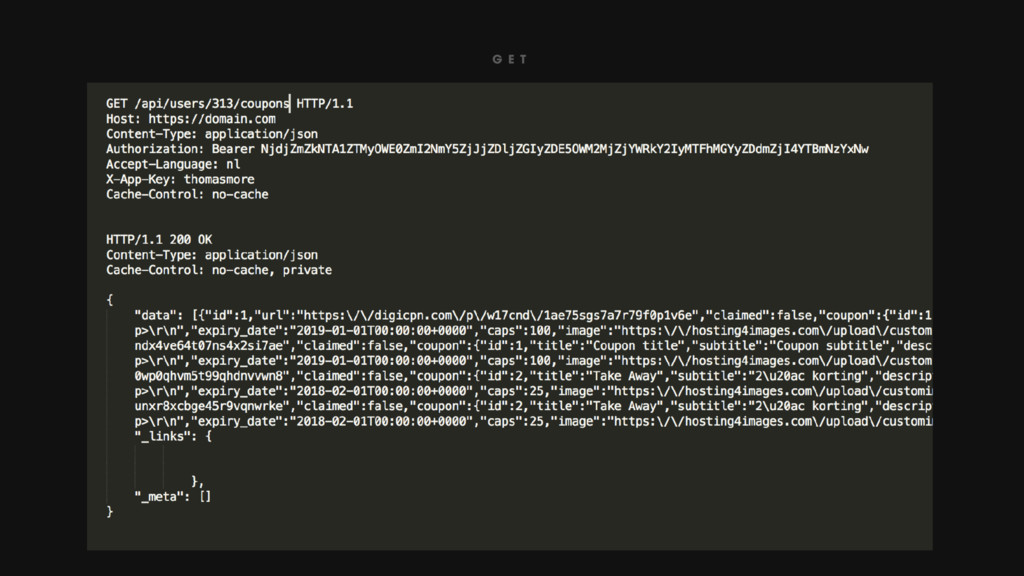
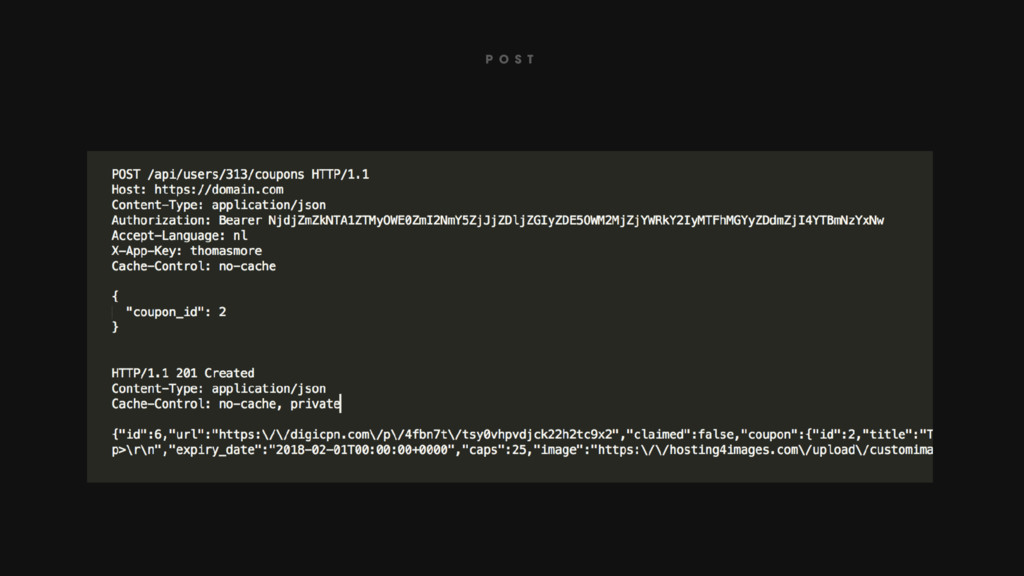
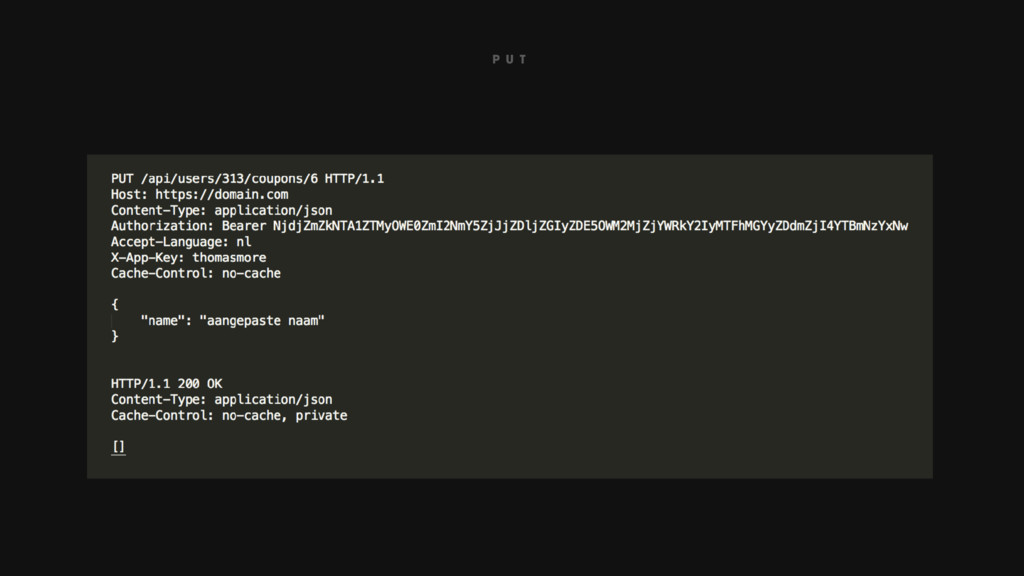
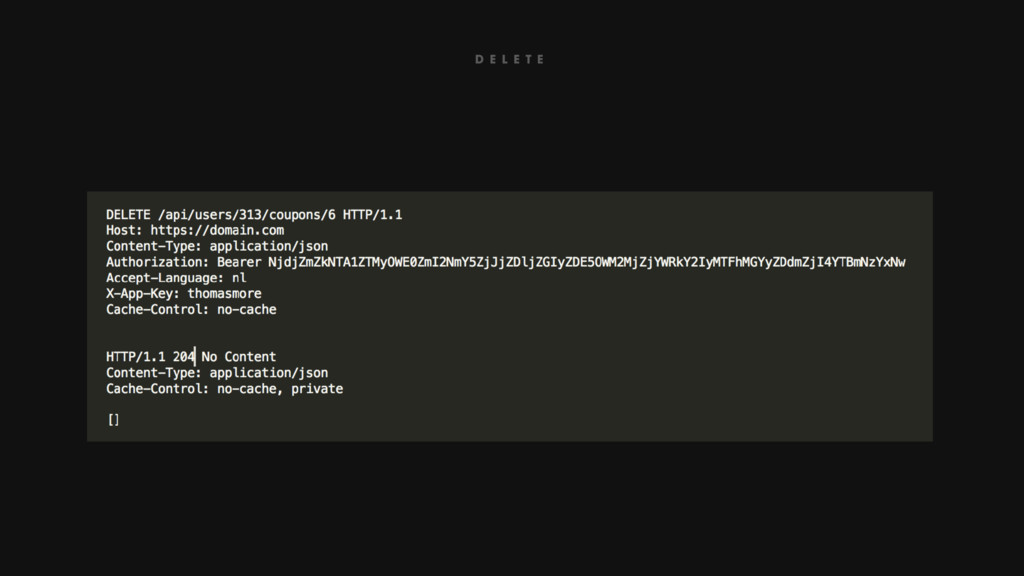
the action of the request • Can be categorised in safe, idempotent and normal operations • GET • Retrieve a resource • Safe operation • POST • Create a new resource • Normal operation • PUT • Update an existing resource • Idempotent operation • DELETE • Delete a resource • Idempotent operations
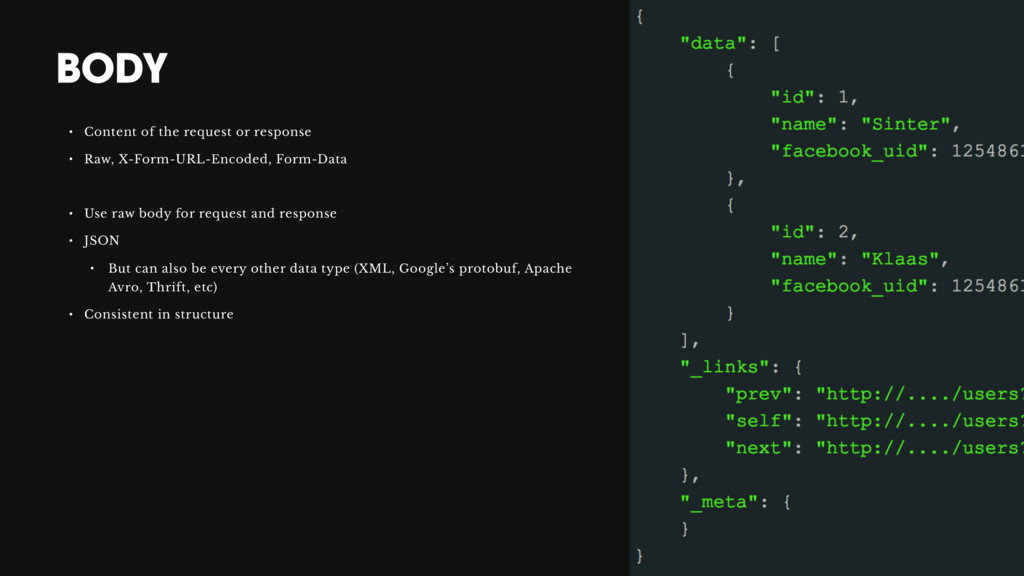
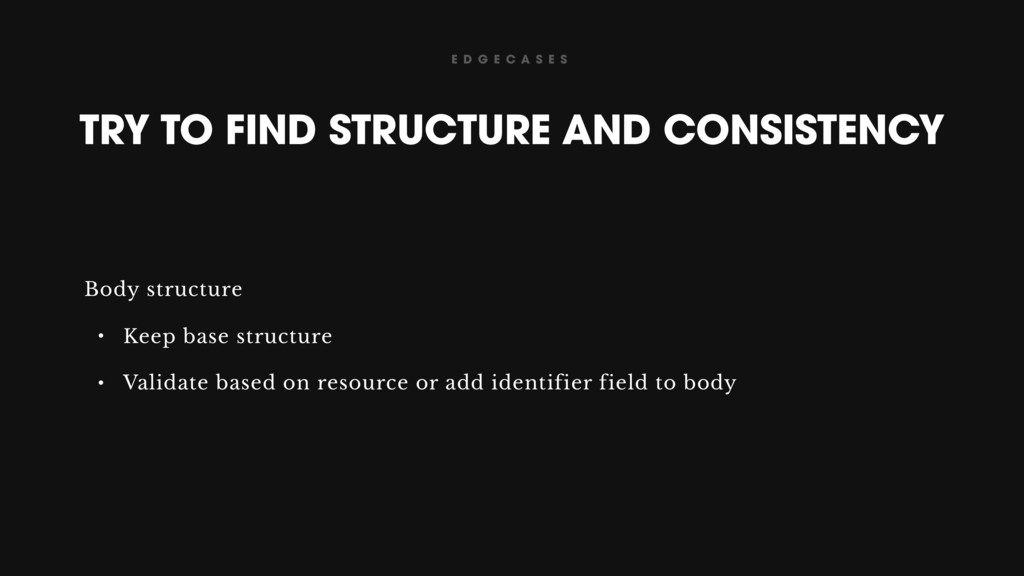
X-Form-URL-Encoded, Form-Data • Use raw body for request and response • JSON • But can also be every other data type (XML, Google’s protobuf, Apache Avro, Thrift, etc) • Consistent in structure
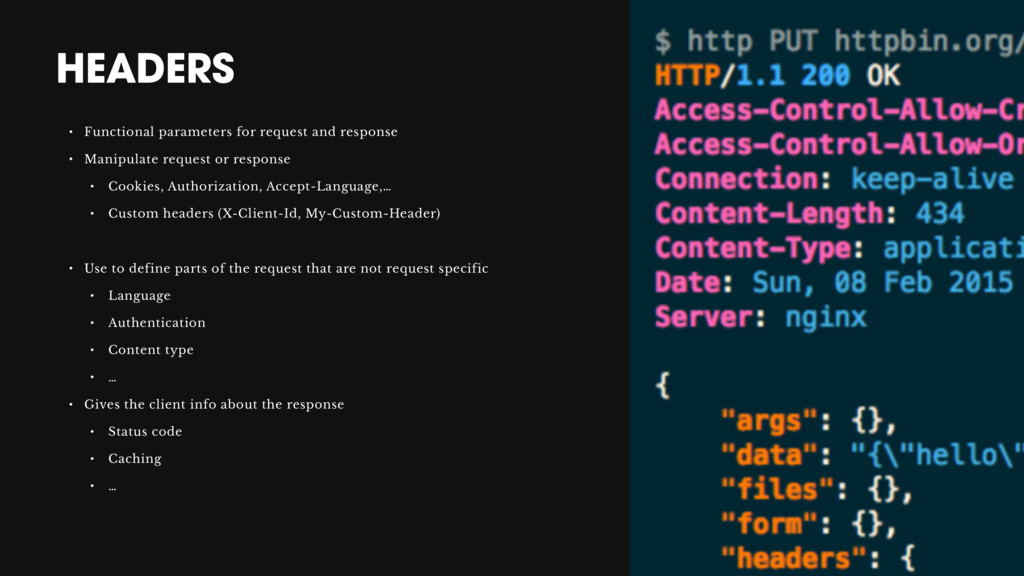
request or response • Cookies, Authorization, Accept-Language,… • Custom headers (X-Client-Id, My-Custom-Header) • Use to define parts of the request that are not request specific • Language • Authentication • Content type • … • Gives the client info about the response • Status code • Caching • …
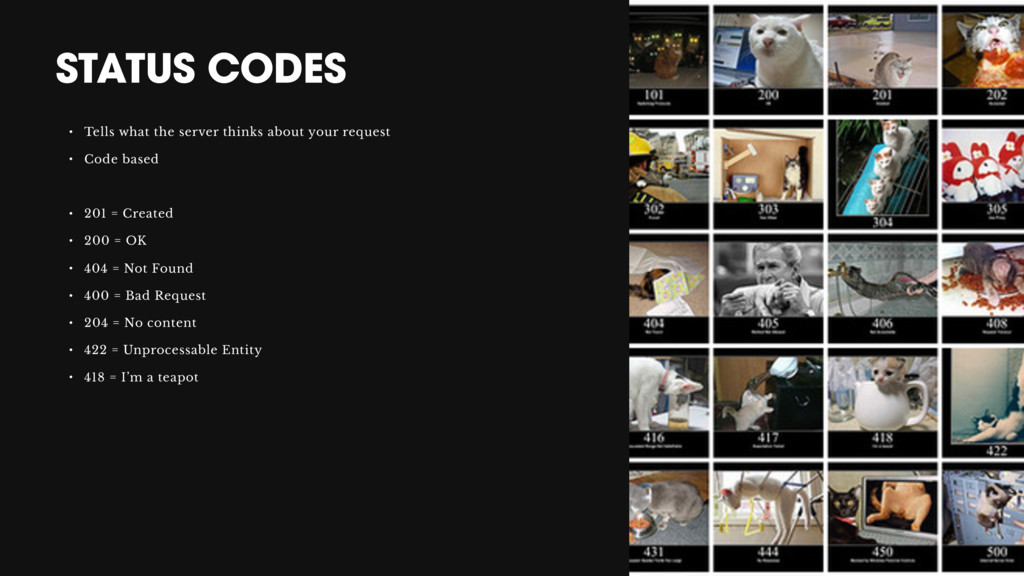
request • Code based • 201 = Created • 200 = OK • 404 = Not Found • 400 = Bad Request • 204 = No content • 422 = Unprocessable Entity • 418 = I’m a teapot
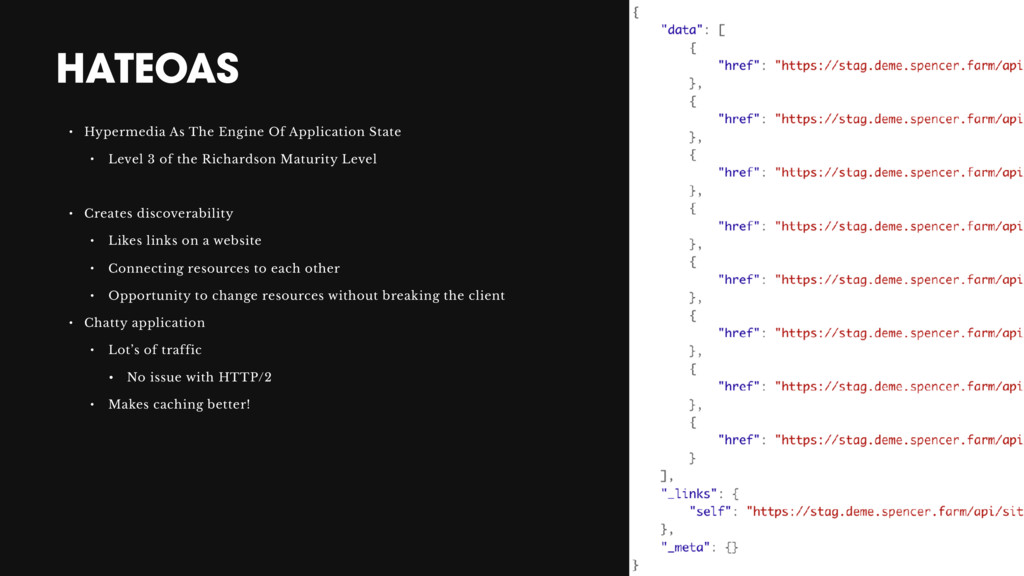
Level 3 of the Richardson Maturity Level • Creates discoverability • Likes links on a website • Connecting resources to each other • Opportunity to change resources without breaking the client • Chatty application • Lot’s of traffic • No issue with HTTP/2 • Makes caching better!
not implement this in the first version • Start using it in second version • Try to work backwards compatible • Header • Custom header • Accept header • URI • /api/v2/users/123
CAN’T ALWAYS GET WHAT WE WANT URI’s that can’t be defined in the structure that we want, bodies that are not consistent based on a specific resource, …


 tomokon
 ichirokano2
 marcoroth
 kaityo256
 htkym
htkym
 iwatsukayura
 y0hgi
y0hgi
 ivargrimstad
 hollycummins
 rkaga
rkaga
 florets1
 reverentgeek
 cassininazir
 jacobtomlinson
 greggifford
 mfonobong
 thirion
 katiecoart
 ipullrank
 marktimemedia
 jonoalderson
 inesmontani































![JEROEN JOOSEN [email protected]](https://files.speakerdeck.com/presentations/d7a322bbf96d450bb43424c812a79e14/slide_51.jpg)