With this slide, What is MongoDB and some brief information and also you know some basic commands like connection,stop the connection,help and other CRUD operation in briefly
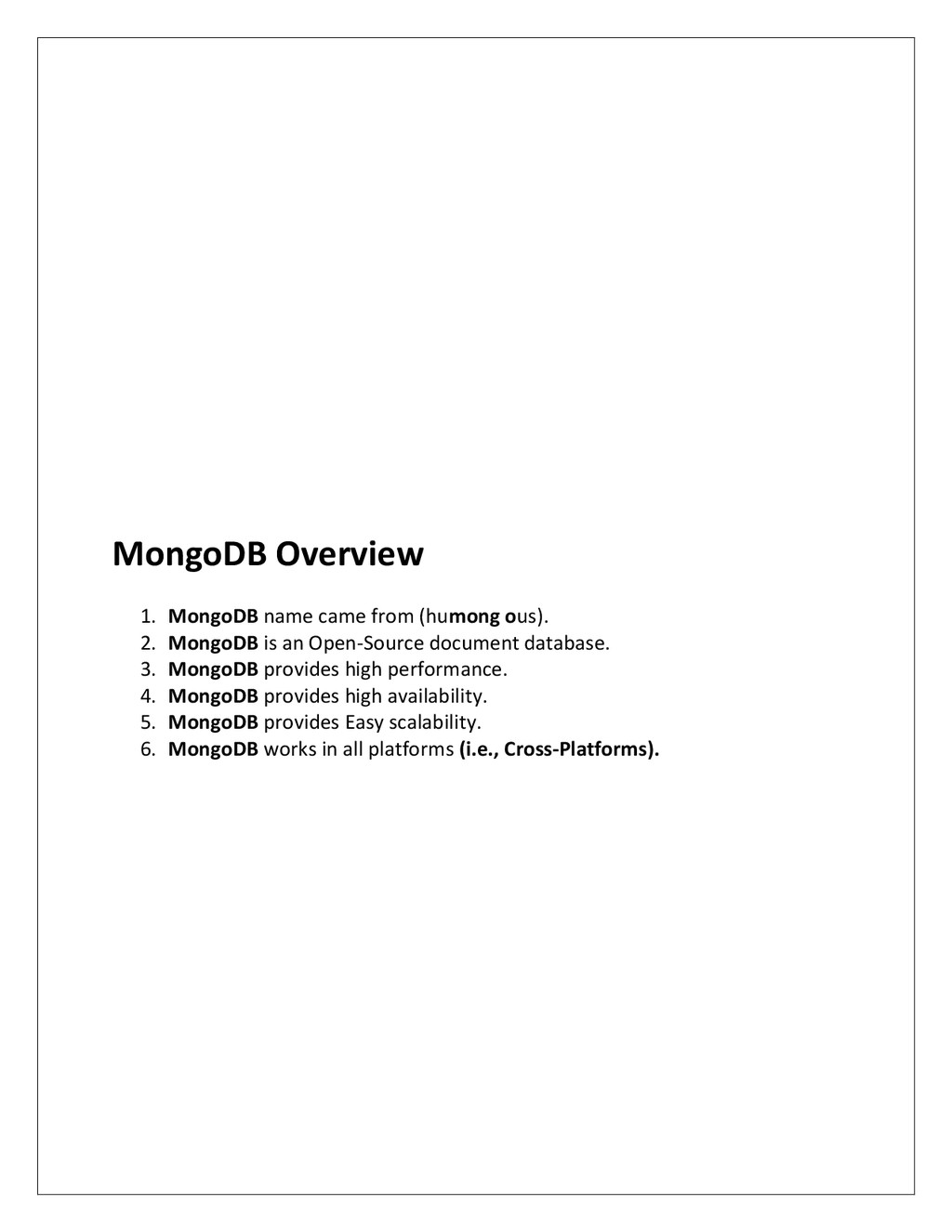
MongoDB is an Open-Source document database. 3. MongoDB provides high performance. 4. MongoDB provides high availability. 5. MongoDB provides Easy scalability. 6. MongoDB works in all platforms (i.e., Cross-Platforms).
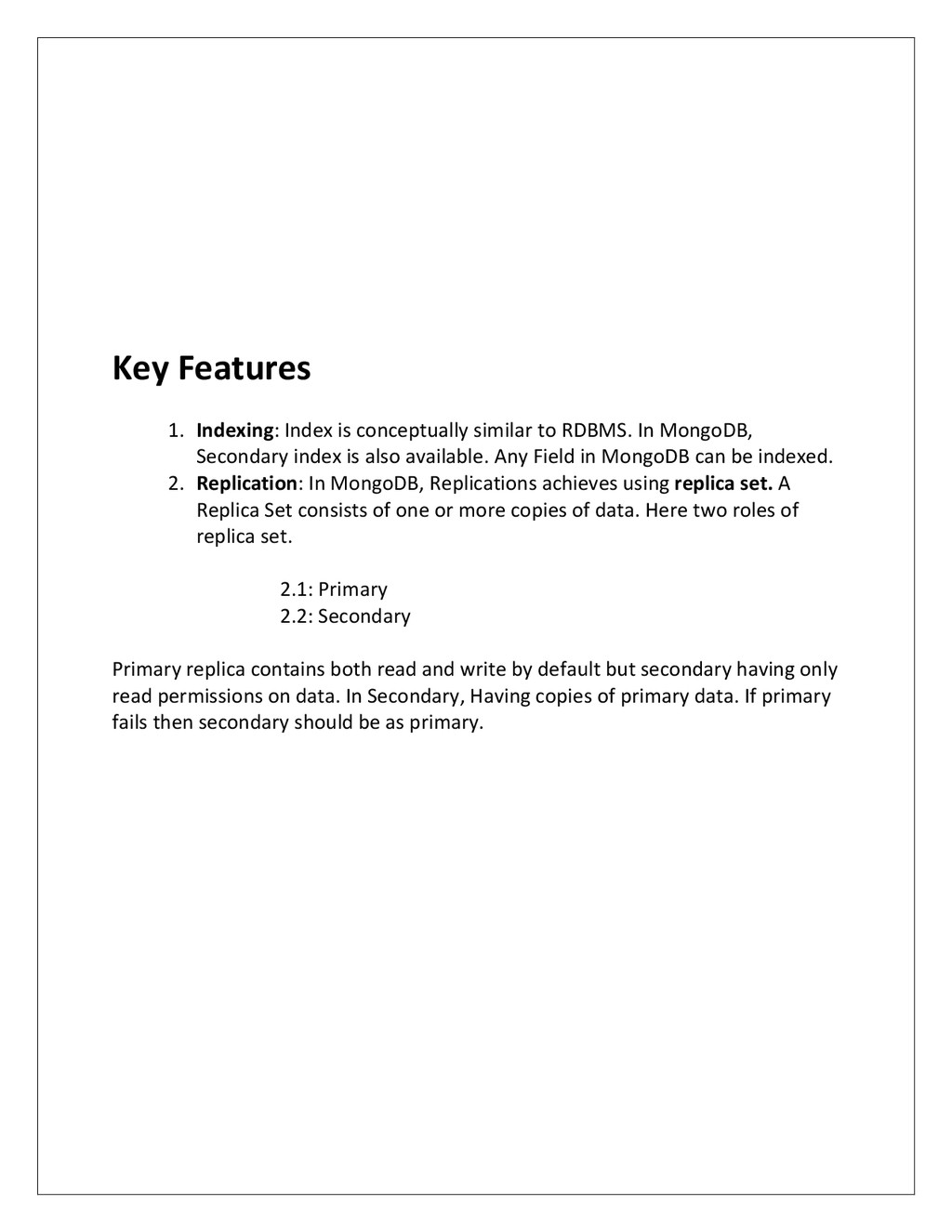
In MongoDB, Secondary index is also available. Any Field in MongoDB can be indexed. 2. Replication: In MongoDB, Replications achieves using replica set. A Replica Set consists of one or more copies of data. Here two roles of replica set. 2.1: Primary 2.2: Secondary Primary replica contains both read and write by default but secondary having only read permissions on data. In Secondary, Having copies of primary data. If primary fails then secondary should be as primary.
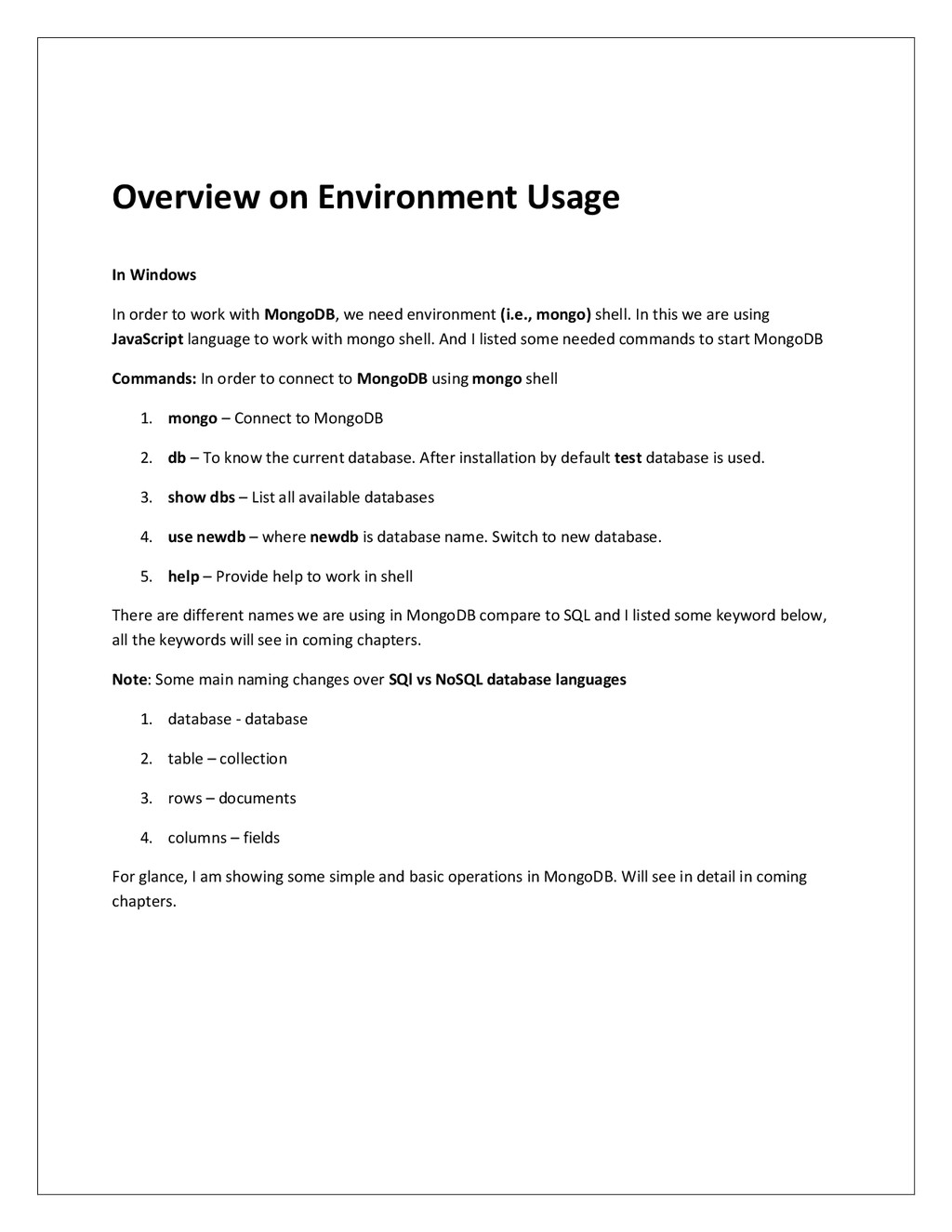
with MongoDB, we need environment (i.e., mongo) shell. In this we are using JavaScript language to work with mongo shell. And I listed some needed commands to start MongoDB Commands: In order to connect to MongoDB using mongo shell 1. mongo – Connect to MongoDB 2. db – To know the current database. After installation by default test database is used. 3. show dbs – List all available databases 4. use newdb – where newdb is database name. Switch to new database. 5. help – Provide help to work in shell There are different names we are using in MongoDB compare to SQL and I listed some keyword below, all the keywords will see in coming chapters. Note: Some main naming changes over SQl vs NoSQL database languages 1. database - database 2. table – collection 3. rows – documents 4. columns – fields For glance, I am showing some simple and basic operations in MongoDB. Will see in detail in coming chapters.
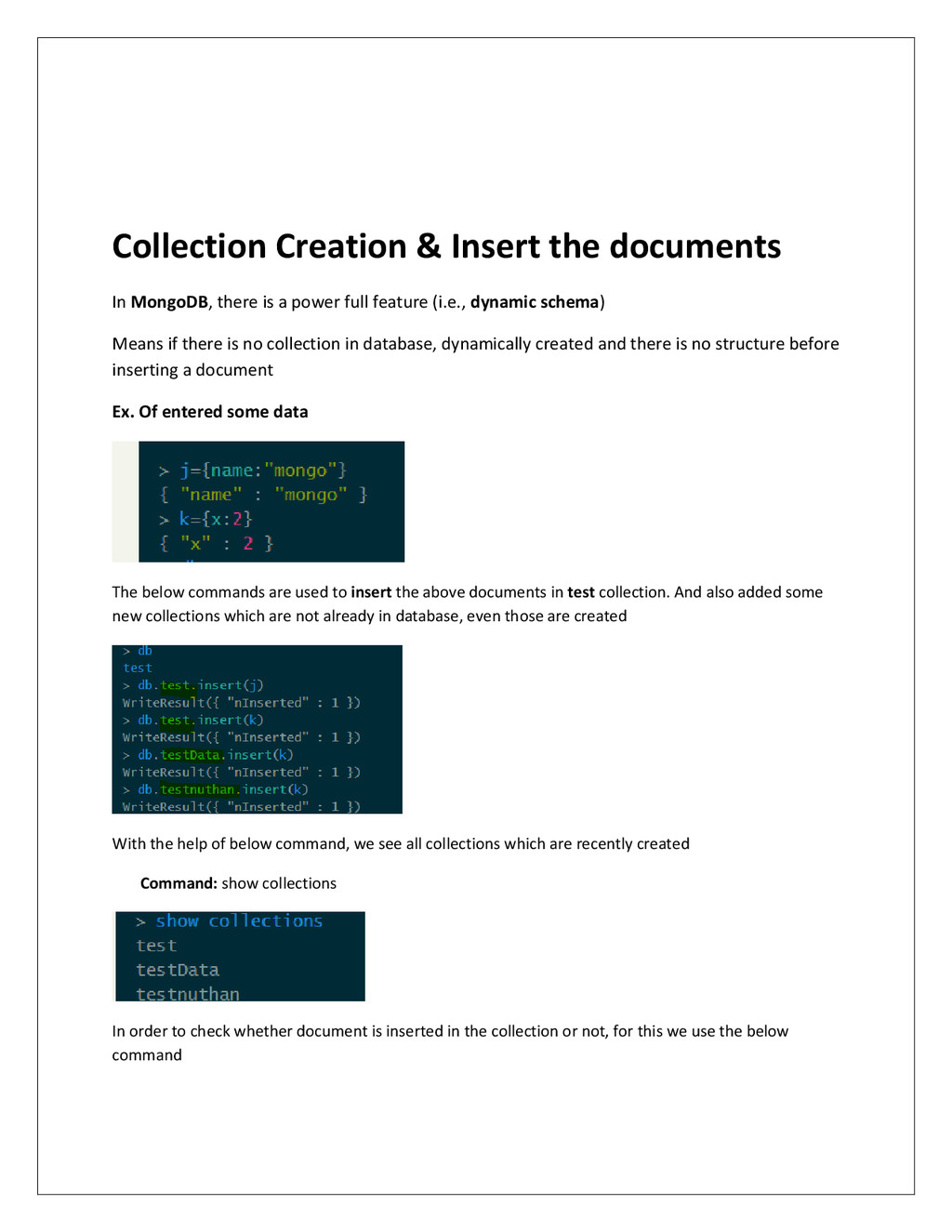
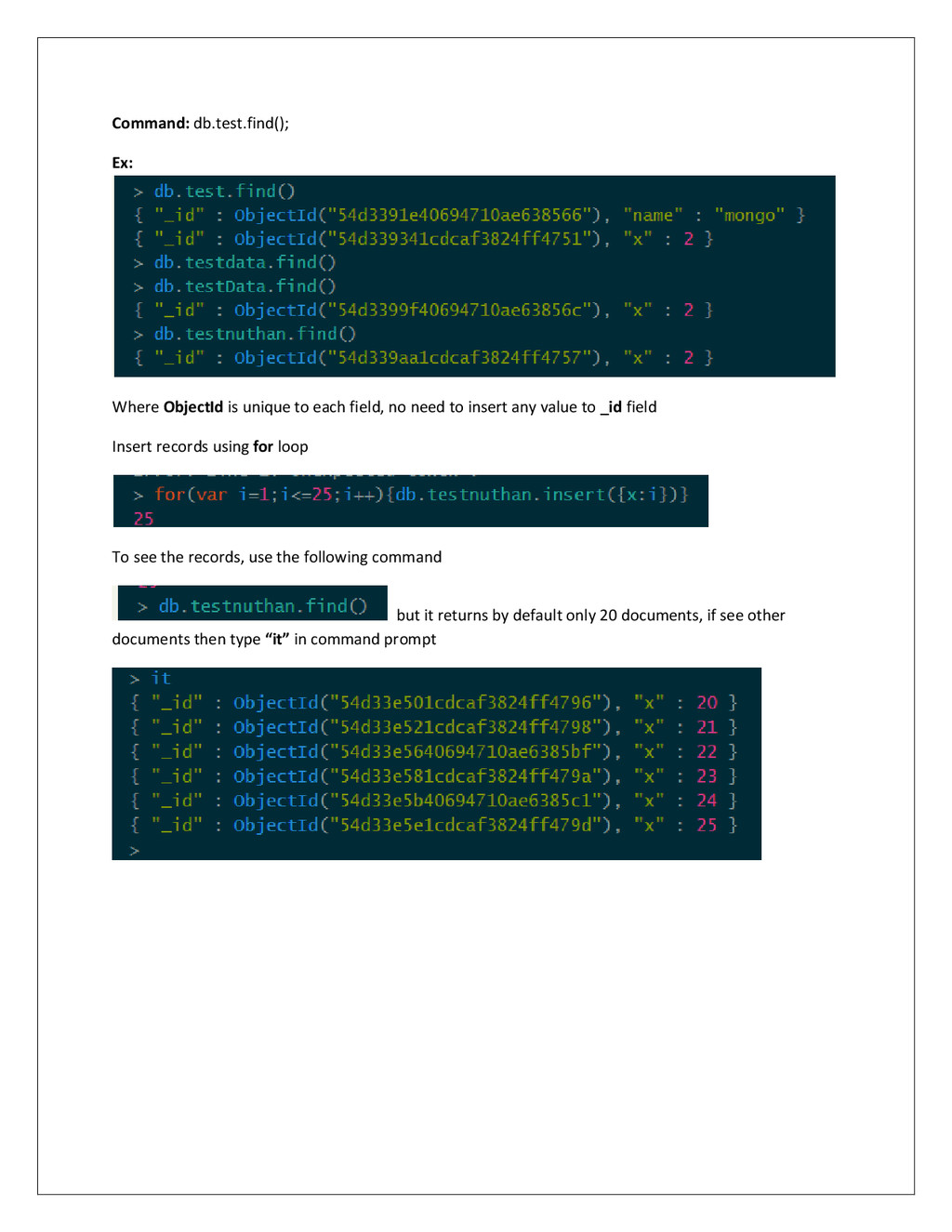
a power full feature (i.e., dynamic schema) Means if there is no collection in database, dynamically created and there is no structure before inserting a document Ex. Of entered some data The below commands are used to insert the above documents in test collection. And also added some new collections which are not already in database, even those are created With the help of below command, we see all collections which are recently created Command: show collections In order to check whether document is inserted in the collection or not, for this we use the below command
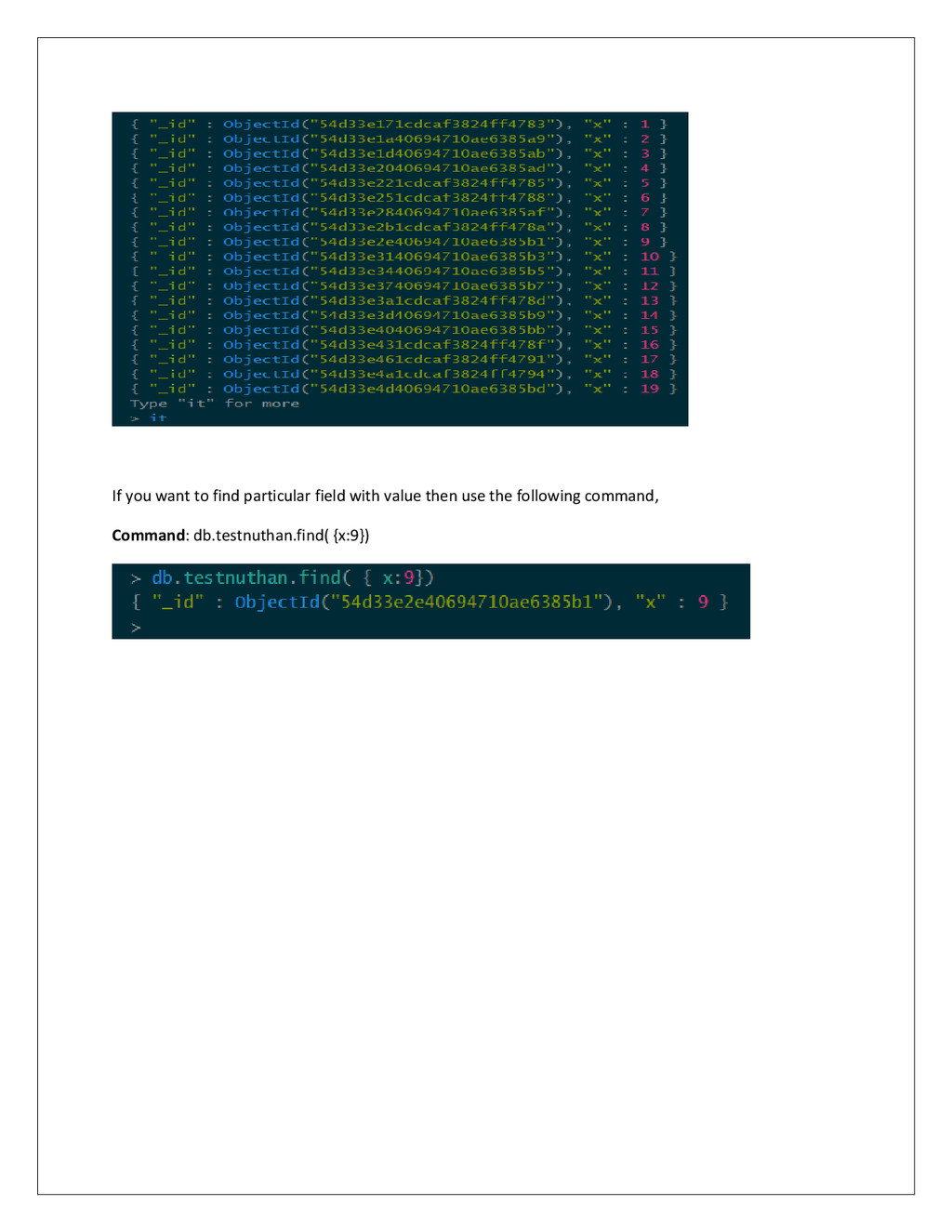
no need to insert any value to _id field Insert records using for loop To see the records, use the following command but it returns by default only 20 documents, if see other documents then type “it” in command prompt
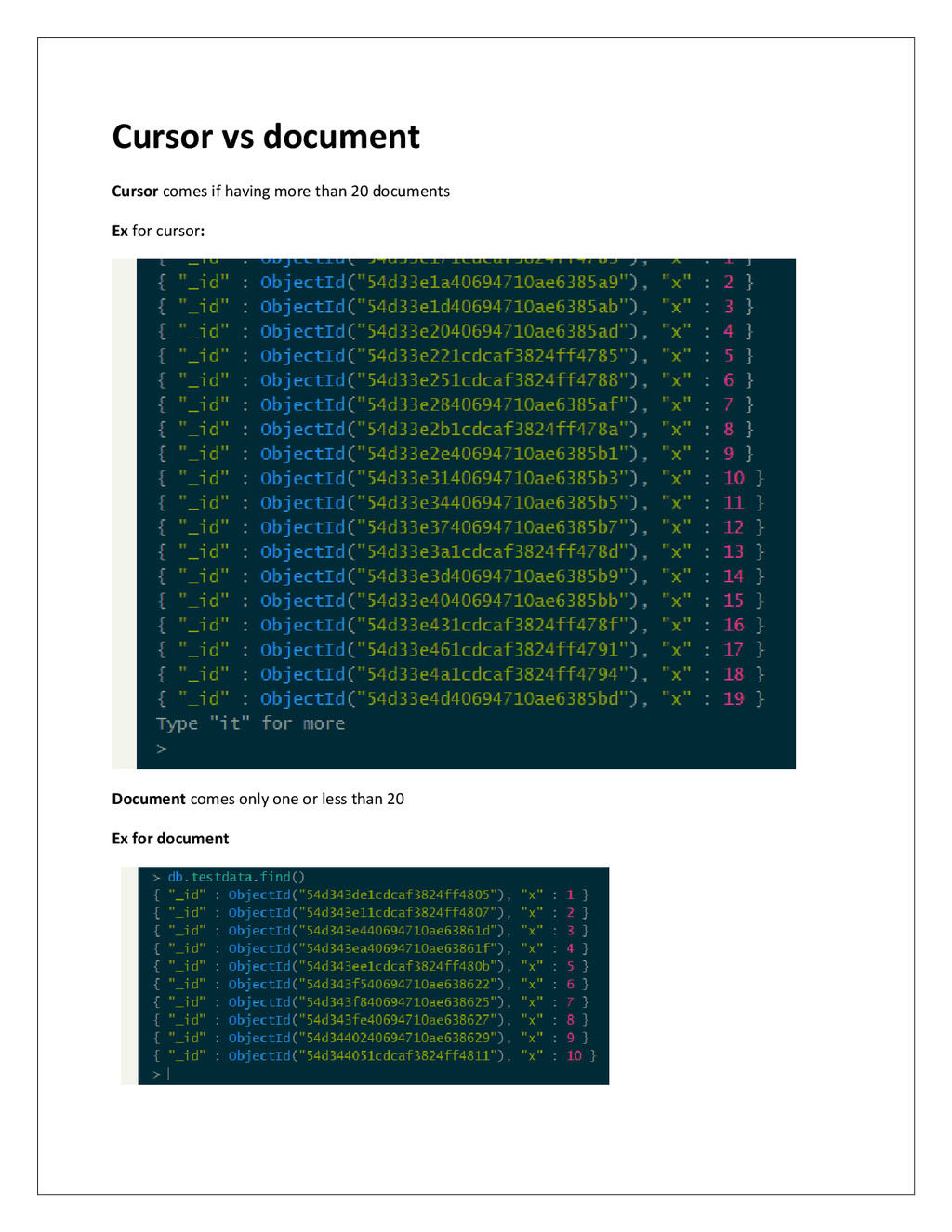
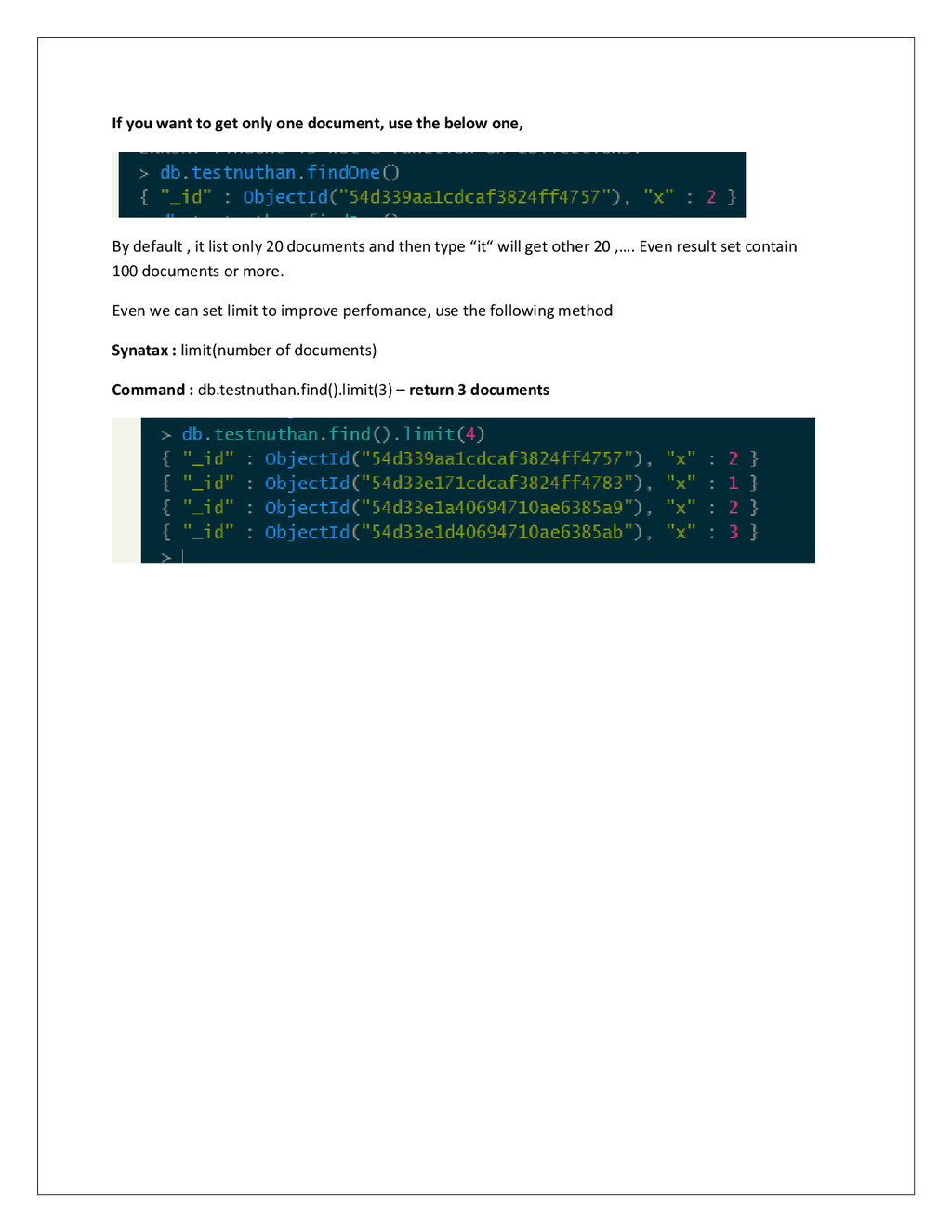
below one, By default , it list only 20 documents and then type “it“ will get other 20 ,…. Even result set contain 100 documents or more. Even we can set limit to improve perfomance, use the following method Synatax : limit(number of documents) Command : db.testnuthan.find().limit(3) – return 3 documents


 sh_fk2
 shumei_ito
 kentarofujii
 taketakekaho
 bgpat
bgpat
 sansantech
 genda
genda
 moznion
 kentapapa
 ishikawa_satoru
 namiki64
 satoshi7
 baasie
 nwiizo
 axbom
axbom
 lara
lara
 twada
twada
 badams
 khoart
 carmenintech
 marktimemedia
 chriscoyier
 leimatthew05
 thekraken