Upgrade to Pro — share decks privately, control downloads, hide ads and more …

Hello React!

Sponsored · Ship Features Fearlessly Turn features on and off without deploys. Used by thousands of Ruby developers.
Avatar for Opensanca Opensanca

December 17, 2016

Hello React!

Nesse workshop foi apresentado uma introdução sobre a biblioteca React com Gui Diego (https://www.linkedin.com/in/guilhermediego/) e Vinicius Lemes (https://www.linkedin.com/in/vlemes/) na Trilha Full Stack JavaScript.

Avatar for Opensanca

Opensanca

December 17, 2016

More Decks by Opensanca

Other Decks in Programming

Transcript

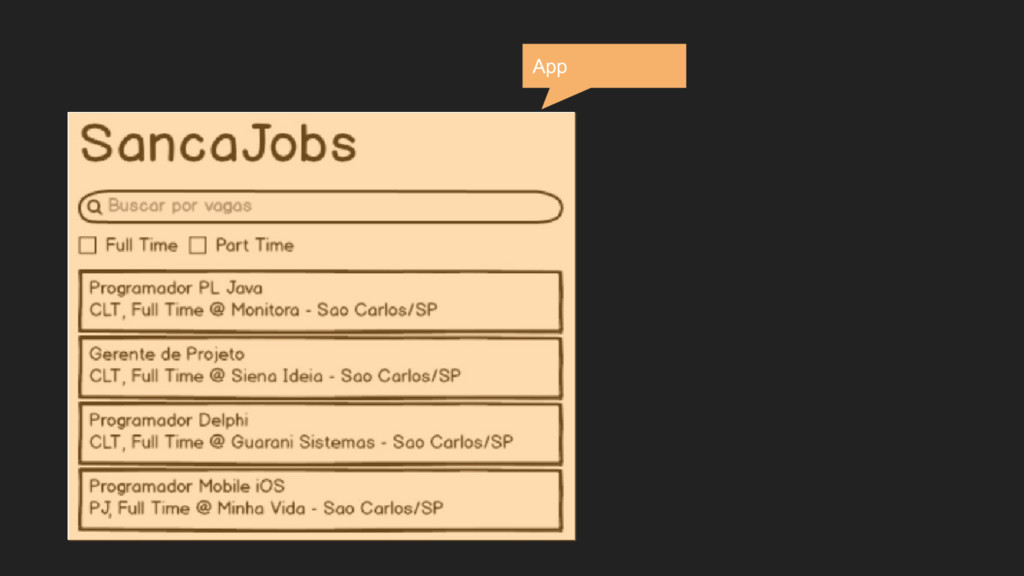
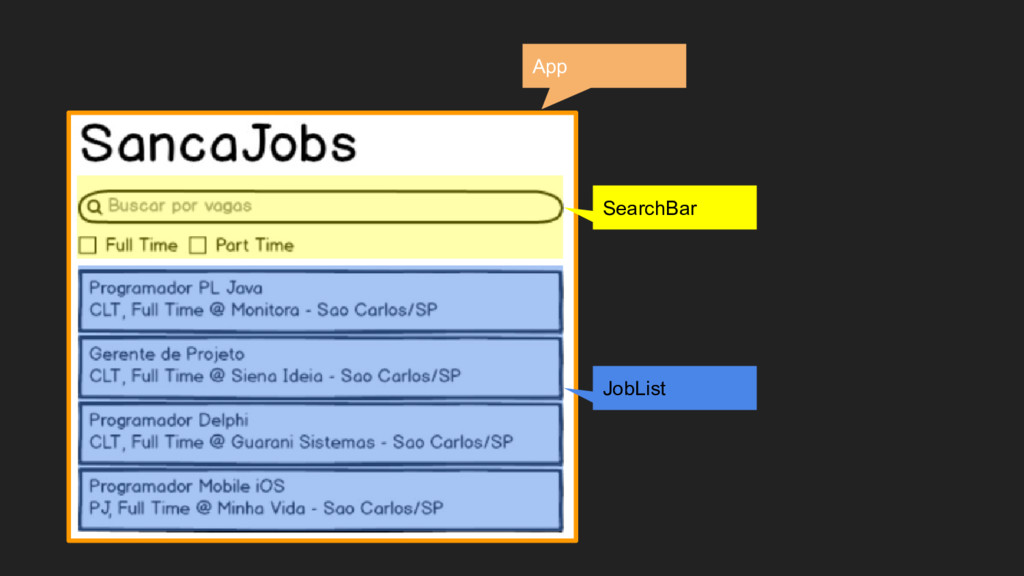
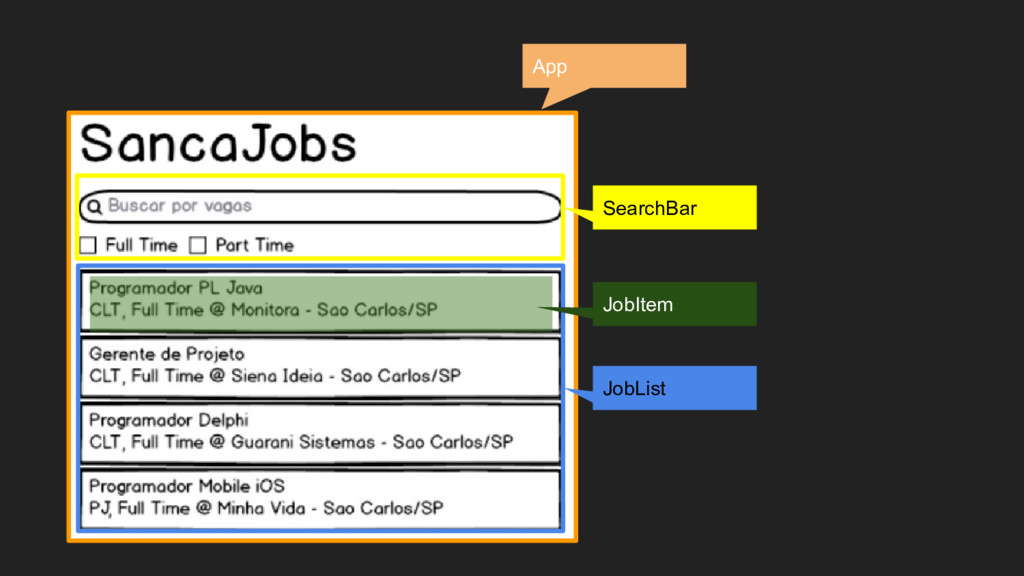
  1. App

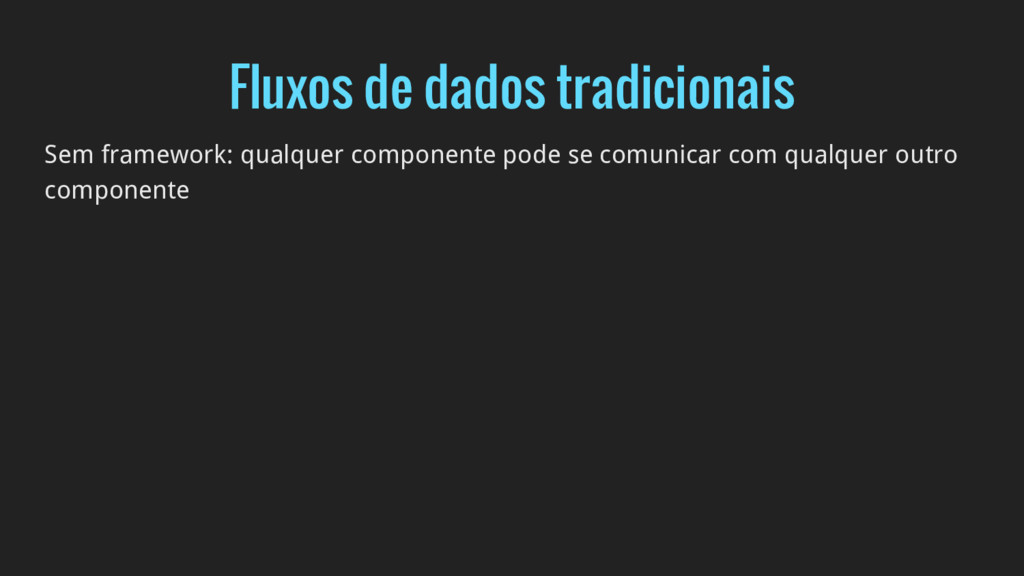
  2. Fluxos de dados tradicionais Sem framework: qualquer componente pode se

    comunicar com qualquer outro componente Backbone: Pub-sub item.on(‘change:name’, function() { ...
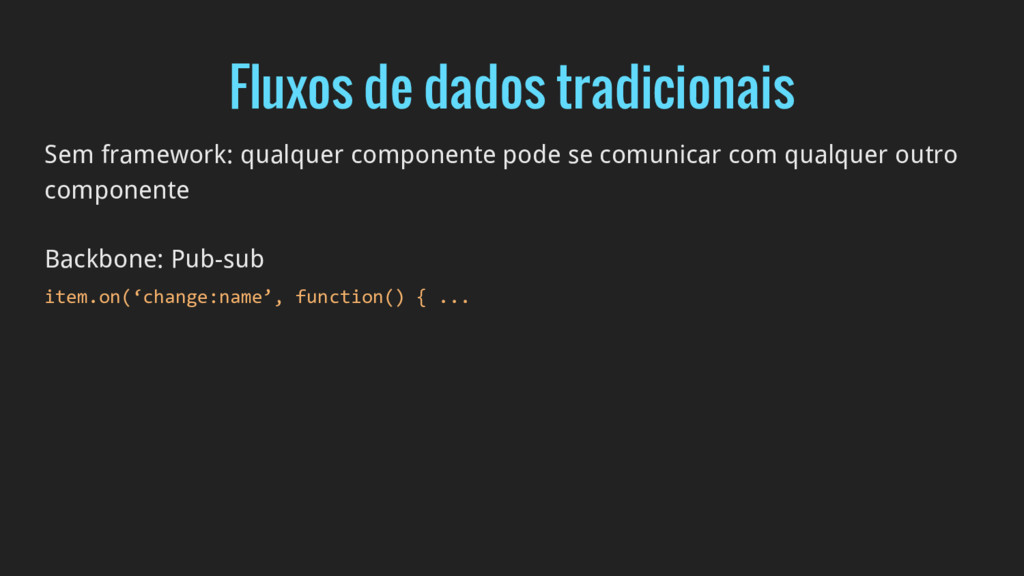
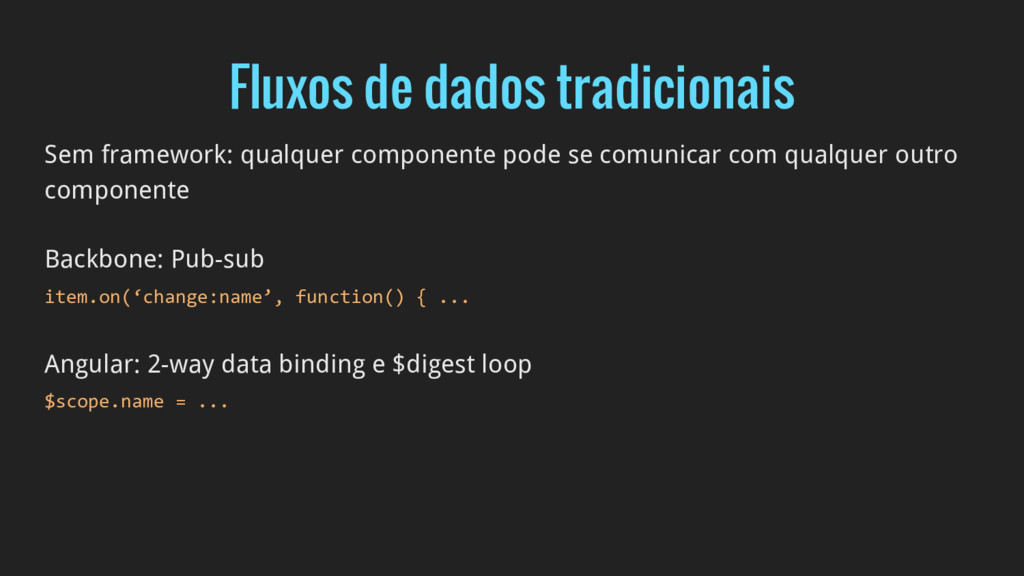
  3. Fluxos de dados tradicionais Sem framework: qualquer componente pode se

    comunicar com qualquer outro componente Backbone: Pub-sub item.on(‘change:name’, function() { ... Angular: 2-way data binding e $digest loop $scope.name = ...
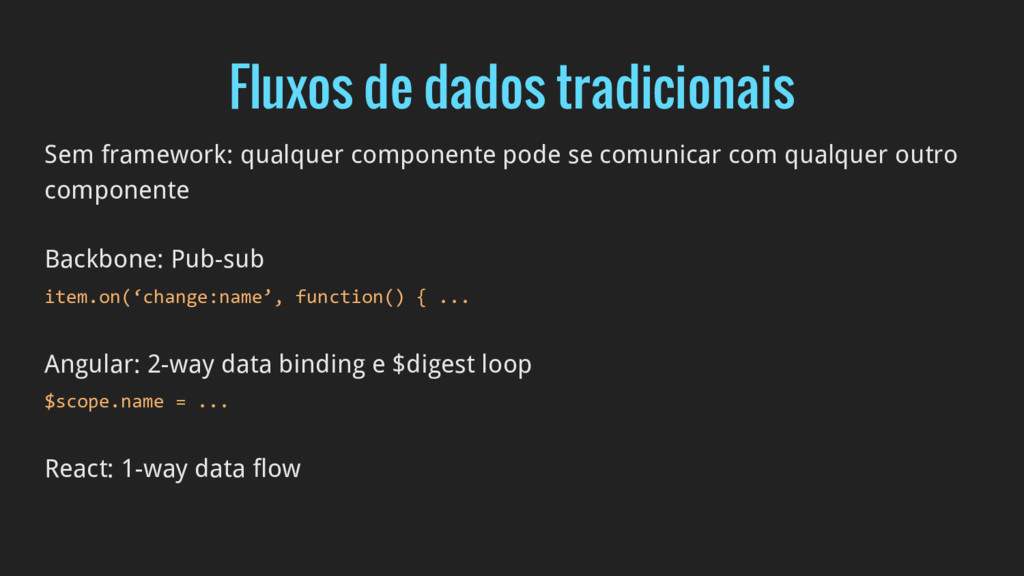
  4. Fluxos de dados tradicionais Sem framework: qualquer componente pode se

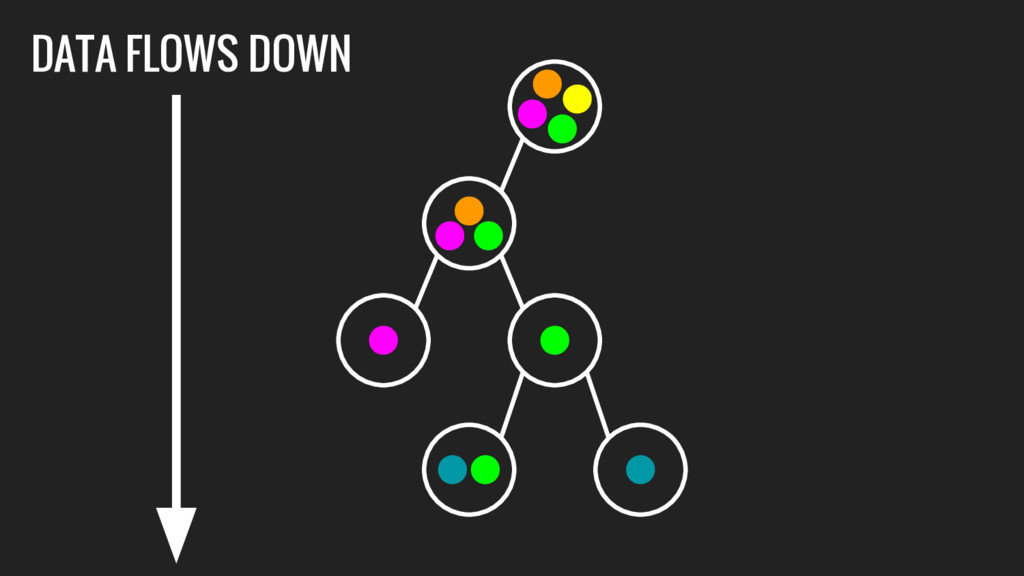
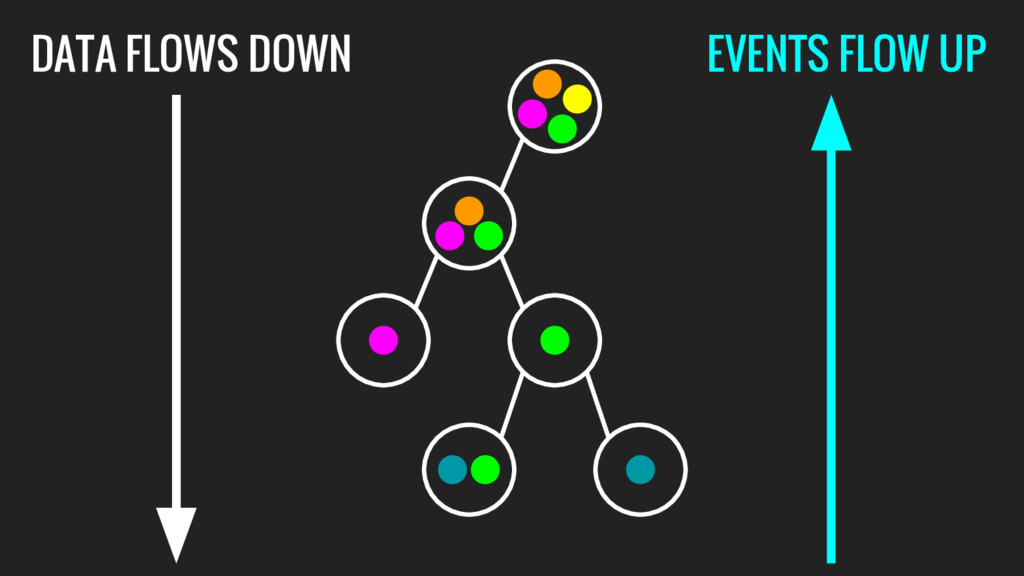
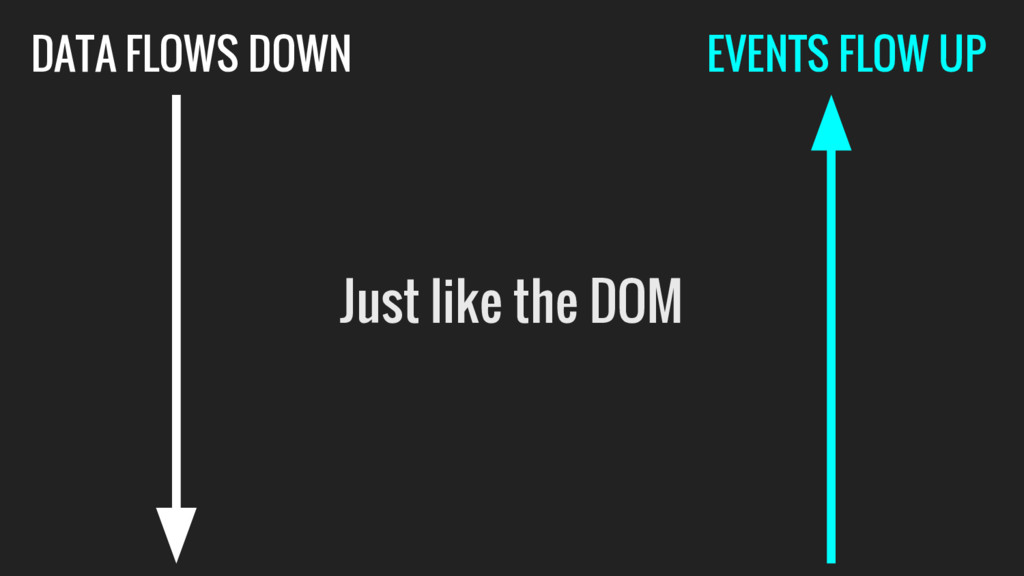
    comunicar com qualquer outro componente Backbone: Pub-sub item.on(‘change:name’, function() { ... Angular: 2-way data binding e $digest loop $scope.name = ... React: 1-way data flow
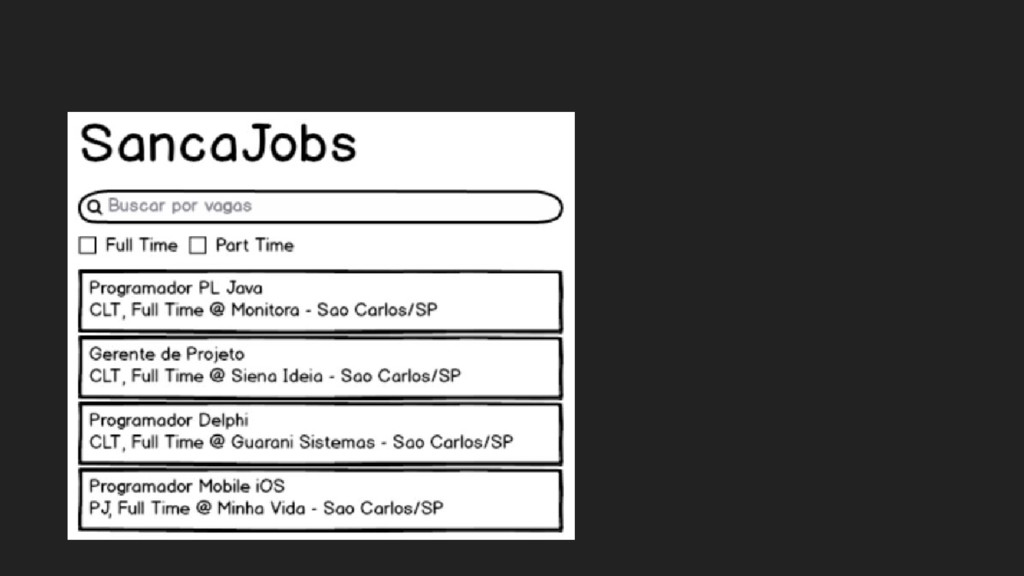
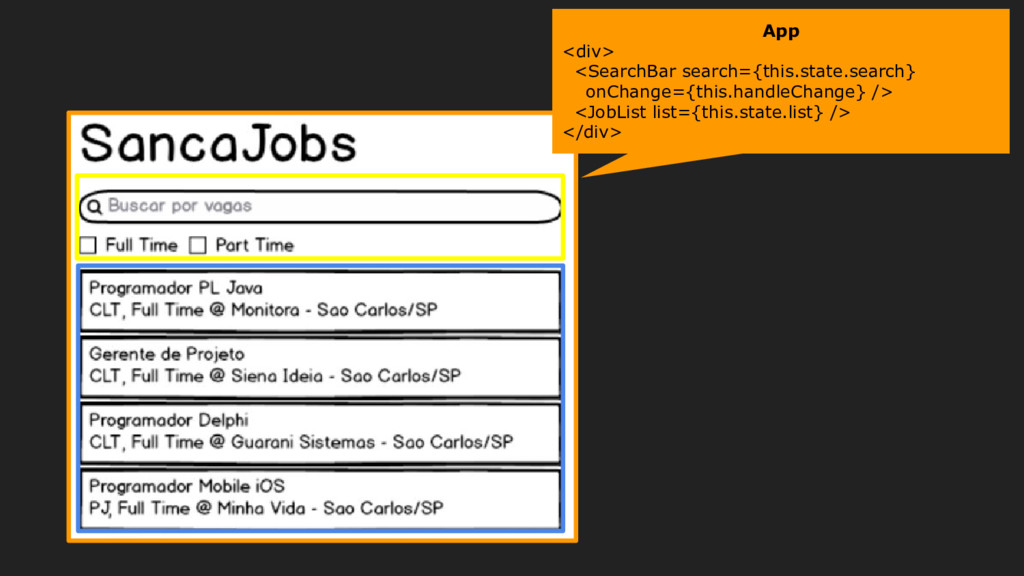
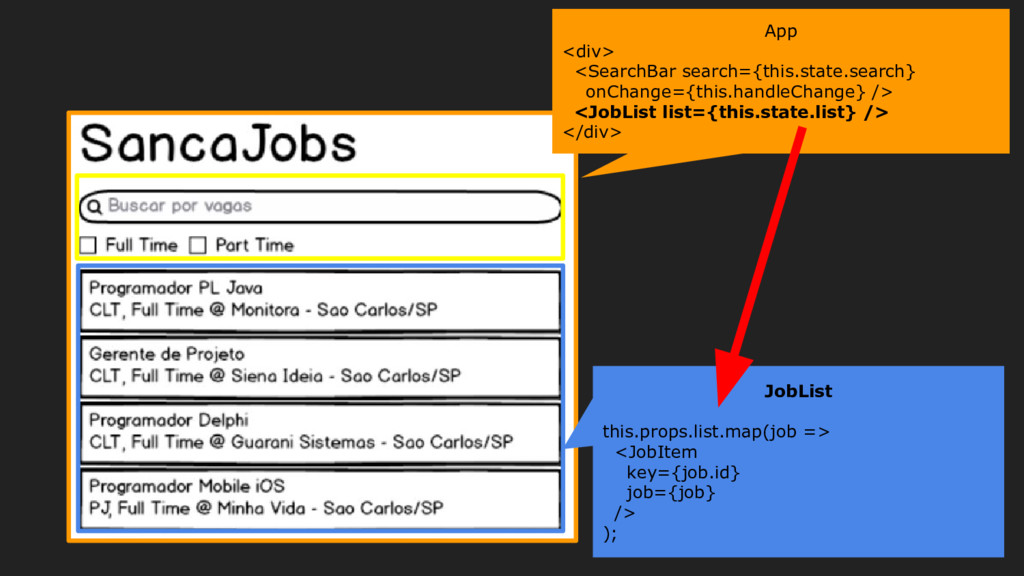
  5. App <div> <SearchBar search={this.state.search} onChange={this.handleChange} /> <JobList list={this.state.list} /> </div>

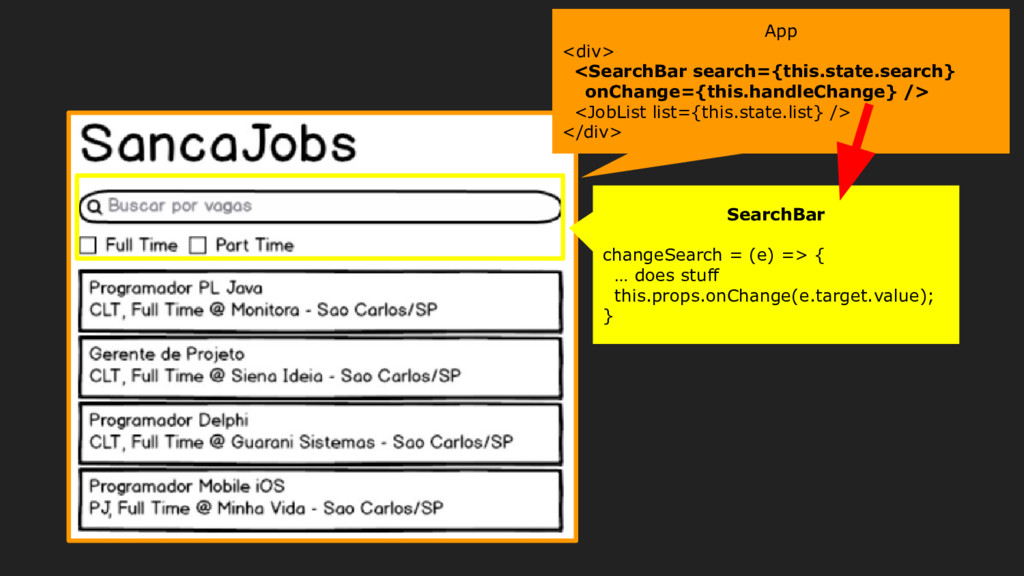
    SearchBar changeSearch = (e) => { … does stuff this.props.onChange(e.target.value); }
  6. App <div> <SearchBar search={this.state.search} onChange={this.handleChange} /> <JobList list={this.state.list} /> </div>

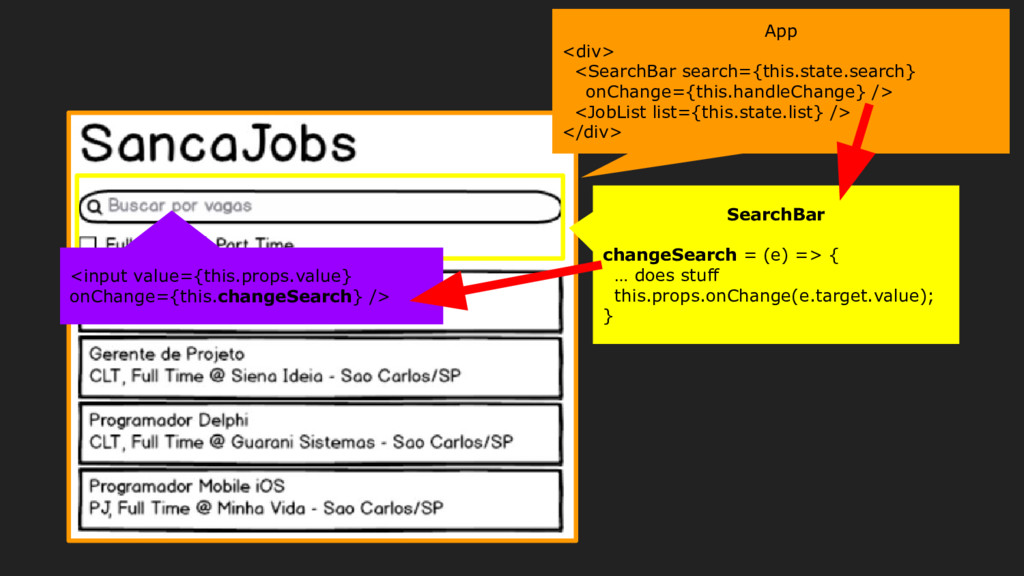
    SearchBar changeSearch = (e) => { … does stuff this.props.onChange(e.target.value); } <input value={this.props.value} onChange={this.changeSearch} />
  7. App <div> <SearchBar search={this.state.search} onChange={this.handleChange} /> <JobList list={this.state.list} /> </div>

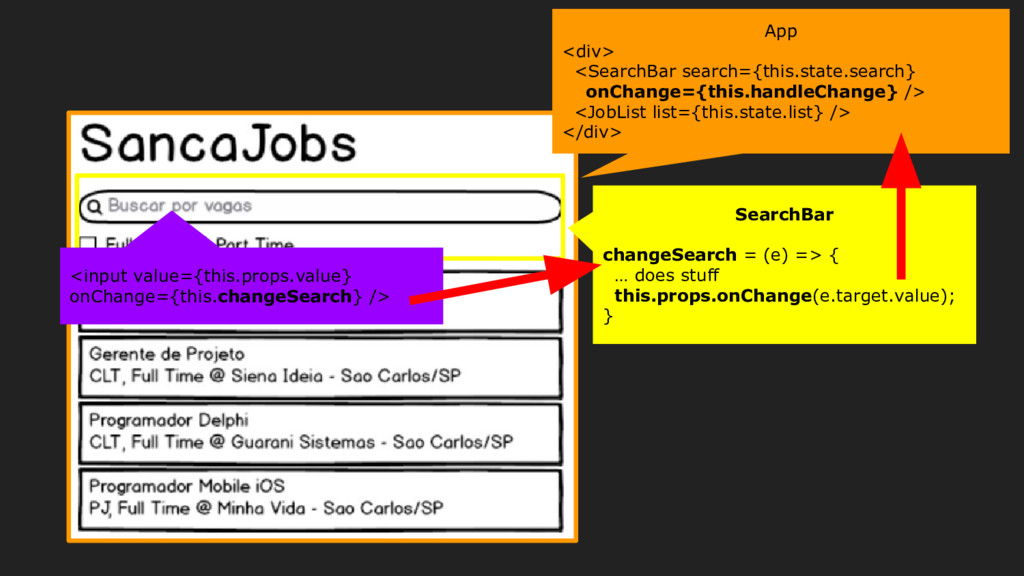
    SearchBar changeSearch = (e) => { … does stuff this.props.onChange(e.target.value); } <input value={this.props.value} onChange={this.changeSearch} />
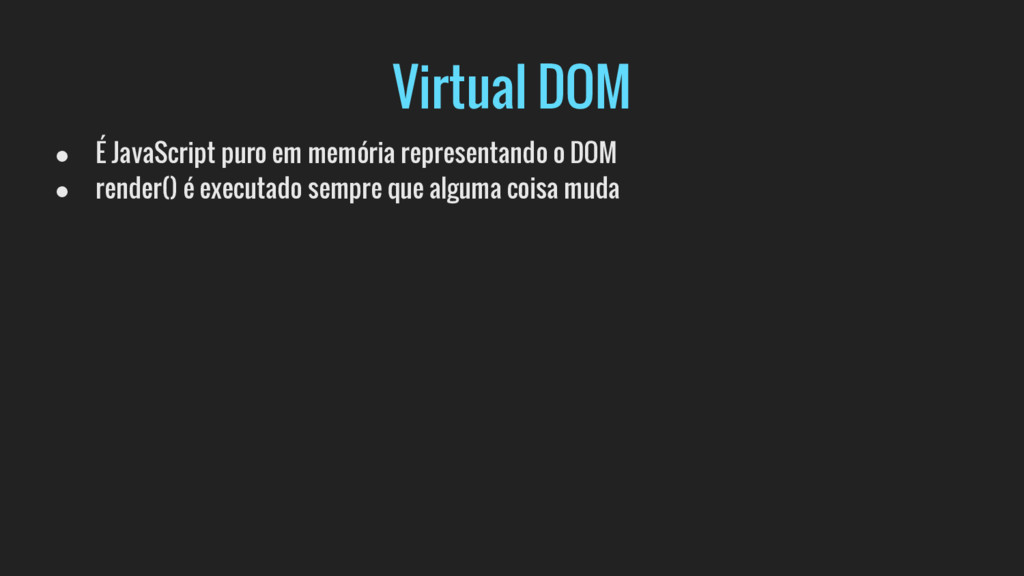
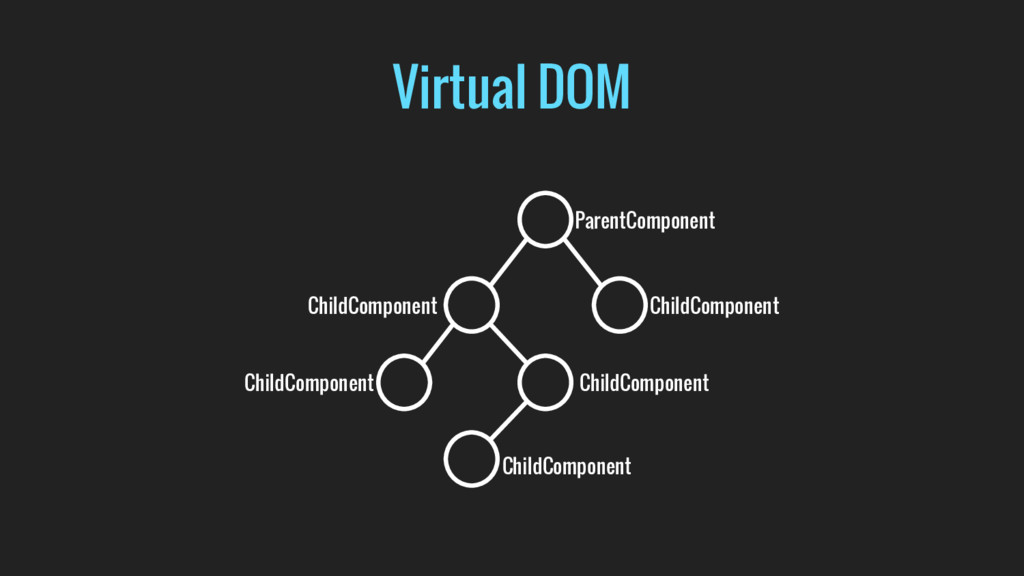
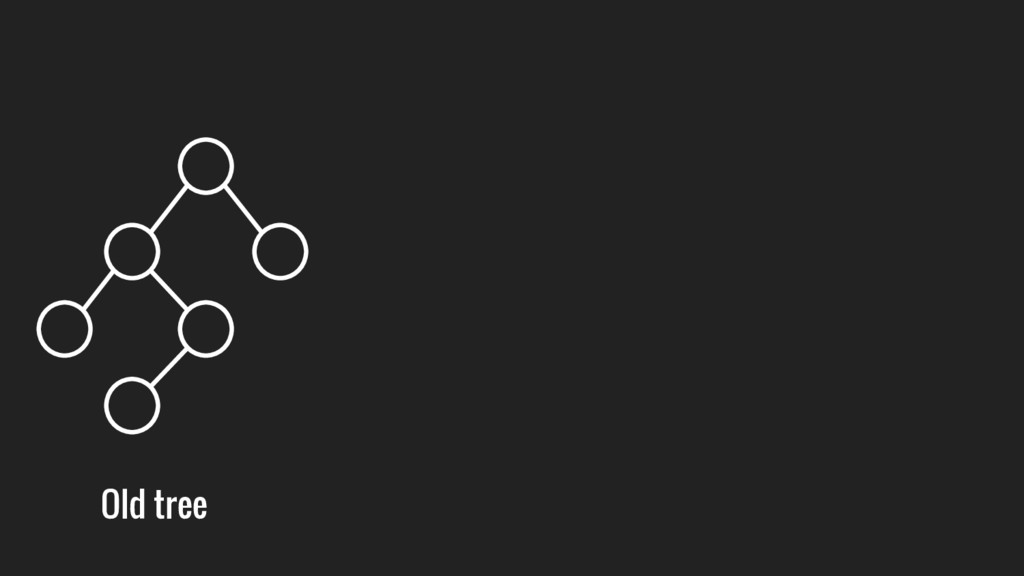
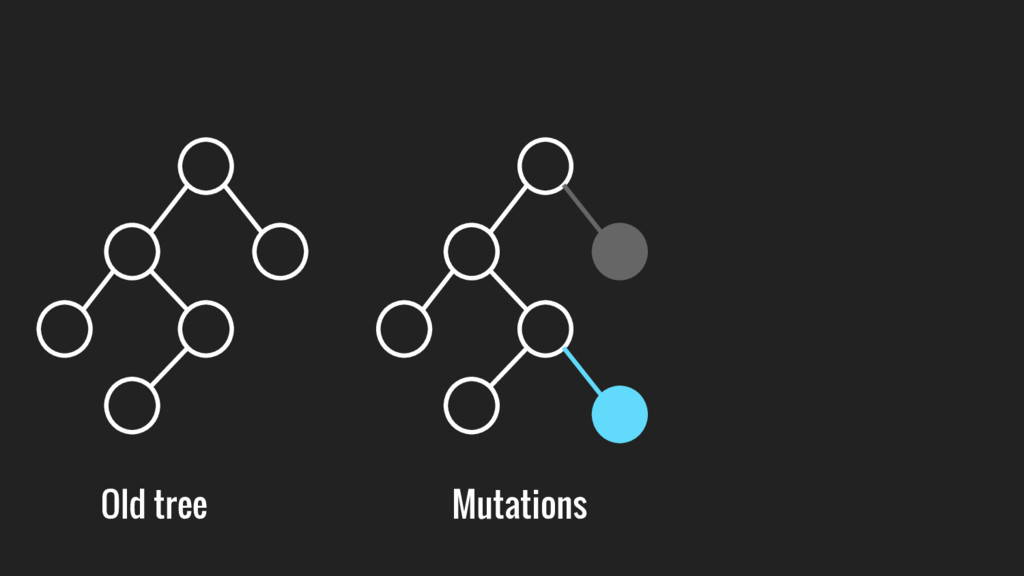
  8. Virtual DOM • É JavaScript puro em memória representando o

    DOM • render() é executado sempre que alguma coisa muda
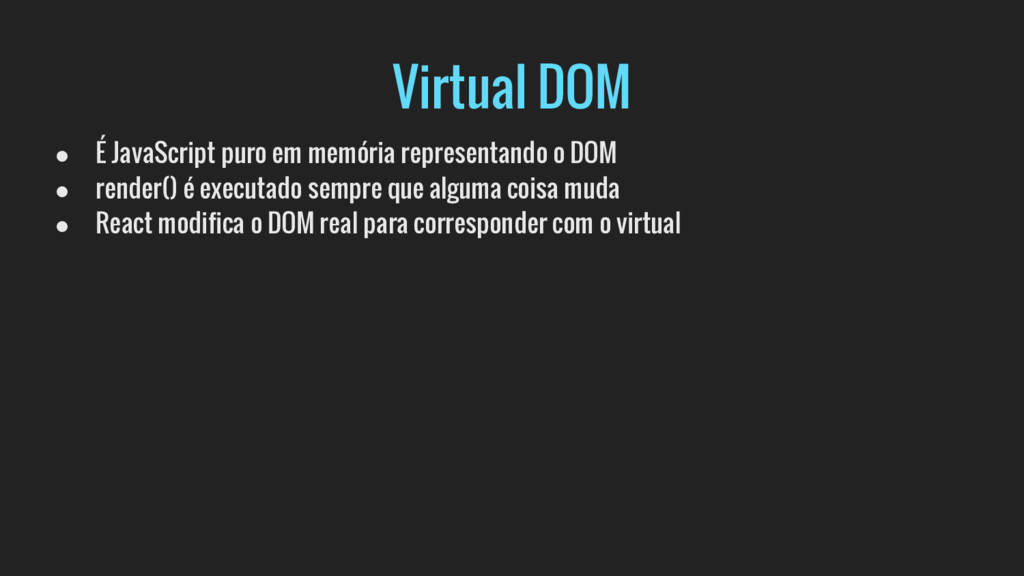
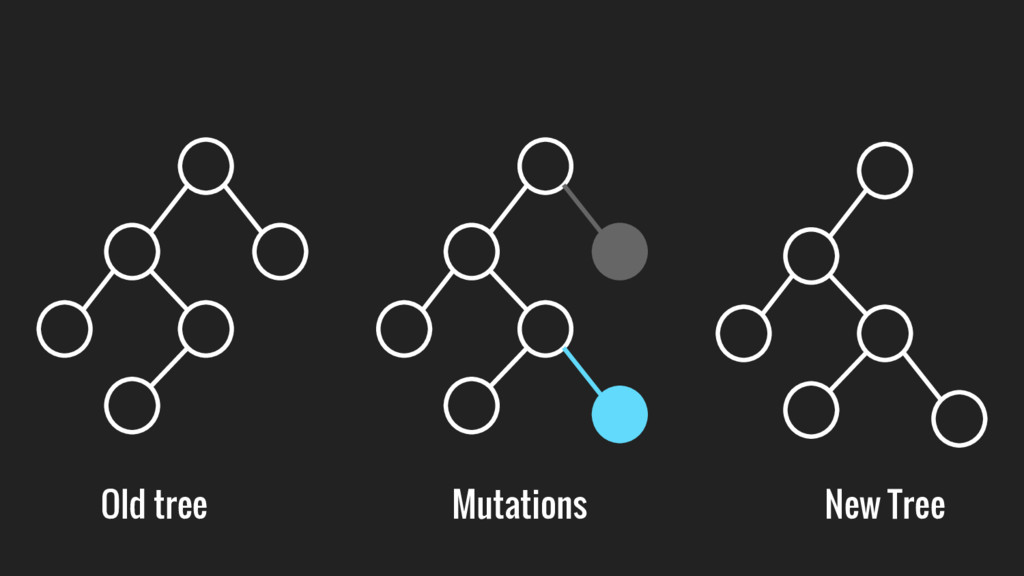
  9. Virtual DOM • É JavaScript puro em memória representando o

    DOM • render() é executado sempre que alguma coisa muda • React modifica o DOM real para corresponder com o virtual
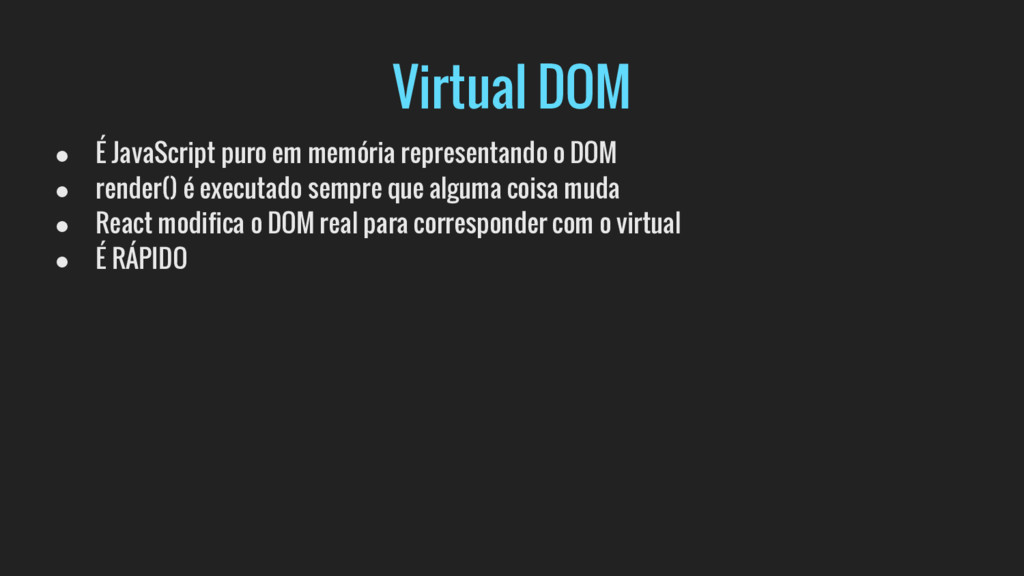
  10. Virtual DOM • É JavaScript puro em memória representando o

    DOM • render() é executado sempre que alguma coisa muda • React modifica o DOM real para corresponder com o virtual • É RÁPIDO
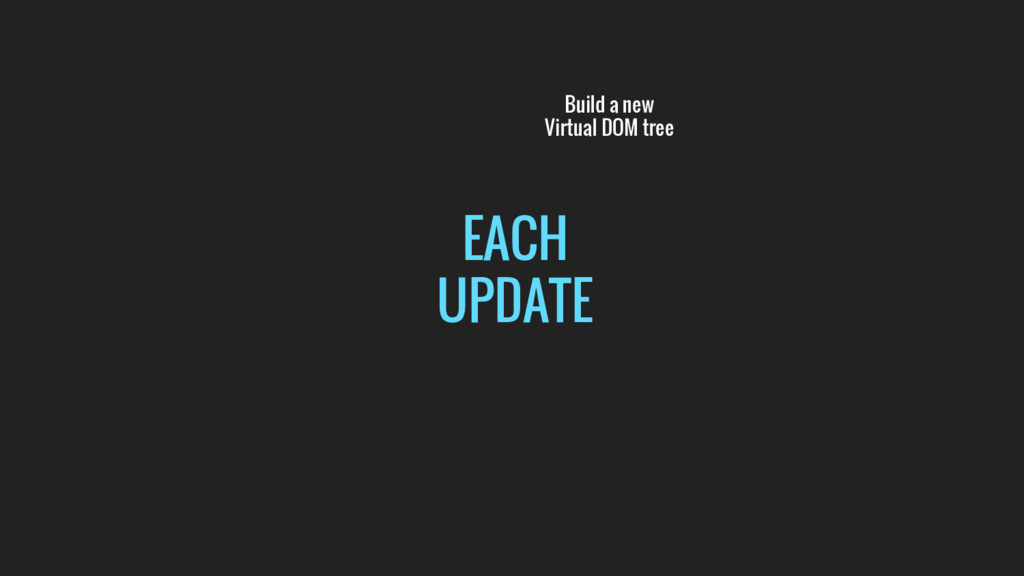
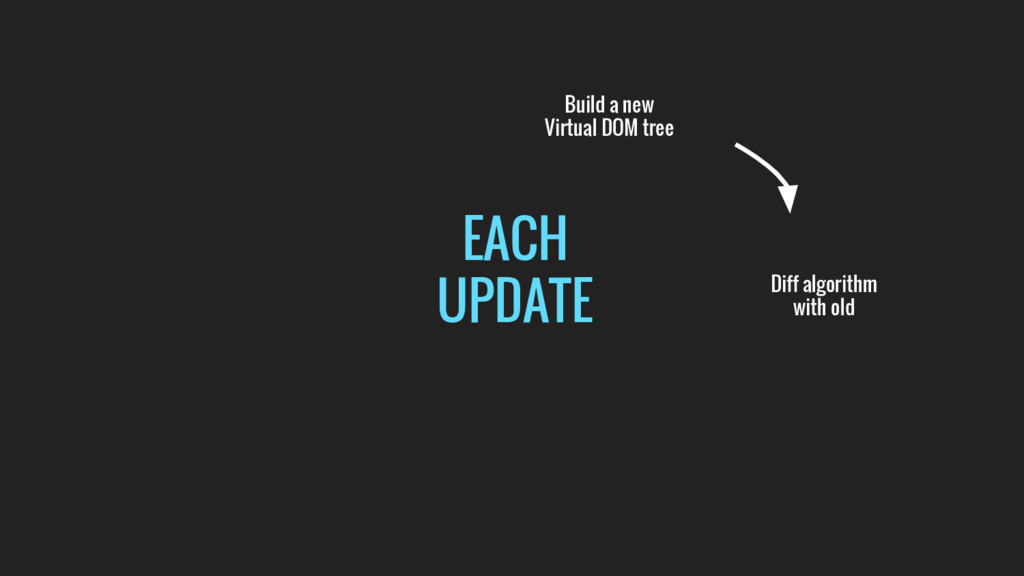
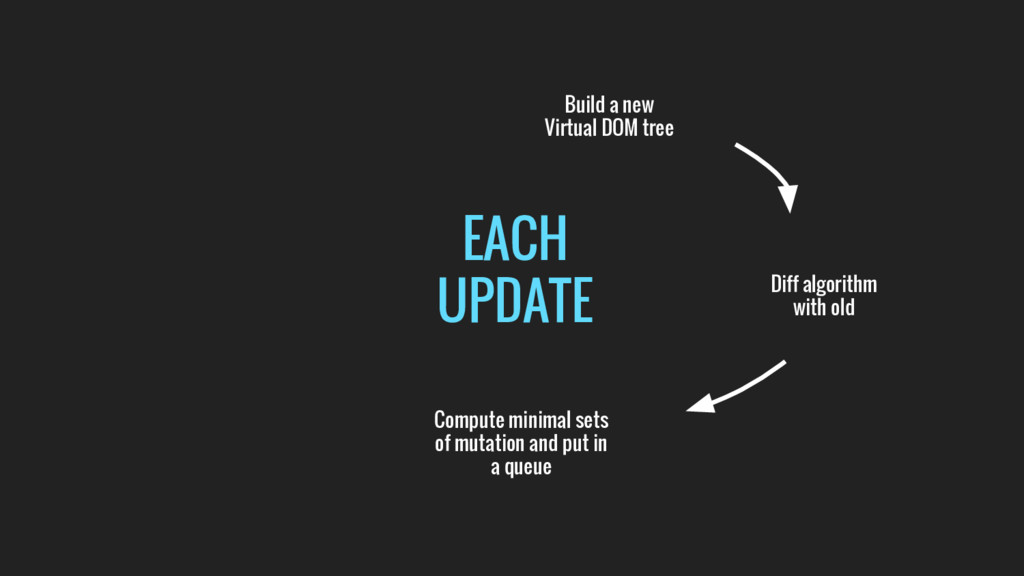
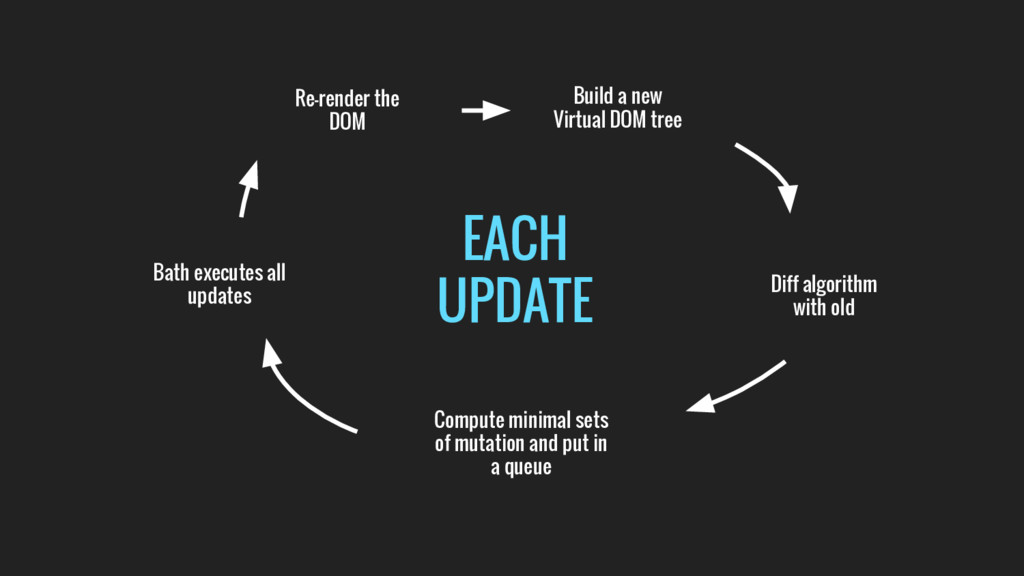
  11. EACH UPDATE Build a new Virtual DOM tree Diff algorithm

    with old Compute minimal sets of mutation and put in a queue
  12. EACH UPDATE Build a new Virtual DOM tree Diff algorithm

    with old Compute minimal sets of mutation and put in a queue Bath executes all updates
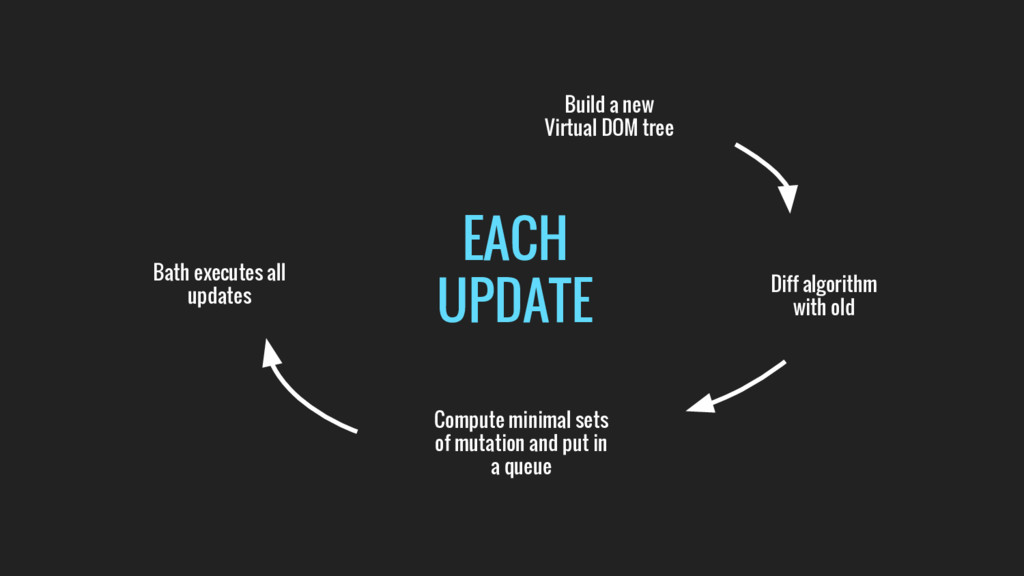
  13. EACH UPDATE Build a new Virtual DOM tree Diff algorithm

    with old Compute minimal sets of mutation and put in a queue Bath executes all updates Re-render the DOM
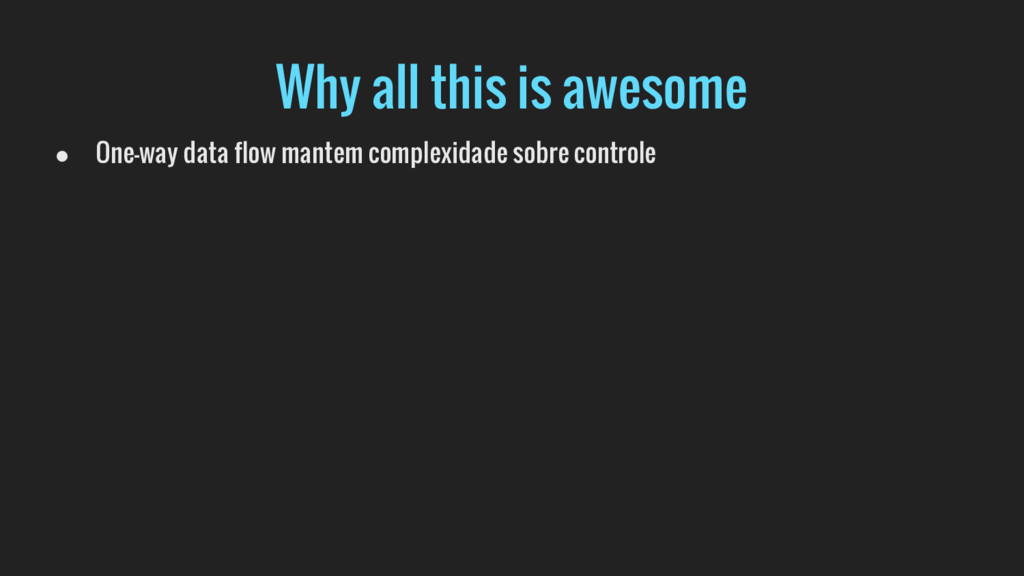
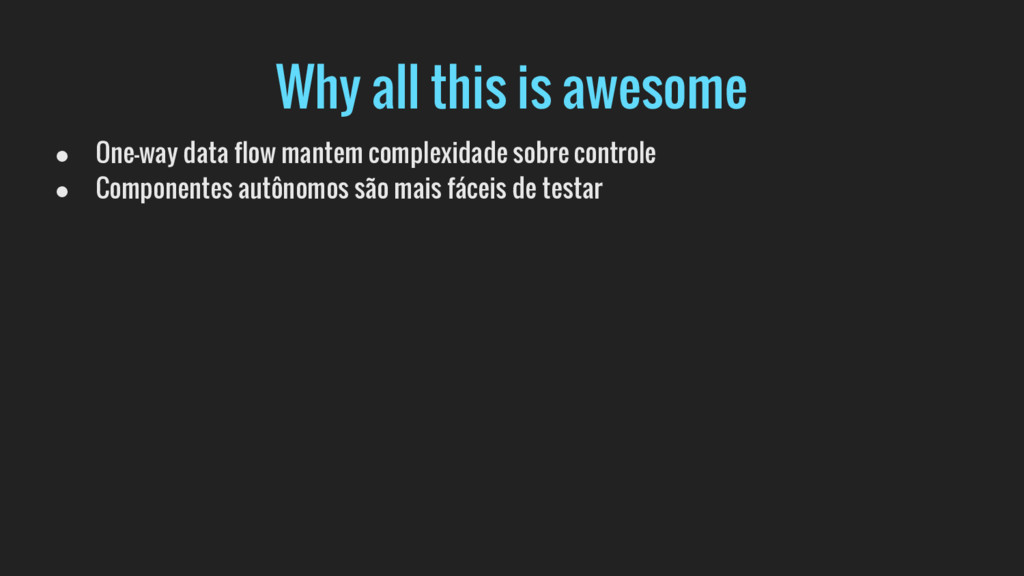
  14. Why all this is awesome • One-way data flow mantem

    complexidade sobre controle • Componentes autônomos são mais fáceis de testar
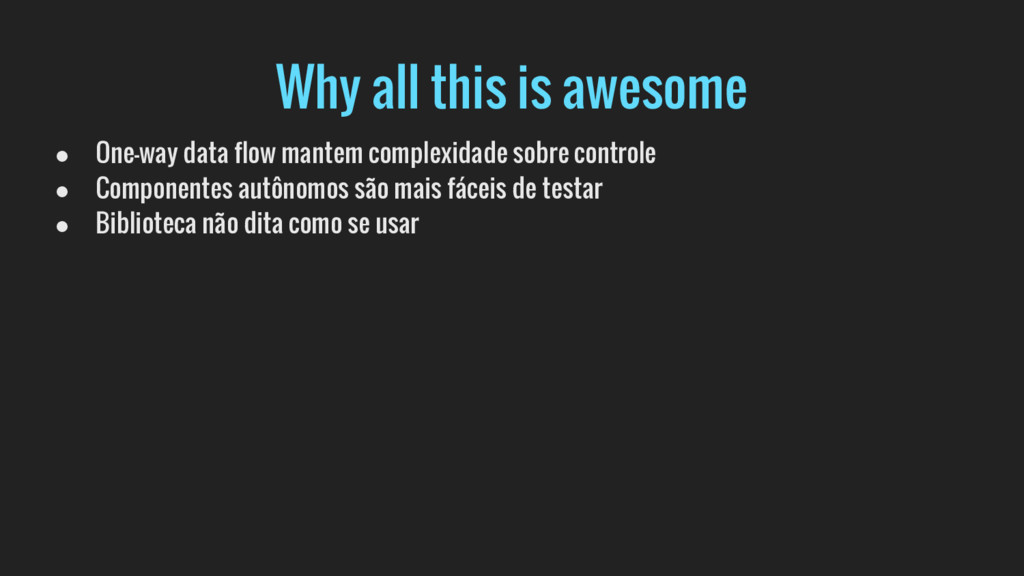
  15. Why all this is awesome • One-way data flow mantem

    complexidade sobre controle • Componentes autônomos são mais fáceis de testar • Biblioteca não dita como se usar
  16. Why all this is awesome • One-way data flow mantem

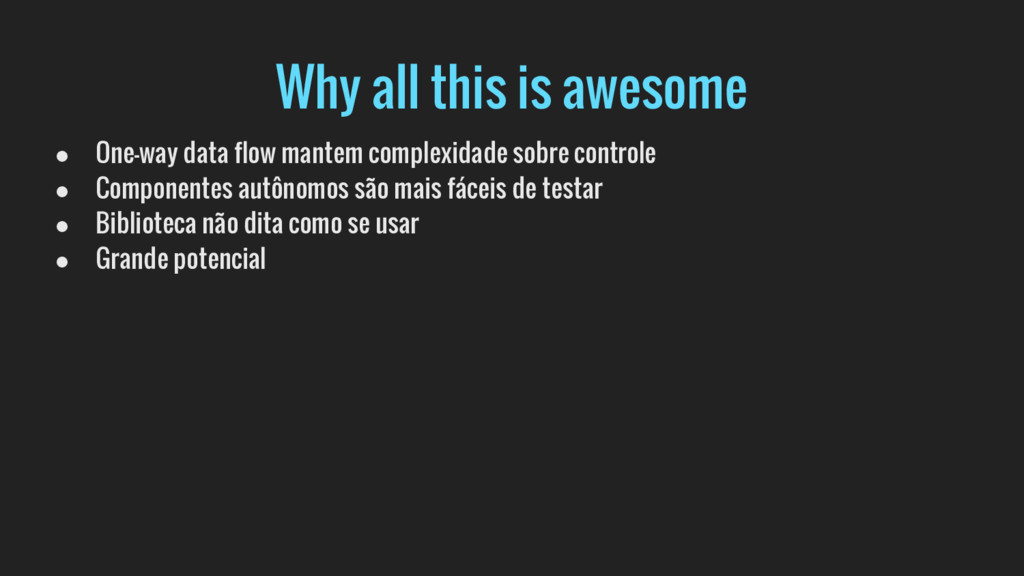
    complexidade sobre controle • Componentes autônomos são mais fáceis de testar • Biblioteca não dita como se usar • Grande potencial
  17. Why all this is awesome • One-way data flow mantem

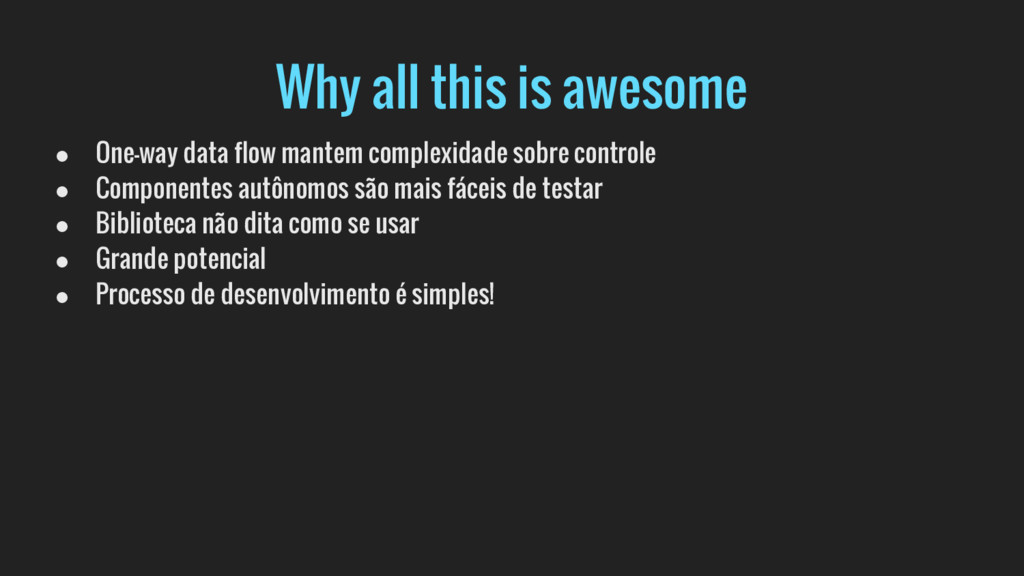
    complexidade sobre controle • Componentes autônomos são mais fáceis de testar • Biblioteca não dita como se usar • Grande potencial • Processo de desenvolvimento é simples!