Upgrade to Pro — share decks privately, control downloads, hide ads and more …

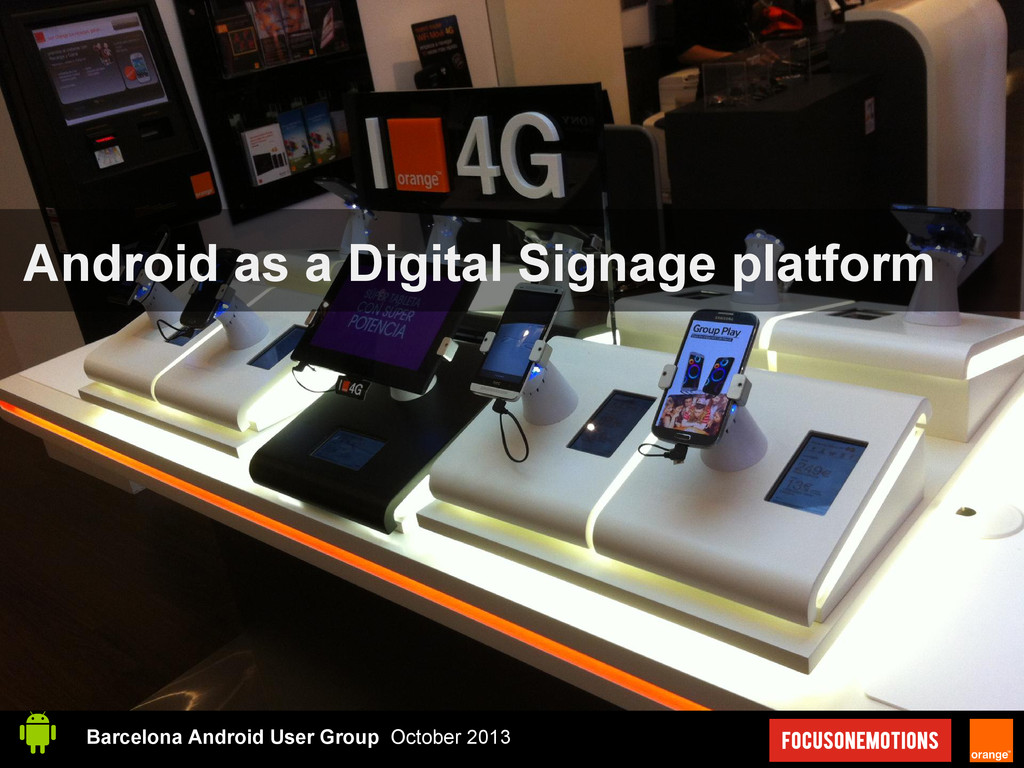
Android as a Digital Signage platform

Avatar for Orestes Orestes
October 09, 2013

Android as a Digital Signage platform

Slides for my talk at Barcelona Android User Group on October

Avatar for Orestes

Orestes

October 09, 2013

Other Decks in Programming

Transcript

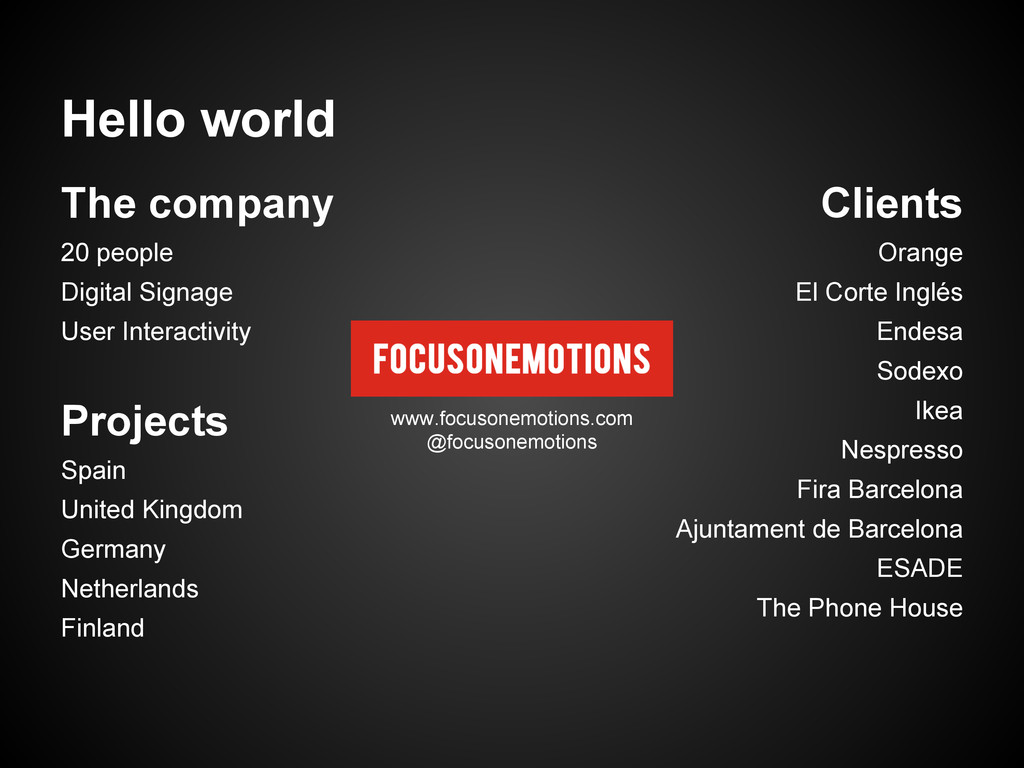
  1. Hello world Clients Orange El Corte Inglés Endesa Sodexo Ikea

    Nespresso Fira Barcelona Ajuntament de Barcelona ESADE The Phone House The company 20 people Digital Signage User Interactivity Projects Spain United Kingdom Germany Netherlands Finland www.focusonemotions.com @focusonemotions
  2. Hello world Orestes Carracedo 8 years as a developer 4

    years as an Android user 3,5 years at Focus On Emotions Certified SCRUM Master PHP 5.3 Zend Certified Engineer Read about me http://blog.orestes.io Follow me @orestesCA
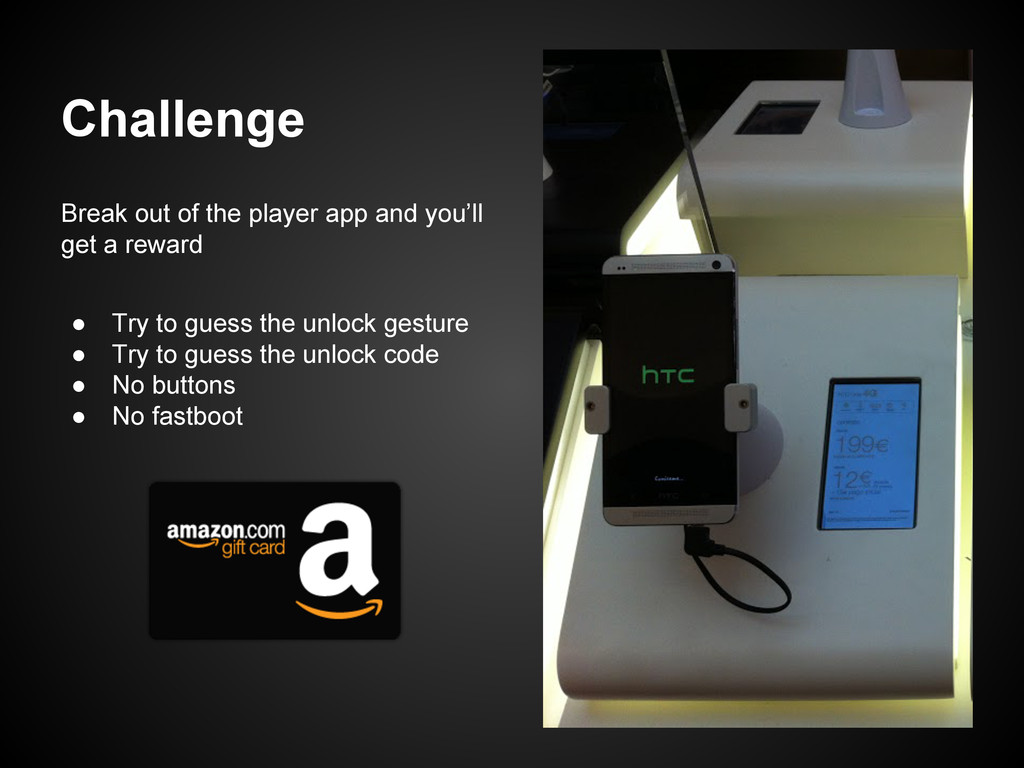
  3. Challenge Break out of the player app and you’ll get

    a reward • Try to guess the unlock gesture • Try to guess the unlock code • No buttons • No fastboot
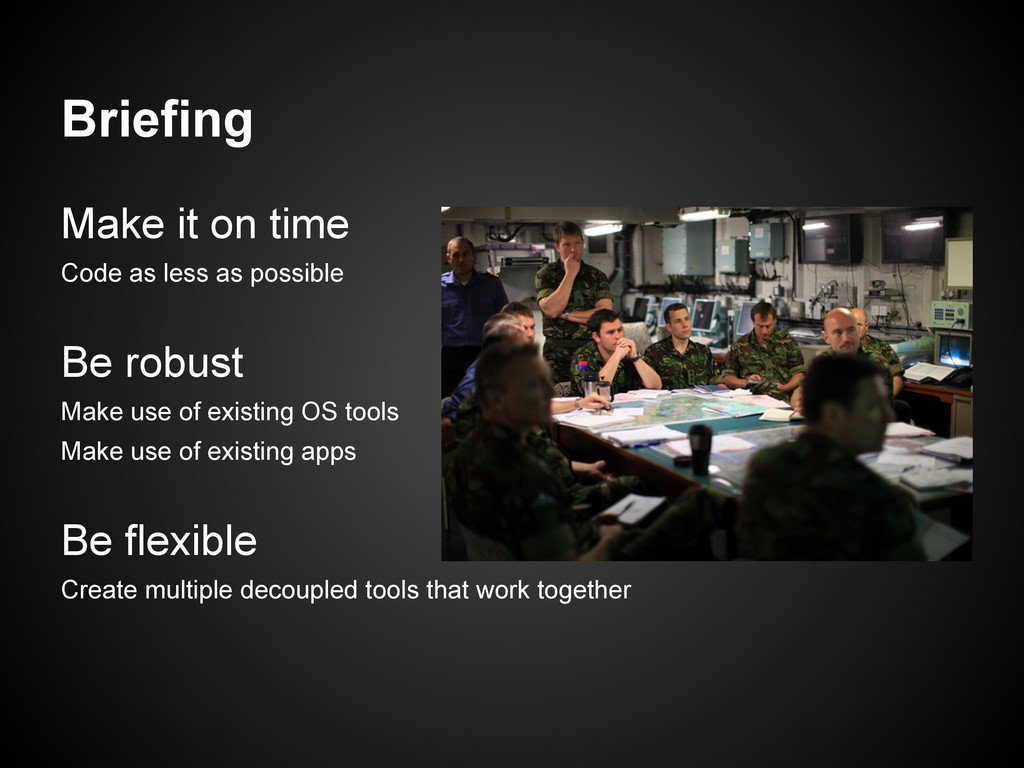
  4. Briefing Make it on time Code as less as possible

    Be robust Make use of existing OS tools Make use of existing apps Be flexible Create multiple decoupled tools that work together
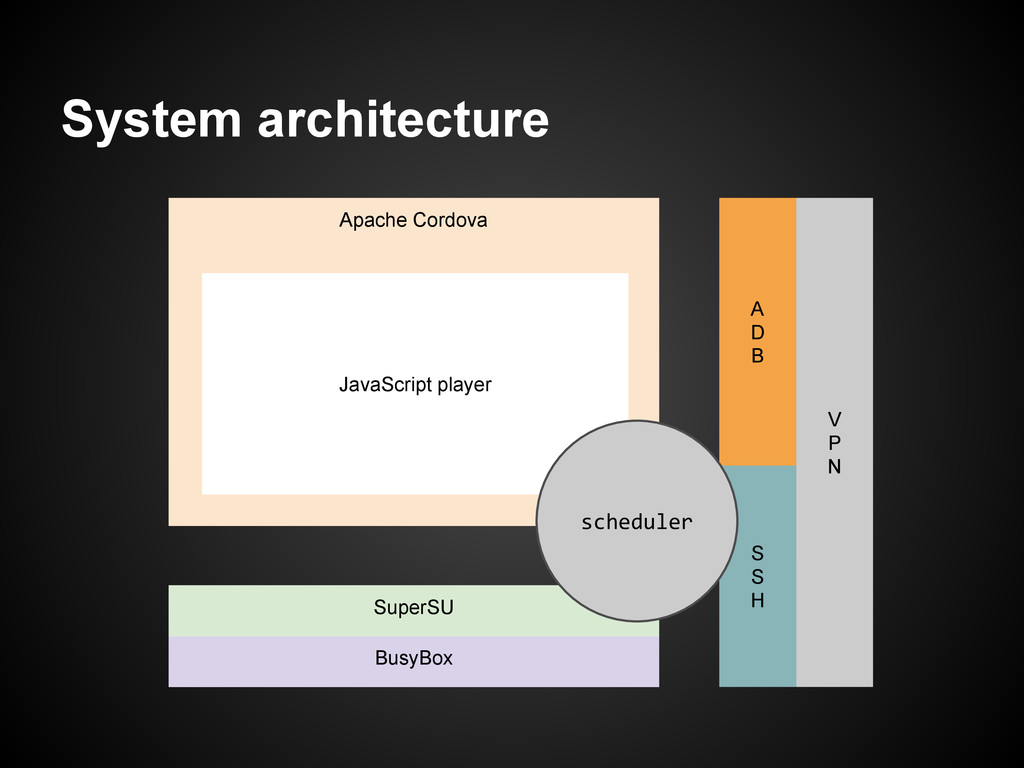
  5. System architecture Apache Cordova V P N BusyBox A D

    B S S H JavaScript player SuperSU scheduler
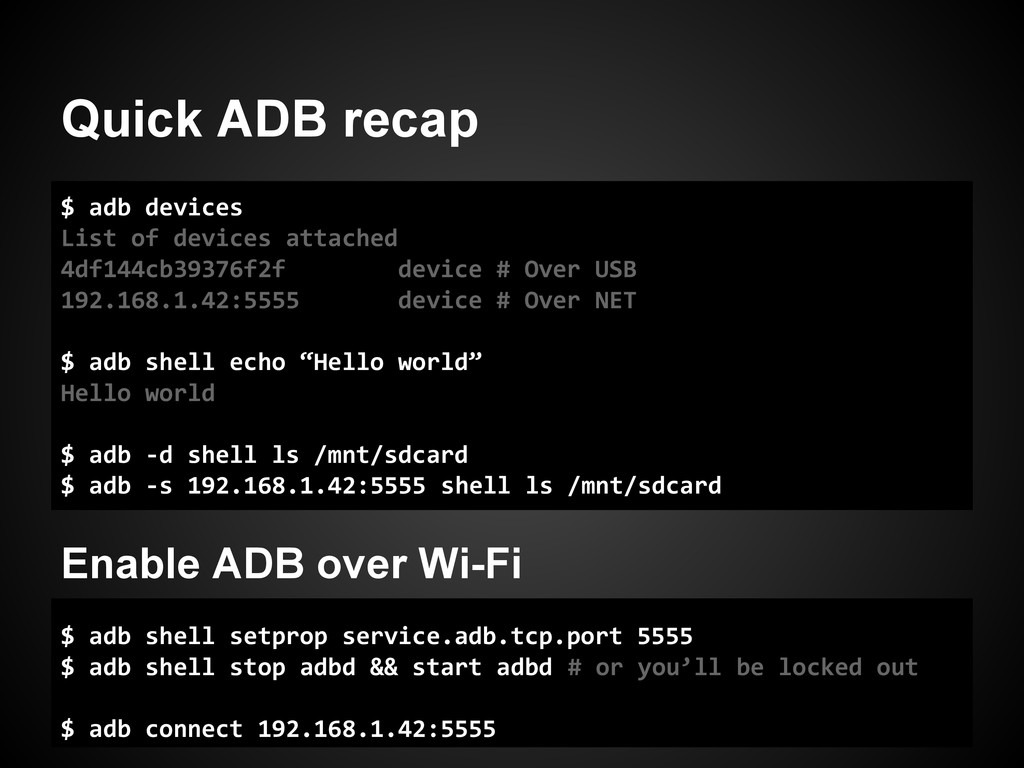
  6. Quick ADB recap $ adb devices List of devices attached

    4df144cb39376f2f device # Over USB 192.168.1.42:5555 device # Over NET $ adb shell echo “Hello world” Hello world $ adb -d shell ls /mnt/sdcard $ adb -s 192.168.1.42:5555 shell ls /mnt/sdcard Enable ADB over Wi-Fi $ adb shell setprop service.adb.tcp.port 5555 $ adb shell stop adbd && start adbd # or you’ll be locked out $ adb connect 192.168.1.42:5555
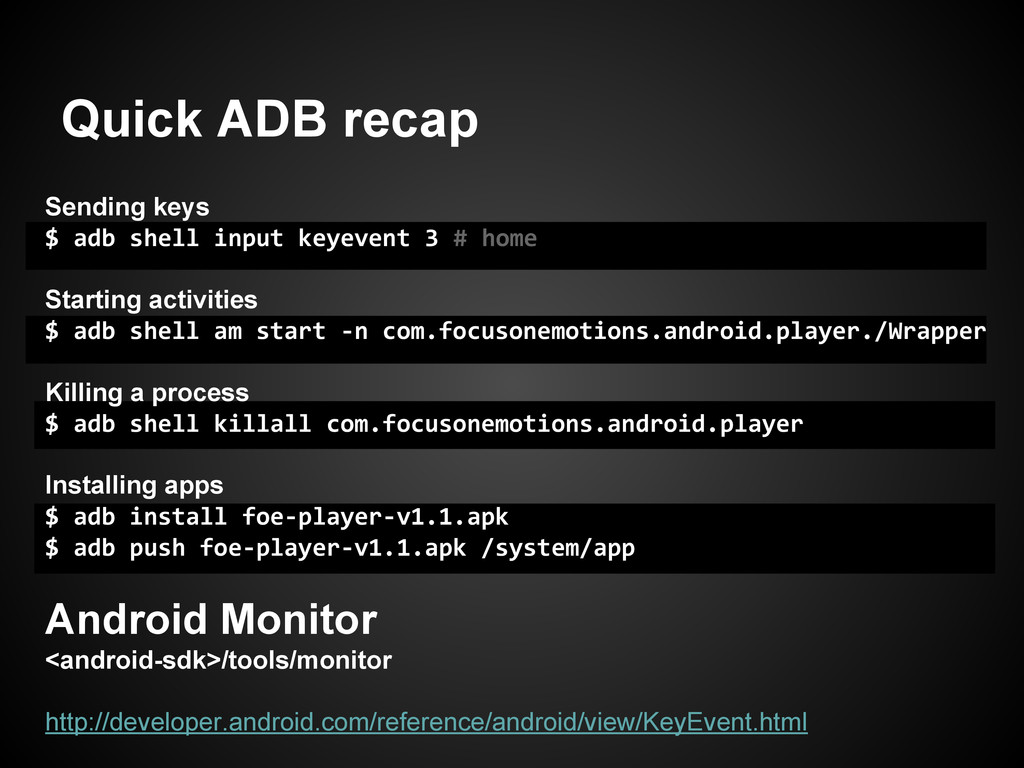
  7. Quick ADB recap Sending keys $ adb shell input keyevent

    3 # home Starting activities $ adb shell am start -n com.focusonemotions.android.player./Wrapper Killing a process $ adb shell killall com.focusonemotions.android.player Installing apps $ adb install foe-player-v1.1.apk $ adb push foe-player-v1.1.apk /system/app Android Monitor <android-sdk>/tools/monitor http://developer.android.com/reference/android/view/KeyEvent.html
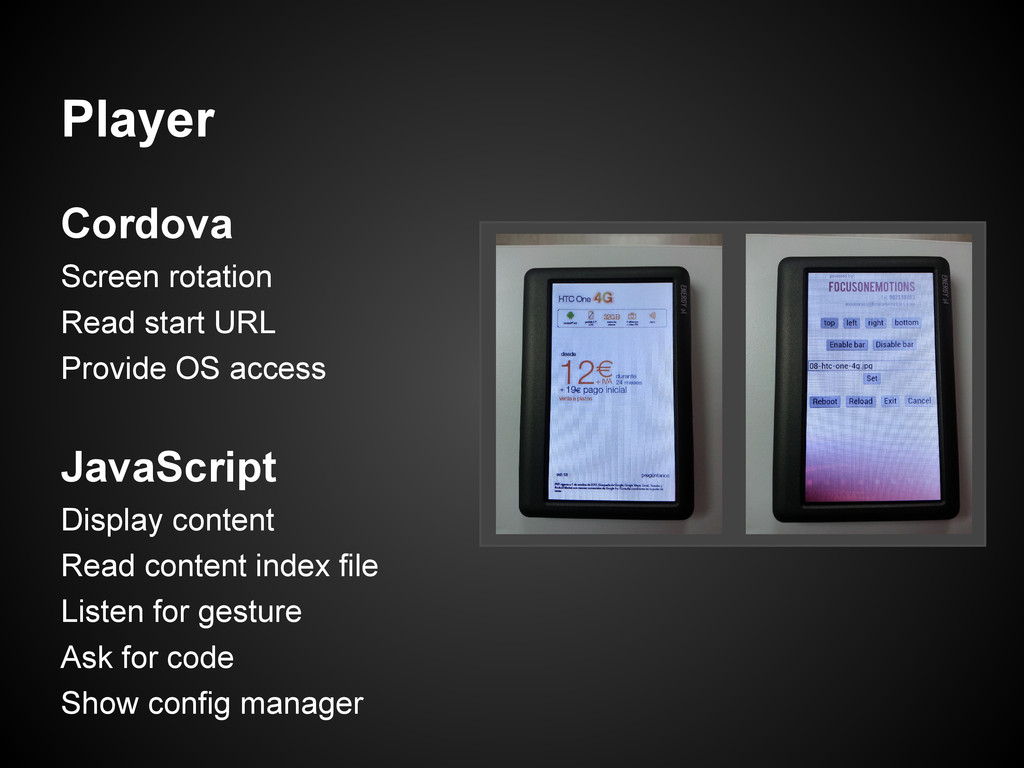
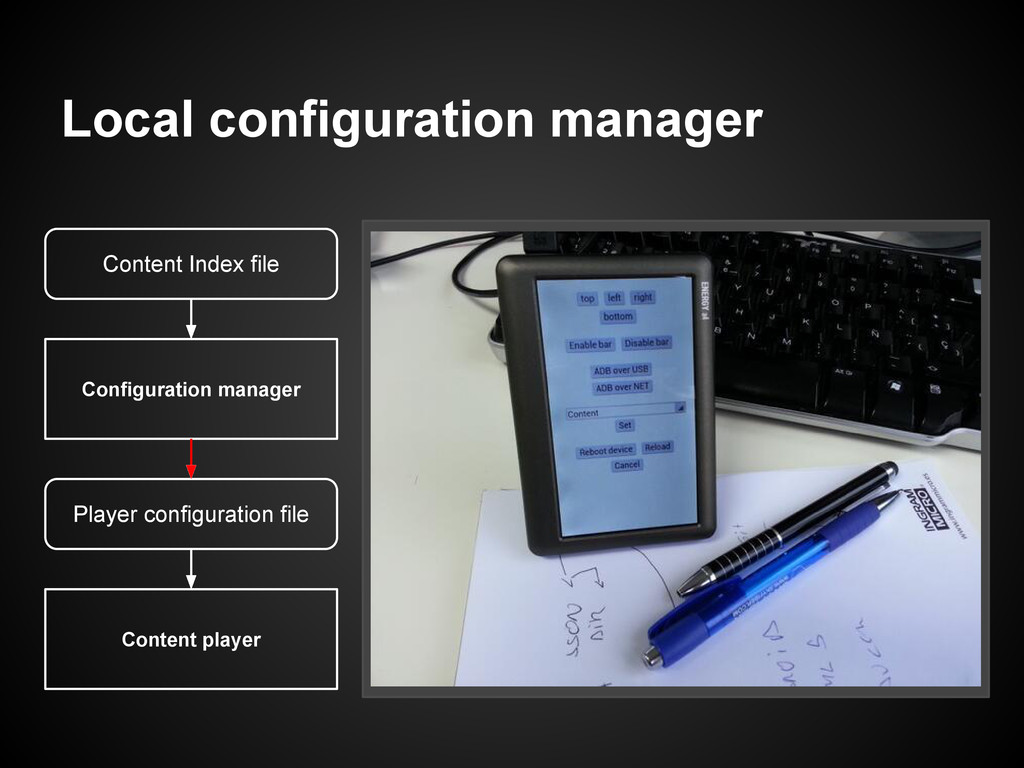
  8. Player Cordova Screen rotation Read start URL Provide OS access

    JavaScript Display content Read content index file Listen for gesture Ask for code Show config manager
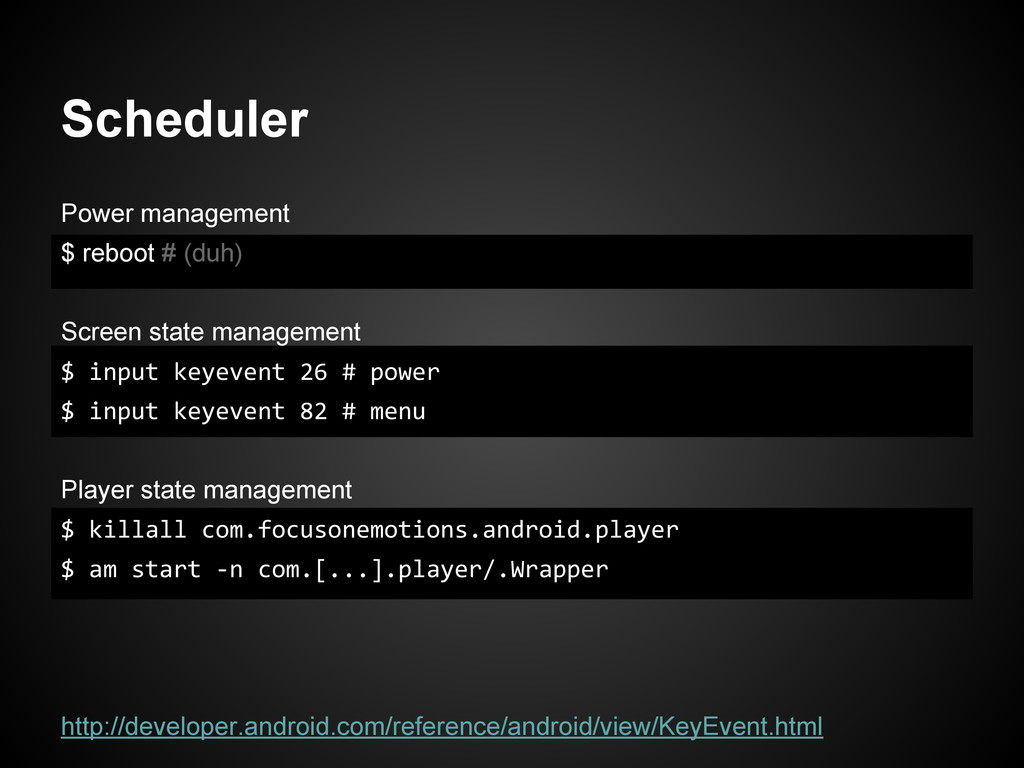
  9. Scheduler Power management $ reboot # (duh) Screen state management

    $ input keyevent 26 # power $ input keyevent 82 # menu Player state management $ killall com.focusonemotions.android.player $ am start -n com.[...].player/.Wrapper http://developer.android.com/reference/android/view/KeyEvent.html
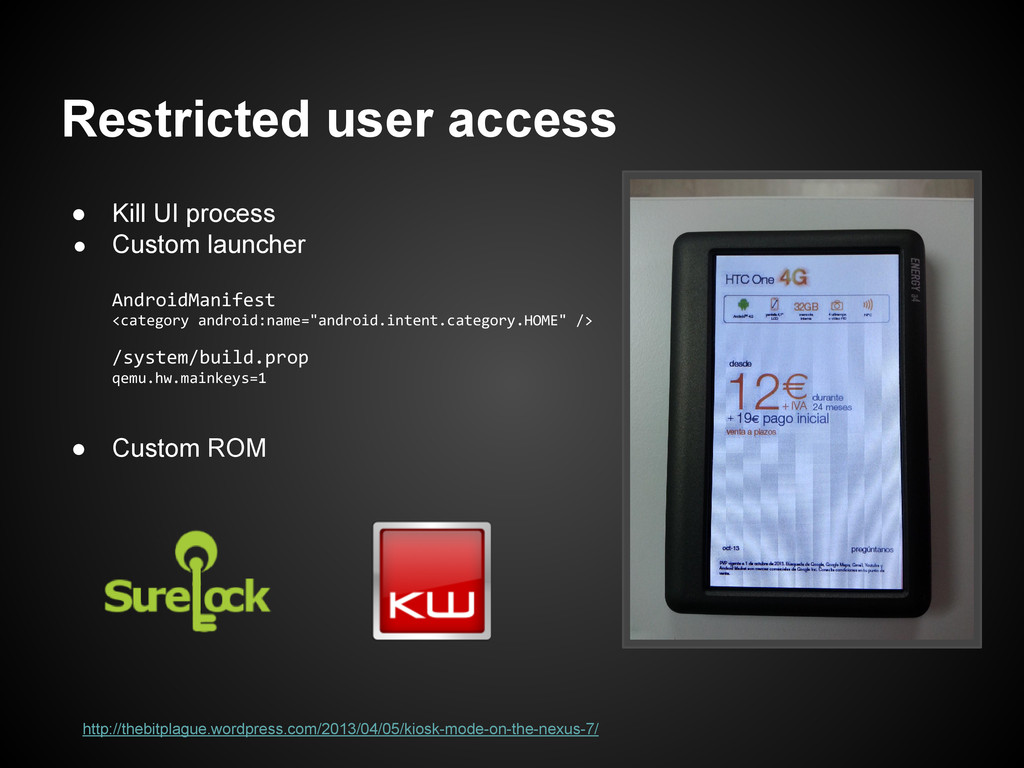
  10. Restricted user access • Kill UI process • Custom launcher

    AndroidManifest <category android:name="android.intent.category.HOME" /> /system/build.prop qemu.hw.mainkeys=1 • Custom ROM http://thebitplague.wordpress.com/2013/04/05/kiosk-mode-on-the-nexus-7/
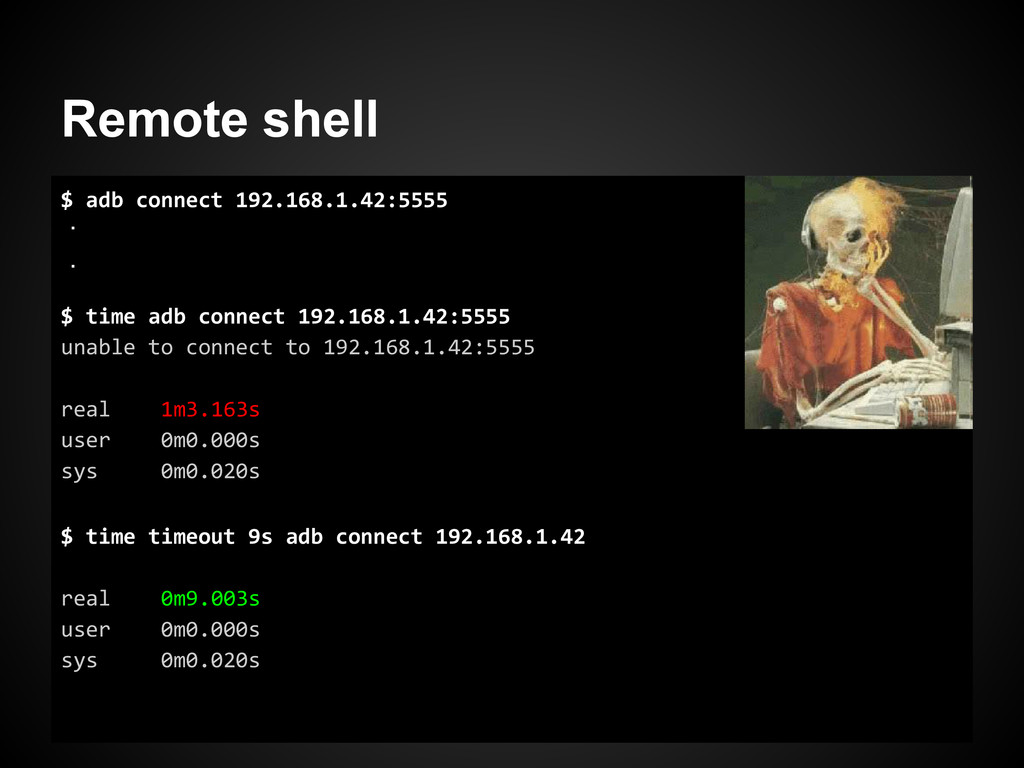
  11. Remote shell $ adb connect 192.168.1.42:5555 $ time adb connect

    192.168.1.42:5555 unable to connect to 192.168.1.42:5555 real 1m3.163s user 0m0.000s sys 0m0.020s . . $ time timeout 9s adb connect 192.168.1.42 real 0m9.003s user 0m0.000s sys 0m0.020s
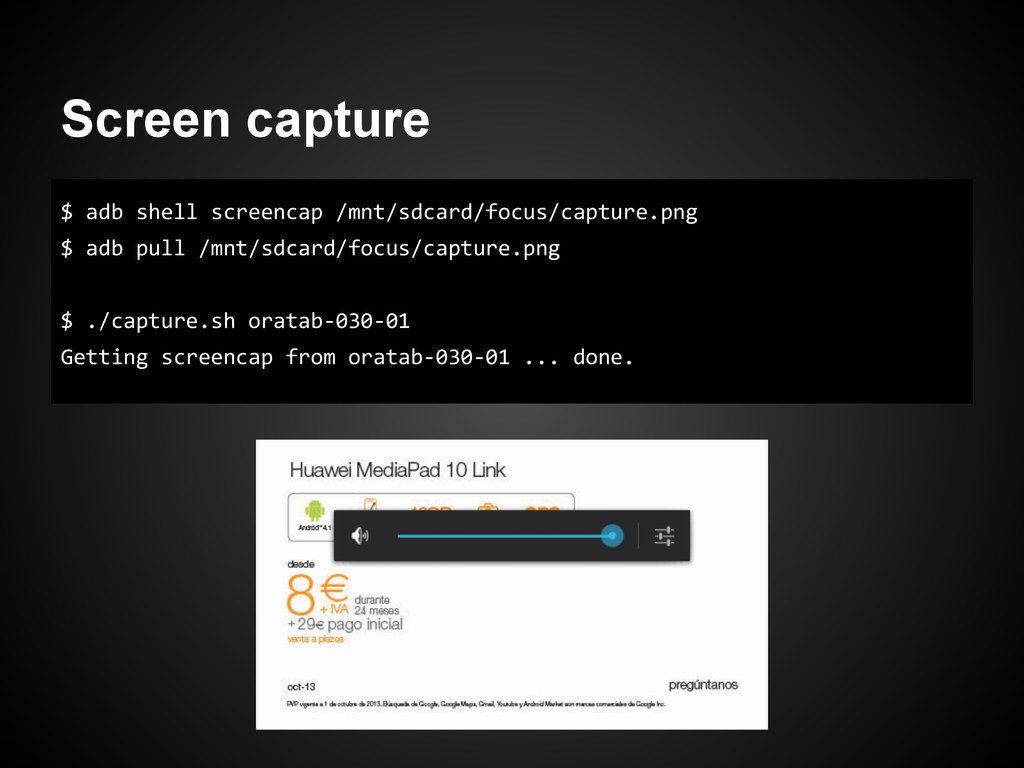
  12. Screen capture $ adb shell screencap /mnt/sdcard/focus/capture.png $ adb pull

    /mnt/sdcard/focus/capture.png $ ./capture.sh oratab-030-01 Getting screencap from oratab-030-01 ... done.
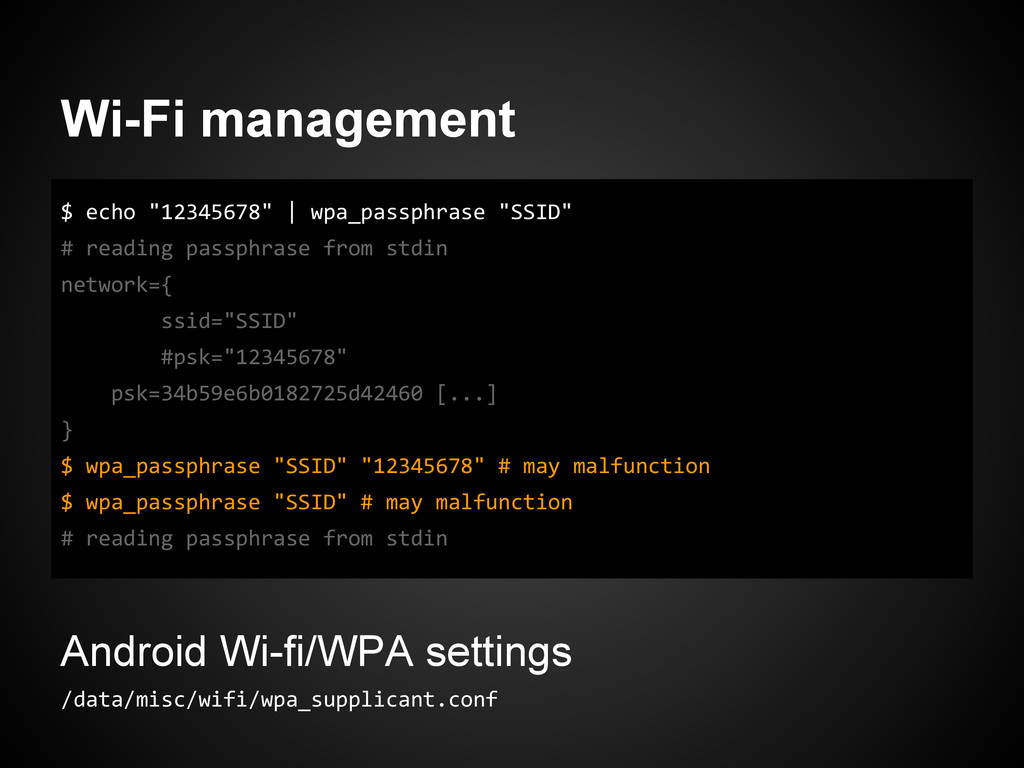
  13. Wi-Fi management $ echo "12345678" | wpa_passphrase "SSID" # reading

    passphrase from stdin network={ ssid="SSID" #psk="12345678" psk=34b59e6b0182725d42460 [...] } $ wpa_passphrase "SSID" "12345678" # may malfunction $ wpa_passphrase "SSID" # may malfunction # reading passphrase from stdin Android Wi-fi/WPA settings /data/misc/wifi/wpa_supplicant.conf
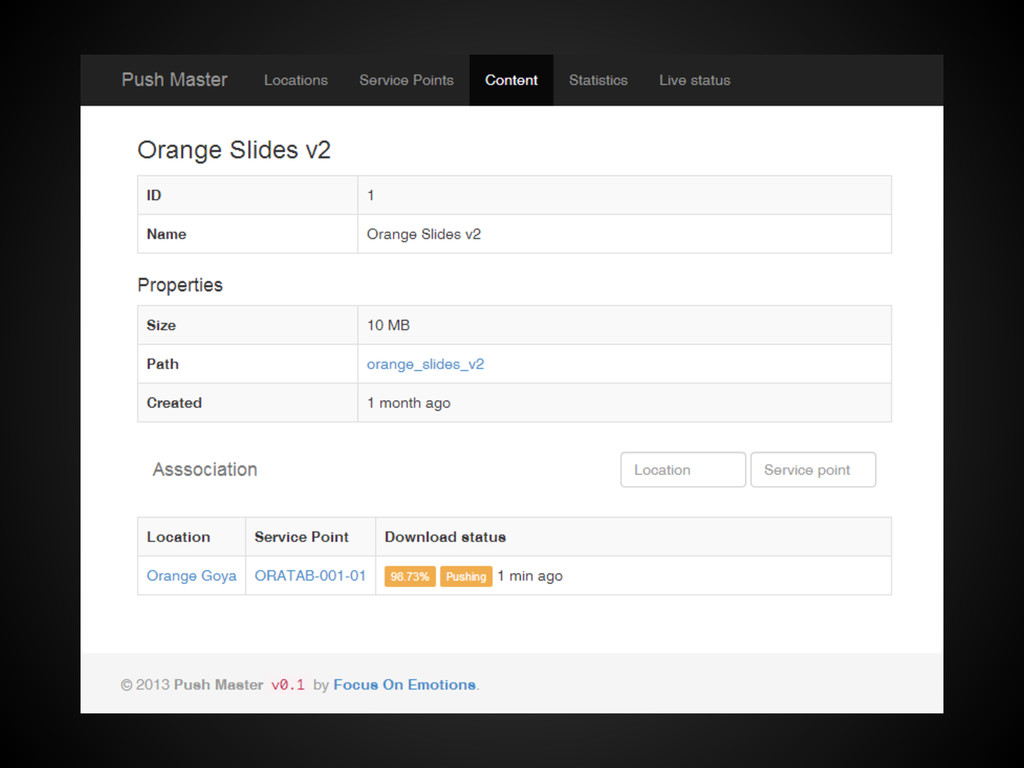
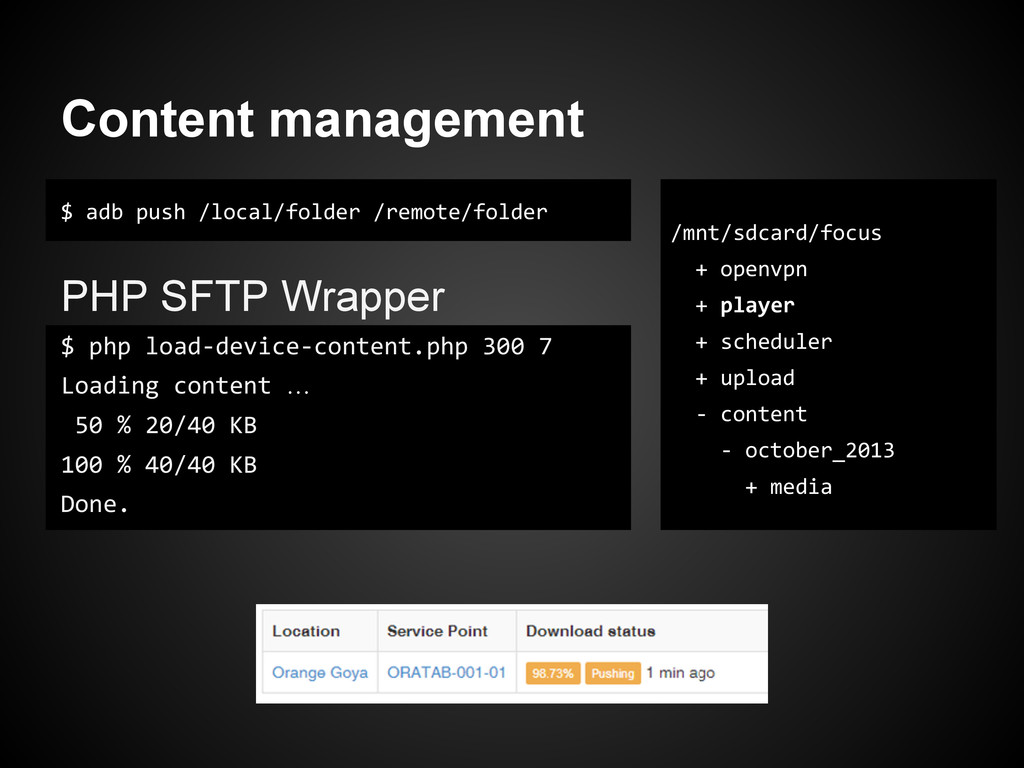
  14. Content management $ adb push /local/folder /remote/folder PHP SFTP Wrapper

    $ php load-device-content.php 300 7 Loading content … 50 % 20/40 KB 100 % 40/40 KB Done. /mnt/sdcard/focus + openvpn + player + scheduler + upload - content - october_2013 + media
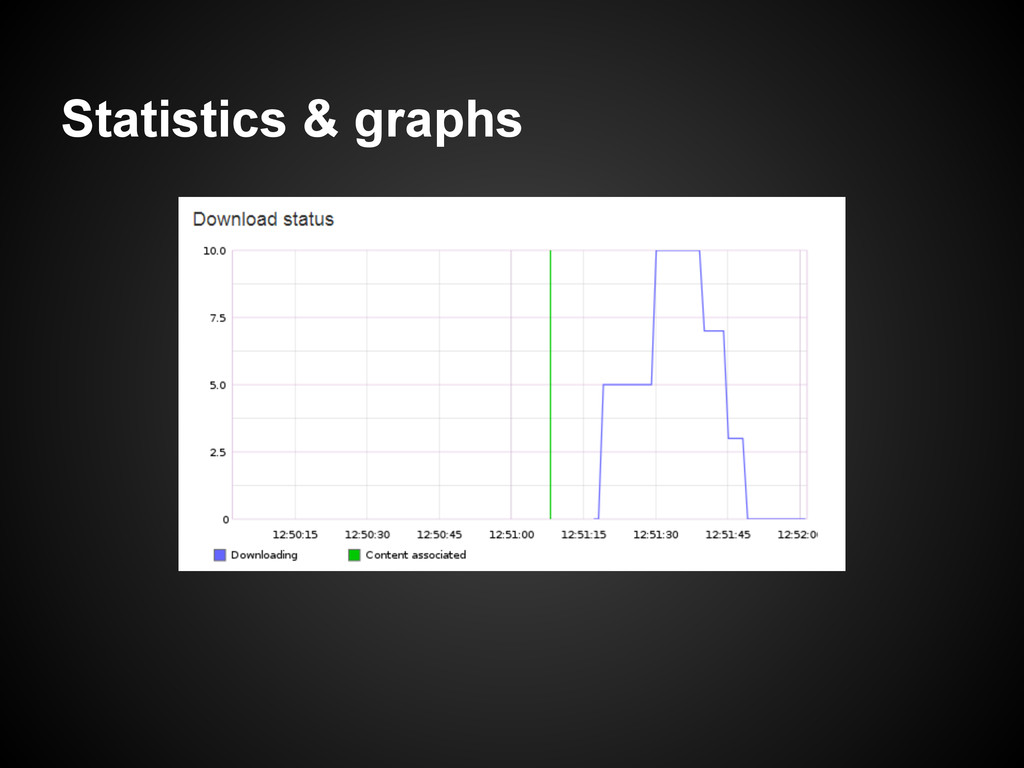
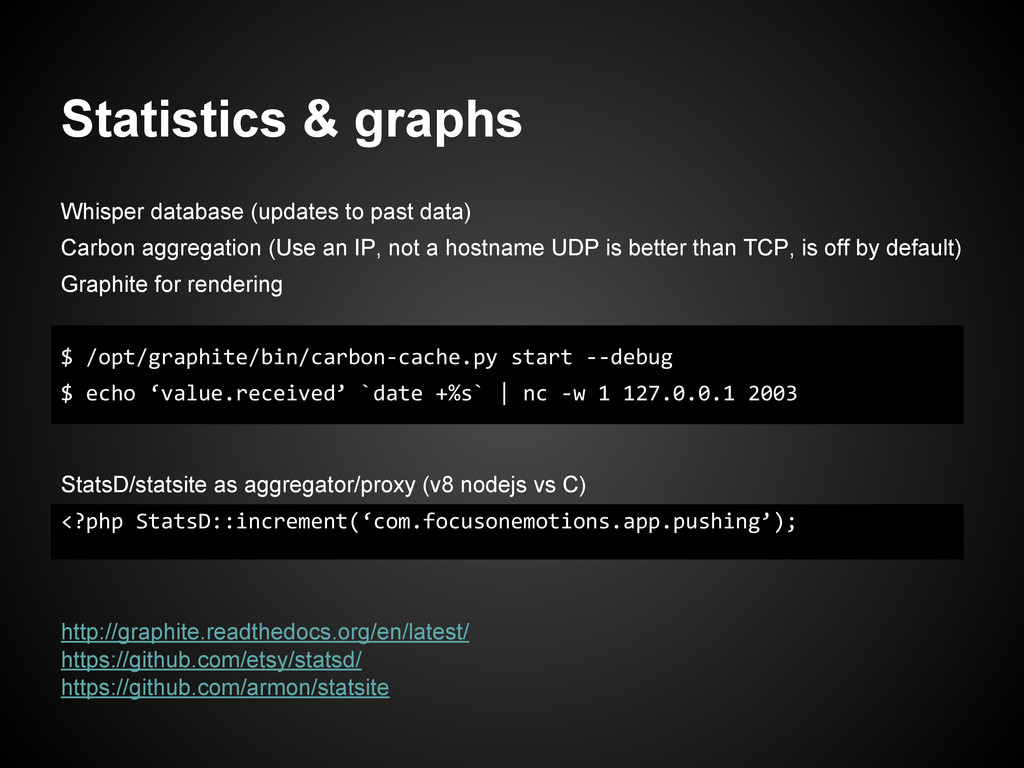
  15. Statistics & graphs Whisper database (updates to past data) Carbon

    aggregation (Use an IP, not a hostname UDP is better than TCP, is off by default) Graphite for rendering $ /opt/graphite/bin/carbon-cache.py start --debug $ echo ‘value.received’ `date +%s` | nc -w 1 127.0.0.1 2003 StatsD/statsite as aggregator/proxy (v8 nodejs vs C) <?php StatsD::increment(‘com.focusonemotions.app.pushing’); http://graphite.readthedocs.org/en/latest/ https://github.com/etsy/statsd/ https://github.com/armon/statsite
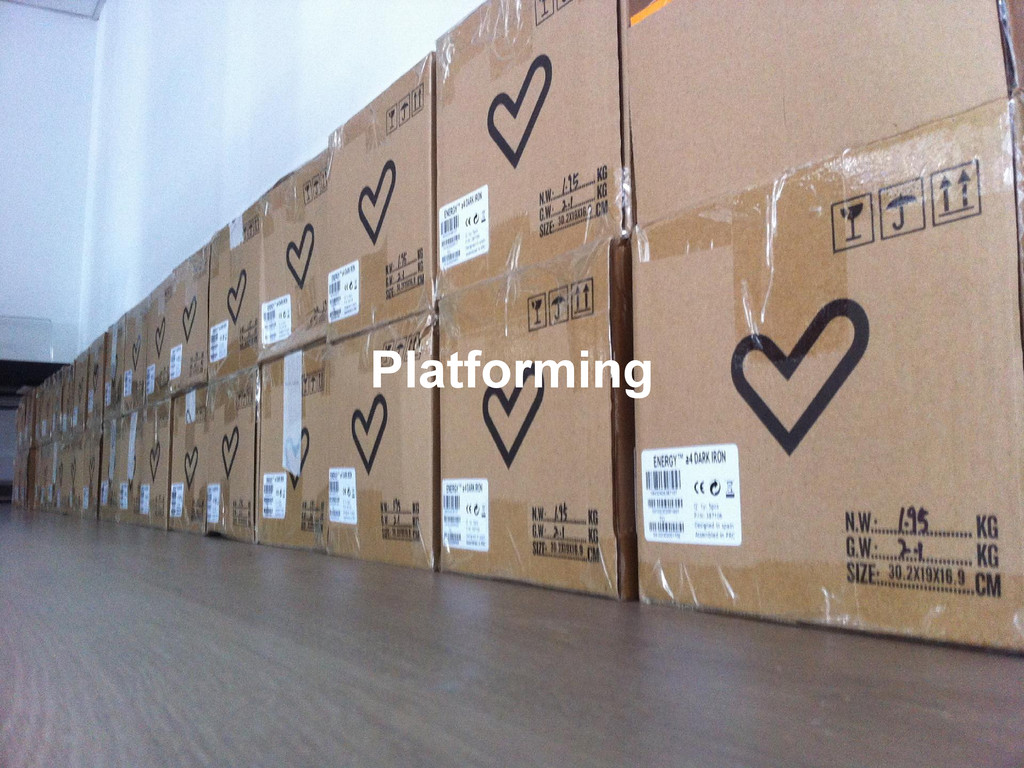
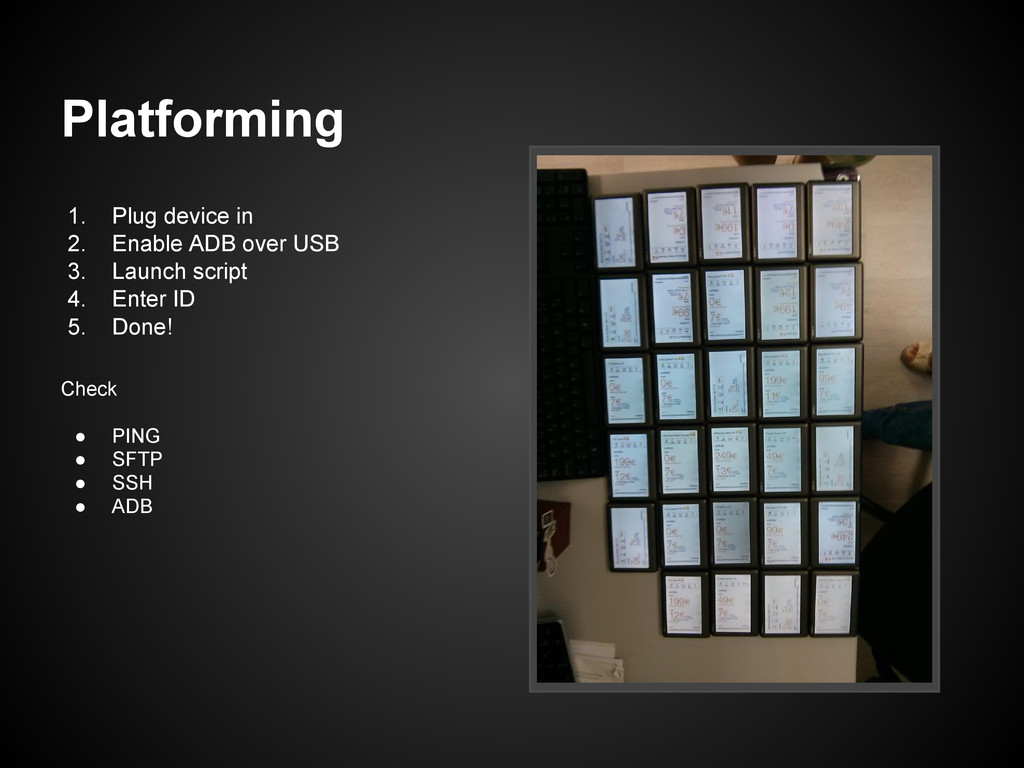
  16. 1. Plug device in 2. Enable ADB over USB 3.

    Launch script 4. Enter ID 5. Done! Check • PING • SFTP • SSH • ADB Platforming
  17. $ sftp [email protected]:mnt/sdcard/focus bash: /usr/libexec/sftp-server: No such file or directory

    $ sftp -s /system/xbin/sftp-server [email protected]:mnt/sdcard/focus sftp> # quick fix [adb] $ ln -s /system/xbin/sftp-server /usr/libexec/sftp-server Install SuperSU + settings Install BusyBox Install DropBearSSH Fix SFTP subsystem Install player Install scheduler Install OpenVPN certificates from ID Reboot Platforming http://www.chainfire.eu/projects/52/SuperSU/ https://play.google.com/store/apps/details?id=stericson.busybox https://github.com/yath/android_external_dropbear
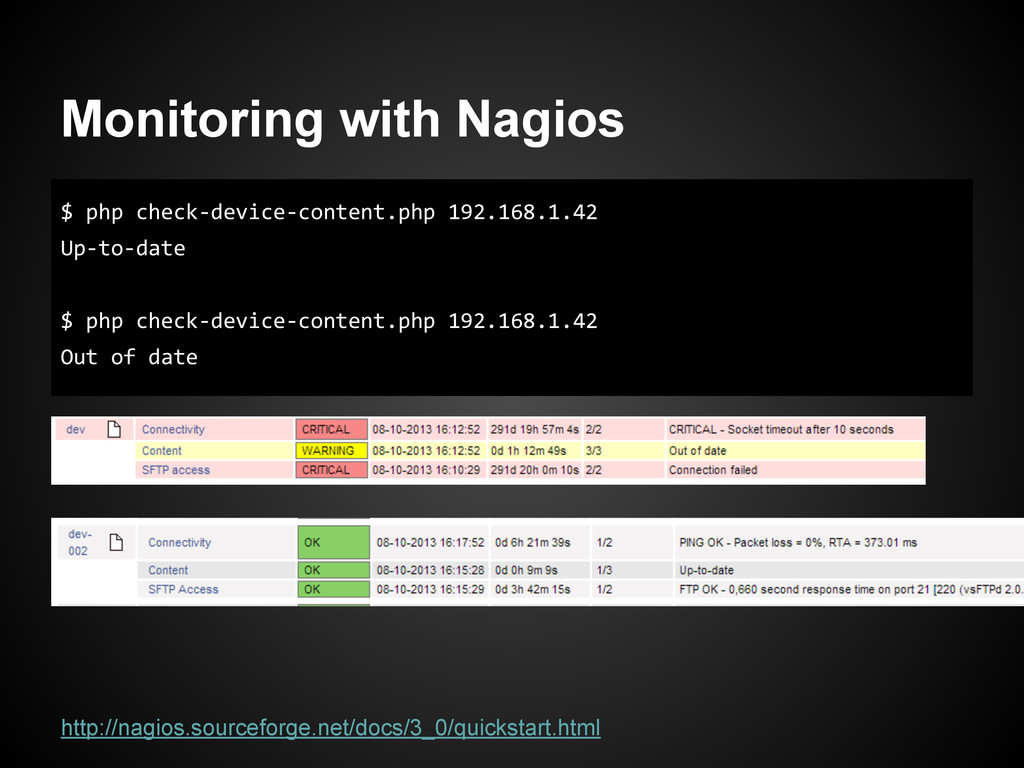
  18. Monitoring with Nagios $ php check-device-content.php 192.168.1.42 Up-to-date $ php

    check-device-content.php 192.168.1.42 Out of date http://nagios.sourceforge.net/docs/3_0/quickstart.html
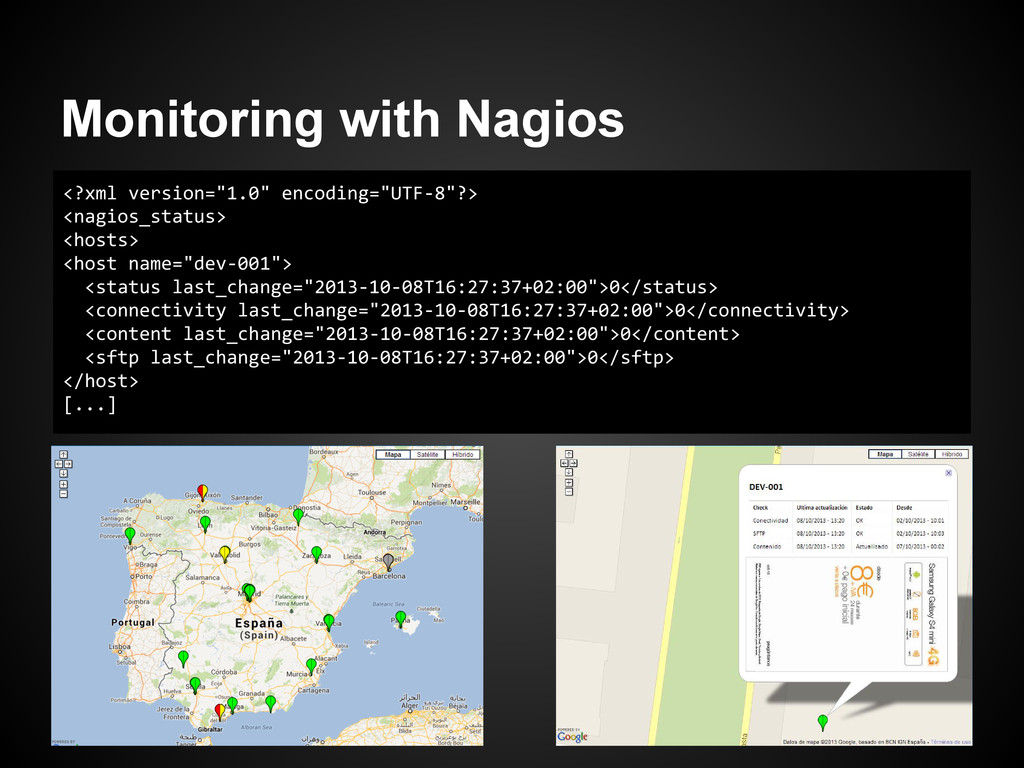
  19. Monitoring with Nagios <?xml version="1.0" encoding="UTF-8"?> <nagios_status> <hosts> <host name="dev-001">

    <status last_change="2013-10-08T16:27:37+02:00">0</status> <connectivity last_change="2013-10-08T16:27:37+02:00">0</connectivity> <content last_change="2013-10-08T16:27:37+02:00">0</content> <sftp last_change="2013-10-08T16:27:37+02:00">0</sftp> </host> [...]
  20. www.focusonemotions.com dev@focusonemotions Thank you! Feedback [email protected] Team Juanra Posada Orestes

    Carracedo Javier Morales Dimas López Raúl Jiménez Javier Domingo Gonzalo Rodríguez Project Manager Lead Developer Developers JavaScript Ninja Sistemas