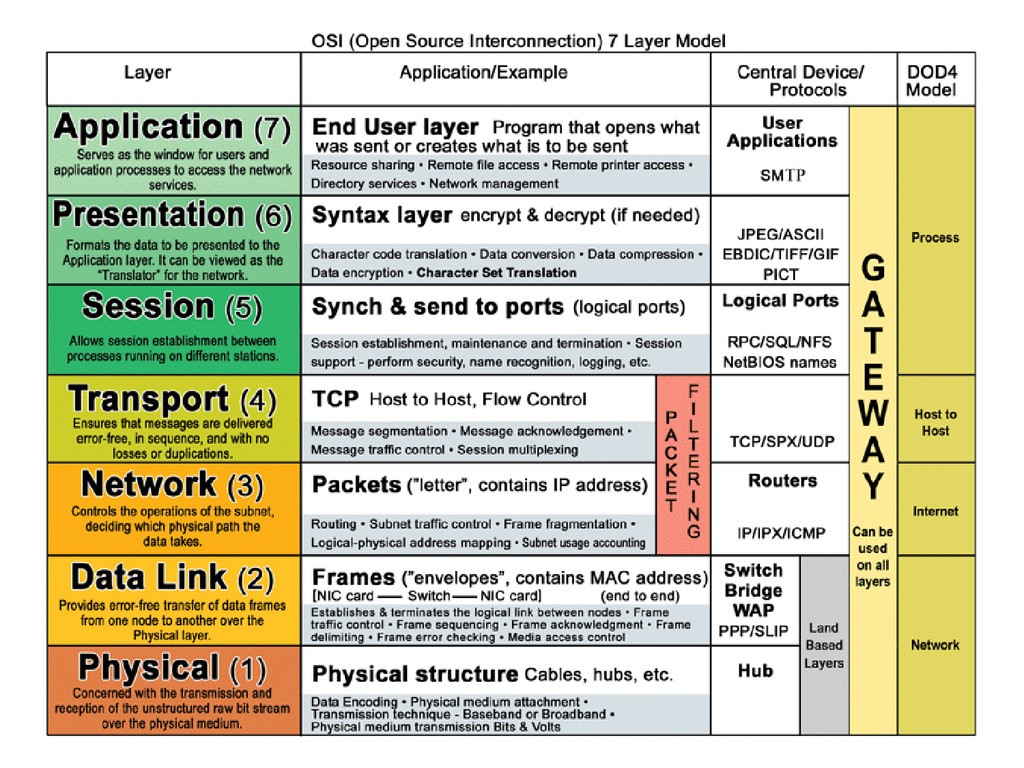
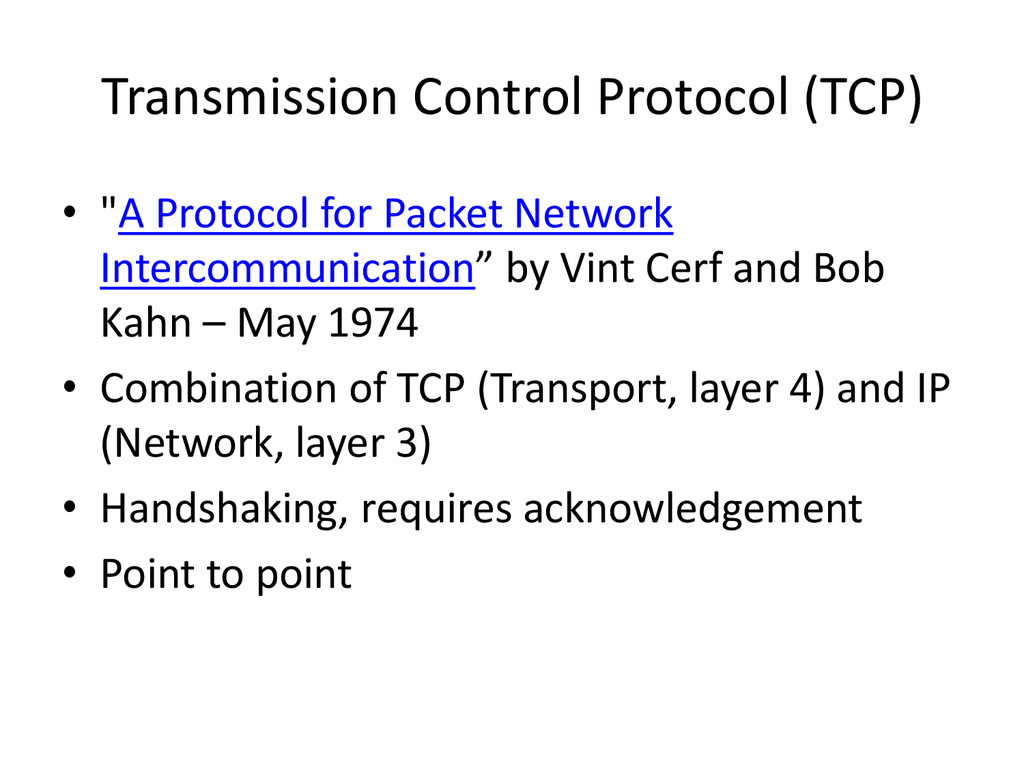
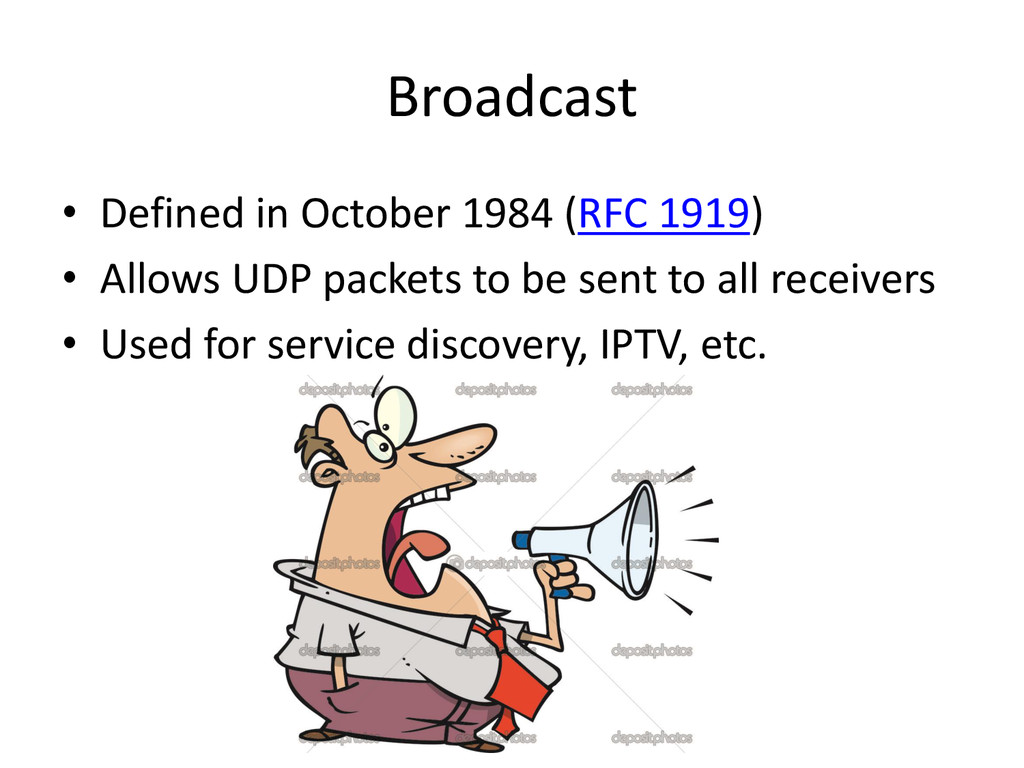
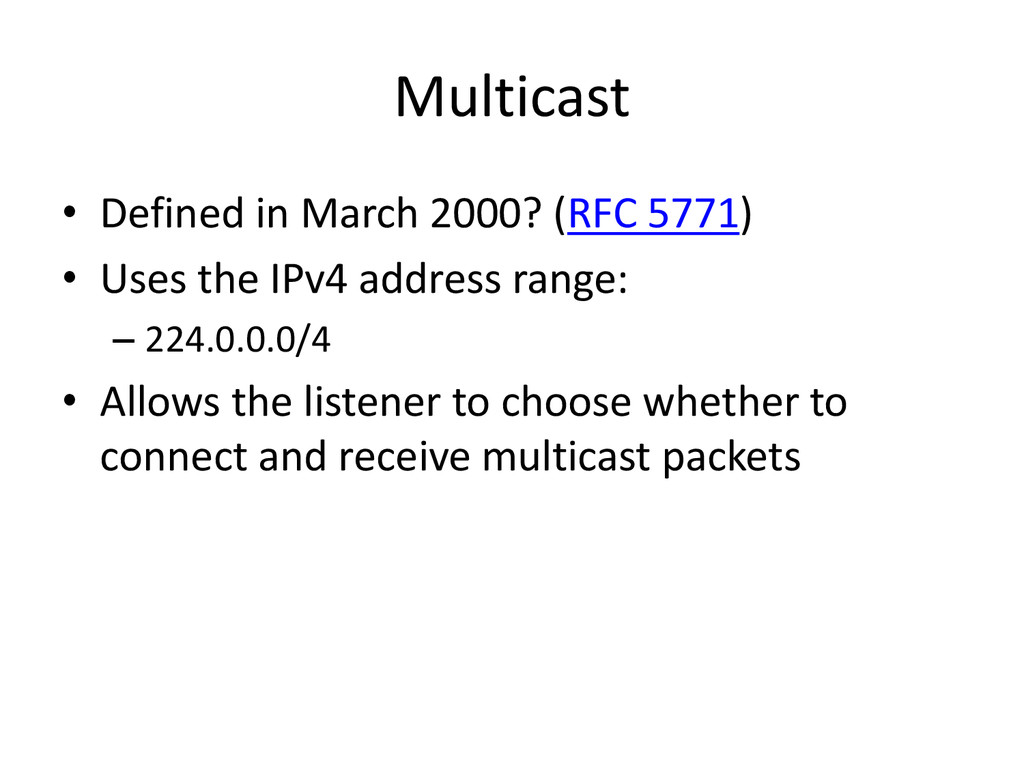
Intercommunication” by Vint Cerf and Bob Kahn – May 1974 • Combination of TCP (Transport, layer 4) and IP (Network, layer 3) • Handshaking, requires acknowledgement • Point to point
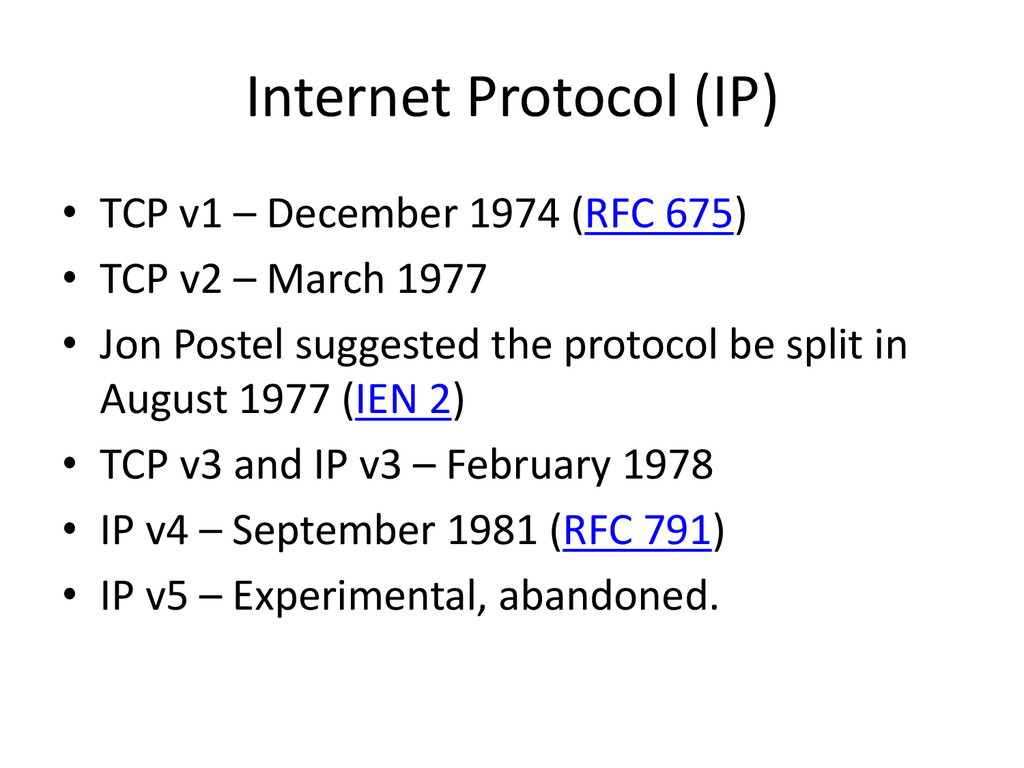
675) • TCP v2 – March 1977 • Jon Postel suggested the protocol be split in August 1977 (IEN 2) • TCP v3 and IP v3 – February 1978 • IP v4 – September 1981 (RFC 791) • IP v5 – Experimental, abandoned.
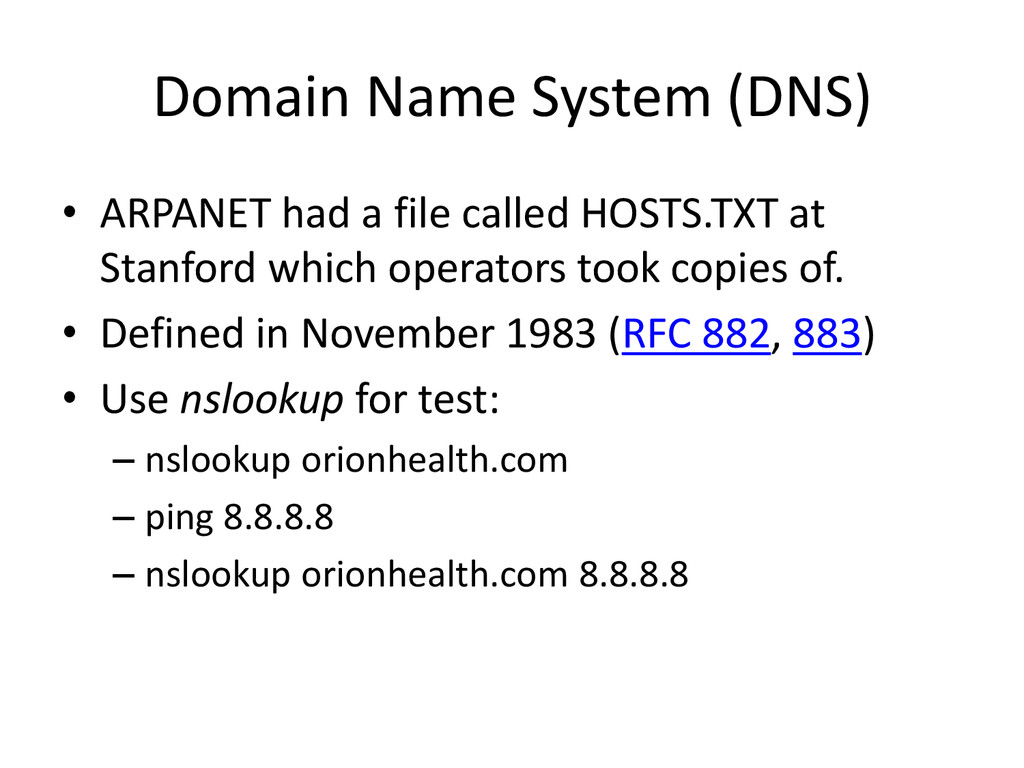
HOSTS.TXT at Stanford which operators took copies of. • Defined in November 1983 (RFC 882, 883) • Use nslookup for test: – nslookup orionhealth.com – ping 8.8.8.8 – nslookup orionhealth.com 8.8.8.8
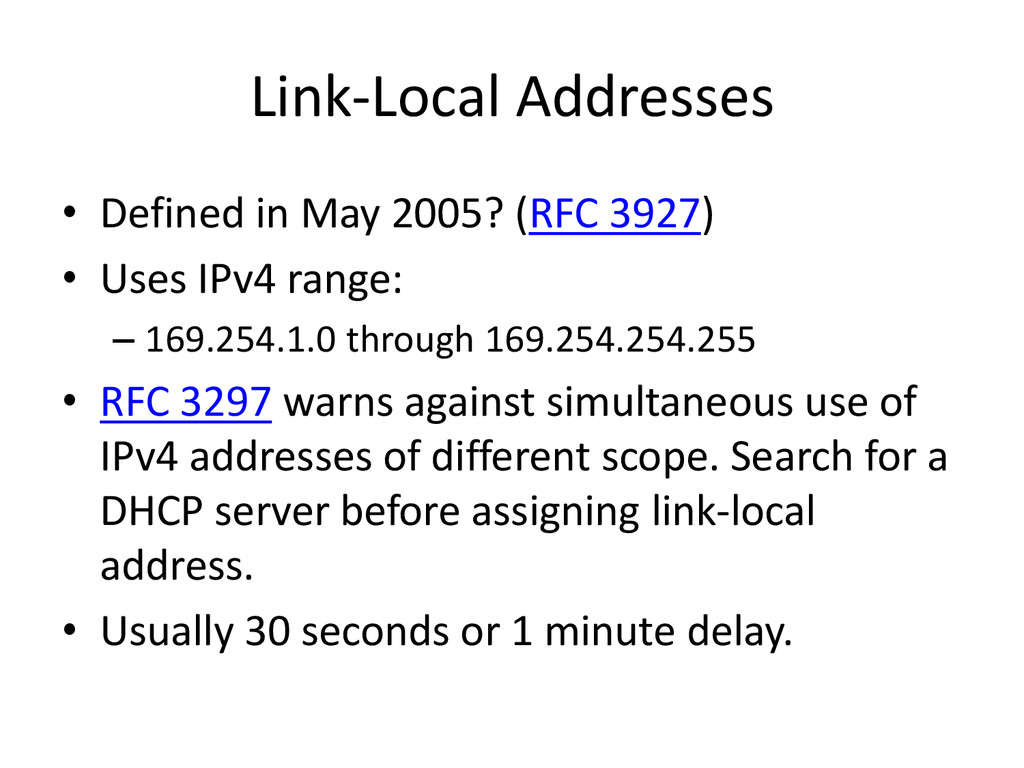
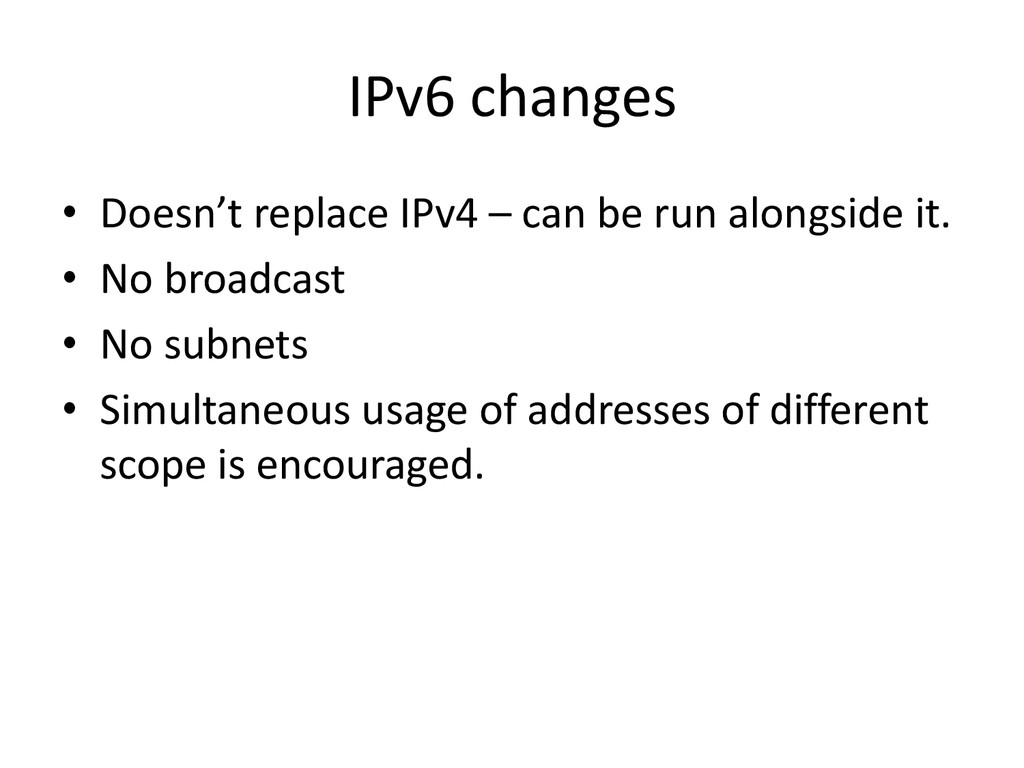
Uses IPv4 range: – 169.254.1.0 through 169.254.254.255 • RFC 3297 warns against simultaneous use of IPv4 addresses of different scope. Search for a DHCP server before assigning link-local address. • Usually 30 seconds or 1 minute delay.
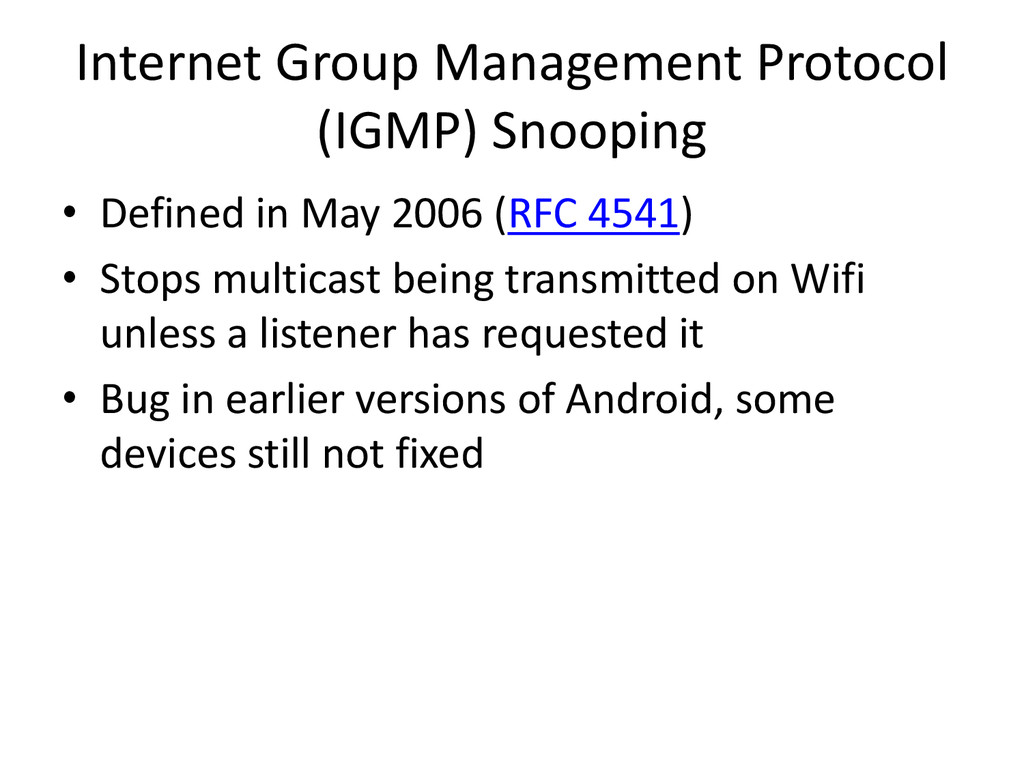
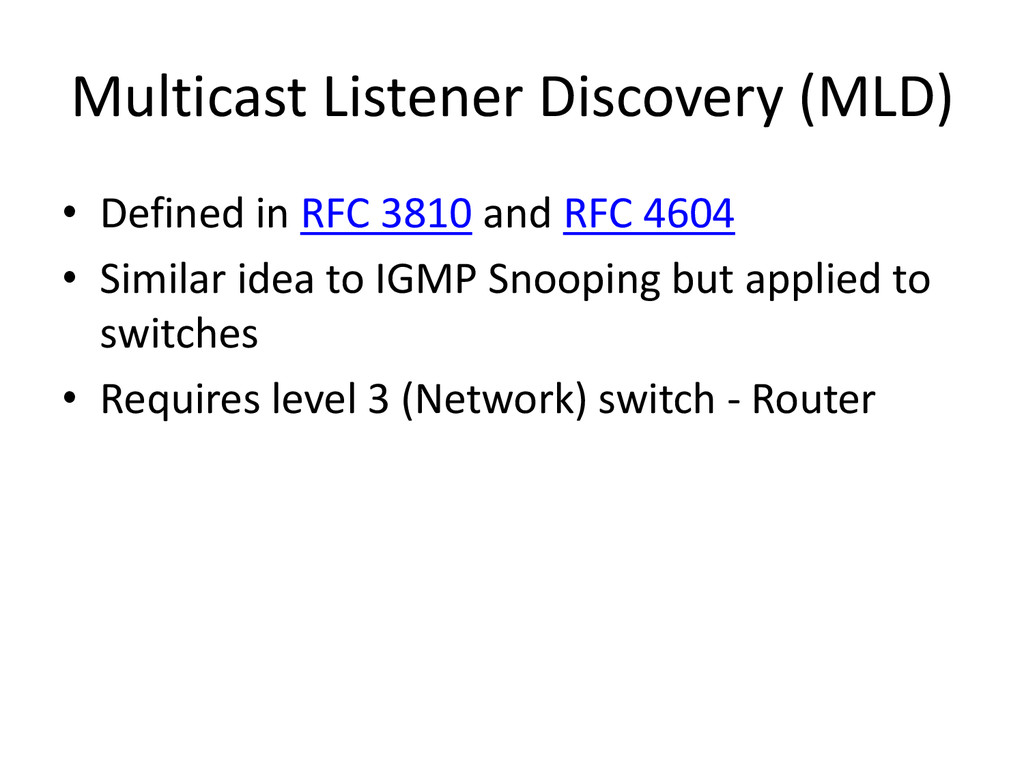
2006 (RFC 4541) • Stops multicast being transmitted on Wifi unless a listener has requested it • Bug in earlier versions of Android, some devices still not fixed
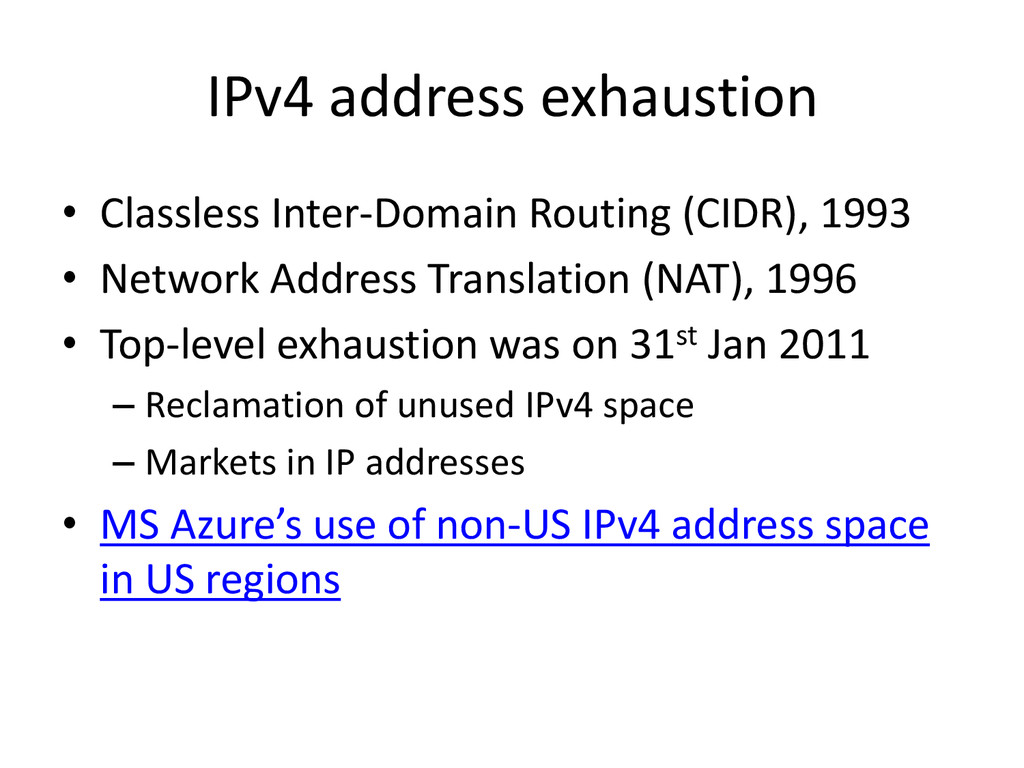
Network Address Translation (NAT), 1996 • Top-level exhaustion was on 31st Jan 2011 – Reclamation of unused IPv4 space – Markets in IP addresses • MS Azure’s use of non-US IPv4 address space in US regions
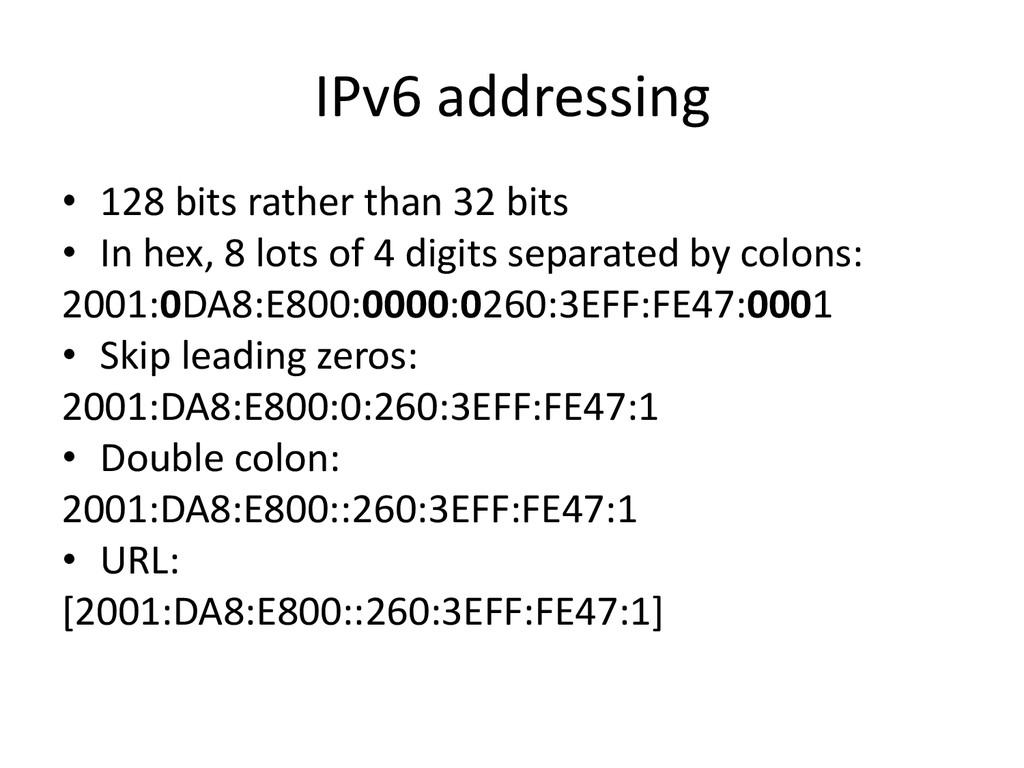
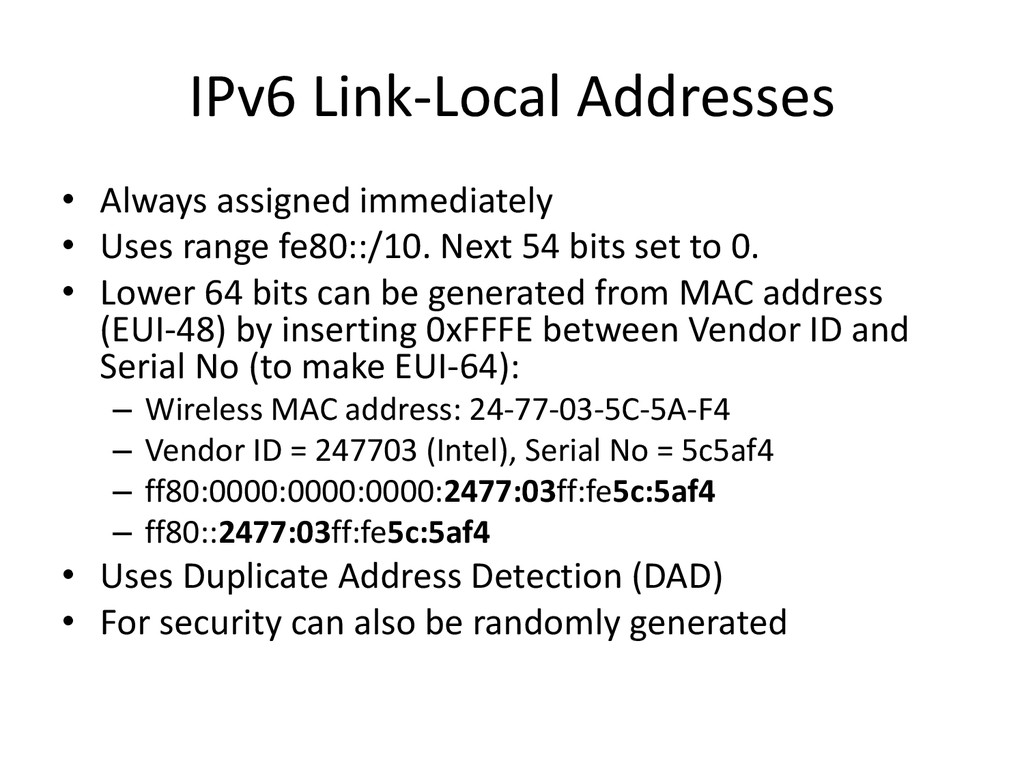
fe80::/10. Next 54 bits set to 0. • Lower 64 bits can be generated from MAC address (EUI-48) by inserting 0xFFFE between Vendor ID and Serial No (to make EUI-64): – Wireless MAC address: 24-77-03-5C-5A-F4 – Vendor ID = 247703 (Intel), Serial No = 5c5af4 – ff80:0000:0000:0000:2477:03ff:fe5c:5af4 – ff80::2477:03ff:fe5c:5af4 • Uses Duplicate Address Detection (DAD) • For security can also be randomly generated
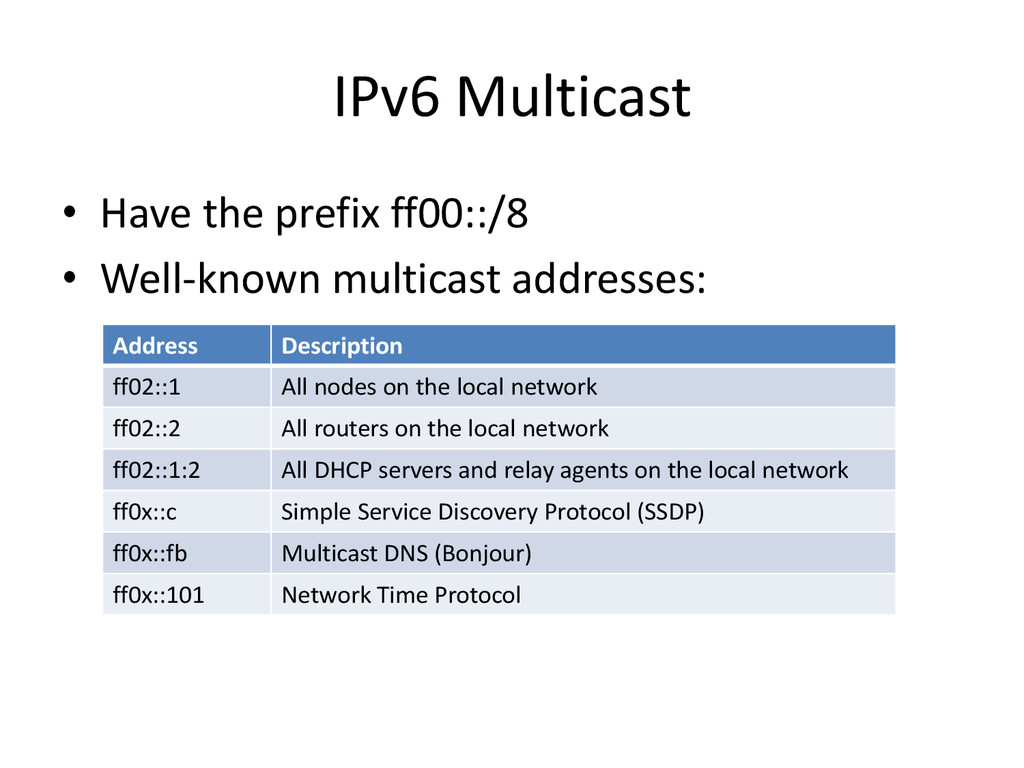
addresses: Address Description ff02::1 All nodes on the local network ff02::2 All routers on the local network ff02::1:2 All DHCP servers and relay agents on the local network ff0x::c Simple Service Discovery Protocol (SSDP) ff0x::fb Multicast DNS (Bonjour) ff0x::101 Network Time Protocol
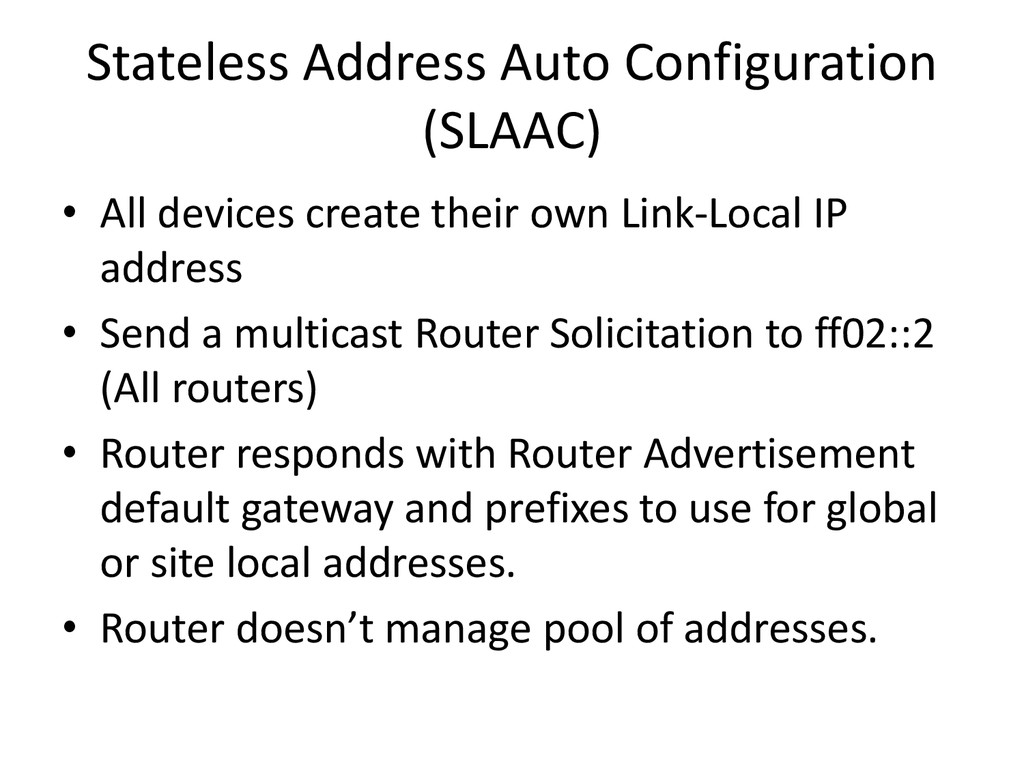
own Link-Local IP address • Send a multicast Router Solicitation to ff02::2 (All routers) • Router responds with Router Advertisement default gateway and prefixes to use for global or site local addresses. • Router doesn’t manage pool of addresses.
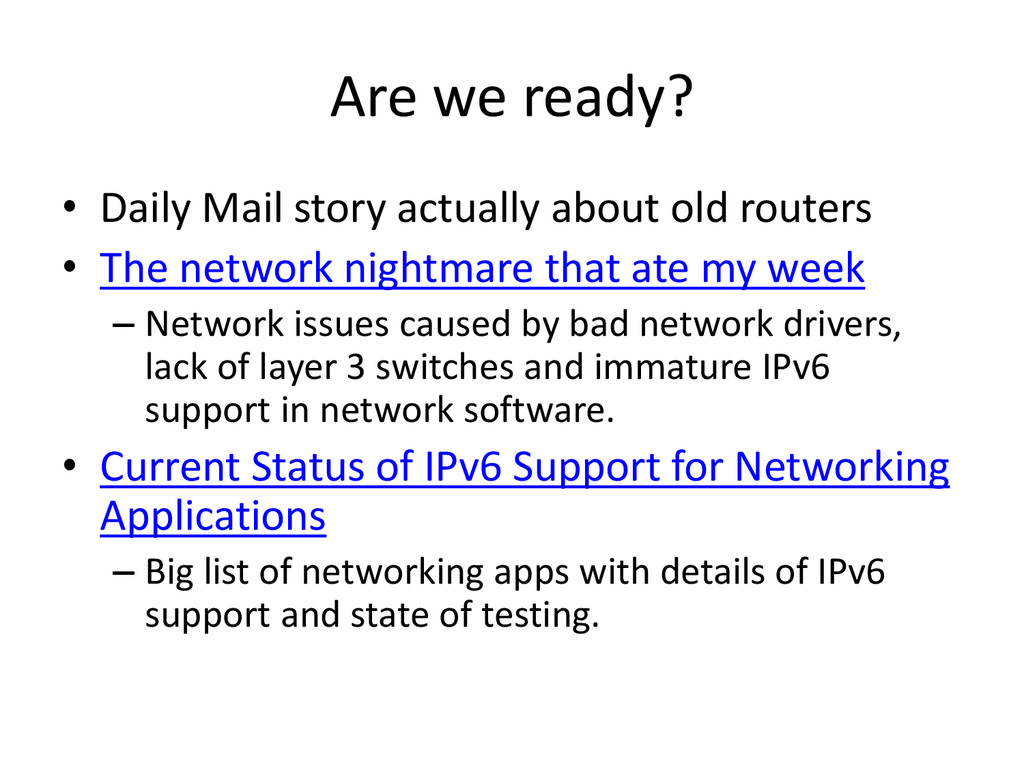
routers • The network nightmare that ate my week – Network issues caused by bad network drivers, lack of layer 3 switches and immature IPv6 support in network software. • Current Status of IPv6 Support for Networking Applications – Big list of networking apps with details of IPv6 support and state of testing.
Introducing Universal SSL – Added SSL support for every customer by using IPv6. – Original implementation of SSL encrypted the host header, so one certificate per IP address. – Impossible to do with IPv4 because they only have a finite number of IP addresses.

 SiteGround - Reliable hosting with speed, security, and support you can count on.


 parsley72
 oku053
 y0hgi
y0hgi
 iwatsukayura
 curekoshimizu
 sylph01
 syumai
 nao_randd
 ivargrimstad
 drumath2237
 satoshi256kbyte
 gonta
gonta
 j341nono
 morganepeng
 bermonpainter
 trishagee
 marktimemedia
 honnibal
 aleyda
 bkeepers
 destraynor
 mlcsv
mlcsv
 kneath
 csswizardry
 afnizarnur