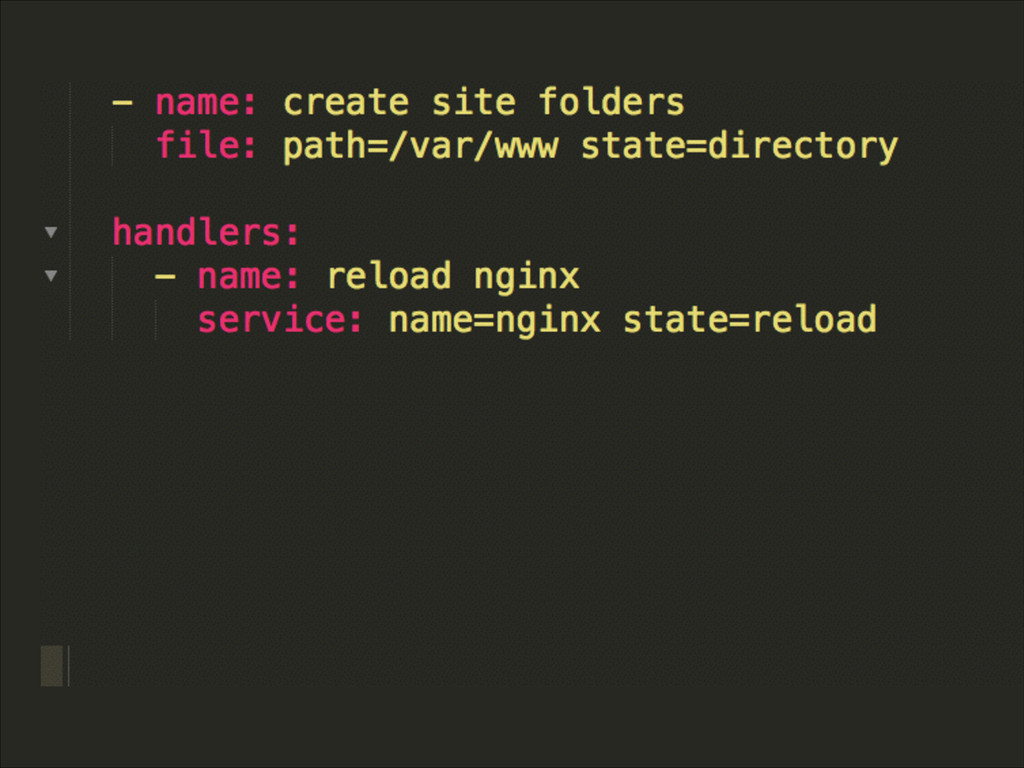
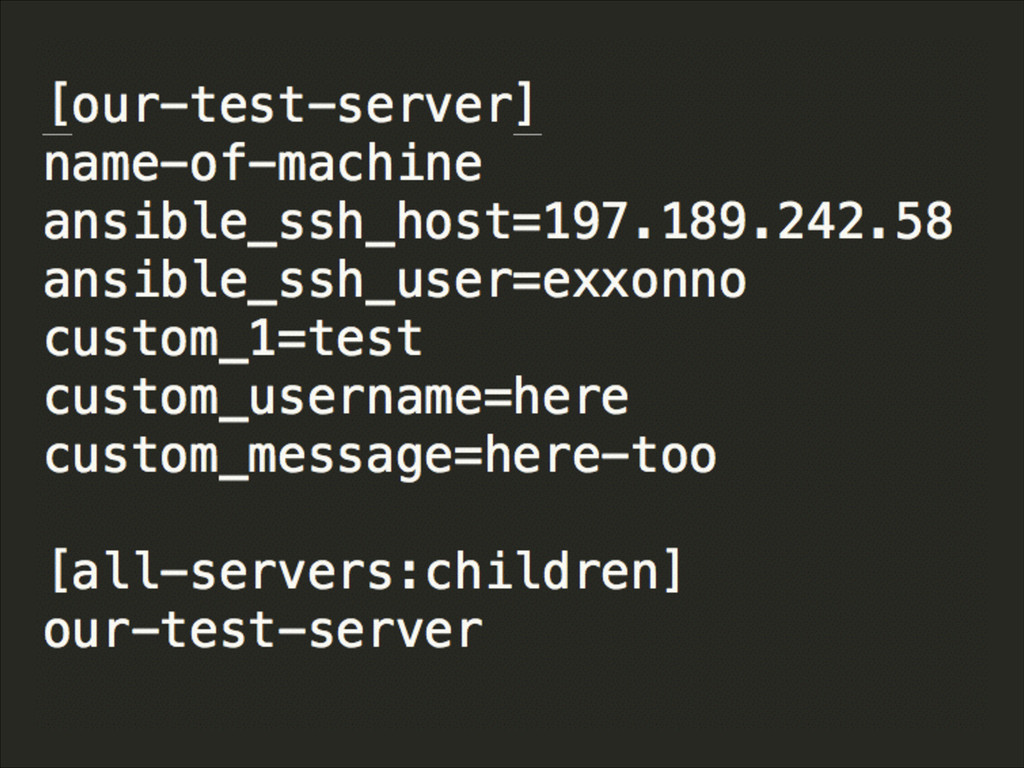
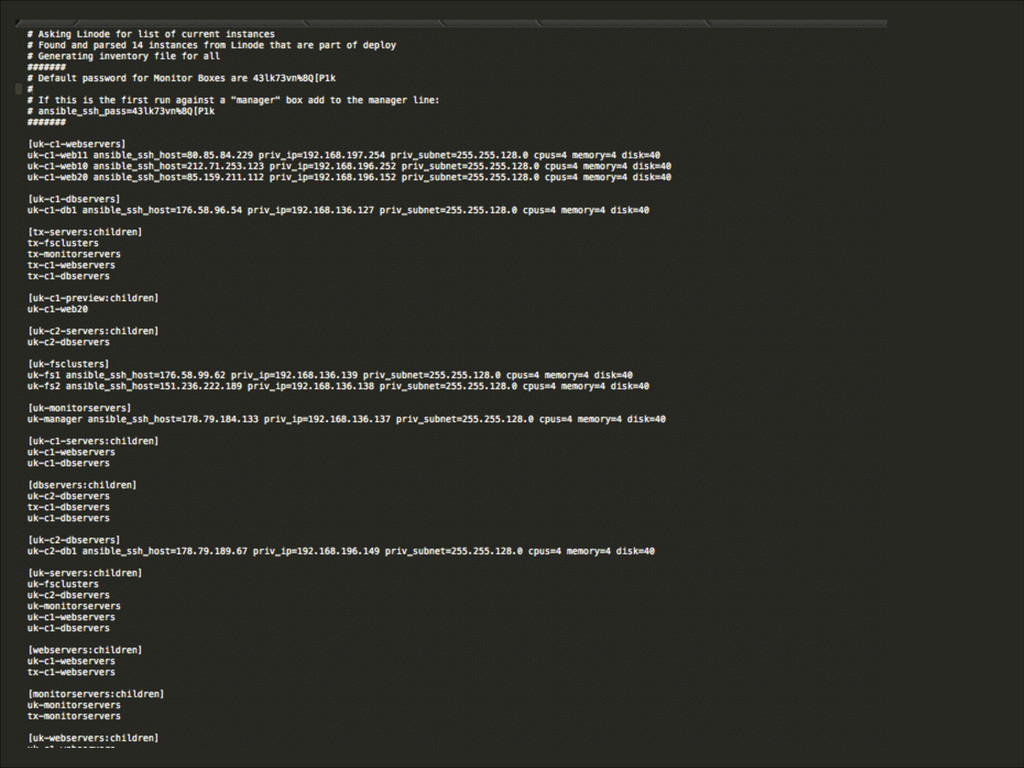
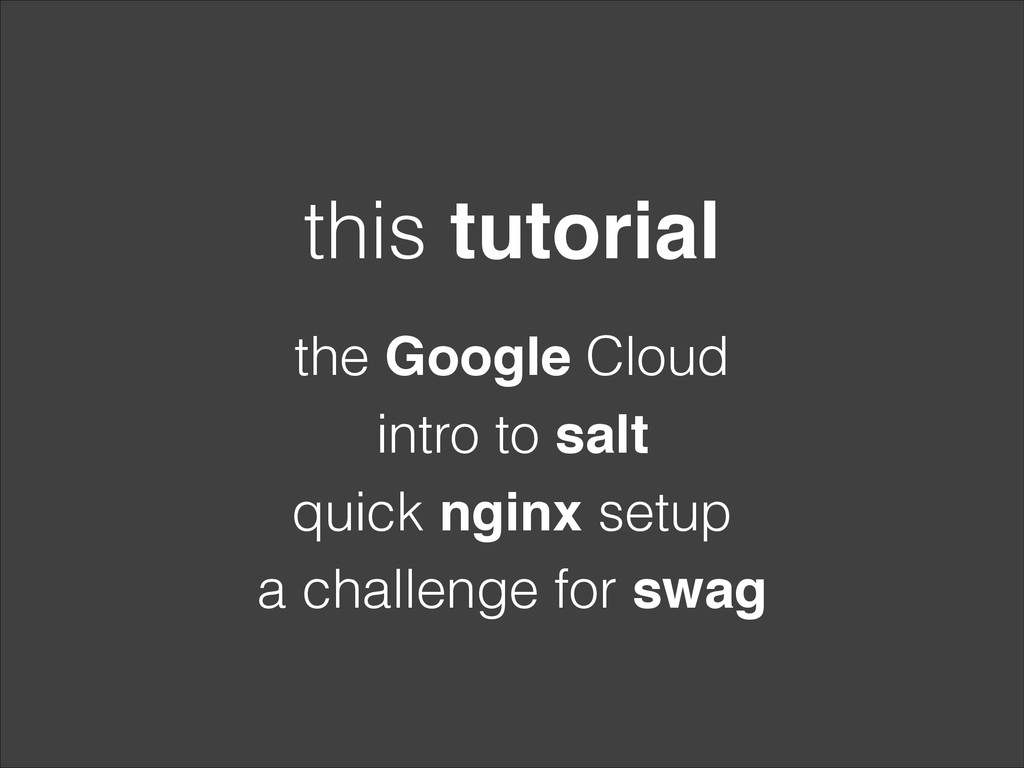
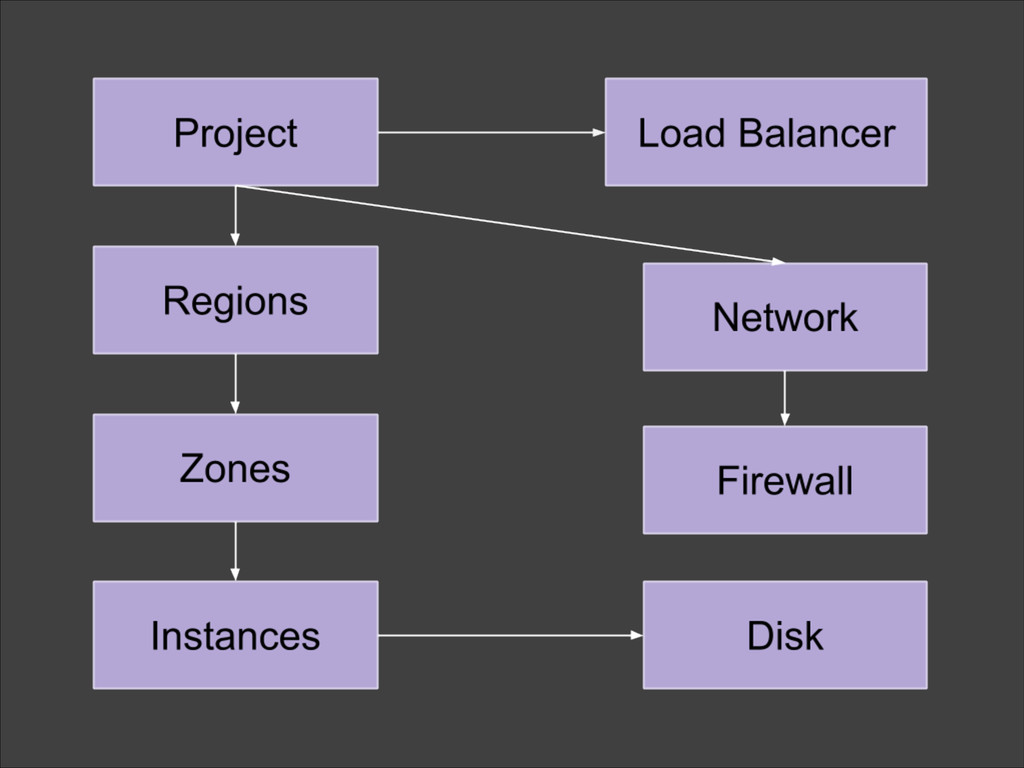
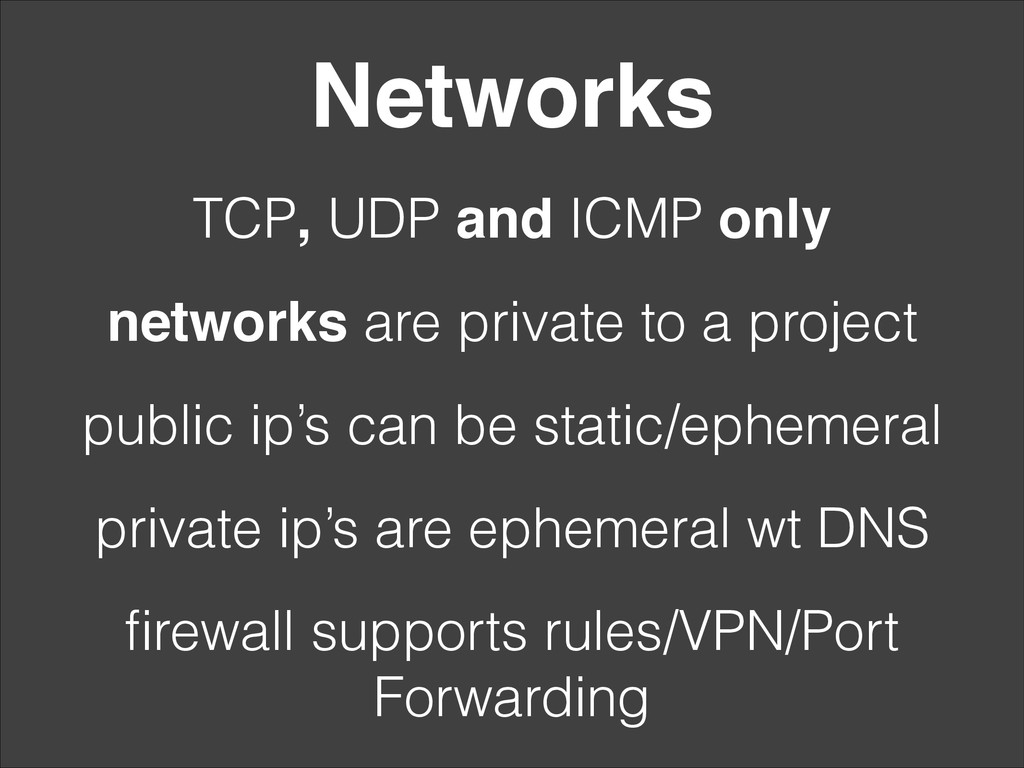
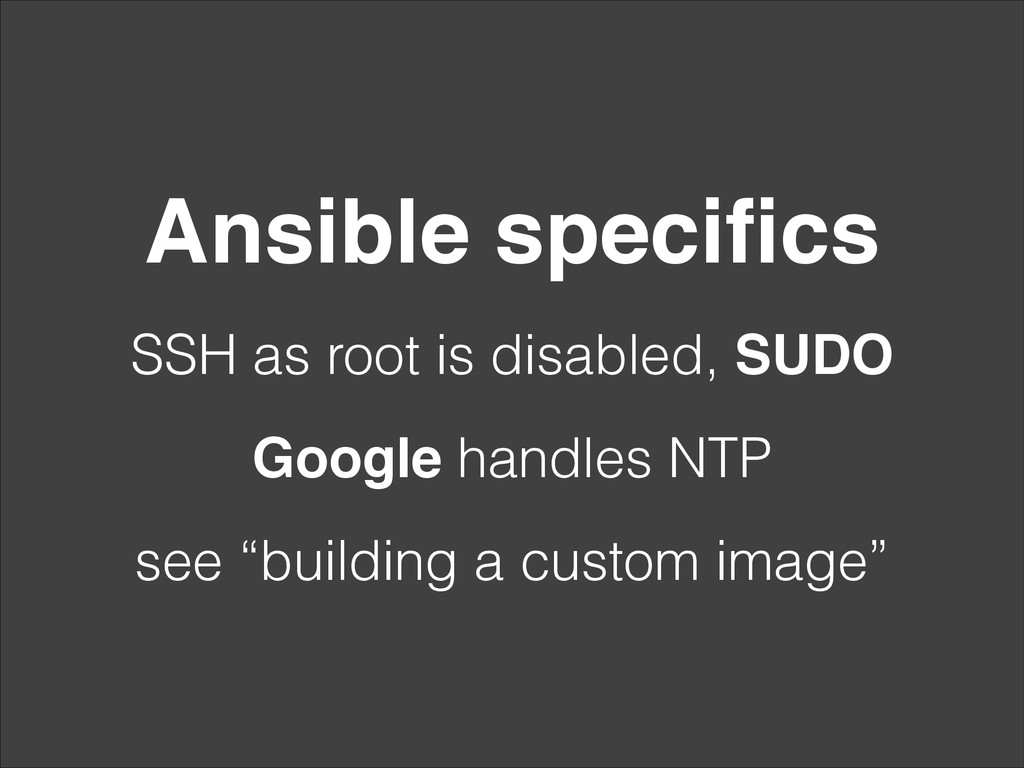
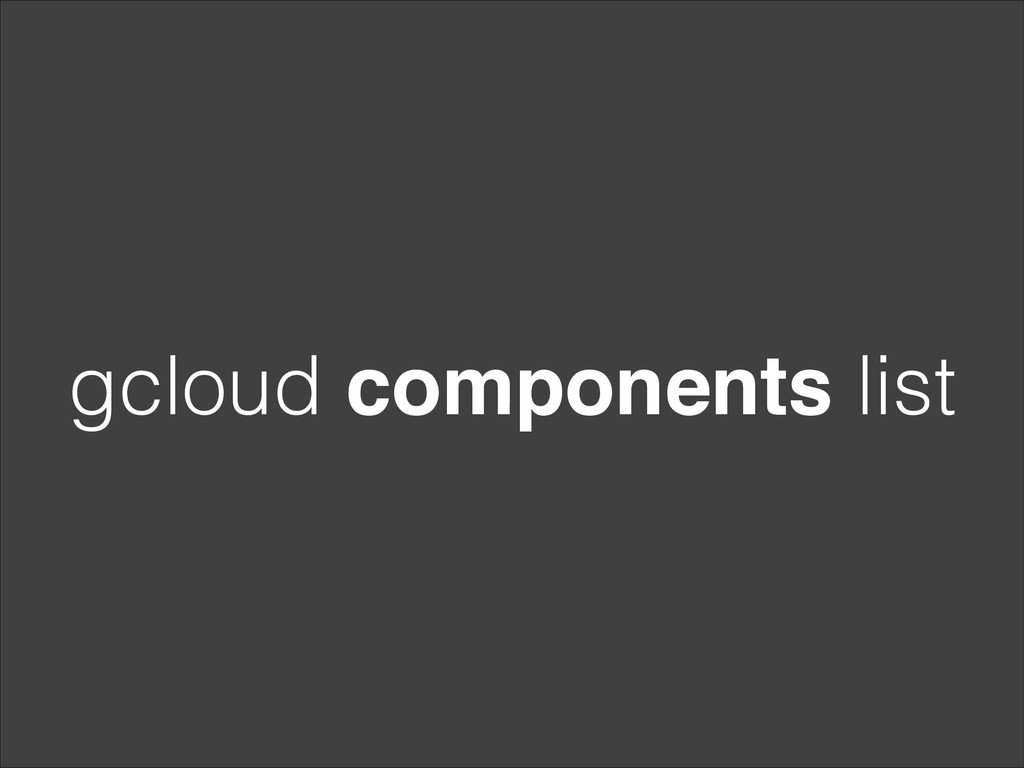
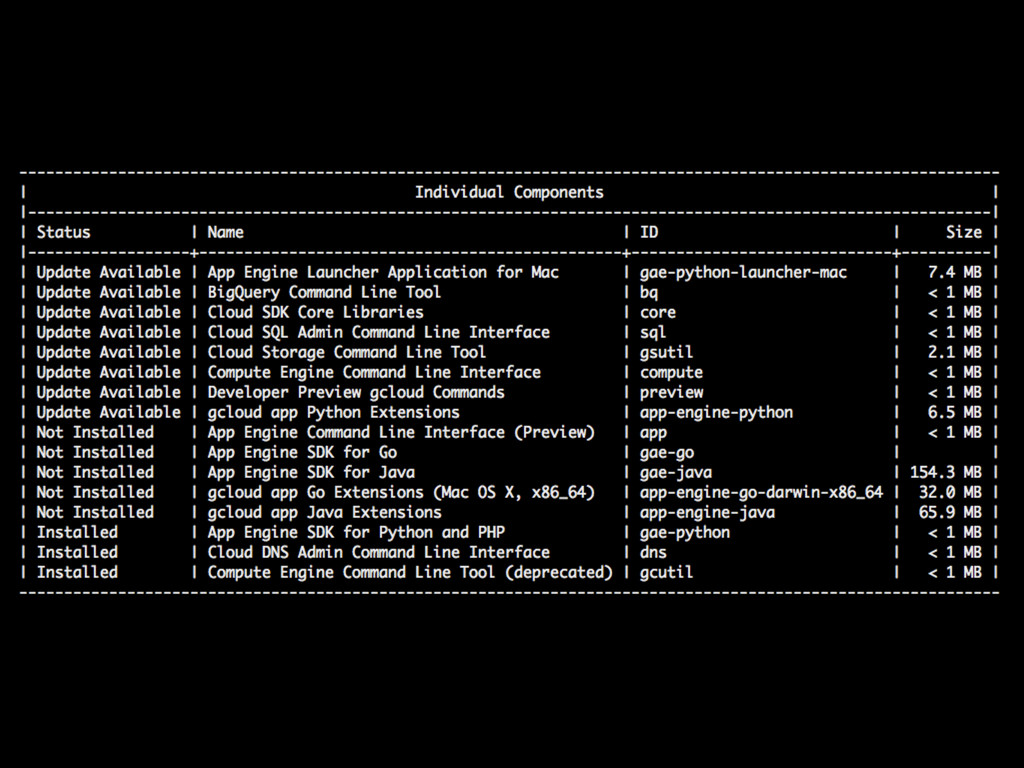
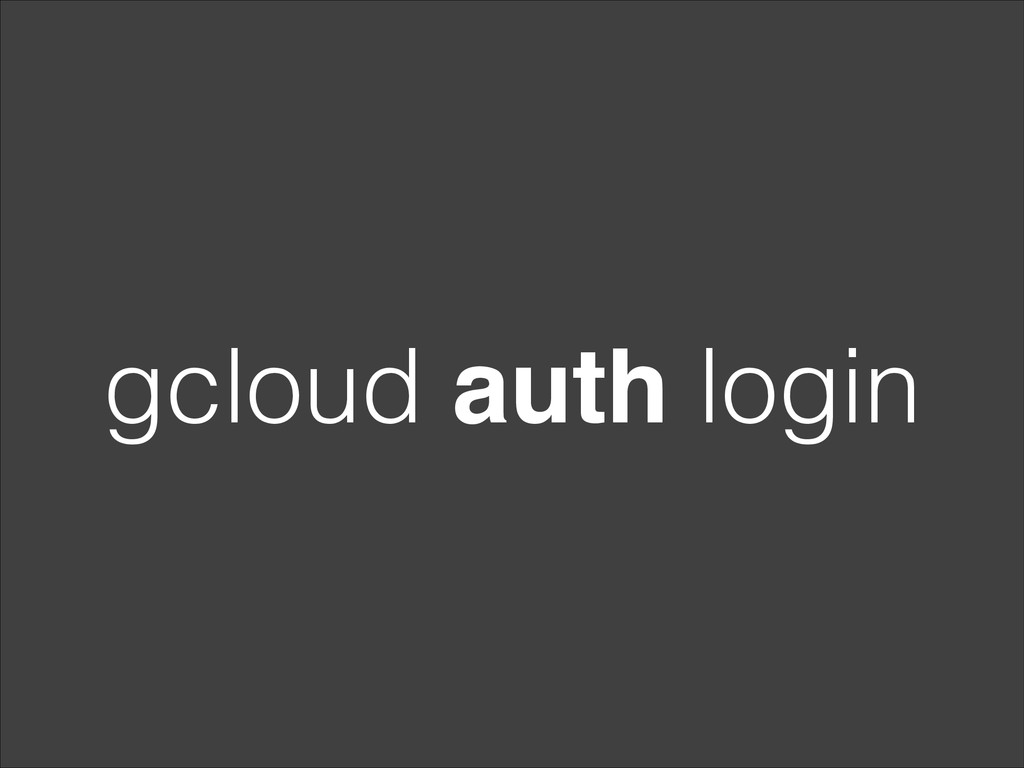
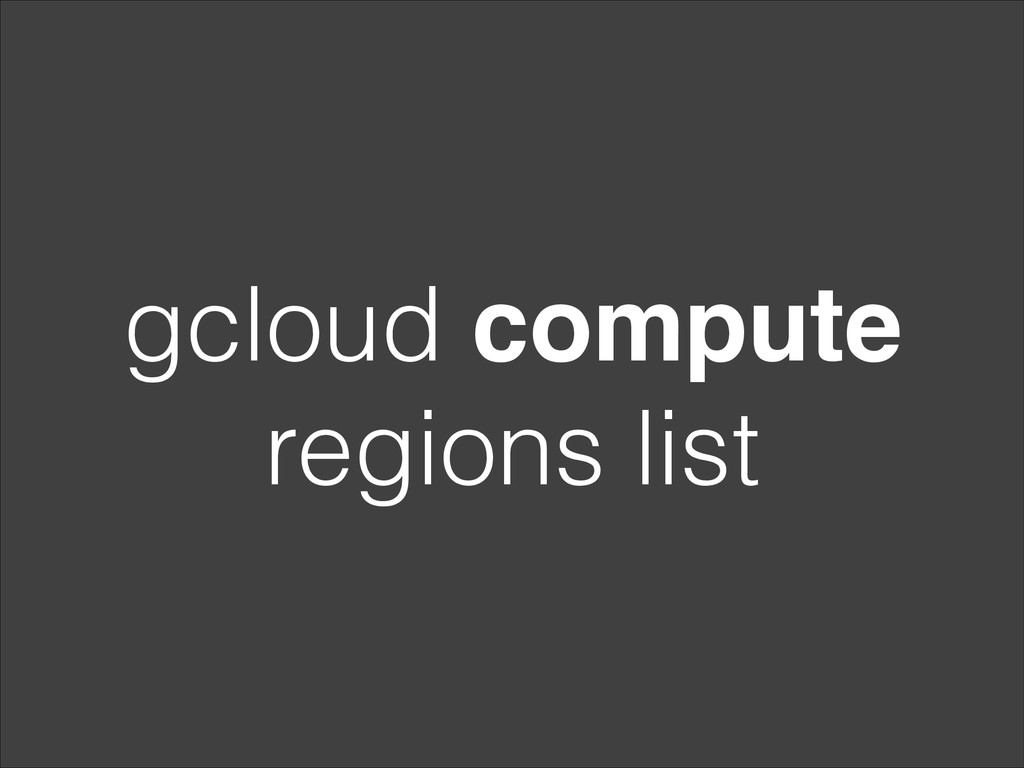
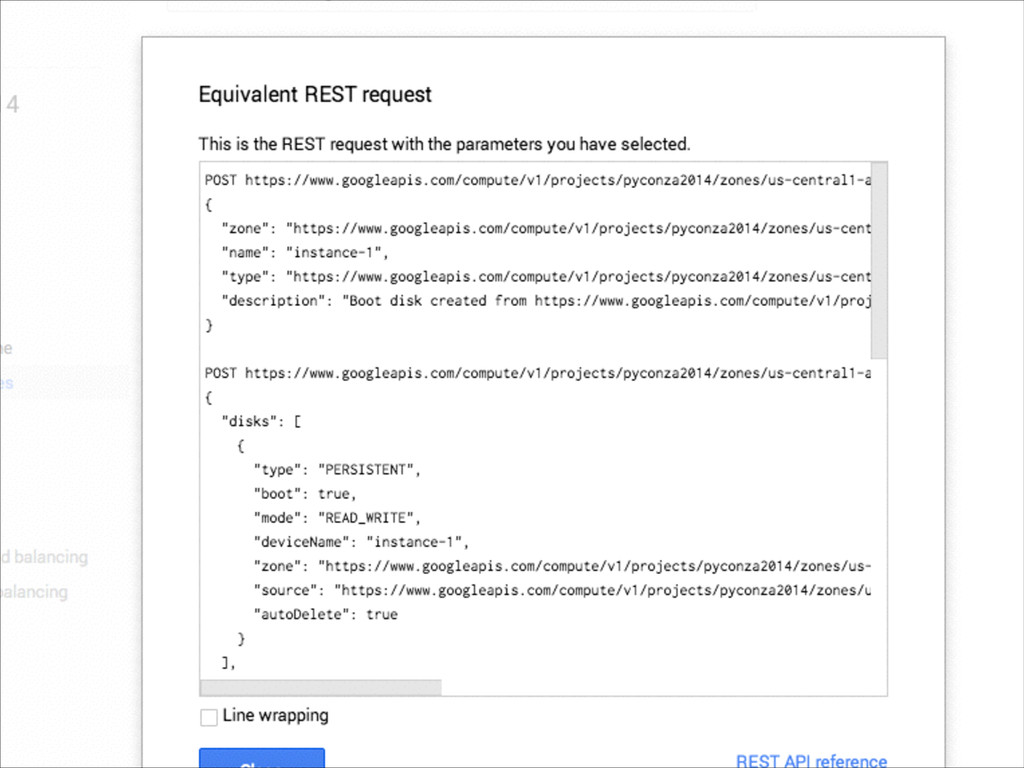
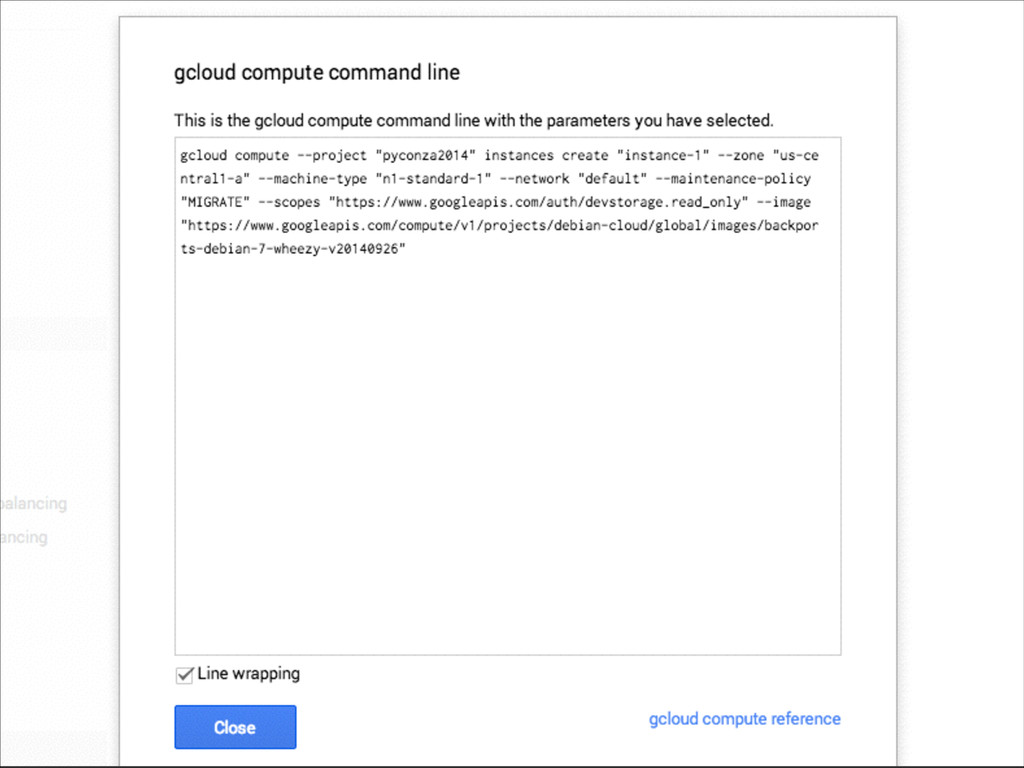
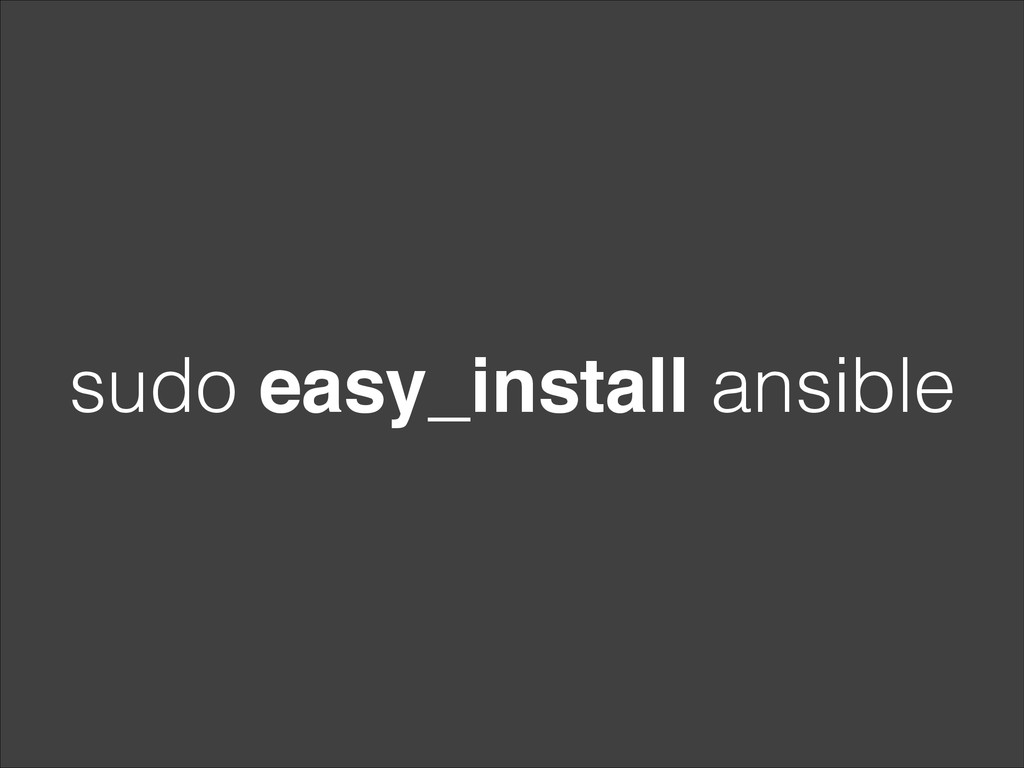
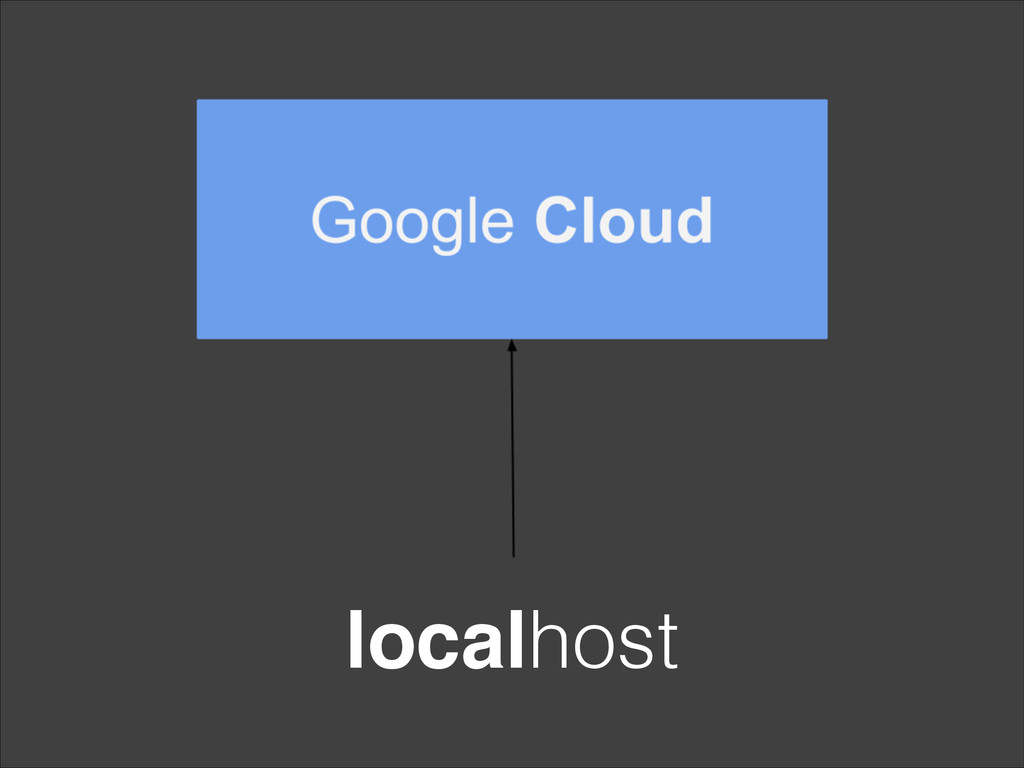
The tutorial will focus on demonstrating how to use Google Compute to manage instances, and required infrastructure such as balancers and networks, all while guiding through deployment using Ansible. Geared towards those interested in learning on how to use Google Compute but also how to setup a automated deployment system using Ansible.
The workshop has one goal; have everyone participating running a simple app on Google Compute with automated deployment.


 pyconza
 yukiny
 sylph01
 palkan
 andpad
 rkaga
rkaga
 guaca
guaca
 marcoroth
 yuta_onishi_97
 morizo_1984
 mofurune
 kaityo256
 minodriven
 szymonslowik
 kneath
 elsirapls
 malarkey
 honzajavorek
 reverentgeek
 mayunak
 lara
lara
 yeseniaperezcruz
 tammyeverts
 dougneiner













![[x] ok](https://files.speakerdeck.com/presentations/4e7f86b02fca01321c086e02156363ec/slide_35.jpg)
![[x] changed](https://files.speakerdeck.com/presentations/4e7f86b02fca01321c086e02156363ec/slide_36.jpg)
![[x] failed](https://files.speakerdeck.com/presentations/4e7f86b02fca01321c086e02156363ec/slide_37.jpg)
![[x] unreachable](https://files.speakerdeck.com/presentations/4e7f86b02fca01321c086e02156363ec/slide_38.jpg)