Upgrade to Pro — share decks privately, control downloads, hide ads and more …

Memcached on Rails

Memcached on Rails

A talk on using Memcache in Ruby, given to the Ruby-on-Rails Sydney Group in August 2007.

Avatar for Rob Sharp

Rob Sharp

August 15, 2007

More Decks by Rob Sharp

Other Decks in Technology

Transcript

  1. About Memcached • conceived by Brad Fitzpatrick as a solution

    to the scaling issues faced by Livejournal • “memcached is a high-performance, distributed memory object caching system, generic in nature, but intended for use in speeding up dynamic web applications by alleviating database load”
  2. Who we are • Sydney-based online media publishing • Community

    and Content Sites • Fasterlouder.com.au • Inthemix.com.au • Samesame.com.au • Thoughtbythem - Marketing Agency • White Label Gig Ticketing
  3. Who we are • Inthemix.com.au • Australia’s busiest music website

    • ~ 250,000 pages per day • Plus two other busy sites! • Maximum performance for the hardware we have
  4. Why do we use memcached? • CMS written in OO

    style, using Activerecord • PHP4 and objects don't mix too well • Activerecord gave us fast development but reduced performance • Call us greedy, but we want both • Use Rails Memcache!
  5. Our Application • CMS written from the ground up •

    Effectively three sites running on one codebase • Uses three seperate databases, but aiming to consolidate more • Has data namespacing implemented in most places • But seperation is not quite there yet!
  6. Our Memcache Setup • We have 3 webservers running memcache

    • Each server runs three daemons on separate ports - one for each site (more on this later!)
  7. Memcache Pool • Each daemon knows about the other 2

    daemons and connects to them over TCP • This allows us to store data once, and access it from any server, whether in the pool or not • Hashing algorithm means that a given key maps to a single server • Efficient use of memory • Efficient for cache clearing
  8. Memcache Pool • But what if we lose a server?

    We can • Ignore it - we simply get misses for any keys we attempt to retrieve • Remove it - our hashing algorithm breaks... :( • We can also add new servers to the pool after data has been stored, but the same hashing problem occurs
  9. Memcache Pool • Consistent hashing will solve the problem of

    removing or adding servers once data has been hashed • Currently in its infancy - not really production ready • We simply monitor our daemons and restart if required
  10. Installing Memcached • Available in most Linux distros • packaged

    for Fedora, RHEL4/5, Ubuntu, Debian, Gentoo and BSD • OSX? Use Ports! • sudo port install memcache • sudo gem install memcache-client • sudo gem install cached_model
  11. Memcache and Ruby • We’ll use the memcache-client gem •

    Pure Ruby implementation • Pretty fast!
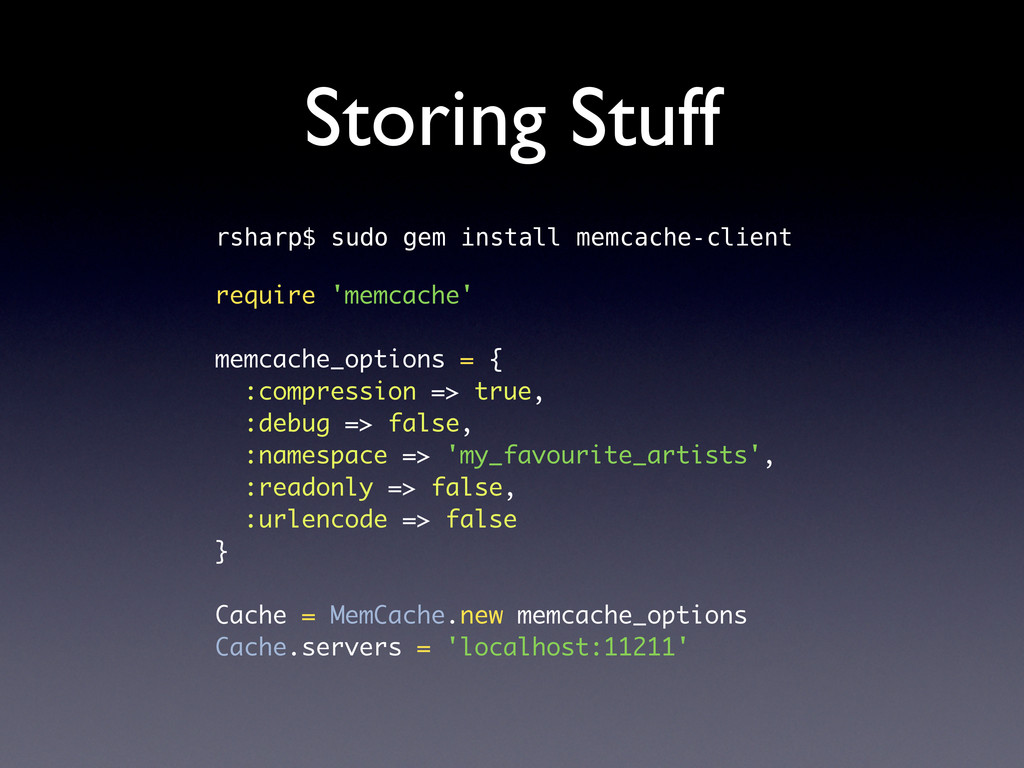
  12. Storing Stuff rsharp$ sudo gem install memcache-client require 'memcache' memcache_options

    = { :compression => true, :debug => false, :namespace => 'my_favourite_artists', :readonly => false, :urlencode => false } Cache = MemCache.new memcache_options Cache.servers = 'localhost:11211'
  13. Memcache Namespaces • Memcache doesn’t have namespaces, so we have

    to improvise • Prefix your keys with a namespace by setting the namespace when you connect • Our solution: • Run multiple memcache instances on different ports
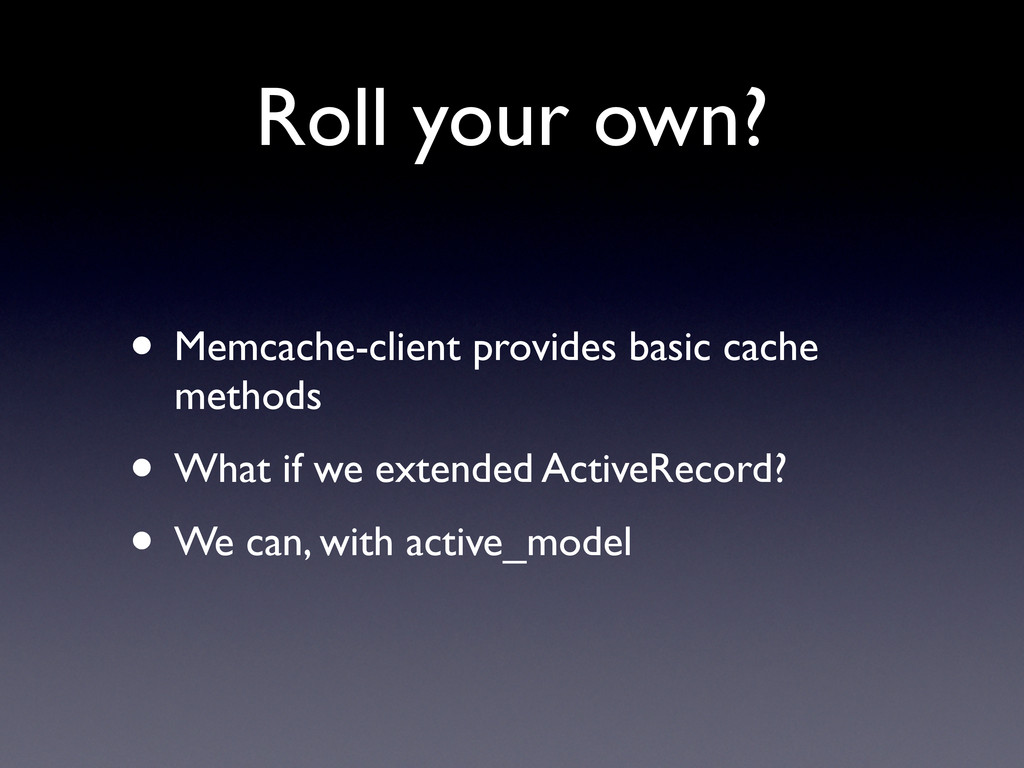
  14. Roll your own? • Memcache-client provides basic cache methods •

    What if we extended ActiveRecord? • We can, with active_model
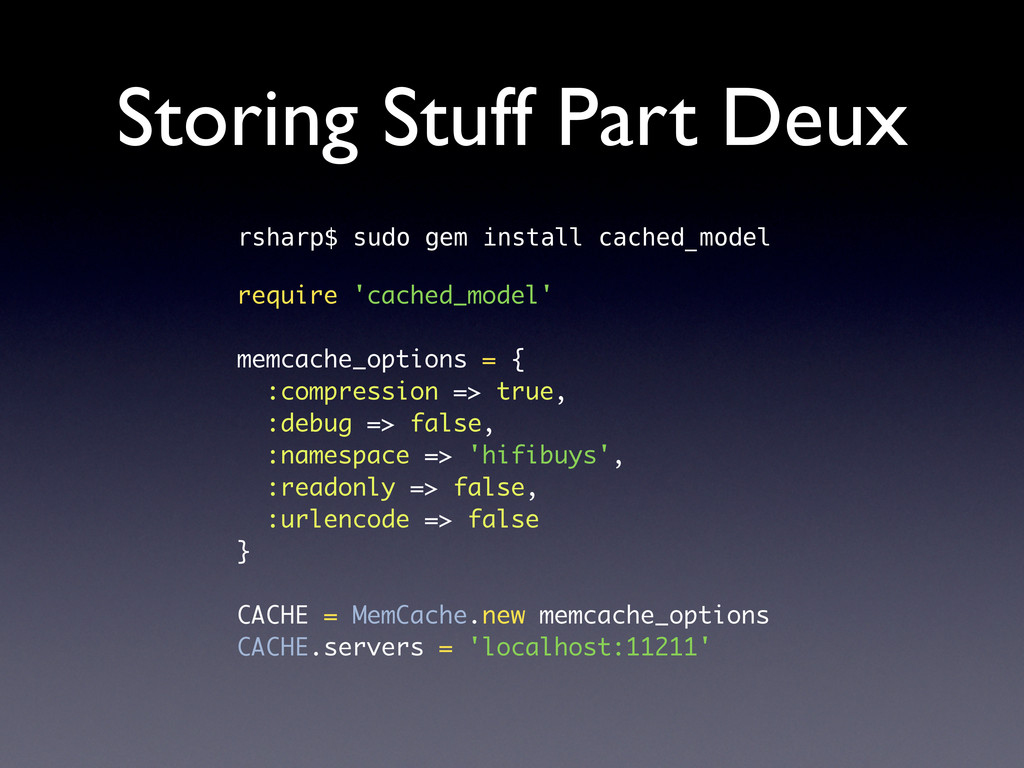
  15. Storing Stuff Part Deux rsharp$ sudo gem install cached_model require

    'cached_model' memcache_options = { :compression => true, :debug => false, :namespace => 'hifibuys', :readonly => false, :urlencode => false } CACHE = MemCache.new memcache_options CACHE.servers = 'localhost:11211'
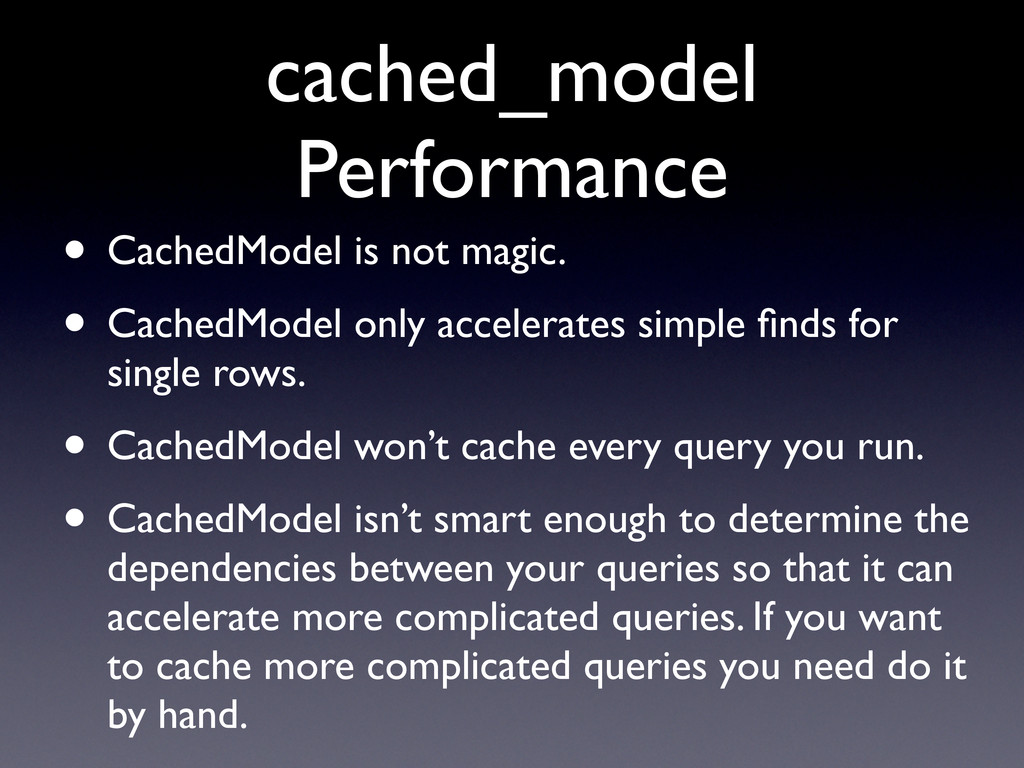
  16. cached_model Performance • CachedModel is not magic. • CachedModel only

    accelerates simple finds for single rows. • CachedModel won’t cache every query you run. • CachedModel isn’t smart enough to determine the dependencies between your queries so that it can accelerate more complicated queries. If you want to cache more complicated queries you need do it by hand.
  17. Memcache Storage • Memcache stores blobs • The memcache client

    handles marshalling, so you can easily cache objects • This does however mean that the objects aren’t necessarily cross-language
  18. Memcache Storage • The most obvious things to store are

    objects • We cache articles • We cache collections of articles • We cache template data • We cache fragments • We don’t cache SQL queries
  19. What we cache • Our sites are fairly big and

    data-rich communities • Almost every page has editorially controlled attributes along with user generated content • Like...
  20. Our Example Dataset • Article • Joins Artists • Joins

    Locations • Joins Genres • Joins Related Content • Joins Related Forum Activity • Joins Related Gallery Data
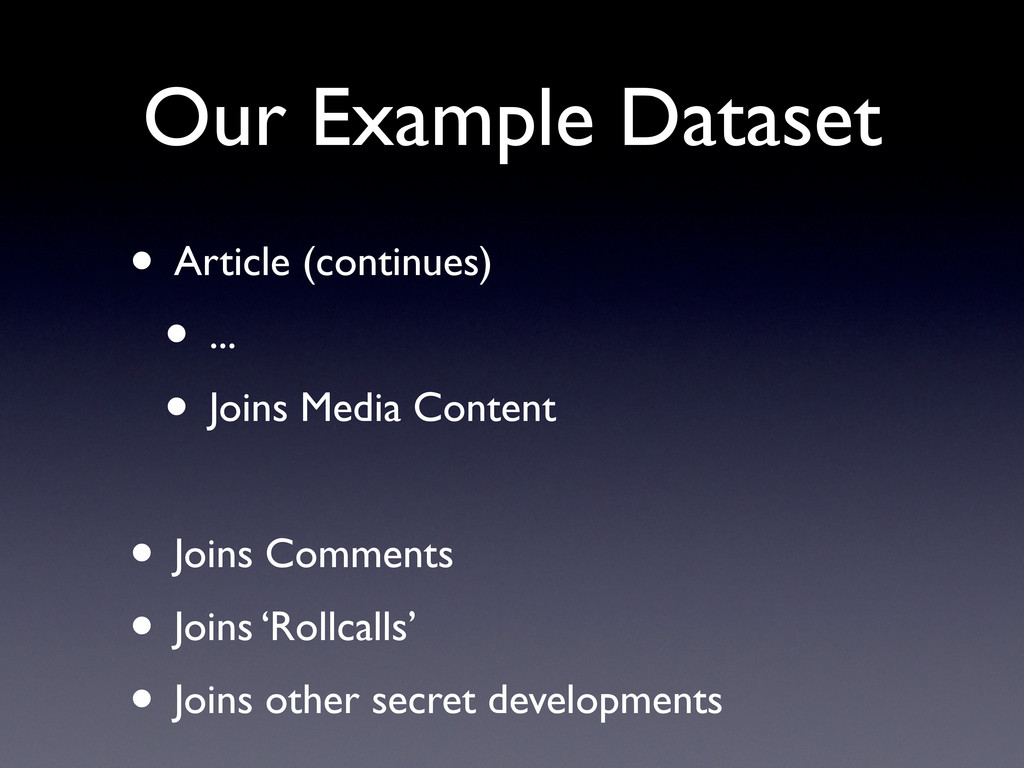
  21. Our Example Dataset • Article (continues) • ... • Joins

    Media Content • Joins Comments • Joins ‘Rollcalls’ • Joins other secret developments
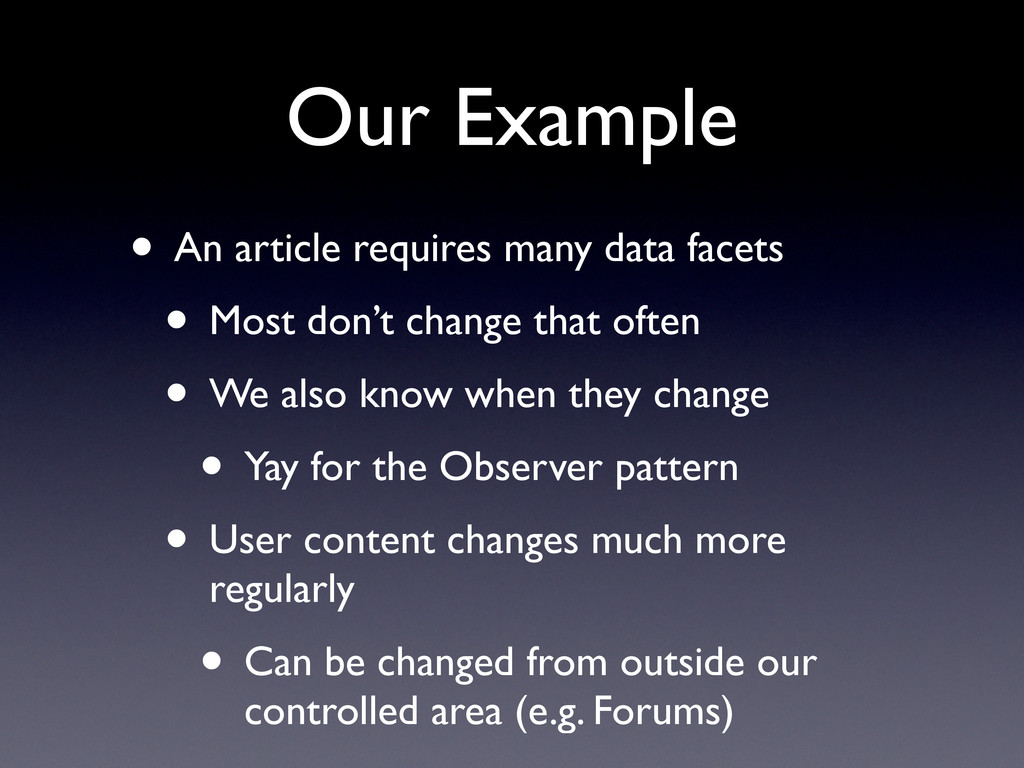
  22. Our Example • An article requires many data facets •

    Most don’t change that often • We also know when they change • Yay for the Observer pattern • User content changes much more regularly • Can be changed from outside our controlled area (e.g. Forums)
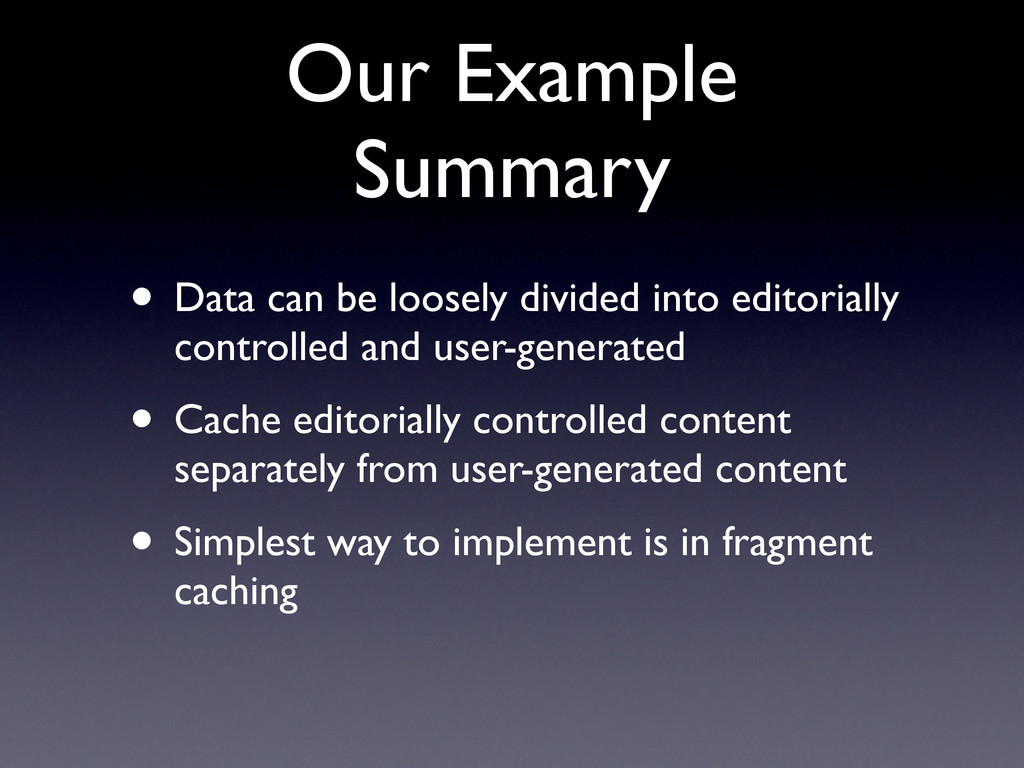
  23. Our Example Summary • Data can be loosely divided into

    editorially controlled and user-generated • Cache editorially controlled content separately from user-generated content • Simplest way to implement is in fragment caching
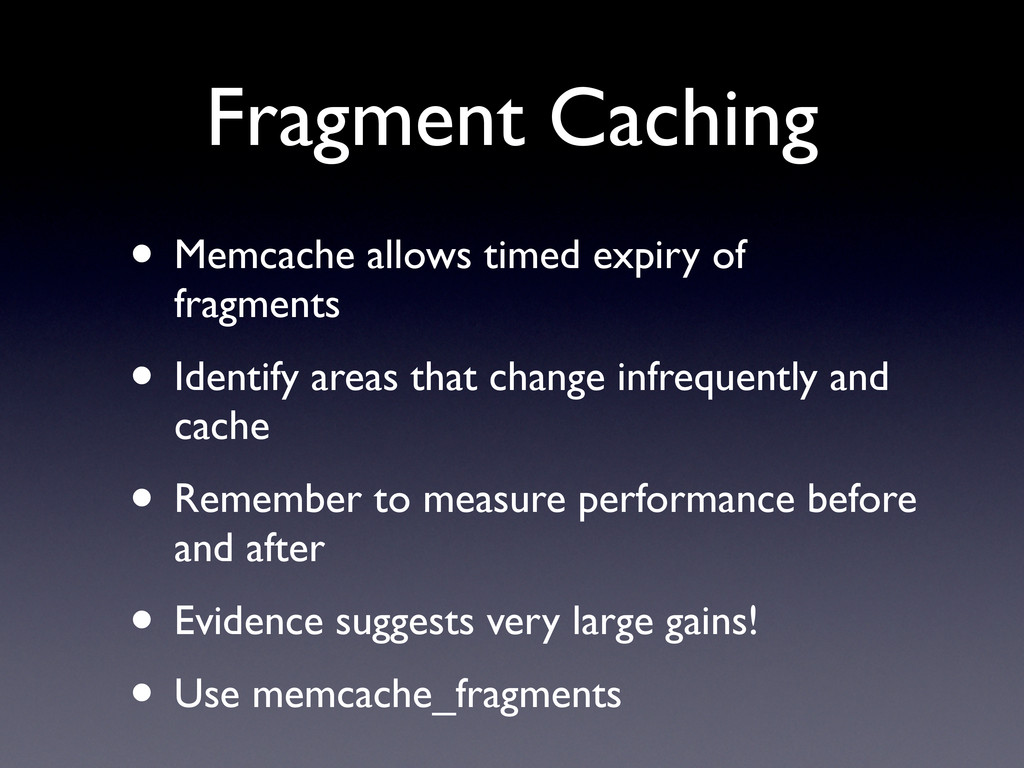
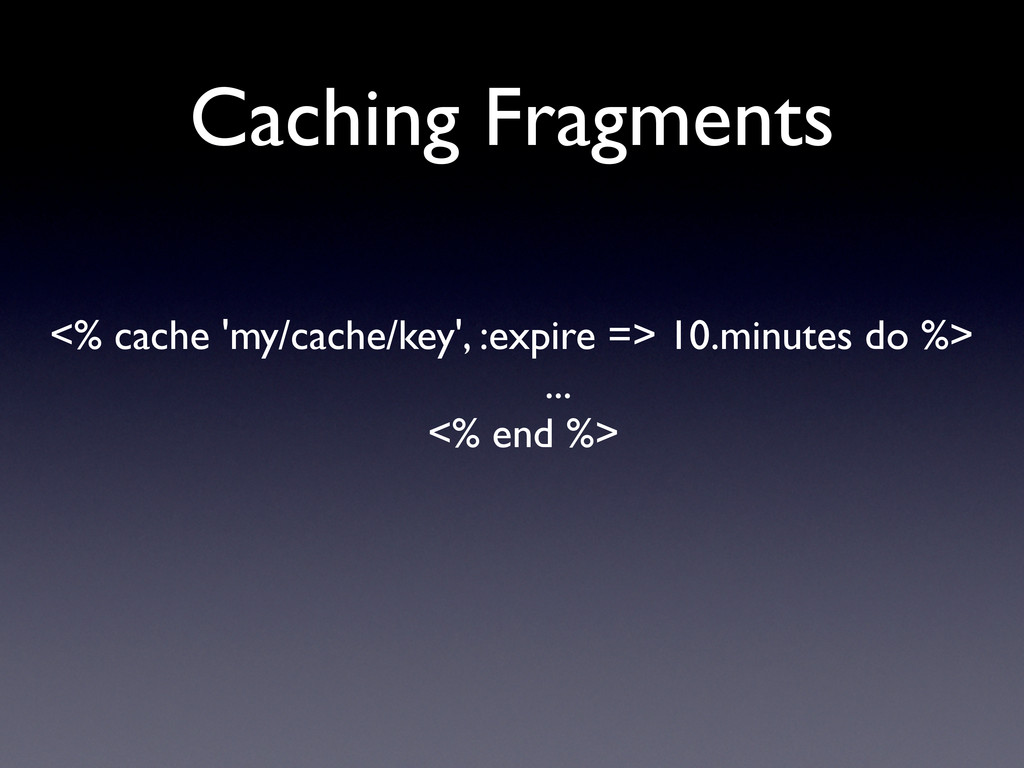
  24. Fragment Caching • Memcache allows timed expiry of fragments •

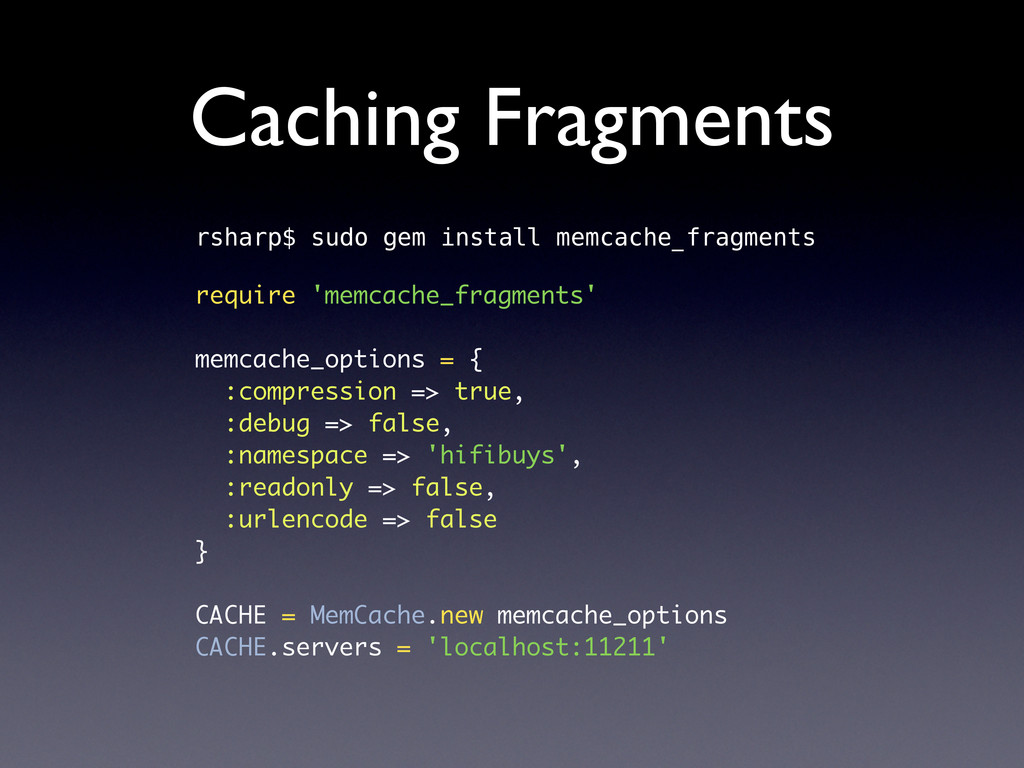
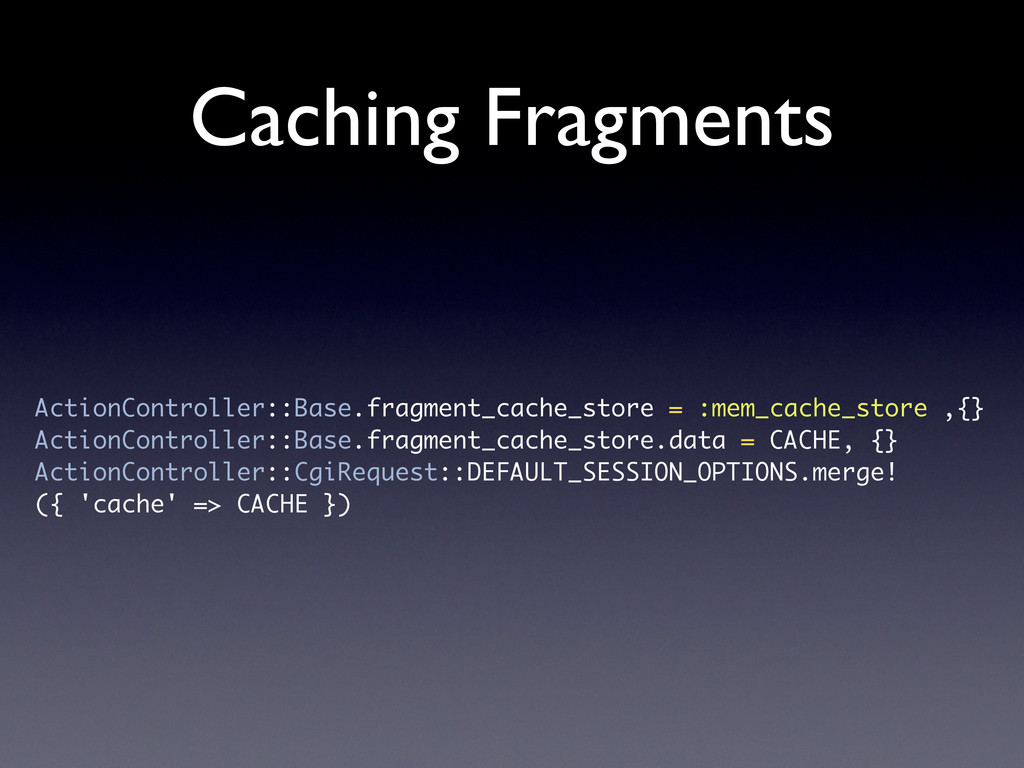
    Identify areas that change infrequently and cache • Remember to measure performance before and after • Evidence suggests very large gains! • Use memcache_fragments
  25. Caching Fragments rsharp$ sudo gem install memcache_fragments require 'memcache_fragments' memcache_options

    = { :compression => true, :debug => false, :namespace => 'hifibuys', :readonly => false, :urlencode => false } CACHE = MemCache.new memcache_options CACHE.servers = 'localhost:11211'
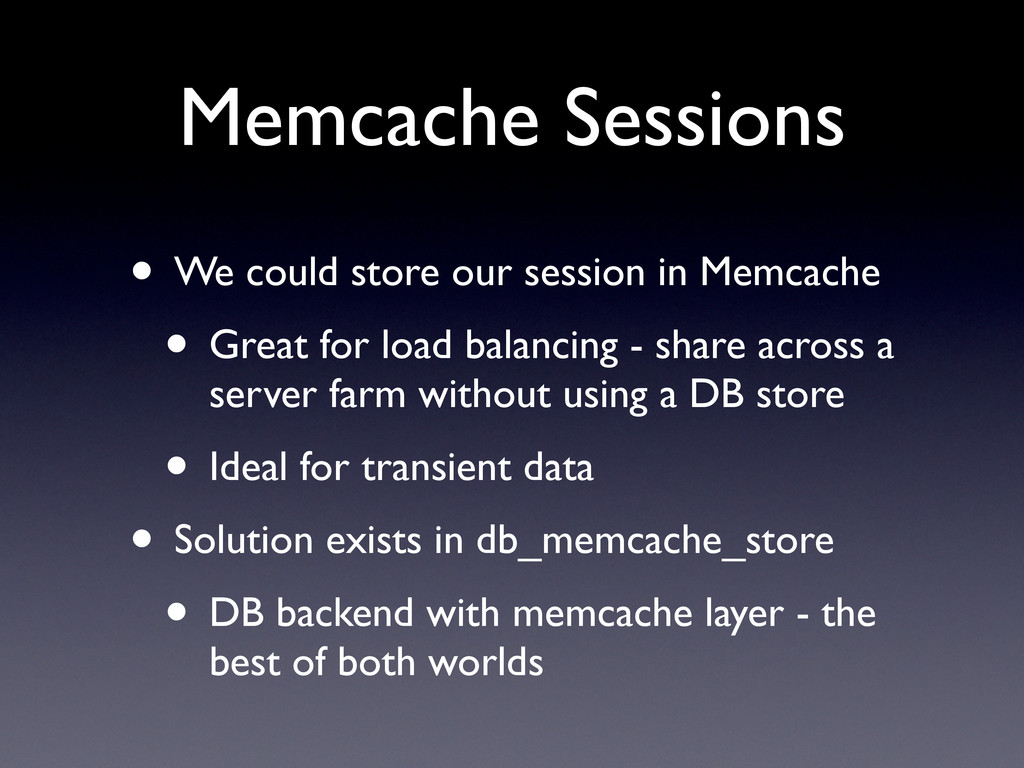
  26. Memcache Sessions • We could store our session in Memcache

    • Great for load balancing - share across a server farm without using a DB store • Ideal for transient data • Solution exists in db_memcache_store • DB backend with memcache layer - the best of both worlds
  27. In Summary • Memcache gives you a distributed cache store

    • Very fast and very easy to use • Lots of ruby and rails libraries • memcache_client • cached_model • db_memcache_store • memcache_fragments