Upgrade to Pro
— share decks privately, control downloads, hide ads and more …
Speaker Deck
Sign up for free
Menu
Search
Features
All features
Private URLs
Password Protection
Custom URLS
Scheduled publishing
Remove Branding
Restrict embedding
Deck Collections
Notes
Features
All features
Private URLs
Password Protection
Custom URLS
Scheduled publishing
Remove Branding
Restrict embedding
Deck Collections
Notes
Explore
Featured decks
Featured speakers
Programming
Technology
Storyboards
Explore
Featured decks
Featured speakers
Programming
Technology
Storyboards
Pricing
Search
Sign in
Sign up for free
Miyazaki.go 勉強会 #4
Search
Sponsored
·
Your Podcast. Everywhere. Effortlessly.
Share. Educate. Inspire. Entertain. You do you. We'll handle the rest.
→
Radish
May 15, 2026
Programming
58
0
Share
Embed
Copy iframe code
Copy JS code
Copy link
Start on current slide
Miyazaki.go 勉強会 #4
「Learning Go With Tests(日本語訳: テスト駆動開発でGO言語を学びましょう)」の輪読会スライド
Radish
May 15, 2026
More Decks by Radish
See All by Radish
Gremlins はどのようにコードを変異させているのか 👾
radish
0
52
論文紹介: SKILLHARM
radish
0
85
Other Decks in Programming
See All in Programming
Everything will be SERVERLESS — 信じて運用した10年の経験値 / Everything Will be Serverless — Lessons Learned from 10 Years of Operational Experience
seike460
PRO
1
1.1k
[Dev Group Paris Octobre 26] Agentforce, SIforce, Claudeforce, Slackbot… on s'y retrouve ?
nabondance
0
110
機械に任せるテスト、人が見るテスト ⽣成AIで引き直した、運⽤保守フェーズの線引き
dske104
0
190
iOS 27でニュースアプリはどう変わる!? 〜日経電子版の新機能対応と、開発事例から〜
lynnswap
7
13k
sbt 2.0: takeoff
eed3si9n
0
160
【加筆修正版】Laravel のアプリケーションをどこにデプロイするか #phpcon_ehime
akase244
0
150
ActionController meets Protocol Buffers
sorah
0
550
Apple Intelligence を用いた個人情報誤送信防止、及びユーザーリクエスト体験の改善について
yukiny
0
350
dotNET_vulnclicker_intro.pdf
deka_morita
0
140
Jetpack Compose Mechanisms
skydoves
3
820
IBM Bob Dojo #1 仕様駆動開発入門
oniak3ibm
PRO
0
390
Compiling a real-world CLI tool to native with Static Hermes
tmikov2023
0
120
Featured
See All Featured
Practical Tips for Bootstrapping Information Extraction Pipelines
honnibal
25
2.1k
Optimizing for Happiness
mojombo
378
71k
Efficient Content Optimization with Google Search Console & Apps Script
katarinadahlin
PRO
1
930
Designing for humans not robots
tammielis
254
26k
The Spectacular Lies of Maps
axbom
PRO
1
1.1k
Pawsitive SEO: Lessons from My Dog (and Many Mistakes) on Thriving as a Consultant in the Age of AI
davidcarrasco
0
260
End of SEO as We Know It (SMX Advanced Version)
ipullrank
3
4.4k
Why You Should Never Use an ORM
jnunemaker
PRO
61
10k
SEO in 2025: How to Prepare for the Future of Search
ipullrank
3
3.9k
The AI Revolution Will Not Be Monopolized: How open-source beats economies of scale, even for LLMs
inesmontani
PRO
3
3.8k
Fireside Chat
paigeccino
43
4.1k
So, you think you're a good person
axbom
PRO
2
2.2k
Transcript
テストで学ぶ Go の構造体・メソッド インターフェース Learn Go with Tests — 「Structs,
methods & interfaces 」解説 TDD で図形の面積を実装しながら struct → method → interface を学ぶ
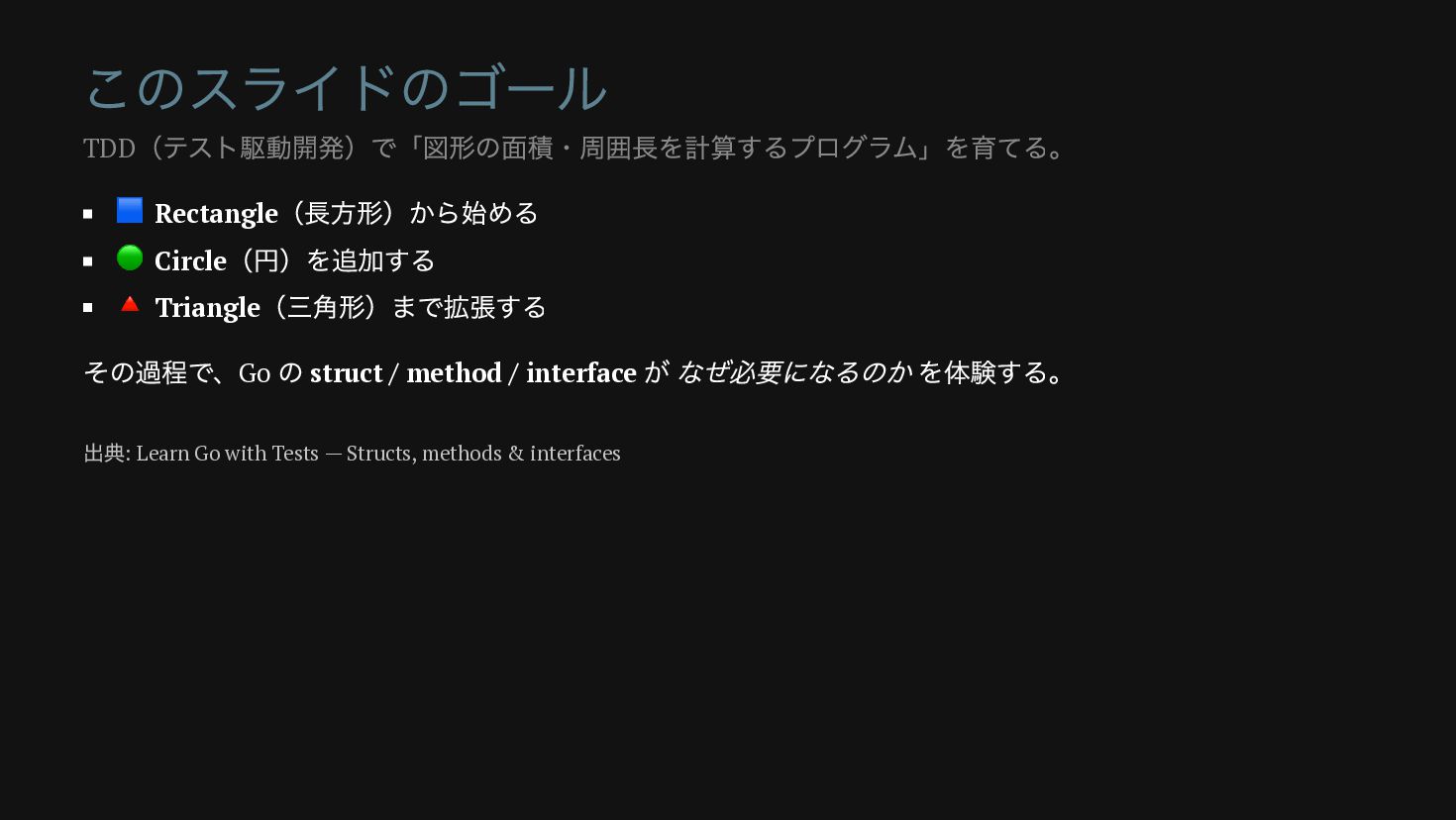
このスライドのゴール 🟦 Rectangle (長方形)から始める 🟢 Circle (円)を追加する 🔺 Triangle (三角形)まで拡張する
その過程で、Go の struct / method / interface が なぜ必要になるのか を体験する。 TDD (テスト駆動開発)で「図形の面積・周囲長を計算するプログラム」を育てる。 出典: Learn Go with Tests — Structs, methods & interfaces
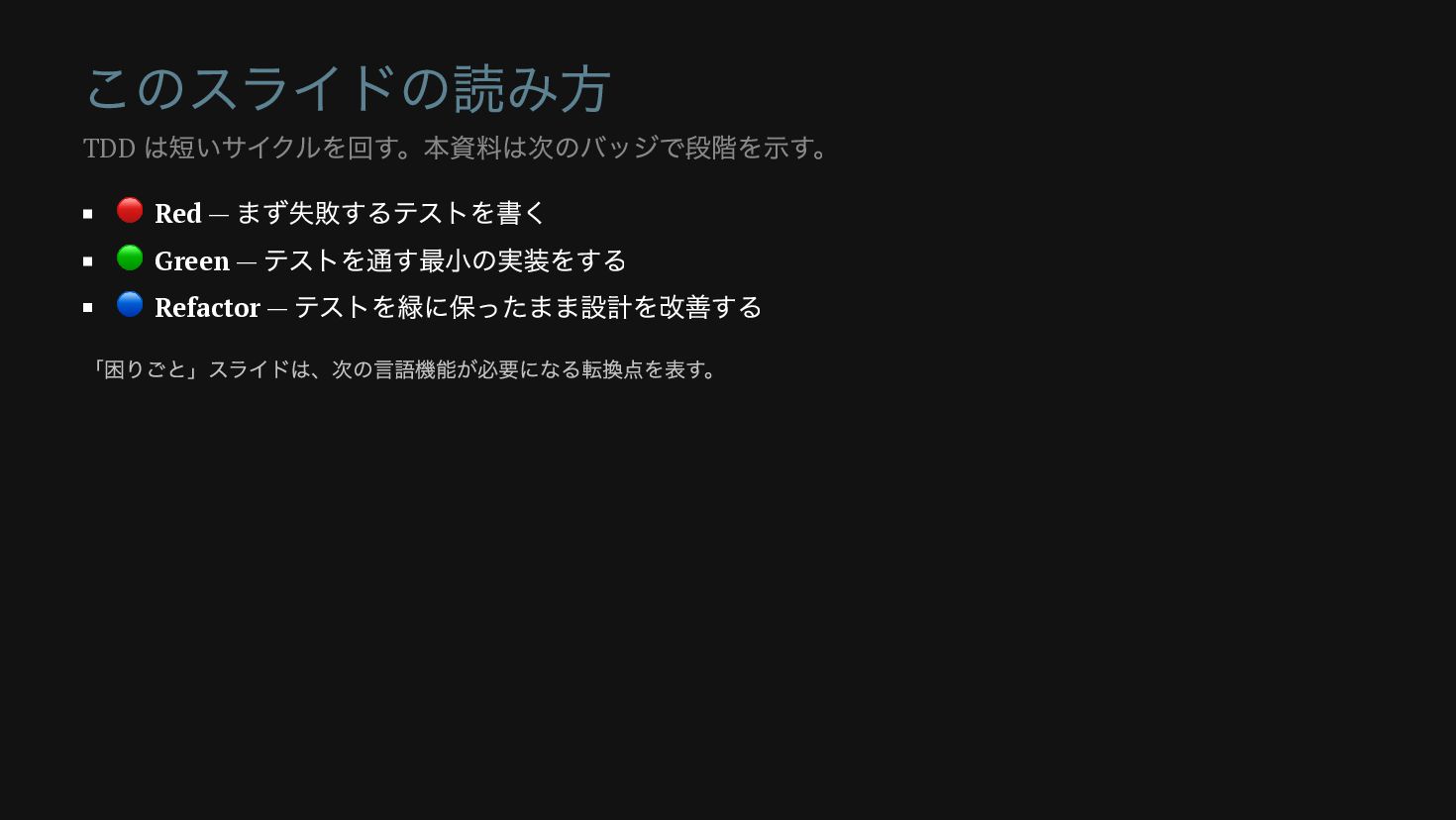
このスライドの読み方 🔴 Red — まず失敗するテストを書く 🟢 Green — テストを通す最小の実装をする 🔵
Refactor — テストを緑に保ったまま設計を改善する TDD は短いサイクルを回す。本資料は次のバッジで段階を示す。 「困りごと」スライドは、次の言語機能が必要になる転換点を表す。
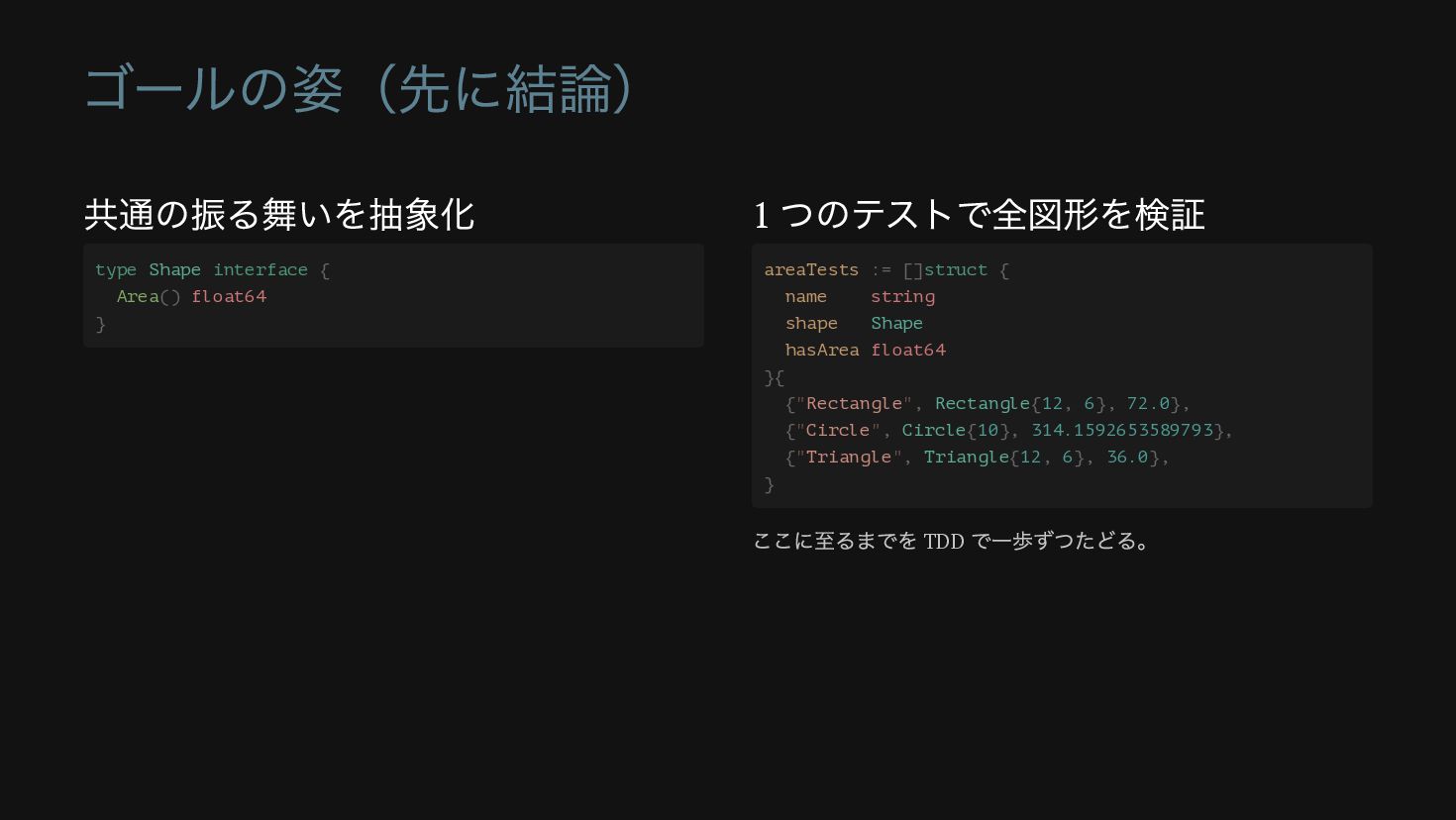
ゴールの姿(先に結論) 共通の振る舞いを抽象化 1 つのテストで全図形を検証 type Shape interface { Area() float64
} areaTests := []struct { name string shape Shape hasArea float64 }{ {"Rectangle", Rectangle{12, 6}, 72.0}, {"Circle", Circle{10}, 314.1592653589793}, {"Triangle", Triangle{12, 6}, 36.0}, } ここに至るまでを TDD で一歩ずつたどる。
第 1 部 関数とテストの基礎 まずは struct も interface も使わず、ただの関数から始める
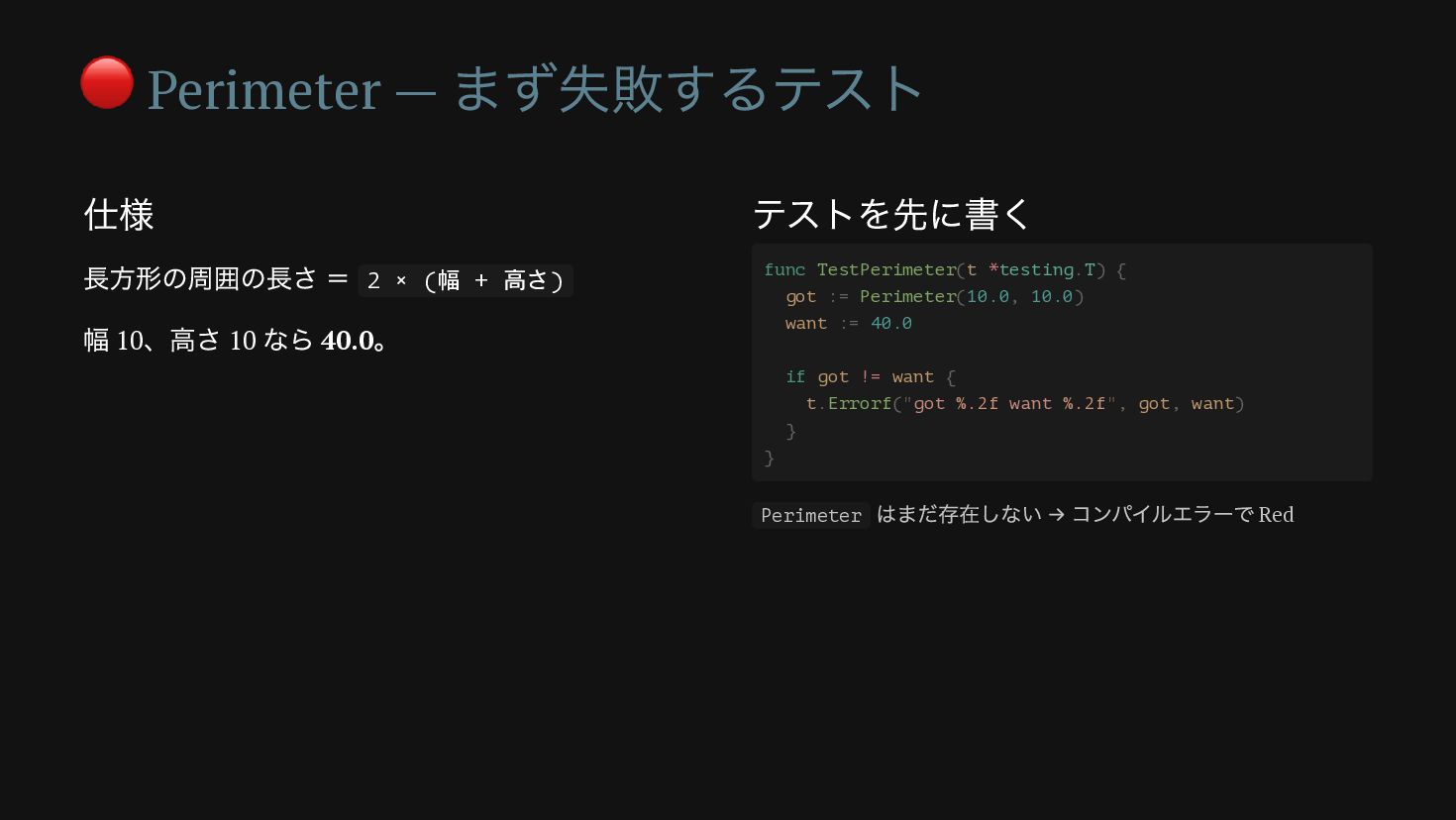
🔴 Perimeter — まず失敗するテスト 仕様 長方形の周囲の長さ = 2 × (幅
+ 高さ) 幅 10 、高さ 10 なら 40.0 。 テストを先に書く func TestPerimeter(t *testing.T) { got := Perimeter(10.0, 10.0) want := 40.0 if got != want { t.Errorf("got %.2f want %.2f", got, want) } } Perimeter はまだ存在しない → コンパイルエラーで Red
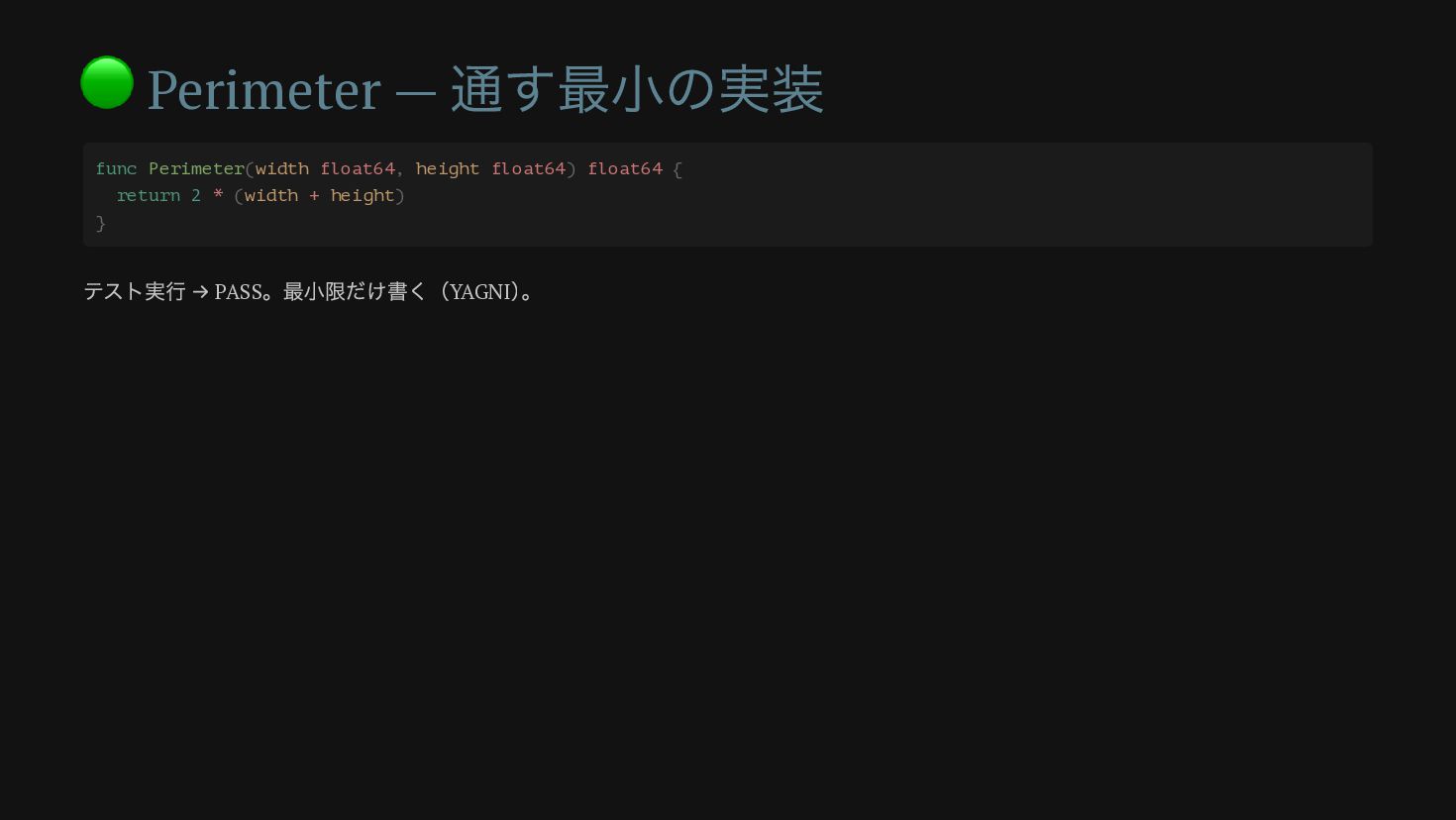
🟢 Perimeter — 通す最小の実装 func Perimeter(width float64, height float64) float64
{ return 2 * (width + height) } テスト実行 → PASS 。最小限だけ書く(YAGNI ) 。
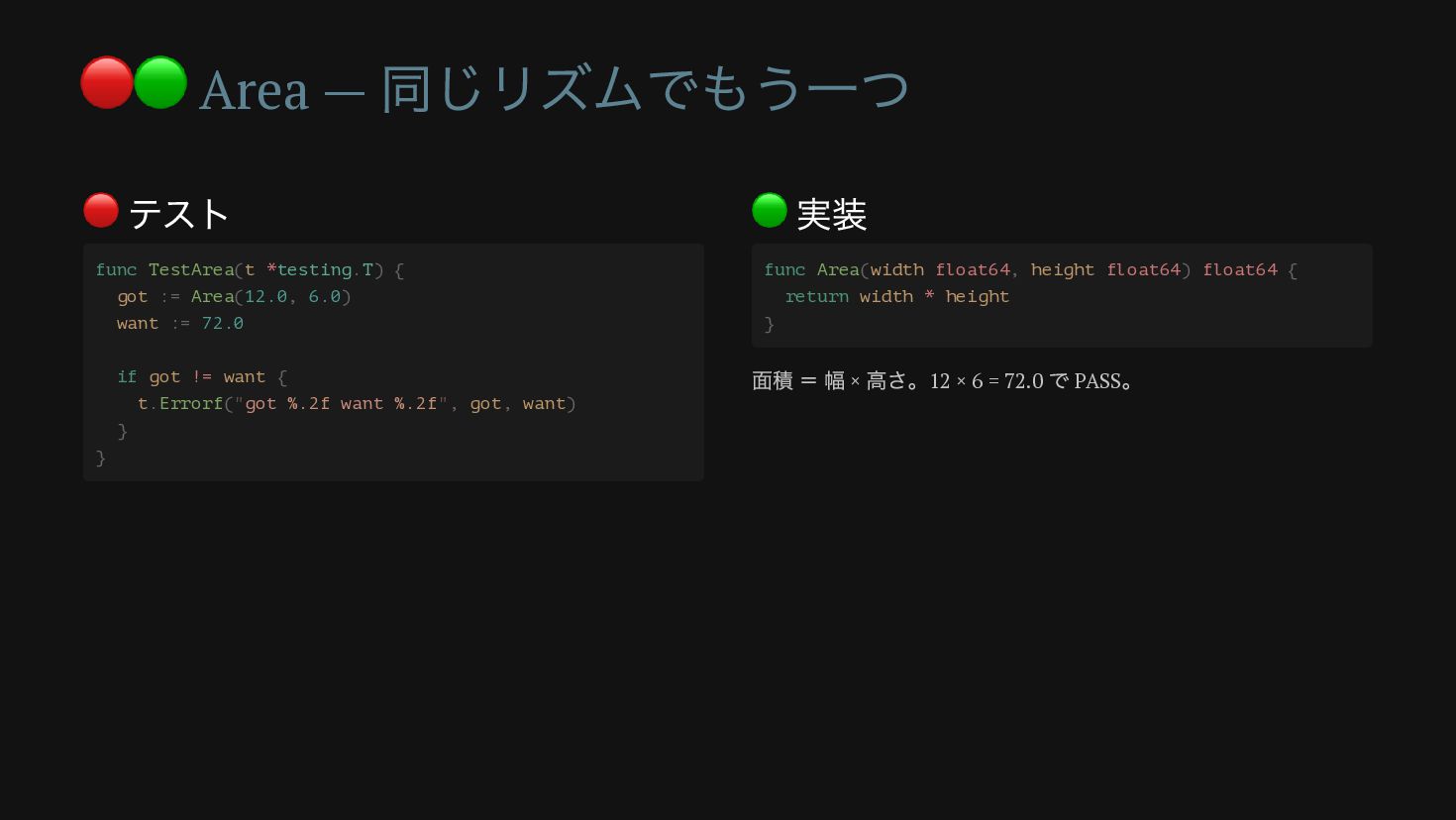
🔴🟢 Area — 同じリズムでもう一つ 🔴 テスト 🟢 実装 func TestArea(t
*testing.T) { got := Area(12.0, 6.0) want := 72.0 if got != want { t.Errorf("got %.2f want %.2f", got, want) } } func Area(width float64, height float64) float64 { return width * height } 面積 = 幅 × 高さ。12 × 6 = 72.0 で PASS 。
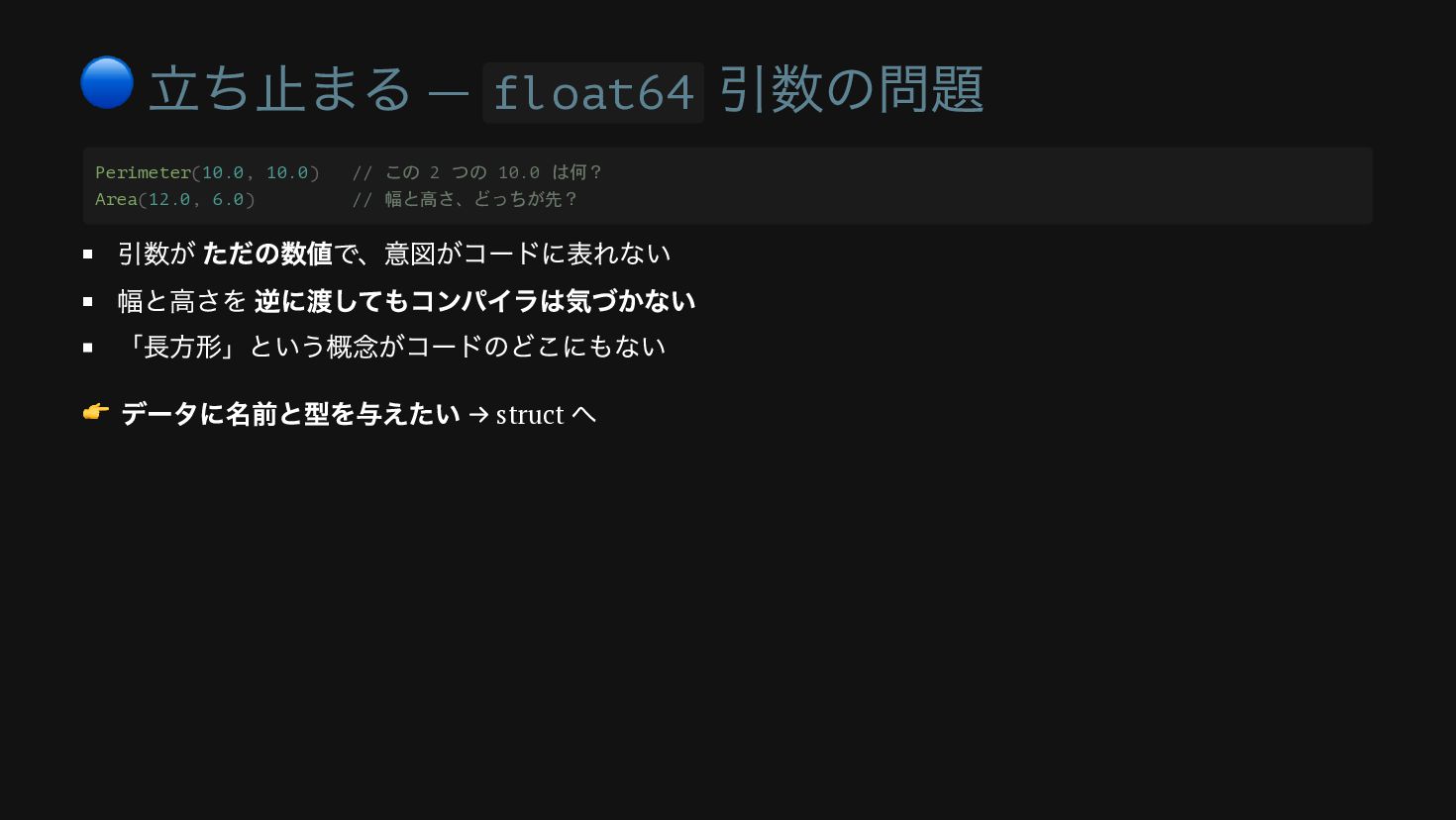
🔵 立ち止まる — float64 引数の問題 引数が ただの数値で、意図がコードに表れない 幅と高さを 逆に渡してもコンパイラは気づかない 「長方形」という概念がコードのどこにもない
👉 データに名前と型を与えたい → struct へ Perimeter(10.0, 10.0) // この 2 つの 10.0 は何? Area(12.0, 6.0) // 幅と高さ、どっちが先?
第 2 部 struct が生まれる瞬間 バラバラの数値を「長方形」という 1 つの型にまとめる
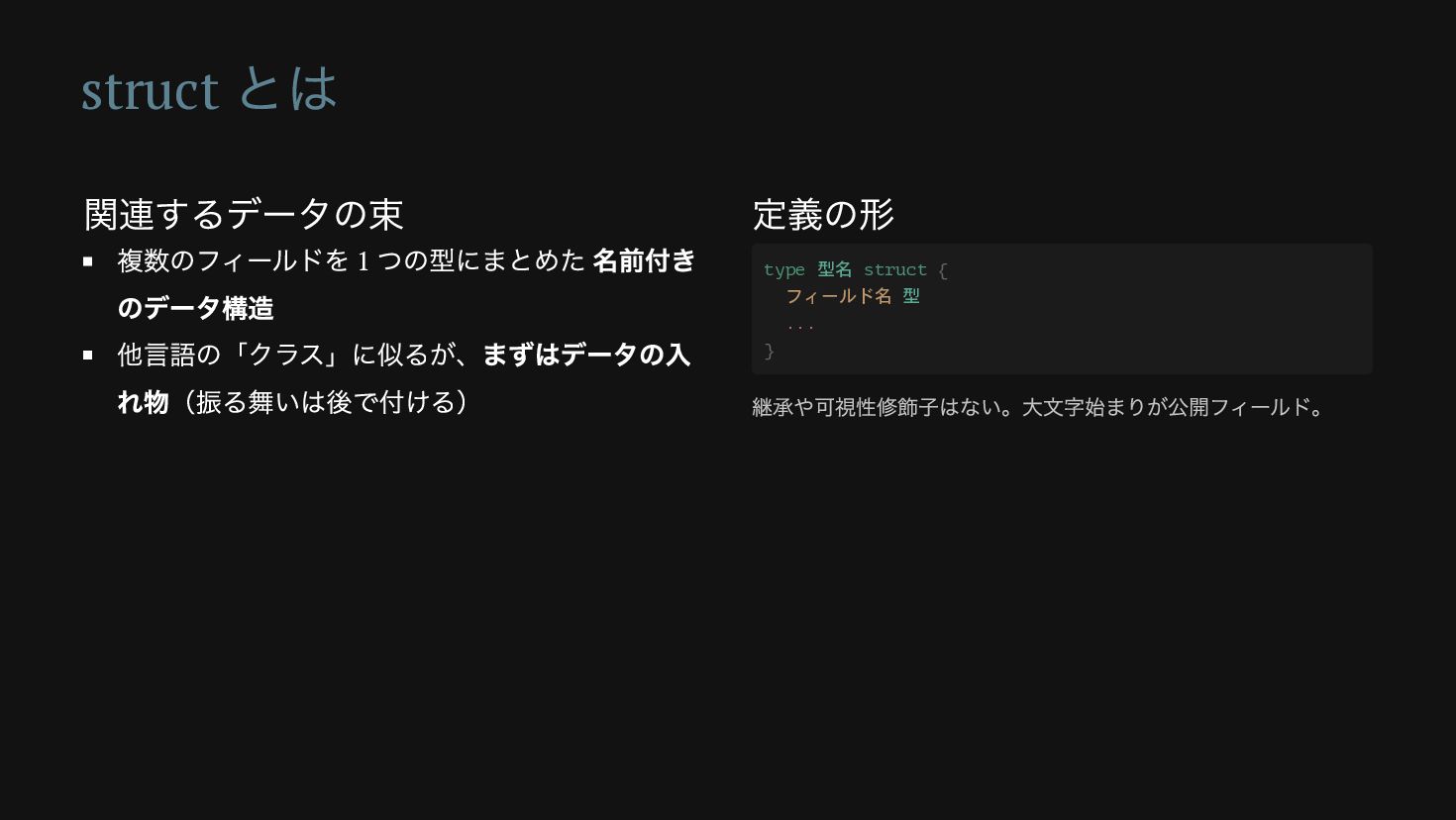
struct とは 関連するデータの束 複数のフィールドを 1 つの型にまとめた 名前付き のデータ構造 他言語の「クラス」に似るが、まずはデータの入 れ物(振る舞いは後で付ける)
定義の形 type 型名 struct { フィールド名 型 ... } 継承や可視性修飾子はない。大文字始まりが公開フィールド。
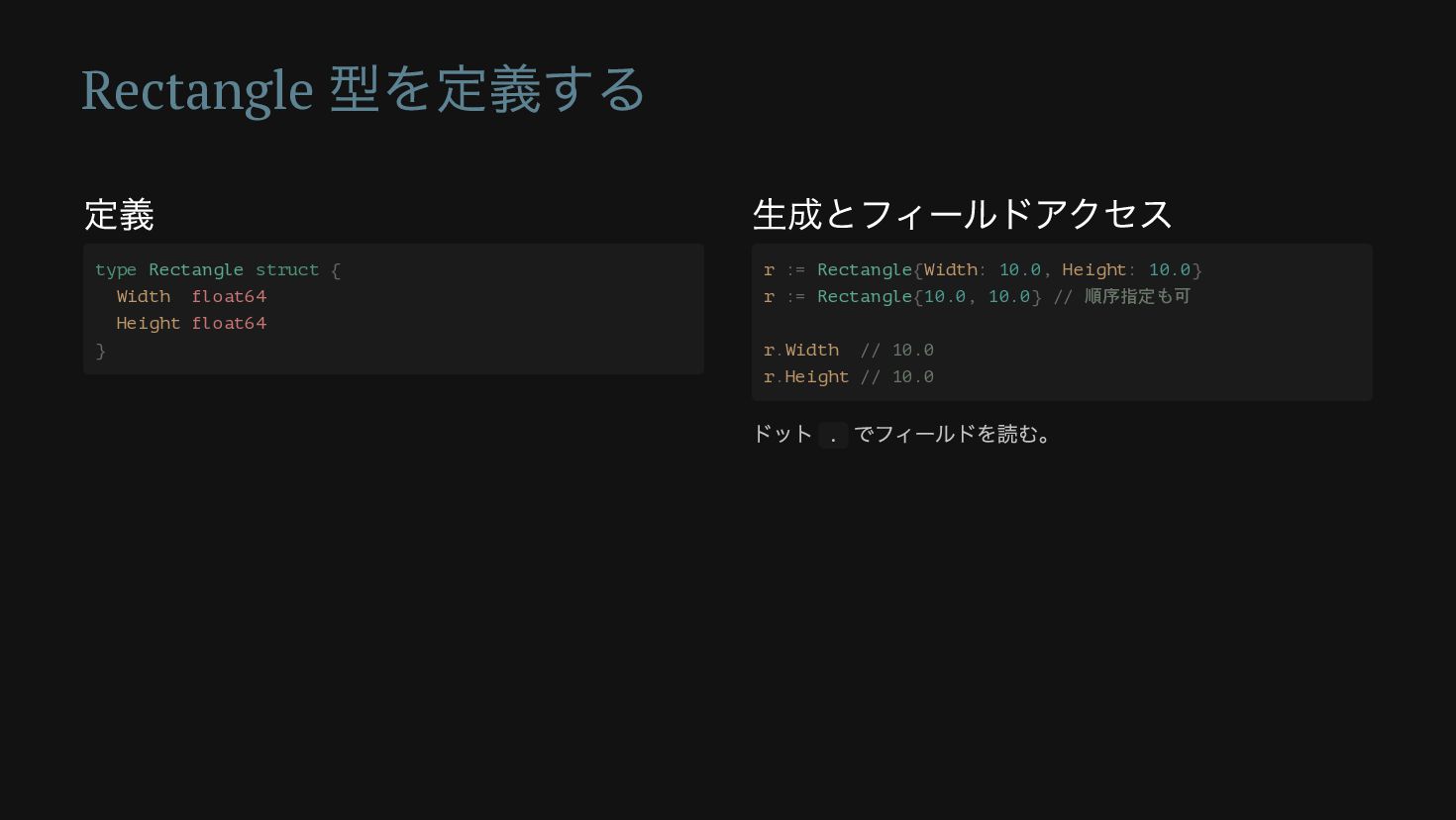
Rectangle 型を定義する 定義 生成とフィールドアクセス type Rectangle struct { Width float64
Height float64 } r := Rectangle{Width: 10.0, Height: 10.0} r := Rectangle{10.0, 10.0} // 順序指定も可 r.Width // 10.0 r.Height // 10.0 ドット . でフィールドを読む。
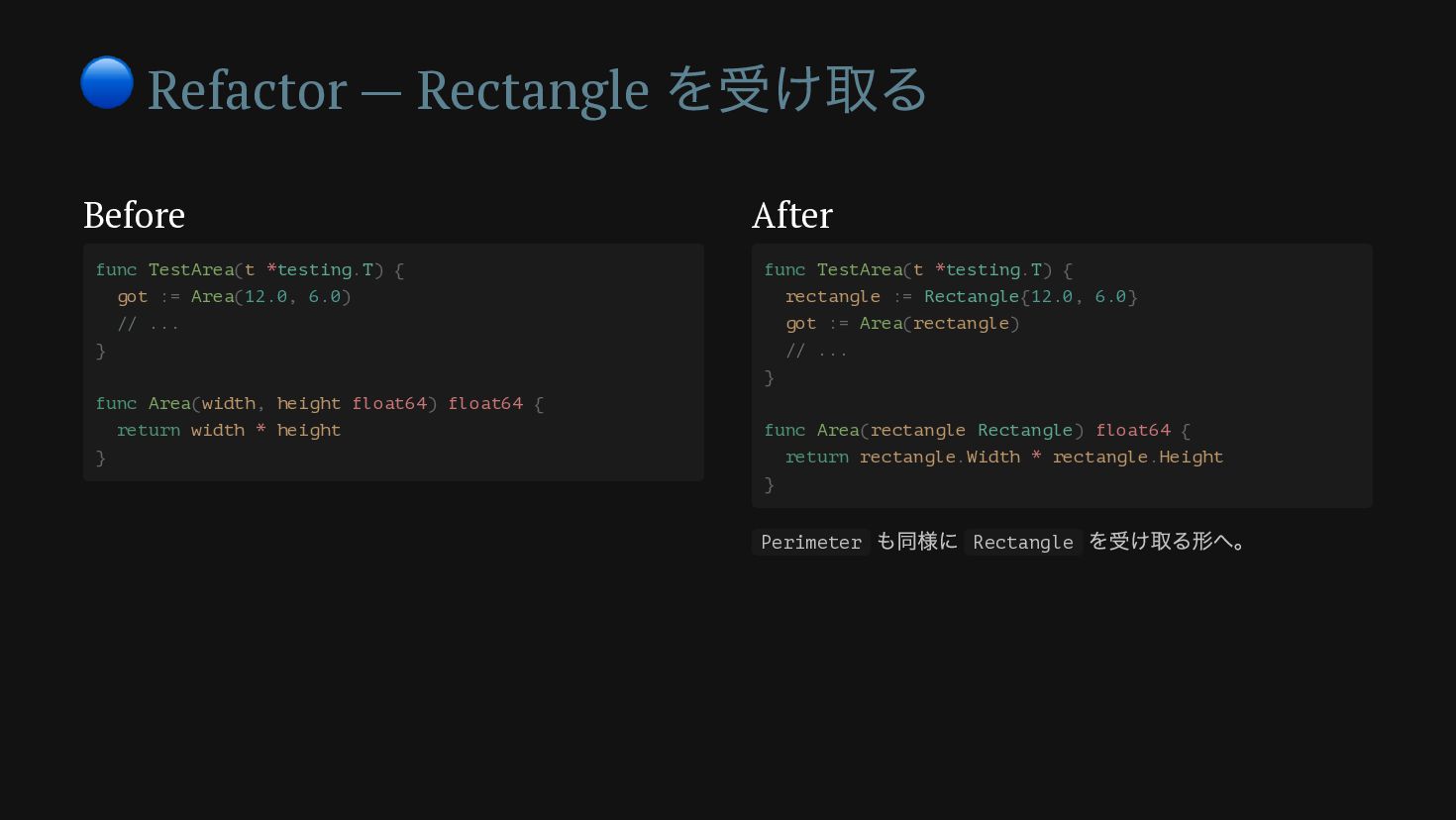
🔵 Refactor — Rectangle を受け取る Before After func TestArea(t *testing.T)
{ got := Area(12.0, 6.0) // ... } func Area(width, height float64) float64 { return width * height } func TestArea(t *testing.T) { rectangle := Rectangle{12.0, 6.0} got := Area(rectangle) // ... } func Area(rectangle Rectangle) float64 { return rectangle.Width * rectangle.Height } Perimeter も同様に Rectangle を受け取る形へ。
テストが緑のまま = リファクタリング 振る舞い(入力と出力)は 一切変えていない 変えたのは 設計 = データの表現だけ テストが緑のままなので、壊していないと
保証される これが「リファクタリング」 。テストがあるから安心して設計を改善できる。
第 3 部 method が生まれる瞬間 円を追加しようとすると、関数では行き詰まる
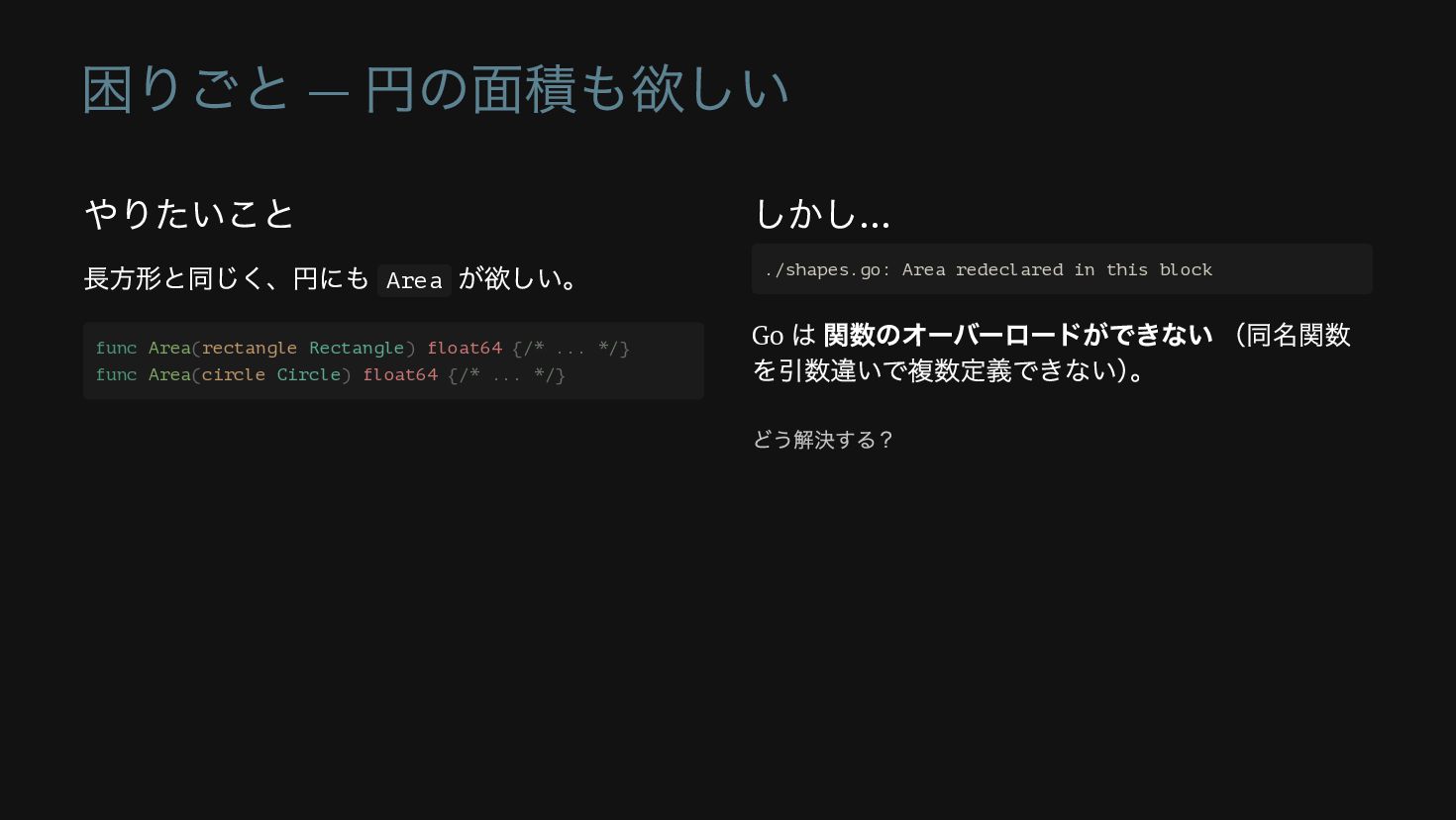
困りごと — 円の面積も欲しい やりたいこと 長方形と同じく、円にも Area が欲しい。 しかし… Go は
関数のオーバーロードができない (同名関数 を引数違いで複数定義できない) 。 func Area(rectangle Rectangle) float64 {/* ... */} func Area(circle Circle) float64 {/* ... */} ./shapes.go: Area redeclared in this block どう解決する?
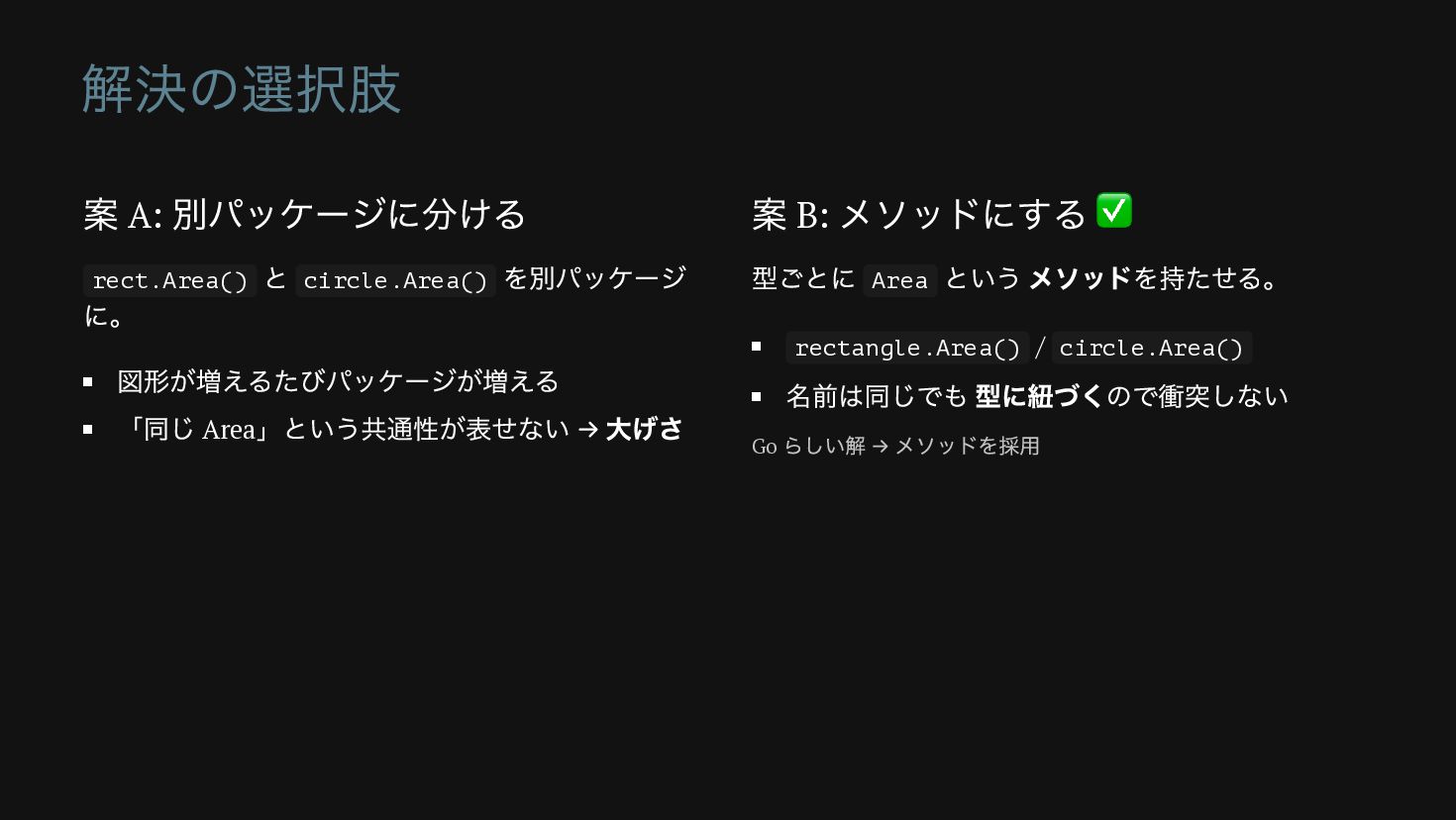
解決の選択肢 案 A: 別パッケージに分ける rect.Area() と circle.Area() を別パッケージ に。 図形が増えるたびパッケージが増える
「同じ Area 」という共通性が表せない → 大げさ 案 B: メソッドにする ✅ 型ごとに Area という メソッドを持たせる。 rectangle.Area() / circle.Area() 名前は同じでも 型に紐づくので衝突しない Go らしい解 → メソッドを採用
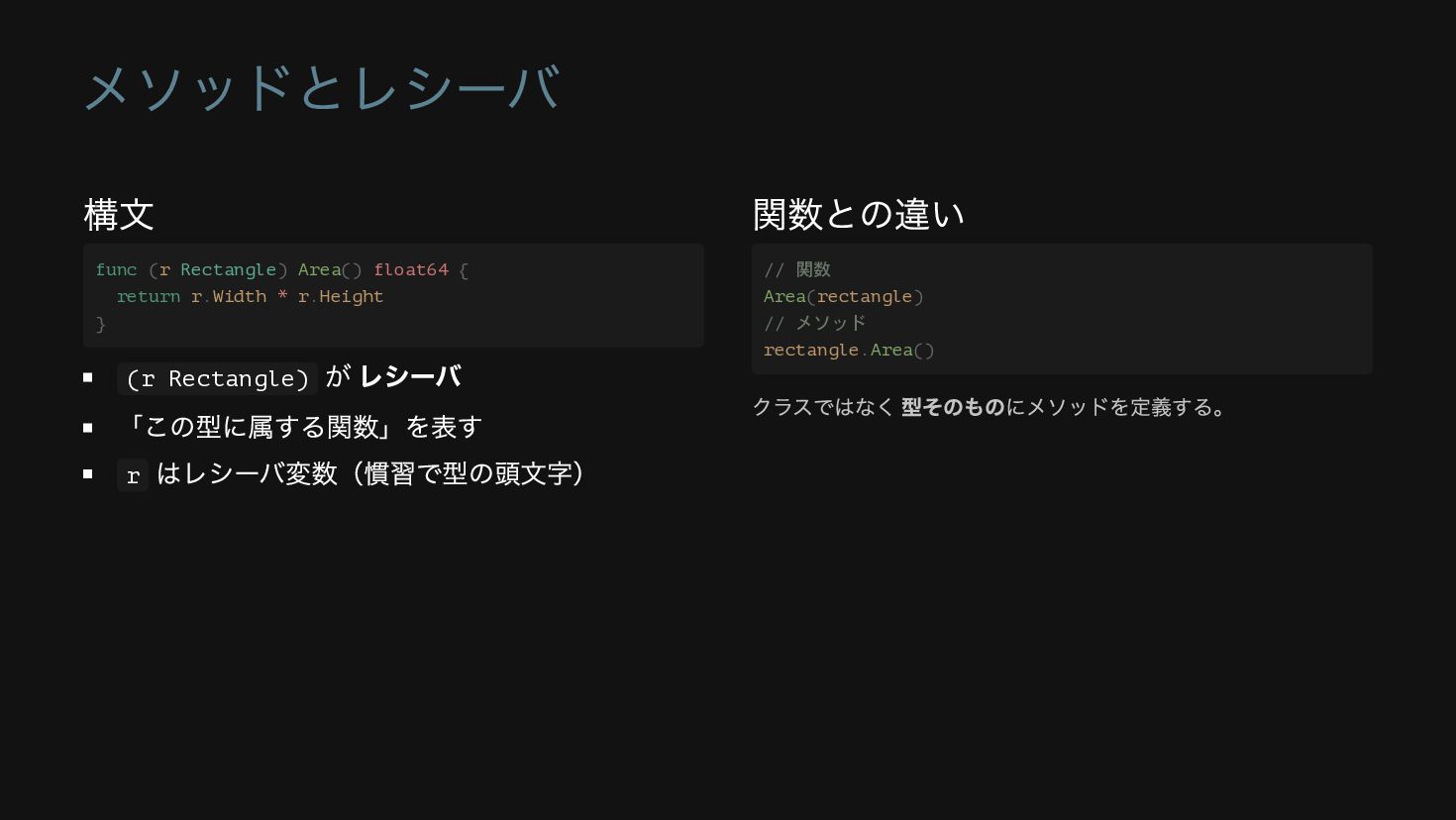
メソッドとレシーバ 構文 (r Rectangle) が レシーバ 「この型に属する関数」を表す r はレシーバ変数(慣習で型の頭文字) 関数との違い
func (r Rectangle) Area() float64 { return r.Width * r.Height } // 関数 Area(rectangle) // メソッド rectangle.Area() クラスではなく 型そのものにメソッドを定義する。
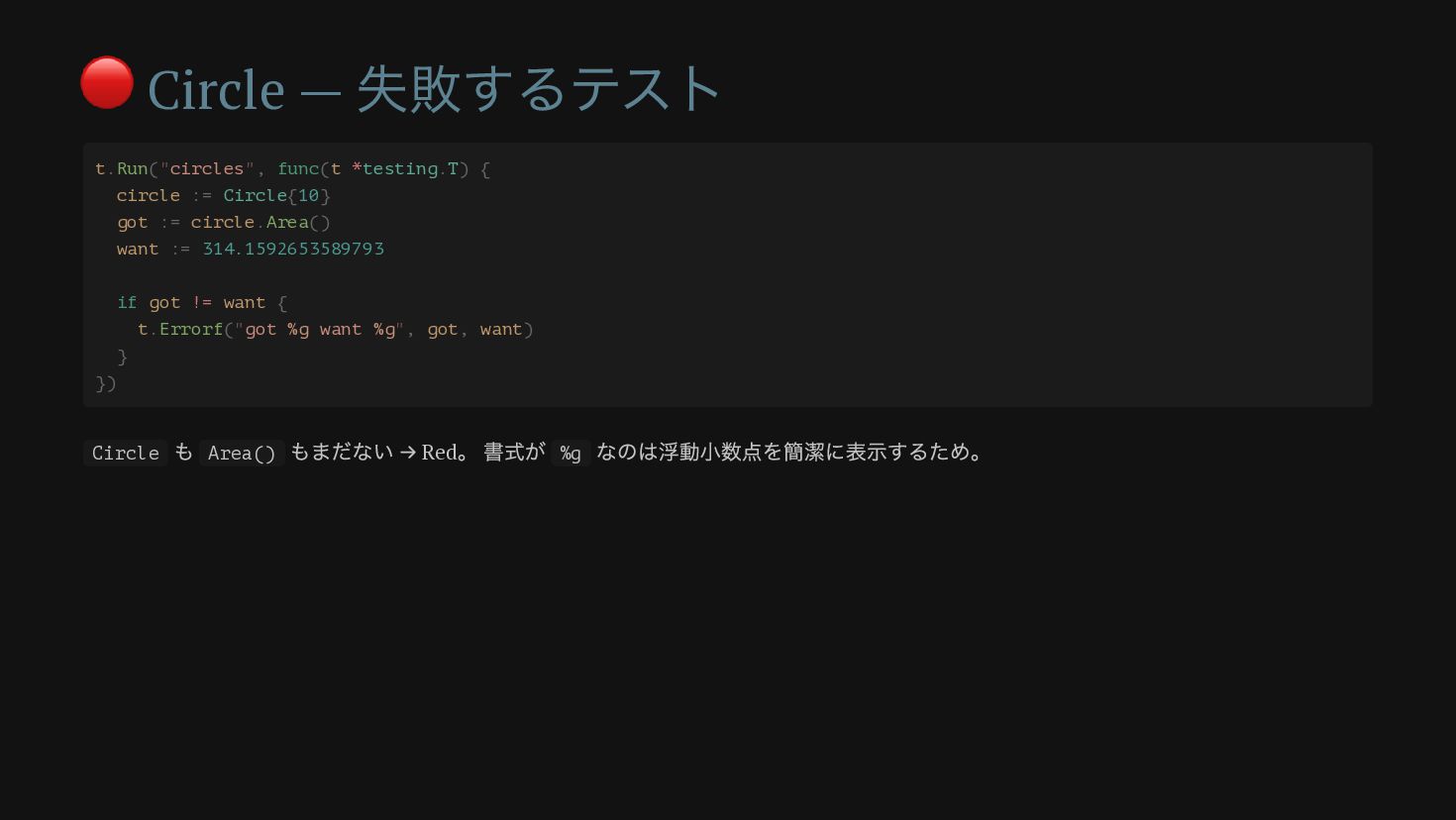
🔴 Circle — 失敗するテスト t.Run("circles", func(t *testing.T) { circle :=
Circle{10} got := circle.Area() want := 314.1592653589793 if got != want { t.Errorf("got %g want %g", got, want) } }) Circle も Area() もまだない → Red 。 書式が %g なのは浮動小数点を簡潔に表示するため。
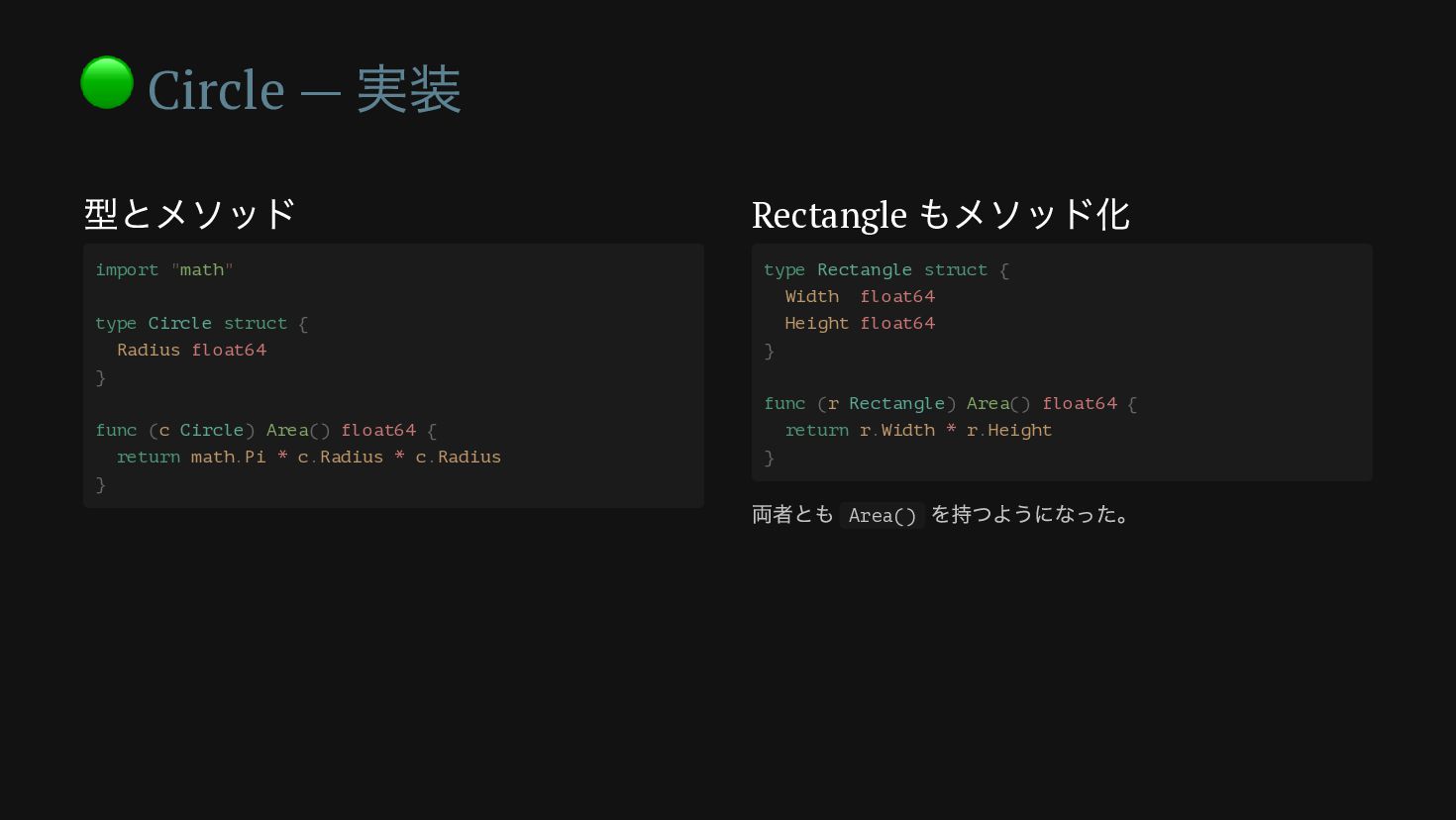
🟢 Circle — 実装 型とメソッド Rectangle もメソッド化 import "math" type
Circle struct { Radius float64 } func (c Circle) Area() float64 { return math.Pi * c.Radius * c.Radius } type Rectangle struct { Width float64 Height float64 } func (r Rectangle) Area() float64 { return r.Width * r.Height } 両者とも Area() を持つようになった。
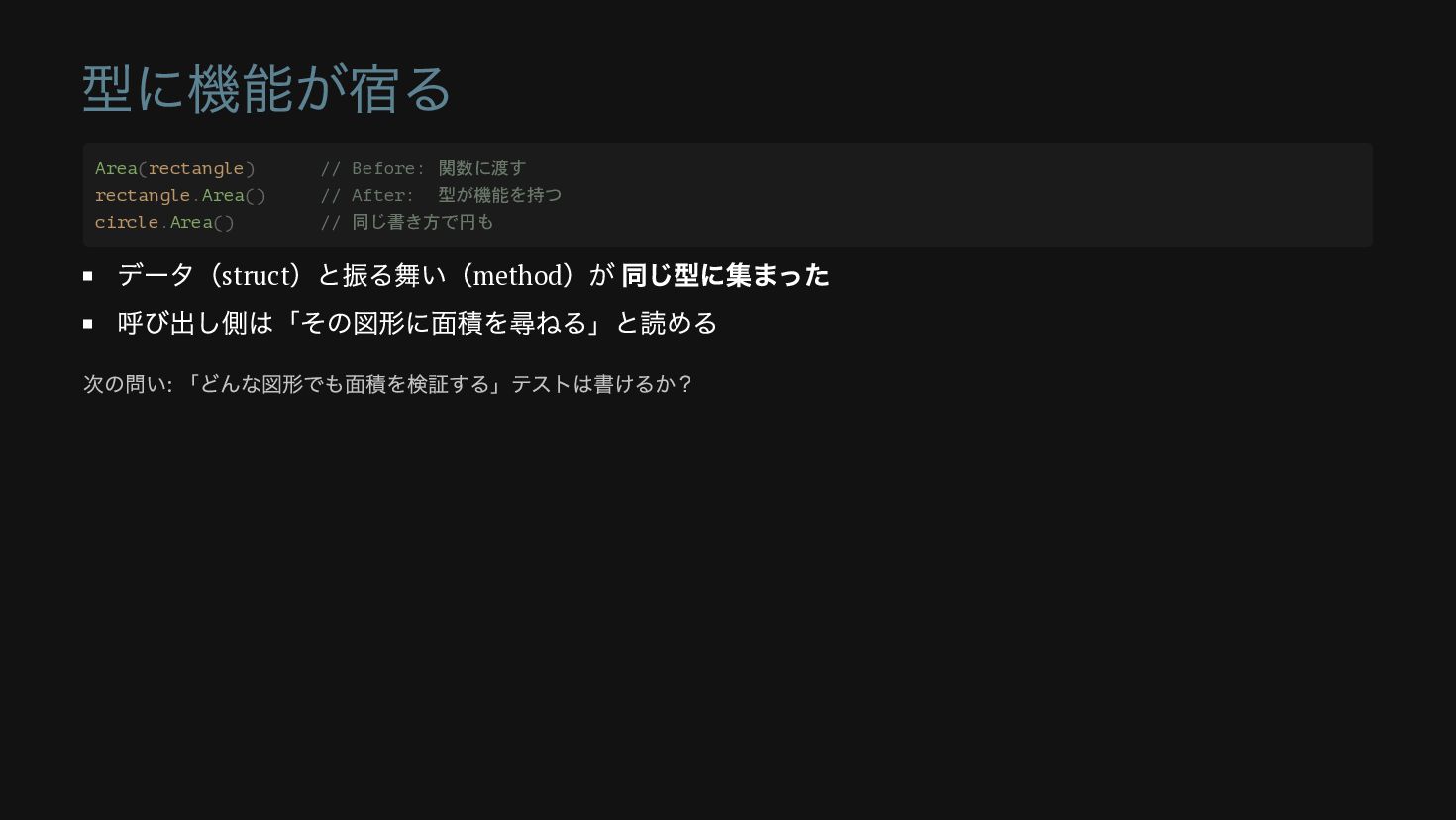
型に機能が宿る データ(struct )と振る舞い(method )が 同じ型に集まった 呼び出し側は「その図形に面積を尋ねる」と読める Area(rectangle) // Before: 関数に渡す
rectangle.Area() // After: 型が機能を持つ circle.Area() // 同じ書き方で円も 次の問い: 「どんな図形でも面積を検証する」テストは書けるか?
第 4 部 interface が生まれる瞬間 本資料の山場 — Go の暗黙インターフェース
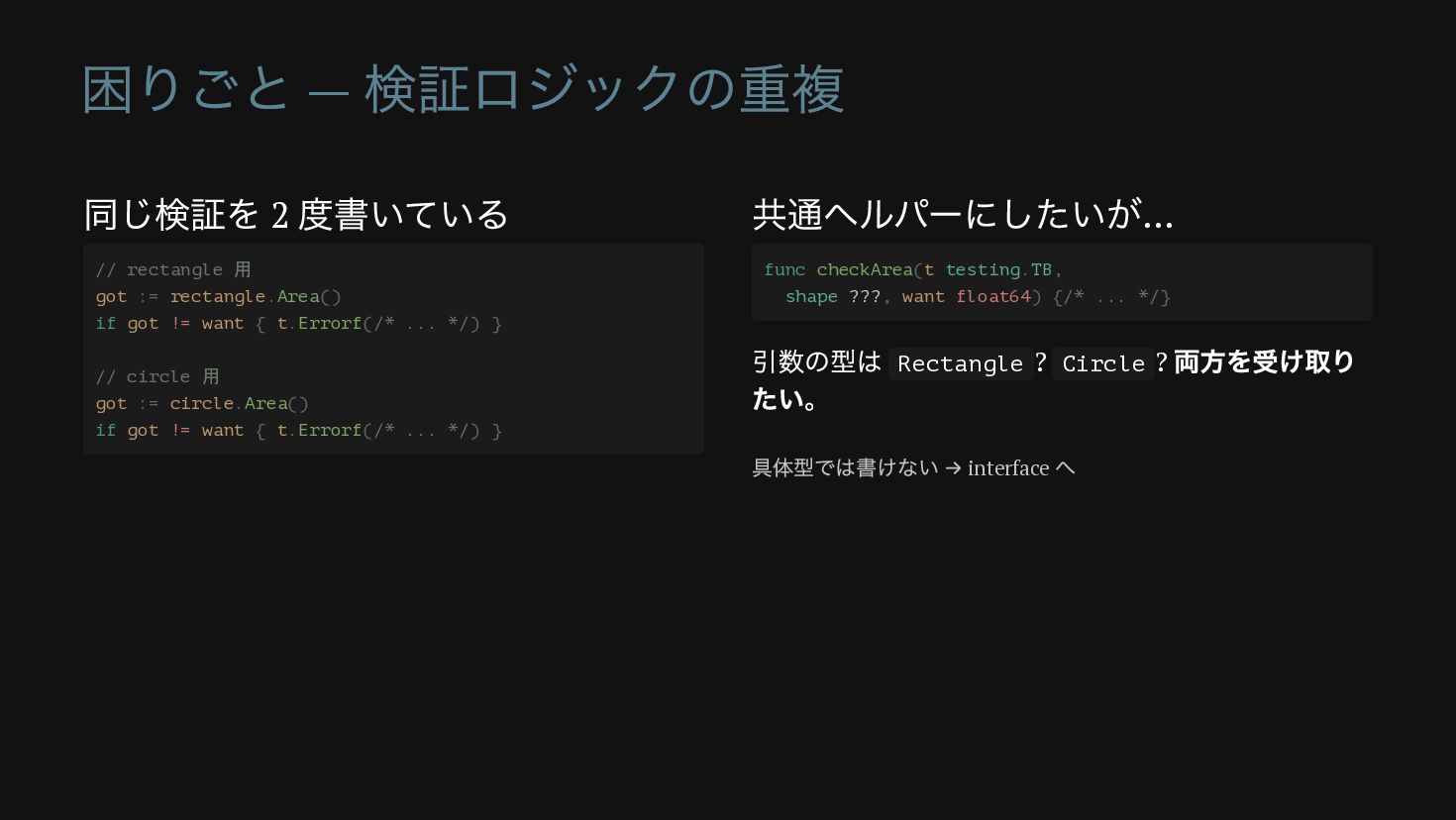
困りごと — 検証ロジックの重複 同じ検証を 2 度書いている 共通ヘルパーにしたいが… 引数の型は Rectangle ?
Circle ? 両方を受け取り たい。 // rectangle 用 got := rectangle.Area() if got != want { t.Errorf(/* ... */) } // circle 用 got := circle.Area() if got != want { t.Errorf(/* ... */) } func checkArea(t testing.TB, shape ???, want float64) {/* ... */} 具体型では書けない → interface へ
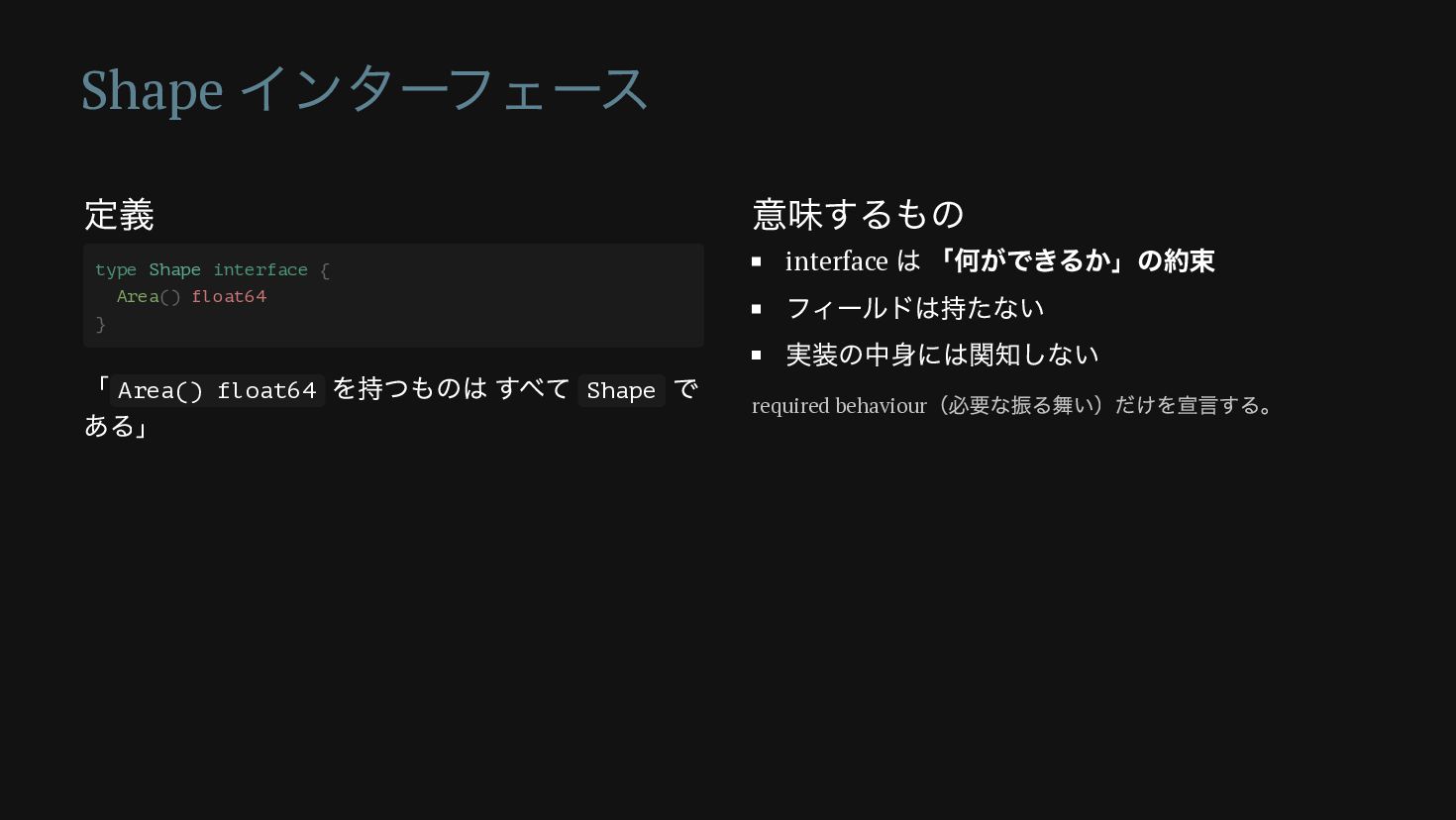
Shape インターフェース 定義 「 Area() float64 を持つものは すべて Shape で
ある」 意味するもの interface は 「何ができるか」の約束 フィールドは持たない 実装の中身には関知しない type Shape interface { Area() float64 } required behaviour (必要な振る舞い)だけを宣言する。
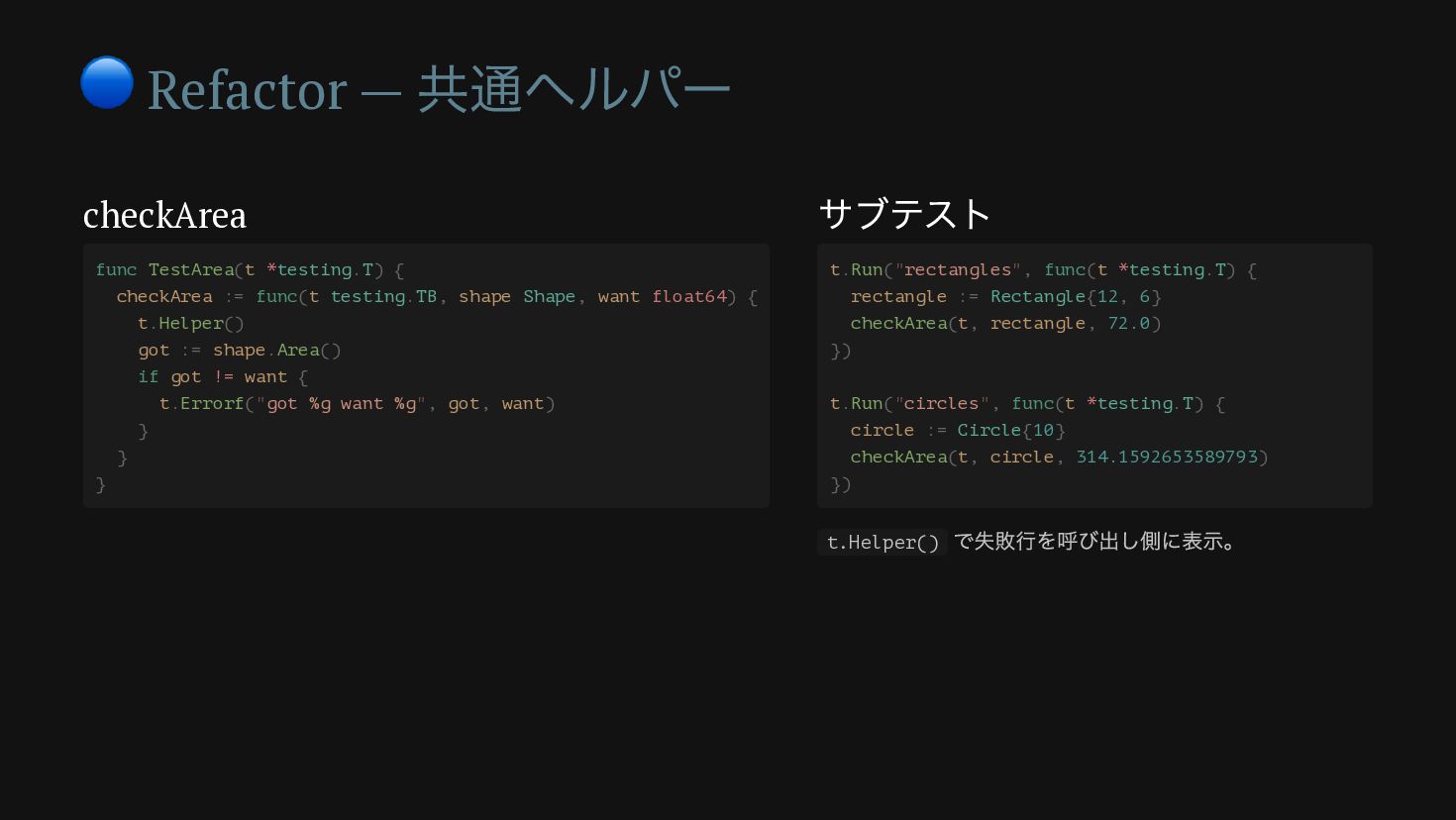
🔵 Refactor — 共通ヘルパー checkArea サブテスト func TestArea(t *testing.T) {
checkArea := func(t testing.TB, shape Shape, want float64) { t.Helper() got := shape.Area() if got != want { t.Errorf("got %g want %g", got, want) } } } t.Run("rectangles", func(t *testing.T) { rectangle := Rectangle{12, 6} checkArea(t, rectangle, 72.0) }) t.Run("circles", func(t *testing.T) { circle := Circle{10} checkArea(t, circle, 314.1592653589793) }) t.Helper() で失敗行を呼び出し側に表示。
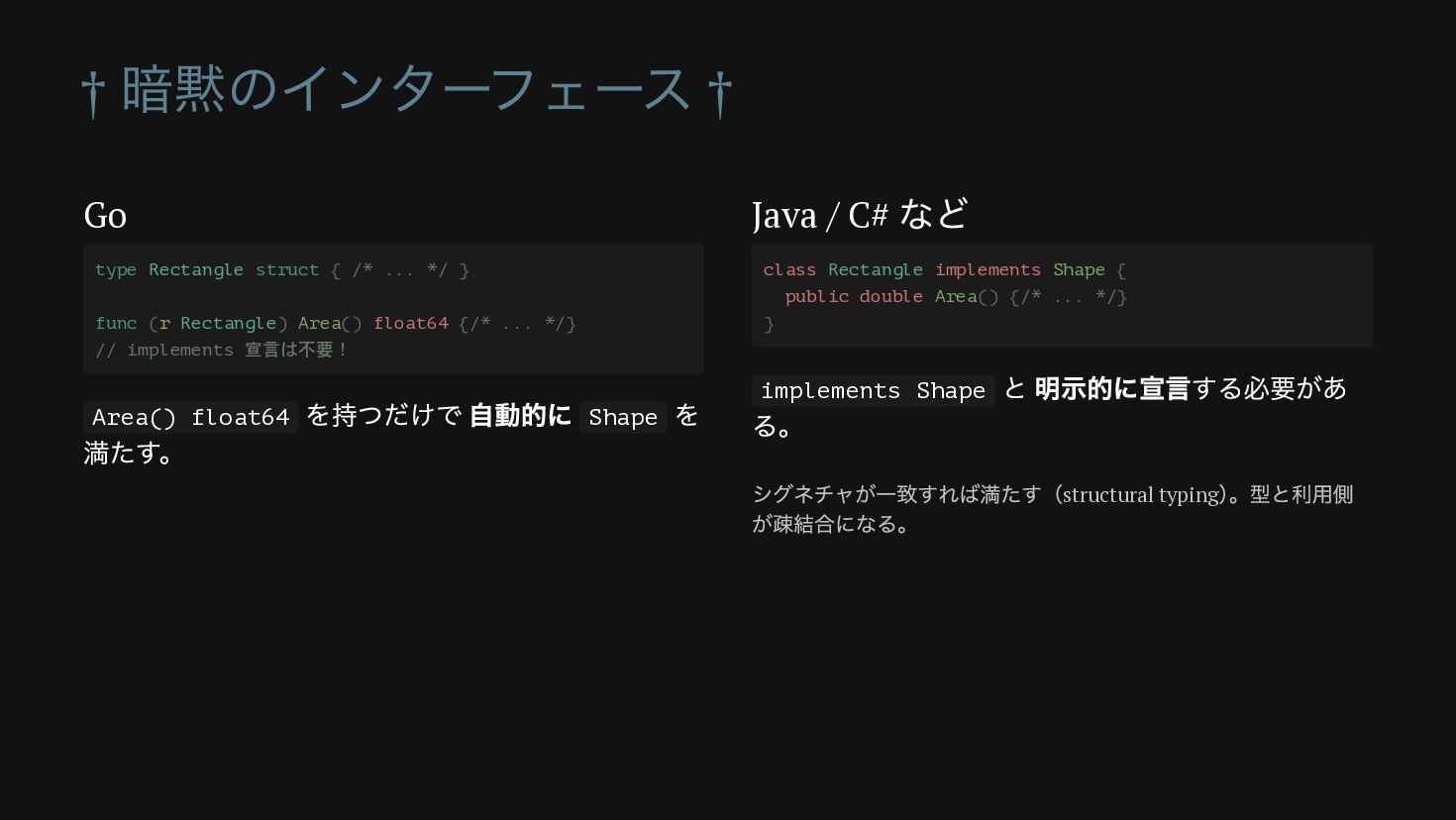
† 暗黙のインターフェース † Go Area() float64 を持つだけで 自動的に Shape を
満たす。 Java / C# など implements Shape と 明示的に宣言する必要があ る。 type Rectangle struct { /* ... */ } func (r Rectangle) Area() float64 {/* ... */} // implements 宣言は不要! class Rectangle implements Shape { public double Area() {/* ... */} } シグネチャが一致すれば満たす(structural typing ) 。型と利用側 が疎結合になる。
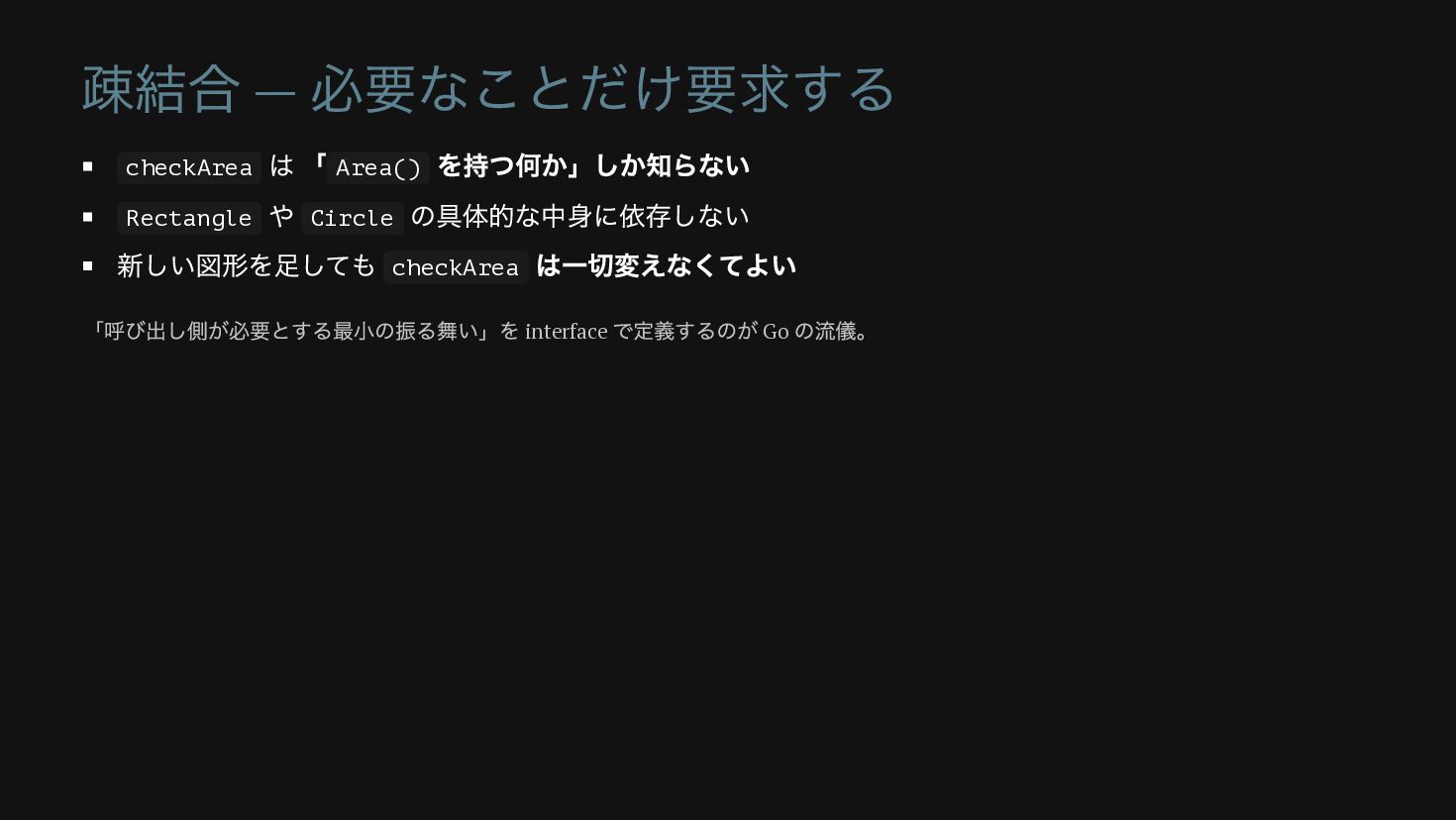
疎結合 — 必要なことだけ要求する checkArea は 「 Area() を持つ何か」しか知らない Rectangle や
Circle の具体的な中身に依存しない 新しい図形を足しても checkArea は一切変えなくてよい 「呼び出し側が必要とする最小の振る舞い」を interface で定義するのが Go の流儀。
第 5 部 テーブル駆動テストへ整理 増えていくサブテストを 1 つの表にまとめる
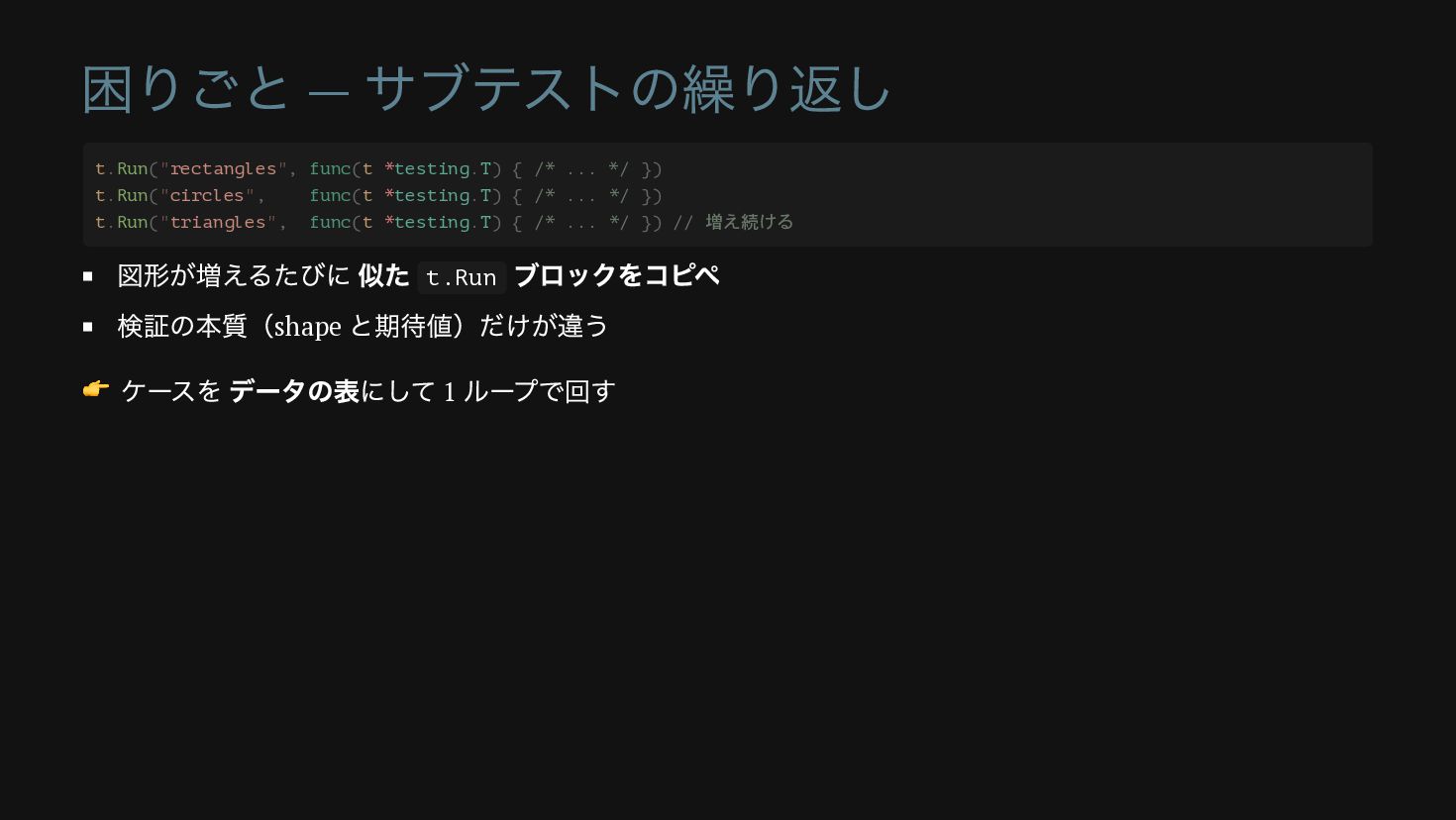
困りごと — サブテストの繰り返し 図形が増えるたびに 似た t.Run ブロックをコピペ 検証の本質(shape と期待値)だけが違う 👉
ケースを データの表にして 1 ループで回す t.Run("rectangles", func(t *testing.T) { /* ... */ }) t.Run("circles", func(t *testing.T) { /* ... */ }) t.Run("triangles", func(t *testing.T) { /* ... */ }) // 増え続ける
テーブル駆動テスト ケースの表 1 つのループで回す areaTests := []struct { name string
shape Shape hasArea float64 }{ { name: "Rectangle", shape: Rectangle{Width: 12, Height: 6}, hasArea: 72.0, }, { name: "Circle", shape: Circle{Radius: 10}, hasArea: 314.1592653589793, }, } for _, tt := range areaTests { t.Run(tt.name, func(t *testing.T) { got := tt.shape.Area() if got != tt.hasArea { t.Errorf("%#v got %g want %g", tt.shape, got, tt.hasArea) } }) } 無名 struct のスライス = ケース一覧。
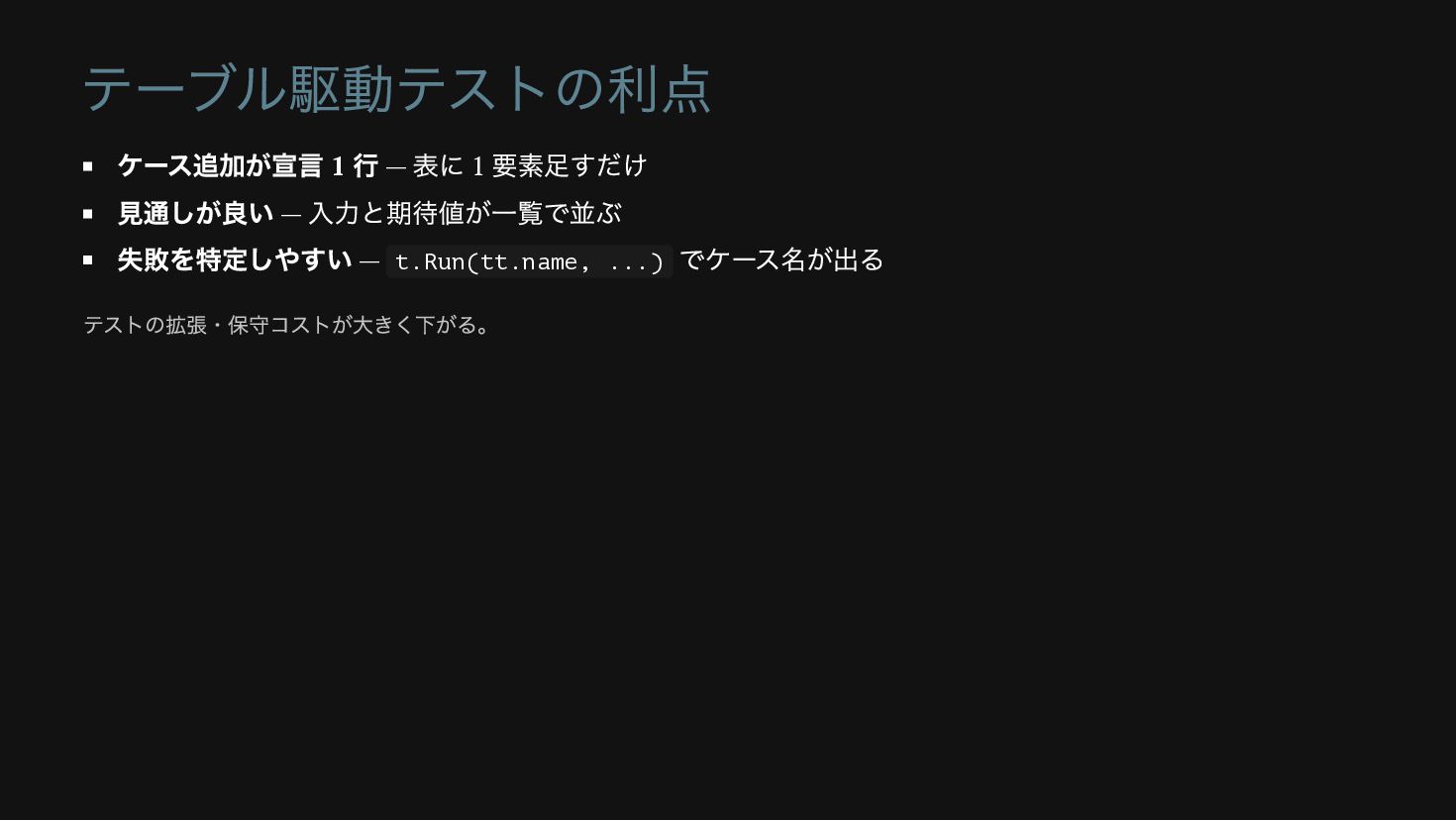
テーブル駆動テストの利点 ケース追加が宣言 1 行 — 表に 1 要素足すだけ 見通しが良い —
入力と期待値が一覧で並ぶ 失敗を特定しやすい — t.Run(tt.name, ...) でケース名が出る テストの拡張・保守コストが大きく下がる。
第 6 部 Triangle で拡張性を試す ここまでの設計が「効く」かを実証する
🔴 表に Triangle を 1 行足す areaTests := []struct {
name string shape Shape hasArea float64 }{ {name: "Rectangle", shape: Rectangle{Width: 12, Height: 6}, hasArea: 72.0}, {name: "Circle", shape: Circle{Radius: 10}, hasArea: 314.1592653589793}, {name: "Triangle", shape: Triangle{Base: 12, Height: 6}, hasArea: 36.0}, } Triangle 型がまだない → Red 。
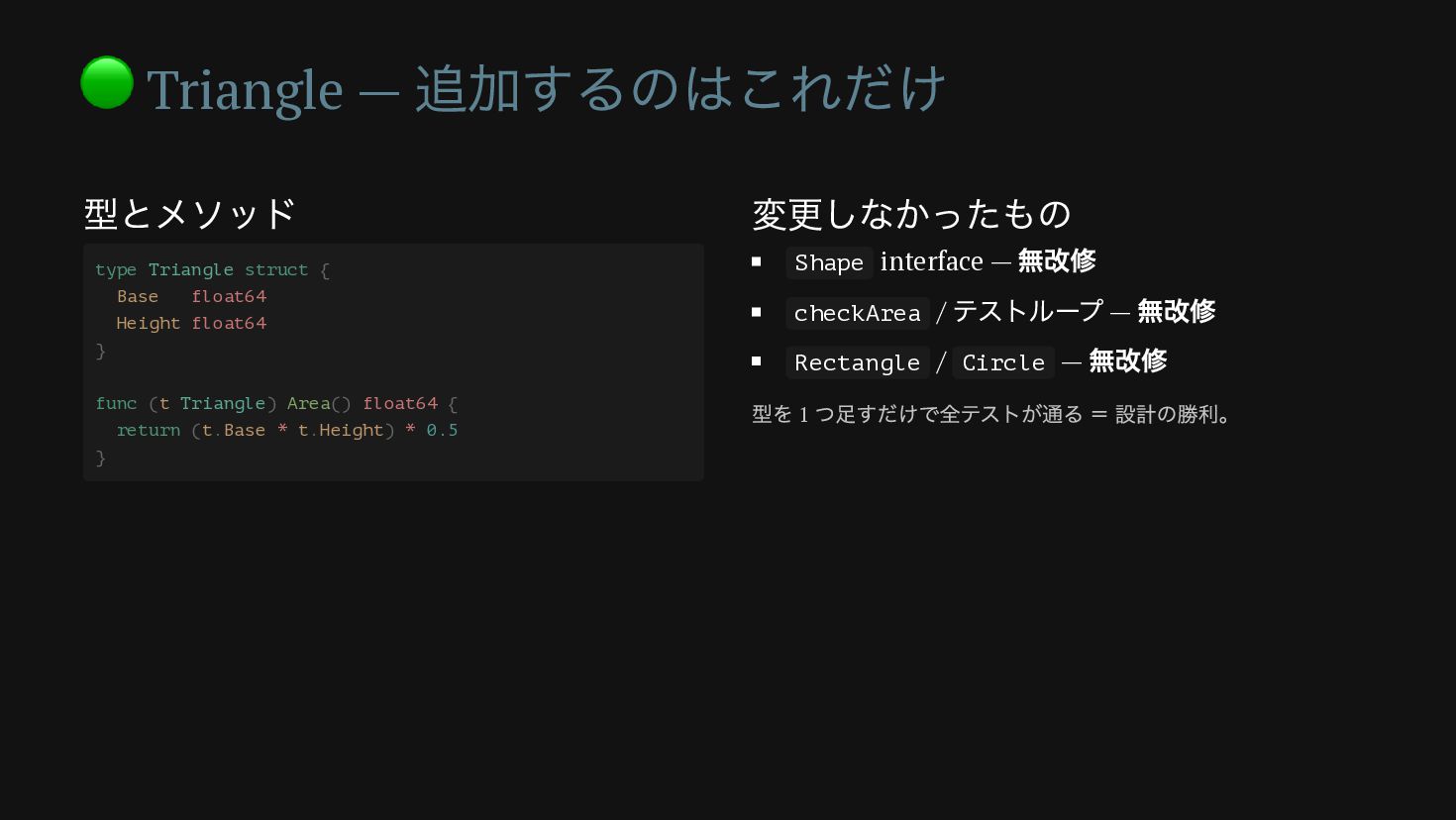
🟢 Triangle — 追加するのはこれだけ 型とメソッド 変更しなかったもの Shape interface — 無改修
checkArea / テストループ — 無改修 Rectangle / Circle — 無改修 type Triangle struct { Base float64 Height float64 } func (t Triangle) Area() float64 { return (t.Base * t.Height) * 0.5 } 型を 1 つ足すだけで全テストが通る = 設計の勝利。
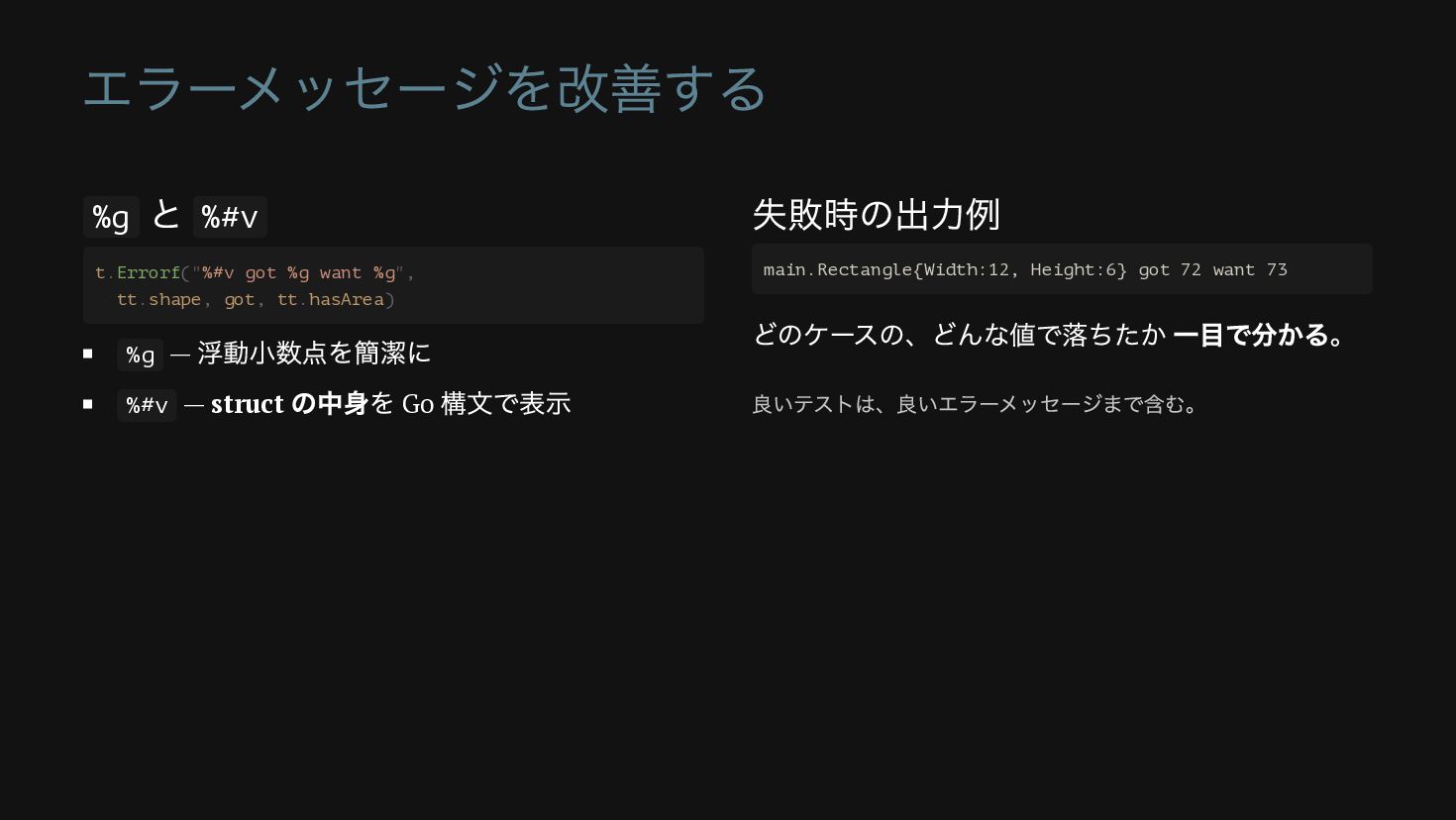
エラーメッセージを改善する %g と %#v %g — 浮動小数点を簡潔に %#v — struct
の中身を Go 構文で表示 失敗時の出力例 どのケースの、どんな値で落ちたか 一目で分かる。 t.Errorf("%#v got %g want %g", tt.shape, got, tt.hasArea) main.Rectangle{Width:12, Height:6} got 72 want 73 良いテストは、良いエラーメッセージまで含む。
第 7 部 まとめ TDD が設計を導いた軌跡を振り返る
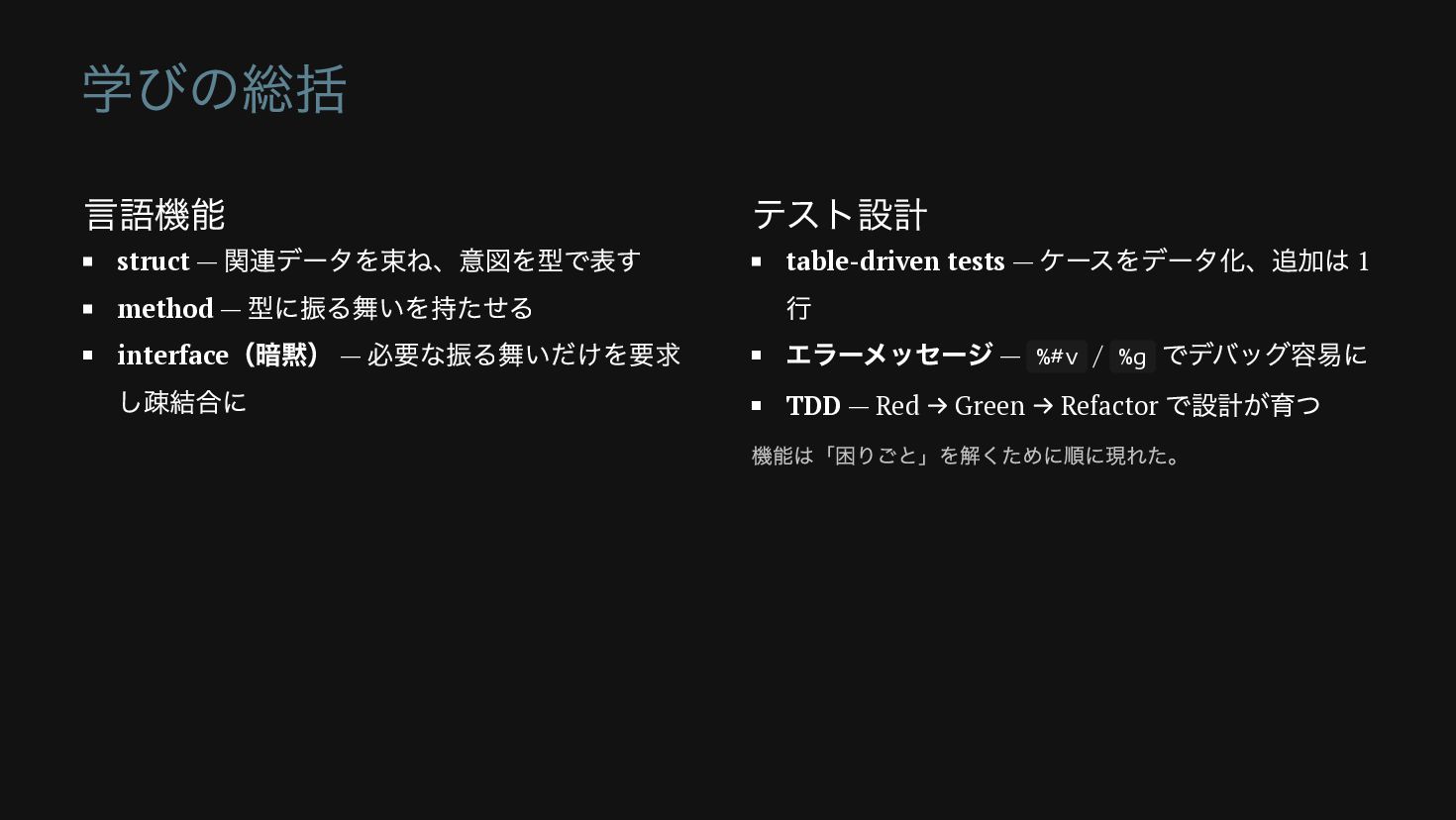
学びの総括 言語機能 struct — 関連データを束ね、意図を型で表す method — 型に振る舞いを持たせる interface (暗黙)
— 必要な振る舞いだけを要求 し疎結合に テスト設計 table-driven tests — ケースをデータ化、追加は 1 行 エラーメッセージ — %#v / %g でデバッグ容易に TDD — Red → Green → Refactor で設計が育つ 機能は「困りごと」を解くために順に現れた。


 radish
 seike460
 nabondance
 dske104
 lynnswap
 eed3si9n
 akase244
 sorah
sorah
 yukiny
 deka_morita
 skydoves
 oniak3ibm
 tmikov2023
 honnibal
 mojombo
 katarinadahlin
 tammielis
 axbom
axbom
 davidcarrasco
 ipullrank
 jnunemaker
 inesmontani
 paigeccino


![テーブル駆動テスト ケースの表 1 つのループで回す areaTests := []struct { name string](https://files.speakerdeck.com/presentations/c82abc63af614be9bf6f74d1e778e612/slide_29.jpg)

![🔴 表に Triangle を 1 行足す areaTests := []struct {](https://files.speakerdeck.com/presentations/c82abc63af614be9bf6f74d1e778e612/slide_32.jpg)