Schema markup, also known as structured data, is used by SEO professionals to help Google to fully understand the content on a page.
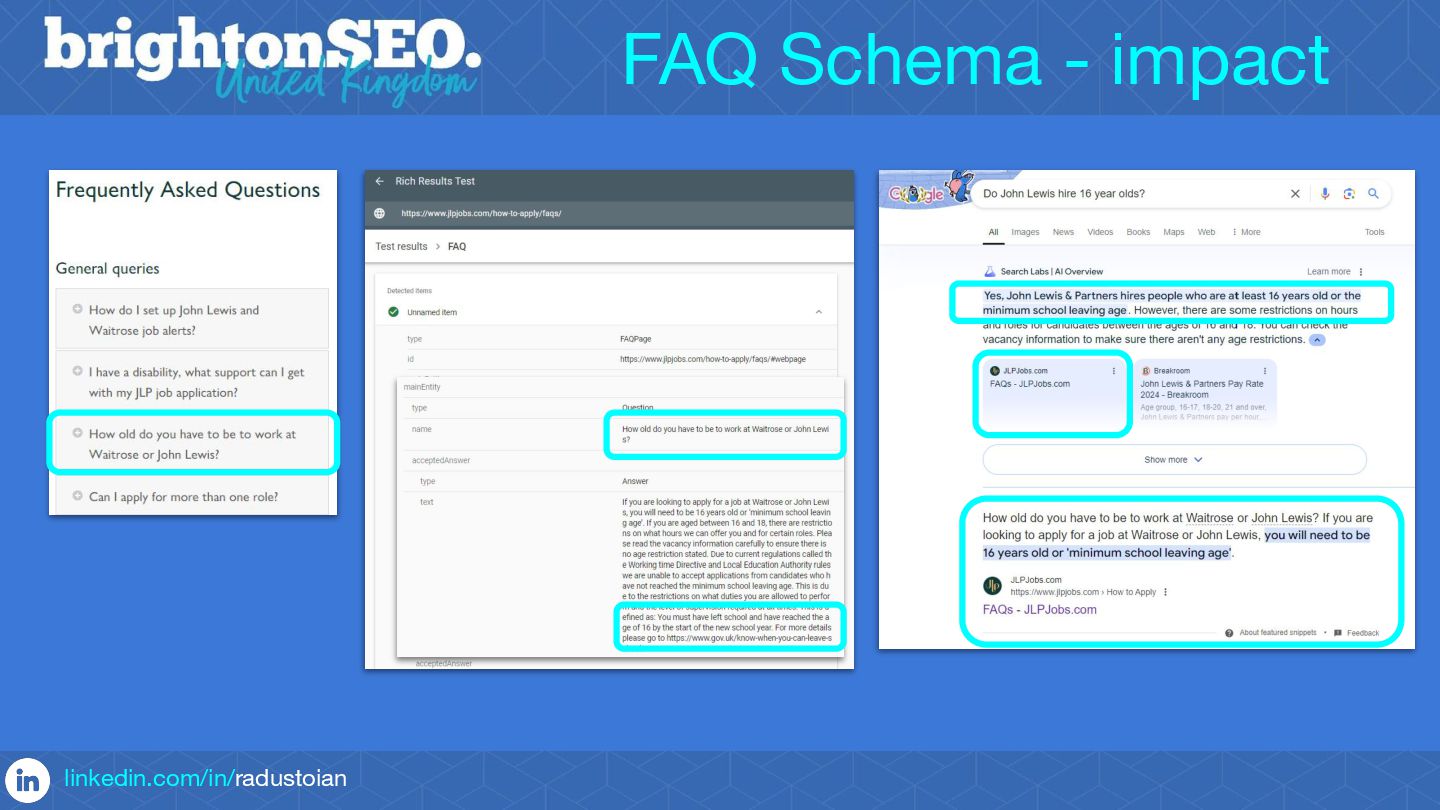
Some Schemas are also used to generate rich snippets in Google's search results or to influence what is shown in the Knowledge Graph.
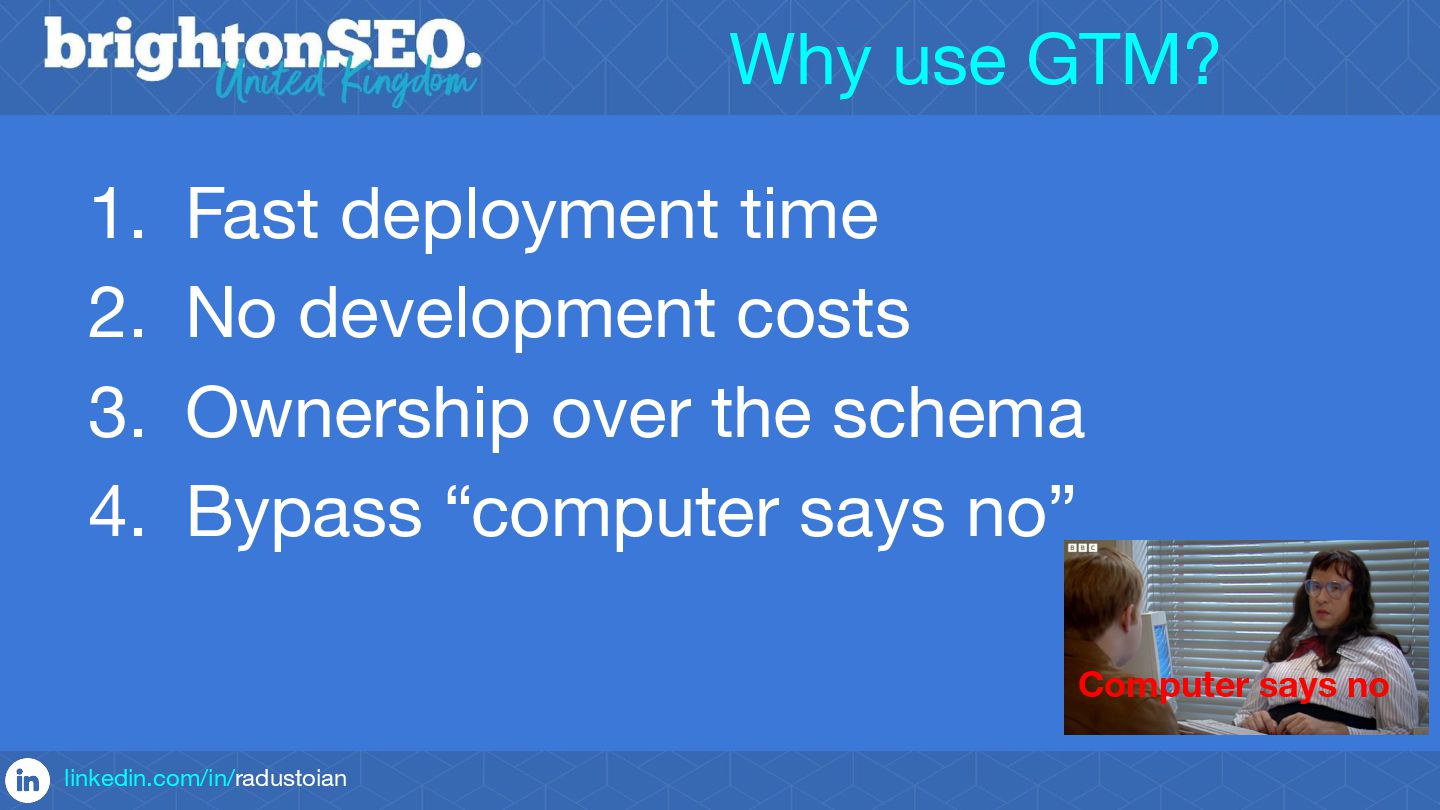
One of the biggest challenges faced by SEO experts is the actual implementation of Schemas, which usually requires development resources and in some cases multiple iterations are needed to get it right.
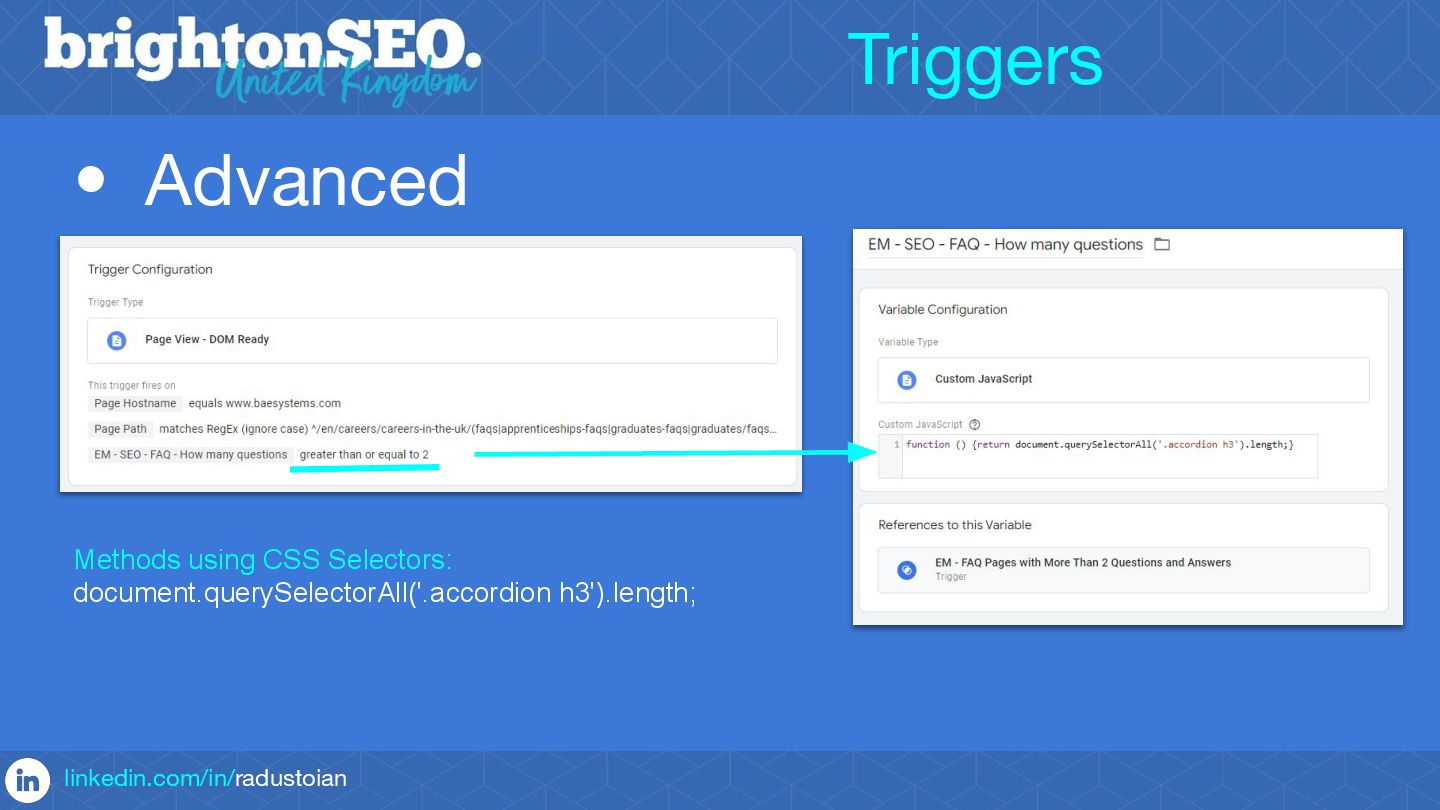
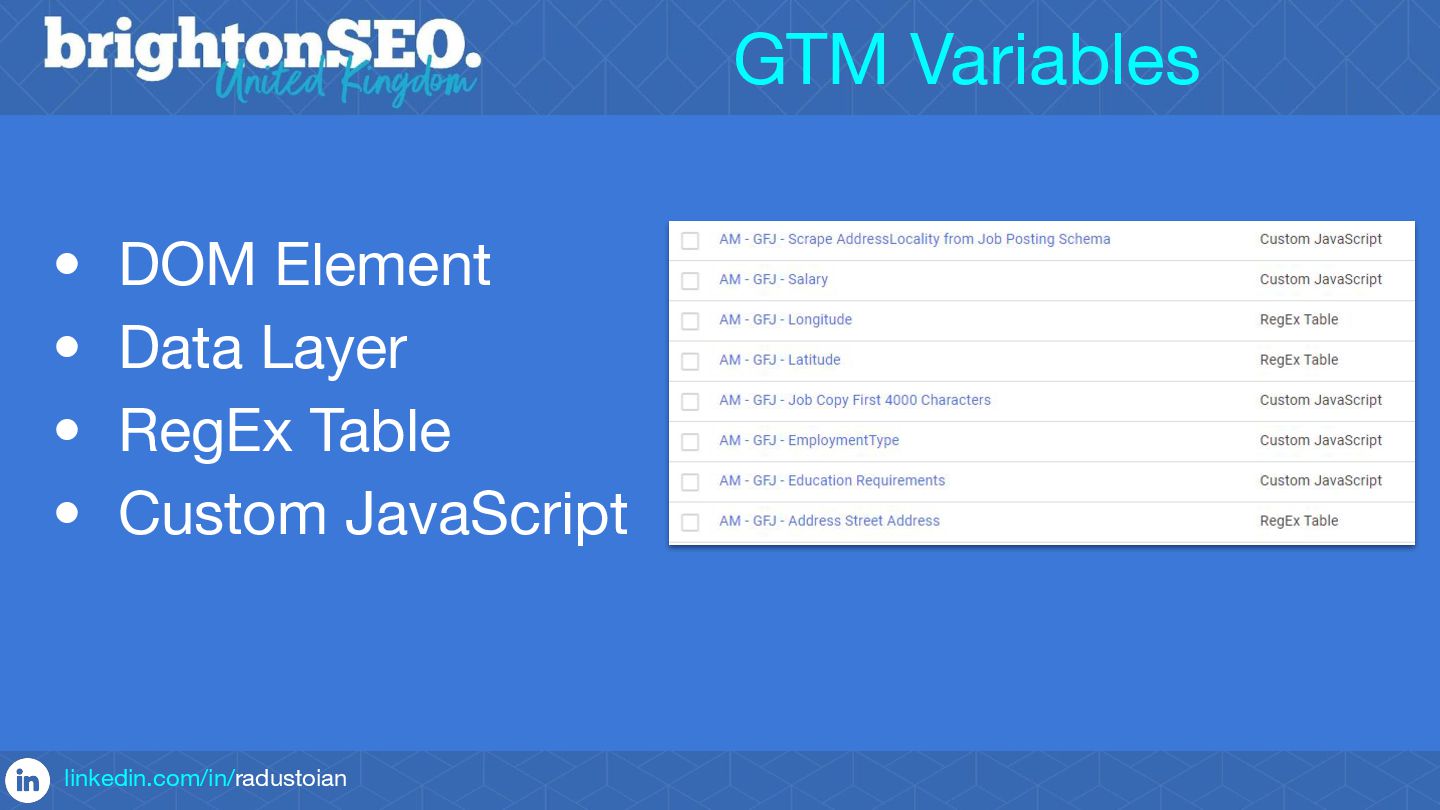
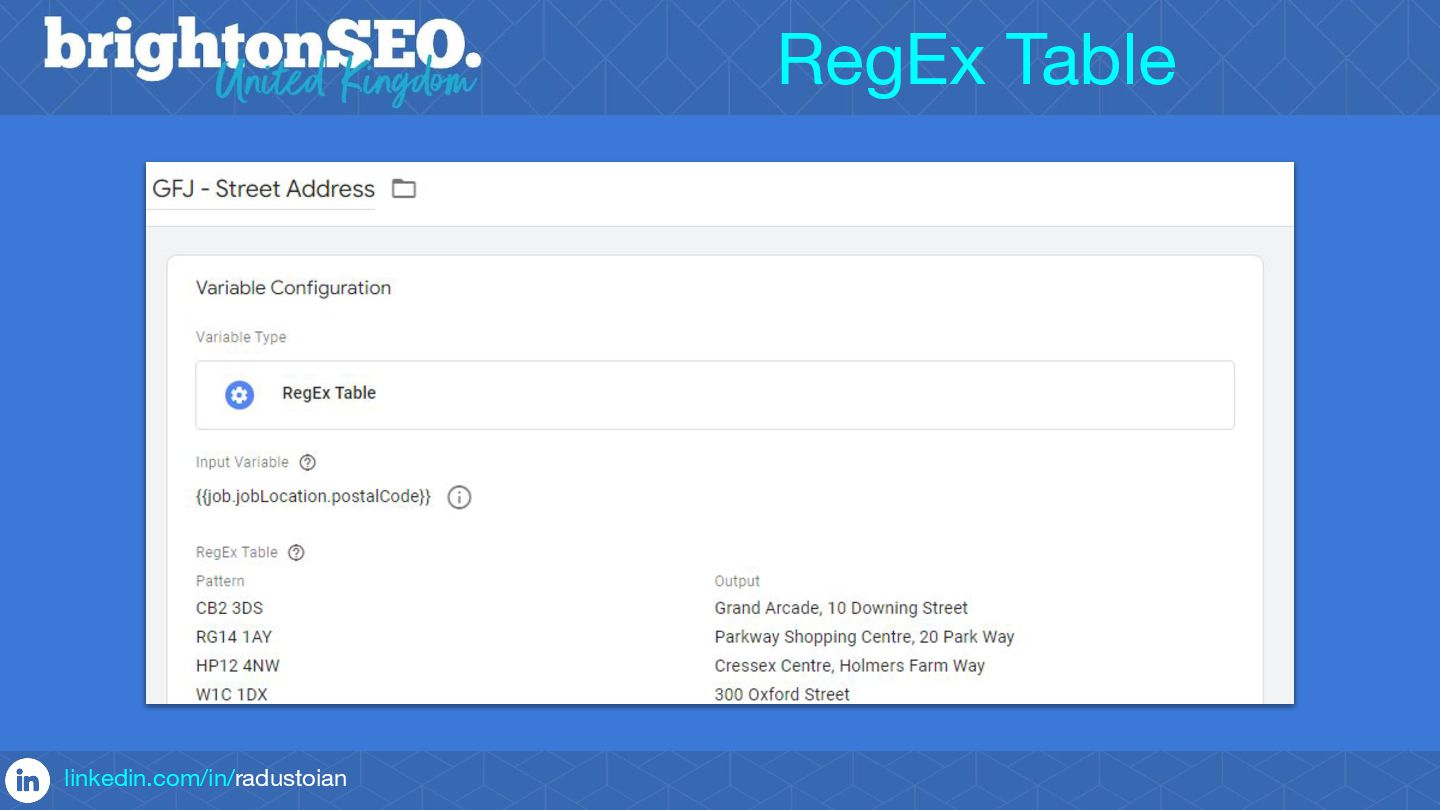
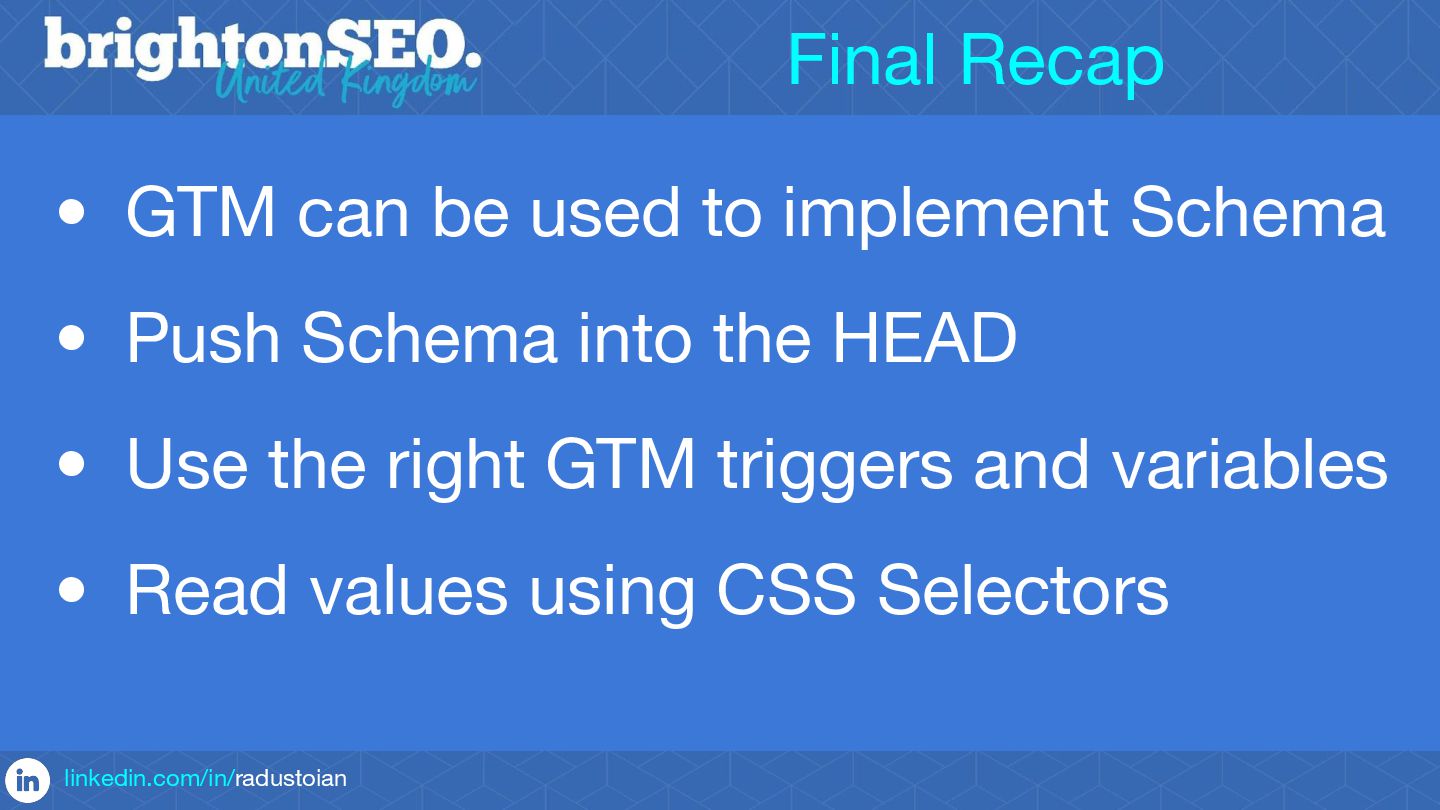
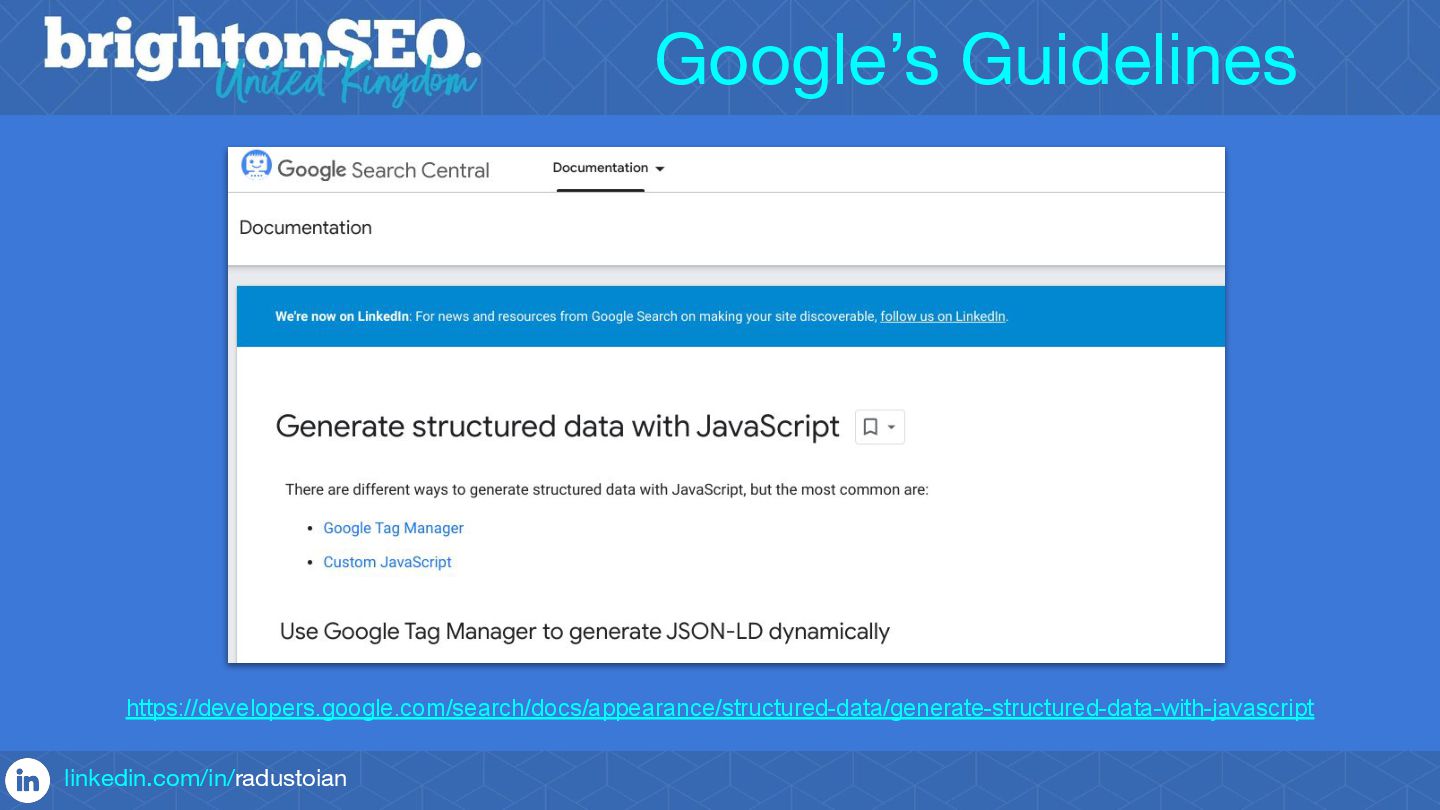
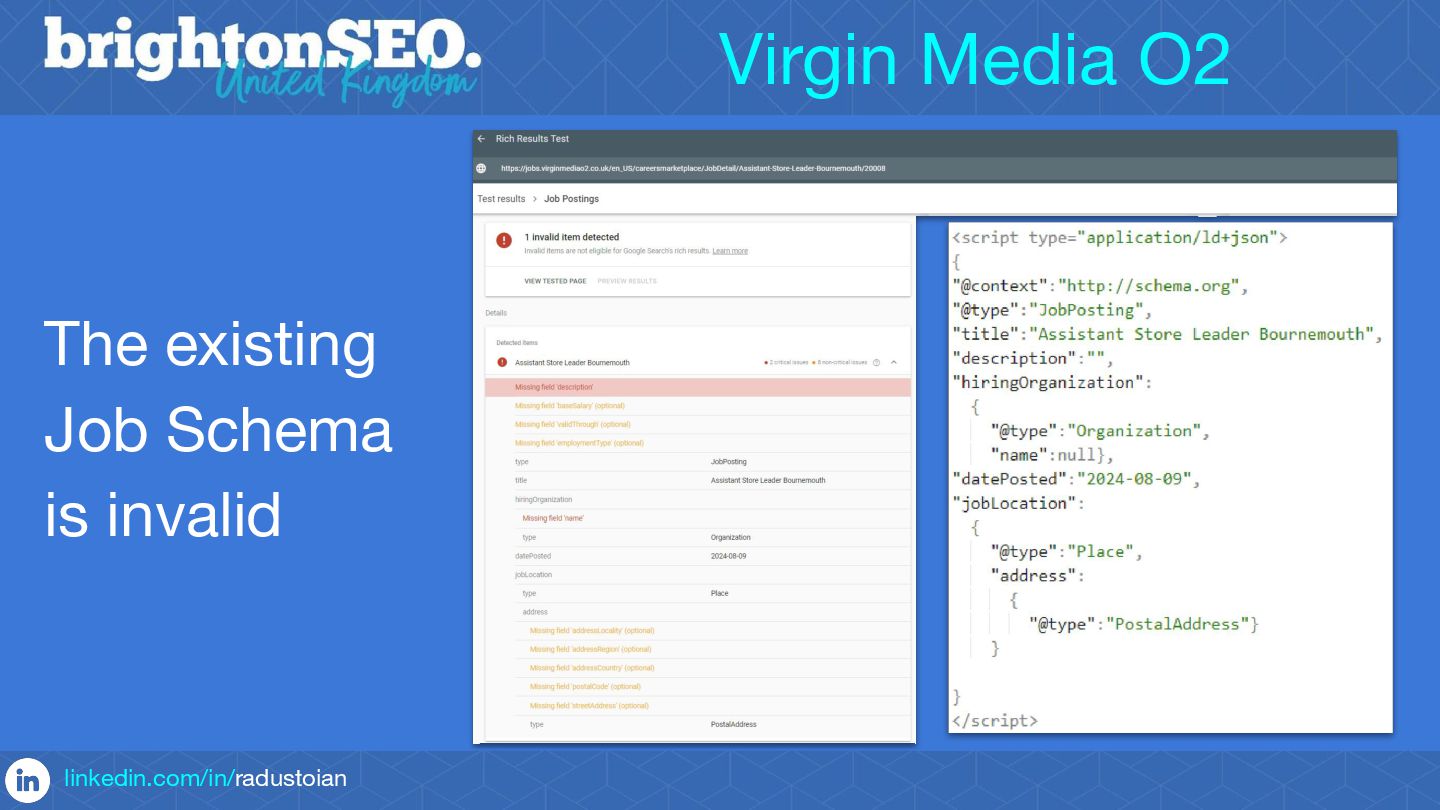
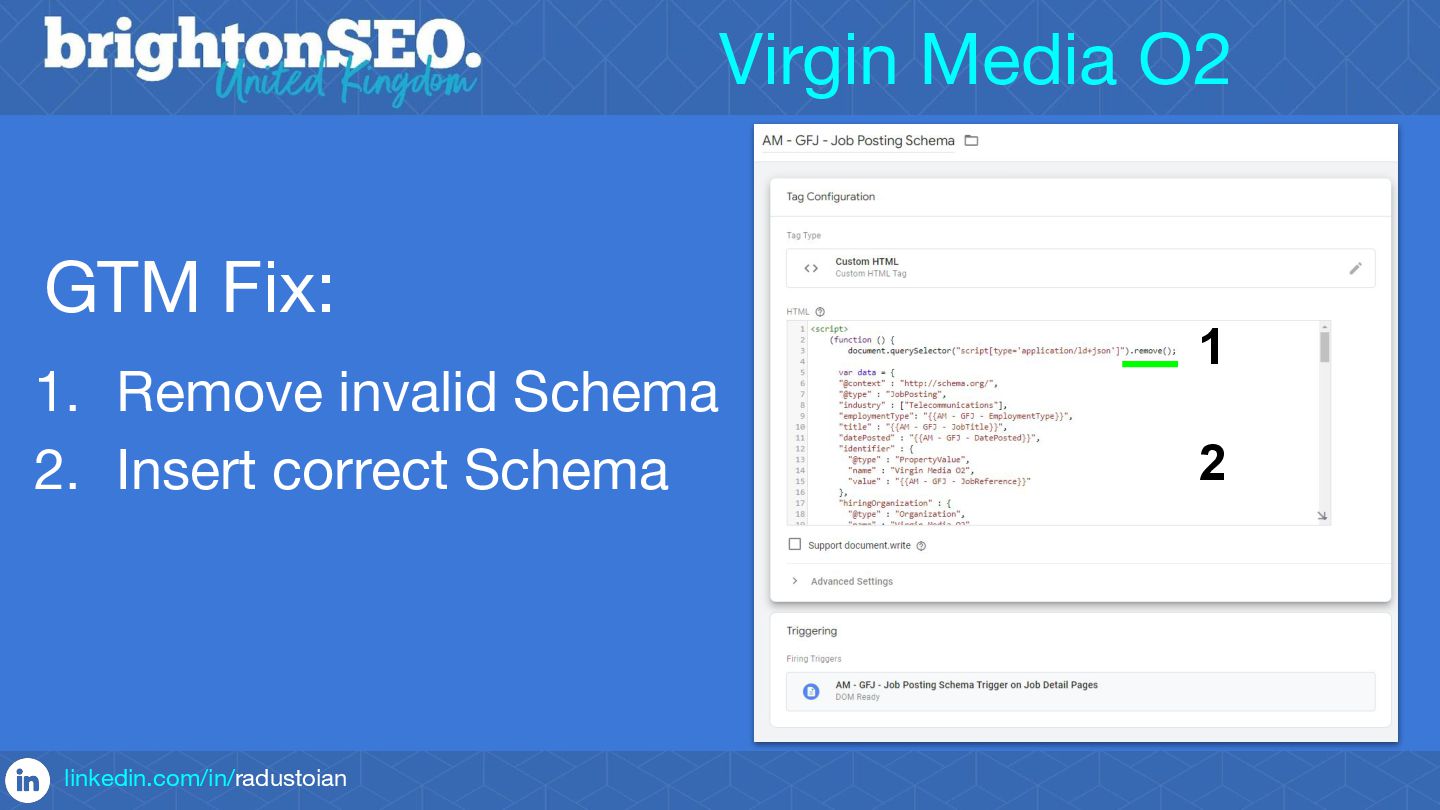
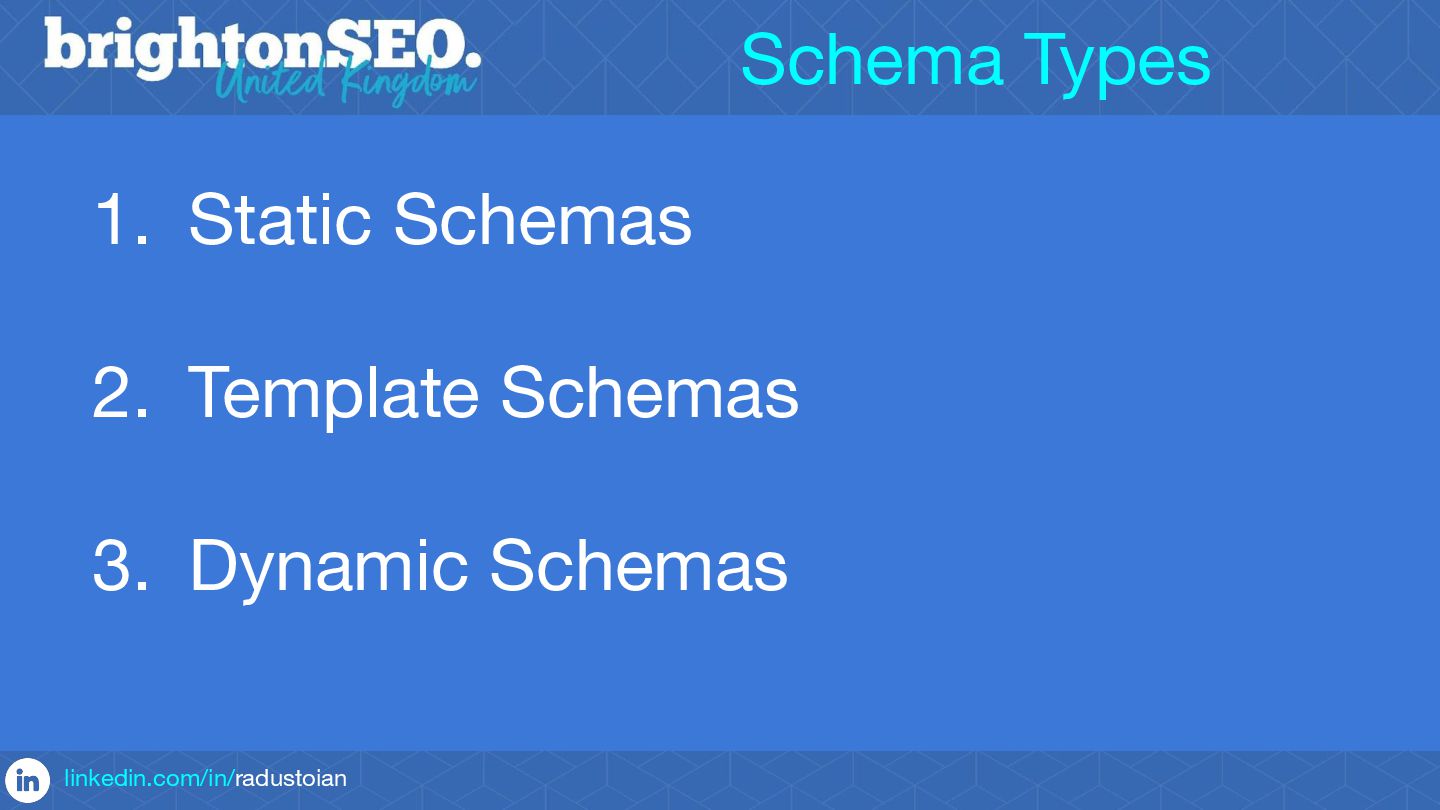
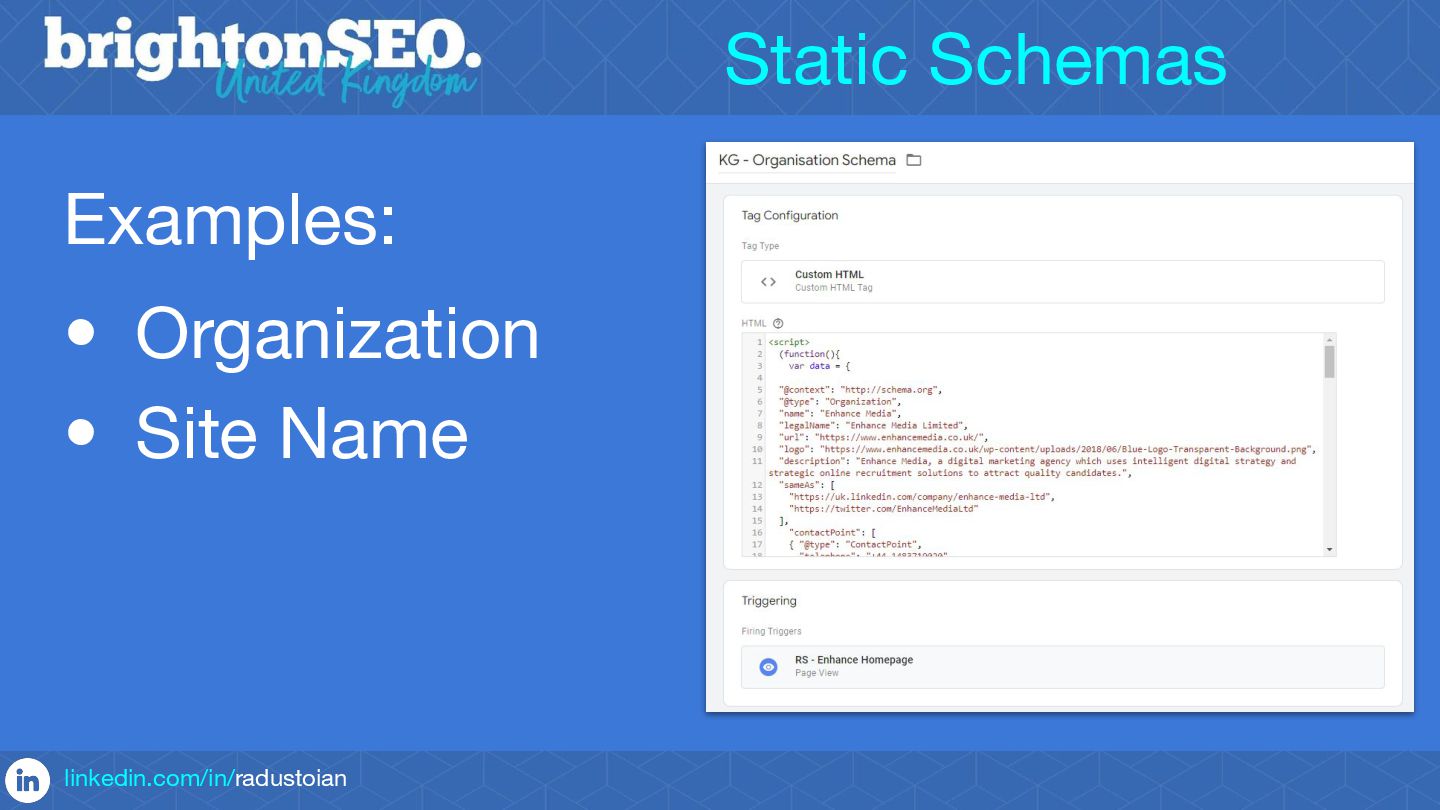
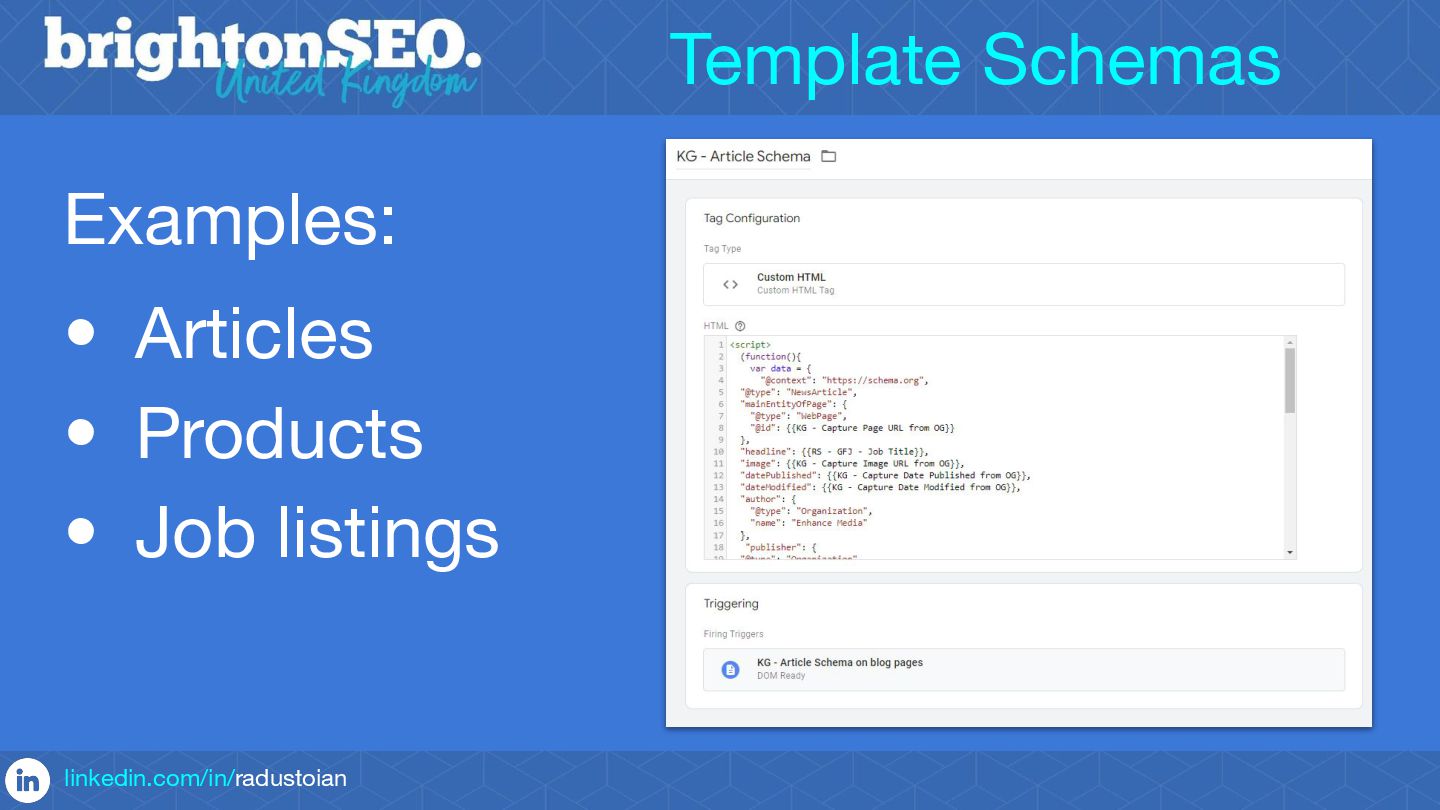
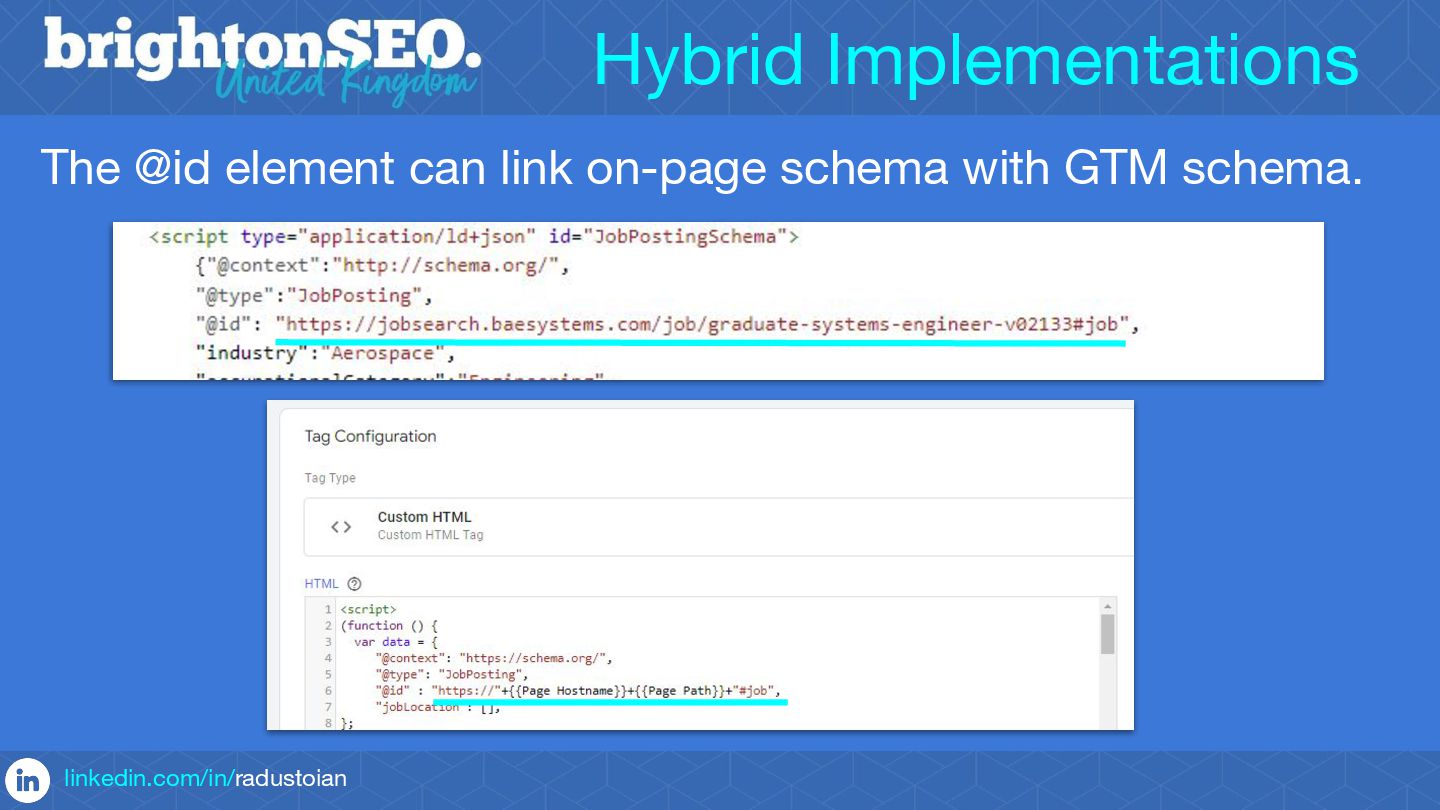
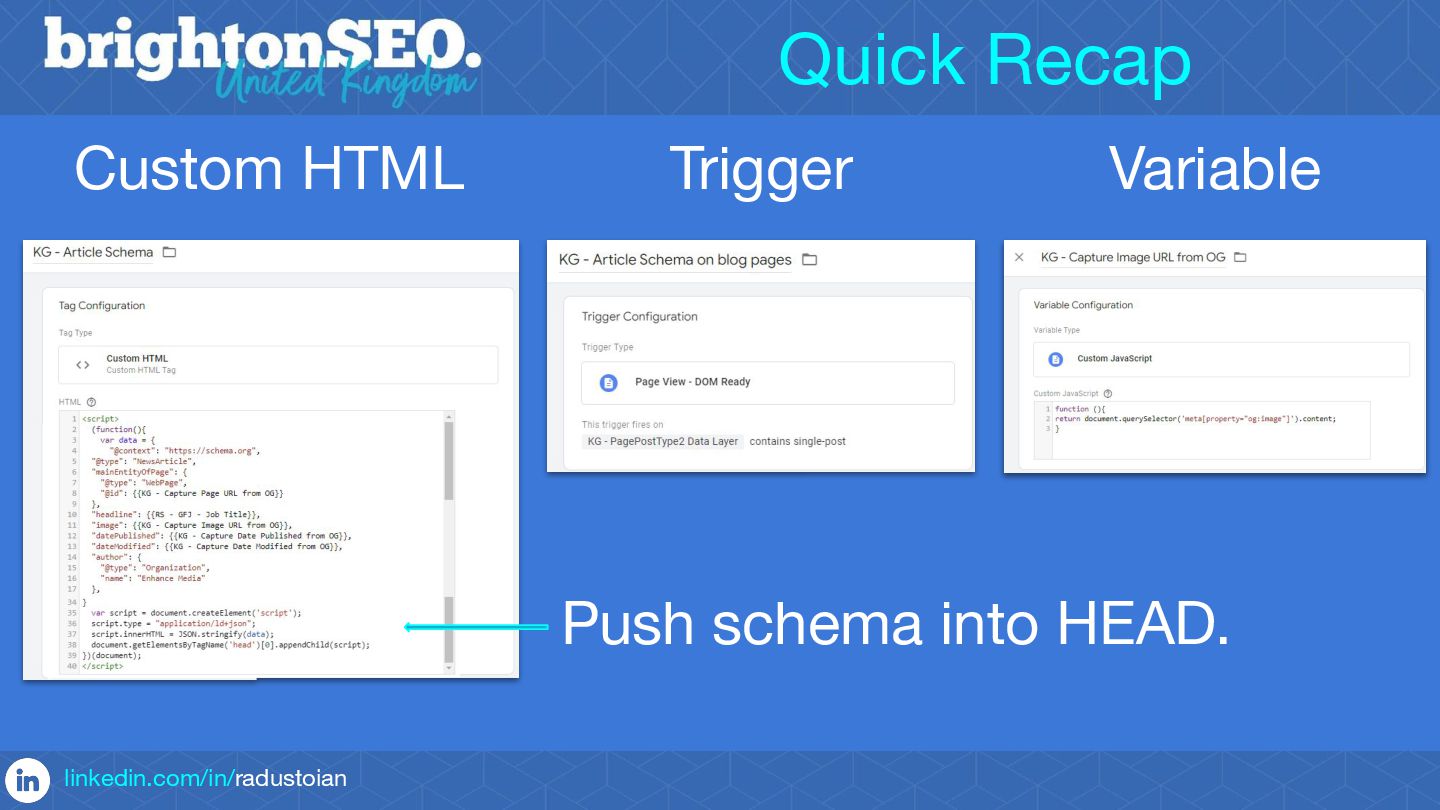
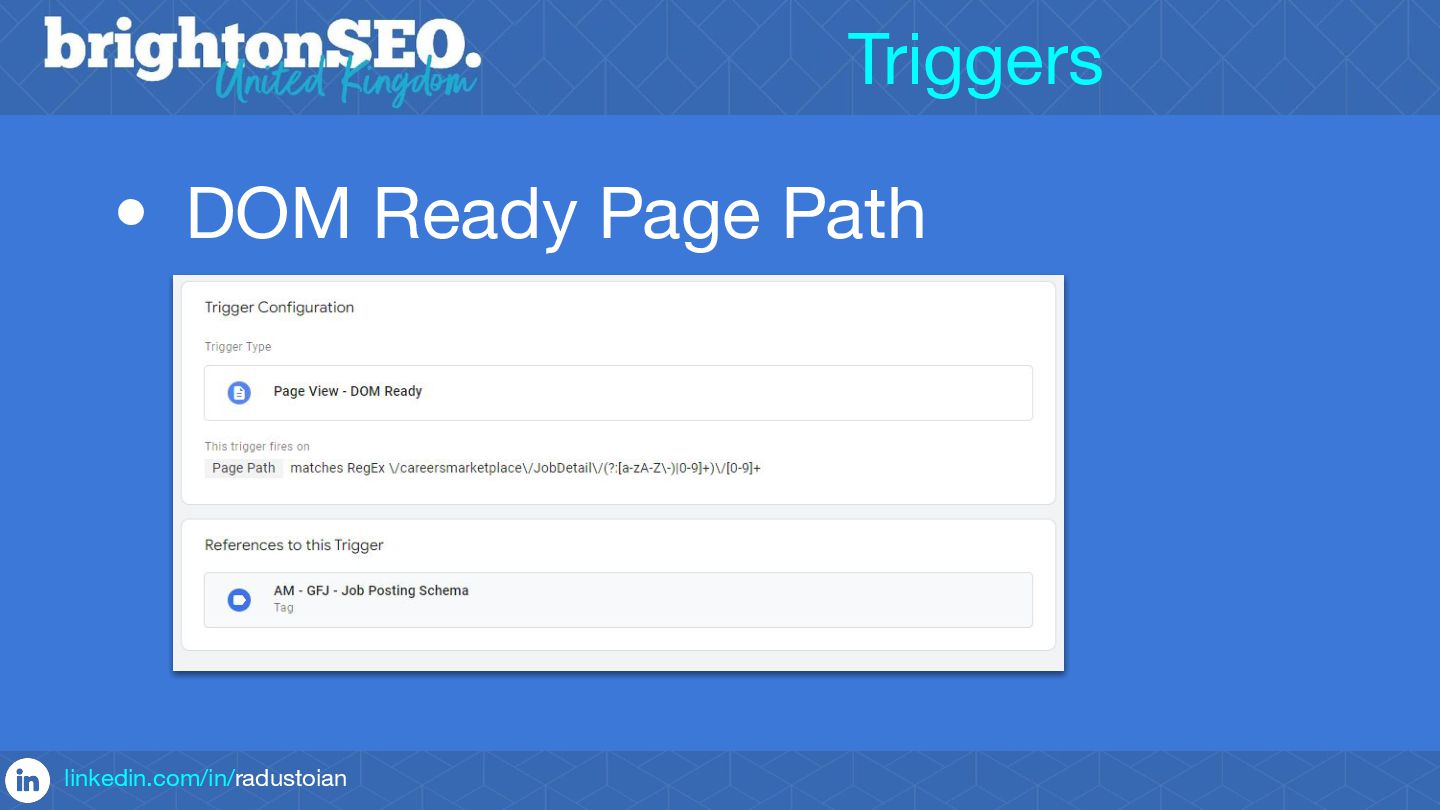
This led to the increased usage of GTM as a tool to implement structured data, especially static markup such as Organization Schema or markup with a fixed number of items and values that update when a page loads, e.g. Product or Job Schema.
In this masterclass you'll learn all these standard Schema implementation cases and how to go beyond.
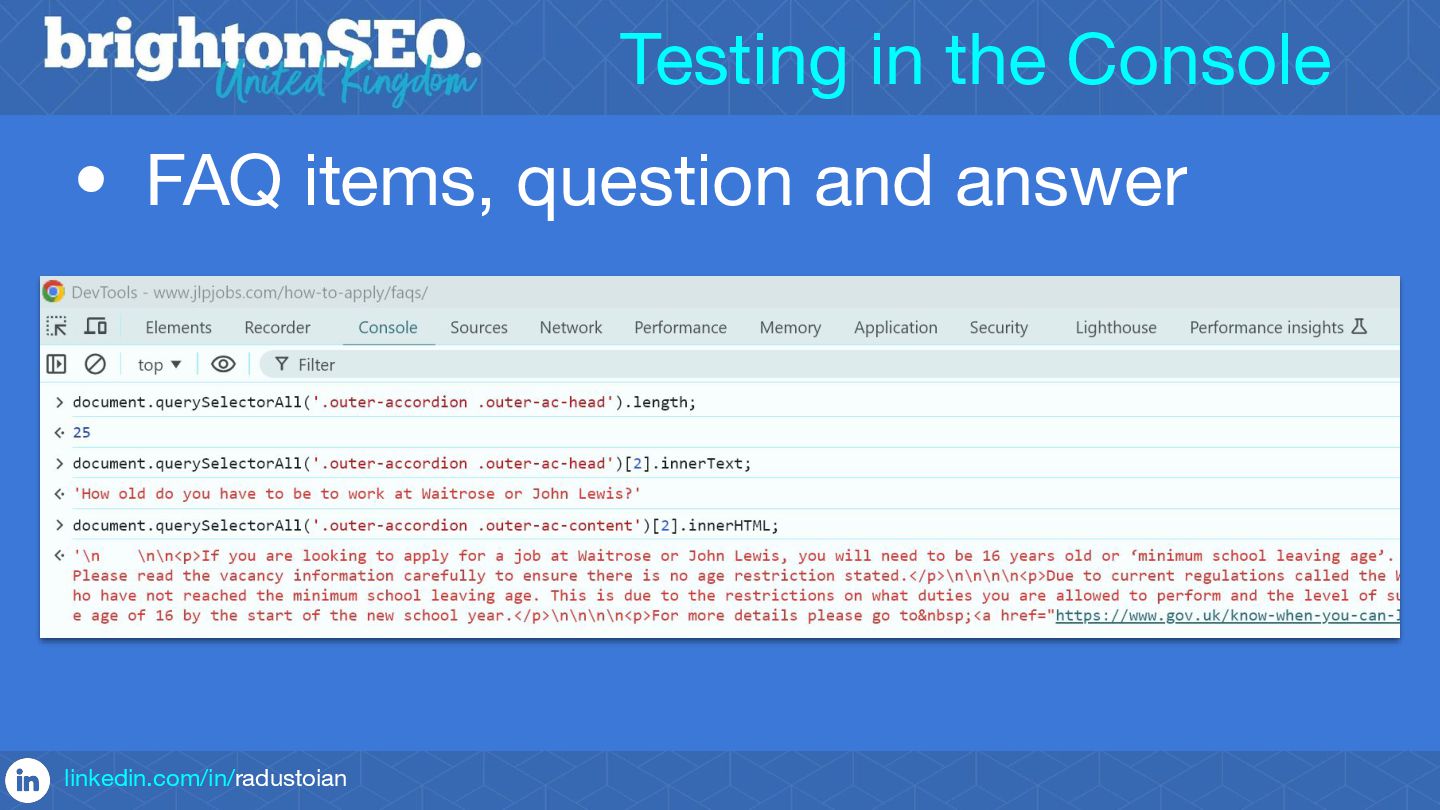
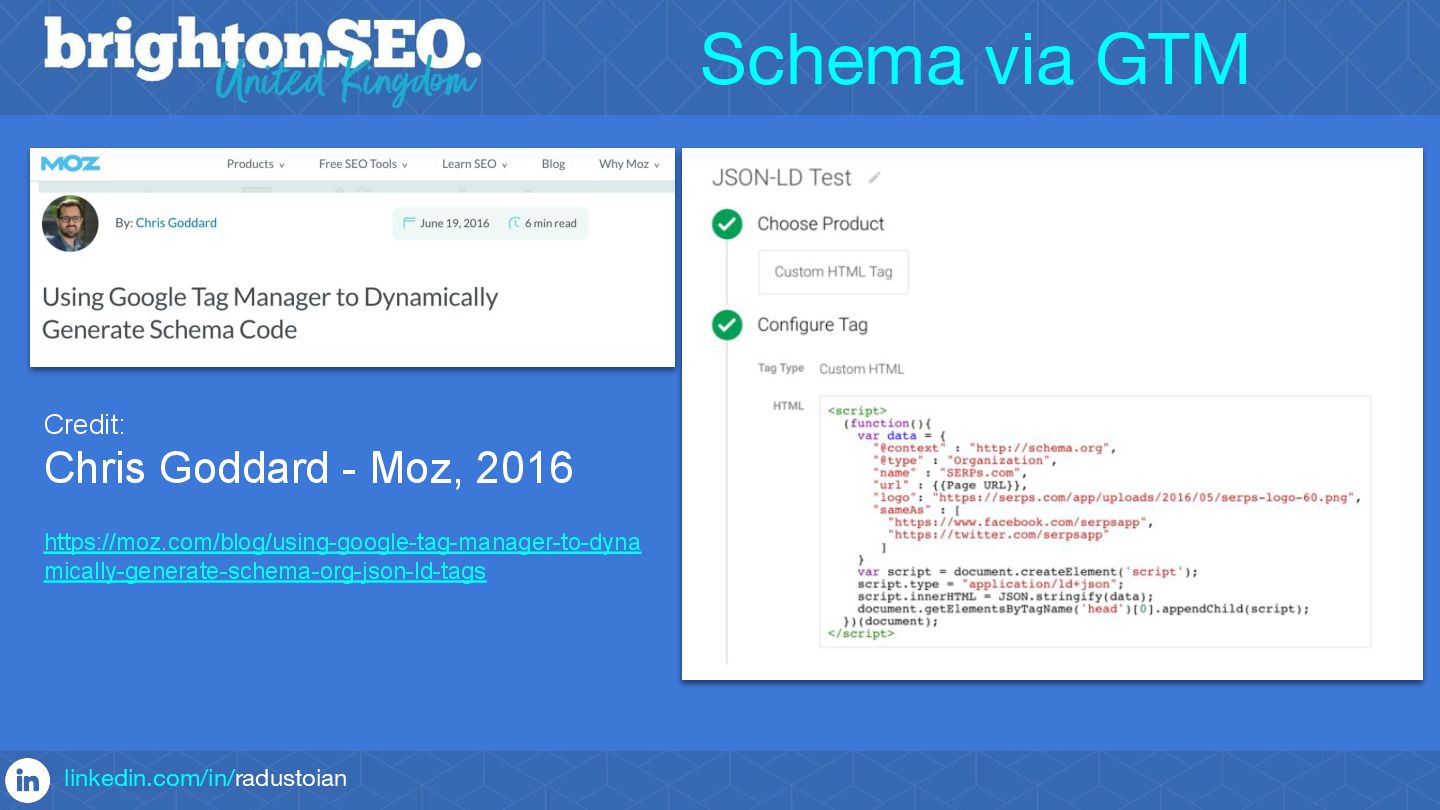
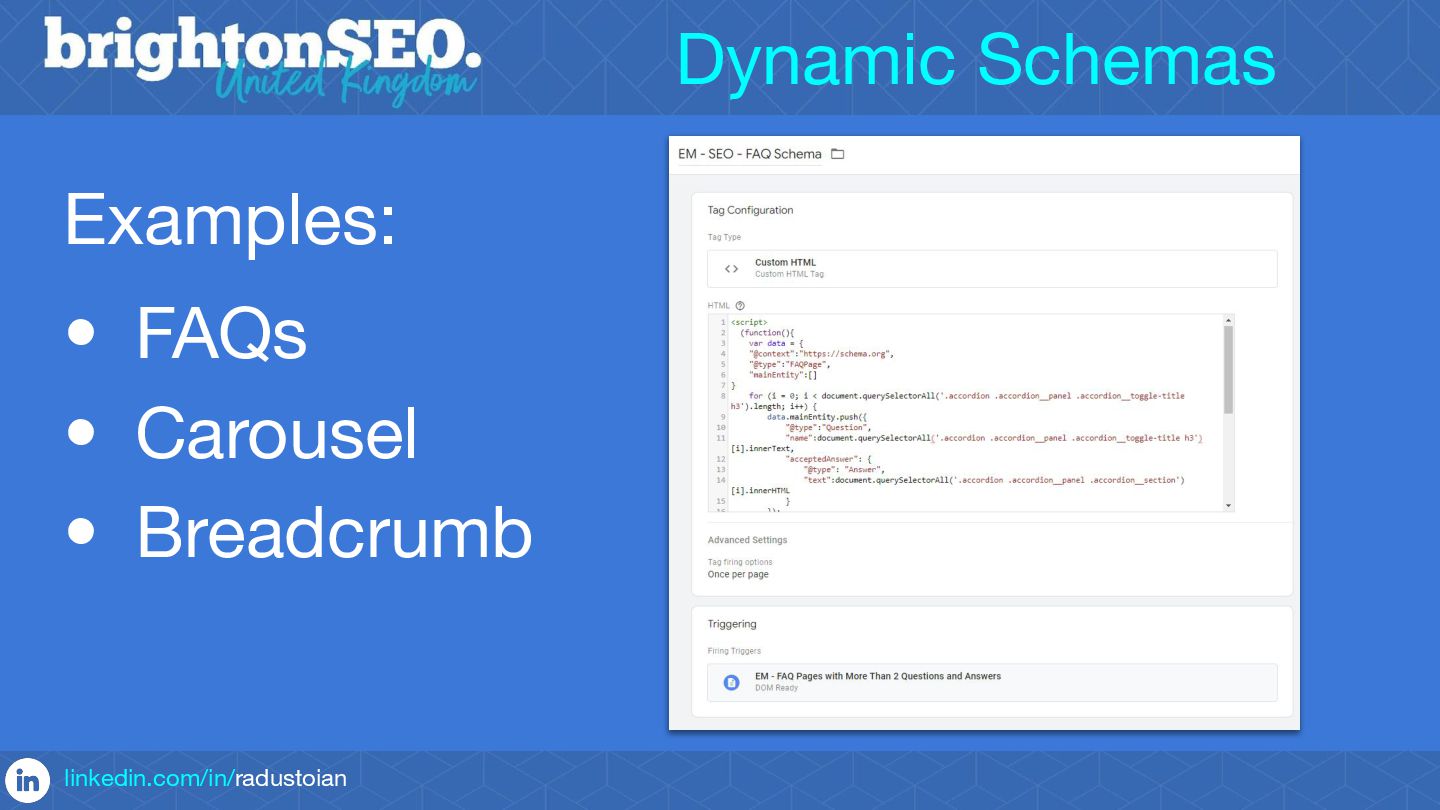
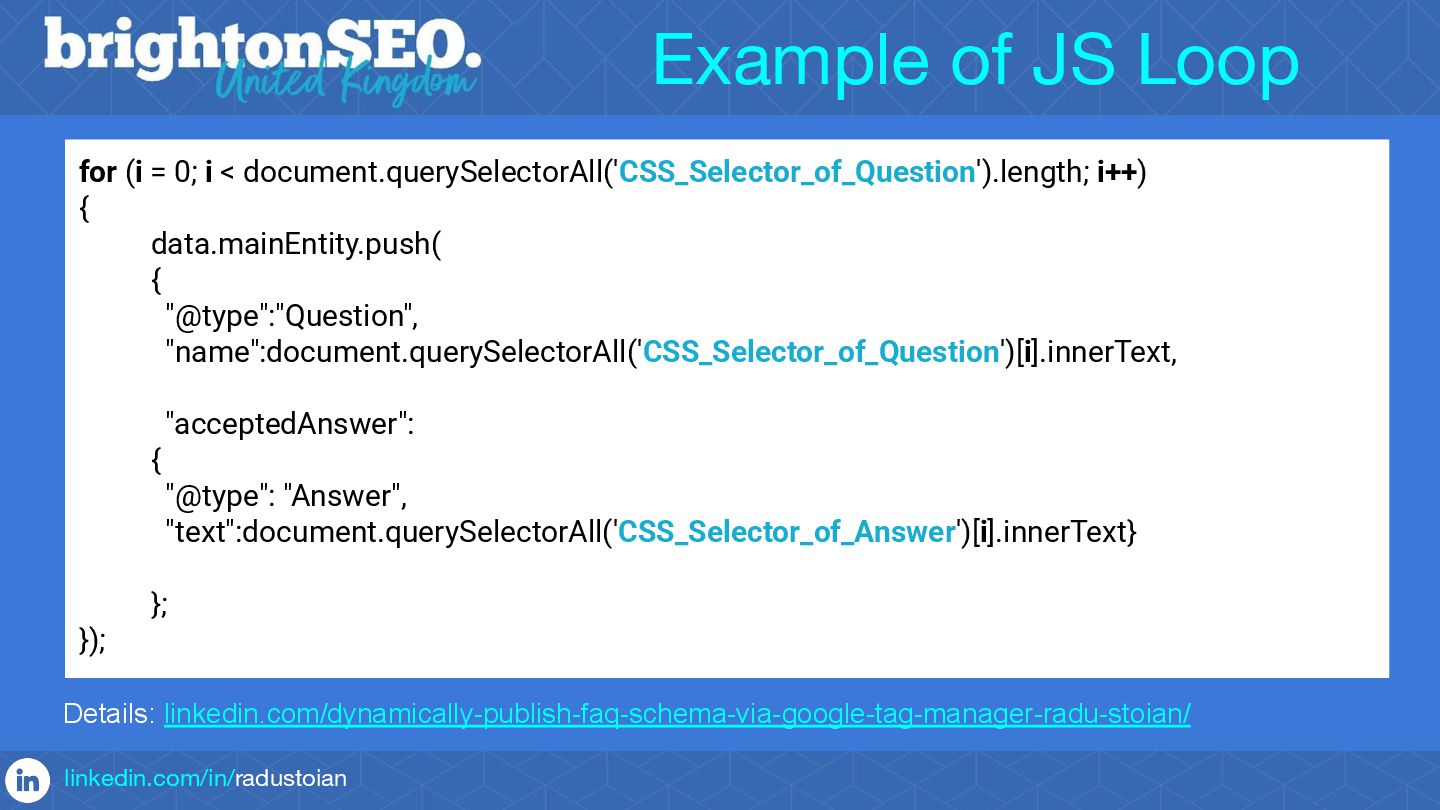
You'll discover how to utilise the power of GTM to implement dynamic JSON-LD Schemas such as Carousel, FAQ and Breadcrumb - i.e. Schemas with a variable number of items.
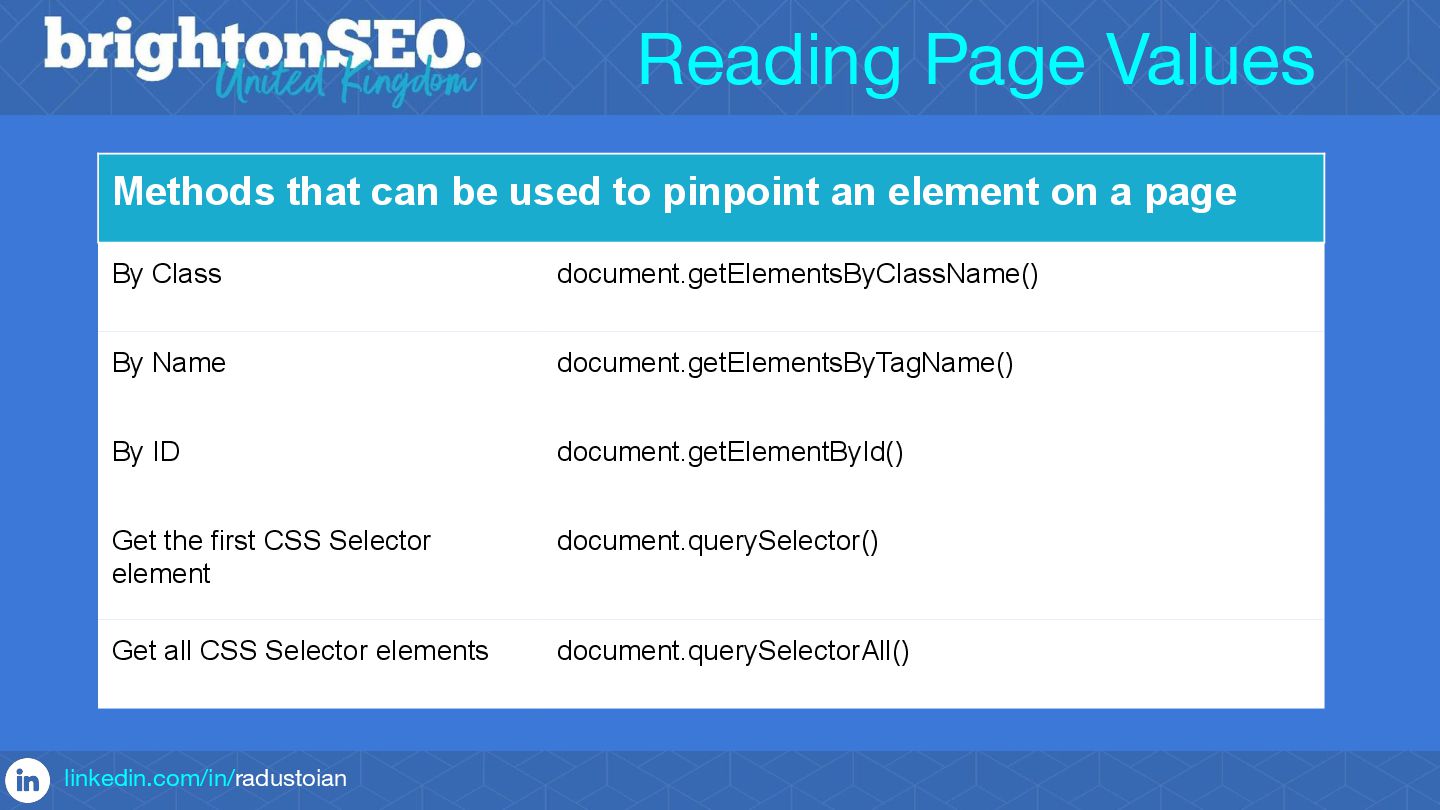
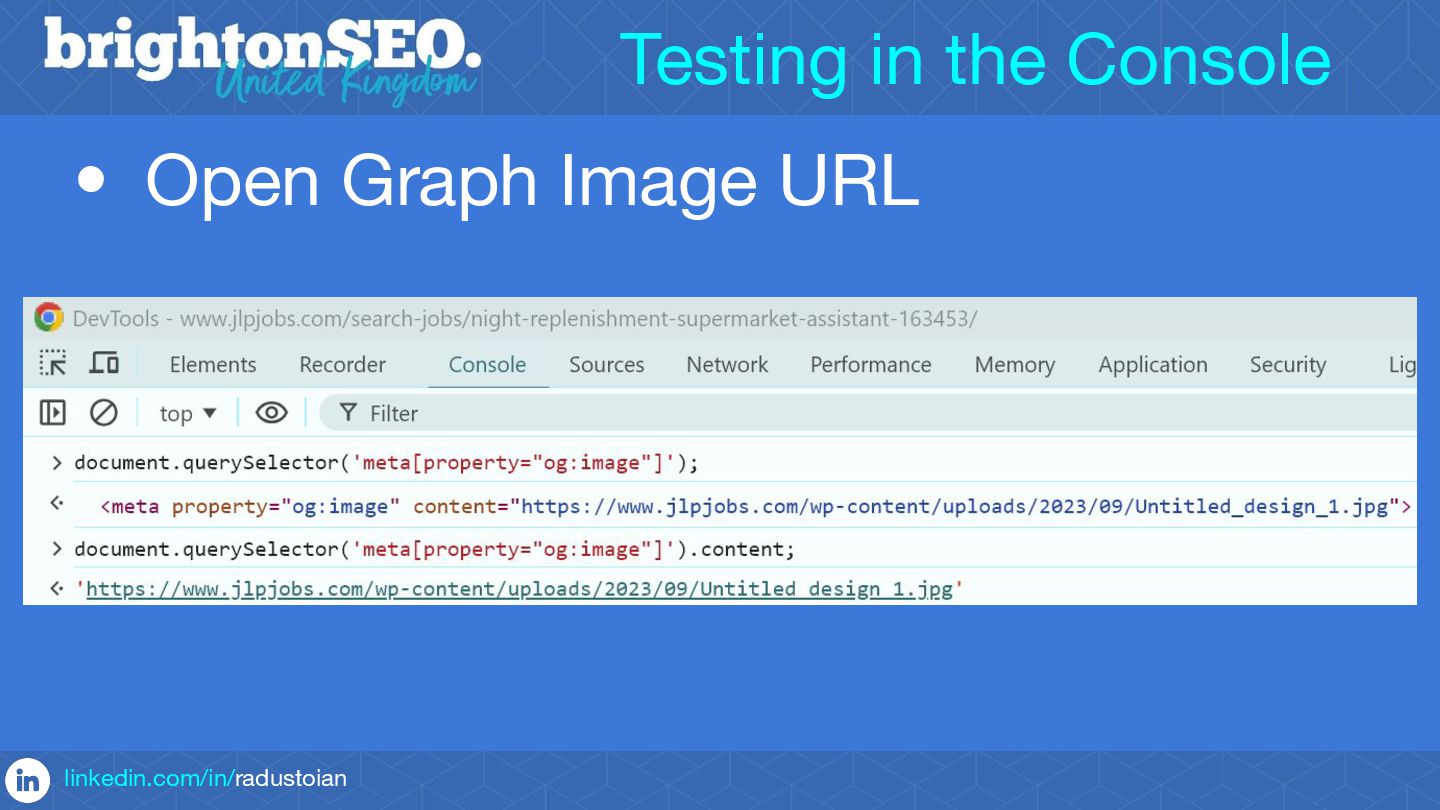
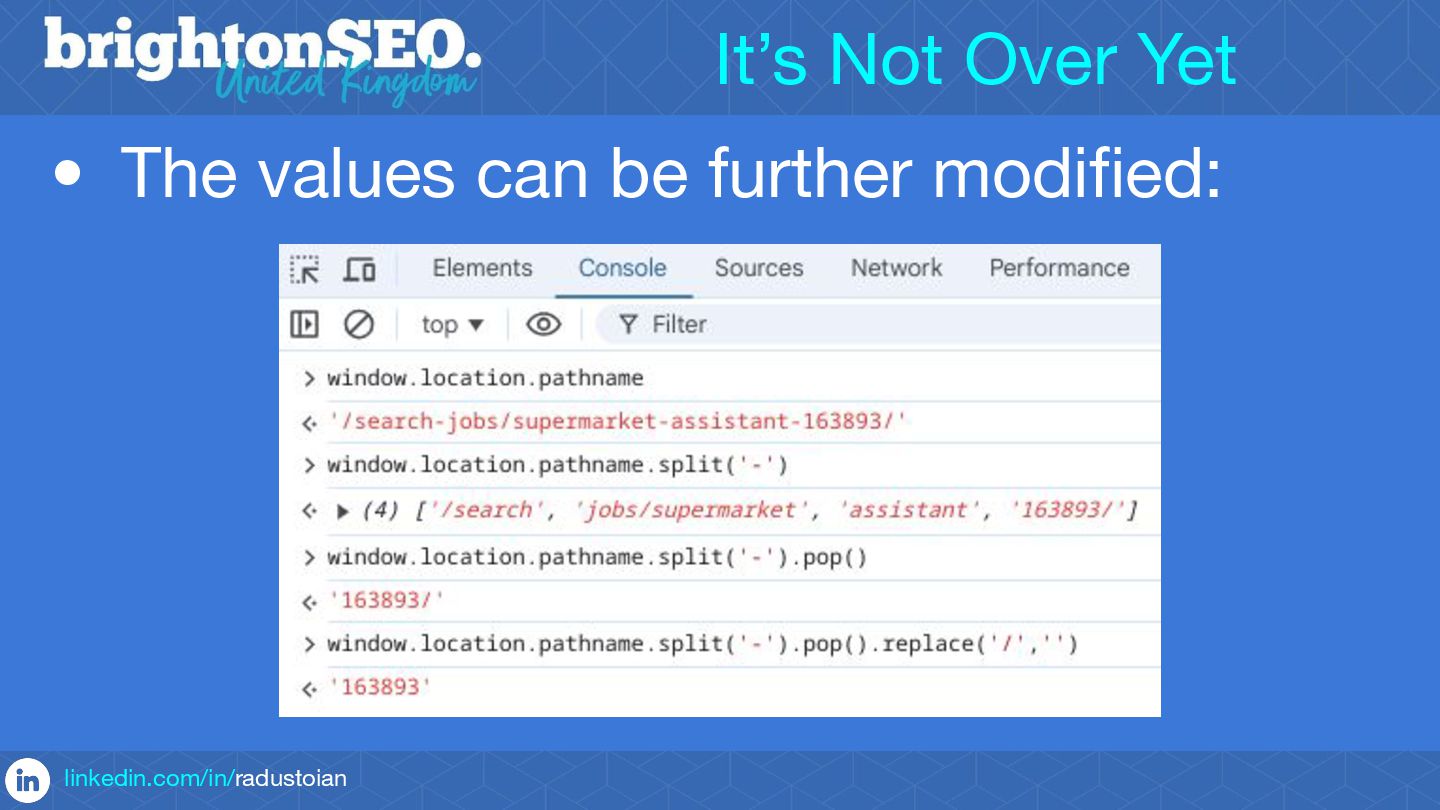
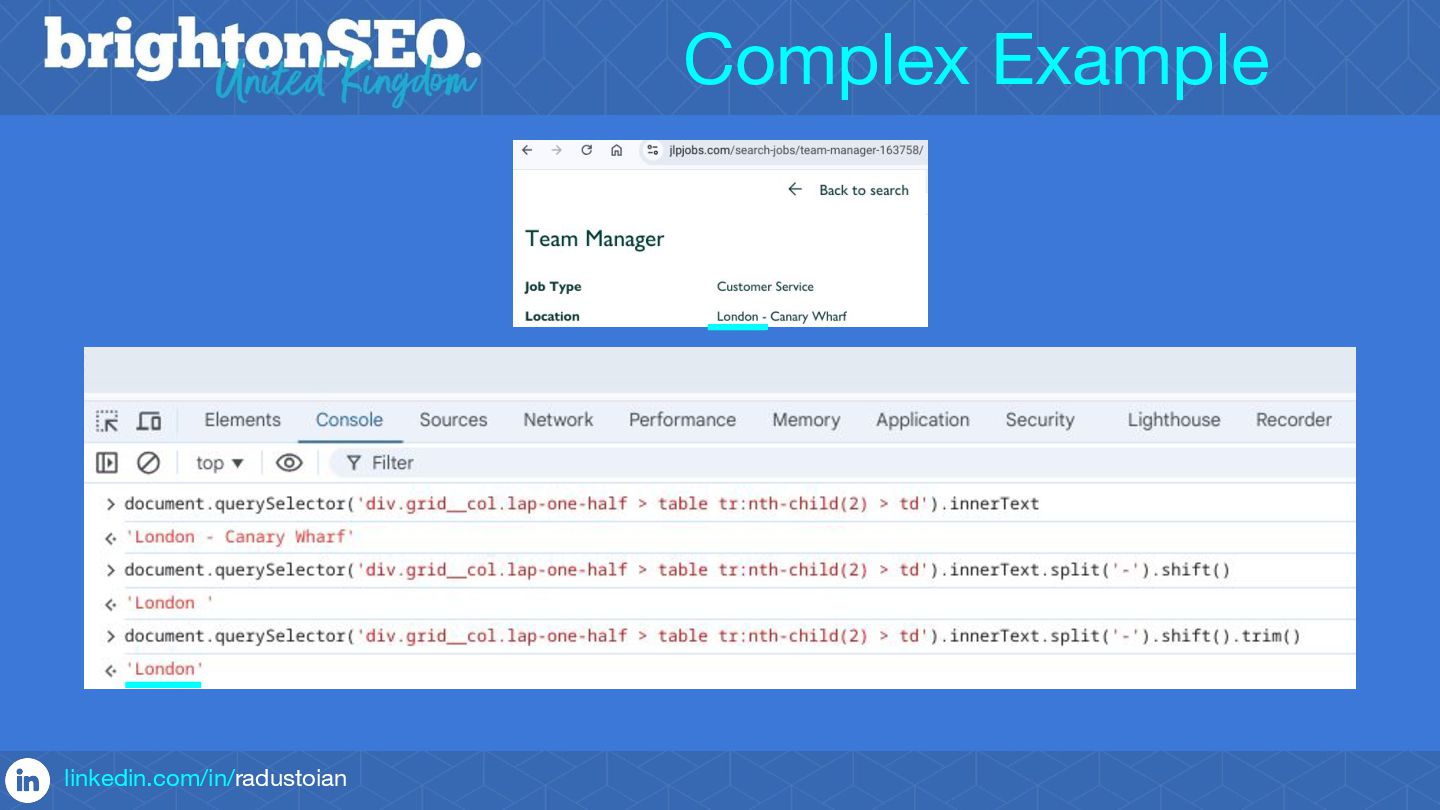
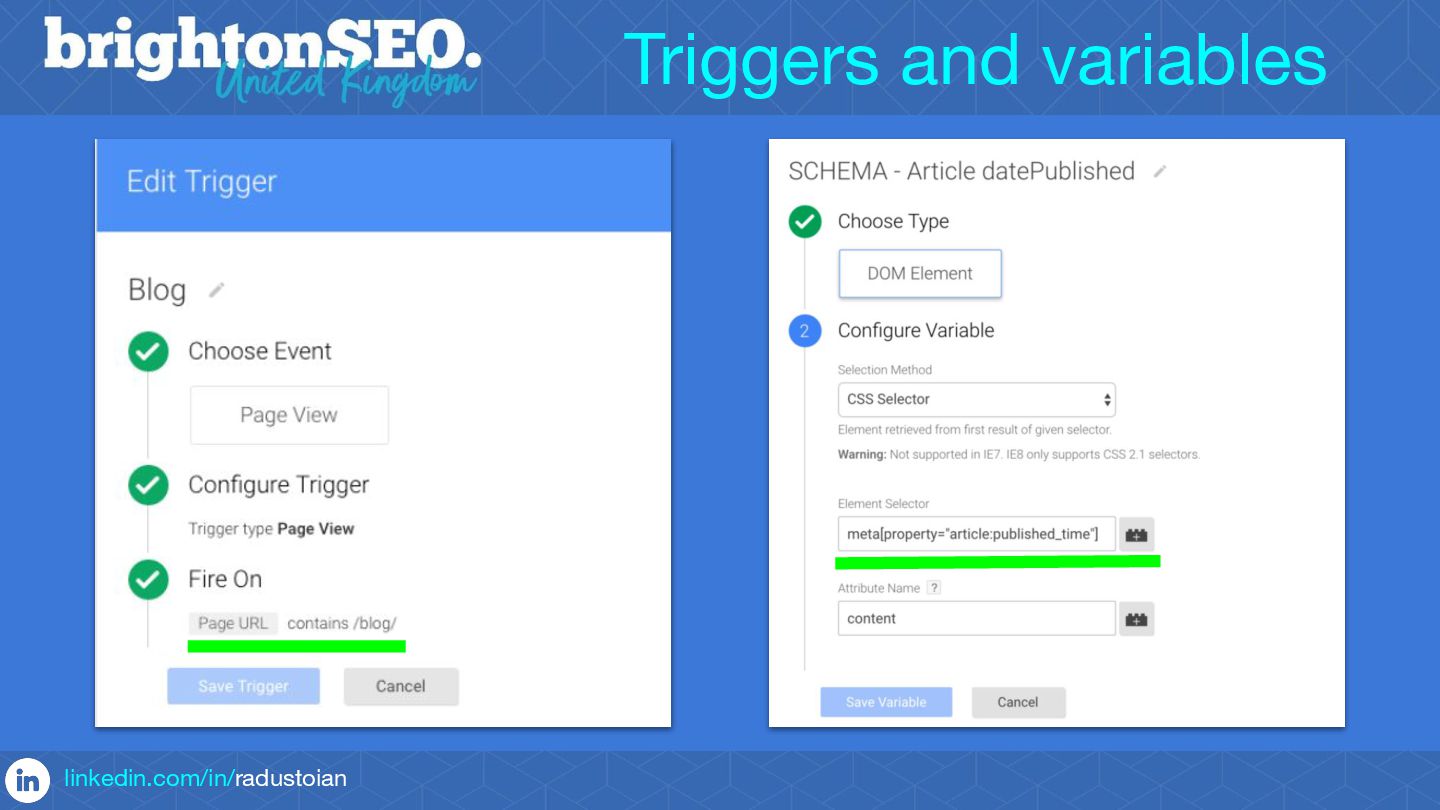
You will learn how to capture the content needed to build Schemas that will work even after items are added or removed from a webpage.
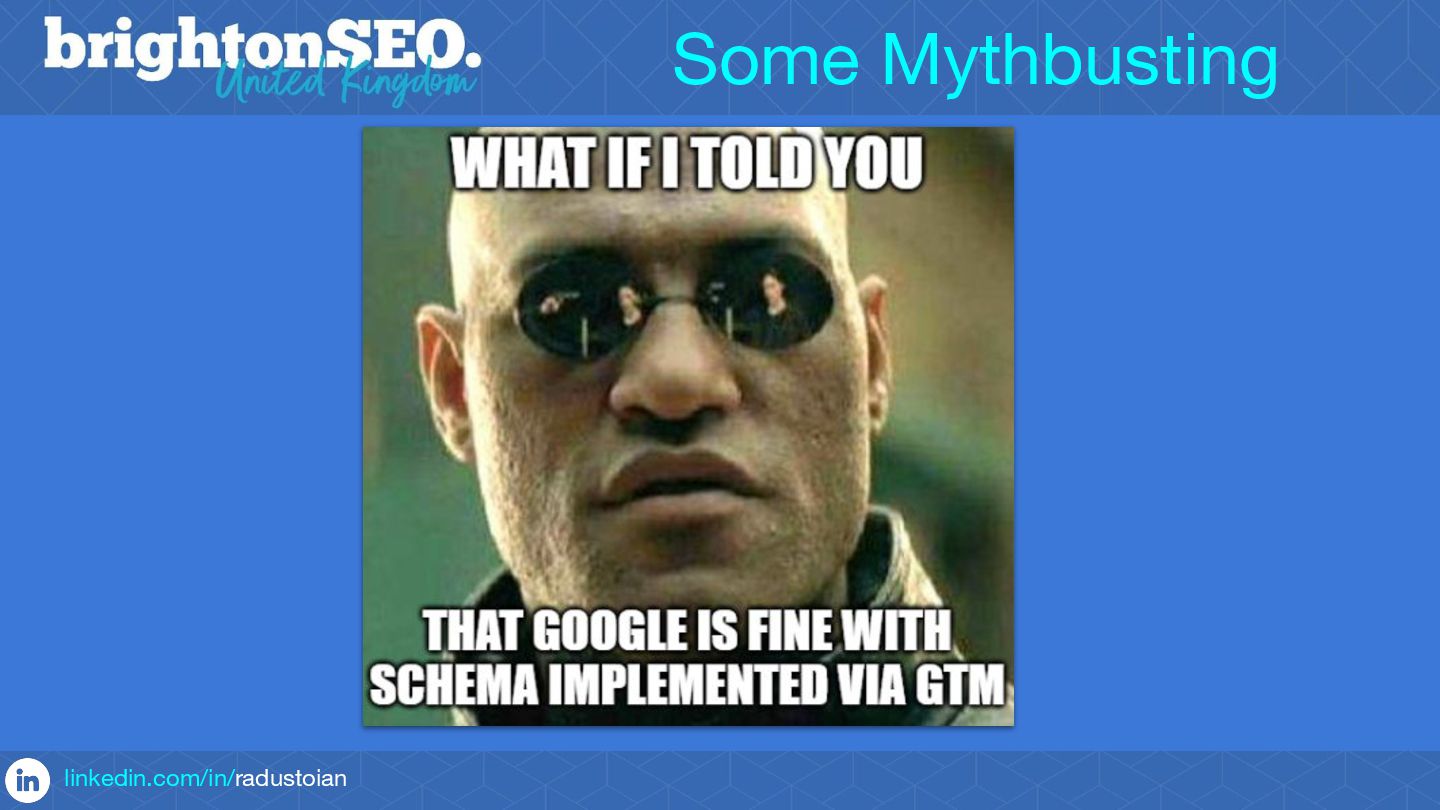
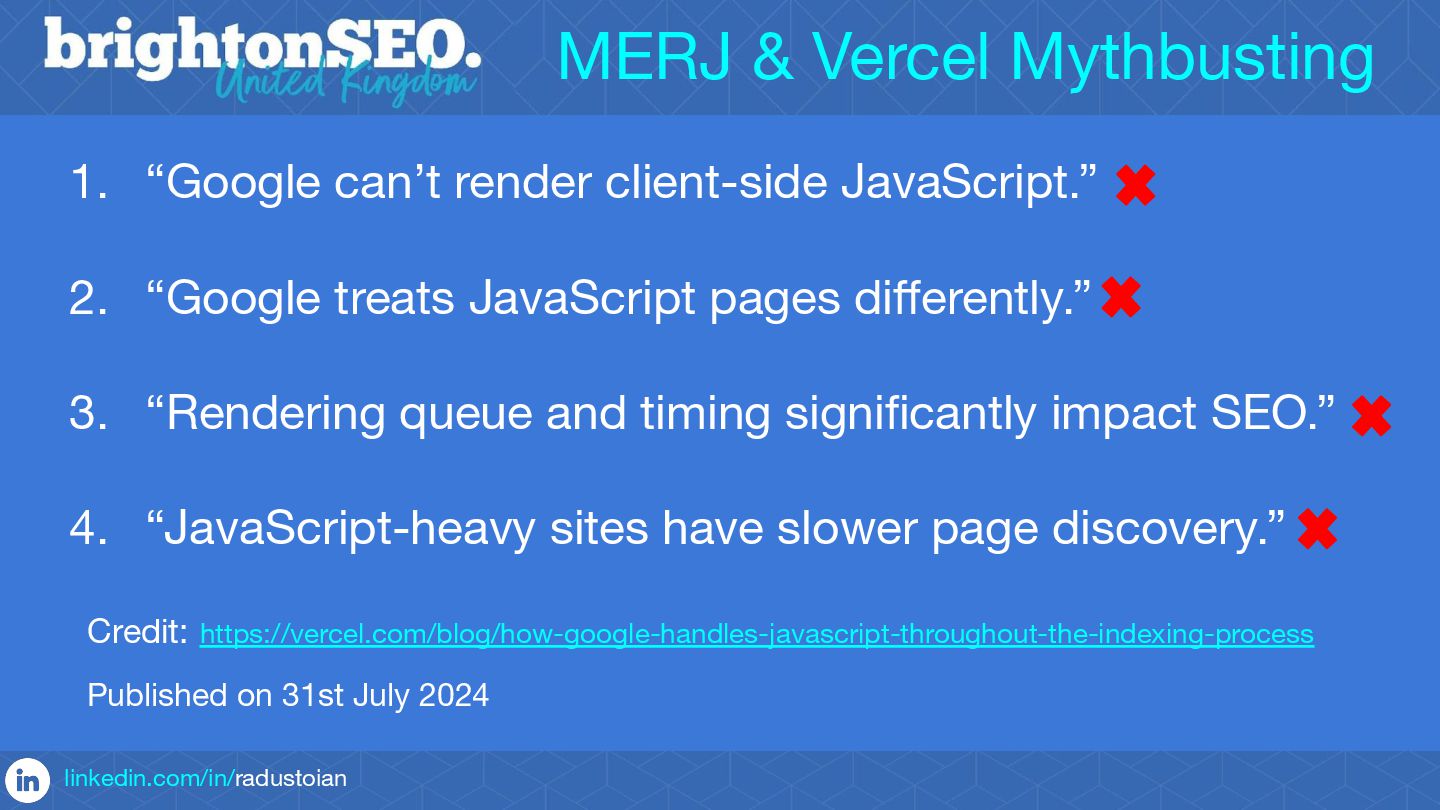
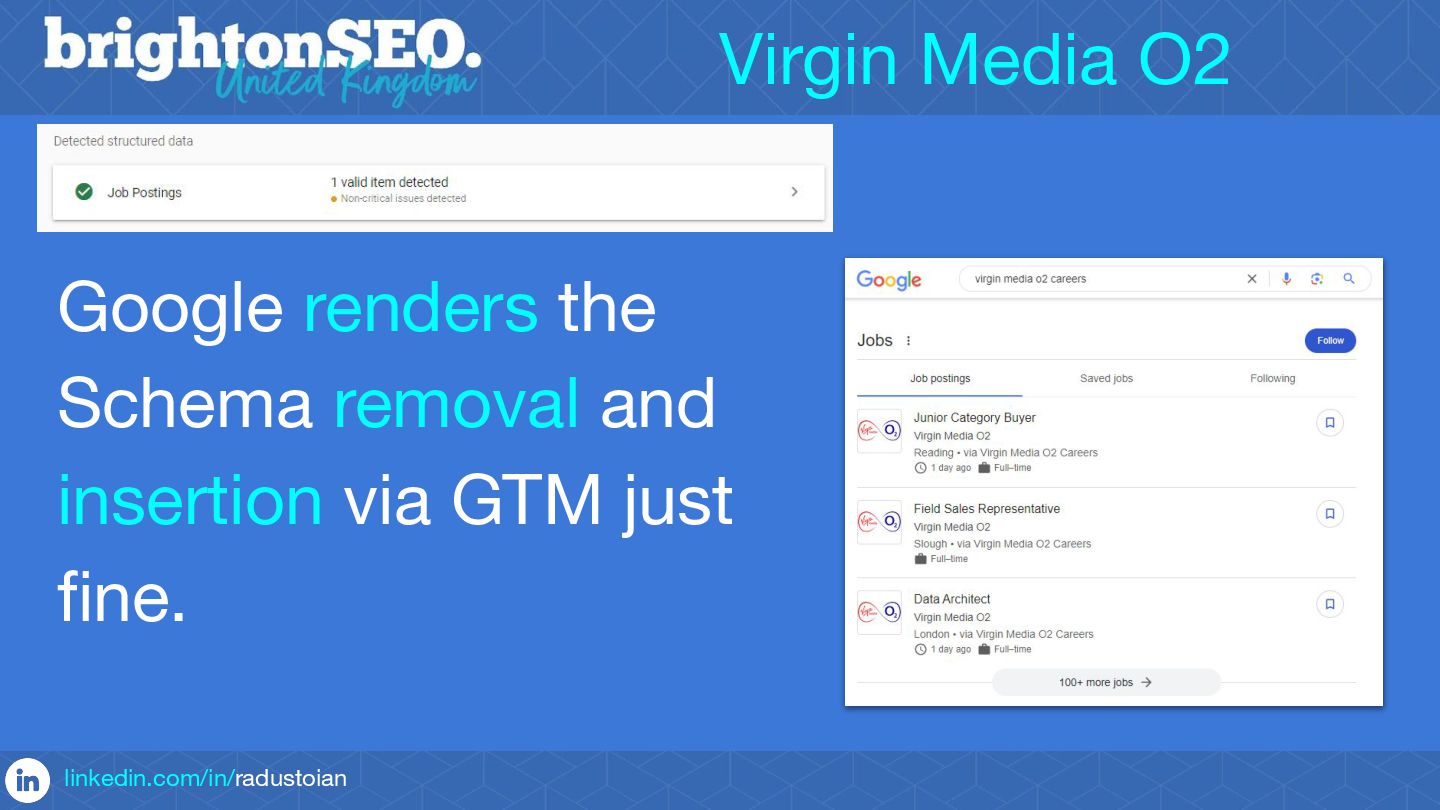
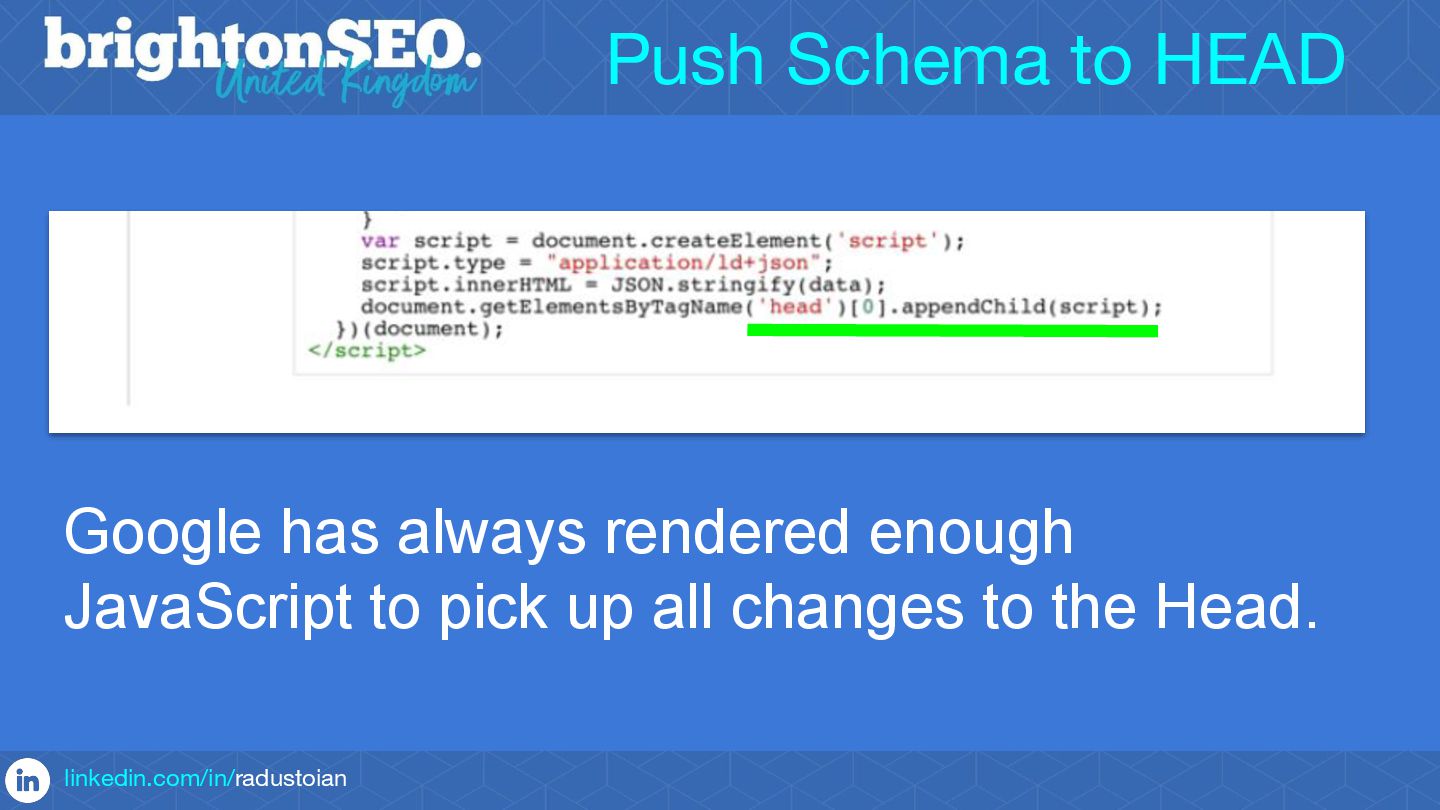
Valuable pieces of code to allow you to implement Schemas via GTM will also be shared with you, as well as insights on Google's amazing rendering powers.
3 important clarifications for those who didn't attend my talk. The following aspects were covered in my talk, but they are not mentioned on the attached slides:
1. I covered the impact of using GTM to publish Schema on crawl budget. I suggested that this approach is not suited for sites with 10,000+ pages that update frequently. But I suggested that even some Schemas such as Organisation Schema can still be used even on these sites, as you are only pushing this on maximum two pages: Home and/or About us.
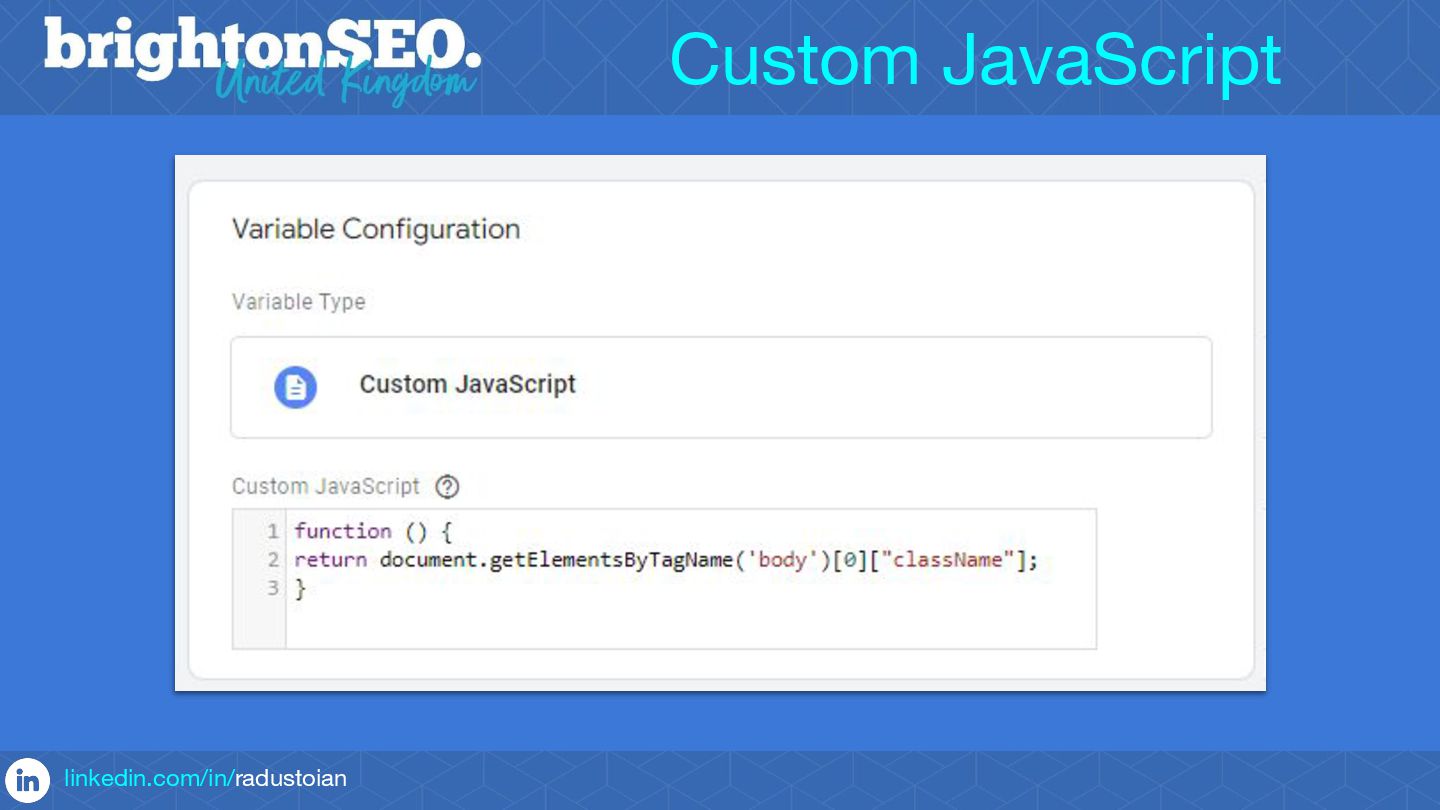
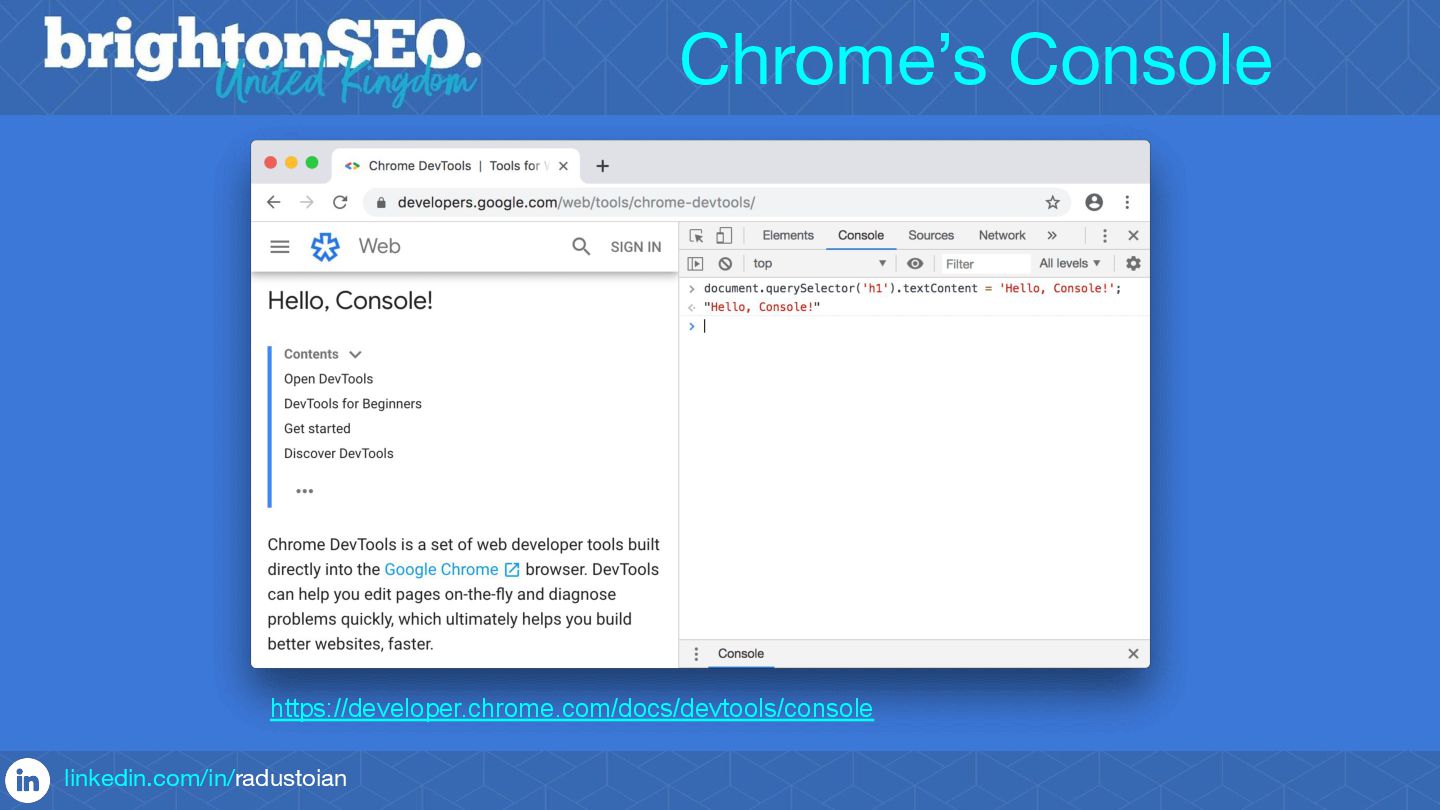
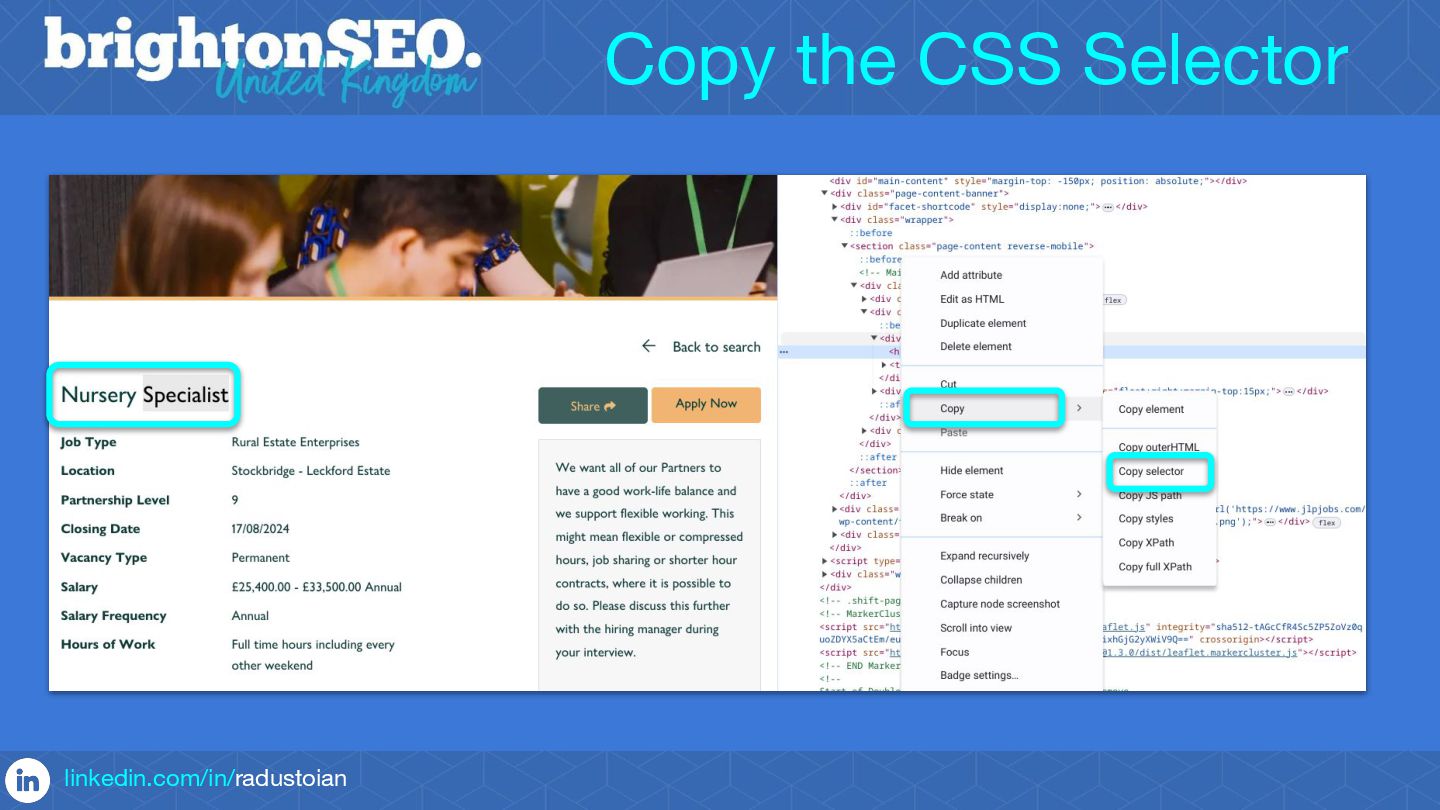
2. I explained the risk of capturing the wrong values if the CSS selectors are not accurate and suggested using Screaming Frog to test the set-up at scale. I also mentioned that if something goes wrong with the JavaScript code meant to scrape values, the best case scenario is that a particular item won't be included in the schema, and the worst is that you might break the page.
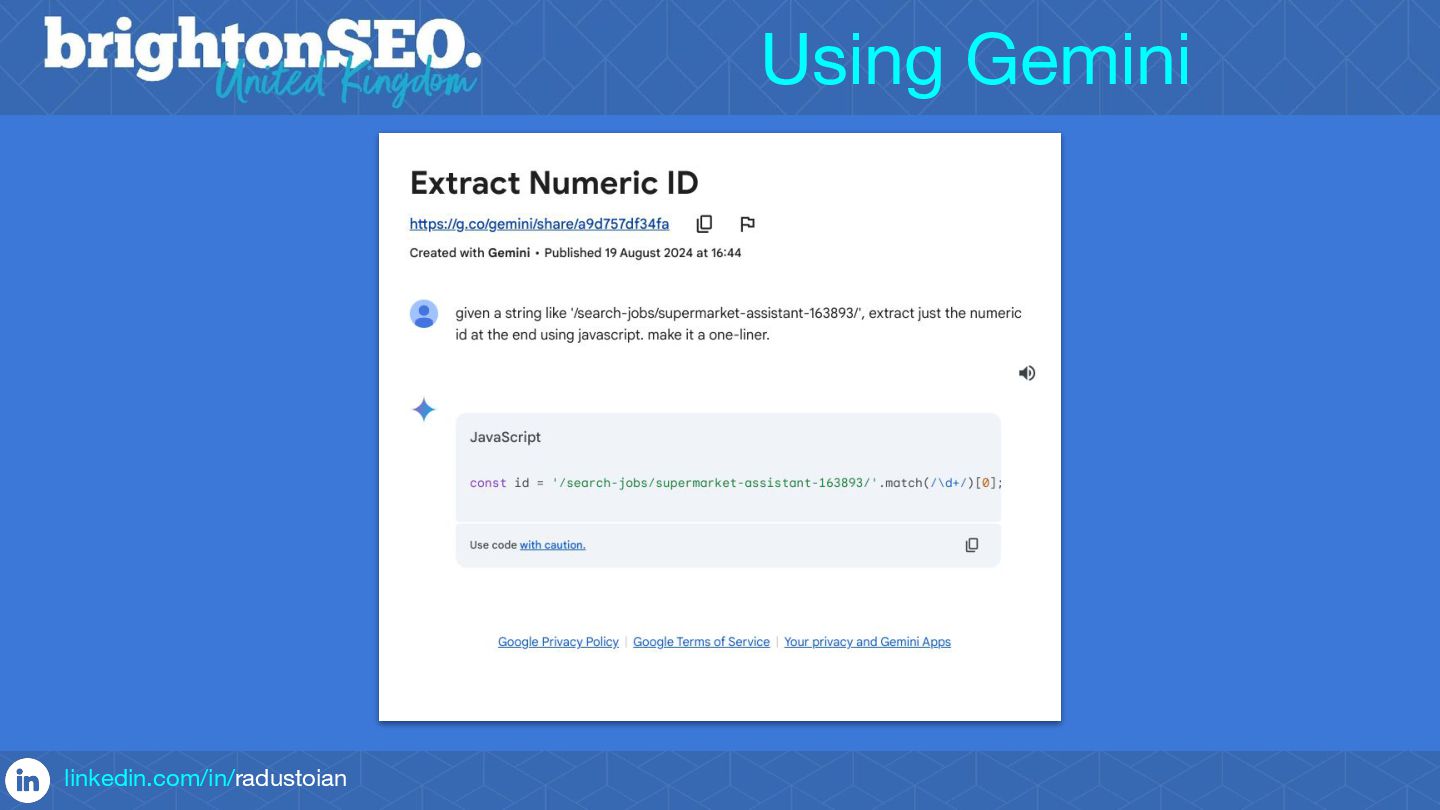
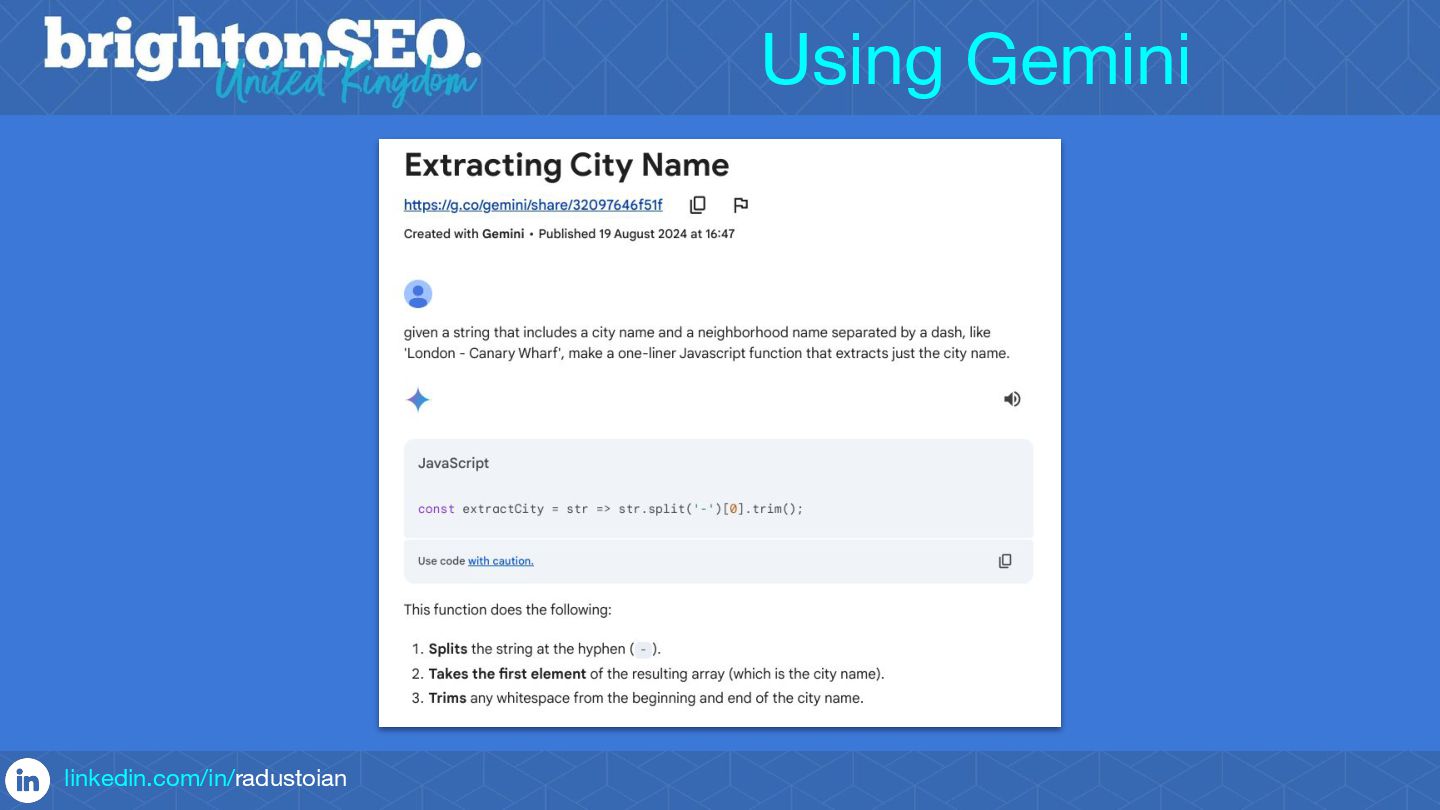
3. I gave credit to John Mueller for the Gemini screenshots as he took the time to create the prompts and suggested mentioning that you can also use AI to generate the CSS selectors and the JavaScript code required to capture values from a page.
Radu Stoian is a Technical Director at Enhance Media.
Radu manages a vibrant team of digital marketing experts at Enhance Media. He is responsible for the successful delivery of innovative digital marketing solutions across AI, SEO, PPC, analytics, CRO, research and web. His passion was and remains SEO and he is still hands on involved in helping clients to attract traffic from search engines and AI platforms.


 kizawa2020
 amanaut
 decabbit
 speedyindexteam
 gkoivikko
 tenshoku_draft
 aleyda
 greggifford
 portentint
 dawnieando
 novasell
 tonyrice
 chriscoyier
 jeffersonlam
 carmenintech
 tammyeverts
 garrettdimon
 techseoconnect
 baasie
 coloredviolet
 oripsolob
 holman

![Google’s Rendering Magic linkedin.com/in/radustoian document.querySelector("script[type='application/ld+json']").remove(); Remove JSON-LD Schema via GTM](https://files.speakerdeck.com/presentations/9046d9d13ccb447f8195faf505fa1c87/slide_7.jpg)
![• Advanced Triggers linkedin.com/in/radustoian Methods using CSS Selectors: document.getElementsByTagName('body')[0]["className"];](https://files.speakerdeck.com/presentations/9046d9d13ccb447f8195faf505fa1c87/slide_24.jpg)