Share
Embed
Hello world? Hello? Hello?
Building epic telephony apps with django-twilio.
Randall Degges
October 23, 2011
Transcript
19 slides
-
Who am I? • Randall Degges • Lead developer @
BTS communications (we build cool telephony stuff). • Full stack developer. • Been doing this for 3 years. • Python / Django / Asterisk / VoIP. • [email protected] • http://rdegges.com/ • IRC: rdegges @ freenode -
Telephony • Apps that work via voice (IVRs). • Apps
that work via SMS (text message). • Apps that help people communicate using their phones. • Some examples: ◦ PagerDuty (http://www.pagerduty.com/) ◦ Conference Calls (http://bridg.me/) ◦ Knock Knock (http://knockknock.in/) ◦ ... -
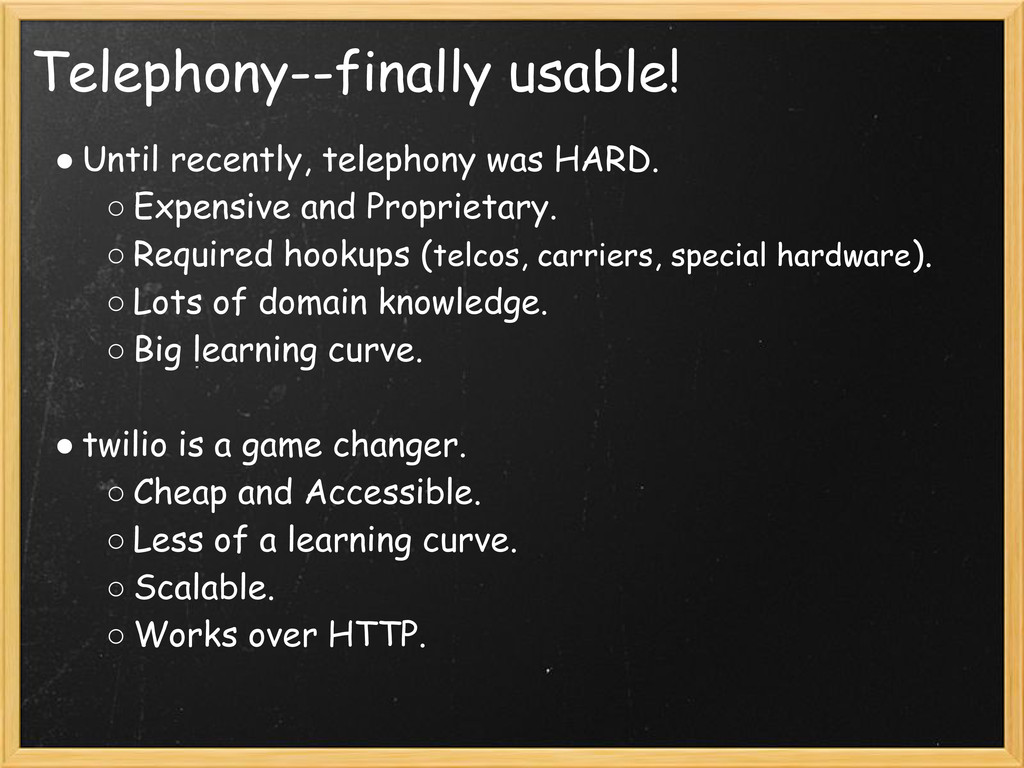
Telephony--finally usable! • Until recently, telephony was HARD. ◦ Expensive
and Proprietary. ◦ Required hookups (telcos, carriers, special hardware). ◦ Lots of domain knowledge. ◦ Big learning curve. • twilio is a game changer. ◦ Cheap and Accessible. ◦ Less of a learning curve. ◦ Scalable. ◦ Works over HTTP. -
Why twilio? • Cheap. • Scalable. • Well documented &
supported. • I said so! • http://twilio.com/ -
How twilio works (incoming). • You buy a phone number
from twilio. • You give twilio a URL where your application lives (eg: http://coolguy.com/sup/bro/). • Someone calls or SMS messages your phone number. • twilio receives your call / SMS, and POSTs to your URL with lots of data. • Your web application tells twilio what to do next. • Repeat. -
How twilio works (outgoing). • You POST to twilio with
some instructions. • twilio does what you want. -
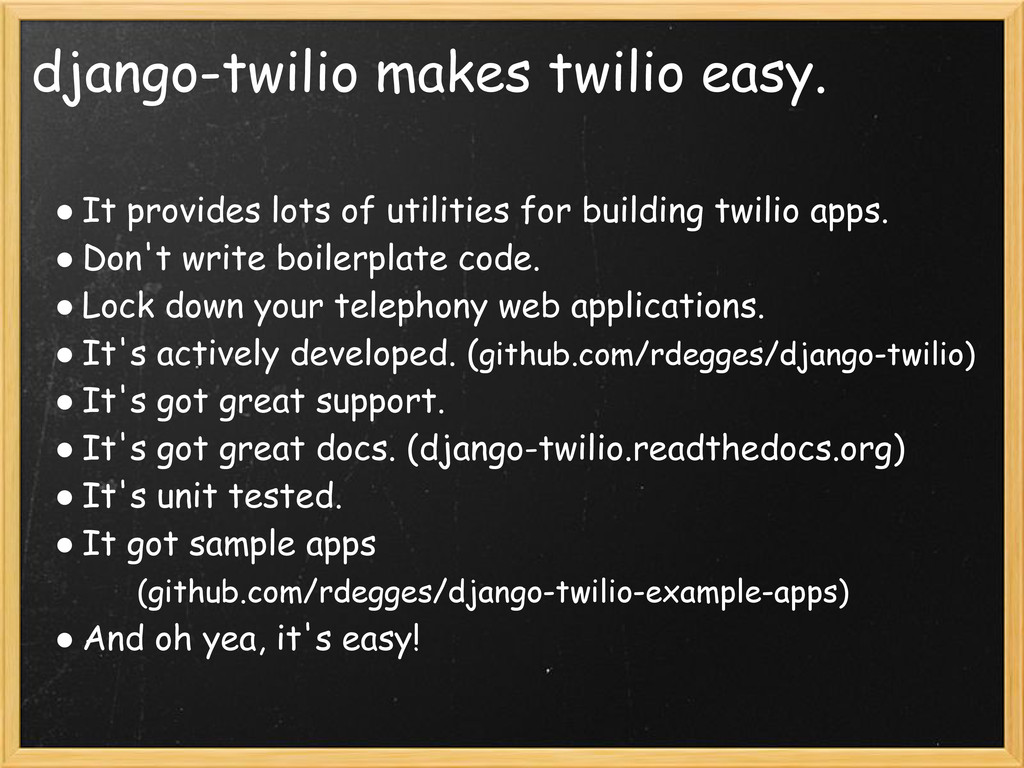
django-twilio makes twilio easy. • It provides lots of utilities
for building twilio apps. • Don't write boilerplate code. • Lock down your telephony web applications. • It's actively developed. (github.com/rdegges/django-twilio) • It's got great support. • It's got great docs. (django-twilio.readthedocs.org) • It's unit tested. • It got sample apps (github.com/rdegges/django-twilio-example-apps) • And oh yea, it's easy! -
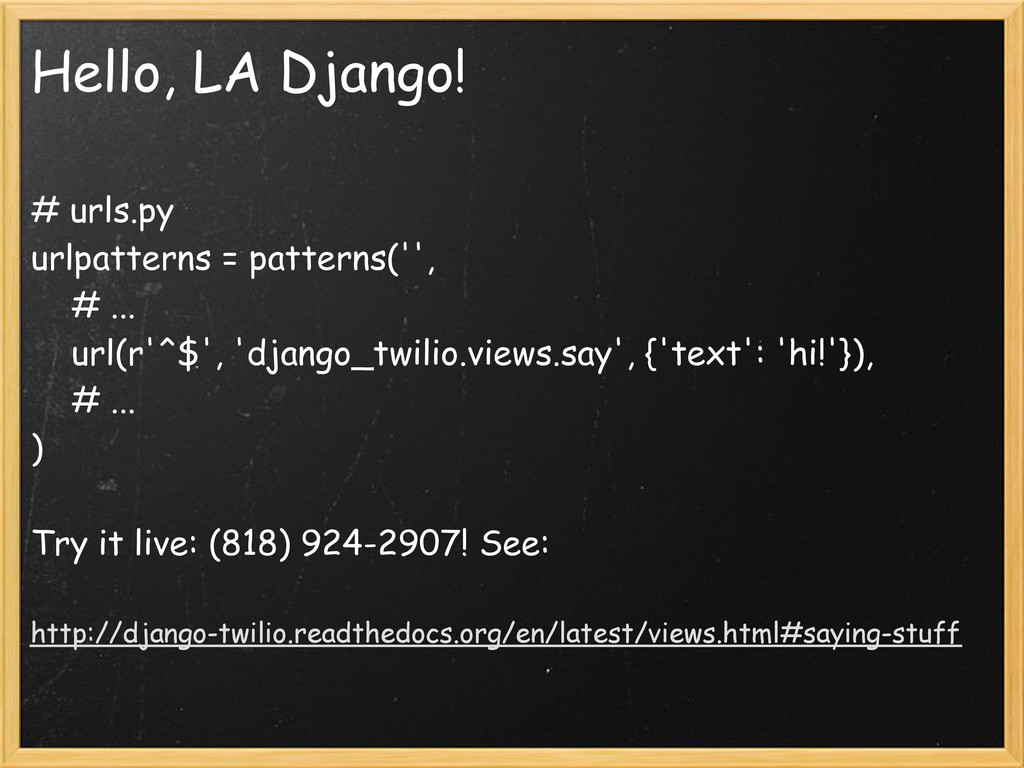
Hello, LA Django! # urls.py urlpatterns = patterns('', # ...
url(r'^$', 'django_twilio.views.say', {'text': 'hi!'}), # ... ) Try it live: (818) 924-2907! See: http://django-twilio.readthedocs.org/en/latest/views.html#saying-stuff -
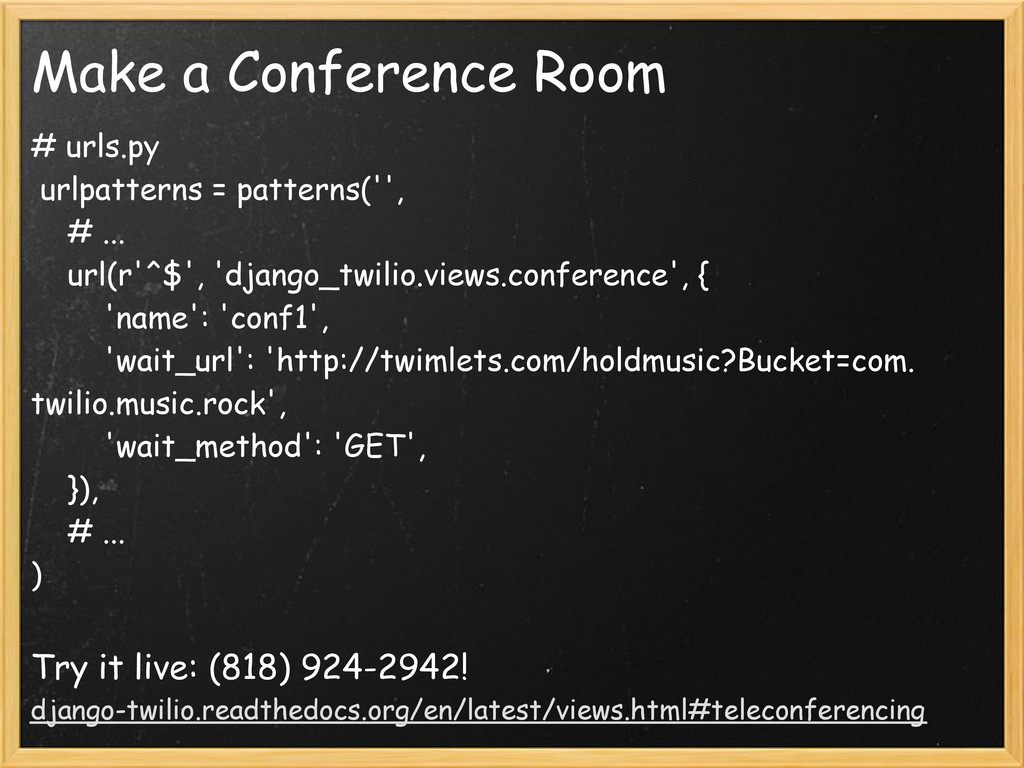
Make a Conference Room # urls.py urlpatterns = patterns('', #
... url(r'^$', 'django_twilio.views.conference', { 'name': 'conf1', 'wait_url': 'http://twimlets.com/holdmusic?Bucket=com. twilio.music.rock', 'wait_method': 'GET', }), # ... ) Try it live: (818) 924-2942! django-twilio.readthedocs.org/en/latest/views.html#teleconferencing -
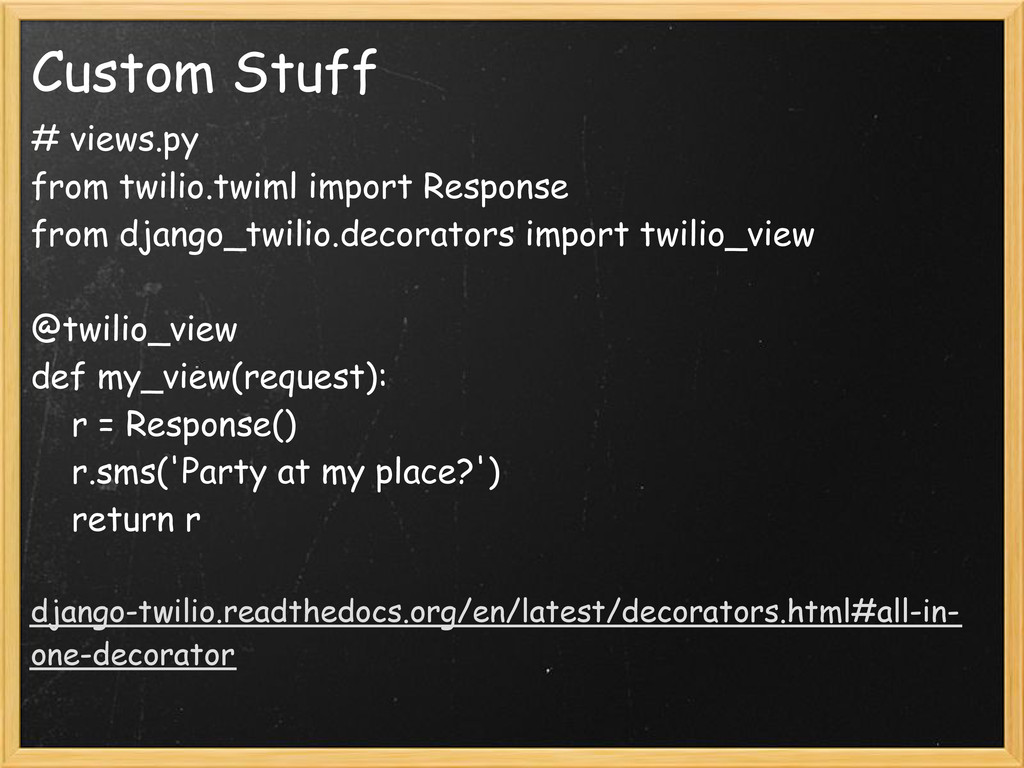
Custom Stuff # views.py from twilio.twiml import Response from django_twilio.decorators
import twilio_view @twilio_view def my_view(request): r = Response() r.sms('Party at my place?') return r django-twilio.readthedocs.org/en/latest/decorators.html#all-in- one-decorator -
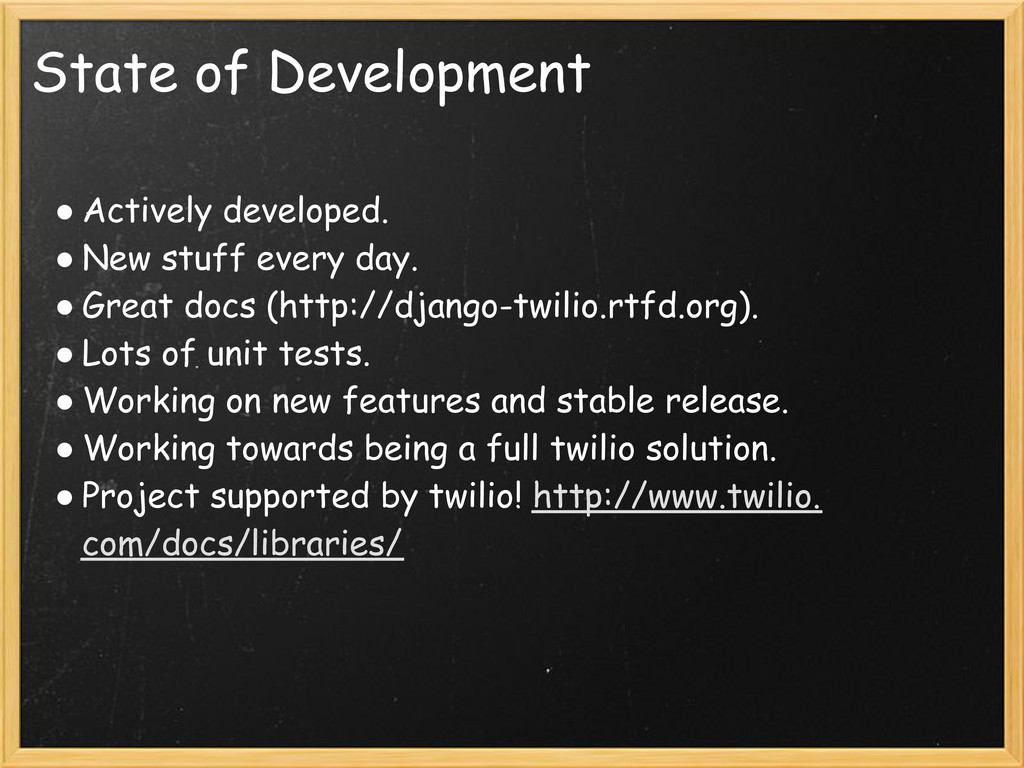
State of Development • Actively developed. • New stuff every
day. • Great docs (http://django-twilio.rtfd.org). • Lots of unit tests. • Working on new features and stable release. • Working towards being a full twilio solution. • Project supported by twilio! http://www.twilio. com/docs/libraries/ -
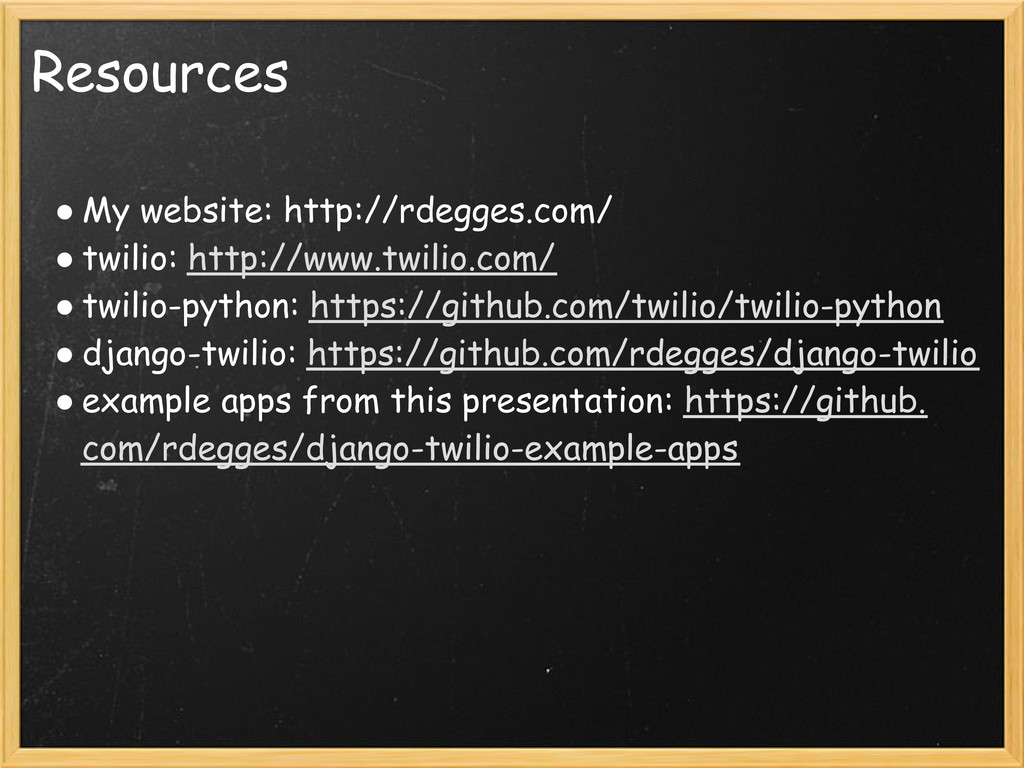
Resources • My website: http://rdegges.com/ • twilio: http://www.twilio.com/ • twilio-python:
https://github.com/twilio/twilio-python • django-twilio: https://github.com/rdegges/django-twilio • example apps from this presentation: https://github. com/rdegges/django-twilio-example-apps