Upgrade to Pro — share decks privately, control downloads, hide ads and more …

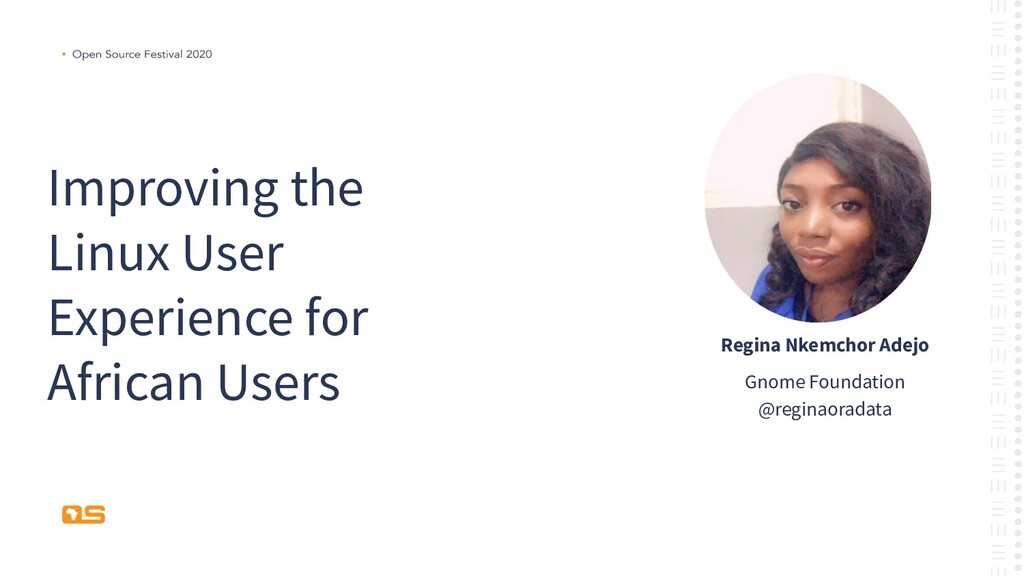
Improving the Linux User Experience

Improving the Linux User Experience

For this technical session, we will be using the Fedora distribution of Linux, and at the end, you will know:
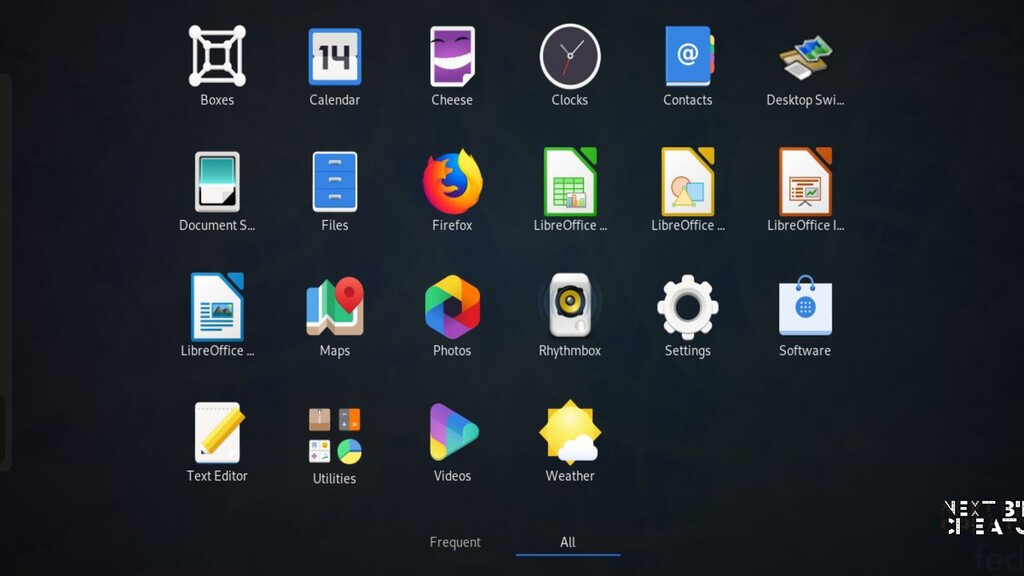
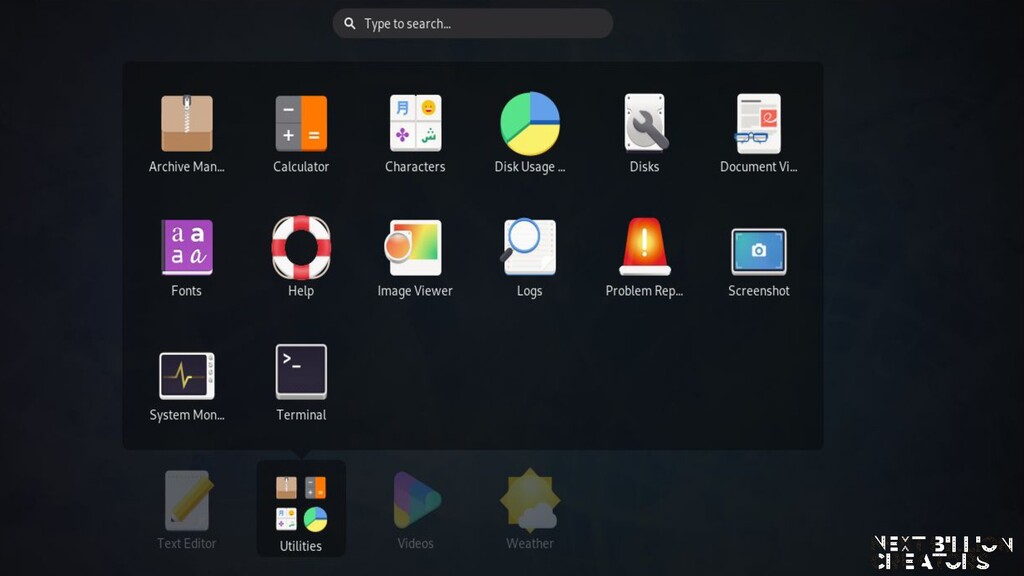
An introduction to open-source Desktop Applications available on a Linux server and their features
How to install and configure open-source desktop packages.
Explore desktop office applications packages.

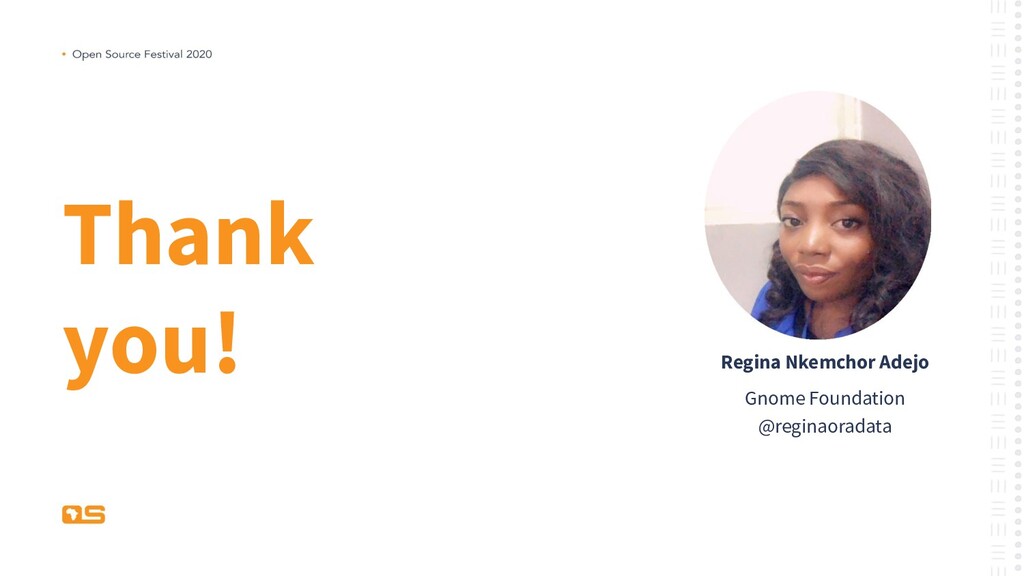
Avatar for Regina Nkemchor Adejo

Regina Nkemchor Adejo

February 20, 2020

More Decks by Regina Nkemchor Adejo

Other Decks in Technology

Transcript

  1. Open Source Festival 2020 ABOUT ME Regina is a Service

    line Analyst (Engineer) at Telnet Nigeria Limited. Presently she is working as a Application and Database specialist consultant on the Integrated Tax Administration System project in Nigeria. She gained her Bachelor’s degree in Public Administration. After her bachelors, she became interested in software engineering which led to her transitioning into the information technology field . She is an open source enthusiast, free software advocate and a member at GNOME foundation as part of the engagement team. At GNOME, she promotes the Free Desktop project and supports the inclusion and diversity team. She is a technical content creator , part of her work is published on YouTube and Udemy.
  2. LINUX DESKTOP ENVIRONMENT There are several desktop environments and these

    desktop environments determines what your Linux system looks like and how you interact with it.
  3. Open Source Festival 2020 Benefit of Linux Desktop Environments •

    Multiple options to choose from • Freedom to customize
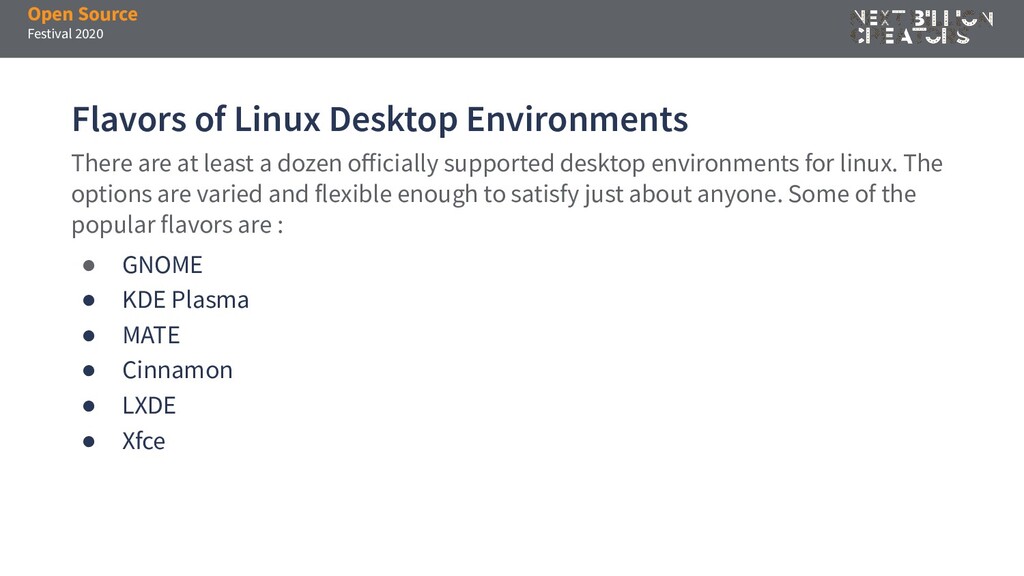
  4. Open Source Festival 2020 Flavors of Linux Desktop Environments •

    GNOME • KDE Plasma • MATE • Cinnamon • LXDE • Xfce There are at least a dozen officially supported desktop environments for linux. The options are varied and flexible enough to satisfy just about anyone. Some of the popular flavors are :
  5. GNOME This presentation will walk you through the installation of

    a linux distribution on a virtualization software and how to setup GNOME as your desktop environment on the operating system.
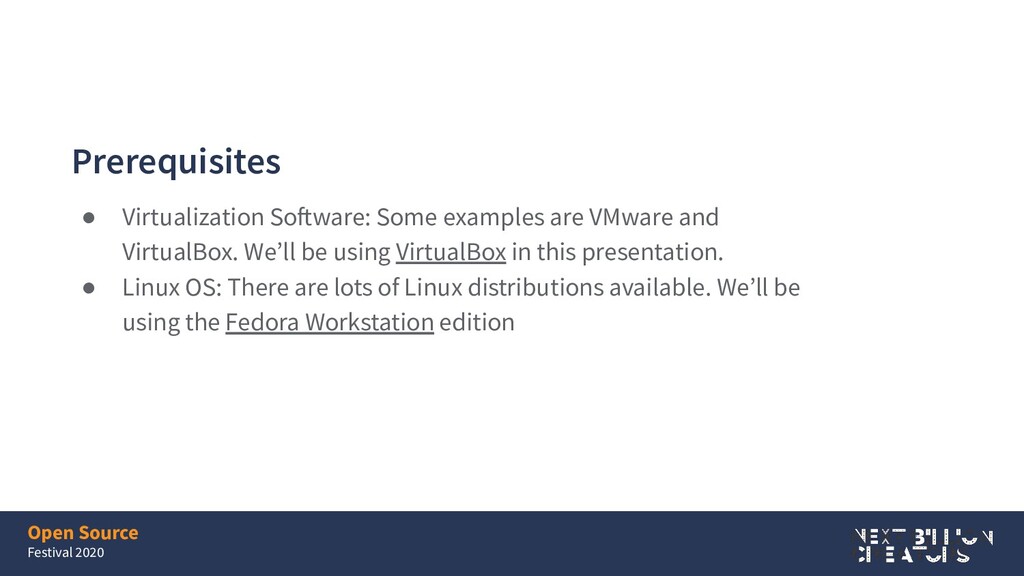
  6. Open Source Festival 2020 Prerequisites • Virtualization Software: Some examples

    are VMware and VirtualBox. We’ll be using VirtualBox in this presentation. • Linux OS: There are lots of Linux distributions available. We’ll be using the Fedora Workstation edition
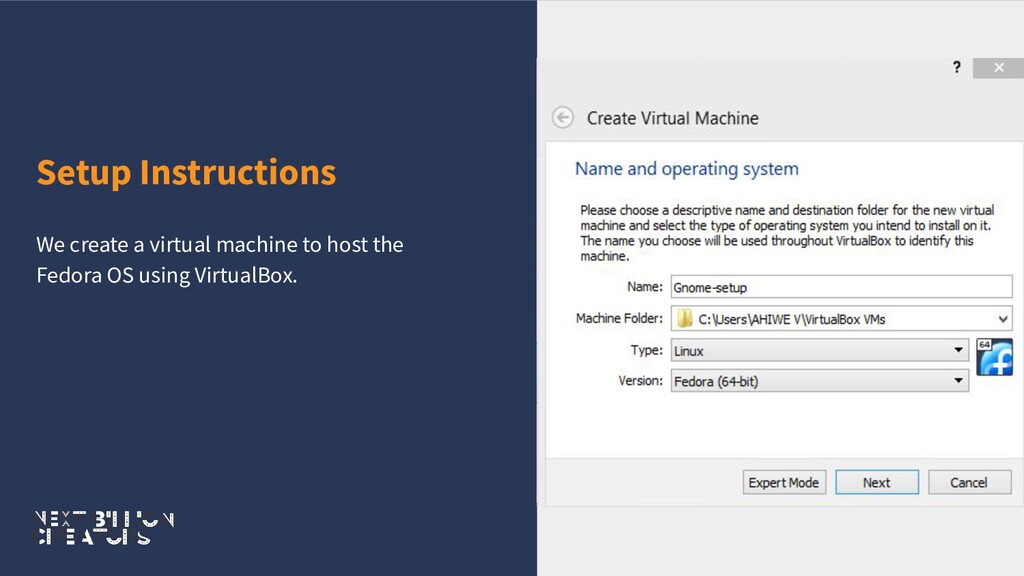
  7. Open Source Festival 2020 Setup Instructions • RAM: This depends

    on the RAM size of your PC. • Virtual Hard Disk Size: This depends on the available storage on your PC • In the settings of the VM, increase your processor to two and change your network adapter to a bridged adapter to allow the VM connect to the internet VM Properties
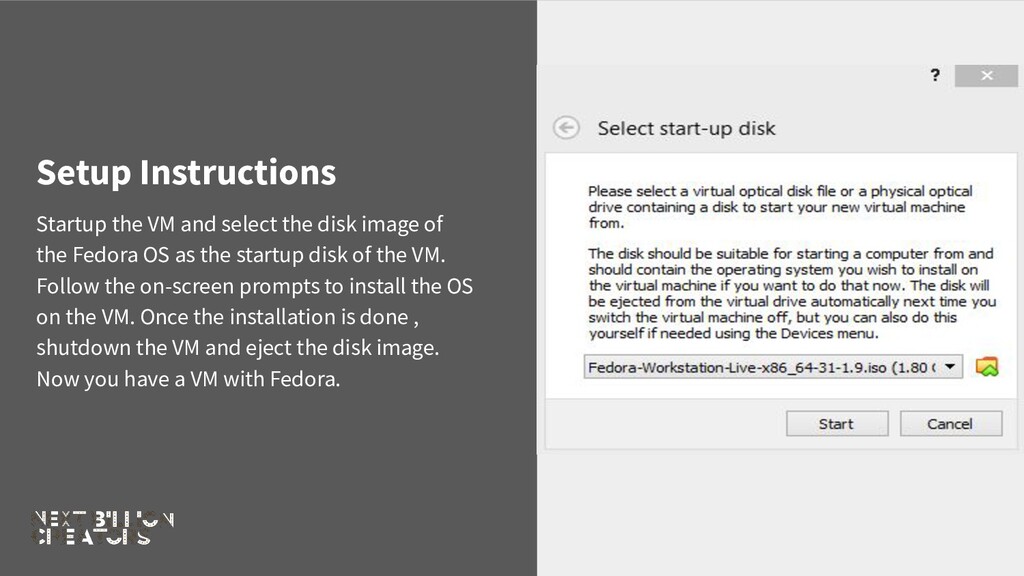
  8. Setup Instructions Startup the VM and select the disk image

    of the Fedora OS as the startup disk of the VM. Follow the on-screen prompts to install the OS on the VM. Once the installation is done , shutdown the VM and eject the disk image. Now you have a VM with Fedora.
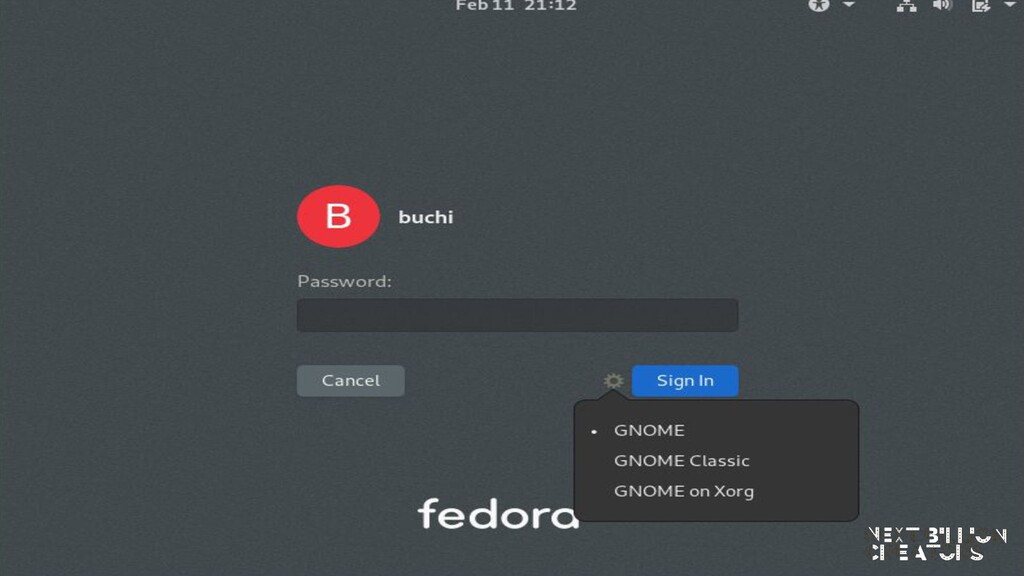
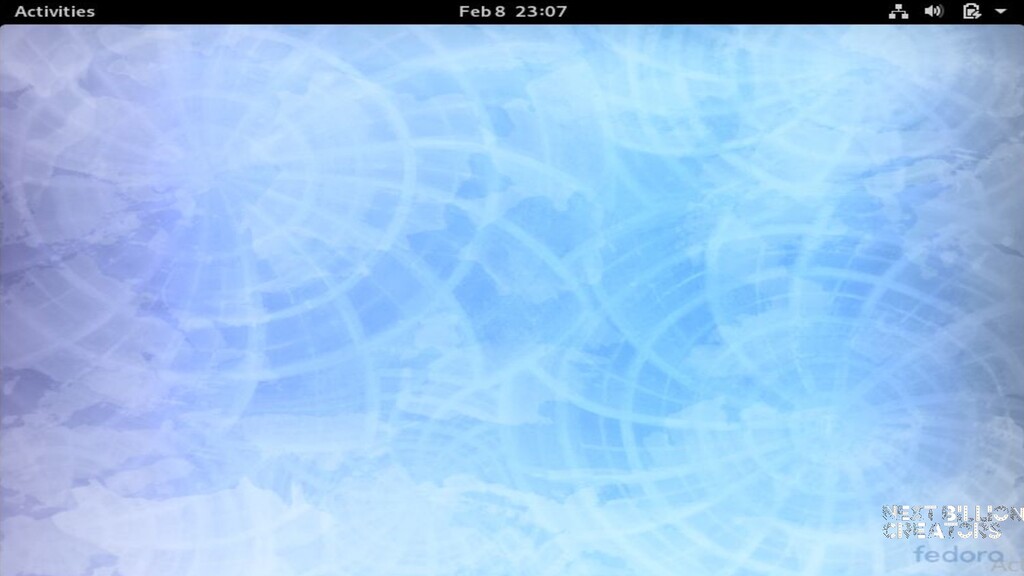
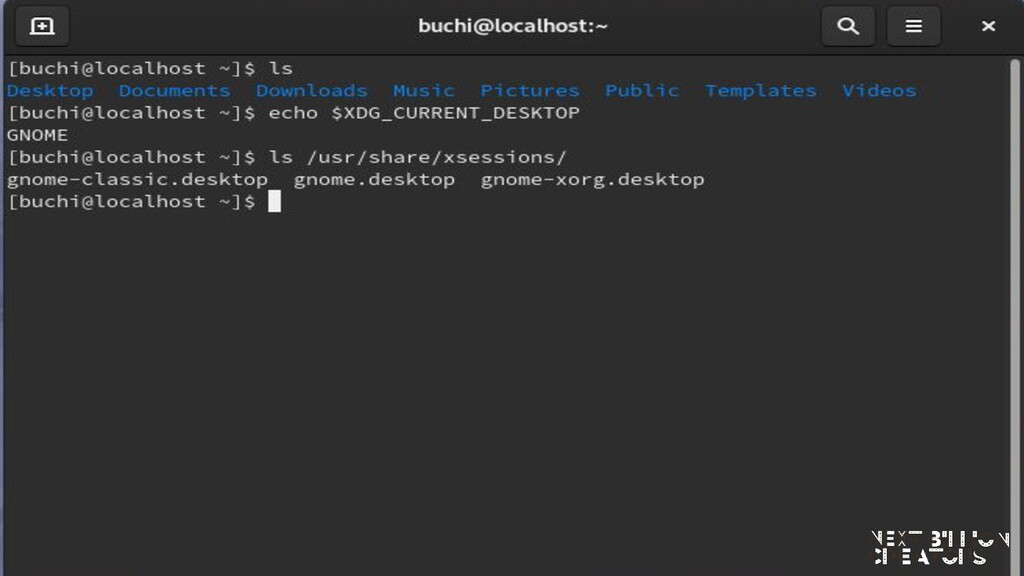
  9. Open Source Festival 2020 GNOME Fedora comes with GNOME installed

    as it’s default desktop environment. GNOME was designed with the goals of being simple, easy to access and reliable. GNOME’s popularity attests to the achievement of those goals.
  10. Conclusion GNOME is a desktop unlike any other. Its prime

    directive is “simplicity”. Everything else takes back seat to simplicity and ease of use. It takes very little time to learn how to use GNOME. It is a powerful and flexible desktop that stays out of the way at all times.