Upgrade to Pro
— share decks privately, control downloads, hide ads and more …
Speaker Deck
Sign up for free
Menu
Search
Features
All features
Private URLs
Password Protection
Custom URLS
Scheduled publishing
Remove Branding
Restrict embedding
Deck Collections
Notes
Features
All features
Private URLs
Password Protection
Custom URLS
Scheduled publishing
Remove Branding
Restrict embedding
Deck Collections
Notes
Explore
Featured decks
Featured speakers
Programming
Technology
Storyboards
Explore
Featured decks
Featured speakers
Programming
Technology
Storyboards
Pricing
Search
Sign in
Sign up for free
Heroku 102
Search
Rhys Elsmore
June 18, 2014
Programming
210
2
Share
Embed
Copy iframe code
Copy JS code
Copy link
Start on current slide
Heroku 102
Rhys Elsmore
June 18, 2014
More Decks by Rhys Elsmore
See All by Rhys Elsmore
How to Lose Friends and Influence Burnout
rhyselsmore
0
89
Other Decks in Programming
See All in Programming
Androidだけじゃない、DroidKaigiで広がった私の技術スタック
akkeylab
0
130
Everything will be SERVERLESS — 信じて運用した10年の経験値 / Everything Will be Serverless — Lessons Learned from 10 Years of Operational Experience
seike460
PRO
1
1k
wkhtmltopdfの次どうするか問題2026
willnet
2
1.9k
C#の現在地 進化の歴史と、AI時代の.NET Everywhere
neuecc
5
5.1k
機械に任せるテスト、人が見るテスト ⽣成AIで引き直した、運⽤保守フェーズの線引き
dske104
0
180
Augmenting AI with the Power of Jakarta EE
ivargrimstad
0
570
R8 の設定見直しでアプリサイズ削減
andpad
0
210
気持ちぃ〜角丸 Squircle
ryu1013
0
290
Herb in Rails 8.2: Your ERB views, now HTML-aware @ Rails World 2026, Austin, Texas
marcoroth
0
210
設計次第でAIコードの読む量は減らせる / designing-for-code-reading
minodriven
34
16k
見えないものを探る要求要件定義に必要な基本的思考 / invisible-requirement-thinking
minodriven
15
8.3k
The Rails Doctrine Decade
koic
2
570
Featured
See All Featured
Kristin Tynski - Automating Marketing Tasks With AI
techseoconnect
PRO
0
550
Navigating Team Friction
lara
192
16k
SEO for Brand Visibility & Recognition
aleyda
0
4.8k
XXLCSS - How to scale CSS and keep your sanity
sugarenia
250
1.3M
The innovator’s Mindset - Leading Through an Era of Exponential Change - McGill University 2025
jdejongh
PRO
1
370
How Software Deployment tools have changed in the past 20 years
geshan
2
35k
Design and Strategy: How to Deal with People Who Don’t "Get" Design
morganepeng
133
20k
Thoughts on Productivity
jonyablonski
76
5.4k
A brief & incomplete history of UX Design for the World Wide Web: 1989–2019
jct
2
530
Music & Morning Musume
bryan
48
7.4k
We Are The Robots
honzajavorek
0
400
Bioeconomy Workshop: Dr. Julius Ecuru, Opportunities for a Bioeconomy in West Africa
akademiya2063
PRO
1
400
Transcript
[email protected]
102 @rhyselsmore
@rhyselsmore >>> import rhyselsmore Platform Security Engineer at Heroku. I
focus on Anti-Abuse Systems. I develop using a mixture of Python/Go.
@rhyselsmore Heroku is a Platform as a Service
@rhyselsmore You build your application, not infrastructure
@rhyselsmore Deploying is as easy as ‘git push’
@rhyselsmore Scaling and upgrading is simple
@rhyselsmore tl;dr: Spend time on your application’s code
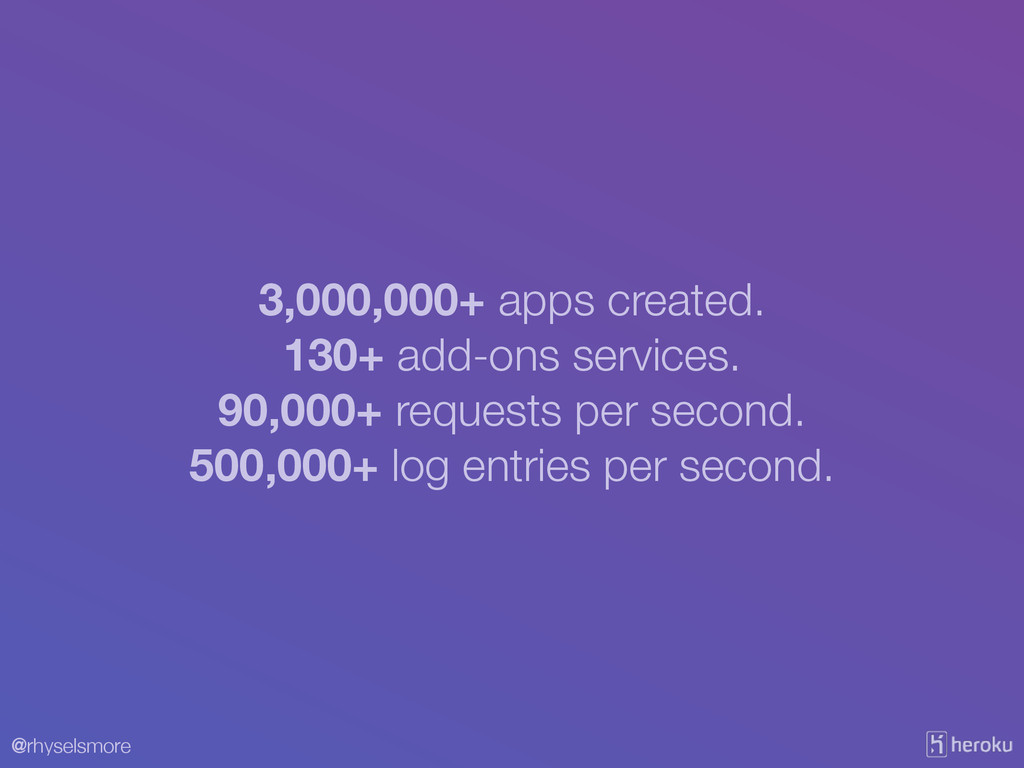
@rhyselsmore 3,000,000+ apps created. 130+ add-ons services. 90,000+ requests per
second. 500,000+ log entries per second.
@rhyselsmore Run anything* on Heroku
@rhyselsmore Python & Ruby & PHP & Java & NodeJS
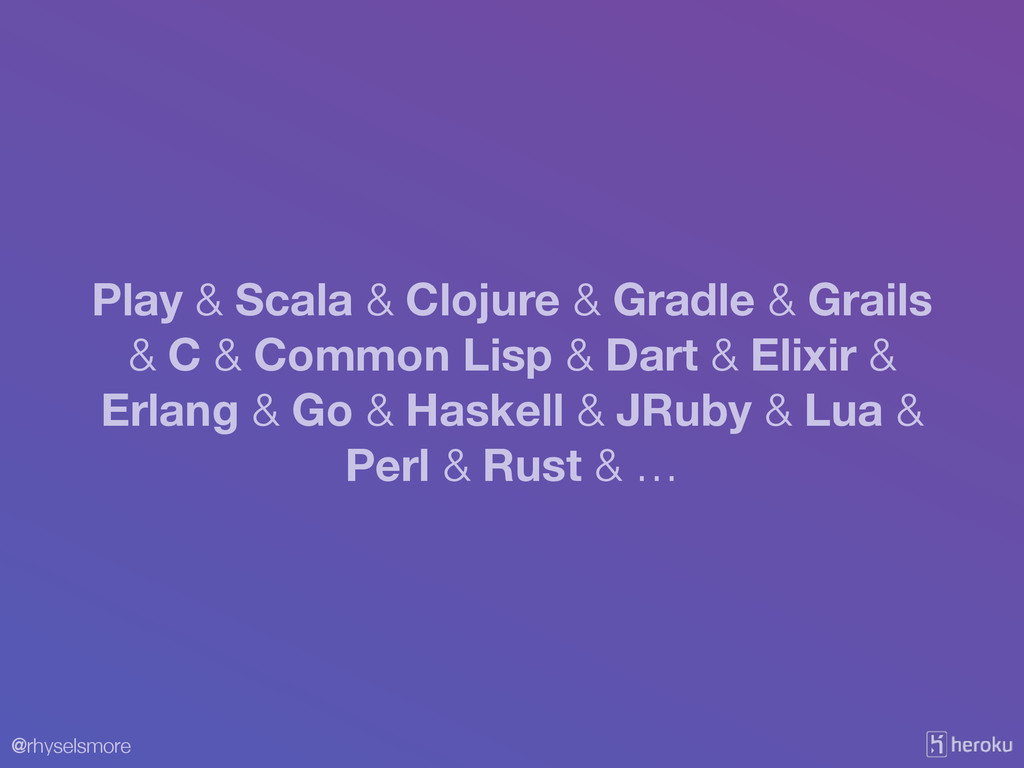
@rhyselsmore Play & Scala & Clojure & Gradle & Grails
& C & Common Lisp & Dart & Elixir & Erlang & Go & Haskell & JRuby & Lua & Perl & Rust & …
@rhyselsmore
@rhyselsmore The Twelve-Factor App 12factor.net
@rhyselsmore The Twelve-Factor Flask App 12factor.net
@rhyselsmore Lets assume that You want to learn about Heroku
You know (a bit) of Python You have Python, pip, and can create a virtualenv
@rhyselsmore Lets assume that You want to learn about Heroku
You know (a bit) of Python You have Python, pip, and can create a virtualenv install.python-guide.org
@rhyselsmore Get an account at heroku.com
@rhyselsmore Install the Heroku Toolbelt toolbelt.heroku.com
@rhyselsmore $ heroku login Login
@rhyselsmore The Twelve-Factor App 12factor.net
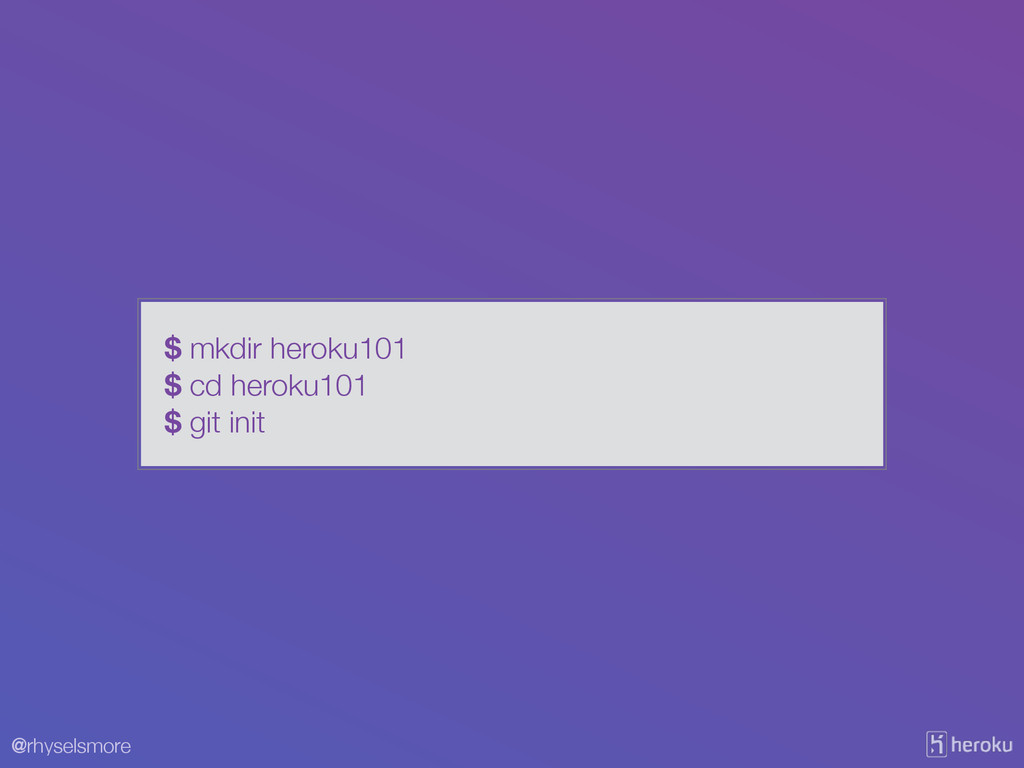
@rhyselsmore $ mkdir heroku101 $ cd heroku101 $ git init
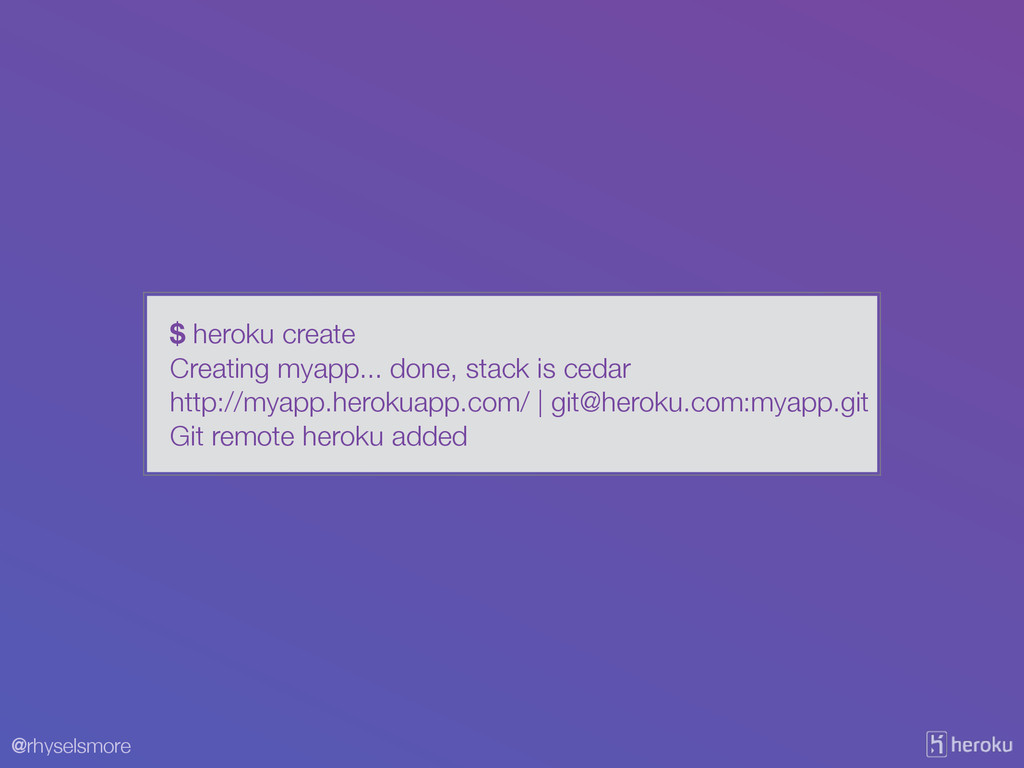
@rhyselsmore $ heroku create Creating myapp... done, stack is cedar
http://myapp.herokuapp.com/ |
[email protected]
:myapp.git Git remote heroku added
@rhyselsmore $ cat .git/config [core] repositoryformatversion = 0 filemode =
true bare = false logallrefupdates = true ignorecase = true precomposeunicode = true [remote "heroku"] url =
[email protected]
:myapp.git fetch = +refs/heads/*:refs/remotes/heroku/*
@rhyselsmore $ virtualenv venv $ pip install flask gunicorn $
pip freeze > requirements.txt
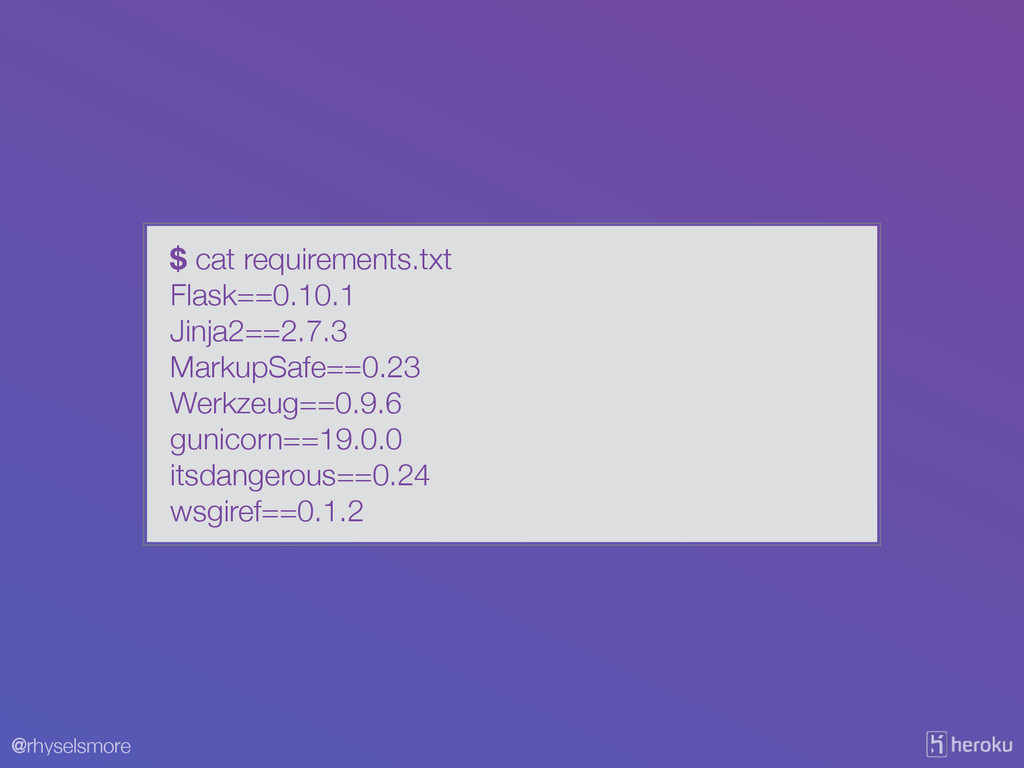
@rhyselsmore $ cat requirements.txt Flask==0.10.1 Jinja2==2.7.3 MarkupSafe==0.23 Werkzeug==0.9.6 gunicorn==19.0.0 itsdangerous==0.24
wsgiref==0.1.2
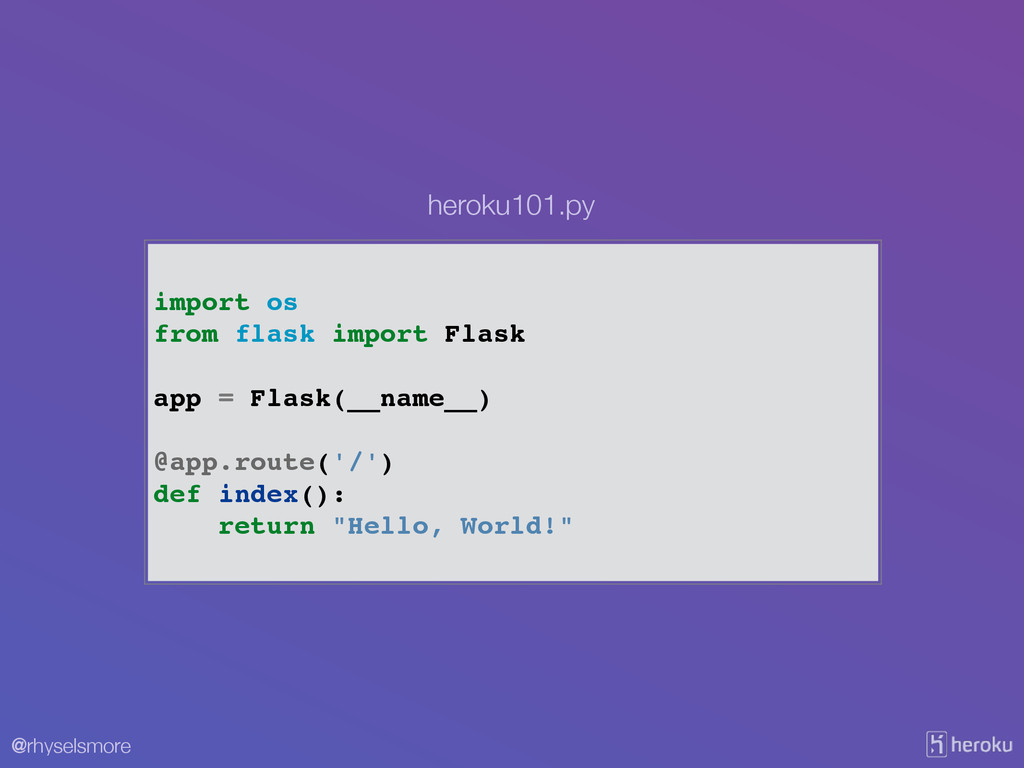
@rhyselsmore import os! from flask import Flask! ! app =
Flask(__name__)! ! @app.route('/')! def index():! return "Hello, World!" heroku101.py
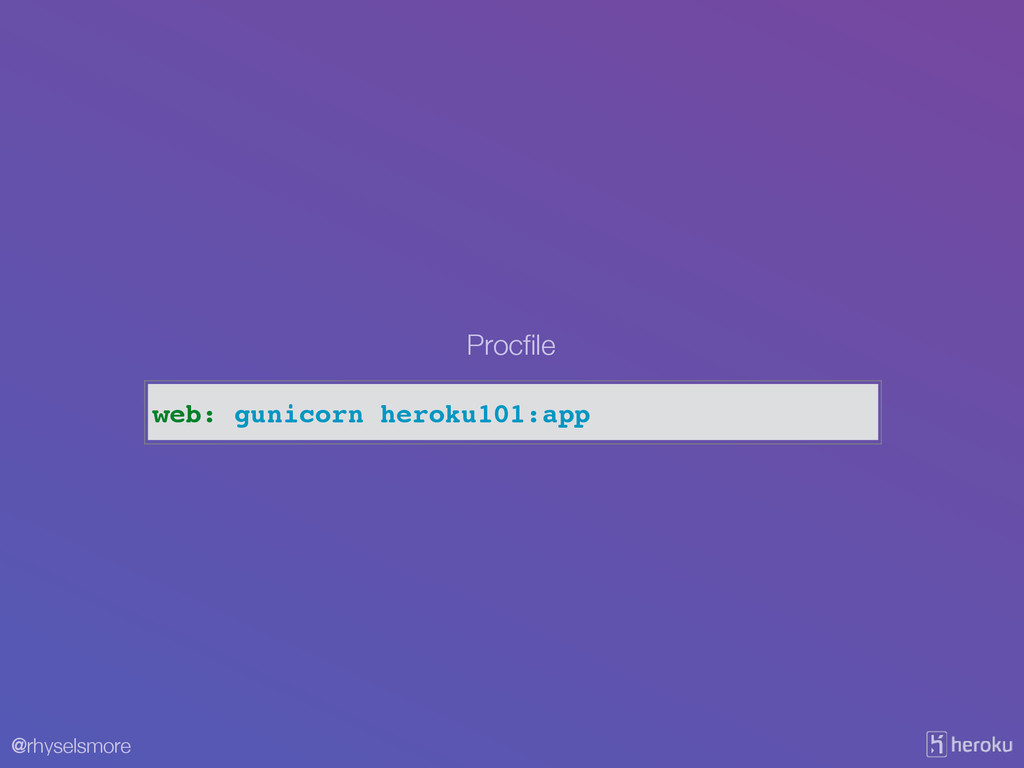
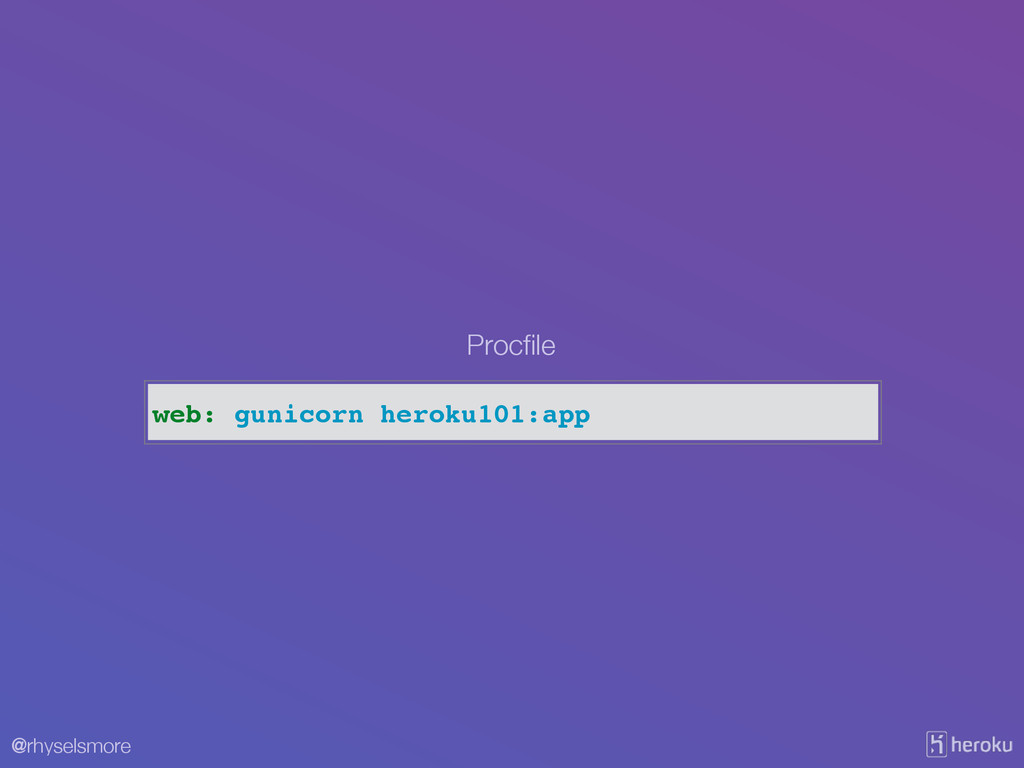
@rhyselsmore web: gunicorn heroku101:app Procfile
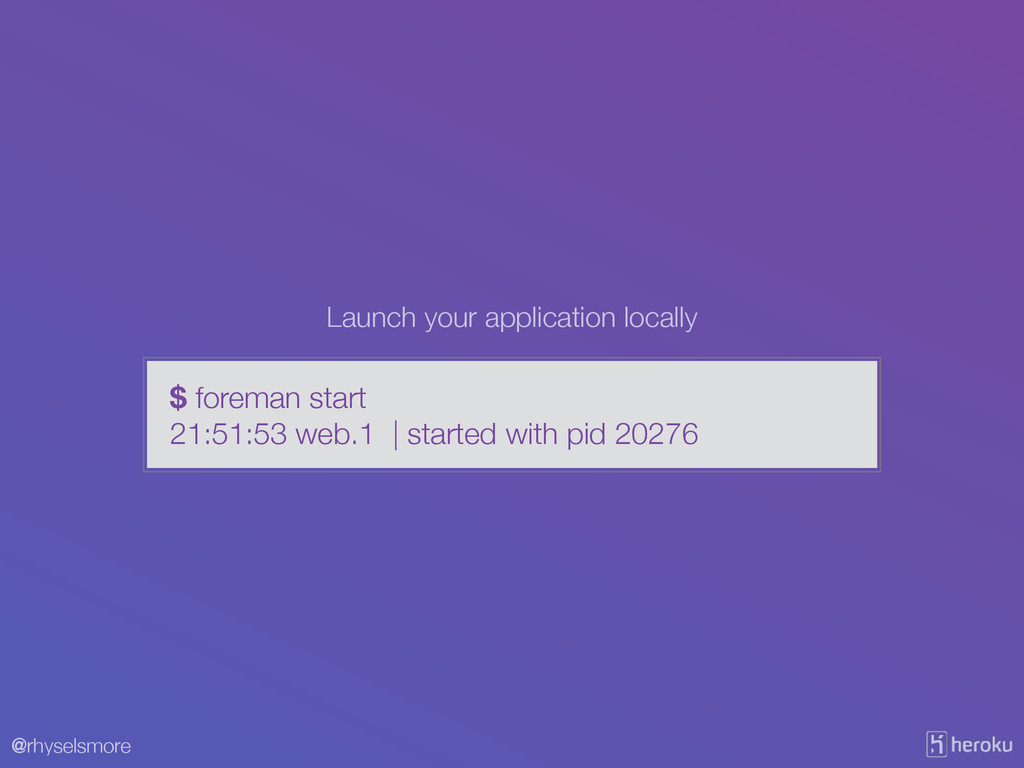
@rhyselsmore $ foreman start 21:51:53 web.1 | started with pid
20276 Launch your application locally
@rhyselsmore Visit http://localhost:5000/ in your browser.
@rhyselsmore venv *.pyc .gitignore
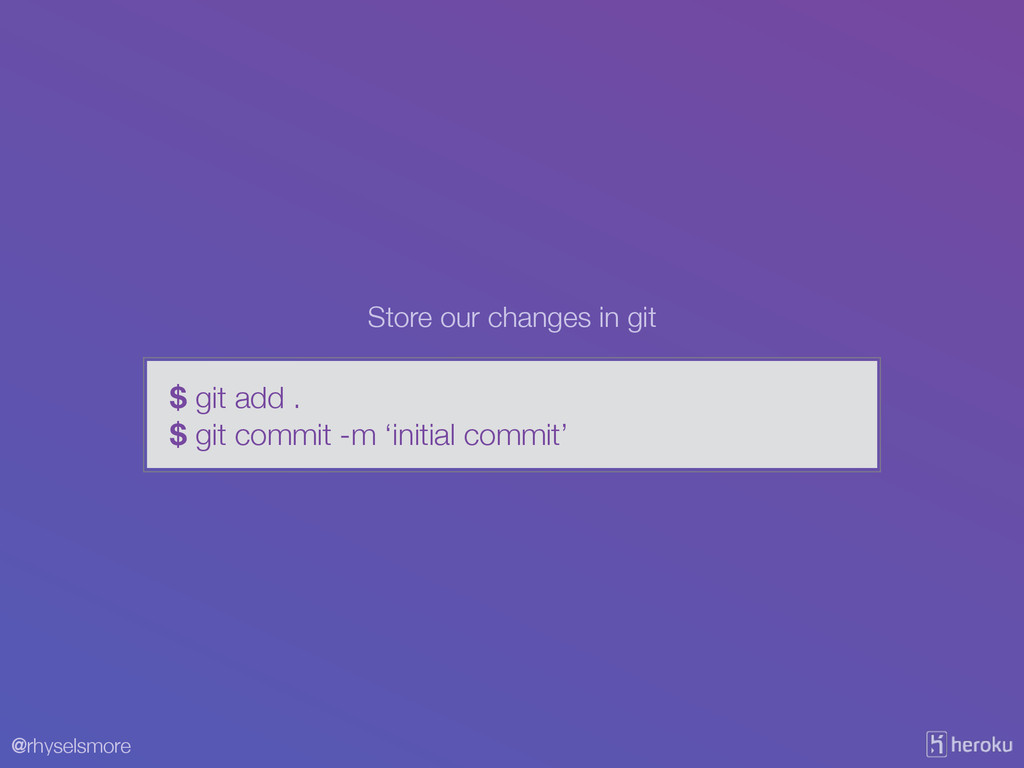
@rhyselsmore $ git add . $ git commit -m ‘initial
commit’ Store our changes in git
@rhyselsmore Now, lets send it up to Heroku
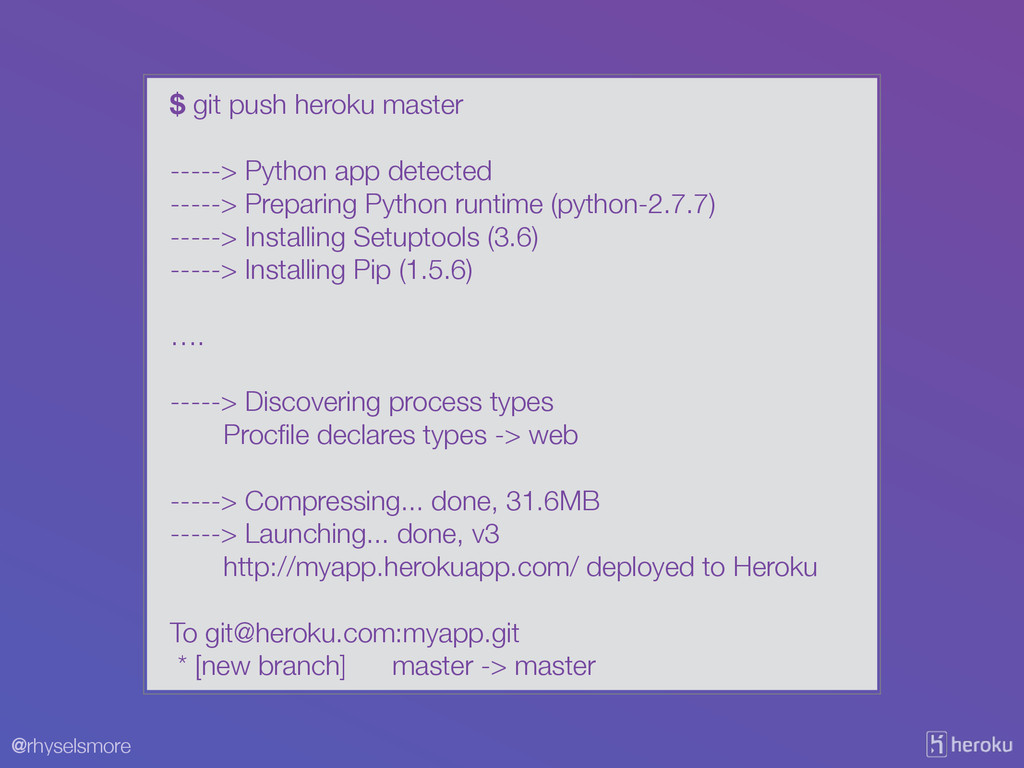
@rhyselsmore $ git push heroku master ! -----> Python app
detected -----> Preparing Python runtime (python-2.7.7) -----> Installing Setuptools (3.6) -----> Installing Pip (1.5.6) ! …. ! -----> Discovering process types Procfile declares types -> web ! -----> Compressing... done, 31.6MB -----> Launching... done, v3 http://myapp.herokuapp.com/ deployed to Heroku ! To
[email protected]
:myapp.git * [new branch] master -> master
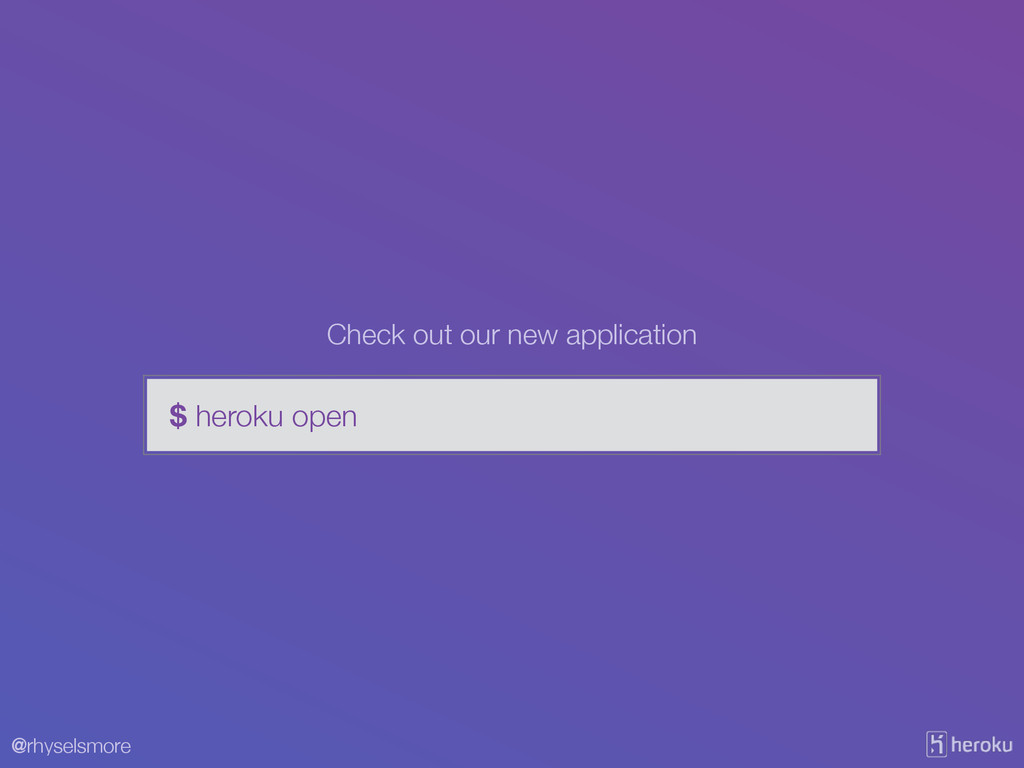
@rhyselsmore $ heroku open Check out our new application
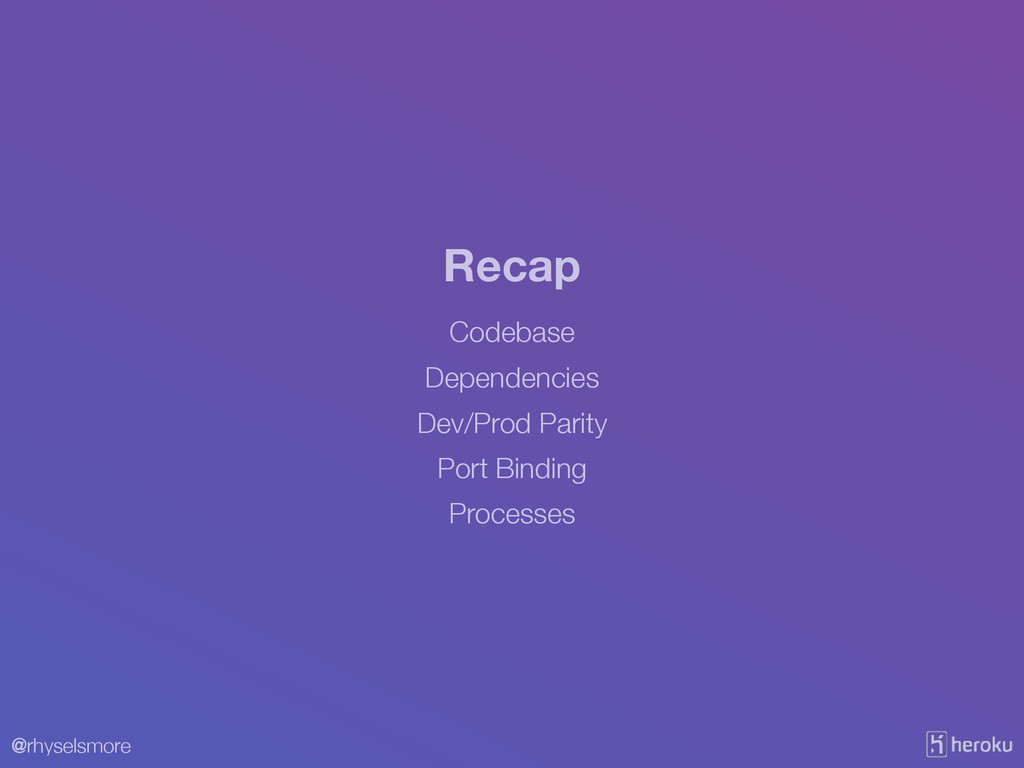
@rhyselsmore Codebase Recap Dependencies Dev/Prod Parity Port Binding Processes
@rhyselsmore Codebase Recap Dependencies Dev/Prod Parity Port Binding Processes
@rhyselsmore I. Codebase One codebase tracked in revision control, many
deploys
@rhyselsmore Codebase Recap Dependencies Dev/Prod Parity Port Binding Processes
@rhyselsmore II. Dependencies Explicitly declare and isolate dependencies
@rhyselsmore Codebase Recap Dependencies Dev/Prod Parity Port Binding Processes
@rhyselsmore X. Dev/Prod Parity Keep development, staging, and production as
similar as possible
@rhyselsmore Codebase Recap Dependencies Dev/Prod Parity Port Binding Processes
@rhyselsmore VII. Port Binding Export services via port binding
@rhyselsmore Codebase Recap Dependencies Dev/Prod Parity Port Binding Processes
@rhyselsmore VI. Processes Execute the app as one or more
stateless processes
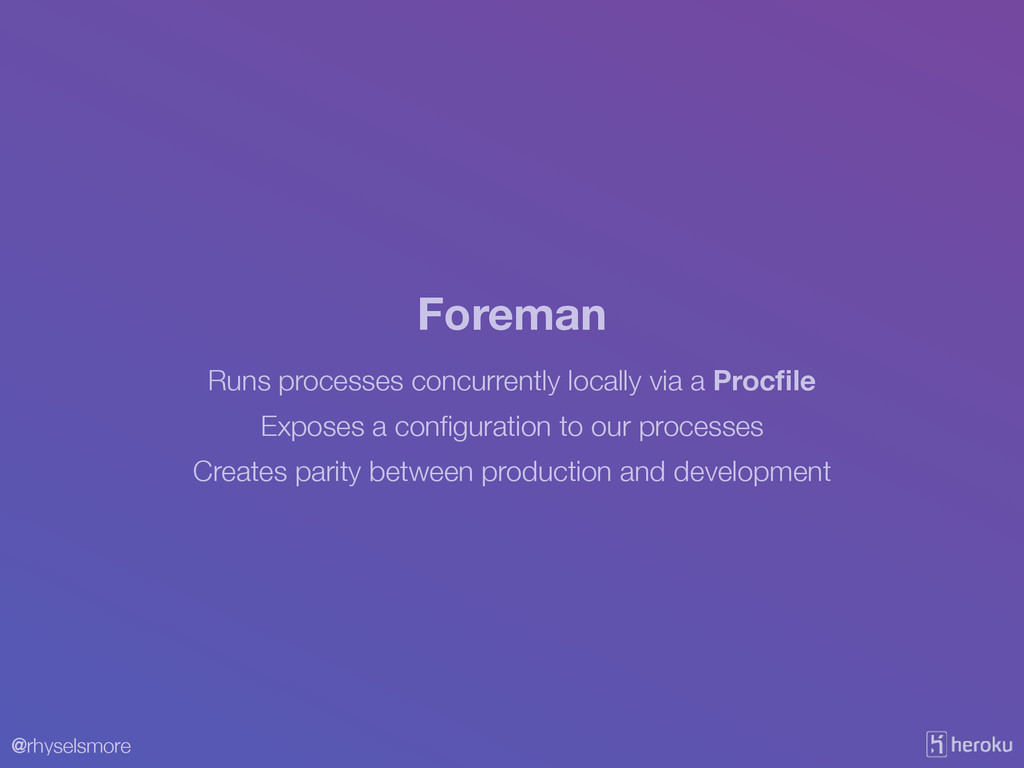
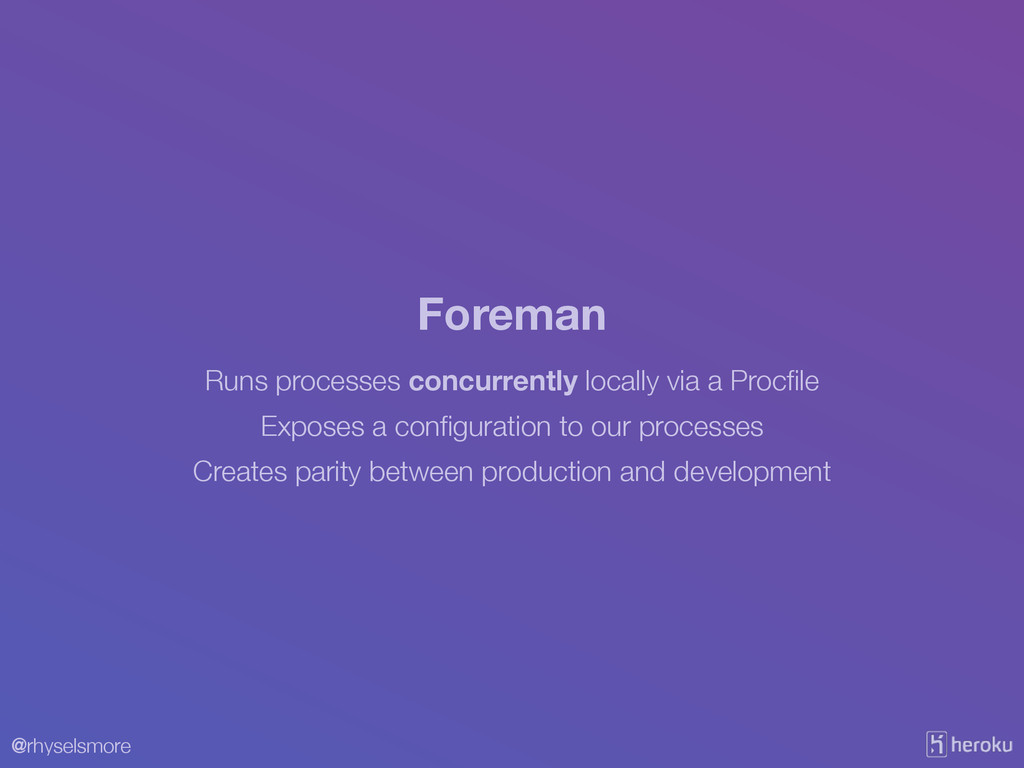
@rhyselsmore Runs processes concurrently locally via a Procfile Foreman Exposes
a configuration to our processes Creates parity between production and development
@rhyselsmore web: gunicorn heroku101:app Procfile
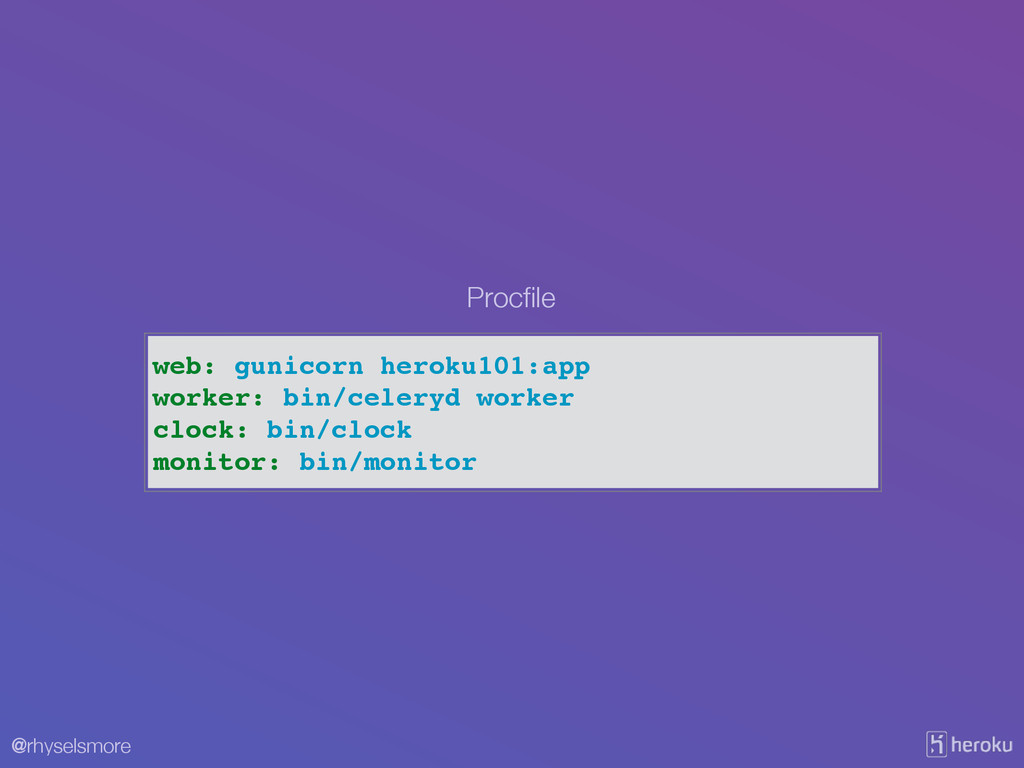
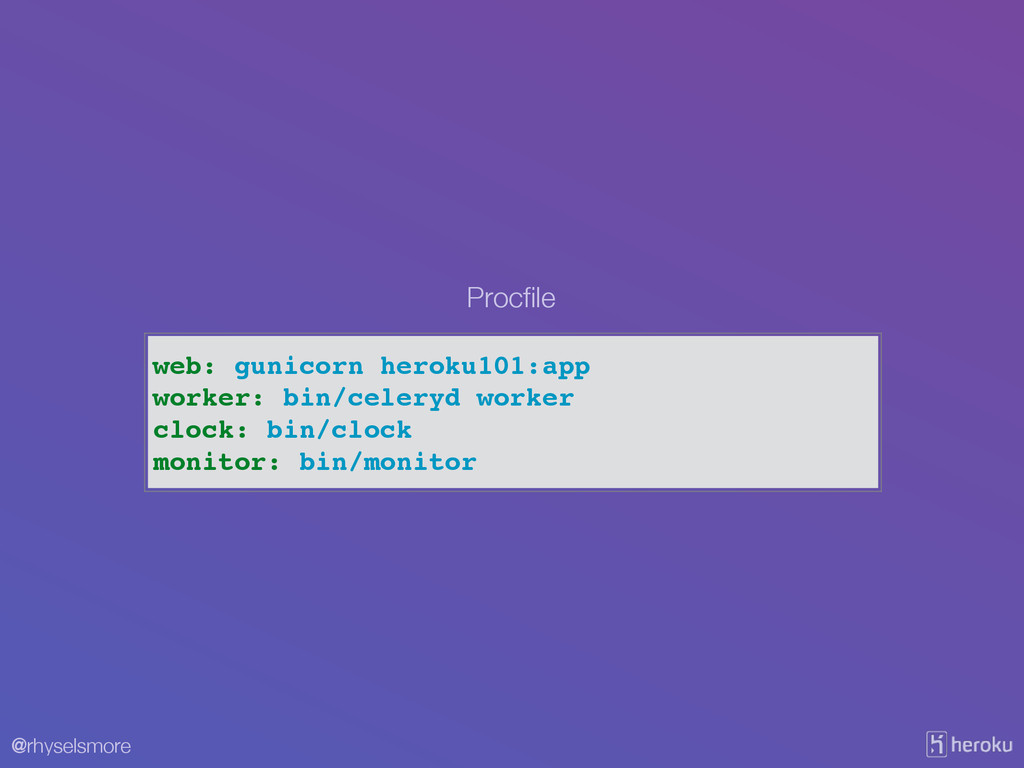
@rhyselsmore web: gunicorn heroku101:app worker: bin/celeryd worker clock: bin/clock monitor:
bin/monitor Procfile
@rhyselsmore Runs processes concurrently locally via a Procfile Foreman Exposes
a configuration to our processes Creates parity between production and development
@rhyselsmore VIII. Concurrency Scale out via the process model
@rhyselsmore web
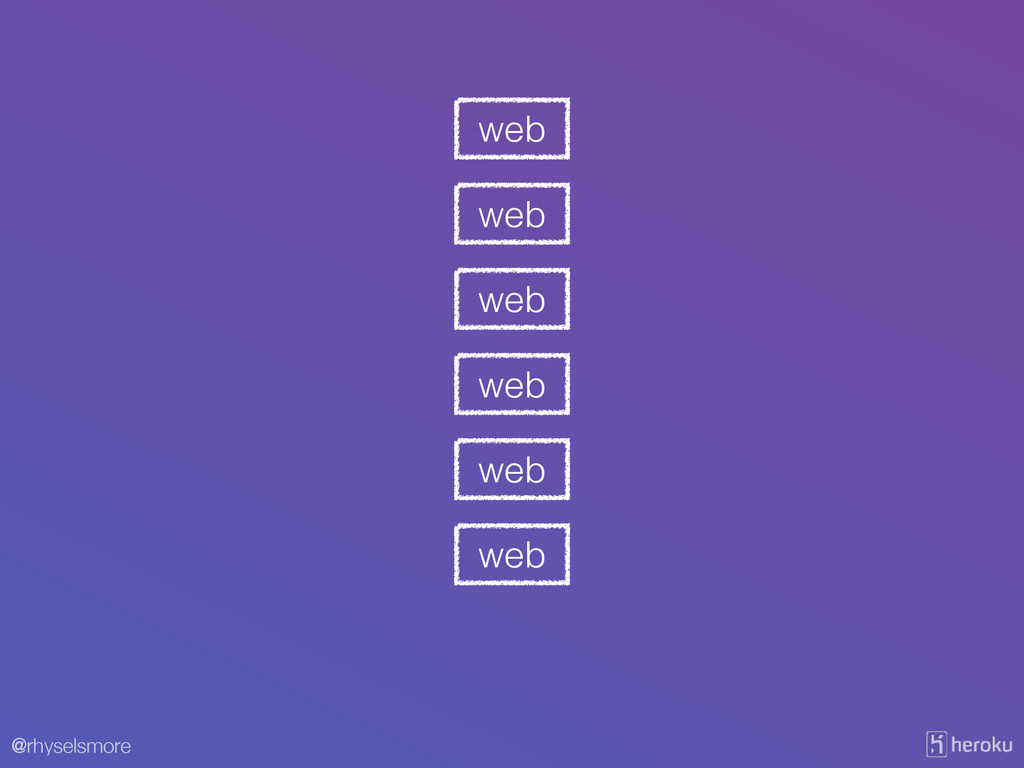
@rhyselsmore $ heroku ps:scale web=6
@rhyselsmore web web web web web web
@rhyselsmore web: gunicorn heroku101:app worker: bin/celeryd worker clock: bin/clock monitor:
bin/monitor Procfile
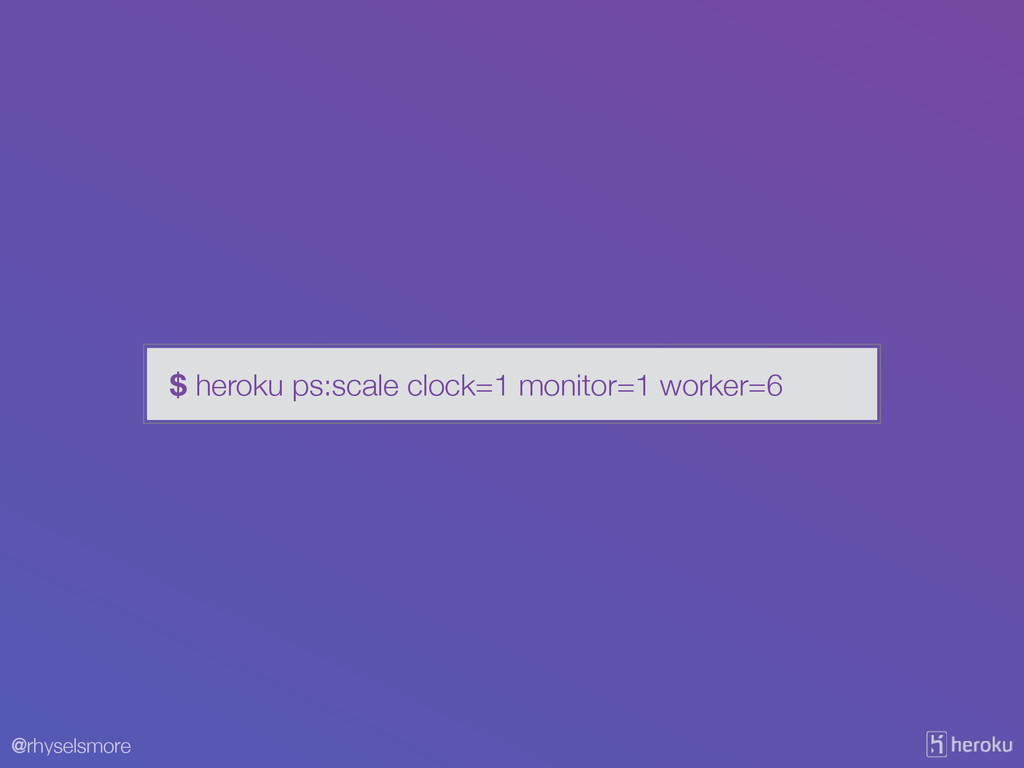
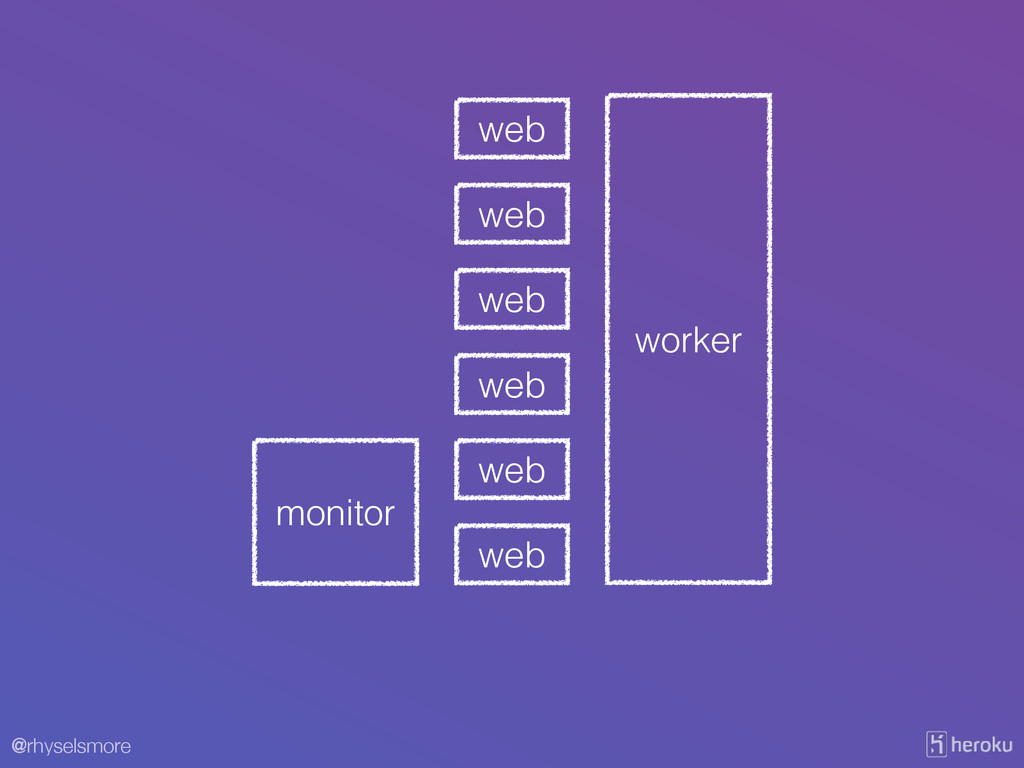
@rhyselsmore $ heroku ps:scale clock=1 monitor=1 worker=6
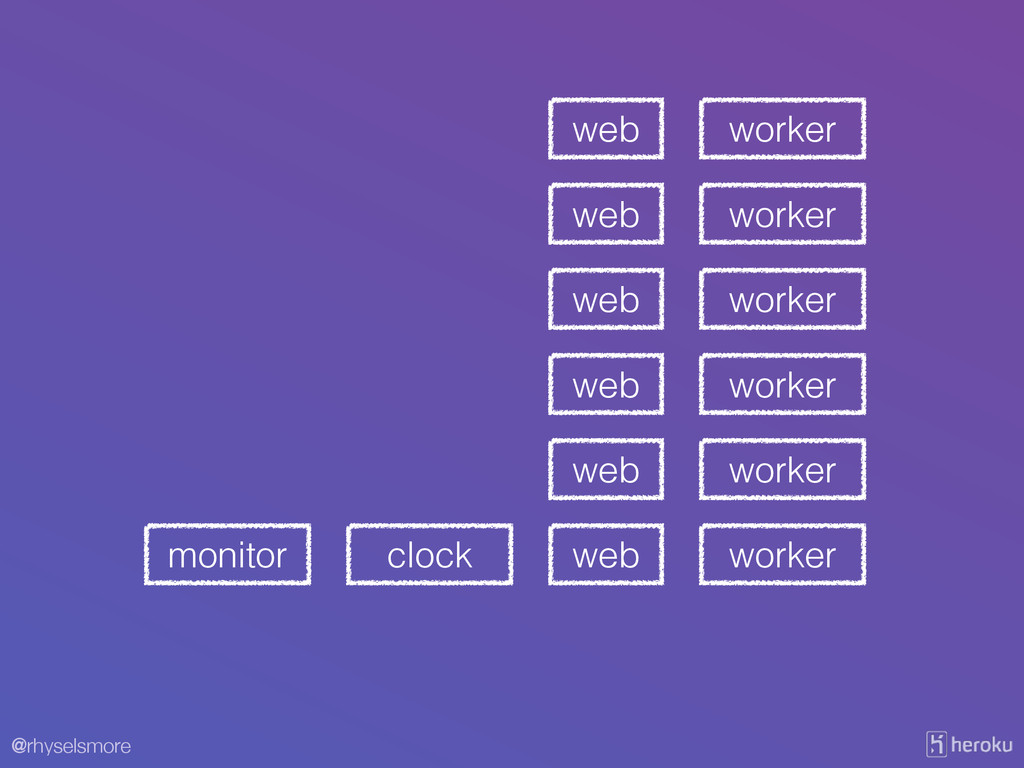
@rhyselsmore web web web web web worker worker worker worker
worker clock monitor web worker
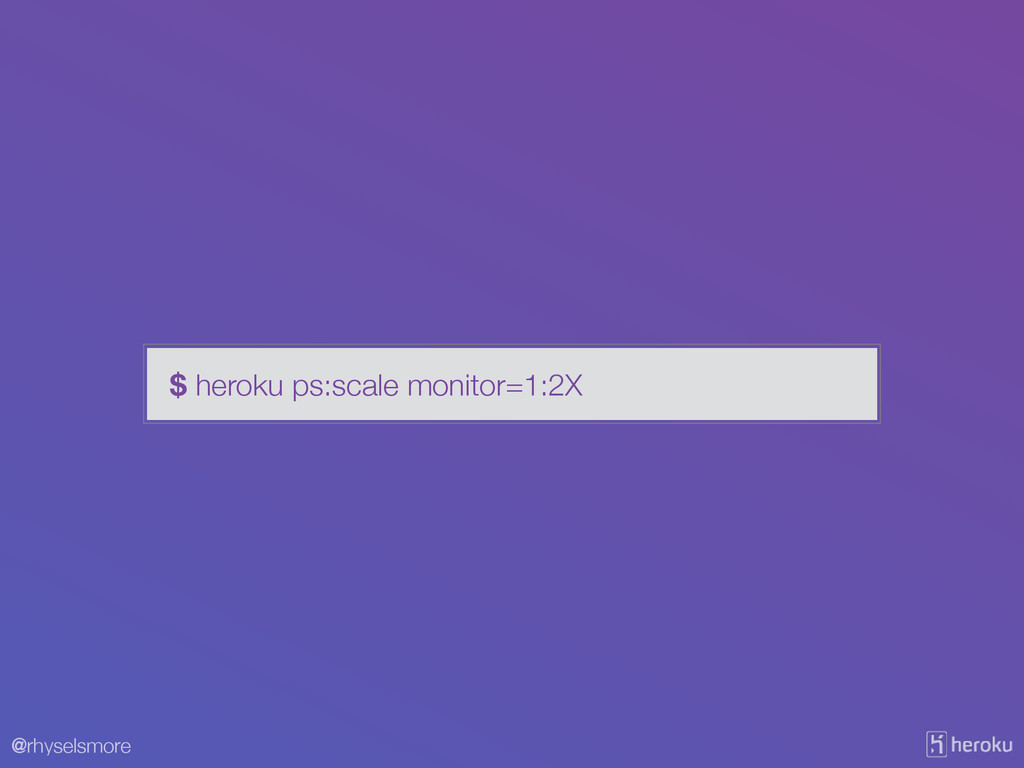
@rhyselsmore $ heroku ps:scale monitor=1:2X
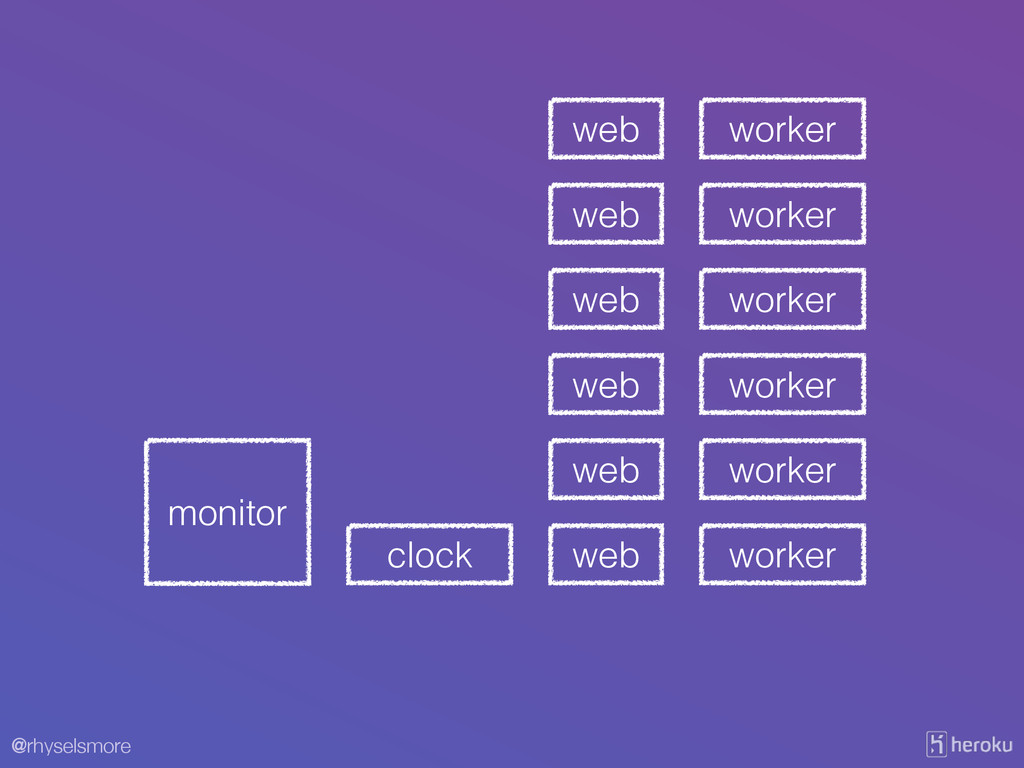
@rhyselsmore web web web web web worker worker worker worker
worker clock ! monitor web worker
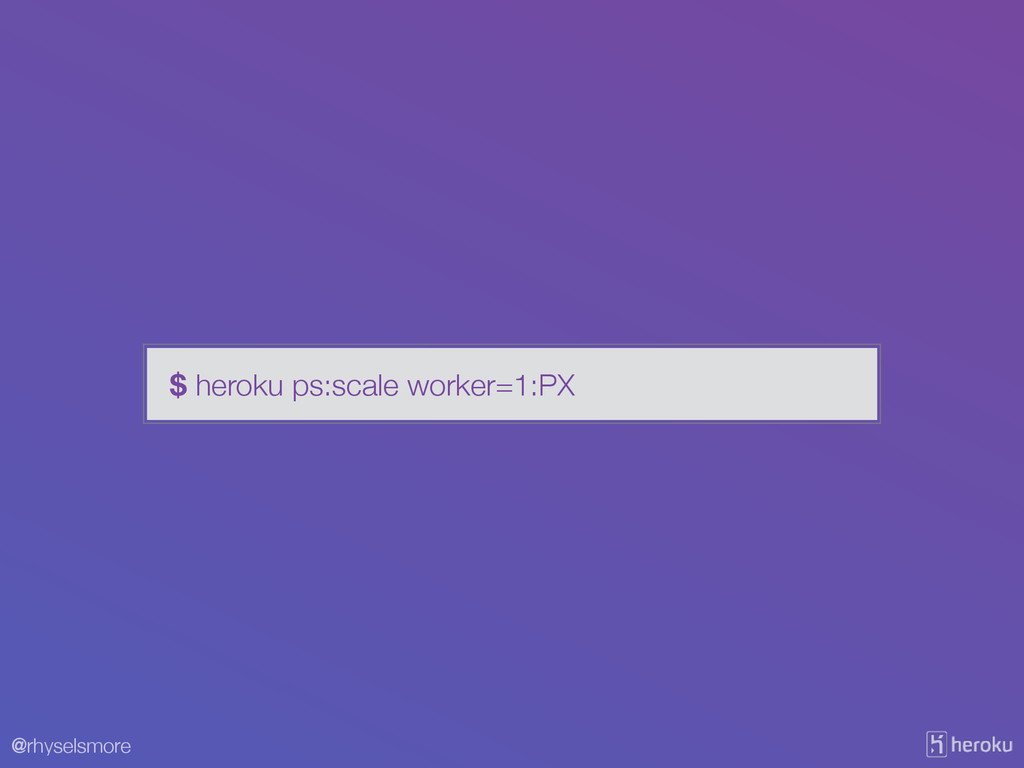
@rhyselsmore $ heroku ps:scale worker=1:PX
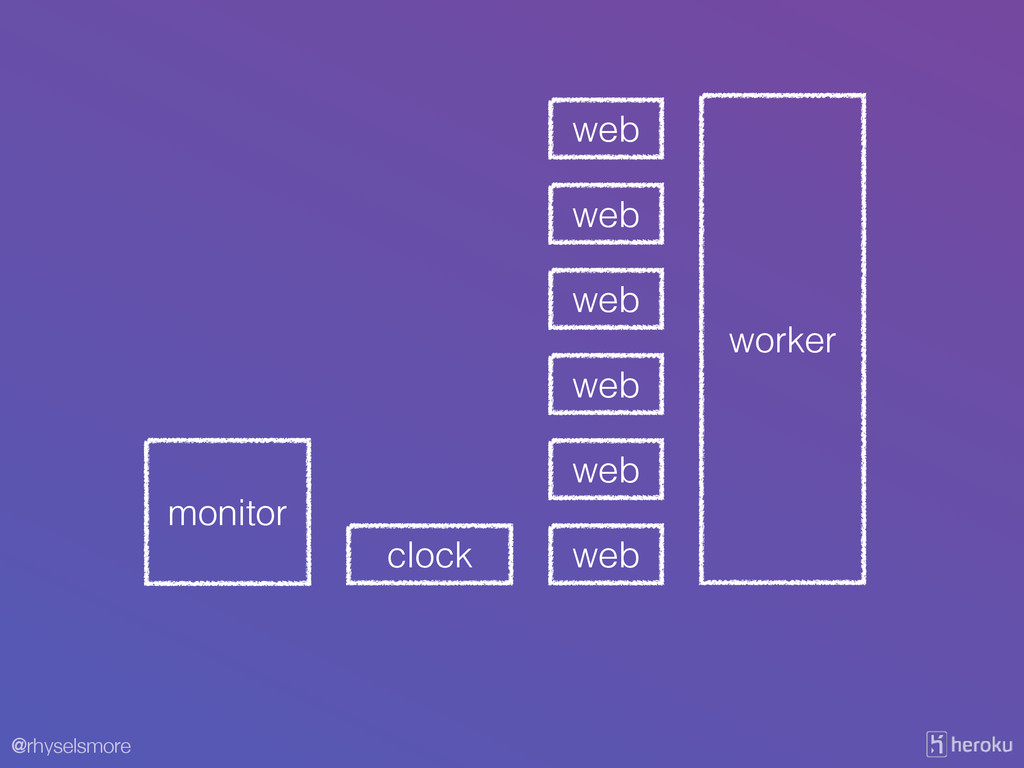
@rhyselsmore web web web web web clock ! monitor web
! ! ! ! ! worker ! ! ! !
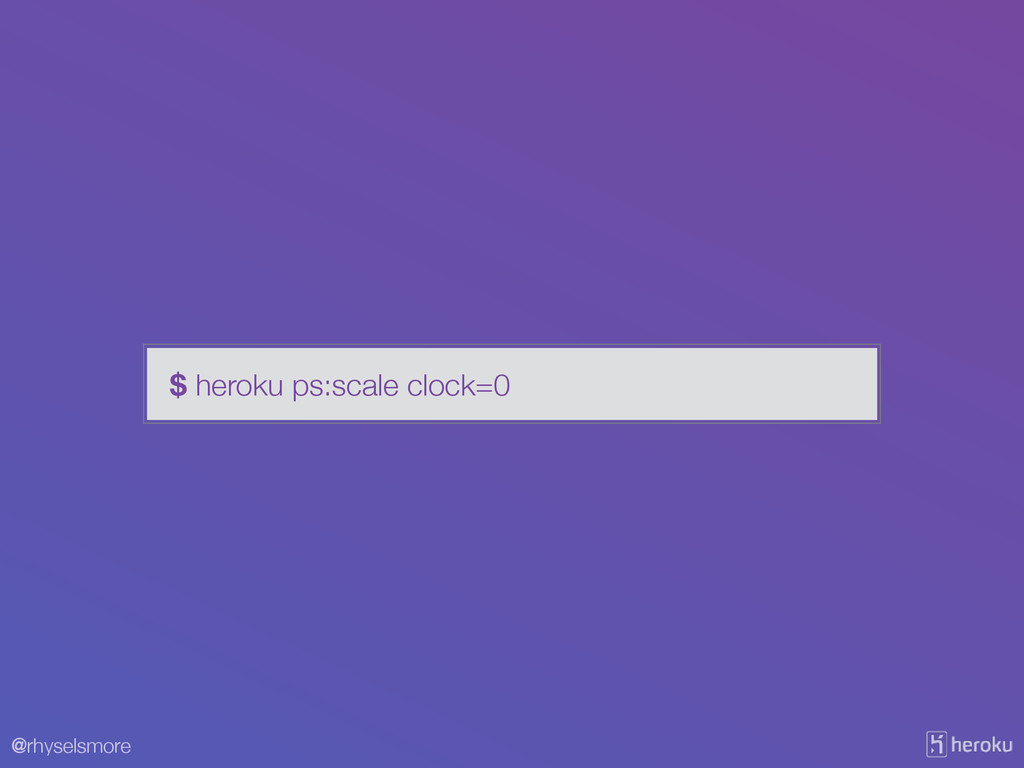
@rhyselsmore $ heroku ps:scale clock=0
@rhyselsmore web web web web web ! monitor web !
! ! ! ! worker ! ! ! !
@rhyselsmore Runs processes concurrently locally via a Procfile Foreman Exposes
a configuration to our processes Creates parity between production and development
@rhyselsmore III. Config Store config in the environment
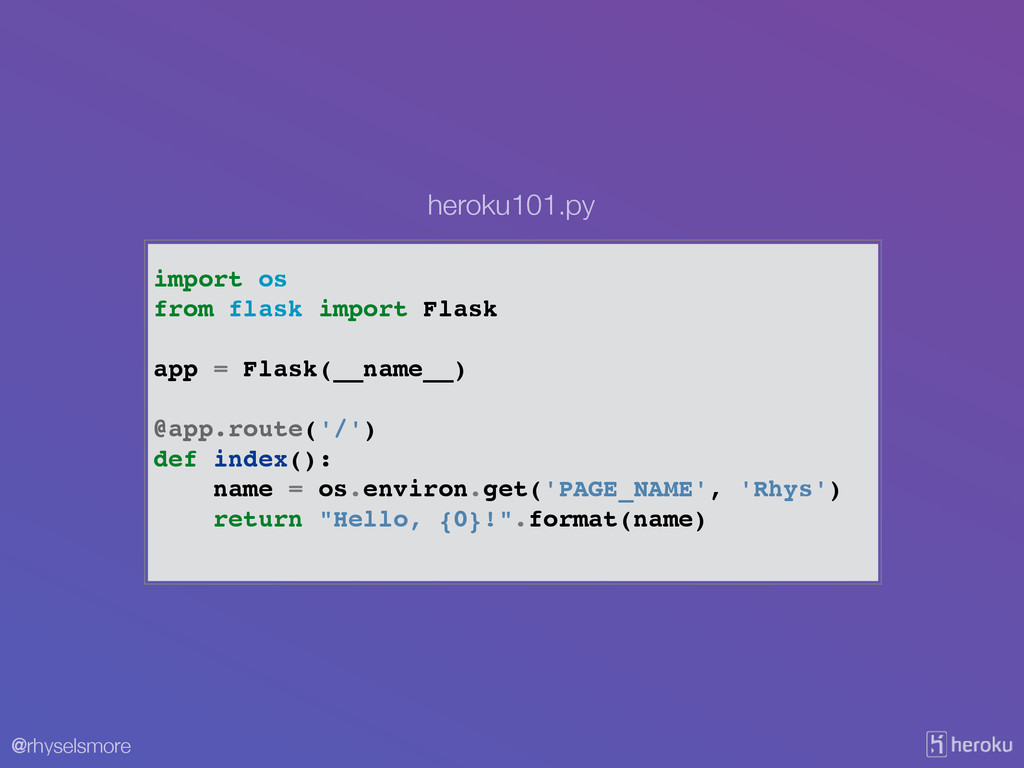
@rhyselsmore import os! from flask import Flask! ! app =
Flask(__name__)! ! @app.route('/')! def index():! name = os.environ.get('PAGE_NAME', 'Rhys')! return "Hello, {0}!".format(name)! heroku101.py
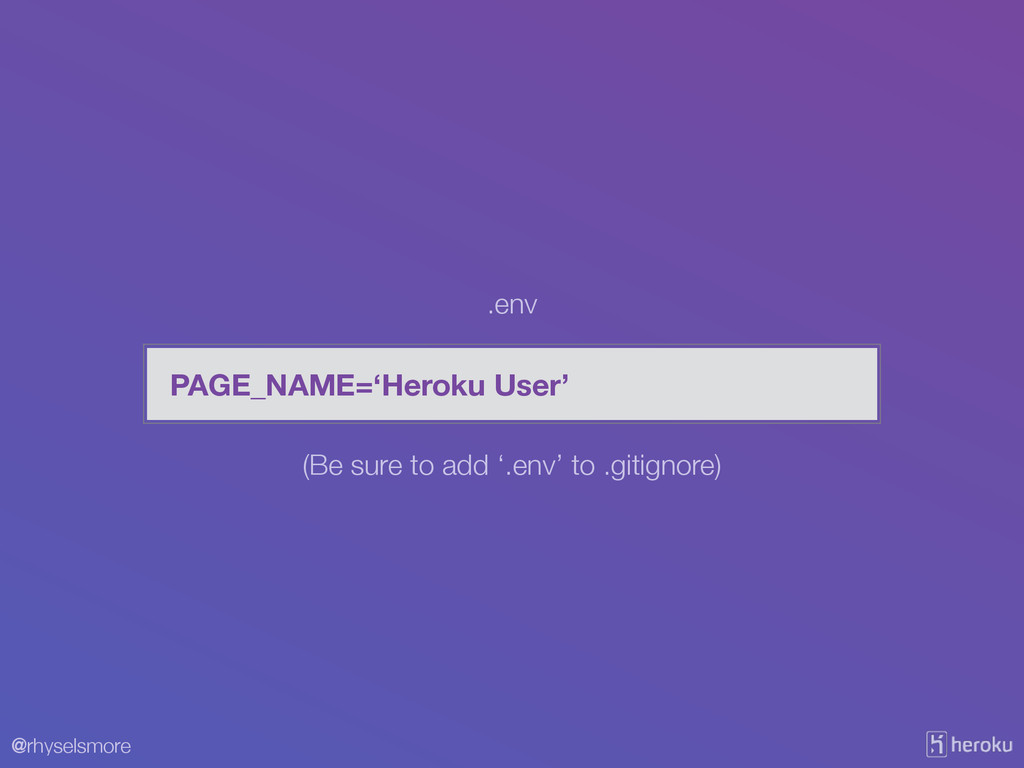
@rhyselsmore PAGE_NAME=‘Heroku User’ .env (Be sure to add ‘.env’ to
.gitignore)
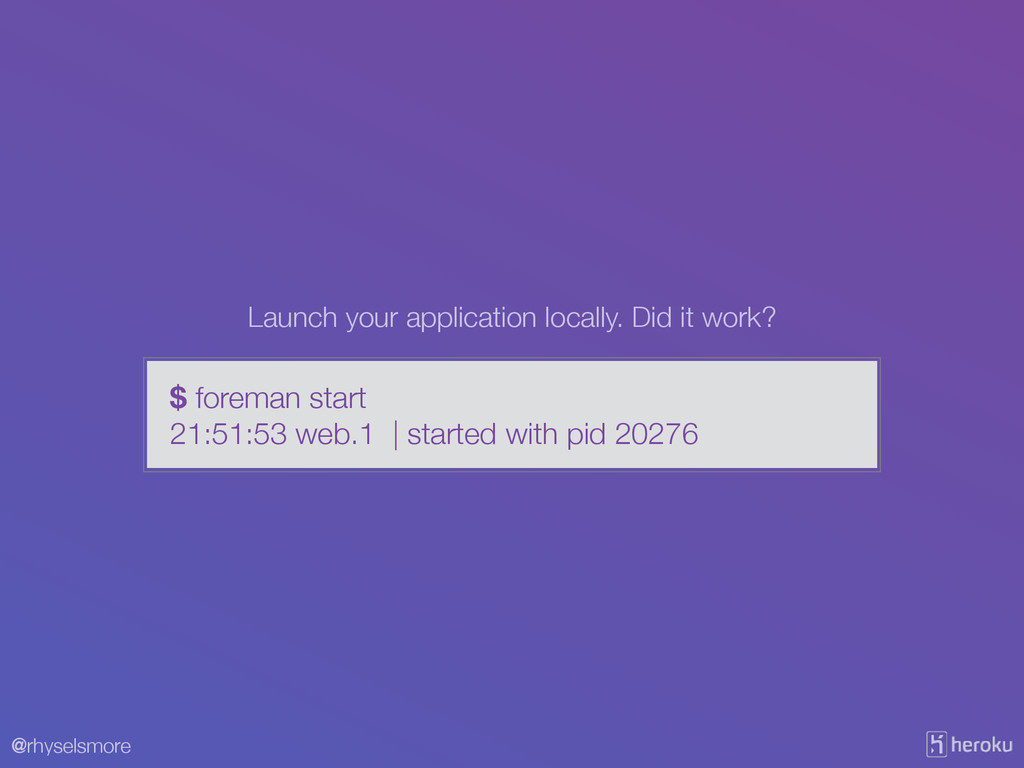
@rhyselsmore $ foreman start 21:51:53 web.1 | started with pid
20276 Launch your application locally. Did it work?
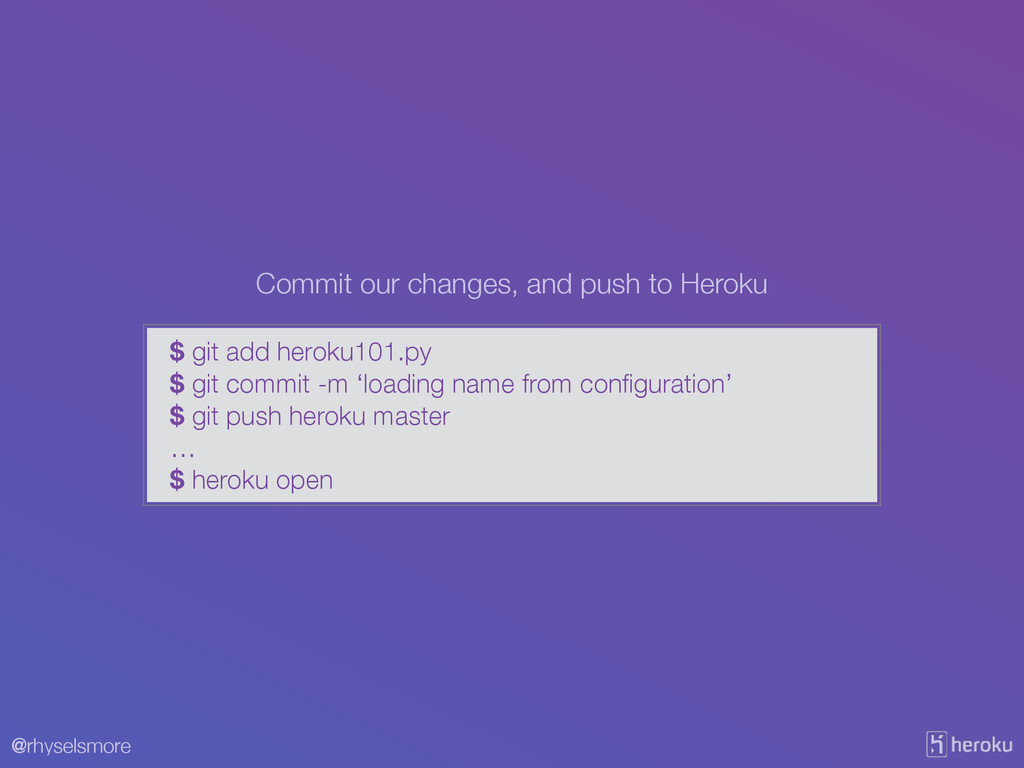
@rhyselsmore $ git add heroku101.py $ git commit -m ‘loading
name from configuration’ $ git push heroku master … $ heroku open Commit our changes, and push to Heroku
@rhyselsmore Now, lets set our configuration on Heroku.
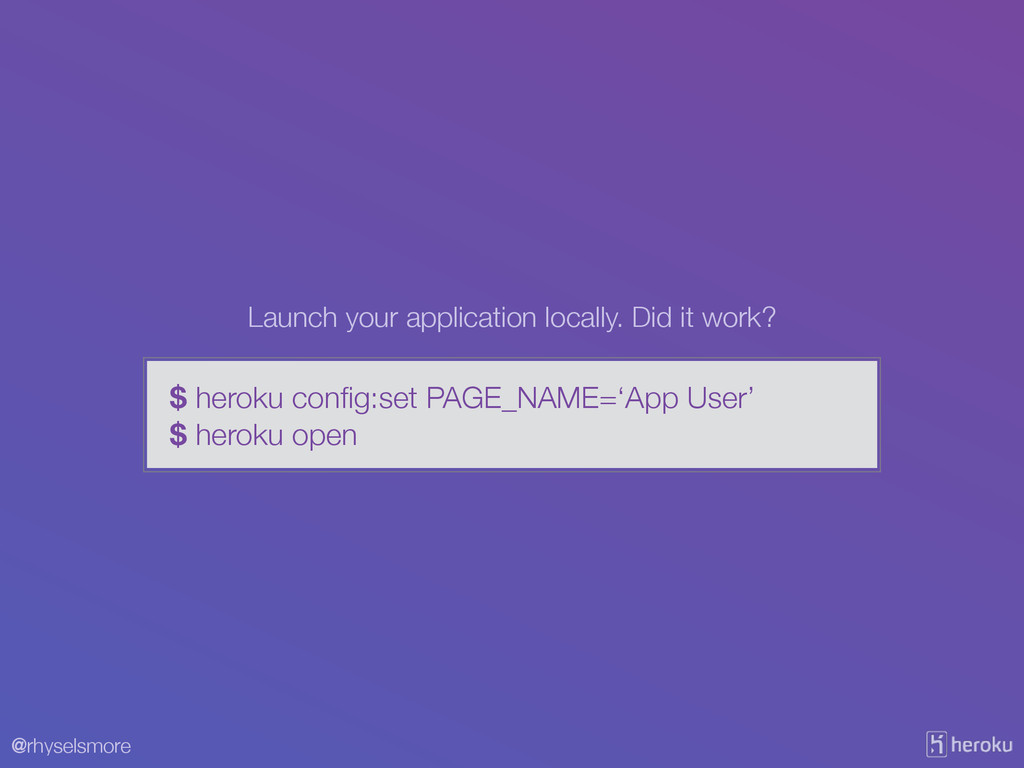
@rhyselsmore $ heroku config:set PAGE_NAME=‘App User’ $ heroku open Launch
your application locally. Did it work?
@rhyselsmore V. Build, Release, Run Strictly separate build and run
stages
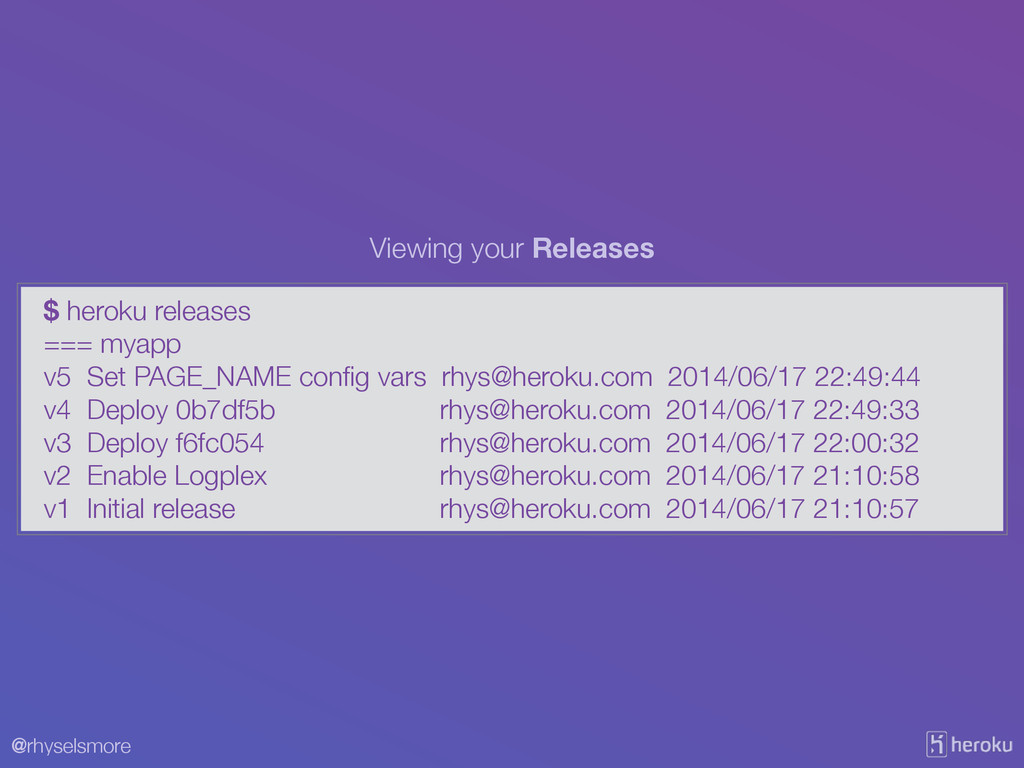
@rhyselsmore $ heroku releases === myapp v5 Set PAGE_NAME config
vars
[email protected]
2014/06/17 22:49:44 v4 Deploy 0b7df5b
[email protected]
2014/06/17 22:49:33 v3 Deploy f6fc054
[email protected]
2014/06/17 22:00:32 v2 Enable Logplex
[email protected]
2014/06/17 21:10:58 v1 Initial release
[email protected]
2014/06/17 21:10:57 Viewing your Releases
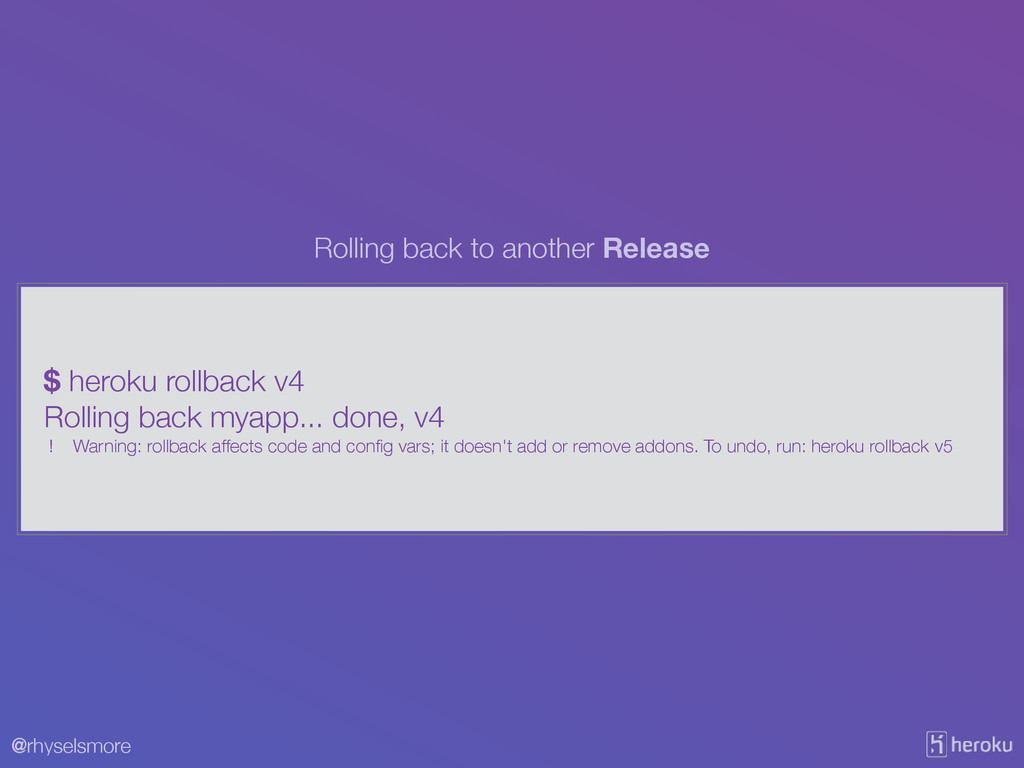
@rhyselsmore $ heroku rollback v4 Rolling back myapp... done, v4
! Warning: rollback affects code and config vars; it doesn't add or remove addons. To undo, run: heroku rollback v5 Rolling back to another Release
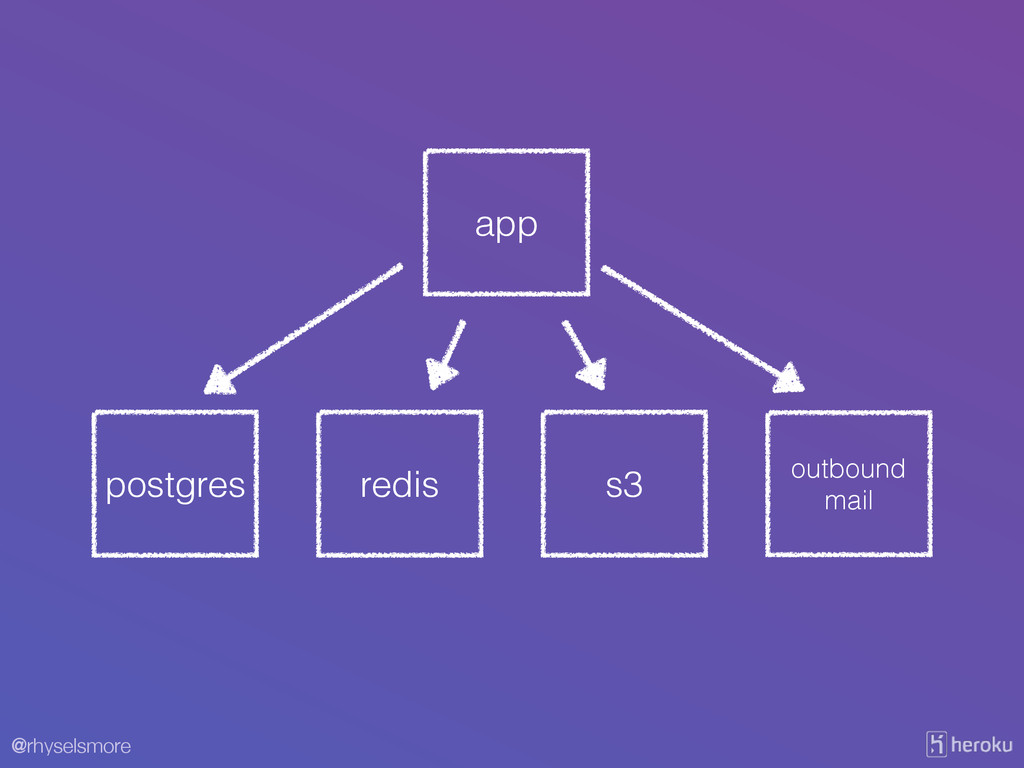
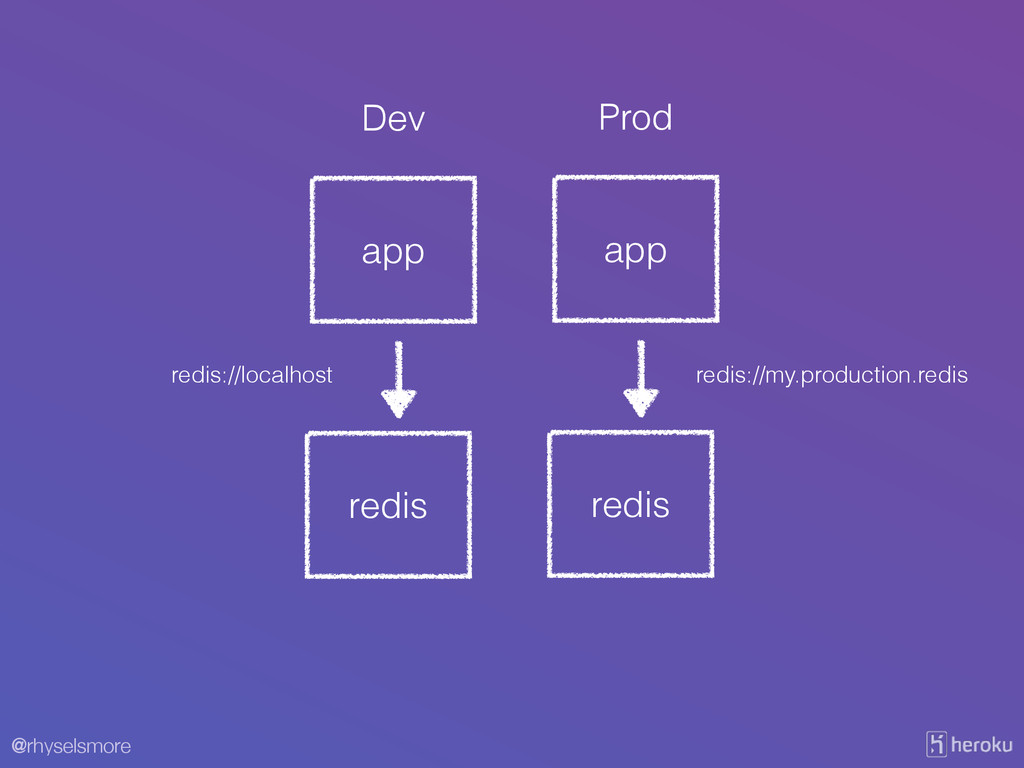
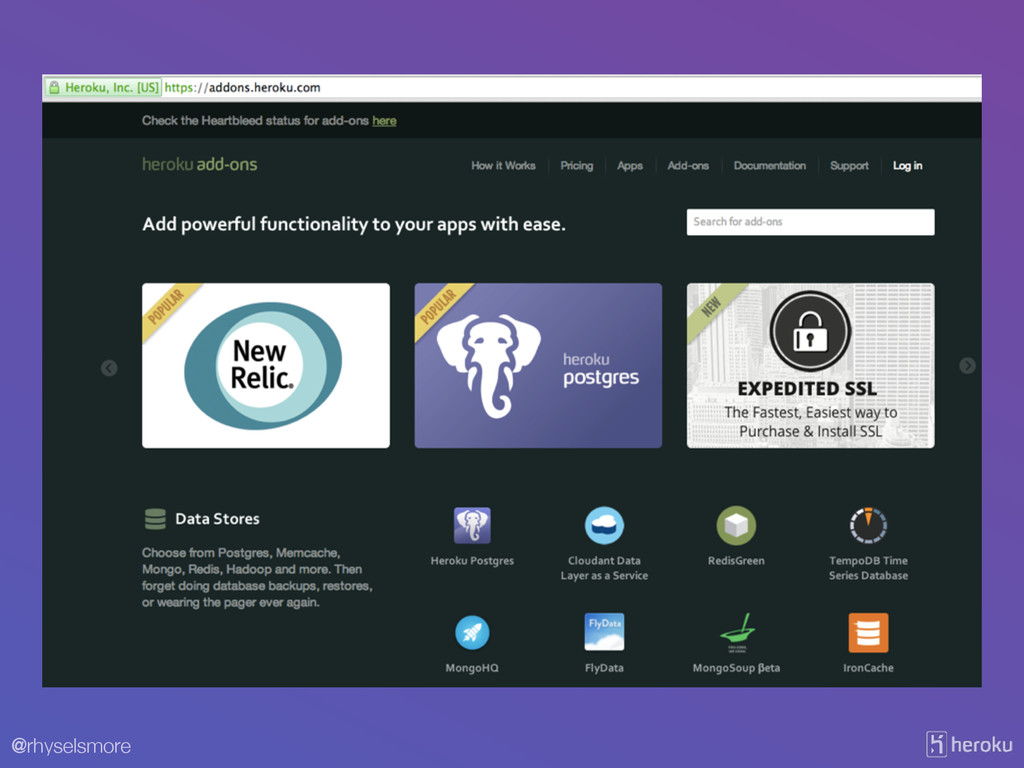
@rhyselsmore IV. Backing Services Treat backing services as attached resources
@rhyselsmore ! app ! postgres ! redis ! s3 !
outbound mail
@rhyselsmore ! app ! redis Dev ! app ! redis
Prod redis://my.production.redis redis://localhost
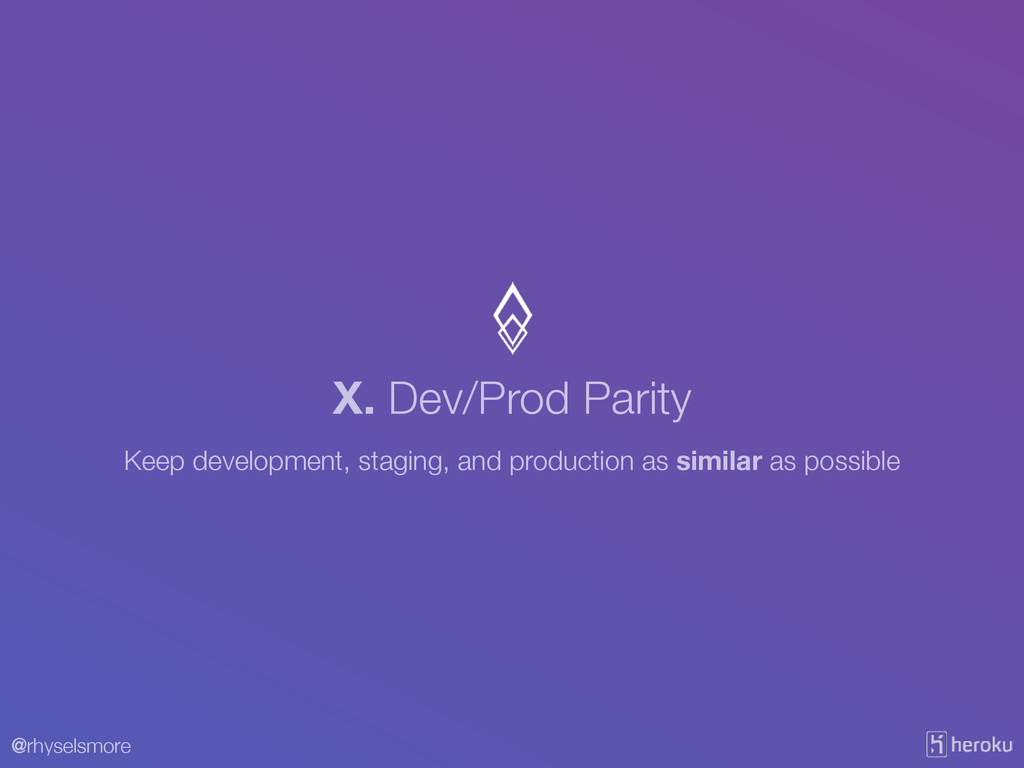
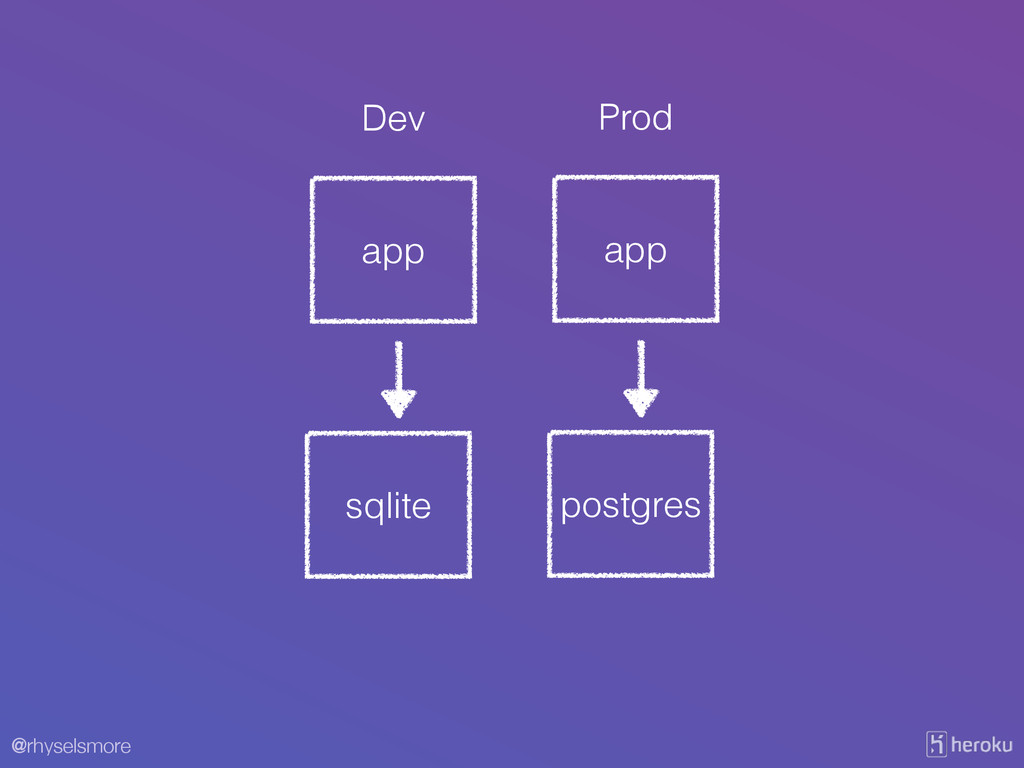
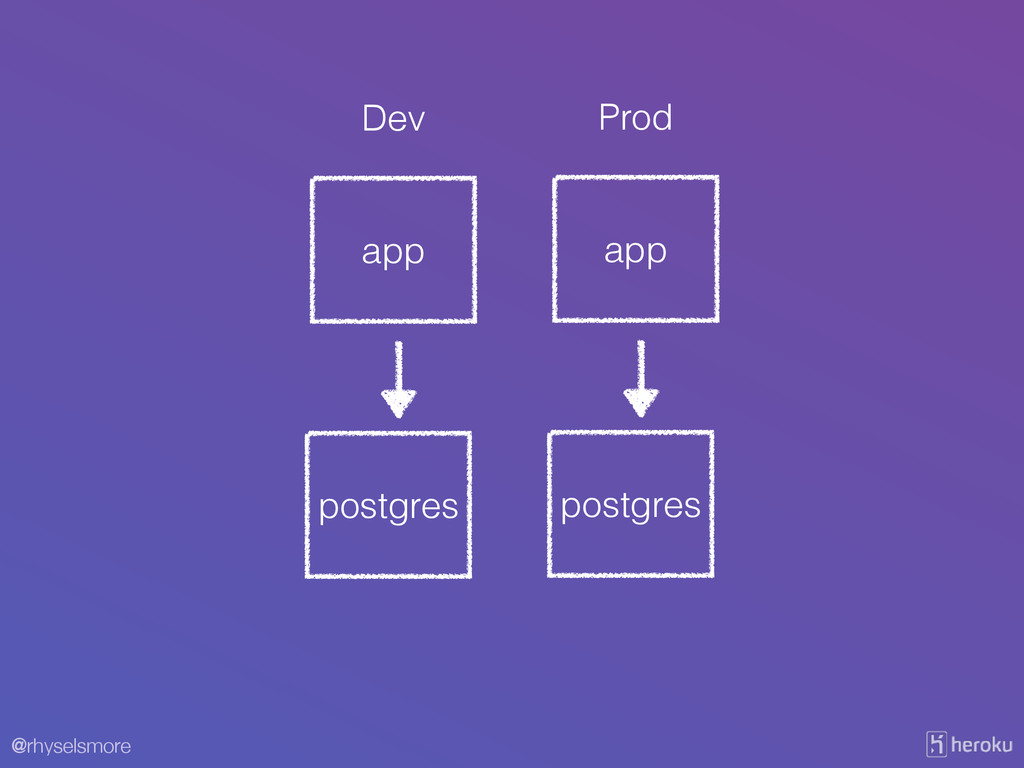
@rhyselsmore X. Dev/Prod Parity Keep development, staging, and production as
similar as possible
@rhyselsmore ! app ! sqlite Dev ! app ! postgres
Prod
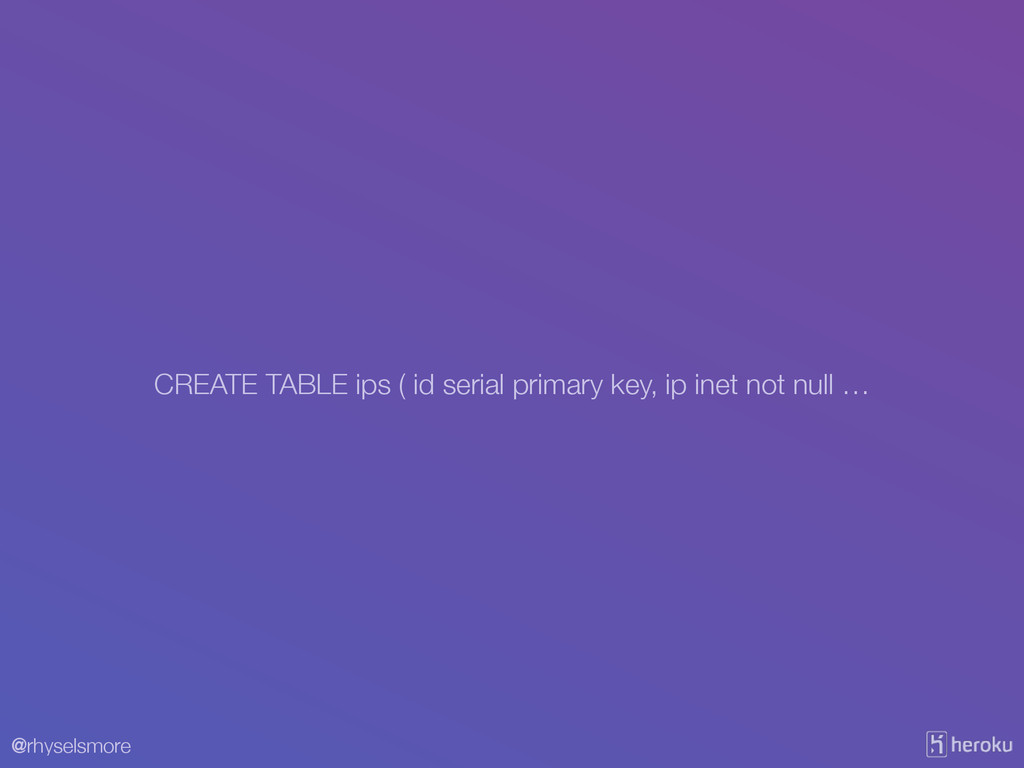
@rhyselsmore CREATE TABLE ips ( id serial primary key, ip
inet not null …
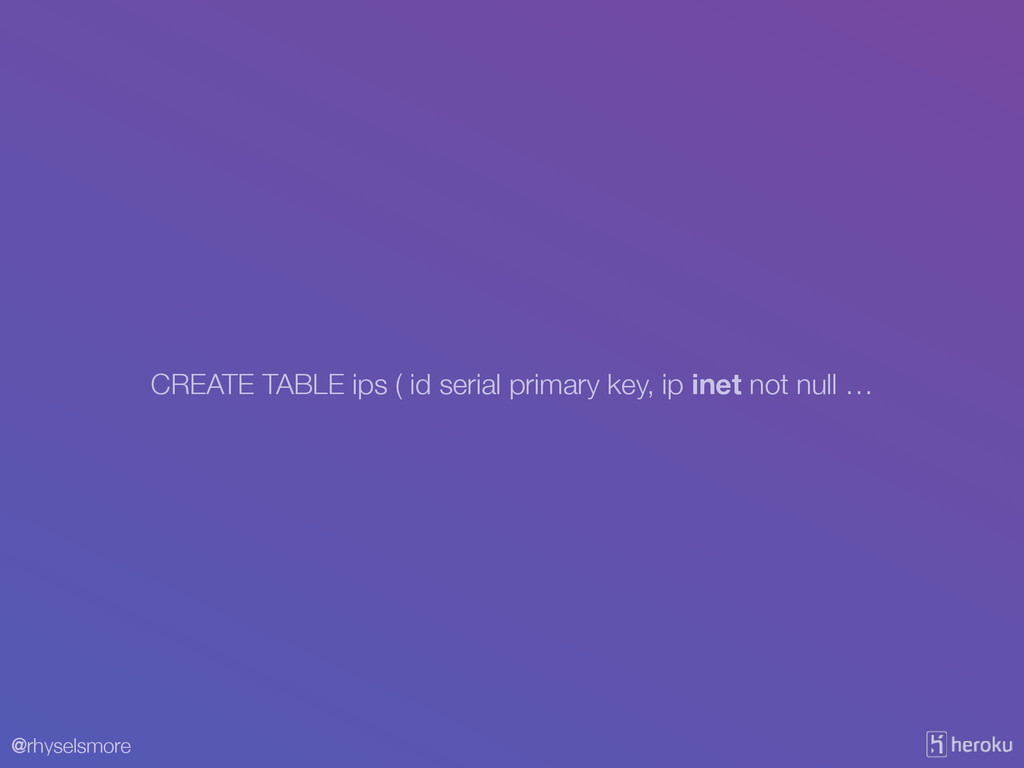
@rhyselsmore CREATE TABLE ips ( id serial primary key, ip
inet not null …
@rhyselsmore ! app ! postgres Dev ! app ! postgres
Prod
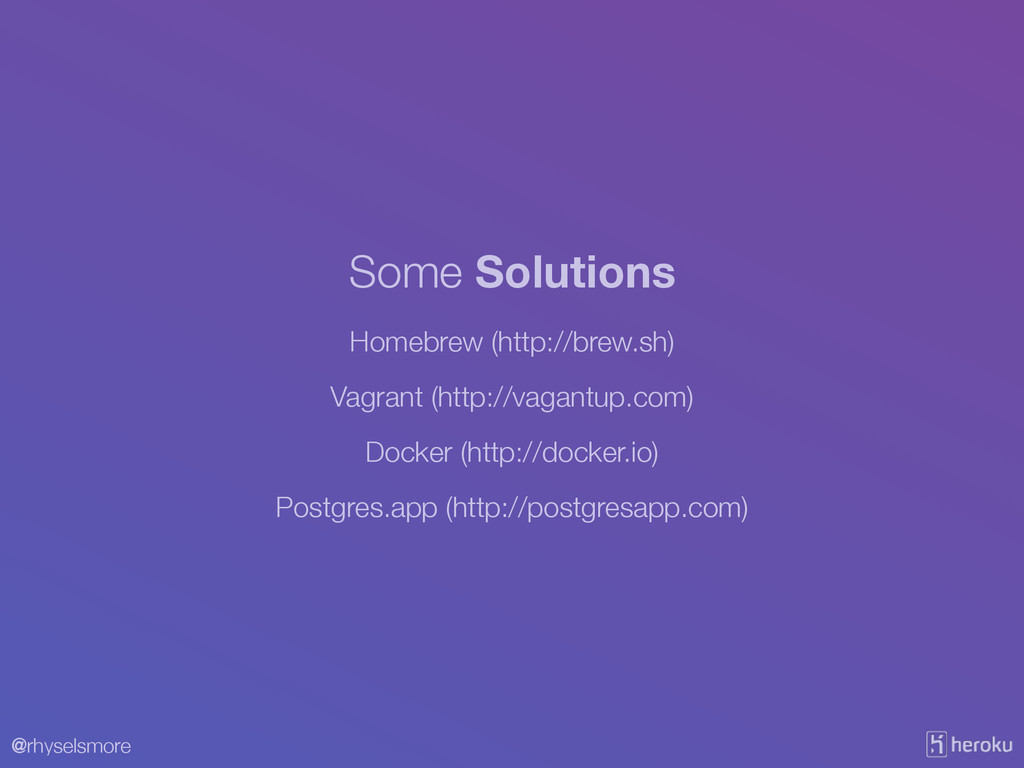
@rhyselsmore Homebrew (http://brew.sh) Vagrant (http://vagantup.com) Docker (http://docker.io) Some Solutions Postgres.app
(http://postgresapp.com)
@rhyselsmore
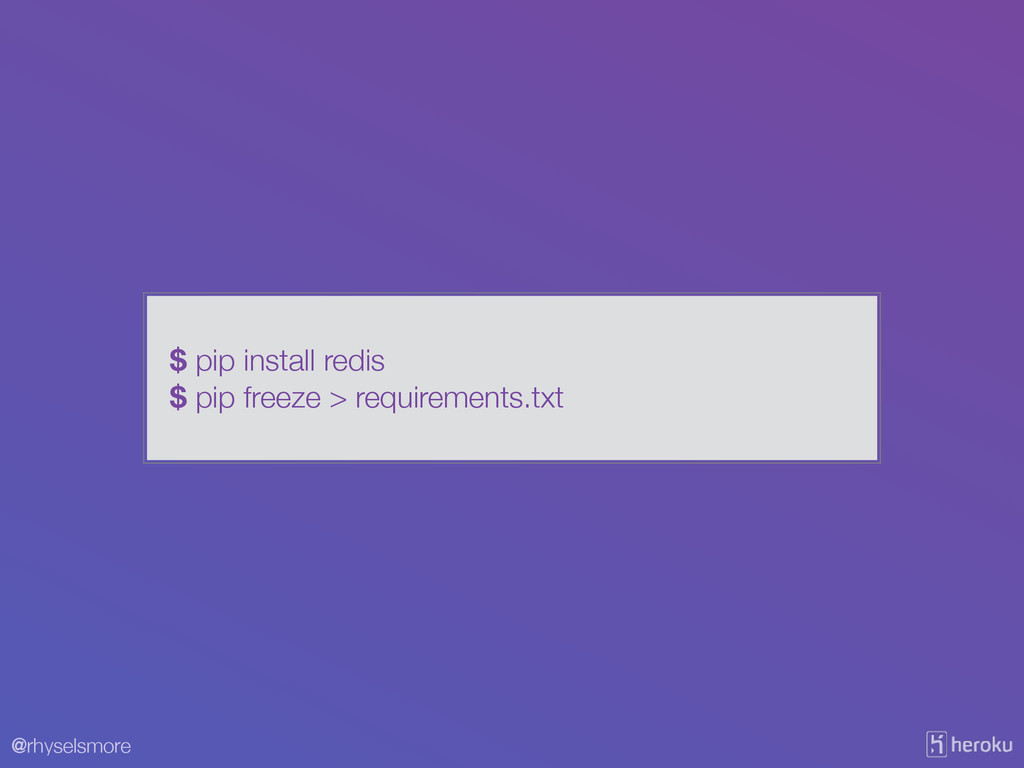
@rhyselsmore $ pip install redis $ pip freeze > requirements.txt
@rhyselsmore import os! from flask import Flask! import redis! !
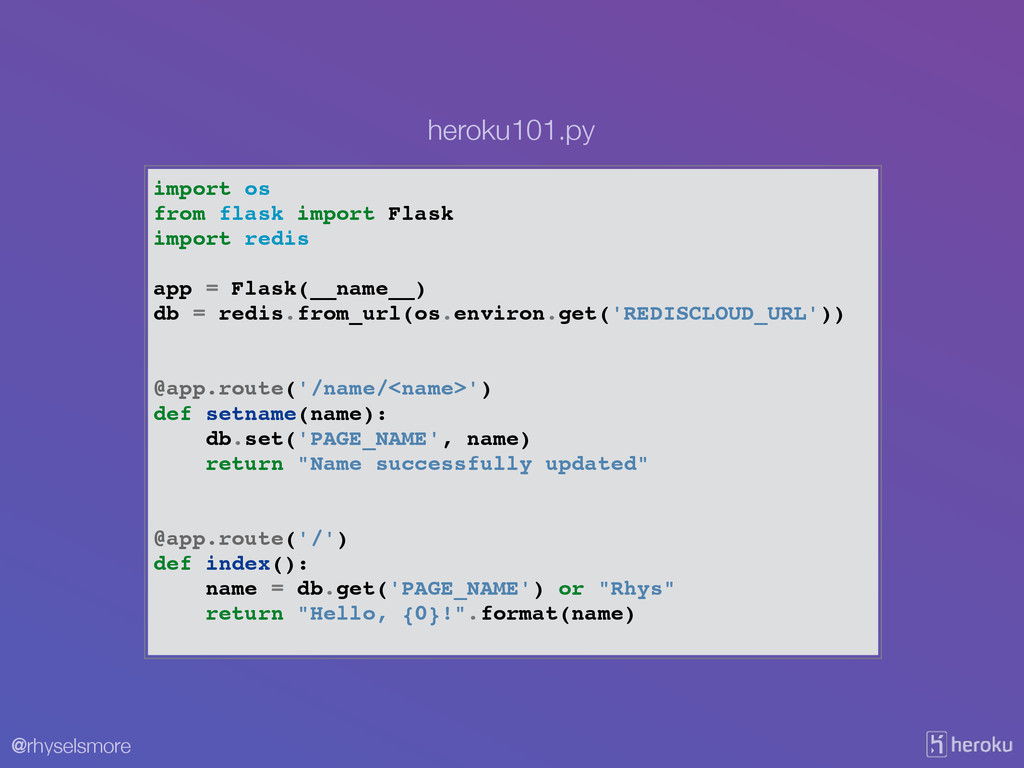
app = Flask(__name__)! db = redis.from_url(os.environ.get('REDISCLOUD_URL'))! ! ! @app.route('/name/<name>')! def setname(name):! db.set('PAGE_NAME', name)! return "Name successfully updated"! ! ! @app.route('/')! def index():! name = db.get('PAGE_NAME') or "Rhys"! return "Hello, {0}!".format(name)! heroku101.py
@rhyselsmore $heroku addons:add rediscloud Adding rediscloud on myapp... done, v7
(free) Use `heroku addons:docs rediscloud` to view documentation. Add RedisCloud
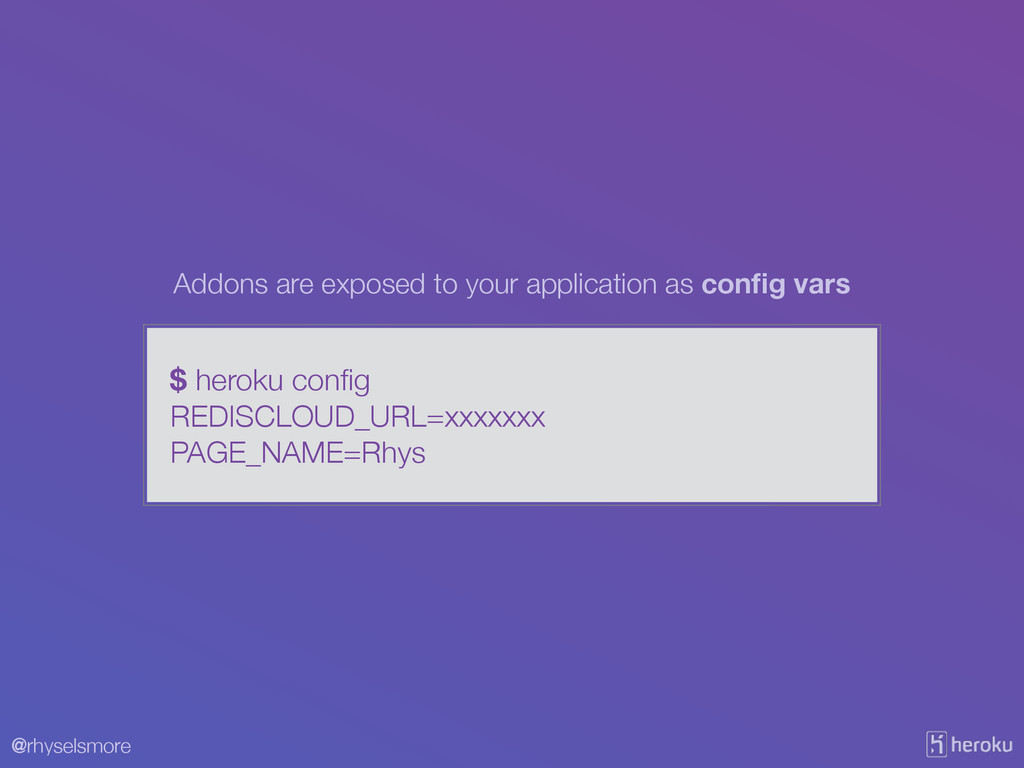
@rhyselsmore $ heroku config REDISCLOUD_URL=xxxxxxx PAGE_NAME=Rhys Addons are exposed to
your application as config vars
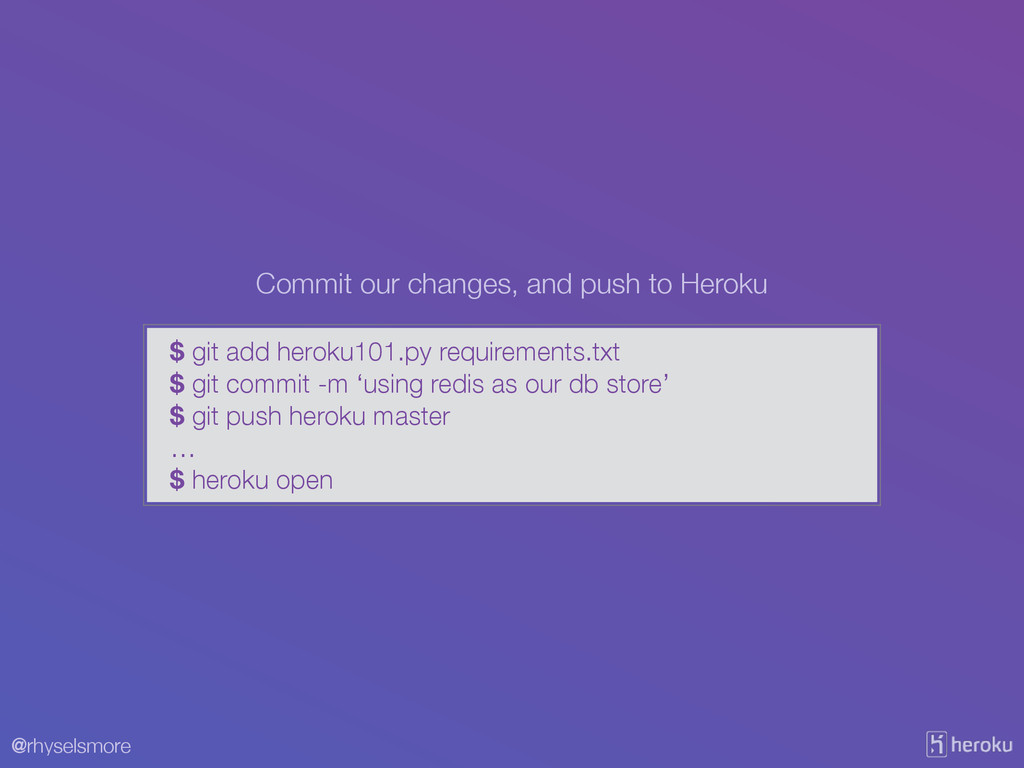
@rhyselsmore $ git add heroku101.py requirements.txt $ git commit -m
‘using redis as our db store’ $ git push heroku master … $ heroku open Commit our changes, and push to Heroku
@rhyselsmore XI. Logs Treat logs as event streams
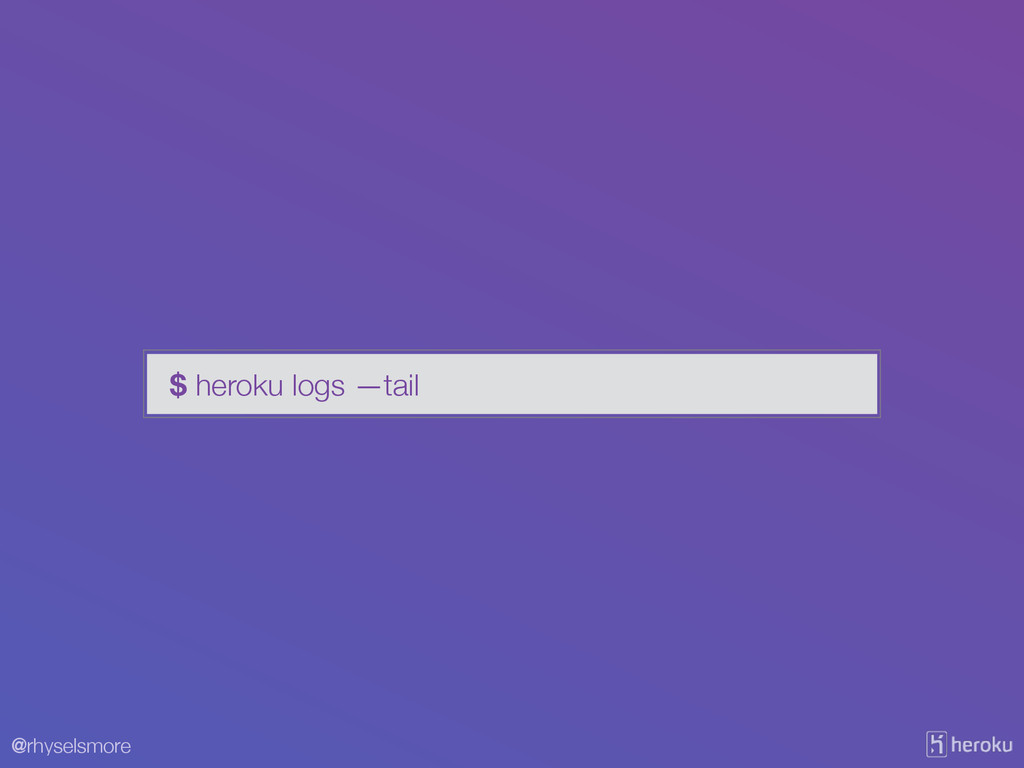
@rhyselsmore $ heroku logs —tail
@rhyselsmore 2014-06-17T16:03:07.702584+00:00 heroku[router]: at=info method=GET path="/" host=whispering-lake-5026.herokuapp.com request_id=7be32154-cbca-4e9c-b235-2a86a204f32d fwd="50.31.252.204" dyno=web.1
connect=1ms service=3ms status=200 bytes=172 2014-06-17T16:03:21.624306+00:00 heroku[router]: at=info method=GET path="/" host=whispering-lake-5026.herokuapp.com request_id=180ee5c1-5c7e-4370-925c-4532bab44bb1 fwd="50.31.252.204" dyno=web.1 connect=1ms service=7ms status=200 bytes=172 2014-06-17T16:03:26.160610+00:00 heroku[router]: at=info method=GET path="/" host=whispering-lake-5026.herokuapp.com request_id=71337d5d-ca00-49ed-98f6-e007123142de fwd="50.31.252.204" dyno=web.1 connect=0ms service=2ms status=200 bytes=172 2014-06-17T16:03:31.690643+00:00 heroku[router]: at=info method=GET path="/" host=whispering-lake-5026.herokuapp.com request_id=b156826f-6db3-480d-bcc0-34239b2ad5a2 fwd="50.31.252.204" dyno=web.1 connect=1ms service=3ms status=200 bytes=172 2014-06-17T16:03:33.123754+00:00 heroku[router]: at=info method=GET path="/" host=whispering-lake-5026.herokuapp.com request_id=a3768595-4fa5-41b7-aa2b-24ac4fa81880 fwd="50.31.252.204" dyno=web.1 connect=1ms service=3ms status=200 bytes=172 2014-06-17T16:03:34.186475+00:00 heroku[router]: at=info method=GET path="/" host=whispering-lake-5026.herokuapp.com request_id=2e02b838-bdd6-47b2-b9c9-cd4d999ef1bc fwd="50.31.252.204" dyno=web.1 connect=0ms service=30ms status=200 bytes=172 2014-06-17T16:03:38.245823+00:00 heroku[router]: at=info method=GET path="/" host=whispering-lake-5026.herokuapp.com request_id=c50b652a-1632-4727-b27a-03b0e89cdc4f fwd="50.31.252.204" dyno=web.1 connect=8ms service=30ms status=200 bytes=172 2014-06-17T16:03:48.101998+00:00 heroku[router]: at=info method=GET path="/" host=whispering-lake-5026.herokuapp.com request_id=94bd1cb4-446e-4309-9a67-94b210cdc3b2 fwd="50.31.252.204" dyno=web.1 connect=1ms service=2ms status=200 bytes=172 2014-06-17T16:03:49.663855+00:00 heroku[router]: at=info method=GET path="/" host=whispering-lake-5026.he
@rhyselsmore XI. Logs Treat logs as event streams
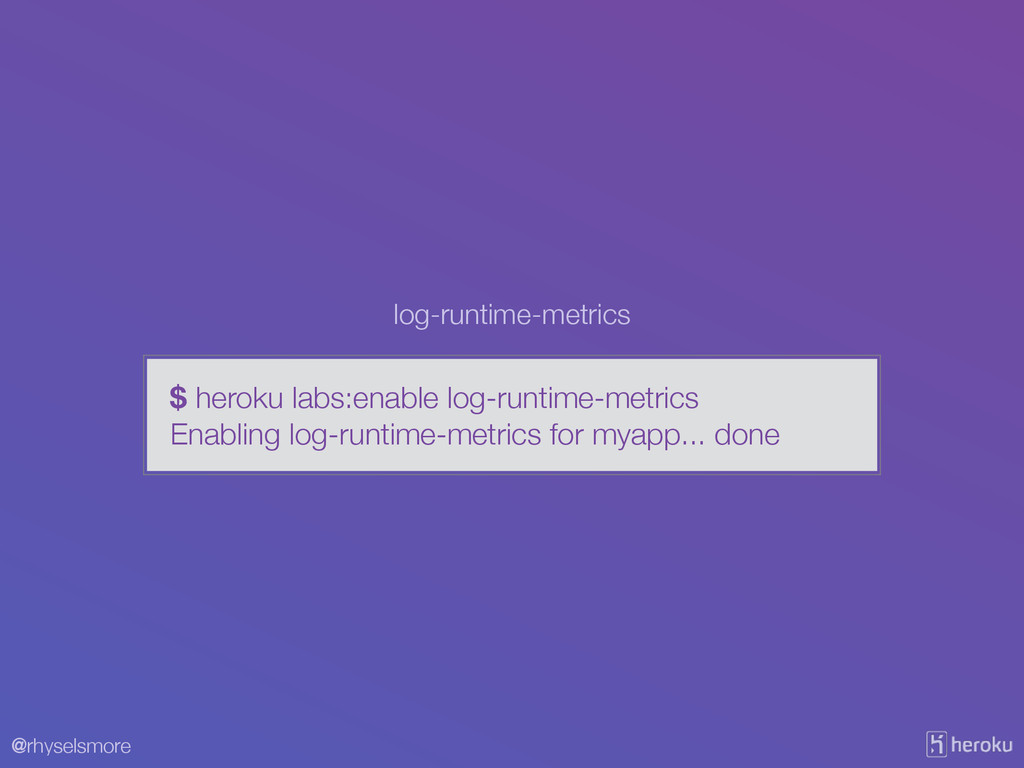
@rhyselsmore $ heroku labs:enable log-runtime-metrics Enabling log-runtime-metrics for myapp... done
log-runtime-metrics
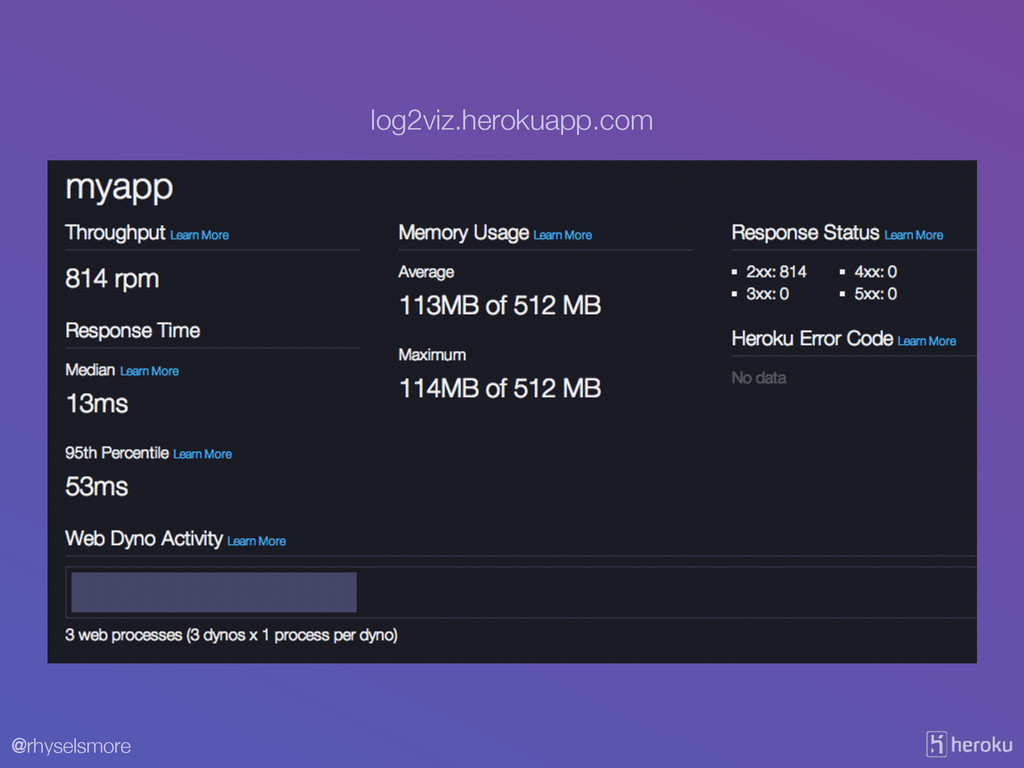
@rhyselsmore log2viz.herokuapp.com
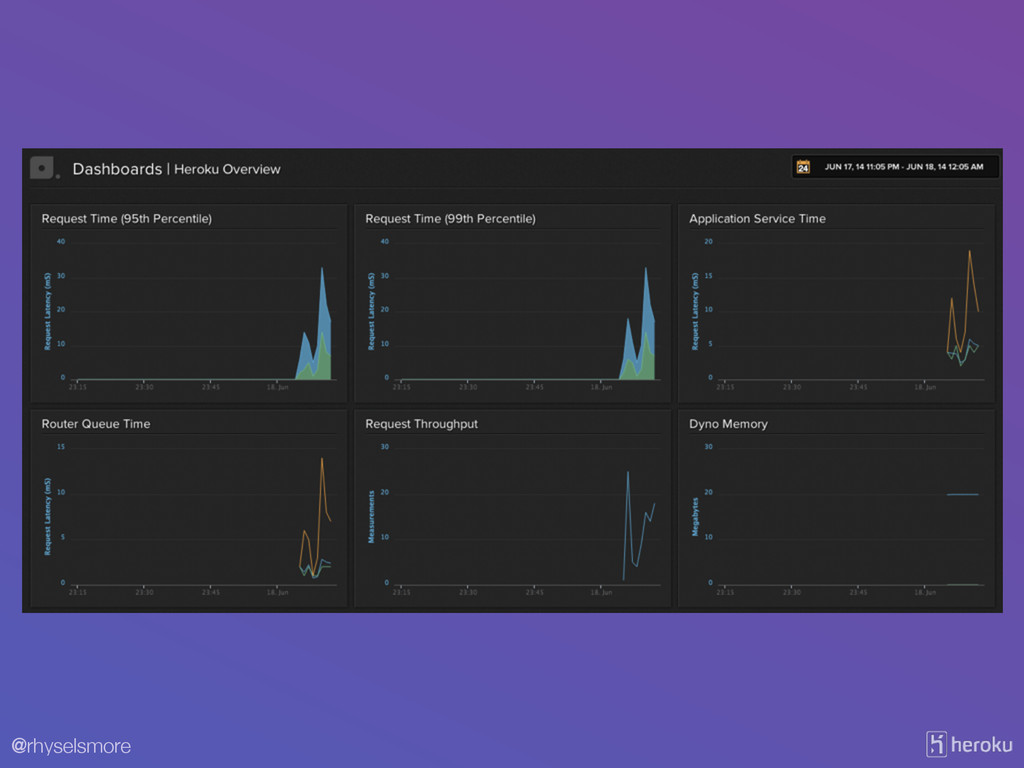
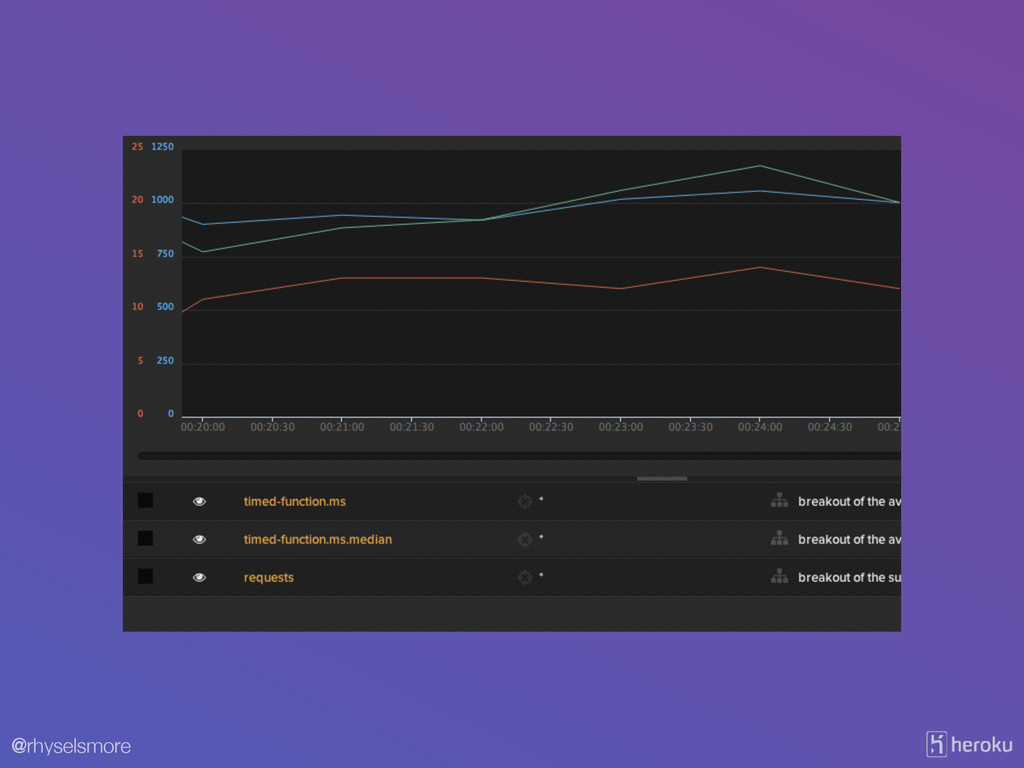
@rhyselsmore $ heroku addons:add librato $ heroku addons:open librato Librato
@rhyselsmore
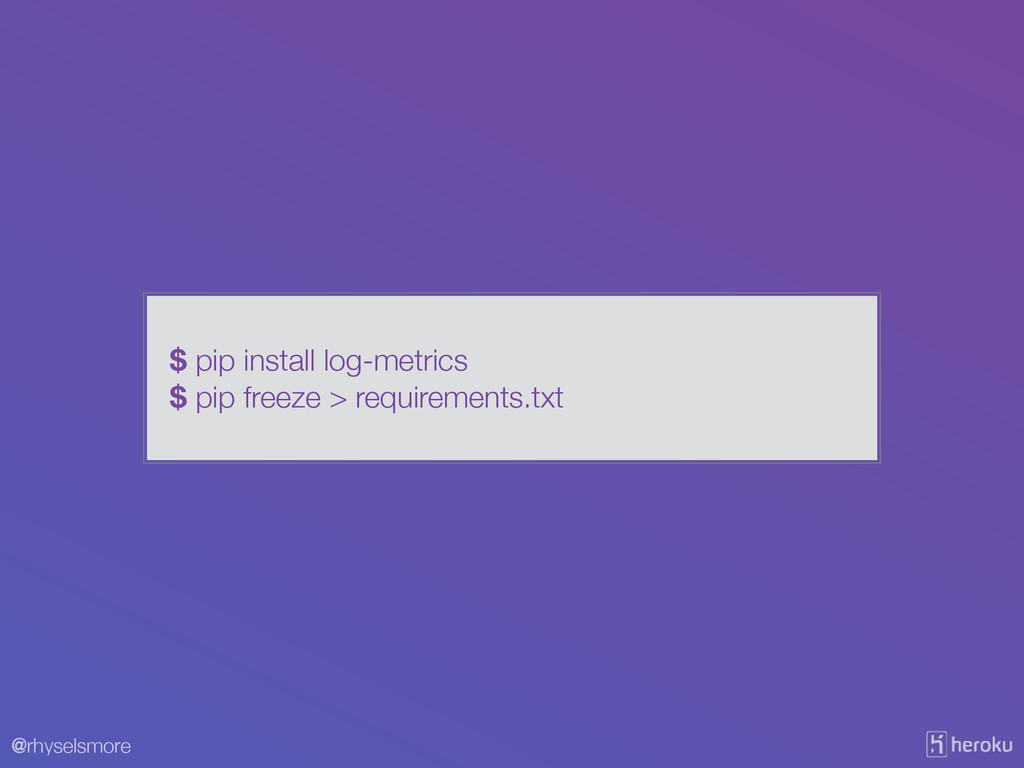
@rhyselsmore $ pip install log-metrics $ pip freeze > requirements.txt
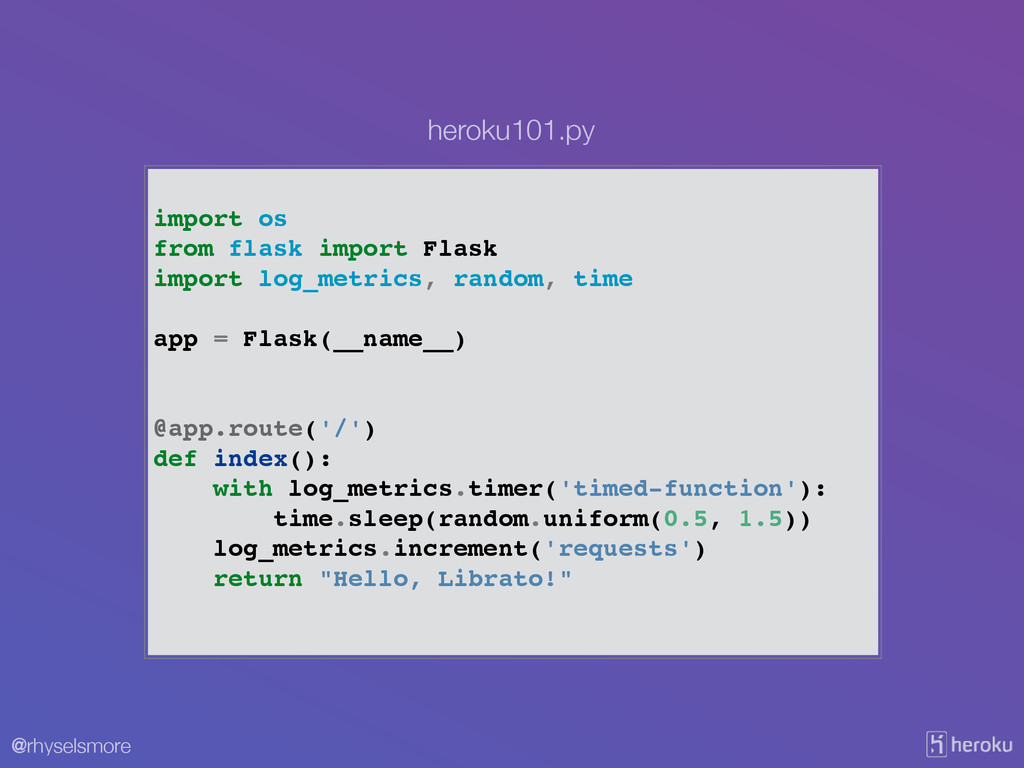
@rhyselsmore import os! from flask import Flask! import log_metrics, random,
time! ! app = Flask(__name__)! ! ! @app.route('/')! def index():! with log_metrics.timer('timed-function'):! time.sleep(random.uniform(0.5, 1.5))! log_metrics.increment('requests')! return "Hello, Librato!"! heroku101.py
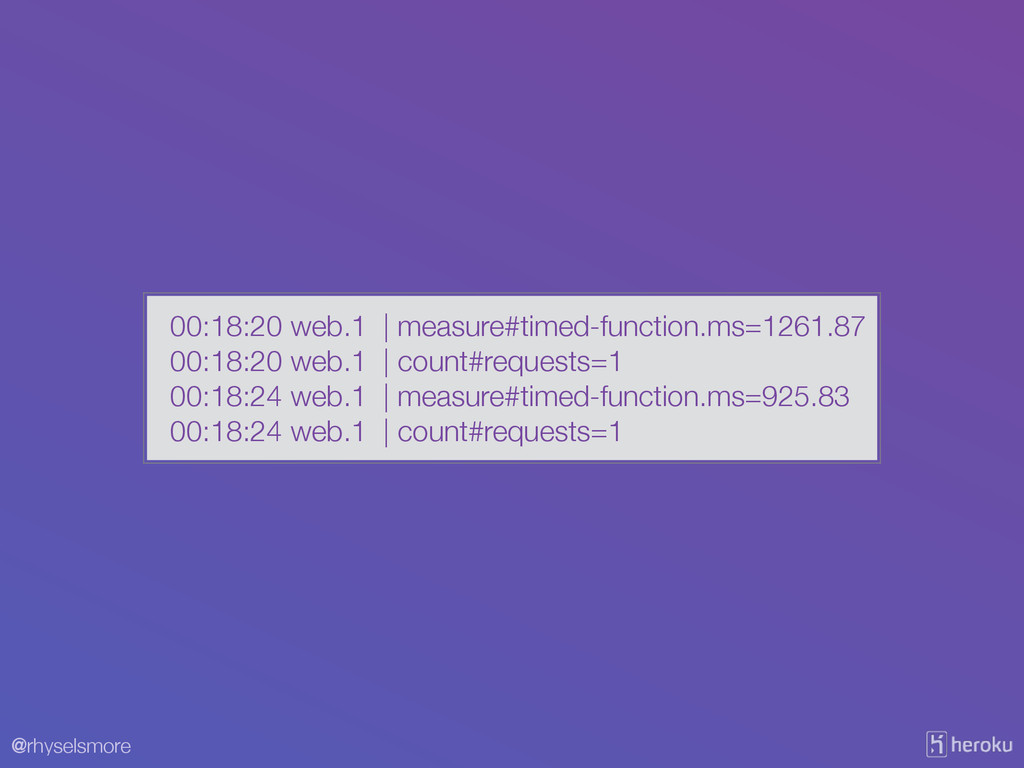
@rhyselsmore 00:18:20 web.1 | measure#timed-function.ms=1261.87 00:18:20 web.1 | count#requests=1 00:18:24
web.1 | measure#timed-function.ms=925.83 00:18:24 web.1 | count#requests=1
@rhyselsmore
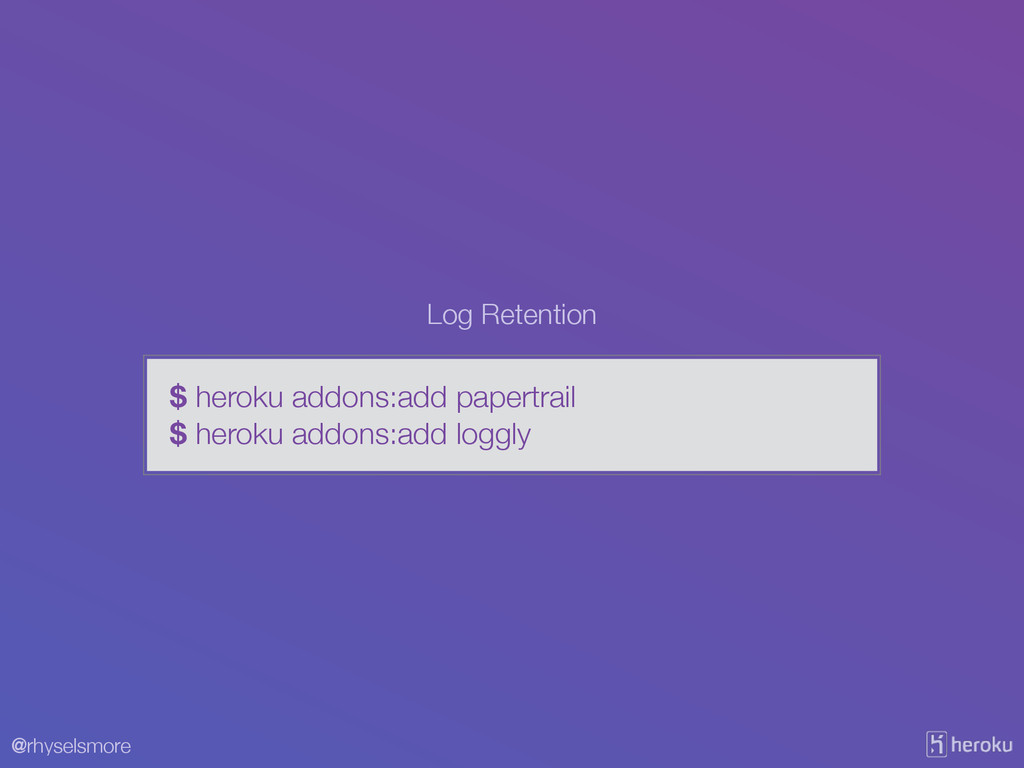
@rhyselsmore $ heroku addons:add papertrail $ heroku addons:add loggly Log
Retention
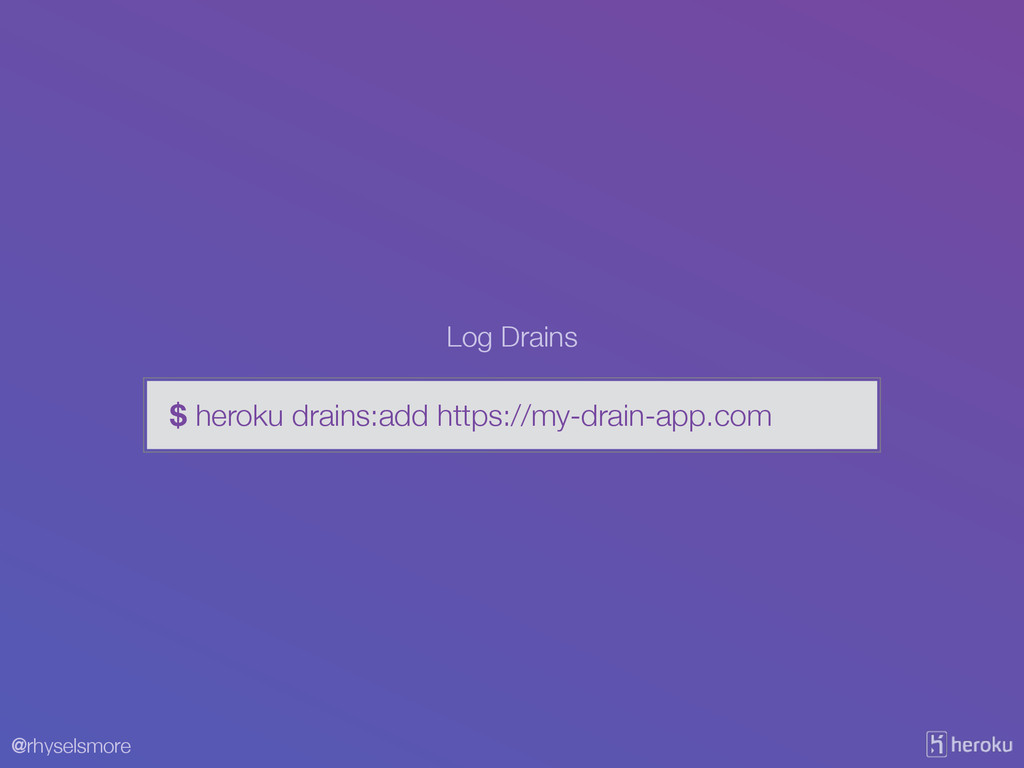
@rhyselsmore $ heroku drains:add https://my-drain-app.com Log Drains
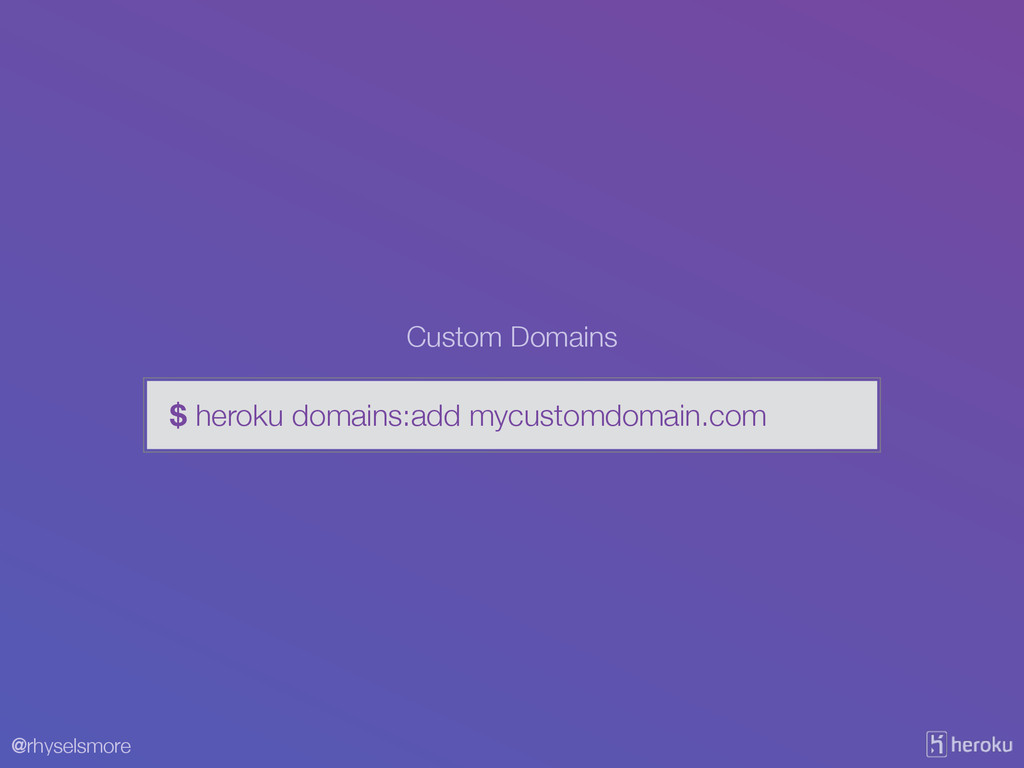
@rhyselsmore $ heroku domains:add mycustomdomain.com Custom Domains
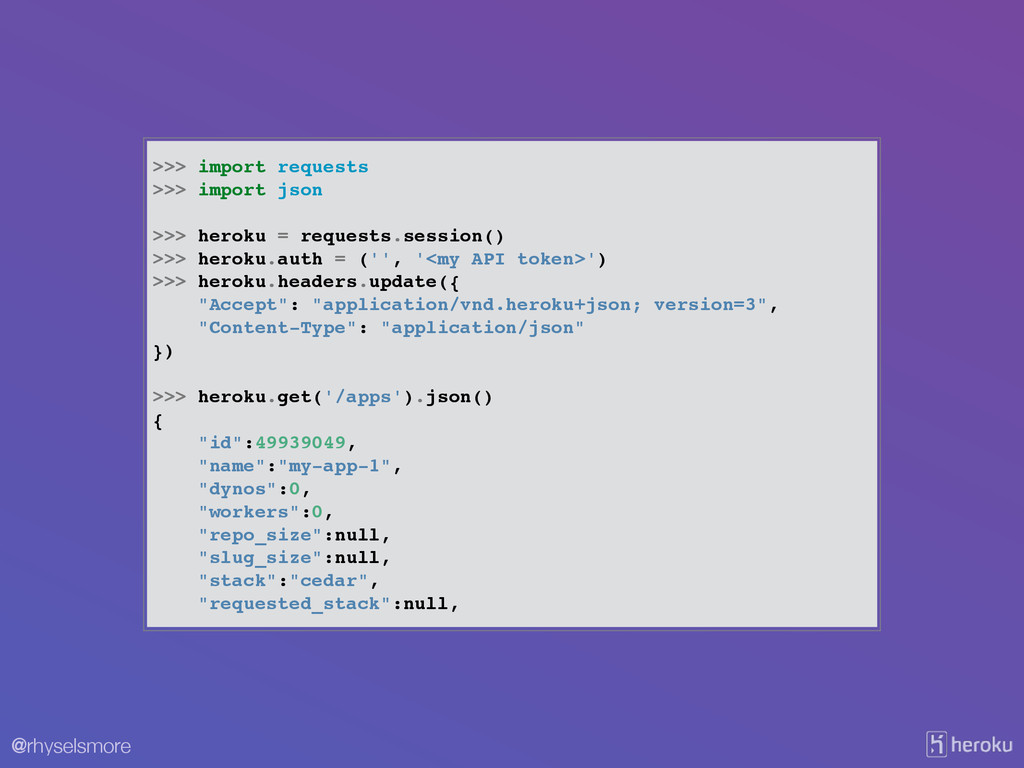
@rhyselsmore The Heroku Platform API
@rhyselsmore >>> import requests! >>> import json! ! >>> heroku
= requests.session()! >>> heroku.auth = ('', '<my API token>')! >>> heroku.headers.update({! "Accept": "application/vnd.heroku+json; version=3",! "Content-Type": "application/json"! })! ! >>> heroku.get('/apps').json()! {! "id":49939049,! "name":"my-app-1",! "dynos":0,! "workers":0,! "repo_size":null,! "slug_size":null,! "stack":"cedar",! "requested_stack":null,
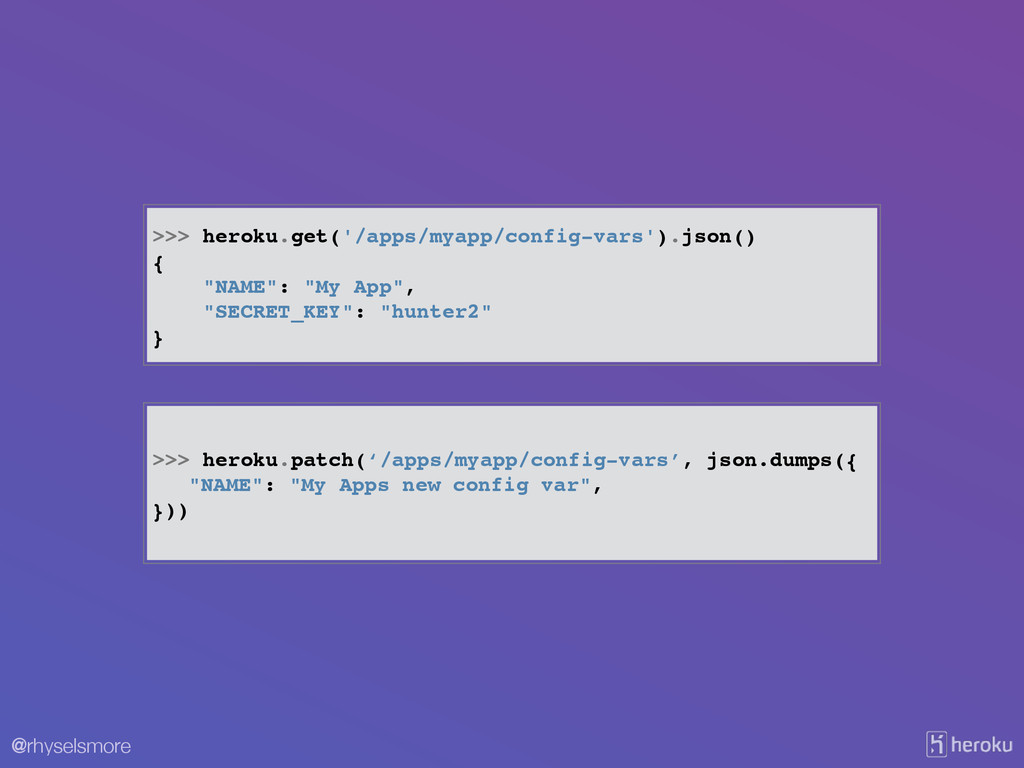
@rhyselsmore >>> heroku.get('/apps/myapp/config-vars').json()! {! "NAME": "My App",! "SECRET_KEY": "hunter2"! }
>>> heroku.patch(‘/apps/myapp/config-vars’, json.dumps({! ! "NAME": "My Apps new config var",! }))
@rhyselsmore Thanks!
@rhyselsmore Further Questions… ! SSL Endpoints? File Storage? Multiple Languages?
Free Limits? Does an add-on for $task exist? EU vs US region? Show us how to…


 rhyselsmore
 akkeylab
 seike460
 willnet
 neuecc
 dske104
 ivargrimstad
 andpad
 ryu1013
 marcoroth
 minodriven
 koic
koic
 techseoconnect
 lara
lara
 aleyda
 sugarenia
 jdejongh
 geshan
 morganepeng
 jonyablonski
 jct
jct
 bryan
bryan
 honzajavorek
 akademiya2063
![[email protected] 102 @rhyselsmore](https://files.speakerdeck.com/presentations/26d186b0d8d401317e0b66c362724819/slide_0.jpg)







![@rhyselsmore $ cat .git/config [core] repositoryformatversion = 0 filemode =](https://files.speakerdeck.com/presentations/26d186b0d8d401317e0b66c362724819/slide_22.jpg)











![@rhyselsmore 2014-06-17T16:03:07.702584+00:00 heroku[router]: at=info method=GET path="/" host=whispering-lake-5026.herokuapp.com request_id=7be32154-cbca-4e9c-b235-2a86a204f32d fwd="50.31.252.204" dyno=web.1](https://files.speakerdeck.com/presentations/26d186b0d8d401317e0b66c362724819/slide_90.jpg)