Upgrade to Pro — share decks privately, control downloads, hide ads and more …

Intro into web development

Avatar for Remy mumoh Remy mumoh
January 19, 2019

Intro into web development

BEGINNER HTML, CSS, and JavaScript : Introduction to web development, the fundamentals of how the web works, tools and frameworks, displaying html to web and styling with css and javascript.

Avatar for Remy mumoh

Remy mumoh

January 19, 2019
Tweet

Other Decks in Programming

Transcript

  1. Today’s Talk Brief History of Web Development Stages of Web

    Development ◦ Concept Development ◦ Prototyping ◦ Development ◦ Testing ◦ Launch ◦ Maintenance Tools & Frameworks Next Generation Development (exciting stuff!) Q&A
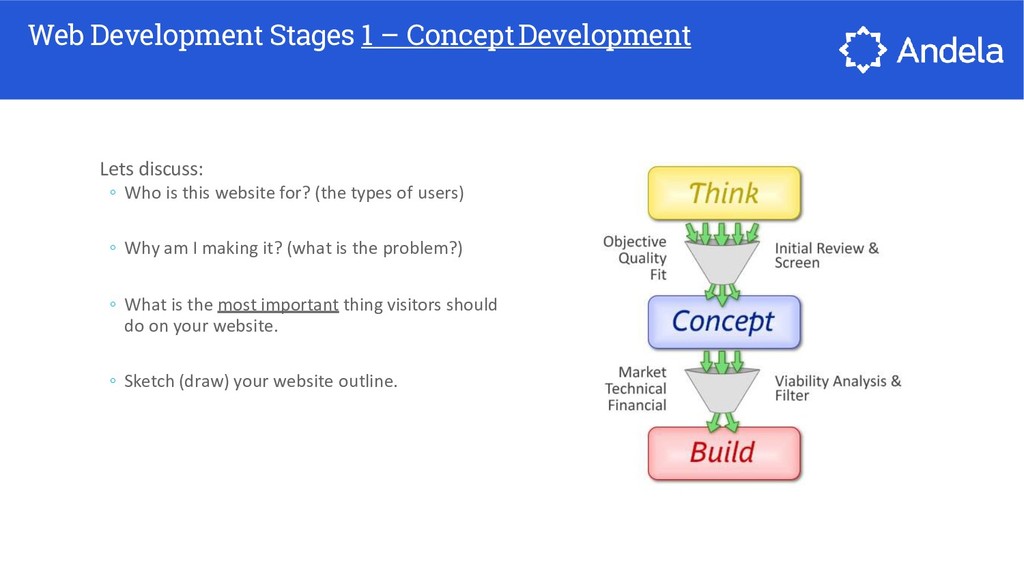
  2. Web Development Stages 1 – ConceptDevelopment Lets discuss: ◦ Who

    is this website for? (the types of users) ◦ Why am I making it? (what is the problem?) ◦ What is the most important thing visitors should do on your website. ◦ Sketch (draw) your website outline.
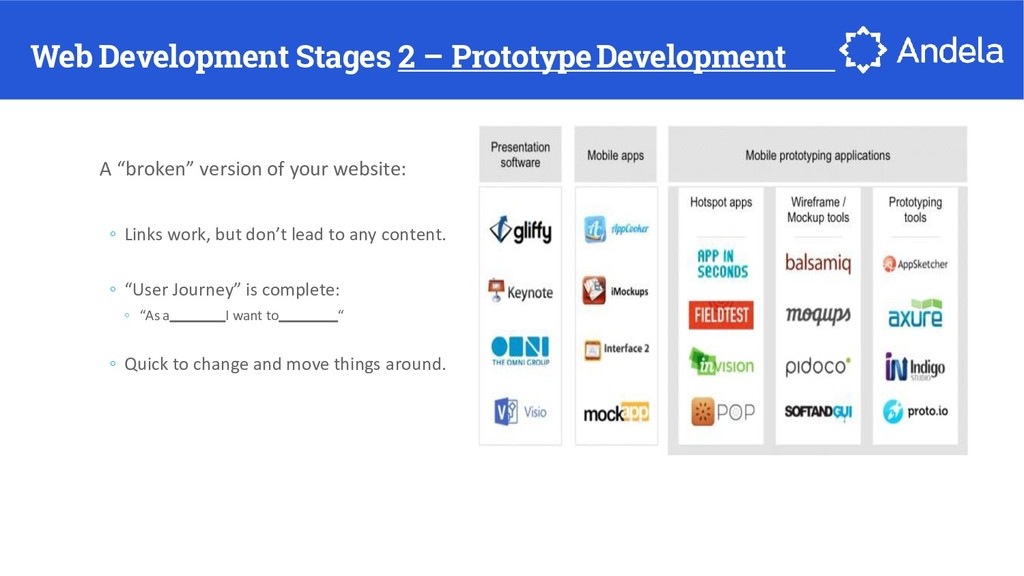
  3. Web Development Stages 2 – PrototypeDevelopment A “broken” version of

    your website: ◦ Links work, but don’t lead to any content. ◦ “User Journey” is complete: ◦ “As a I want to “ ◦ Quick to change and move things around.
  4. Web Development Stages 3-Development Ideally, your requirements are complete ◦

    Work at an iterative pace: ◦ Develop at the lowest possible work unit ◦ Use the tool that suits you, and makes you the most productive: ◦ Text Editor ◦ IDE ◦ Terminal ◦ GUI
  5. Web Development Stages 4 - ‐ Testing If you don’t

    test; prepare to fail. Types of testing: ◦ Functional Test (does the feature work?) ◦ User acceptance test (is it what the user wants?) ◦ Unit test (is the code stable?) ◦ Coverage tests (are all code paths executing?)
  6. Web Development Stages 5 -‐Deployment Deployment Process Should Be: ◦

    Documented ◦ Repeatable ◦ Predictable ◦ Rehearsed ◦ Tools help!
  7. Web Development Stages 6 -‐Maintenance Small effort, big rewards ◦

    Enable maintenance by tracking: ◦ Successful requests ◦ Failed requested ◦ Repeated failed requests ◦ Key function execution ◦ Infrastructure
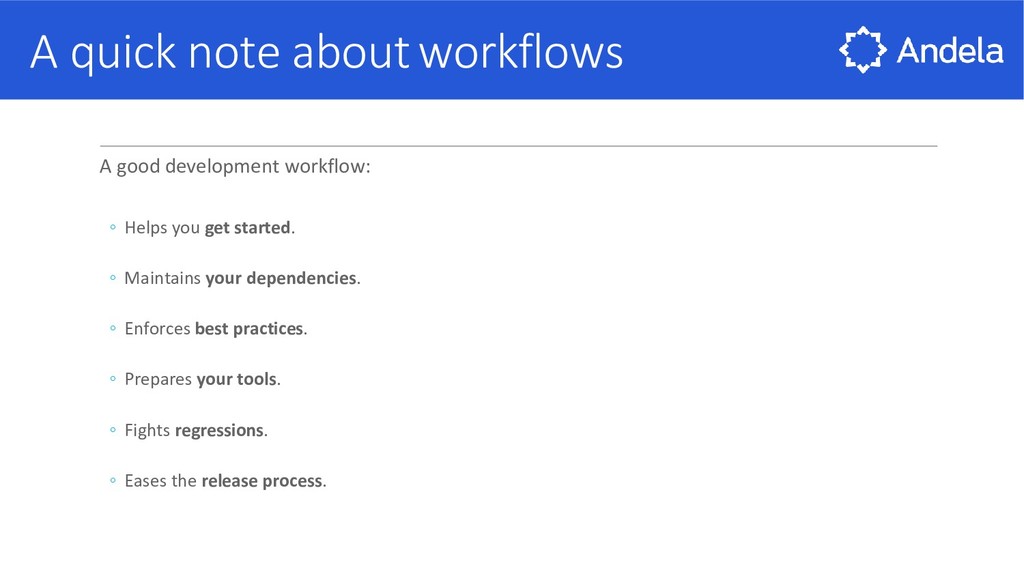
  8. A quick note aboutworkflows A good development workflow: ◦ Helps

    you get started. ◦ Maintains your dependencies. ◦ Enforces best practices. ◦ Prepares your tools. ◦ Fights regressions. ◦ Eases the release process.
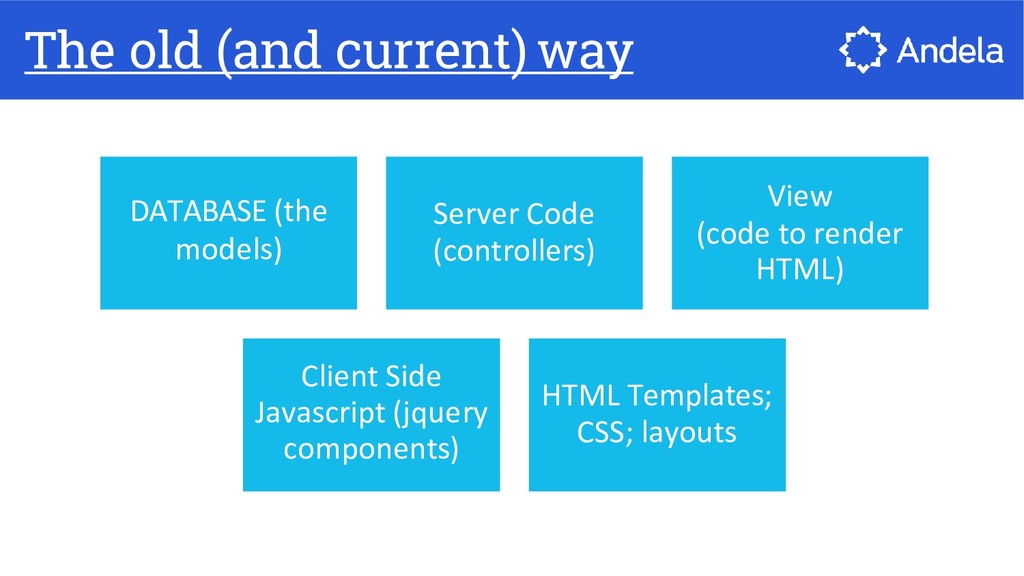
  9. DATABASE (the models) Server Code (controllers) View (code to render

    HTML) Client Side Javascript (jquery components) HTML Templates; CSS; layouts The old (and current) way
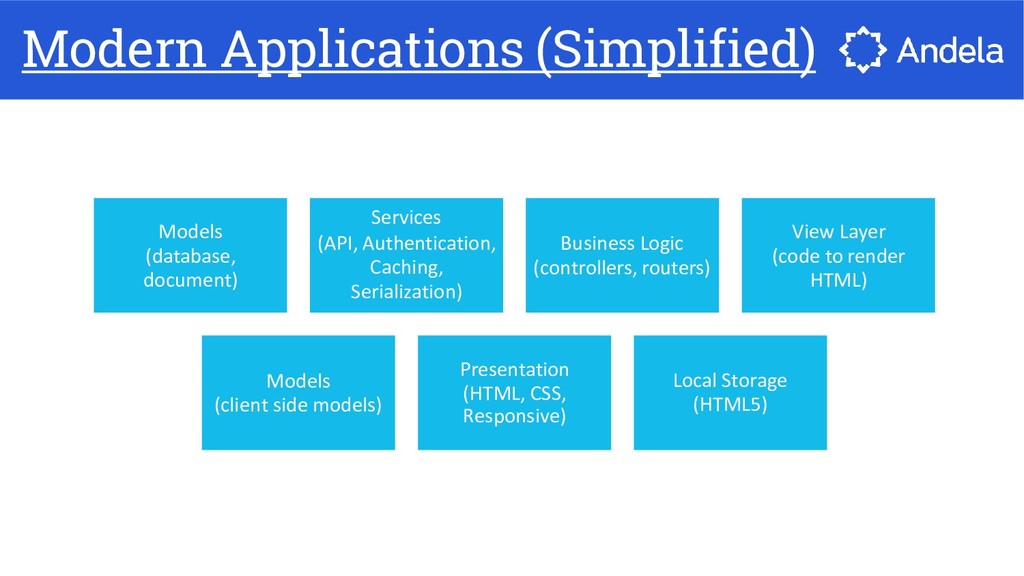
  10. Models (database, document) Services (API, Authentication, Caching, Serialization) Business Logic

    (controllers, routers) View Layer (code to render HTML) Models (client side models) Presentation (HTML, CSS, Responsive) Local Storage (HTML5) Modern Applications (Simplified)
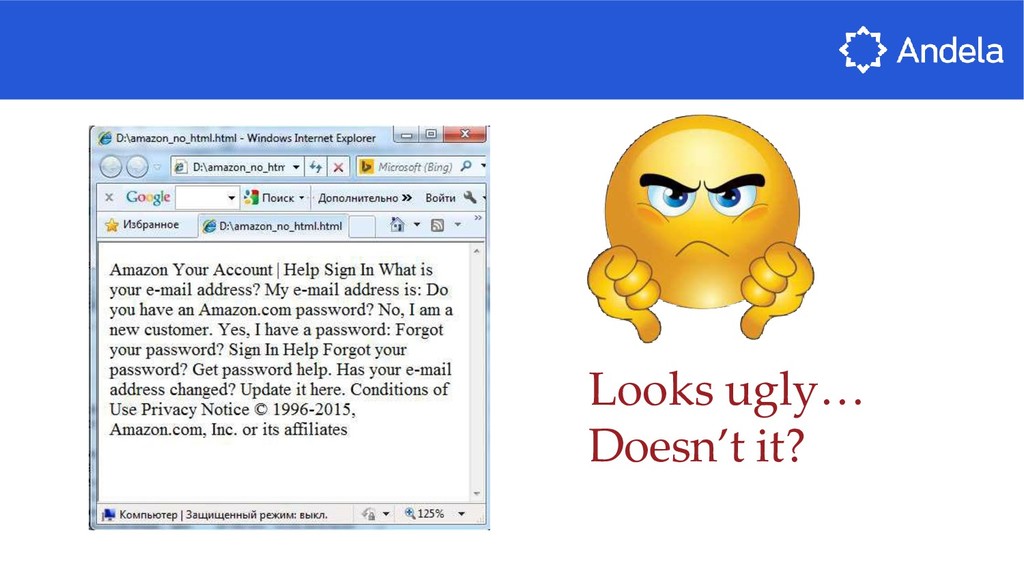
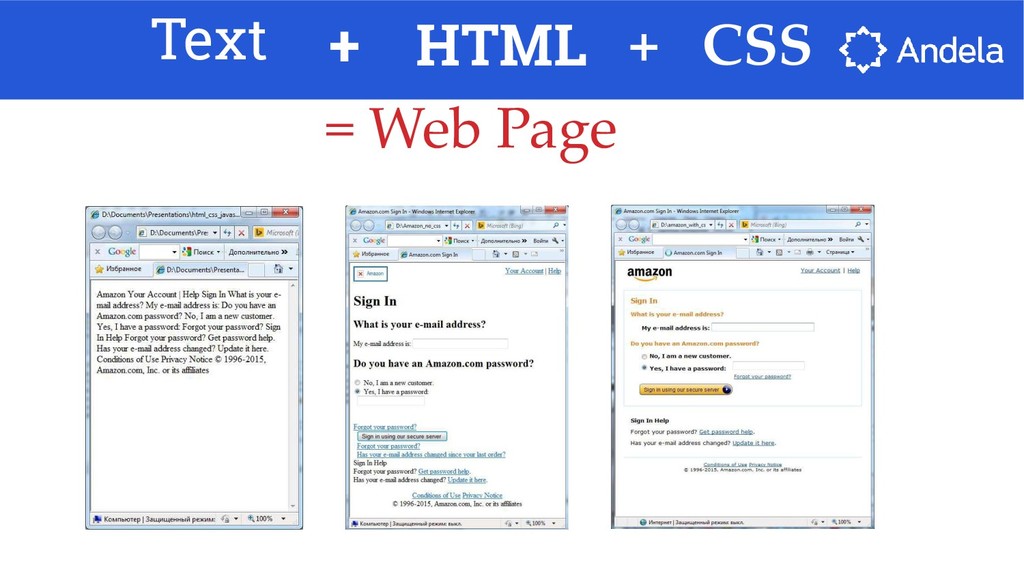
  11. Without any markup to give your page content structure, the

    browser renders unformatted and unstyled text No HTML?
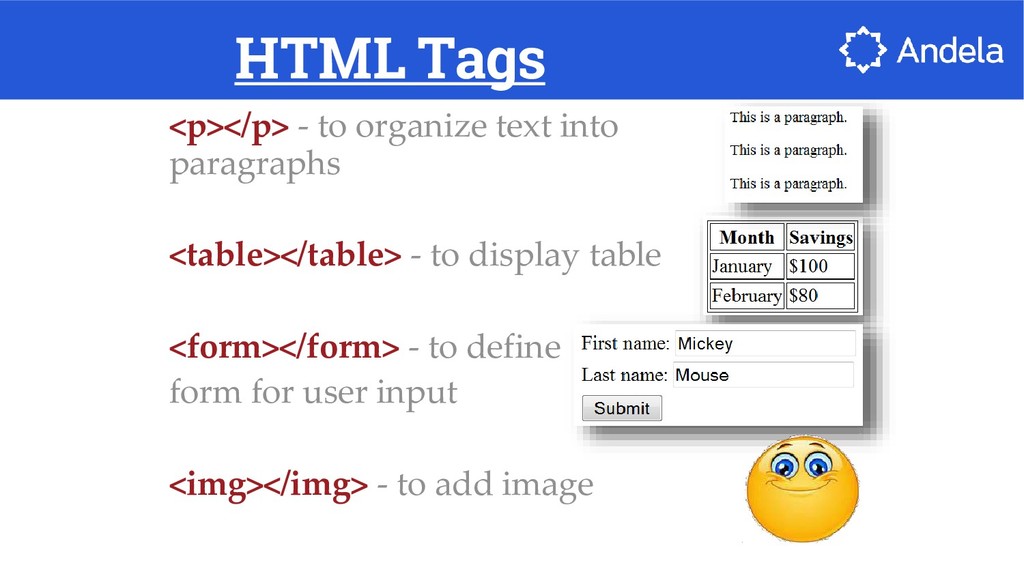
  12. HTML Tags <p></p> - to organize text into paragraphs <table></table>

    - to display table <form></form> - to define form for user input <img></img> - to add image
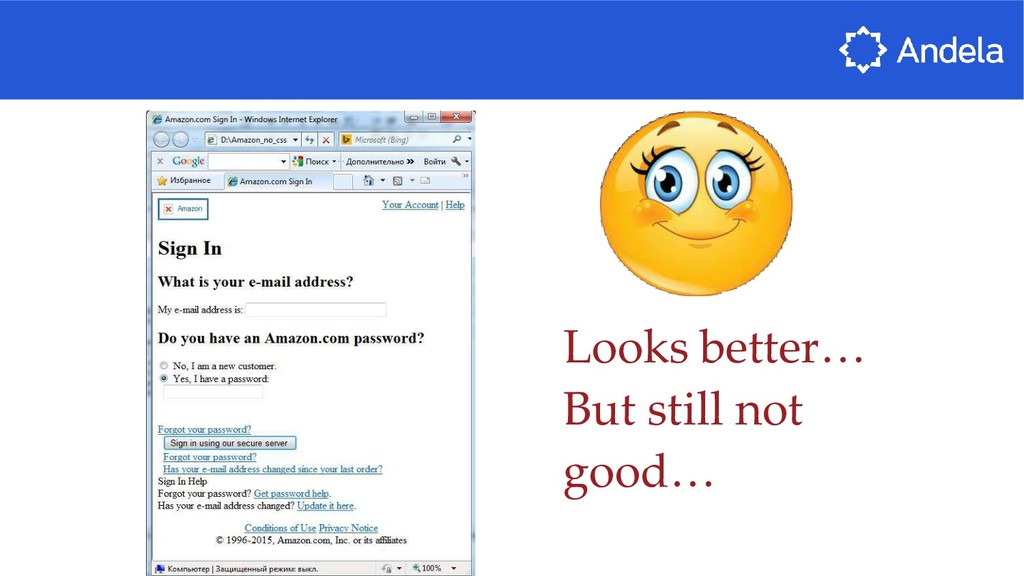
  13. Once page content is marked up with HTML tags, the

    browser applies default styles to the tags. So now page is readable and have a clear hierarchy. HTML
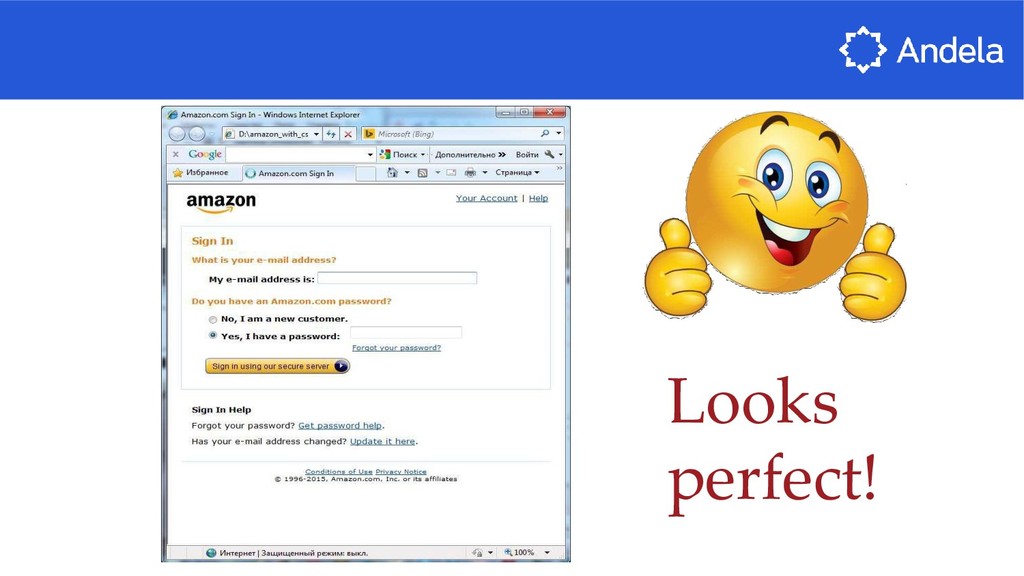
  14. But what should we do to make the page look

    nice? The answer is use CSS!
  15. CSS Set of rules defining how an html element will

    be “presented” in the browser.
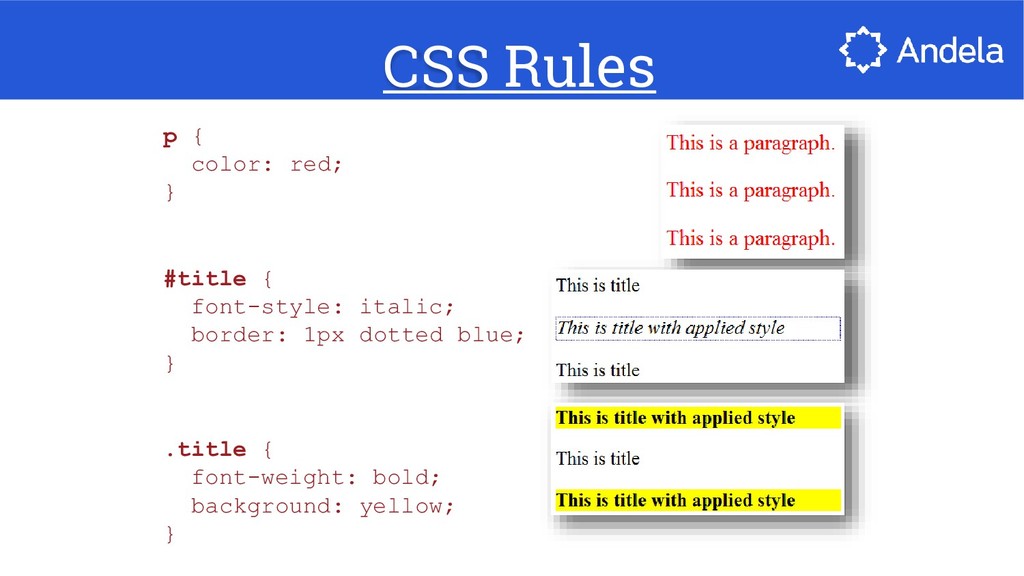
  16. CSS Rules p { color: red; } #title { font-style:

    italic; border: 1px dotted blue; } .title { font-weight: bold; background: yellow; }
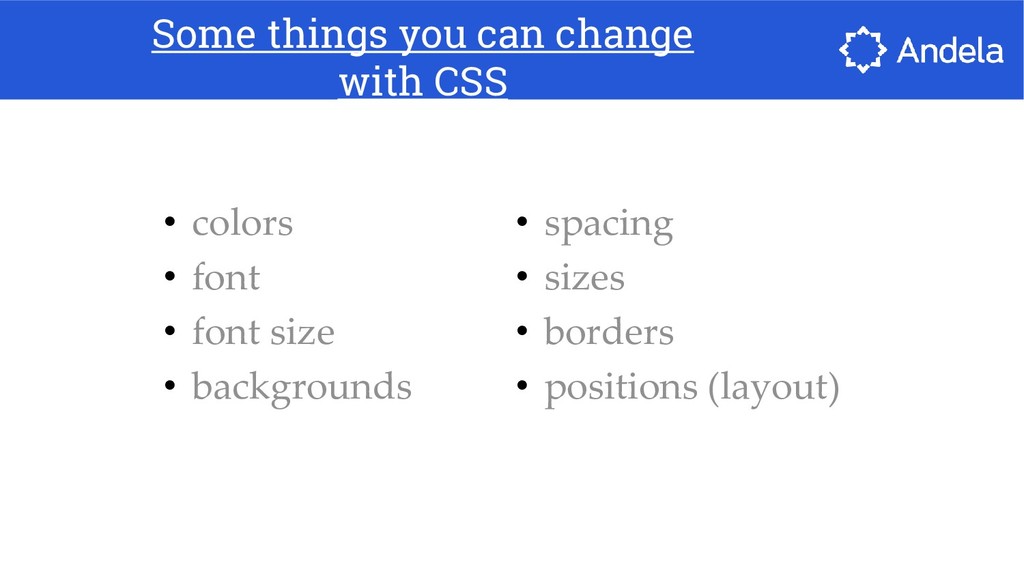
  17. Some things you can change with CSS • colors •

    font • font size • backgrounds • spacing • sizes • borders • positions (layout)
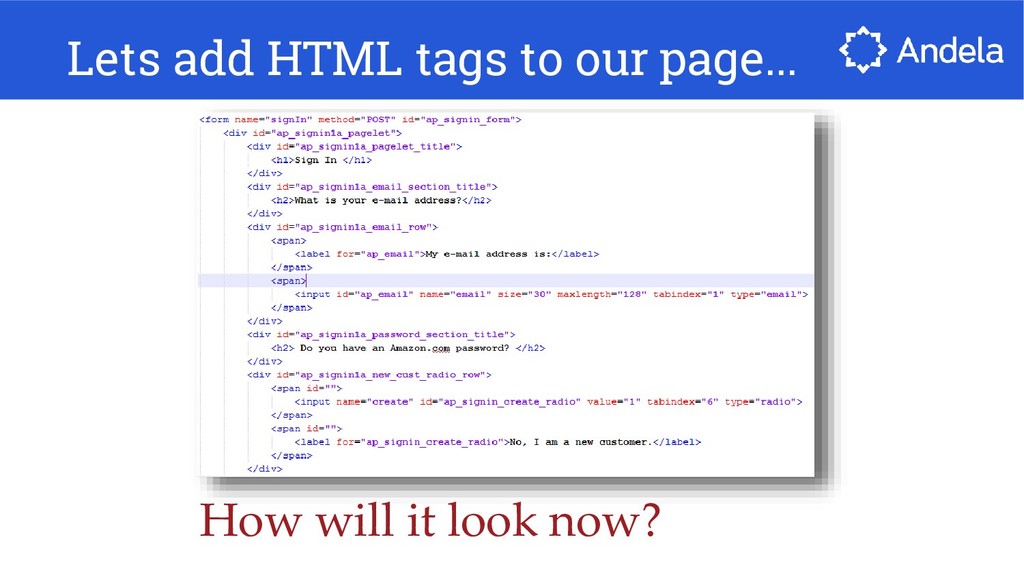
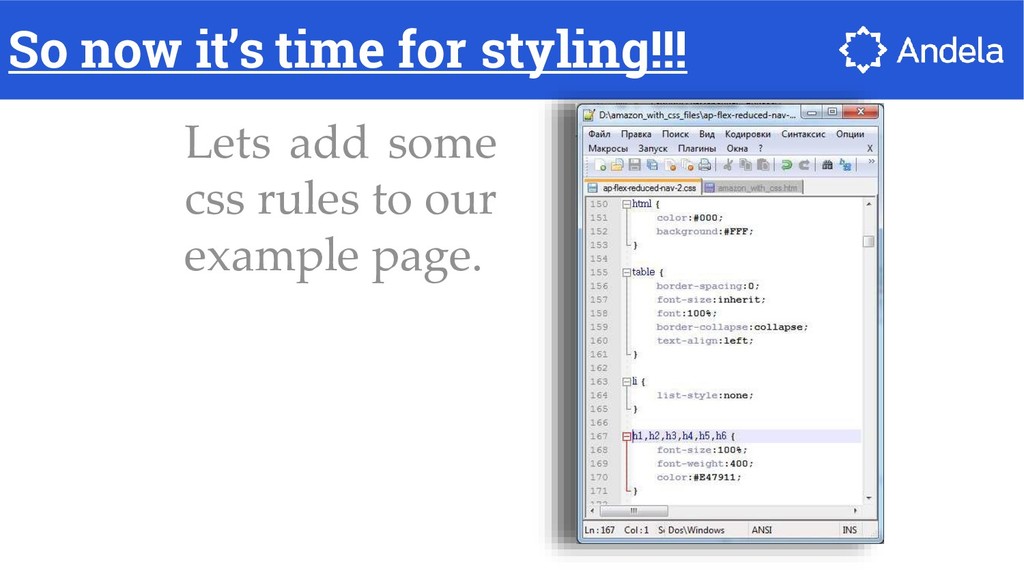
  18. Lets add some css rules to our example page. So

    now it’s time for styling!!!
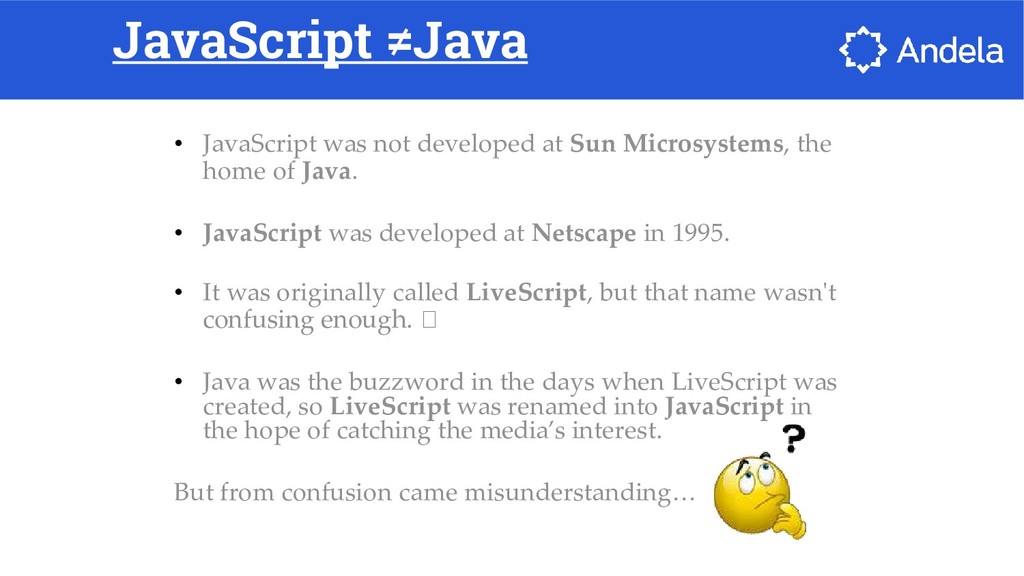
  19. JavaScript ≠Java • JavaScript was not developed at Sun Microsystems,

    the home of Java. • JavaScript was developed at Netscape in 1995. • It was originally called LiveScript, but that name wasn't confusing enough. • Java was the buzzword in the days when LiveScript was created, so LiveScript was renamed into JavaScript in the hope of catching the media’s interest. But from confusion came misunderstanding…
  20. JavaScript ≠ Java • JavaScript is NOT a Java •

    It is NOT a light version of Java • It was NOT based on Java • It does NOT matter if you know Java
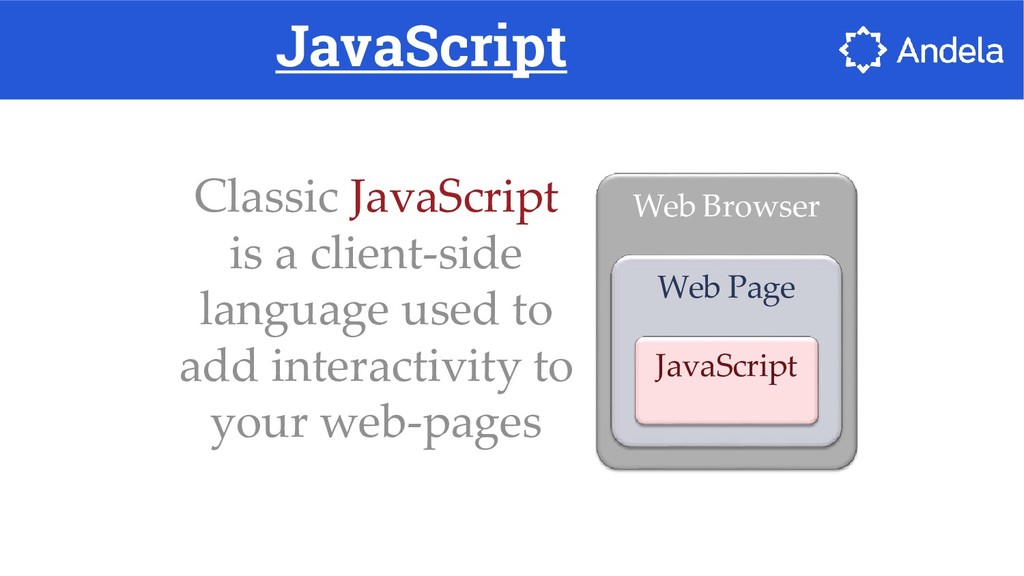
  21. JavaScript Classic JavaScript is a client-side language used to add

    interactivity to your web-pages Web Browser Web Page JavaScript
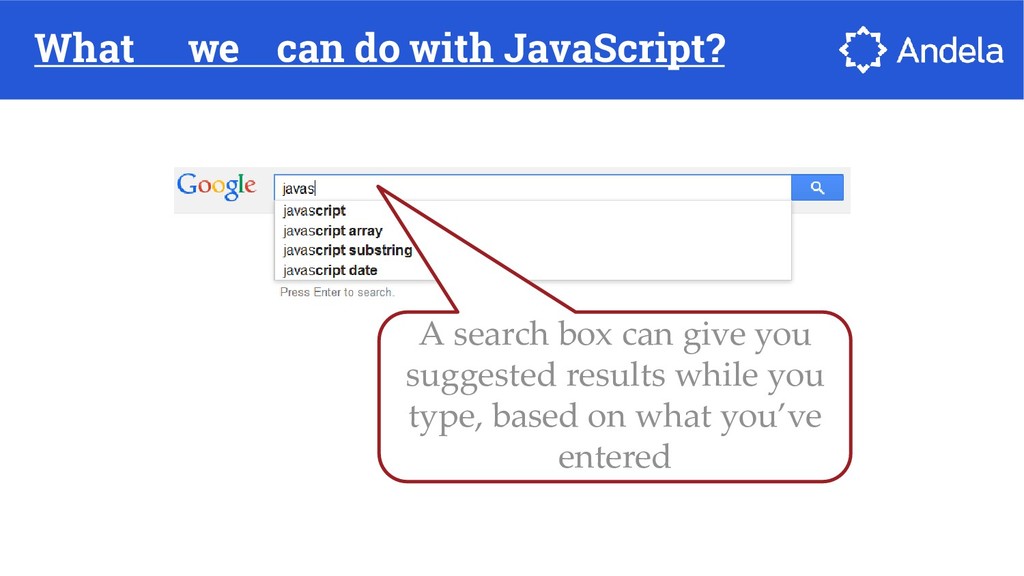
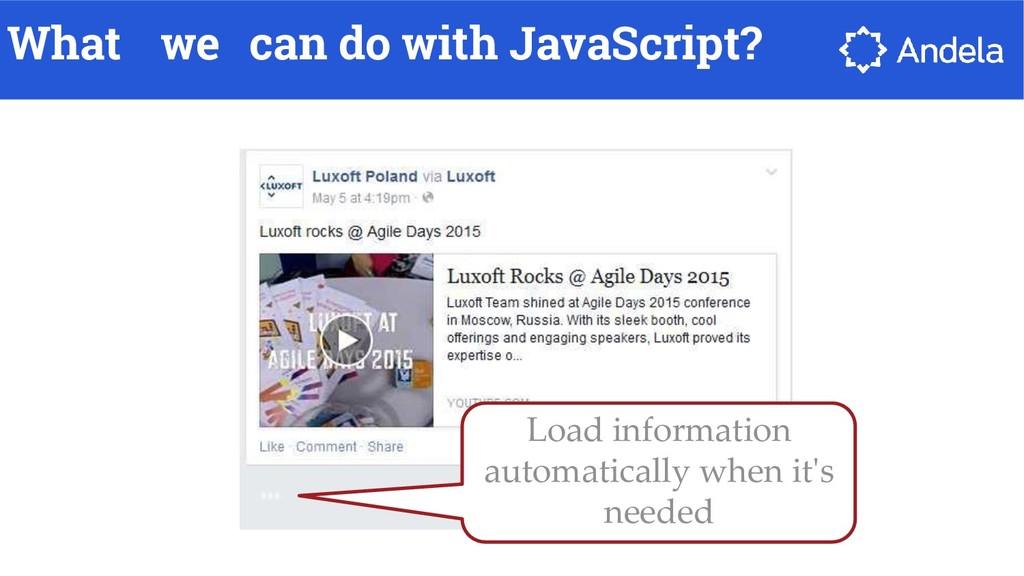
  22. What we can do with JavaScript? A search box can

    give you suggested results while you type, based on what you’ve entered
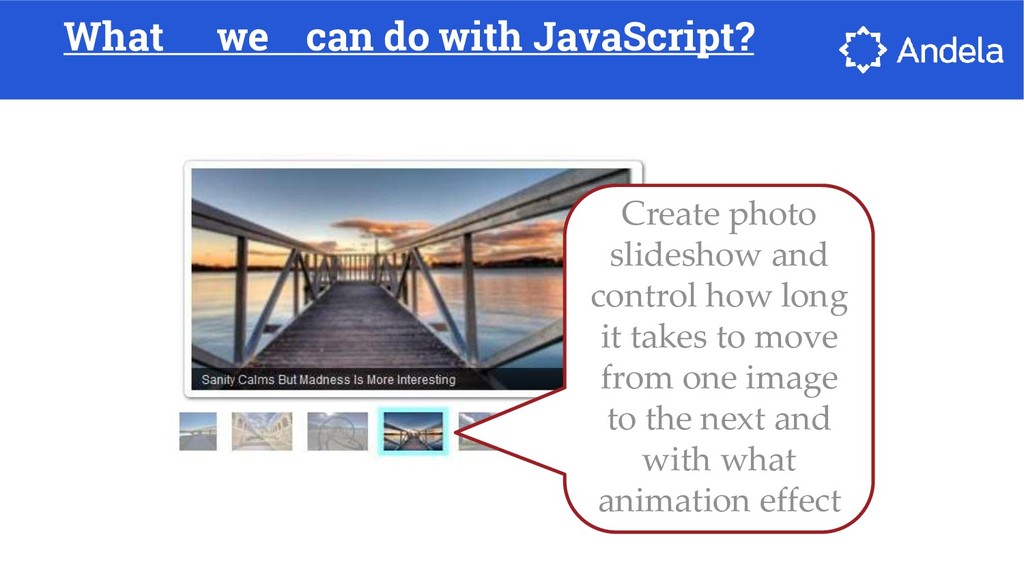
  23. What we can do with JavaScript? Create photo slideshow and

    control how long it takes to move from one image to the next and with what animation effect
  24. JavaScript At the beginning JavaScript was designed to manipulate web

    pages. And it does that very well! But nowadays its usage is much much wider: you can use it outside of web pages and the browser